Printer Cables
Looking for the perfect printer cable to ensure seamless connectivity between your devices? Look no further! Our extensive collection of printer cables is designed to meet all your printing needs. Whether you're looking for a USB cable, an Ethernet cable, or a wireless adapter, we have you covered. With high-quality materials and reliable performance, our printer cables are built to deliver fast and efficient data transfer, so you can print documents and photos with ease. Explore our wide range of options and find the perfect printer cable to keep your printing tasks running smoothly.
Sort




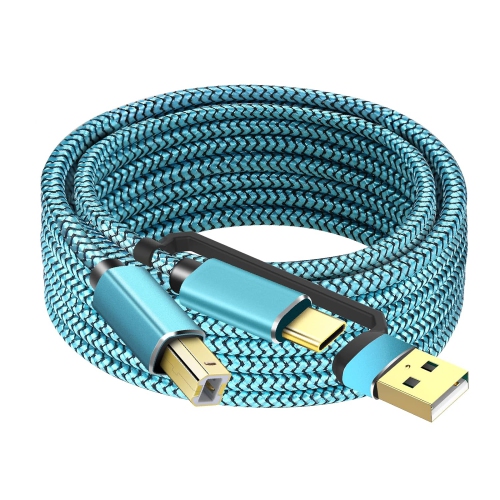
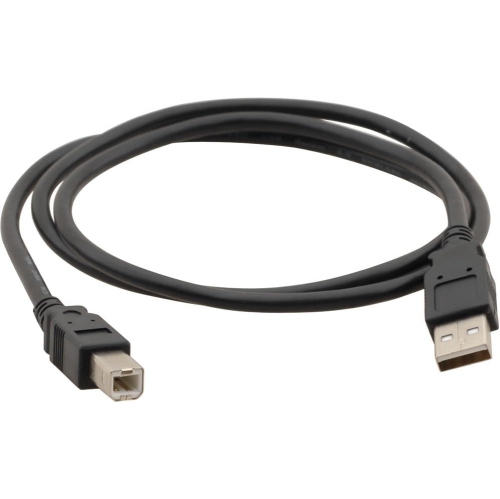
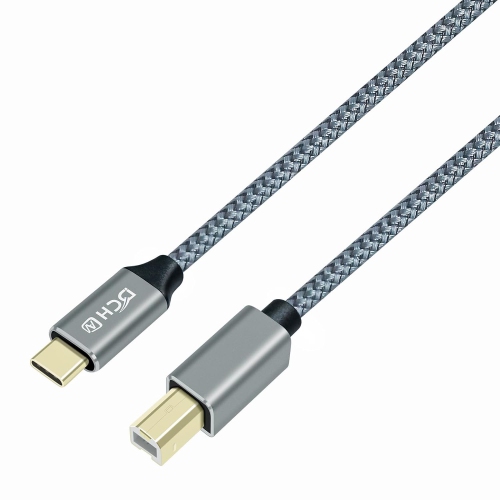
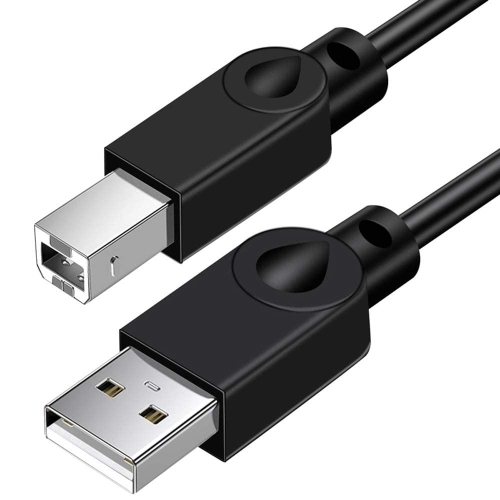
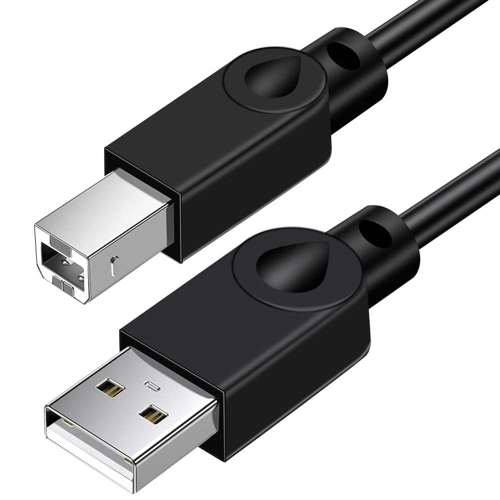
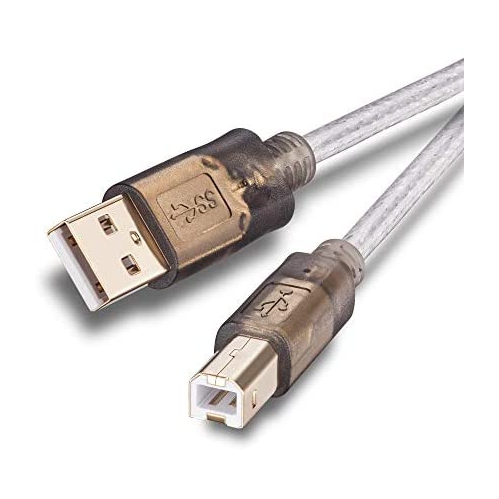
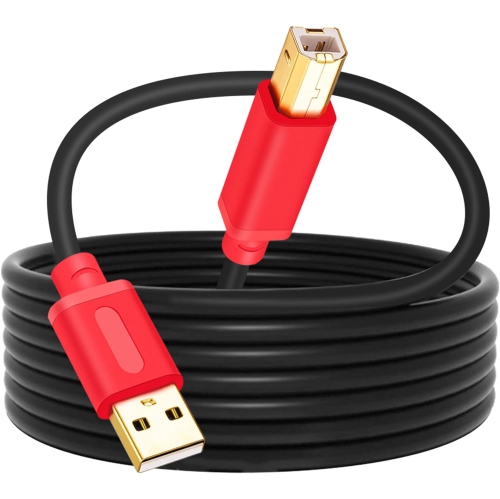
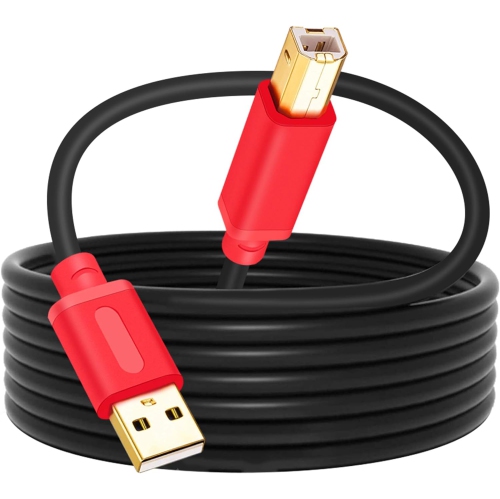
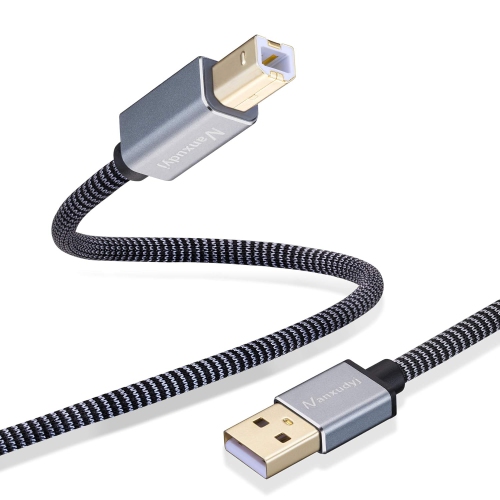
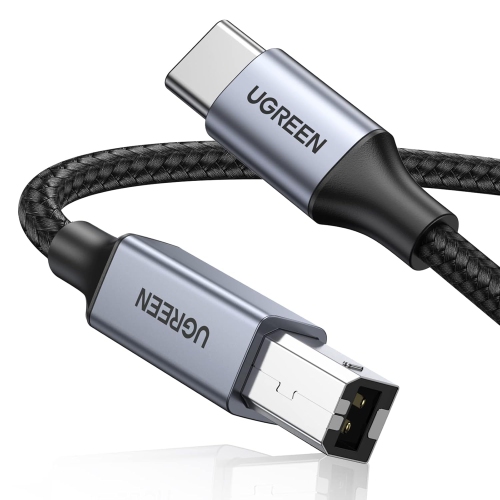
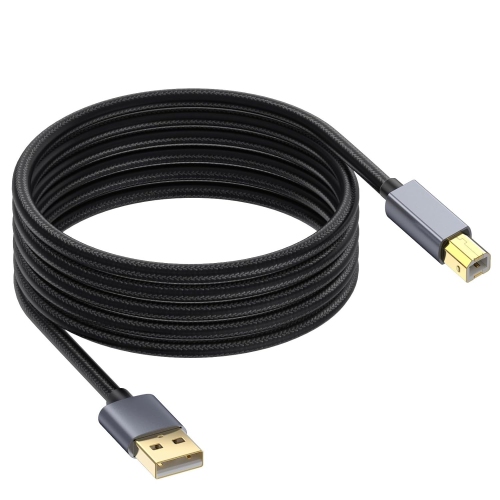
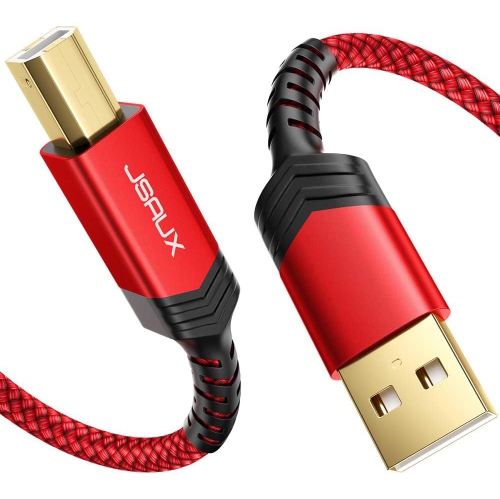
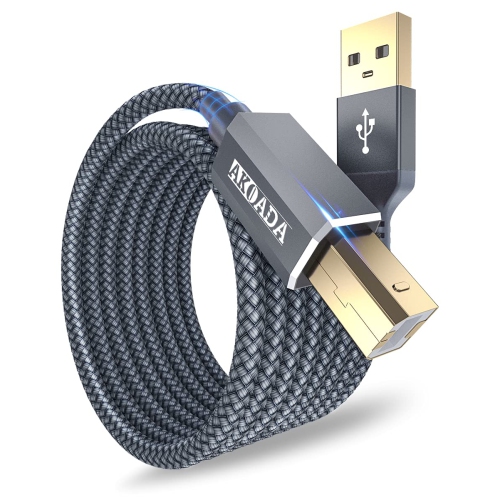
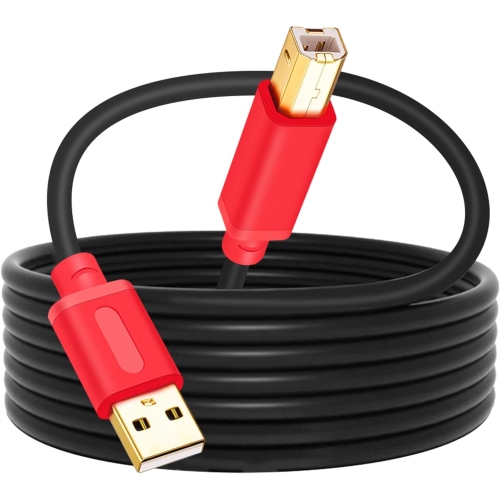
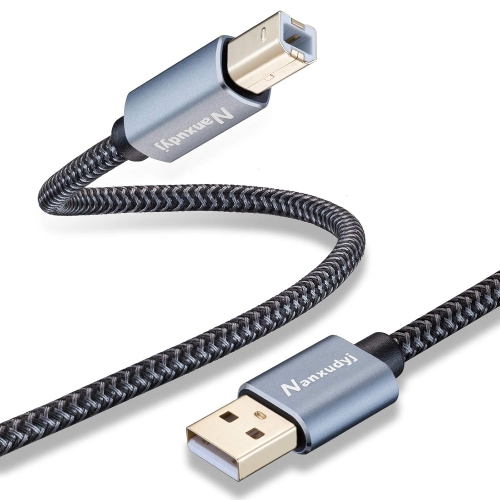
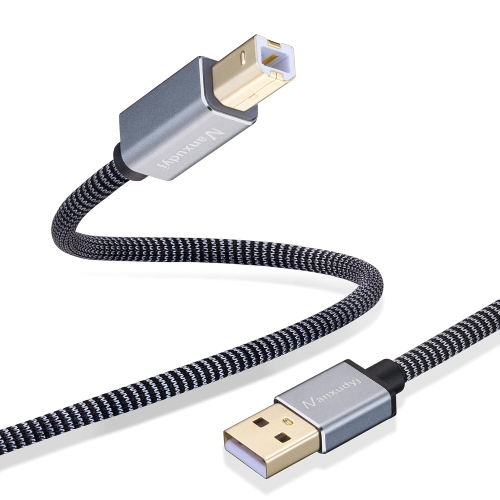
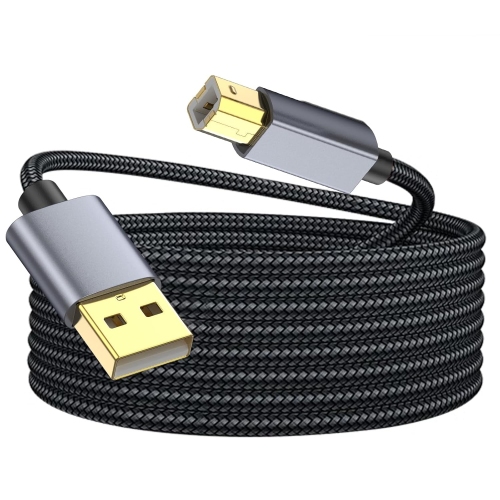
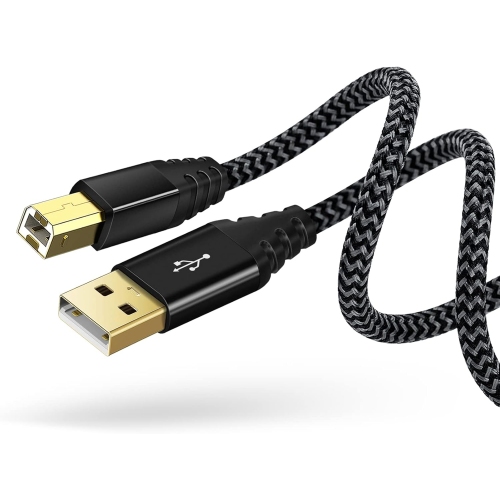
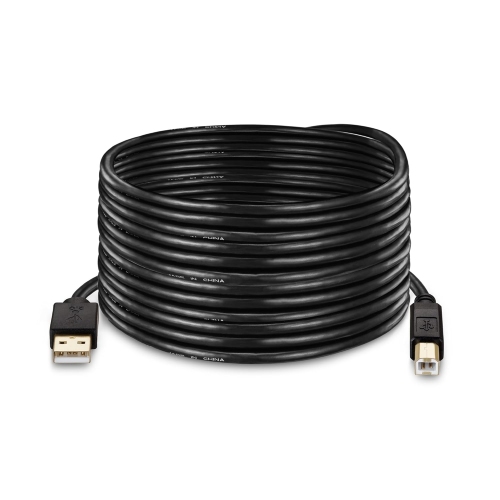
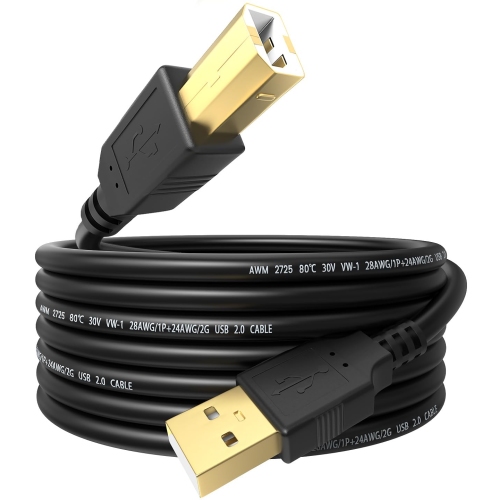
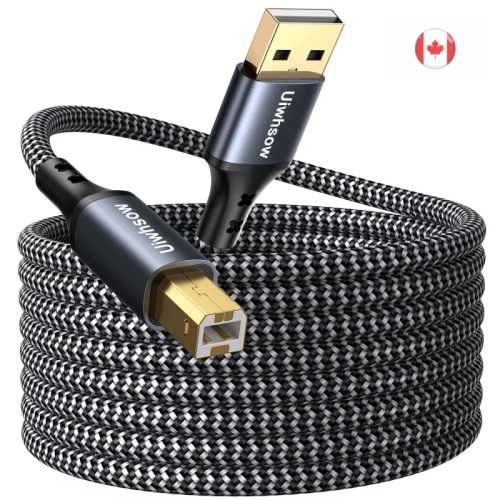
![UNKNOWN Printer Cable - USB Printer Cable 20 Feet Printer Cable to USB [Aluminum Shell, Nylon Braided] High-Speed Printer](https://multimedia.bbycastatic.ca/multimedia/products/500x500/181/18144/18144236.jpeg)
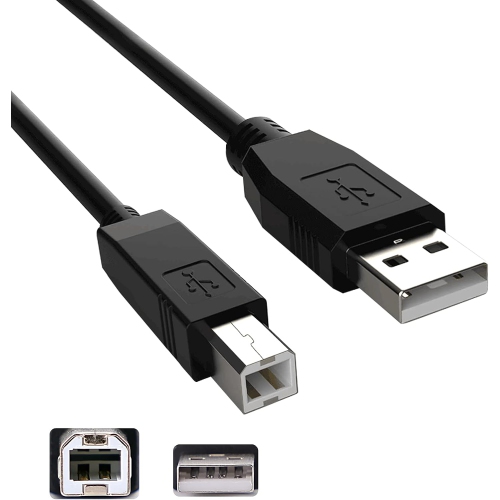



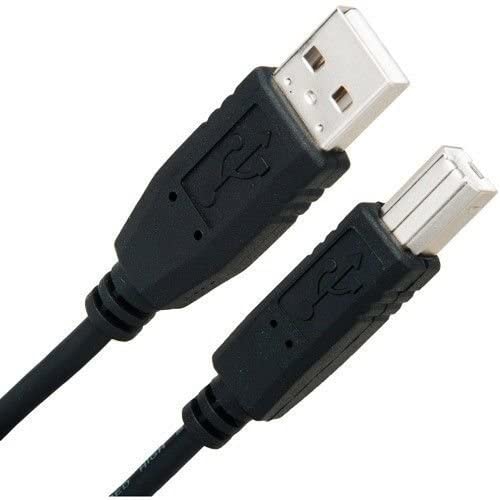


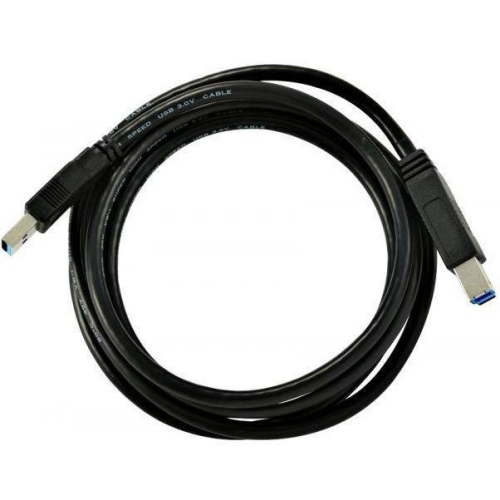
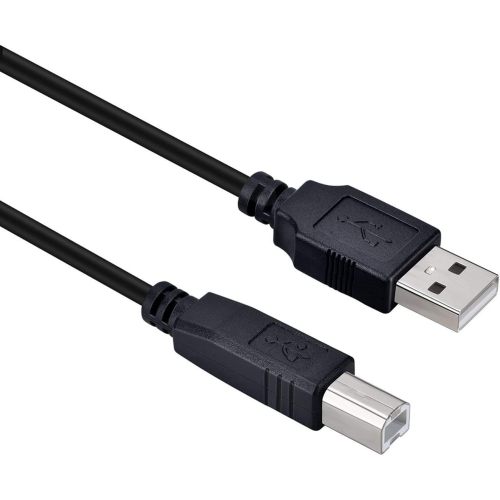
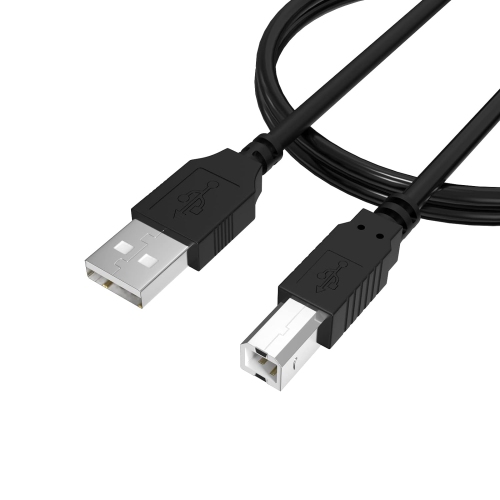
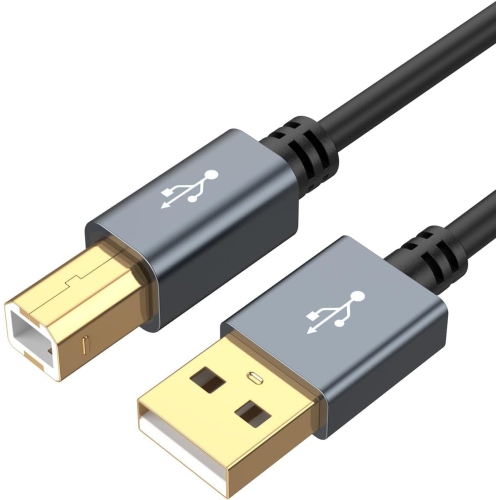
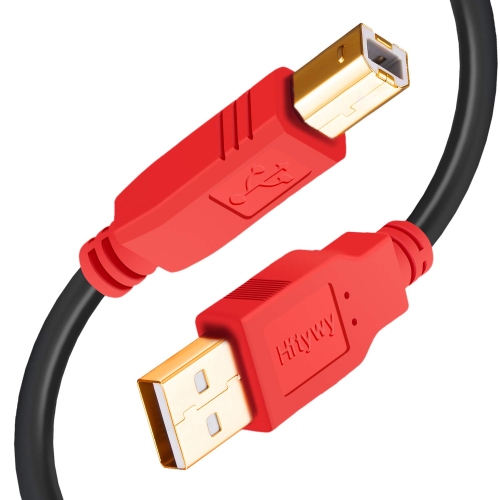
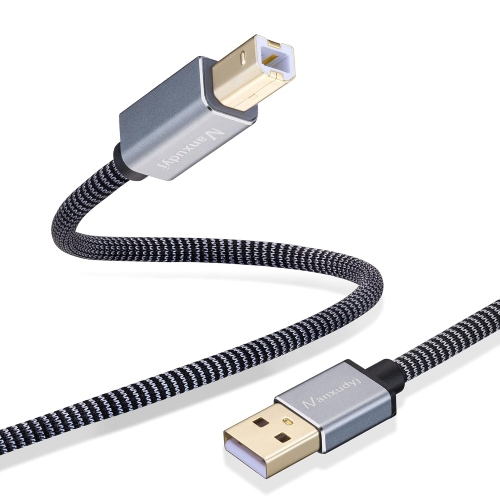
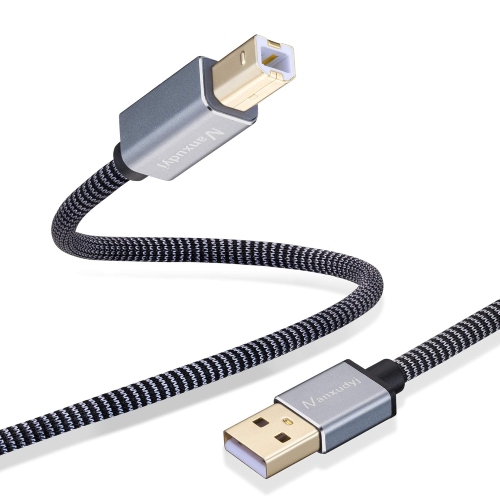
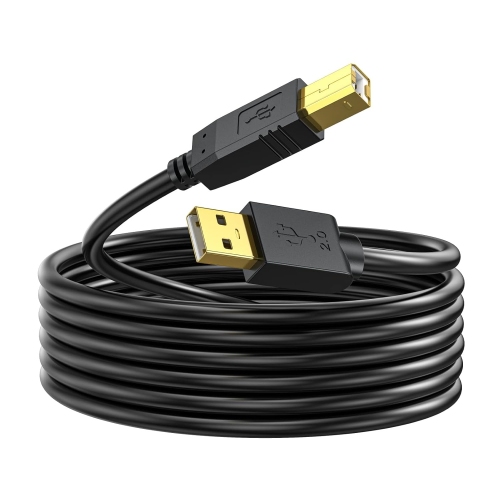
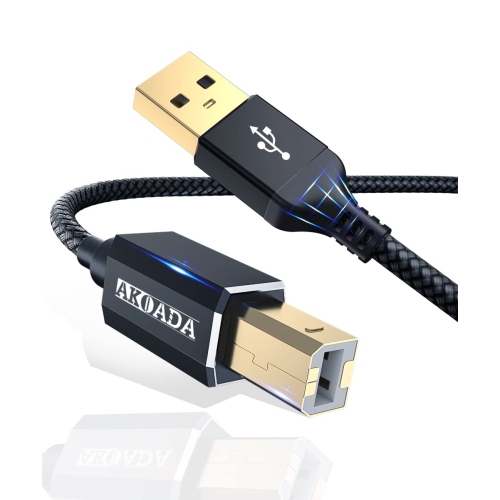
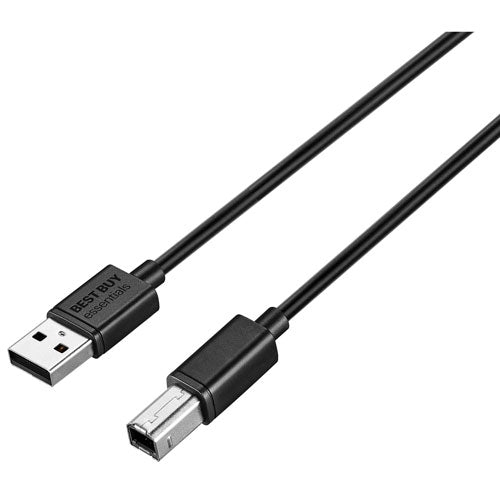
![ETON [2Pack] Printer Cable 1.8 M USB 2, 0 Cb-193-180](https://multimedia.bbycastatic.ca/multimedia/products/500x500/156/15667/15667266.jpg)
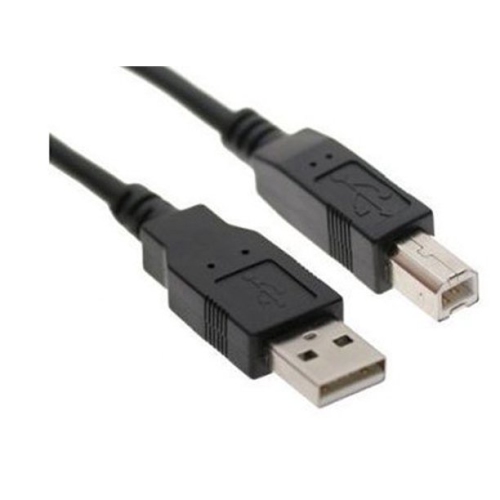
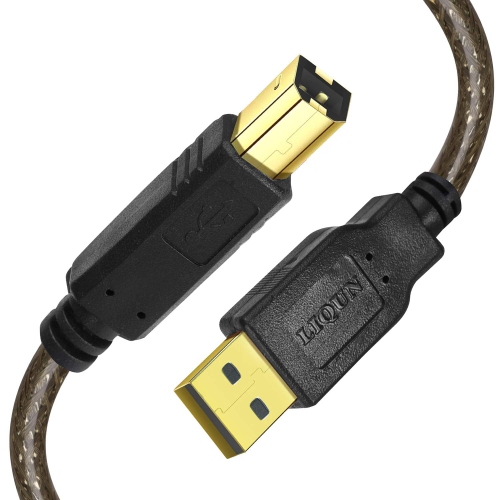
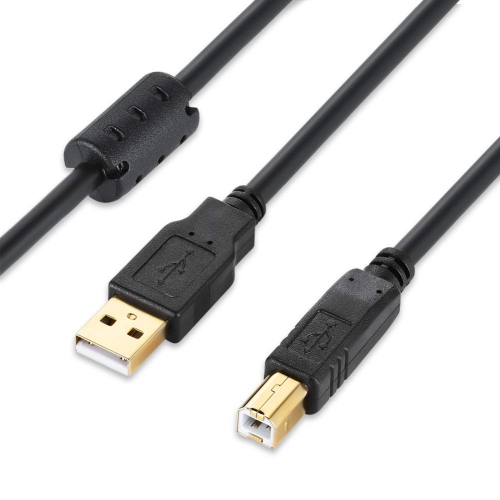
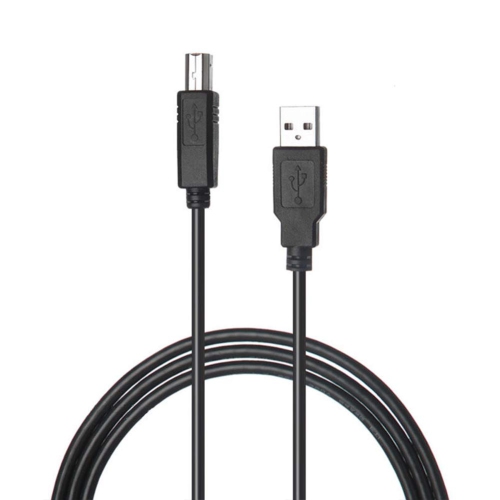
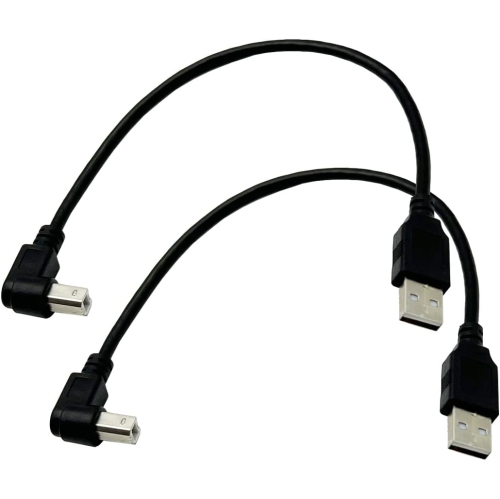
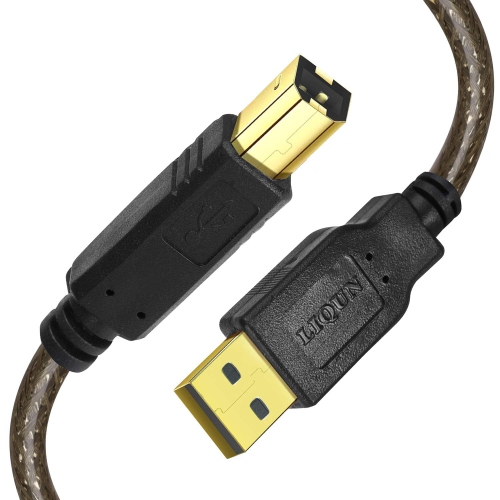
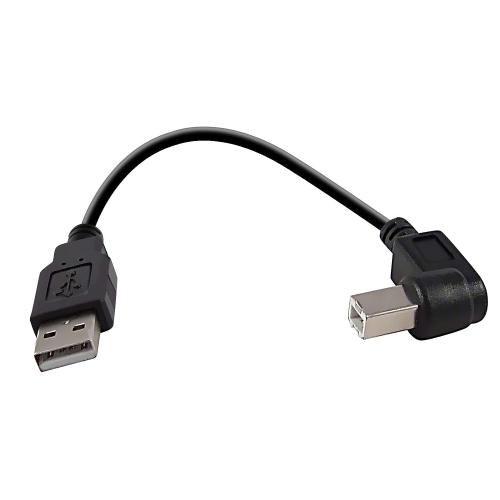
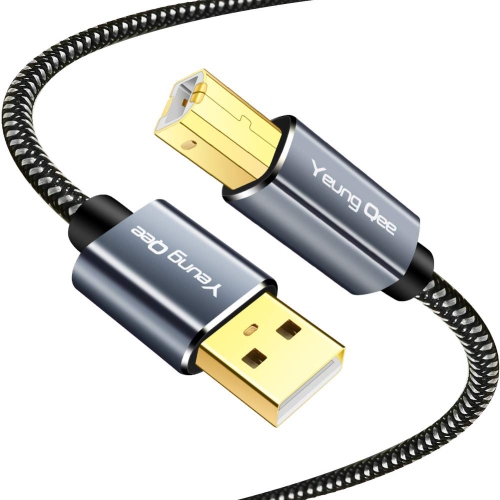
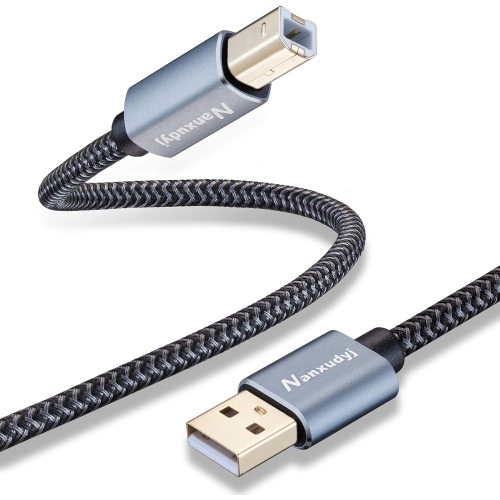
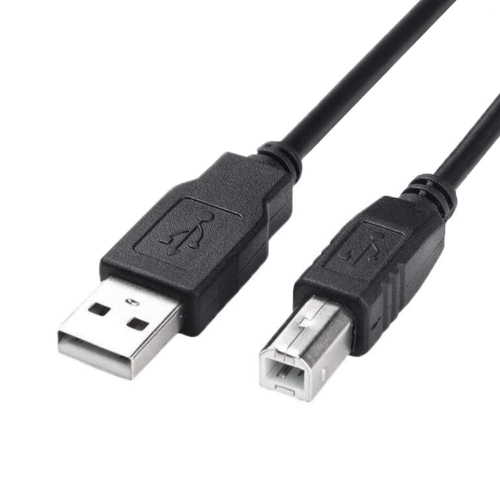
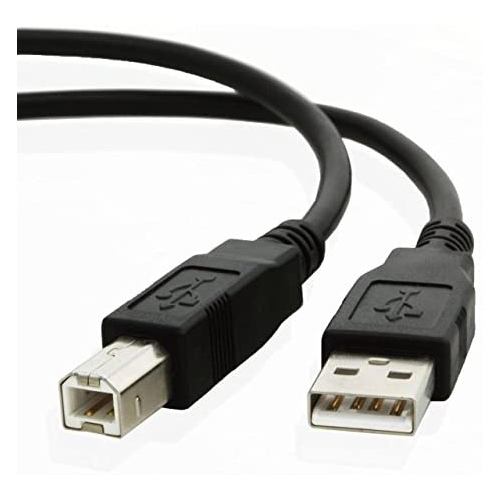
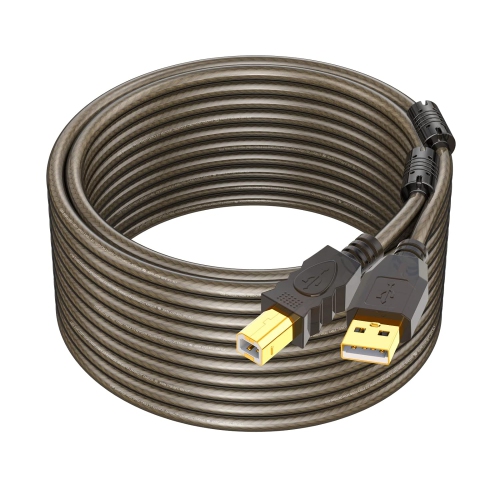
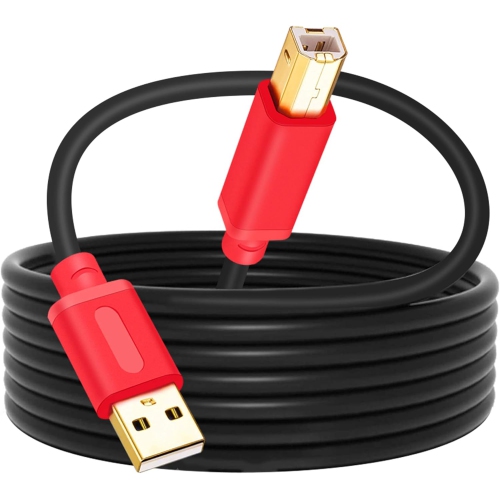
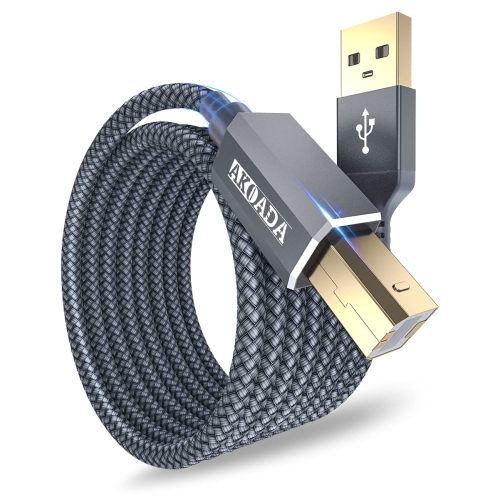
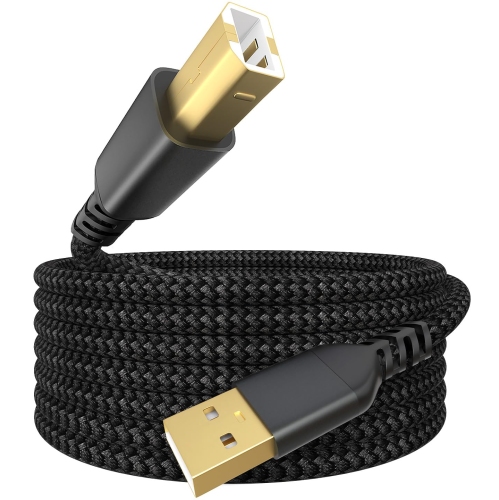
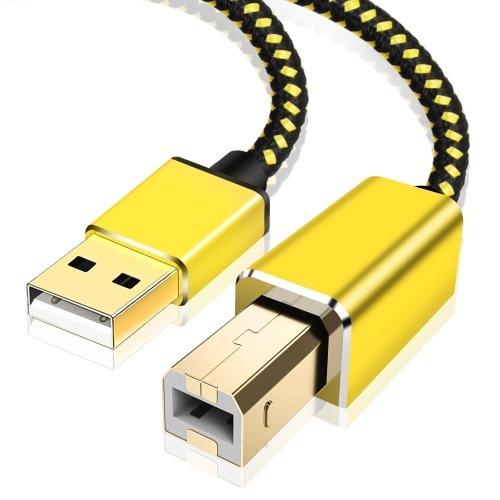
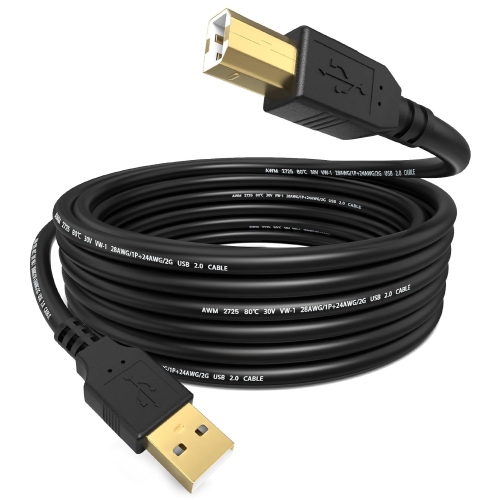
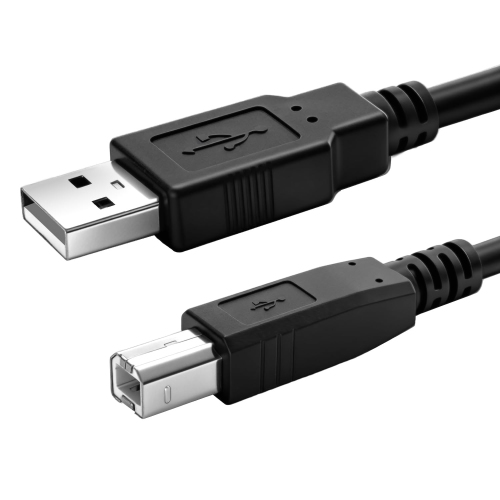
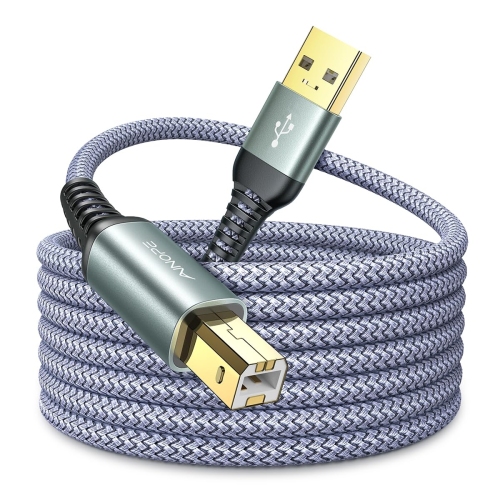
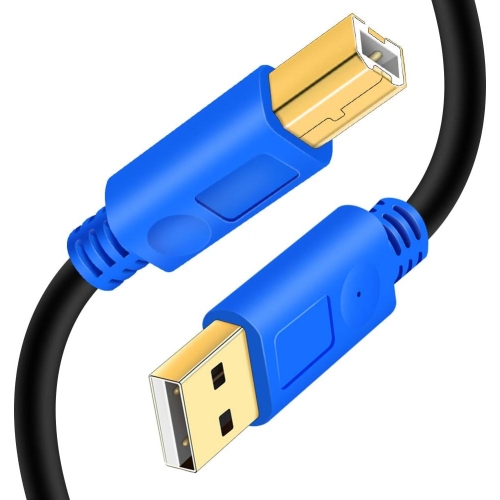
![UNKNOWN [2-Pack] USB Printer Cable 10 Feet, USB 2.0 Printer Cable to Computer, USB A to B Printer Cord](https://multimedia.bbycastatic.ca/multimedia/products/500x500/181/18144/18144237.jpeg)
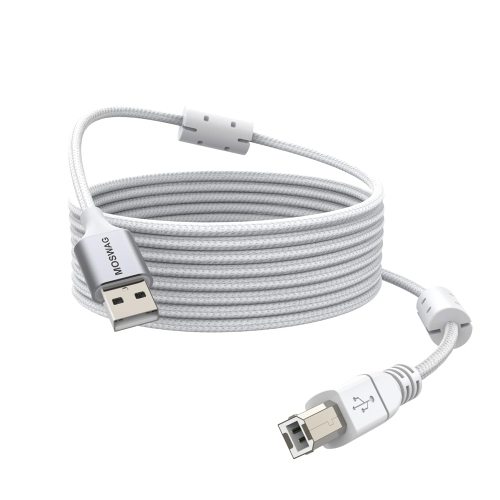
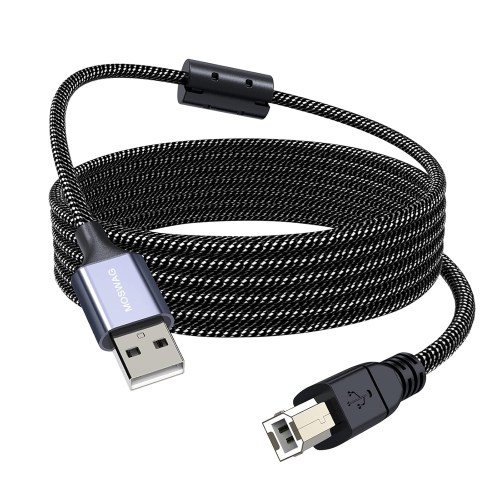
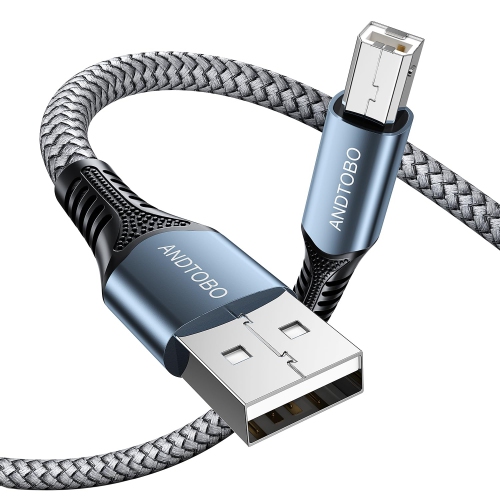
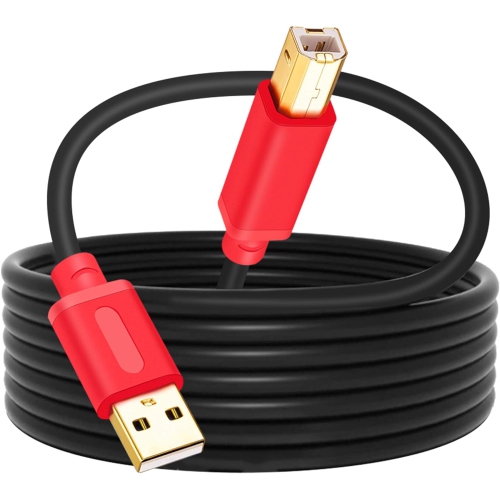
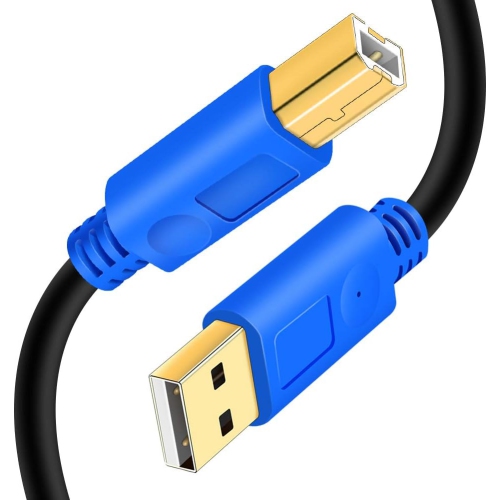
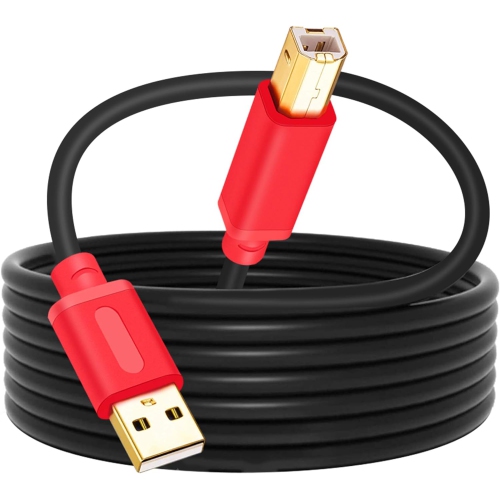
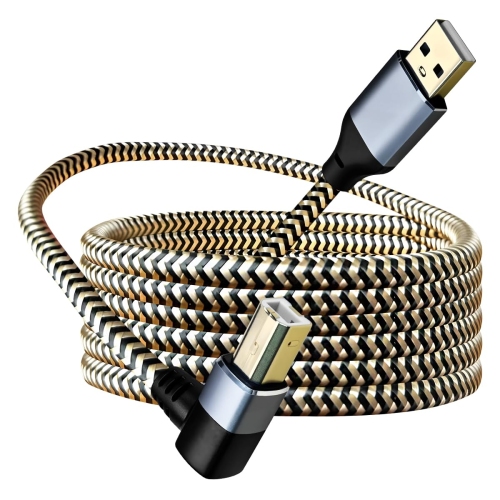
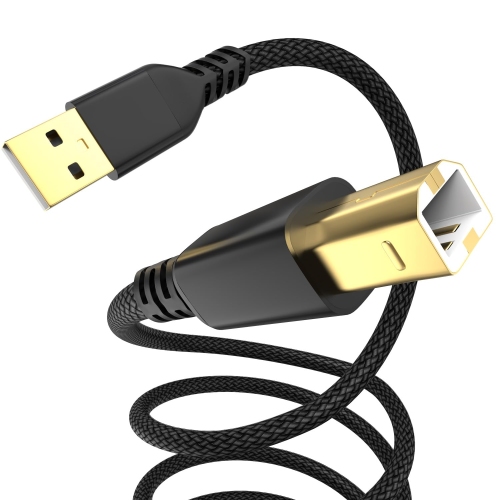
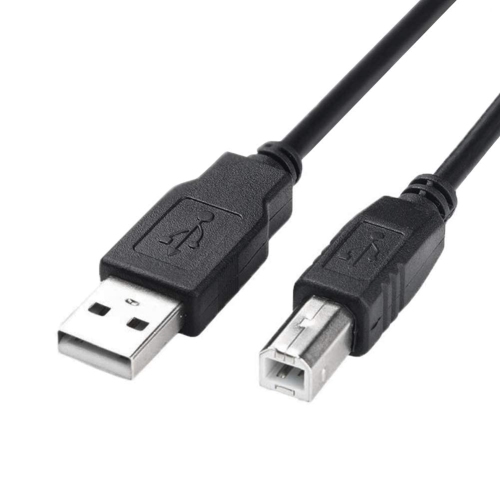
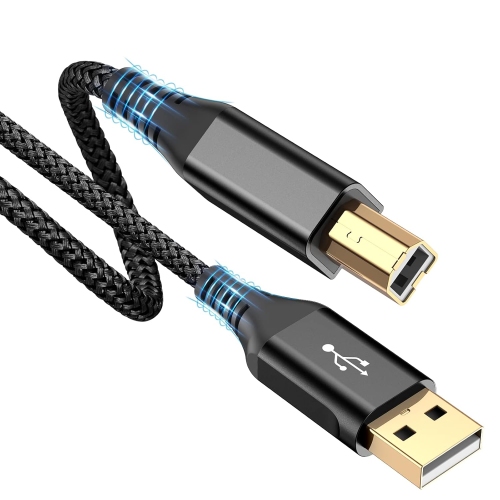
![DOLAER HP Printer Cable 6Ft, USB 2.0 Printer Cable USB A to USB Type B Cable, [High Speed] Nylon Braided Midi Long Cable Scanner Printer Cord To](https://multimedia.bbycastatic.ca/multimedia/products/500x500/196/19691/19691159.jpeg)
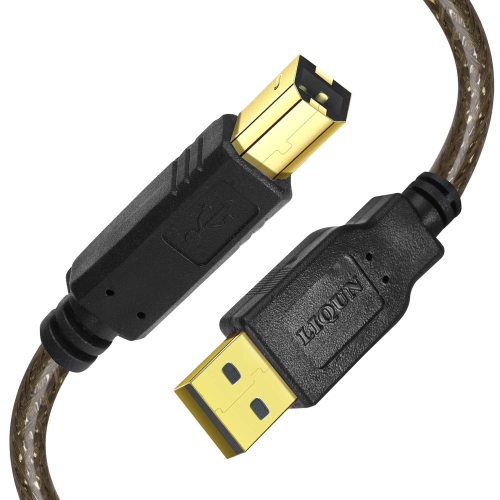
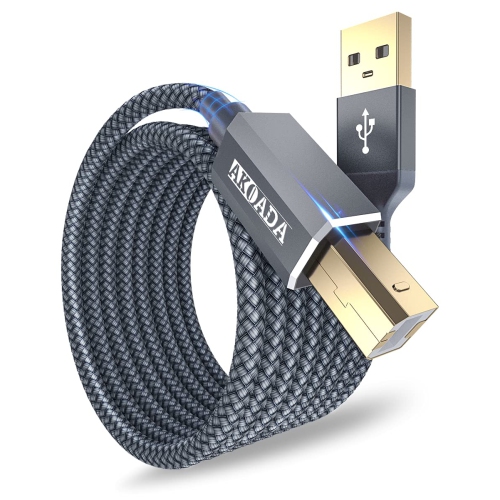
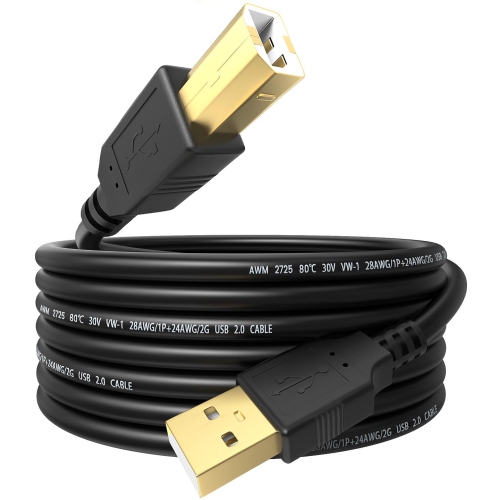
![CABLECREATION Short USB C Cable 0.5 Feet, [2-Pack] USB A to USB C Cable USB to C Cable Braided Fast Charging Cable 3A](https://multimedia.bbycastatic.ca/multimedia/products/500x500/188/18898/18898522.jpeg)

The right cable starts with your printer’s ports
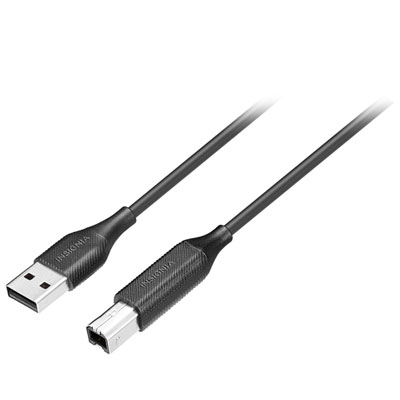
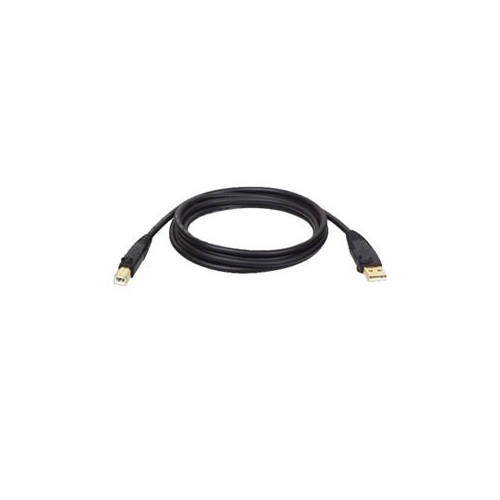
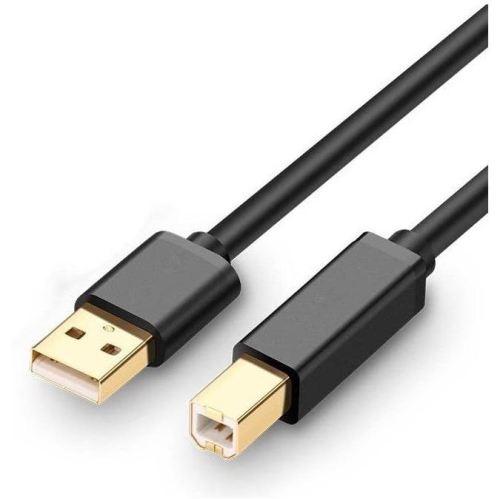
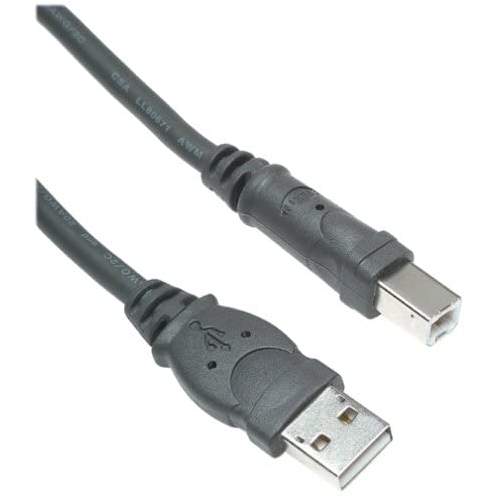
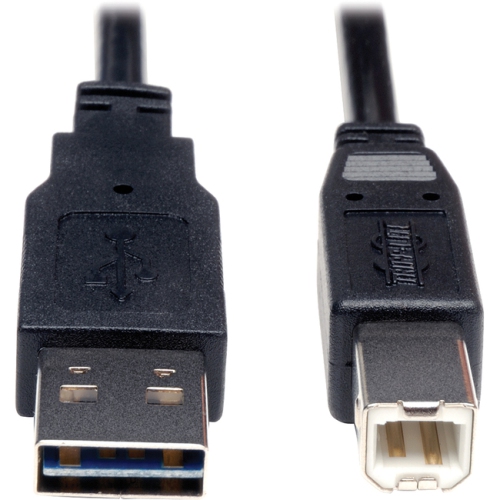
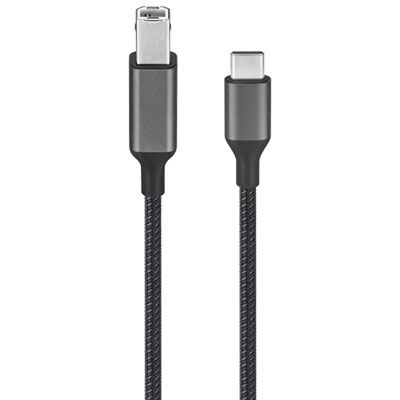
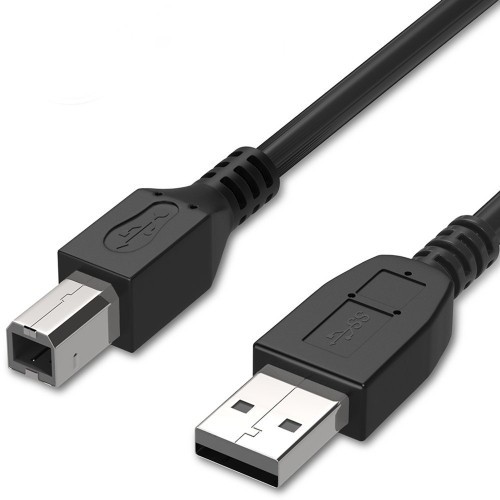
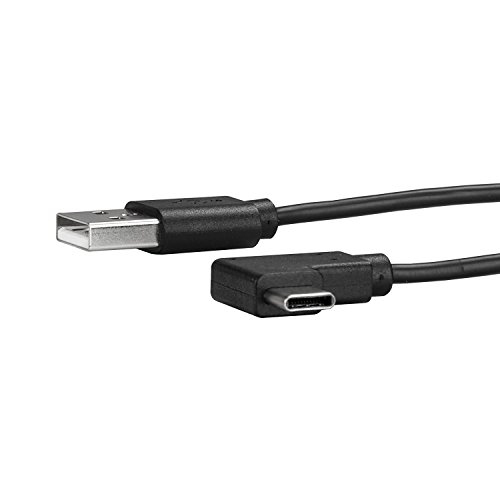
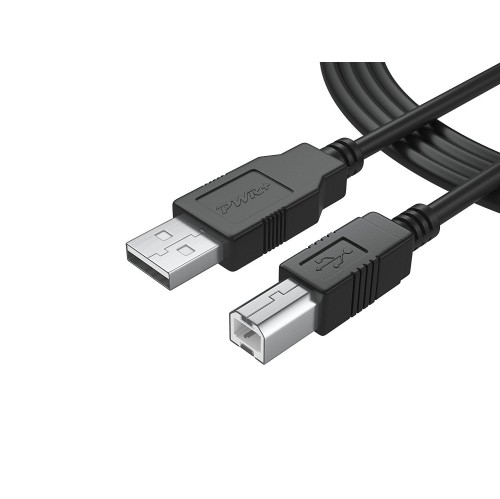
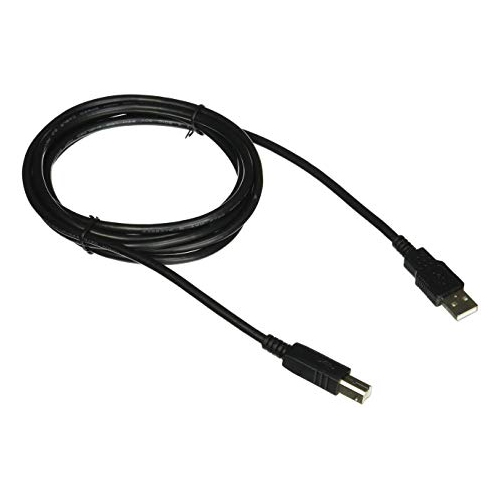
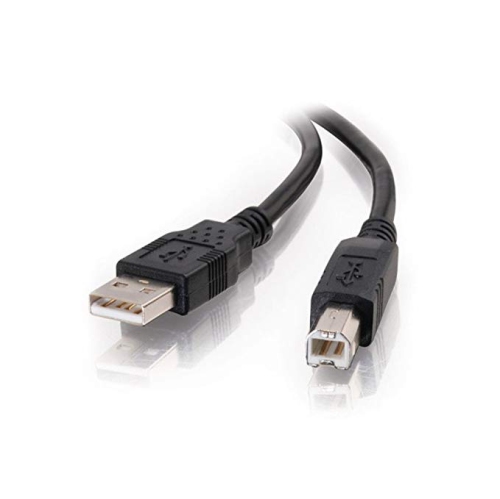
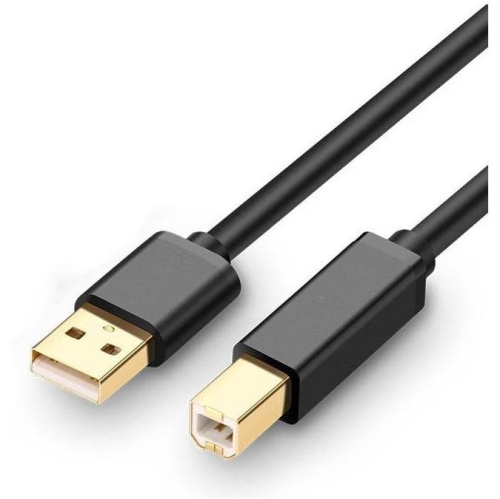
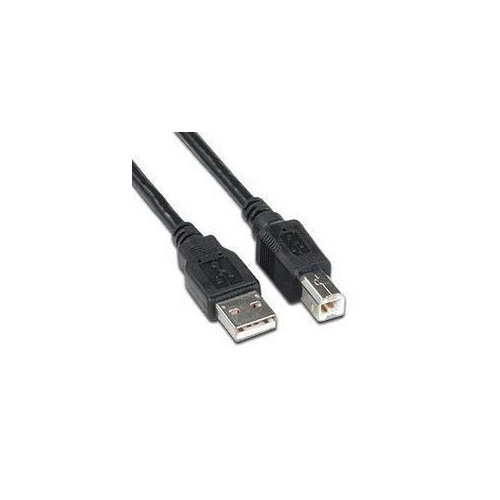
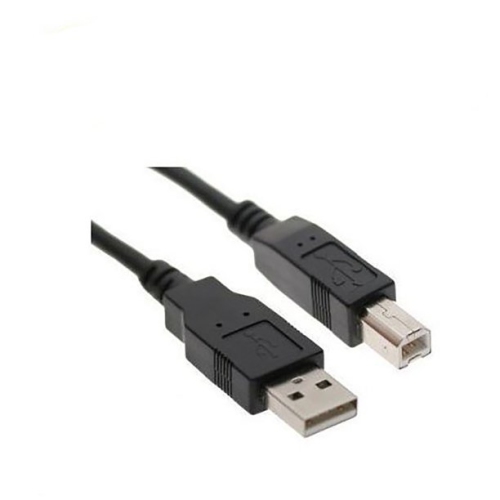
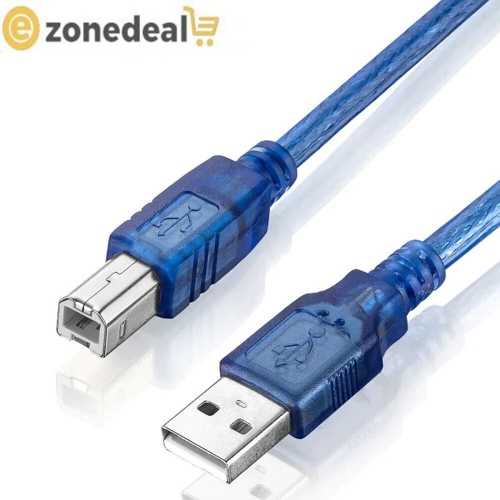
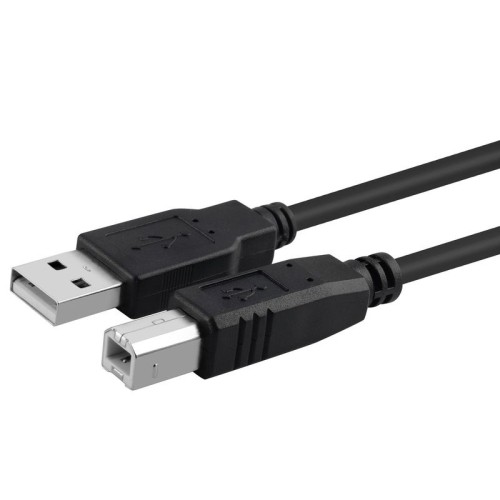
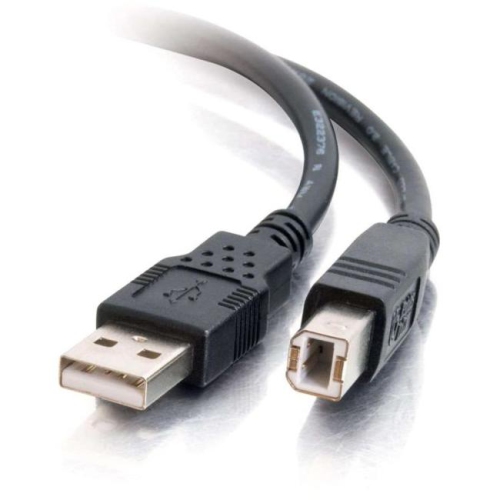
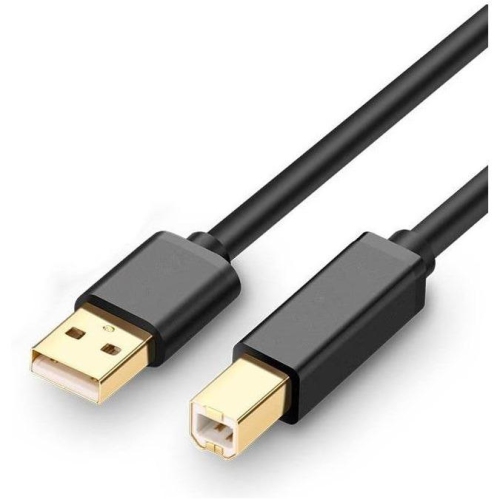
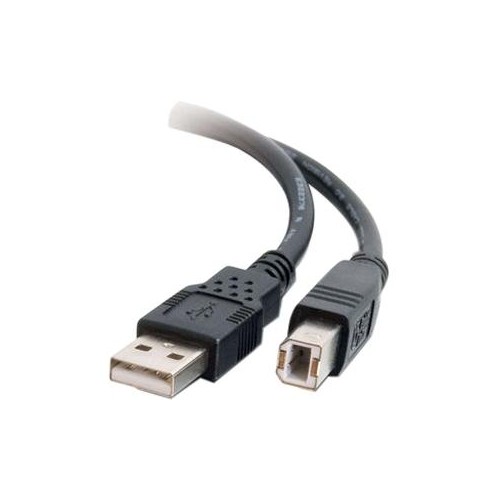
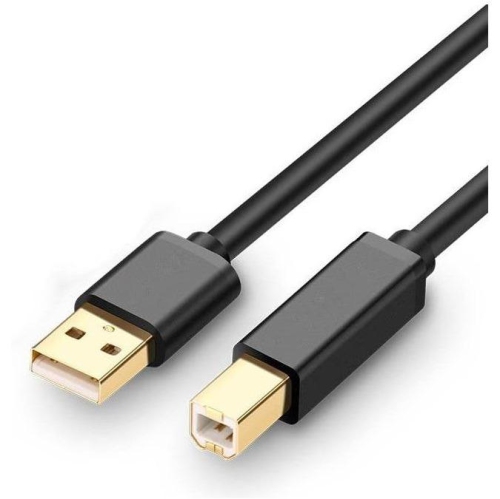
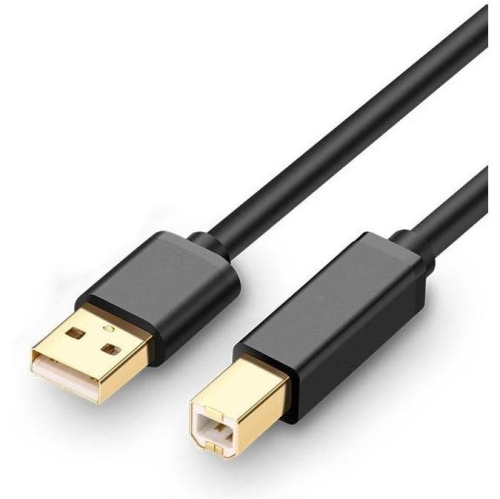
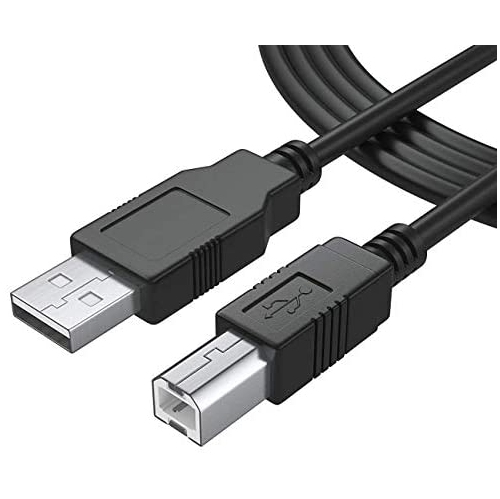
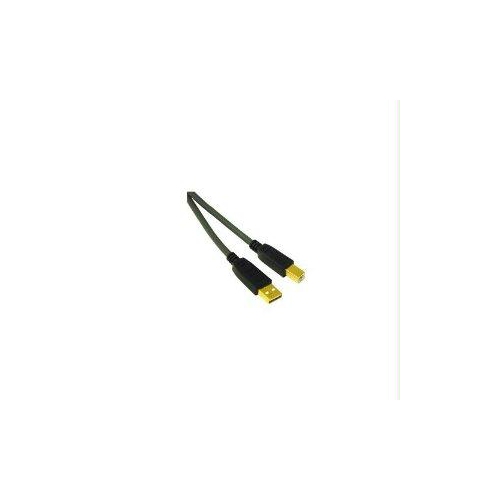
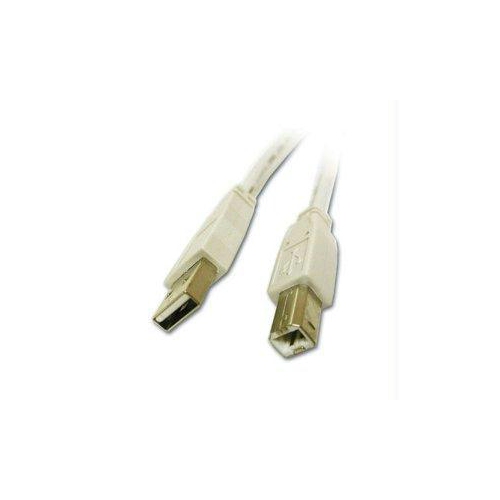
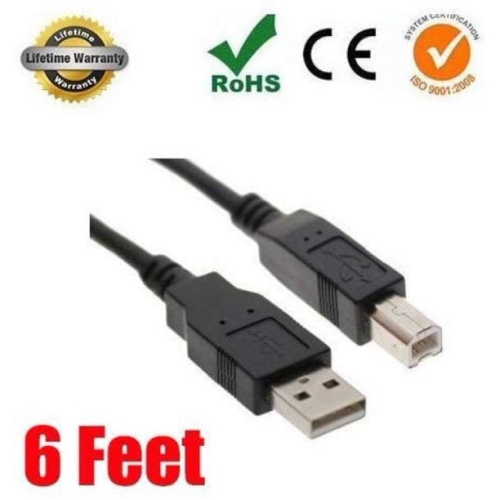
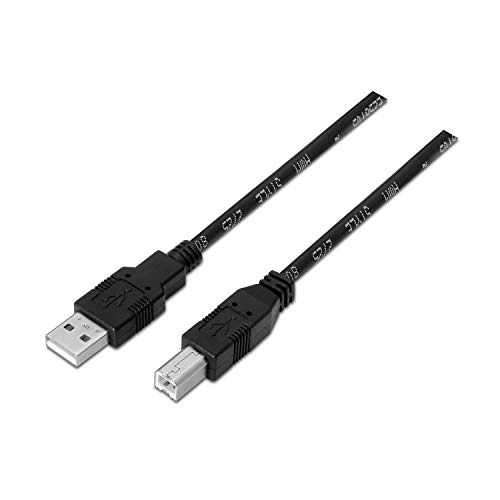
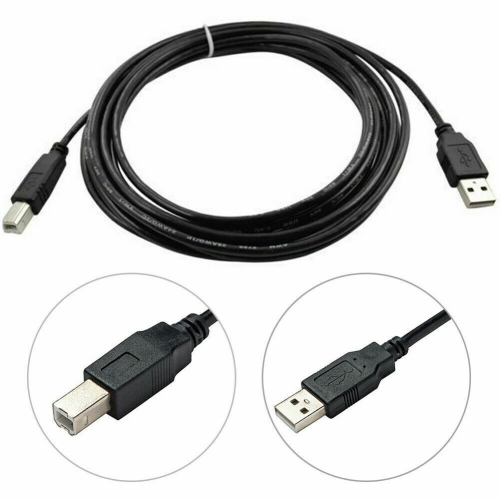
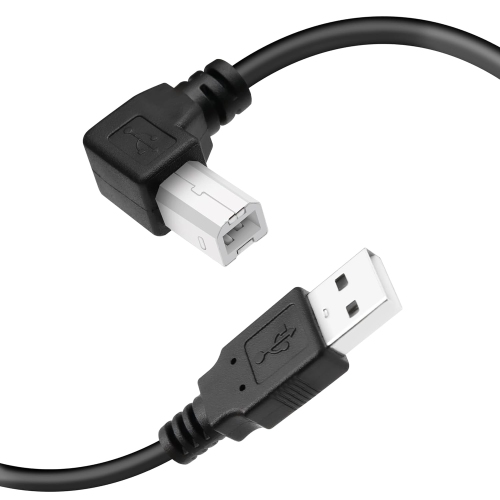
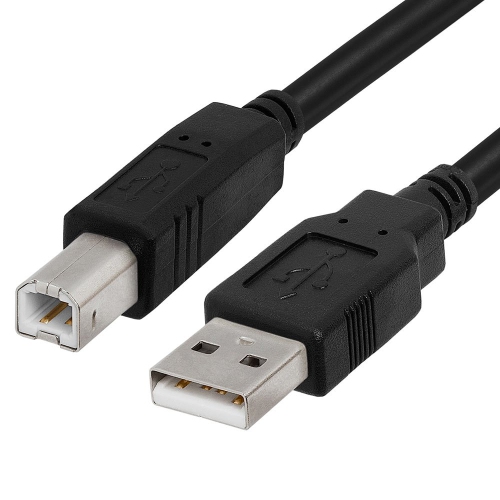
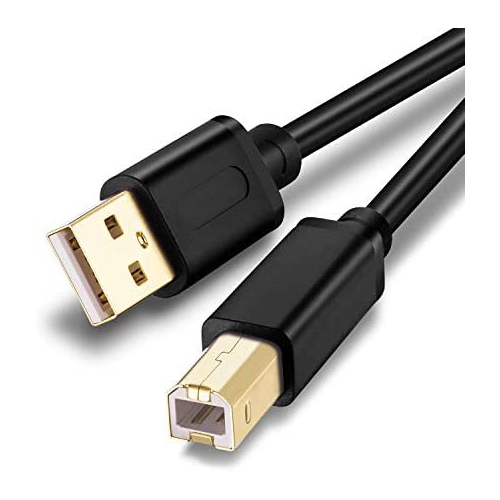
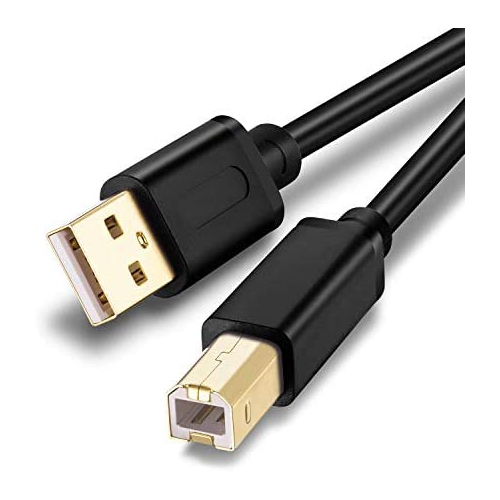
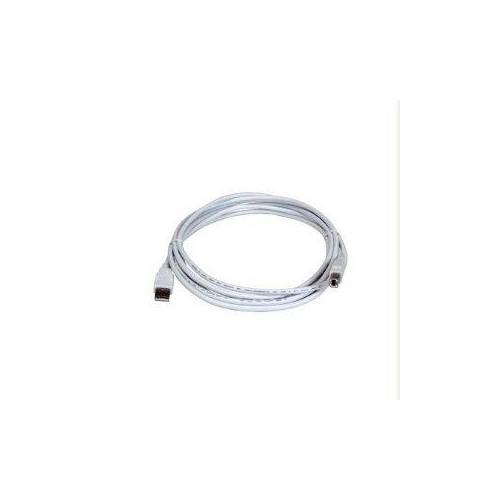
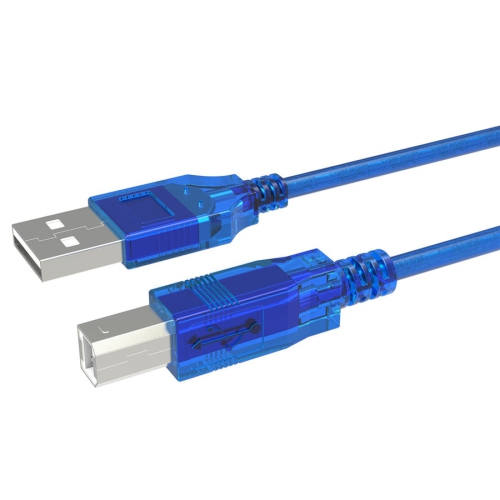
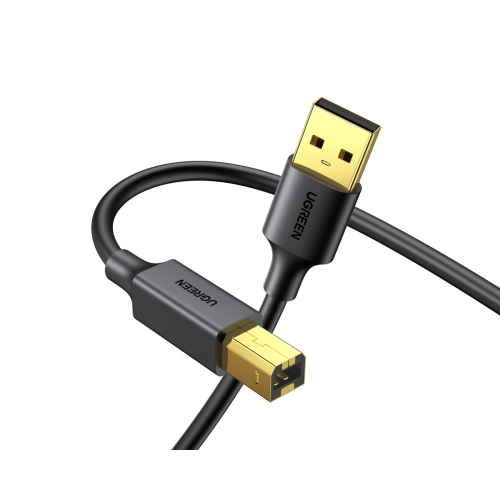
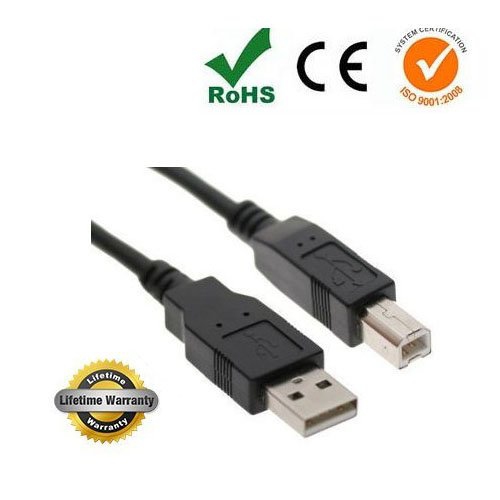
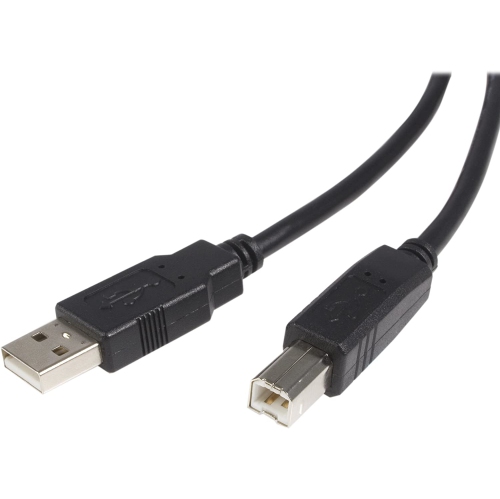
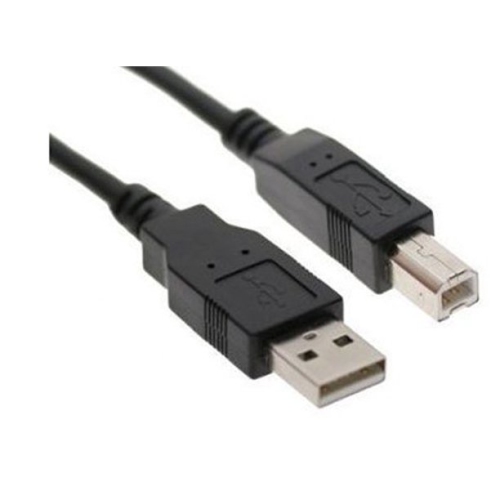
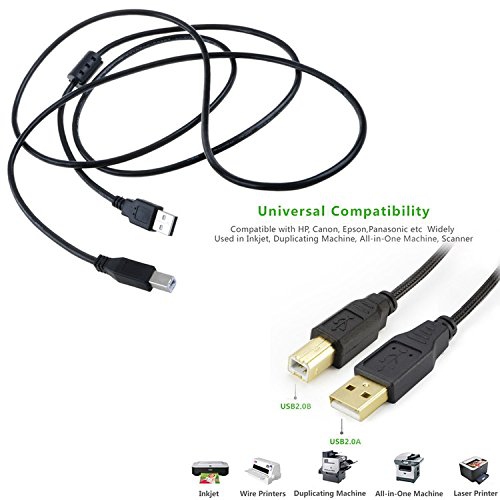
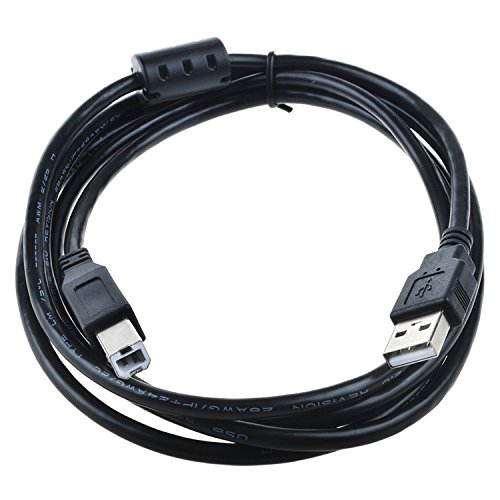
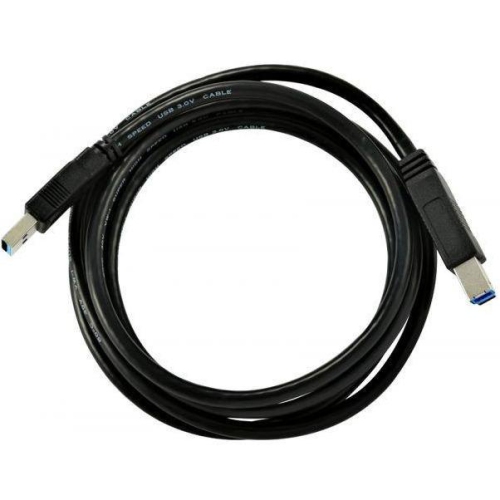
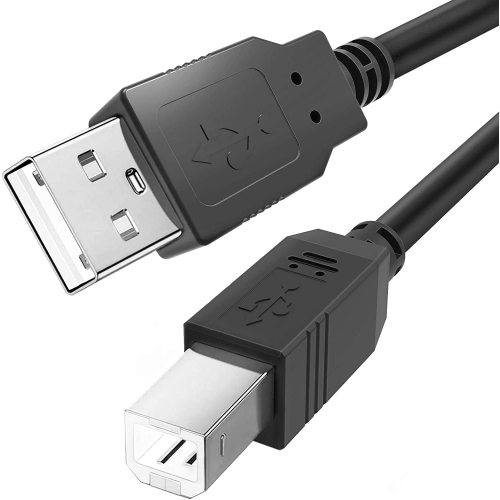
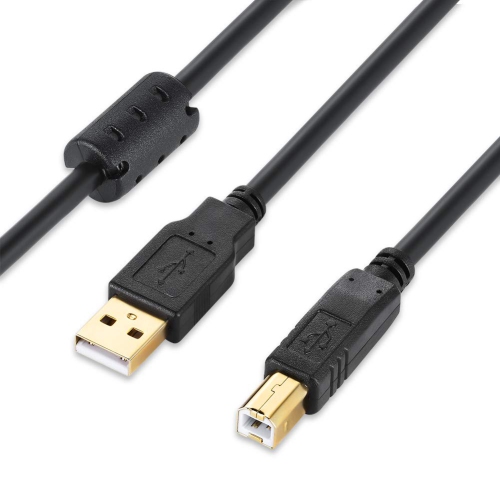
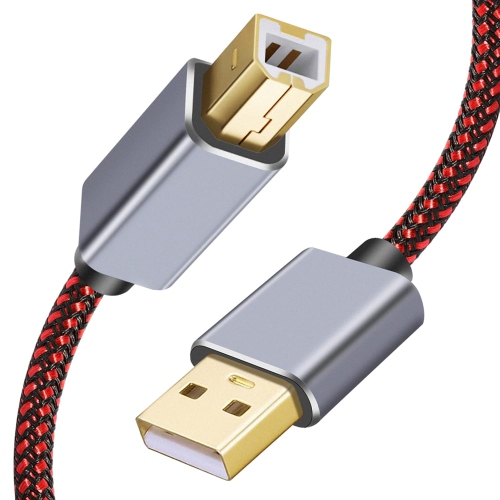
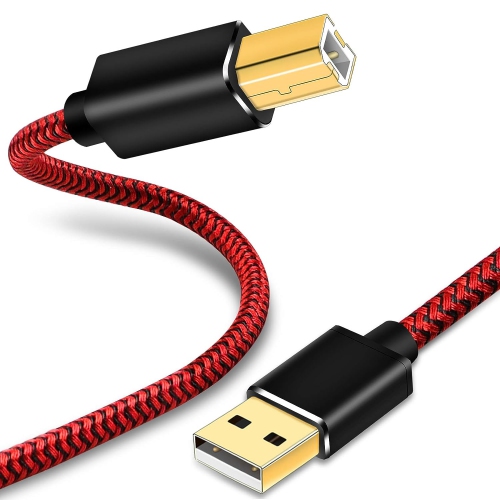
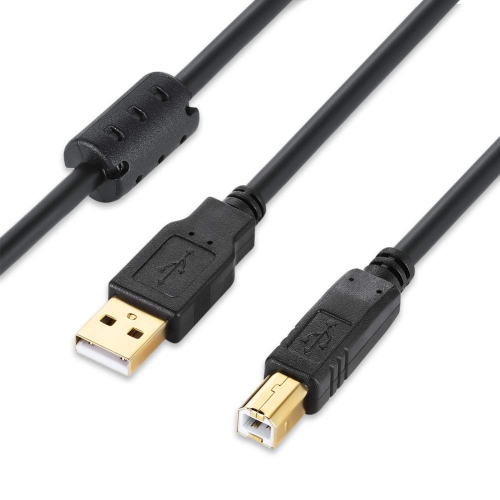
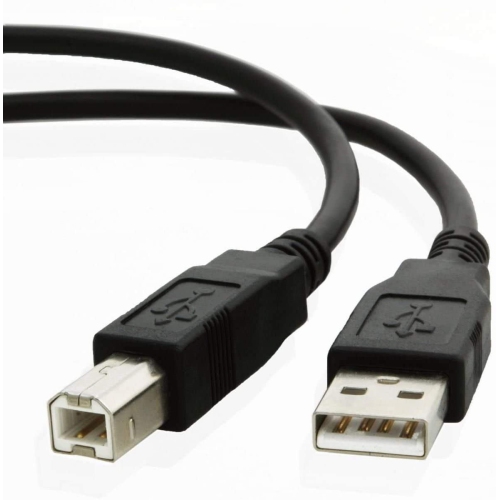
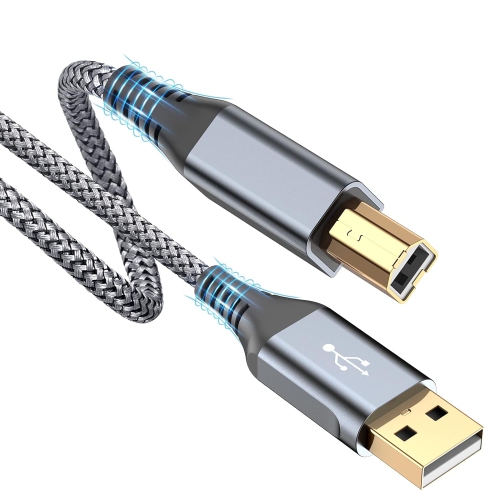
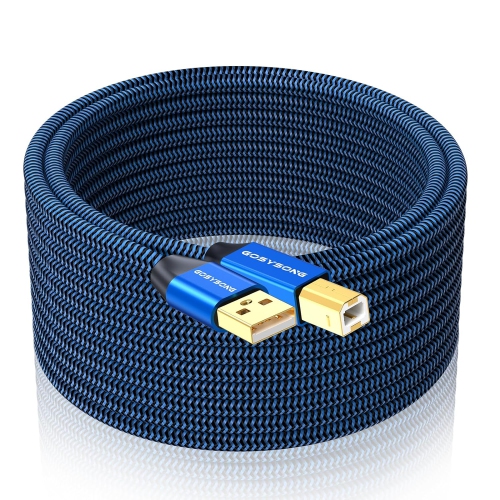
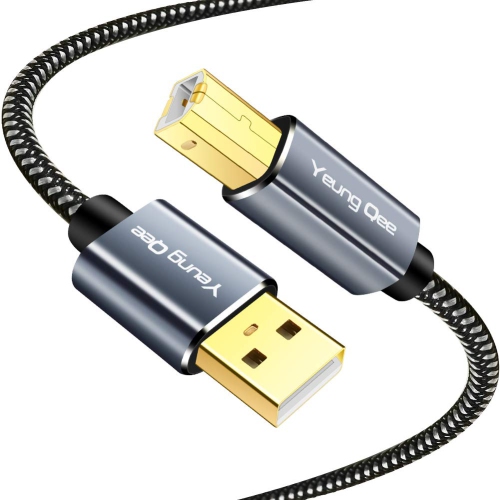
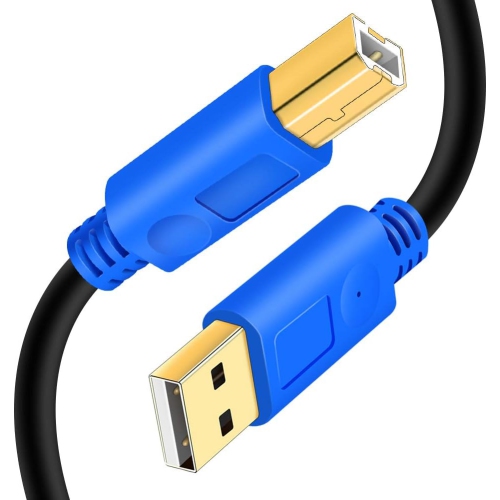
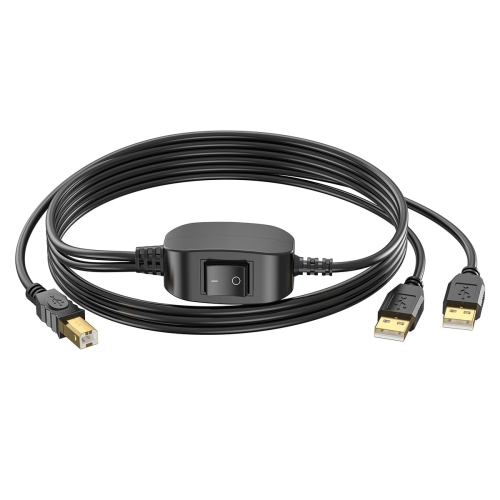
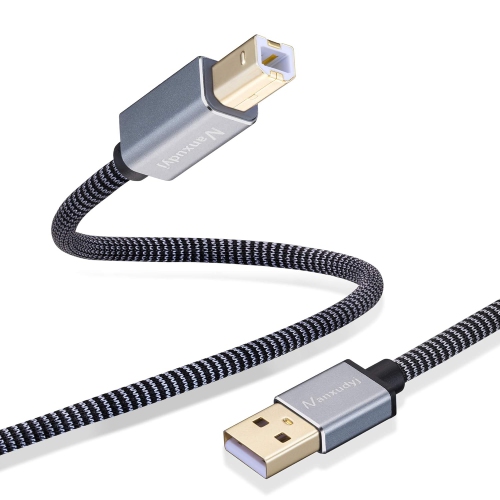
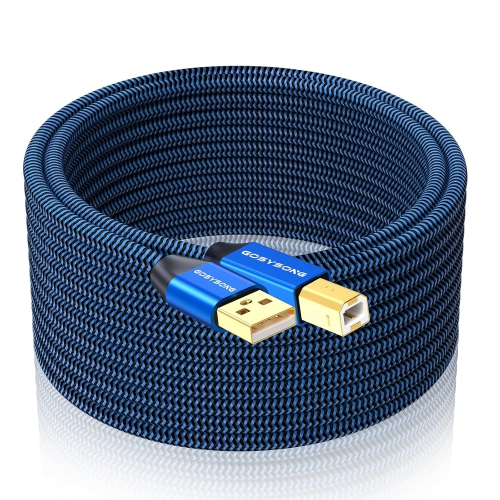
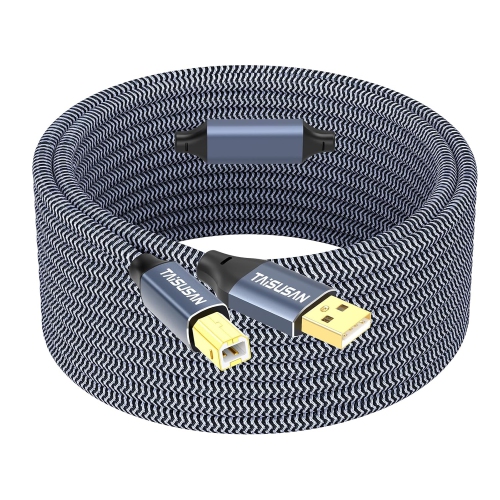
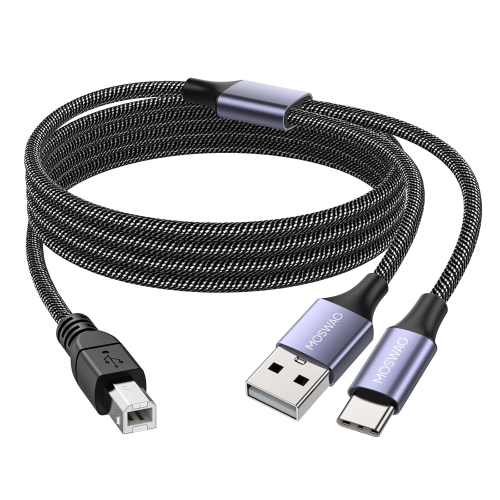
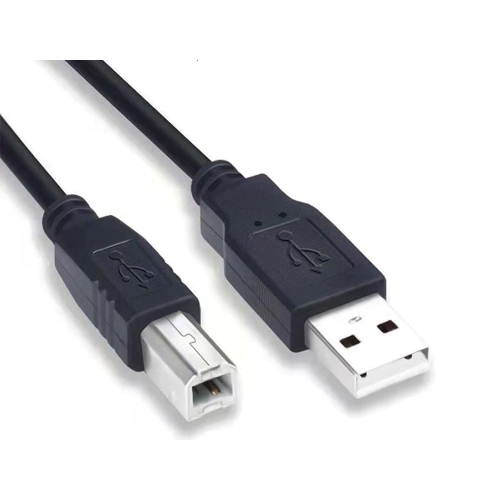
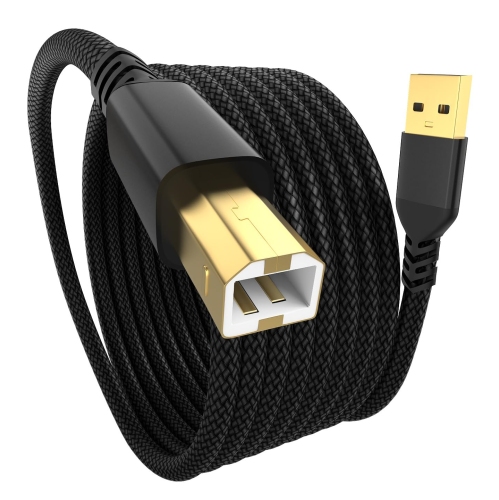
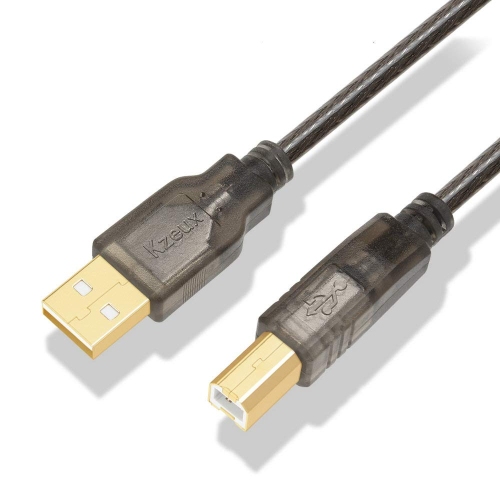
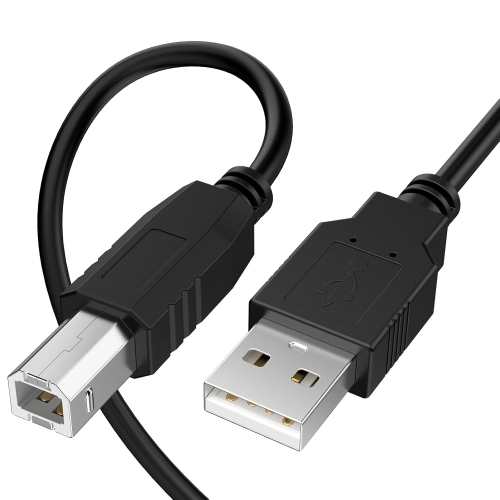
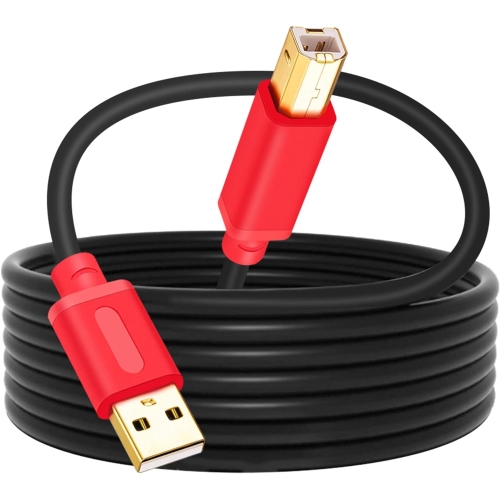
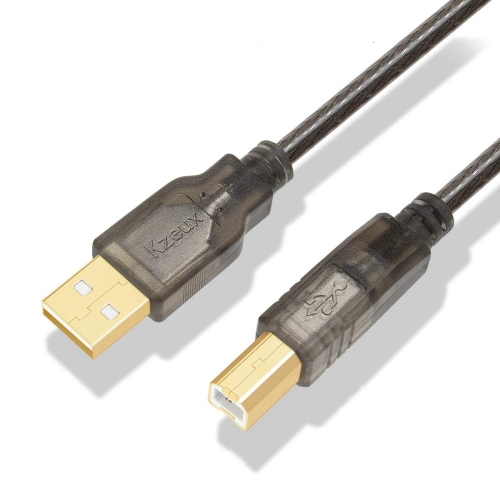
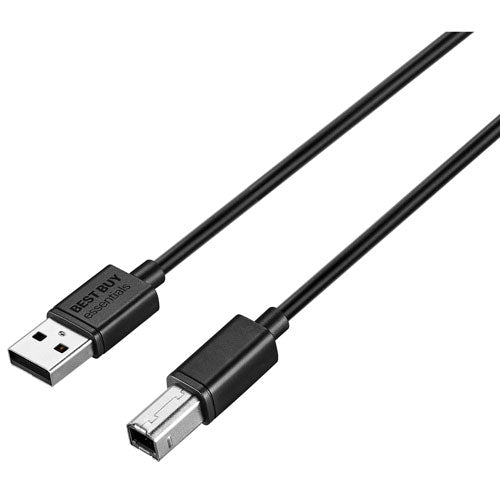
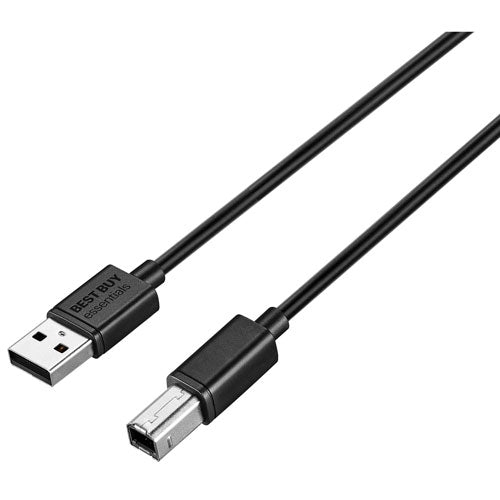
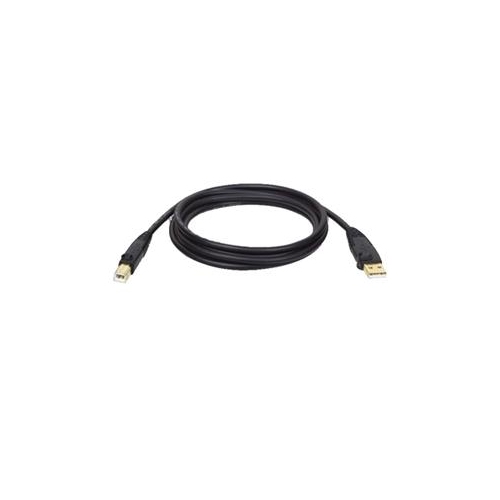
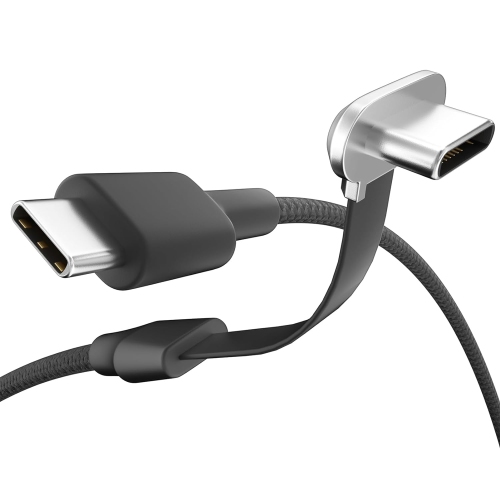
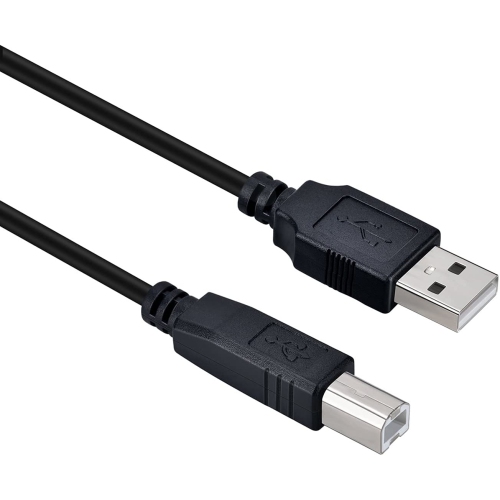
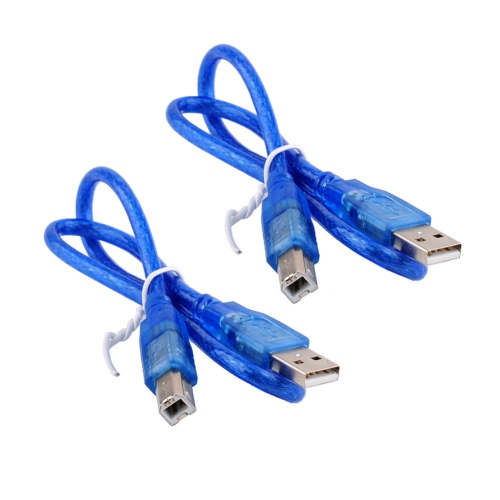
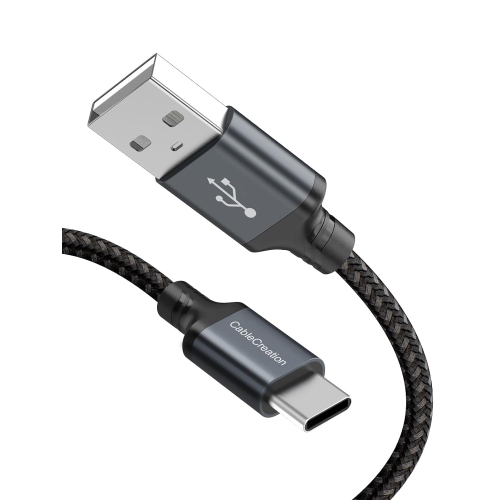
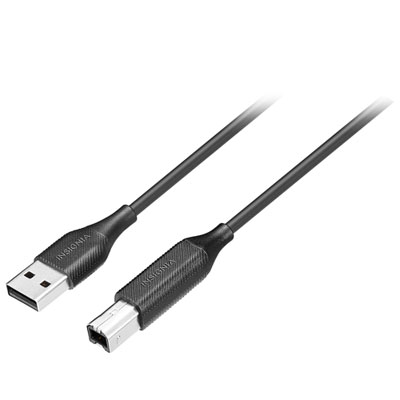
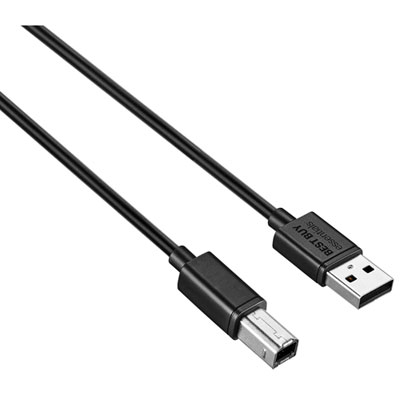
Printer cables provide a wired connection between a printer and a computer or, for network-capable printers, a router or network switch. Many home and office printers with a USB connection use a USB 2.0 Type-A to Type-B cable, often called a USB-A to USB-B printer cable. The flat, rectangular USB-A plug fits a compatible computer port, while the nearly square USB-B plug, identifiable by its bevelled upper corners, fits the printer’s USB-B socket. For a laptop or desktop with USB-C ports, a USB-C to USB-B cable can connect directly to a printer with that same USB-B socket, provided the computer supports the printer and its required software. USB-C has a small, rounded, reversible connector; it describes the connector shape rather than guaranteeing a particular transfer speed. Matching both ends of a cable to the actual ports is more useful than relying on the age or appearance of either device. A printer’s front-facing USB-A port may be intended for a flash drive rather than a computer connection, so it should not be confused with the printer’s dedicated computer interface. The rear or side connection panel and the printer’s specifications usually establish which cable is needed. A direct USB connection suits a student printing assignments at a desk, a household preparing forms, or a small business producing invoices from one workstation. It also allows supported printing without depending on a Wi-Fi connection, although compatible drivers or operating-system support may still be necessary. On a multifunction printer, the same cable may carry scanning data back to the computer when the device and software support it. The cable transfers information; most desktop printers still need their separate power connection. For shoppers comparing printer cables with other Data Cables, the defining details are the connector at each end, the supported interface, and a length that fits the workspace without creating unnecessary clutter.
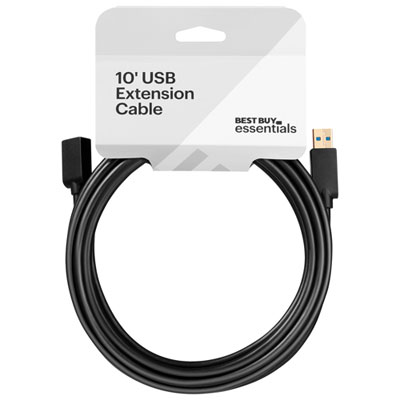
Cable length makes a practical difference to how comfortably a printer fits into a room. A printer beside a monitor needs a different reach from one positioned on a shelf or a cabinet beside the desk. The useful measurement follows the intended cable route, including the drop behind furniture and the distance to ports that may sit on opposite sides of the equipment, rather than simply measuring the gap between the computer and printer. A little slack lets connectors sit naturally and leaves room to move a laptop or open an access panel without tugging on a socket. Excess cable, however, can gather around chair wheels, interfere with storage, or hang across a walkway. Common lengths such as 3 feet, 6 feet, and 10 feet suit different arrangements, but a longer cable is not automatically a more versatile choice. Standard passive USB 2.0 cable runs generally have a maximum length of 5 metres; longer distances may require an active extension or another supported connection method. Cable construction and the connected equipment also affect reliability, so the stated limits for the complete setup matter. Inside a printer cable, insulated conductors carry signals, while shielding helps limit electrical interference. The outer jacket protects those components from everyday handling, and moulded strain relief at each plug helps reduce stress where the flexible cable meets the rigid connector. A smooth jacket can be easy to wipe clean and route through a desk opening; a braided covering can add abrasion resistance, though flexibility varies by construction. Connector housings also need enough clearance around recessed ports or closely spaced sockets. Thick coverings and elaborate finishes do not, on their own, establish compatibility or improve print quality. For text documents, shipping labels, or photographs, dependable data transfer matters more than an impressive-looking cable, and a higher-rated cable does not make the printer’s mechanical printing process faster.
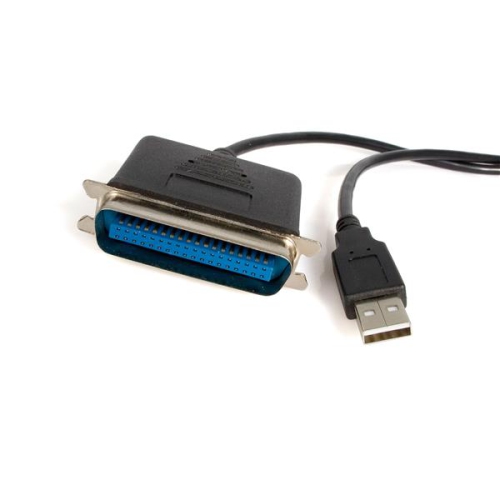
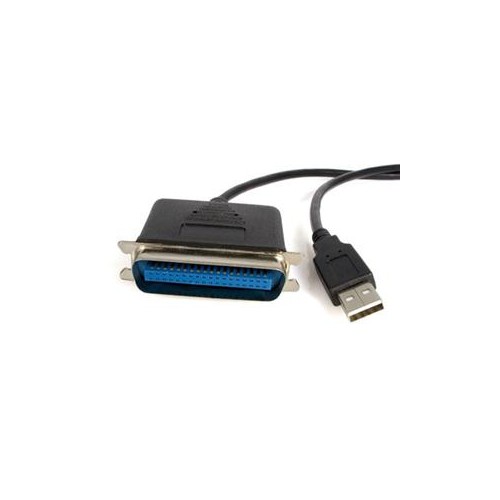
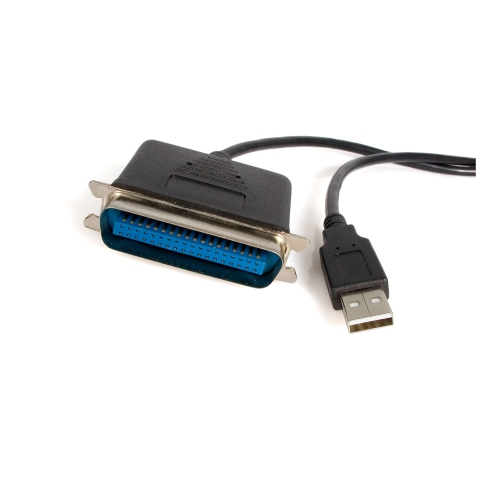
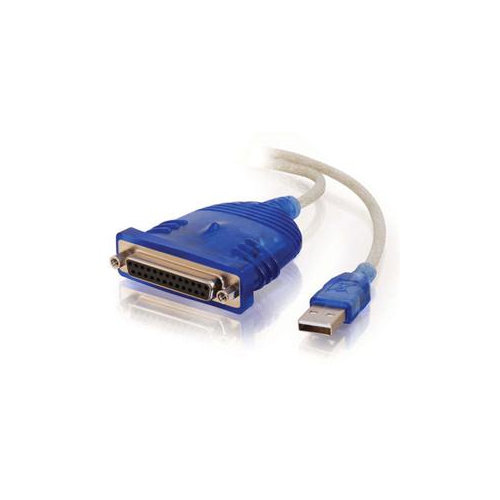
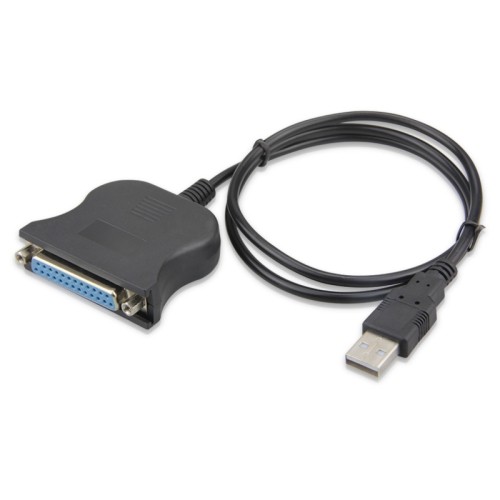
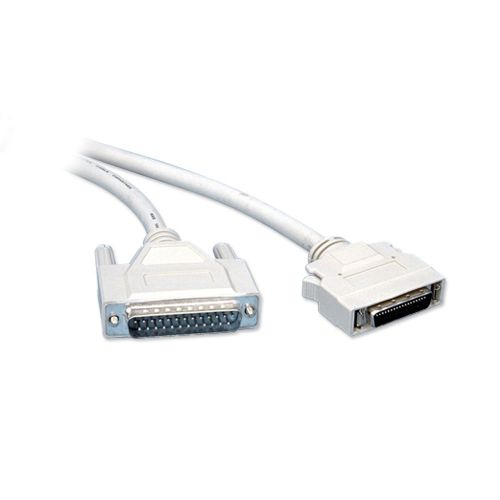
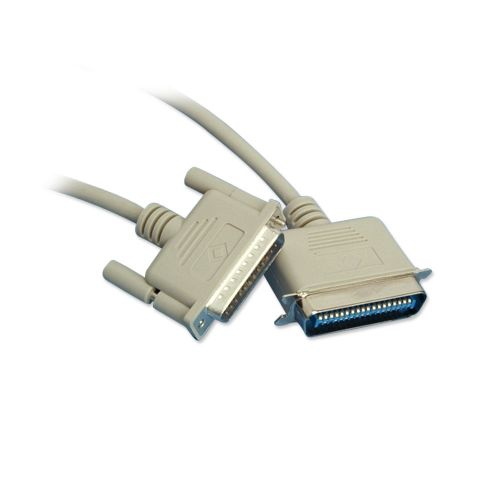
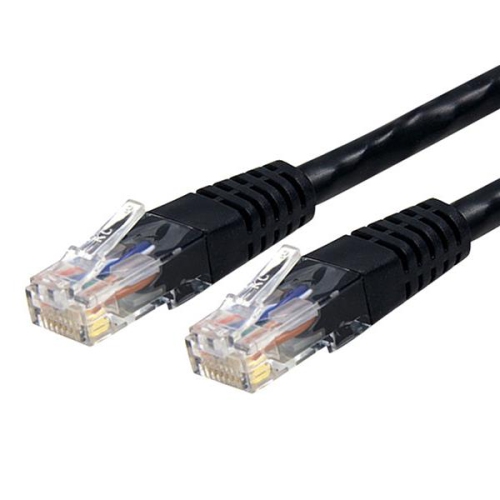
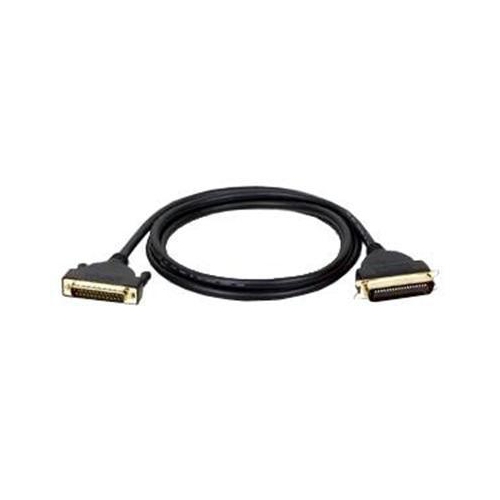
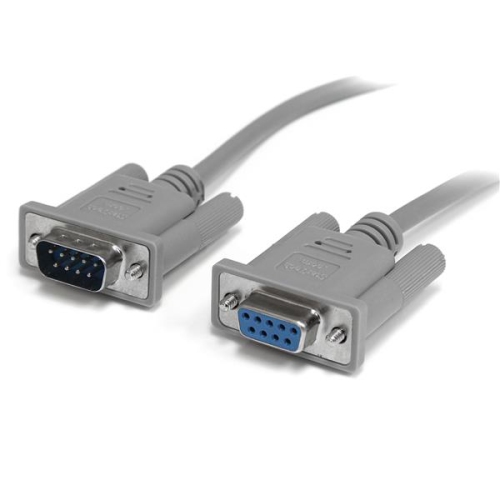
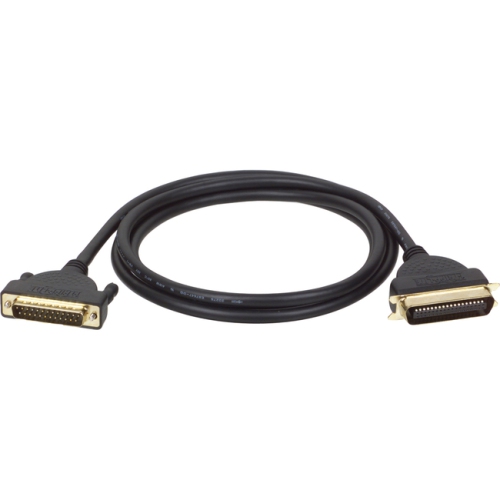
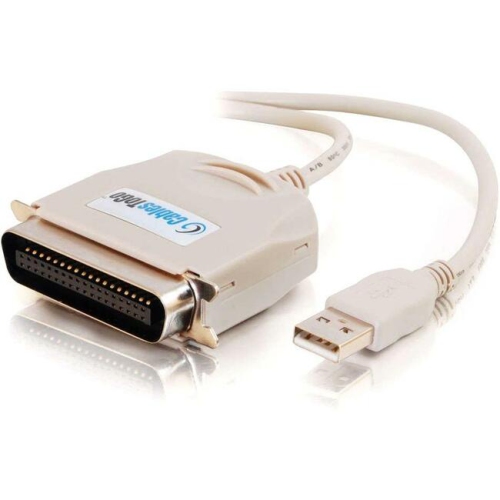
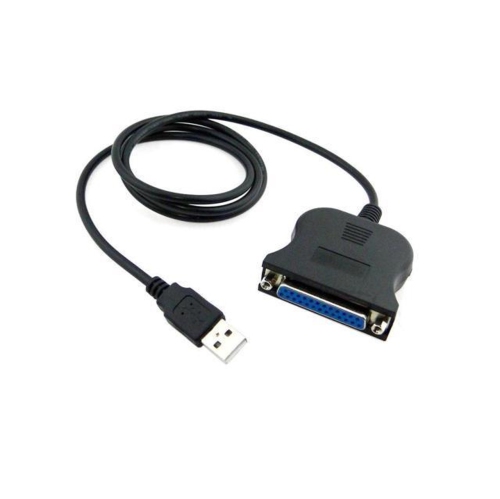
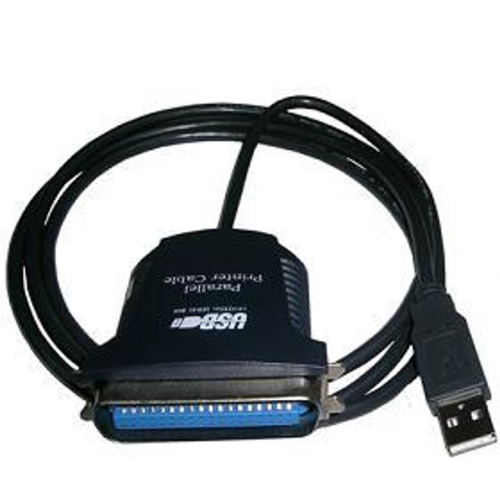
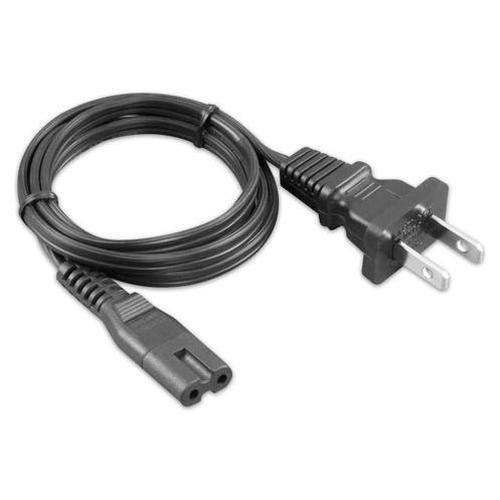
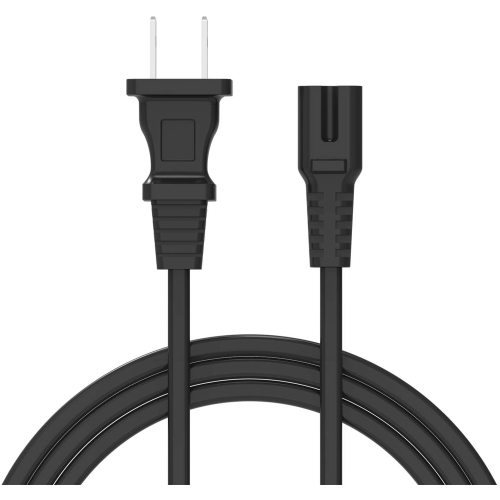
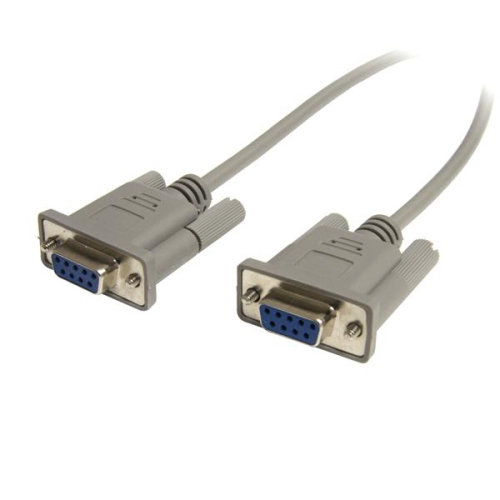
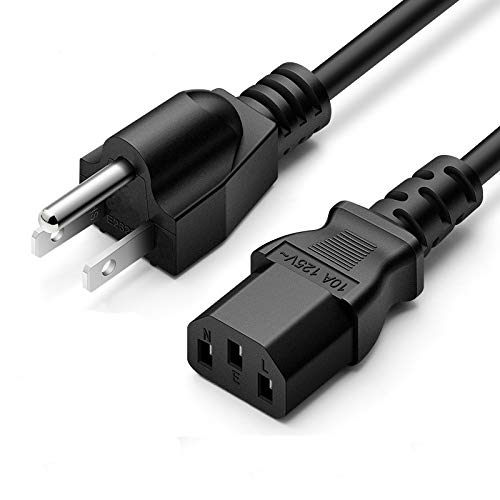
Different workspaces can call for different printer interfaces, especially when equipment spans several generations. A printer with an Ethernet port can connect to a compatible router or network switch using an Ethernet cable, allowing authorized computers on the network to access it when sharing and software are configured appropriately. Ethernet and USB serve different connection arrangements and are not interchangeable simply because both carry data. Older office or specialist equipment may instead use parallel or serial connections. Parallel printer cables often have a wide connector with retaining hardware, while serial connections vary in connector type and wiring. For these setups, matching the printer’s documented interface and the computer’s supported connection is particularly important. A plug adapter alone cannot necessarily translate between communication standards, and an interface converter may have limitations involving drivers, operating systems, or printer functions. Similar care applies to USB hubs and docking stations: they can provide a convenient connection point, but compatibility and stable operation depend on the entire setup. In a shared home office, a direct cable can make one designated computer the everyday printing station; in a reception area, neat routing keeps the lead clear of paperwork and drawers. Durability depends partly on how the cable is handled after installation. Pulling from the connector housing rather than the cord, avoiding tight bends at the plugs, and keeping cables out from under furniture feet help protect both the lead and the equipment’s ports. Reusable cable ties can hold loose loops without pinching the jacket, while a soft, dry cloth is usually sufficient for removing surface dust from a disconnected cable. Fraying, exposed conductors, bent connectors, or an intermittent connection are reasons to stop using the lead and assess whether it needs replacement. For households, study spaces, and busy workstations alike, a well-matched printer cable is a modest but useful part of a dependable setup: the right connectors, a sensible reach, and construction suited to regular handling help keep routine printing straightforward.
Cable length makes a practical difference to how comfortably a printer fits into a room. A printer beside a monitor needs a different reach from one positioned on a shelf or a cabinet beside the desk. The useful measurement follows the intended cable route, including the drop behind furniture and the distance to ports that may sit on opposite sides of the equipment, rather than simply measuring the gap between the computer and printer. A little slack lets connectors sit naturally and leaves room to move a laptop or open an access panel without tugging on a socket. Excess cable, however, can gather around chair wheels, interfere with storage, or hang across a walkway. Common lengths such as 3 feet, 6 feet, and 10 feet suit different arrangements, but a longer cable is not automatically a more versatile choice. Standard passive USB 2.0 cable runs generally have a maximum length of 5 metres; longer distances may require an active extension or another supported connection method. Cable construction and the connected equipment also affect reliability, so the stated limits for the complete setup matter. Inside a printer cable, insulated conductors carry signals, while shielding helps limit electrical interference. The outer jacket protects those components from everyday handling, and moulded strain relief at each plug helps reduce stress where the flexible cable meets the rigid connector. A smooth jacket can be easy to wipe clean and route through a desk opening; a braided covering can add abrasion resistance, though flexibility varies by construction. Connector housings also need enough clearance around recessed ports or closely spaced sockets. Thick coverings and elaborate finishes do not, on their own, establish compatibility or improve print quality. For text documents, shipping labels, or photographs, dependable data transfer matters more than an impressive-looking cable, and a higher-rated cable does not make the printer’s mechanical printing process faster.
Different workspaces can call for different printer interfaces, especially when equipment spans several generations. A printer with an Ethernet port can connect to a compatible router or network switch using an Ethernet cable, allowing authorized computers on the network to access it when sharing and software are configured appropriately. Ethernet and USB serve different connection arrangements and are not interchangeable simply because both carry data. Older office or specialist equipment may instead use parallel or serial connections. Parallel printer cables often have a wide connector with retaining hardware, while serial connections vary in connector type and wiring. For these setups, matching the printer’s documented interface and the computer’s supported connection is particularly important. A plug adapter alone cannot necessarily translate between communication standards, and an interface converter may have limitations involving drivers, operating systems, or printer functions. Similar care applies to USB hubs and docking stations: they can provide a convenient connection point, but compatibility and stable operation depend on the entire setup. In a shared home office, a direct cable can make one designated computer the everyday printing station; in a reception area, neat routing keeps the lead clear of paperwork and drawers. Durability depends partly on how the cable is handled after installation. Pulling from the connector housing rather than the cord, avoiding tight bends at the plugs, and keeping cables out from under furniture feet help protect both the lead and the equipment’s ports. Reusable cable ties can hold loose loops without pinching the jacket, while a soft, dry cloth is usually sufficient for removing surface dust from a disconnected cable. Fraying, exposed conductors, bent connectors, or an intermittent connection are reasons to stop using the lead and assess whether it needs replacement. For households, study spaces, and busy workstations alike, a well-matched printer cable is a modest but useful part of a dependable setup: the right connectors, a sensible reach, and construction suited to regular handling help keep routine printing straightforward.
Top selling and popular products
-
 Your price for this item is $180.75
 -
 Your price for this item is $24.99
 -
 Your price for this item is $400
 -
 Your price for this item is $14.98
 -
 Your price for this item is $106.68
 -
 Your price for this item is $379.97
 -
 Your price for this item is $110.37
 -
 Your price for this item is $75.58
Discover more categories related to Printer Cables
Top Collections:
Pokemon Centers, Kindle Devices, Best Budget Office Chairs, Apple iPhones 16, Best Laptops for Writers, iPhone 15 Apple, Canon G7X Cameras, Refurbished Apple Laptops, Alarm Clock, Motorola Razr Phones
Some products may be subject to Environmental Handling Fees
(EHF) depending on your province.
Learn more about EHFs.