Samsung S20 Screen Replacement
Restore your device’s clarity and performance with Samsung S20 Screen Replacement options designed to get your smartphone back in top condition. Whether you’re dealing with cracks, scratches, or display issues, find reliable solutions to suit your needs. Browse a range of compatible parts and tools to help make the repair process smooth and efficient. Get your Samsung S20 looking and functioning like new with quality screen replacement choices available for quick and easy installation.
Sort
Why cracked glass and display damage need different parts
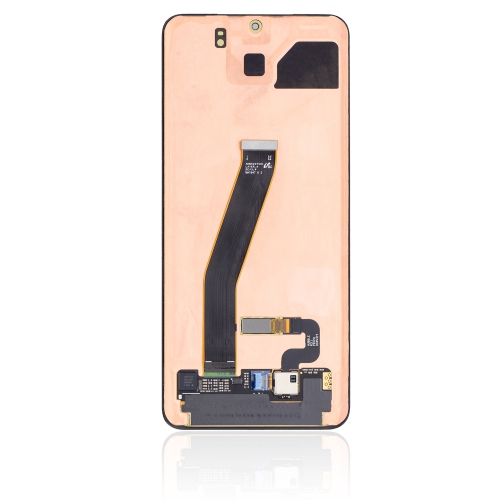
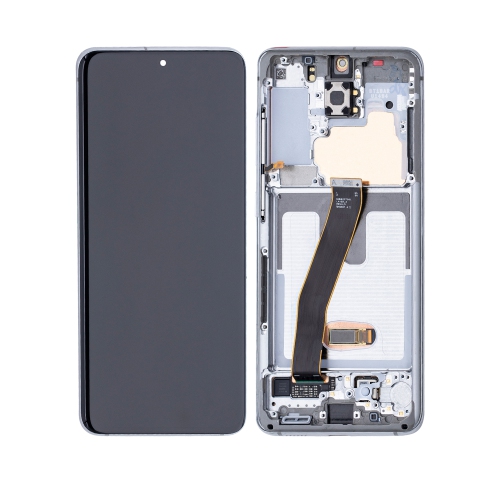
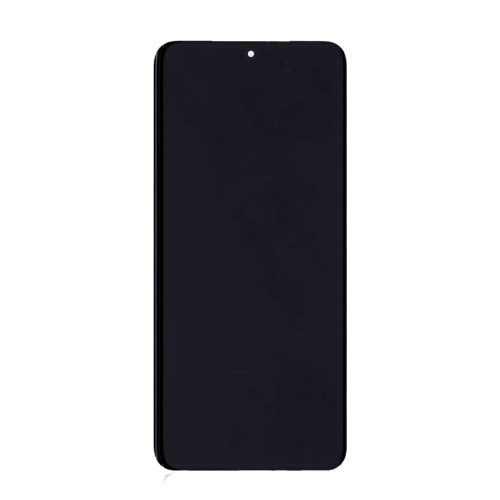
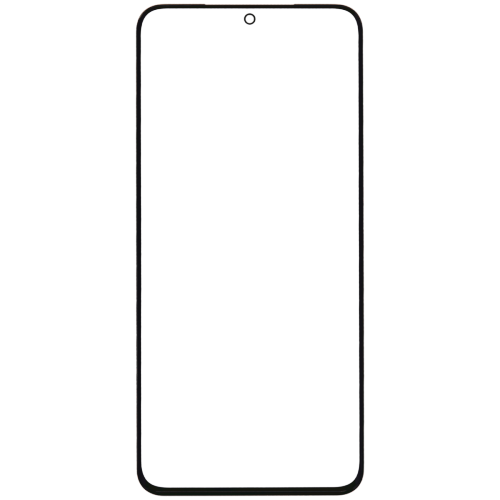
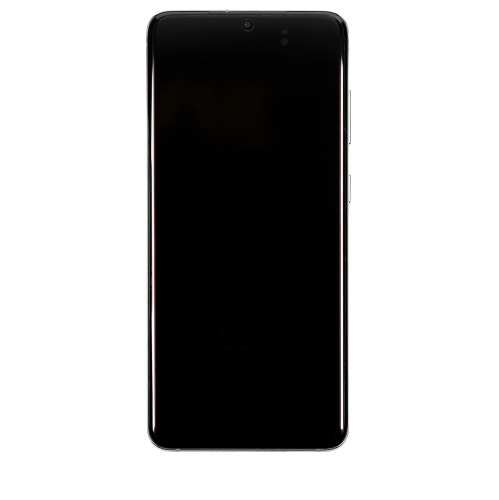
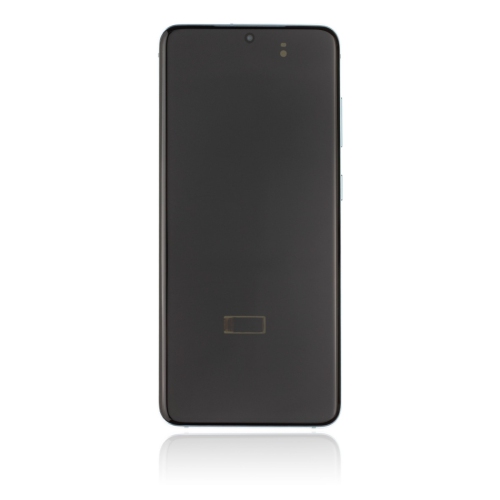
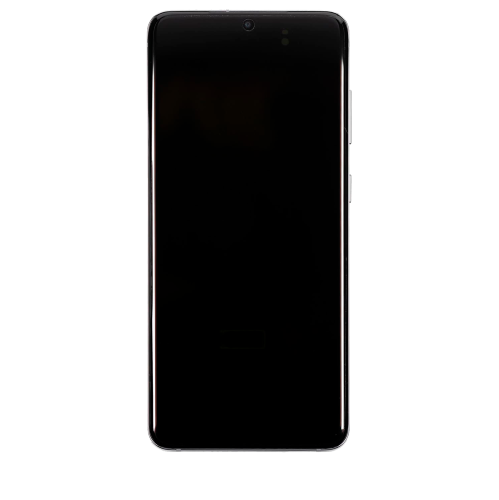
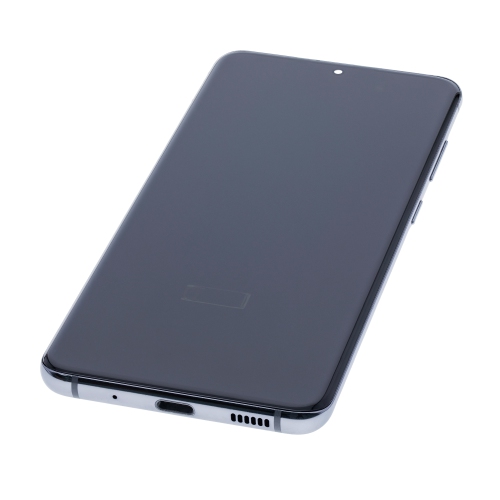
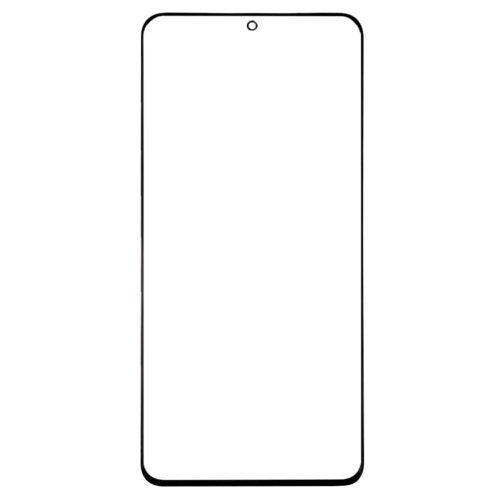
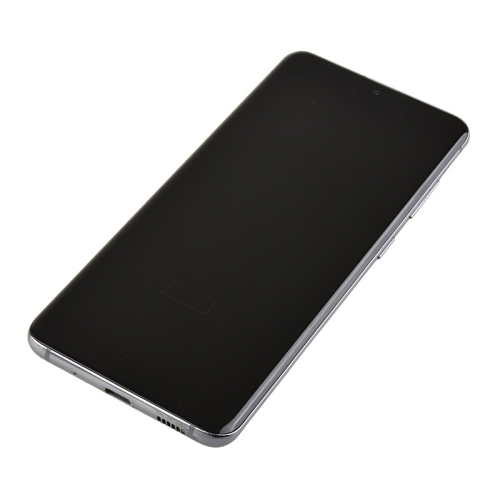
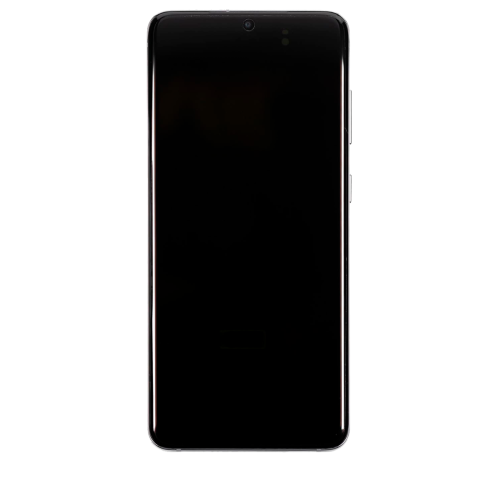
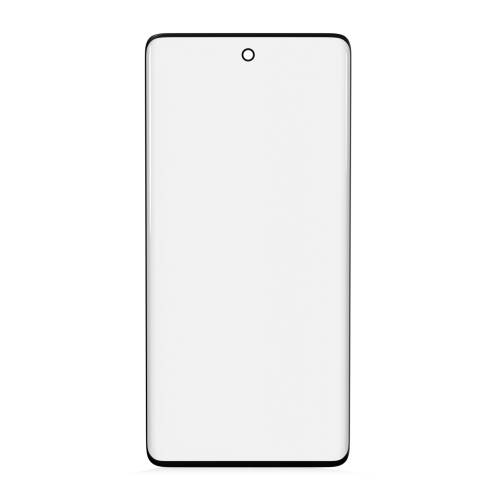
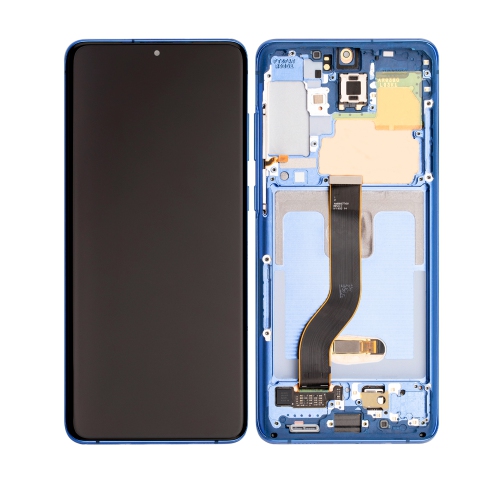
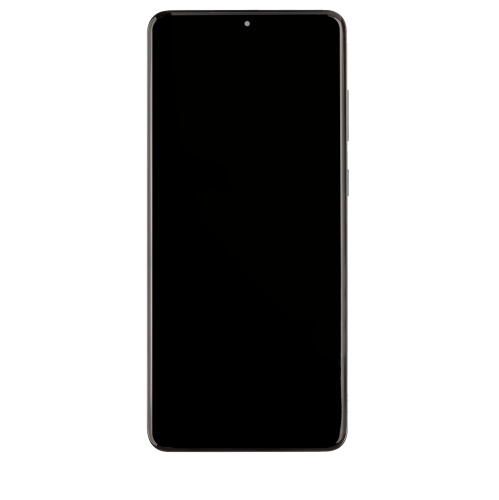
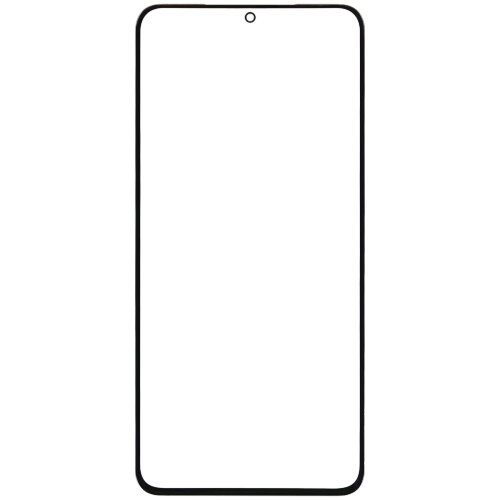
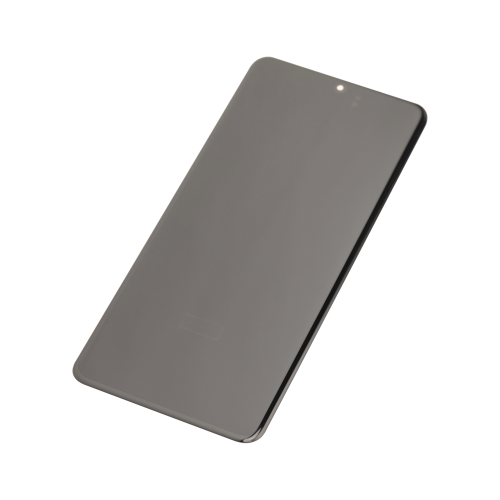
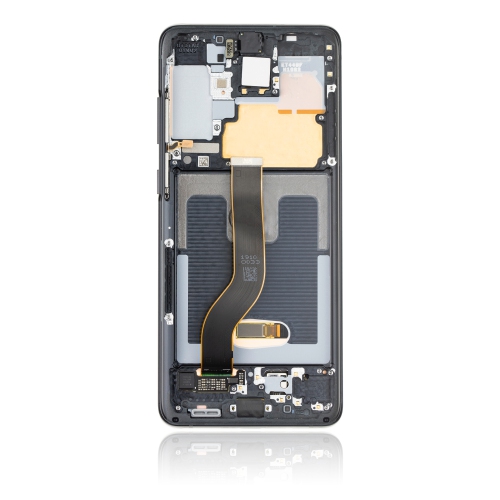
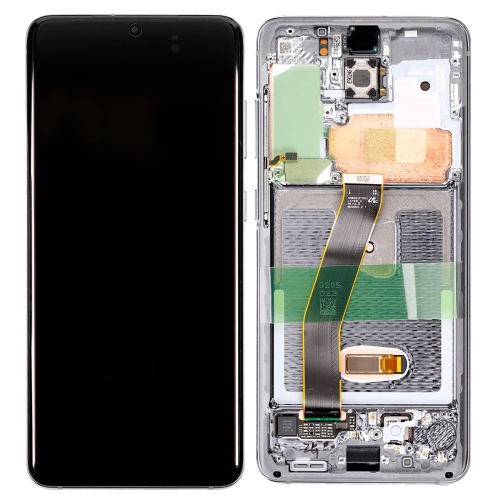
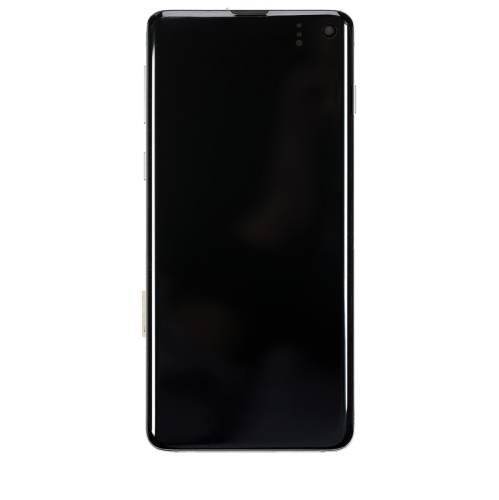
Samsung S20 screen replacement parts are intended to repair a damaged display or touch surface while keeping the rest of the phone in use. A cracked front panel, a dark patch across a photo, flickering lines, or a section that no longer responds to taps can point to different kinds of damage, so the type of replacement matters as much as the fit. The front glass provides the outer surface, the display produces the image, and the touch-sensing components register taps and gestures. These elements work together, but a replacement described as front glass alone is not the same as a complete display and touch assembly. Glass-only parts are generally intended for specialist refurbishment where the underlying display and touch functions remain intact. Separating bonded glass from a delicate display requires specialized equipment and experience; it is not equivalent to removing a screen protector. A complete assembly is a different category of part and may be more appropriate when damage extends beyond the outer glass. Some assemblies also include a supporting frame, while others are supplied without one. Understanding these distinctions helps avoid choosing a component that cannot address the problem. Visible cracks can exist alongside less obvious internal damage, and an intact outer surface does not necessarily mean the display beneath it is working properly. For someone who uses a phone to read transit directions, answer work messages, check appointments, or photograph documents, display quality and dependable touch response affect everyday tasks. An unresponsive area near the keyboard can make typing difficult even when most of the picture looks normal. Likewise, a bright line through the centre of the screen can interfere with reading without affecting every touch command. Replacement parts should therefore be considered in terms of both the visible image and the functions needed throughout the day, rather than the appearance of the glass alone.
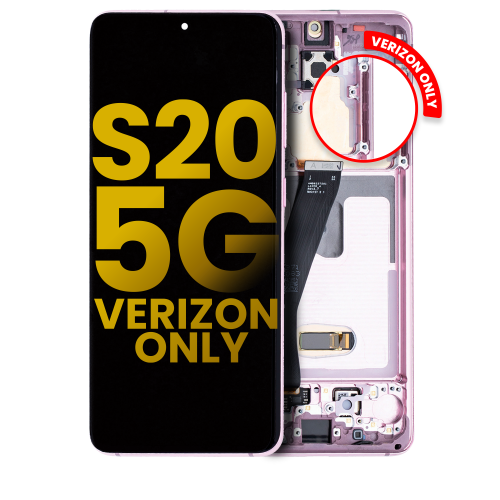
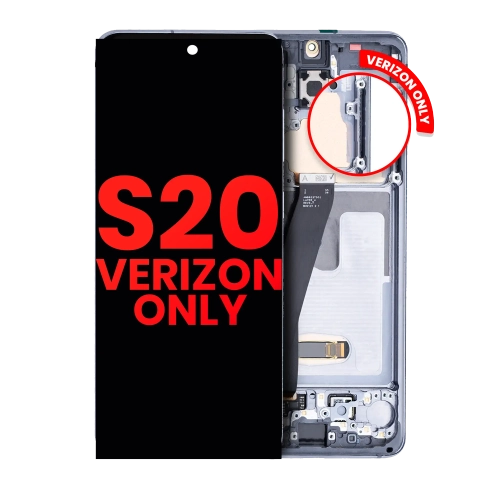
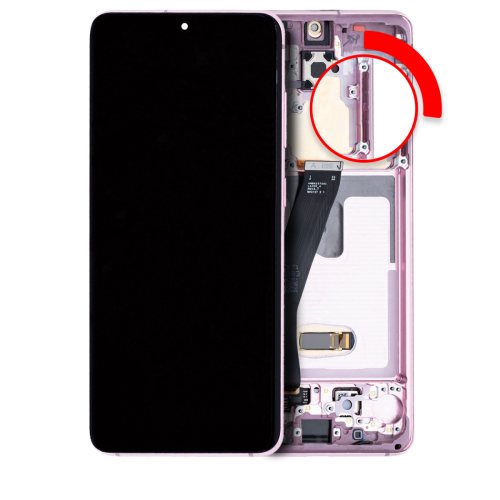
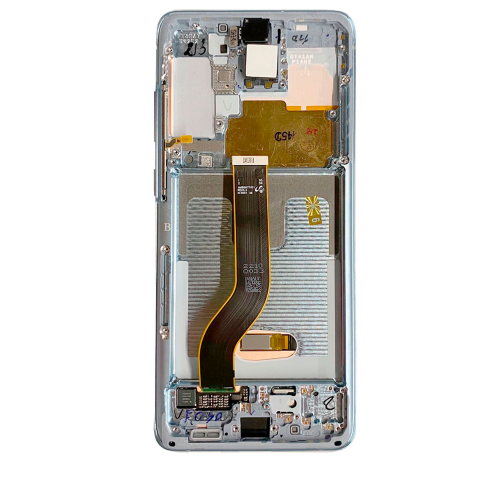
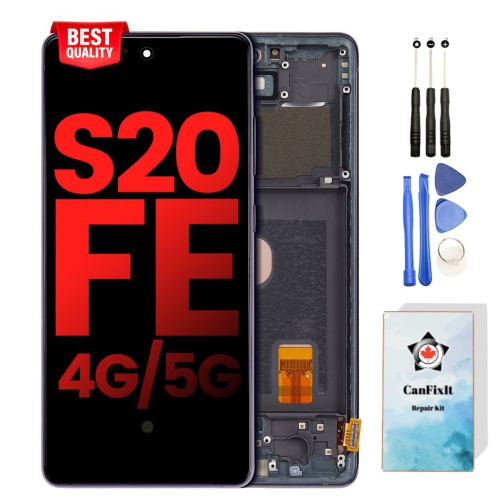
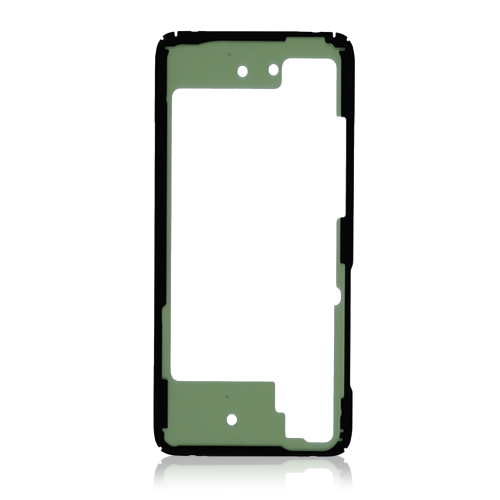
Exact compatibility is the starting point when comparing replacement screens. Phones within the same family can have similar names while using different dimensions, connector positions, frame shapes, or internal layouts. The model number recorded in the phone’s settings or original documentation is more useful than a general description based on appearance. A screen that looks nearly identical may still be unsuitable if its connector or mounting arrangement differs. The listing should clearly identify the supported model and explain whether the part includes the display, touch components, front glass, and frame. A pre-attached frame can reduce the need to separate and position a fragile panel within the existing housing, but internal components may still need to be transferred. A frame-free assembly requires a suitable existing frame and careful alignment; dents or distortion in that frame can affect how the new screen sits. Display technology is another important distinction. The original screen uses OLED technology, in which individual pixels produce their own light. Alternative assemblies may use different technology or specifications, which can change black levels, colour appearance, brightness, thickness, and power use. Resolution and supported refresh rates also deserve attention, especially for someone accustomed to smooth scrolling or detailed text. A replacement should not be assumed to reproduce every original display feature unless those capabilities are explicitly confirmed. Parts described as original equipment and those described as compatible replacements are not interchangeable claims, and their stated specifications should be assessed separately. Fingerprint-reader support is particularly relevant because the sensor operates through the screen. An incompatible assembly can affect fingerprint unlocking even when the picture and basic touch functions work. Supported fingerprint operation, touch sensitivity, and any calibration requirements are worth confirming before choosing a part. Included components also vary: adhesive, seals, small brackets, and installation accessories should only be treated as included when the description says so. For broader model-specific options, the Samsung Screen Replacement page provides a related starting point, while the exact device model remains the deciding factor for fit.
The quality of a screen repair depends on the part, the condition of the phone, and the installation. Replacement glass and display panels are delicate components, particularly around their edges and cable connections. A frame with uneven edges or residual adhesive can create pressure points, while a poorly seated panel may leave gaps or interfere with a case. Professional installation is worth considering when the display is bonded into the housing, the frame is damaged, or the repair involves transferring small internal components. A recent backup is also a sensible precaution before handing over a phone or arranging any internal repair, since replacing a screen is not a substitute for protecting stored photos, contacts, and documents. After installation, useful checks include consistent touch response across the whole surface, readable brightness, even-looking colours, and normal operation of fingerprint unlocking where supported. Calls provide another practical check: the screen should behave properly when the phone is held near the face, and the front-facing camera should remain unobstructed. Opening a phone can disturb its original seals, so a replacement screen does not automatically restore the original level of water resistance. Any sealing claims should be supported by the repair provider rather than assumed from the presence of new adhesive. For everyday care, a clean microfibre cloth helps remove fingerprints without abrasive scrubbing, and cleaning liquid should not be allowed to collect around openings or screen edges. A well-fitting case can help protect the repaired phone against routine knocks, provided it does not press against or lift the display. A compatible screen protector adds a separate layer against surface scratches, but it cannot correct a damaged panel or guarantee protection from impact. Its shape and fingerprint-reader compatibility matter, too. With the correct assembly, careful installation, and appropriate protection, a screen replacement can make familiar tasks comfortable again without assuming that every replacement offers identical performance.
Exact compatibility is the starting point when comparing replacement screens. Phones within the same family can have similar names while using different dimensions, connector positions, frame shapes, or internal layouts. The model number recorded in the phone’s settings or original documentation is more useful than a general description based on appearance. A screen that looks nearly identical may still be unsuitable if its connector or mounting arrangement differs. The listing should clearly identify the supported model and explain whether the part includes the display, touch components, front glass, and frame. A pre-attached frame can reduce the need to separate and position a fragile panel within the existing housing, but internal components may still need to be transferred. A frame-free assembly requires a suitable existing frame and careful alignment; dents or distortion in that frame can affect how the new screen sits. Display technology is another important distinction. The original screen uses OLED technology, in which individual pixels produce their own light. Alternative assemblies may use different technology or specifications, which can change black levels, colour appearance, brightness, thickness, and power use. Resolution and supported refresh rates also deserve attention, especially for someone accustomed to smooth scrolling or detailed text. A replacement should not be assumed to reproduce every original display feature unless those capabilities are explicitly confirmed. Parts described as original equipment and those described as compatible replacements are not interchangeable claims, and their stated specifications should be assessed separately. Fingerprint-reader support is particularly relevant because the sensor operates through the screen. An incompatible assembly can affect fingerprint unlocking even when the picture and basic touch functions work. Supported fingerprint operation, touch sensitivity, and any calibration requirements are worth confirming before choosing a part. Included components also vary: adhesive, seals, small brackets, and installation accessories should only be treated as included when the description says so. For broader model-specific options, the Samsung Screen Replacement page provides a related starting point, while the exact device model remains the deciding factor for fit.
The quality of a screen repair depends on the part, the condition of the phone, and the installation. Replacement glass and display panels are delicate components, particularly around their edges and cable connections. A frame with uneven edges or residual adhesive can create pressure points, while a poorly seated panel may leave gaps or interfere with a case. Professional installation is worth considering when the display is bonded into the housing, the frame is damaged, or the repair involves transferring small internal components. A recent backup is also a sensible precaution before handing over a phone or arranging any internal repair, since replacing a screen is not a substitute for protecting stored photos, contacts, and documents. After installation, useful checks include consistent touch response across the whole surface, readable brightness, even-looking colours, and normal operation of fingerprint unlocking where supported. Calls provide another practical check: the screen should behave properly when the phone is held near the face, and the front-facing camera should remain unobstructed. Opening a phone can disturb its original seals, so a replacement screen does not automatically restore the original level of water resistance. Any sealing claims should be supported by the repair provider rather than assumed from the presence of new adhesive. For everyday care, a clean microfibre cloth helps remove fingerprints without abrasive scrubbing, and cleaning liquid should not be allowed to collect around openings or screen edges. A well-fitting case can help protect the repaired phone against routine knocks, provided it does not press against or lift the display. A compatible screen protector adds a separate layer against surface scratches, but it cannot correct a damaged panel or guarantee protection from impact. Its shape and fingerprint-reader compatibility matter, too. With the correct assembly, careful installation, and appropriate protection, a screen replacement can make familiar tasks comfortable again without assuming that every replacement offers identical performance.
Top selling and popular products
-
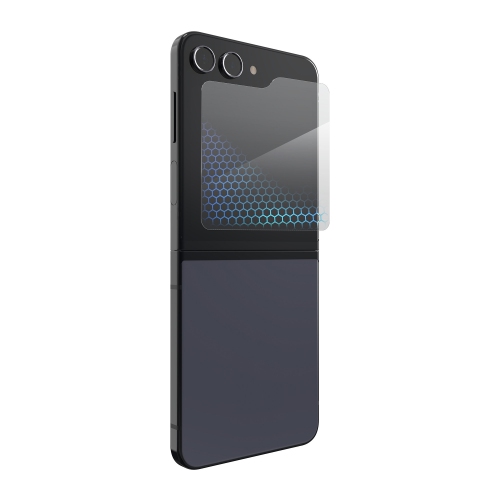 Your price for this item is $59.99
 -
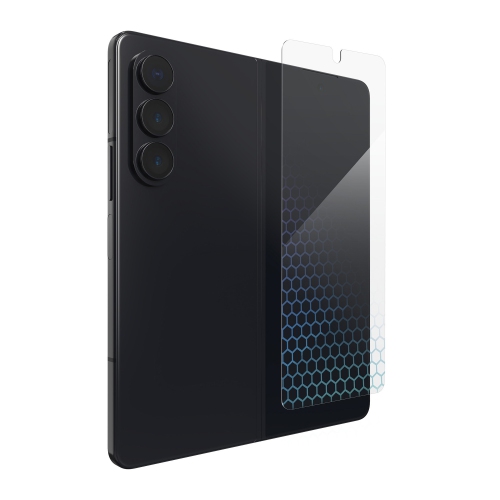 Your price for this item is $59.99
 -
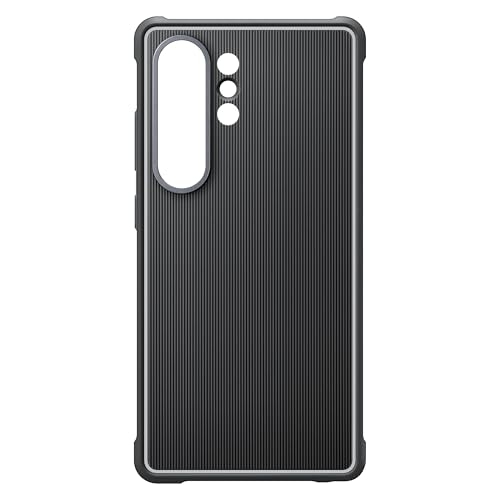 Your price for this item is $89.99
 -
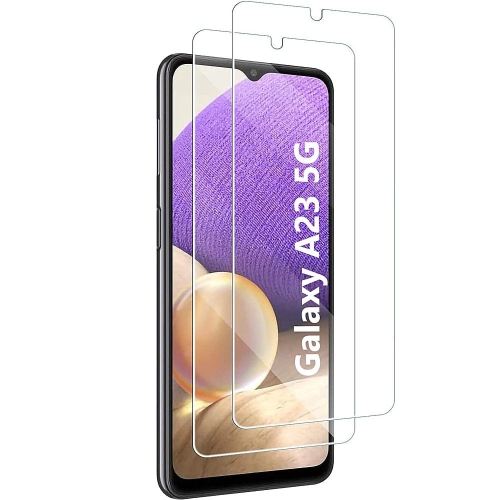 Your price for this item is $52
 -
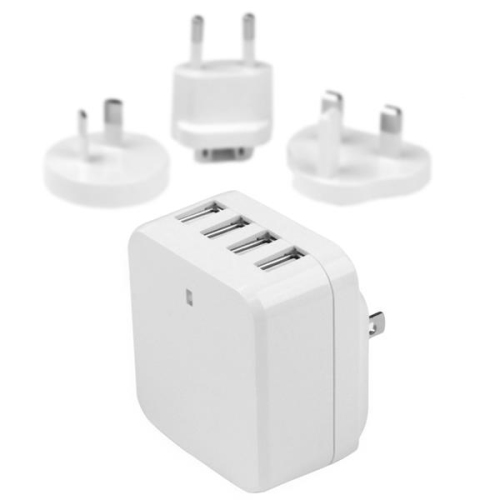 Your price for this item is $49.99
 -
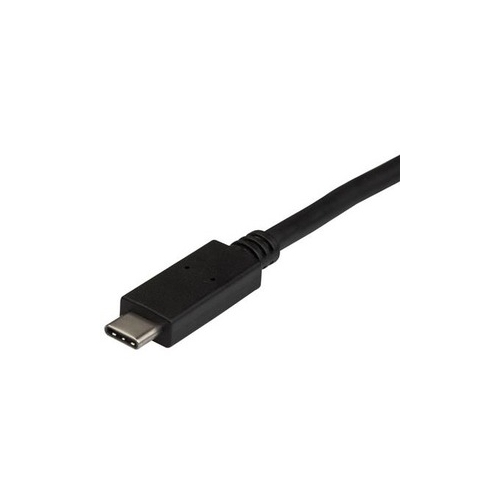 Your price for this item is $34.37
 -
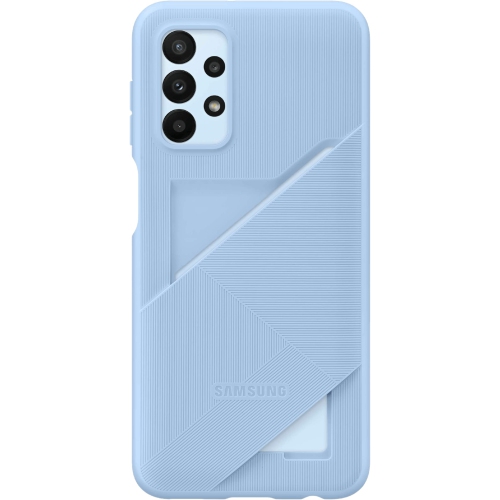 Your price for this item is $52.49
 -
 Your price for this item is $16.79
Discover more categories related to Samsung S20 Screen Replacement
Top Collections:
Pokemon Centers, Best Budget Office Chairs, Kindle Devices, Best Cameras for Sports Photography, Best Laptops for Writers, Pokémon 30th Celebration Cards, Laptops for Business Work, Samsung Galaxy Phones, Canon G7X Cameras, Best Cell Phones Under $300
Some products may be subject to Environmental Handling Fees
(EHF) depending on your province.
Learn more about EHFs.