Best PS5 Monitors
Find the best PS5 monitors for your gaming setup, ranked by user review ratings. Whether you enjoy fast-paced multiplayer matches or immersive single-player adventures, compare options with sharp visuals, smooth refresh rates, and responsive performance. Consider screen size, resolution, and HDMI compatibility to choose a monitor that suits your space and helps you get more from your PS5.
What to look for in the best PS5 monitors
1. Screen Size and Resolution
2. Refresh Rate and Response Time
3. HDMI Connectivity and VRR
4. Panel Type and HDR Performance
-
1
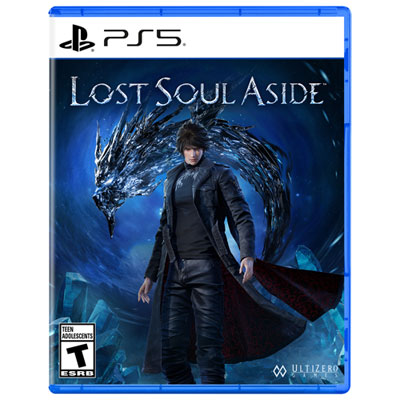
Lost Soul Aside (PS5)
About this product
An action-adventure RPG featuring fast-paced combat, weapon upgrades, and a gripping quest to save humanity.
(2)$79.99 Your price for this item is $79.99 -
2
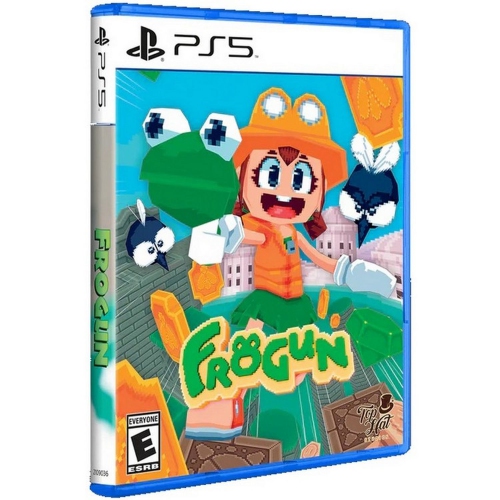
LIMITED RUN GAMES Frogun - Playstation 5
About this product
An old-school platformer where you explore mystical ruins using a frog-shaped grappling hook.
(2)$70.45 Your price for this item is $70.45 -
3
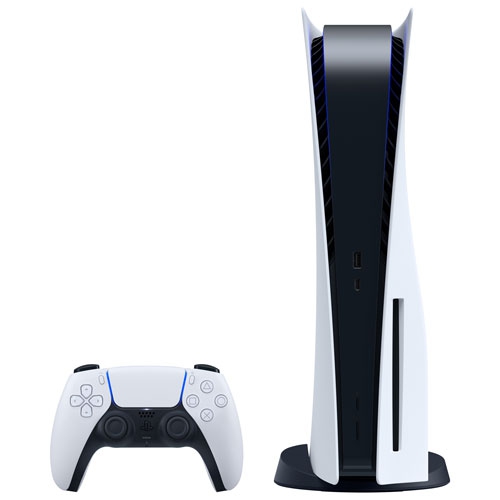
PLAYSTATION Refurbished (Good) - 5 Console
About this product
A refurbished PlayStation 5 Console with custom CPU and GPU, ultrafast SSD storage, and 4K/8K HDR visuals.
(3)$749.00Your price for this item is $749SAVE $70 -
4
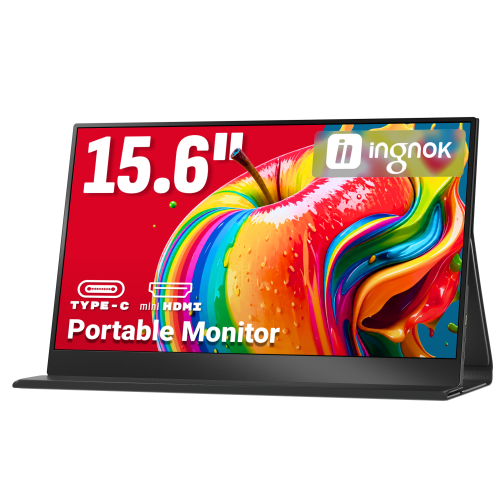
INGNOK Portable Monitor for Laptop, 15.6" Fhd 1080P, w Magnetic Case, Dual USB C, Mini HDMI Port for Laptop Mac, Mini PC, 60Hz, Built-In Speakers, Eyecare
About this product
A portable 15.6" FHD 1080P IPS monitor with USB-C, HDMI, built-in speakers, and smart cover.
(5)$89.99Your price for this item is $89.99SAVE $90 -
5

Mortal Kombat 1 (PS5)
About this product
An action-packed fighting game featuring a new story campaign and powerful Kameo partners for PlayStation 5.
(4)$39.99 Your price for this item is $39.99 -
6
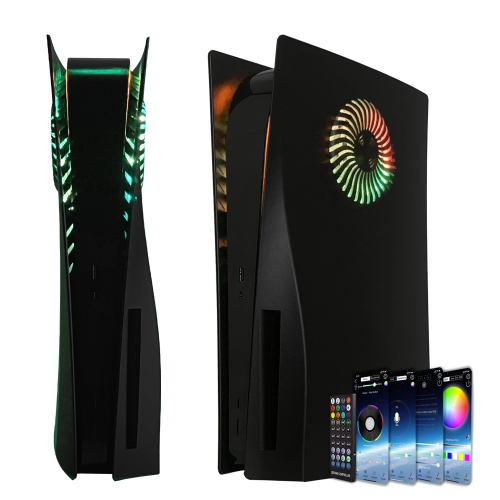
HLD Ps5 Faceplate w RGB Light Strip And Dust Filter for Cooling Vents 400+ Effects Led Light Ring Console Cover for Playstation 5 Disc Edition Diy
About this product
A black console cover featuring RGB light strip with 400+ effects and dust filter for enhanced cooling.
(2)$140.96Your price for this item is $140.96SAVE $47 -
7
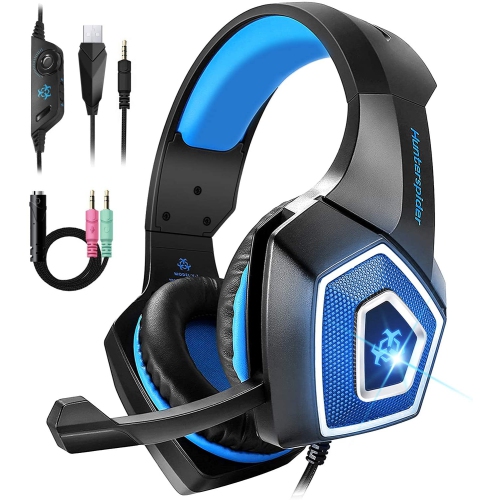
WINGOACCESSORIES Gaming Headset W/mic for Xbox One, Ps5, Ps4, PC, Nintendo Switch Playstation 5 - Stereo Bass Headphones - 3.5MM - Lightweight Over
About this product
A lightweight over-ear headset with stereo bass, LED light, noise isolation, and adjustable mic for gaming.
(1)$15.99Your price for this item is $15.99SAVE $64 -
8
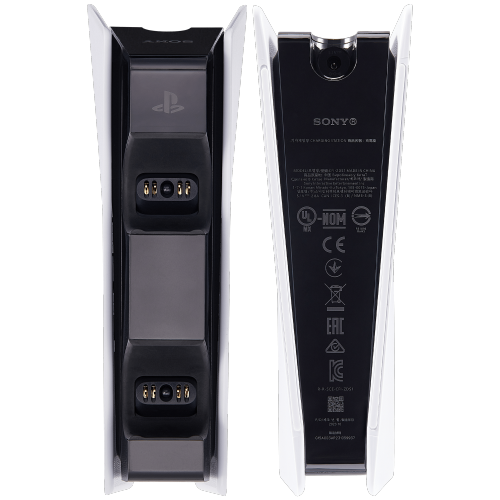
ESOURCE PARTS Efficient Dualsense Charging Station for Playstation 5 - Best Replacement Dock (Cfi-Zds1)
About this product
An efficient charging station that quickly powers two PS5 controllers while keeping your gaming area organized.
$98.43 Your price for this item is $98.43 -
9
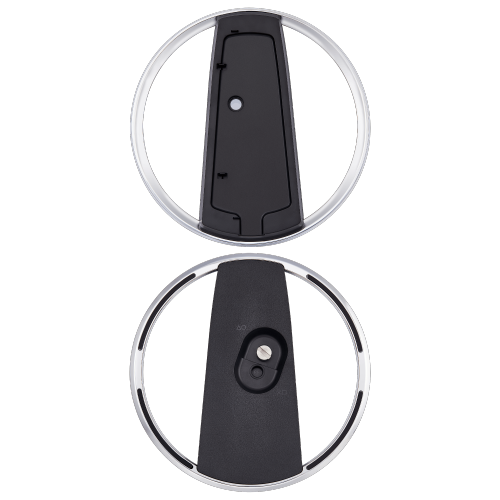
ESOURCE PARTS Best Shopper Vertical Stand for Playstation 5 - Replacement Cfi-Zvs1 Stand for Enhanced Stability
About this product
A sturdy replacement stand that keeps your PlayStation 5 upright, stable, and enhances airflow for optimal performance.
$78.03 Your price for this item is $78.03 -
10
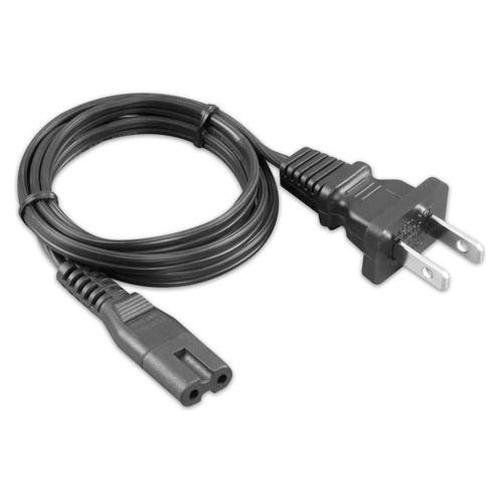
MS TECH Ac Power Cord for Sony Ps5 Ps4 Playstation 5 4, Xbox Series X/s, Xbox One X/s, Tv, Speaker, Printers, Monitor, Universal 2 Prong Power Cable
About this product
A universal 2-prong power cable compatible with gaming consoles, TVs, speakers, printers, and monitors.
$10.00 Your price for this item is $10
FAQ
The PS5 connects to a monitor through HDMI, rather than DisplayPort or USB-C. For 4K output at 120Hz, choose a monitor that explicitly supports this mode over HDMI 2.1 and use the HDMI cable supplied with the console or a certified Ultra High Speed HDMI cable.
Yes, provided the monitor accepts the PS5’s output modes over HDMI. The PS5 supports up to 120Hz output, so it will not use a monitor’s full 144Hz or 165Hz refresh rate. Gameplay at 120 frames per second also requires a compatible game and the appropriate console and game settings.
Look for explicit support for PS5-compatible HDMI variable refresh rate, or VRR. A FreeSync or G-SYNC label alone does not confirm compatibility with the PS5. Check the monitor’s specifications for supported HDMI VRR modes and any firmware requirements.
The PS5 supports HDR10. When comparing monitors, check HDR10 input support, peak brightness, contrast, colour gamut and local dimming capabilities where applicable. HDR signal compatibility alone does not tell you how a monitor displays highlights and shadow detail. You can adjust HDR settings through the PS5’s screen and video menu.
The PS5 can send audio to a monitor over HDMI. To hear it through the monitor, you need built-in speakers or an audio output connected to compatible speakers or headphones. You can also connect wired headphones to the DualSense controller or use a PS5-compatible USB headset.
Top selling and popular products
Discover more categories related to Best PS5 Monitors
Some products may be subject to Environmental Handling Fees (EHF) depending on your province. Learn more about EHFs.