Best ASUS Monitors
Find the best monitors for work, gaming, and everyday entertainment, ranked by customer review ratings. Explore top-rated options and compare feedback from other shoppers to help you choose a display that suits your setup, viewing preferences, and budget.
What to look for in ASUS monitors
1. Screen Size and Resolution
2. Refresh Rate and Response Time
3. Panel Type and Colour Accuracy
4. Ports and Ergonomics
-
1
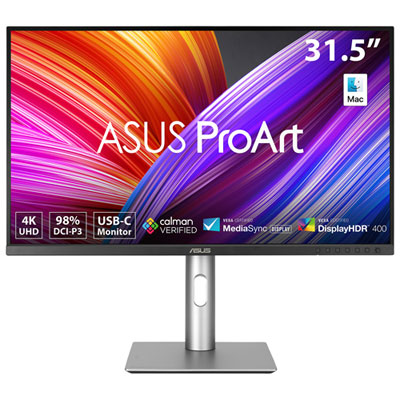
ASUS ProArt 32" 4K UHD IPS LED Monitor (PA329CRV) - HDR - 98% DCI-P3
About this product
A professional 4K HDR IPS monitor with 98% DCI-P3 coverage, Calman verified colour, and USB-C connectivity.
(17)$699.99Your price for this item is $699.99SAVE $160 -
2
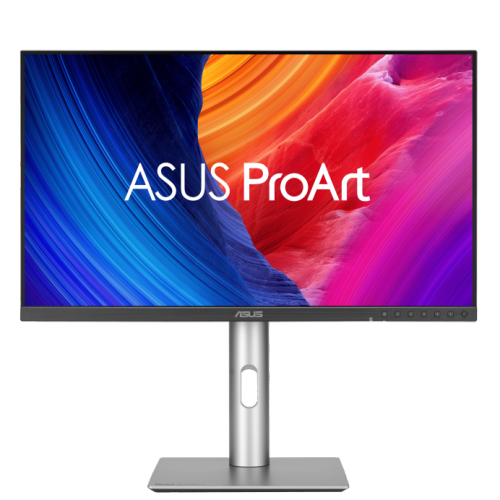
ASUS Proart Display Pa278Cgrv
About this product
A professional 27-inch IPS monitor with 144Hz refresh rate, QHD resolution, and 97% DCI-P3 colour accuracy.
(7)$493.73Your price for this item is $493.73SAVE $49 -
3
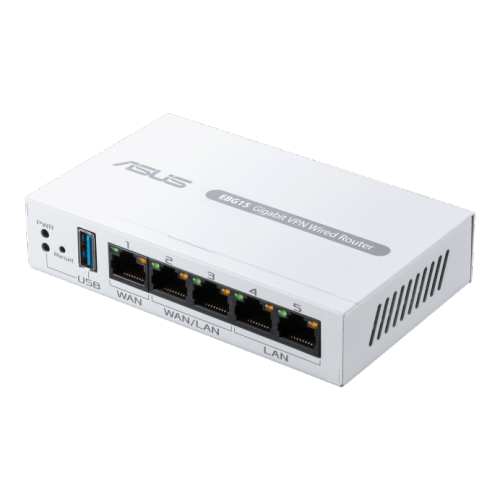
ASUS Expertwifi Ebg15
About this product
A commercial-grade wired router offering up to 3 WAN ports, IPS intrusion prevention, and centralized management.
(5)$119.99 Your price for this item is $119.99 -
4
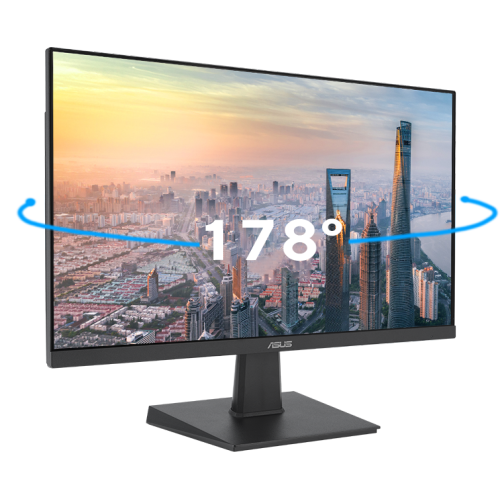
ASUS Eye Care 27" 1080P HD Ips Led Gaming Monitor (Va27Ehf) - Adaptive-Sync - 100Hz
About this product
A black IPS LED monitor offering Full HD resolution, 100Hz refresh rate, and wide 178° viewing angles.
(2)$198.99Your price for this item is $198.99SAVE $35 -
5
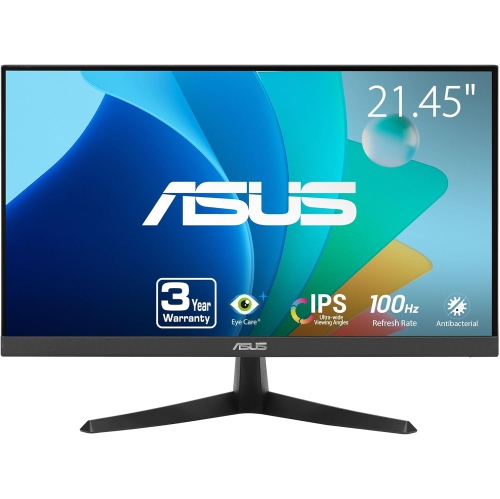
ASUS Vy Eye Care 21.45" 1080P HD Ips Lcd Gaming Monitor (Vy229Hf) - Adaptive-Sync - 100Hz
About this product
An FHD IPS gaming monitor with 100Hz refresh rate, 1ms response, and advanced eye care features.
(2)$134.00 Your price for this item is $134 -
6
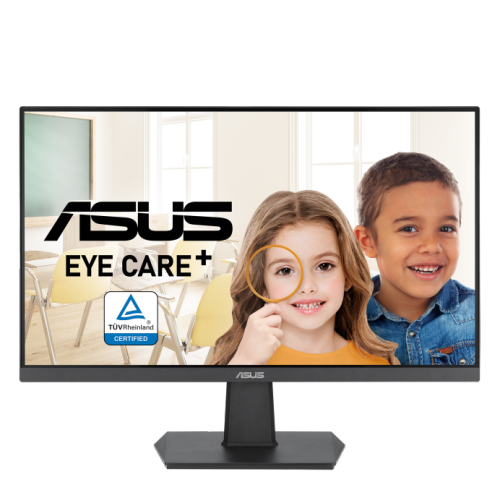
ASUS 23.8" 1080P HD Ips Led Gaming Monitor (Va24Ehf) - Adaptive Sync - 100Hz
About this product
A Full HD IPS gaming monitor with 100Hz refresh rate, 1ms response time, and Adaptive Sync technology.
(2)$96.95Your price for this item is $96.95SAVE $73 -
7
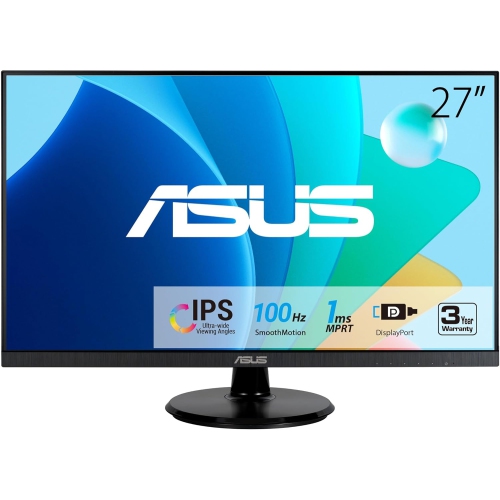
ASUS 27" Va27Dqf Eye Care Monitor
About this product
A Full HD IPS gaming monitor with 1ms response time, 100Hz refresh rate, HDMI, and DisplayPort connectivity.
(2)$285.99Your price for this item is $285.99SAVE $31 -
8
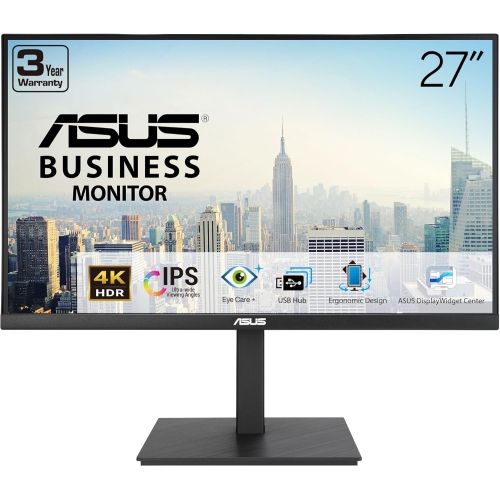
ASUS 27" 4K Uhd Ips Lcd Monitor (Va27Uqsb) - Flicker-Free/blue Light - HDr10 - Adaptivesync
About this product
A 27-inch 4K UHD IPS monitor with HDR-10, ergonomic design, stereo speakers, and blue light filter.
(1)$449.00 Your price for this item is $449 -
9
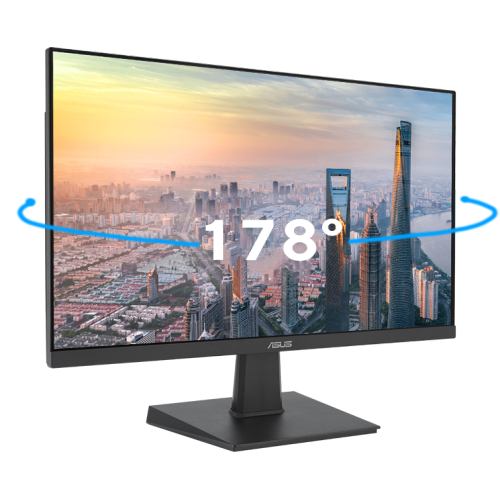
ASUS Eye Care 23.8" 1080P HD Ips Led Gaming Monitor (Va24Ehf) - Adaptive-Sync - 100Hz
About this product
An IPS LED monitor in black with Full HD resolution, 100Hz refresh rate, and wide 178° viewing angles.
(1)$142.49Your price for this item is $142.49SAVE $7 -
10
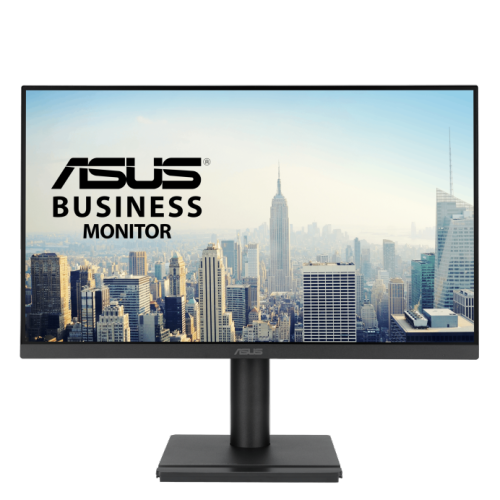
ASUS 24" 1080P HD Ips Monitor (Va249Qgse) - Flicker-Free/low Light - 120Hz - Adaptive-Sync In Blue
About this product
A frameless 24-inch IPS monitor with Full HD, 120Hz refresh rate, Adaptive-Sync, and ergonomic design.
(1)$212.89Your price for this item is $212.89SAVE $21
FAQ
Start with your main use, such as office work, gaming or creative projects. Compare panel type, resolution, refresh rate, connectivity and stand adjustability. ASUS monitors offer different combinations of these features, so check the specifications against your needs.
ASUS monitors are available with panel technologies such as IPS, VA and OLED. IPS panels typically offer wide viewing angles, VA panels are known for high native contrast, and OLED panels use individually lit pixels. Panel availability and specifications vary by model.
Depending on the model, ASUS monitors may include HDMI, DisplayPort, USB-C, USB hub ports and audio outputs. Some USB-C ports support video input and power delivery, but not all offer the same functions. Check the monitor’s port specifications and your computer’s supported connections.
Select ASUS gaming monitors include high refresh rates, Adaptive-Sync support, variable refresh rate compatibility and gaming-focused display presets. Available features differ by model, so check compatibility with your computer or console.
For photo editing, video editing or design, compare colour gamut coverage, factory calibration details, colour presets and resolution. Specifications may list coverage for colour spaces such as sRGB or DCI-P3. Choose features that match the requirements of your creative workflow.
Top selling and popular products
Discover more categories related to Best ASUS Monitors
Some products may be subject to Environmental Handling Fees (EHF) depending on your province. Learn more about EHFs.