Best Monitors for PS4
Find the best monitors for PS4 with options ranked by user review ratings. Whether you enjoy fast-paced multiplayer matches or immersive single-player adventures, compare screen sizes, resolutions, and HDMI connectivity to find a monitor that suits your setup. Look for low input lag and clear visuals to help you stay focused on the action.
What to look for in monitors for PS4
1. Resolution and Screen Size
2. HDMI Compatibility
3. Refresh Rate and Responsiveness
4. Audio and Headphone Options
-
1
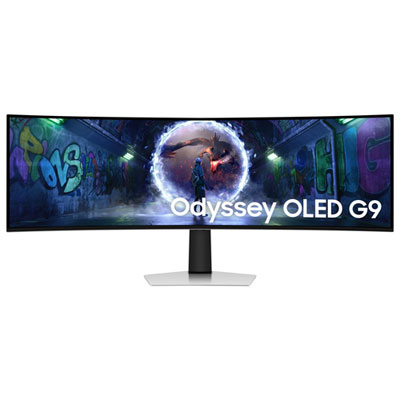
Samsung Odyssey G9 49" Ultrawide Curved 1440p WQHD OLED Gaming Monitor (LS49DG936SNXGO) - G-Sync/FreeSync - 0.03ms GTG - 240Hz - Silver - Only at Best Buy
About this product
An ultra-wide curved OLED gaming monitor in silver with 240Hz refresh rate and G-Sync/FreeSync support.
(10)$1,399.99Your price for this item is $1399.99SAVE $700 -
2
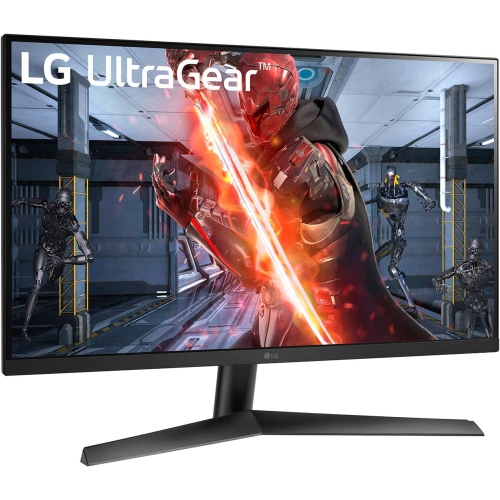
LG Ultragear 27" 1080P HD Ips Led Gaming Monitor - G-Sync Compatible/freesync Premium - 1Ms Gtg - 144Hz HDr10
About this product
A high-performance gaming monitor with 144Hz refresh rate, 1ms response, HDR10, and G-SYNC/FreeSync support.
What customers like
(50)$225.99Your price for this item is $225.99SAVE $74 -
3
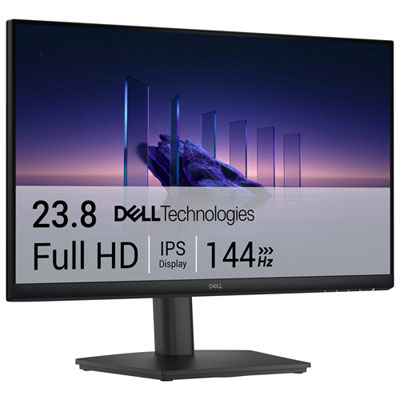
Dell 24" 1080p HD IPS LCD Gaming Monitor (SE2426HS) - 1ms GTG - 144Hz
About this product
A black IPS gaming monitor delivering smooth 144Hz refresh rate, 1ms response, and vibrant 1080p visuals.
What customers like
(159)$169.99 Your price for this item is $169.99 -
4
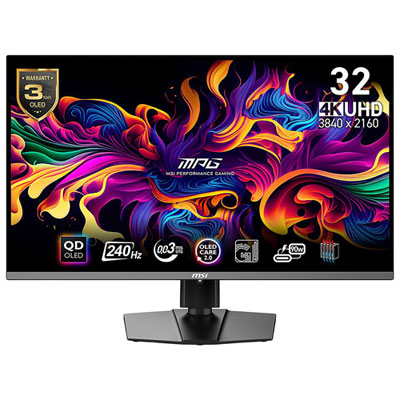
Msi MPG 32" 4K UHD QD-OLED Gaming Monitor (MPG 321URX) - 0.03ms GTG - 240Hz - DisplayHDR True Black 400
About this product
A 32-inch 4K OLED gaming monitor with 240Hz refresh rate, 0.03ms response time, and HDR True Black 400.
What customers like
(244)$1,249.99 Your price for this item is $1249.99 -
5
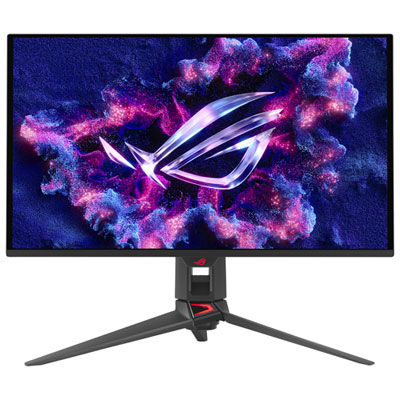
ASUS ROG Swift 27" 4K UHD QD-OLED Gaming Monitor (PG27UCDM) - G-SYNC - 0.03ms GTG - 240Hz Only at Best Buy
About this product
A 27-inch black QD-OLED monitor with 4K resolution, 240Hz refresh rate, and 0.03ms response time.
What customers like
(121)$1,599.99 Your price for this item is $1599.99 -
6
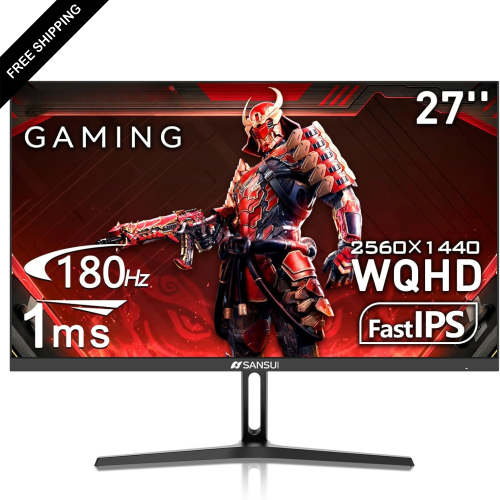
LDAS ELECTRONICS Koorui 27" 1440P Qhd Ips Led Gaming Monitor (27E3Q) - 1Ms Gtg - 180Hz - HDr400
About this product
A black fast IPS gaming monitor with 200Hz refresh rate, HDR400, adaptive sync, and wide colour gamut.
(1)$229.99Your price for this item is $229.99SAVE $130 -
7
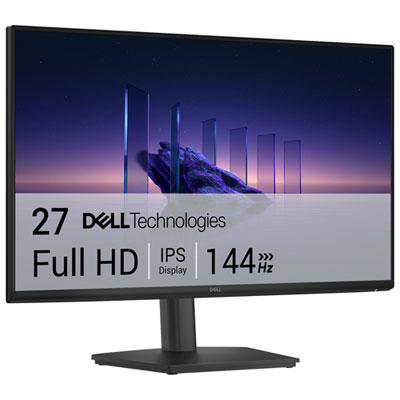
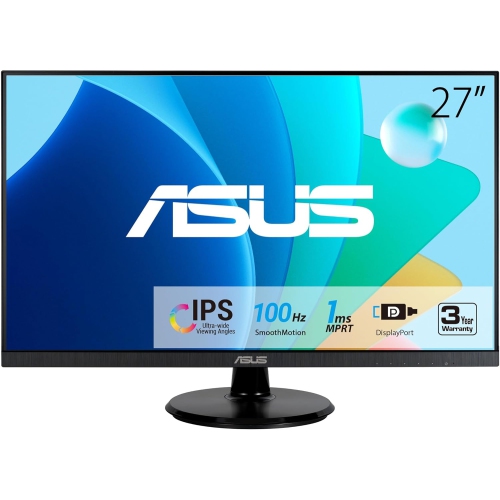
Dell 27" 1080p HD IPS LCD Gaming Monitor (SE2726HS) - 1ms GTG - 144Hz
About this product
A black IPS gaming monitor with 144Hz refresh rate, 1ms response time, and TÜV-certified eye comfort.
What customers like
(156)$159.99Your price for this item is $159.99SAVE $40 -
8
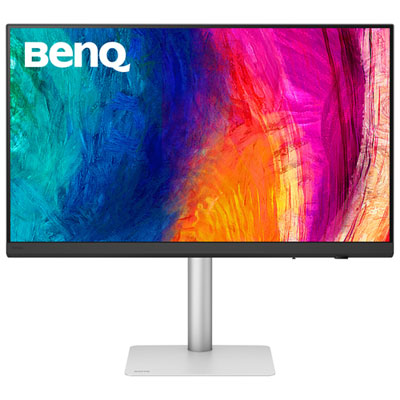
BenQ 31.5" 4K UHD IPS LED Monitor (PD3226G) - 144Hz - 1ms GTG - Thunderbolt 4
About this product
A black IPS LED monitor offering 4K Ultra HD resolution, 144Hz refresh rate, and 1ms response time.
(2)$1,249.99 Your price for this item is $1249.99 -
9

Samsung 27" 4K UHD IPS LCD Monitor (LS27D702EANXGO) - Flicker-Free/Blue Light - HDR10
About this product
A 27" 4K Ultra HD monitor with fast refresh rate, reduced motion blur, and stunning color accuracy.
What customers like
(209)$279.97Your price for this item is $279.97SAVE $50
FAQ
A 1080p monitor matches the maximum gaming output of the original PS4 and PS4 Slim. For PS4 Pro, a compatible 4K monitor can display higher-resolution output in supported games. PS4 consoles do not output 1440p natively, so check that a 1440p monitor also accepts a 1080p signal over HDMI.
A monitor that supports 60 Hz over HDMI matches the PS4’s maximum refresh rate. You can use a compatible 120 Hz or 144 Hz monitor, but the console will still output at up to 60 Hz. Individual games may run at 30 fps or 60 fps.
Choose a monitor with an HDMI input, as all PS4 models send video and audio through HDMI. A DisplayPort-only monitor cannot connect directly using the console’s HDMI cable. For PS4 Pro output at 4K and 60 Hz, look for an HDMI 2.0 input or later with support for that signal.
HDMI carries PS4 audio to a monitor with built-in speakers. If the monitor has a headphone or audio output, you may also be able to connect headphones or powered speakers. Another option is plugging wired headphones into the DUALSHOCK 4 controller’s 3.5 mm jack and selecting All Audio in the console’s headphone output settings.
All PS4 models support HDR output for compatible games when the console software is up to date. The monitor must accept HDR10 through its HDMI input; an HDR label alone does not confirm compatibility with every input. You may need to enable HDR in both the monitor’s menu and the PS4’s video output settings.
Top selling and popular products
Discover more categories related to Best Monitors for PS4
Some products may be subject to Environmental Handling Fees (EHF) depending on your province. Learn more about EHFs.