Best Monitors for PS4 Pro

Find the best monitors for PS4 Pro, ranked by user review ratings to help you compare gamer favourites. Whether you’re after sharp 4K visuals, low input lag, or a screen that fits your gaming setup, explore options with the features that matter most to you. Look for HDMI compatibility and support for your preferred resolution at 60Hz to make the most of your console.

Read More

What to look for in monitors for PS4 Pro

1. Resolution and Screen Size

A 4K monitor lets you take advantage of the PS4 Pro’s higher-resolution output in supported games, while a 1080p monitor can be a more affordable choice. Choose a screen size that suits your desk space and viewing distance.

2. HDMI Compatibility

Look for a monitor with HDMI 2.0 and support for 4K at 60Hz over HDMI to make the most of the PS4 Pro’s output. HDCP 2.2 support is also important if you plan to stream protected 4K video content.

3. Input Lag and Response Time

Low input lag helps your controls feel responsive, while a fast pixel response time reduces motion blur and ghosting. The PS4 Pro outputs up to 60Hz, so a higher-refresh-rate monitor will not increase its frame rates, though it may suit a future console or PC upgrade.

4. HDR and Picture Quality

For HDR gaming, choose a monitor that accepts HDR10 over HDMI. Strong contrast, high peak brightness and effective local dimming help highlights and shadow details stand out; basic HDR compatibility alone does not guarantee a noticeable improvement.
  1. 1

    SAMSUNG Odyssey G93Sc 49" Curved Dual Qhd Oled Gaming Monitor (Ls49Cg932Snxza) - Freesync Premium Pro - 240Hz - Displayhdr True 400 In Black

    About this product

    An immersive black OLED curved gaming monitor featuring 240Hz refresh rate, 0.03ms response, and Dual QHD resolution.

    What customers like

    • Great features and specs
    • Easy to use
    • Clear and immersive display
    • High performance and speed
    • Reliable quality
    (28)
    $1,599.00
    SAVE $400
    Your price for this item is $1599
  2. 2

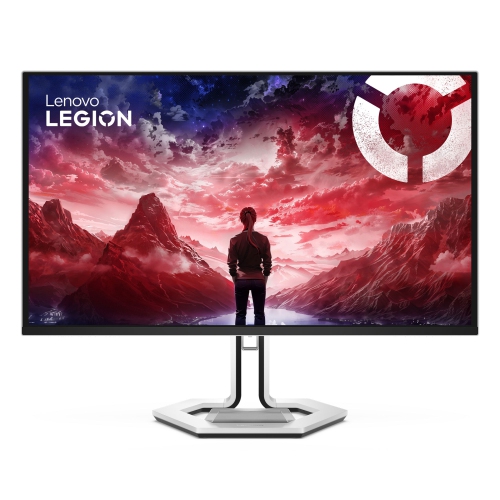
    LENOVO Legion Pro 27" 4K Uhd Oled Gaming Monitor (27Ud-10) - Freesync Premium Pro - 240Hz - Dolby Vision

    About this product

    A high-performance 26.5-inch gaming monitor delivering sharp visuals and smooth gameplay for immersive experiences.

    $1,399.99 Your price for this item is $1399.99
  3. 3

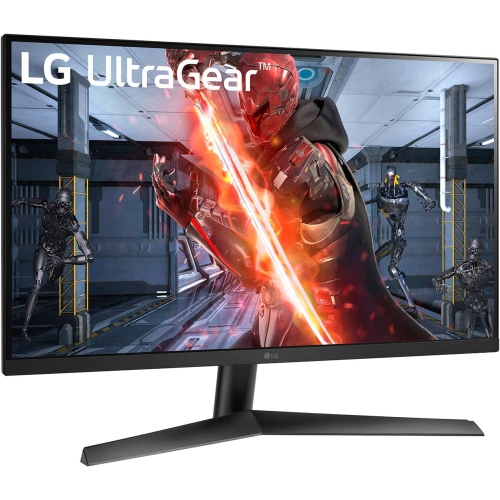
    LG Ultragear 27" 1080P HD Ips Led Gaming Monitor - G-Sync Compatible/freesync Premium - 1Ms Gtg - 144Hz HDr10

    About this product

    A high-performance gaming monitor with 144Hz refresh rate, 1ms response, HDR10, and G-SYNC/FreeSync support.

    What customers like

    • Long battery life
    • Easy Bluetooth pairing
    • Good sound quality
    • Comfortable and lightweight design
    • Affordable price
    (50)
    $225.99
    SAVE $74
    Your price for this item is $225.99
  4. 4

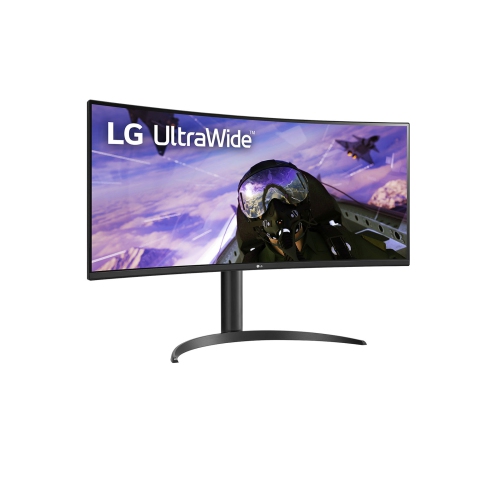
    LG 34” Ultrawide Curved Qhd 2K (3440 X 1440) 160Hz/144Hz, 1Ms Mbr, HDr10, Srgb 99%, Amd Freesync Premium, Built-In Speakers Gaming Monitor

    About this product

    An ultrawide curved QHD gaming monitor with 160Hz refresh rate, HDR10, sRGB 99%, and built-in speakers.

    $824.68 Your price for this item is $824.68
  5. 5

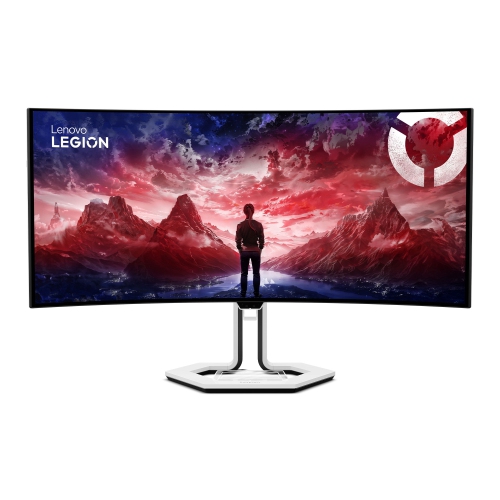
    LENOVO Legion Pro 34" Ultrawide Curved Uwqhd Oled Gaming Monitor (34Wd-10) - Freesync Premium Pro - 0.03Ms Gtg - 240Hz

    About this product

    An immersive curved OLED gaming monitor with WQHD resolution, 240Hz refresh rate, and USB-C docking support.

    (11)
    $1,679.99 Your price for this item is $1679.99
  6. 6

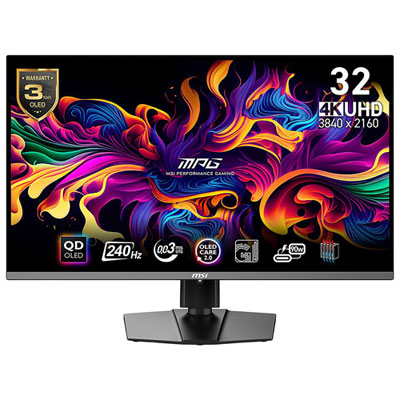
    Msi MPG 32" 4K UHD QD-OLED Gaming Monitor (MPG 321URX) - 0.03ms GTG - 240Hz - DisplayHDR True Black 400

    About this product

    A 32-inch 4K OLED gaming monitor with 240Hz refresh rate, 0.03ms response time, and HDR True Black 400.

    What customers like

    • Ultra-fast 240Hz refresh rate and low response time
    • Stunning 4K OLED picture quality
    • Excellent color accuracy and deep contrast
    • Great value and competitive pricing
    • Robust features including HDR, USB-C power delivery, and KVM switch
    (245)
    $1,099.99
    SAVE $150
    Your price for this item is $1099.99
  7. 7

    LG Ultragear 27" 1440P Qhd Ips Led Gaming Monitor (27Gn800-B) - Nvidia G-Sync/freesync Premium - 1Ms Gtg - 144Hz

    About this product

    A black IPS LED gaming monitor featuring QHD resolution, 144Hz refresh rate, and 1ms GTG response time.

    What customers like

    • Excellent G-Sync and FreeSync compatibility
    • Smooth gaming with high refresh rate and fast response time
    • Accurate colors and wide viewing angles
    • Sharp and vibrant QHD display
    • Great value and affordability
    (967)
    $574.68 Your price for this item is $574.68
  8. 8

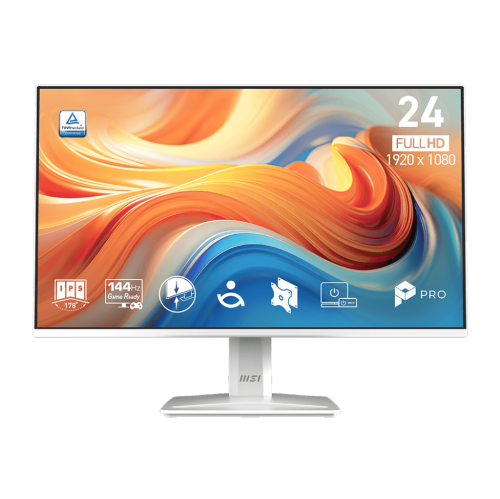
    MSI Pro 23.8" 1080P HD Ips Led Monitor (Pro Mp243W E14) - 144Hz - HDr Ready - Adaptive-Sync - In White

    About this product

    A white IPS monitor featuring 144Hz refresh rate, 1ms response time, HDR Ready, and tilt adjustment.

    (5)
    $144.99 Your price for this item is $144.99
  9. 9

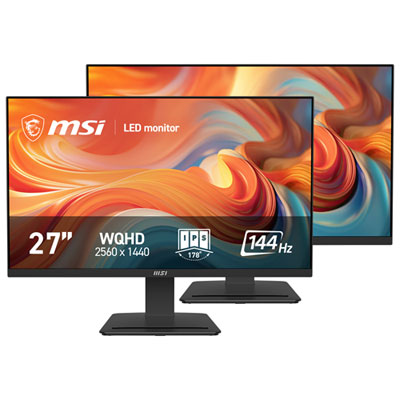
    MSI PRO 27" WQHD 144Hz 1ms GTG IPS LED Gaming Monitor (PRO MP273Q E14D) - 2 Pack

    About this product

    A two-pack of WQHD IPS gaming monitors with 144Hz refresh, 1ms response, Adaptive-Sync, and HDR Ready.

    $399.99 Your price for this item is $399.99
  10. 10

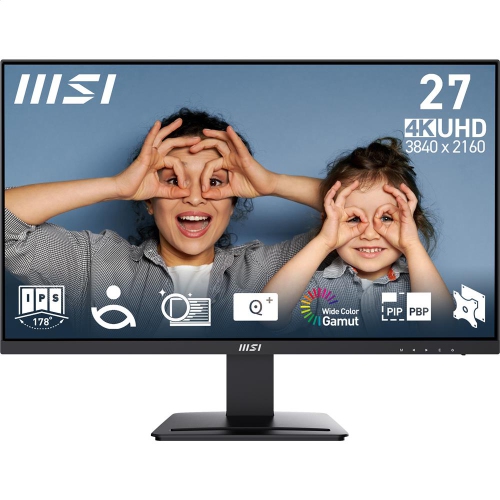
    MSI Pro 27" 4K Uhd Ips Led Monitor (Mp273U) - Flicker-Free - HDr Ready - Adaptive-Sync

    About this product

    A 4K UHD IPS monitor with vivid detail, wide viewing angles, flicker-free comfort, HDR, and Adaptive-Sync.

    (13)
    $279.99 Your price for this item is $279.99

Why 60Hz performance matters more than extra hertz

The best monitors for PS4 Pro bring together sharp resolution, responsive controls, and a screen size that feels comfortable at a desk. For this console, a 4K UHD monitor with a 3840 × 2160 resolution, support for a 60Hz signal over HDMI, and low input lag offers a well-matched combination of features. PS4 Pro can output at 4K, although the way games produce that image varies: some render at native 4K, while others use techniques such as checkerboard rendering or upscale from a lower resolution. A 4K panel displays that output without reducing it to Full HD, helping fine details such as distant buildings, foliage, and small interface text appear clearer. A 27-inch screen suits many desk setups, while a 32-inch display gives sweeping landscapes and split-screen sessions more room when there is enough viewing distance. Full HD monitors remain compatible and can make sense for smaller spaces or a display shared with other devices, but they do not show the console’s full 4K output. QHD monitors need closer attention to their supported HDMI signals because PS4 Pro does not output native 1440p. Some accept a 4K signal and scale it to their panel; others may require a 1080p signal, with different results for image clarity. Refresh rate is another important distinction. PS4 Pro outputs games at up to 60Hz, and individual games may run at 30 or 60 frames per second depending on their design and selected modes. A 144Hz or 240Hz monitor cannot make the console deliver more than 60 frames per second, though that extra capability may be useful with a compatible gaming computer. For a monitor used mainly with PS4 Pro, strong picture quality and responsive performance at 60Hz matter more than a high refresh-rate figure alone.

Picture quality also depends on how a monitor handles colour, contrast, motion, and the light in the room. IPS panels generally offer consistent colour across wide viewing angles, which is useful when a second player pulls up a chair or the screen doubles as a display for everyday computer tasks. VA panels often provide stronger native contrast, giving dark scenes more depth, although some can show trails behind darker moving objects. OLED panels offer very deep blacks and fast pixel transitions, but repeated static elements such as game maps, scoreboards, and desktop toolbars make their panel-care features and long-term usage considerations relevant. These differences can be noticeable in familiar situations: a dim corridor in an adventure game, a fast camera turn during a race, or bright lettering against a black menu. HDR10 compatibility allows a monitor to accept the console’s HDR signal in supported games, but an HDR label alone does not guarantee a dramatic improvement. Peak brightness, colour range, black levels, and effective local dimming on LCD monitors all influence how convincingly bright highlights and shadow detail appear together. A display with limited brightness and no meaningful control over its backlight may show only a modest difference between HDR and standard images. Input lag and pixel response time describe separate aspects of performance, too. Low input lag helps a button press translate promptly into an on-screen action, while suitable pixel response performance reduces smearing as objects move. The most aggressive response-time setting is not always the clearest; it can introduce bright or dark outlines around moving edges. Performance at 60Hz is especially relevant for this console, even when a monitor is advertised around much higher refresh rates. A matte screen finish can soften reflections from nearby windows or lamps, while careful positioning helps preserve contrast without relying on excessive brightness during longer gaming sessions.

A monitor’s physical design and connections shape how easily it fits into everyday play. HDMI compatibility is central: a suitable HDMI 2.0 input supports the bandwidth needed for 4K at 60Hz, while HDMI 2.1 is not necessary to reach the PS4 Pro’s maximum output. The monitor’s specifications should confirm the supported resolution and refresh rate over HDMI rather than only through DisplayPort, which the console does not use directly. Compatible cabling also matters, and HDCP 2.2 support is relevant for protected 4K video from compatible streaming services. Multiple HDMI inputs make it easier to leave a console and another device connected, while a USB hub can be useful for a shared desk without replacing the HDMI video connection. Audio deserves space in the setup as well. Not every monitor has speakers, and compact built-in speakers may be better suited to casual listening than to hearing subtle footsteps or the full impact of a soundtrack. A headphone output can provide another connection option, while compatible headphones can also connect through the controller. On a desk used for both gaming and work, a height-adjustable stand helps place the screen comfortably without stacking books underneath it. Tilt and swivel adjustments accommodate different seating positions, and VESA mounting support allows a compatible arm to free up surface space. A broad, stable base, firmly fitted casing, and secure ports are practical durability details, especially where cables are moved frequently. Stand depth matters as much as screen width when a desk also needs room for a keyboard, controllers, and charging accessories. For routine care, a clean microfibre cloth and the manufacturer’s cleaning directions help protect the panel’s surface; liquid should never be sprayed directly onto the screen. Clear ventilation space and cables routed without tension help keep the setup tidy and accessible. These monitors suit dedicated console players, students sharing a desk between assignments and games, and households creating a gaming space separate from the main television. As a gift, the most useful match depends on the recipient’s desk dimensions, audio setup, and other connected devices. The Best Gaming Monitors for Ps4 collection offers a related selection for shoppers considering displays across the PS4 family, while 4K capability remains a particularly useful distinction for PS4 Pro.
Read More

FAQ

Some products may be subject to Environmental Handling Fees (EHF) depending on your province. Learn more about EHFs.