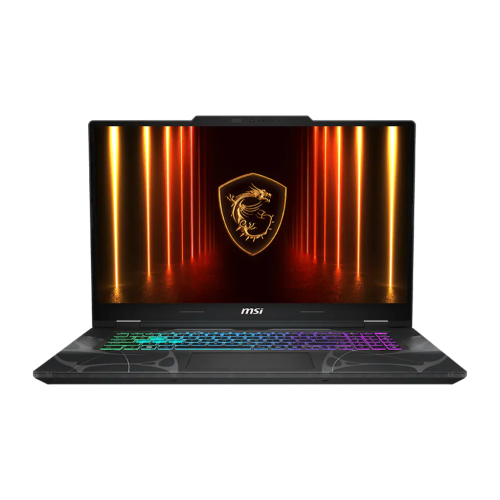
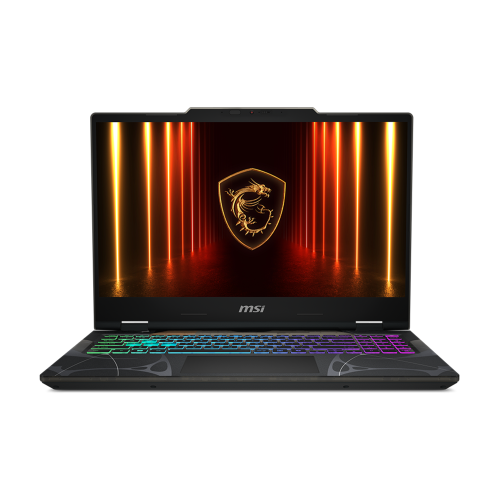
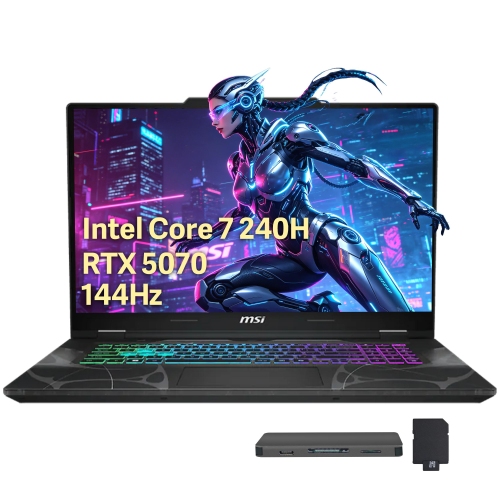
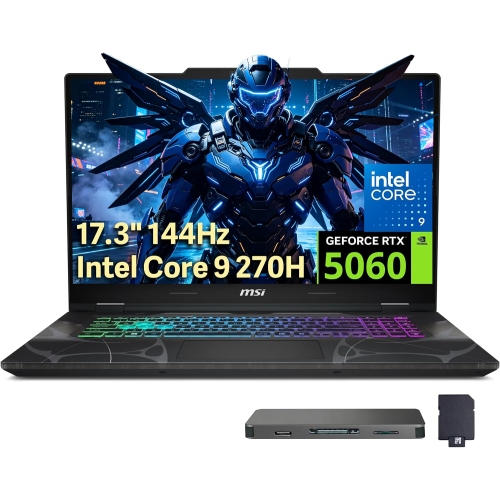
MSI Laptop Shop

Shop MSI laptops and compare processor, graphics, memory, storage, and screen size to find the right fit for your needs. Narrow your options based on the software you use, how often you carry your laptop, and your budget.
Sort

Why laptop specifications tell only part of the story

Laptops for gaming, creative work, school, and business combine portable design with different levels of processing power, graphics performance, and display quality. The right fit depends on what happens between opening the lid and closing it at the end of the day. A student moving between lectures may value manageable weight, comfortable typing, and enough battery life for notes and research. Someone editing video or building detailed digital artwork may need more memory, stronger graphics capabilities, and a screen that reproduces colour accurately. Gaming laptops place particular emphasis on graphics performance, cooling, and responsive displays, while productivity-focused designs often balance speed with portability. A processor handles tasks ranging from everyday browsing to complex calculations, but processor specifications alone do not describe the whole experience. Memory helps keep applications and larger projects accessible while several tasks are running, and a solid-state drive provides storage for the operating system, software, games, and personal files. Large game libraries, video footage, and design assets can fill storage quickly, so usable capacity matters alongside speed. Dedicated graphics hardware can support demanding games, rendering, and certain creative applications, although its value depends on the software being used. For someone who mainly writes documents, attends video calls, and streams entertainment, that extra capability may be less important than a lighter chassis or a quieter everyday experience. Game requirements and application requirements provide useful context when comparing configurations, especially where recommended specifications differ substantially from minimum requirements. Two laptops with similar component names can also behave differently because of cooling capacity, power settings, and overall design. Published specifications are therefore most useful when considered together rather than as isolated numbers. A computer intended for competitive play, for example, has different priorities from one used to prepare presentations at the kitchen table and carry to client meetings. Matching those priorities helps keep the focus on capabilities that will be useful, rather than features that sound impressive but have little effect on daily use.

The display, keyboard, and physical construction shape how a laptop feels long after the specification comparison is finished. A larger screen can make spreadsheets, editing timelines, and game interfaces easier to view, while a smaller chassis takes up less room in a backpack or on a shared desk. Resolution affects how much detail a screen can show, and text scaling influences whether that detail remains comfortable to read. Higher refresh rates can make supported games and on-screen movement look smoother, but the graphics hardware must be capable of delivering suitable performance to take full advantage of them. For photography, illustration, or video work, colour coverage and accuracy deserve attention alongside resolution; these qualities vary by display configuration. Screen brightness and surface finish also affect visibility near windows or under overhead lights. Beyond the screen, key spacing, travel, and the presence of a numeric keypad can influence comfort during long writing or data-entry sessions. A well-positioned trackpad is useful when working away from a mouse, while clearly marked keys can make shortcuts easier to find. Chassis materials may include metal, plastic, or a combination of both, with construction, hinge design, and weight all contributing to the overall feel. Metal surfaces can feel rigid and substantial, but material alone does not establish durability. How a laptop is carried, supported, and stored matters too. Performance-oriented designs may use larger cooling systems, which can add thickness and produce noticeable fan noise during demanding tasks. Slimmer designs offer a different balance, particularly for frequent travel between workspaces. Battery life varies with screen brightness, wireless activity, power settings, and workload, so a light browsing session is not a reliable comparison for gaming or video rendering. The power adapter also contributes to carrying weight. For regular commuting, the combined size of the computer, charger, protective sleeve, and any essential accessories gives a more realistic picture of portability than the laptop’s weight alone. A comfortable fit should account for both the work surface and the bag used to carry it.
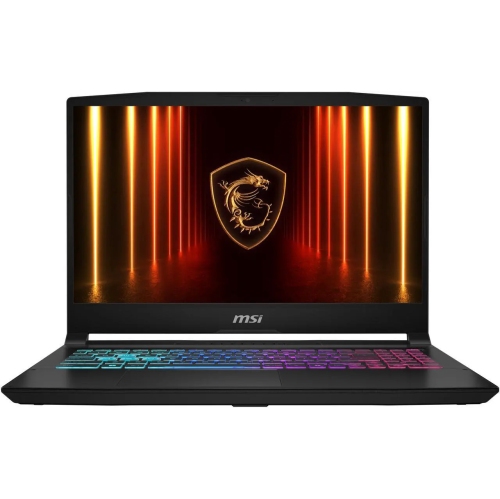
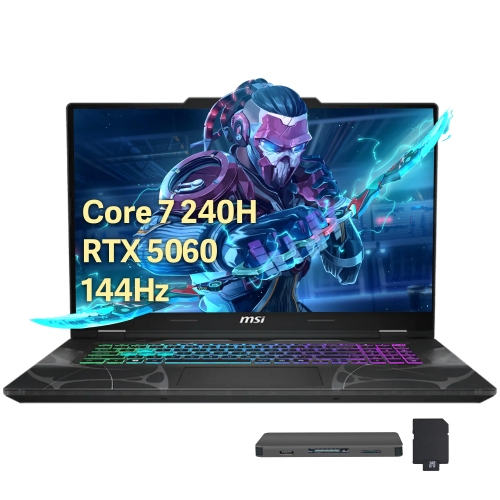
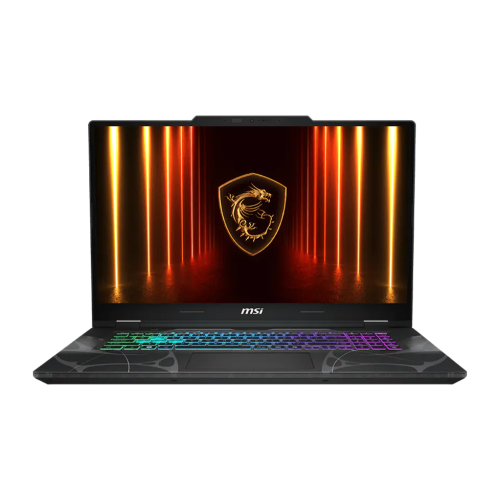
Connections and everyday care help determine how easily a laptop settles into an existing routine. USB ports can support peripherals and storage, while compatible display outputs allow a larger monitor to become part of a desk setup. USB-C describes a connector shape, not a guarantee that every port supports charging, video output, or the same transfer speeds; those capabilities depend on the laptop’s specifications. Dock compatibility is worth checking when a single connection is expected to handle several accessories. Wi-Fi capabilities matter for wireless networking, while an Ethernet connection can be useful where a wired network is preferred. A webcam, microphone, and suitable audio connections can simplify remote classes, team meetings, or online play. For a setup that stays at one desk, MSI Desktops offer another computer format to consider, while laptops suit people who need the same machine in more than one place. Keeping that mobility practical involves straightforward care: a padded sleeve helps protect against everyday scuffs, and a supportive bag reduces pressure on the lid during transport. A hard, flat surface leaves ventilation openings less likely to be blocked than bedding or a cushion. Cleaning should follow the manufacturer’s directions, with the computer powered down and liquids kept away from openings. Keeping software updated and maintaining a separate backup of important files can also reduce disruption when a device needs service or replacement. Memory and storage upgrades are possible on some designs, but access, compatibility, and service requirements vary, so future expansion should never be assumed. A laptop can make a meaningful graduation or birthday gift for someone starting a program, developing a creative interest, or building a gaming setup. In that situation, knowing the recipient’s required software, preferred screen size, and portability needs is more useful than choosing by appearance alone. Those practical details help connect the computer’s design to the person using it, whether their day involves lecture notes, project files, multiplayer matches, or a mix of all three.
FAQ

Some products may be subject to Environmental Handling Fees (EHF) depending on your province. Learn more about EHFs.