Desk Clamps
Elevate your workspace with our selection of high-quality desk clamps, designed to optimize both functionality and comfort. Perfect for home offices, professional environments, or creative studios, these versatile accessories help you make the most of your desk space. Whether you're looking to secure monitors, organize cables, or create a clutter-free setup, our range of desk clamps offers reliable solutions to enhance your productivity and streamline your workflow. Explore our collection today and discover how the right desk clamp can transform your work area into an efficient and ergonomic haven.
Sort

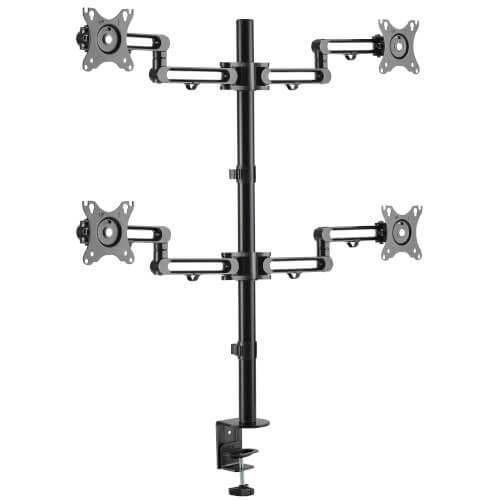
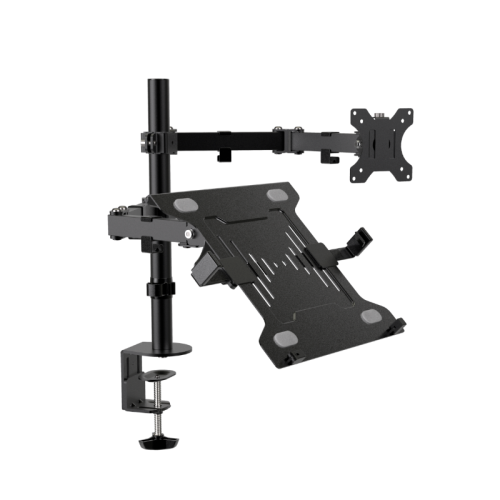
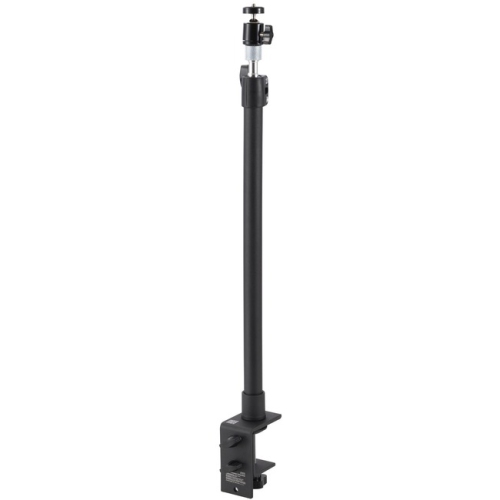
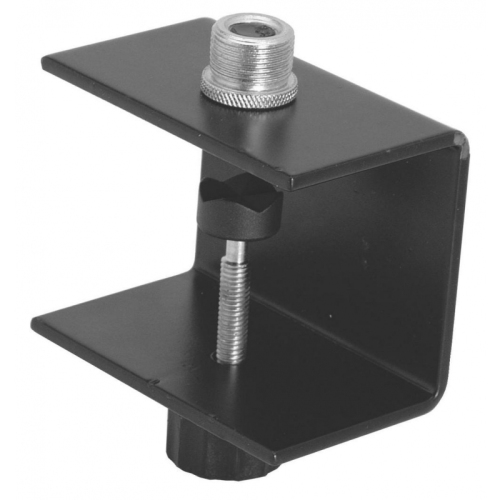
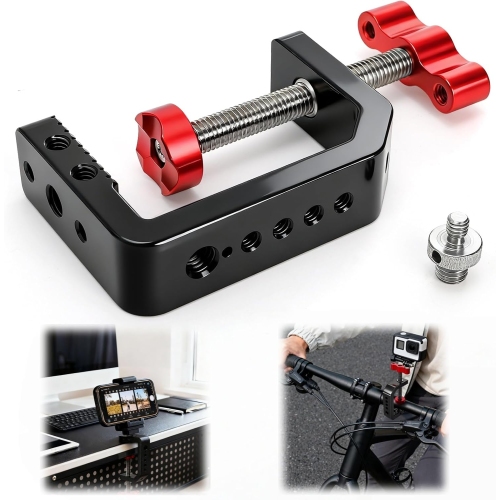
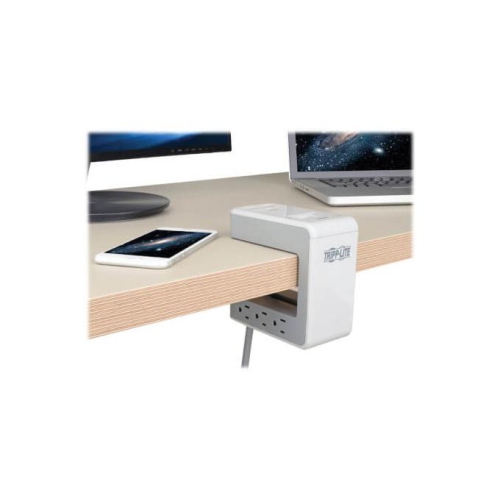
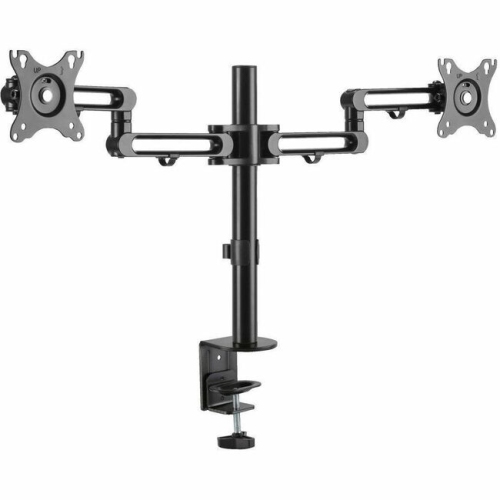

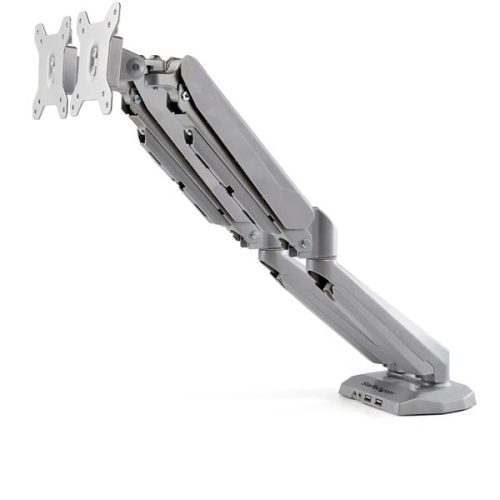
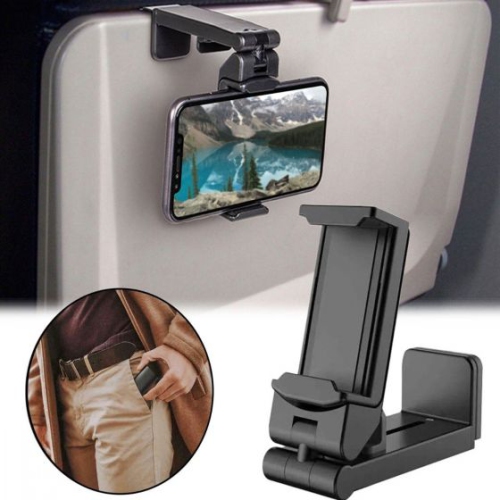
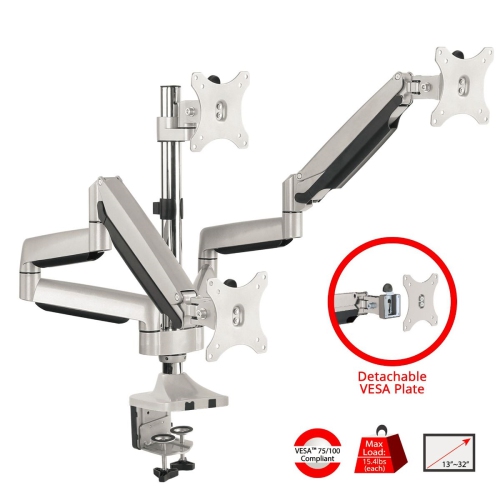
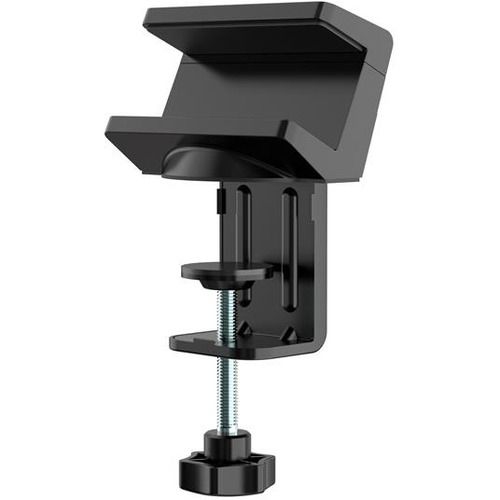
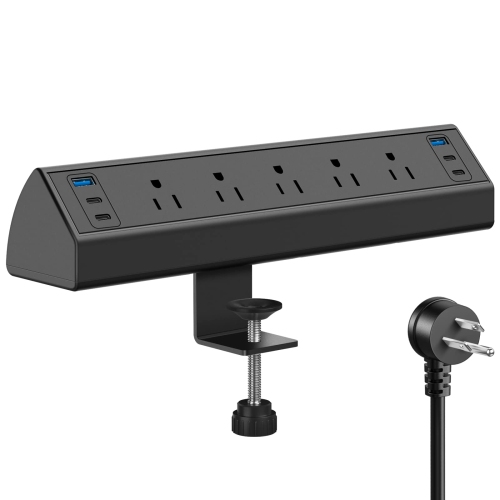
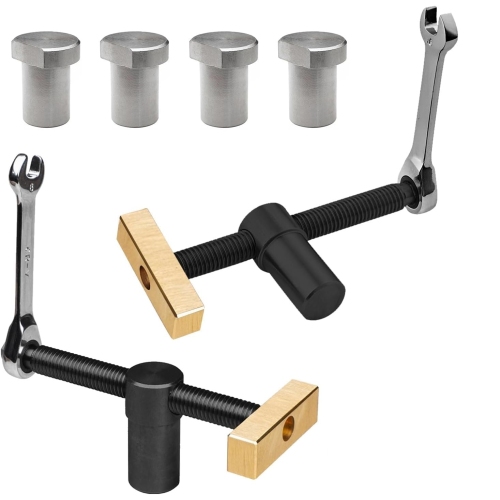
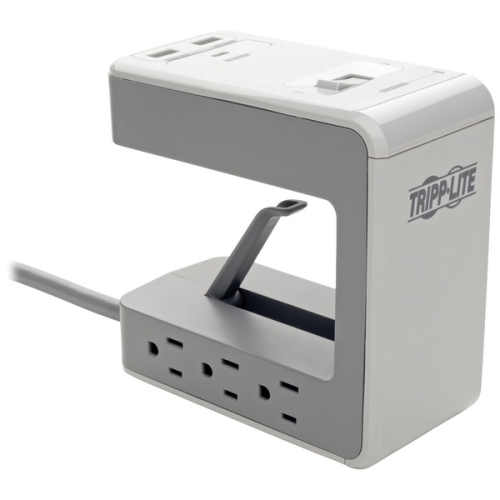
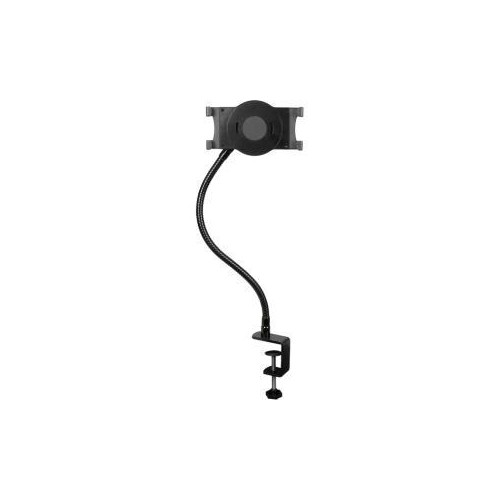
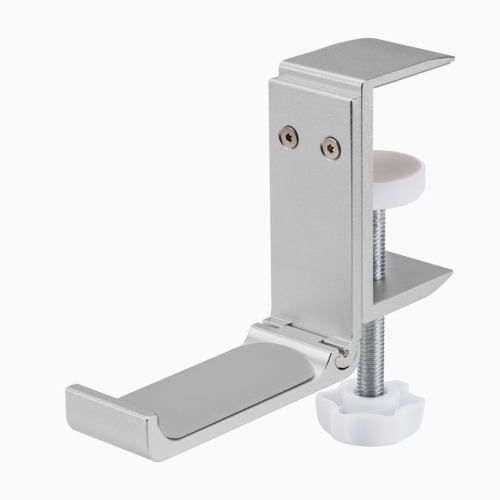
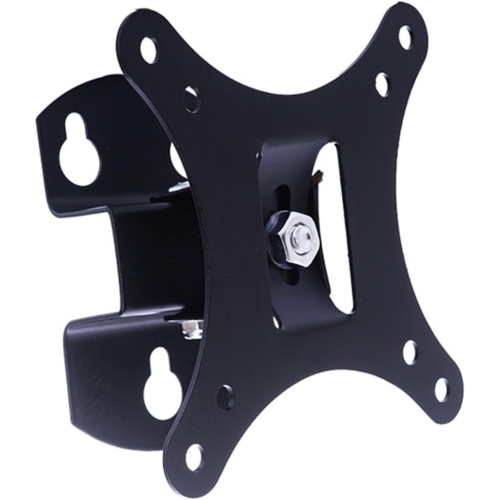
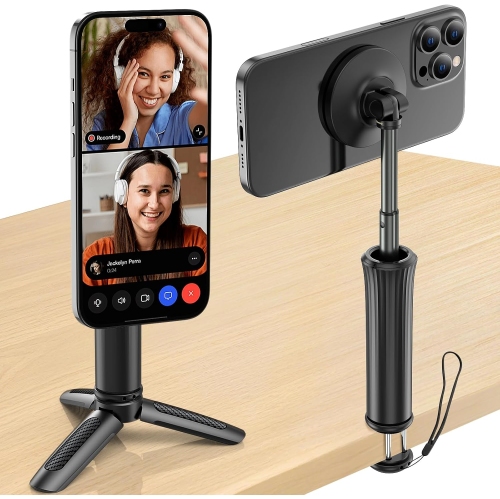
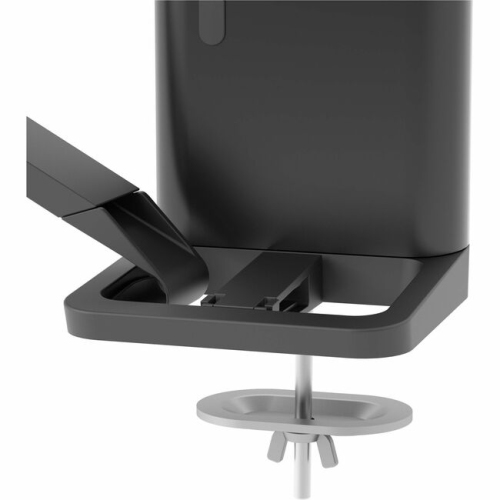
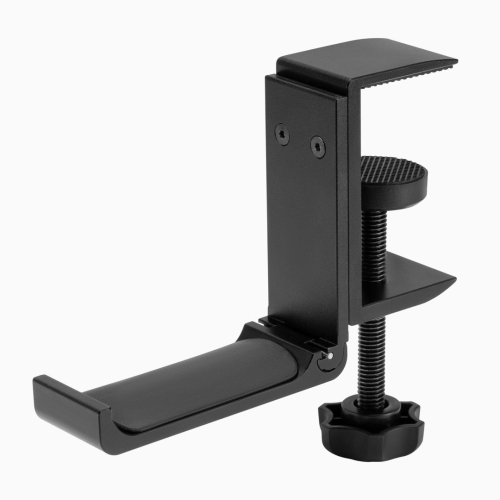
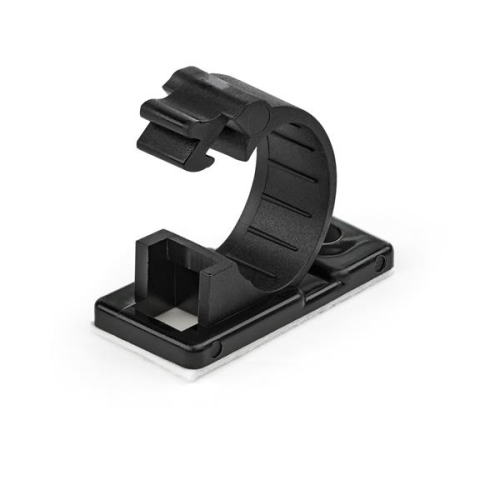
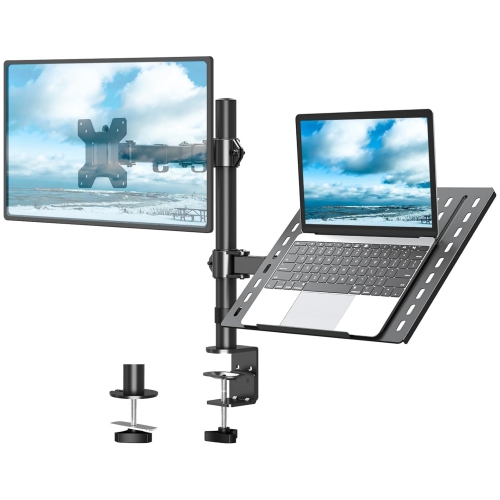
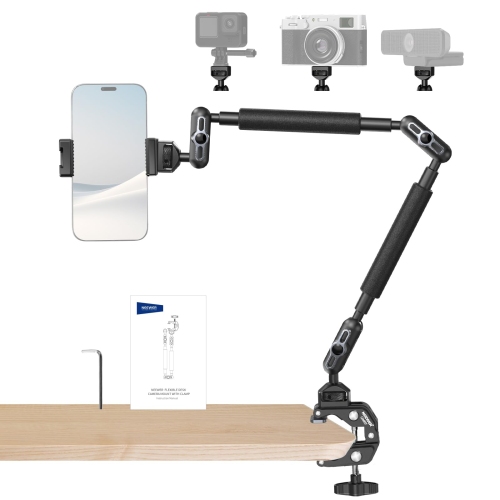
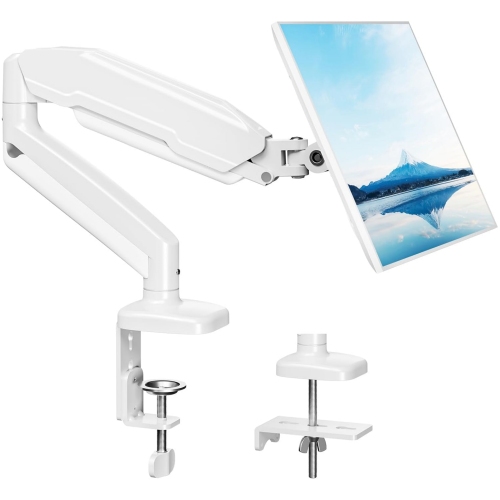
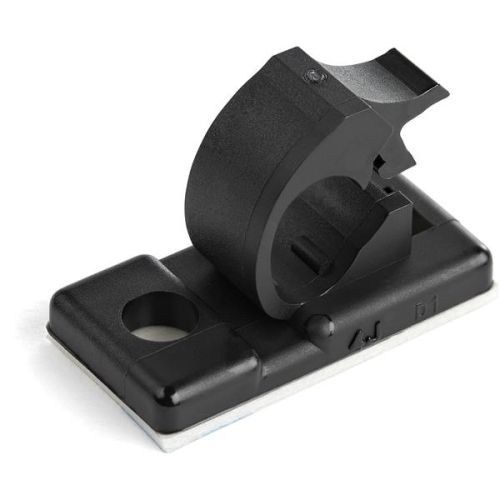
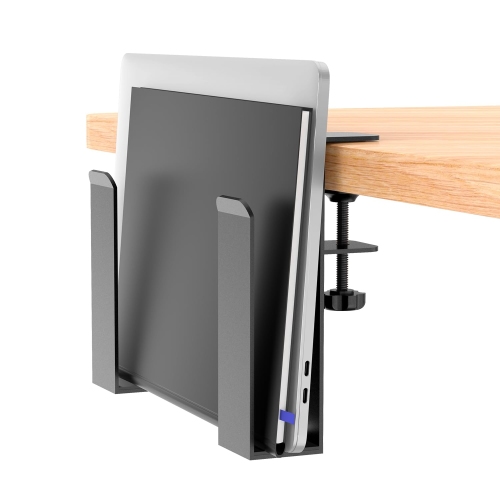
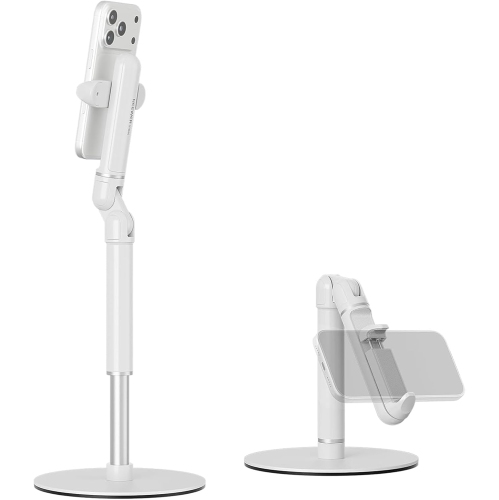
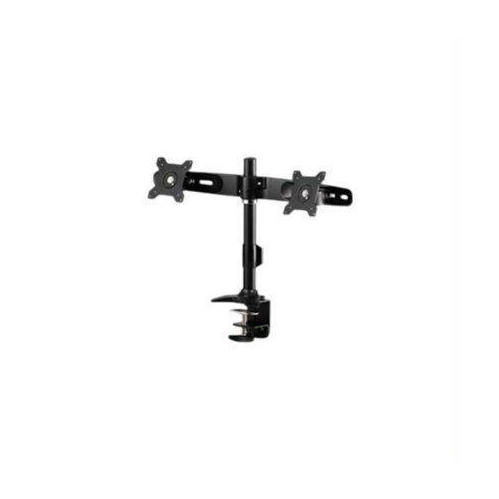
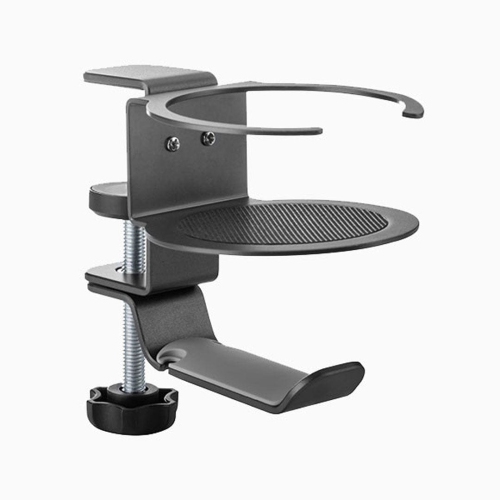
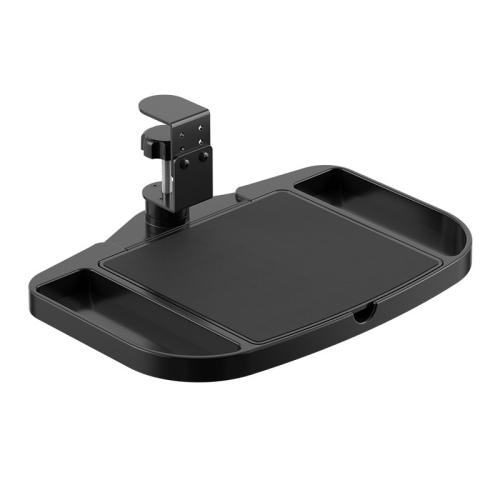
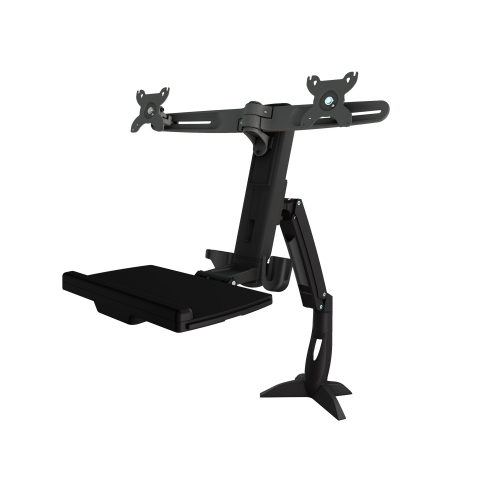
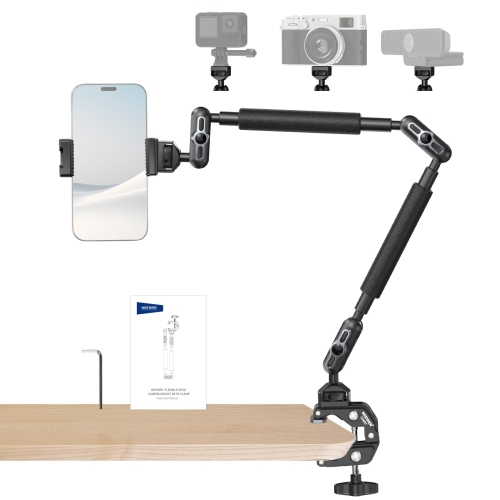
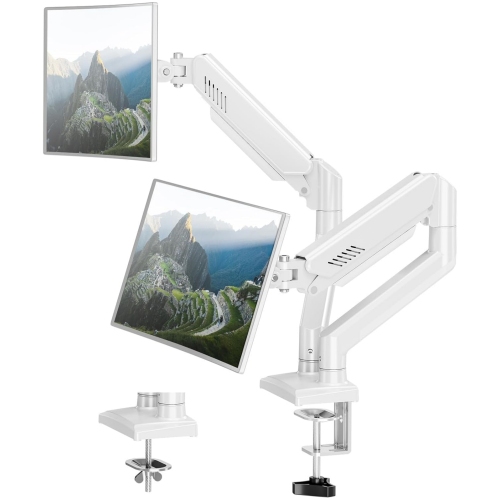
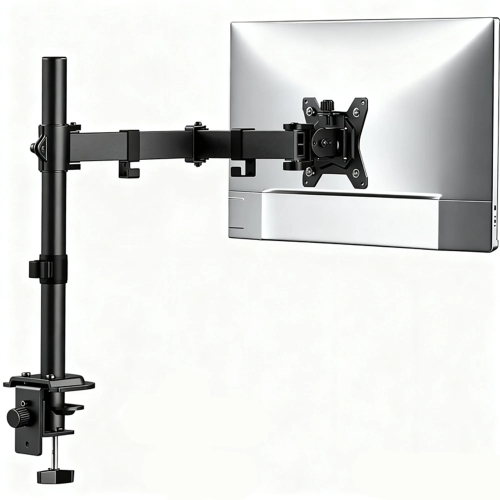
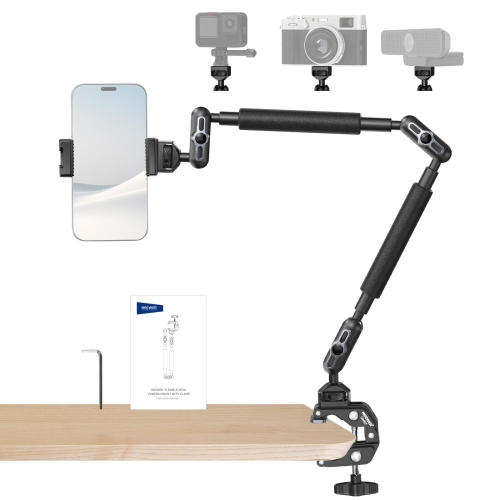
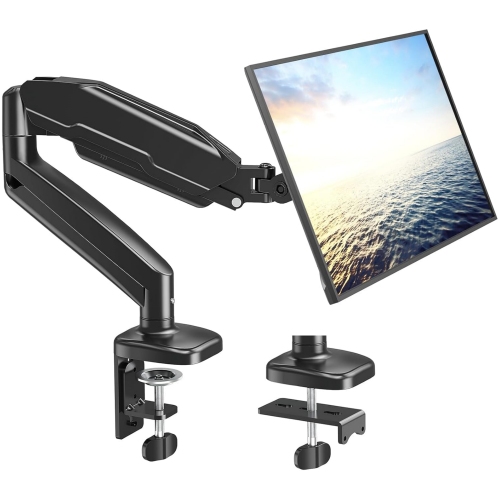
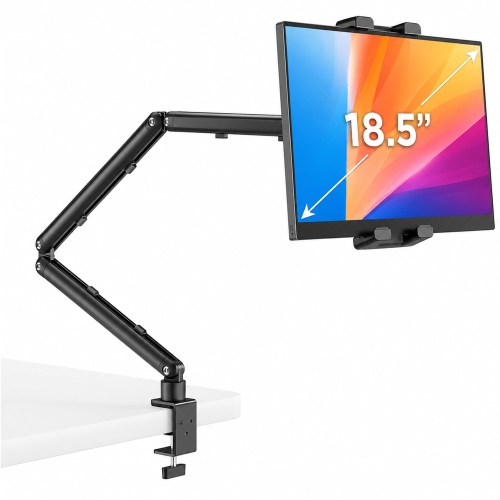
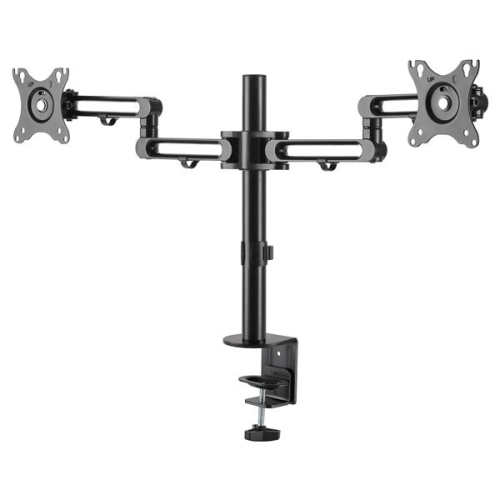
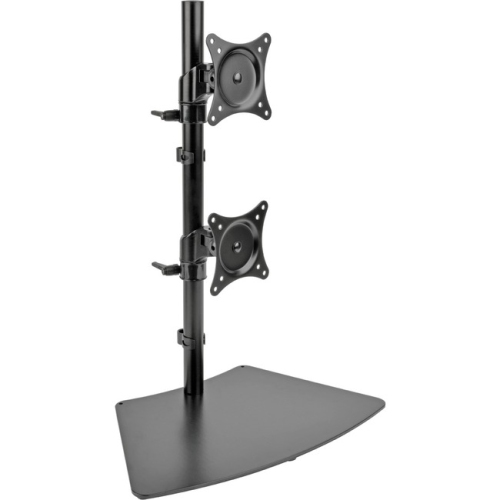
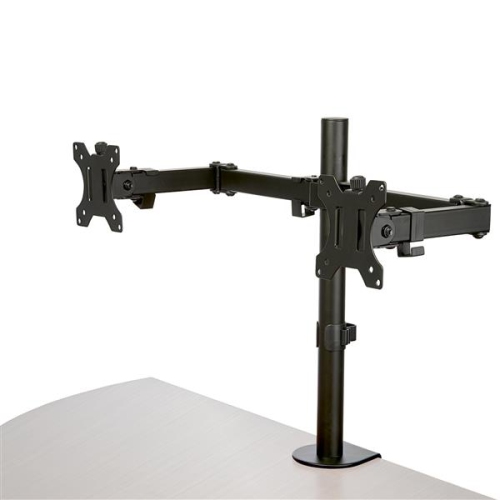
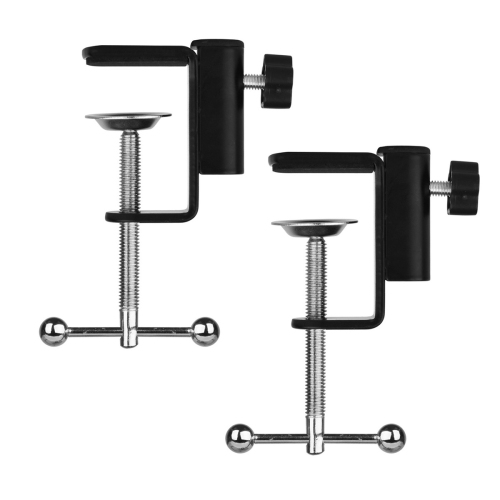
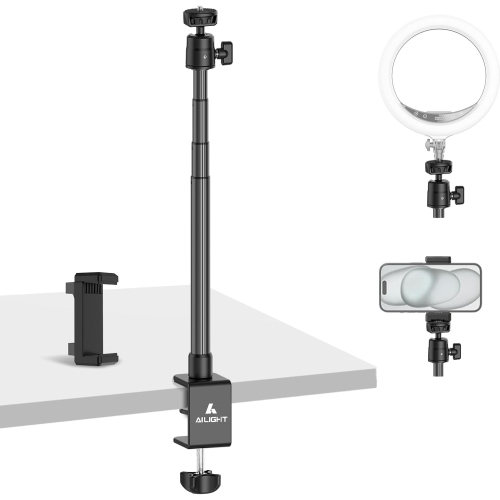
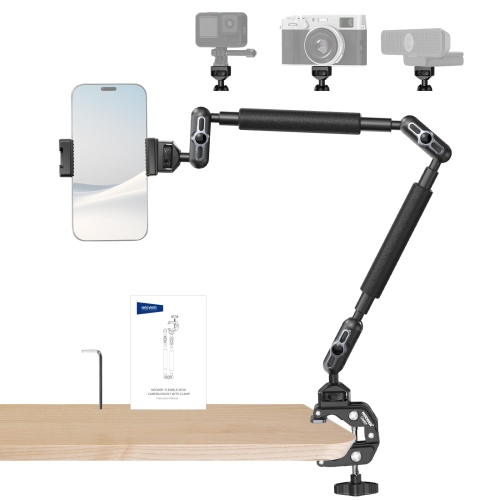
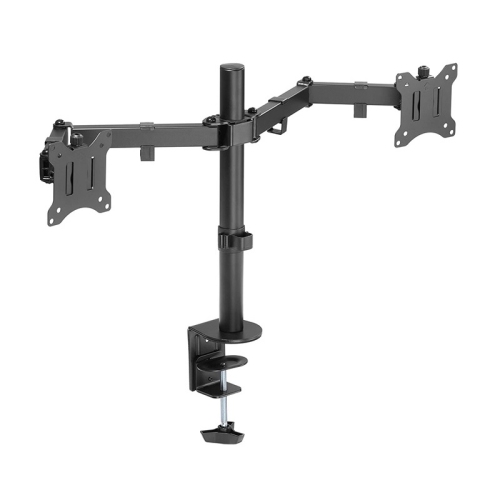
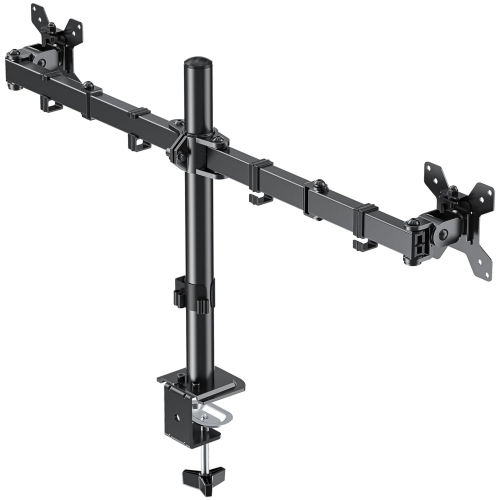
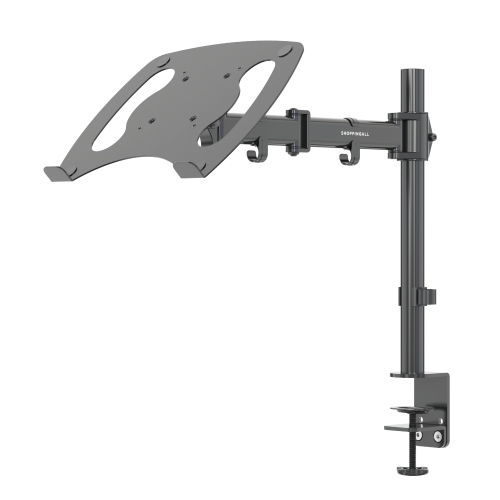
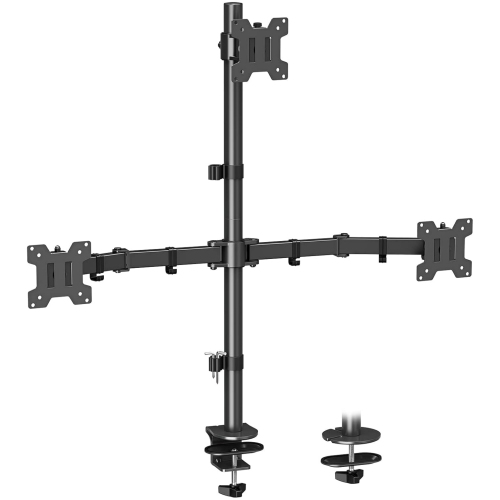
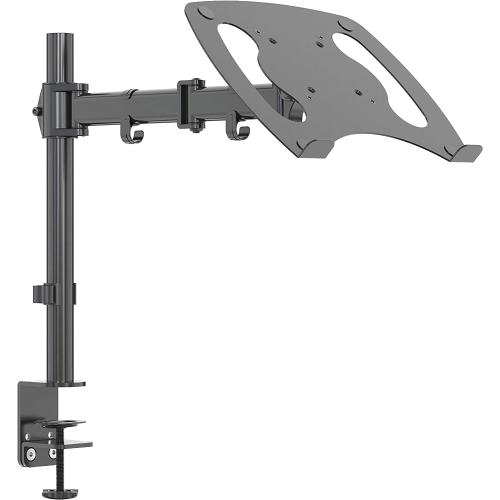
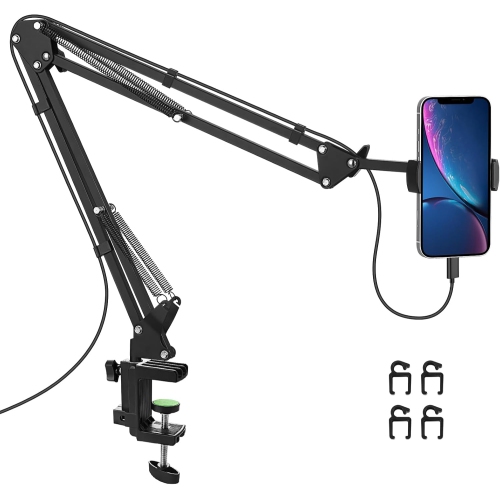
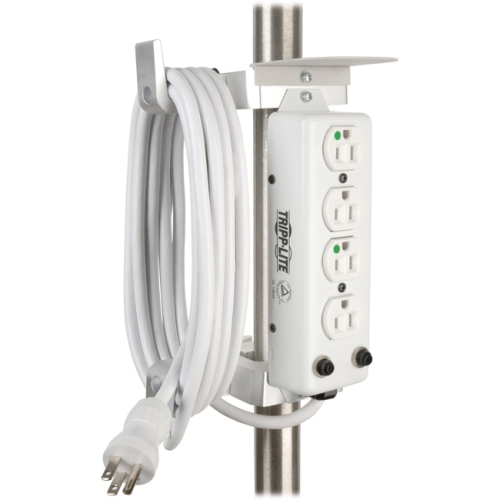
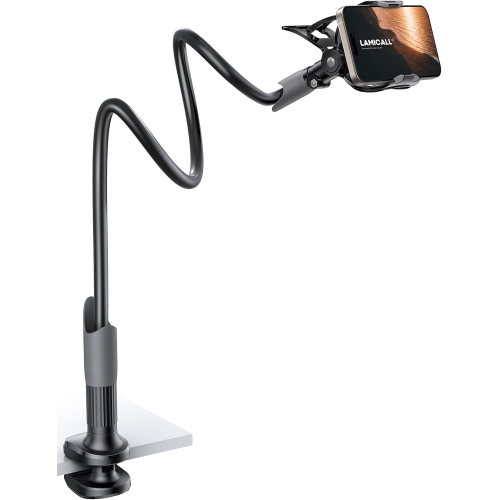
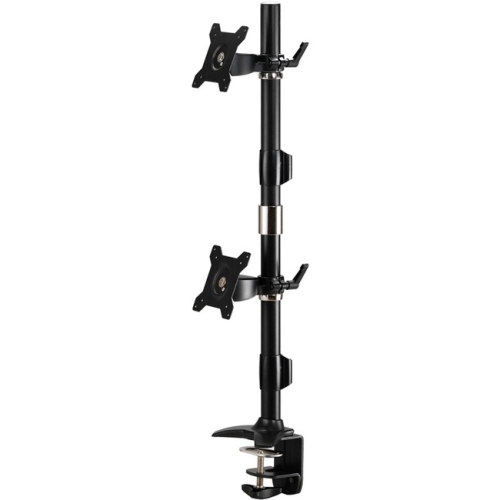
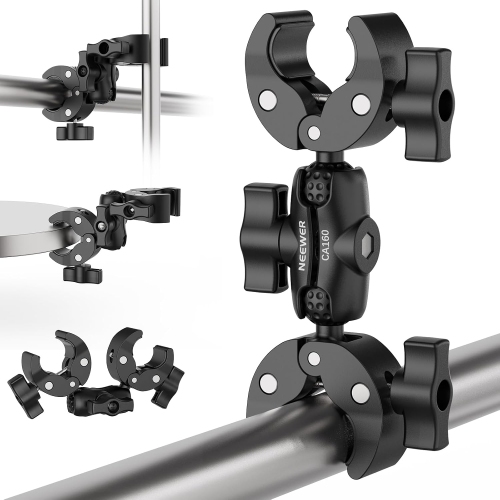
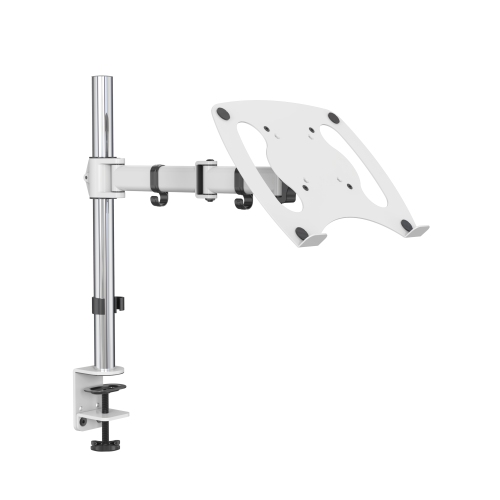
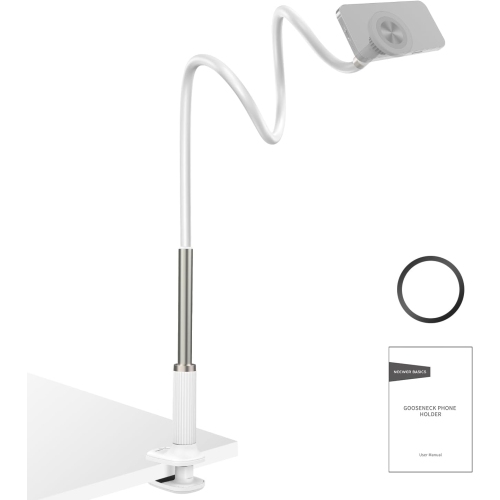

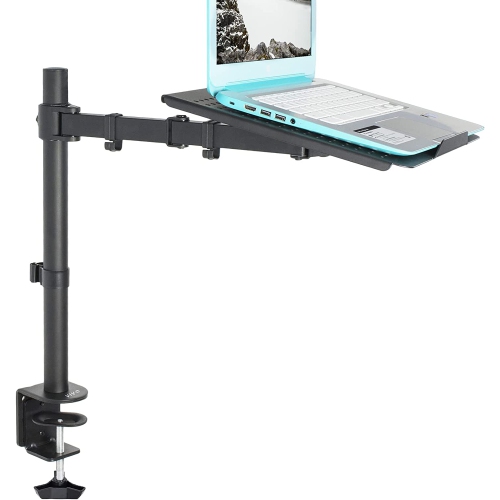
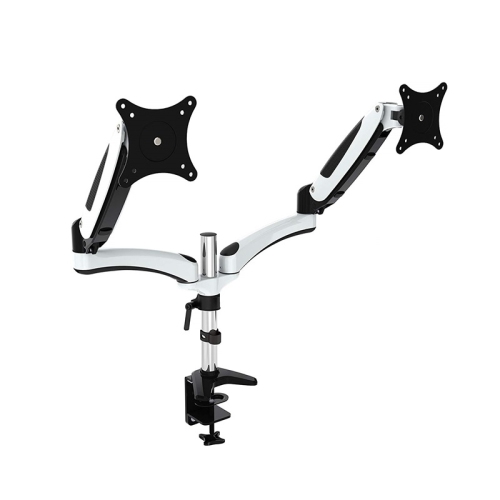
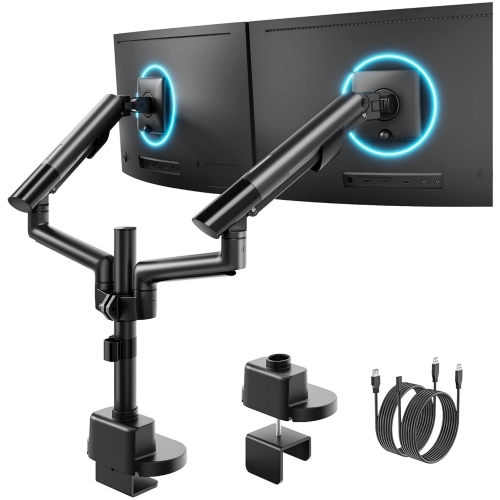
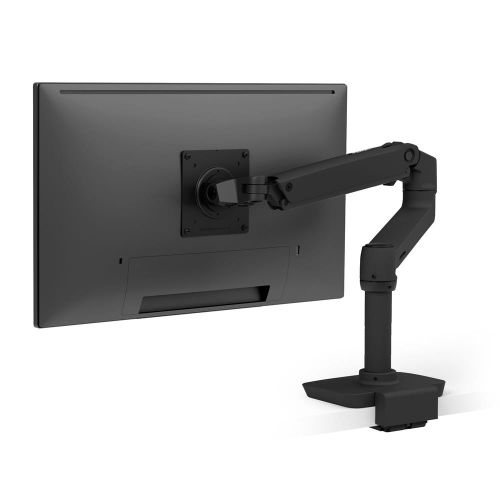
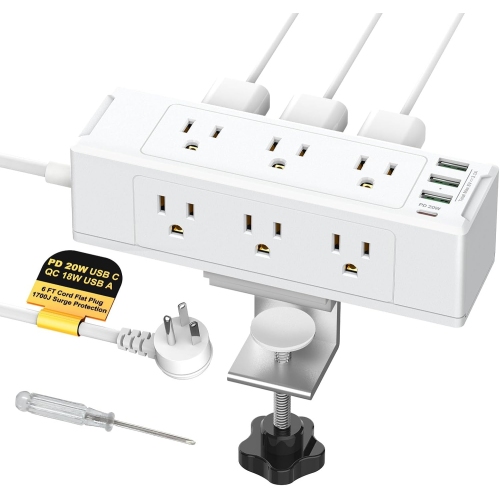

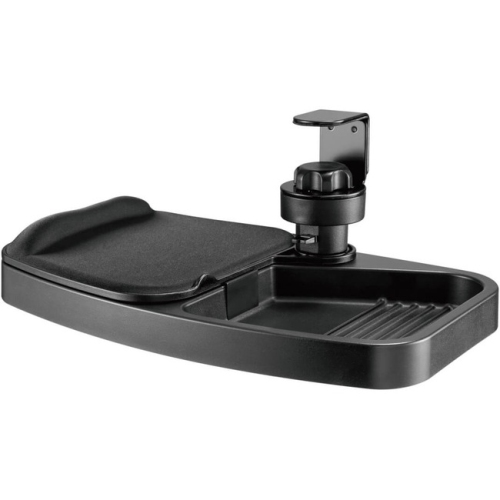
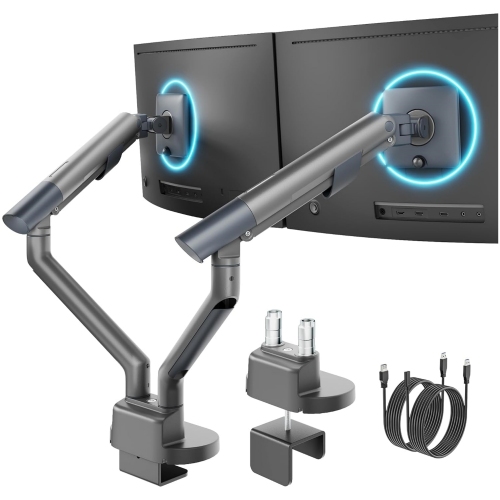
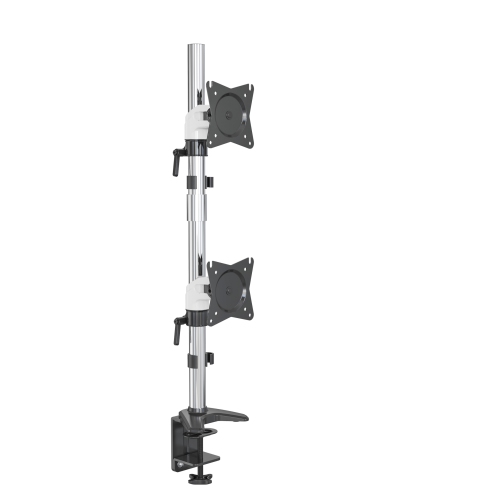
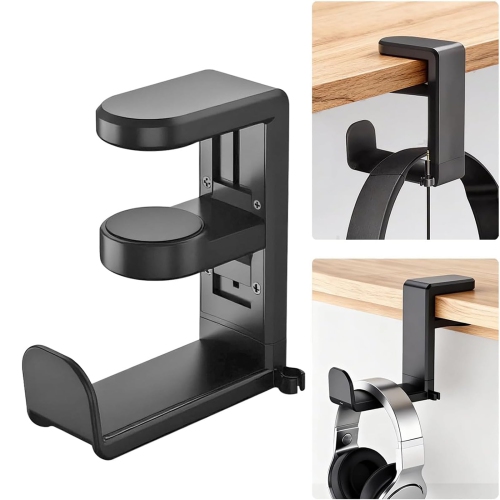
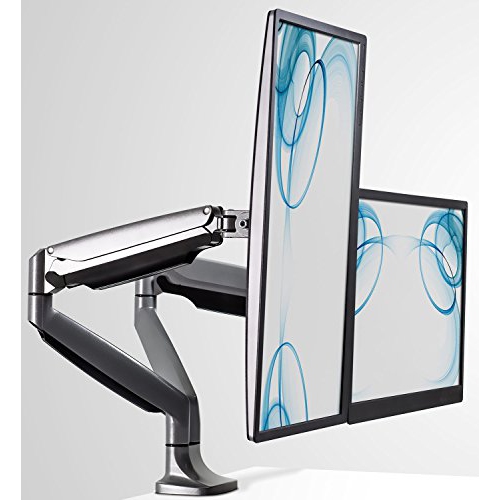
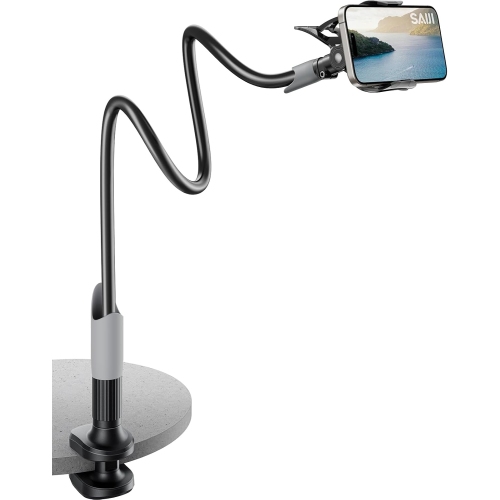
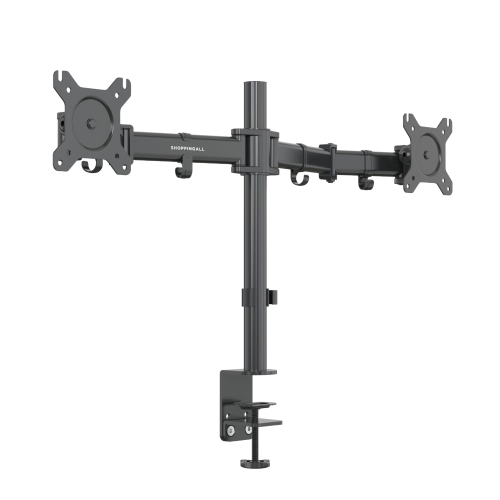
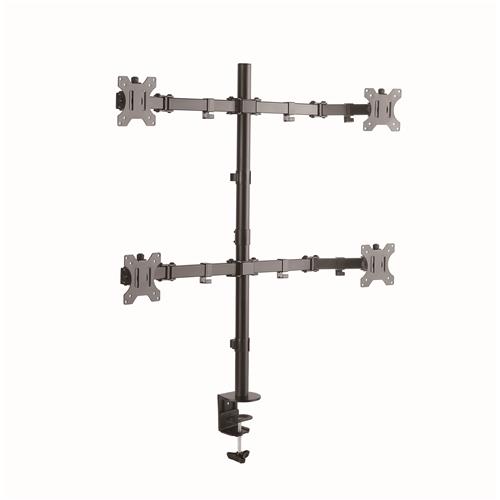

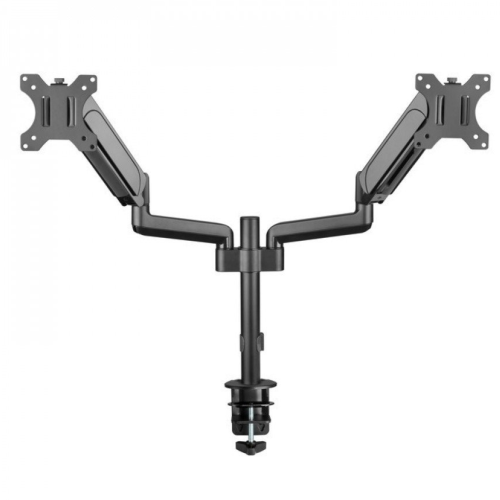
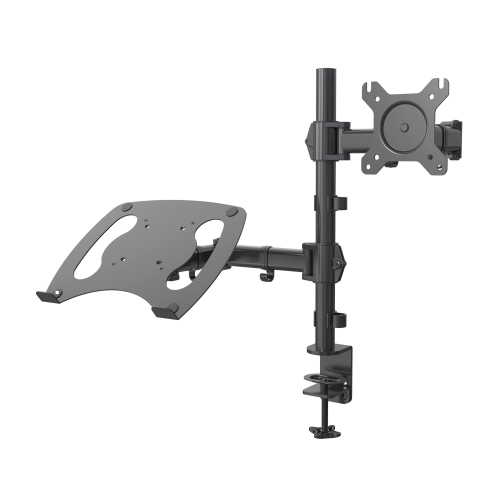
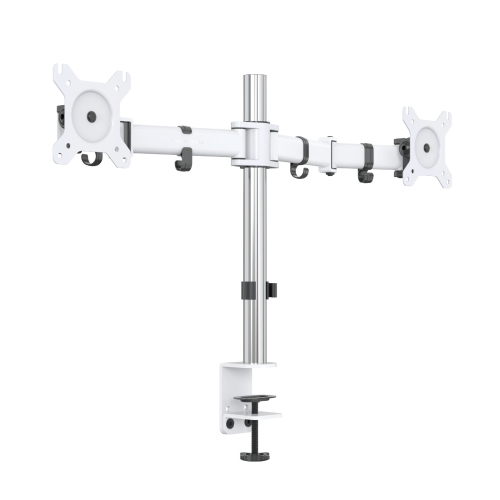

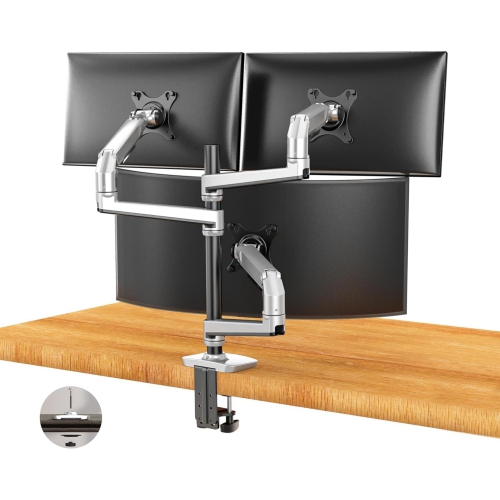
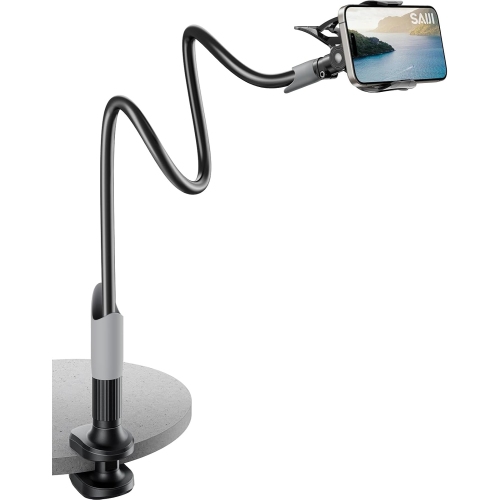
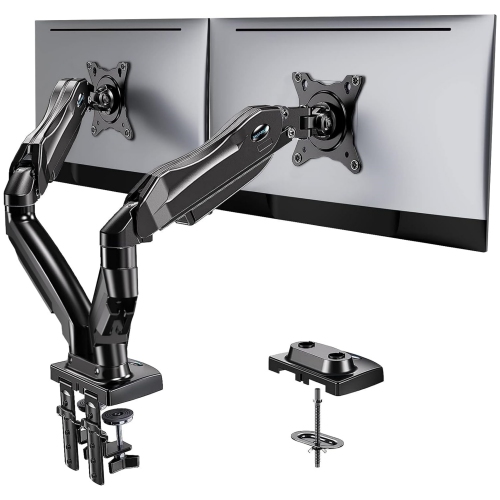
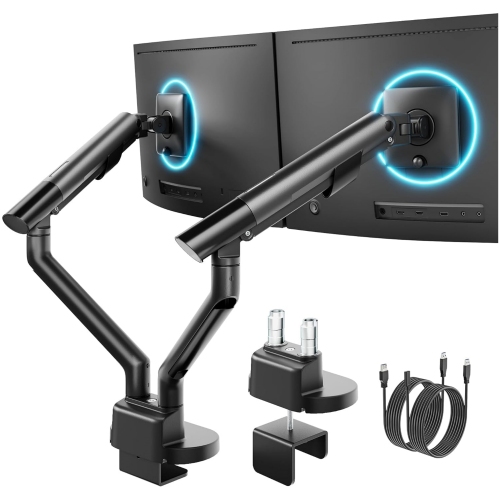
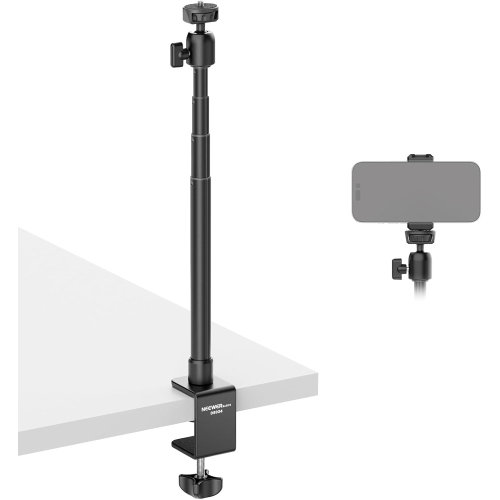

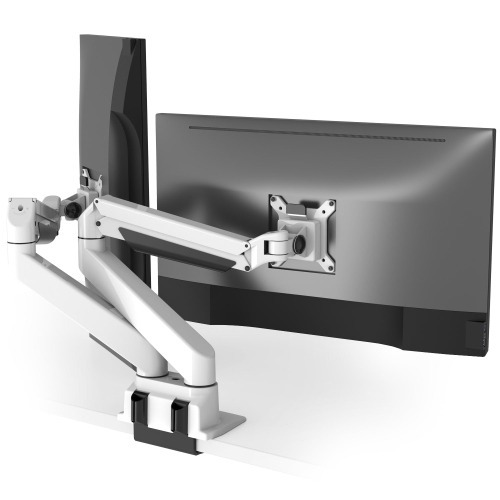
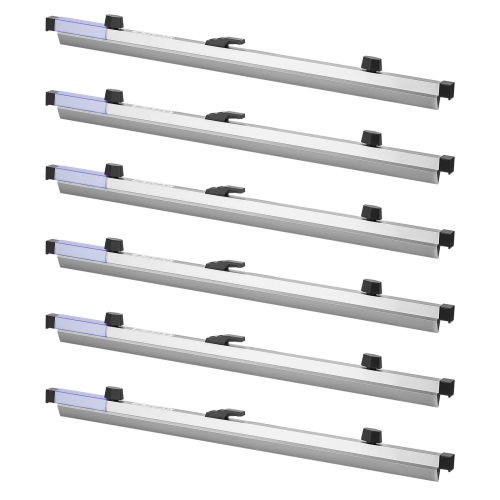
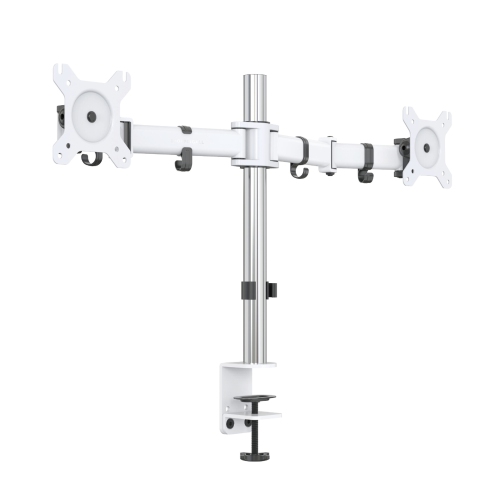
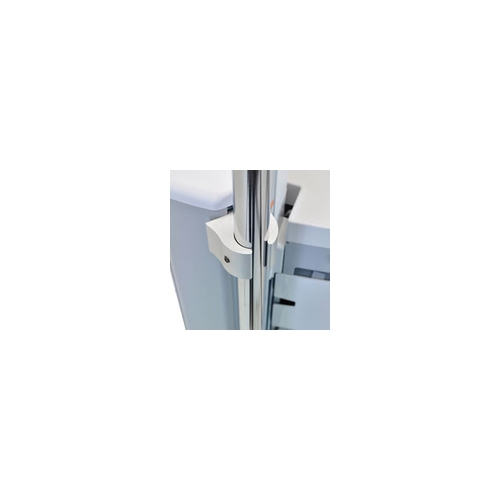
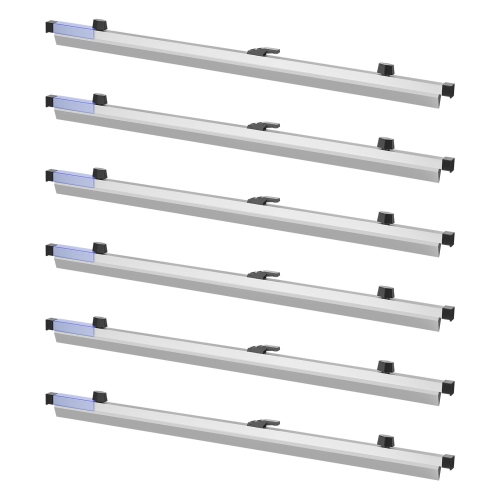
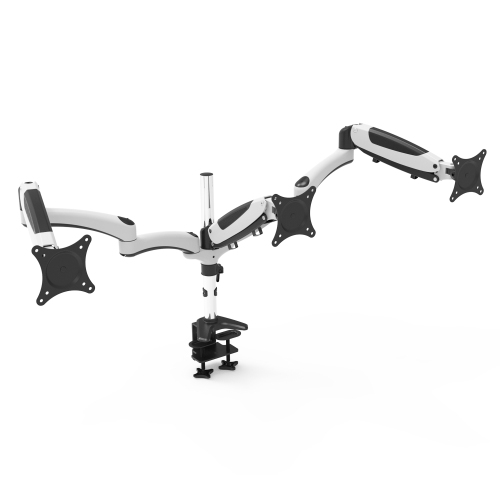
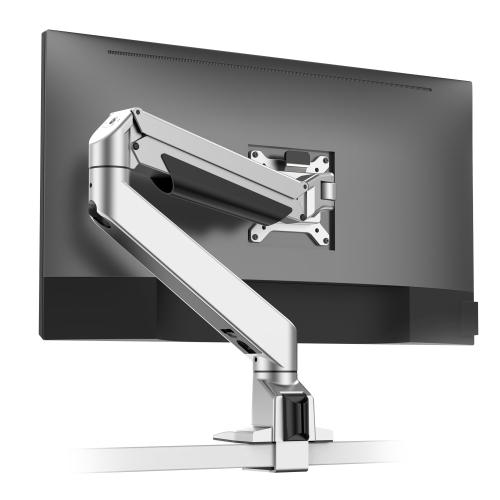
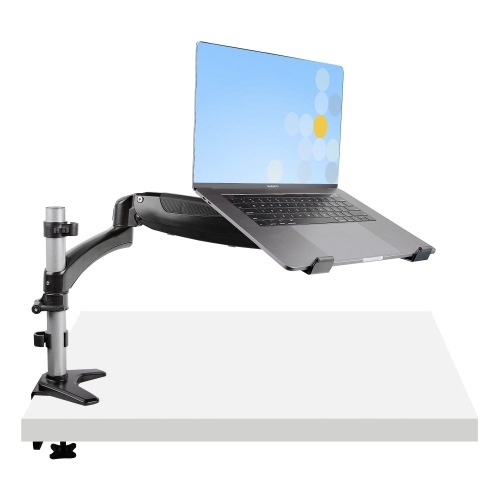
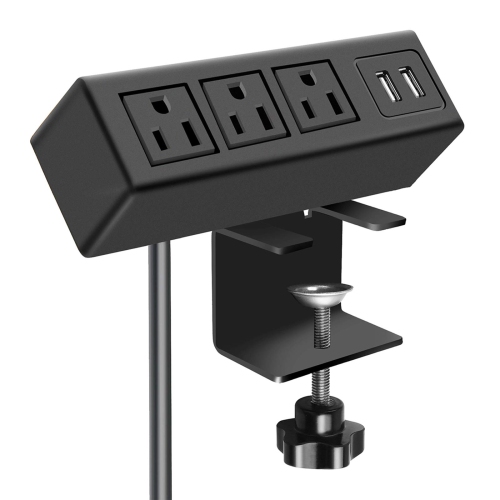

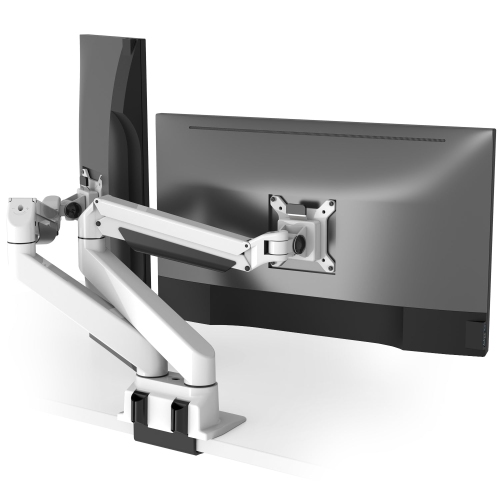
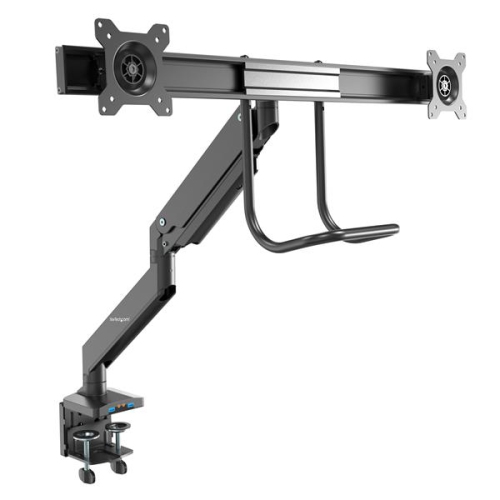
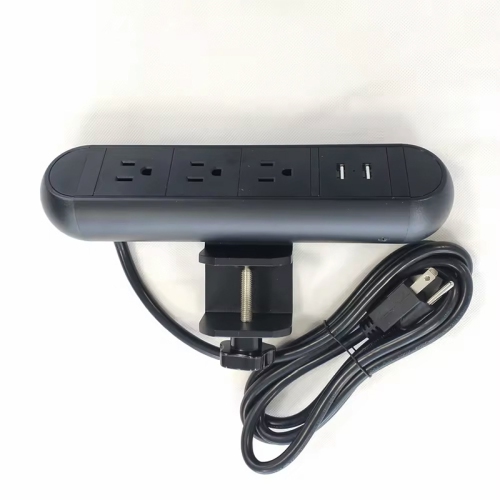
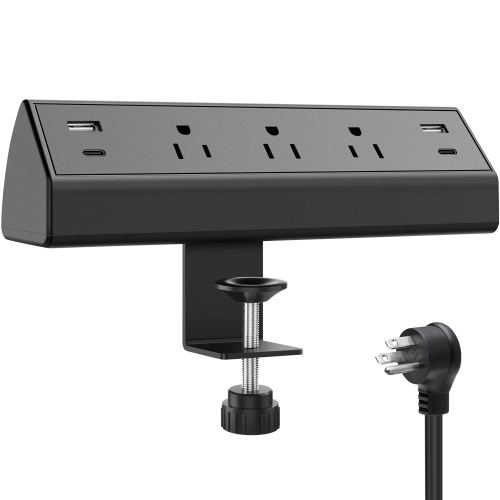
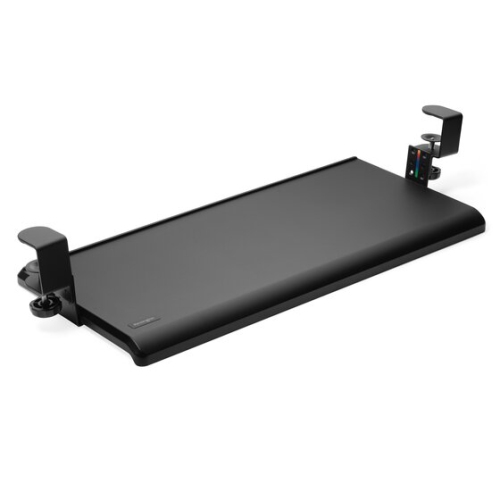
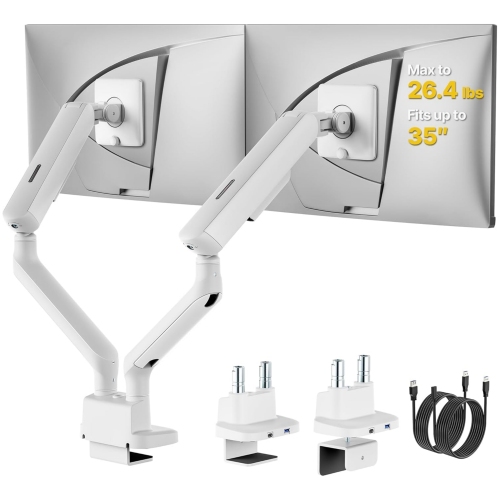
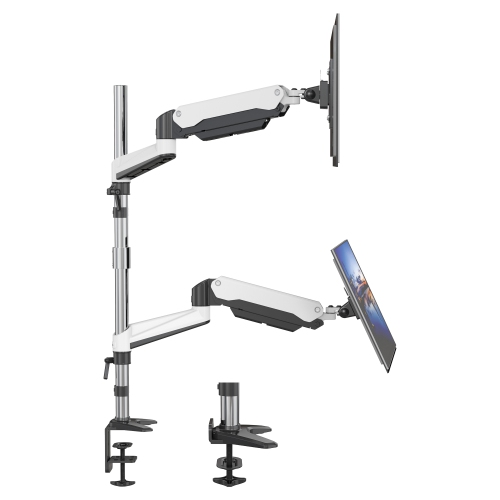
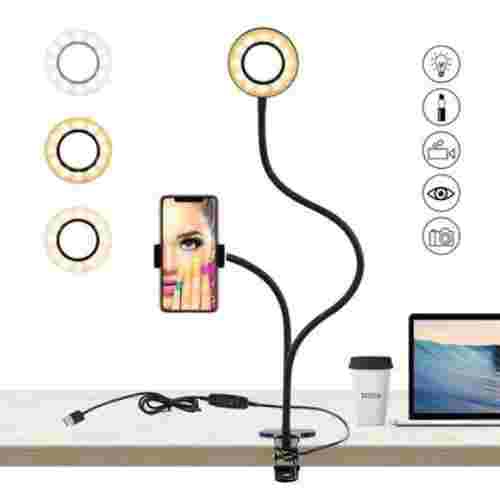
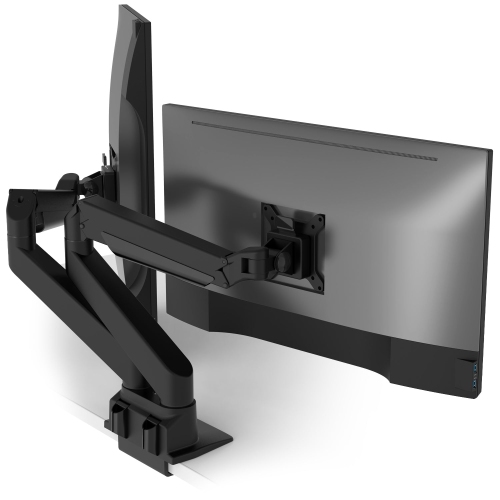

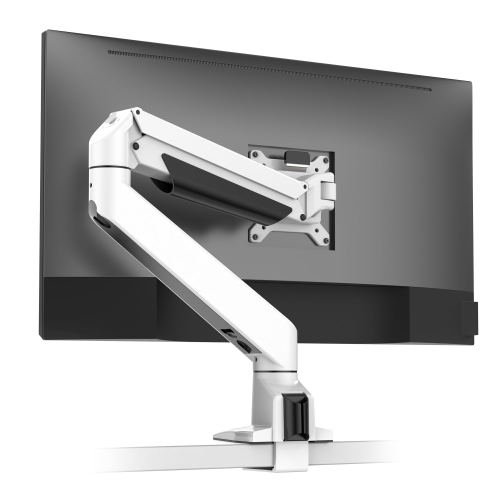

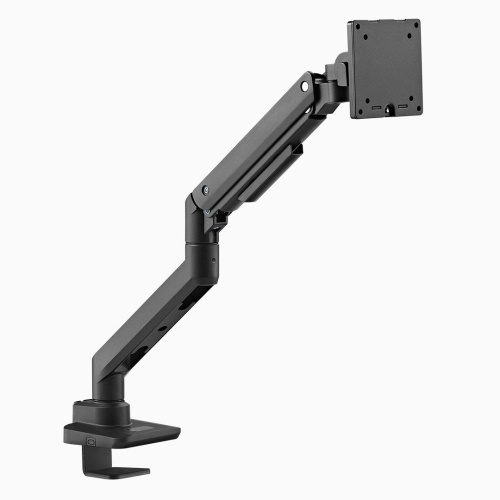
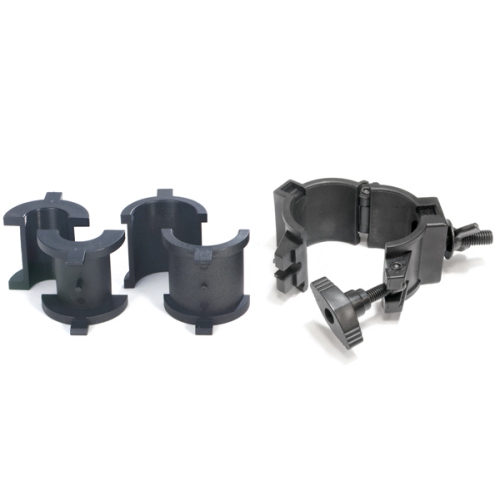
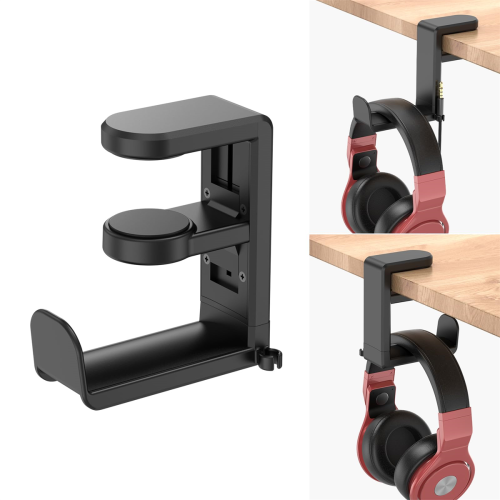
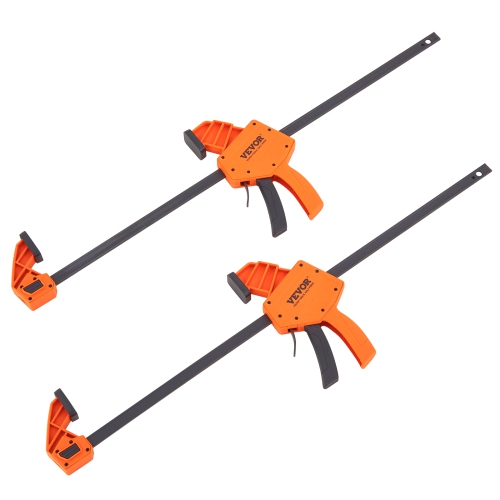
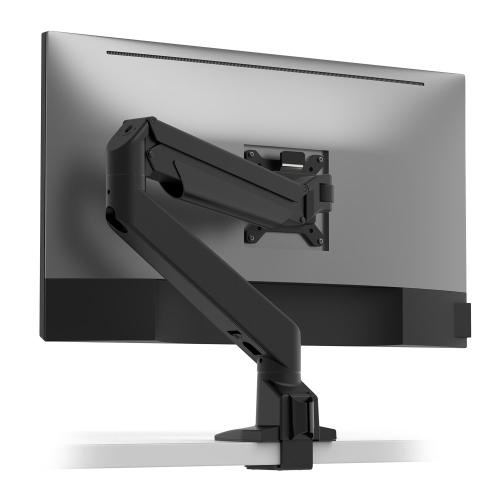
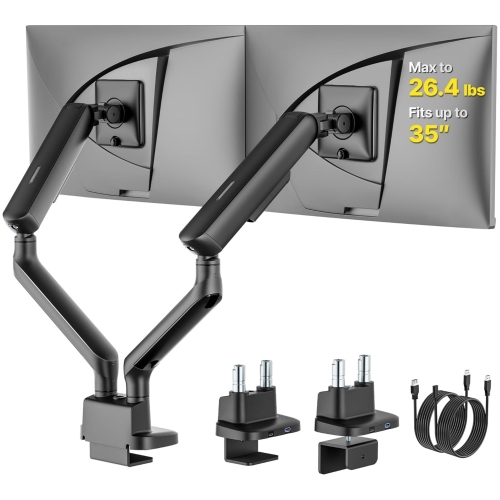
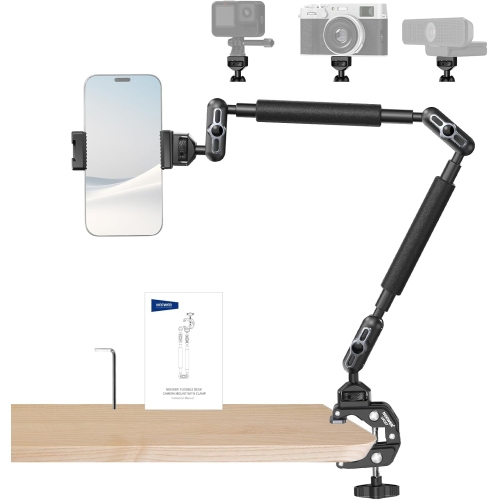
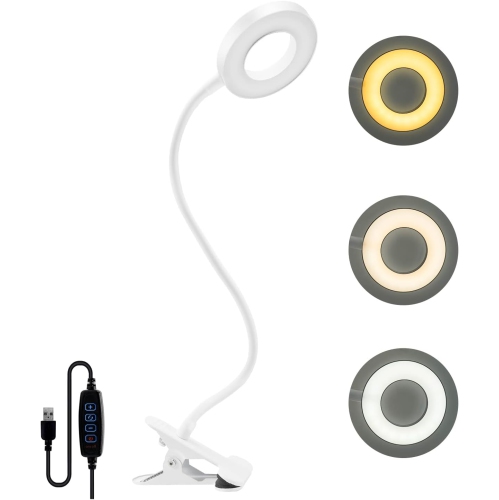
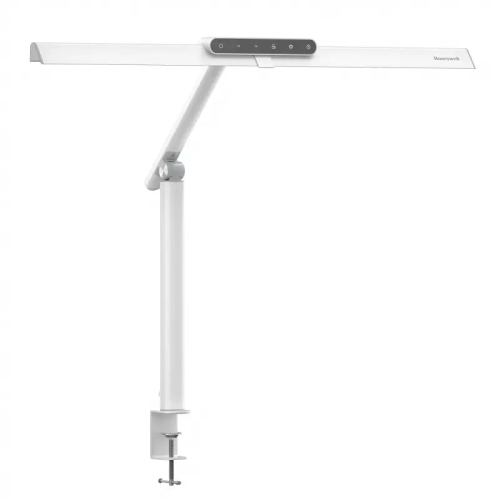
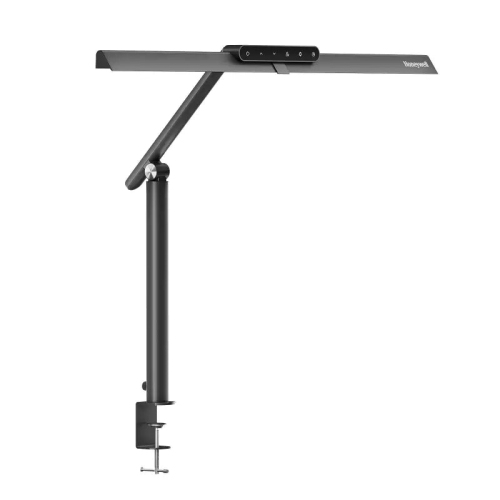
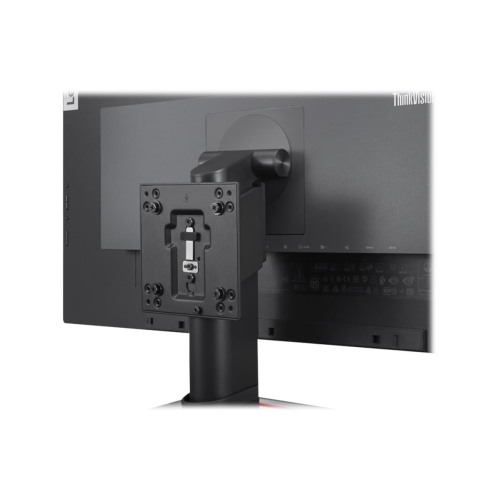
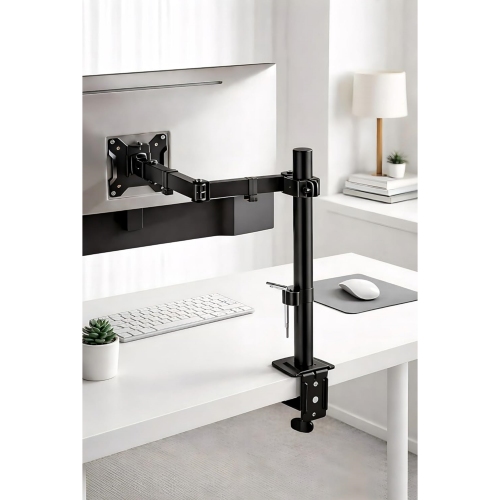
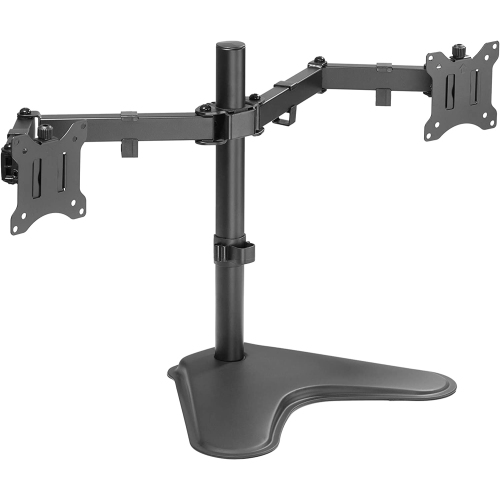
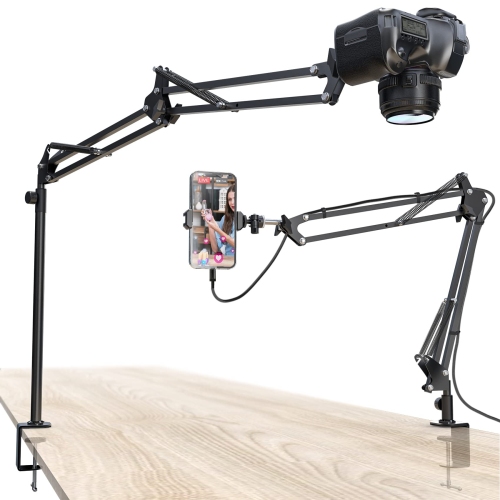
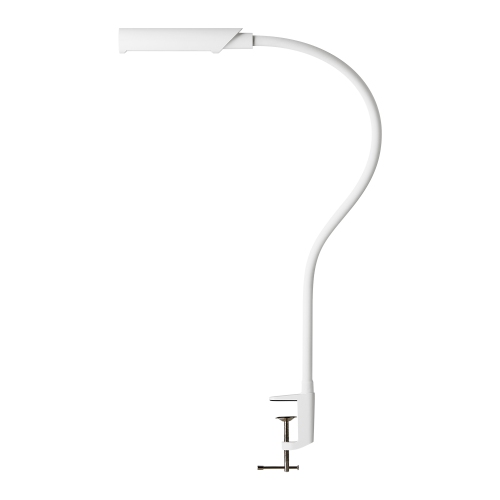
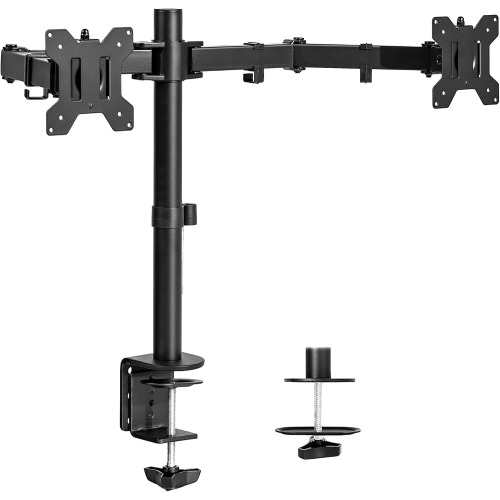
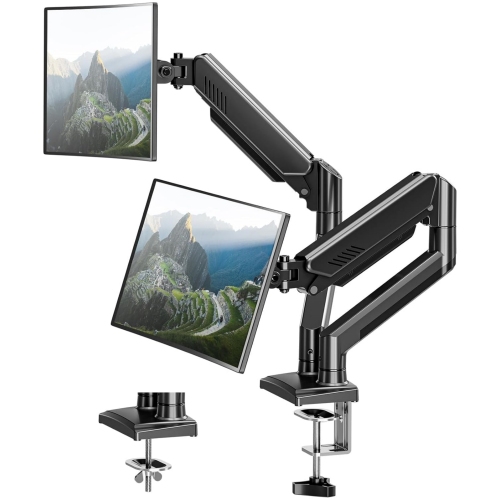
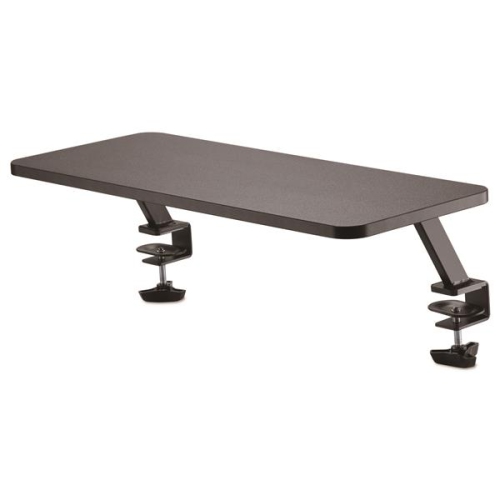
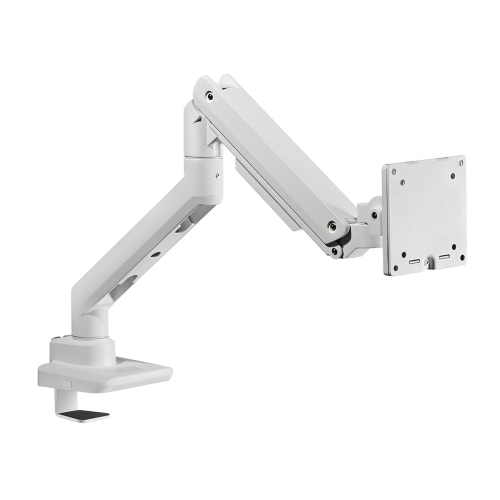
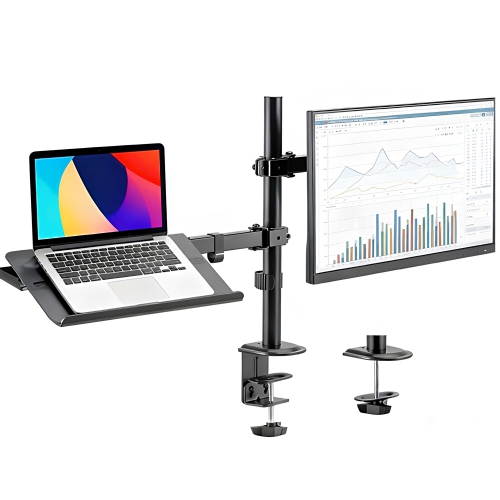
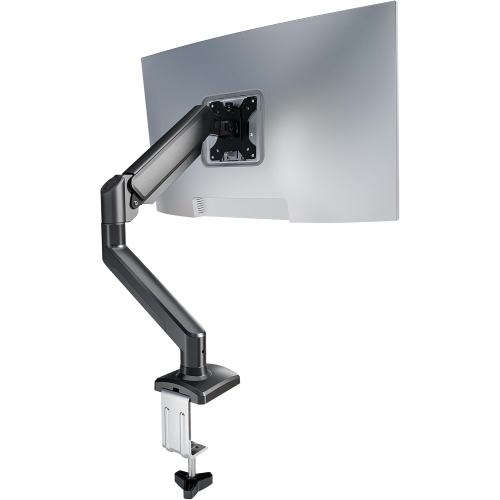
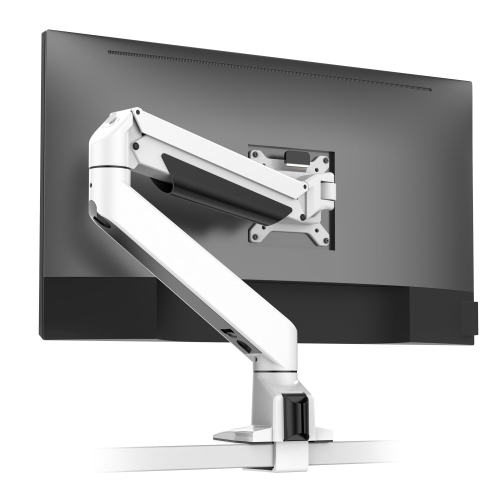
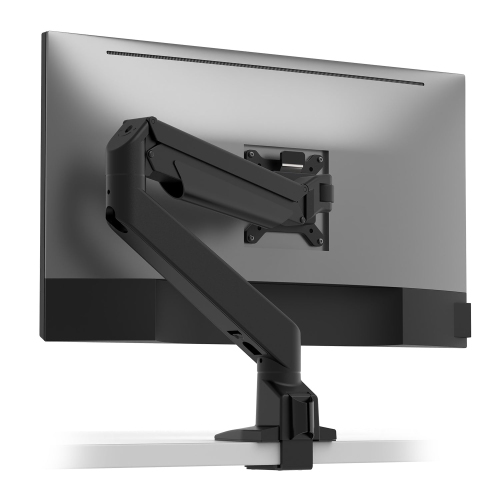
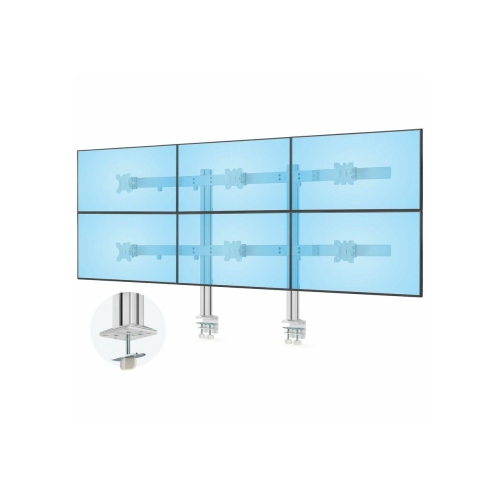

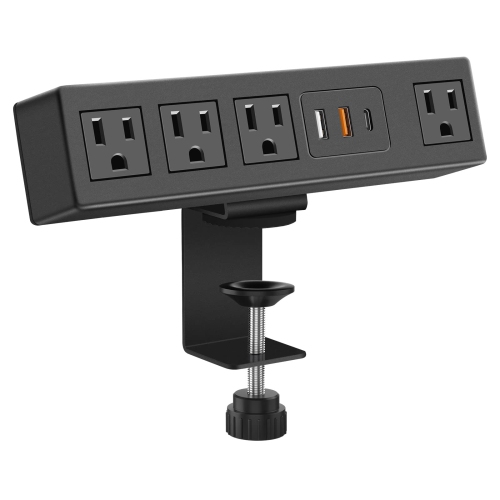
More desktop space starts with a compatible mount
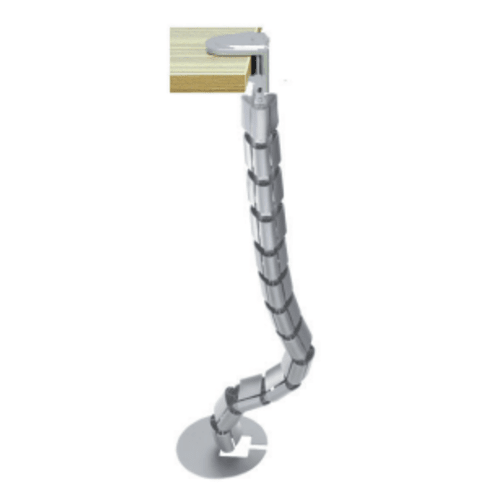
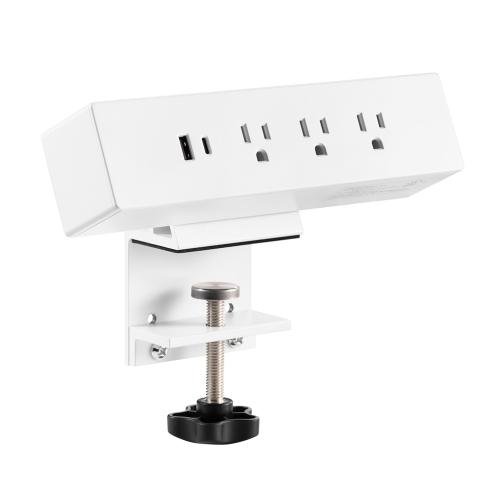
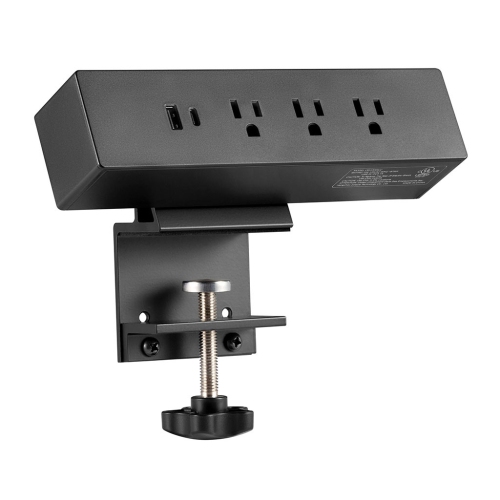
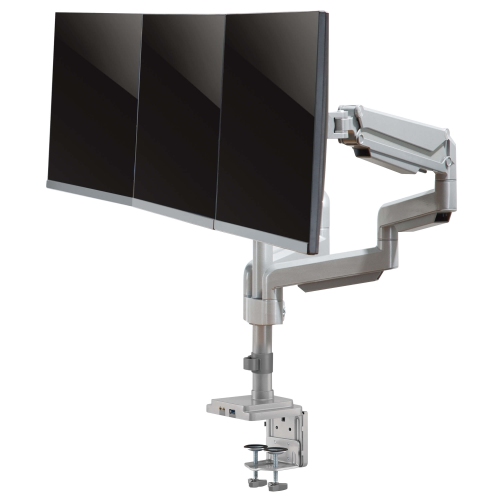
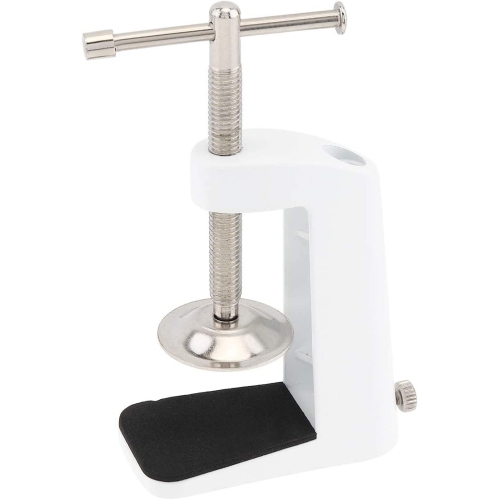
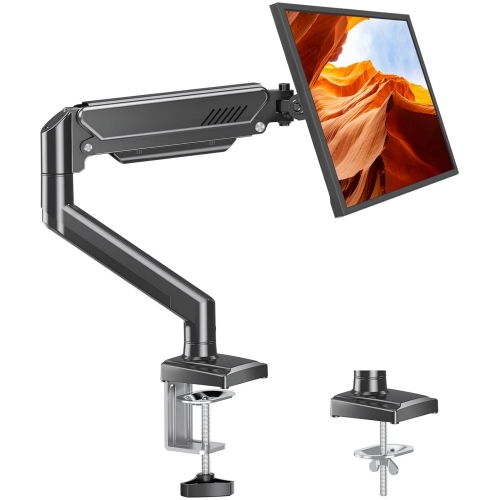
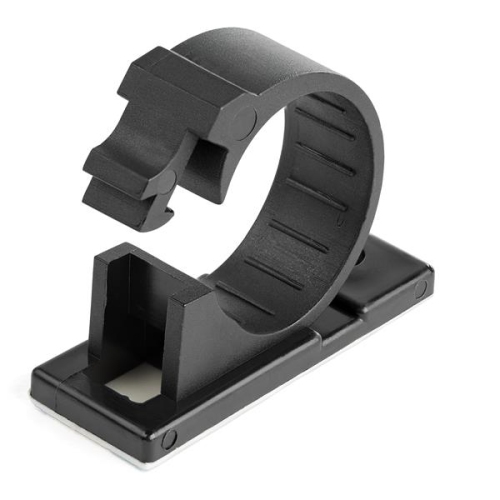
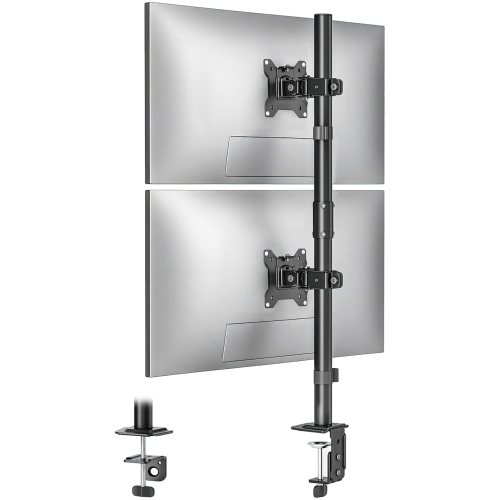
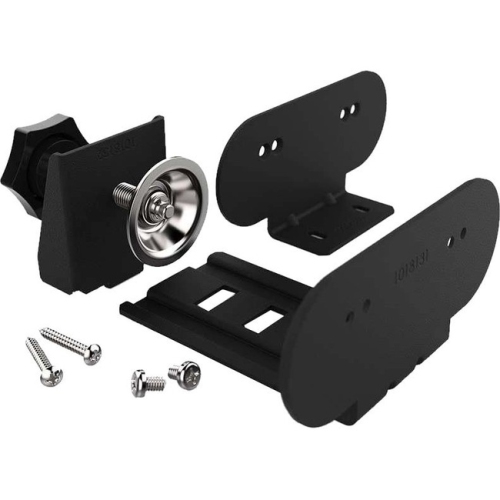
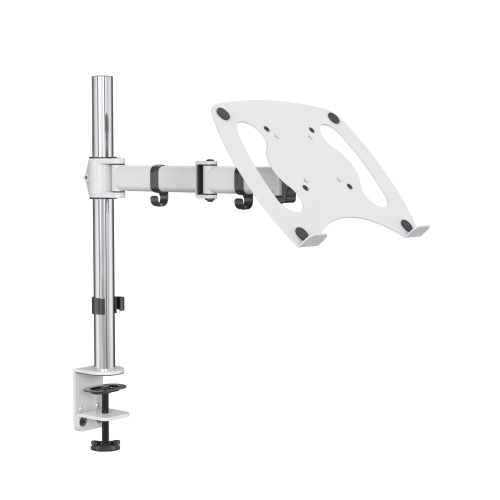
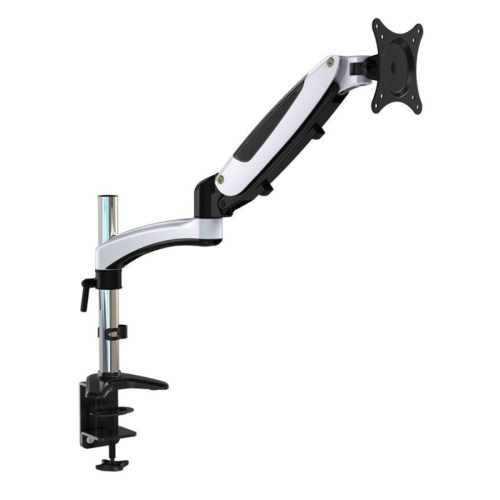
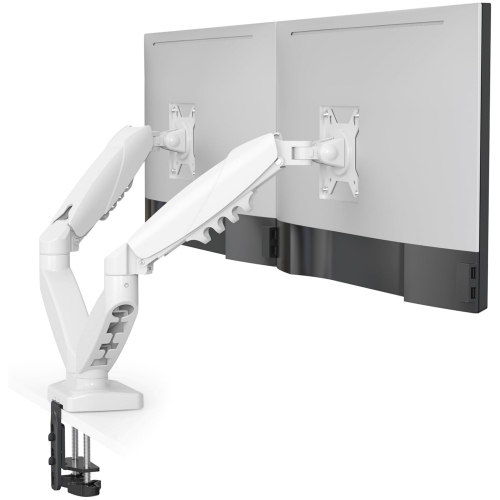
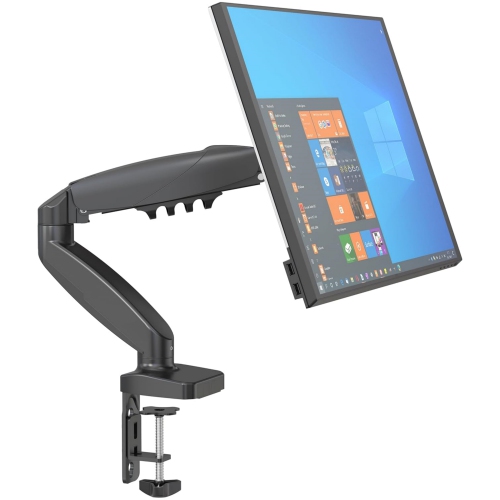
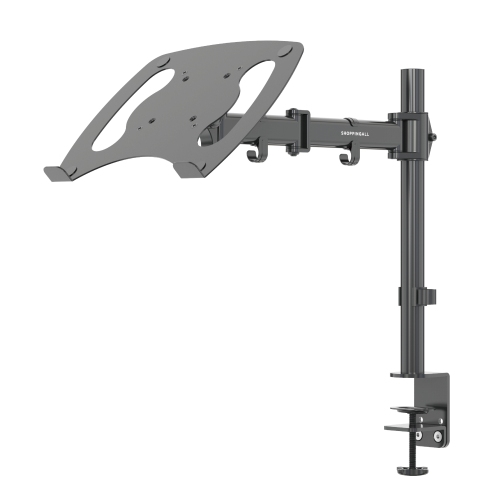
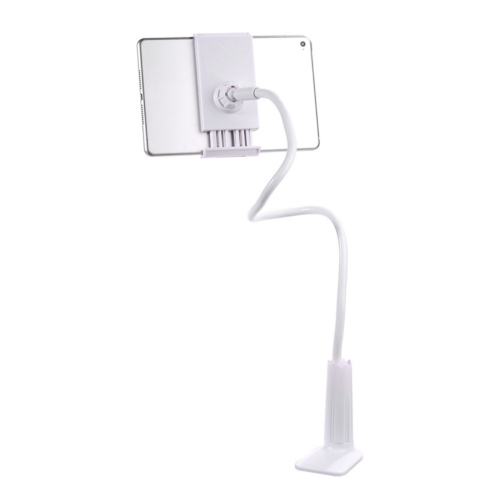
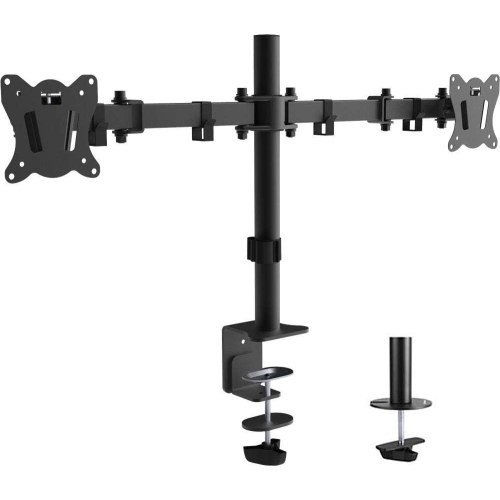
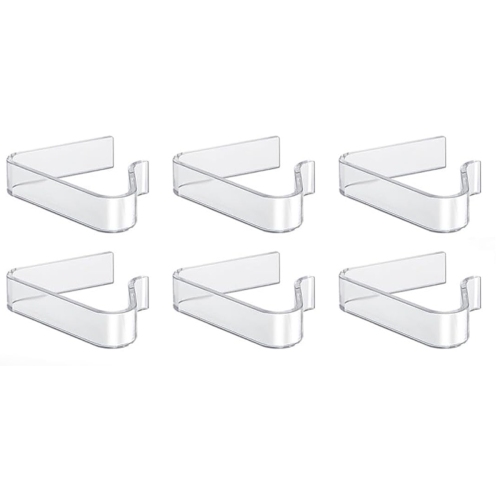
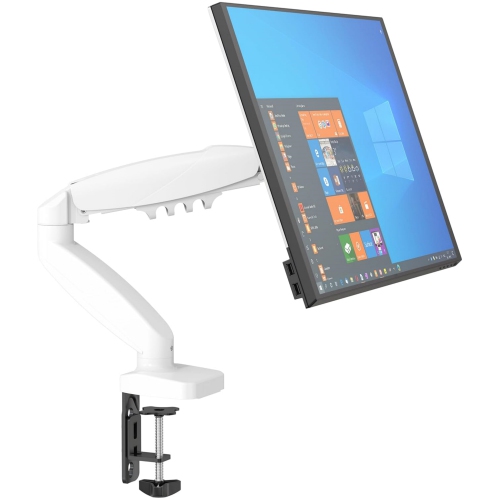
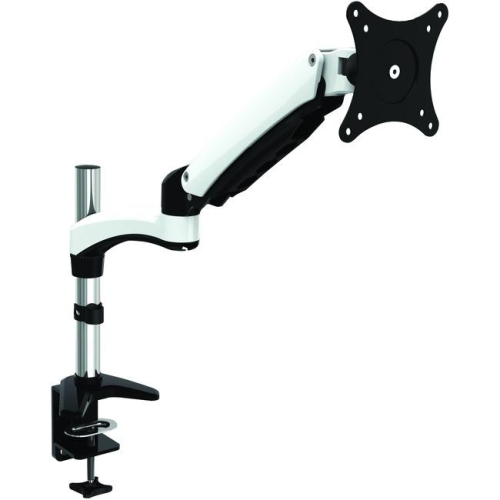
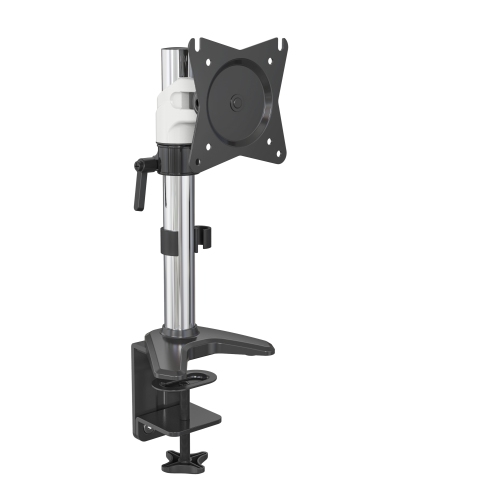
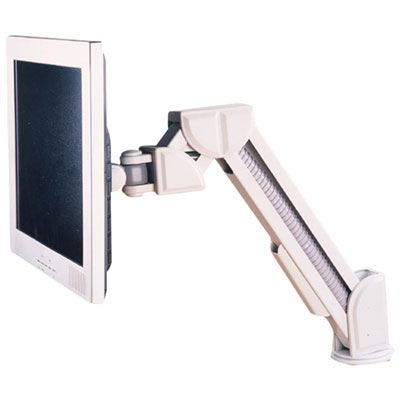
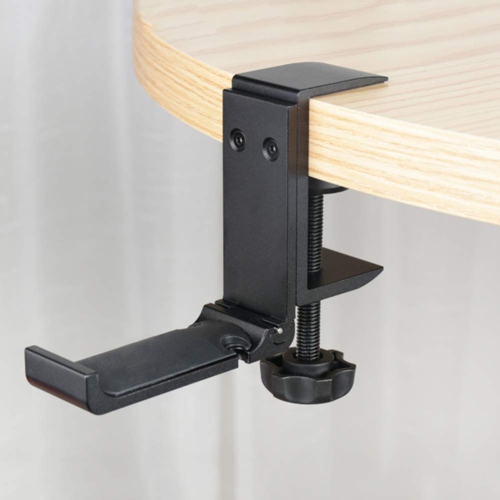
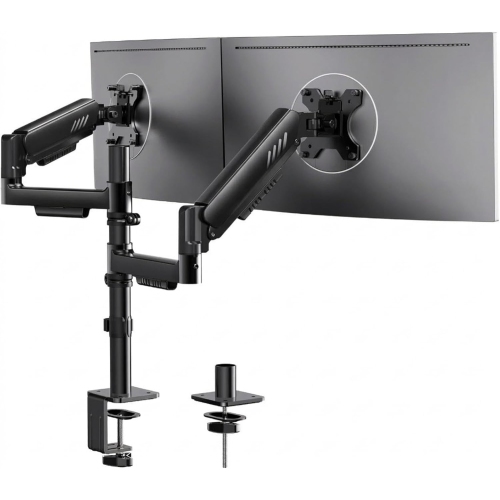
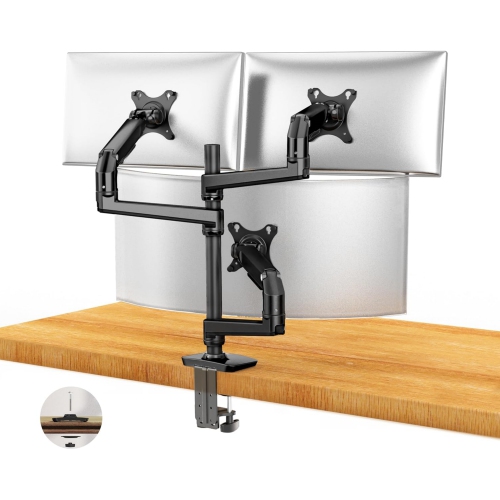
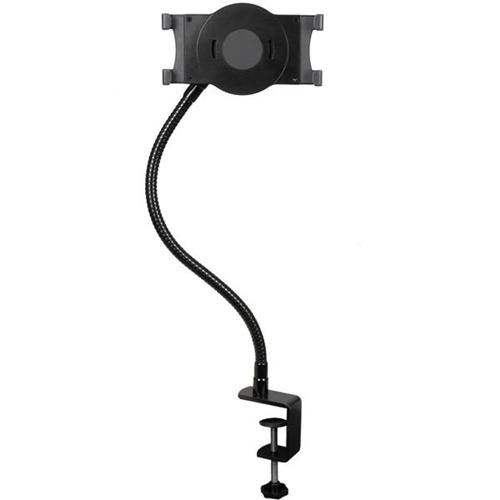
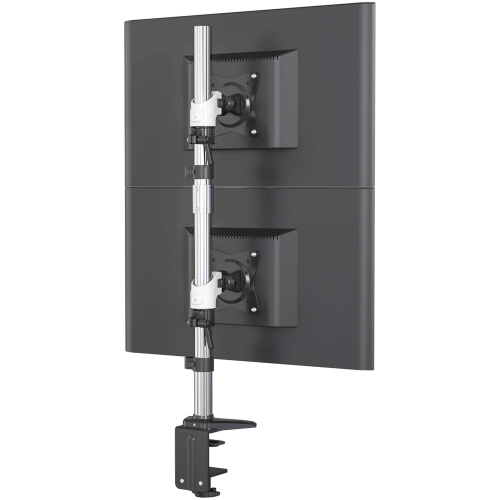
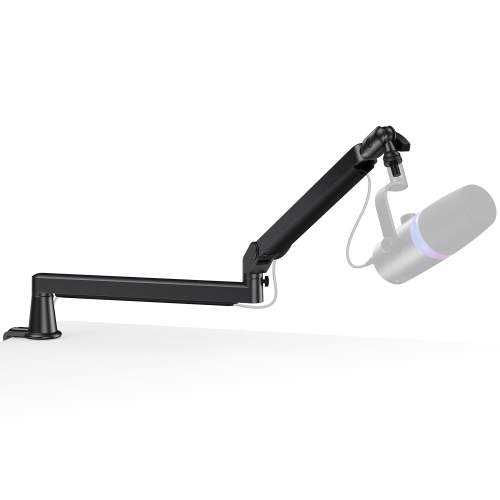
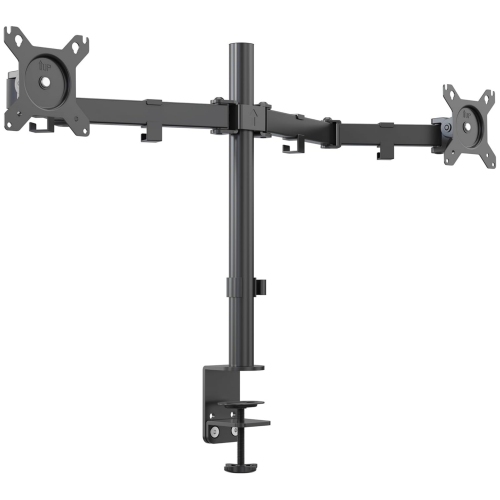
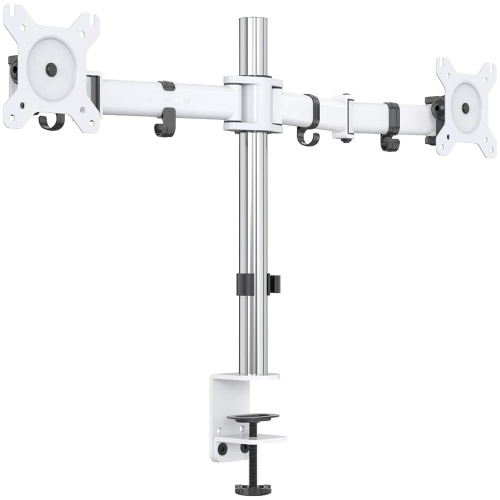
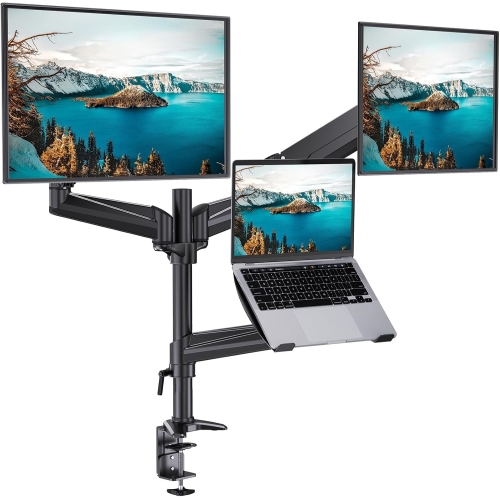
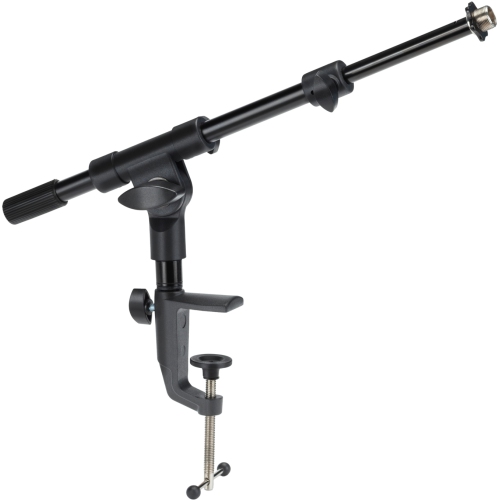
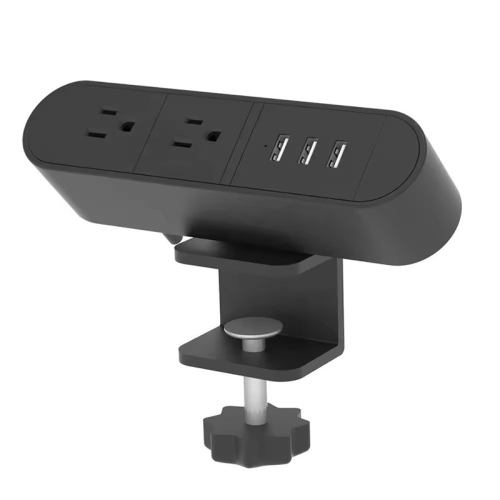
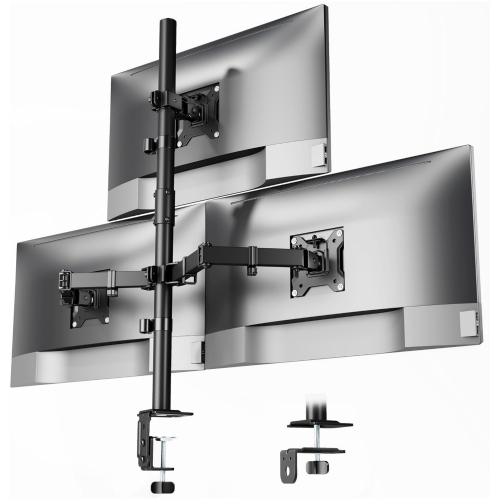
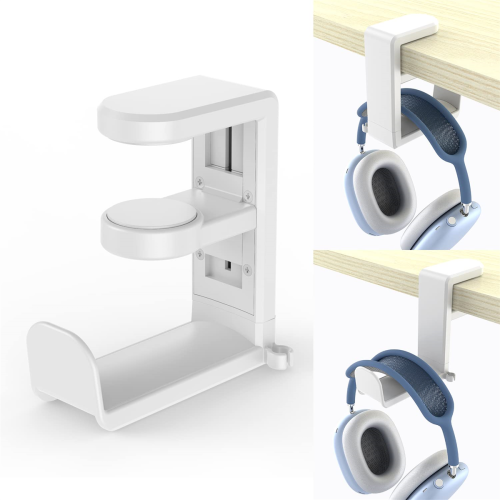
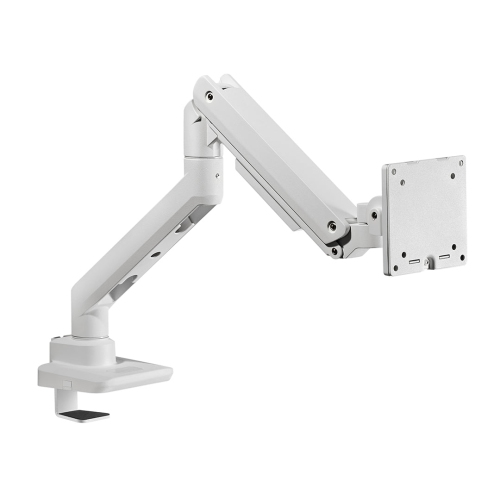
Desk clamps are mounting fittings that secure compatible accessories to a desktop, usually by gripping the edge between an upper plate and a lower screw-operated pad. Some mounting systems instead fasten through an existing grommet hole, using plates above and below the work surface. With a suitable desktop and compatible hardware, either approach can support equipment without drilling new holes. Desk clamps are commonly used with monitor arms, microphone supports, lamps, camera mounts, headphone holders and cable-management accessories. Their main advantage is a smaller footprint: moving a support point to the edge leaves more room for a keyboard, notebook or drawing tablet. At a compact workstation, that can mean keeping reference material open beside a computer rather than balancing it on a lap. For video calls, a clamp-mounted camera or light can remain in a consistent position without a separate floor stand. For audio recording, an adjustable microphone support can bring the microphone closer when needed and move it aside afterwards. The clamp is only one part of that arrangement, however. Its connection to the accessory matters just as much as its grip on the desk. A threaded mount, a socket for an upright pole and a bracket designed for a particular arm are not interchangeable simply because they attach in a similar way. Replacement clamps need to match the equipment they support, including the attachment size, hardware and permitted load. Monitor setups also require a compatible connection between the arm and display; the desktop clamp does not determine whether a screen will fit the arm. Thinking of the clamp, support and accessory as one assembly helps distinguish a suitable mounting solution from hardware that merely looks similar. A dependable fit should hold equipment securely while leaving enough adjustment for the way the desk is actually used.
Desktop thickness is an important measurement, but it is not the only one that determines fit. The clamp’s stated opening range needs to accommodate the full thickness at the intended mounting point, including any fixed trim or additional layer. The jaws also need enough flat contact area above and below the edge. A deep apron, metal support rail, drawer housing or cable tray can prevent the lower pad from sitting squarely, even when the desktop itself falls within the thickness range. Rounded edges and sharply bevelled undersides can create similar difficulties. Checking the space underneath the desktop is especially useful on desks where the frame sits close to the back edge. There also needs to be room to turn the tightening handle without hitting a wall or nearby furniture. Materials affect the choice as well. Solid wood, plywood, laminated board and hollow-core construction respond differently to concentrated pressure, and a surface that carries ordinary desk equipment may not be suitable for a heavily loaded clamp. Glass and other brittle surfaces require explicit approval from the desk and mounting-hardware manufacturers; adding a pad does not make an unsuitable surface safe. Where approved, a compatible reinforcement plate can spread pressure across a larger area, but it cannot correct every structural limitation. Steel and aluminium are common choices for load-bearing clamp components, while plastic may be used for handles, covers and protective pads. Assessing durability means looking beyond the outer finish to the quality of the threads, the rigidity of the bracket and the stability of the contact pads. Those pads help protect the finish, but grit trapped underneath can still leave marks. Load limits also deserve attention, particularly with adjustable arms. A screen extended well forward places different demands on its mounting point than equipment positioned close to the support. Every part of the assembly needs to be rated for its intended use, and any restrictions on desktop construction, arm extension or equipment weight still apply.
A well-placed desk clamp should make everyday tasks easier without introducing obstacles elsewhere. On a shared desk, an adjustable support can help different users position equipment comfortably, provided its range suits their seated height and working distance. On a sit-stand desk, cables need enough slack for the full height adjustment without pulling on connectors or catching beneath the work surface. A monitor arm also needs clearance to move without striking a wall, shelf or neighbouring display. For someone who writes by hand beside a laptop, an edge-mounted accessory can preserve an uninterrupted patch of desktop; for someone recording speech, the useful mounting point may be off to one side so the support does not block the screen. Lighting requires the same attention to placement. When considering Desk Task Lamps, a clamp-compatible design can leave space beneath the light for paperwork, while an adjustable head helps direct illumination onto the task rather than into the eyes or onto a glossy display. Cable routing should allow movement at every joint without becoming pinched. Once installed, desk clamps benefit from straightforward care: keep the contact surfaces clean, wipe the exterior with a soft cloth and use only cleaning methods suitable for the materials and finish. Tightening should follow the manufacturer’s directions rather than relying on extra force, which can damage the desktop or mounting hardware. Periodic checks are useful after repositioning equipment, moving the desk or changing the load. A slipping pad, loose fastener, damaged thread or indentation in the surface calls for attention before continued use. For students, remote workers, gamers and people with creative hobbies, the most useful desk clamp is not necessarily the largest or heaviest. It is the one that matches the accessory, fits the desktop securely and supports a comfortable layout without getting in the way of the work.
Top selling and popular products
-
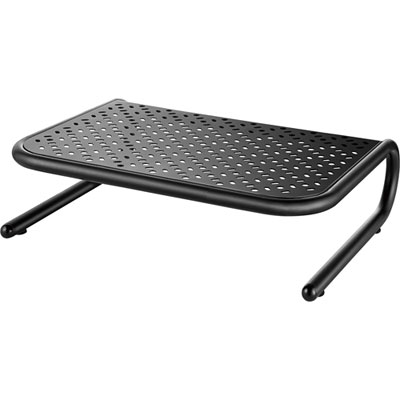 Your price for this item is $34.95
-
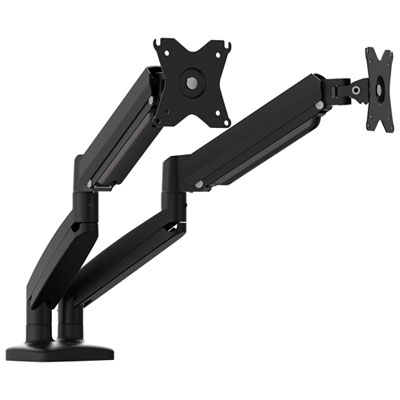 Your price for this item is $149.99
-
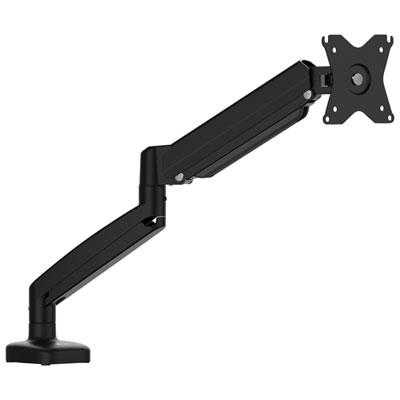 Your price for this item is $79.99
-
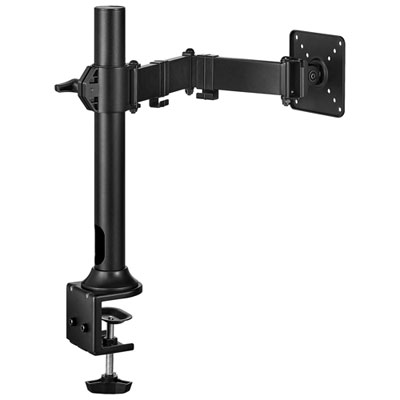 Your price for this item is $69.99
-
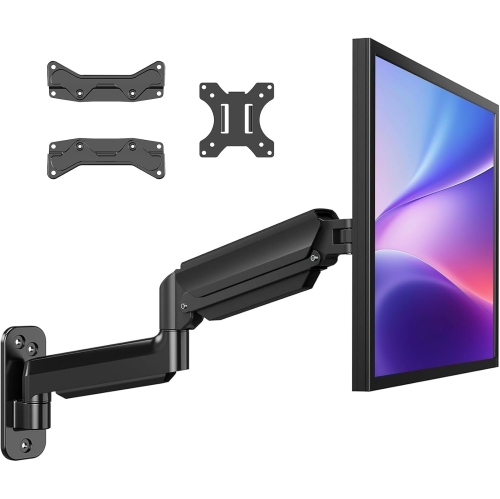 Your price for this item is $71.99
-
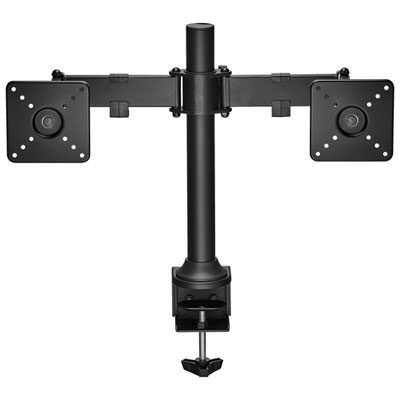 Your price for this item is $79.99
-
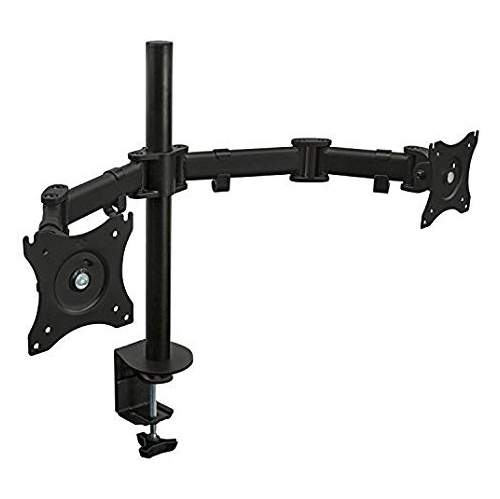 Your price for this item is $99.99
-
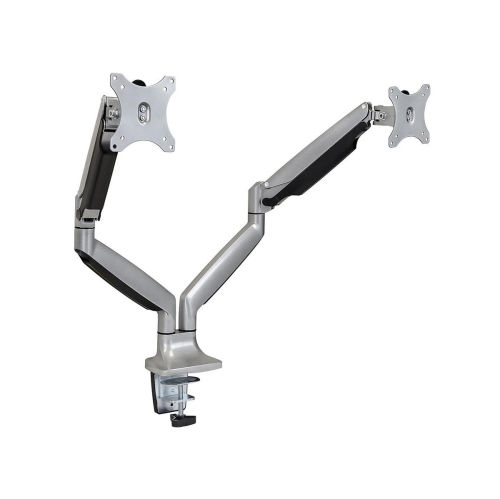 Your price for this item is $238.99
Discover more categories related to Desk Clamps
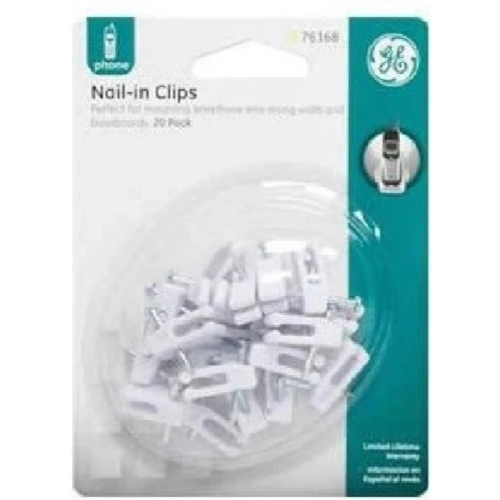
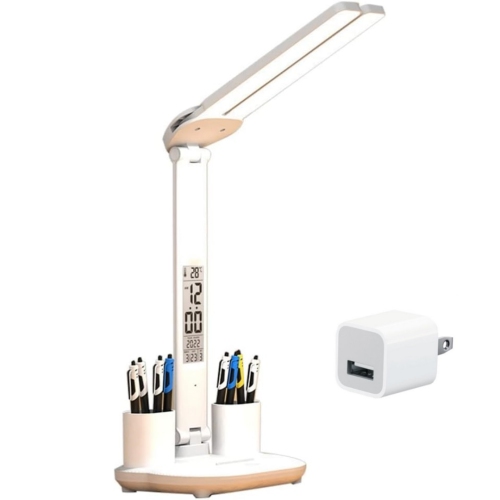
Top Collections:
Best Black Friday Deals This Year, Best Black Friday Deals On Electronics, Kindle Devices, Pokemon Centers, Best Black Friday Deals On Apple Products, Best Cameras for Sports Photography, Dyson Airwrap, Pokémon 30th Celebration Cards, Apple iPhone 17 Pro, Canon G7X Cameras
Some products may be subject to Environmental Handling Fees
(EHF) depending on your province.
Learn more about EHFs.