Single-Monitor Clamp-On Arms
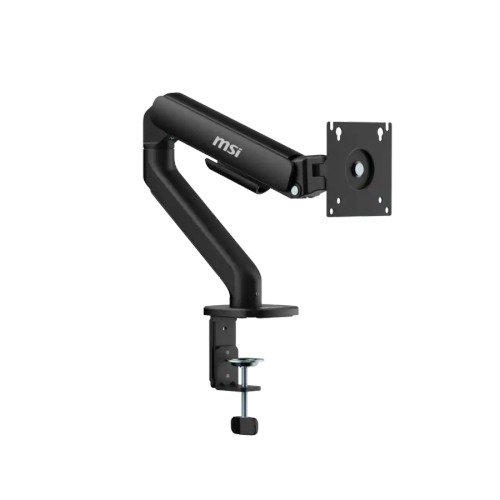
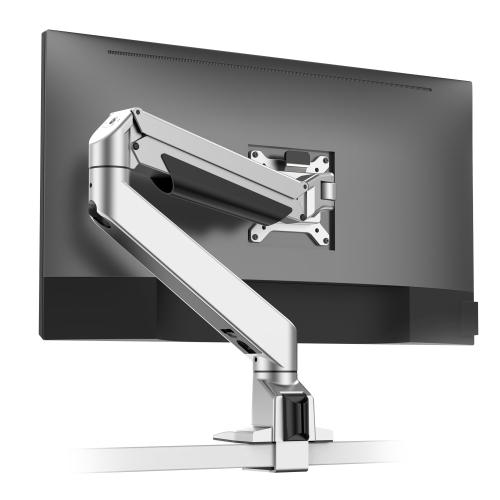
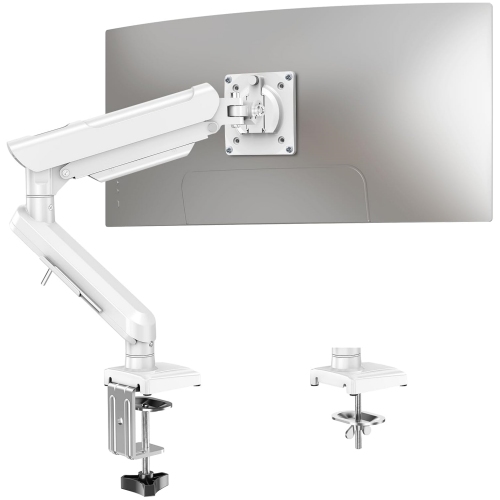
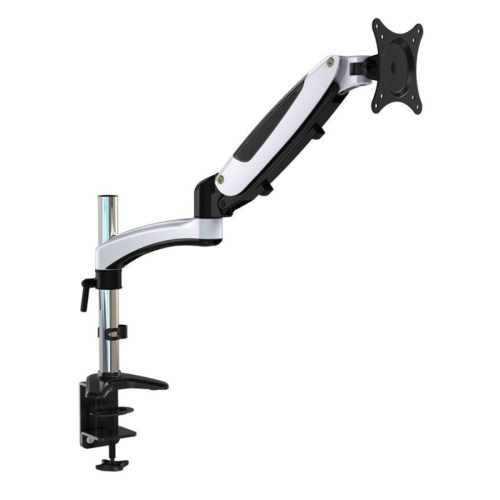
A single monitor arm clamps to the edge of your desktop, replacing your external monitor’s stand and freeing up room beneath the screen. Compare options for height adjustment, tilt and swivel to find an arm that fits your desk and lets you position the display where you need it.



FAQ
A clamp grips the edge of the desktop without using a hole. A grommet mount fastens through a hole in the work surface. Some single monitor arms come with hardware for both methods, so you can choose the one that suits your desk.
Both help counterbalance the monitor when you raise or lower it. A gas spring uses a pressurized cylinder, while a mechanical spring uses a metal spring. With either design, follow the model’s instructions for adjusting the tension to your display.
Yes, if the arm’s mounting head supports portrait rotation. Look for rotation at the mounting plate rather than swivel alone: swivel turns the monitor side to side without changing its orientation.
It’s a mounting plate that attaches to the back of your monitor before connecting to the arm. A quick-release mechanism lets you detach the screen from the arm without unscrewing the plate from the display each time.
Use built-in clips or channels if the arm has them, and leave enough slack near the joints for the arm to extend and swivel without pulling on the connectors. A desk cable management tray can hold extra cable length below the work surface.
Top selling and popular products
Discover more categories related to Single-Monitor Clamp-On Arms
Some products may be subject to Environmental Handling Fees (EHF) depending on your province. Learn more about EHFs.