Sound Interfaces
Unlock the full potential of your audio setup with top-of-the-line sound interfaces that seamlessly bridge the gap between analog and digital realms. Whether you're a seasoned producer, an aspiring musician, or a podcast enthusiast, these versatile devices are essential for capturing pristine audio quality and enhancing your creative projects. Featuring a range of options to suit various needs and budgets, sound interfaces offer unparalleled connectivity, allowing you to connect instruments, microphones, and other gear with ease. Dive into the world of crystal-clear sound reproduction and experience the difference that professional-grade audio equipment can make in your work.
Sort
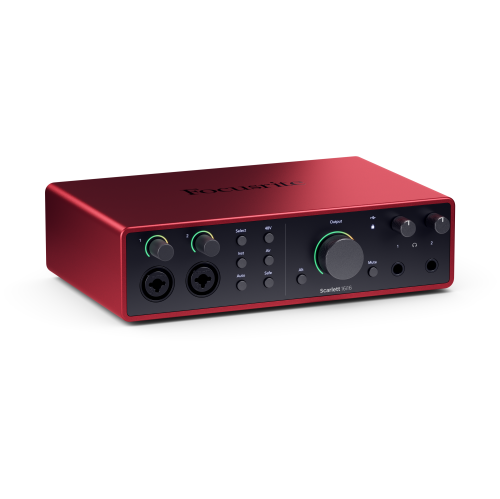
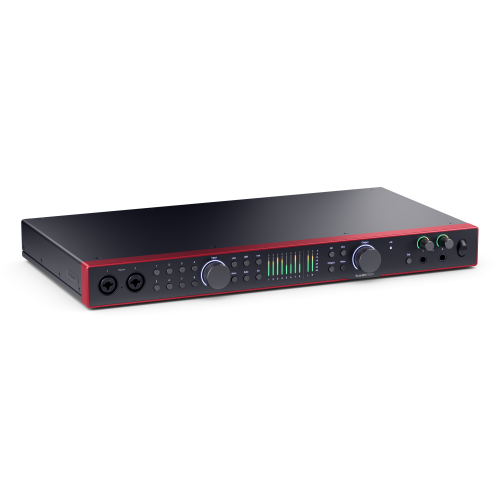
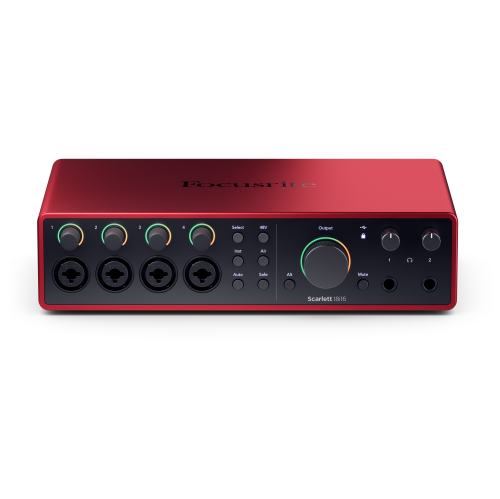
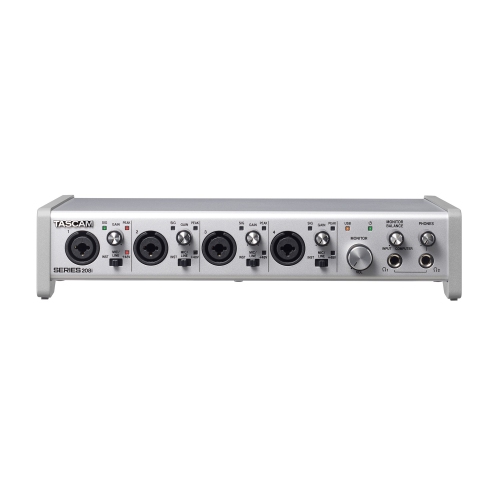
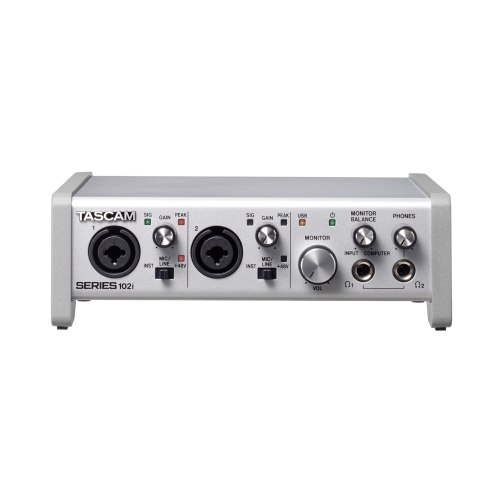
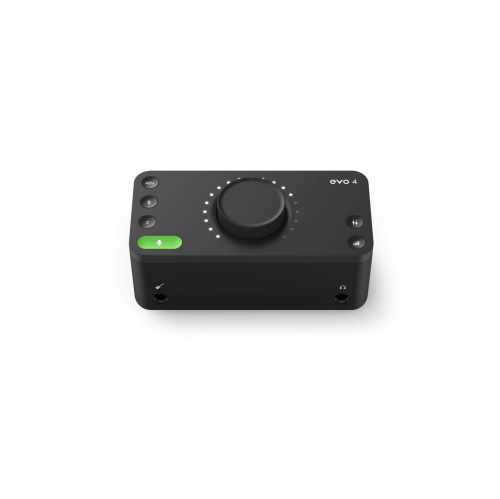
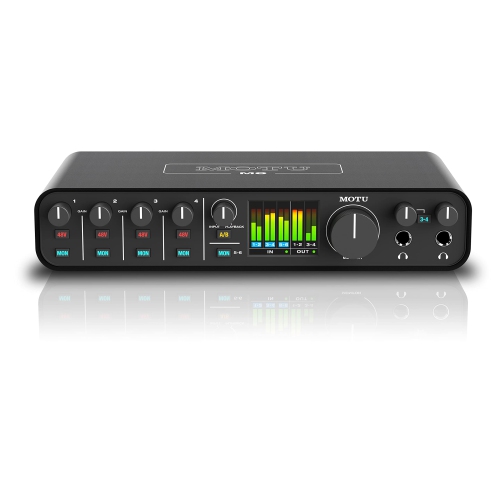
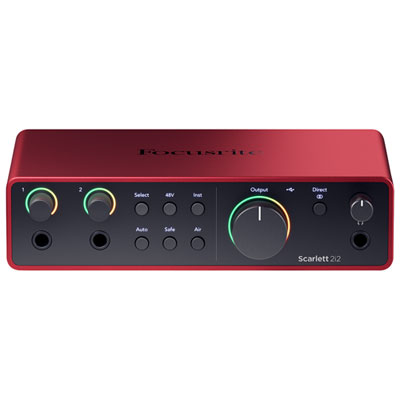
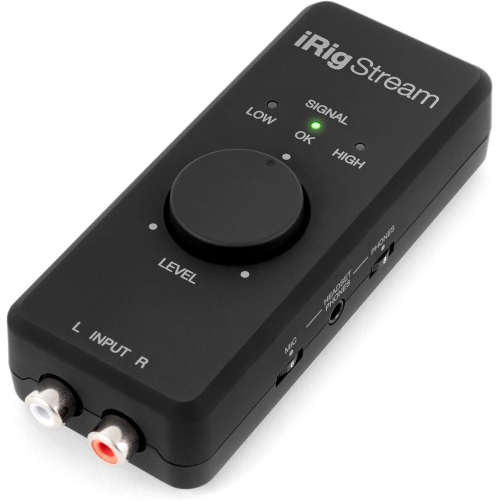
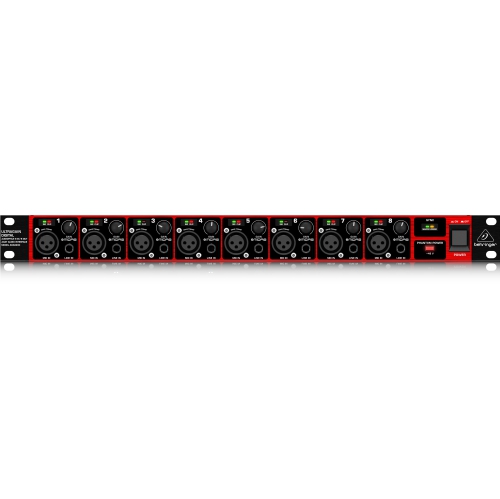
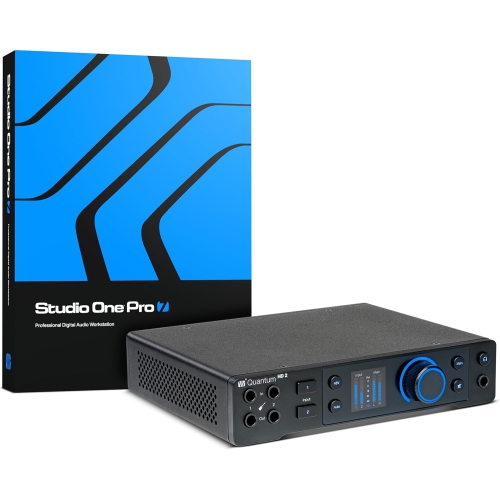
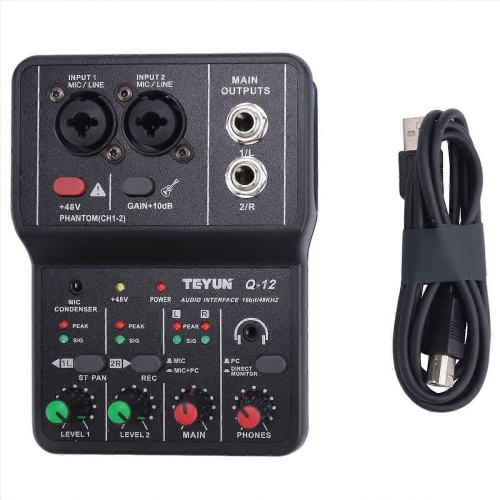
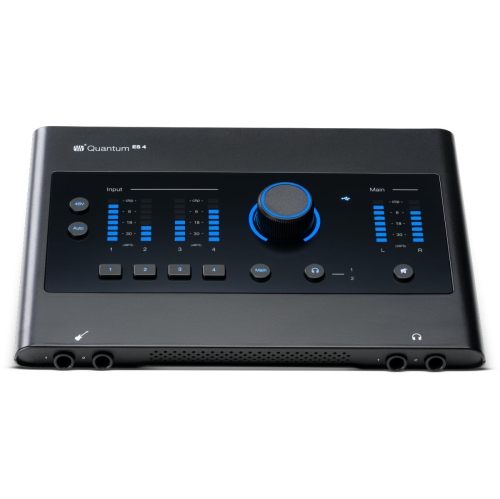
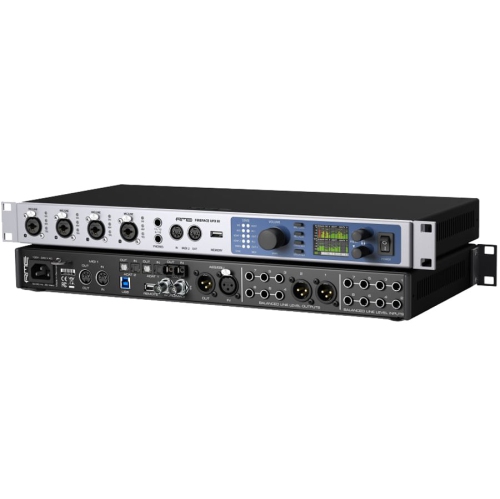


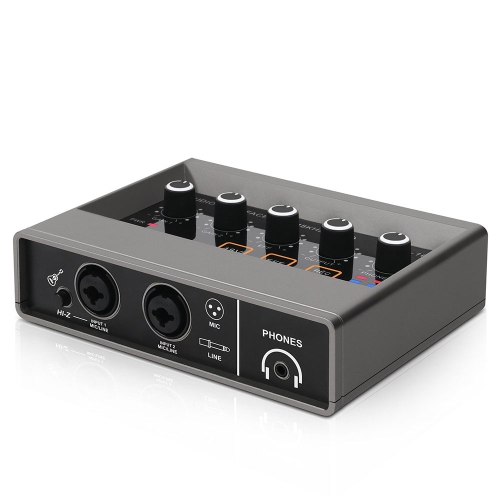
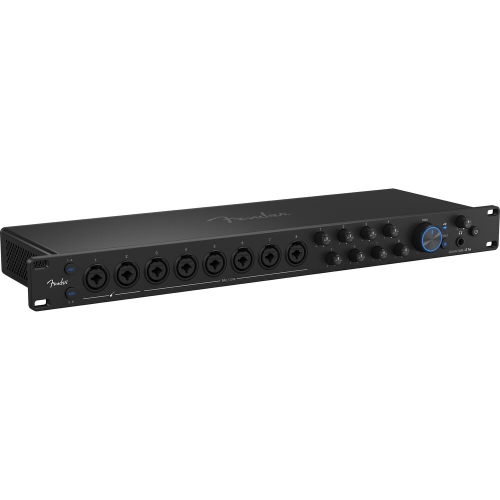
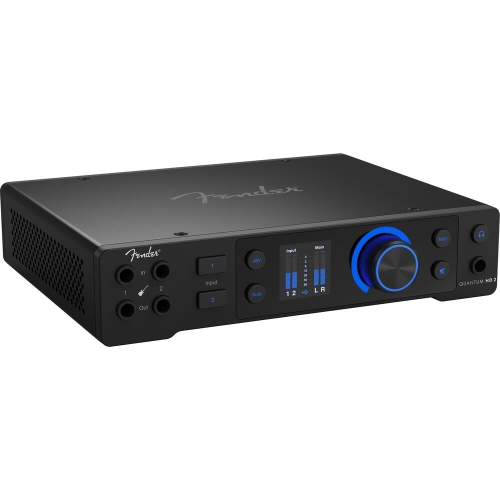
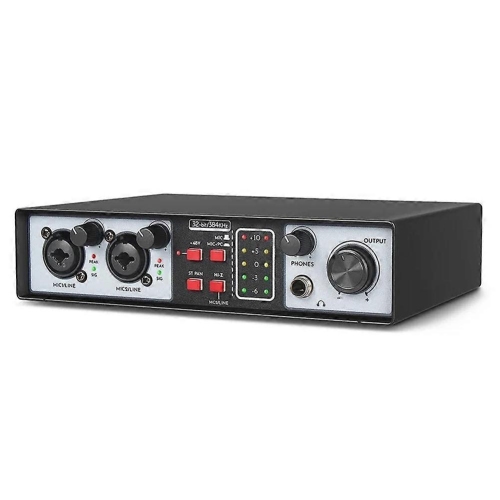
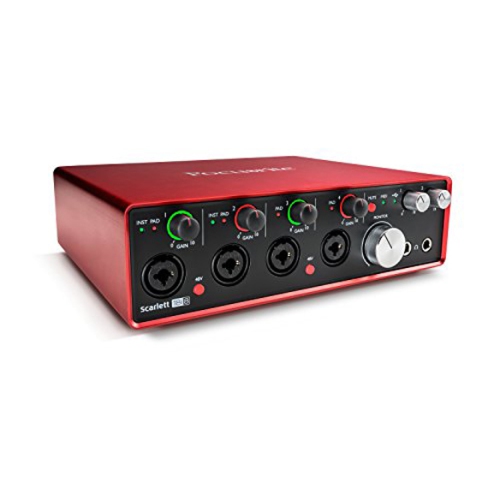
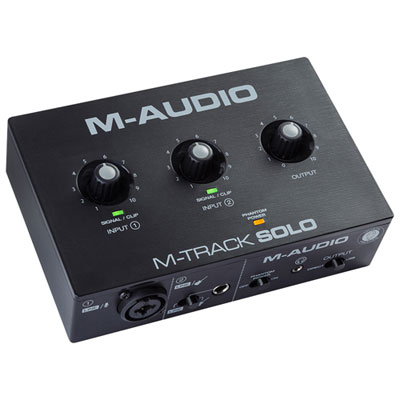
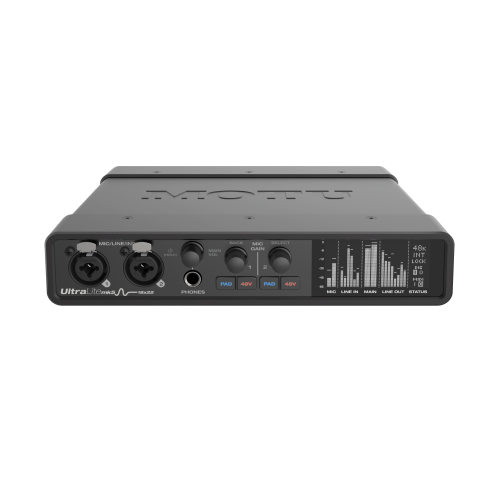
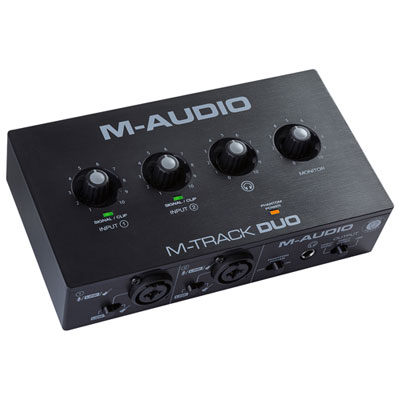
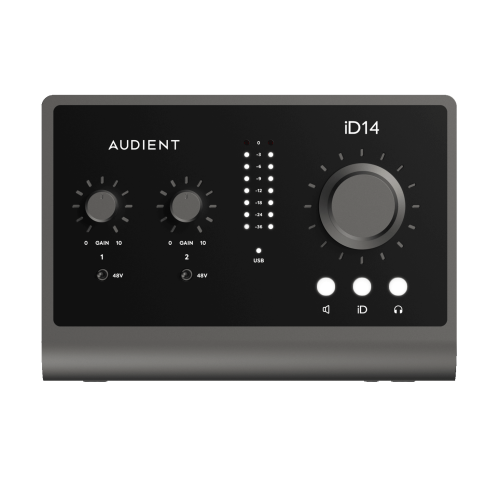
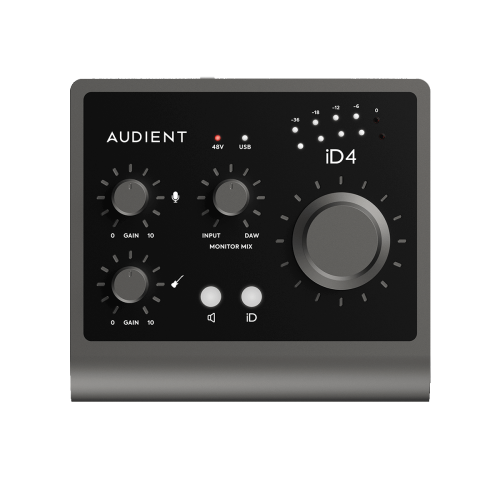
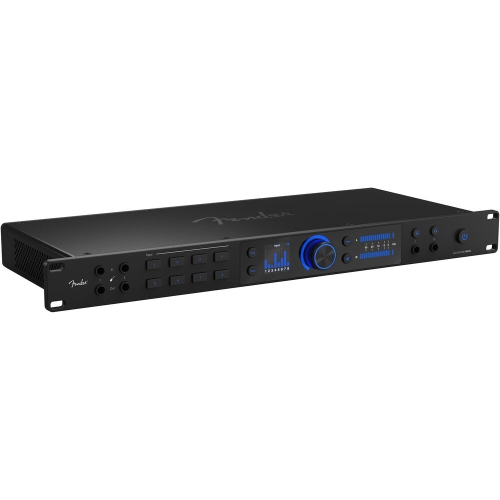
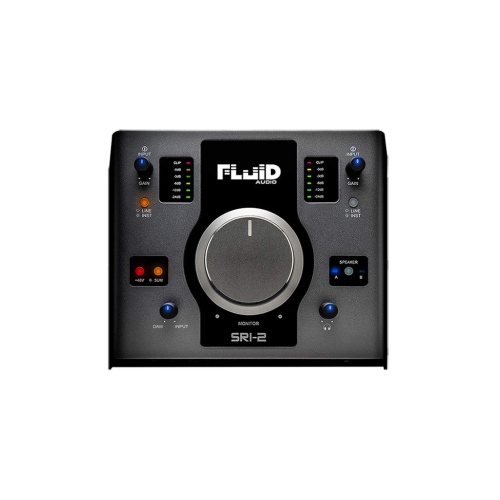
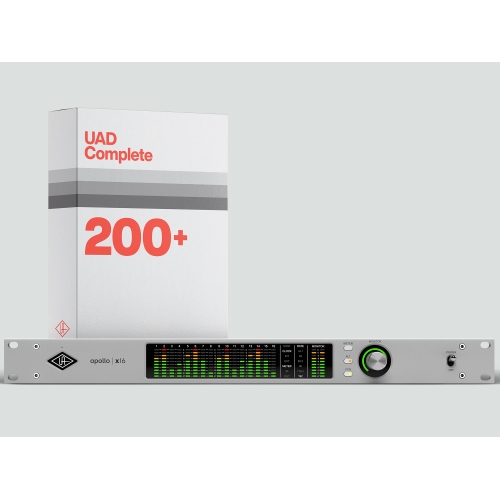
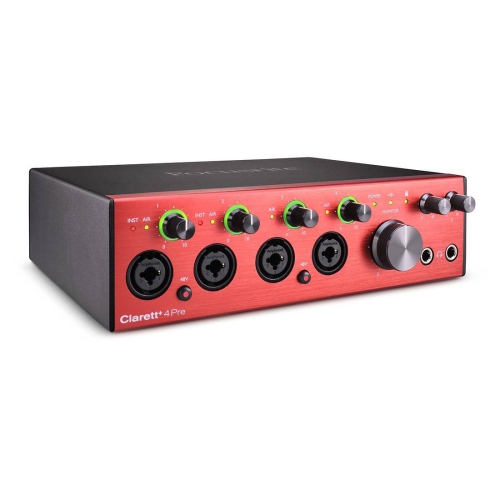
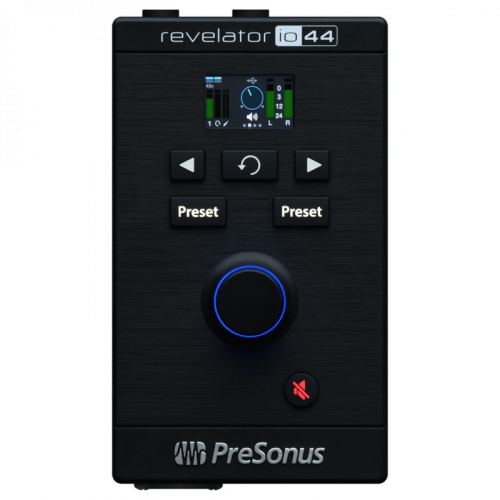

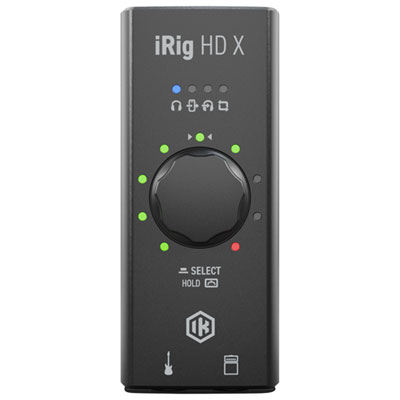
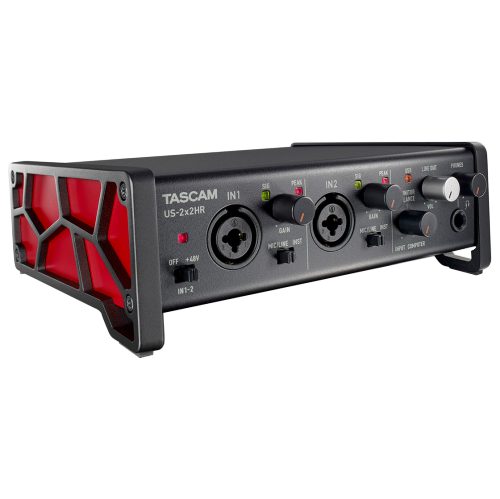
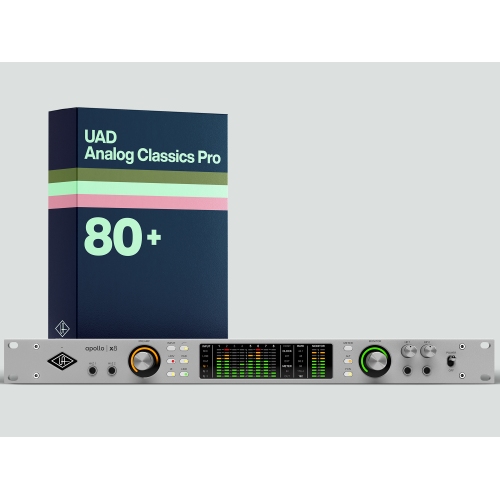
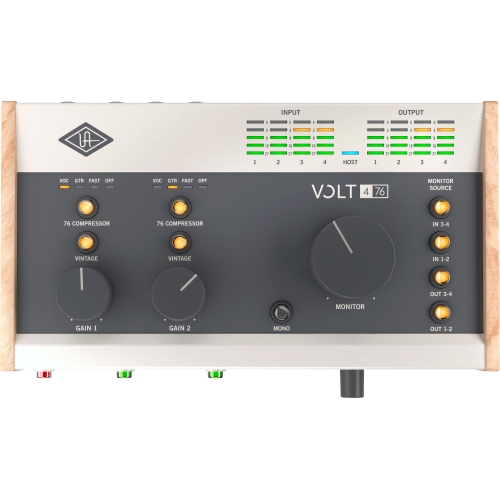
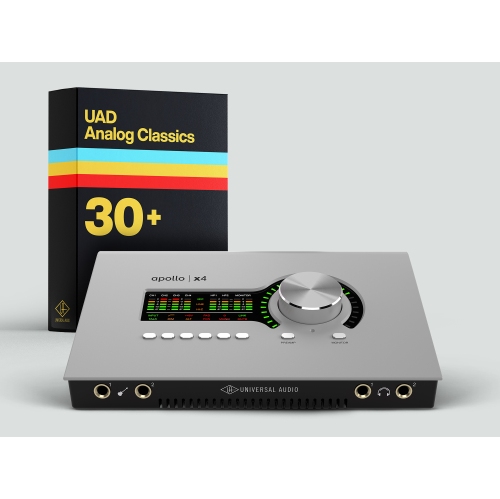
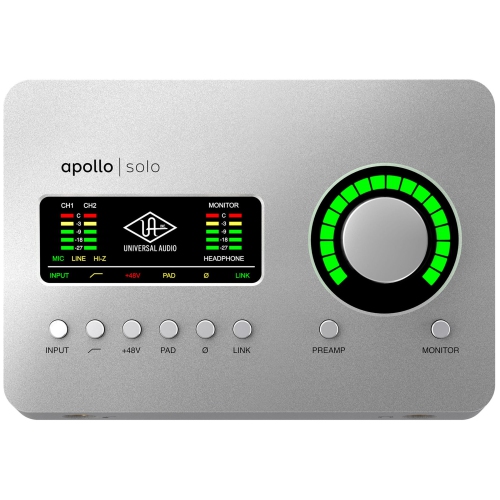
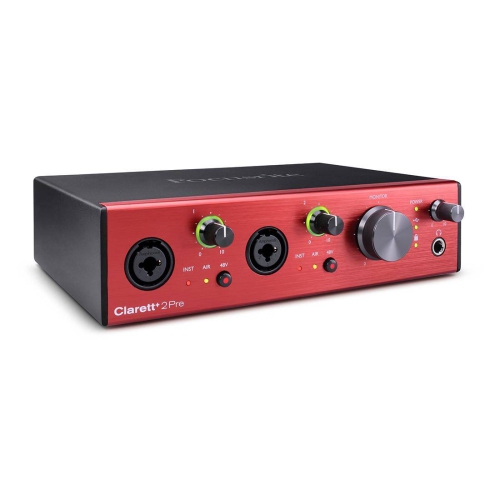
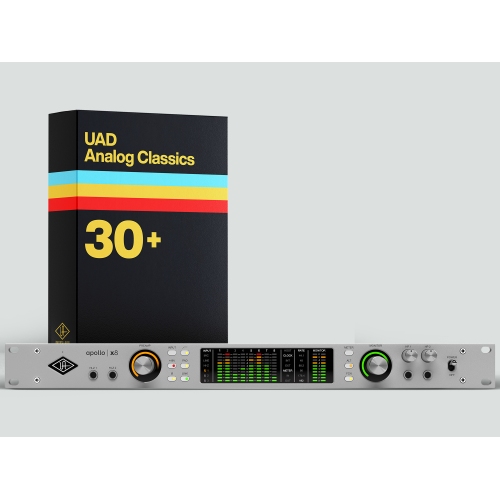
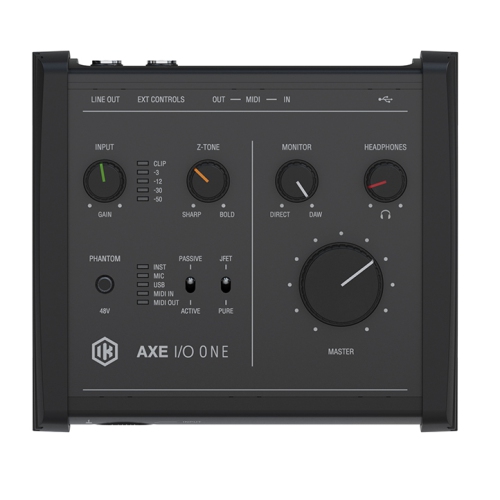
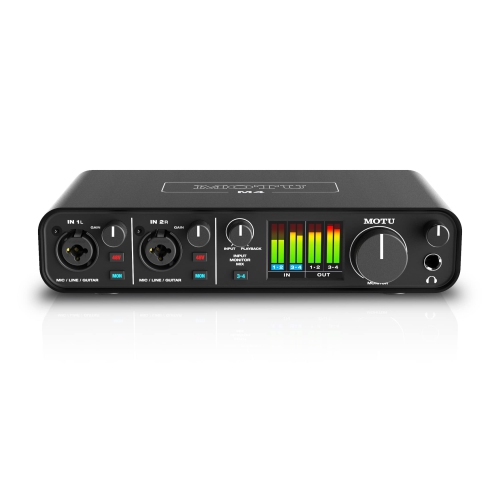
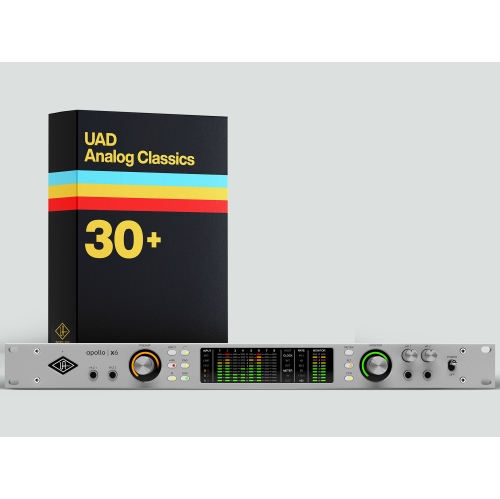
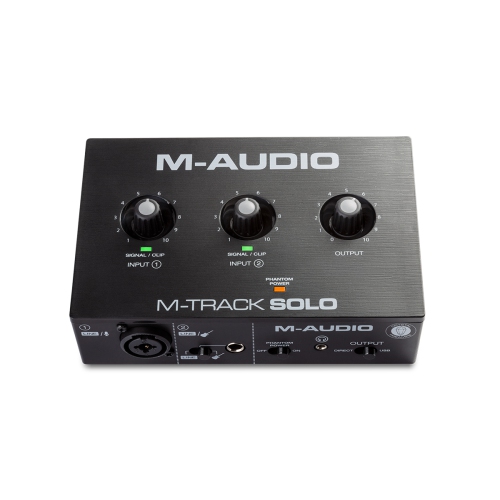
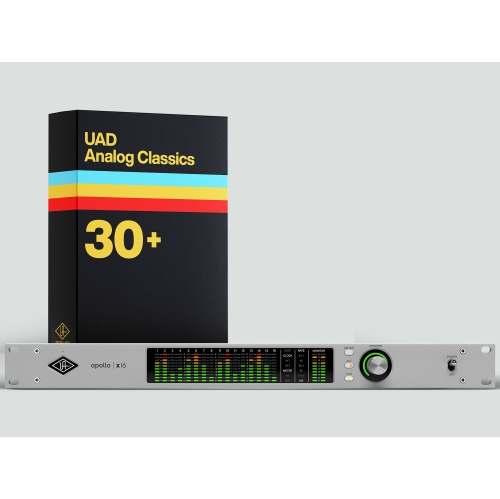
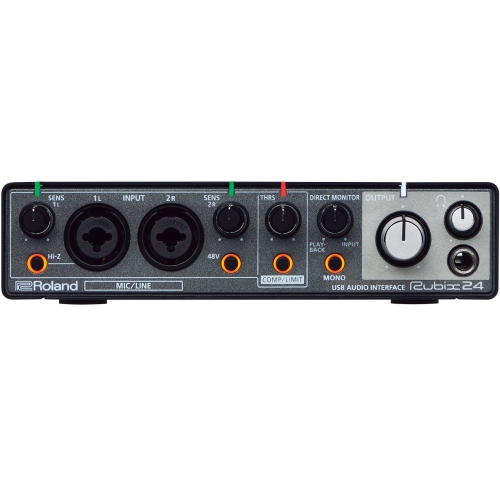
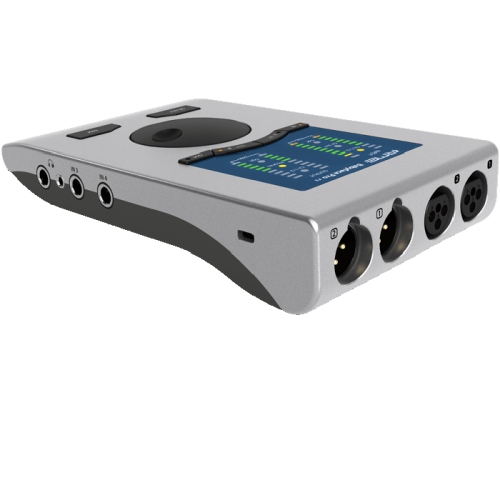
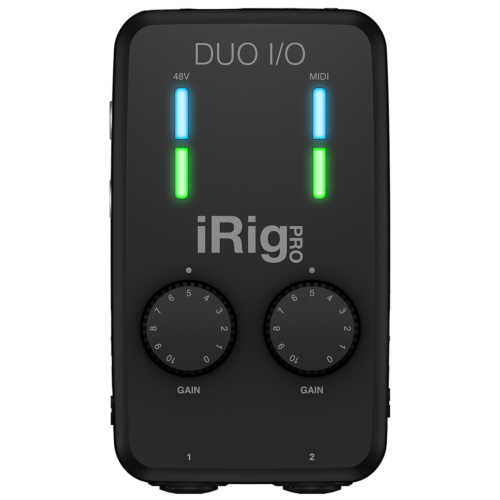
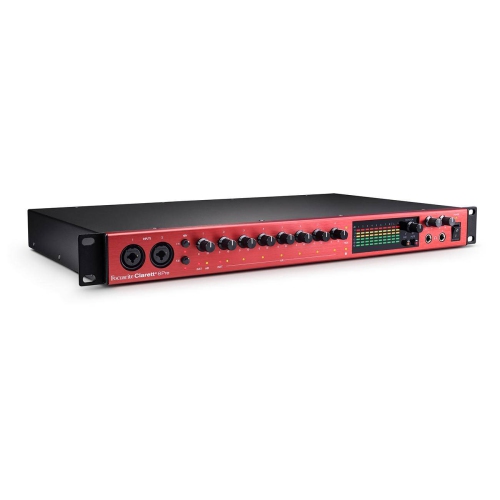
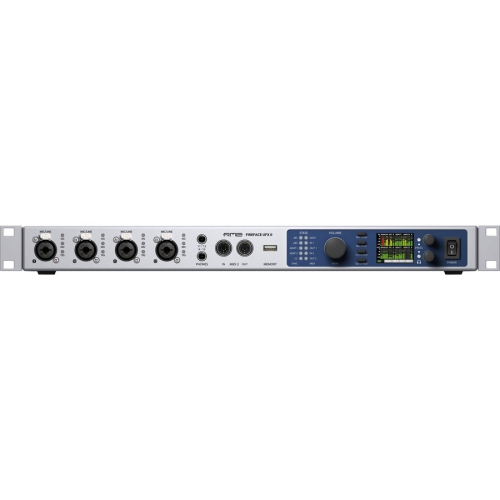
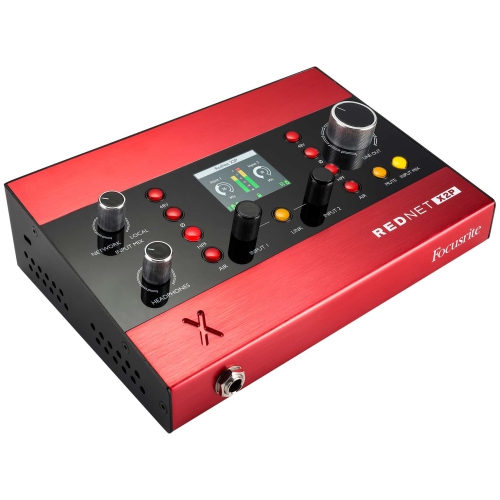
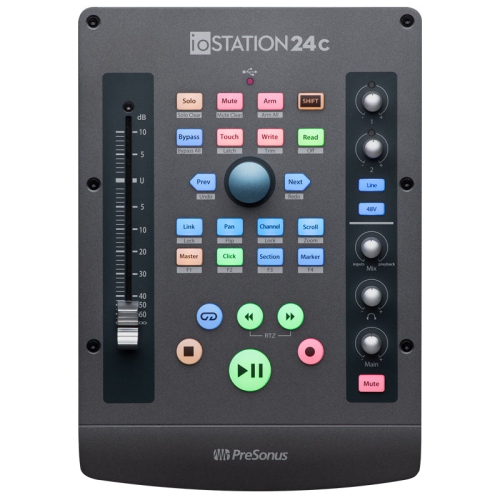
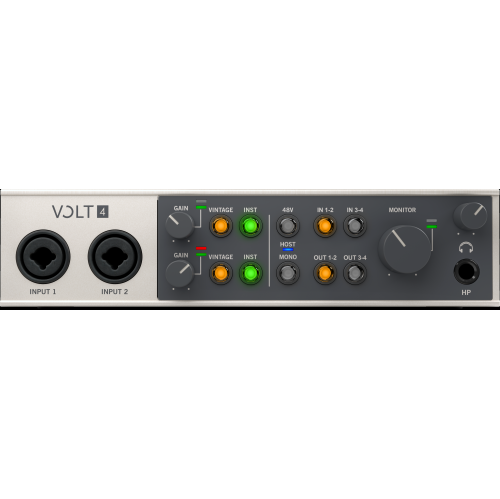
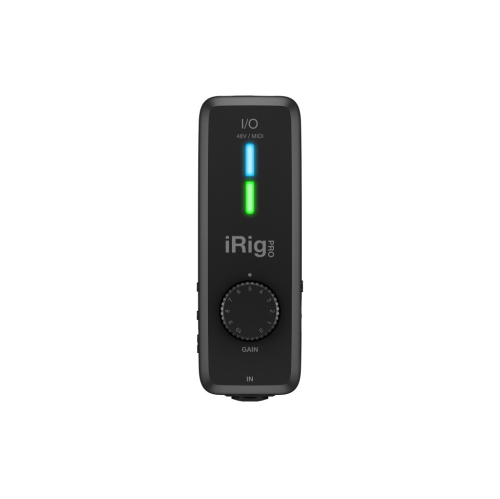
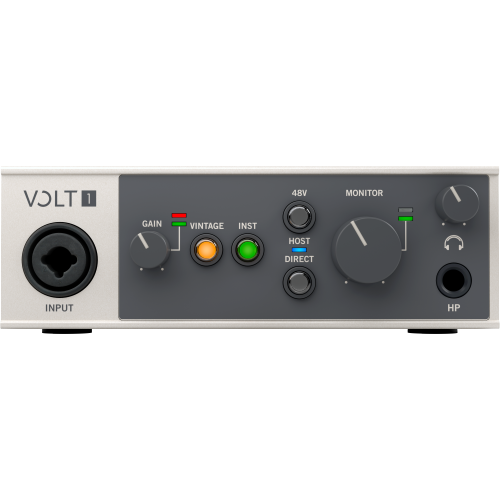
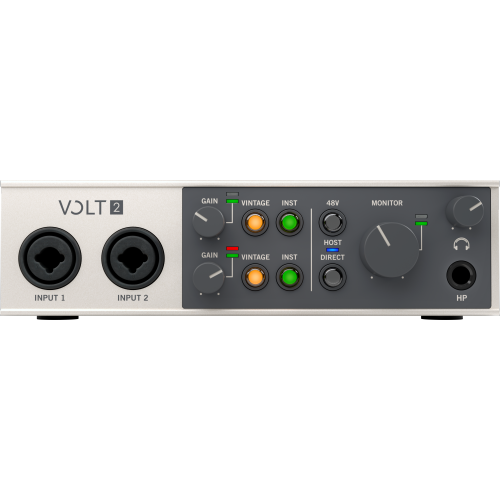
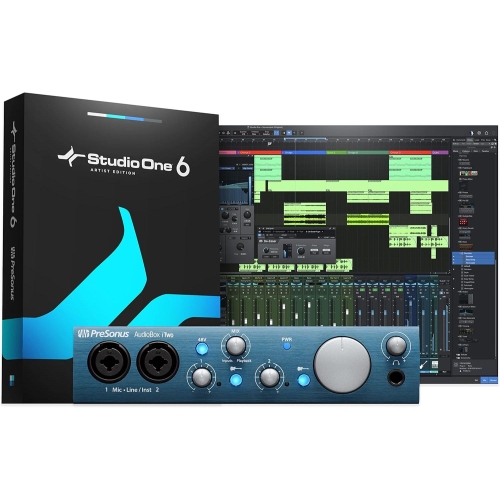
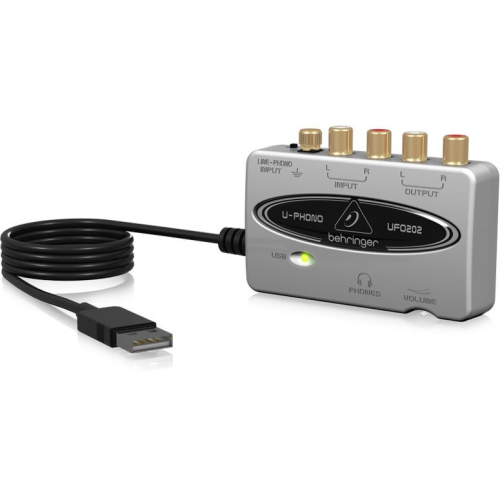
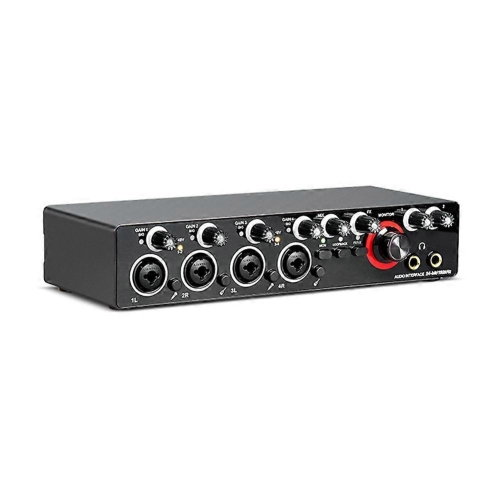
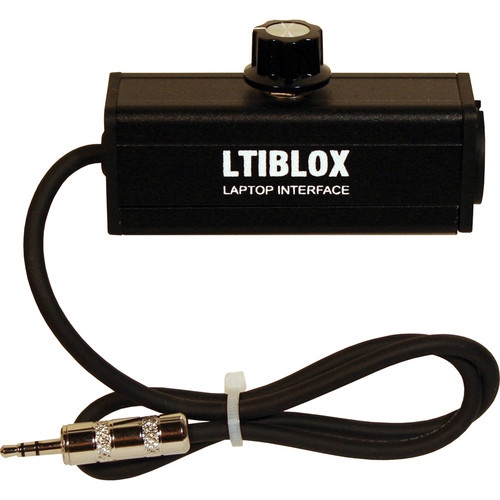
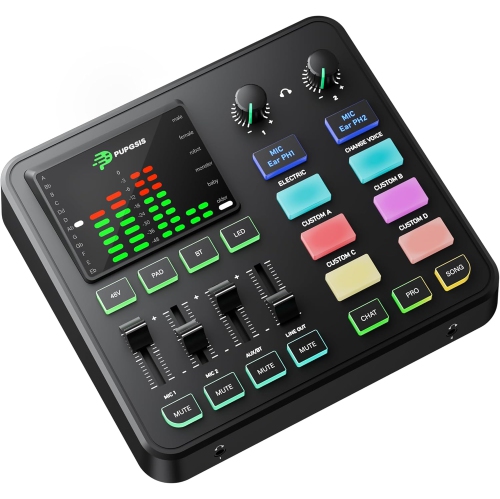
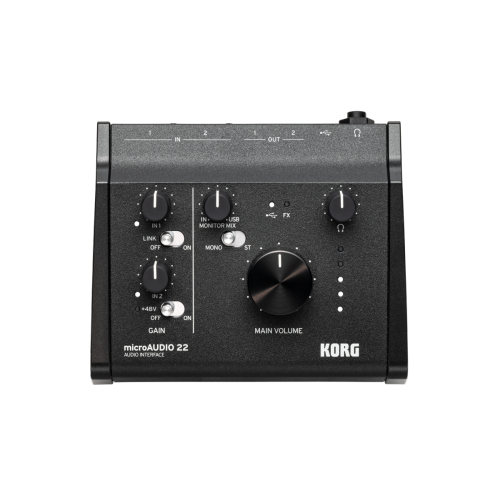
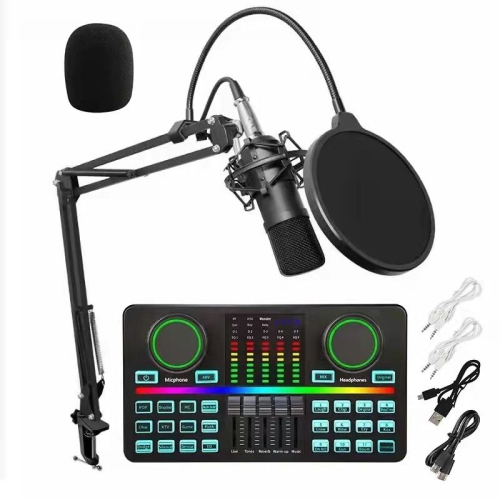
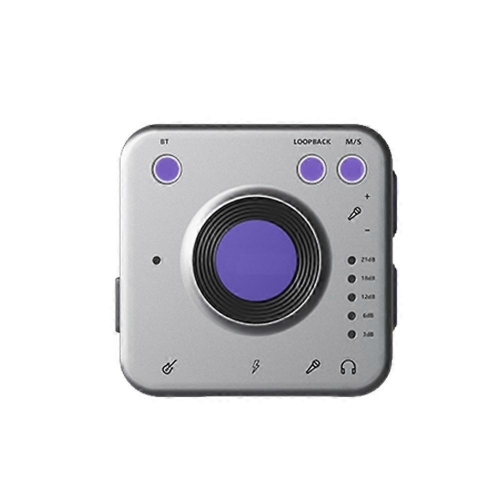
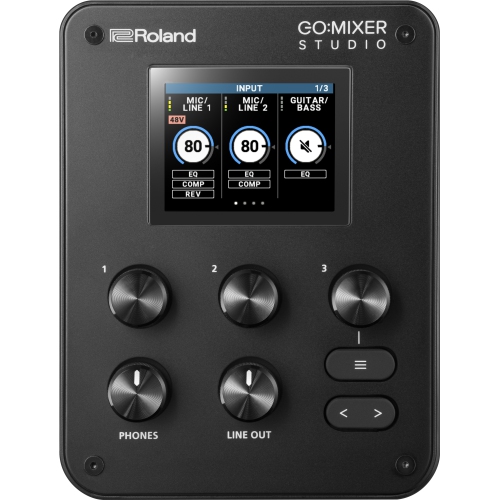
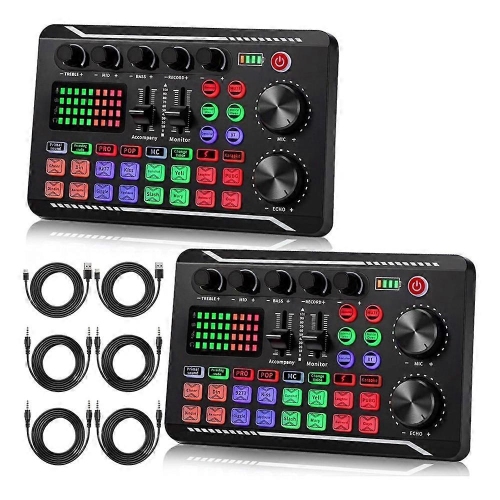
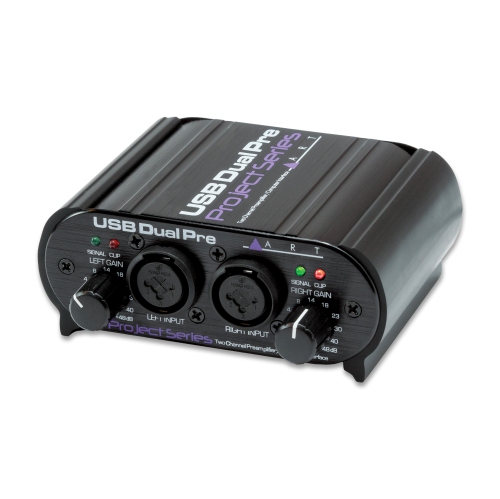
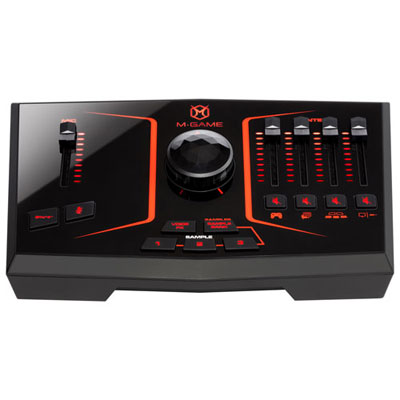
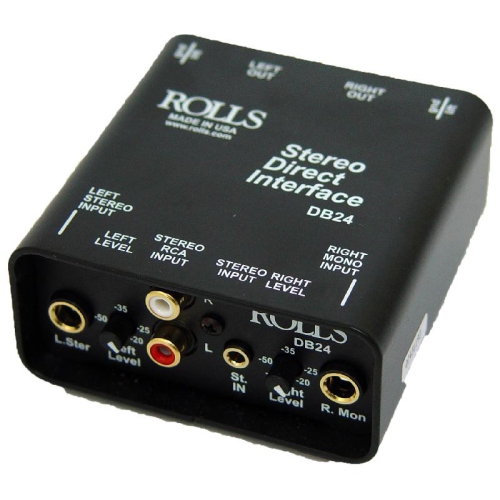
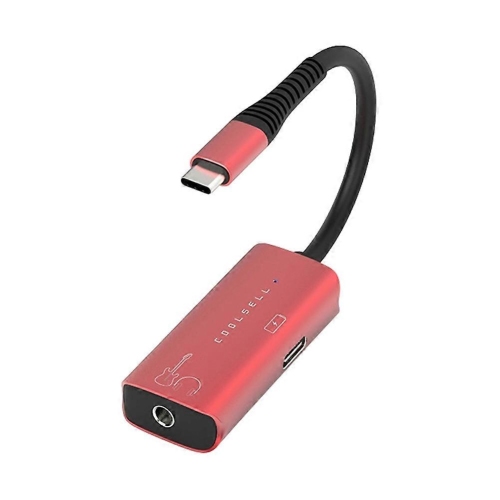
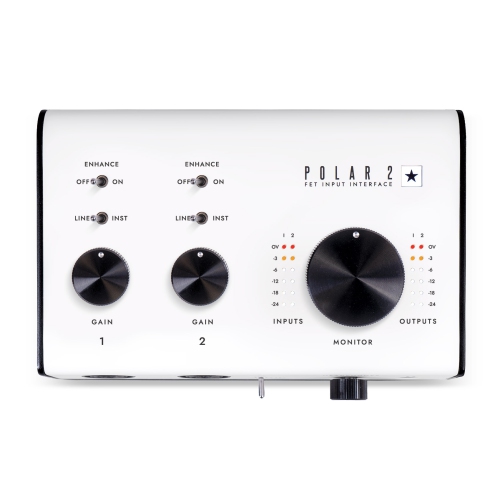

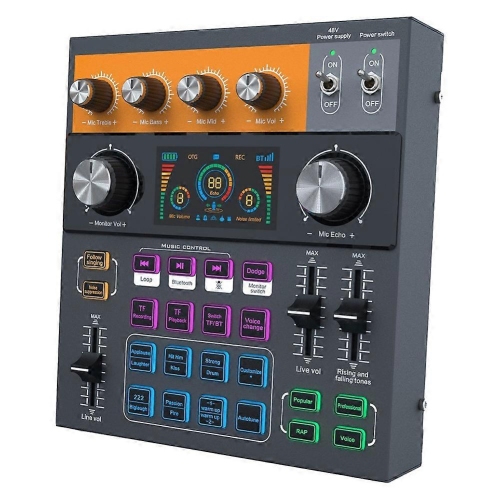
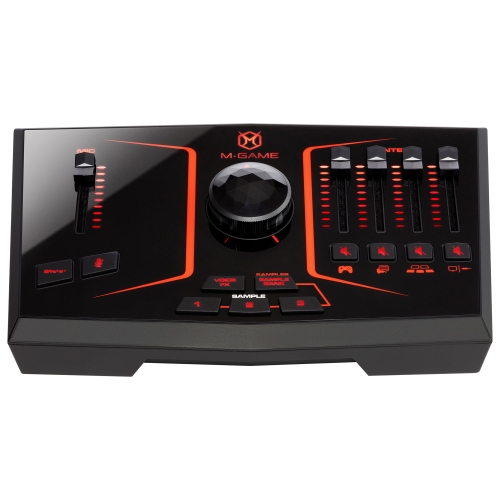
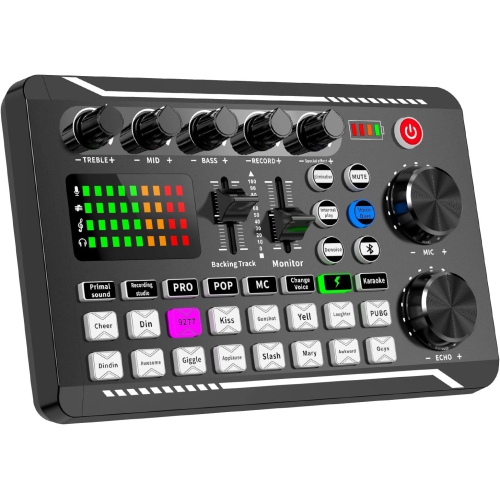
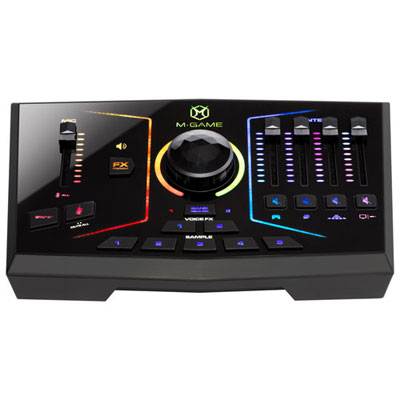
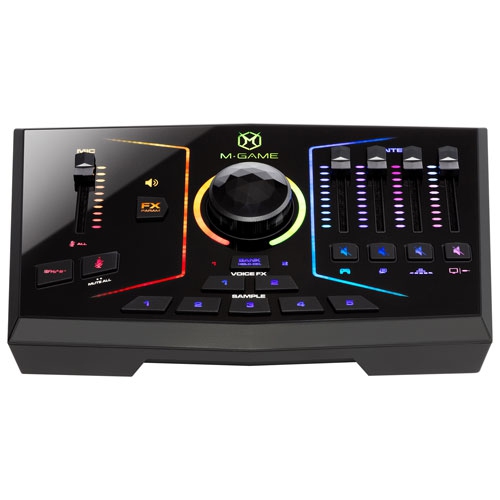
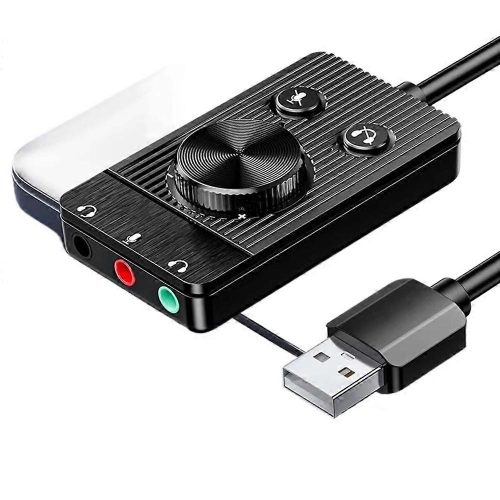
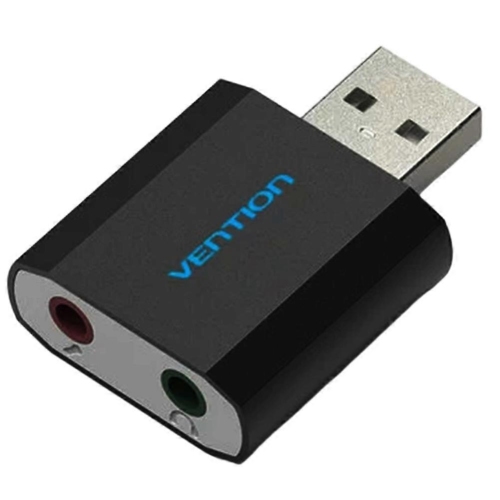

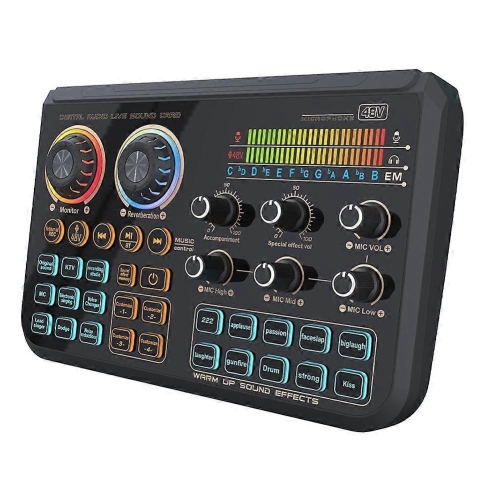
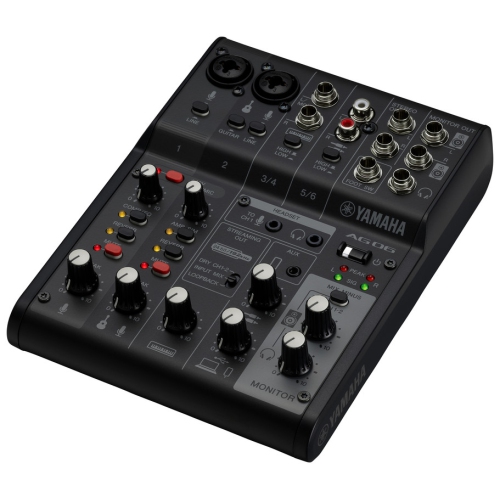
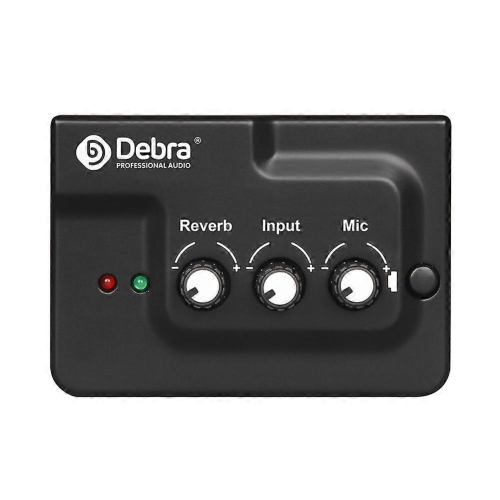
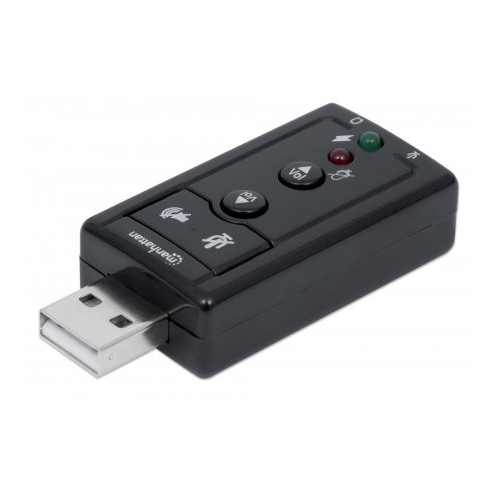
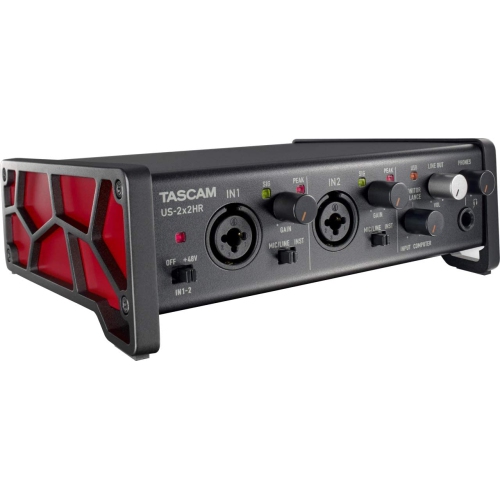
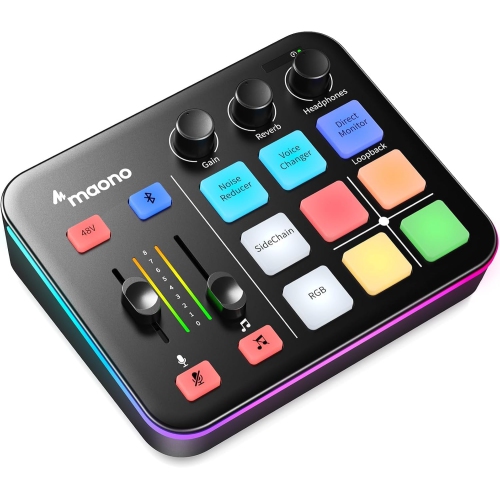
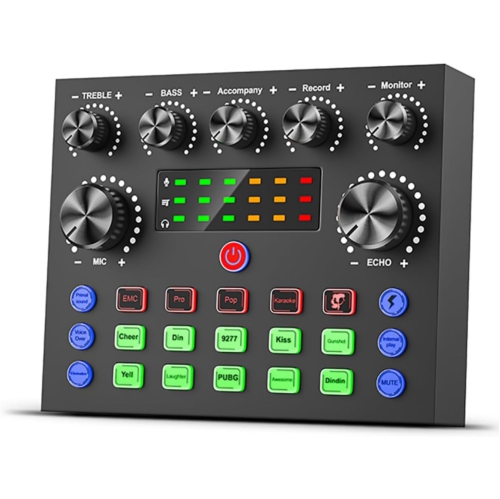
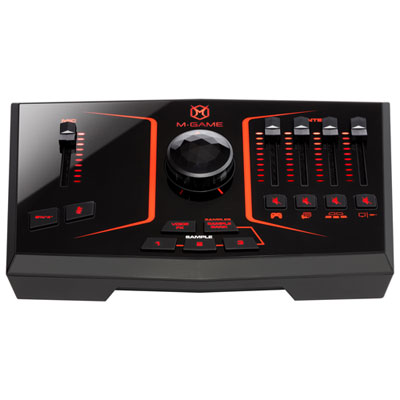
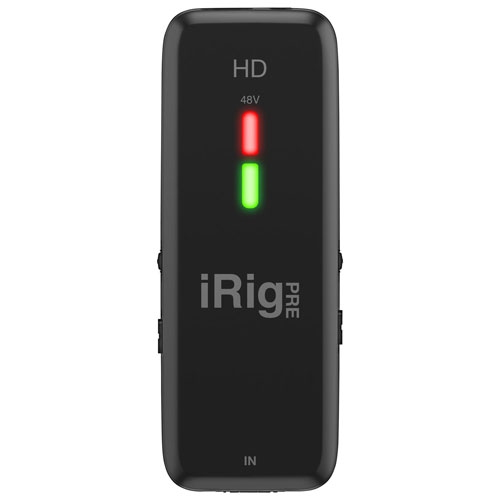
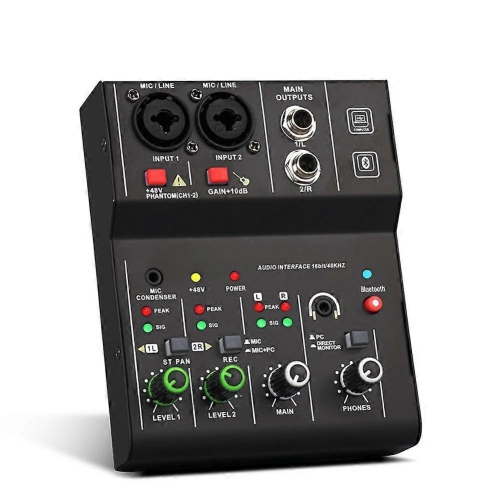
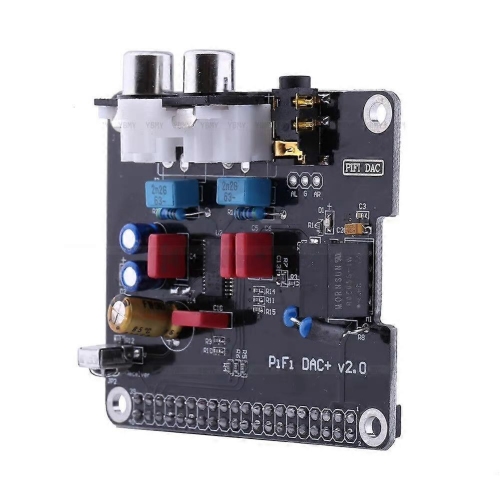
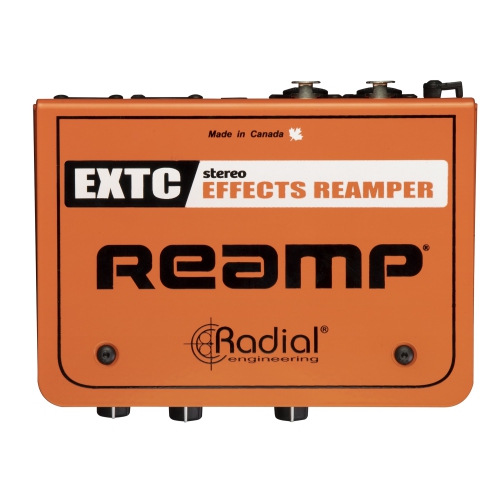
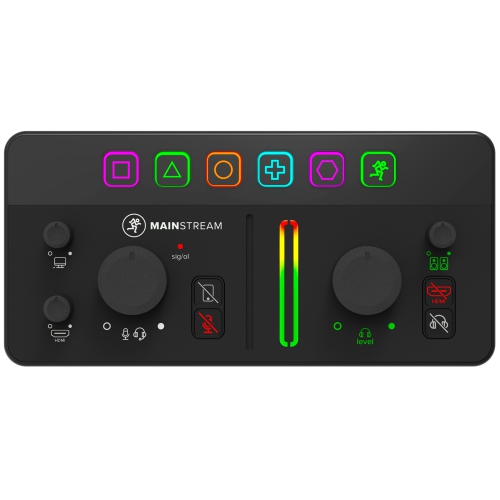
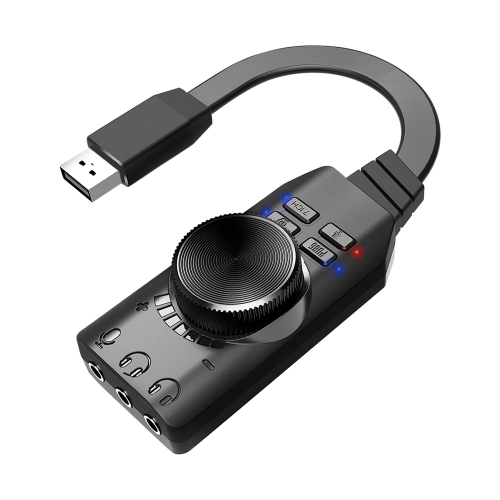
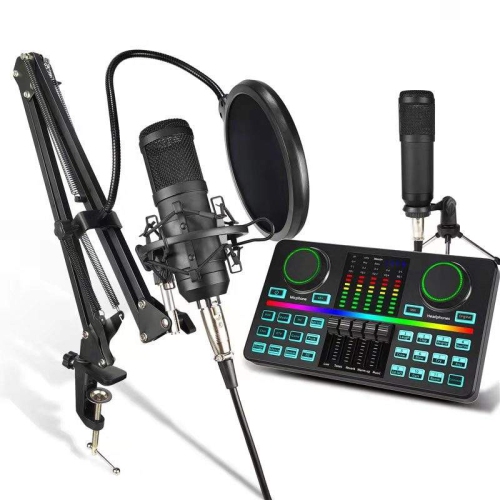
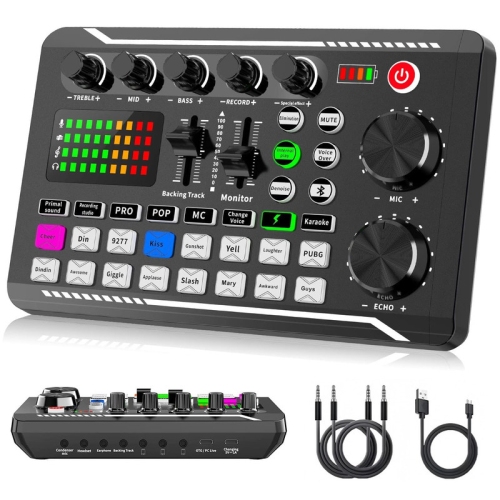
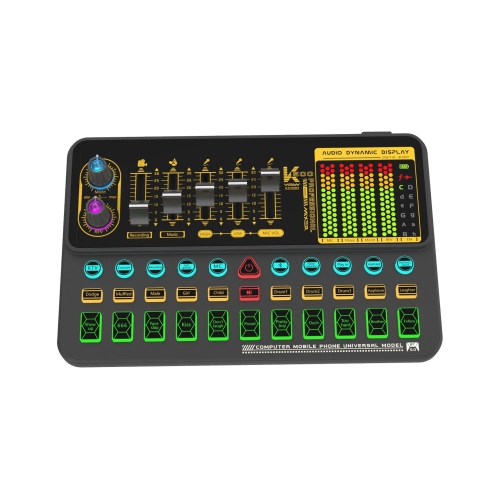
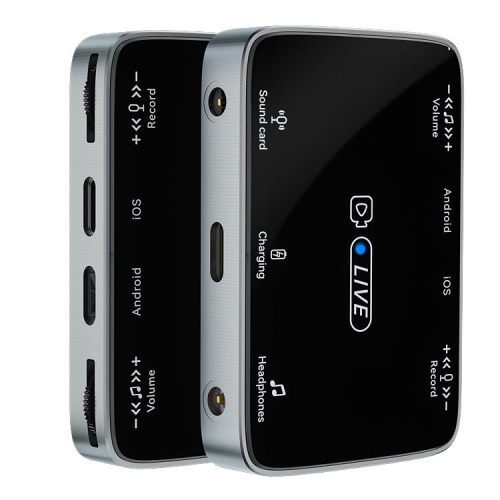
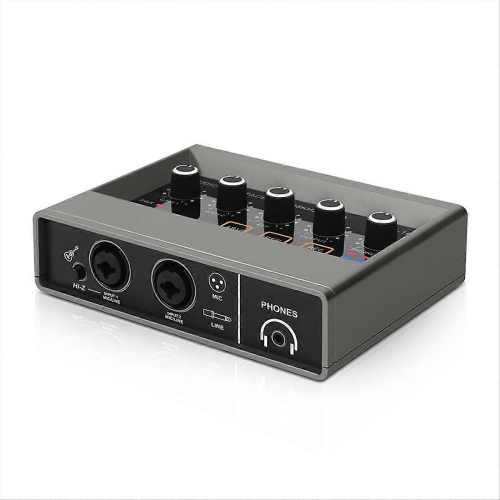
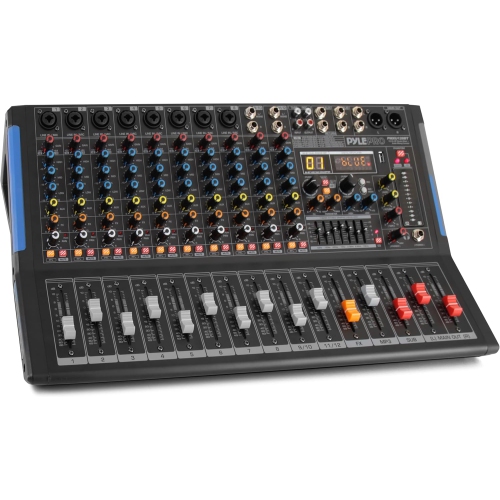
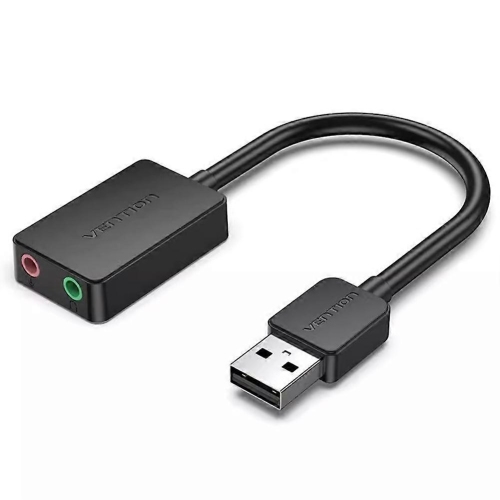
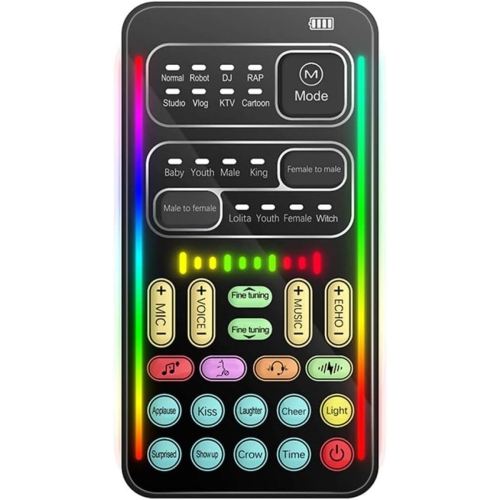
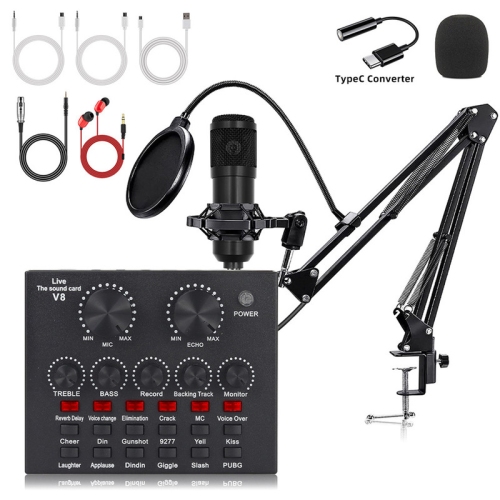
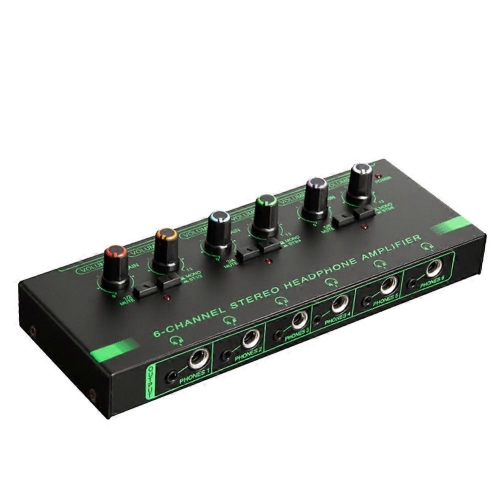
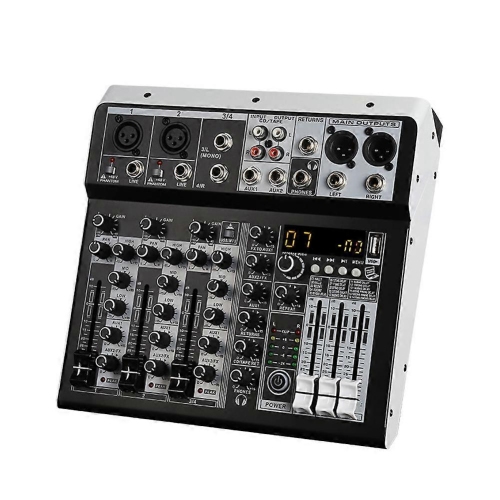
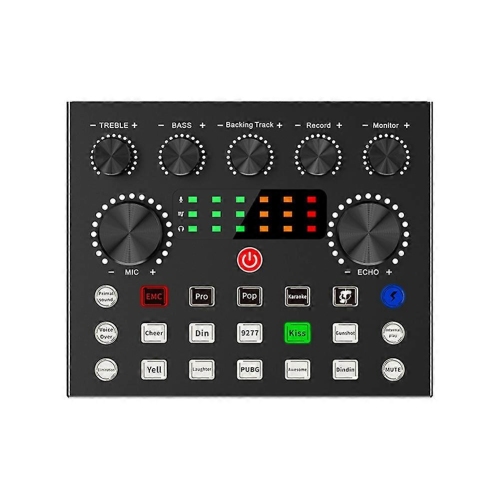
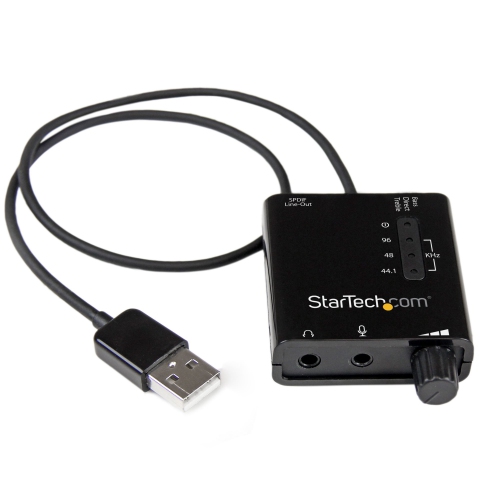
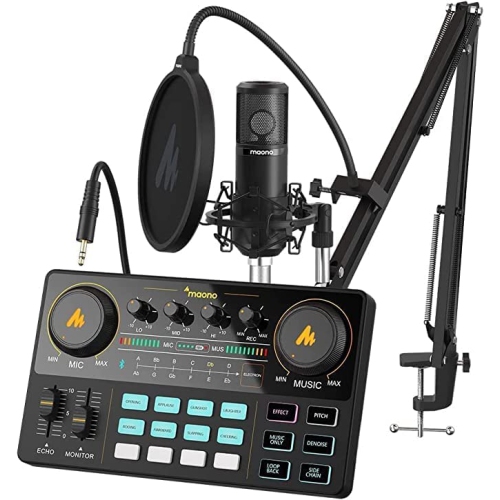
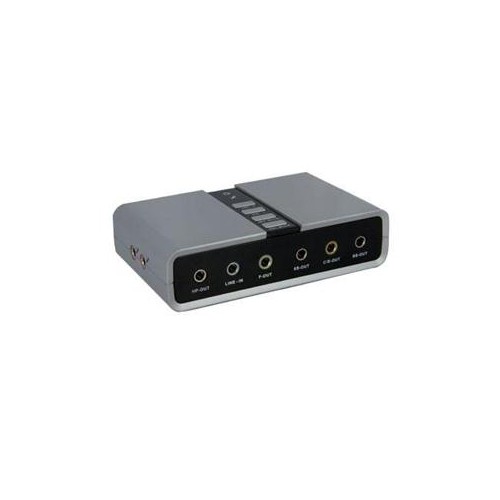
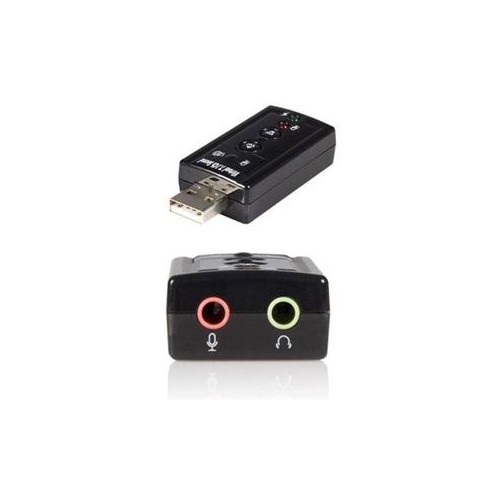
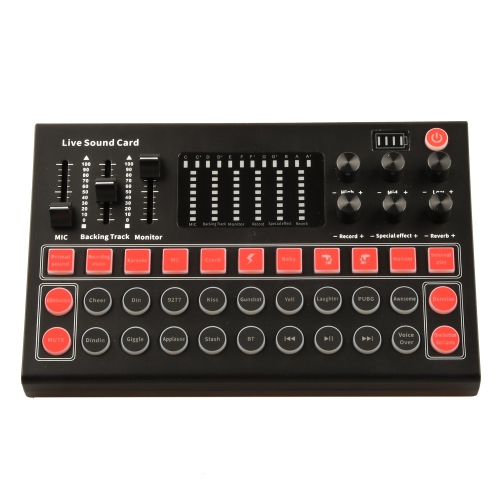
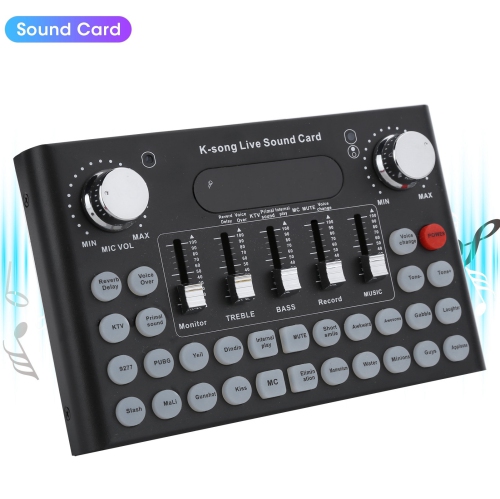
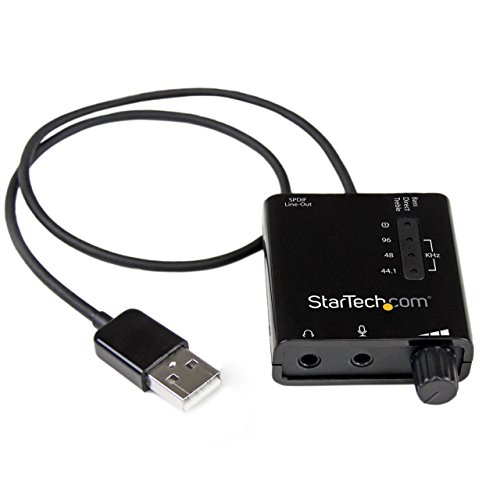
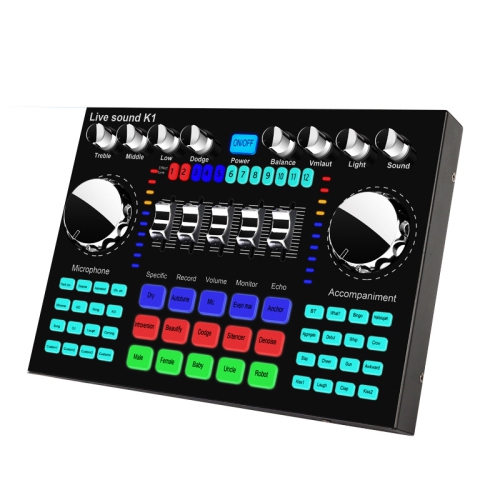
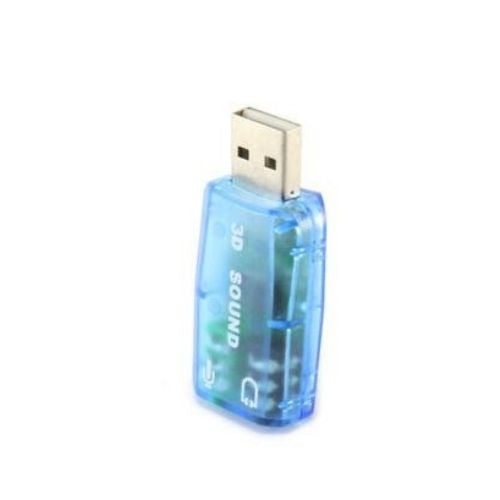
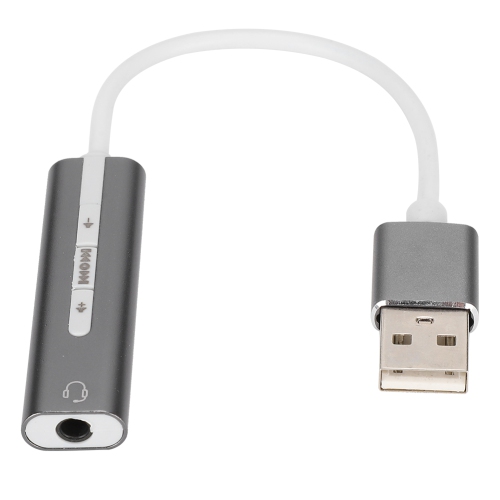
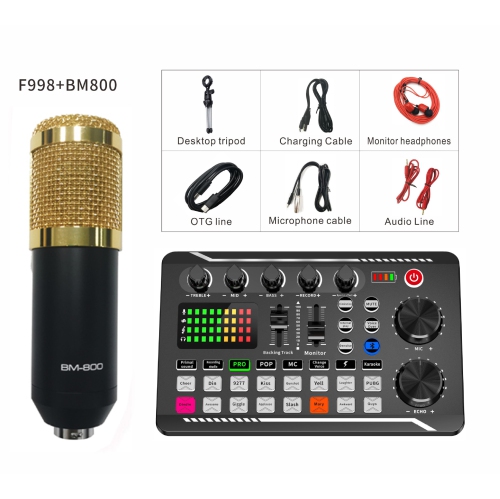
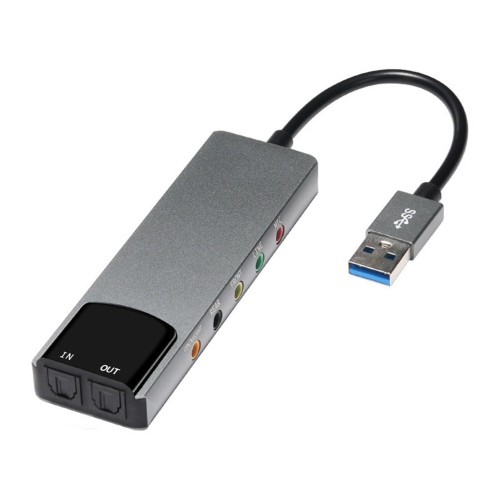
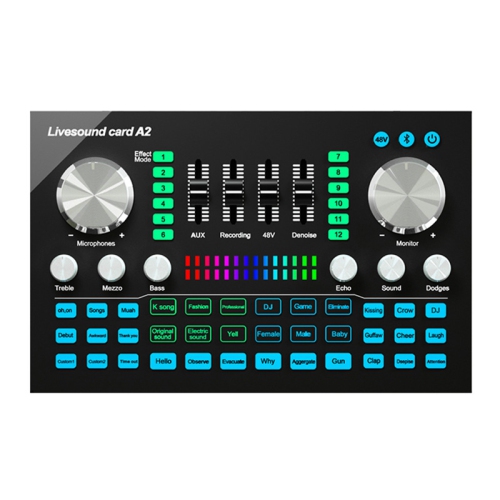
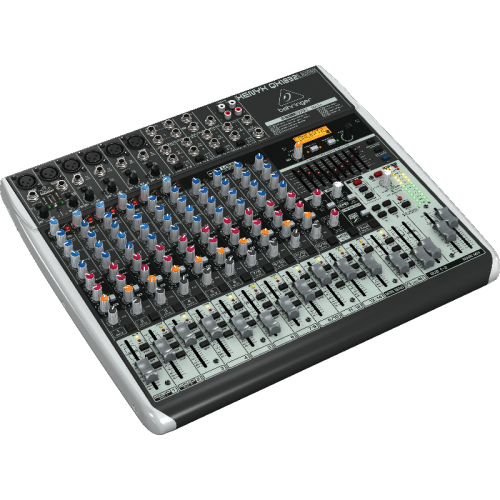
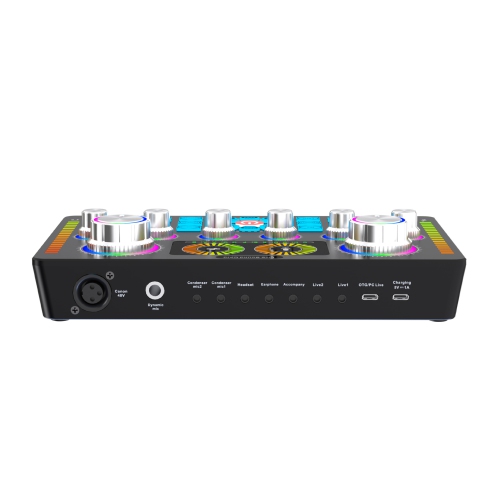
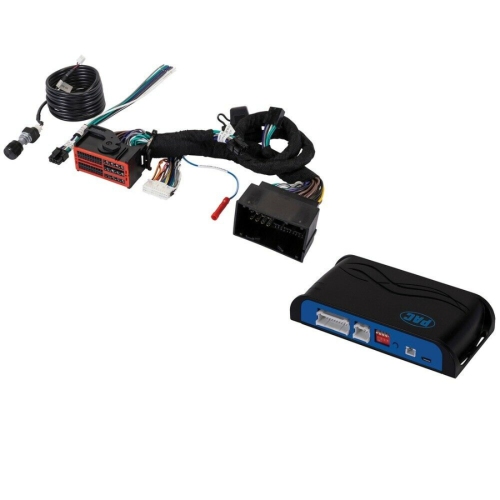
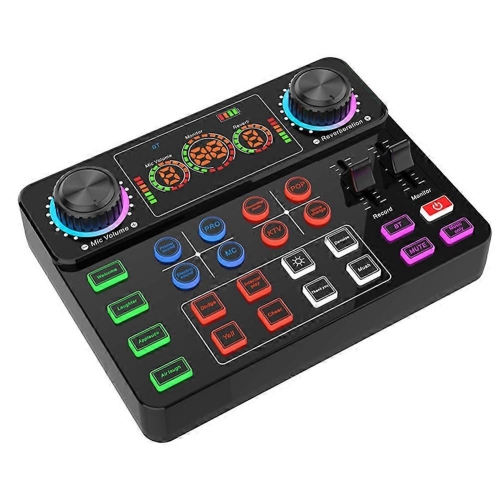
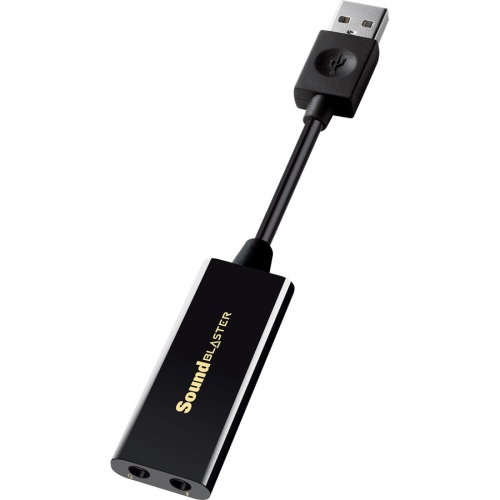
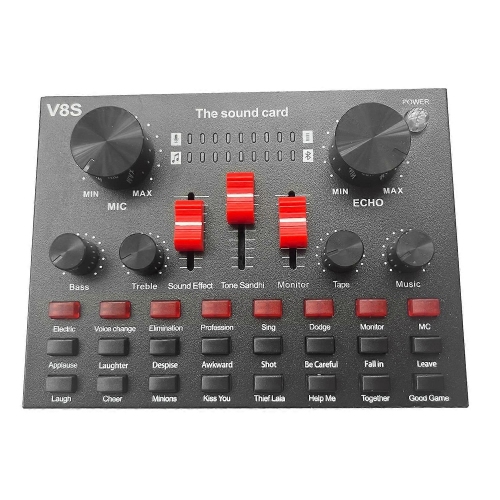
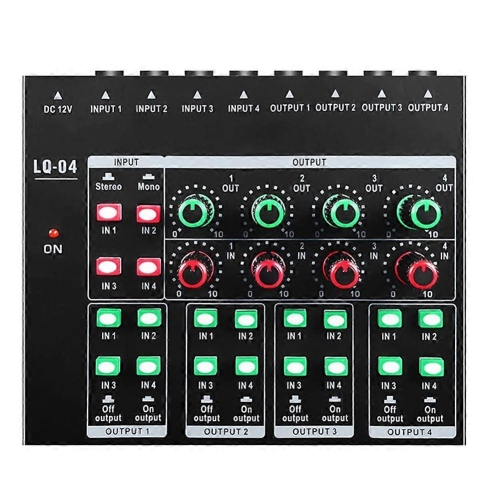
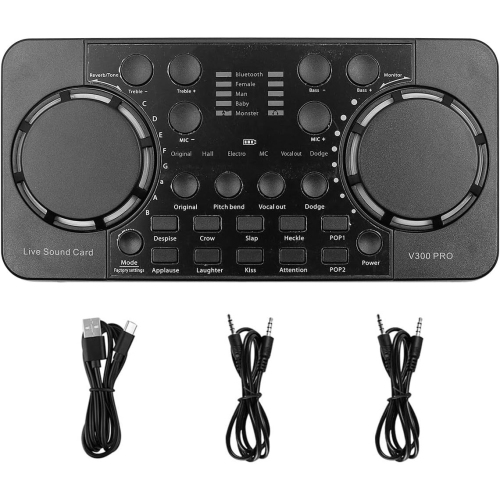
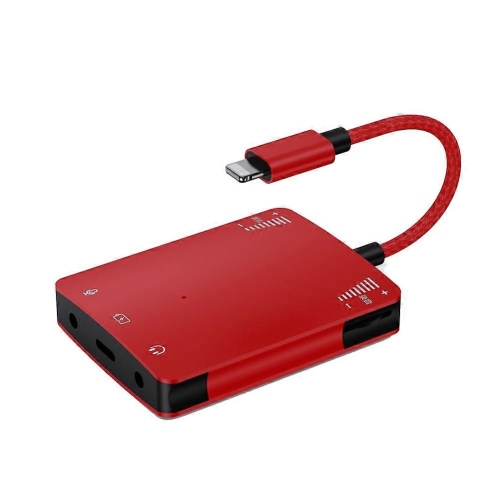

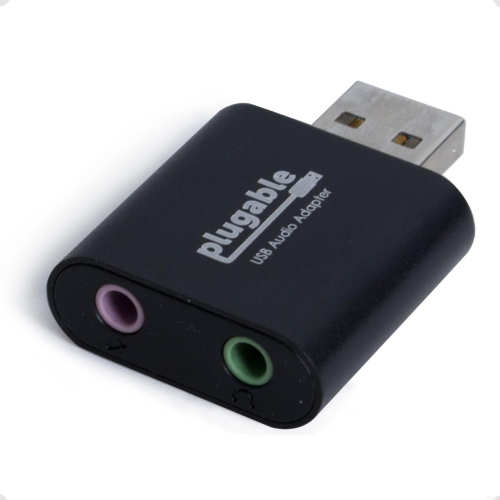
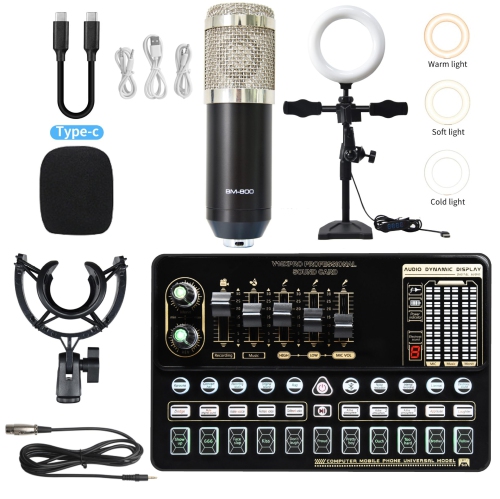
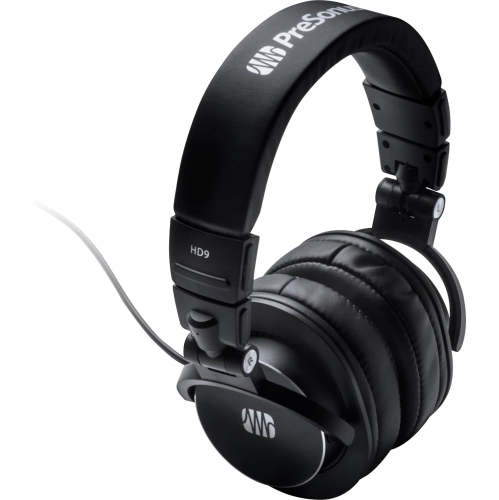
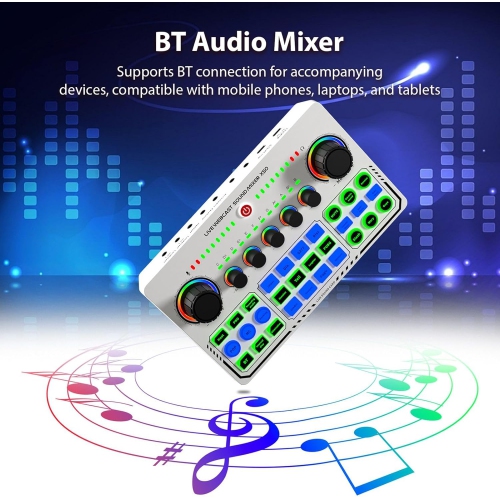
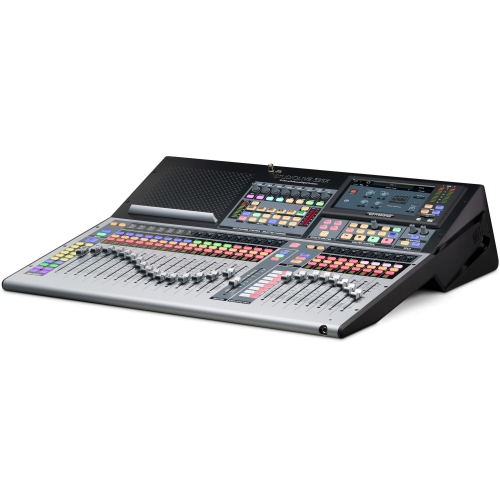
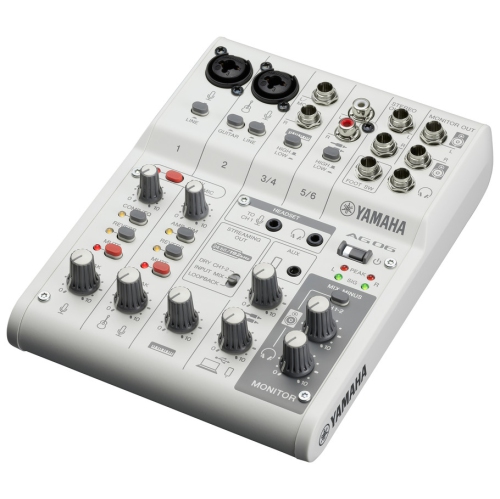
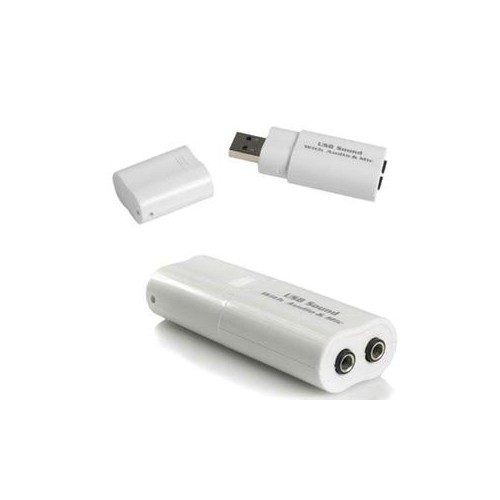
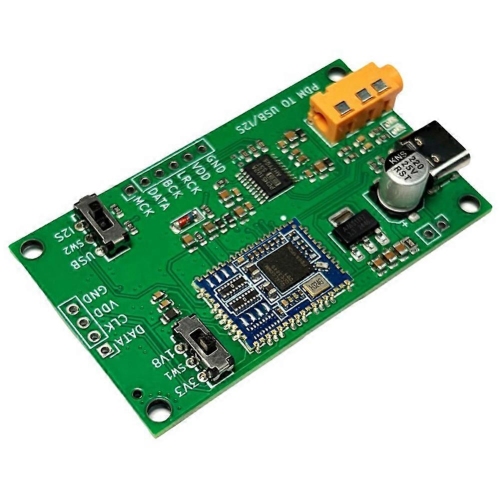
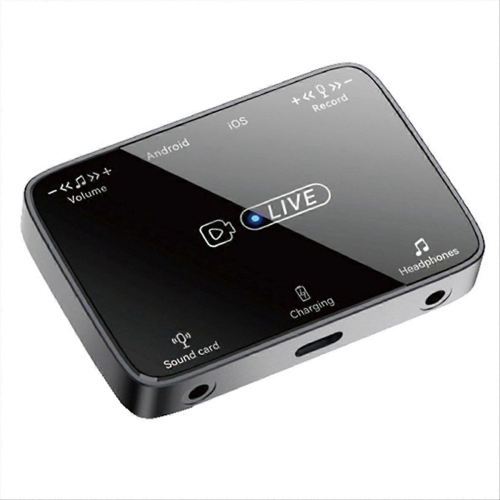
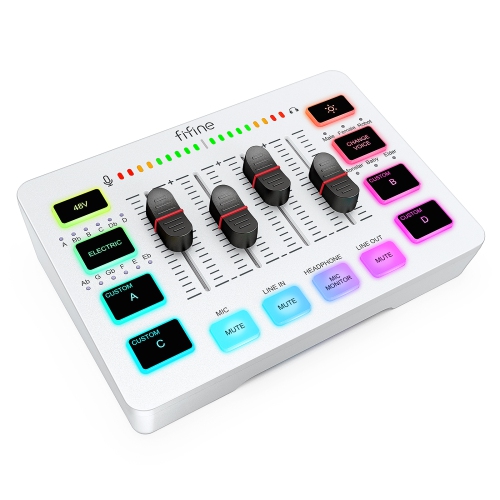
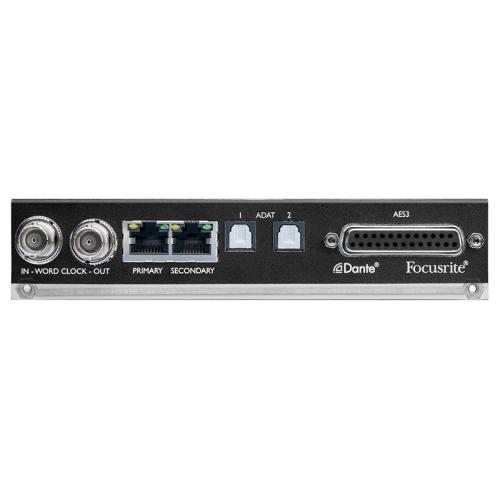
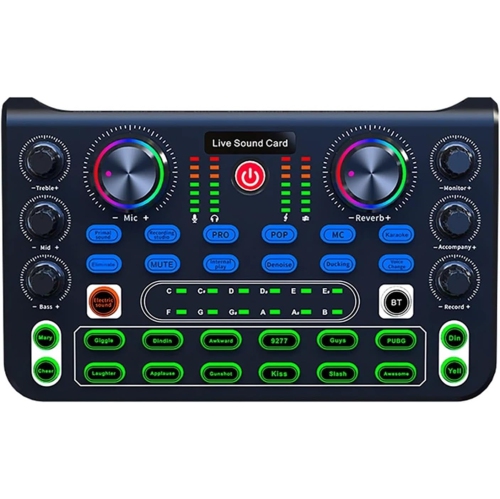
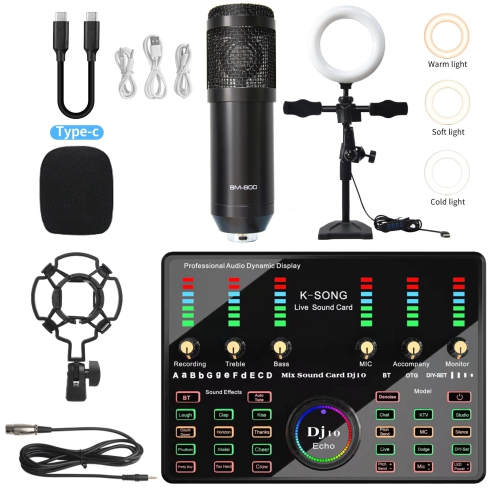
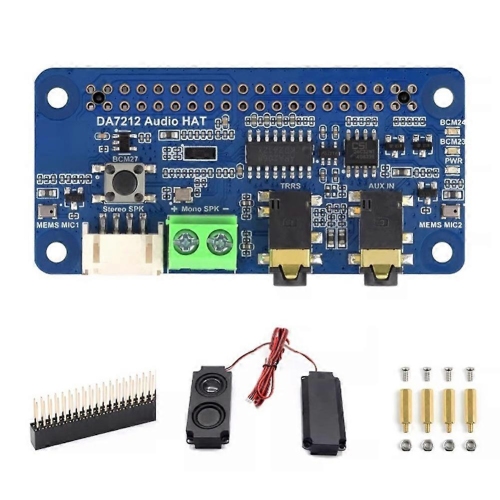
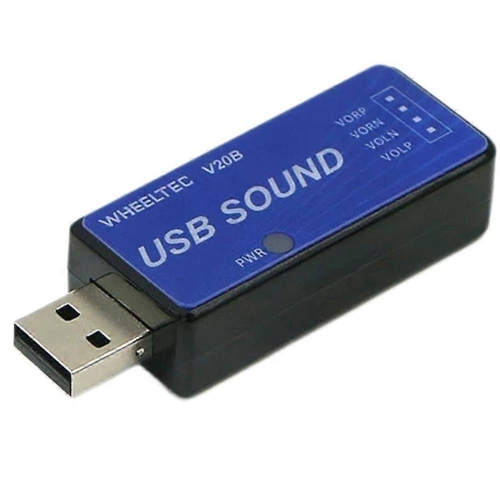
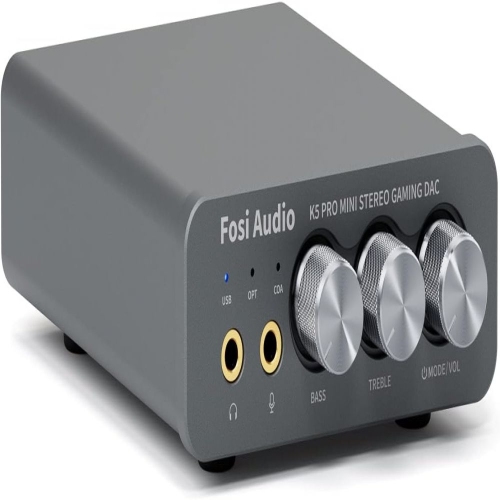
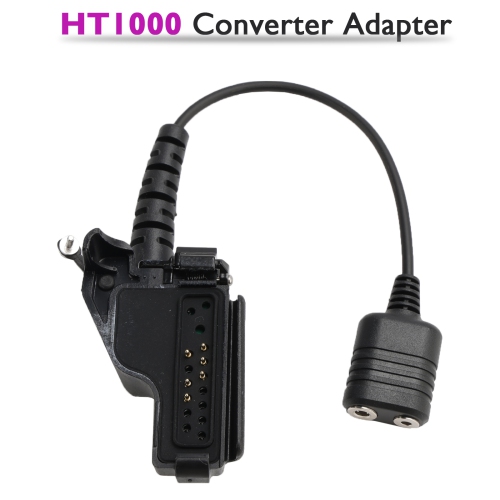
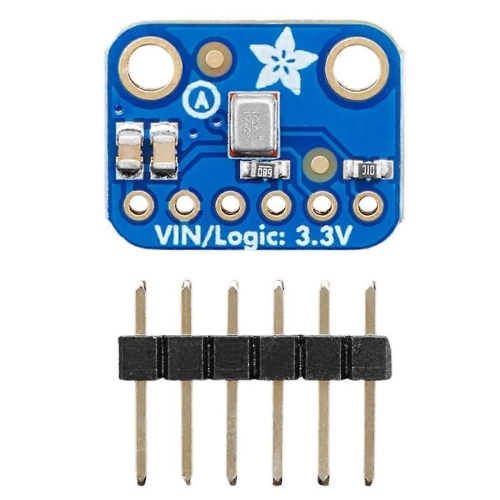
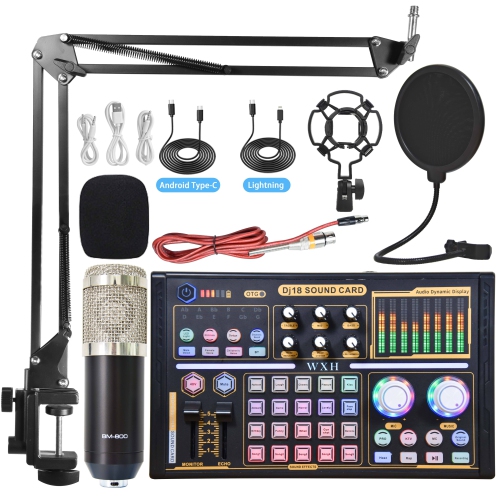
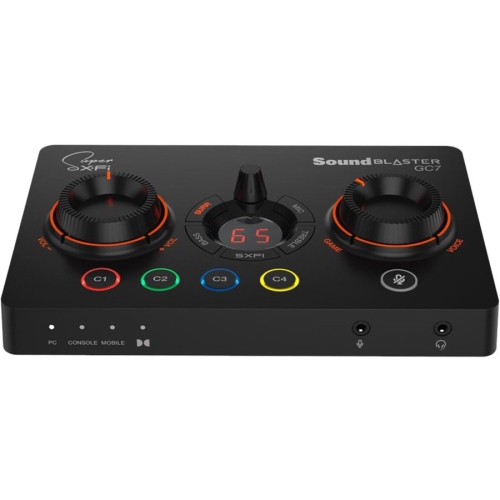
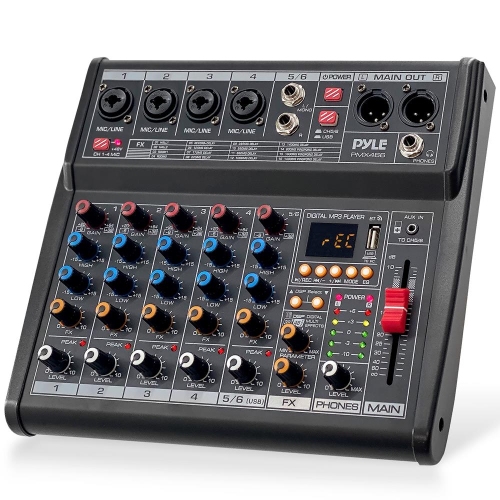
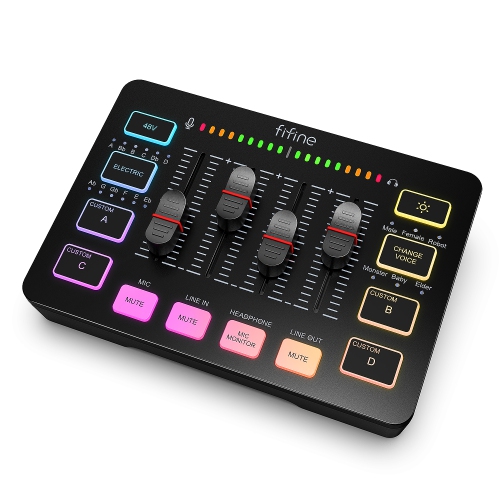
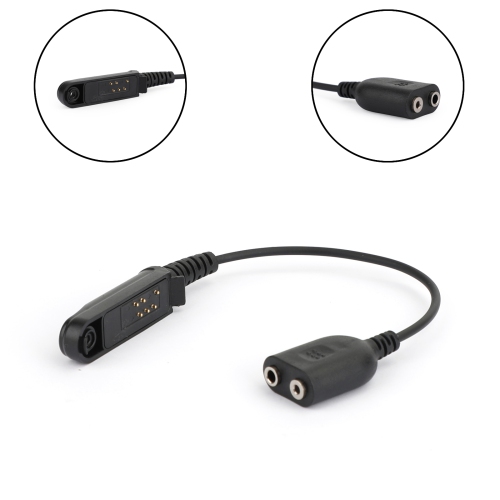
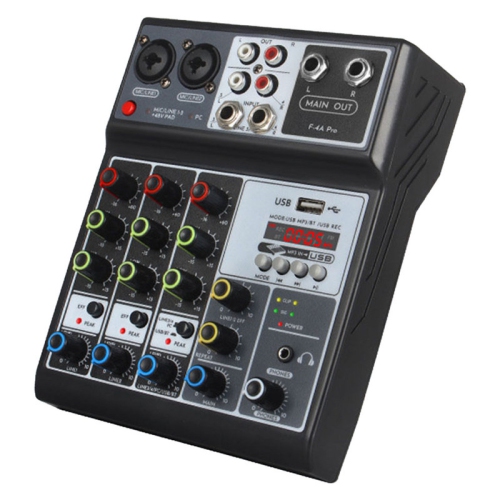
Flexible inputs and monitoring for focused home recording
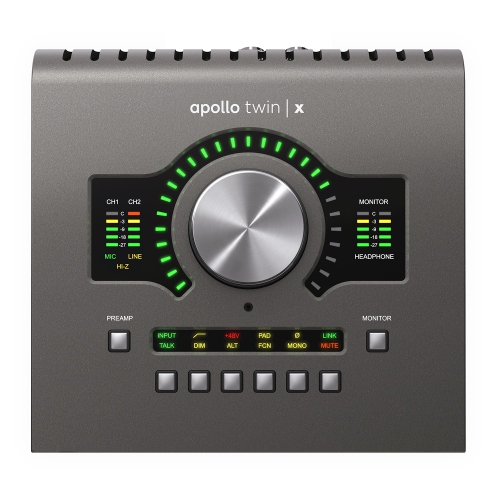
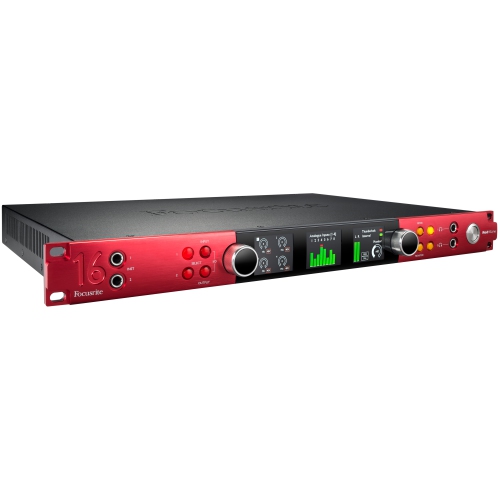
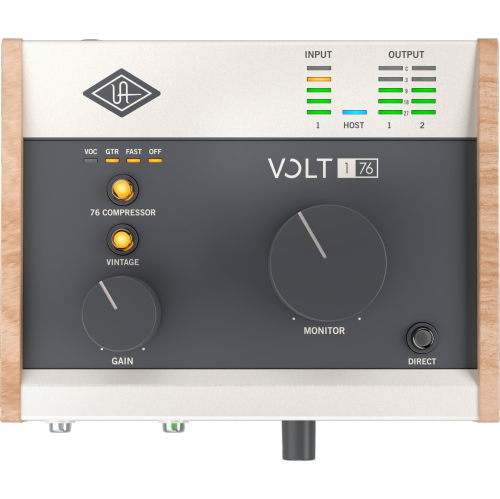
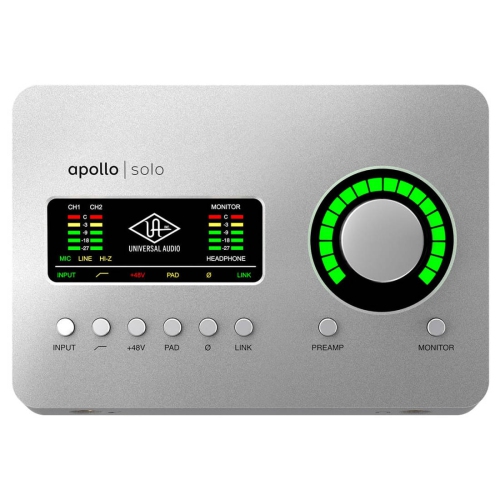
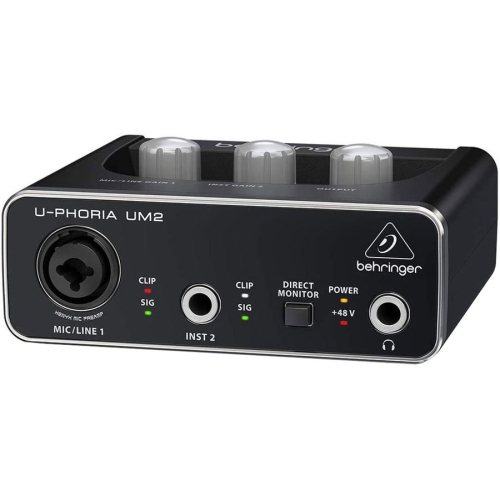
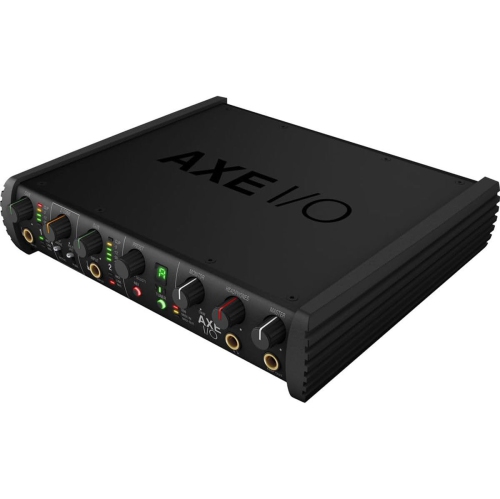
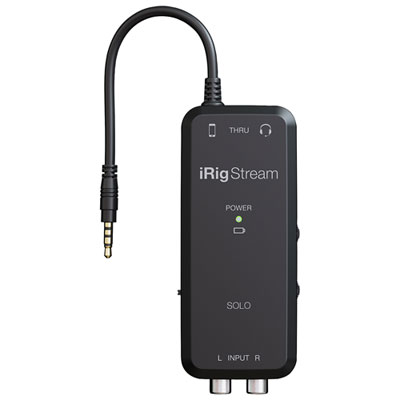
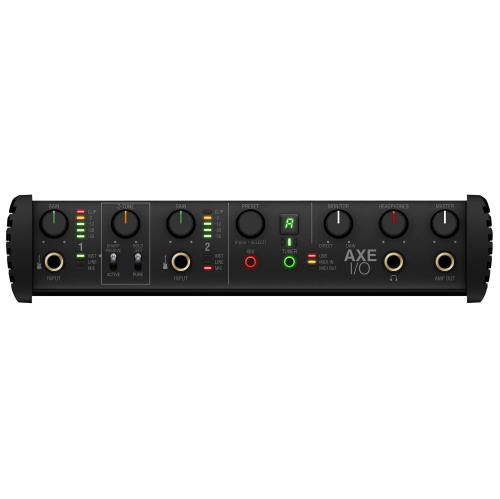
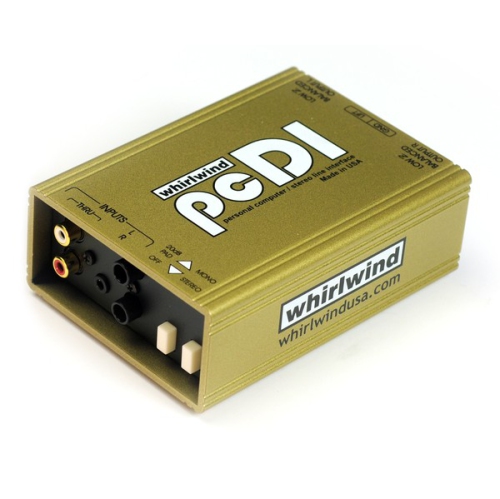
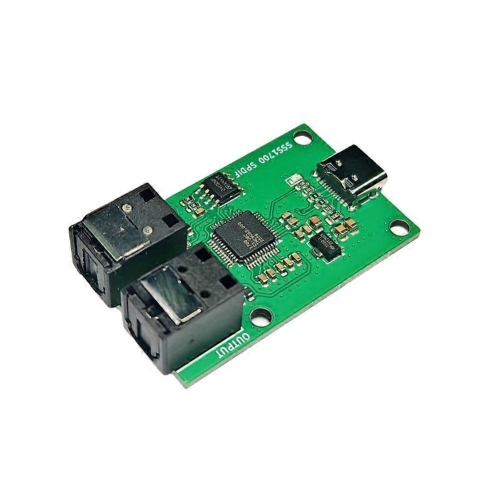
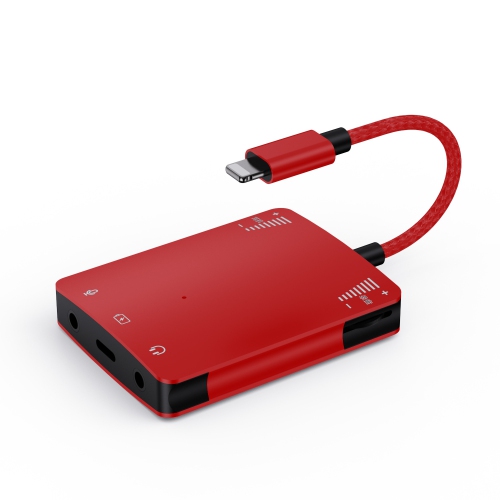
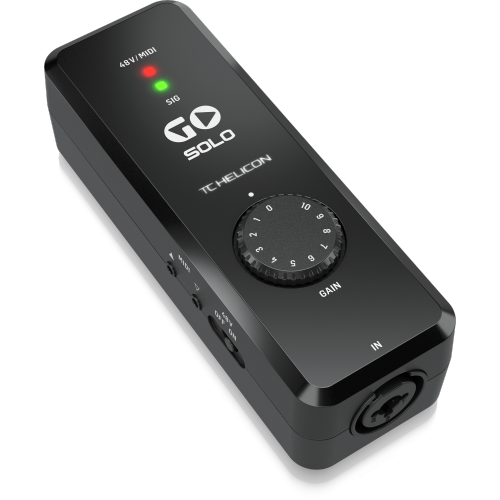
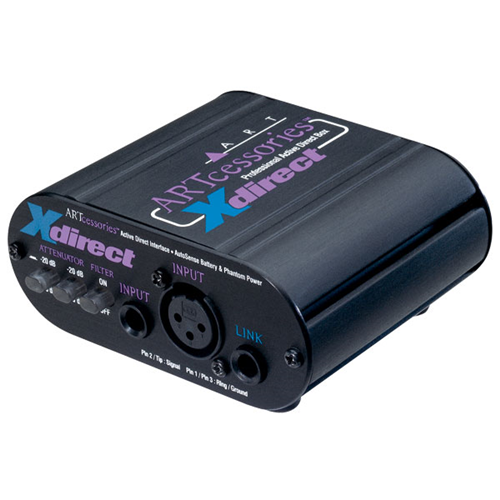
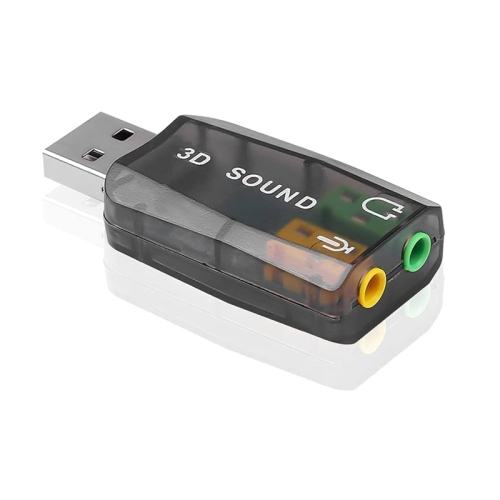
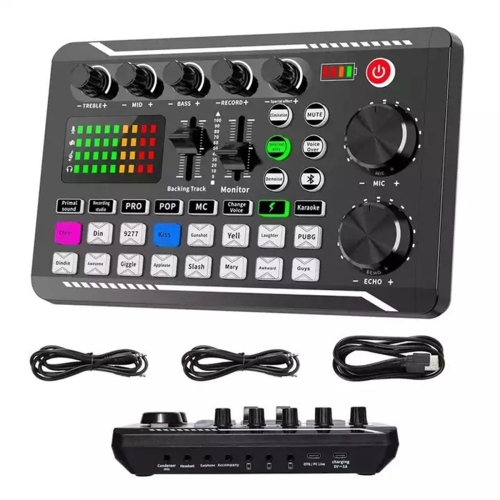
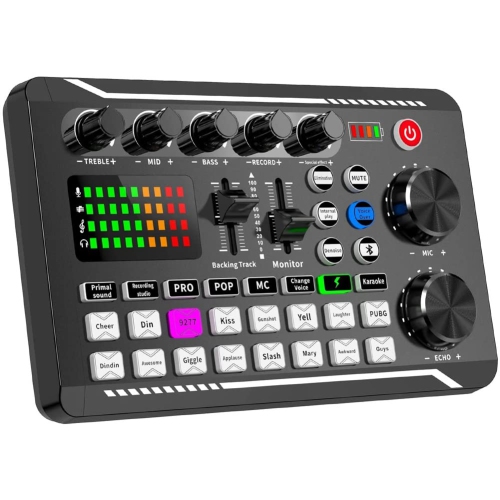
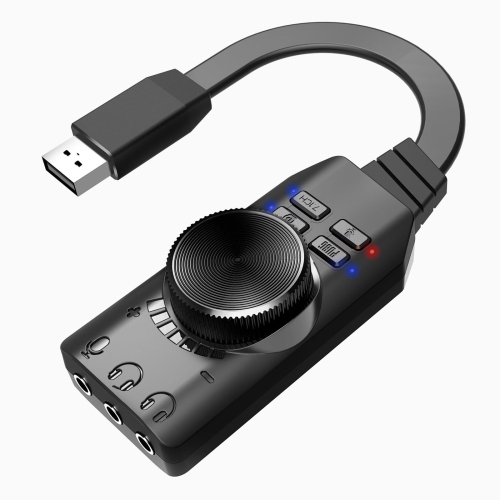
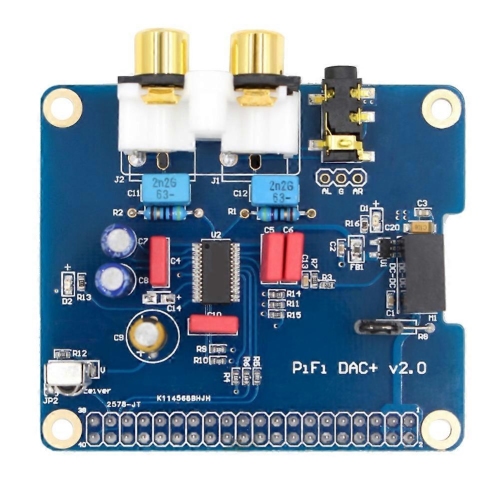
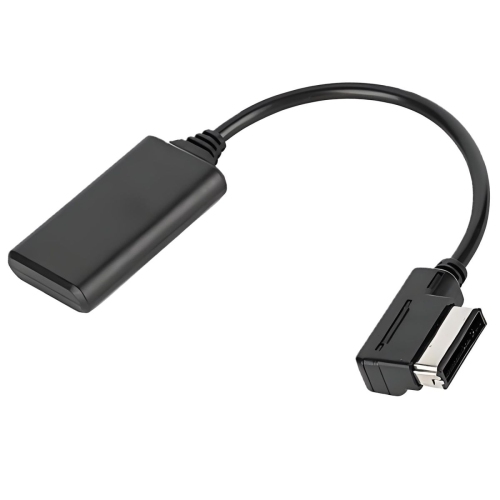
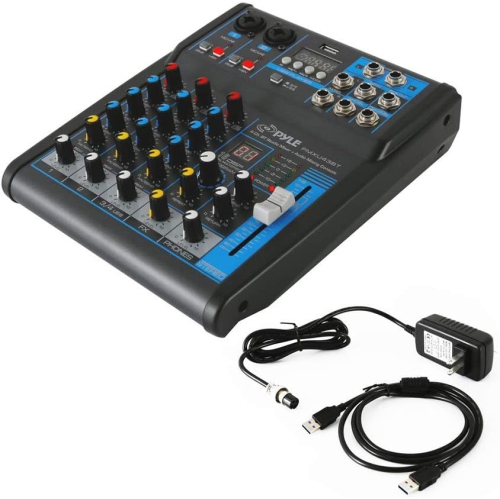
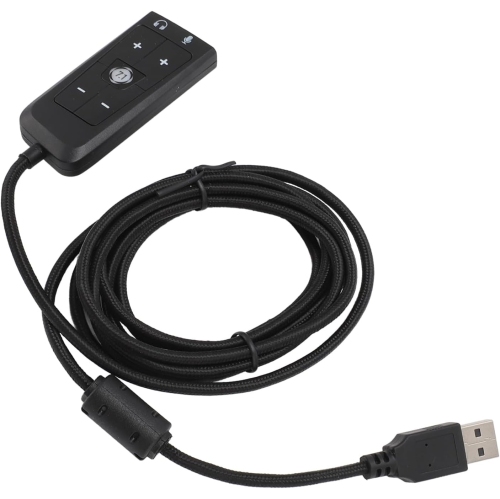
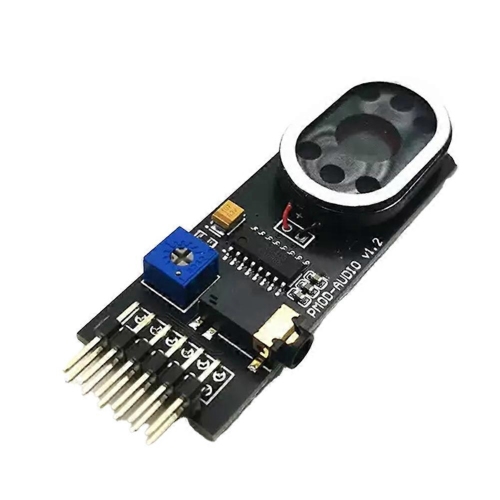
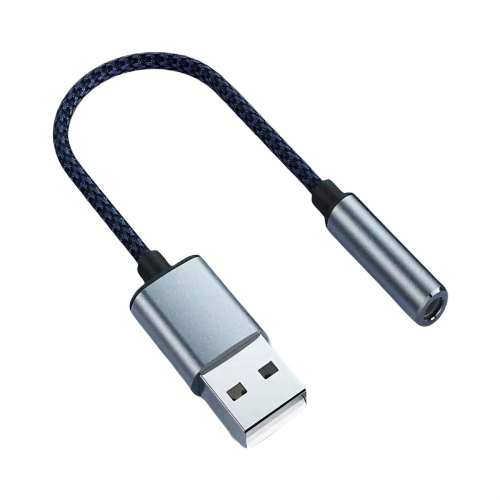
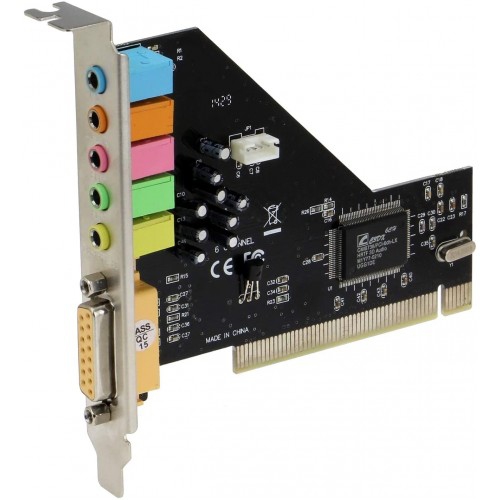
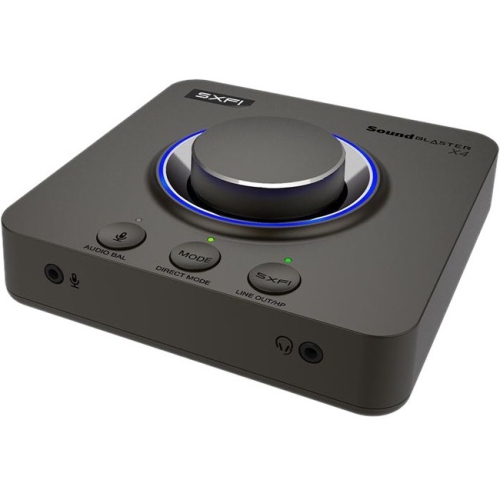
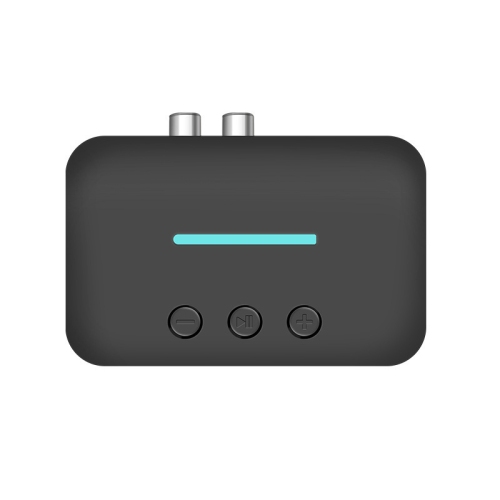
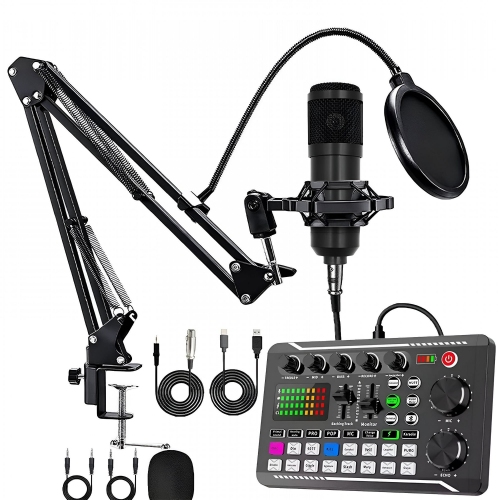
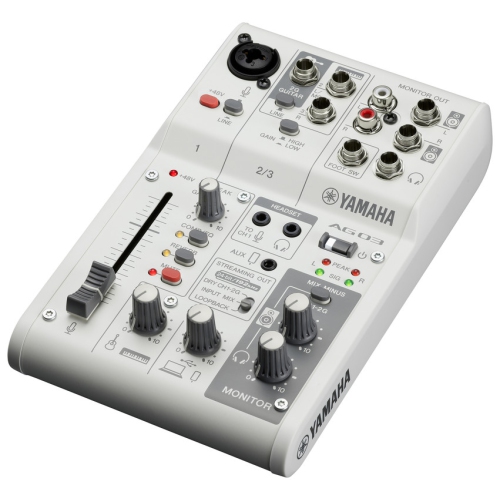
Sound interfaces are the connection point between your microphones, instruments, headphones, studio monitors, and computer. They convert the analogue sound created by a voice, guitar, keyboard, or other source into digital audio that recording software can store, edit, and play back. They also convert digital audio from your computer back into a clear signal for headphones or speakers. For anyone building a home studio, recording music, creating podcasts, streaming, producing videos, or practising an instrument with a computer, a sound interface can provide a more focused and capable setup than relying on a computer’s built-in audio connections. Instead of plugging everything directly into a laptop and working around limited inputs, an interface puts essential controls within reach. A singer can connect a microphone, a guitarist can plug in an instrument cable, and a creator can monitor playback through headphones while keeping the rest of the setup organised on a desk. Many interfaces include combination inputs that accept both XLR microphone cables and ¼-inch instrument or line cables, making them flexible for different recording situations. Models with one or two inputs suit solo musicians, voice-over work, online meetings, and podcasting, while interfaces with several microphone inputs are better suited to interviews, small ensembles, drum recording, or collaborative sessions. Consider how many sources need to be connected at the same time, rather than only counting the number of people who may use the interface. A two-person podcast, for example, typically needs at least two microphone inputs, while a singer who records guitar separately may only need one input for each take.
Connection type is another important consideration. USB interfaces are popular for home recording because they connect easily to many computers and are generally simple to set up. USB-C connections are common on newer computers, while some interfaces use a different USB connection and may require the appropriate cable or adapter. Thunderbolt interfaces can be appealing for compatible professional setups, but the computer, cable, and interface must all support the same connection standard. Before choosing, check the available ports on the computer or tablet that will be used for recording, as well as the operating system requirements and included drivers. Input and output specifications also shape the way an interface fits into a room. Line outputs can connect to powered studio monitors, while a dedicated headphone output allows private monitoring without disturbing others. Some interfaces offer separate volume controls for headphones and speakers, which is useful when moving between editing at a desk and checking a mix from a listening position across the room. For musicians and presenters who need to hear themselves while recording, latency is especially important. Latency is the small delay between making a sound and hearing it through the computer. Reliable drivers, a suitable buffer setting, and direct monitoring features can help keep vocals, instruments, and spoken audio feeling natural. Direct monitoring routes the incoming signal to the headphones or speakers before it travels through recording software, helping performers hear their voice or instrument in real time. A little setup adjustment may still be needed, but a well-matched interface can make the difference between a smooth take and a performance interrupted by distracting delay.
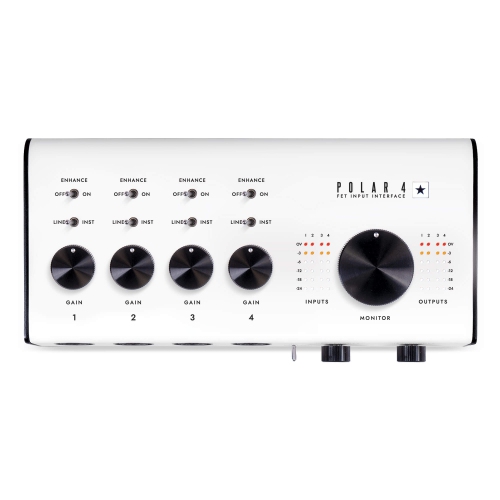
Microphone compatibility deserves close attention, particularly when recording with a condenser microphone. Many condenser microphones require +48V phantom power, so an interface should include phantom power if that type of microphone is part of the setup. Dynamic microphones often do not require phantom power, although they may benefit from a preamp with enough clean gain. The preamp controls how strongly a microphone signal enters the interface, and a good gain range makes it easier to capture quiet speech, soft guitar, or a powerful vocal without unwanted hiss or clipping. Look for straightforward gain controls, clear level indicators, and an easy way to mute or adjust monitoring. The interface should also suit the physical space: a compact desktop design can work well beside a laptop in a bedroom, study, or shared workspace, while a rack-mounted option may be more appropriate for a permanent studio with several pieces of equipment. Portability matters for musicians who record in different rooms, students who travel between home and school, or creators who stream from more than one location. A bus-powered interface can reduce cable clutter, but it is still worth confirming whether the computer provides enough power and whether a separate power supply is required. Sound interfaces can make thoughtful gifts for a musician, singer, podcaster, voice actor, student, or hobbyist who is beginning to record at home. They can also be useful for someone who already owns a quality microphone or instrument but wants more control over recording and monitoring. Pairing an interface with suitable cables, headphones, a microphone stand, or Audio Connectors can help complete a practical recording station, provided the connections match. During the cooler months, a compact interface can turn a quiet corner of a home into a place for songwriting, lessons, spoken-word projects, or live sessions. Whether the goal is capturing a first guitar track, polishing a podcast, or building a more capable studio over time, choosing the right inputs, outputs, connection standard, monitoring options, and microphone support will help create a setup that feels dependable every time the record button is pressed.
Connection type is another important consideration. USB interfaces are popular for home recording because they connect easily to many computers and are generally simple to set up. USB-C connections are common on newer computers, while some interfaces use a different USB connection and may require the appropriate cable or adapter. Thunderbolt interfaces can be appealing for compatible professional setups, but the computer, cable, and interface must all support the same connection standard. Before choosing, check the available ports on the computer or tablet that will be used for recording, as well as the operating system requirements and included drivers. Input and output specifications also shape the way an interface fits into a room. Line outputs can connect to powered studio monitors, while a dedicated headphone output allows private monitoring without disturbing others. Some interfaces offer separate volume controls for headphones and speakers, which is useful when moving between editing at a desk and checking a mix from a listening position across the room. For musicians and presenters who need to hear themselves while recording, latency is especially important. Latency is the small delay between making a sound and hearing it through the computer. Reliable drivers, a suitable buffer setting, and direct monitoring features can help keep vocals, instruments, and spoken audio feeling natural. Direct monitoring routes the incoming signal to the headphones or speakers before it travels through recording software, helping performers hear their voice or instrument in real time. A little setup adjustment may still be needed, but a well-matched interface can make the difference between a smooth take and a performance interrupted by distracting delay.
Microphone compatibility deserves close attention, particularly when recording with a condenser microphone. Many condenser microphones require +48V phantom power, so an interface should include phantom power if that type of microphone is part of the setup. Dynamic microphones often do not require phantom power, although they may benefit from a preamp with enough clean gain. The preamp controls how strongly a microphone signal enters the interface, and a good gain range makes it easier to capture quiet speech, soft guitar, or a powerful vocal without unwanted hiss or clipping. Look for straightforward gain controls, clear level indicators, and an easy way to mute or adjust monitoring. The interface should also suit the physical space: a compact desktop design can work well beside a laptop in a bedroom, study, or shared workspace, while a rack-mounted option may be more appropriate for a permanent studio with several pieces of equipment. Portability matters for musicians who record in different rooms, students who travel between home and school, or creators who stream from more than one location. A bus-powered interface can reduce cable clutter, but it is still worth confirming whether the computer provides enough power and whether a separate power supply is required. Sound interfaces can make thoughtful gifts for a musician, singer, podcaster, voice actor, student, or hobbyist who is beginning to record at home. They can also be useful for someone who already owns a quality microphone or instrument but wants more control over recording and monitoring. Pairing an interface with suitable cables, headphones, a microphone stand, or Audio Connectors can help complete a practical recording station, provided the connections match. During the cooler months, a compact interface can turn a quiet corner of a home into a place for songwriting, lessons, spoken-word projects, or live sessions. Whether the goal is capturing a first guitar track, polishing a podcast, or building a more capable studio over time, choosing the right inputs, outputs, connection standard, monitoring options, and microphone support will help create a setup that feels dependable every time the record button is pressed.
Top selling and popular products
-
 Your price for this item is $989
 -
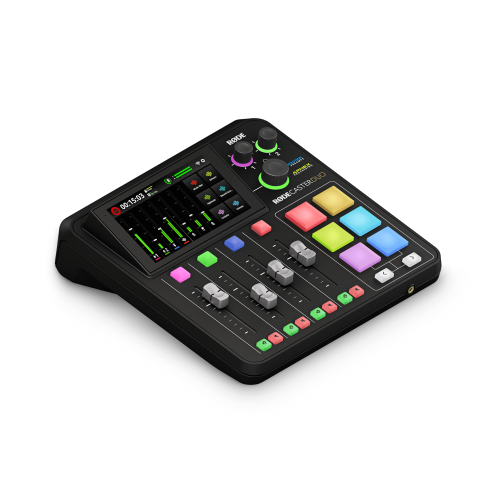 Your price for this item is $699
 -
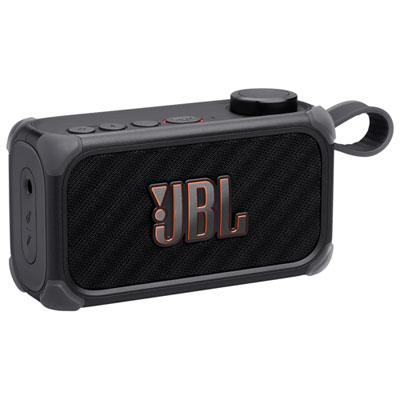 Your price for this item is $329.99
 -
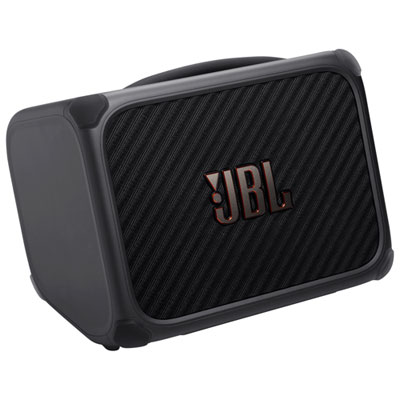 Your price for this item is $799.99
 -
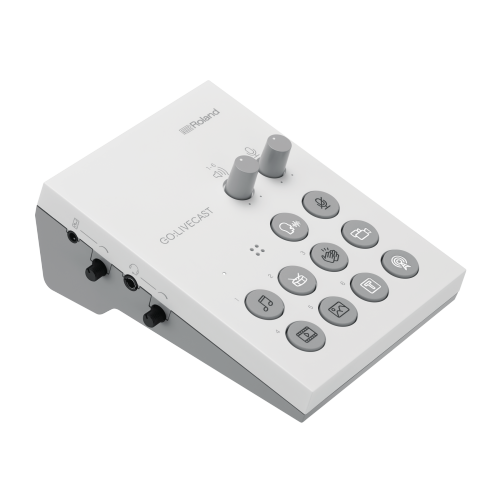 Your price for this item is $69
 -
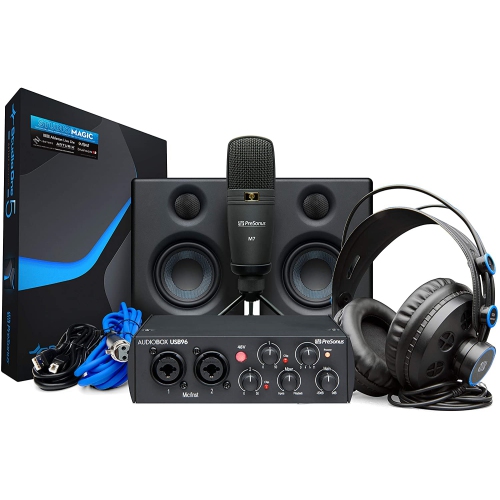 Your price for this item is $459.99
 -
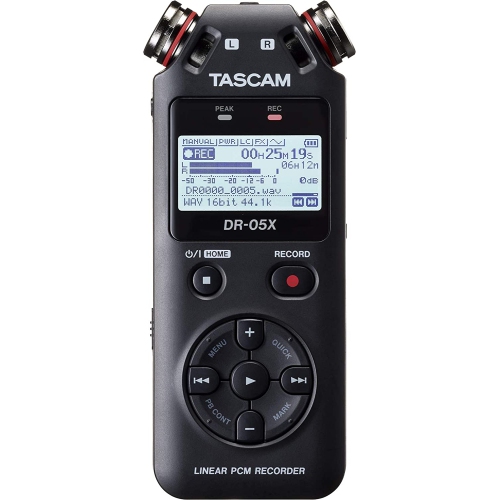 Your price for this item is $299
 -
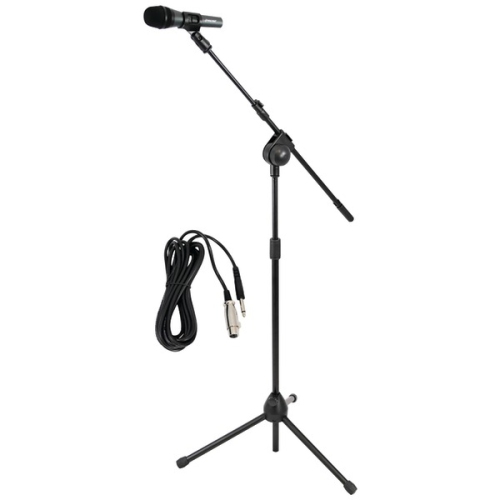 Your price for this item is $59.99
Discover more categories related to Sound Interfaces
Top Collections:
Pokemon Centers, Best Cameras for Sports Photography, Kindle Devices, Samsung Galaxy Phones, Canon G7X Cameras, Pokémon 30th Celebration Cards, Refurbished Apple Laptops, iPhone 15 Apple, Laptops for Students, Budget Smartphones
Some products may be subject to Environmental Handling Fees
(EHF) depending on your province.
Learn more about EHFs.