Dj Equipment for Beginners
Our collection of beginner-friendly DJ equipment is designed to help you unleash your creativity and take your music mixing skills to the next level. Whether you're looking to spin tracks at home or start performing at small gigs, we have everything you need to get started. From entry-level controllers and headphones to essential accessories, we've curated a selection of top-quality gear that will inspire you to create unforgettable beats and mixes. Get ready to dive into the exciting world of DJing with our range of equipment tailored for beginners.
Sort
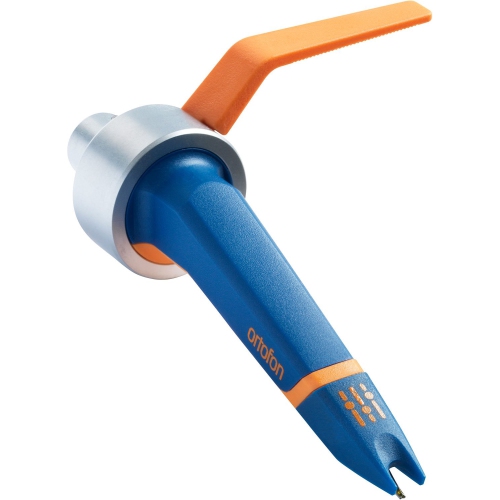
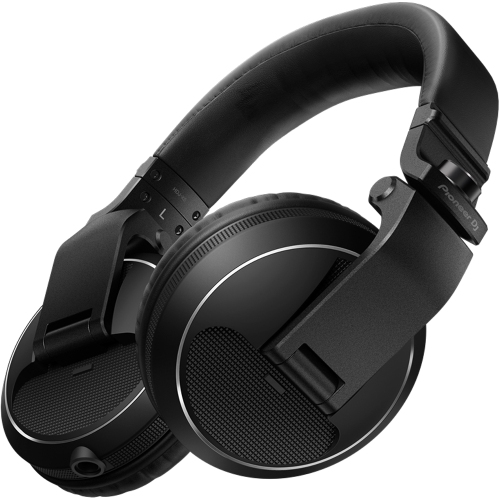
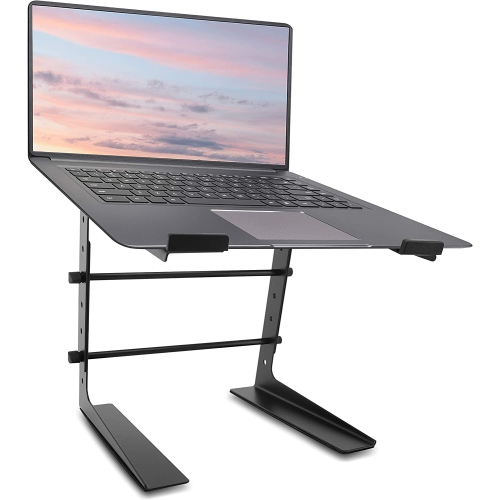
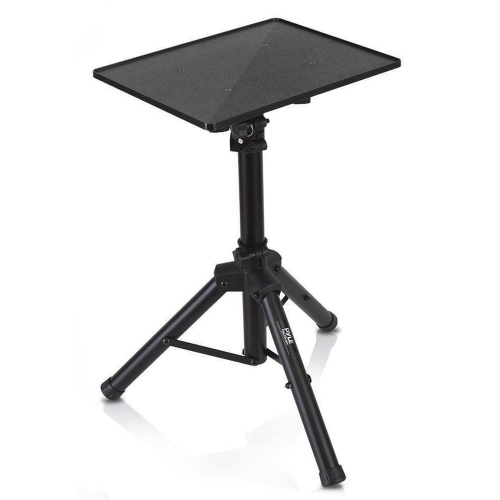
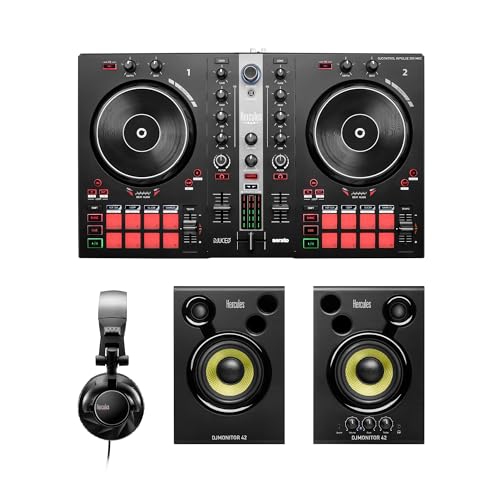
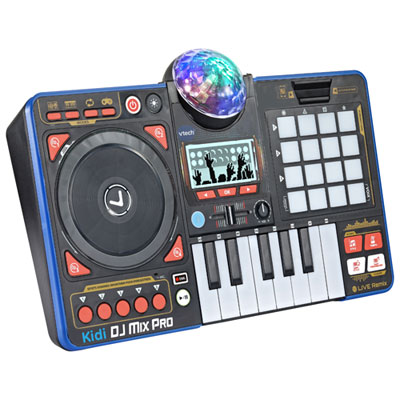
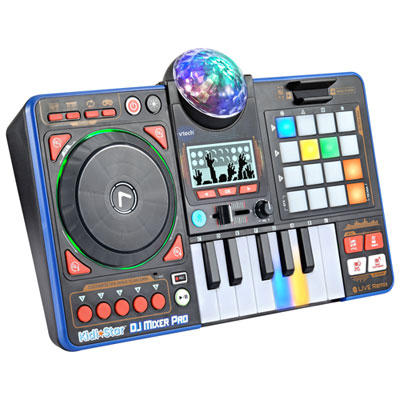
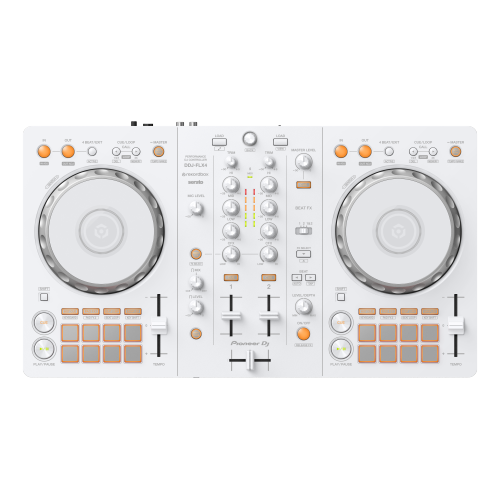
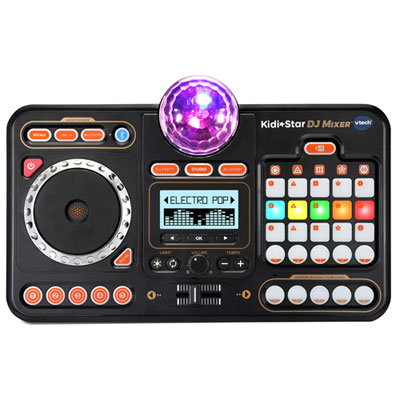
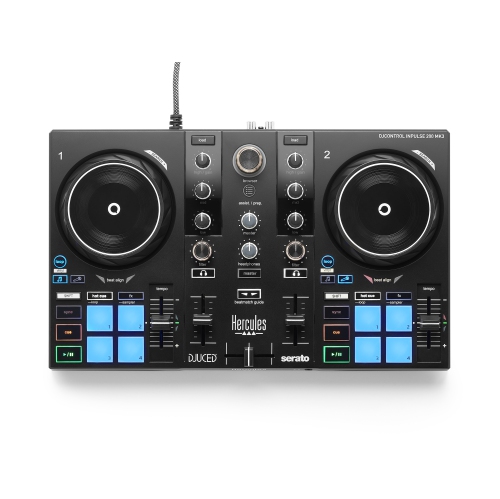
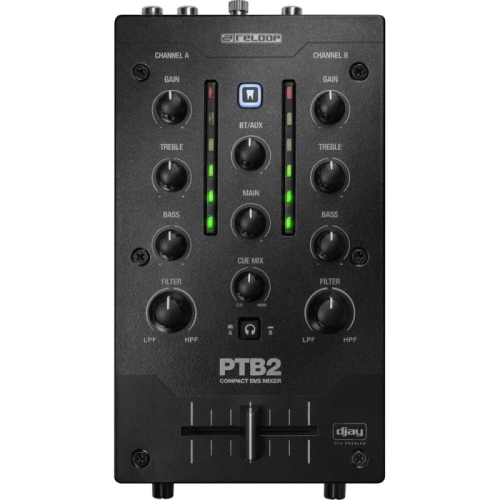
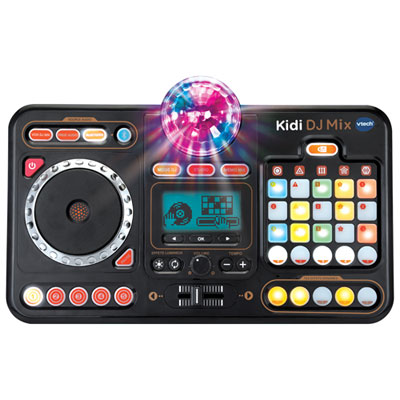
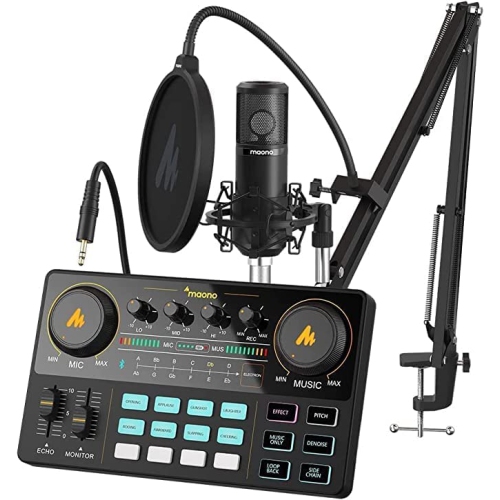
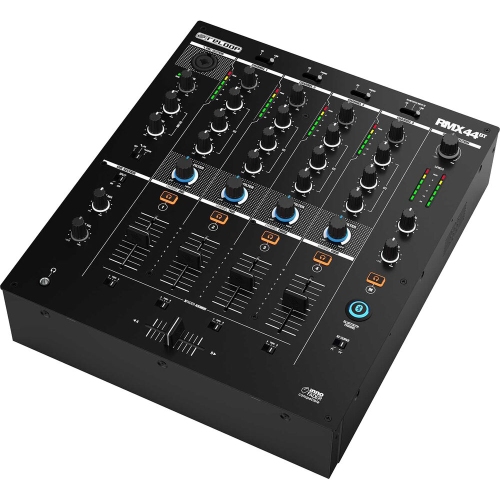
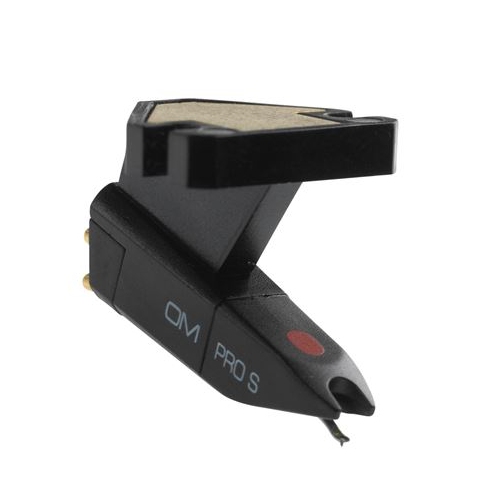
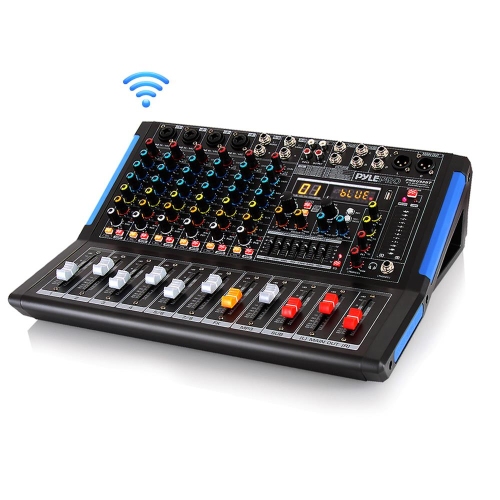
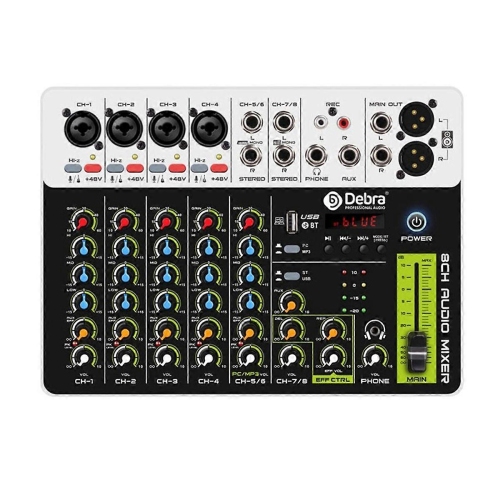
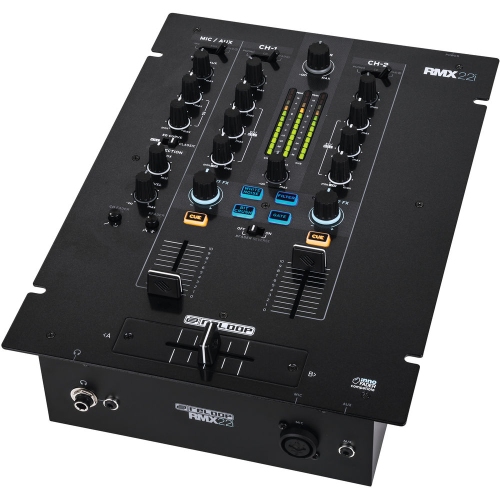
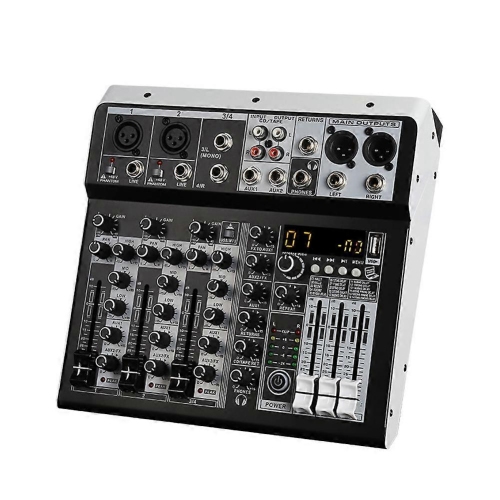
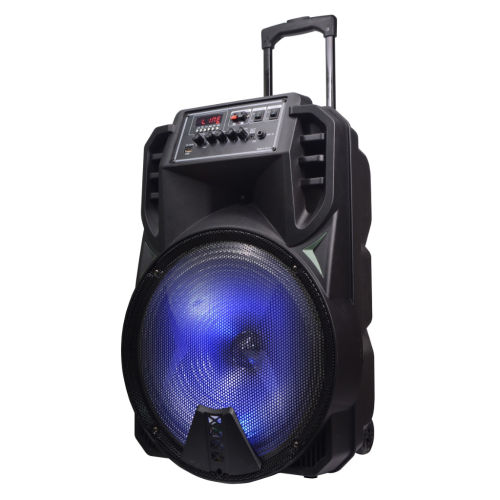
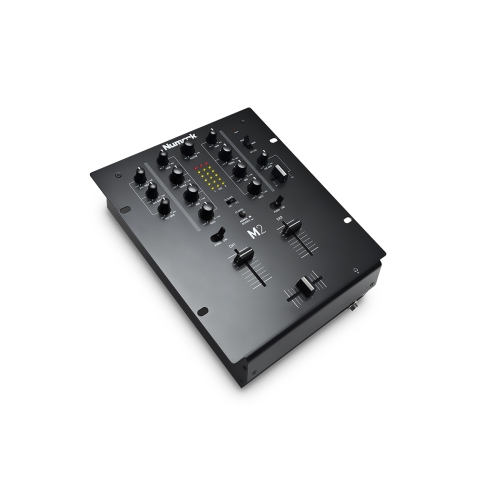
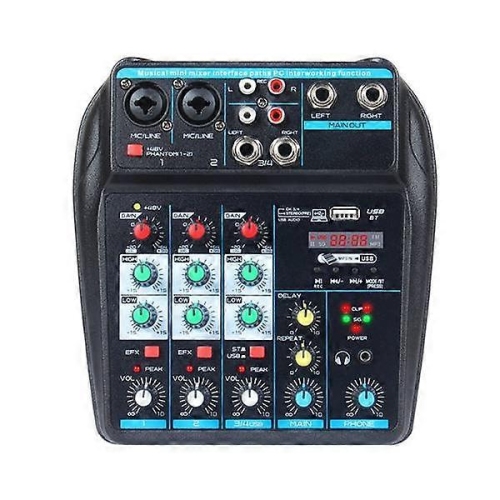
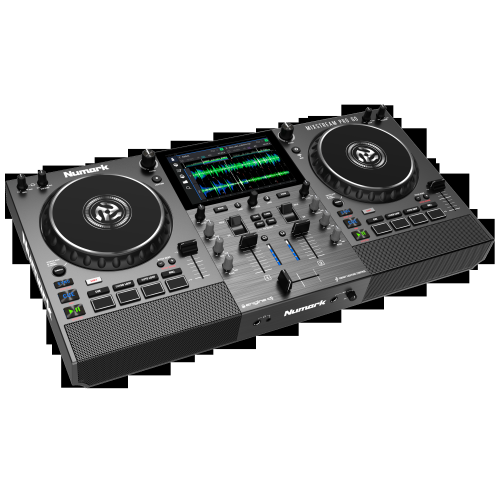
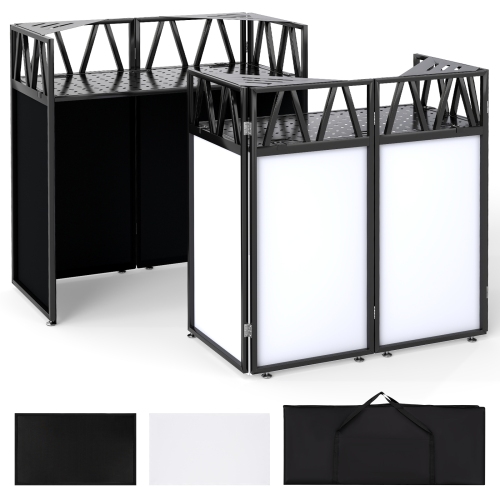
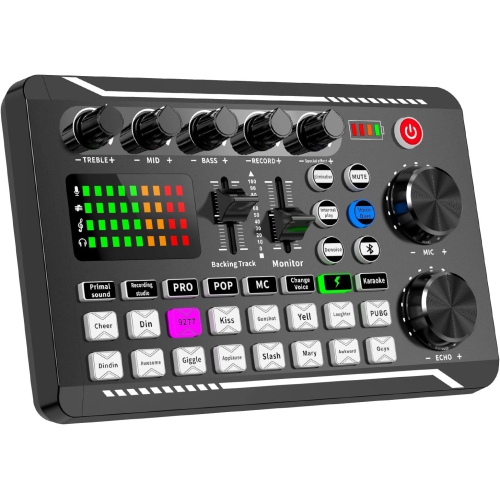
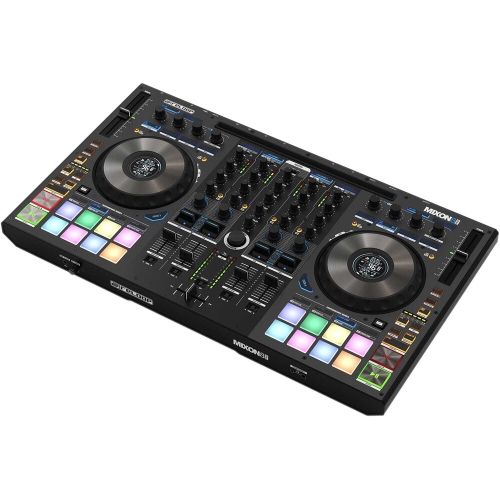
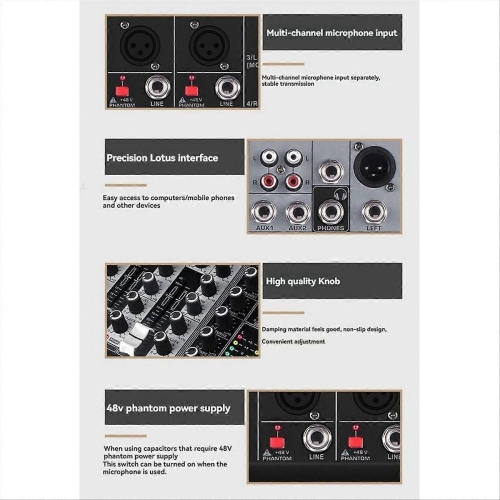
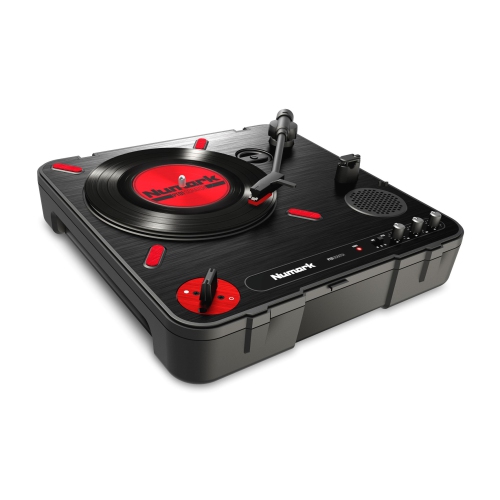
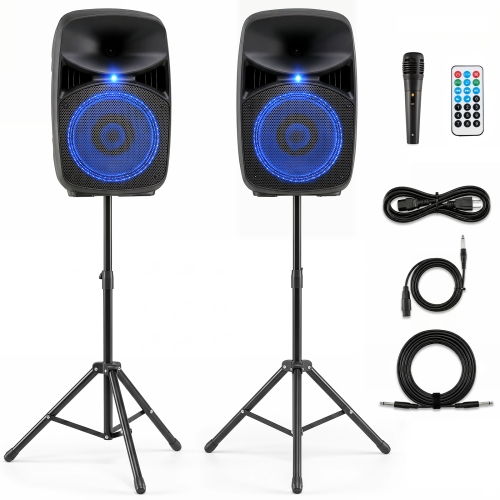
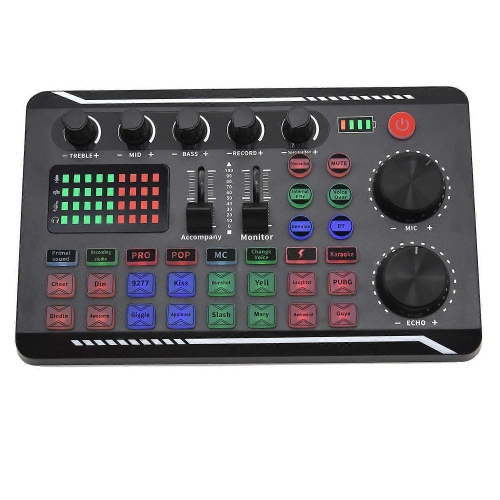
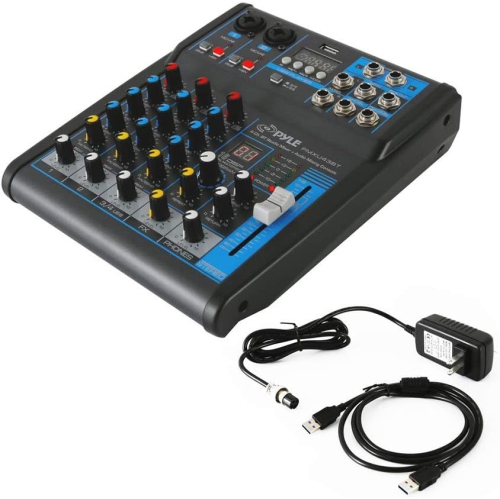
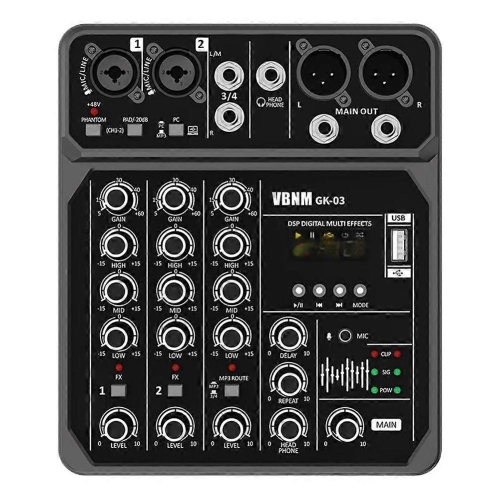
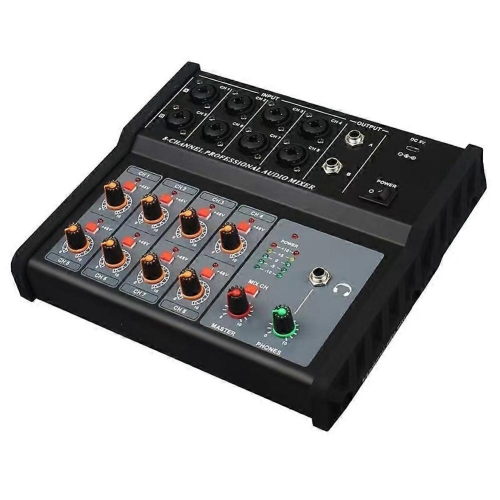
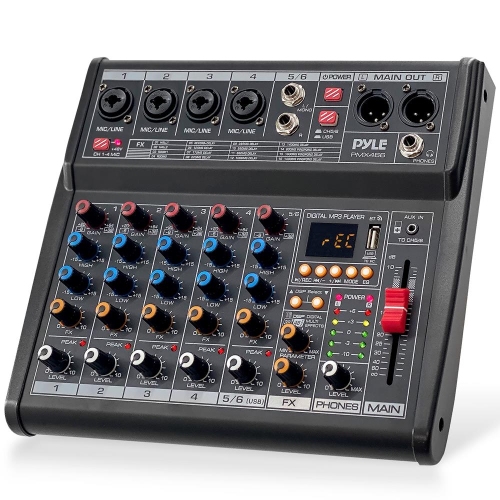
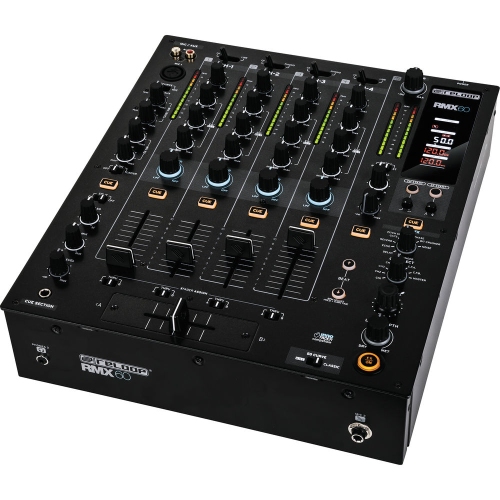
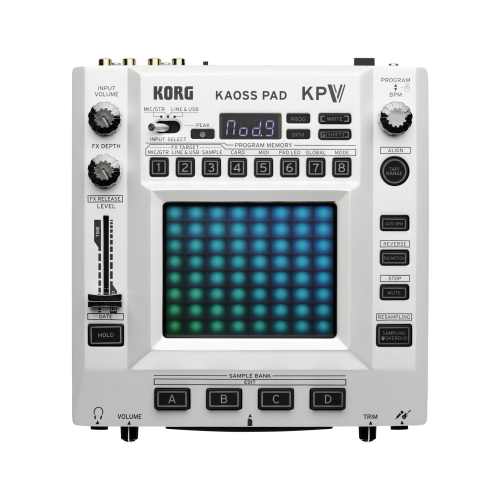
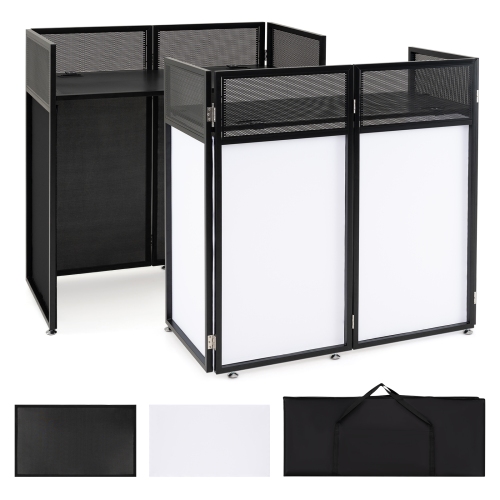
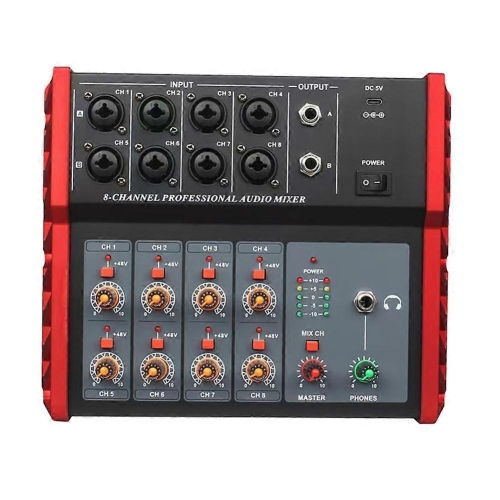
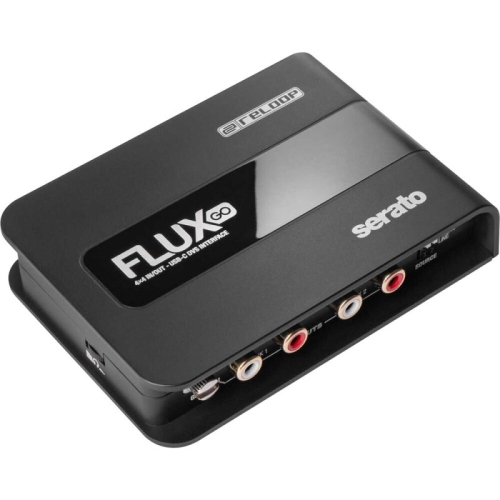
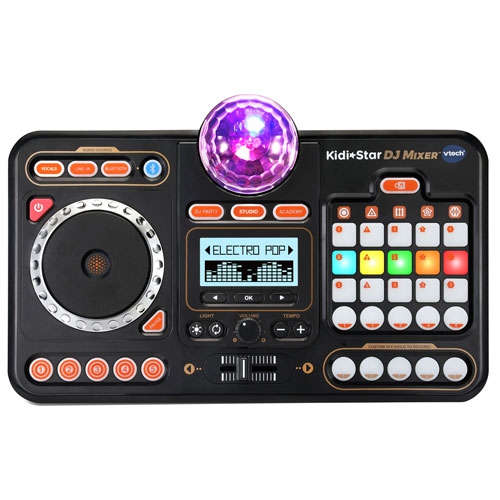
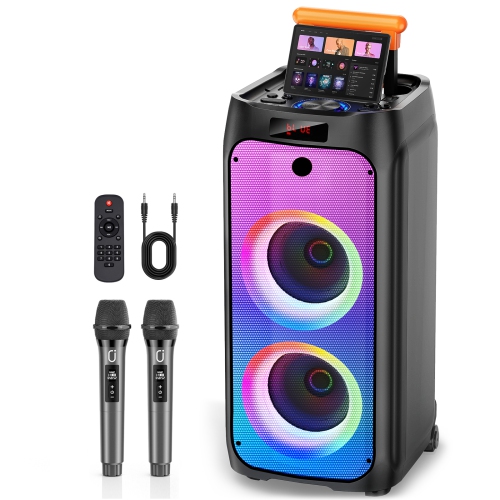
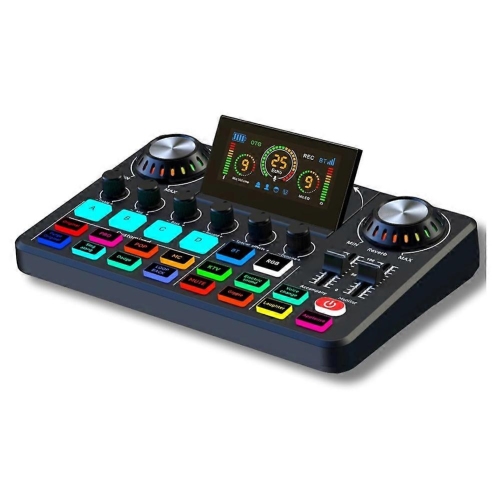
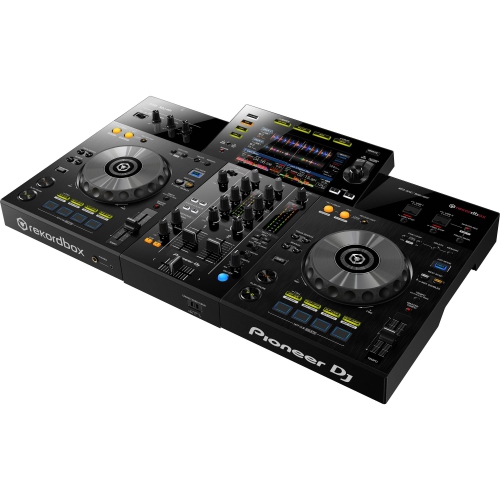
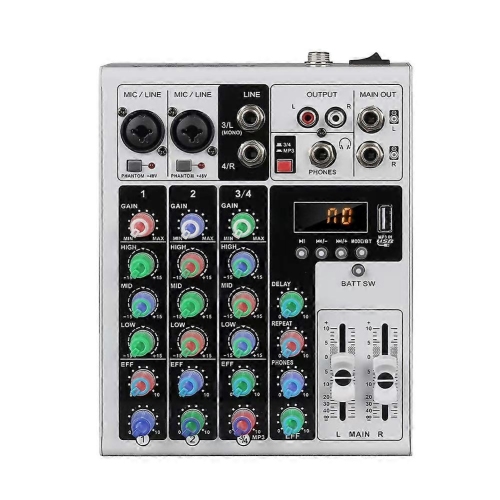
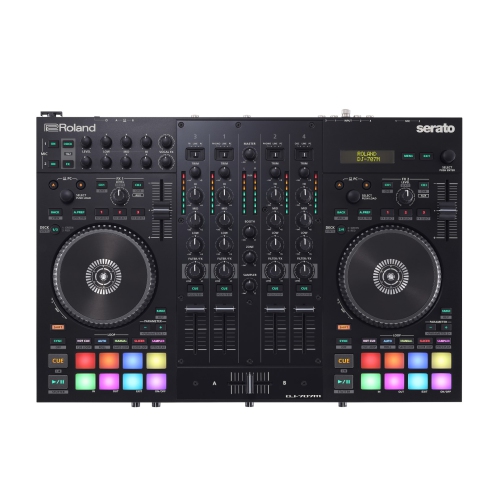
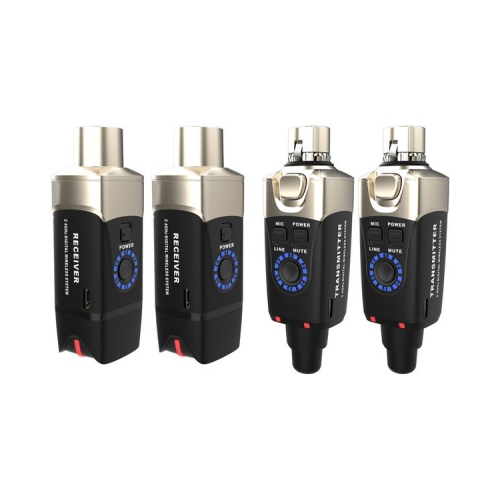
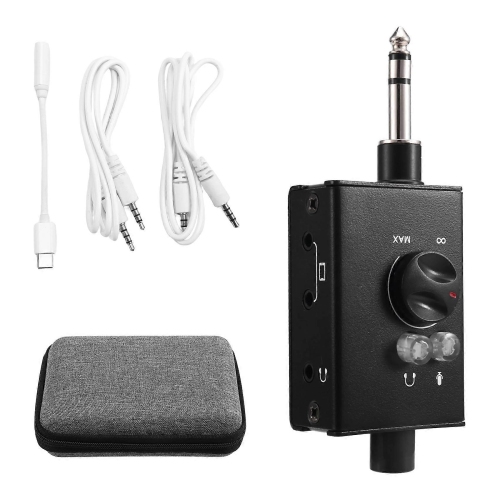
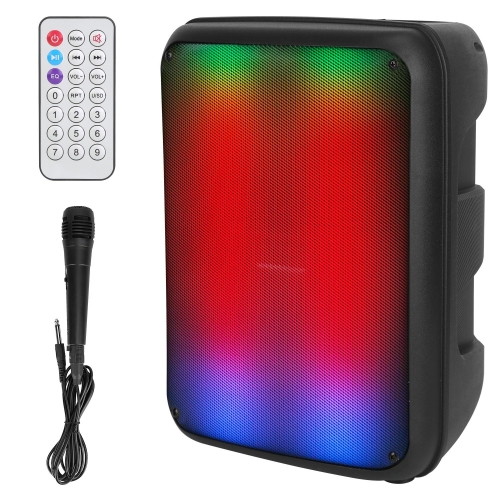
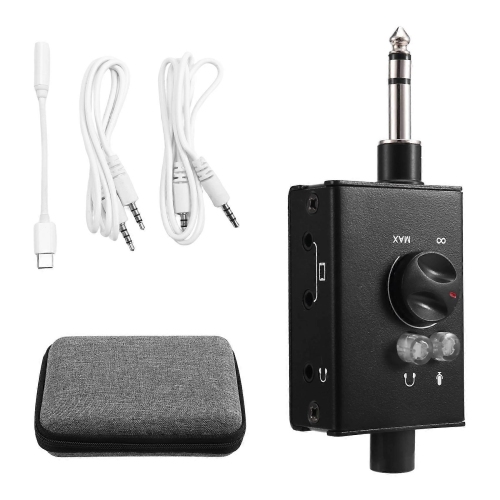
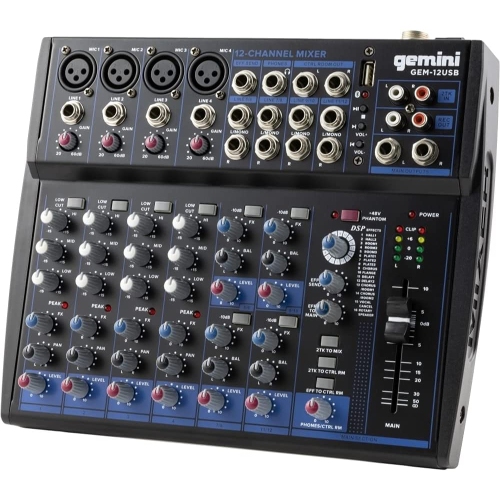
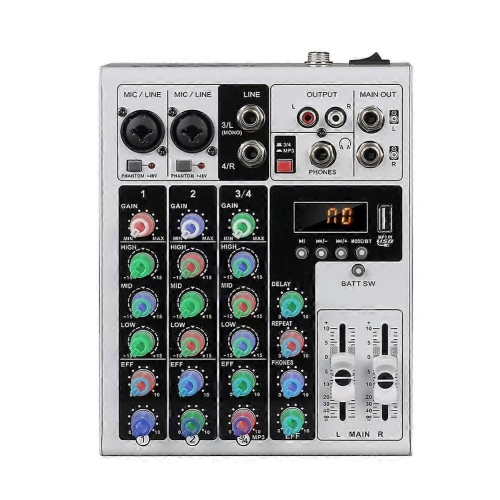
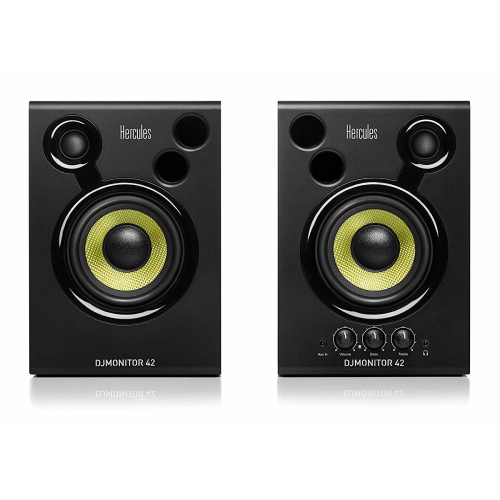
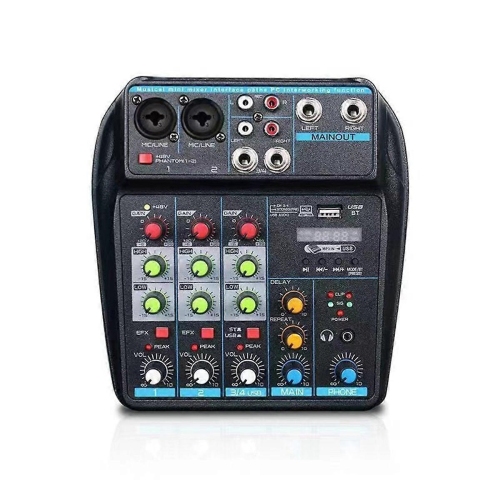
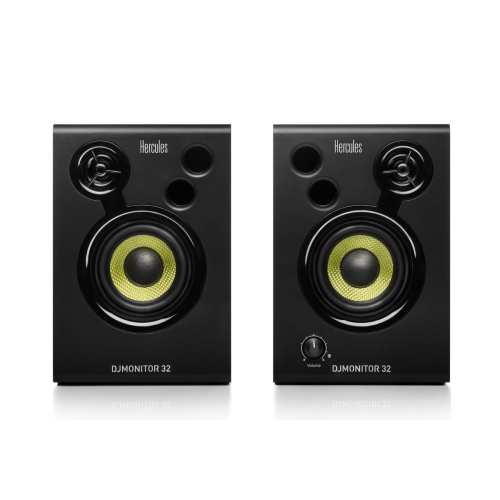
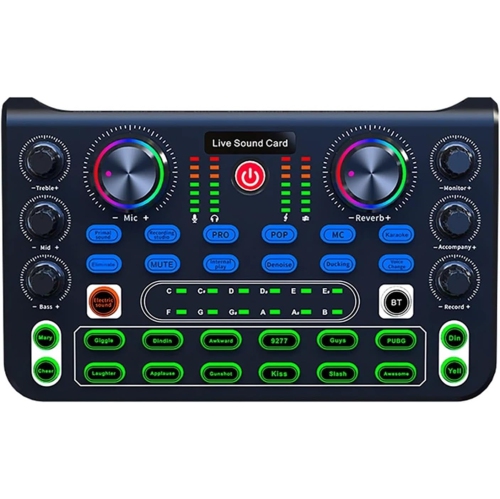
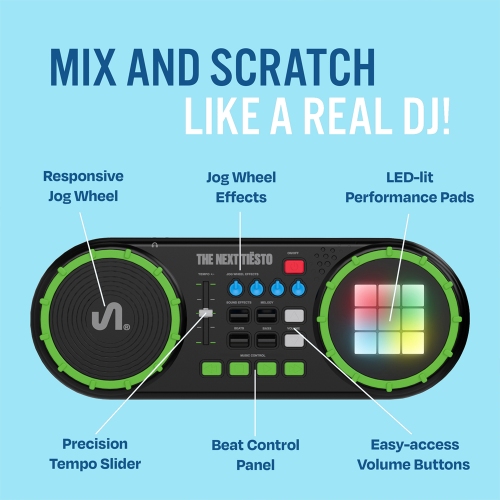
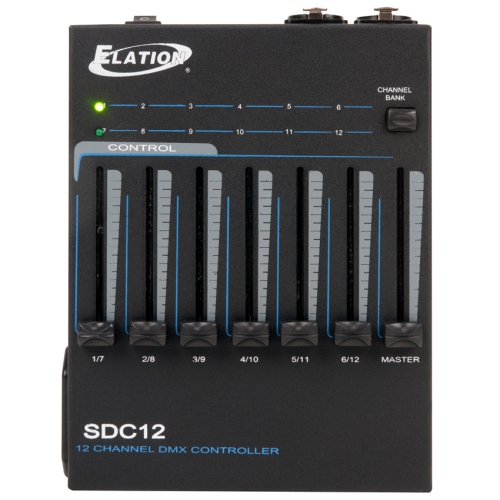
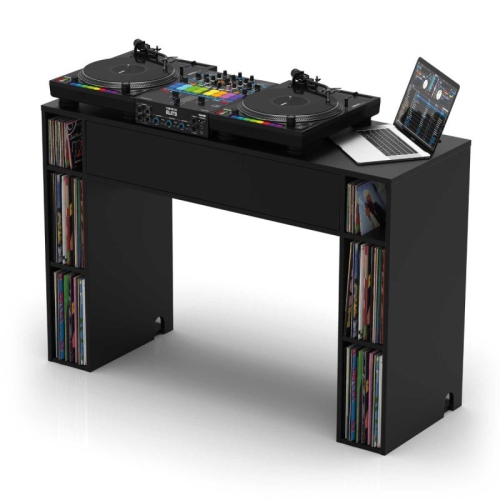
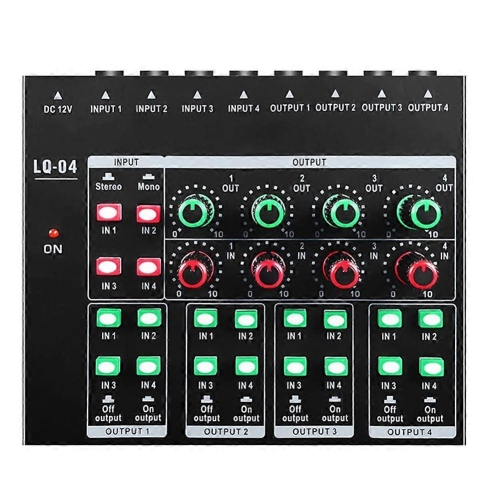
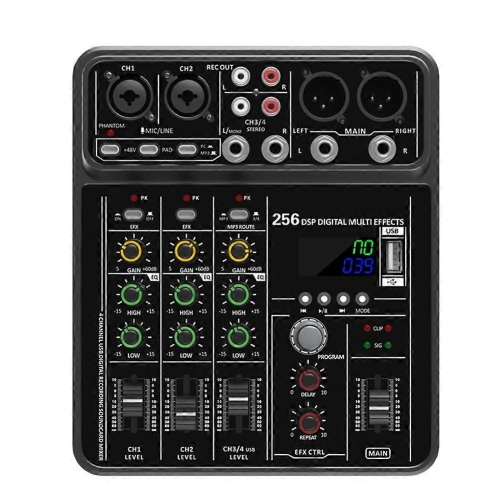
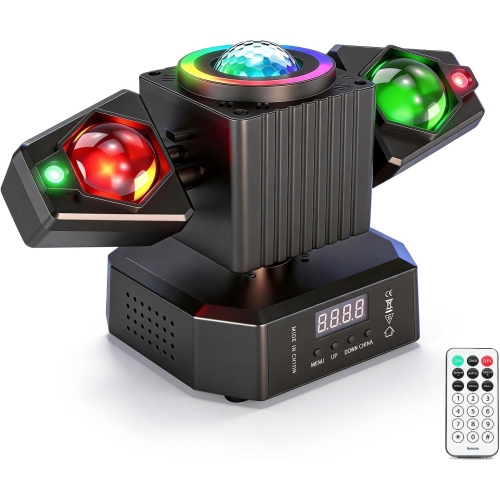
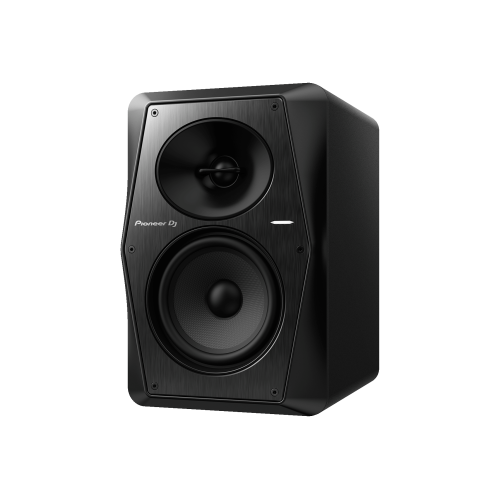
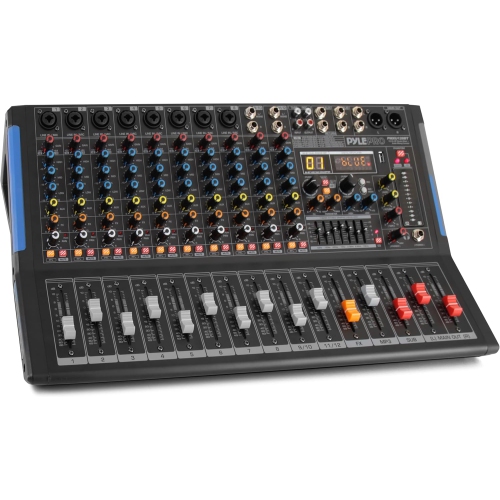
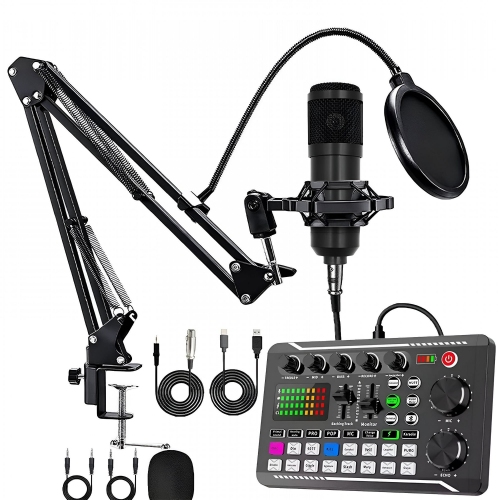
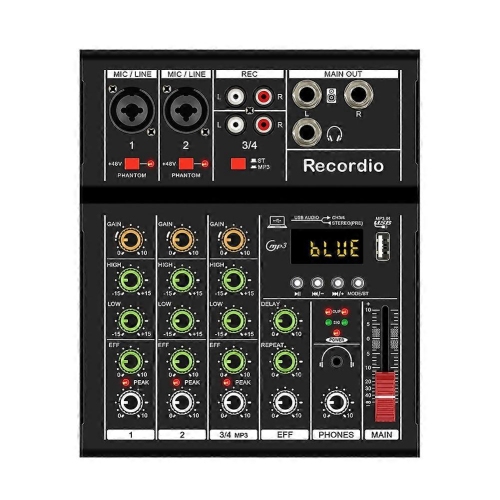
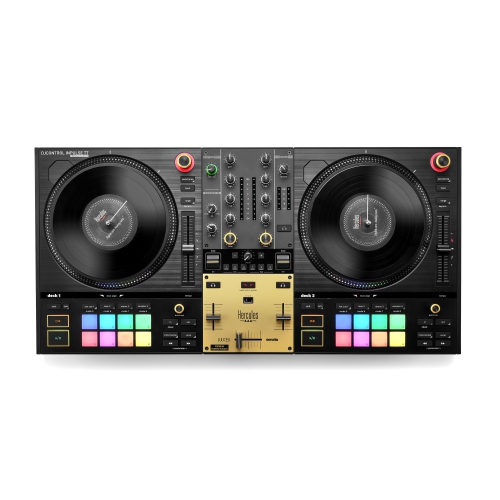
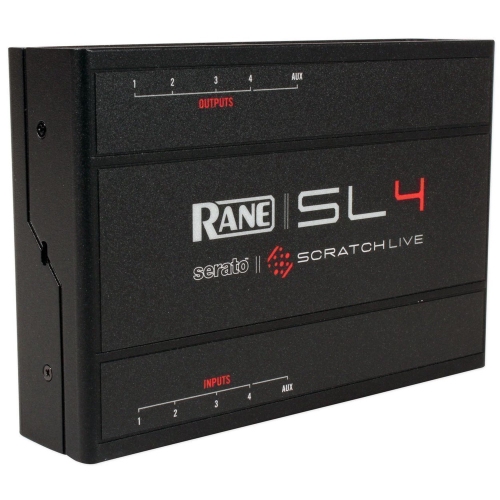
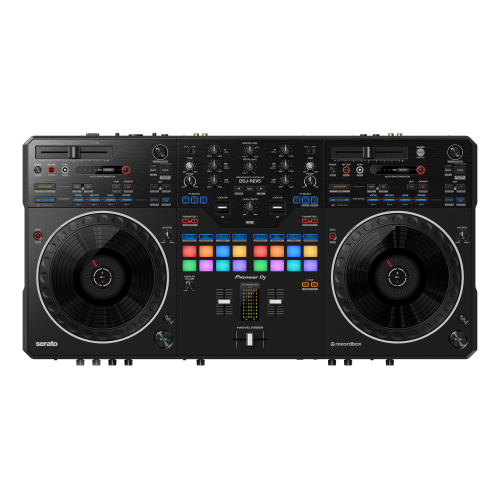
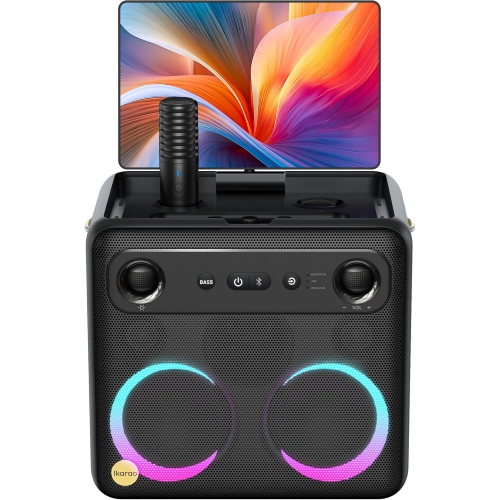
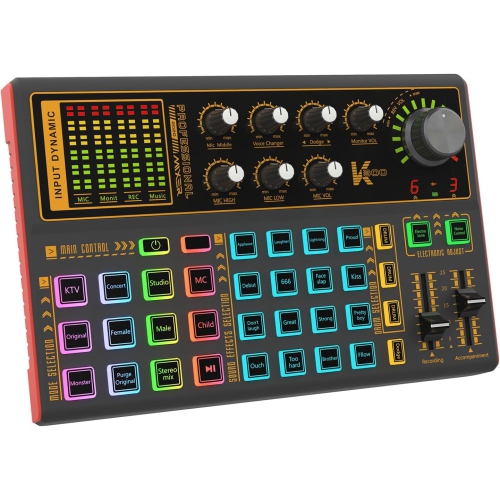
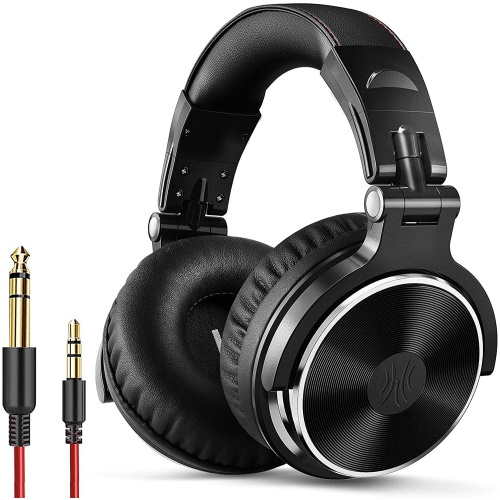
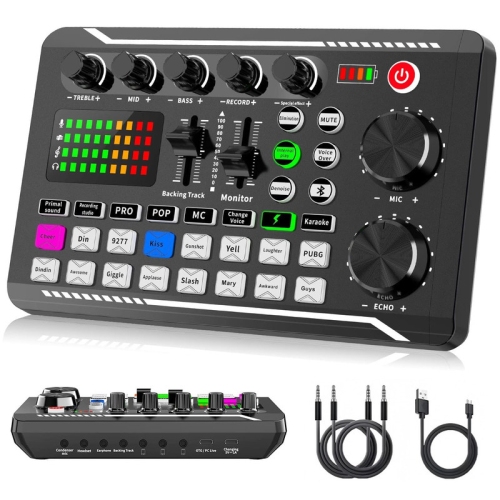
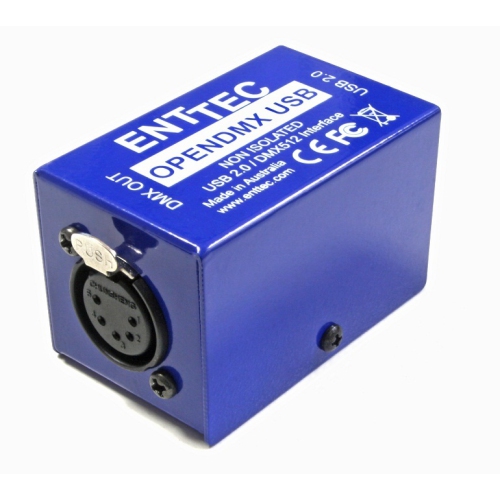
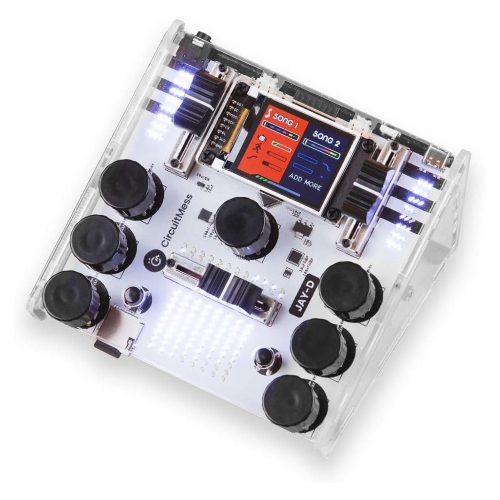
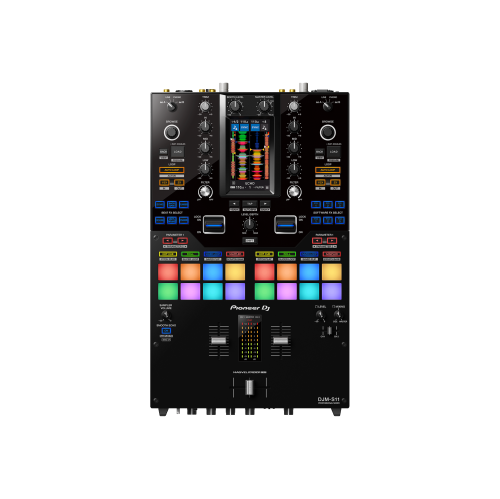
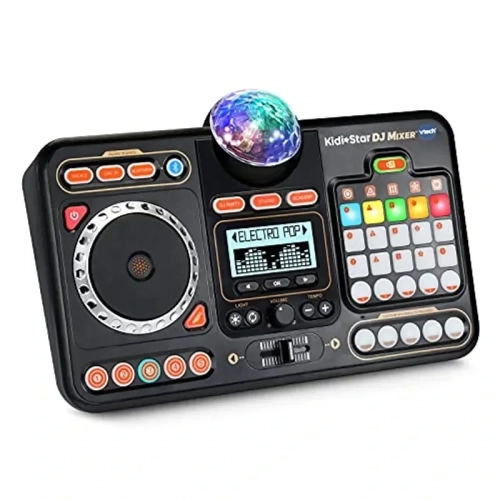
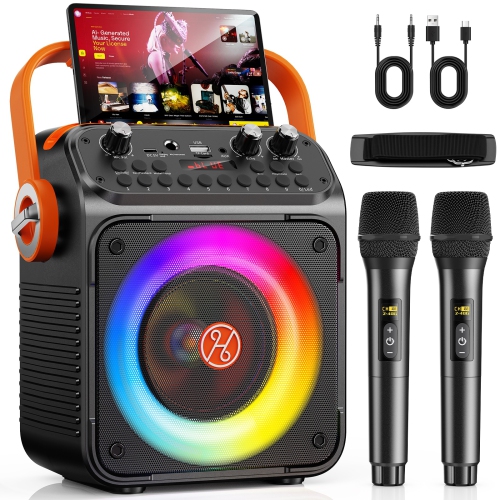
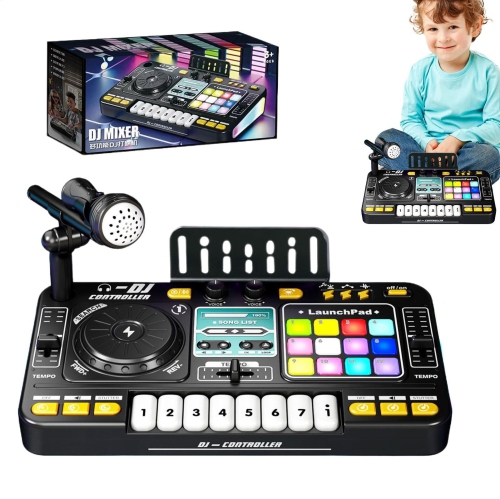
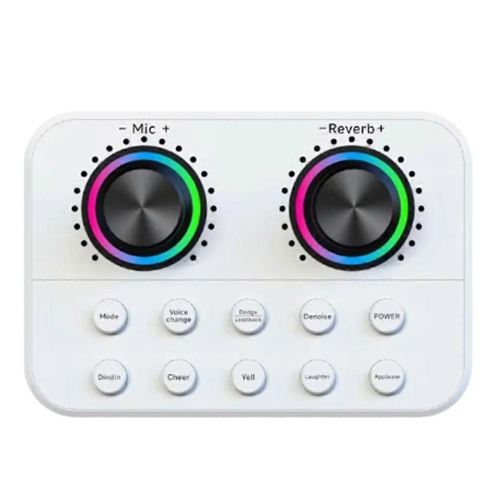
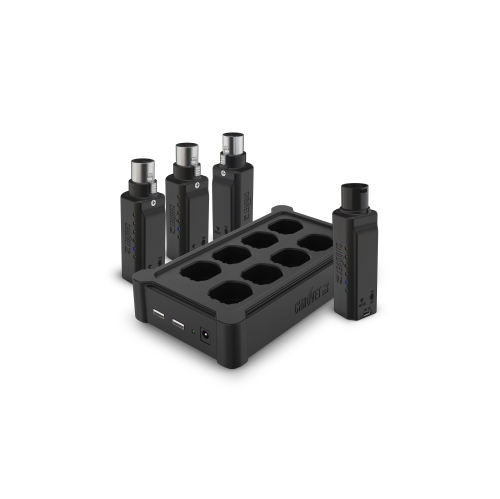
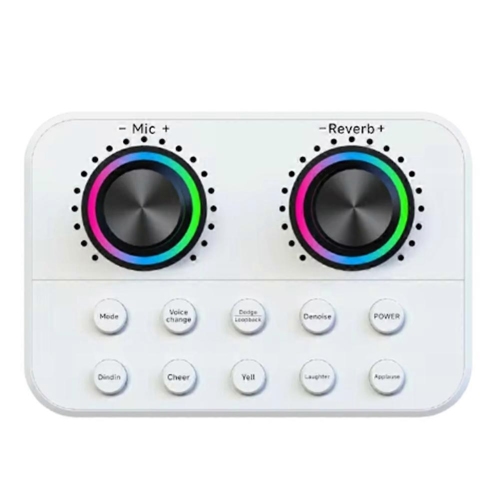
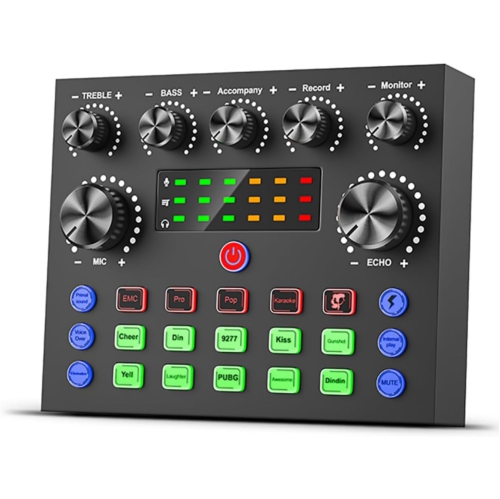
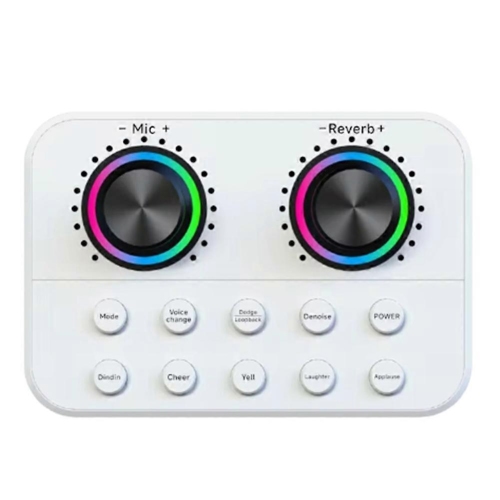
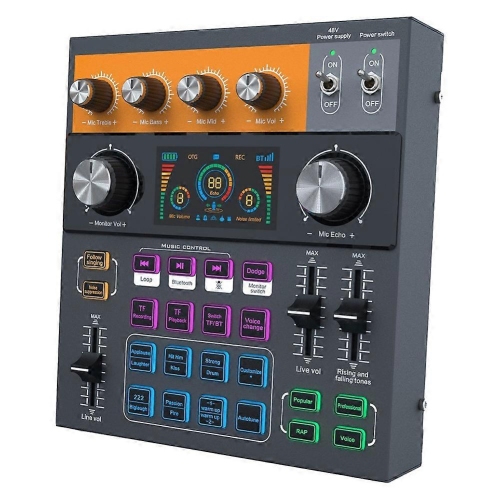
The essential setup for learning mixes at home
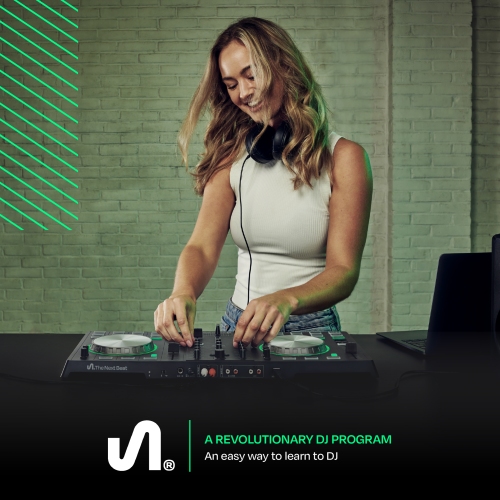
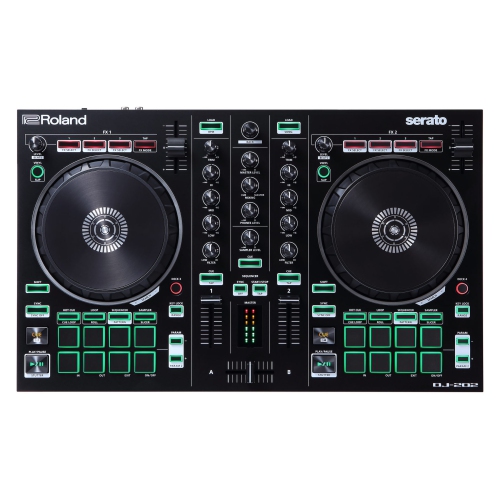
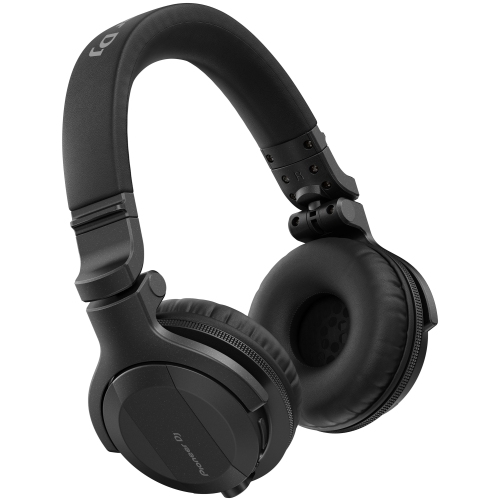
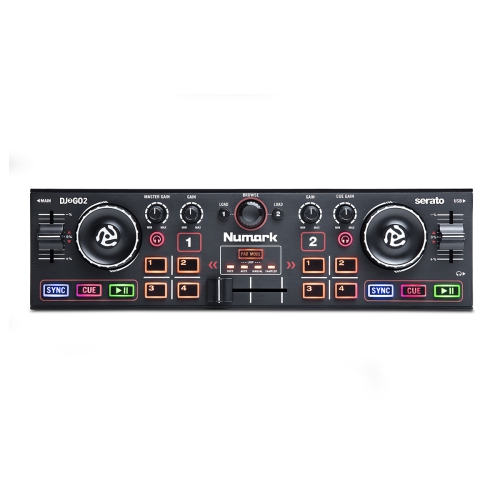
Starting with DJ equipment for beginners is a practical way to explore music, rhythm, and live performance without needing a full club-style setup. A beginner system typically centres on a DJ controller, which brings two virtual decks and a mixer into one hands-on unit. Jog wheels can be used to nudge a track into time, performance pads can trigger hot cues or samples, and channel controls help blend one song into the next. Most controllers connect to a laptop or compatible mobile device through USB and work with DJ software that organizes a music library, displays waveforms, and provides tools for beat matching and effects. This combination gives new DJs a clear introduction to the same fundamental layout used in more advanced setups. Headphones are another essential part of the experience. Over-ear, closed-back headphones are especially useful because they help reduce surrounding sound while allowing the DJ to preview the next track privately. With one track playing through the speakers and another cued in the headphones, beginners can practise finding the right starting point, matching tempos, and listening for natural transitions before anyone else hears them. A laptop or mobile device with enough processing power and storage for music files is also important; checking the software requirements, available ports, operating system compatibility, and memory before purchasing can help avoid connection issues during setup.
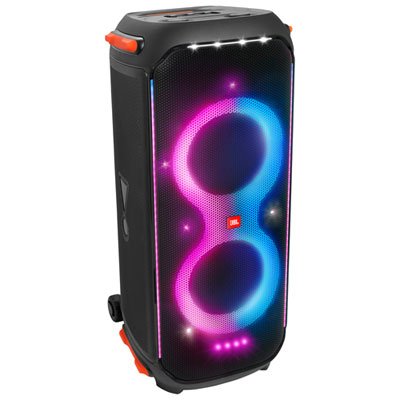
A simple practice arrangement may include the controller, headphones, a compatible computer or mobile device, DJ software, and a pair of powered speakers. Active speakers have built-in amplification, so they can connect directly to the controller without a separate amplifier and are well suited to a bedroom, office, basement, or other personal listening space. Beginners who live in an apartment or share their home may prefer to start with headphones and add speakers later, while those practising with friends may appreciate speakers that make the rhythm easier to feel across the room. Cables matter more than they may appear at first glance. USB connections generally link the controller to the computer, while audio cables connect the controller to speakers or another sound system. It is worth confirming which cables are included and which connections are available on each device, particularly when using a newer laptop with limited ports. Space, volume control, portability, and power requirements can also shape the best setup. A compact controller can be easy to store on a desk and carry to a friend’s home, while a larger unit may provide roomier controls for learning. Software compatibility should be considered alongside hardware rather than afterwards, since not every controller offers the same level of integration with every program. Someone interested in recording mixes may want software with recording functions, while a learner focused on house parties may place more value on quick track browsing, beat grids, and performance controls. Those exploring microphones, audio interfaces, monitors, and related recording tools can also browse Studio Equipment for Beginners for complementary equipment.
DJ equipment for beginners can suit a wide range of people, from music fans building a new creative hobby to aspiring performers preparing for small gatherings, school events, community functions, or online content. It can also make a thoughtful gift for a teen or adult who spends hours making playlists, collecting music, or studying how songs fit together. A good gift does not need to be the largest or most advanced setup; the most useful choice is one that matches the recipient’s available space, computer, musical interests, and comfort level. Someone learning in a quiet room may need only a controller and headphones, whereas a beginner who hopes to entertain friends could benefit from adding powered speakers and a sturdy surface for the equipment. New DJs usually make faster progress by learning a few reliable skills in sequence: organizing tracks by genre or energy, setting cue points, counting beats, adjusting channel levels, and moving between songs gradually rather than relying heavily on effects. Short practice sessions can be surprisingly productive. The soft click of a jog wheel, the glow of a waveform on a screen, and the moment two bass lines lock into the same pulse can make the learning process feel immediate and rewarding. Listening at a sensible volume helps preserve comfort during longer sessions, and keeping cables arranged safely makes it easier to reset the space when practice is finished. As the cooler months bring more time indoors, a beginner setup can turn a spare corner into a personal music room, a place to rehearse quietly with headphones or fill the room with a carefully built mix when friends visit. With the right balance of controller features, listening equipment, software support, and practical accessories, beginners can start simply and expand their setup as their skills and musical ambitions grow.
A simple practice arrangement may include the controller, headphones, a compatible computer or mobile device, DJ software, and a pair of powered speakers. Active speakers have built-in amplification, so they can connect directly to the controller without a separate amplifier and are well suited to a bedroom, office, basement, or other personal listening space. Beginners who live in an apartment or share their home may prefer to start with headphones and add speakers later, while those practising with friends may appreciate speakers that make the rhythm easier to feel across the room. Cables matter more than they may appear at first glance. USB connections generally link the controller to the computer, while audio cables connect the controller to speakers or another sound system. It is worth confirming which cables are included and which connections are available on each device, particularly when using a newer laptop with limited ports. Space, volume control, portability, and power requirements can also shape the best setup. A compact controller can be easy to store on a desk and carry to a friend’s home, while a larger unit may provide roomier controls for learning. Software compatibility should be considered alongside hardware rather than afterwards, since not every controller offers the same level of integration with every program. Someone interested in recording mixes may want software with recording functions, while a learner focused on house parties may place more value on quick track browsing, beat grids, and performance controls. Those exploring microphones, audio interfaces, monitors, and related recording tools can also browse Studio Equipment for Beginners for complementary equipment.
DJ equipment for beginners can suit a wide range of people, from music fans building a new creative hobby to aspiring performers preparing for small gatherings, school events, community functions, or online content. It can also make a thoughtful gift for a teen or adult who spends hours making playlists, collecting music, or studying how songs fit together. A good gift does not need to be the largest or most advanced setup; the most useful choice is one that matches the recipient’s available space, computer, musical interests, and comfort level. Someone learning in a quiet room may need only a controller and headphones, whereas a beginner who hopes to entertain friends could benefit from adding powered speakers and a sturdy surface for the equipment. New DJs usually make faster progress by learning a few reliable skills in sequence: organizing tracks by genre or energy, setting cue points, counting beats, adjusting channel levels, and moving between songs gradually rather than relying heavily on effects. Short practice sessions can be surprisingly productive. The soft click of a jog wheel, the glow of a waveform on a screen, and the moment two bass lines lock into the same pulse can make the learning process feel immediate and rewarding. Listening at a sensible volume helps preserve comfort during longer sessions, and keeping cables arranged safely makes it easier to reset the space when practice is finished. As the cooler months bring more time indoors, a beginner setup can turn a spare corner into a personal music room, a place to rehearse quietly with headphones or fill the room with a carefully built mix when friends visit. With the right balance of controller features, listening equipment, software support, and practical accessories, beginners can start simply and expand their setup as their skills and musical ambitions grow.
Top selling and popular products
-
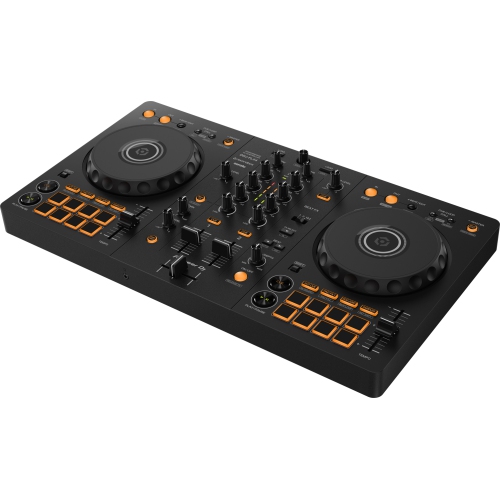 Your price for this item is $449
 -
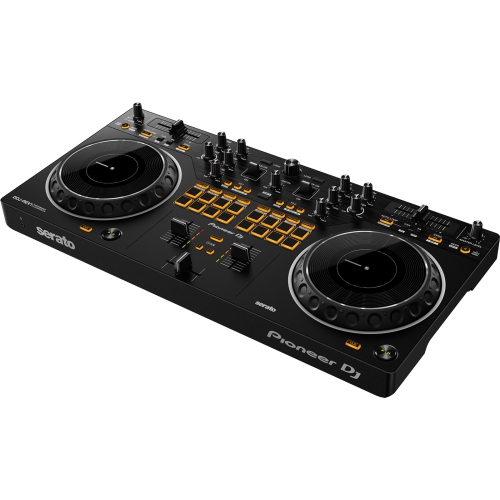 Your price for this item is $469.99
 -
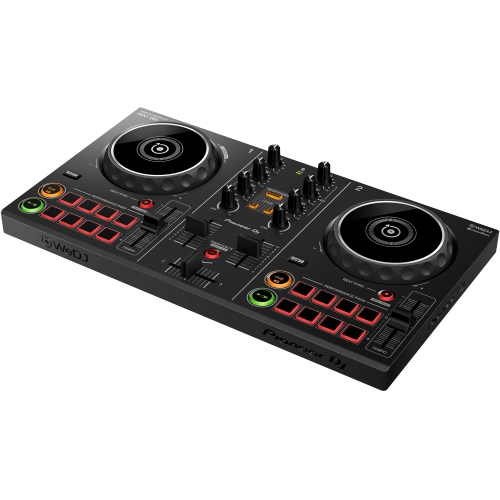 Your price for this item is $239
 -
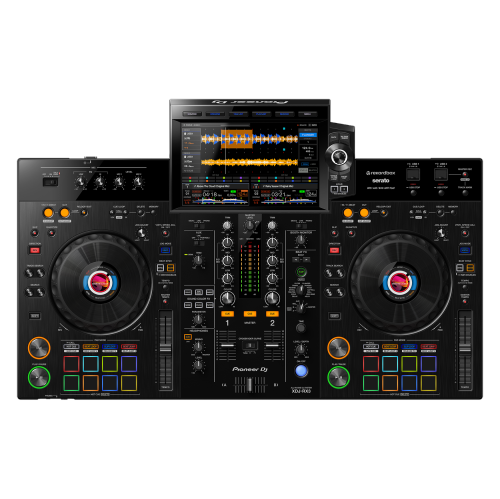 Your price for this item is $3099
 -
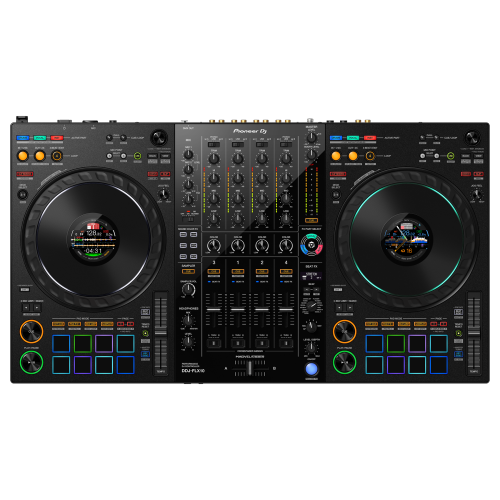 Your price for this item is $2399
 -
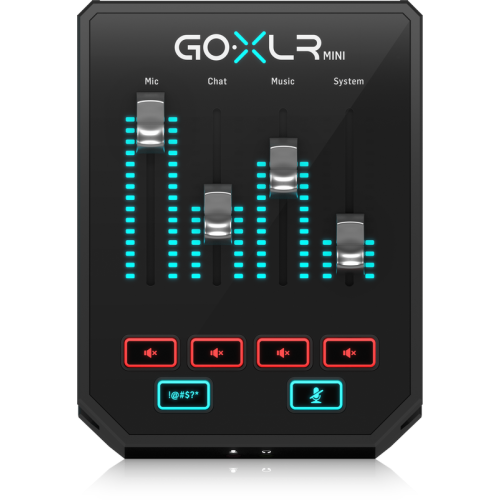 Your price for this item is $259
 -
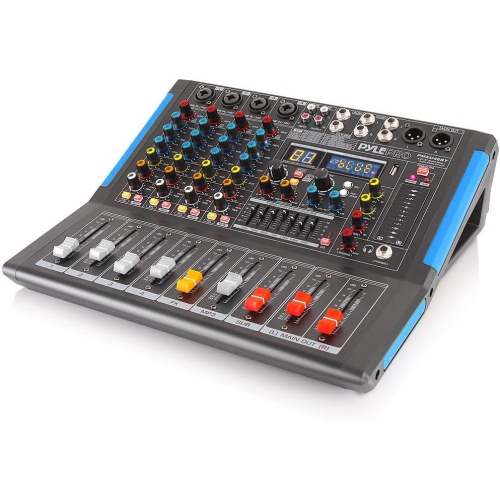 Your price for this item is $175.99
 -
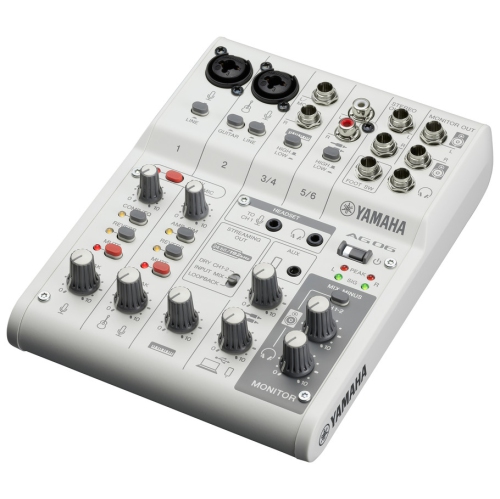 Your price for this item is $279.95
Discover more categories related to Dj Equipment for Beginners
Top Collections:
Pokemon Centers, Kindle Devices, Best Budget Office Chairs, Canon G7X Cameras, Apple iPhones 16, Samsung Galaxy Phones, Refurbished Apple Laptops, Laptops for Students, iPhone 15 Apple, Budget Smartphones
Some products may be subject to Environmental Handling Fees
(EHF) depending on your province.
Learn more about EHFs.