Midi Controller Pads
Looking to take your music production skills to the next level? Look no further than our wide selection of MIDI controller pads. These versatile devices are designed to give you complete control over your virtual instruments, drum machines, and software samplers. Whether you're a professional producer or an aspiring musician, MIDI controller pads offer a tactile and intuitive way to create beats, trigger samples, and manipulate sound. With their responsive pads, customizable features, and seamless integration with popular music production software, these controllers are a must-have for any music enthusiast. Explore our range of MIDI controller pads today and unlock endless creative possibilities.

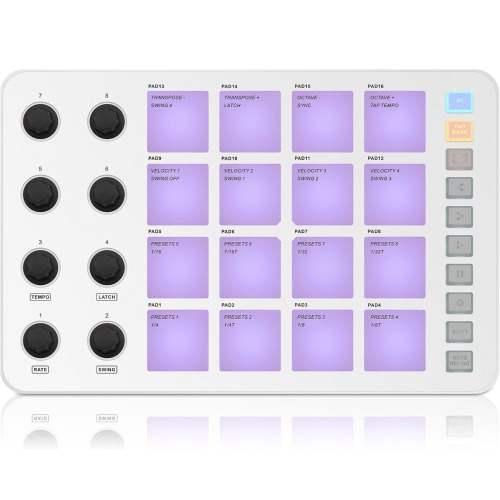
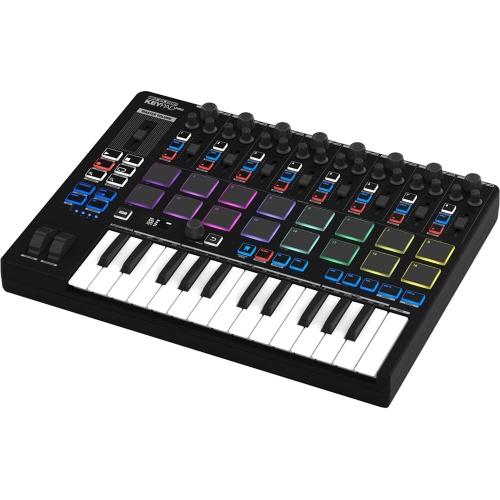
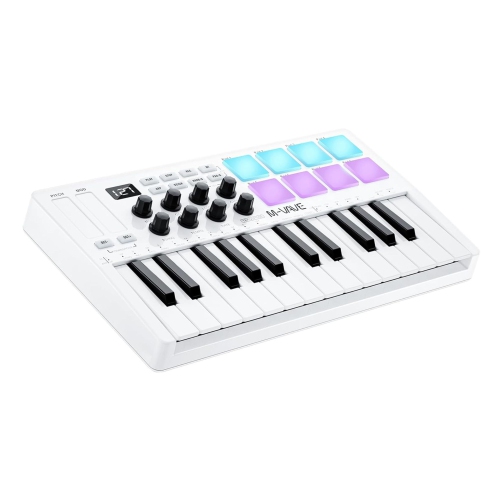
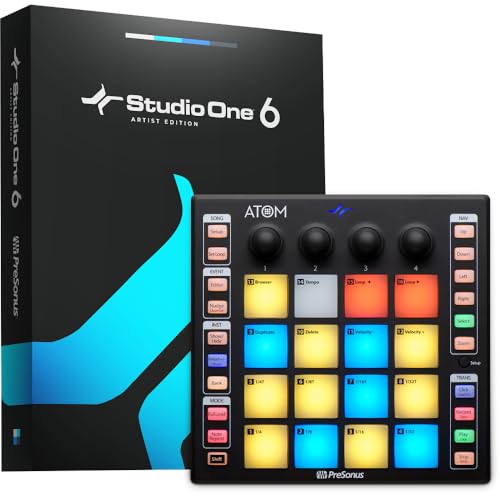
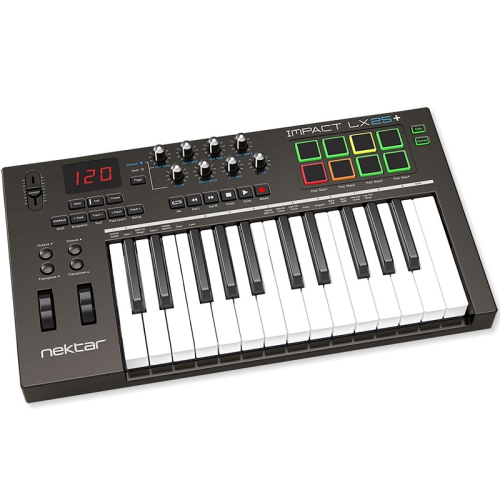
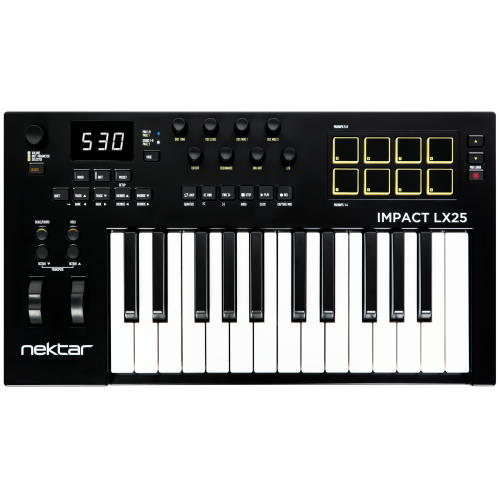
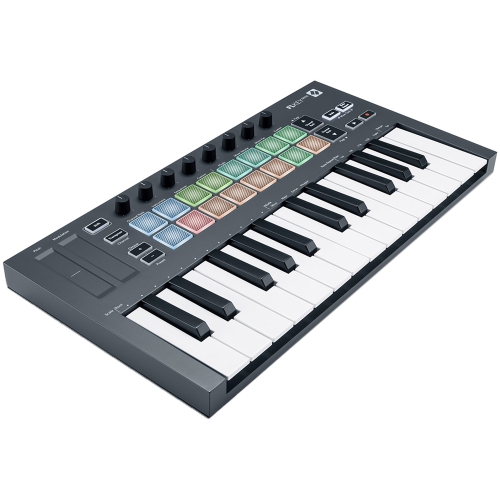
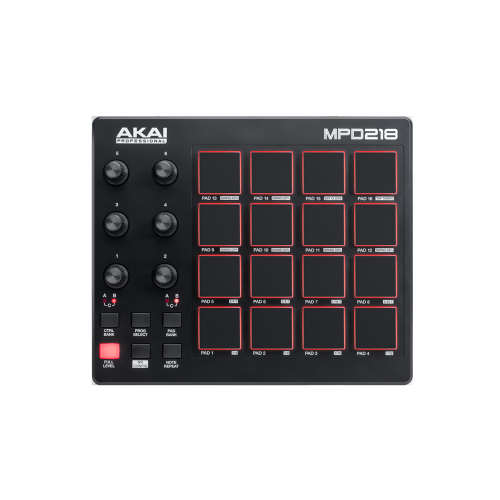
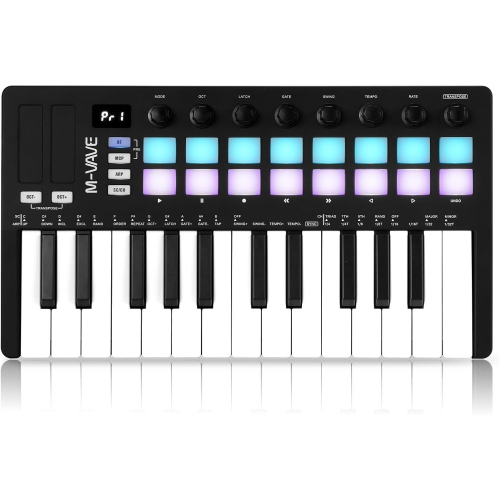
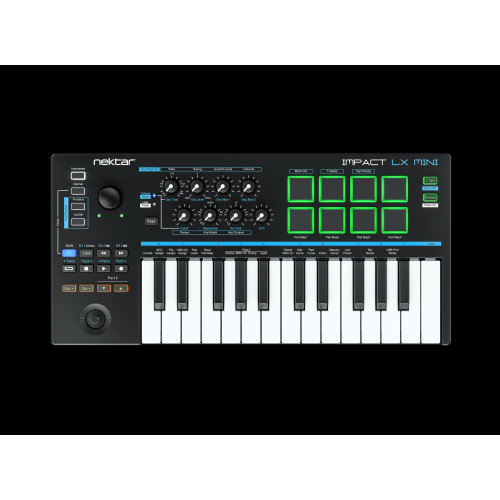
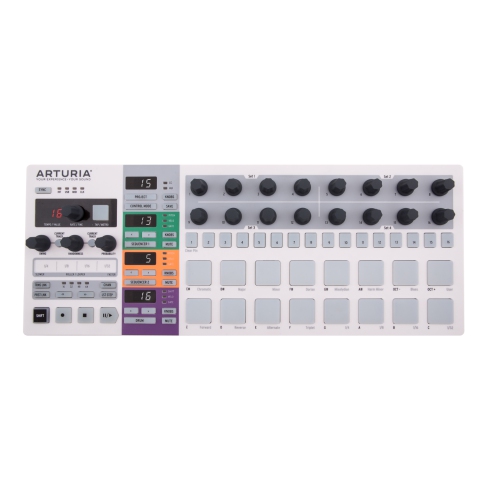
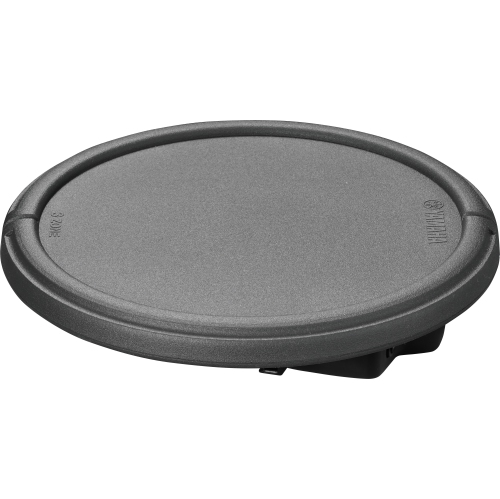
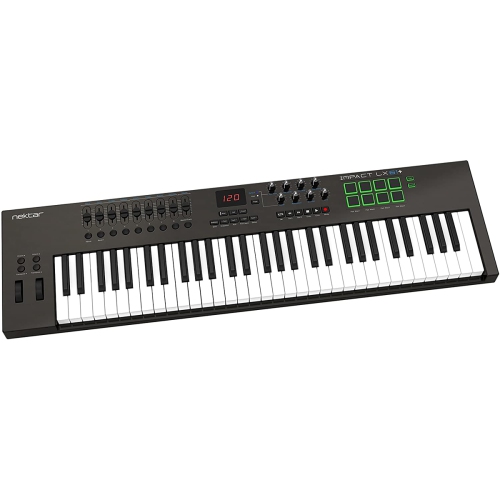
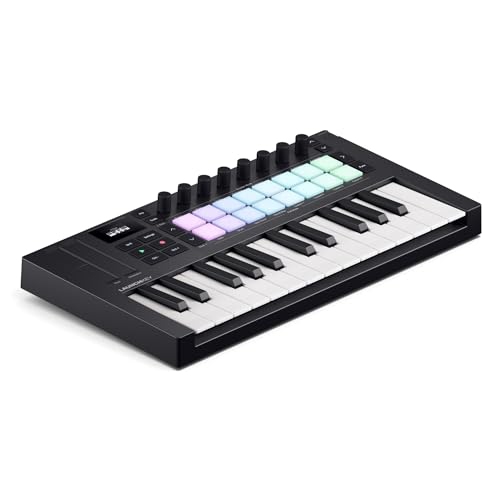
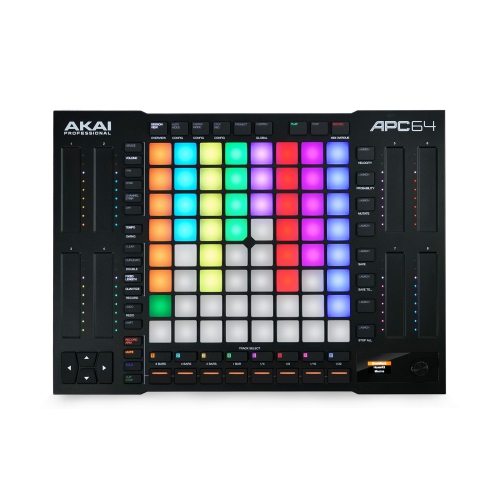
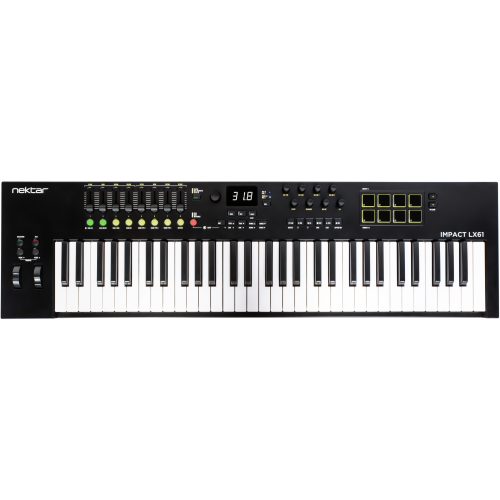
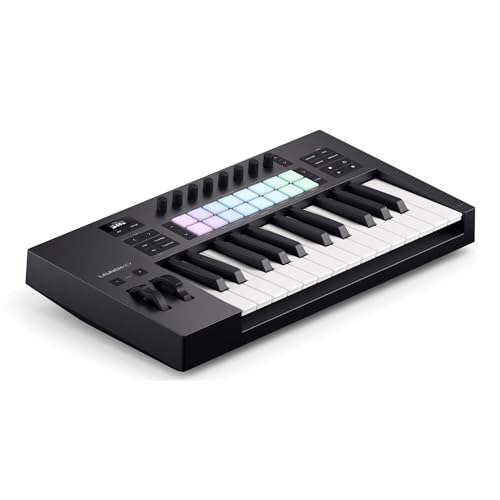
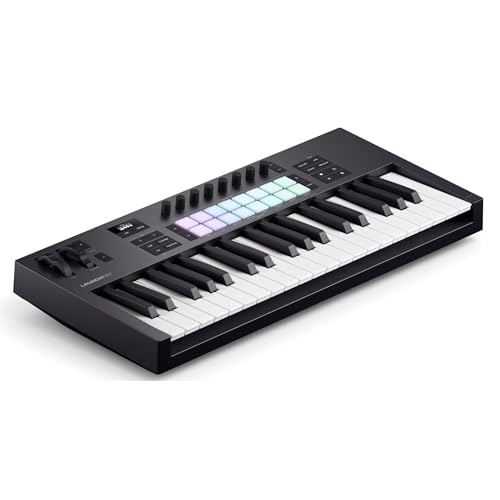
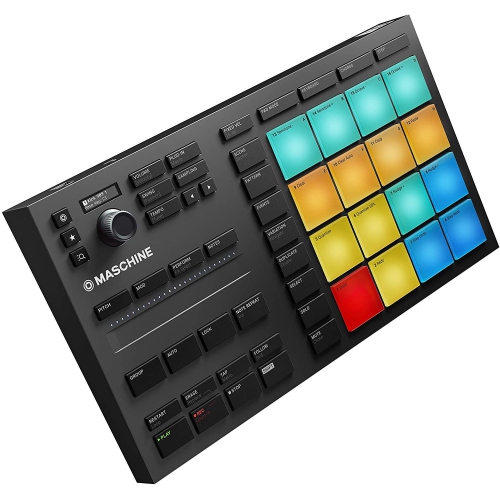
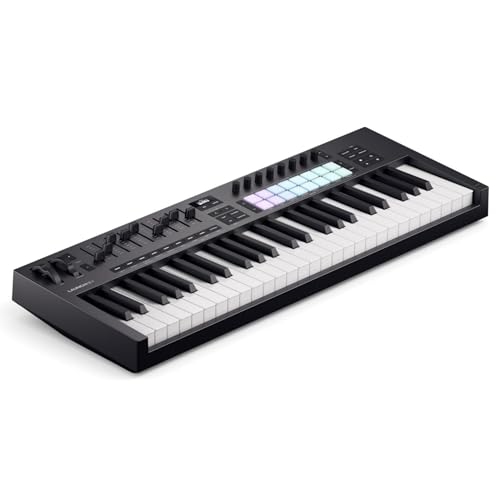
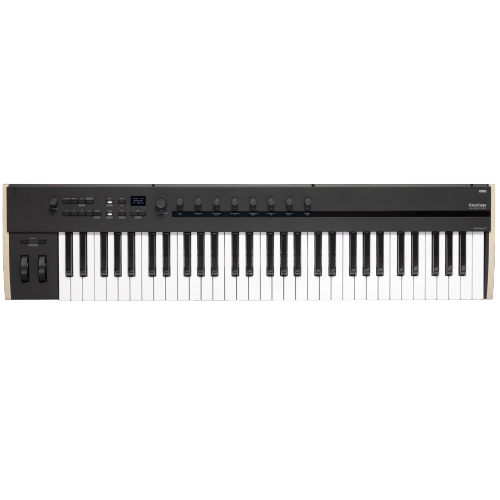
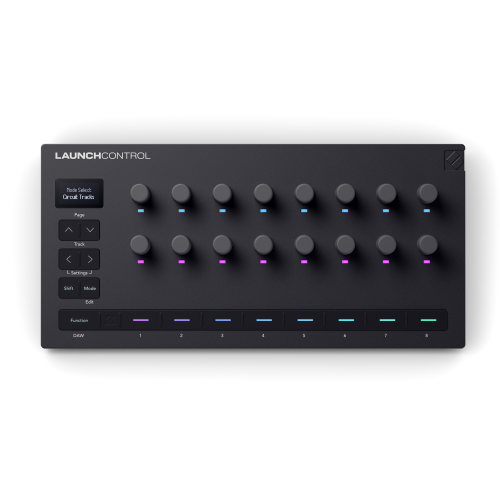
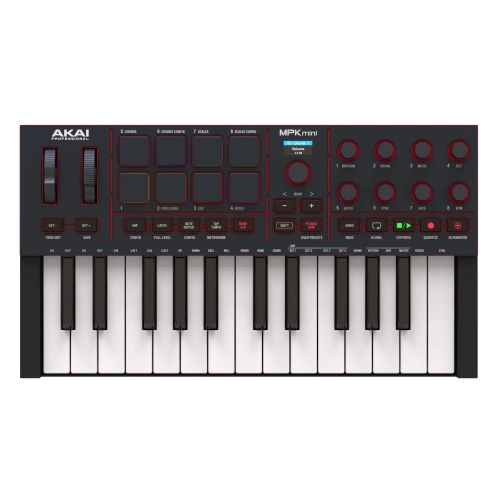
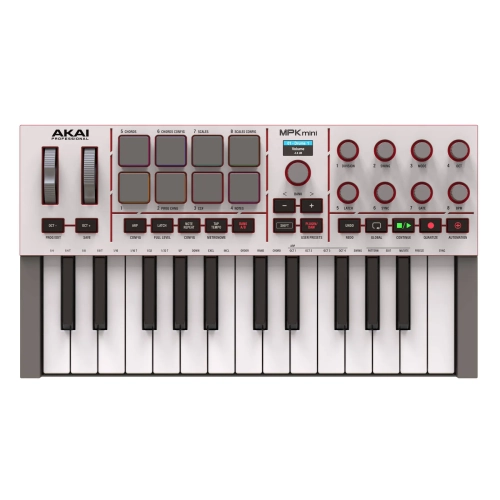
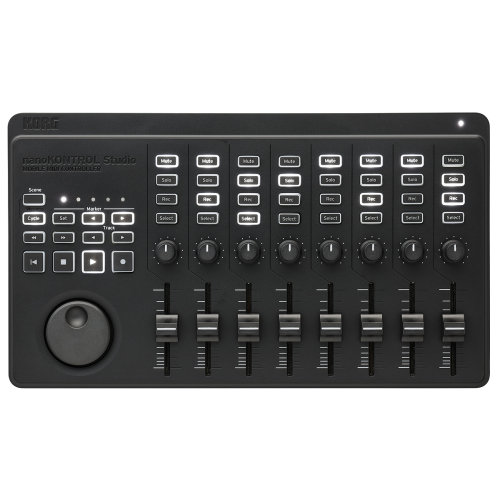

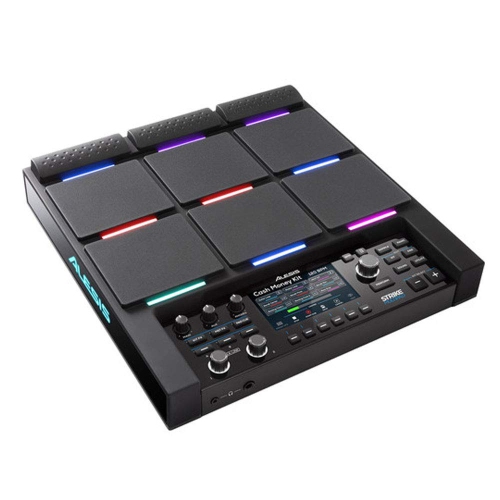
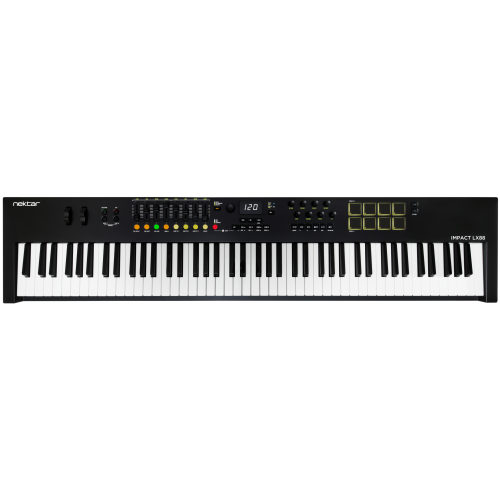
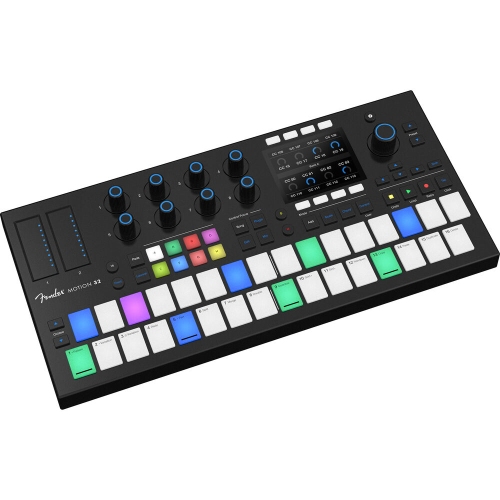
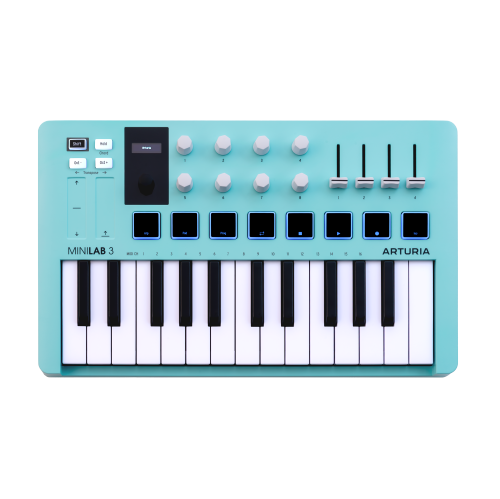
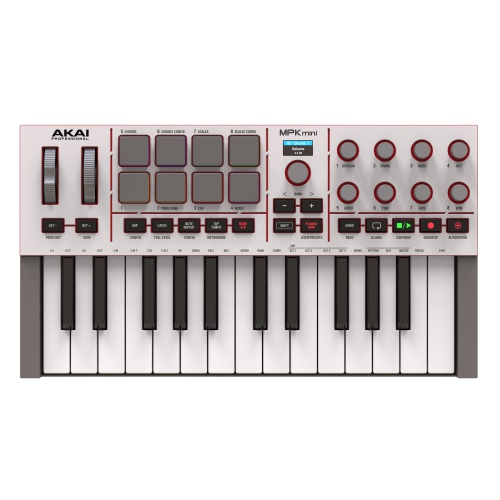

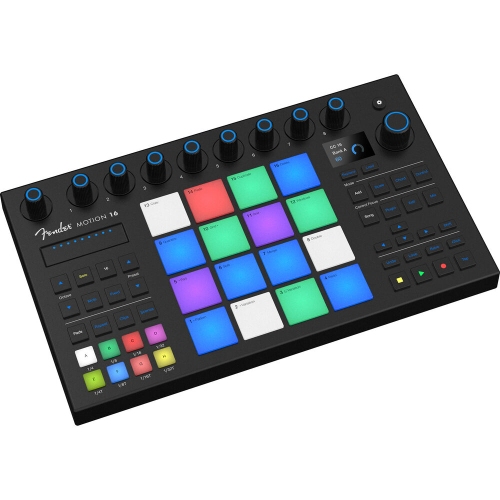
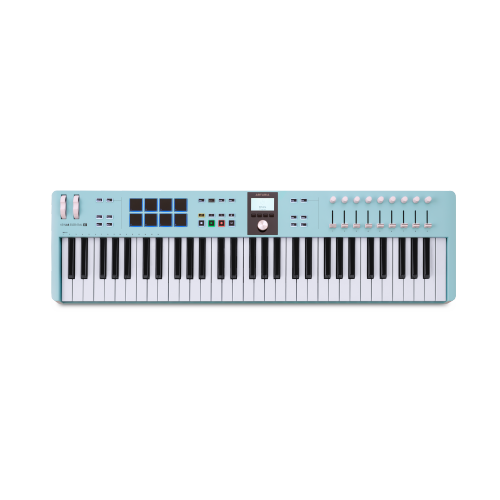
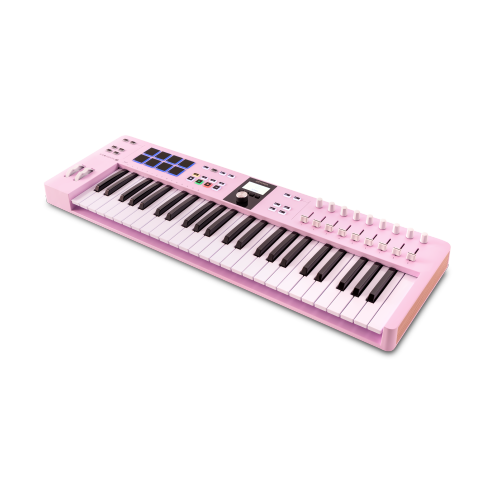
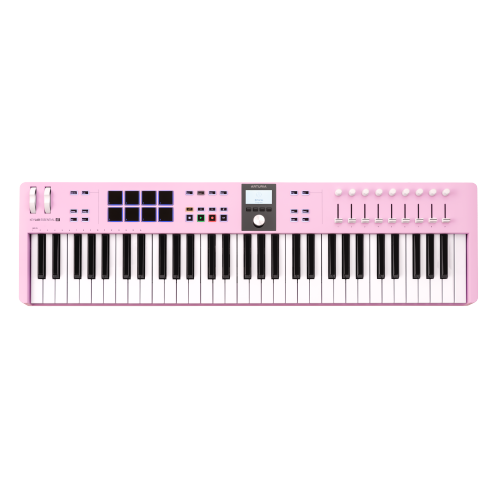
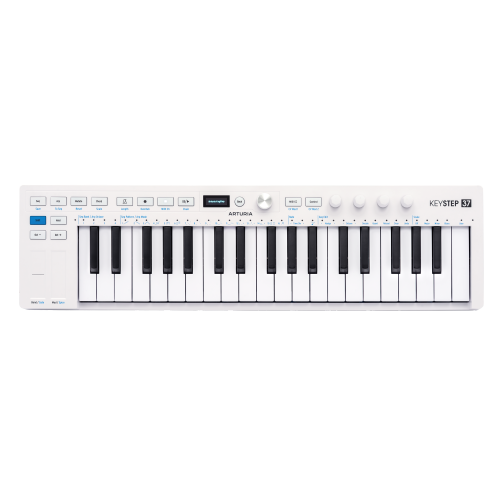
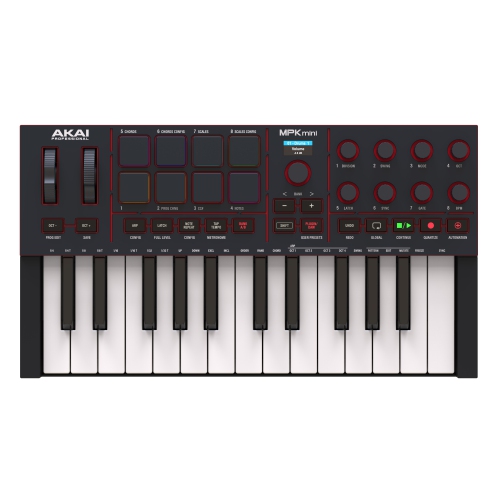
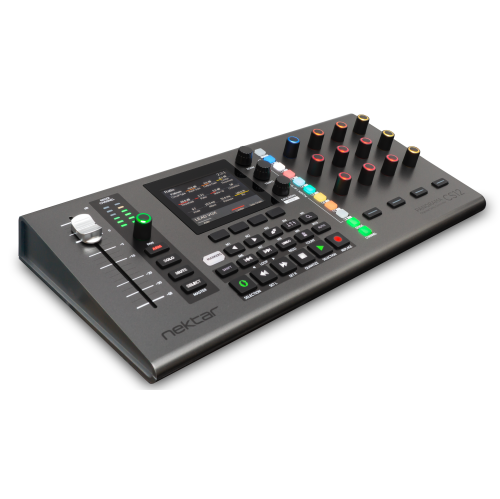
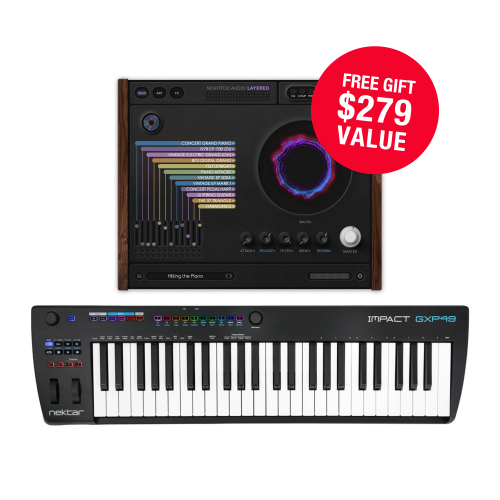
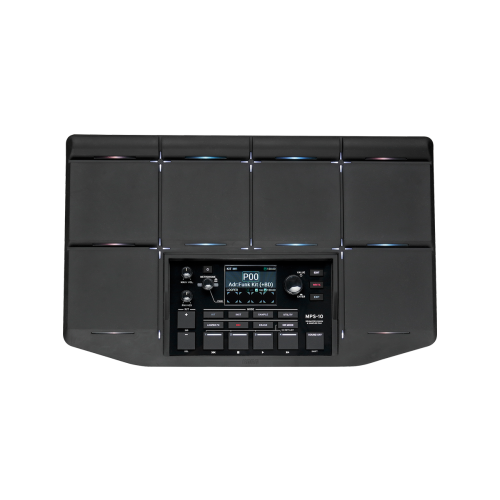
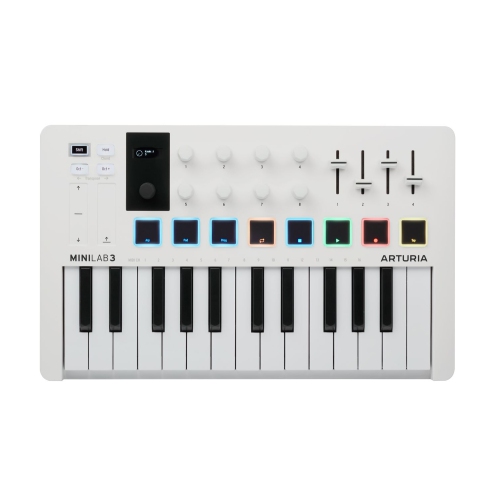
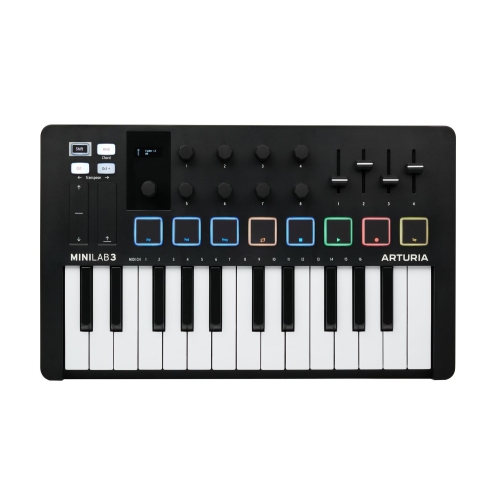

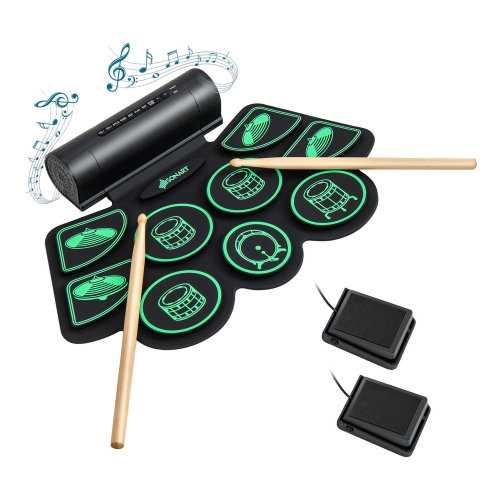
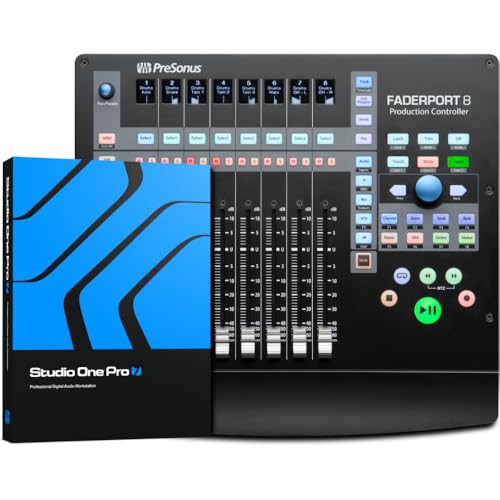
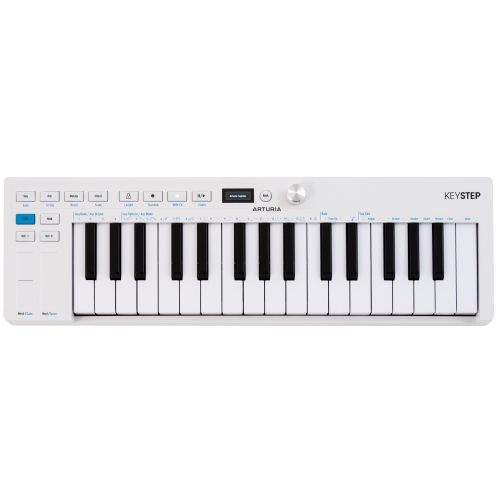
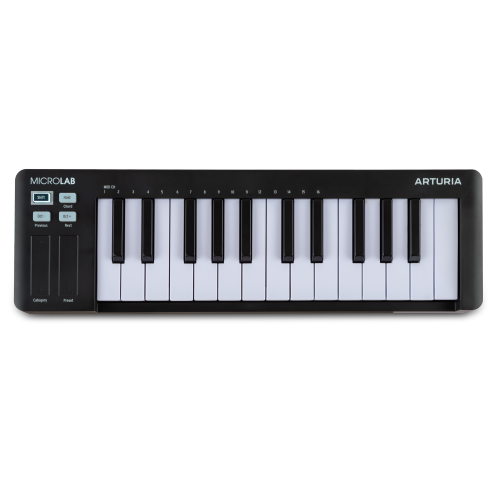
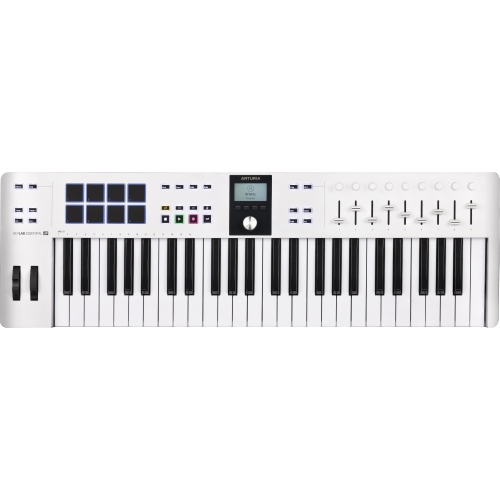
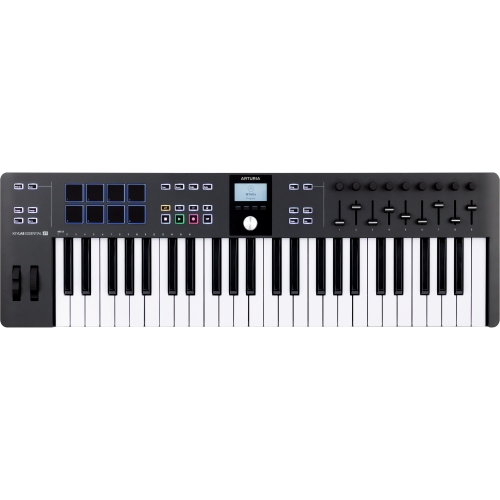
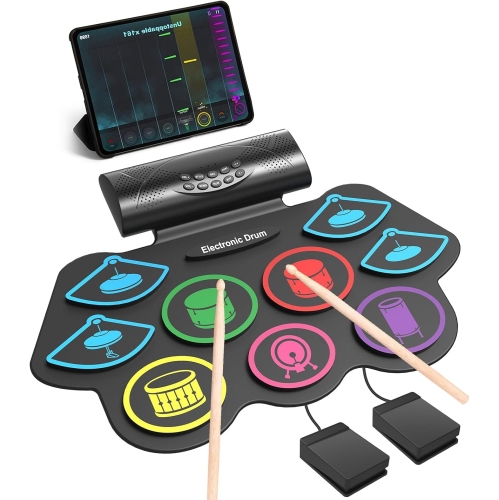
Tactile pads put musical expression at your fingertips
The connection between a MIDI pad controller and the rest of a setup shapes what it can do. USB commonly carries MIDI data and may also supply power, keeping a desktop arrangement relatively simple. Traditional MIDI connections can support communication with compatible hardware instruments, while compact MIDI sockets may require an adapter with the correct wiring. A USB connector’s shape alone does not establish compatibility with a computer, tablet, or phone; operating system support, required drivers, power needs, and the music application all play a part. A class-compliant controller can often work without a separate manufacturer driver on supported systems, but deeper integration may still depend on specific software or setup steps. Dedicated controls for recording, playback, tempo, and navigation can reduce trips between the playing surface and the computer. Assignable knobs, faders, and buttons extend that control to filter movement, effect levels, track volume, or other parameters supported by the connected application. A digital audio workstation, or DAW, may recognize a controller through a ready-made integration, while other combinations rely on manual MIDI mapping. The distinction is noticeable in practice: one setup may immediately show clip colours and track states, while another provides straightforward note triggering until assignments are configured. Note repeat, swing, fixed-velocity modes, and onboard sequencing can support different approaches to rhythm, though the presence and operation of these functions vary by design. A sequencer can make repeating patterns easier to build, but it does not automatically mean the controller contains its own sounds or operates independently of other equipment. For musicians recording in time with a session, responsiveness also depends on the computer, audio interface, software settings, and sound source rather than the pads alone. Headphones or speakers connect through the device generating the audio unless the controller includes the relevant audio functions. Understanding these relationships keeps the focus on how the controller fits an existing workflow, from a simple laptop beat-making station to a hardware-based performance setup.
Physical construction is just as important when an instrument is played repeatedly with fingertips and carried between spaces. Pad surfaces commonly use rubber or silicone, with differences in firmness, texture, spacing, and travel affecting how each strike feels. Larger pads can offer comfortable targets for two-handed drumming, while closely spaced grids put more triggers within a smaller footprint. The useful fit is not simply the number of pads: wrist position, access to surrounding controls, and enough desk space for relaxed movement all contribute to comfortable sessions. A stable base and non-slip feet help keep the surface from shifting during energetic playing. Lightweight housings are practical for carrying, while rigid construction and securely fitted connections matter when a controller regularly moves between a desk, rehearsal room, and performance space. Recessed controls and protected cable connections can also make transport less awkward. A padded case helps protect pads and knobs from pressure in a bag, and disconnecting cables before packing reduces strain on the sockets. Routine care is usually straightforward: a soft, dry cloth removes dust, liquids stay away from the playing surface and connections, and any cleaning products should follow the manufacturer’s directions. Heavy objects resting on the pads or controls can cause damage even when the controller is switched off. For shared workspaces, a compact footprint can leave room for a keyboard and audio interface without forcing the player into an uncomfortable reach. Performance setups focused on mixing tracks and controlling decks may also overlap with Dj Midi Controllers, although a pad-focused controller serves a different role from a full mixing surface. As a gift, a MIDI pad controller is particularly relevant to someone already making music on a computer, practising finger drumming, or exploring sample-based composition. Compatibility with their existing software and connections makes the gift more practical, while an intuitive layout gives them space to develop their own playing style.
Top selling and popular products
-
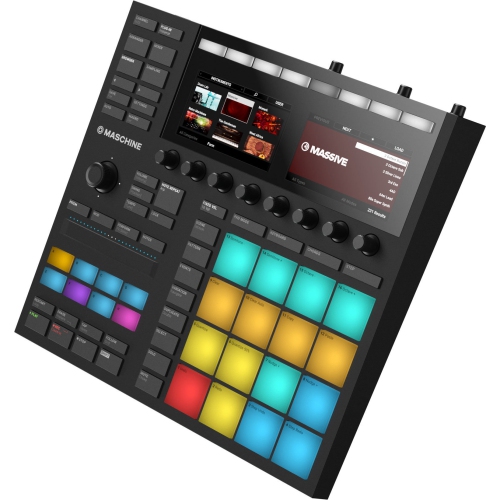 Your price for this item is $609
-
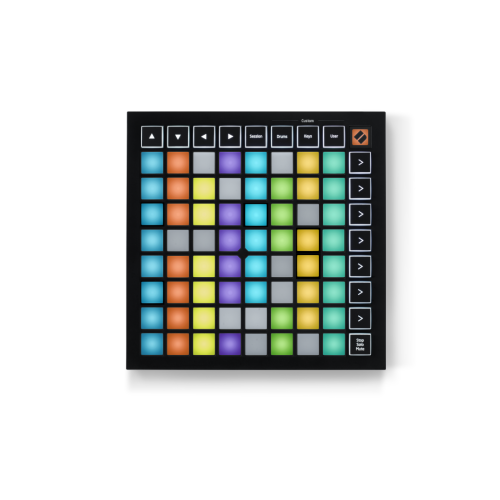 Your price for this item is $129.99
-
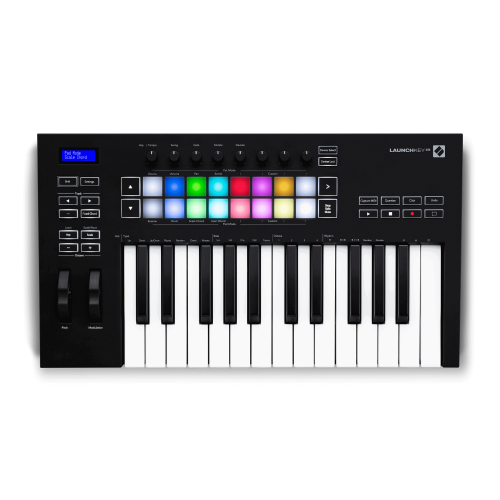 Your price for this item is $239
-
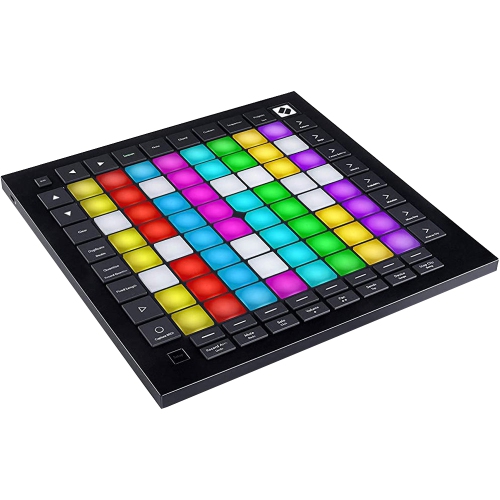 Your price for this item is $529
-
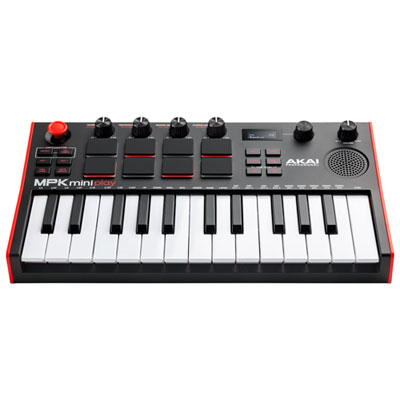 Your price for this item is $189.99
-
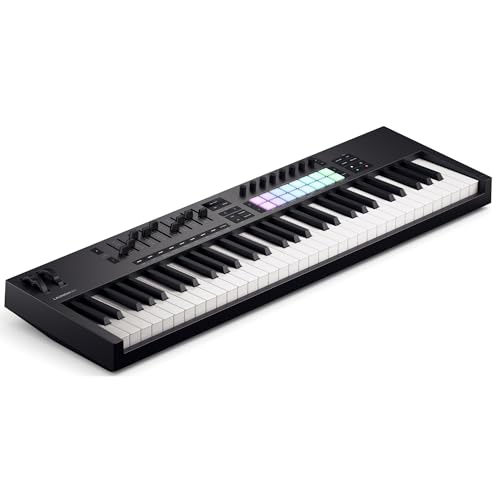 Your price for this item is $399
-
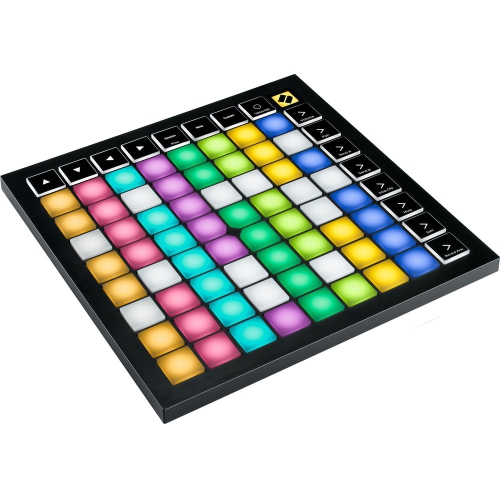 Your price for this item is $239.99
-
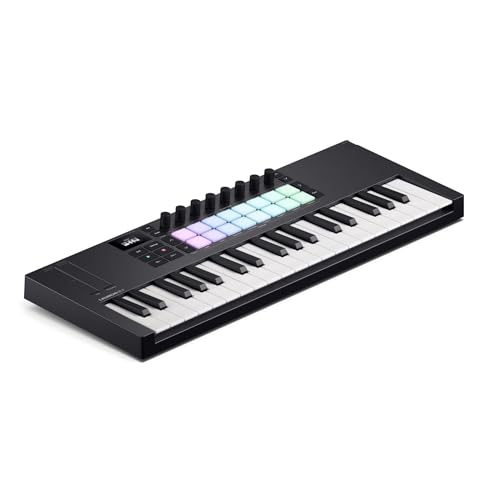 Your price for this item is $184.99