Recording Studio Essentials
Recording studio essentials are the foundation of any creative audio workspace, providing everything needed to capture high-quality sound and bring musical ideas to life. Whether setting up a professional studio or enhancing a home recording setup, the right tools help streamline the process and deliver impressive results. Explore a wide selection of recording studio essentials designed to support music production, podcasting, voiceovers, and more, making it easier to achieve clear, polished audio every time.
Sort

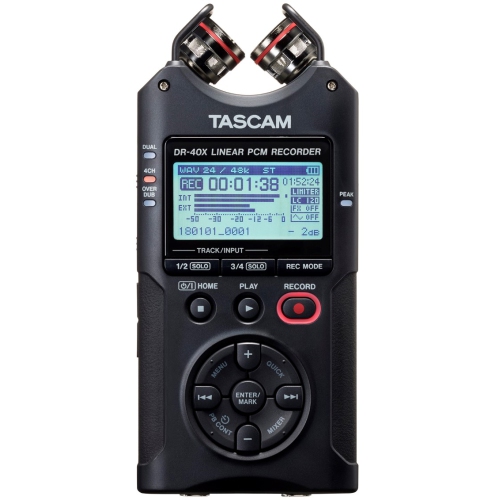
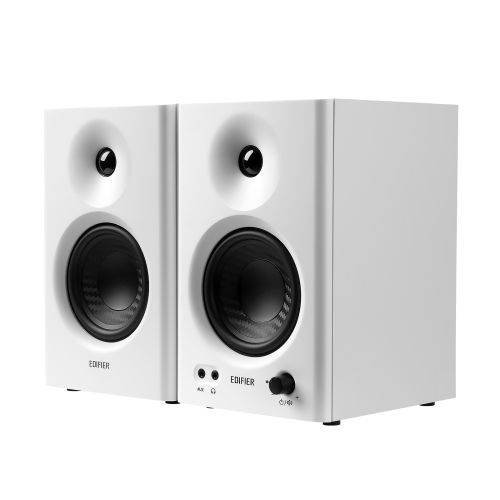
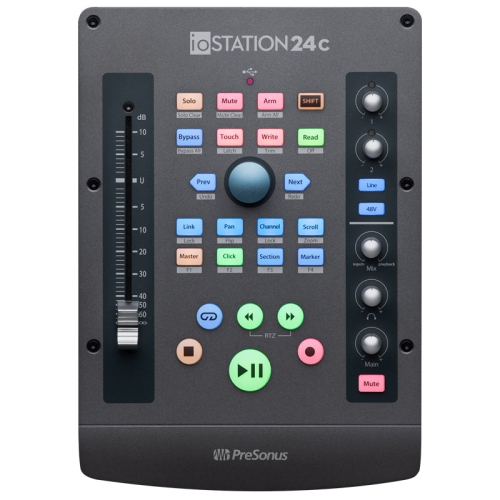
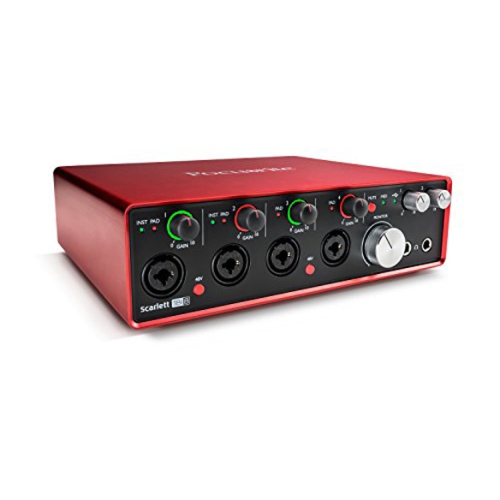

How your signal chain shapes the final recording
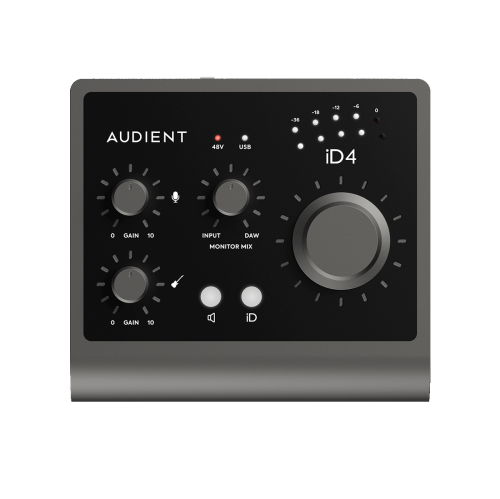
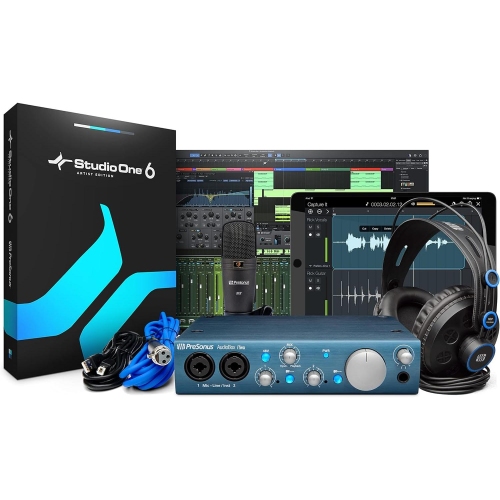
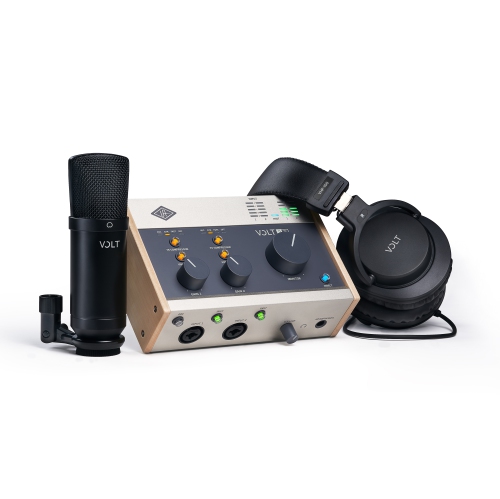
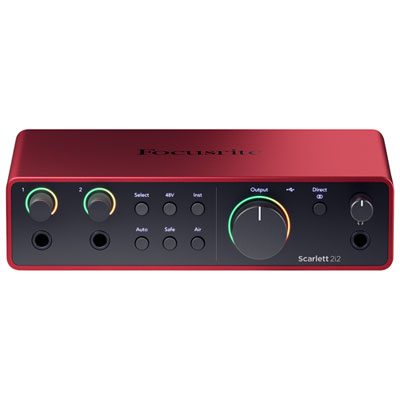
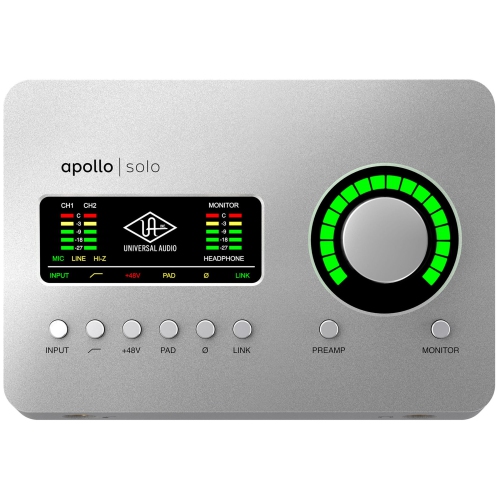
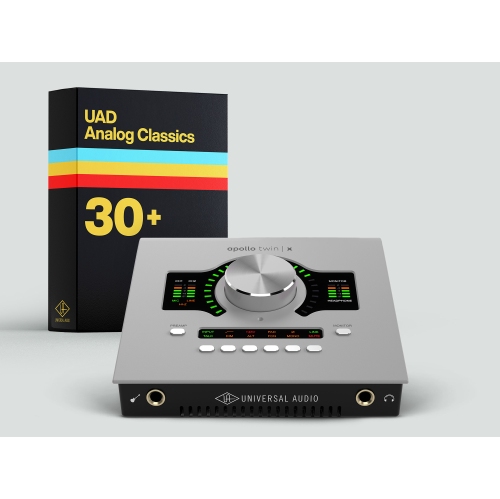
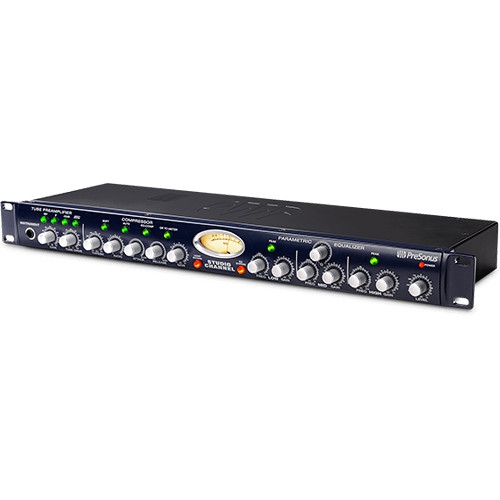
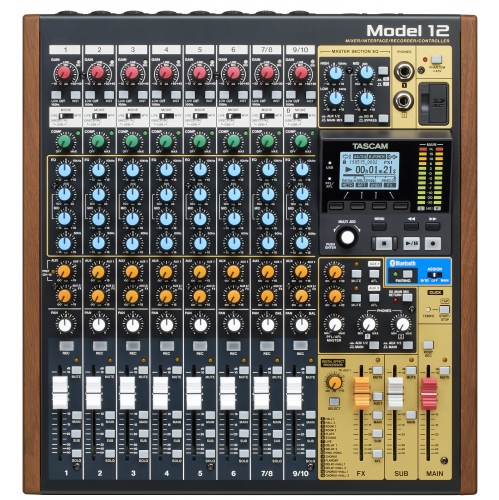
Recording studio essentials form the signal chain that captures a performance, turns it into digital audio, and makes it possible to hear and refine the result. For a home musician, voice actor, podcaster, or producer, that usually means a computer, digital audio workstation software, an audio interface, a suitable microphone, headphones, and the cables and supports connecting them. Studio monitors and acoustic treatment add another layer of listening accuracy as a workspace develops. Each part serves a different purpose: the computer runs sessions and stores recordings, the software handles recording and editing, and the interface connects microphones or instruments to the computer while providing audio outputs for monitoring. The right combination depends on what happens in the room. A singer recording one vocal at a time has different input needs from a drummer capturing several microphones simultaneously, while a podcast with two in-person speakers benefits from separate microphone inputs and convenient headphone monitoring. Interface input types matter as much as input count, since microphone, line-level, and instrument connections accommodate different signals. A dedicated instrument input is useful for recording an electric guitar or bass directly, while microphone preamps provide the gain needed for microphone signals. Direct monitoring can let performers hear their input without the distracting delay that software processing sometimes introduces. Computer connections, operating-system support, and software compatibility also deserve attention, particularly when an existing laptop is the centre of the setup. Enough memory, suitable processing power, and reliable storage help larger sessions run smoothly, especially when virtual instruments and audio effects are involved. Software workflows vary, too: detailed vocal editing, beat production, and multitrack band recording place different demands on the same workspace. MIDI controllers can make playing software instruments and shaping arrangements feel more immediate, although they are not essential for every recording task. For compact spaces, fewer well-matched components can be more practical than a crowded desktop, leaving room for a lyric sheet, an instrument, and comfortable access to the controls used throughout a session.
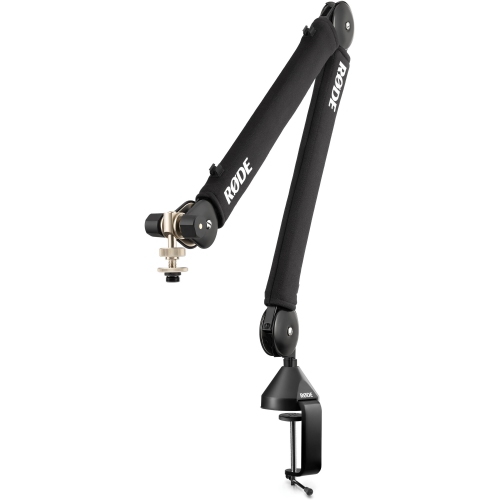
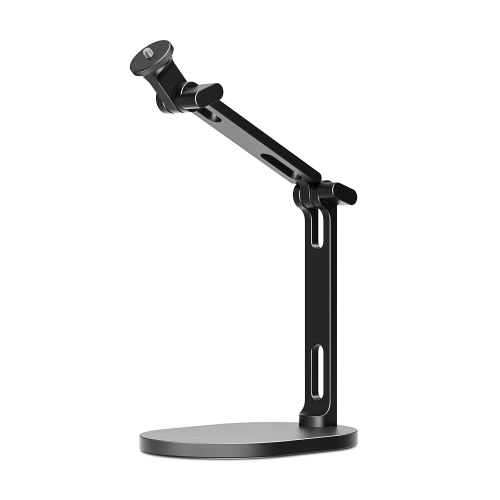
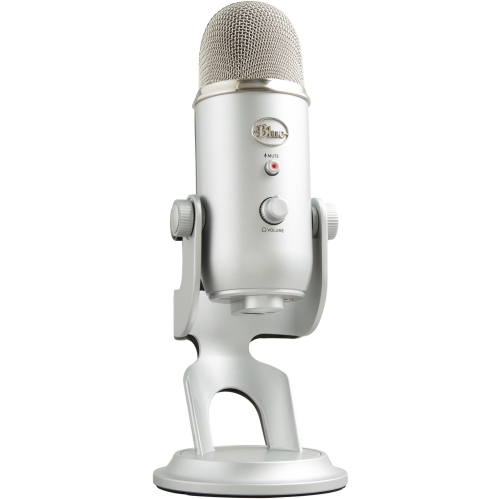
Microphones shape how a voice or instrument enters a recording, so their design and intended use are central to a studio setup. Condenser microphones often capture fine vocal detail and the texture of acoustic instruments, but their sensitivity can also reveal room reflections, computer fans, and movement near the stand. Many studio condensers require 48-volt phantom power from a compatible interface or preamp; USB microphones generally receive power through their USB connection and can provide a simpler route to computer recording. Dynamic microphones are often well suited to loud sources such as guitar amplifiers and drums, and some are useful for close-spoken vocals in rooms with less acoustic treatment. Microphone type alone does not determine the result: pickup pattern, placement, room sound, and the distance from the performer all contribute. A directional microphone can reduce sound arriving from certain angles, but it cannot make an untreated room silent. For a vocalist moving between quiet lines and forceful choruses, a stable stand and consistent mouth-to-microphone distance support a more even recording. Pop filters soften bursts of air from consonants, while compatible shock mounts can reduce vibration travelling through a stand or work surface. Stand construction matters in daily use, with secure adjustment points, a stable base, and enough load capacity for the microphone and its accessories. A boom arm should hold its position without slowly dropping into a performer’s space. Cables need the appropriate connectors for both ends of the signal path; balanced microphone and line connections can help reject interference, while standard guitar cables serve a different connection type. Durable jackets, sound strain relief, and sensible cable lengths help keep connections dependable without leaving loops across a walking path. Gentle coiling, rather than tight wrapping around equipment, reduces unnecessary stress. Microphones also benefit from dry storage and protection from dust and impacts, with cleaning methods suited to the manufacturer’s instructions rather than moisture applied directly to a capsule or grille.
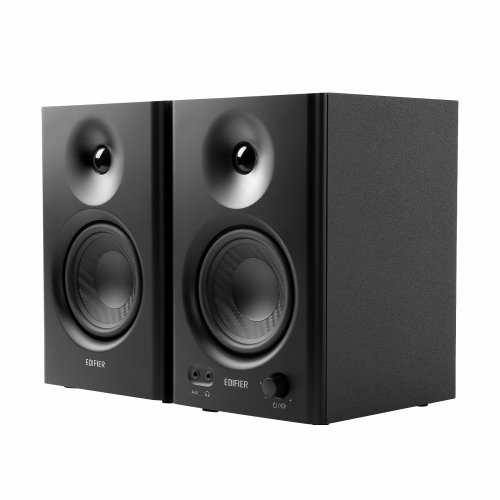
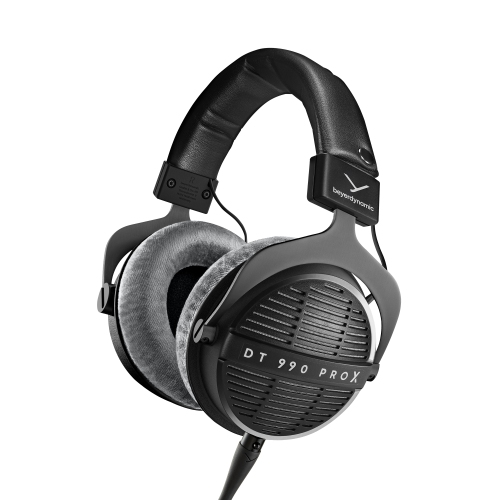
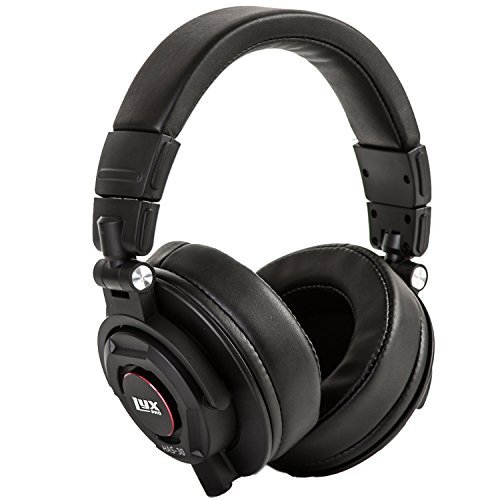
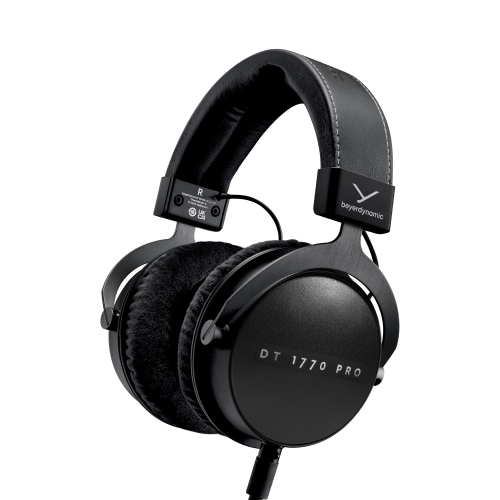
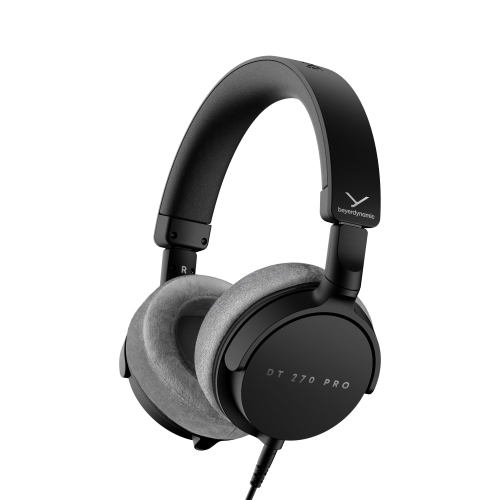
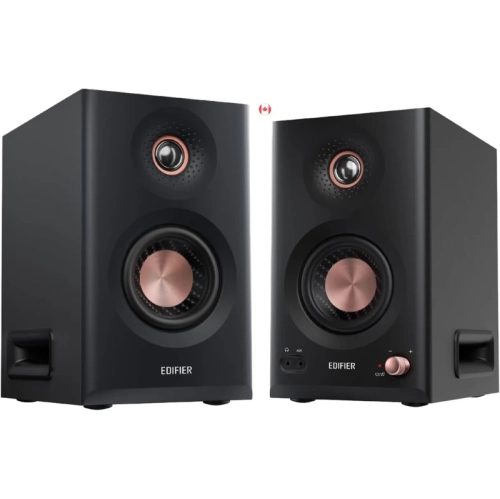
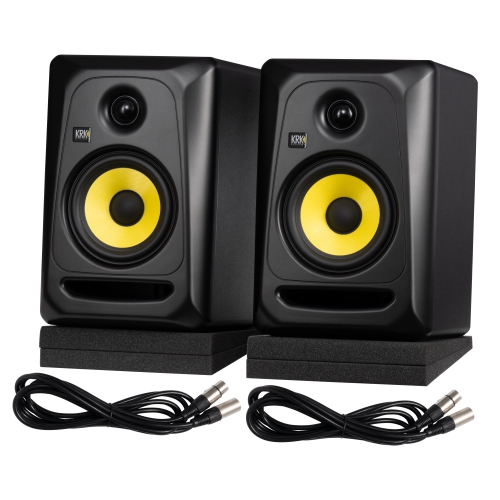
Monitoring equipment and room acoustics influence every judgement made after the recording begins, from setting a vocal level to deciding whether a bass part overwhelms the mix. Closed-back studio headphones help limit sound leaking into a live microphone, making them useful for singers recording over an instrumental track or hosts listening to remote guests. Open-back headphones allow more sound to pass in and out, which can suit detailed listening in a quiet space but makes them less suitable beside an active microphone. Fit becomes important during long sessions: adjustable headbands, comfortable ear cushions, manageable weight, and sufficient earcup depth can matter as much as a specification sheet. Replaceable pads and detachable cables, where supported, can also make everyday wear easier to manage. Studio monitors are designed to reveal tonal balance and recording flaws rather than simply make everything sound more flattering, although their accuracy depends partly on placement and the room around them. Nearfield monitors suit listening at relatively short distances, with speaker size and low-frequency output matched to the available space. Isolation pads or suitable stands can reduce vibration transfer into furniture, while positioning that keeps both speakers at comparable distances from the listener supports a clearer stereo image. Acoustic panels help absorb reflections, bass traps address low-frequency behaviour, and diffusers scatter sound; none should be confused with structural soundproofing that limits sound passing between rooms. Materials, thickness, placement, and mounting requirements affect how treatment performs, so decorative foam alone is not a complete answer to every acoustic problem. These listening and workspace details connect naturally with the wider range of Home Recording Studio Tools, from practical supports to equipment that serves different stages of a session. A comfortable chair, organized cable routes, and clear space around controls help the studio remain usable through repeated takes. For a musician or creator receiving recording accessories as a gift, compatibility with existing equipment makes the choice more personal and useful. A well-matched setup supports the real work of recording: capturing a convincing performance, hearing it clearly, and returning to the next session with dependable equipment.
Top selling and popular products
-
 Your price for this item is $989
-
 Your price for this item is $699
-
 Your price for this item is $329.99
-
 Your price for this item is $799.99
-
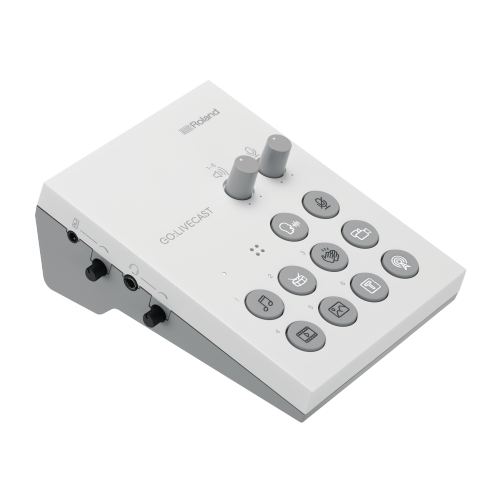 Your price for this item is $69
-
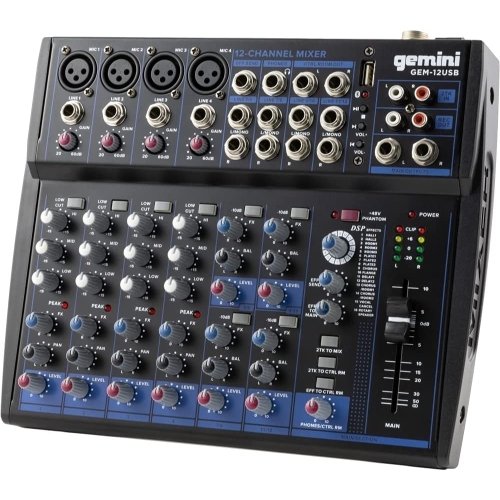 Your price for this item is $205.95
-
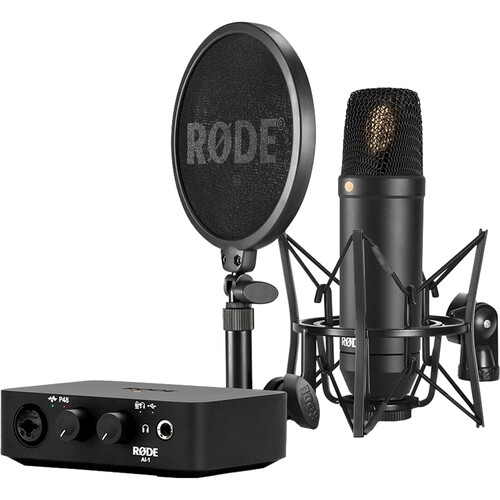 Your price for this item is $199
-
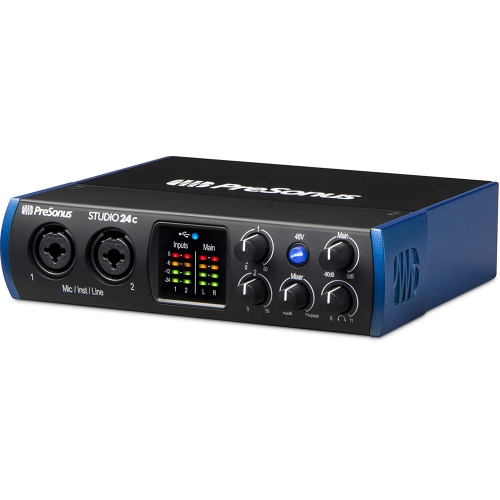 Your price for this item is $241.49
Discover more categories related to Recording Studio Essentials
Top Collections:
Best Black Friday Deals This Year, Best Black Friday Deals On Electronics, Kindle Devices, Pokemon Centers, Best Black Friday Deals On Apple Products, Best Cameras for Sports Photography, Dyson Airwrap, Pokémon 30th Celebration Cards, Apple iPhone 17 Pro, Canon G7X Cameras
Some products may be subject to Environmental Handling Fees
(EHF) depending on your province.
Learn more about EHFs.