Rode PSA1
Enhance your audio setup with the Rode PSA1, a popular choice for those seeking reliable performance in their recording or broadcasting environment. Perfect for home studios, podcasts, streaming, and professional applications, the Rode PSA1 helps create a streamlined workspace while supporting your microphone needs. Explore options that make it easy to achieve clear sound and a clutter-free desk, whether you're upgrading your current setup or starting fresh. Find the right Rode PSA1 solution to elevate your audio experience today.
Sort

A more comfortable, organized setup for recording and streaming
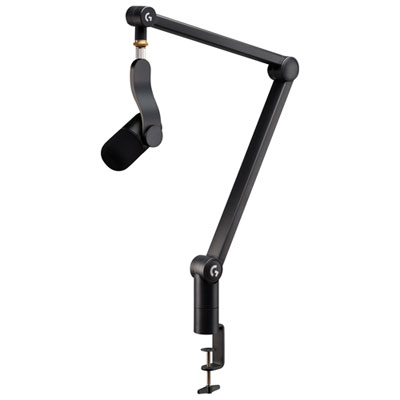
A microphone boom arm is a practical addition to any recording space where clear sound, comfortable positioning, and a tidy desktop matter. Designed to hold a compatible microphone above or beside the work area, a boom arm helps keep the microphone at a consistent distance while leaving more room for a keyboard, notes, instruments, or other equipment. This can make a noticeable difference during podcasts, voice-over sessions, livestreams, online classes, video calls, and music recording. Instead of leaning toward a microphone on a stand or repeatedly adjusting its position, users can bring the microphone into place with a smooth movement and return it out of the way when the session is finished. A well-positioned arm can also help reduce the bumps and vibrations that travel across a desk, particularly when the microphone is attached securely and the arm is adjusted with care. For people working in a spare bedroom, home office, study, or shared living space, this type of mounting solution can create a more capable recording setup without requiring a large permanent workstation. It is also useful for creators who record in different places, since a clamp-mounted design can often be installed and removed without taking up much storage space. Before choosing a microphone boom arm, consider the weight and shape of the microphone, the dimensions of the desk, and the amount of space available behind or beside it. The clamp should fit securely on the desktop, while the arm should offer enough reach to position the microphone where the user naturally speaks rather than forcing an awkward posture. It is worth checking the microphone’s mounting connection and any accessories being used, such as a shock mount, pop filter, or windscreen, because these can add length and weight to the setup.
The best microphone position depends on the person using it and the sound they want to capture. A podcaster may prefer the microphone slightly to one side, close enough for a warm, focused voice while keeping the face unobstructed on camera. A streamer might swing the arm in front of the screen during conversation, then move it aside when playing a game or speaking with guests. Someone recording voice-over work may keep the arm at a fixed height and mark its preferred position so each take has a similar tone. Musicians can benefit from the extra flexibility as well, particularly when switching between vocals, instruments, and different seating positions. An arm with smooth movement makes these changes easier, but smooth operation also depends on balancing the joints correctly and tightening them only as much as needed. Excess tension can make adjustments frustrating, while loose joints may allow the microphone to drift during recording. Cable management is another important detail. A microphone cable that hangs freely can catch on chair arms, brush against the desk, or pull on the microphone when the arm moves. Integrated clips or practical cable routing help keep the workspace clean and reduce unwanted handling noise. Users should leave enough slack for the full range of motion rather than fastening the cable tightly along the arm. When installing the clamp, placing it on a sturdy, flat section of the desk is generally preferable to a thin edge, glass surface, or area weakened by shelves and drawers. Checking the arm’s clearance before attaching a microphone can prevent collisions with monitors, wall shelves, lamps, and other nearby objects. A little planning at setup can make the entire recording routine feel more natural, especially during longer sessions when small annoyances become increasingly noticeable.
Microphone boom arms can be a thoughtful gift for a new creator, student, remote worker, musician, broadcaster, or anyone building a home recording corner. They are especially helpful for people who already own a compatible microphone but are still relying on a tabletop stand that takes up valuable space. During the cooler months, when more time may be spent indoors recording, streaming, studying, or connecting with friends and colleagues online, a comfortable and flexible setup can encourage people to keep creating without having to rearrange the room for every session. They can also complement other audio accessories, including headphones, microphone mounts, pop filters, and recording software, although compatibility should always be confirmed before purchase. For shoppers comparing options, pay attention to the arm’s reach, supported weight, mounting style, range of movement, joint construction, and cable-management features. A compact arm may suit a small desk, while a longer model may be better for a wide workstation or a monitor positioned farther away. The finish and overall appearance can matter too, particularly when the setup is visible on camera or shares space with a carefully arranged office. Most importantly, choose an arm that matches the microphone and the way it will be used. A person who records occasional video calls may value simple adjustment and a small footprint, while a daily podcaster or streamer may prioritize sturdy construction, quiet repositioning, and a wide range of movement. Related recording equipment can be explored through Rode Videomics, helping shoppers consider how a microphone arm might fit into a broader audio and video setup. With the right match, a boom arm can turn a crowded desk into a more comfortable, organized place to speak, record, teach, perform, and share ideas.
The best microphone position depends on the person using it and the sound they want to capture. A podcaster may prefer the microphone slightly to one side, close enough for a warm, focused voice while keeping the face unobstructed on camera. A streamer might swing the arm in front of the screen during conversation, then move it aside when playing a game or speaking with guests. Someone recording voice-over work may keep the arm at a fixed height and mark its preferred position so each take has a similar tone. Musicians can benefit from the extra flexibility as well, particularly when switching between vocals, instruments, and different seating positions. An arm with smooth movement makes these changes easier, but smooth operation also depends on balancing the joints correctly and tightening them only as much as needed. Excess tension can make adjustments frustrating, while loose joints may allow the microphone to drift during recording. Cable management is another important detail. A microphone cable that hangs freely can catch on chair arms, brush against the desk, or pull on the microphone when the arm moves. Integrated clips or practical cable routing help keep the workspace clean and reduce unwanted handling noise. Users should leave enough slack for the full range of motion rather than fastening the cable tightly along the arm. When installing the clamp, placing it on a sturdy, flat section of the desk is generally preferable to a thin edge, glass surface, or area weakened by shelves and drawers. Checking the arm’s clearance before attaching a microphone can prevent collisions with monitors, wall shelves, lamps, and other nearby objects. A little planning at setup can make the entire recording routine feel more natural, especially during longer sessions when small annoyances become increasingly noticeable.
Microphone boom arms can be a thoughtful gift for a new creator, student, remote worker, musician, broadcaster, or anyone building a home recording corner. They are especially helpful for people who already own a compatible microphone but are still relying on a tabletop stand that takes up valuable space. During the cooler months, when more time may be spent indoors recording, streaming, studying, or connecting with friends and colleagues online, a comfortable and flexible setup can encourage people to keep creating without having to rearrange the room for every session. They can also complement other audio accessories, including headphones, microphone mounts, pop filters, and recording software, although compatibility should always be confirmed before purchase. For shoppers comparing options, pay attention to the arm’s reach, supported weight, mounting style, range of movement, joint construction, and cable-management features. A compact arm may suit a small desk, while a longer model may be better for a wide workstation or a monitor positioned farther away. The finish and overall appearance can matter too, particularly when the setup is visible on camera or shares space with a carefully arranged office. Most importantly, choose an arm that matches the microphone and the way it will be used. A person who records occasional video calls may value simple adjustment and a small footprint, while a daily podcaster or streamer may prioritize sturdy construction, quiet repositioning, and a wide range of movement. Related recording equipment can be explored through Rode Videomics, helping shoppers consider how a microphone arm might fit into a broader audio and video setup. With the right match, a boom arm can turn a crowded desk into a more comfortable, organized place to speak, record, teach, perform, and share ideas.
Top selling and popular products
-
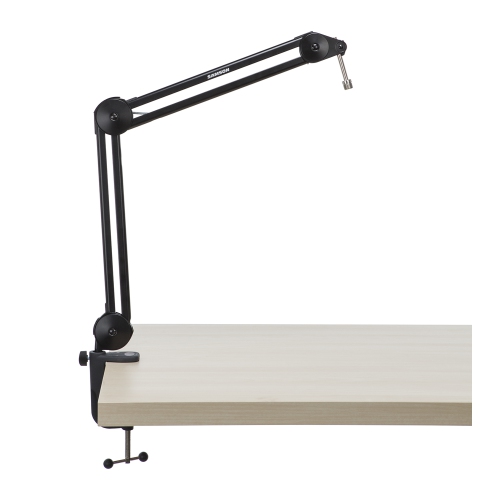 Your price for this item is $120.99
 -
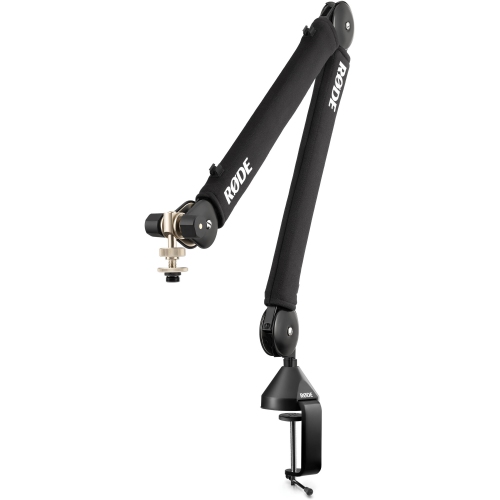 Your price for this item is $199
 -
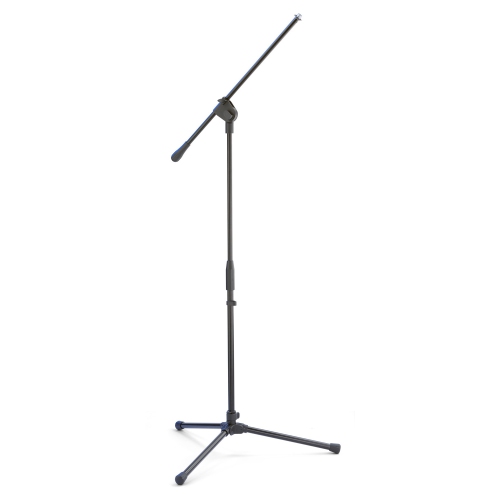 Your price for this item is $39.99
 -
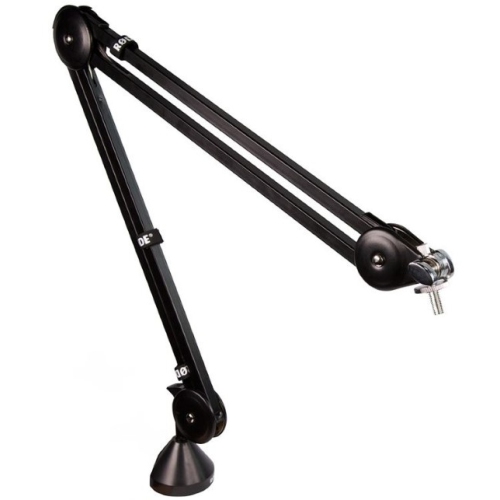 Your price for this item is $149
 -
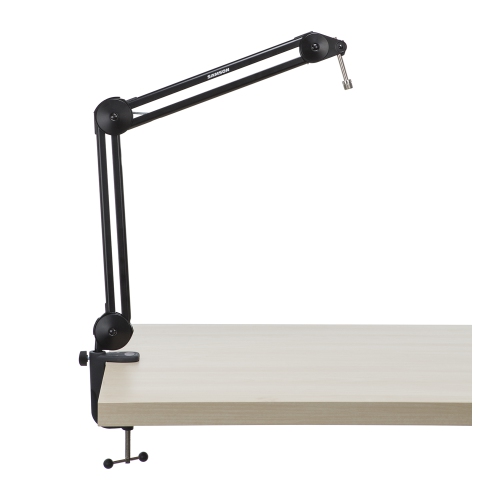 Your price for this item is $99.99
 -
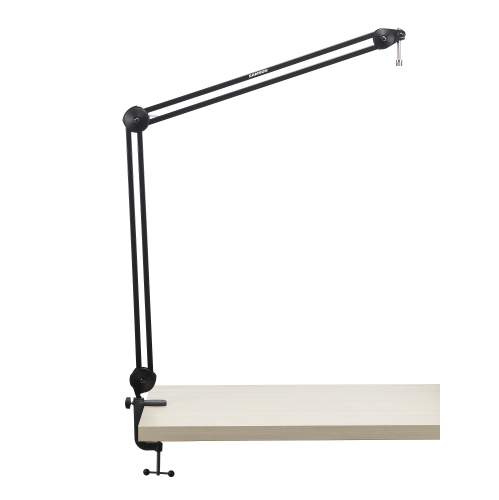 Your price for this item is $149.99
 -
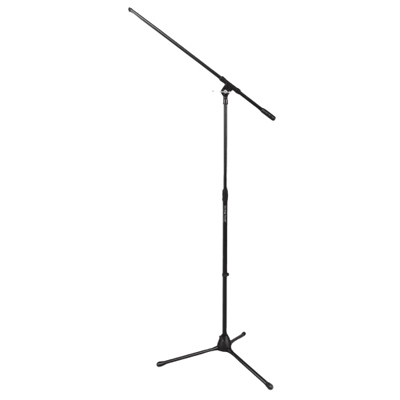 Your price for this item is $49.99
 -
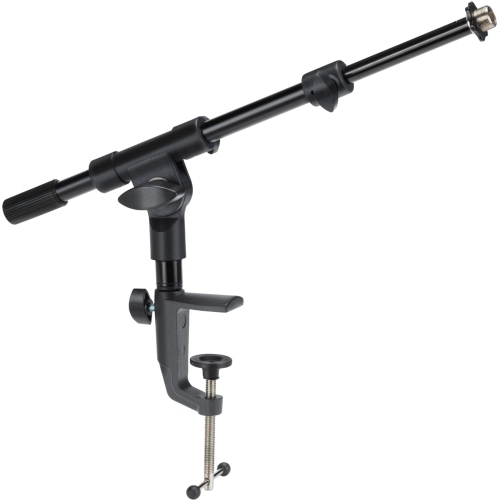 Your price for this item is $64.99
Discover more categories related to Rode PSA1
Top Collections:
Pokemon Centers, Best Cameras for Sports Photography, Kindle Devices, Samsung Galaxy Phones, Canon G7X Cameras, Pokémon 30th Celebration Cards, Refurbished Apple Laptops, iPhone 15 Apple, Laptops for Students, Budget Smartphones
Some products may be subject to Environmental Handling Fees
(EHF) depending on your province.
Learn more about EHFs.