USB Audio Mixers
If you're looking to take your audio production to the next level, look no further than these USB audio mixers. Whether you're a professional musician, podcaster, or content creator, these versatile devices are designed to enhance your sound quality and give you complete control over your audio recordings. With features like multiple input channels, built-in effects, and easy connectivity to your computer or recording device via USB, these mixers offer a seamless and efficient way to create professional-grade audio.
Sort
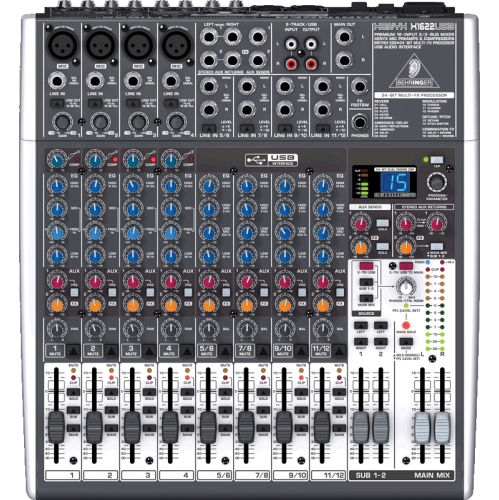
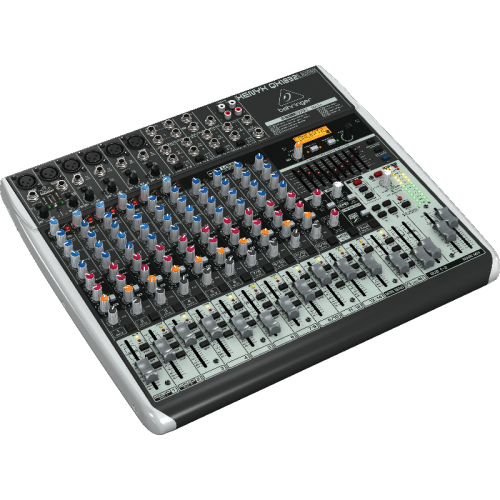
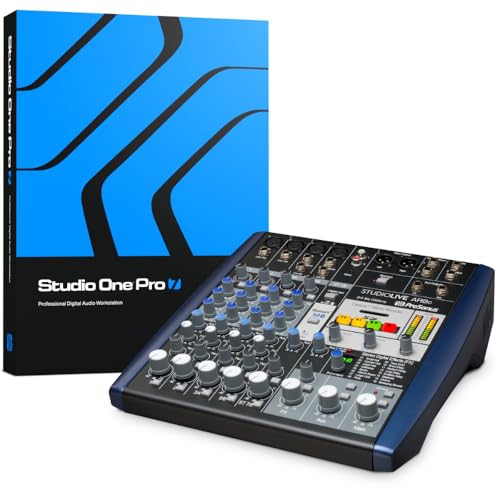
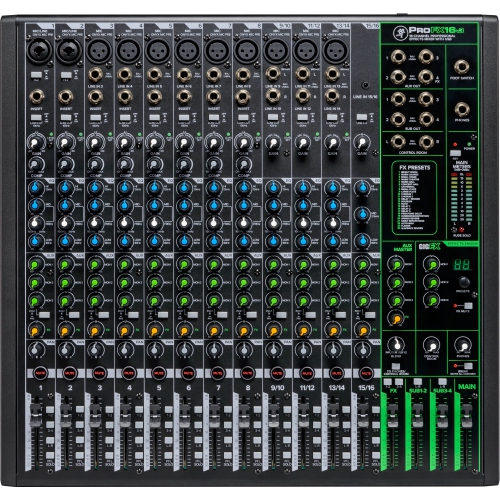
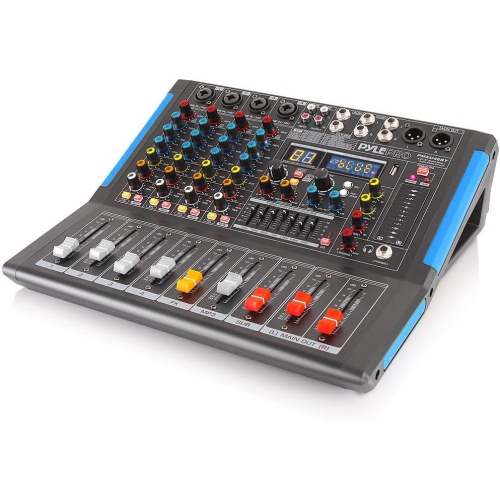
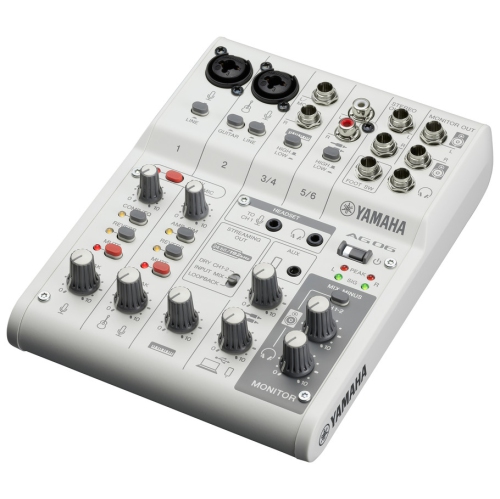
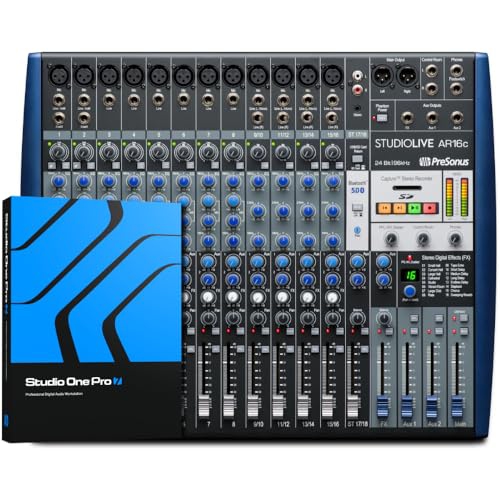
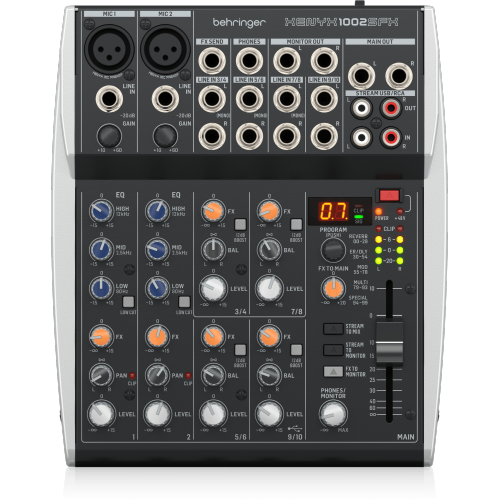
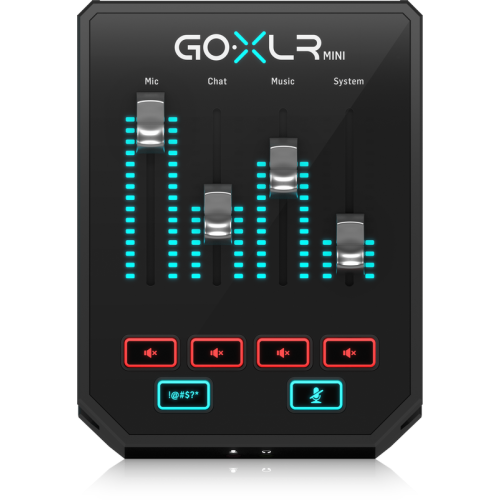
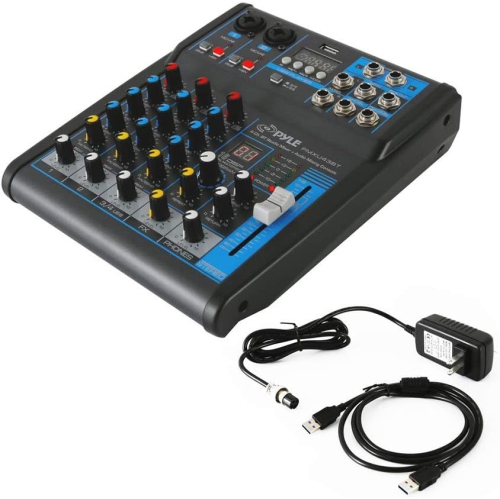
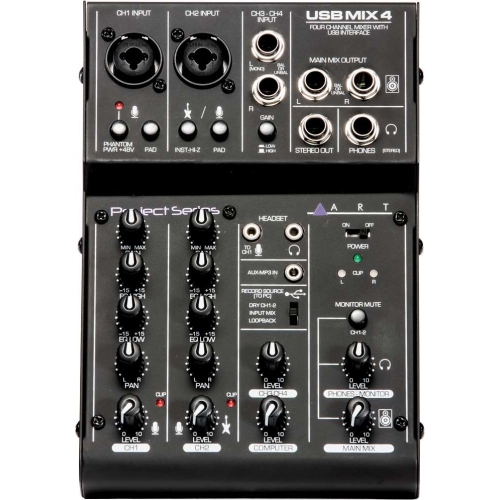

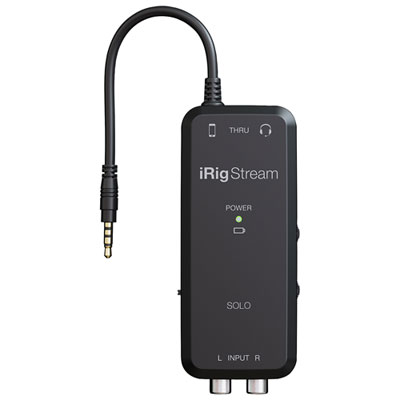
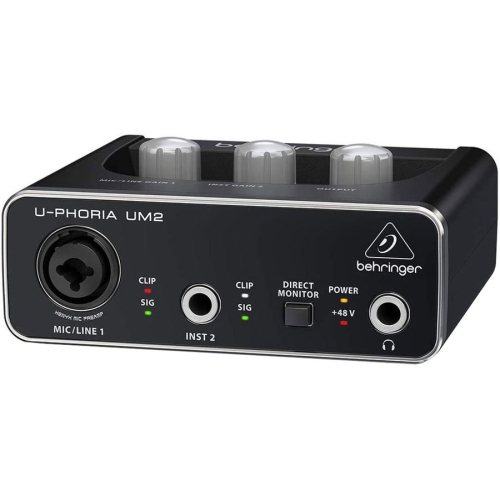
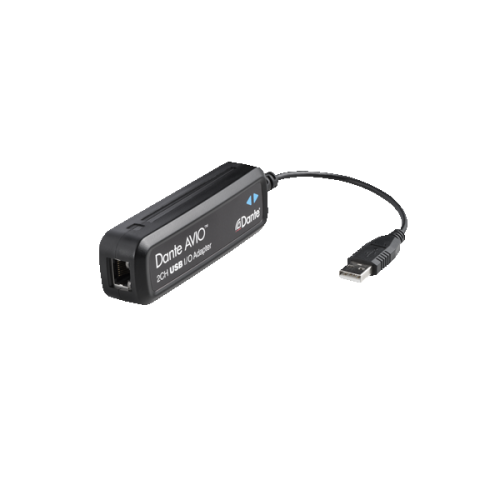
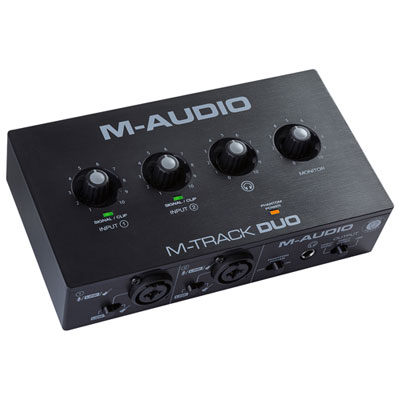
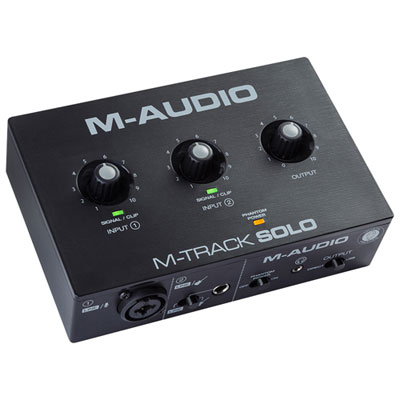
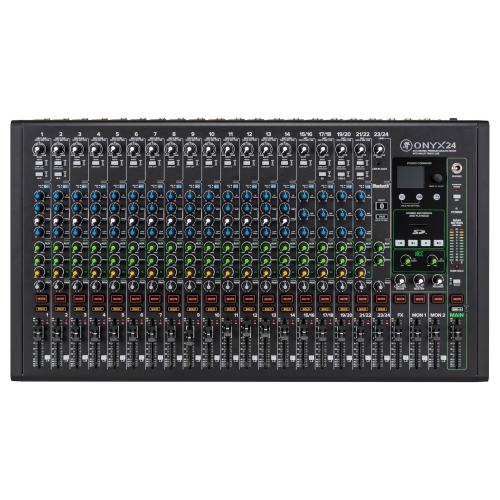
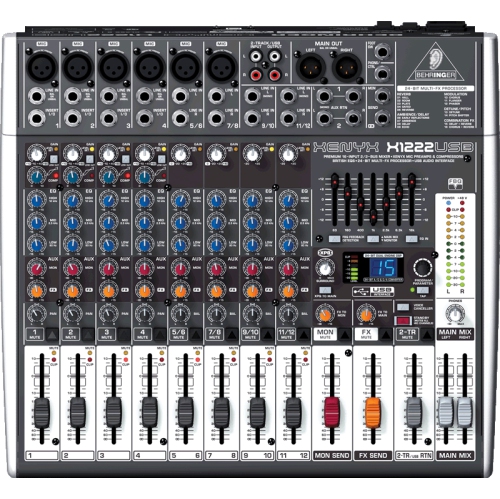
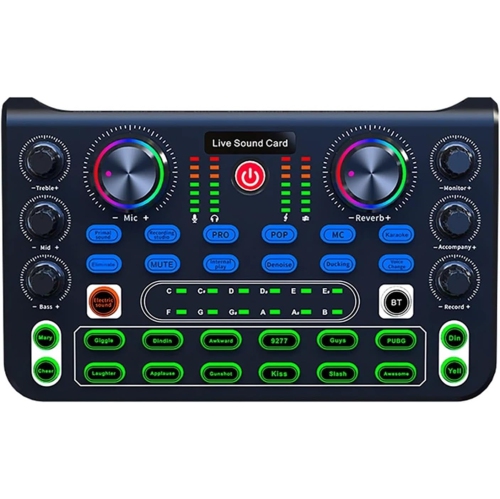
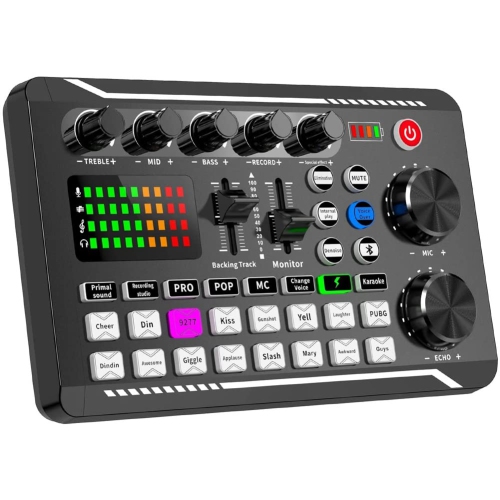
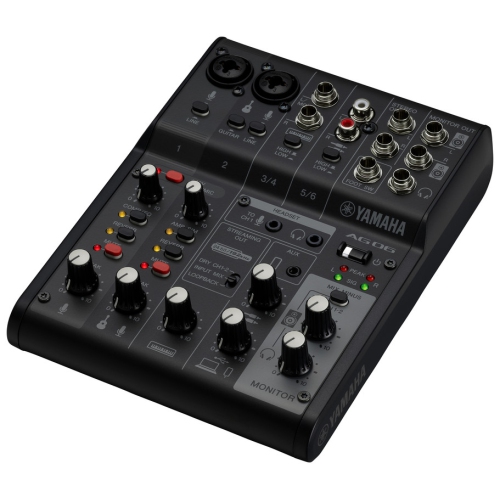
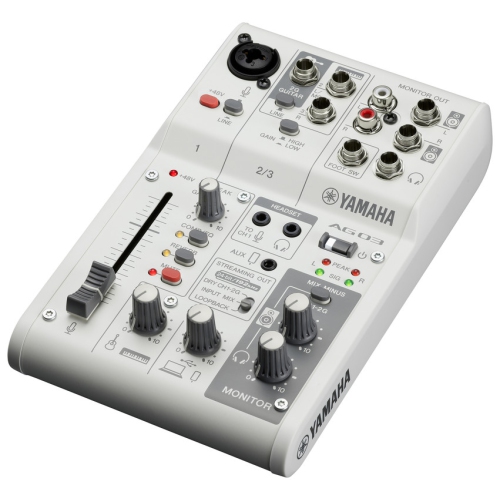
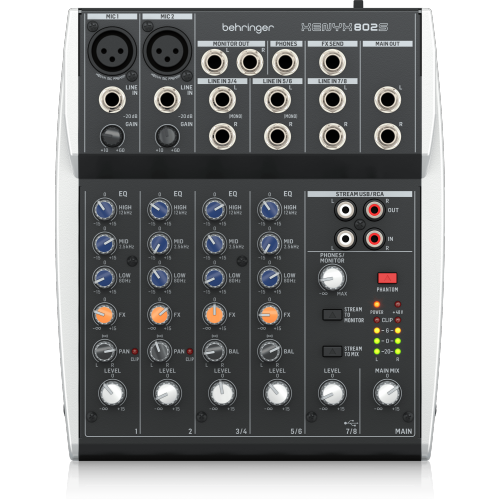
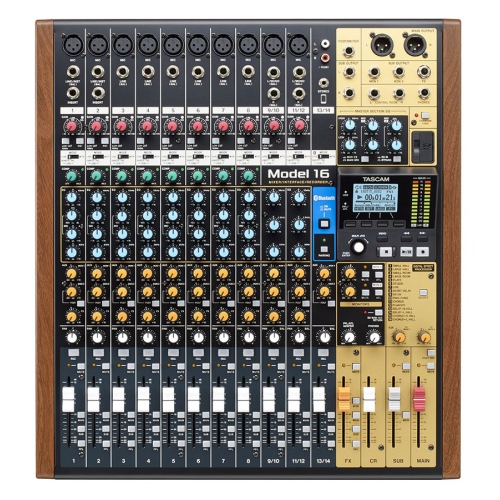
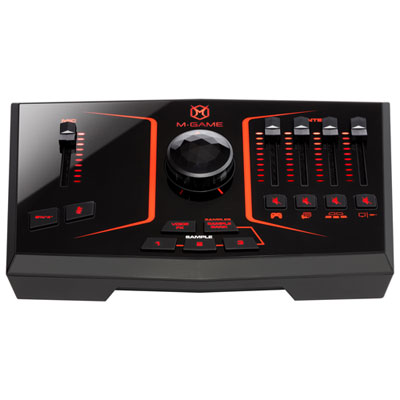

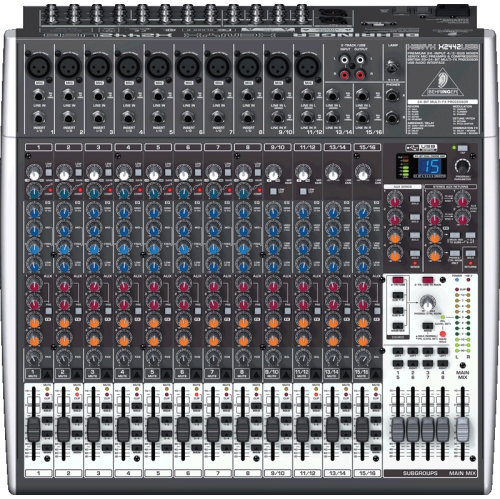
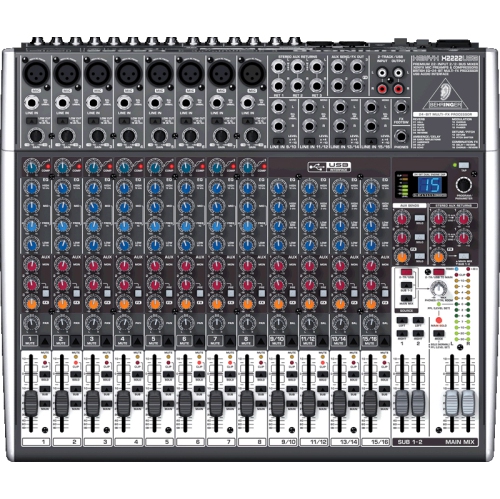
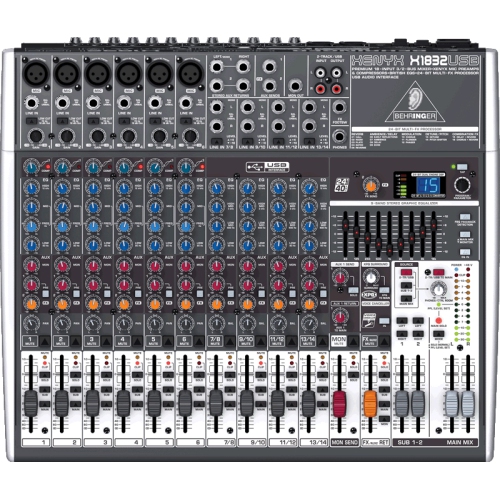
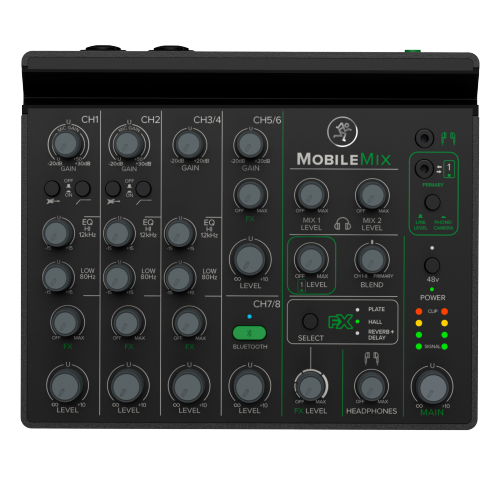
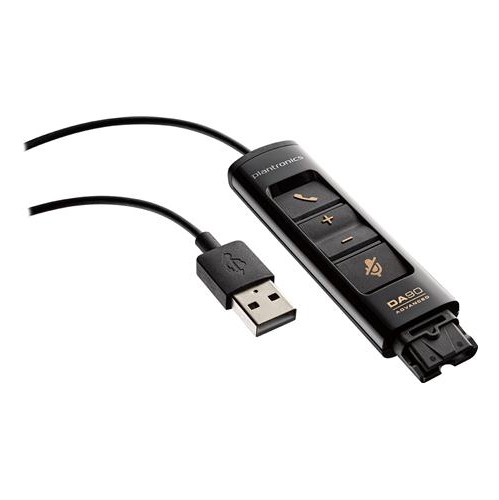
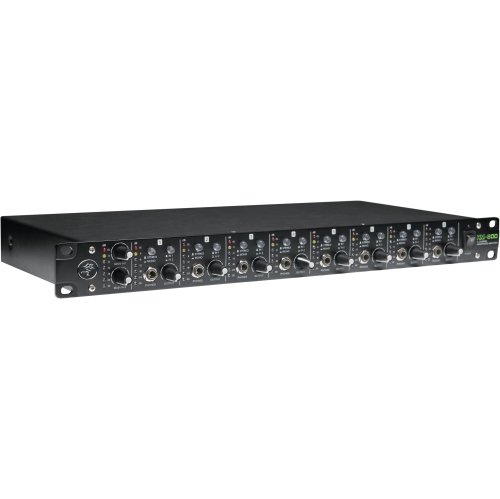
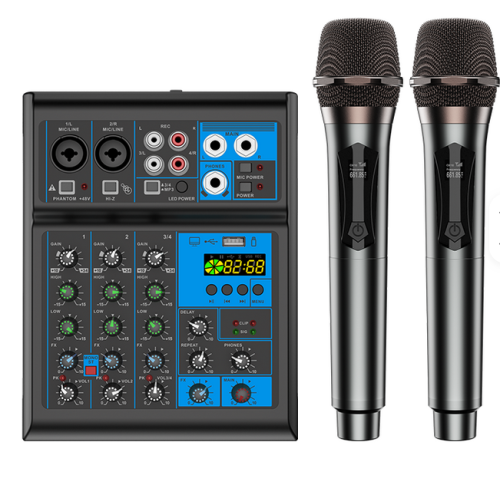
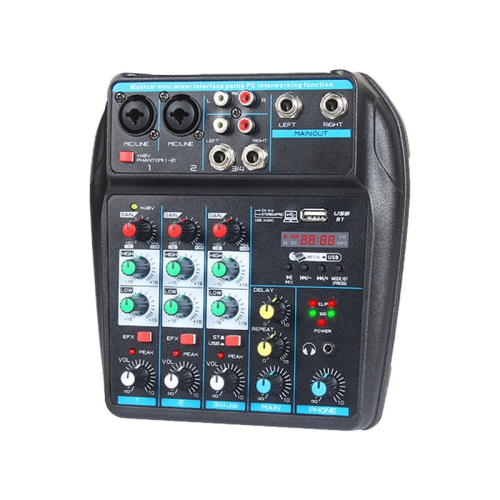
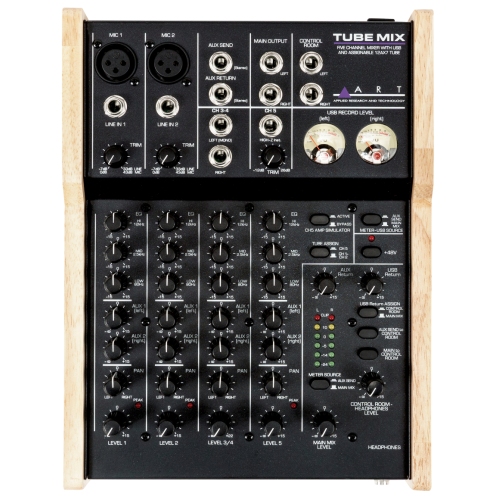
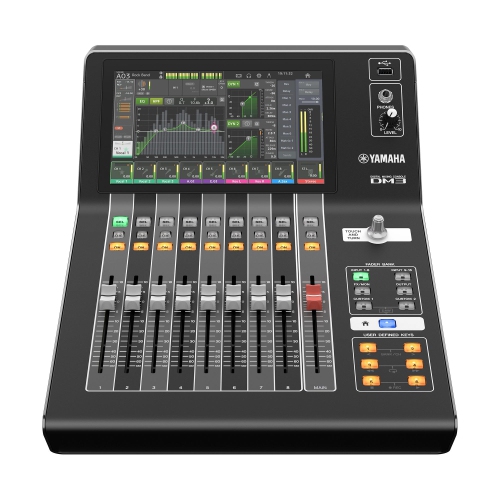
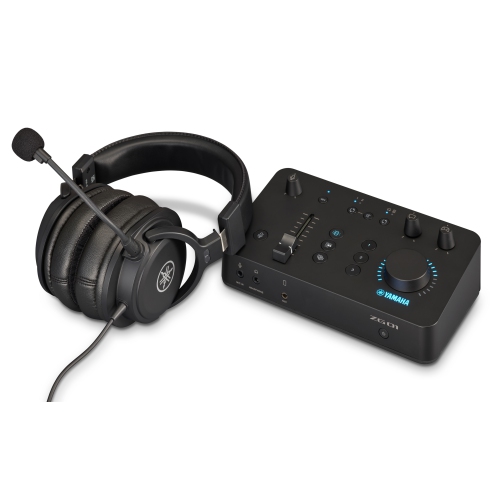
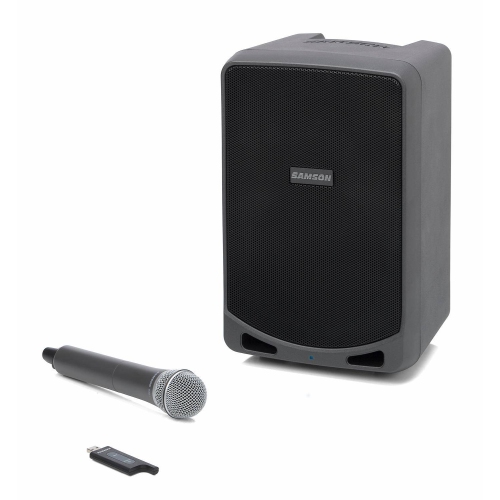
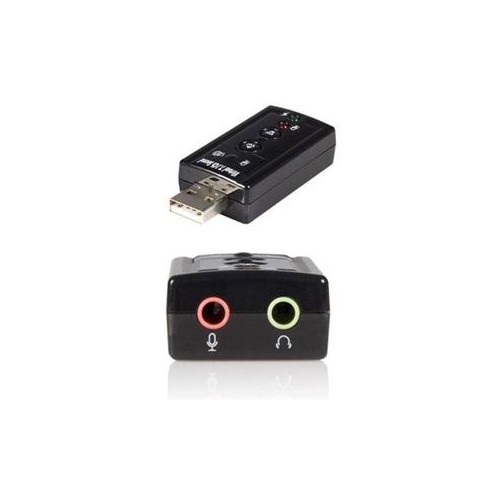
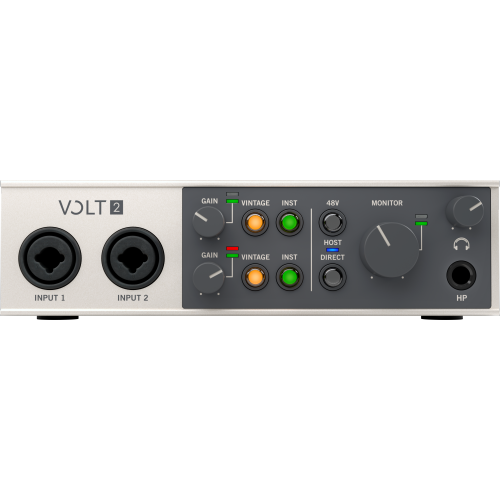
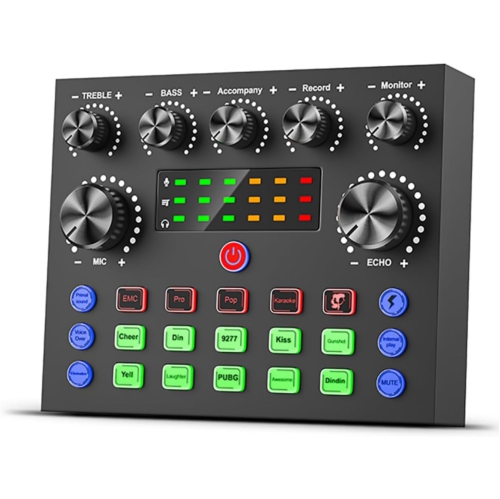
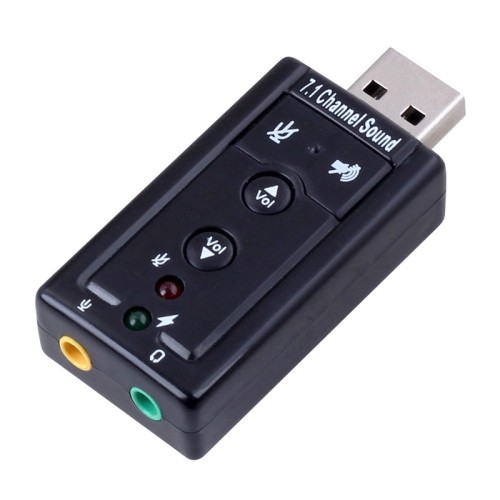
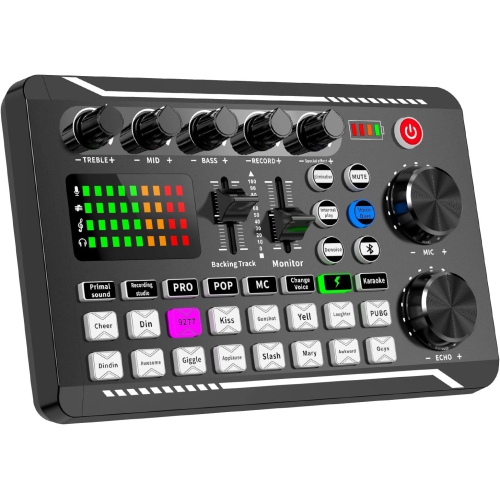
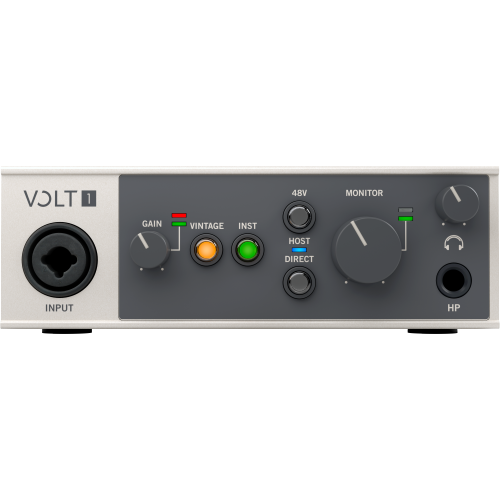
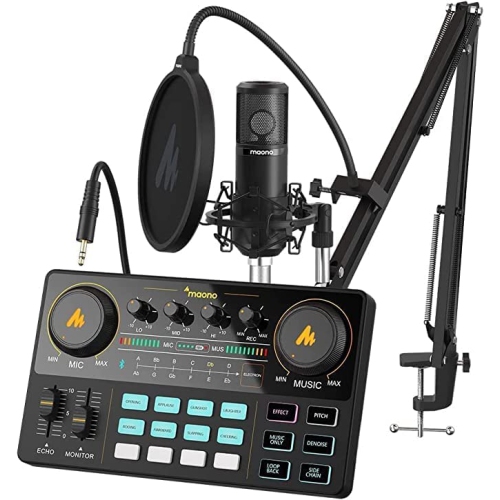
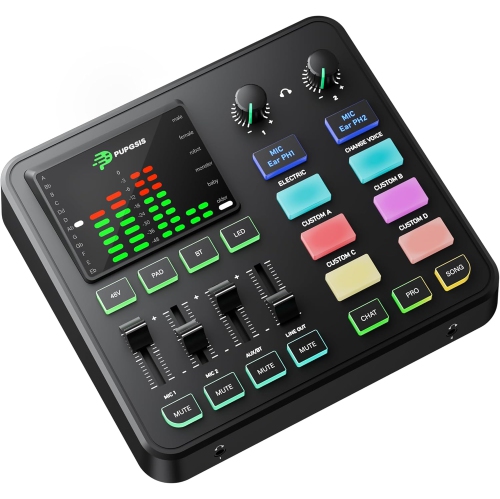
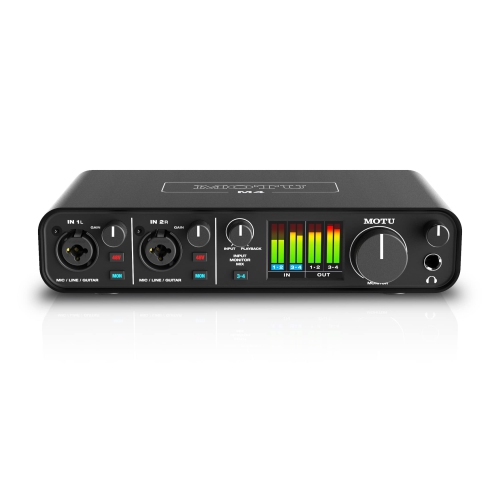
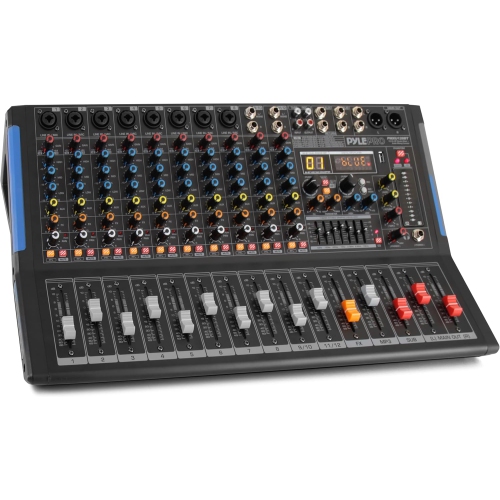
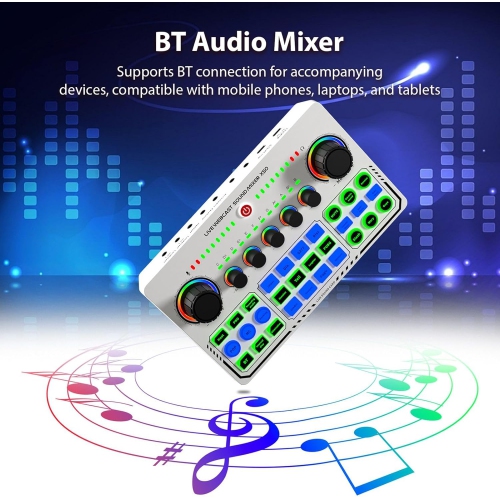
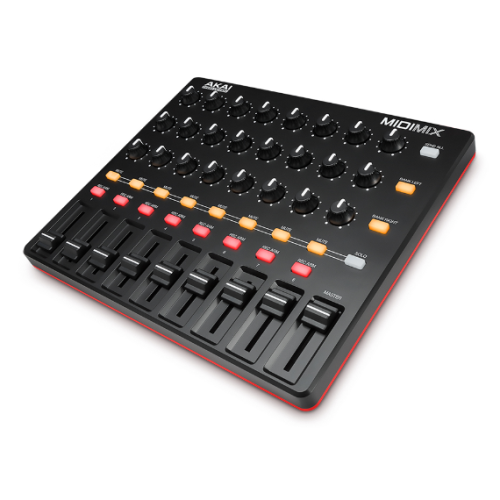
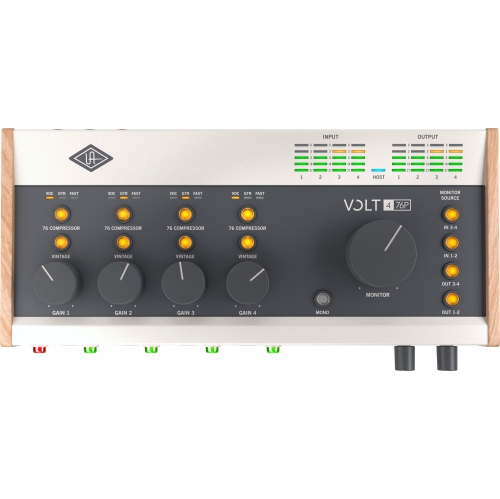
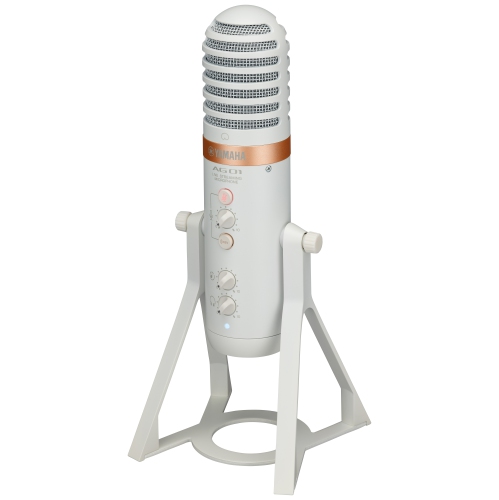
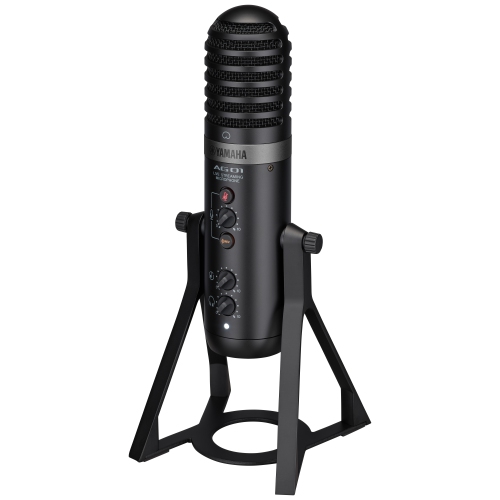
Hands-on mixing with a direct connection to your computer
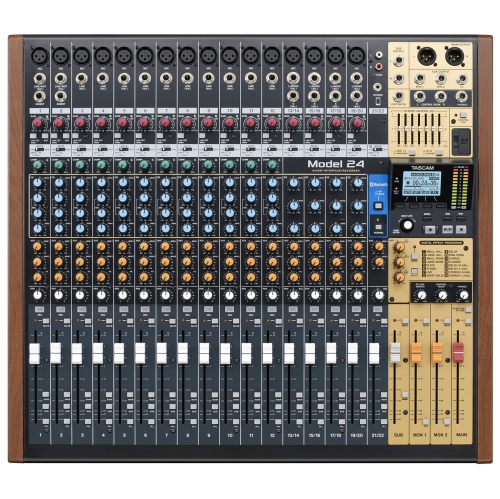
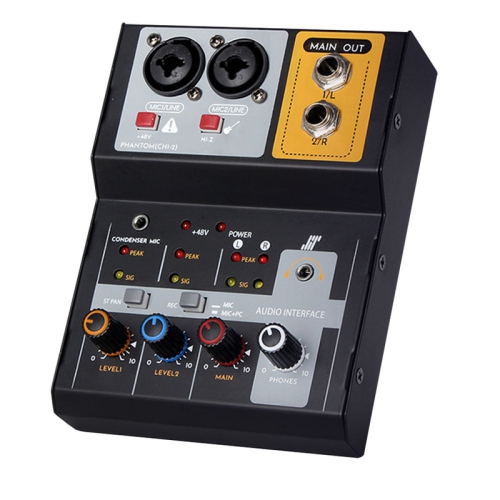
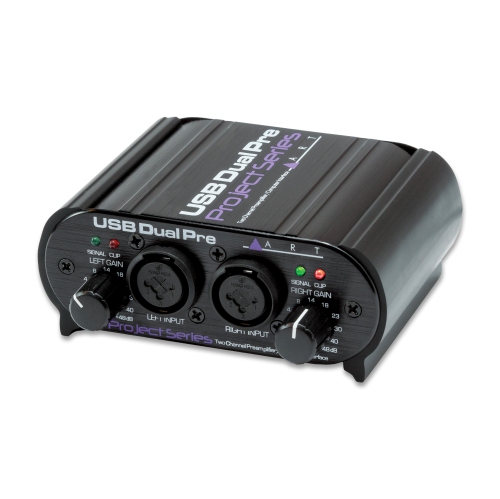
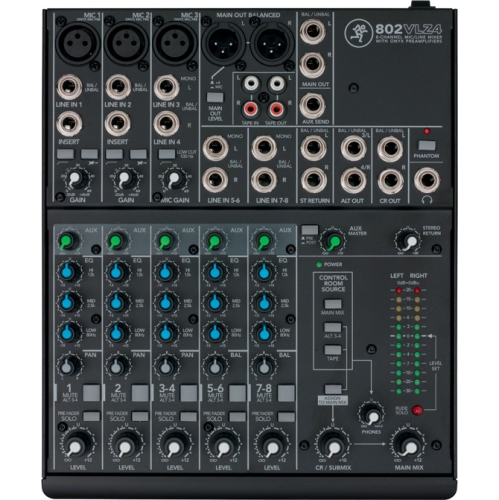
USB audio mixers bring microphones, instruments, and other sound sources together in one device, with physical controls for balancing audio and a USB connection for sending it to a compatible computer. They serve as a central hub for podcasting, livestreaming, music recording, and small live performances, making it possible to adjust a voice or instrument without reaching for an onscreen slider. A host can lower background music as a guest begins speaking, while a musician can balance vocals against a keyboard during a rehearsal. Depending on the design, each channel may offer gain adjustment, equalization, panning, and access to built-in effects, alongside a level control that determines how prominently that source sits in the mix. The USB connection carries digital audio, but its capabilities vary: some mixers send a combined stereo mix to recording software, while multitrack USB mixers can send individual channels separately for later editing. That distinction matters when a conversation includes overlapping voices or a performance needs different processing on the vocals and instruments. A stereo recording preserves the balance made at the mixer; separate tracks provide more flexibility to change that balance afterward. Many USB mixers also receive playback from the computer, allowing music, backing tracks, or software audio to join the listening setup. The routing options determine where that playback goes and whether it can be included in the outgoing mix. Unlike a basic audio interface, which often centres on getting sound into and out of a computer, a USB mixer typically adds hands-on channel mixing and routing controls, although the two categories can overlap. For creators who like working with tactile knobs and faders, that layout can make a busy session feel more manageable. Headphone monitoring and level meters help keep the sound under control, whether the setup occupies a corner of a home office or a dedicated space for rehearsals and creative work.
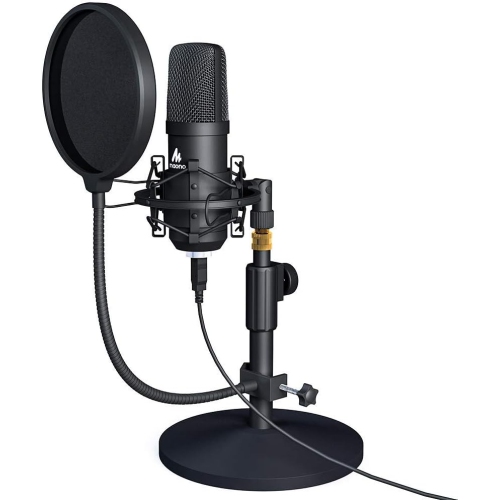
The right fit for a USB audio mixer depends on the sources connected at the same time, not simply the largest channel number printed in its description. A mixer described as having several channels may combine microphone inputs, stereo line inputs, and USB returns in that total, so the number of microphone preamps is especially important for group podcasts and vocal sessions. XLR inputs commonly accommodate microphones, while quarter-inch line inputs can accept compatible keyboards, synthesizers, and other audio equipment. A guitar or bass connected directly generally needs an instrument input with suitable impedance, or a separate direct box, rather than an ordinary line input. Condenser microphones often require phantom power, and the mixer’s power options should match the microphone’s requirements; dynamic and ribbon microphones call for attention to their own specifications. For two people speaking across a table, enough microphone inputs and a practical headphone arrangement may be more useful than an extensive effects section. For a singer working with backing tracks, clear playback routing and an easy-to-reach vocal level control can be central to the experience. Built-in equalization helps shape tonal balance, while effects such as reverb can add space to a performance when included. Compression, mute buttons, and low-cut filters are other features that vary by mixer and intended use. Listening arrangements deserve equal attention: one headphone output does not necessarily provide separate mixes for several performers, and an additional headphone amplifier may be needed to distribute sound. Direct monitoring, where supported, lets performers hear their input without the delay introduced by a round trip through recording software. Computer compatibility also extends beyond the shape of the USB socket. Supported operating systems, driver requirements, recording software, and the number of USB input and output channels all affect how a setup works. Some compact mixers draw power over USB, while others require an external power supply. USB-C describes a connector rather than a guarantee of multitrack audio, device compatibility, or a particular power arrangement.
Construction, layout, and everyday handling influence how comfortably a USB audio mixer fits into a workspace and how well it stands up to regular use. Metal housings can offer rigidity for transport and frequent setup changes, while lightweight plastic designs can be easier to carry between a desk, rehearsal room, and shared creative space. The casing material alone does not determine durability: secure sockets, stable knobs, well-supported faders, and sensible cable placement also matter. A compact footprint suits a crowded desktop, but closely spaced controls may feel less comfortable when several levels need adjustment during a live session. Larger surfaces can leave more room for clear channel labels and deliberate movements, especially when the mixer sits beside a keyboard, mouse, and microphone stand. Cable clearance and ventilation need space too, particularly on shelves or shallow desks. Keeping drinks away from the controls, removing dust with a soft, dry cloth, and following the manufacturer’s cleaning directions help protect the surface and connections. For portable setups, a padded case and cables packed separately reduce strain on knobs and sockets; disconnecting cables by their plugs rather than pulling on the leads helps protect connections during teardown. USB audio mixers can be useful gifts for a podcaster building a more capable setup, a musician sharing performances online, or a gaming streamer combining commentary with other audio sources. Matching the mixer to the recipient’s microphones, computer, and working habits makes the gift more practical than choosing by channel count alone. For someone who only needs a straightforward connection for compatible headphones or a microphone, USB Audio Adapters serve a different, simpler role and generally do not provide the multiple inputs or hands-on mixing controls of a mixer. A well-matched USB mixer earns its place when several sounds need to work together, giving creators a clear, accessible way to manage audio throughout a conversation, rehearsal, stream, or recording session.
The right fit for a USB audio mixer depends on the sources connected at the same time, not simply the largest channel number printed in its description. A mixer described as having several channels may combine microphone inputs, stereo line inputs, and USB returns in that total, so the number of microphone preamps is especially important for group podcasts and vocal sessions. XLR inputs commonly accommodate microphones, while quarter-inch line inputs can accept compatible keyboards, synthesizers, and other audio equipment. A guitar or bass connected directly generally needs an instrument input with suitable impedance, or a separate direct box, rather than an ordinary line input. Condenser microphones often require phantom power, and the mixer’s power options should match the microphone’s requirements; dynamic and ribbon microphones call for attention to their own specifications. For two people speaking across a table, enough microphone inputs and a practical headphone arrangement may be more useful than an extensive effects section. For a singer working with backing tracks, clear playback routing and an easy-to-reach vocal level control can be central to the experience. Built-in equalization helps shape tonal balance, while effects such as reverb can add space to a performance when included. Compression, mute buttons, and low-cut filters are other features that vary by mixer and intended use. Listening arrangements deserve equal attention: one headphone output does not necessarily provide separate mixes for several performers, and an additional headphone amplifier may be needed to distribute sound. Direct monitoring, where supported, lets performers hear their input without the delay introduced by a round trip through recording software. Computer compatibility also extends beyond the shape of the USB socket. Supported operating systems, driver requirements, recording software, and the number of USB input and output channels all affect how a setup works. Some compact mixers draw power over USB, while others require an external power supply. USB-C describes a connector rather than a guarantee of multitrack audio, device compatibility, or a particular power arrangement.
Construction, layout, and everyday handling influence how comfortably a USB audio mixer fits into a workspace and how well it stands up to regular use. Metal housings can offer rigidity for transport and frequent setup changes, while lightweight plastic designs can be easier to carry between a desk, rehearsal room, and shared creative space. The casing material alone does not determine durability: secure sockets, stable knobs, well-supported faders, and sensible cable placement also matter. A compact footprint suits a crowded desktop, but closely spaced controls may feel less comfortable when several levels need adjustment during a live session. Larger surfaces can leave more room for clear channel labels and deliberate movements, especially when the mixer sits beside a keyboard, mouse, and microphone stand. Cable clearance and ventilation need space too, particularly on shelves or shallow desks. Keeping drinks away from the controls, removing dust with a soft, dry cloth, and following the manufacturer’s cleaning directions help protect the surface and connections. For portable setups, a padded case and cables packed separately reduce strain on knobs and sockets; disconnecting cables by their plugs rather than pulling on the leads helps protect connections during teardown. USB audio mixers can be useful gifts for a podcaster building a more capable setup, a musician sharing performances online, or a gaming streamer combining commentary with other audio sources. Matching the mixer to the recipient’s microphones, computer, and working habits makes the gift more practical than choosing by channel count alone. For someone who only needs a straightforward connection for compatible headphones or a microphone, USB Audio Adapters serve a different, simpler role and generally do not provide the multiple inputs or hands-on mixing controls of a mixer. A well-matched USB mixer earns its place when several sounds need to work together, giving creators a clear, accessible way to manage audio throughout a conversation, rehearsal, stream, or recording session.
Top selling and popular products
-
 Your price for this item is $989
 -
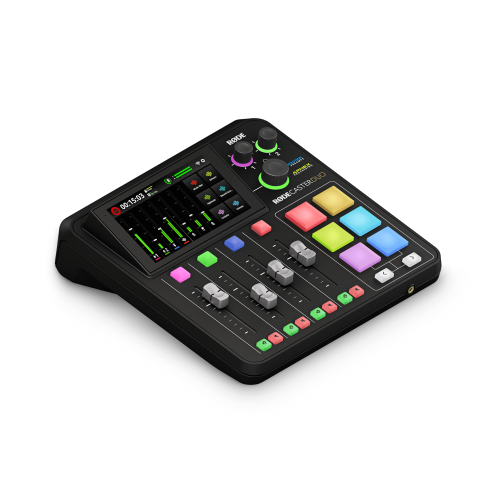 Your price for this item is $699
 -
 Your price for this item is $329.99
 -
 Your price for this item is $799.99
 -
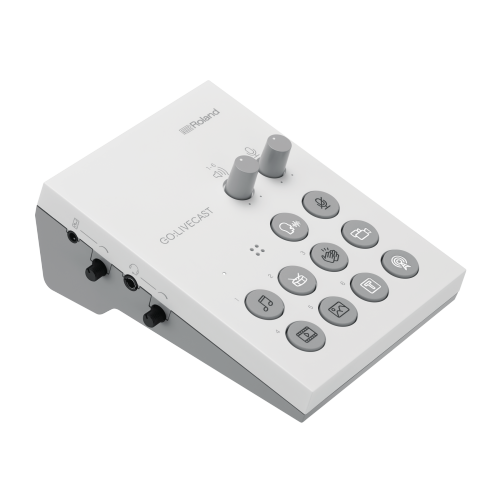 Your price for this item is $69
 -
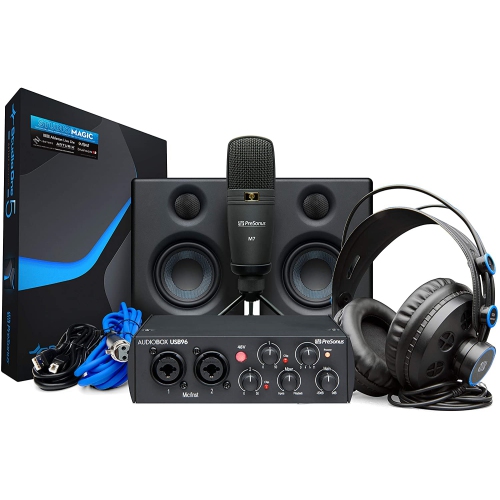 Your price for this item is $459.99
 -
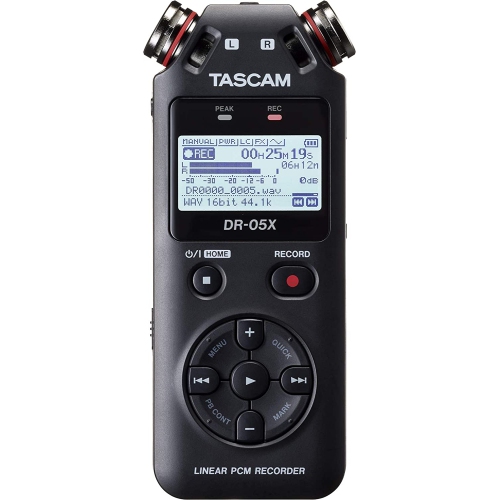 Your price for this item is $299
 -
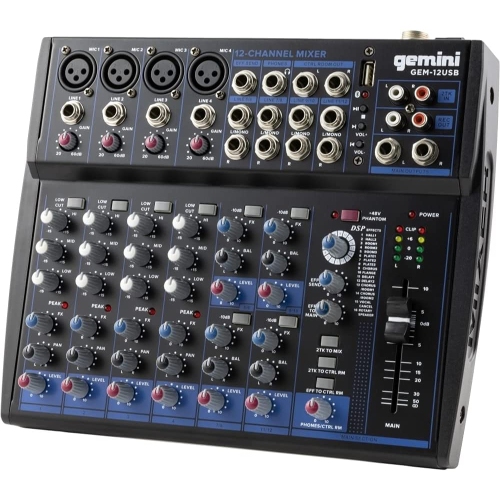 Your price for this item is $205.95
Discover more categories related to USB Audio Mixers
Top Collections:
Pokemon Centers, Kindle Devices, Best Budget Office Chairs, Apple iPhones 16, Best Laptops for Writers, iPhone 15 Apple, Canon G7X Cameras, Refurbished Apple Laptops, Alarm Clock, Motorola Razr Phones
Some products may be subject to Environmental Handling Fees
(EHF) depending on your province.
Learn more about EHFs.