USB Audio Interfaces
Looking to elevate your audio production game? Look no further than our wide selection of USB audio interfaces. These versatile devices serve as the bridge between your computer and your musical instruments or microphones, allowing you to capture and record high-quality audio with ease. Whether you're a musician, podcaster, or content creator, a USB audio interface is an essential tool for achieving professional-grade sound. With various connectivity options, preamps, and features available, you can find the perfect USB audio interface to suit your specific needs. Explore our collection today and unlock a world of endless creative possibilities.
Sort
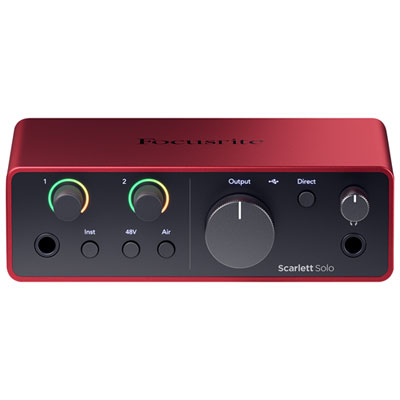
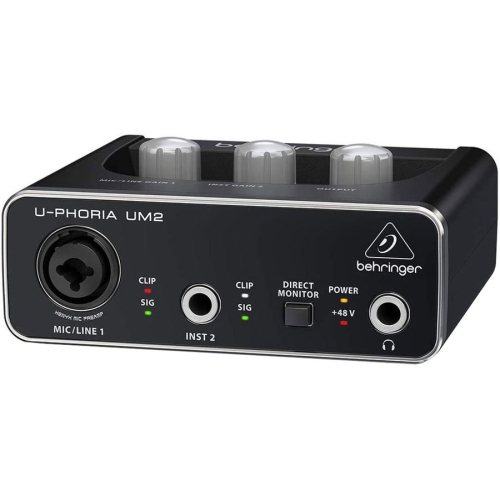
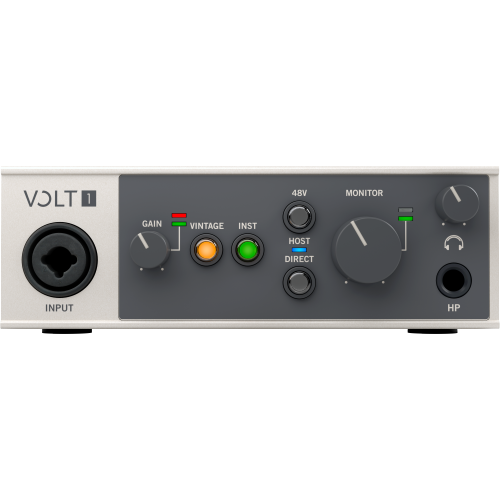
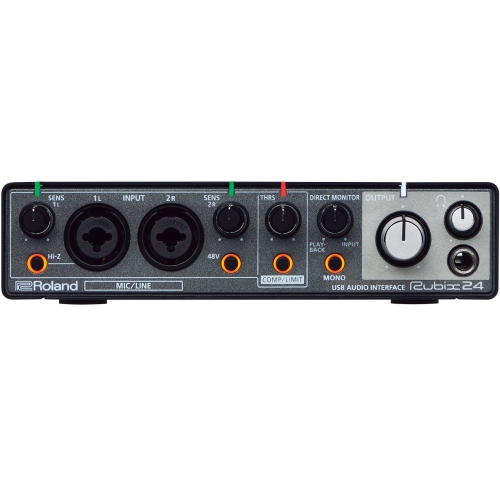
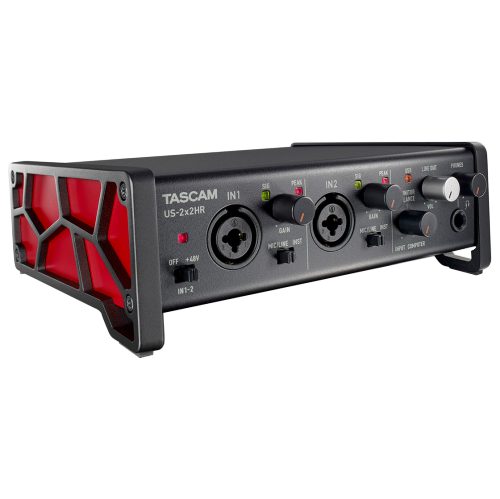
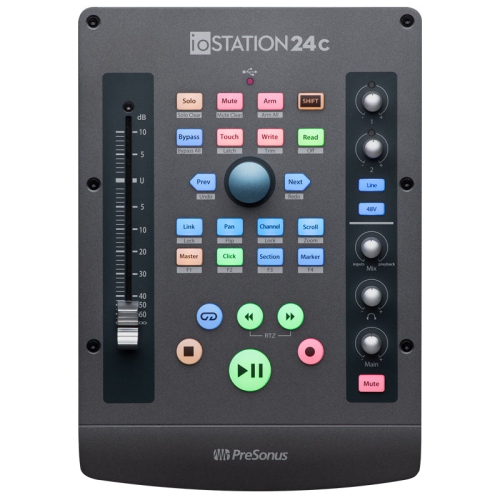
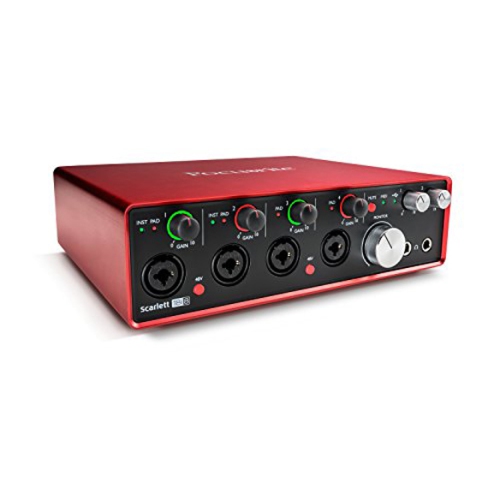
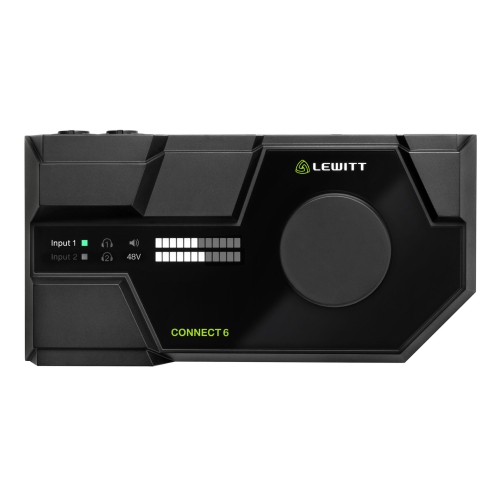

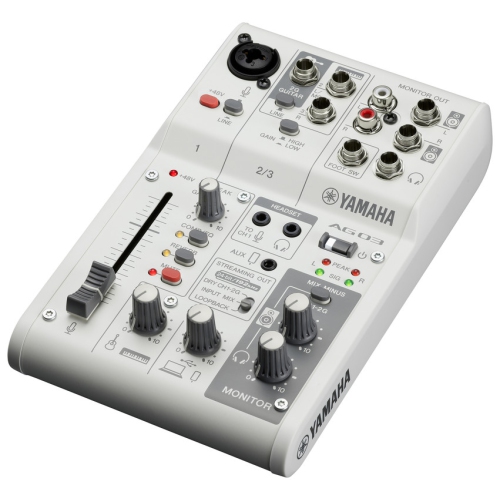
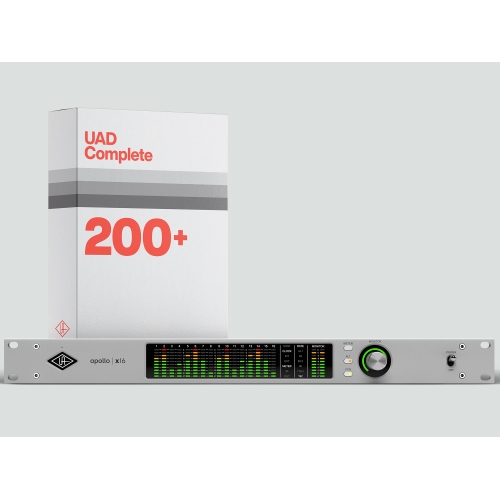
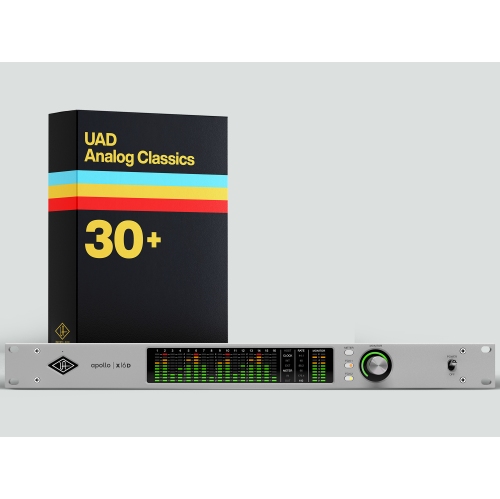
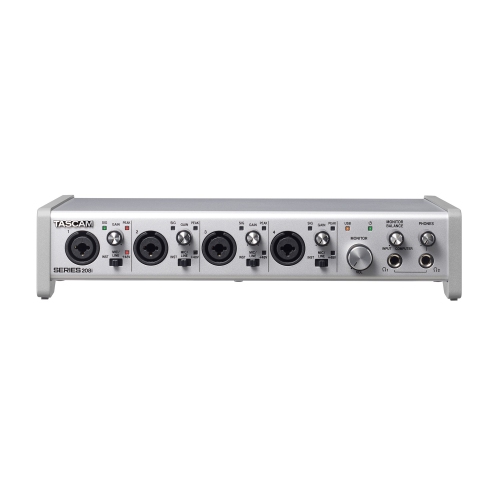
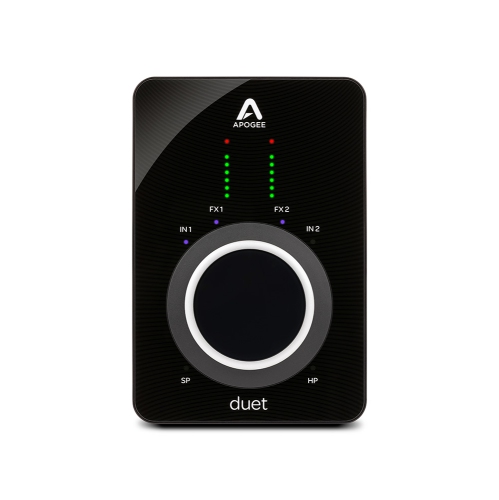
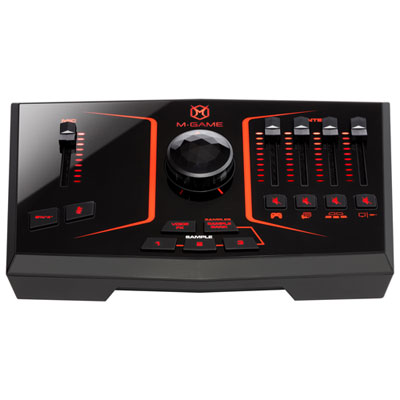
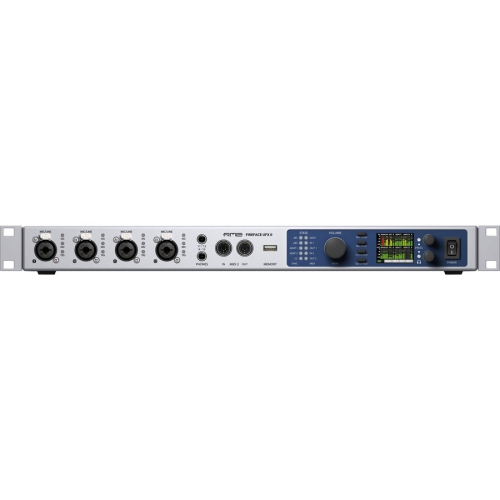
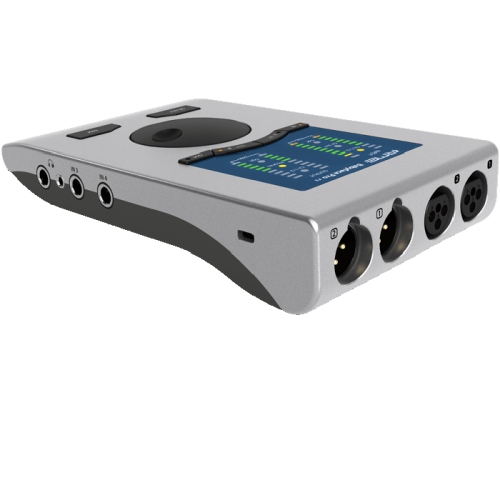
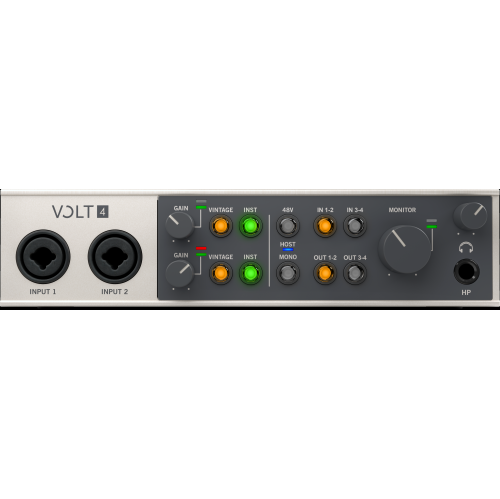
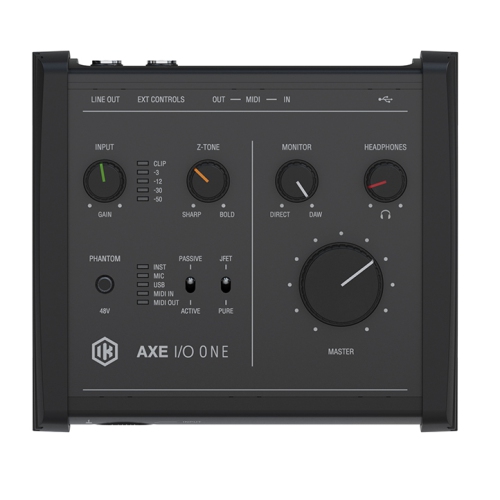
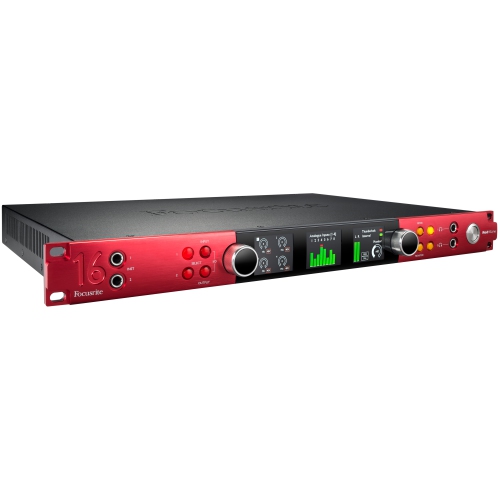
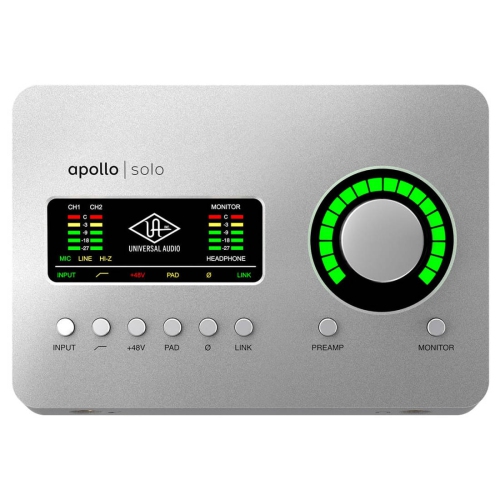
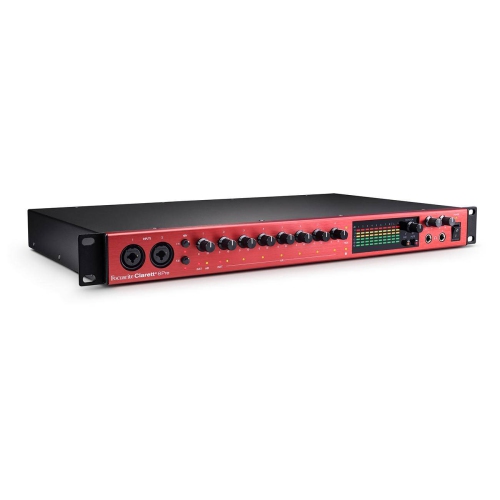

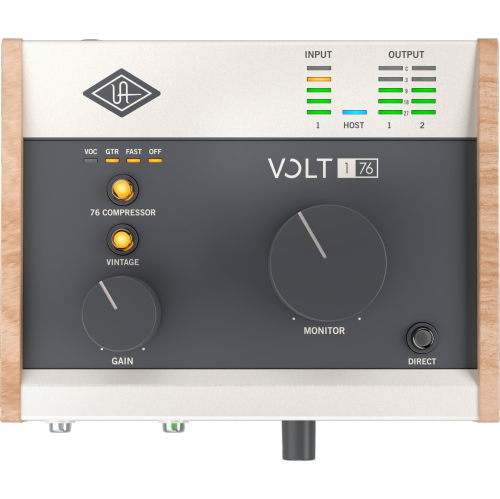
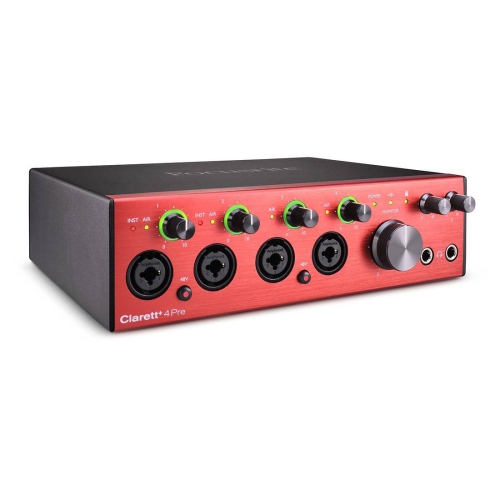
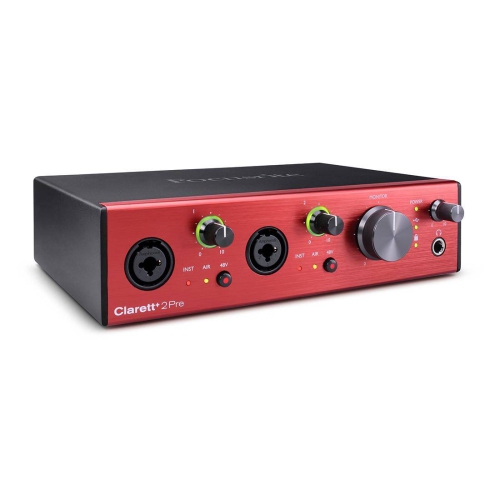
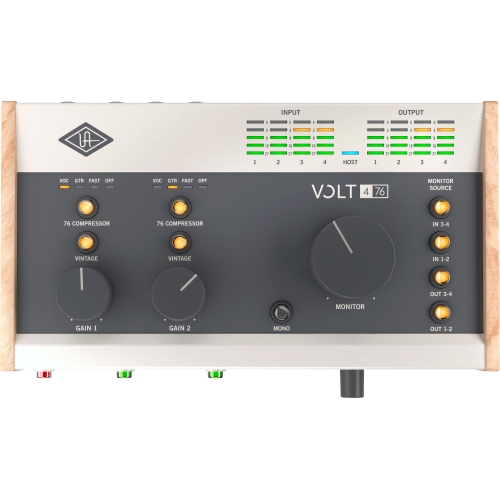
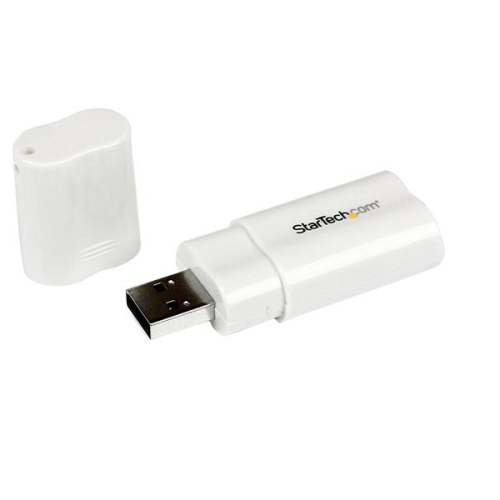
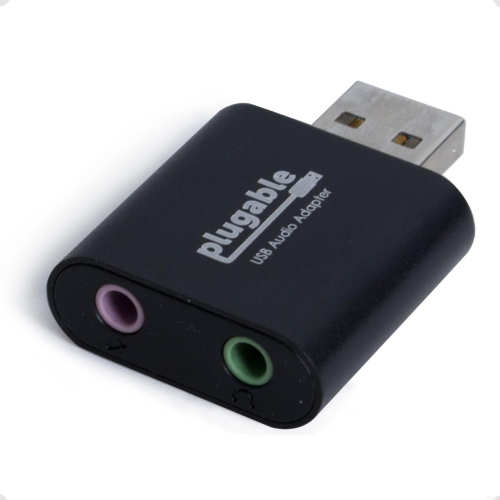
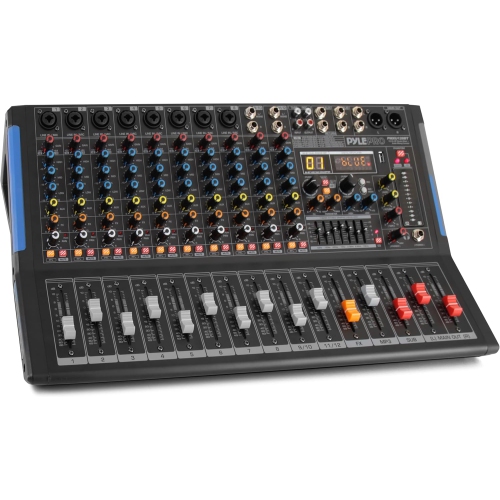
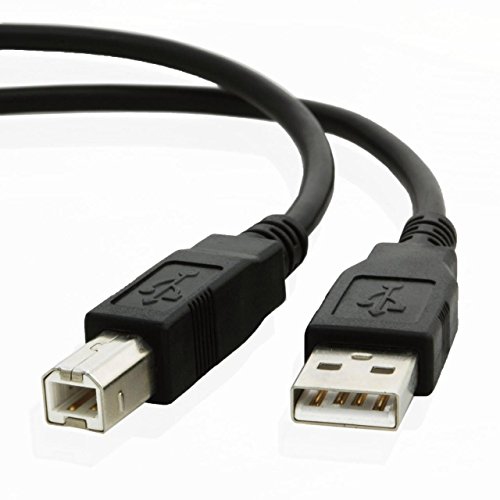
Where microphones and instruments meet your recording software
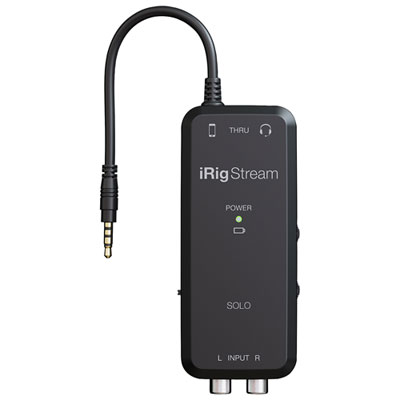
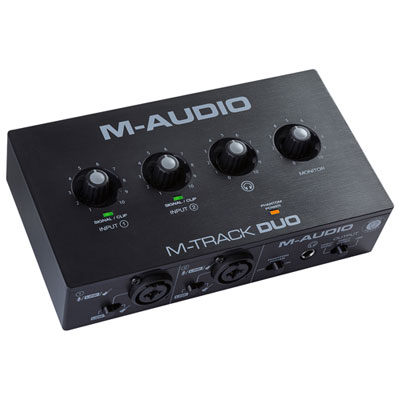
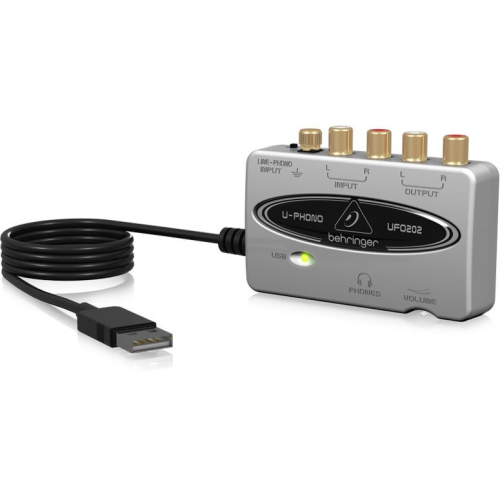
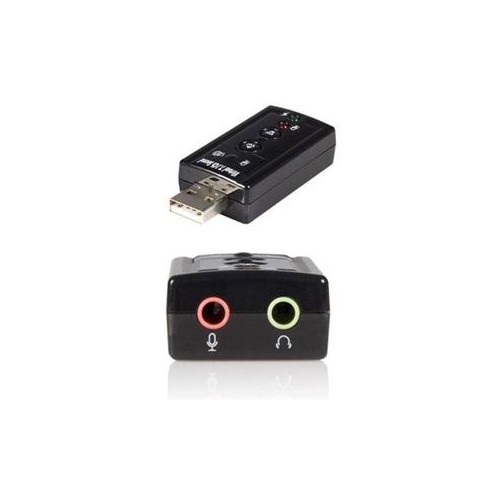
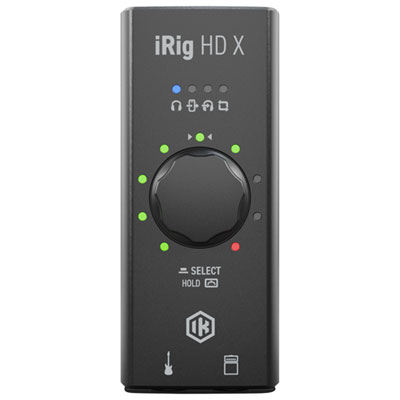
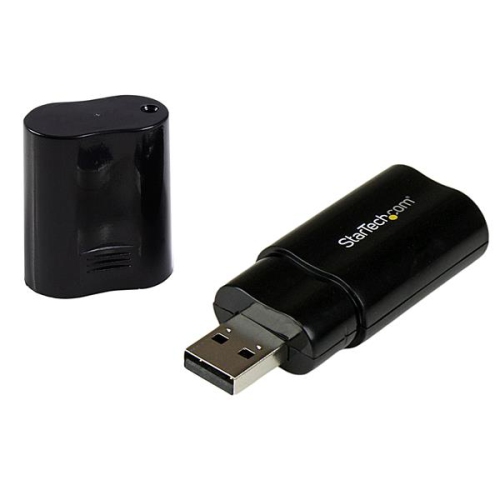
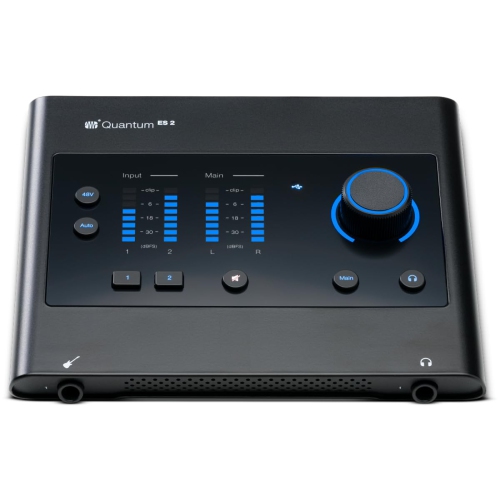
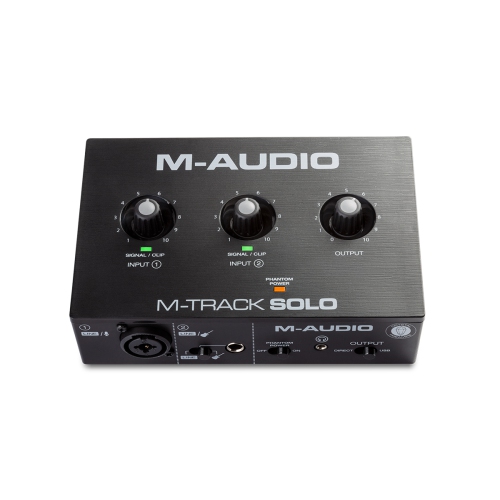
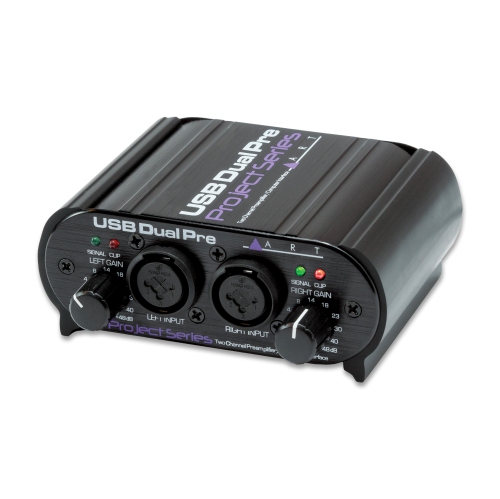
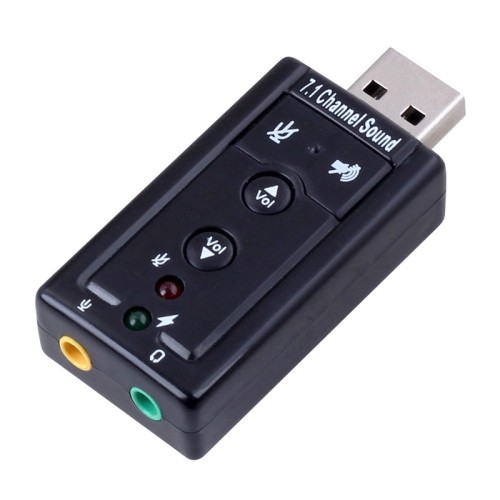
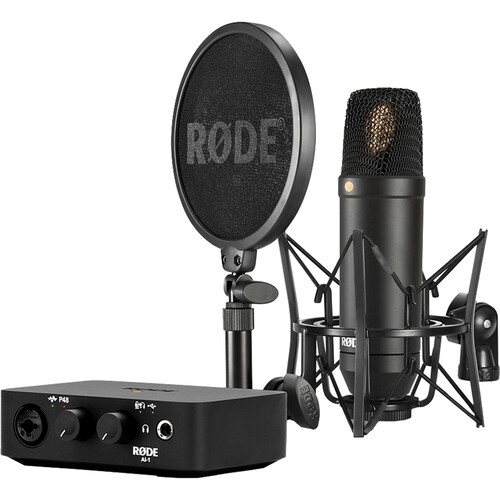
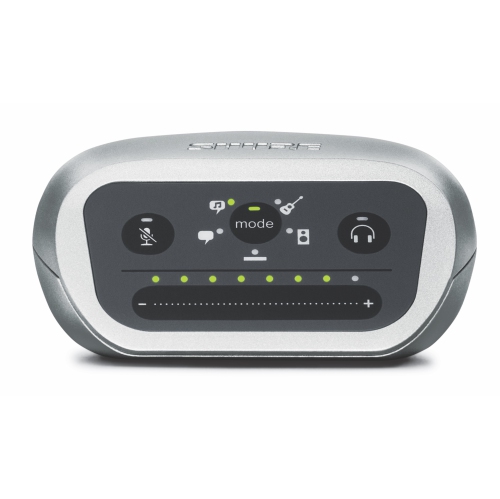
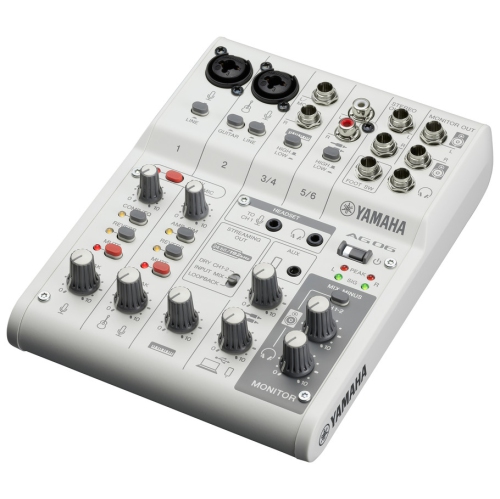
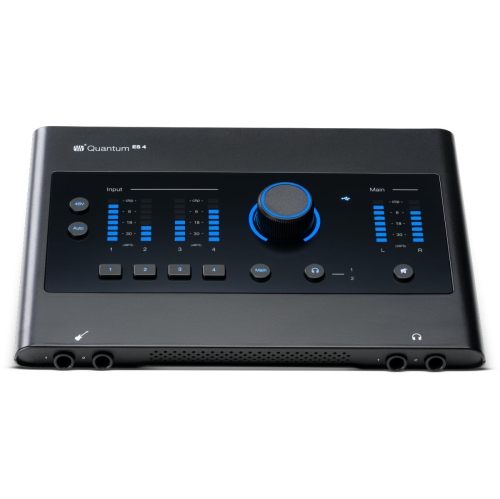
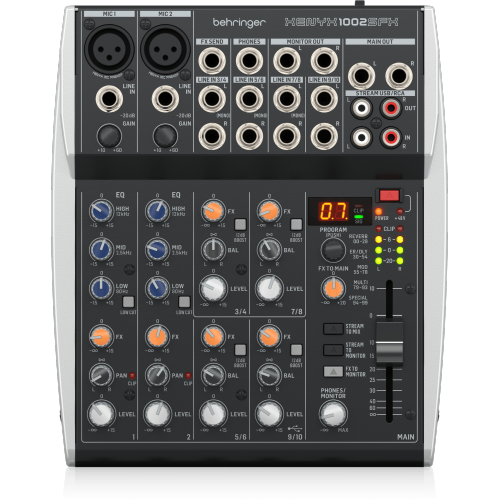
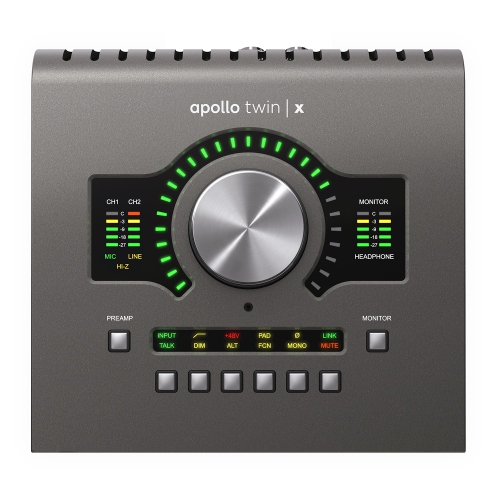
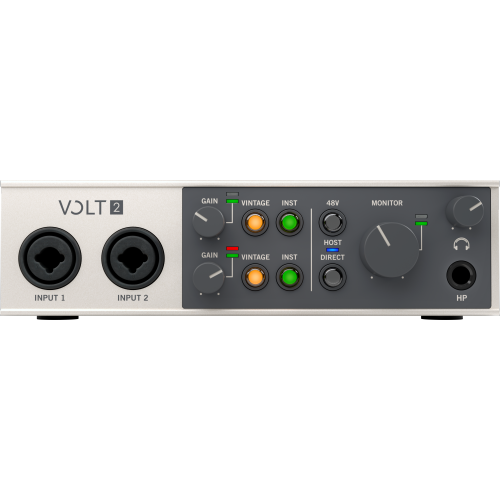
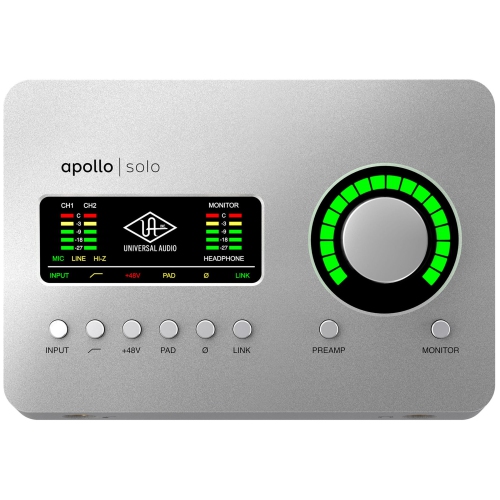
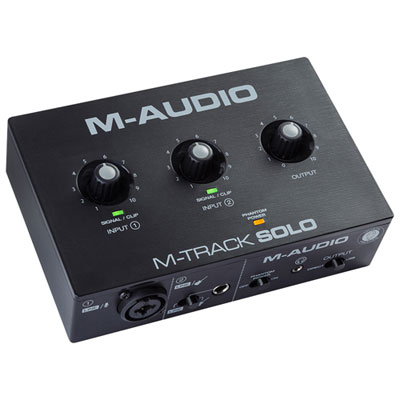
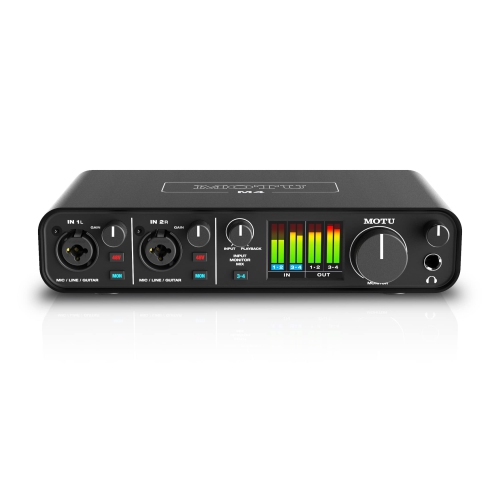
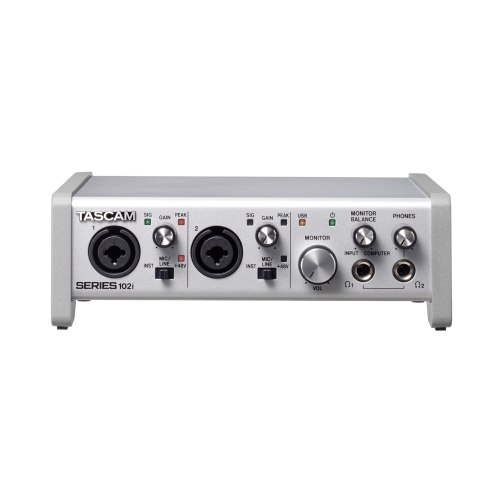
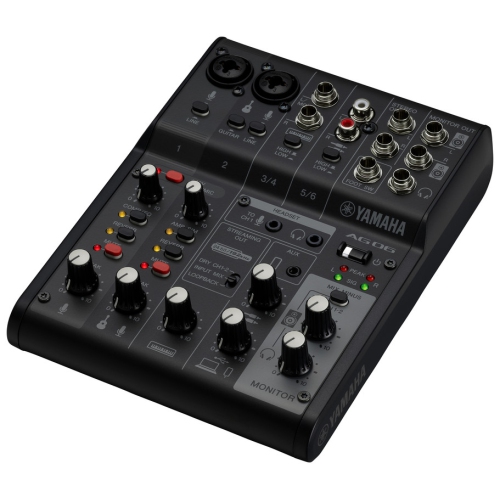
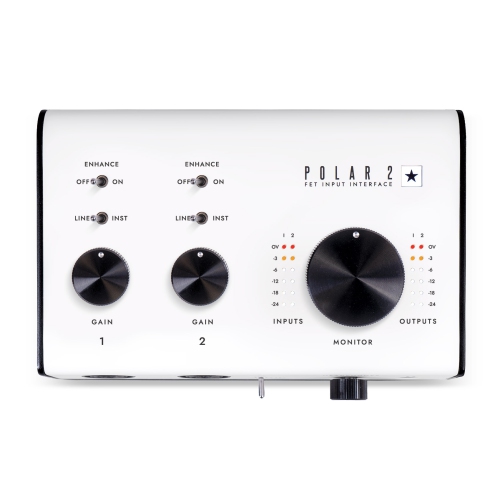
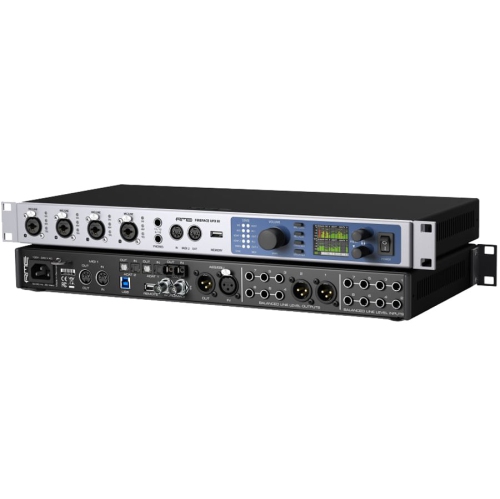
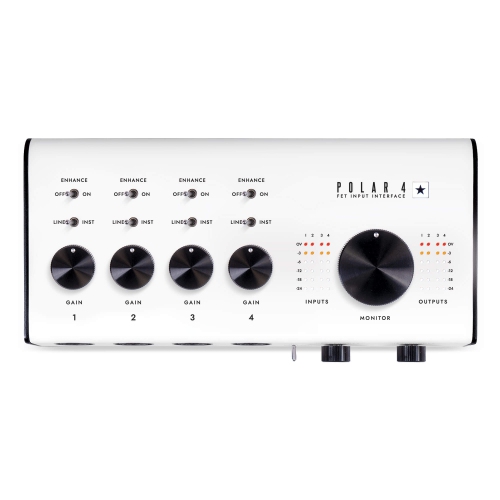
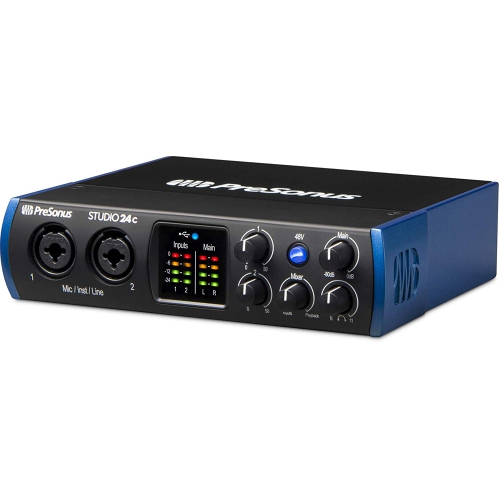
USB audio interfaces connect microphones, instruments, headphones, and studio monitors to a computer through USB, bringing audio inputs and outputs together in one external device. They convert analogue signals from a voice or instrument into digital audio for recording software, then convert digital playback into sound for speakers or headphones. For a singer recording vocals at a bedroom desk, a podcaster interviewing a guest, or a keyboard player capturing a new arrangement, that connection gives everyday creative work a dedicated audio foundation. Microphone preamps raise the level of a microphone’s signal, while input gain controls help accommodate everything from quiet speech to a strongly strummed acoustic guitar. Many interfaces include XLR microphone inputs, quarter-inch instrument or line inputs, or combination sockets that accept different connector types. The distinction matters: a passive electric guitar generally needs a high-impedance instrument input, often labelled Hi-Z, whereas a synthesizer typically connects through a line input. Most condenser microphones require phantom power, commonly supplied at 48 volts, although microphone requirements should always be checked before it is enabled. The number of inputs shapes what can be captured at once. A single microphone input can suit voiceovers or solo vocals, while two microphone inputs allow separate microphones for a conversation or a stereo acoustic recording. A singer who wants to record vocals and guitar simultaneously needs suitable inputs for both sources, not simply two sockets of any kind. Larger sessions may call for additional microphone preamps and line connections to keep each performer on a separate track. Output connections deserve similar attention. A headphone socket supports private listening, while balanced line outputs can connect to compatible powered studio monitors and help reduce interference when used with appropriate cables. Separate monitor and headphone controls can make a shared workspace more comfortable, letting a performer hear clearly without changing speaker volume. These practical differences make USB audio interfaces useful for home studios, spoken-word production, songwriting, and other work that depends on capturing clear, controllable sound.
The fit between a USB audio interface and the rest of a setup is as important as its input count. Compatibility includes the computer’s operating system, supported driver versions, recording software, and the available USB connection. A USB-C socket describes the connector shape, not a guarantee of a particular transfer speed, power capability, or lower latency. The supplied cable and the manufacturer’s connection requirements help establish whether an interface will connect directly or need an appropriate adapter. Some interfaces draw their power from the USB connection, keeping a laptop-based setup compact, while others require a separate power supply. Phone and tablet support varies, and a compatible connector alone does not establish that a mobile device can provide enough power or run the necessary software. During recording, latency is the delay between a sound entering the interface and its return through the listening system. Driver performance, software buffer settings, and processing demands all affect that delay. Direct monitoring, where included, routes an input to the listening output without sending it through the computer’s software processing first. This can help a vocalist hear their performance without a distracting delay, although software effects may not be part of that direct signal. A guitarist using amp simulation software has different needs, since hearing the processed tone depends on the software monitoring path. For setups centred on electric guitar or bass, Guitar Audio Interfaces offer a related category focused on connecting those instruments to a recording setup. Audio specifications also benefit from context. Support for 24-bit recording provides useful headroom when setting levels, but it does not prevent distortion from an overloaded input. Sample rates such as 44.1 kHz and 48 kHz cover many music and video workflows; higher rates increase storage and processing demands without automatically improving a finished recording. Clear gain indicators, accessible controls, suitable preamp gain, and dependable software support often have a more noticeable effect on daily use than a higher maximum specification.
Physical design influences how comfortably an interface fits into a room and how well it stands up to regular handling. A compact enclosure leaves space for a keyboard and mouse on a small desk, while a larger desktop format may provide more room between controls and connections. Metal housings can offer useful resistance to knocks during transport, though enclosure material alone does not establish overall durability. Secure sockets, firmly mounted knobs, stable feet, and sensible cable routing all contribute to a dependable setup. Front-facing inputs make frequent microphone or instrument changes easier; rear-facing connections can keep permanent monitor cables out of the working area. A clearly marked monitor dial is especially useful when moving between quiet editing and louder playback, and visible level meters help reveal an input that is approaching clipping. For someone recording spoken audio at home, an interface works best as part of a considered signal chain: the microphone, its placement, and the room’s acoustics still shape the result. Moving a microphone away from a noisy computer fan or closer to the speaker’s voice can matter more than changing recording resolution. Closed-back headphones help limit playback leaking into a live microphone, while compatible monitor speakers provide another way to assess a mix. Streaming and remote collaboration introduce other considerations. An interface with supported loopback routing can send computer playback into recording or streaming software alongside a microphone, making it useful for demonstrations and narrated presentations. MIDI connections, when included, carry performance and control information for compatible instruments rather than audio. For travel between a practice space and a home desk, a padded case and loosely coiled cables help protect the enclosure and reduce strain on sockets. Routine care is straightforward: keep drinks away, leave ventilation openings clear, and clean the exterior with a soft, dry cloth according to the manufacturer’s directions. As a gift for a musician, aspiring voice actor, or podcast enthusiast, a USB audio interface is most useful when its connections match the recipient’s microphone, instruments, and computer. That match supports a setup that feels ready for an evening vocal take, a carefully edited interview, or a new musical idea.
The fit between a USB audio interface and the rest of a setup is as important as its input count. Compatibility includes the computer’s operating system, supported driver versions, recording software, and the available USB connection. A USB-C socket describes the connector shape, not a guarantee of a particular transfer speed, power capability, or lower latency. The supplied cable and the manufacturer’s connection requirements help establish whether an interface will connect directly or need an appropriate adapter. Some interfaces draw their power from the USB connection, keeping a laptop-based setup compact, while others require a separate power supply. Phone and tablet support varies, and a compatible connector alone does not establish that a mobile device can provide enough power or run the necessary software. During recording, latency is the delay between a sound entering the interface and its return through the listening system. Driver performance, software buffer settings, and processing demands all affect that delay. Direct monitoring, where included, routes an input to the listening output without sending it through the computer’s software processing first. This can help a vocalist hear their performance without a distracting delay, although software effects may not be part of that direct signal. A guitarist using amp simulation software has different needs, since hearing the processed tone depends on the software monitoring path. For setups centred on electric guitar or bass, Guitar Audio Interfaces offer a related category focused on connecting those instruments to a recording setup. Audio specifications also benefit from context. Support for 24-bit recording provides useful headroom when setting levels, but it does not prevent distortion from an overloaded input. Sample rates such as 44.1 kHz and 48 kHz cover many music and video workflows; higher rates increase storage and processing demands without automatically improving a finished recording. Clear gain indicators, accessible controls, suitable preamp gain, and dependable software support often have a more noticeable effect on daily use than a higher maximum specification.
Physical design influences how comfortably an interface fits into a room and how well it stands up to regular handling. A compact enclosure leaves space for a keyboard and mouse on a small desk, while a larger desktop format may provide more room between controls and connections. Metal housings can offer useful resistance to knocks during transport, though enclosure material alone does not establish overall durability. Secure sockets, firmly mounted knobs, stable feet, and sensible cable routing all contribute to a dependable setup. Front-facing inputs make frequent microphone or instrument changes easier; rear-facing connections can keep permanent monitor cables out of the working area. A clearly marked monitor dial is especially useful when moving between quiet editing and louder playback, and visible level meters help reveal an input that is approaching clipping. For someone recording spoken audio at home, an interface works best as part of a considered signal chain: the microphone, its placement, and the room’s acoustics still shape the result. Moving a microphone away from a noisy computer fan or closer to the speaker’s voice can matter more than changing recording resolution. Closed-back headphones help limit playback leaking into a live microphone, while compatible monitor speakers provide another way to assess a mix. Streaming and remote collaboration introduce other considerations. An interface with supported loopback routing can send computer playback into recording or streaming software alongside a microphone, making it useful for demonstrations and narrated presentations. MIDI connections, when included, carry performance and control information for compatible instruments rather than audio. For travel between a practice space and a home desk, a padded case and loosely coiled cables help protect the enclosure and reduce strain on sockets. Routine care is straightforward: keep drinks away, leave ventilation openings clear, and clean the exterior with a soft, dry cloth according to the manufacturer’s directions. As a gift for a musician, aspiring voice actor, or podcast enthusiast, a USB audio interface is most useful when its connections match the recipient’s microphone, instruments, and computer. That match supports a setup that feels ready for an evening vocal take, a carefully edited interview, or a new musical idea.
Top selling and popular products
-
 Your price for this item is $989
 -
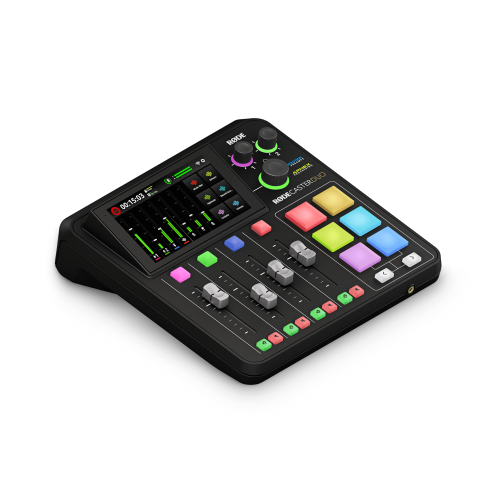 Your price for this item is $699
 -
 Your price for this item is $329.99
 -
 Your price for this item is $799.99
 -
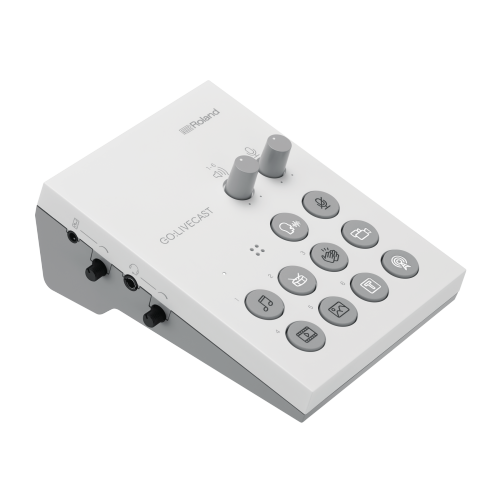 Your price for this item is $69
 -
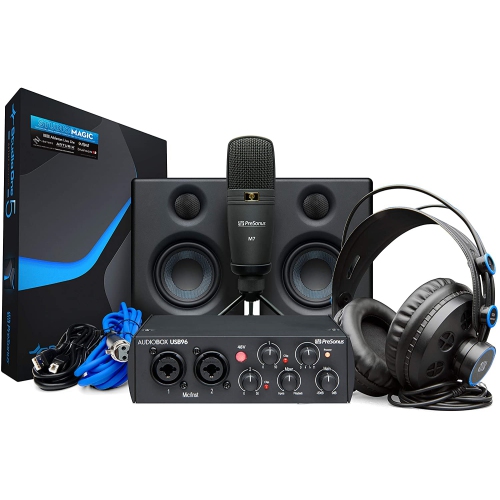 Your price for this item is $459.99
 -
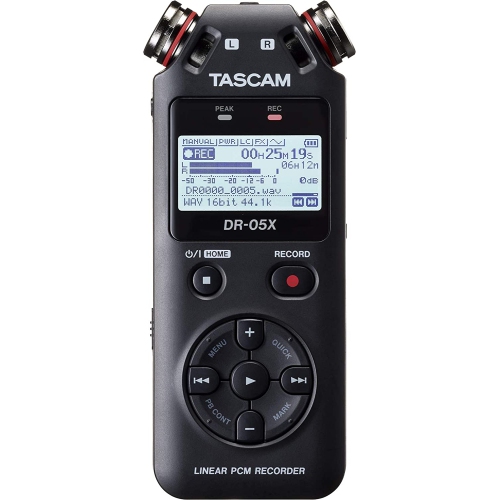 Your price for this item is $299
 -
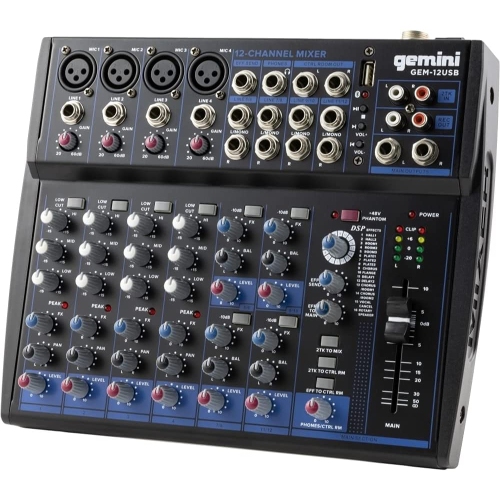 Your price for this item is $205.95
Discover more categories related to USB Audio Interfaces
Top Collections:
Pokemon Centers, Kindle Devices, Best Budget Office Chairs, Apple iPhones 16, Best Laptops for Writers, iPhone 15 Apple, Canon G7X Cameras, Refurbished Apple Laptops, Alarm Clock, Motorola Razr Phones
Some products may be subject to Environmental Handling Fees
(EHF) depending on your province.
Learn more about EHFs.