Back To School Graphing Calculators
Find back-to-school graphing calculators for maths and science courses that involve plotting functions, working with equations, and analysing data. Compare options based on the functions your classes require, and check your school’s course and exam requirements before choosing a model.
FAQ
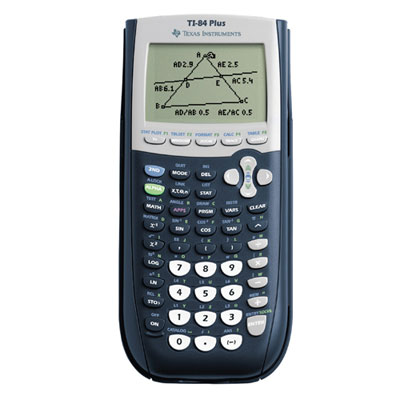
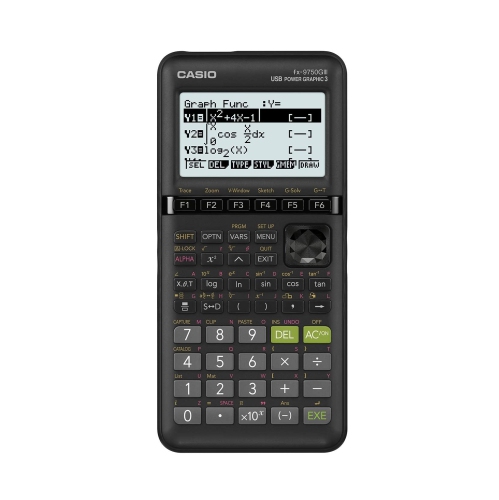
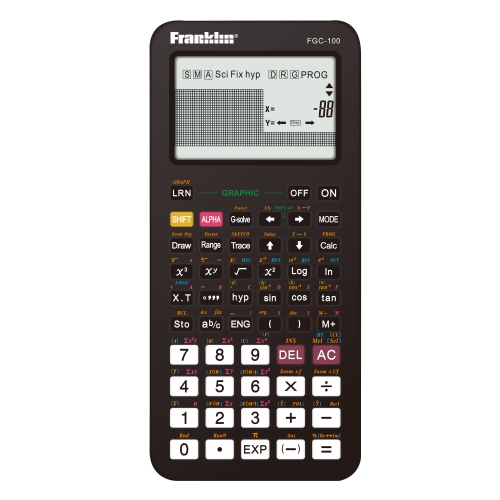
Graphing calculators can plot equations, display tables of values, and show multiple functions on a coordinate grid. Scientific calculators typically focus on numerical calculations, including fractions, exponents, logarithms, and trigonometry, without graph plotting.
Common features to compare include graphing modes, statistical functions, matrix operations, equation tools, and programmability. Some models also offer a computer algebra system (CAS) for symbolic calculations. Check the course requirements before choosing, as certain features may not be permitted.
Rules vary by school, course, and exam provider. Some allow graphing calculators but restrict models with symbolic algebra or programming capabilities. Check your teacher’s calculator list and the current exam rules, including any requirements to clear stored information or enable exam mode.
Depending on the model, graphing calculators may support function, parametric, polar, and sequence graphing. Function mode plots equations such as y = x², while other modes represent curves or patterns using different mathematical forms. Available modes vary, so compare them with your course outline.
Many graphing calculators support file transfers through a compatible cable and software. Depending on the model, students may be able to transfer data sets, back up programs, or install calculator software updates. Check the calculator’s connection options and computer operating system compatibility.
Top selling and popular products
Discover more categories related to Back To School Graphing Calculators
Some products may be subject to Environmental Handling Fees (EHF) depending on your province. Learn more about EHFs.