Canon Photo Papers
Canon photo paper is designed to help you achieve impressive results with your printed photos and creative projects. Whether you're printing family memories, professional photographs, or school assignments, the right photo paper can make a significant difference in the final look of your images. Browse a variety of options to find the Canon photo paper that fits your needs and enjoy vibrant, high-quality prints every time.
Sort


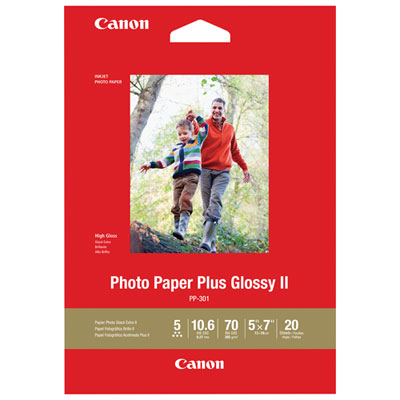
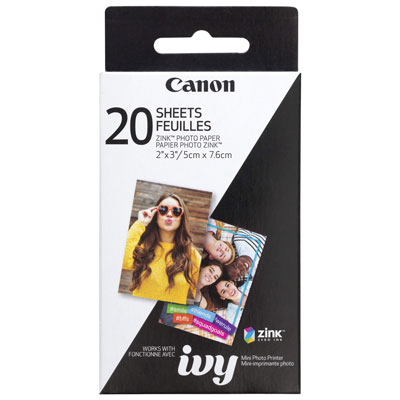
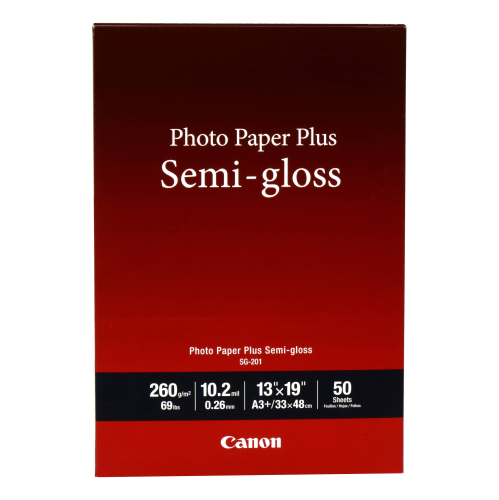
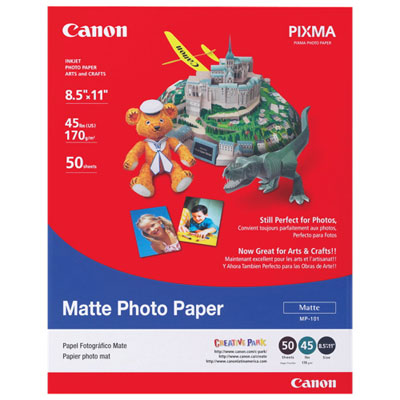
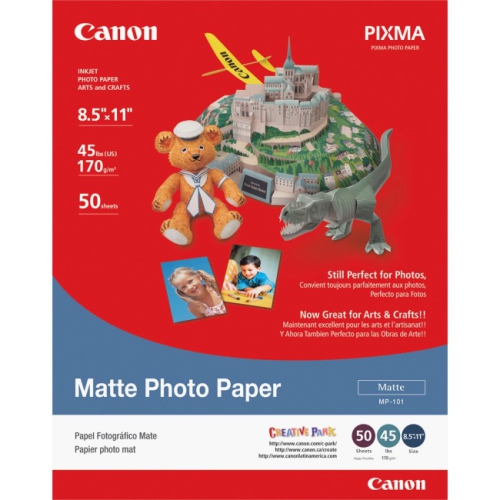
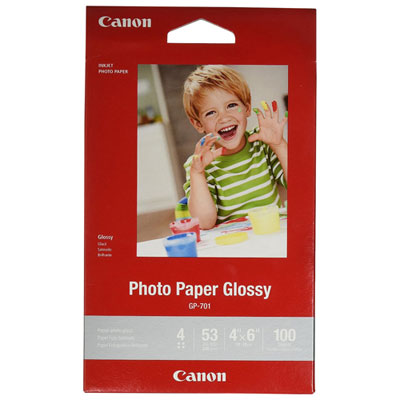
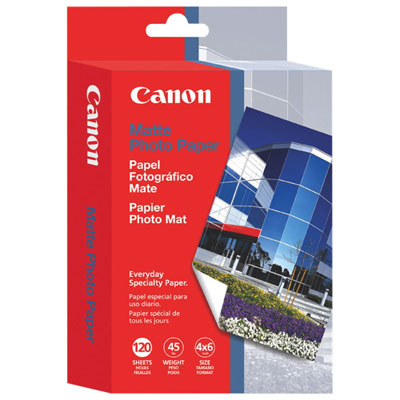
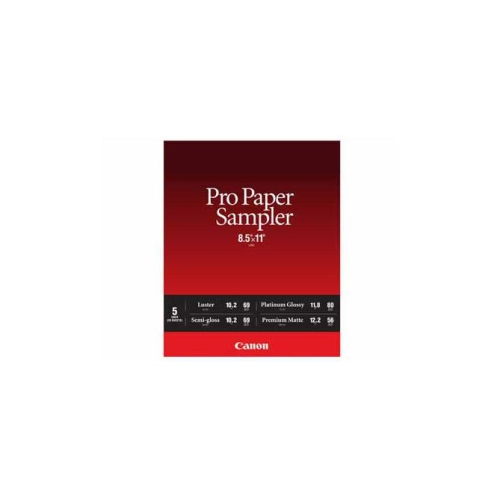
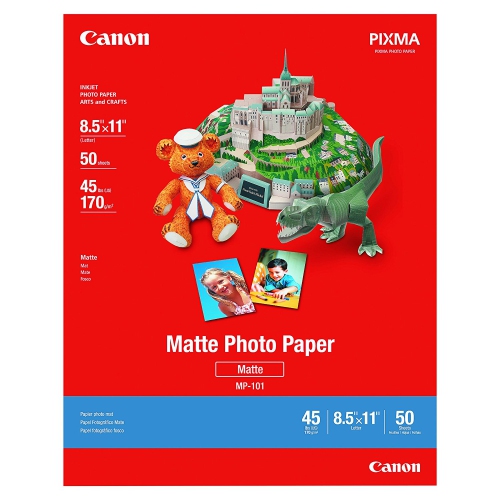
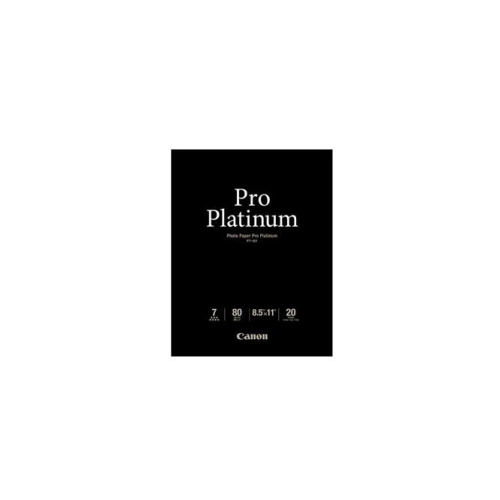

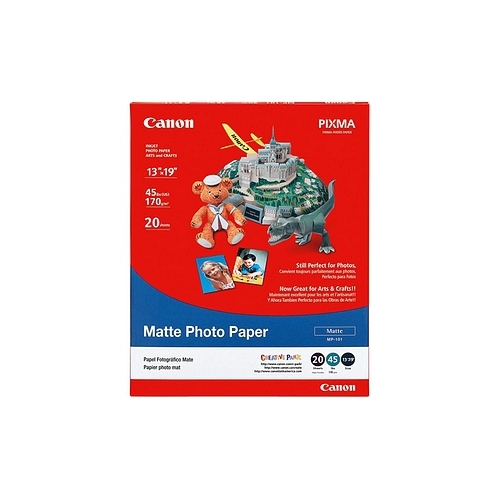
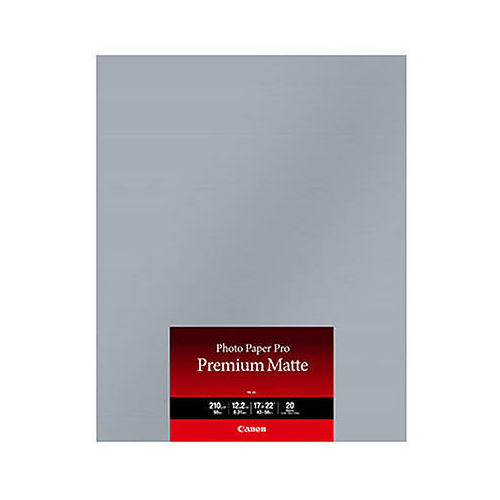
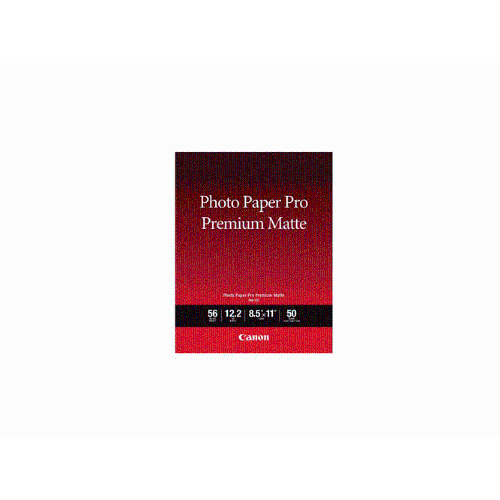
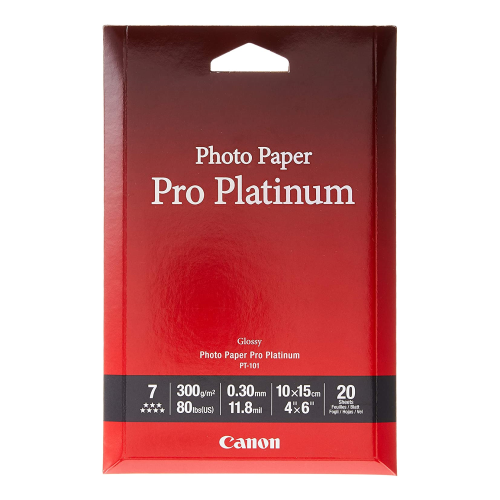
How paper finish shapes the look of your photographs
Photo papers give printed photographs a surface designed to hold detail, reproduce colour, and suit the way an image will be displayed or shared. Unlike ordinary office paper, photo paper typically has a coating that controls how ink settles into the sheet, helping fine textures, smooth gradients, and shadow detail remain distinct. The finish makes a noticeable difference to the result. Glossy photo paper has a smooth, reflective surface that can give colourful scenes a lively appearance and lend depth to dark areas. It suits everything from close-up flower photographs to family snapshots destined for an album. Semi-gloss, satin, and lustre finishes offer varying degrees of sheen, often with a lightly textured surface that makes reflections less prominent than they are on high-gloss paper. These finishes can work well for portraits, wedding photographs, and prints that will be viewed from different angles, although the exact texture varies between paper ranges. Matte photo paper has little surface shine and lends a softer appearance to photographs, illustrations, and layouts that combine images with text. Its low-reflection surface can be useful for a black-and-white portrait on a desktop or an art print displayed near a window. Some papers use resin-coated bases for a smooth feel, while others have textured or fibre-based surfaces that contribute more visibly to the finished image. Paper whiteness also affects presentation: a bright white base can make highlights look crisp, while a warmer base can give portraits or monochrome images a different character. No single finish is best for every photograph. A sharply detailed city scene, a softly lit newborn portrait, and a scanned family photograph may each benefit from a different balance of sheen, texture, and contrast. For photographers, scrapbookers, students, and households printing everyday memories, that variety makes photo paper a practical part of shaping the finished photograph rather than simply a surface to print on.
Printer compatibility, sheet dimensions, and paper weight help narrow the choice within a photo paper assortment. Inkjet photo paper is made to receive liquid ink, while some compact photo printers use a different printing process and require dedicated paper and matching consumables. Papers for these systems are not interchangeable simply because their dimensions look similar. The printer’s supported media types, ink system, maximum sheet size, and paper-feed limits all matter, particularly with thick sheets or textured fine-art media. For compatible compact printing systems, Canon Selphy Papers provide a related category, with the printer model determining which paper format is suitable. Familiar photo dimensions, such as 4-inch by 6-inch and 5-inch by 7-inch, suit albums, small frames, and photographs shared with family. Larger sheets allow room for wall displays, presentation prints, or layouts with several smaller images on one page. Letter-size paper and A4 paper have different dimensions, so the document size and printer settings need to match the sheet being used. Image proportions matter, too: a photograph that fills one print size may need cropping to fill another, especially when borderless printing is selected. A border can preserve the complete image and leave space for mounting or a handwritten caption, while edge-to-edge printing creates a different presentation where supported. Paper weight is commonly expressed in grams per square metre, or gsm, and describes the mass of the sheet rather than its exact thickness. Heavier papers often feel more substantial in the hand, but they still need to fall within the printer’s media specifications. Matching the paper-type setting to the loaded media helps the printer apply ink appropriately; suitable colour profiles can also improve consistency in workflows that support them. These details are especially useful when producing a set of portraits or a portfolio, where consistent results matter from one sheet to the next.
The intended use of a print also influences which paper characteristics are most useful over time. Photographs passed around at a family gathering benefit from a surface that tolerates careful handling, while a print mounted behind glass may place more emphasis on texture, tonal detail, and the way its finish looks under room lighting. Glossy surfaces can show fingerprints readily, so holding sheets by the edges helps preserve their appearance. Fresh inkjet prints may feel dry before the ink has fully settled; following the paper and printer recommendations for drying time helps prevent marks when prints are stacked, placed in sleeves, or framed. Unused paper keeps best in its original packaging, stored flat in a dry place away from direct sunlight, with the printable surface protected from dust and scratches. Prints intended for albums or long-term storage benefit from suitable photo-safe sleeves, mounting materials, and adhesives, since the materials touching a photograph can affect its condition. Display life depends on the combination of paper, ink, light exposure, handling, and storage, rather than on the finish alone. Claims such as archival quality or fade resistance therefore need to be understood in the context of the stated testing and recommended use. A photograph displayed in strong direct sunlight faces different conditions from one kept in a closed album. For gifts, printed photographs offer a personal way to share a graduation portrait, a favourite travel scene, or a collection of family milestones, and the paper’s feel contributes to that experience. A substantial lustre print can make a portrait feel ready for presentation, while a matte surface can suit an illustrated keepsake or a carefully arranged photo collage. Double-sided printing, folding, or writing on a sheet requires paper specifically suited to those purposes; a coating designed for photographs does not automatically make a sheet suitable for every craft project. Whether the goal is a small stack of snapshots, a thoughtfully assembled album, or a photograph chosen for a frame, suitable photo paper helps connect the image on screen with a finished print that feels right for its purpose.
Top selling and popular products
-
 Your price for this item is $33.37
-
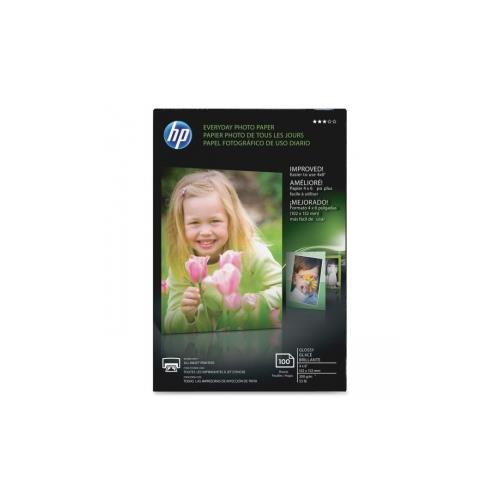 Your price for this item is $24.68
-
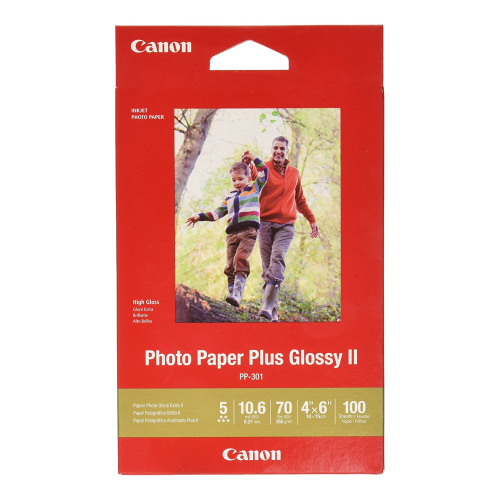 Your price for this item is $43.79
-
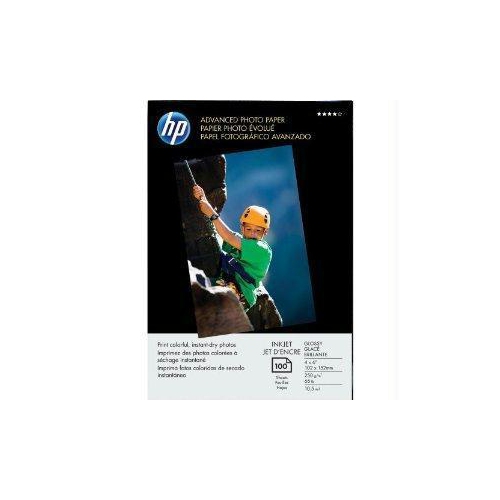 Your price for this item is $31.68
-
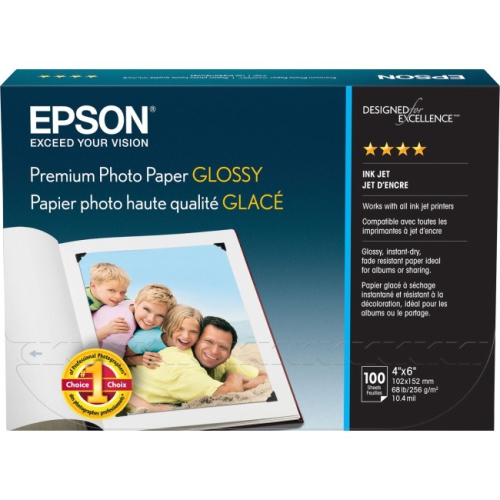 Your price for this item is $24.68
-
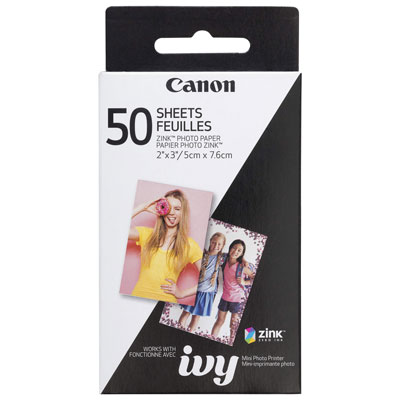 Your price for this item is $39.99
-
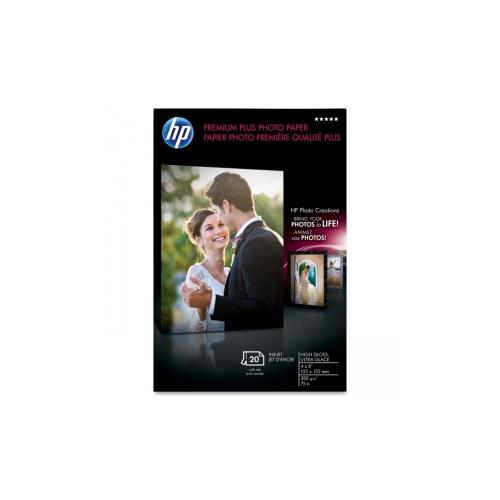 Your price for this item is $28.99
-
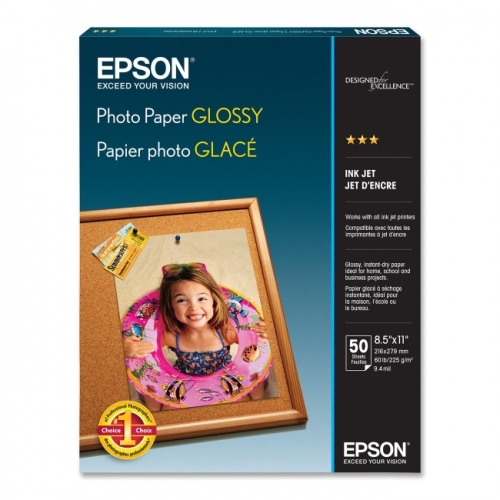 Your price for this item is $65.68
Discover more categories related to Canon Photo Papers
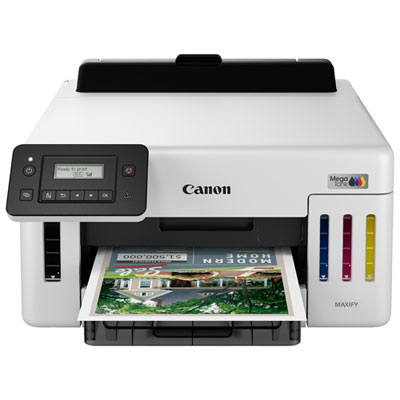
Top Collections:
Best Black Friday Deals This Year, Best Black Friday Deals On Electronics, Kindle Devices, Pokemon Centers, Best Black Friday Deals On Apple Products, Best Cameras for Sports Photography, Dyson Airwrap, Pokémon 30th Celebration Cards, Apple iPhone 17 Pro, Canon G7X Cameras
Some products may be subject to Environmental Handling Fees
(EHF) depending on your province.
Learn more about EHFs.