Canon Printers
These printers from Canon are a popular choice for home and small-office users. These are reliable, and compatible with a wide range of operating systems. These printers come in a variety of sizes and styles, and offer a range of features to suit any printing needs. Here are some of the best printers from Canon available on the market today.
Sort
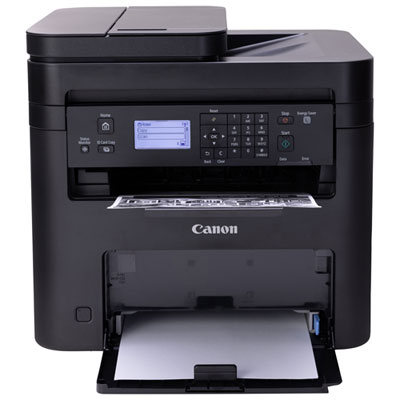

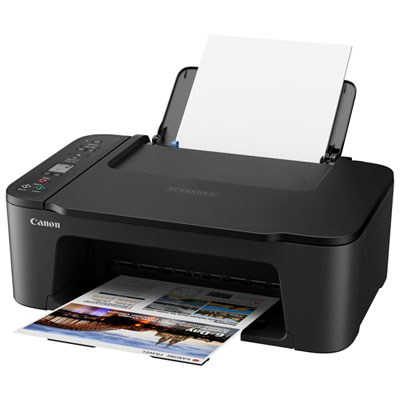
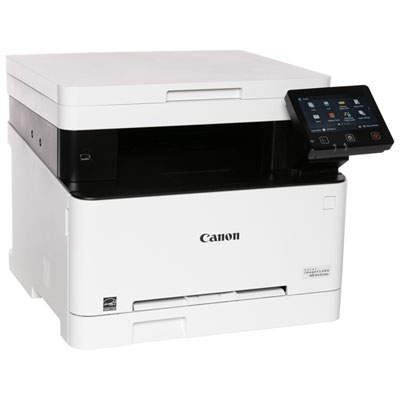
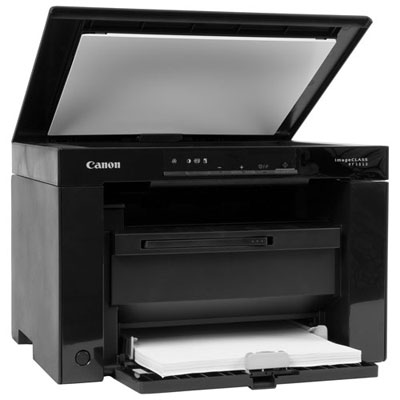
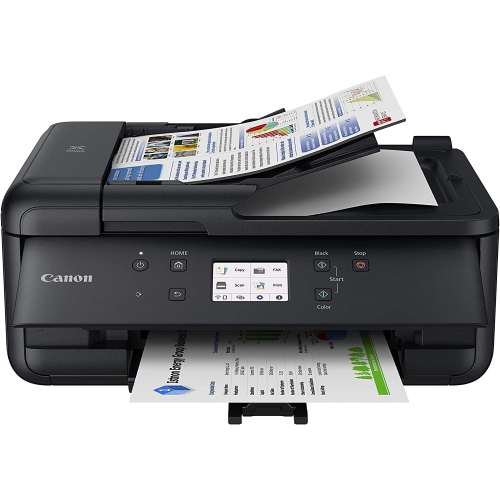
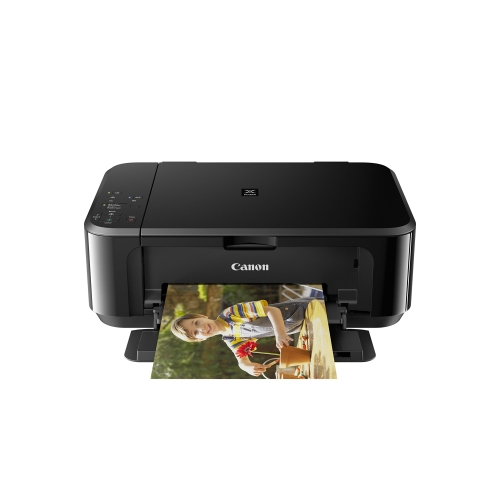
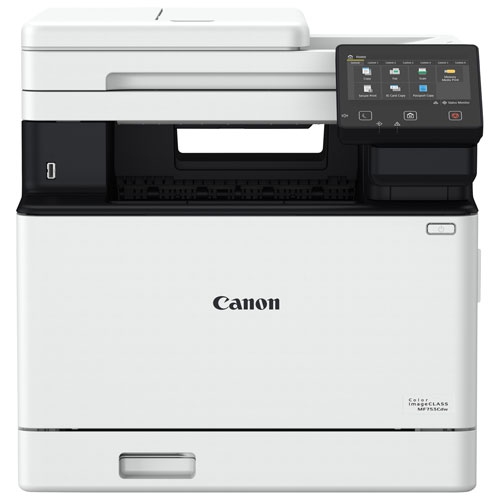
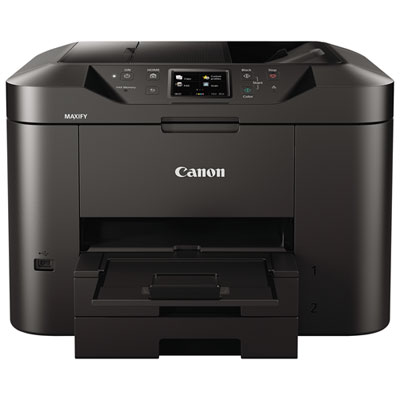
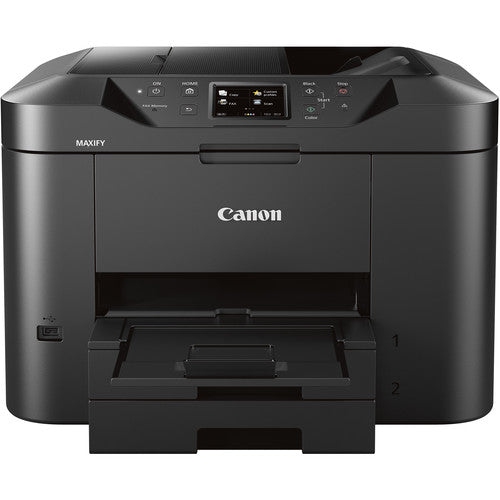
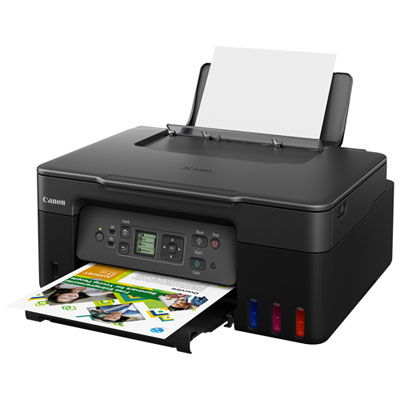
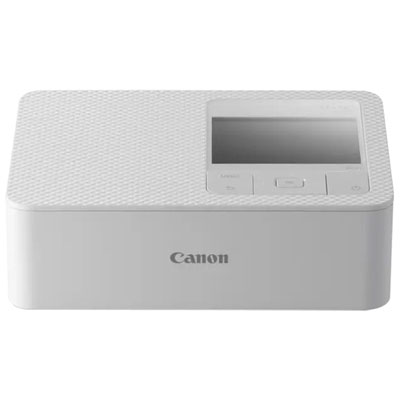
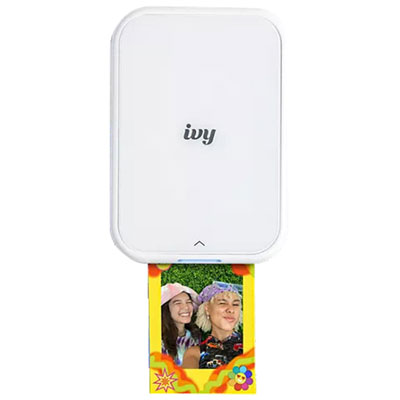
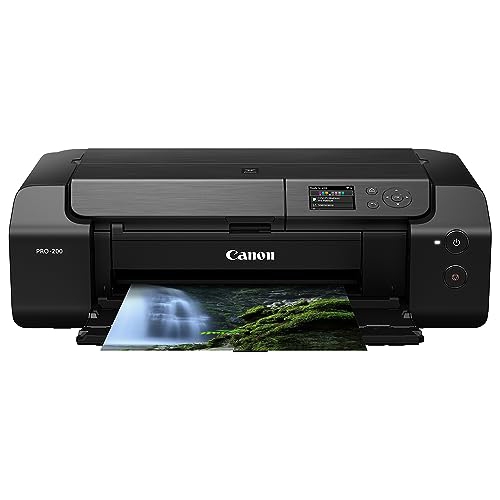
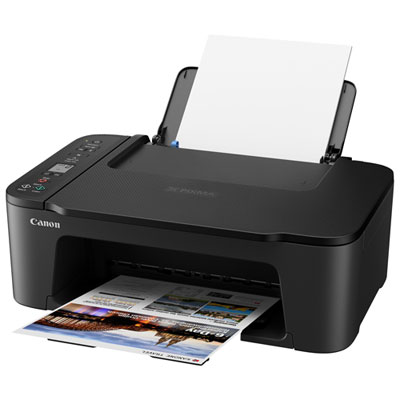
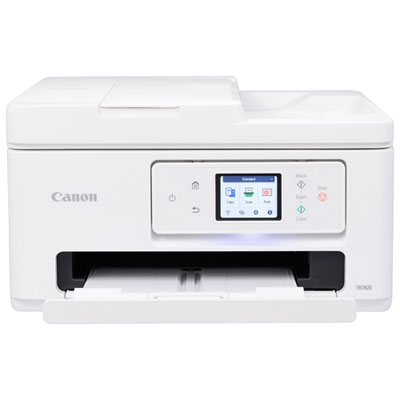
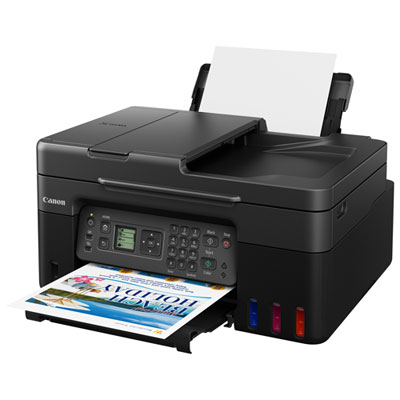
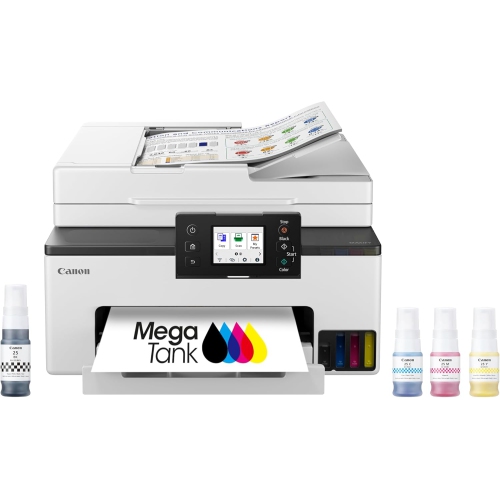
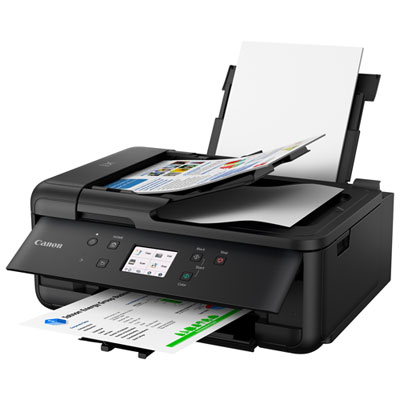
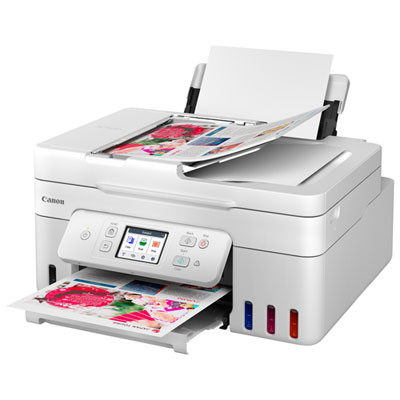
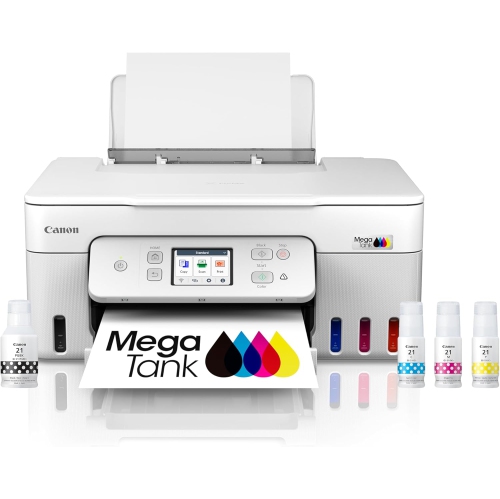
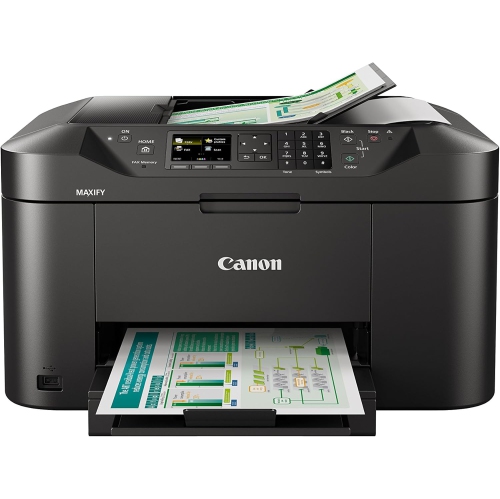
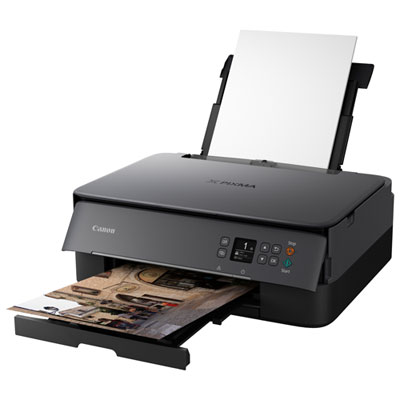
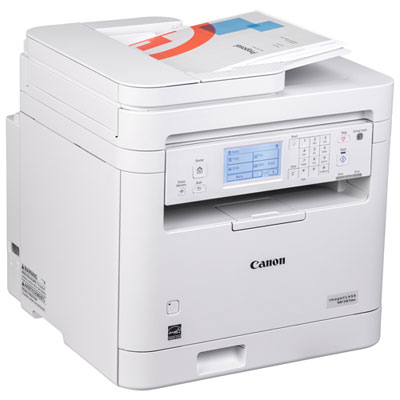
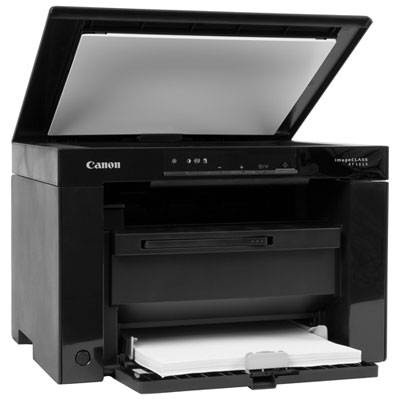
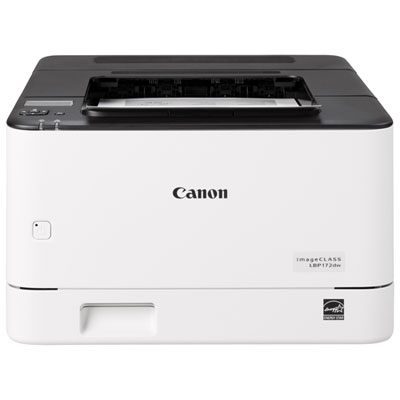
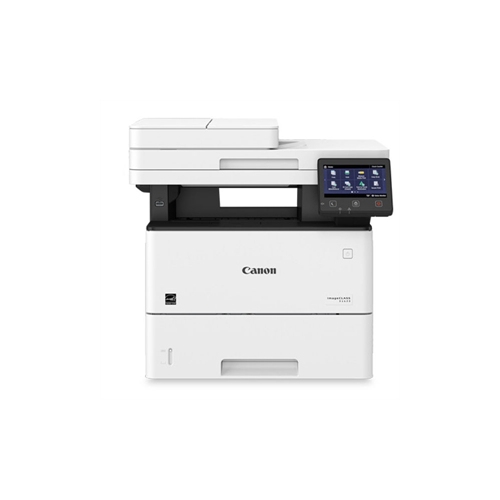
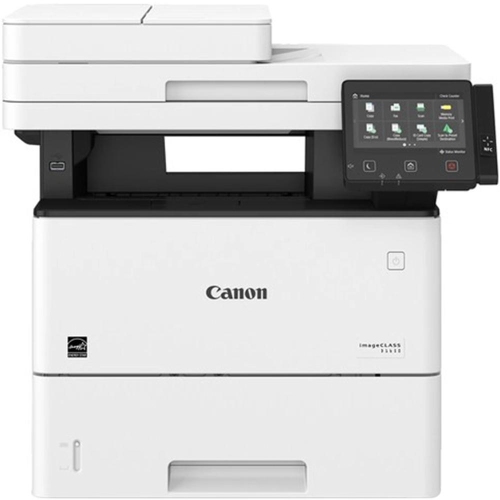
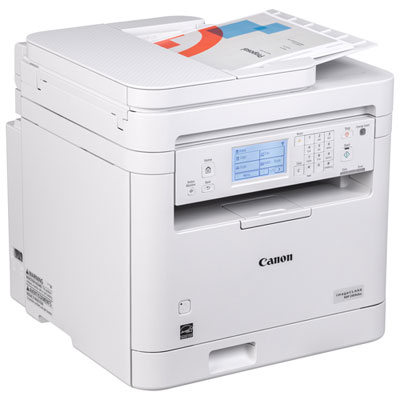
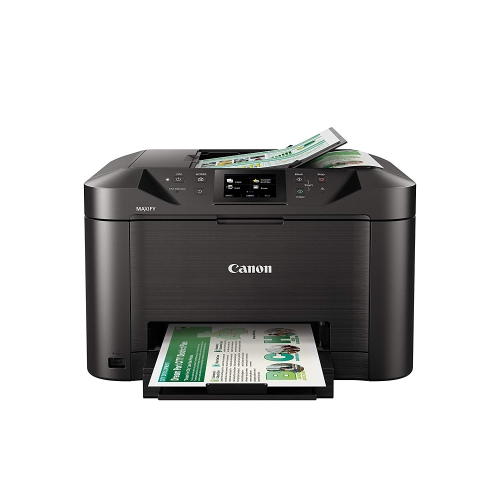
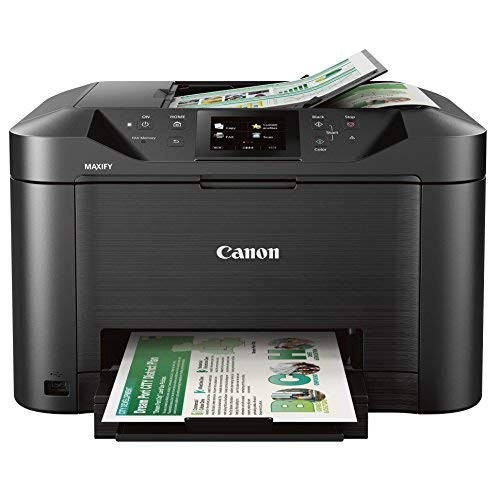
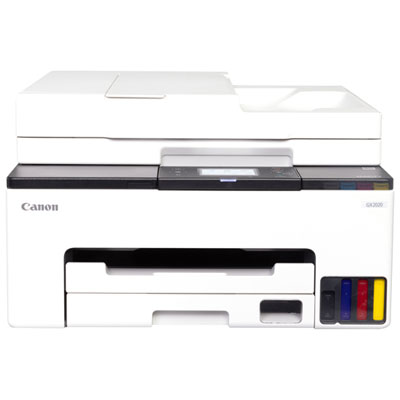
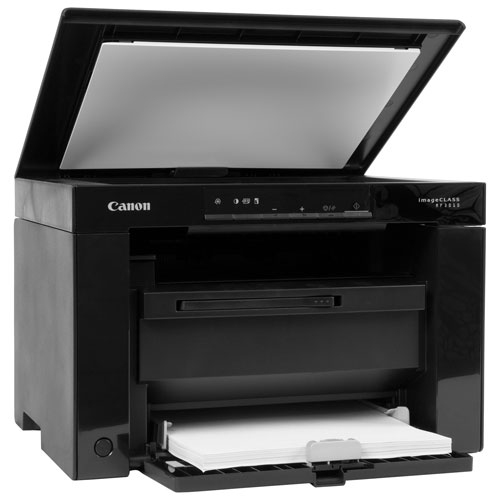
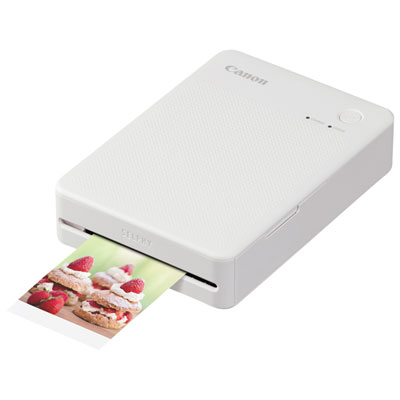
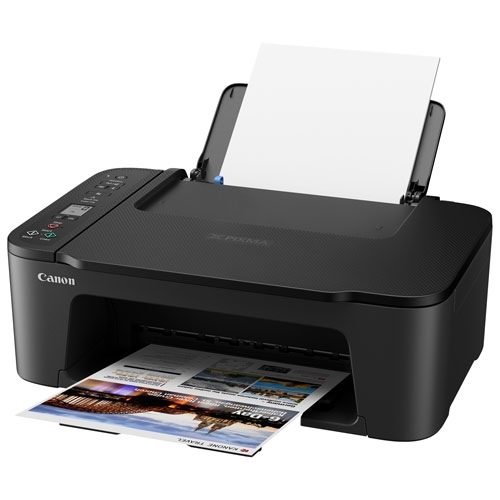
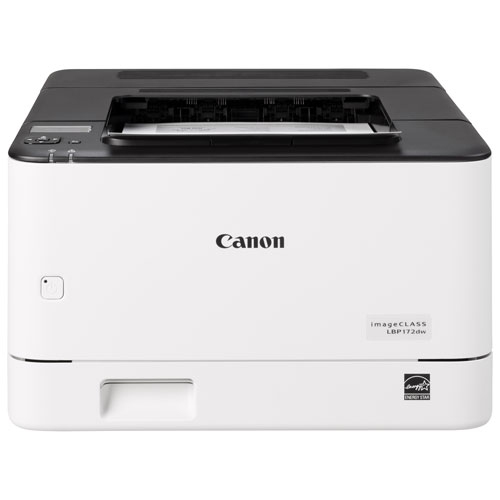
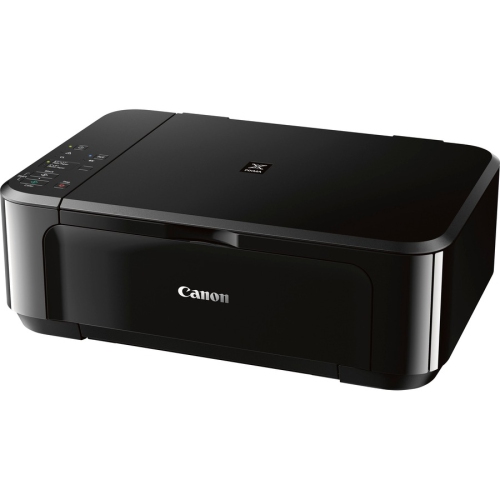
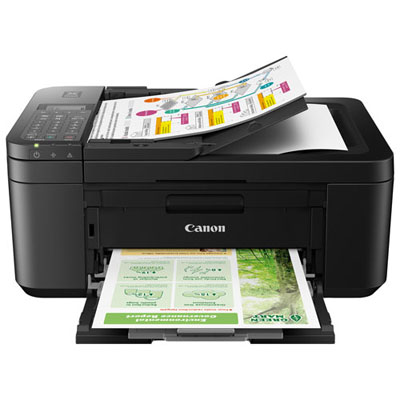
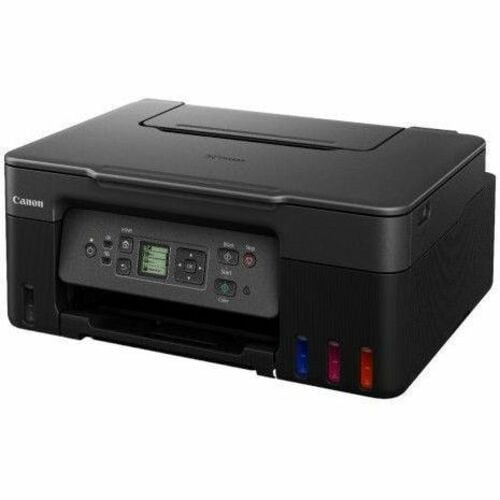
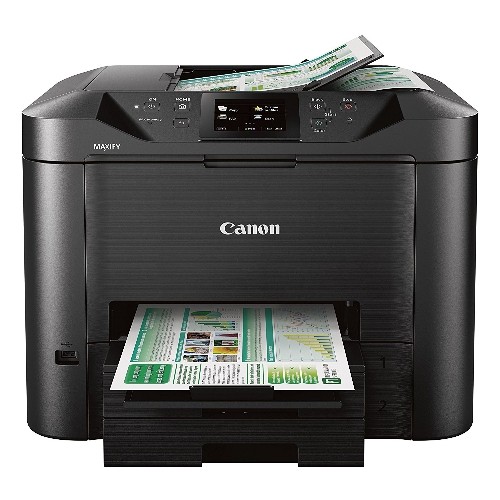
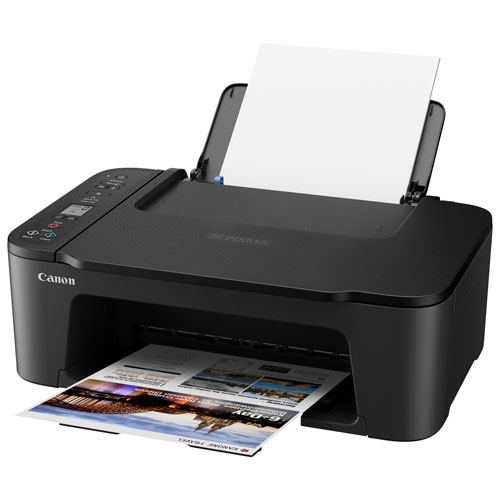
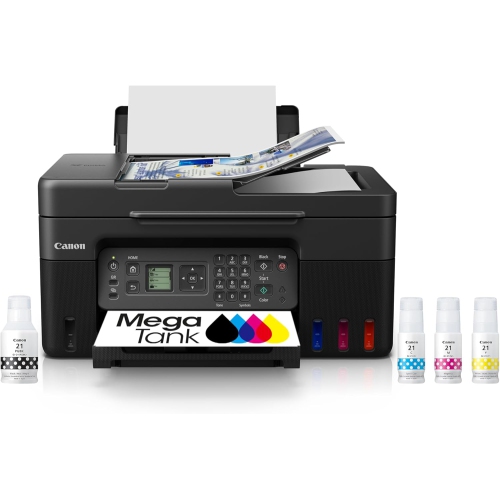
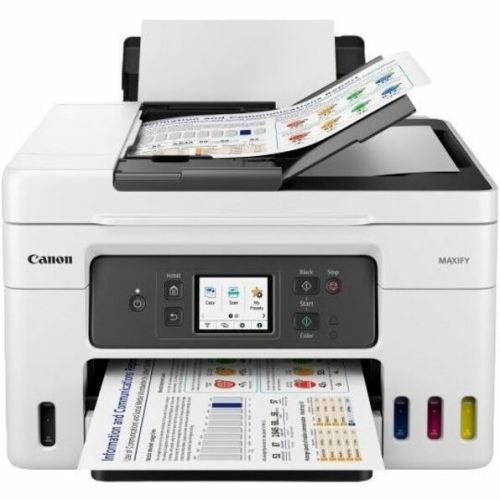
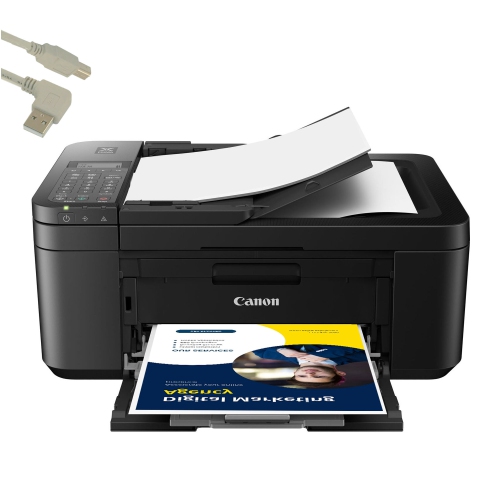
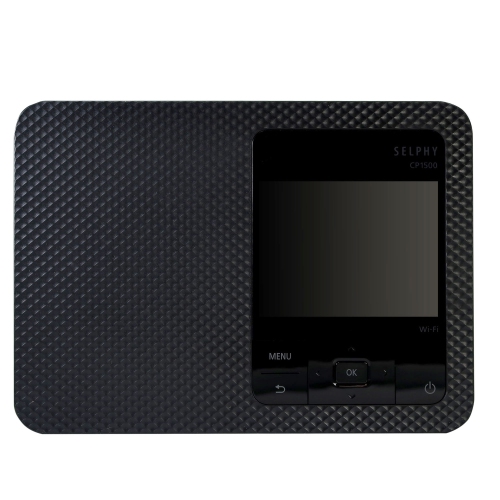
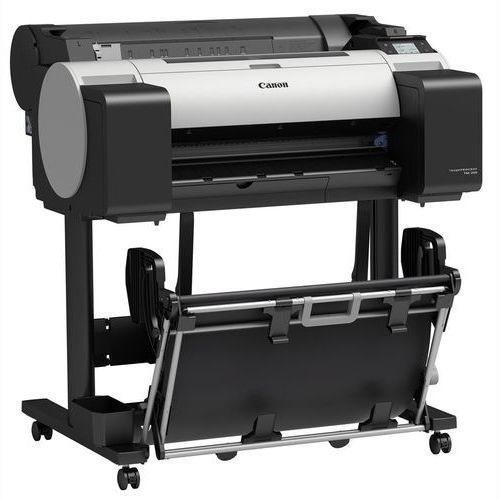
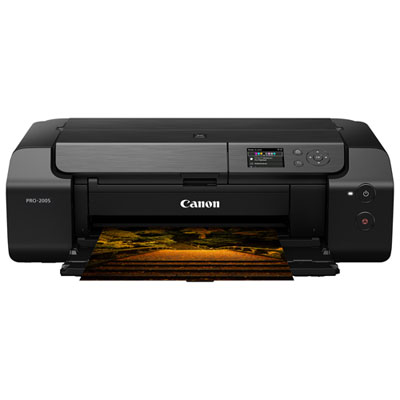
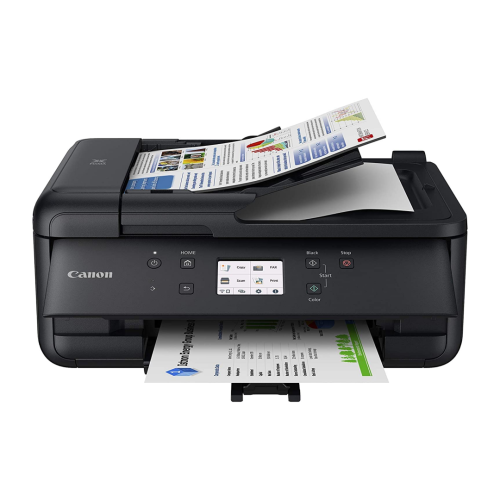
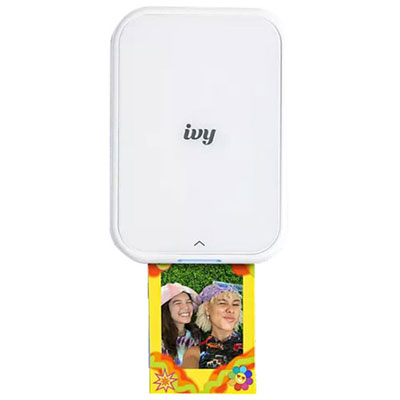
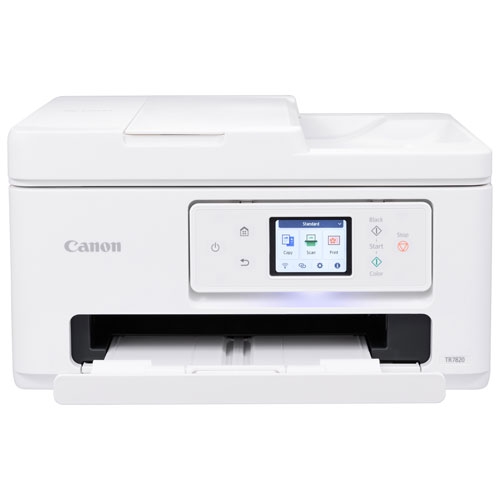
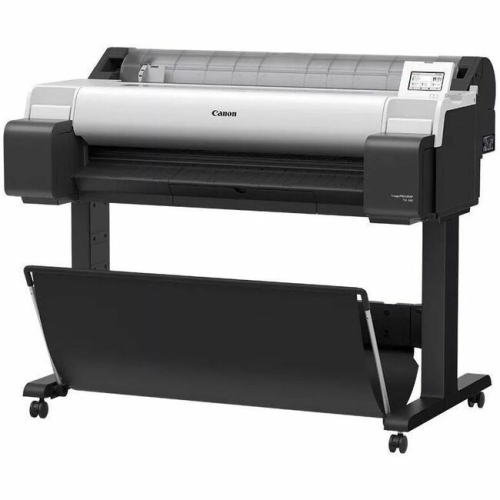
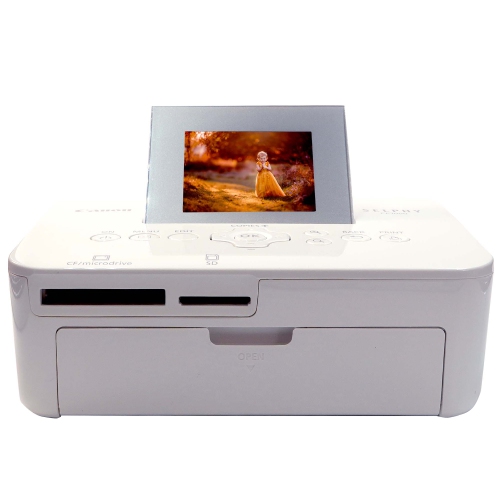
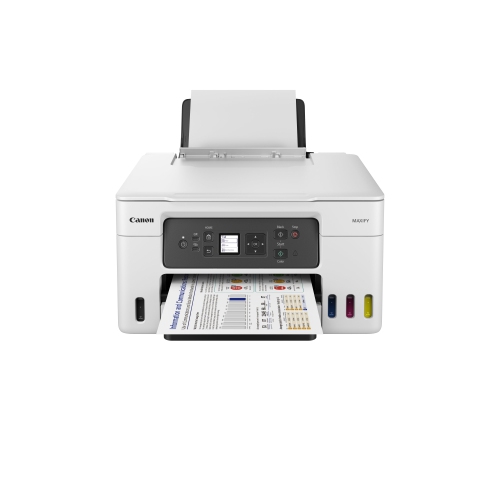
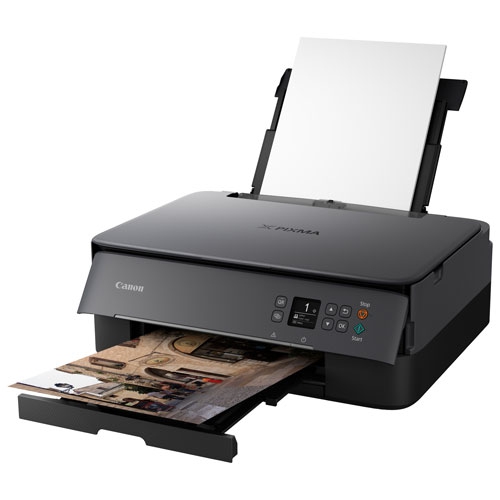
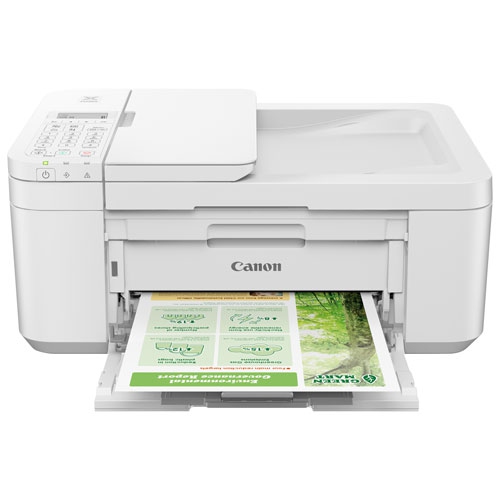
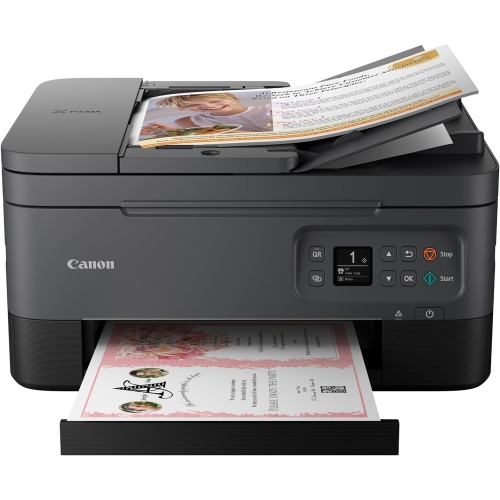
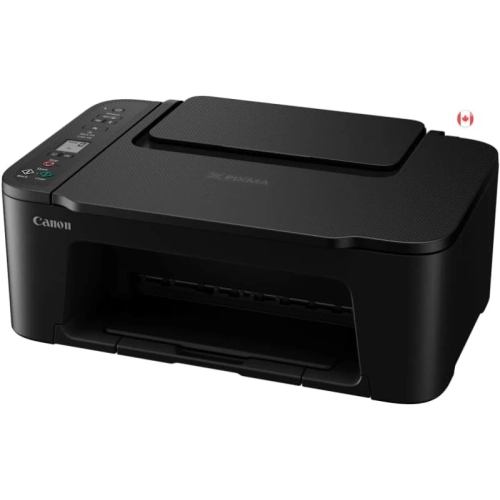
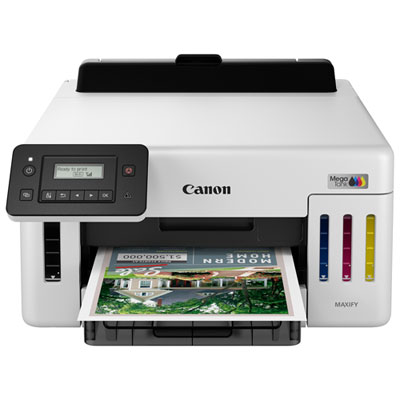
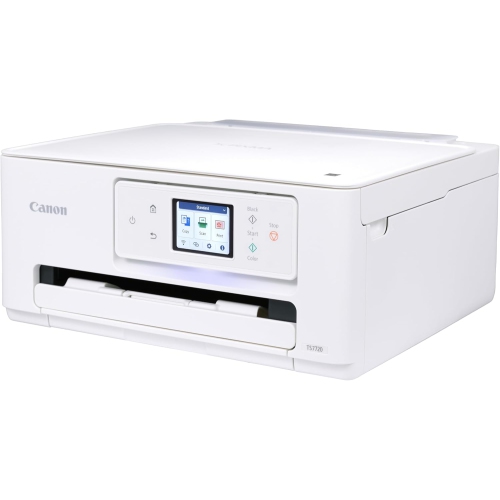
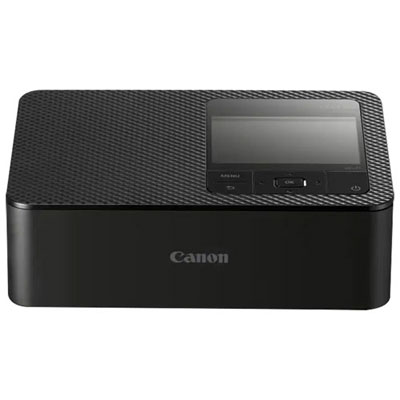
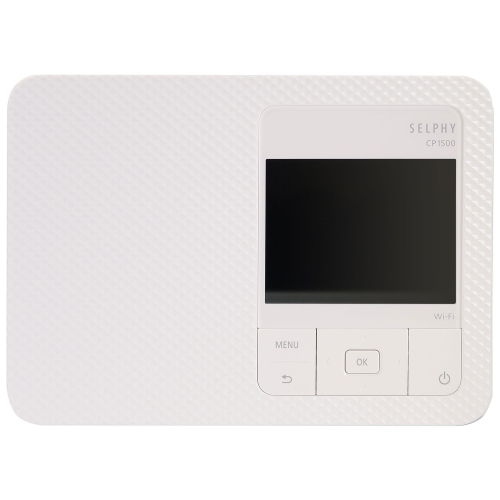

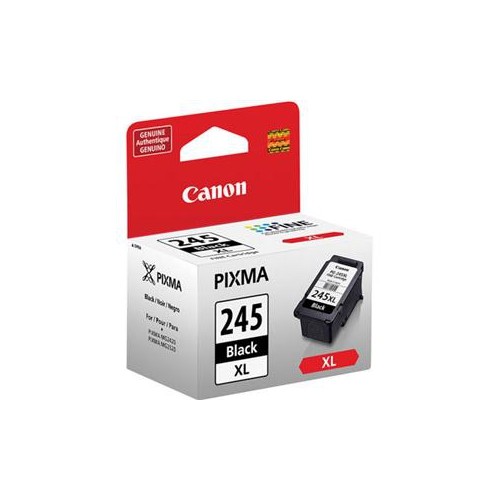
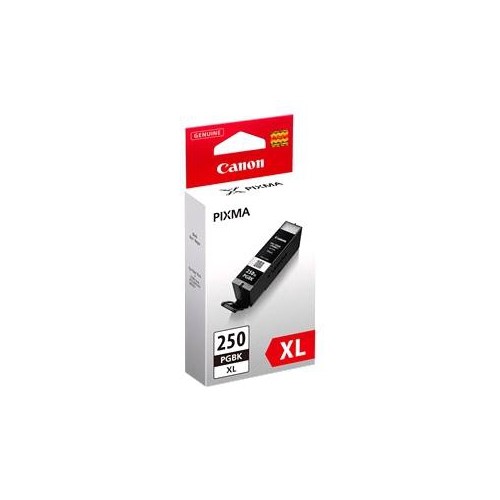
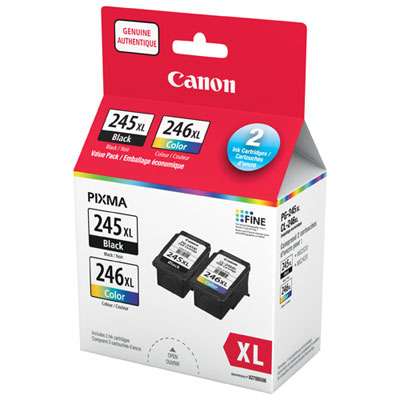
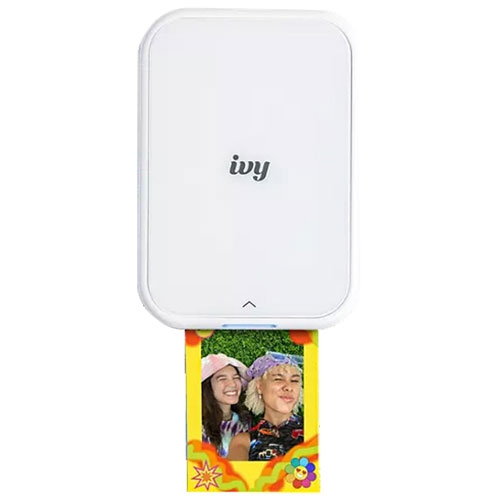
Everyday paperwork and favourite photos need different printing features
A printer brings everyday digital work into a form that is easy to read, share, sign, or display, whether that means a school assignment on the kitchen table, a shipping label beside a packed parcel, or a favourite family photo in a frame. Home printers suit a wide range of routines, from occasional forms and recipes to regular coursework and household paperwork. In a home office, dependable document printing can help keep contracts, meeting notes, and client handouts moving without a trip elsewhere. Inkjet printers are versatile options for mixed use, handling text, colour graphics, and photos on compatible paper, while laser printers are often suited to frequent document printing and crisp text. A monochrome printer focuses on black-and-white output; a colour printer adds flexibility for charts, presentations, creative projects, and images. All-in-one designs bring printing, scanning, and copying together, making them practical for shared household spaces where one machine needs to handle several jobs. A flatbed scanner accommodates individual sheets and suitable bound material, while an automatic document feeder on equipped models helps process stacks of loose pages. Some feeders scan both sides automatically, but that capability is separate from automatic two-sided printing and varies by model. Physical fit matters just as much as the feature list. A compact body may sit neatly on a desk, yet paper trays, rear feeds, and scanner lids need clearance when open. A sturdy, level surface helps keep the printer stable, and convenient access to the controls makes quick tasks less awkward. Enclosed paper storage can help keep sheets tidy between jobs, particularly in a room used for both work and family activities. For students, remote workers, teachers, and people running a small business from home, the most useful printer is one whose paper handling, output, and everyday operation match the work it will actually do.
Print quality depends on the relationship between the printer, its ink or toner, the original file, and the paper. Clear text on ordinary office paper is a different task from producing a richly coloured photograph, so resolution figures alone do not tell the whole story. For documents, sharp lettering, readable small type, and clean lines in tables tend to matter most. For photos and artwork, smooth colour transitions, convincing skin tones, and detail in light and dark areas become more noticeable. Photo-oriented inkjet designs may use additional ink colours to support more nuanced output, although the results still depend on the image and selected print settings. Paper finish also changes how a print looks and feels. Glossy photo paper gives images a reflective surface and can make colours appear vivid, while matte paper offers a softer appearance with less glare under room lighting. Heavier sheets can give invitations, certificates, and presentation covers a more substantial feel, provided their weight and thickness fall within the printer’s supported limits. Rear or specialty feed paths on some models accommodate media that may not suit a standard tray. Borderless printing is useful for photos intended to fill a frame, but supported sizes vary, and the process may trim a little from the image edges. A high-resolution original generally holds up better when enlarged than a small image saved from a message. For family albums, classroom displays, or handmade gifts, choosing the correct paper type in the print settings helps the printer apply ink appropriately. Letting fresh prints dry as directed before stacking or framing helps prevent smudges and surface marks. Finished photos benefit from careful handling at the edges and display away from prolonged direct sunlight. These small details make a difference when the goal is a print that looks polished up close, whether it is a portrait for a grandparent, a child’s illustrated story, or a portfolio page with fine detail.
Connectivity and routine care shape the ownership experience long after the first page comes out. A USB connection can suit a printer used beside one computer, while Wi-Fi allows a compatible printer to serve multiple devices without a direct cable to each one. Ethernet, where supported, provides a wired network option for an office setup. Mobile printing features can make it easier to print a form from a phone or a photo from a tablet, but operating system, app, and network compatibility vary. Scanning features deserve similar attention: sending a scan to a computer, saving a multipage file, and using cloud-based functions are distinct capabilities rather than automatic features of every all-in-one printer. In a busy household, a readable display and straightforward controls can make copying a permission slip or checking an ink warning much simpler. Paper capacity and supported monthly print volume matter when several people share the same machine, while automatic two-sided printing helps keep longer documents compact. Published page speeds are useful reference points, though photo output, detailed graphics, and higher-quality settings usually take longer than basic text. Ink and toner systems also differ. Some inkjet printers use cartridges, others use refillable tanks, and laser printers use toner; each requires supplies specified for the particular machine. Page-yield figures are based on defined test conditions, so actual output changes with page coverage and printing habits. For occasional inkjet use, following the manufacturer’s maintenance guidance helps address nozzle issues before they spoil an important job. Keeping paper flat and dry, aligning the tray guides without squeezing the stack, and staying within the tray’s capacity can reduce feeding problems. Accessible cartridges or tanks, clear maintenance prompts, and suitable replacement parts also contribute to practical long-term use. A printer can be a thoughtful gift for a student, a keen photographer, or someone setting up a home workspace, especially when its dimensions, device compatibility, and intended workload suit the recipient’s daily routine.
Print quality depends on the relationship between the printer, its ink or toner, the original file, and the paper. Clear text on ordinary office paper is a different task from producing a richly coloured photograph, so resolution figures alone do not tell the whole story. For documents, sharp lettering, readable small type, and clean lines in tables tend to matter most. For photos and artwork, smooth colour transitions, convincing skin tones, and detail in light and dark areas become more noticeable. Photo-oriented inkjet designs may use additional ink colours to support more nuanced output, although the results still depend on the image and selected print settings. Paper finish also changes how a print looks and feels. Glossy photo paper gives images a reflective surface and can make colours appear vivid, while matte paper offers a softer appearance with less glare under room lighting. Heavier sheets can give invitations, certificates, and presentation covers a more substantial feel, provided their weight and thickness fall within the printer’s supported limits. Rear or specialty feed paths on some models accommodate media that may not suit a standard tray. Borderless printing is useful for photos intended to fill a frame, but supported sizes vary, and the process may trim a little from the image edges. A high-resolution original generally holds up better when enlarged than a small image saved from a message. For family albums, classroom displays, or handmade gifts, choosing the correct paper type in the print settings helps the printer apply ink appropriately. Letting fresh prints dry as directed before stacking or framing helps prevent smudges and surface marks. Finished photos benefit from careful handling at the edges and display away from prolonged direct sunlight. These small details make a difference when the goal is a print that looks polished up close, whether it is a portrait for a grandparent, a child’s illustrated story, or a portfolio page with fine detail.
Connectivity and routine care shape the ownership experience long after the first page comes out. A USB connection can suit a printer used beside one computer, while Wi-Fi allows a compatible printer to serve multiple devices without a direct cable to each one. Ethernet, where supported, provides a wired network option for an office setup. Mobile printing features can make it easier to print a form from a phone or a photo from a tablet, but operating system, app, and network compatibility vary. Scanning features deserve similar attention: sending a scan to a computer, saving a multipage file, and using cloud-based functions are distinct capabilities rather than automatic features of every all-in-one printer. In a busy household, a readable display and straightforward controls can make copying a permission slip or checking an ink warning much simpler. Paper capacity and supported monthly print volume matter when several people share the same machine, while automatic two-sided printing helps keep longer documents compact. Published page speeds are useful reference points, though photo output, detailed graphics, and higher-quality settings usually take longer than basic text. Ink and toner systems also differ. Some inkjet printers use cartridges, others use refillable tanks, and laser printers use toner; each requires supplies specified for the particular machine. Page-yield figures are based on defined test conditions, so actual output changes with page coverage and printing habits. For occasional inkjet use, following the manufacturer’s maintenance guidance helps address nozzle issues before they spoil an important job. Keeping paper flat and dry, aligning the tray guides without squeezing the stack, and staying within the tray’s capacity can reduce feeding problems. Accessible cartridges or tanks, clear maintenance prompts, and suitable replacement parts also contribute to practical long-term use. A printer can be a thoughtful gift for a student, a keen photographer, or someone setting up a home workspace, especially when its dimensions, device compatibility, and intended workload suit the recipient’s daily routine.
Top selling and popular products
-
 Your price for this item is $249.99
 -
 Your price for this item is $173.68
 -
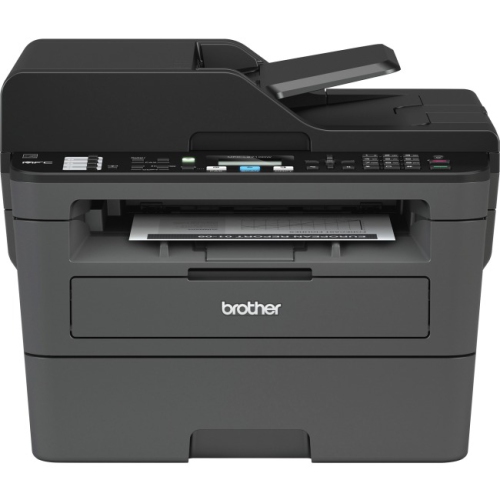 Your price for this item is $309.47
 -
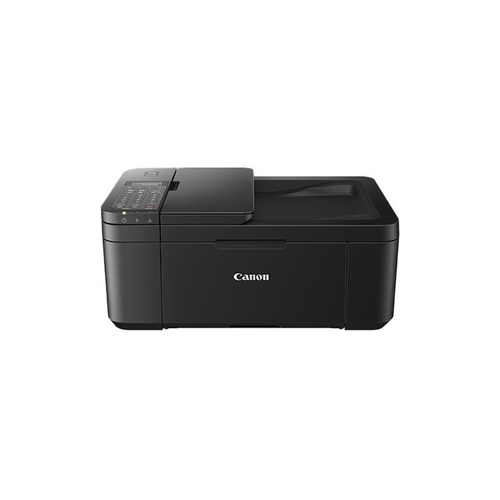 Your price for this item is $247.92
 -
 Your price for this item is $79.99
 -
 Your price for this item is $214.99
 -
 Your price for this item is $199.99
 -
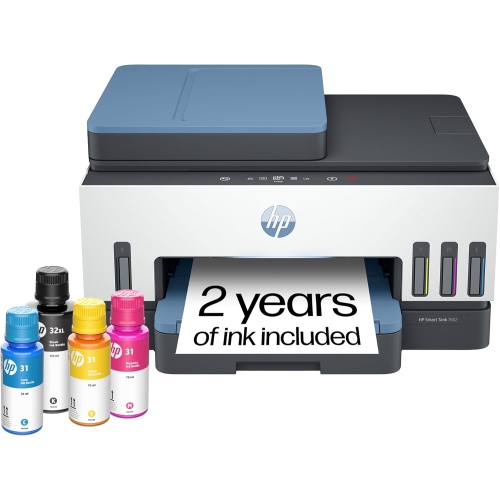 Your price for this item is $569.89
Discover more categories related to Canon Printers
Top Collections:
Pokemon Centers, Kindle Devices, Best Budget Office Chairs, Apple iPhones 16, Best Laptops for Writers, iPhone 15 Apple, Canon G7X Cameras, Refurbished Apple Laptops, Alarm Clock, Motorola Razr Phones
Some products may be subject to Environmental Handling Fees
(EHF) depending on your province.
Learn more about EHFs.