Customizable Table of Contents Dividers
Customizable Table of Contents Dividers make organizing binders, reports, and presentations effortless and efficient. Perfect for students, professionals, and anyone looking to keep documents neatly arranged, these dividers offer a simple way to personalize sections for quick reference. Whether preparing for meetings, classes, or home organization projects, Customizable Table of Contents Dividers help streamline your workflow and keep important information at your fingertips. Explore a variety of options designed to fit your specific needs and enhance your organization system.
Sort
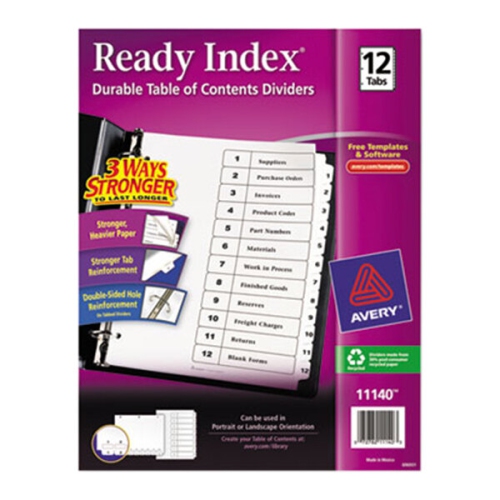
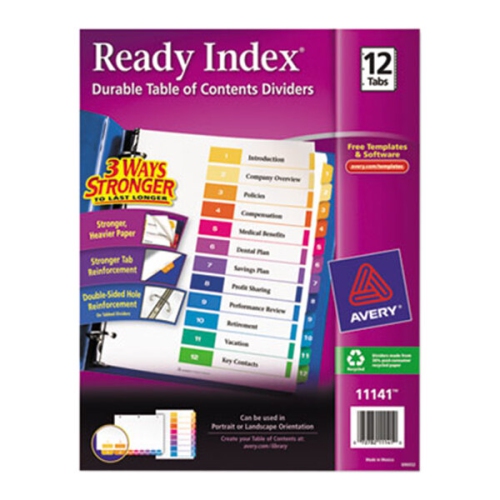
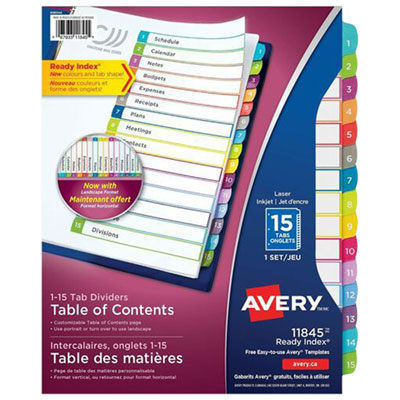
A clear binder index puts every section in reach
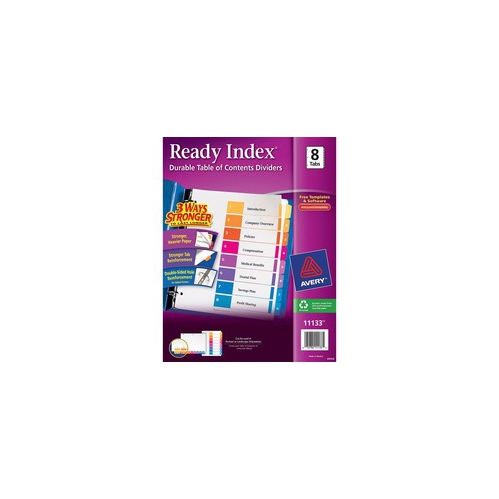
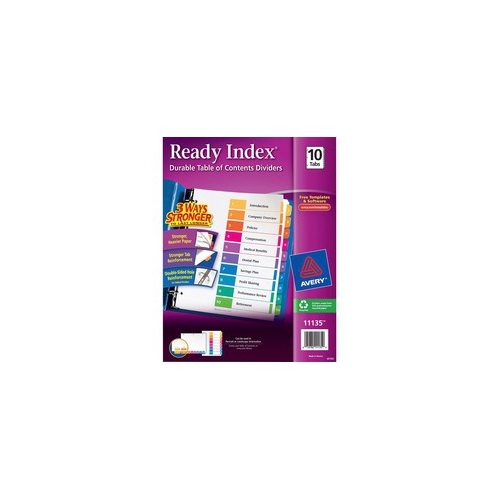
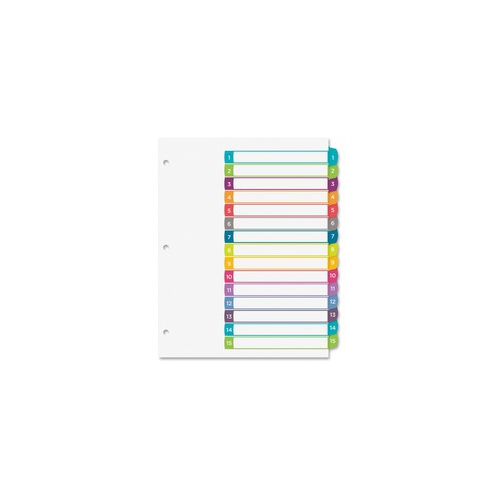
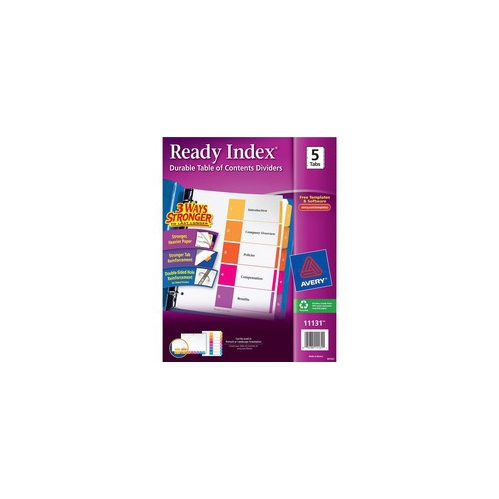
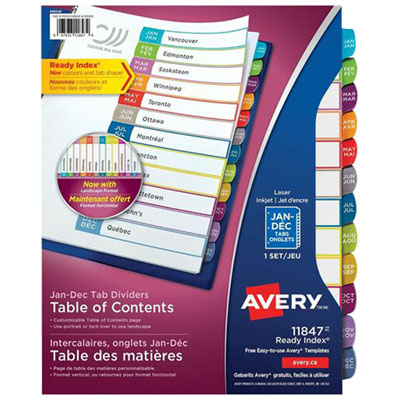
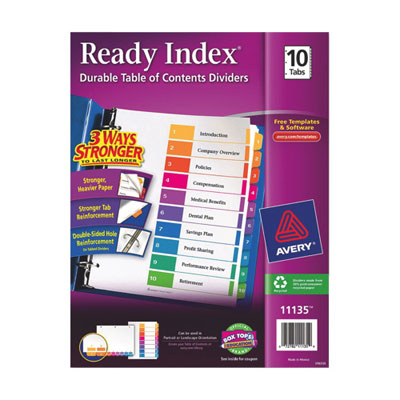
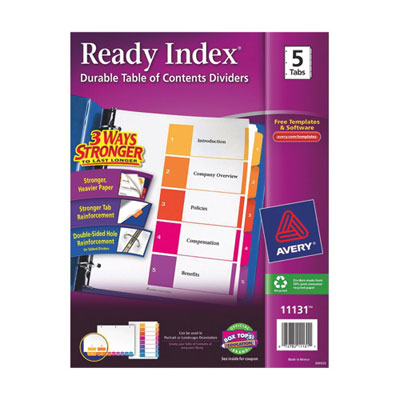
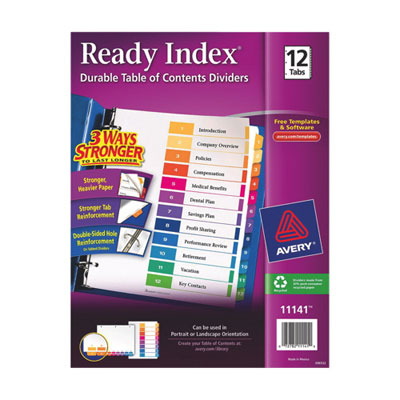
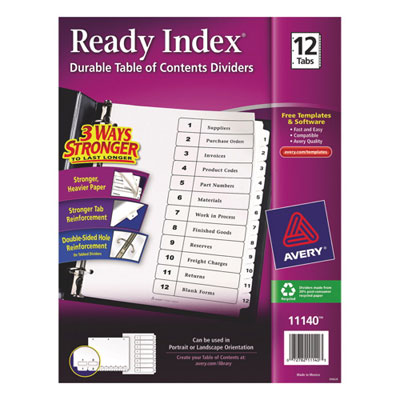
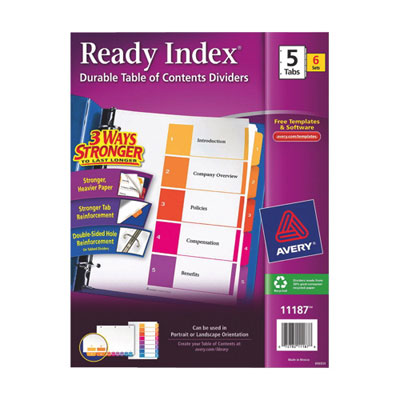
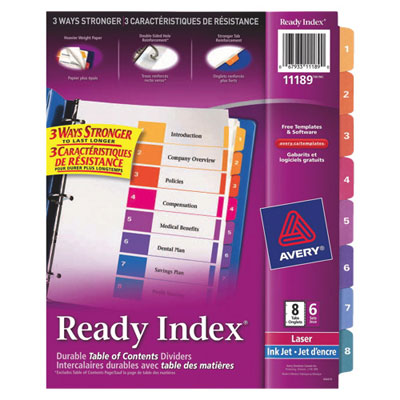
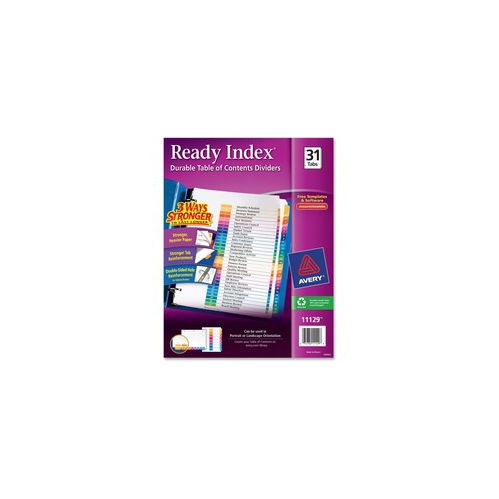
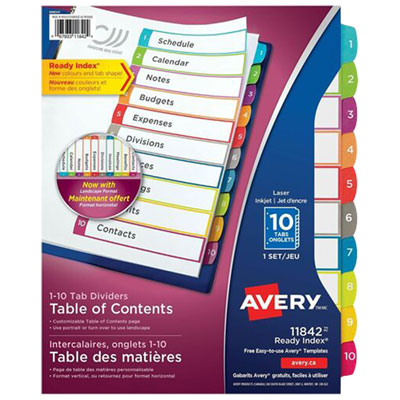
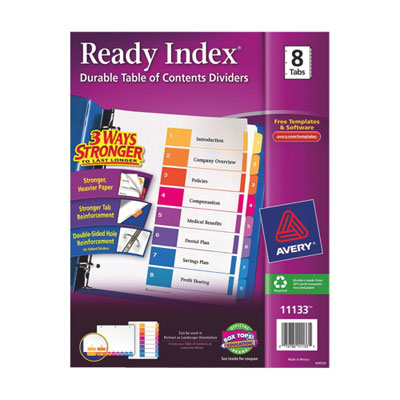
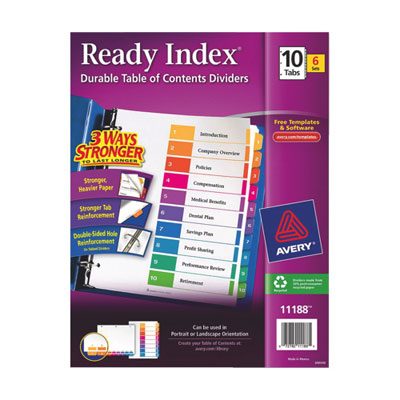
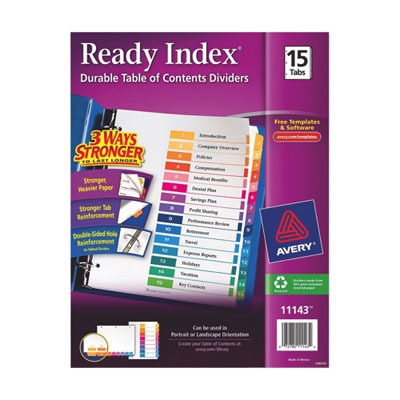
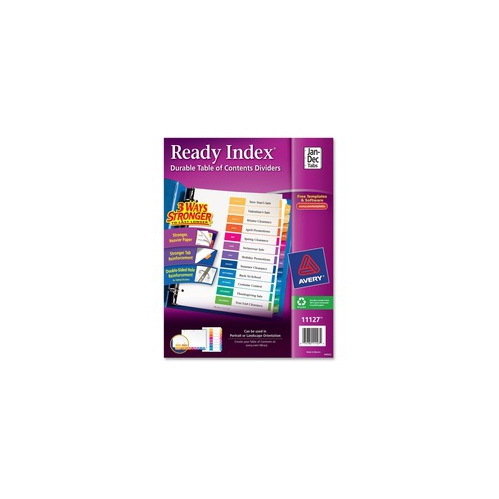
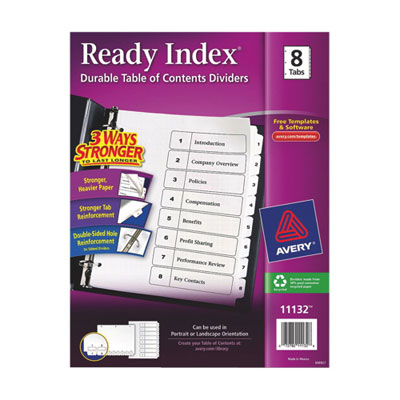
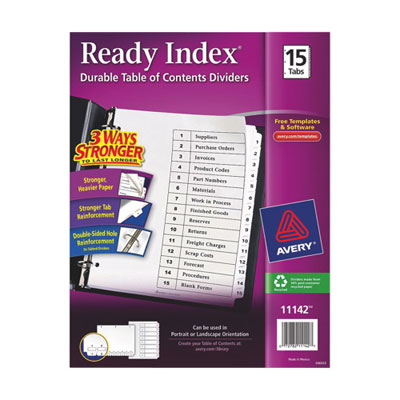
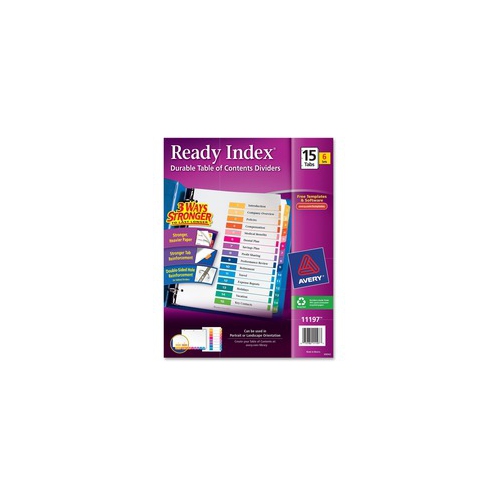
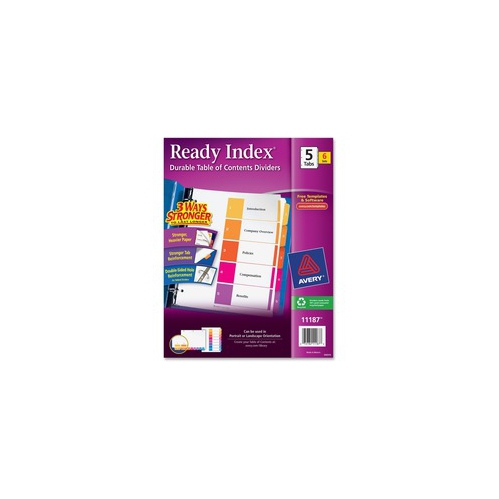
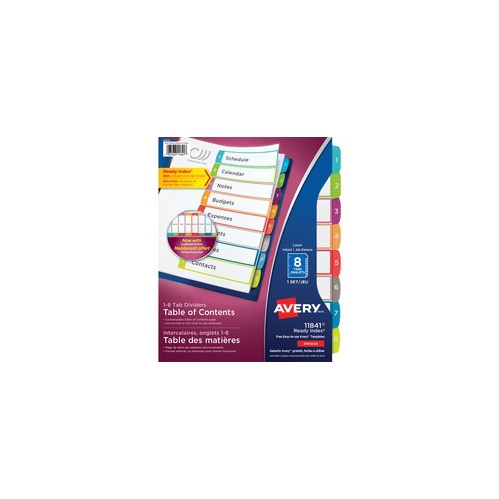
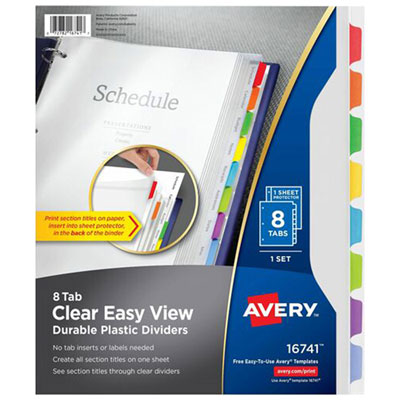
Customizable table of contents dividers organize a binder into labelled sections, with a master index page that shows where each topic begins. Rather than relying on a handwritten title squeezed onto a narrow tab, this format gives section names a dedicated place at the front of the binder. Tabs may use numbers, letters, or colours that correspond to entries on the contents sheet, making it easier to move from an overview to the right group of documents. That arrangement is useful for course notes, workplace procedures, project files, household paperwork, and presentation materials that need a clear, repeatable order. A student might separate lecture notes, readings, assignments, and practice exercises, while a small business owner could keep supplier information, forms, and operating procedures in distinct sections. Sets commonly use layouts such as five, eight, ten, twelve, or fifteen tabs, although the right number depends on how the paperwork is grouped. Fewer sections suit a slim reference binder with broad topics; more sections help when each subject needs its own place. A twelve-section layout can work for a full year of paperwork, but it can also organize twelve unrelated topics without tying the binder to a calendar. The main benefit of customization is that the contents page can reflect the actual material inside rather than forcing it into preprinted categories. Longer descriptions, department names, course codes, and project stages can make a binder easier for someone else to navigate. For shared files, straightforward labels such as “Meeting notes” or “Equipment instructions” are usually more useful than abbreviations that only one person understands. A clear index also gives a finished document a more deliberate appearance: opening the cover reveals an orderly list of topics instead of a stack of pages that needs to be searched one sheet at a time. For a handover package or training binder, that first page helps establish both the scope of the material and the route through it.
Materials and construction influence how well table of contents dividers stand up to everyday handling. Heavyweight paper offers a firm writing surface and a familiar feel alongside printed documents, while plastic divider sheets can be useful where pages are turned frequently or handled by several people. Reinforced binding holes help protect the area that bears against binder rings, and reinforced tabs help resist fraying at the point most often pinched between fingers. These details matter in a binder opened throughout a workday, carried between classrooms, or repeatedly pulled from a shelf. A lighter paper set may be sufficient for an occasional presentation, while a frequently consulted reference file benefits from sturdier edges and secure tab construction. Fit is just as important as material. Letter-size documents typically measure 8.5 by 11 inches, but the divider’s overall width may extend beyond the paper to leave its tabs visible. Matching the stated sheet size, hole pattern, and binder format helps prevent awkward overhang or holes that do not line up with the rings. When documents sit inside sheet protectors, ordinary-width tabs may disappear behind the sleeves; wider dividers designed for that arrangement can keep section markers accessible. Binder capacity also needs to accommodate the documents, divider sheets, and any pockets without packing the rings so tightly that pages snag. Tab spacing deserves attention as well: a large number of narrow tabs creates more sections, but can be harder to distinguish at a glance than a smaller set of broader markers. Colour can make navigation quicker, especially when the same colours are used consistently across the contents page and tabs. Numbers or written labels provide another cue, so the filing system does not depend on colour alone. When comparing these binder accessories with Foldable Dividers, the stated purpose, dimensions, and construction help clarify whether each format suits the task; the word “divider” can refer to more than one type of product.
Customization methods vary, so printer compatibility and the layout of the index sheet are worth checking before preparing a finished binder. Some formats use a printable table of contents page with fixed numbered or coloured tabs, while others allow replaceable tab inserts or handwritten labels. A template matched to the exact divider layout helps position text beside the correct tab references and keeps headings within the intended spaces. Where printable sheets are included, the specified inkjet or laser compatibility matters, as does the printer’s supported paper weight. A trial print on plain paper can reveal alignment problems before the contents sheet is used, and printing at the required scale helps avoid shifted text or cropped headings. Portrait layouts often suit standard reports and study notes, while landscape layouts may be useful for wide charts or presentation documents when the divider format supports that orientation. Readable type, concise section titles, and enough space between entries usually serve a working binder better than dense graphics. A logo or small visual accent can add polish to a presentation, but the index should still be easy to scan when someone needs a particular form during a meeting. Keeping an editable copy of the contents page makes later changes simpler, whether a project gains another stage or a course binder needs revised topic names. Care is generally straightforward: store paper dividers somewhere dry, avoid forcing overfilled binders closed, and turn pages without pulling sharply on the tabs. Plastic surfaces may be suitable for gentle wiping according to their care instructions, while printed paper and exposed labels need protection from moisture and rubbing. Closing the binder rings fully before carrying it helps prevent sheets from catching on gaps and tearing around the holes. For teachers assembling lesson resources, office teams maintaining shared procedures, or households sorting warranties and appliance instructions, a well-fitted divider set provides a practical structure that can be updated as the paperwork changes. The most useful arrangement is one that remains readable, easy to handle, and familiar every time the binder is opened.
Materials and construction influence how well table of contents dividers stand up to everyday handling. Heavyweight paper offers a firm writing surface and a familiar feel alongside printed documents, while plastic divider sheets can be useful where pages are turned frequently or handled by several people. Reinforced binding holes help protect the area that bears against binder rings, and reinforced tabs help resist fraying at the point most often pinched between fingers. These details matter in a binder opened throughout a workday, carried between classrooms, or repeatedly pulled from a shelf. A lighter paper set may be sufficient for an occasional presentation, while a frequently consulted reference file benefits from sturdier edges and secure tab construction. Fit is just as important as material. Letter-size documents typically measure 8.5 by 11 inches, but the divider’s overall width may extend beyond the paper to leave its tabs visible. Matching the stated sheet size, hole pattern, and binder format helps prevent awkward overhang or holes that do not line up with the rings. When documents sit inside sheet protectors, ordinary-width tabs may disappear behind the sleeves; wider dividers designed for that arrangement can keep section markers accessible. Binder capacity also needs to accommodate the documents, divider sheets, and any pockets without packing the rings so tightly that pages snag. Tab spacing deserves attention as well: a large number of narrow tabs creates more sections, but can be harder to distinguish at a glance than a smaller set of broader markers. Colour can make navigation quicker, especially when the same colours are used consistently across the contents page and tabs. Numbers or written labels provide another cue, so the filing system does not depend on colour alone. When comparing these binder accessories with Foldable Dividers, the stated purpose, dimensions, and construction help clarify whether each format suits the task; the word “divider” can refer to more than one type of product.
Customization methods vary, so printer compatibility and the layout of the index sheet are worth checking before preparing a finished binder. Some formats use a printable table of contents page with fixed numbered or coloured tabs, while others allow replaceable tab inserts or handwritten labels. A template matched to the exact divider layout helps position text beside the correct tab references and keeps headings within the intended spaces. Where printable sheets are included, the specified inkjet or laser compatibility matters, as does the printer’s supported paper weight. A trial print on plain paper can reveal alignment problems before the contents sheet is used, and printing at the required scale helps avoid shifted text or cropped headings. Portrait layouts often suit standard reports and study notes, while landscape layouts may be useful for wide charts or presentation documents when the divider format supports that orientation. Readable type, concise section titles, and enough space between entries usually serve a working binder better than dense graphics. A logo or small visual accent can add polish to a presentation, but the index should still be easy to scan when someone needs a particular form during a meeting. Keeping an editable copy of the contents page makes later changes simpler, whether a project gains another stage or a course binder needs revised topic names. Care is generally straightforward: store paper dividers somewhere dry, avoid forcing overfilled binders closed, and turn pages without pulling sharply on the tabs. Plastic surfaces may be suitable for gentle wiping according to their care instructions, while printed paper and exposed labels need protection from moisture and rubbing. Closing the binder rings fully before carrying it helps prevent sheets from catching on gaps and tearing around the holes. For teachers assembling lesson resources, office teams maintaining shared procedures, or households sorting warranties and appliance instructions, a well-fitted divider set provides a practical structure that can be updated as the paperwork changes. The most useful arrangement is one that remains readable, easy to handle, and familiar every time the binder is opened.
Top selling and popular products
-
 Your price for this item is $4.99
 -
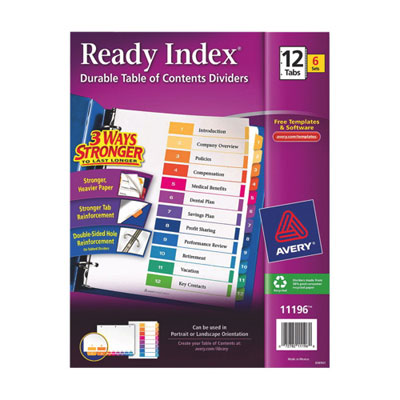 Your price for this item is $29.99
 -
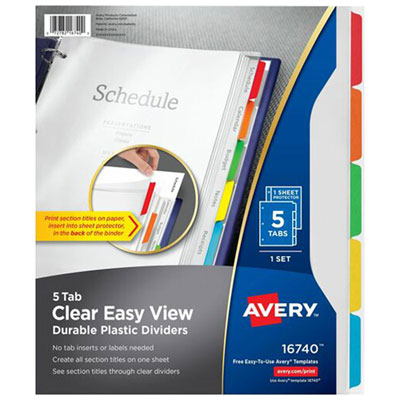 Your price for this item is $4.99
 -
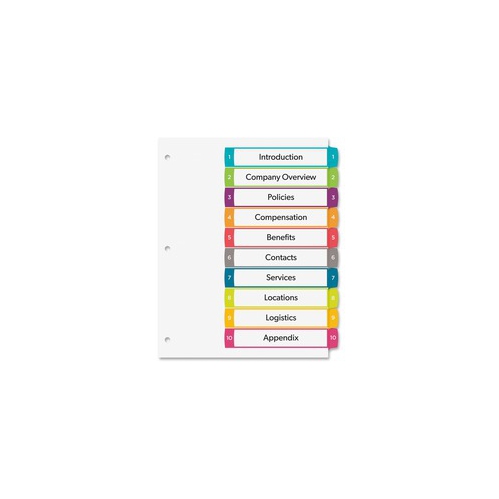 Your price for this item is $4.99
 -
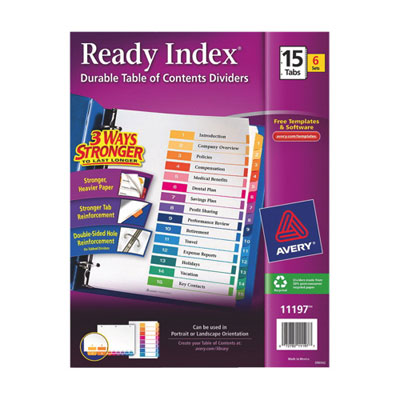 Your price for this item is $36.99
 -
 Your price for this item is $33.99
 -
 Your price for this item is $12.99
 -
 Your price for this item is $3.99
Discover more categories related to Customizable Table of Contents Dividers
Top Collections:
Pokemon Centers, Best Cameras for Sports Photography, Kindle Devices, Samsung Galaxy Phones, Canon G7X Cameras, Pokémon 30th Celebration Cards, Refurbished Apple Laptops, iPhone 15 Apple, Laptops for Students, Budget Smartphones
Some products may be subject to Environmental Handling Fees
(EHF) depending on your province.
Learn more about EHFs.