Document Storage for Accountants
Document Storage for Accountants is essential for maintaining organized and efficient workflows in any accounting office. With the right storage solutions, accountants can easily manage client files, tax documents, and financial records while maximizing space and accessibility. Explore a range of options designed to help streamline document management, support compliance needs, and keep important information secure and within reach. Find the ideal storage solutions to keep your accounting practice running smoothly.
Sort
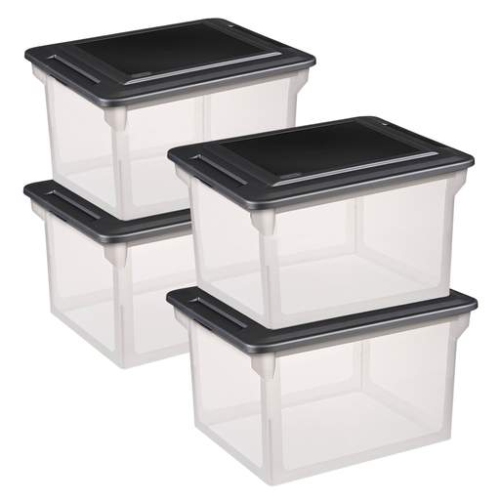
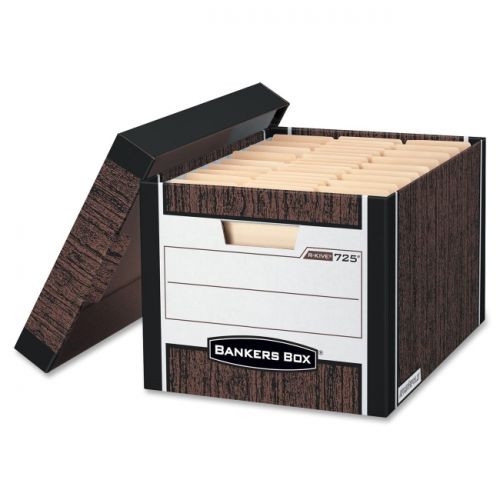
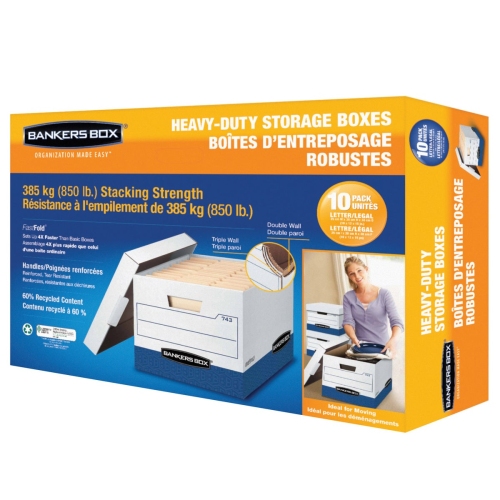
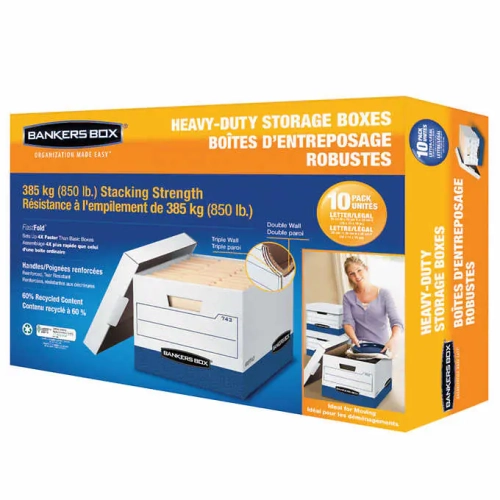
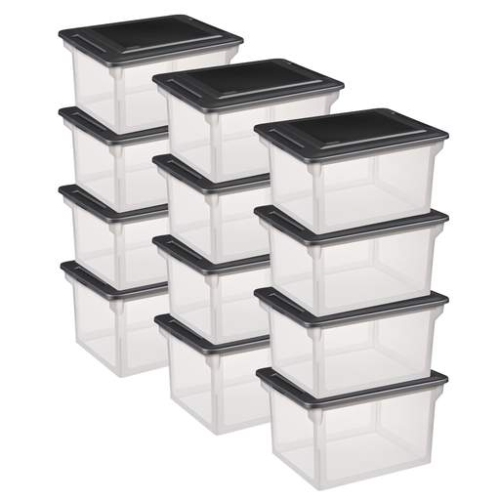
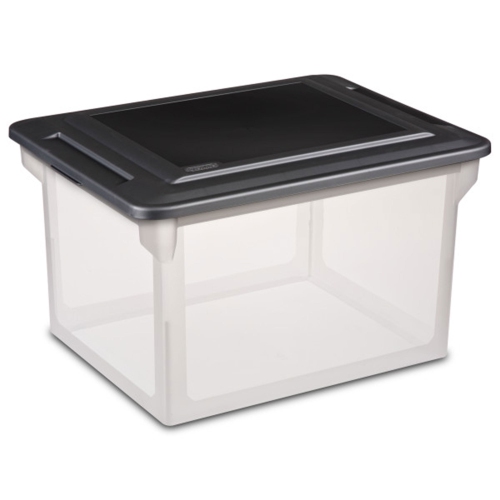
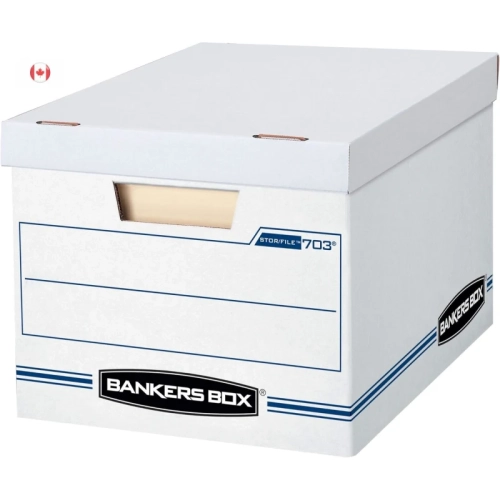
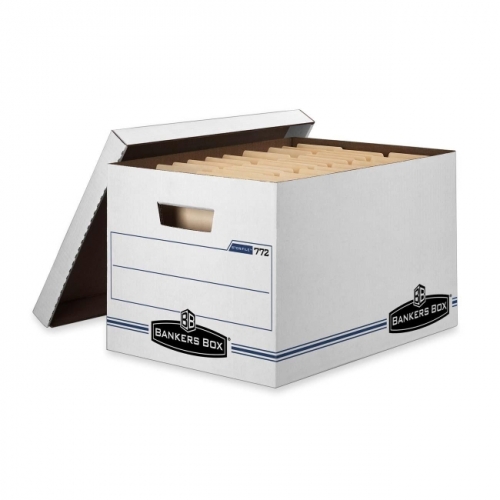
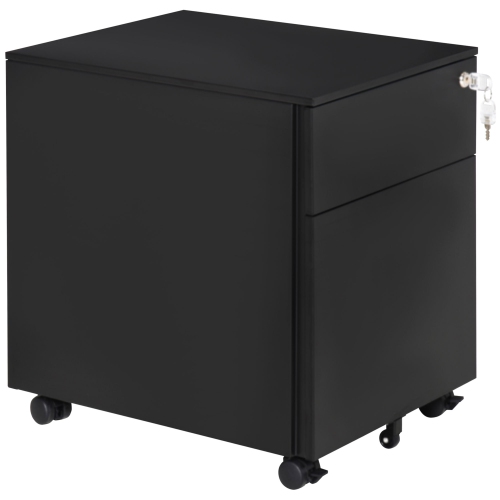
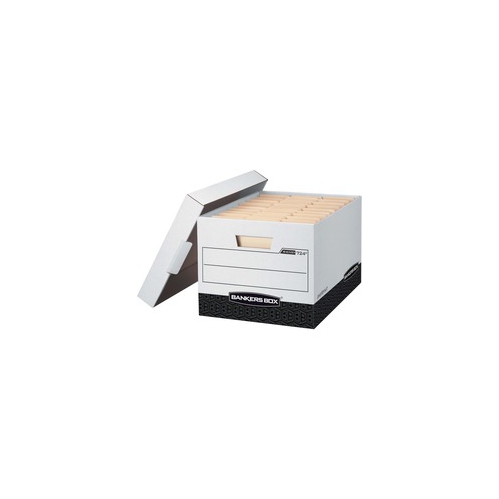

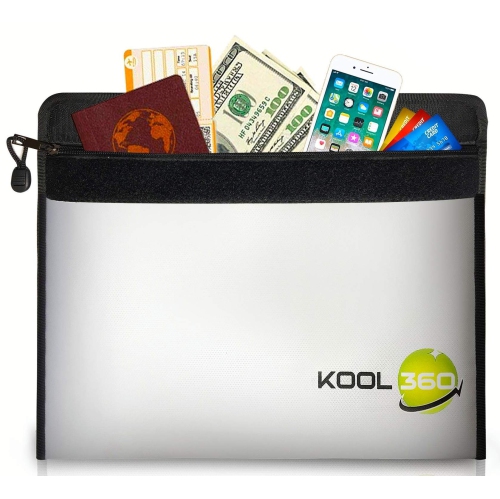
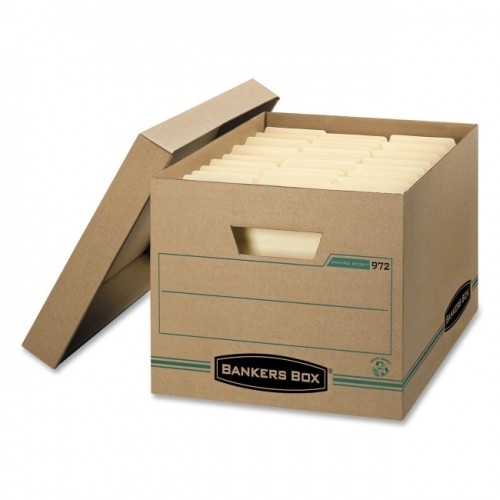
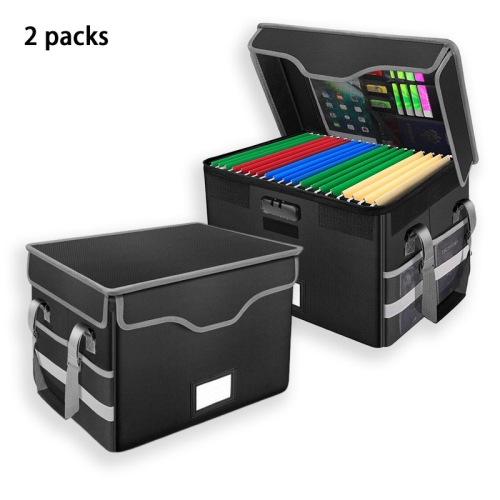

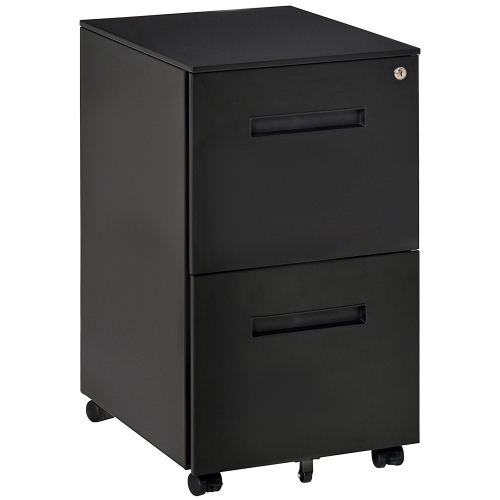
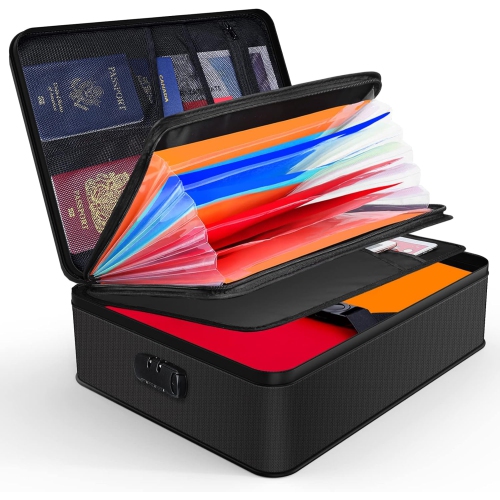

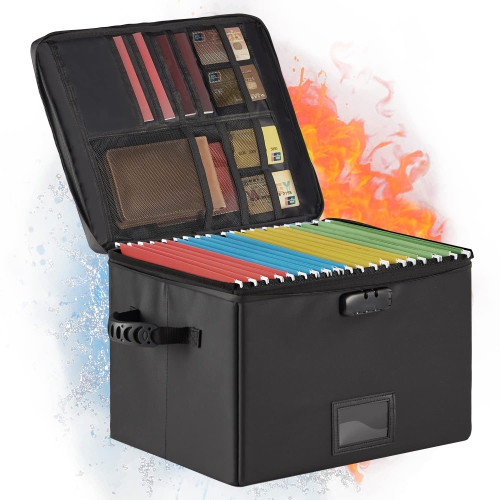
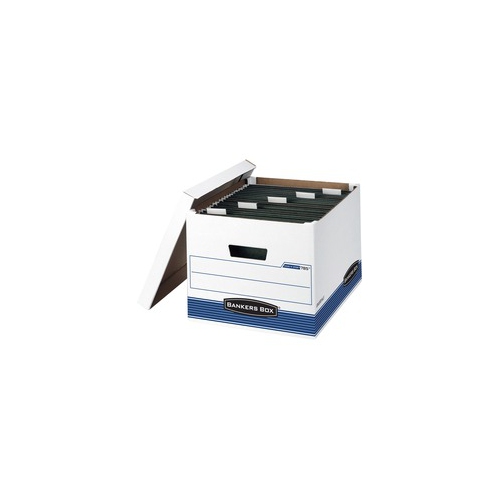
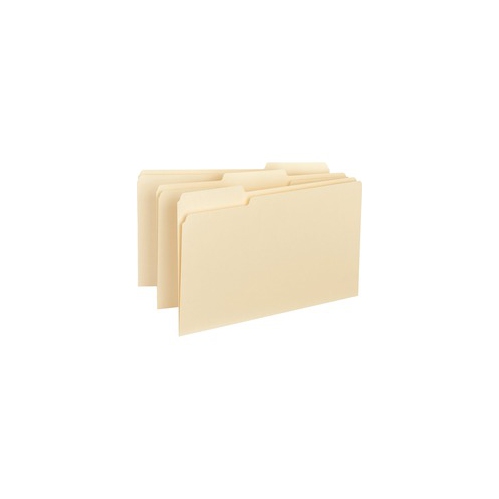
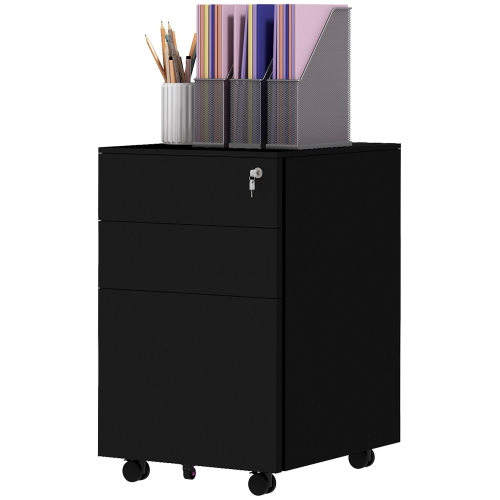
Client files in order from cabinets to digital archives
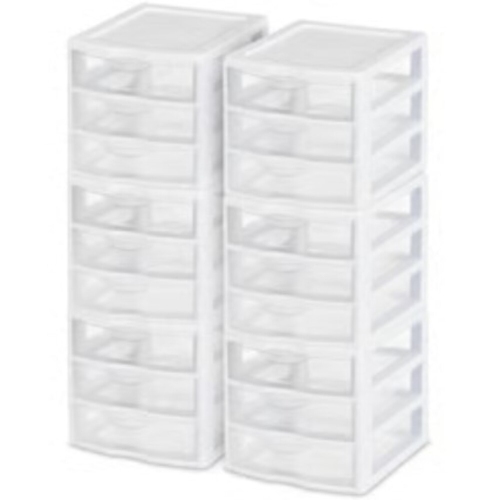
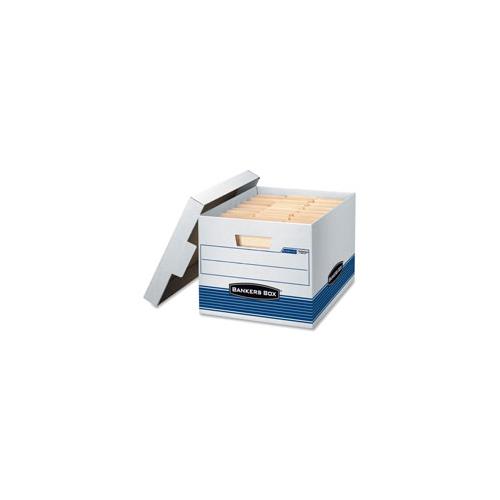
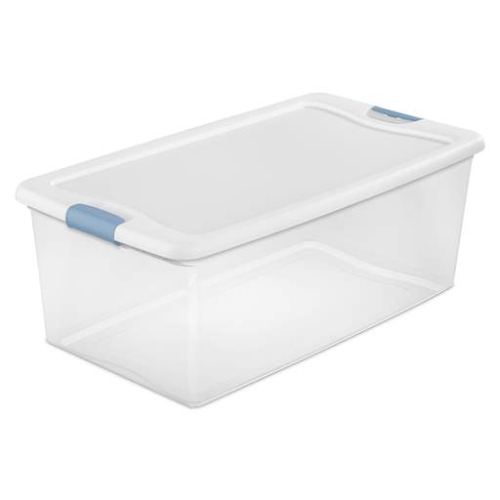
Document storage for accountants supports the everyday work of keeping client information organized, accessible and protected from unnecessary exposure. Tax slips, receipts, payroll summaries, signed authorizations and supporting schedules often arrive in different formats, yet each needs a clear place within a client file. Physical storage remains useful for original documents, working papers and records that need to move between a client meeting and a secure office. File folders, divided document cases, storage boxes and locking cabinets serve different parts of that process. A bookkeeper managing a small group of clients may need compact compartments that keep receipts separate from completed statements, while a multi-person accounting practice may need consistently labelled drawers and a designated area for files awaiting review. Letter-size storage suits much routine paperwork, but legal-size documents, oversized envelopes and bound reports need sufficient internal space to sit flat without bent corners. Exterior measurements matter too: a cabinet needs room for its drawers to open, and a portable case should fit its intended shelf or carrying bag without being squeezed. Capacity is most useful when measured against a realistic working file rather than a tightly packed stack of loose sheets. Dividers, tabs and hanging-file rails take up room, and overfilled compartments make documents harder to retrieve without tearing an edge or misfiling a page. Steel cabinets can suit frequent office use, while polypropylene boxes offer a lightweight option with wipe-clean surfaces. Cardboard archive boxes can help group closed files, although they need dry shelving and careful handling. Smooth edges, sturdy handles and drawers that move cleanly become especially important when files are accessed repeatedly. A consistent naming system on folders and boxes also makes handovers easier: client reference, reporting period and document type usually provide more useful context than a vague label such as “miscellaneous.”
Portable document storage is particularly relevant to accountants who visit clients, work across offices or carry paperwork between a home workspace and a business location. A structured case helps keep a signed agreement from folding beneath a stack of receipts, while separate pockets can distinguish documents received from those ready to return. Closure design deserves attention because a zipper, flap or latch affects how easily papers can slip out during transport. Reinforced seams and securely attached handles matter when a case holds several full folders rather than a few sheets. Fabric construction may be comfortable to carry, while a rigid shell can provide more support against compression; neither description alone establishes protection against fire or water. Claims about those hazards need to be read closely. Fire resistance applies only to the conditions and duration covered by a stated test or rating, and water resistance does not necessarily mean a container can withstand submersion. A storage bag should not be treated as a substitute for a rated safe simply because its outer material is described as protective. Likewise, a combination lock or small keyed latch can discourage casual access without providing the same resistance as a more substantial security container. For sensitive client records, controlled access to the room or cabinet remains important even when individual files are enclosed. Care also affects longevity: surfaces should be cleaned according to the material’s instructions, closures kept free of debris, and documents allowed to dry fully before being enclosed. Storing boxes off the floor can reduce exposure to minor leaks, while avoiding direct sunlight helps protect labels and paper from fading. Within a broader Document Storage setup, portable cases work best as a controlled way to move active files, with a defined destination for returning them rather than becoming a permanent overflow drawer.
Digital document storage adds another layer for accounting practices that scan paperwork, exchange files remotely or need several authorized people to work from the same records. External drives and network storage can hold digital archives, but the hardware alone does not establish a secure accounting workflow. Encryption, individual user accounts, access permissions and a separate backup all serve different purposes. Encryption helps protect stored data, permissions limit who can open or change files, and backups provide a recovery path if the working copy is deleted, damaged or affected by malicious software. A drive kept beside the computer it backs up may share the same risks from theft or a local incident, so backup location matters as much as capacity. For network-connected storage or a cloud service, multi-factor authentication adds protection beyond a password, while audit logs can help identify who accessed, changed or shared a document. Version history is useful when a revised worksheet accidentally replaces the copy used for an earlier review. Where an accounting practice uses a client portal, secure uploads, controlled sharing and link-expiry settings can reduce reliance on ordinary email attachments. Compatibility with existing tax, bookkeeping and document-scanning software also affects how much manual filing is required; a connection should support the actual workflow rather than merely allow files to be downloaded. If a cloud provider supplies a SOC 2 report, its scope and reporting period deserve attention rather than treating the designation as a guarantee of legal compliance. Data location, retention controls and the ability to export records are also relevant when assessing a service alongside local storage. Across paper and digital systems, matching folder structures make a practical difference: an accountant searching for a client’s signed authorization should encounter the same client reference and reporting period in both places. Retention periods vary with record type and applicable obligations, so a storage system needs to support the practice’s retention policy without keeping every working copy indefinitely. Clear labels, restricted access and a documented process for secure disposal help keep an expanding archive manageable while preserving the records needed for ongoing client work.
Top selling and popular products
-
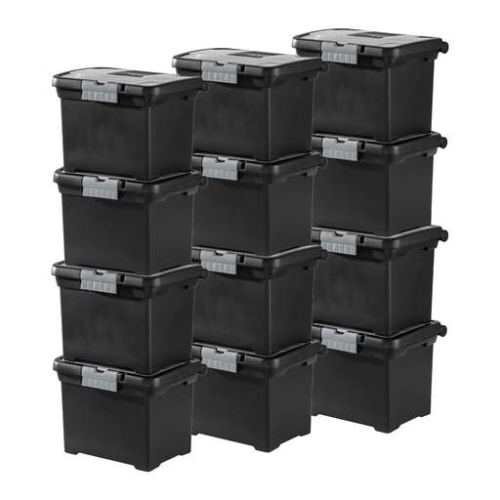 Your price for this item is $419.99
-
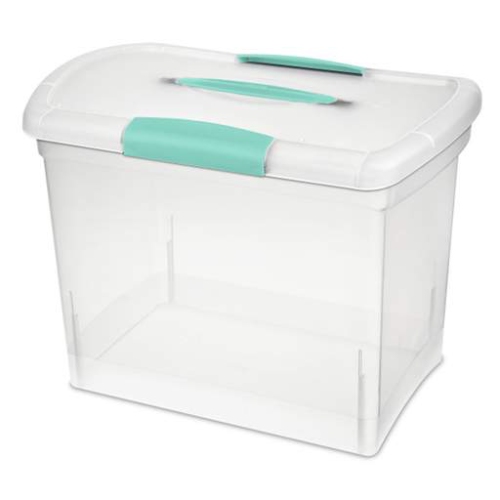 Your price for this item is $463.99
-
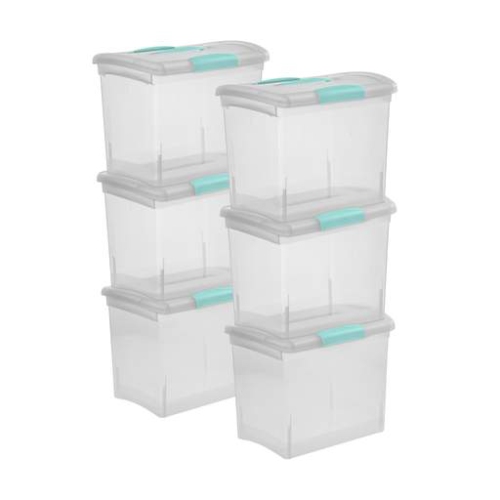 Your price for this item is $159.99
-
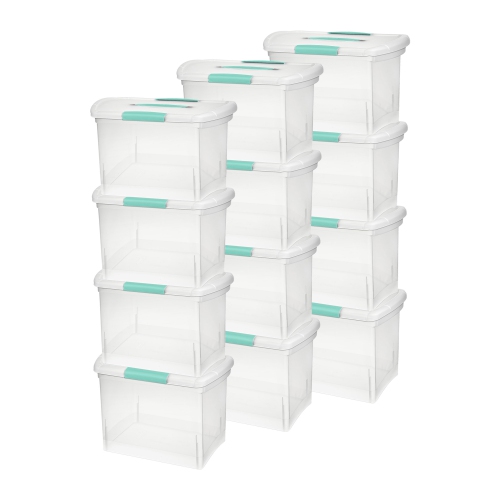 Your price for this item is $251.99
-
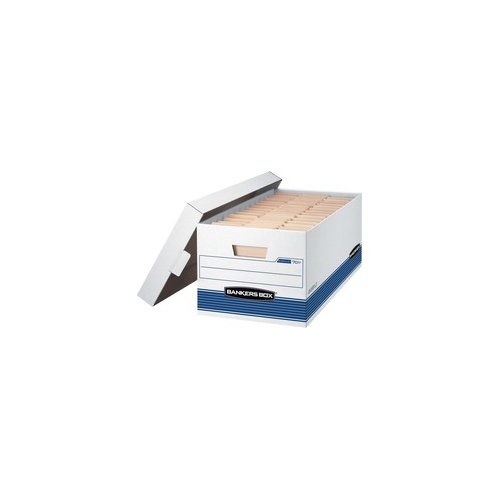 Your price for this item is $12.99
-
 Your price for this item is $114.99
-
 Your price for this item is $10.99
-
 Your price for this item is $1616.99
Discover more categories related to Document Storage for Accountants
Top Collections:
Best Black Friday Deals This Year, Best Black Friday Deals On Electronics, Kindle Devices, Best Black Friday Deals On Apple Products, Best Budget Office Chairs, Best Cameras for Sports Photography, Dyson Airwrap, Canon G7X Cameras, Best Laptops for Writers, Samsung Galaxy Phones
Some products may be subject to Environmental Handling Fees
(EHF) depending on your province.
Learn more about EHFs.