HP 410A
Discover a range of options with the HP 410A, designed to meet your printing needs at home or in the office. Whether you’re looking for reliable performance or consistent results, the HP 410A offers solutions that help keep your workflow running smoothly. Explore choices that fit seamlessly with your setup and make everyday tasks more efficient. Find the HP 410A that matches your requirements and enjoy a dependable addition to your workspace.
Sort



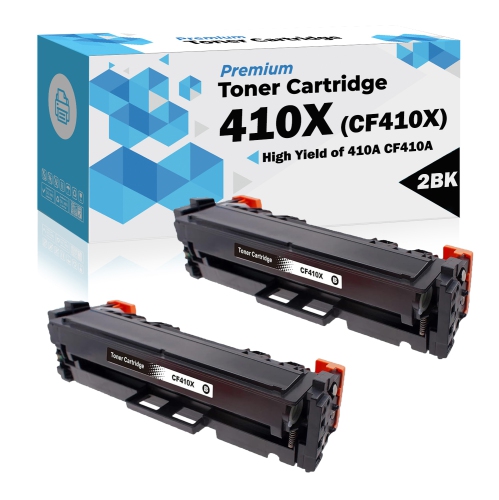
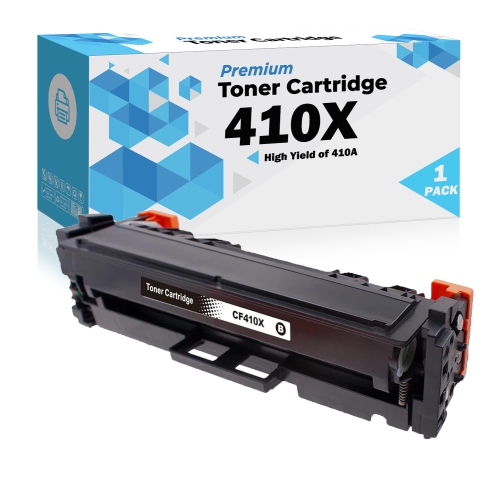
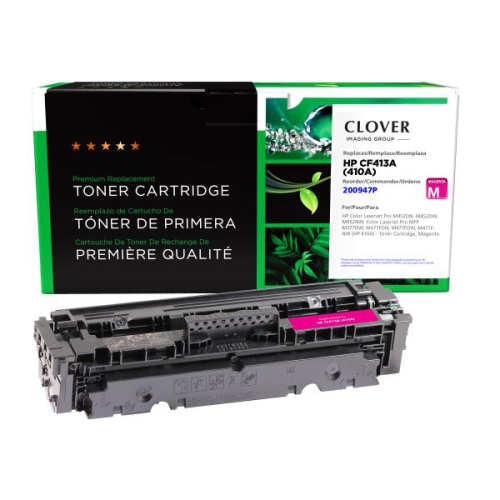

How standard-yield toner supports everyday office printing
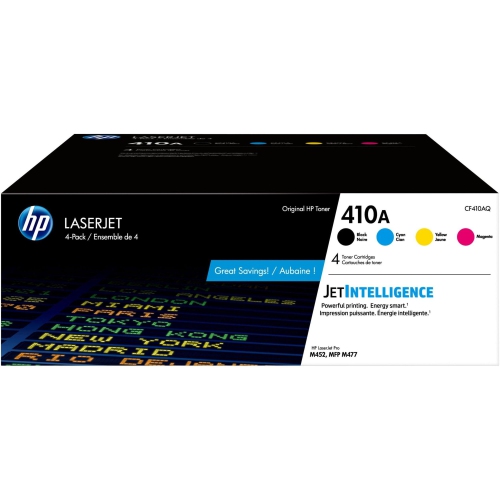
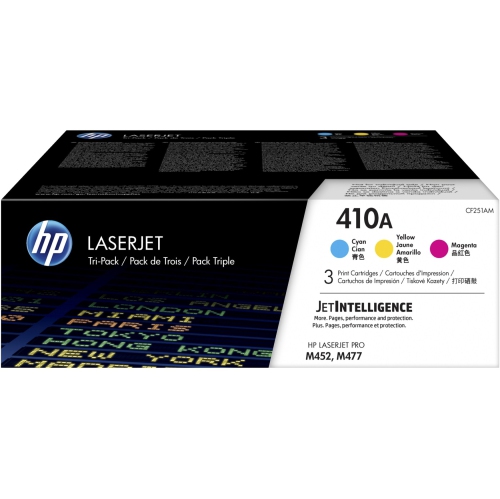
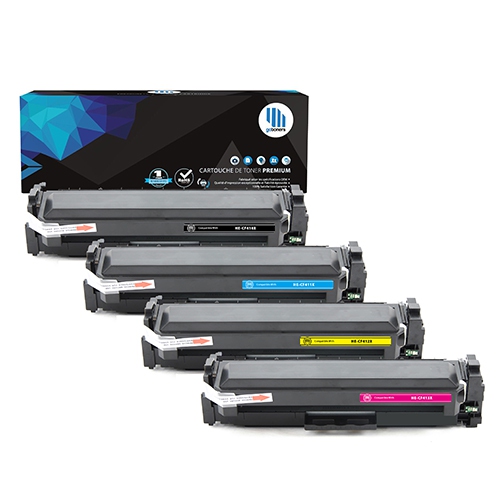
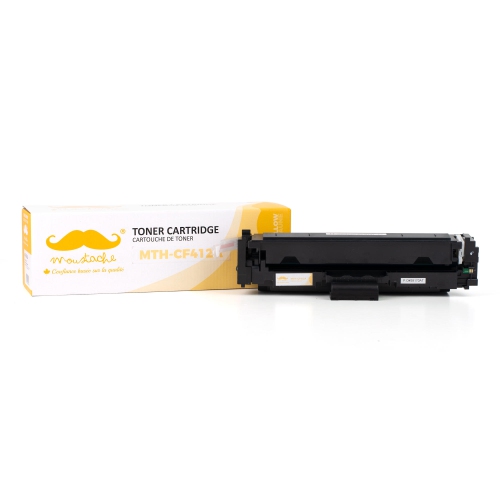
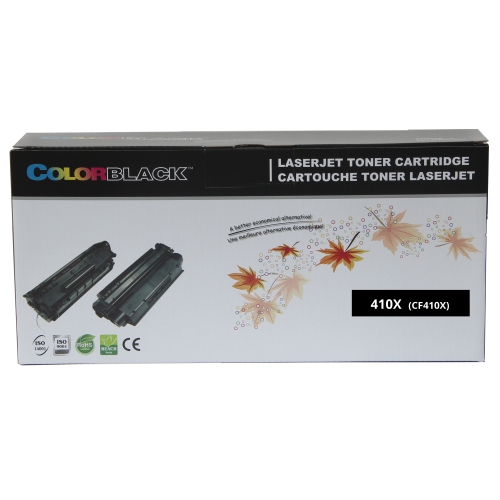
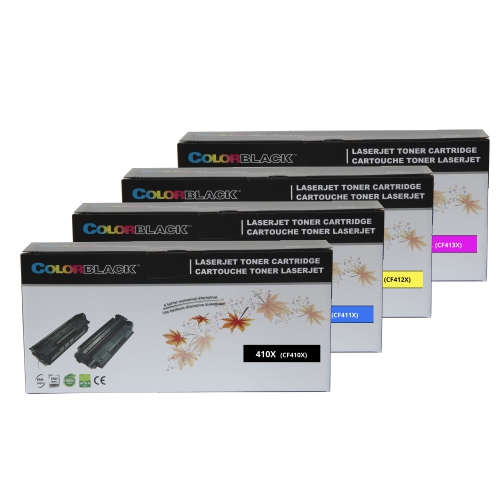
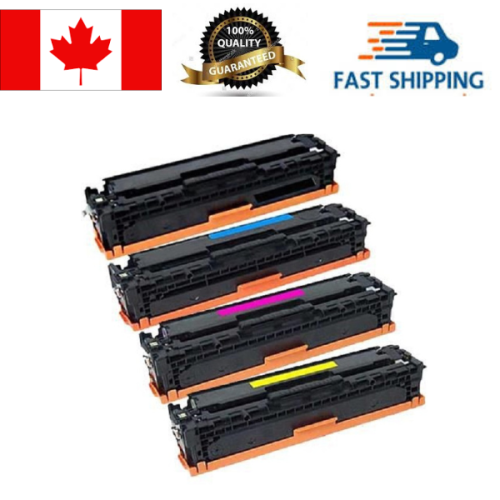
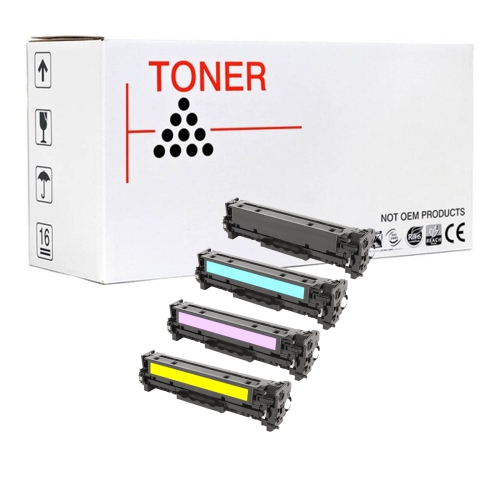
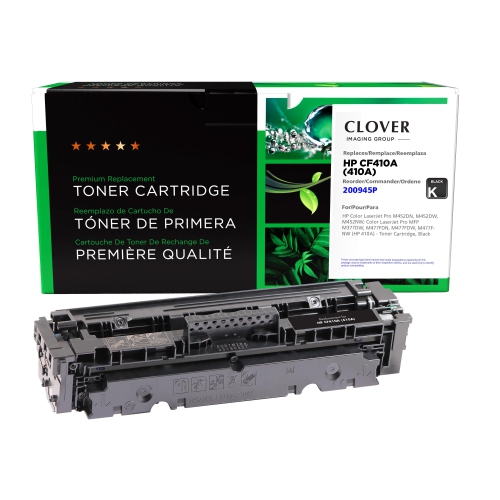
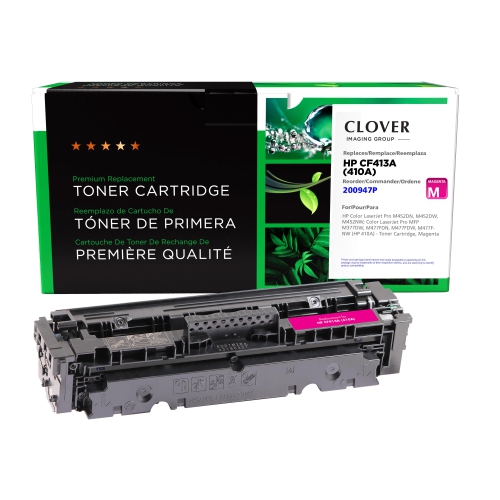
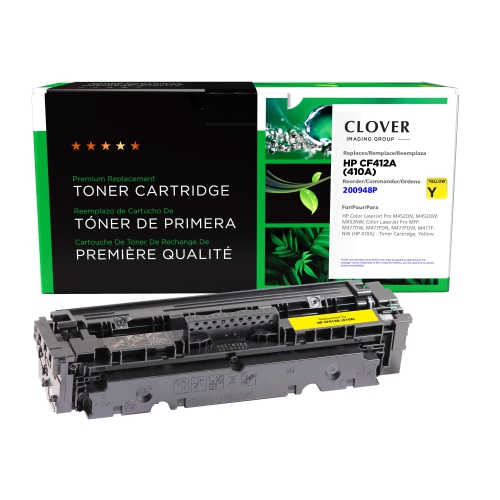
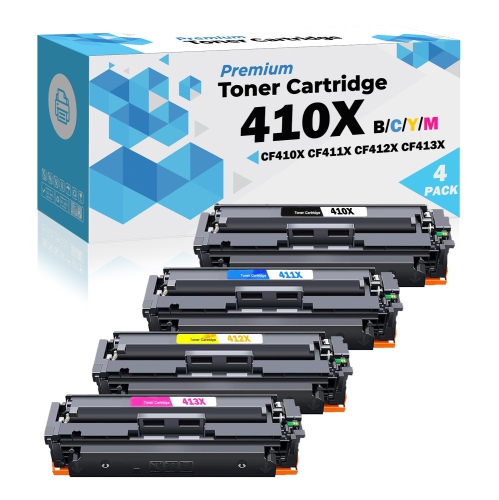
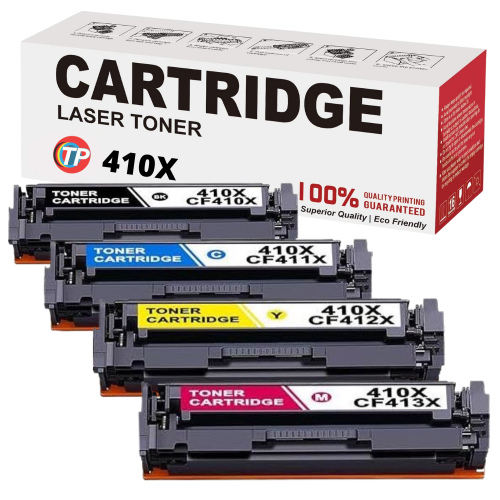
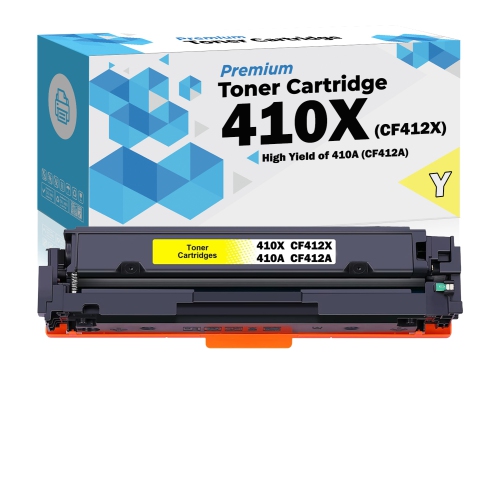
Standard-yield laser toner cartridges support the everyday printing that keeps a home office, shared workspace, or small business running: clear invoices, readable reports, neatly labelled charts, and colour handouts that are easy to follow. Unlike liquid ink, toner is a fine powder that a laser printer transfers to paper and bonds to the surface using heat and pressure. The resulting output is well suited to documents with crisp lettering, fine lines, and a mixture of text and graphics. Colour laser printing generally uses four separate cartridges: black, cyan, magenta, and yellow. Black handles much of the text on ordinary office pages, while the three colour channels work together to produce the shades used in photographs, illustrations, logos, and presentation materials. Separate cartridges allow an individual colour to be replaced when needed, rather than replacing every colour at once, although replacement procedures depend on the printer. For someone printing client proposals, classroom worksheets, or meeting agendas, this format supports a practical balance between routine monochrome pages and occasional colour work. Standard-yield cartridges are generally intended for moderate printing volumes, though the number of pages they produce depends on the cartridge and the documents being printed. A page filled with coloured blocks and large images uses toner differently from a short letter with a small logo. Published page yields are based on standardized testing, so they are useful reference points rather than promises about every print job. Print settings, page coverage, and the balance of black and colour content all affect actual results. The distinction matters in a workspace where a week of simple correspondence might be followed by a lengthy batch of illustrated training materials. Toner selection is therefore closely connected to the work a printer performs, not just how often its paper tray needs refilling. The right supplies help maintain legible text and consistent colour across those varied tasks.
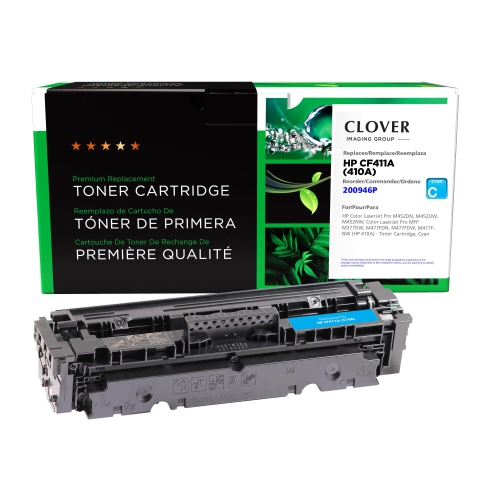
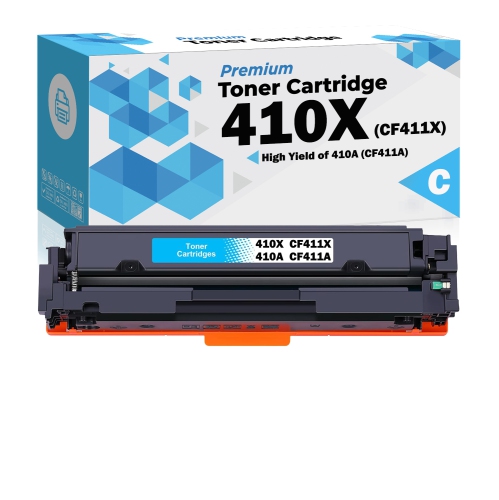
Compatibility is the most important consideration when choosing replacement laser toner. A cartridge must match the printer’s supported supply family, physical cartridge position, and applicable identification requirements; a similar-looking casing or a closely related model name does not establish a fit. The complete printer model shown on its label or settings screen is a more reliable reference than the name of the wider printer series. Product descriptions and manufacturer compatibility information can then establish whether a cartridge is intended for that exact machine. This is especially useful in offices with several printers, where cartridges may look alike but are not interchangeable. Black, cyan, magenta, and yellow each have a designated role, and matching the colour designation is as important as matching the printer. For the cyan component of a compatible four-colour system, HP CF411A provides a related reference when checking the required cartridge. Cyan contributes to blues, greens, and many blended shades, so its condition can affect far more than the blue portions of a document. A depleted or incorrectly matched colour cartridge may leave charts, photographs, or branded materials looking noticeably different from the intended output. Cartridge construction also matters: the housing, seals, toner formulation, and any integrated imaging components need to function together within the printer’s design. Original-manufacturer, compatible, and remanufactured cartridges describe different supply types, not a universal level of fit or performance. Remanufactured cartridges use previously used housings that have been processed for reuse, while compatible cartridges are made by another manufacturer for stated printer models. Details about supported machines, installation, warranty coverage, and performance testing help distinguish those options. Standard-yield and high-yield designations describe output capacity within a supply range, but a higher capacity should never be assumed to fit without confirmation. For a shared printer that handles both internal paperwork and client-facing documents, accurate compatibility information provides a firmer basis for selection than appearance or a broad claim about suitability for laser printers.
Day-to-day print quality depends on the relationship between toner, paper, settings, and printer condition. Plain laser-compatible office paper is a practical match for correspondence and reference documents, while heavier laser-rated sheets can give proposals, certificates, and presentation covers a more substantial feel when the printer supports them. Paper intended only for inkjet printing may have a coating that is unsuitable for a laser printer’s fusing process, so media compatibility deserves the same attention as cartridge fit. The paper type selected in the print settings should match the sheets in the tray, particularly for labels, envelopes, or thicker paper. Toner cartridges are precision supplies rather than items that benefit from frequent handling. Keeping an unused cartridge sealed in its protective packaging, away from moisture and direct sunlight, helps protect it until installation. During replacement, the designated handle offers a secure grip, and exposed imaging surfaces or electrical contacts should be left untouched. Any protective seals or transport pieces need to be removed as directed for that cartridge, without forcing a component into place. A properly fitted cartridge should sit securely in its assigned position with the printer covers closing normally. If output develops streaks, faded areas, or unexpected colour shifts, the cause may involve the toner supply, paper, calibration, or another printer component; replacing a cartridge is not a universal fix for every print defect. Built-in supply information and maintenance functions can help identify what needs attention. For a household managing school forms and personal paperwork, the priority may be clean text after periods of light use. For an administrator preparing meeting packs or a business producing customer documents, repeatable results across a longer run may matter more. In either setting, suitable toner supports documents that are easy to read, handle, file, and share. Careful matching and straightforward handling help make replacement supplies a dependable part of the printing routine.
Compatibility is the most important consideration when choosing replacement laser toner. A cartridge must match the printer’s supported supply family, physical cartridge position, and applicable identification requirements; a similar-looking casing or a closely related model name does not establish a fit. The complete printer model shown on its label or settings screen is a more reliable reference than the name of the wider printer series. Product descriptions and manufacturer compatibility information can then establish whether a cartridge is intended for that exact machine. This is especially useful in offices with several printers, where cartridges may look alike but are not interchangeable. Black, cyan, magenta, and yellow each have a designated role, and matching the colour designation is as important as matching the printer. For the cyan component of a compatible four-colour system, HP CF411A provides a related reference when checking the required cartridge. Cyan contributes to blues, greens, and many blended shades, so its condition can affect far more than the blue portions of a document. A depleted or incorrectly matched colour cartridge may leave charts, photographs, or branded materials looking noticeably different from the intended output. Cartridge construction also matters: the housing, seals, toner formulation, and any integrated imaging components need to function together within the printer’s design. Original-manufacturer, compatible, and remanufactured cartridges describe different supply types, not a universal level of fit or performance. Remanufactured cartridges use previously used housings that have been processed for reuse, while compatible cartridges are made by another manufacturer for stated printer models. Details about supported machines, installation, warranty coverage, and performance testing help distinguish those options. Standard-yield and high-yield designations describe output capacity within a supply range, but a higher capacity should never be assumed to fit without confirmation. For a shared printer that handles both internal paperwork and client-facing documents, accurate compatibility information provides a firmer basis for selection than appearance or a broad claim about suitability for laser printers.
Day-to-day print quality depends on the relationship between toner, paper, settings, and printer condition. Plain laser-compatible office paper is a practical match for correspondence and reference documents, while heavier laser-rated sheets can give proposals, certificates, and presentation covers a more substantial feel when the printer supports them. Paper intended only for inkjet printing may have a coating that is unsuitable for a laser printer’s fusing process, so media compatibility deserves the same attention as cartridge fit. The paper type selected in the print settings should match the sheets in the tray, particularly for labels, envelopes, or thicker paper. Toner cartridges are precision supplies rather than items that benefit from frequent handling. Keeping an unused cartridge sealed in its protective packaging, away from moisture and direct sunlight, helps protect it until installation. During replacement, the designated handle offers a secure grip, and exposed imaging surfaces or electrical contacts should be left untouched. Any protective seals or transport pieces need to be removed as directed for that cartridge, without forcing a component into place. A properly fitted cartridge should sit securely in its assigned position with the printer covers closing normally. If output develops streaks, faded areas, or unexpected colour shifts, the cause may involve the toner supply, paper, calibration, or another printer component; replacing a cartridge is not a universal fix for every print defect. Built-in supply information and maintenance functions can help identify what needs attention. For a household managing school forms and personal paperwork, the priority may be clean text after periods of light use. For an administrator preparing meeting packs or a business producing customer documents, repeatable results across a longer run may matter more. In either setting, suitable toner supports documents that are easy to read, handle, file, and share. Careful matching and straightforward handling help make replacement supplies a dependable part of the printing routine.
Top selling and popular products
-
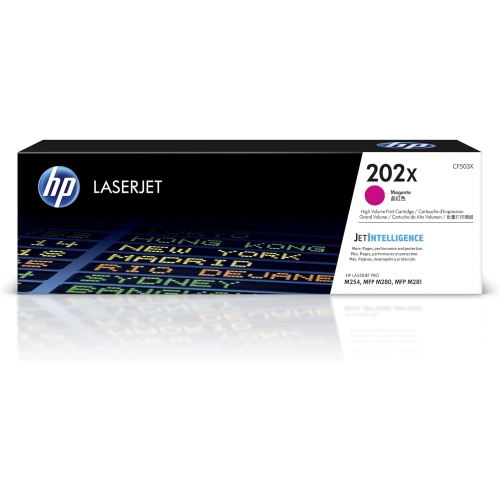 Your price for this item is $184.99
 -
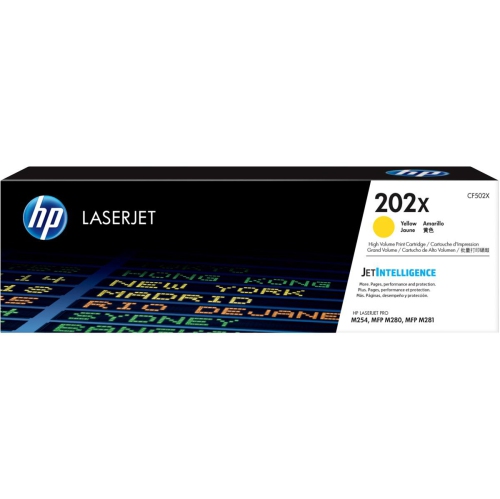 Your price for this item is $184.99
 -
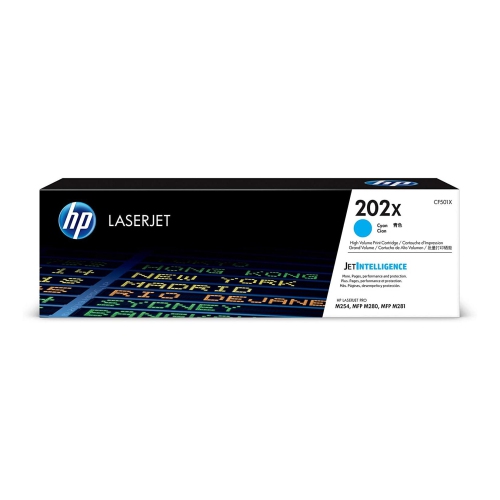 Your price for this item is $184.99
 -
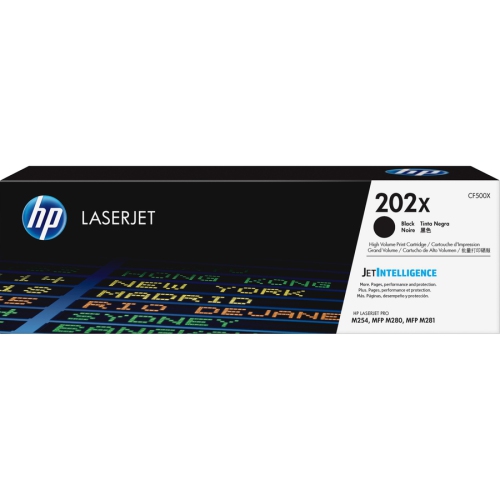 Your price for this item is $176.99
 -
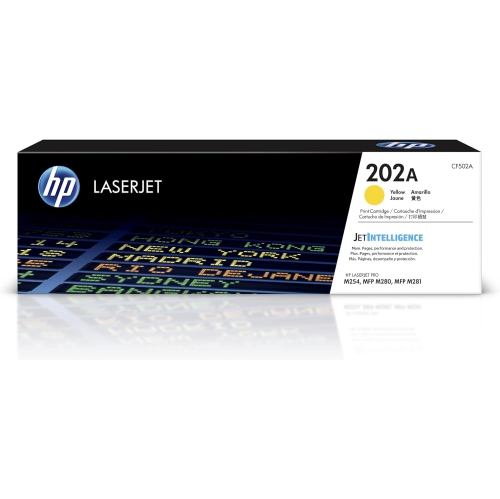 Your price for this item is $139.99
 -
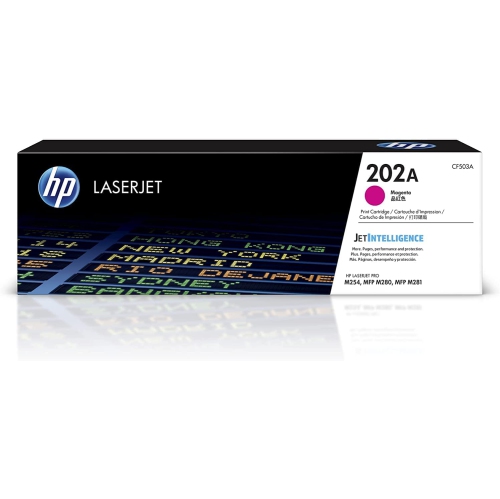 Your price for this item is $139.99
 -
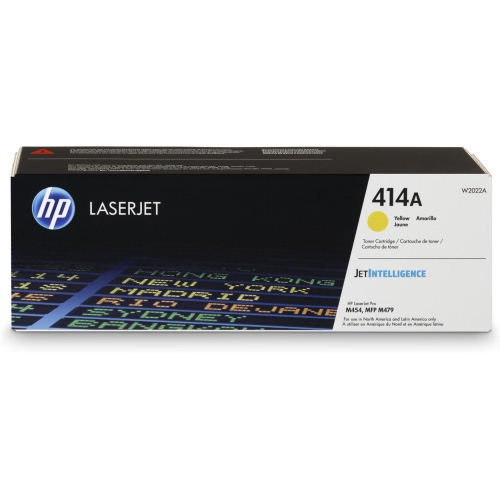 Your price for this item is $230.82
 -
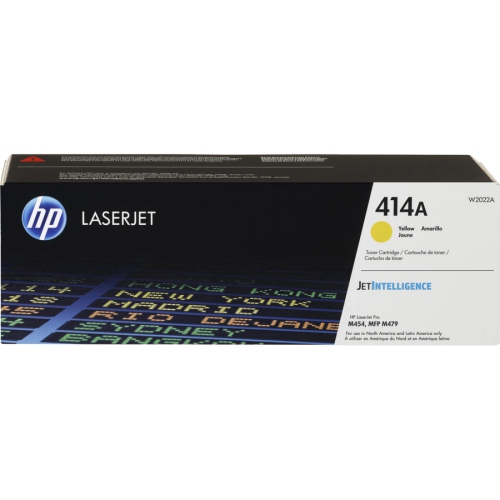 Your price for this item is $197.99
Discover more categories related to HP 410A
Top Collections:
Pokemon Centers, Kindle Devices, Best Budget Office Chairs, Apple iPhones 16, Canon G7X Cameras, iPhone 15 Apple, Alarm Clock, Refurbished Apple Laptops, Flip Phones, Best Laptops for Writers
Some products may be subject to Environmental Handling Fees
(EHF) depending on your province.
Learn more about EHFs.