HP 414A
Discover the HP 414A collection, designed to meet your printing needs with quality and reliability. Whether for home or office use, these options help deliver consistent results and dependable performance. Explore a range of HP 414A products to find the right fit for your printer and keep your projects running smoothly. Shop now to enjoy seamless printing every time.
Sort
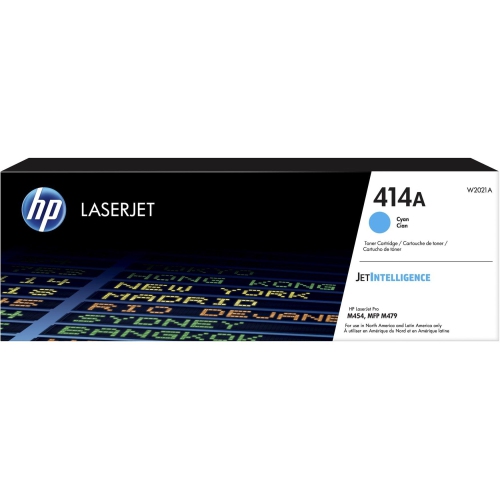

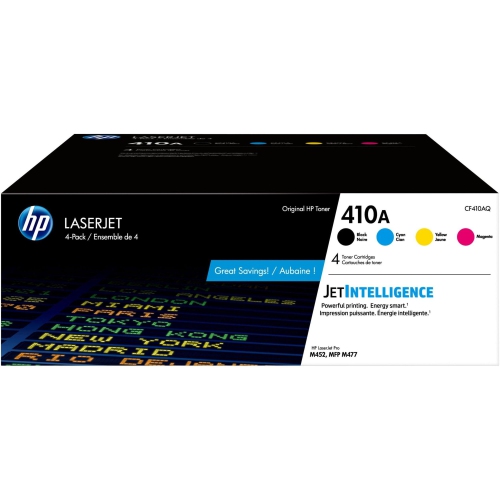
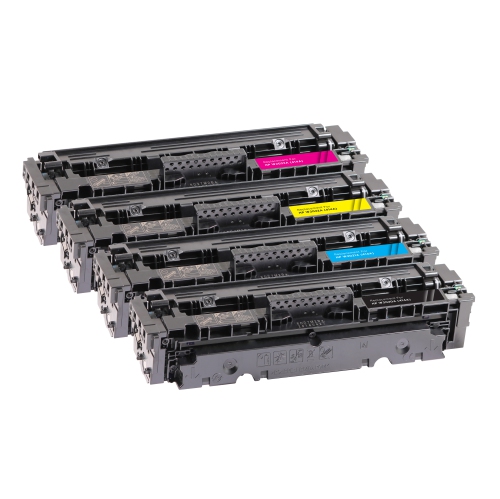
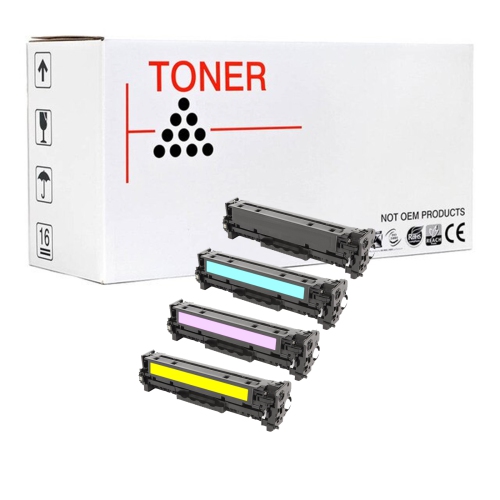
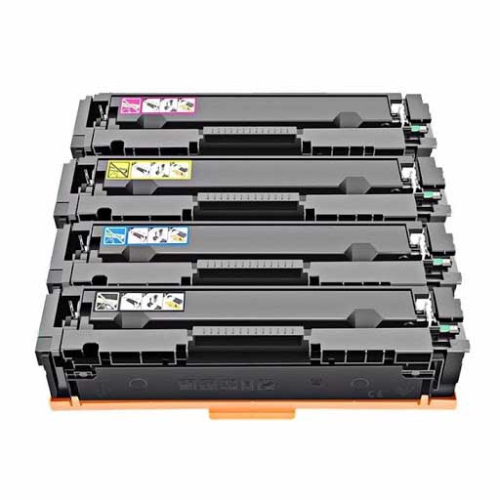
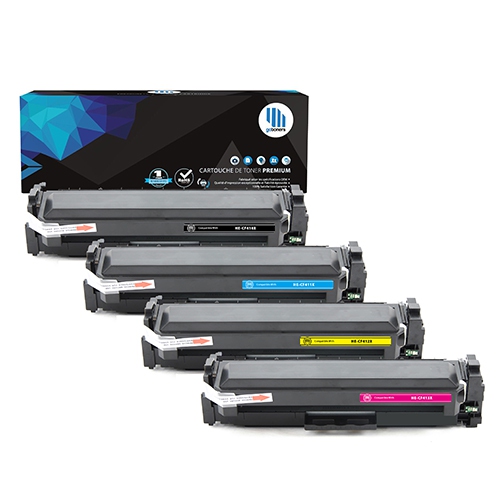
![GOTONERS [With Chip] Generic Packaged 4Pk HP 414A W2020A W2021A W2022A W2023A Combo Compatible High Yield Laser Toner Cartridge for HP Laserjet Pro](https://multimedia.bbycastatic.ca/multimedia/products/500x500/181/18158/18158487.jpeg)
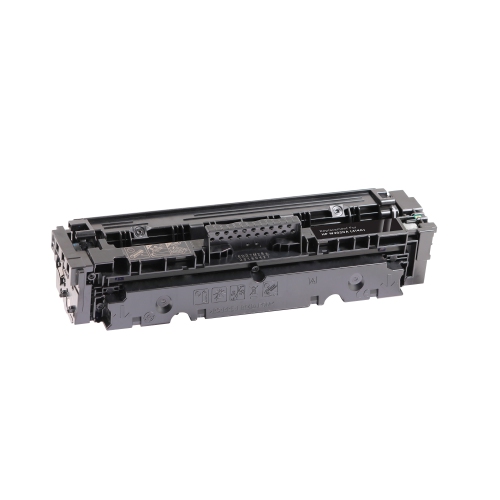
![GOTONERS [With Chip] Compatible 414A W2020A 414X Toner for HP Color Laserjet Pro Mfp M479Fdw M479Fdn M454Dn M479 In Black](https://multimedia.bbycastatic.ca/multimedia/products/500x500/178/17856/17856440.png)
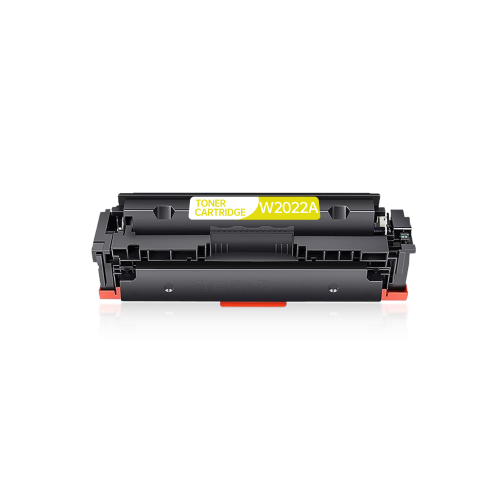
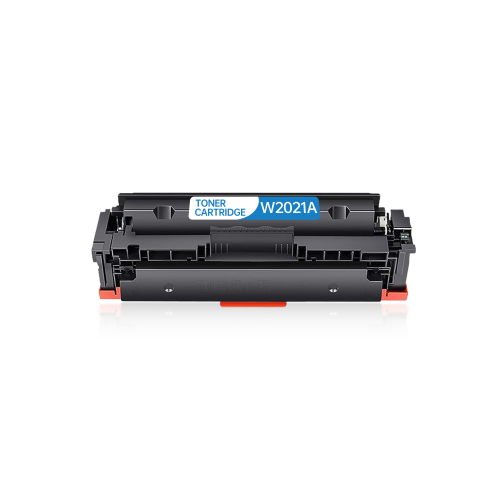
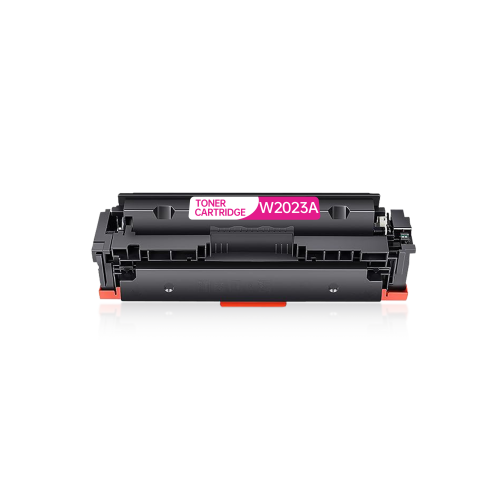
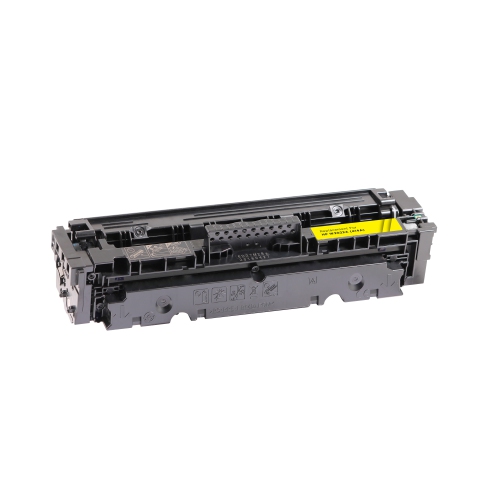
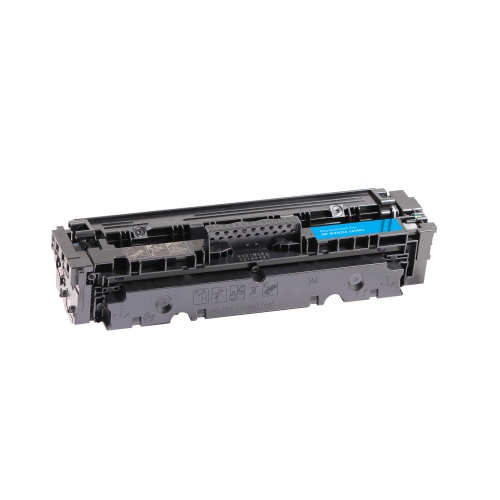

![GOTONERS [With Chip] HP W2021A 414A Compatible Standard Yield Toner Cartridge In Cyan](https://multimedia.bbycastatic.ca/multimedia/products/500x500/197/19732/19732722.jpeg)
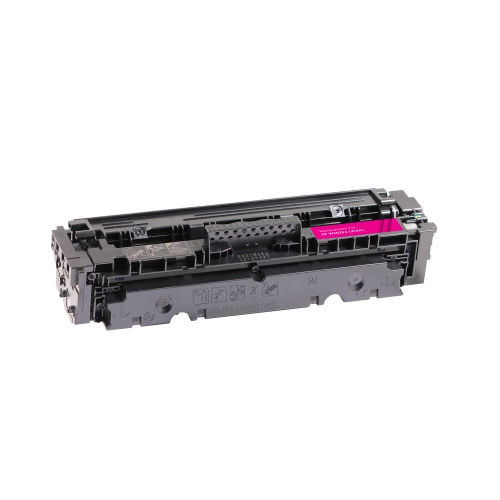
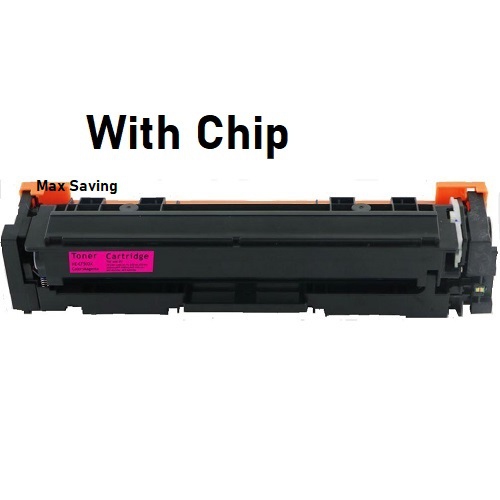
![GOTONERS [With Chip] HP W2023A 414A Compatible Standard Yield Toner Cartridge In Magenta](https://multimedia.bbycastatic.ca/multimedia/products/500x500/197/19732/19732286.jpeg)
![GOTONERS [With Chip] HP W2020A 414A Compatible Standard Yield Toner Cartridge In Black](https://multimedia.bbycastatic.ca/multimedia/products/500x500/197/19732/19732664.jpeg)
How laser toner delivers crisp everyday documents
Laser toner cartridges support the everyday printing that keeps a home office, small business, or shared workspace moving: readable invoices, sharp shipping labels, polished proposals, and colour charts that make information easier to understand. Unlike liquid ink, toner is a fine powder used in a laser printing process, with heat and pressure bonding the image to the paper. That process is well suited to crisp text, defined lines, and repeatable results across multipage documents. Black toner handles much of the work in correspondence, forms, and text-heavy reports, while cyan, magenta, and yellow toner contribute to colour images, graphics, and highlighted details. These four colours work together, so a colour document may draw on several cartridges even when one shade appears dominant. Standard-capacity cartridges can suit people with moderate printing needs, including remote workers preparing meeting materials, teachers producing classroom handouts, and business owners printing customer paperwork. The useful comparison is not simply how often someone prints, but what goes onto each sheet. A two-page letter with generous margins uses toner differently from a presentation covered in coloured backgrounds. A stated yield of approximately 2,400 pages for black toner or 2,100 pages for colour toner is a standardized estimate, rather than a guaranteed number of finished documents. Actual output varies with page coverage, print settings, job patterns, and other operating conditions. A household that prints occasional forms may use a cartridge over a very different period from an office producing batches of brochures. For document-heavy work, black text quality and consistent feeding are practical priorities; for client presentations, colour balance and clean reproduction of small chart labels matter just as much. Toner is particularly useful where the desired result is a neat, professional document that can move straight from the printer to a folder, envelope, or meeting table without waiting for liquid ink to dry.
Compatibility is the most important detail when matching a replacement cartridge to a laser printer. Similar-looking housings, closely related cartridge numbers, or a shared colour designation do not establish that two cartridges will work in the same machine. The exact printer model, including any letters at the end of its name, should match the compatibility information for the cartridge. Those details are usually found on the printer label, in its settings, or in the documentation supplied with the machine. Printer families can include models with similar names but different supply requirements, and a cartridge that slides into a compartment is not necessarily a supported replacement. A separate designation such as HP 410A CF410A refers to a different cartridge family; it should not be treated as interchangeable simply because the numbering looks familiar. The cartridge body typically combines a rigid plastic housing with precisely fitted components that contain and deliver the toner. Depending on the design, imaging components may be integrated into the cartridge or handled separately within the printer. Fit therefore involves more than external dimensions: the toner formulation, mechanical connections, and electronic recognition all need to suit the intended device. Original and third-party cartridges can also differ in construction, testing, and printer recognition, making the stated compatibility and support information worth checking carefully. In a shared office, recording the printer’s full model name alongside the required cartridge family helps prevent mix-ups between departments or workstations. Colour selection deserves the same attention. Black, cyan, magenta, and yellow each have a designated position, and one cannot substitute for another. When a single colour runs low, the printer’s supply-status display can help identify the cartridge involved. Some colour laser printers also require usable colour supplies for certain operations, even when the immediate job appears to contain only black text. The printer’s own documentation is the best reference for those operating requirements.
Careful handling and suitable paper help toner cartridges deliver consistent results throughout their usable life. Unused cartridges are best kept in their protective packaging, away from moisture and direct sunlight, until they are needed. Sealed packaging helps protect sensitive components from dust and accidental contact, particularly in offices where supplies share a cupboard with stationery and cleaning materials. During installation, the printer’s instructions identify which protective seals or transport pieces need to be removed and where the cartridge can be safely held. Exposed imaging surfaces and electrical contacts should not be touched, since fingerprints or damage can affect print quality. A cartridge should seat without being forced; resistance is a reason to check its orientation and compatibility rather than push harder. Once installed, the results depend partly on the paper and print settings. Plain office paper suits letters and internal reports, while heavier sheets or labels must be specifically suitable for the printer and its heat-based printing process. Inkjet-only media should not be assumed suitable for laser printing. Selecting the correct paper type in the print settings helps the printer apply the appropriate handling and fusing conditions. For a report with fine spreadsheet lines or small footnotes, a higher-quality setting may improve legibility; for an internal draft, a lighter setting may be sufficient. Durability also depends on the intended use. Properly fused toner is designed to remain attached during normal document handling, but it does not make ordinary paper waterproof or turn a printed label into an outdoor label. If pages develop streaks, repeated marks, uneven colour, or loose toner, the cause may involve the cartridge, paper, settings, or another printer component. Built-in print-quality checks and the printer’s maintenance instructions can help distinguish these issues without unnecessary handling of internal parts. For workspaces that print regularly, keeping track of supply-status messages and the types of documents being produced makes replacement needs easier to anticipate. The aim is dependable output suited to the task, whether that means clean text on a signed agreement, distinct colours in a training handout, or a presentation that looks consistent from its first page to its last.
Compatibility is the most important detail when matching a replacement cartridge to a laser printer. Similar-looking housings, closely related cartridge numbers, or a shared colour designation do not establish that two cartridges will work in the same machine. The exact printer model, including any letters at the end of its name, should match the compatibility information for the cartridge. Those details are usually found on the printer label, in its settings, or in the documentation supplied with the machine. Printer families can include models with similar names but different supply requirements, and a cartridge that slides into a compartment is not necessarily a supported replacement. A separate designation such as HP 410A CF410A refers to a different cartridge family; it should not be treated as interchangeable simply because the numbering looks familiar. The cartridge body typically combines a rigid plastic housing with precisely fitted components that contain and deliver the toner. Depending on the design, imaging components may be integrated into the cartridge or handled separately within the printer. Fit therefore involves more than external dimensions: the toner formulation, mechanical connections, and electronic recognition all need to suit the intended device. Original and third-party cartridges can also differ in construction, testing, and printer recognition, making the stated compatibility and support information worth checking carefully. In a shared office, recording the printer’s full model name alongside the required cartridge family helps prevent mix-ups between departments or workstations. Colour selection deserves the same attention. Black, cyan, magenta, and yellow each have a designated position, and one cannot substitute for another. When a single colour runs low, the printer’s supply-status display can help identify the cartridge involved. Some colour laser printers also require usable colour supplies for certain operations, even when the immediate job appears to contain only black text. The printer’s own documentation is the best reference for those operating requirements.
Careful handling and suitable paper help toner cartridges deliver consistent results throughout their usable life. Unused cartridges are best kept in their protective packaging, away from moisture and direct sunlight, until they are needed. Sealed packaging helps protect sensitive components from dust and accidental contact, particularly in offices where supplies share a cupboard with stationery and cleaning materials. During installation, the printer’s instructions identify which protective seals or transport pieces need to be removed and where the cartridge can be safely held. Exposed imaging surfaces and electrical contacts should not be touched, since fingerprints or damage can affect print quality. A cartridge should seat without being forced; resistance is a reason to check its orientation and compatibility rather than push harder. Once installed, the results depend partly on the paper and print settings. Plain office paper suits letters and internal reports, while heavier sheets or labels must be specifically suitable for the printer and its heat-based printing process. Inkjet-only media should not be assumed suitable for laser printing. Selecting the correct paper type in the print settings helps the printer apply the appropriate handling and fusing conditions. For a report with fine spreadsheet lines or small footnotes, a higher-quality setting may improve legibility; for an internal draft, a lighter setting may be sufficient. Durability also depends on the intended use. Properly fused toner is designed to remain attached during normal document handling, but it does not make ordinary paper waterproof or turn a printed label into an outdoor label. If pages develop streaks, repeated marks, uneven colour, or loose toner, the cause may involve the cartridge, paper, settings, or another printer component. Built-in print-quality checks and the printer’s maintenance instructions can help distinguish these issues without unnecessary handling of internal parts. For workspaces that print regularly, keeping track of supply-status messages and the types of documents being produced makes replacement needs easier to anticipate. The aim is dependable output suited to the task, whether that means clean text on a signed agreement, distinct colours in a training handout, or a presentation that looks consistent from its first page to its last.
Top selling and popular products
-
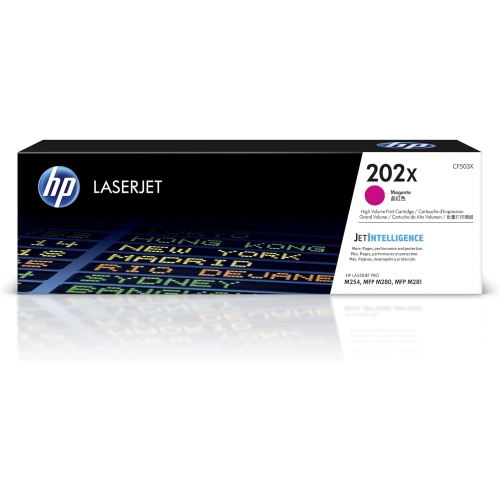 Your price for this item is $184.99
 -
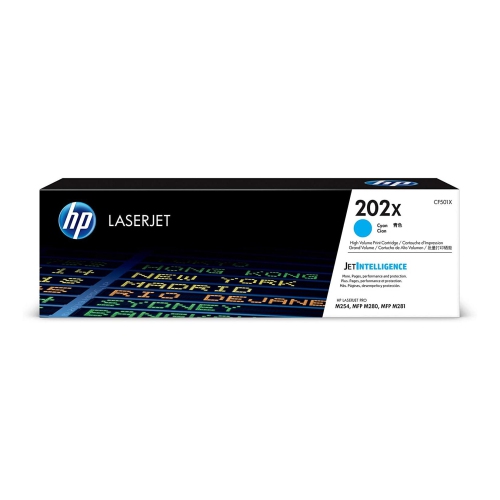 Your price for this item is $184.99
 -
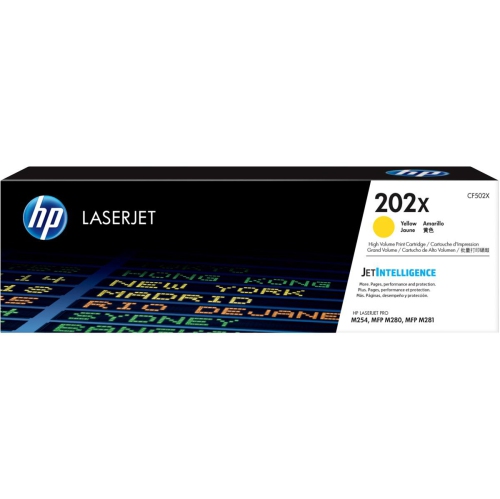 Your price for this item is $184.99
 -
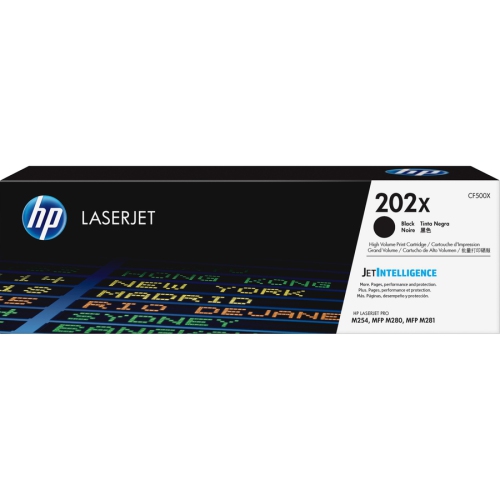 Your price for this item is $176.99
 -
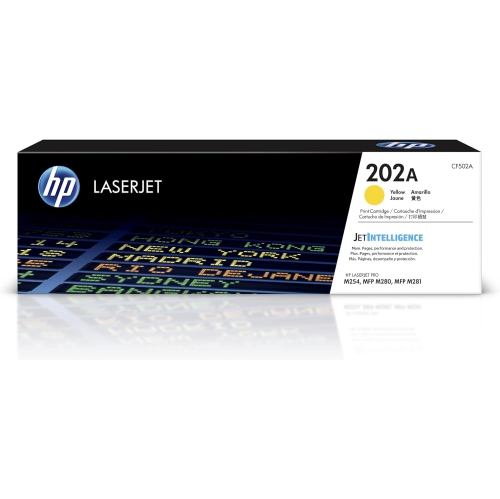 Your price for this item is $139.99
 -
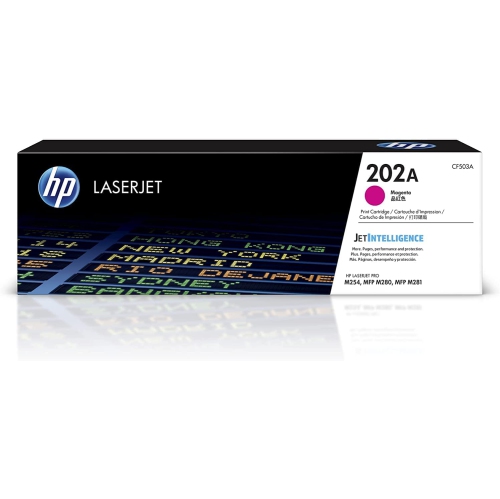 Your price for this item is $139.99
 -
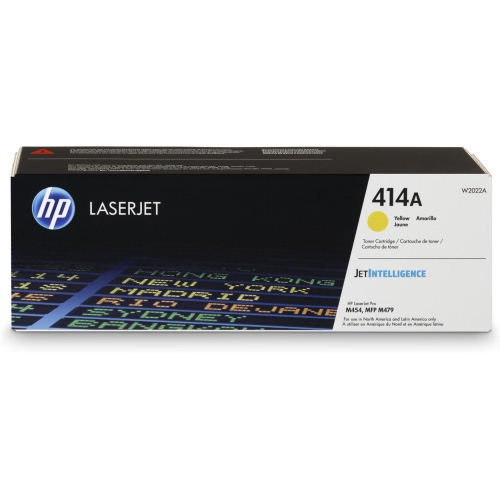 Your price for this item is $230.82
 -
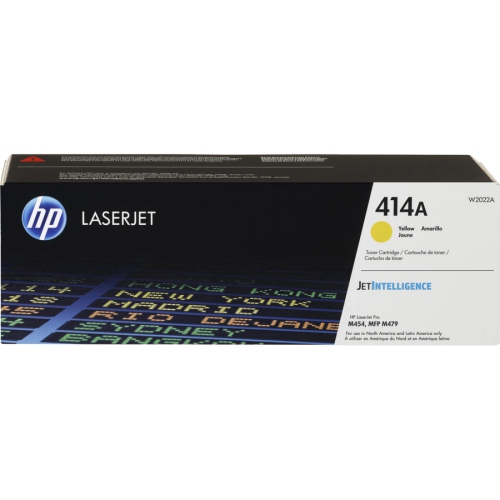 Your price for this item is $197.99
Discover more categories related to HP 414A
Top Collections:
Pokemon Centers, Kindle Devices, Best Budget Office Chairs, Apple iPhones 16, Canon G7X Cameras, iPhone 15 Apple, Alarm Clock, Refurbished Apple Laptops, Flip Phones, Best Laptops for Writers
Some products may be subject to Environmental Handling Fees
(EHF) depending on your province.
Learn more about EHFs.