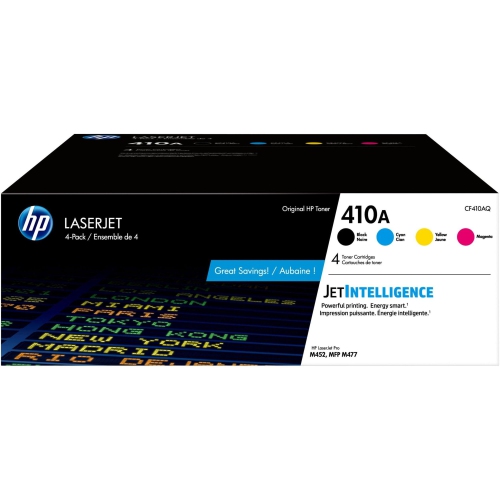
HP 410A CF410A
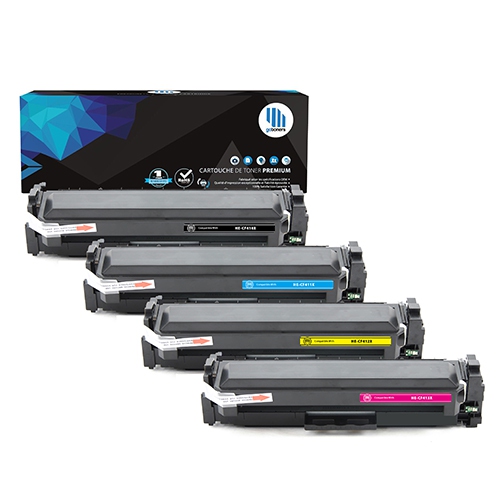
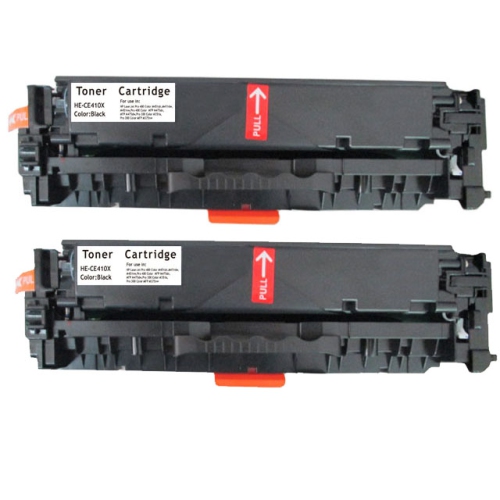
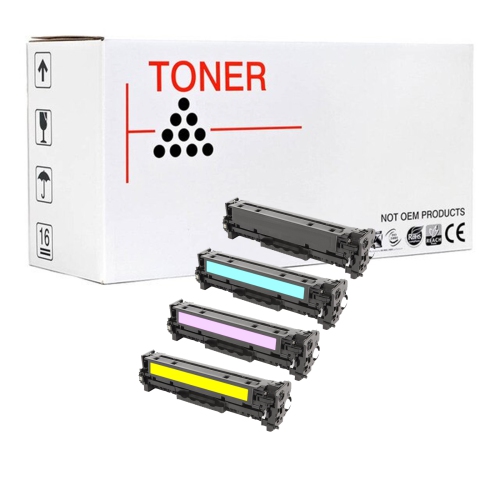
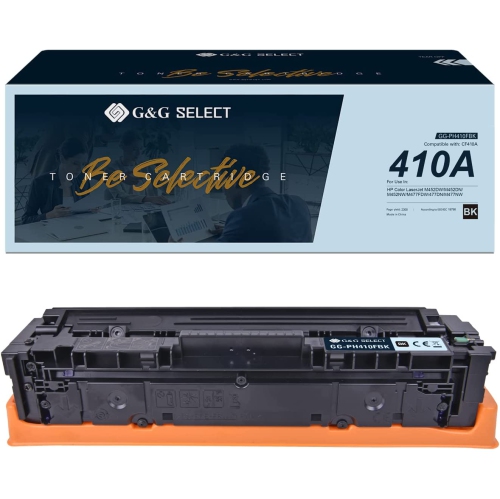
Find the perfect match for your printing needs with HP 410A CF410A toner cartridges. Designed to deliver consistent results, these cartridges help keep your documents looking sharp and professional. Explore options that are compatible with a range of printers, making it easy to find the right fit for your office or home setup. Shop HP 410A CF410A toner cartridges and enjoy reliable performance for all your important projects.
Sort
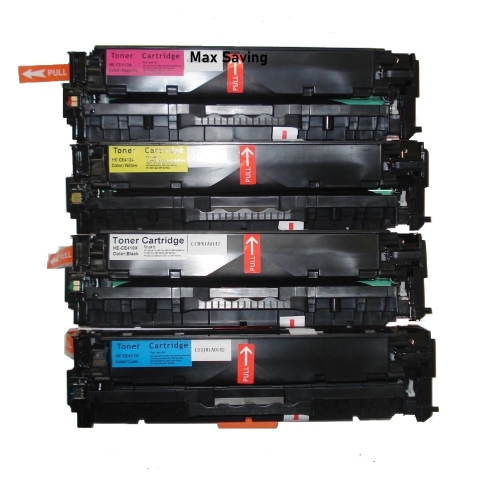
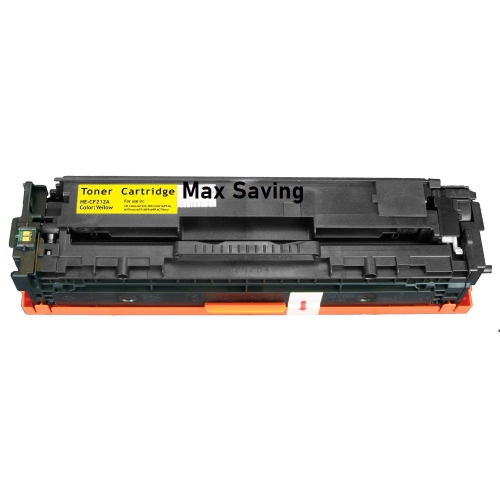
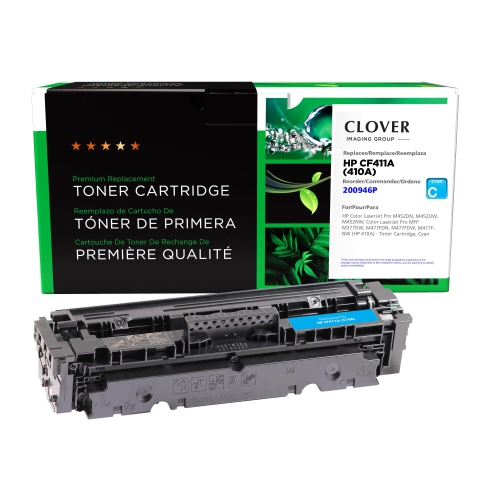
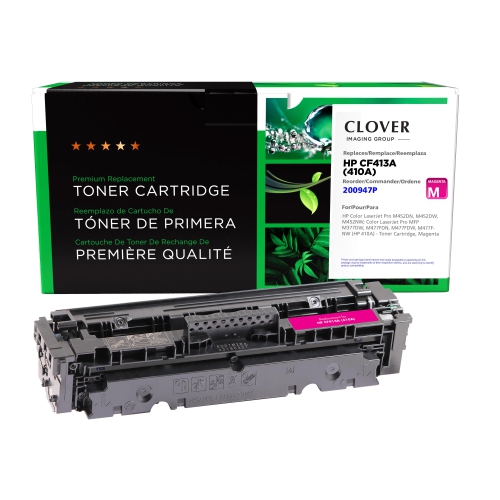

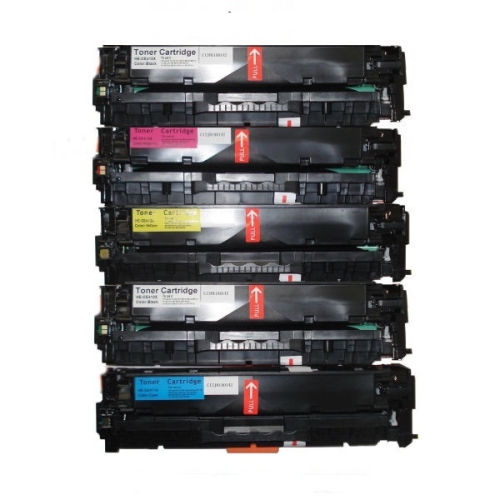
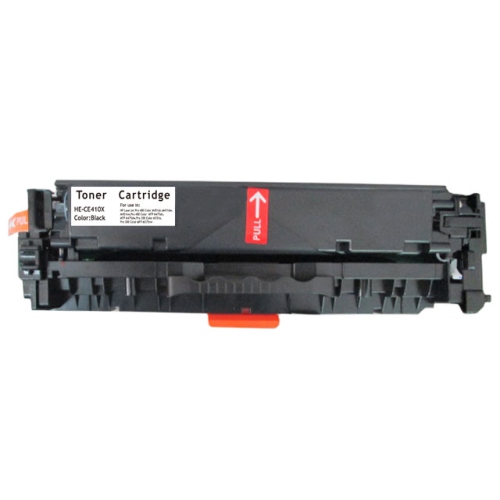
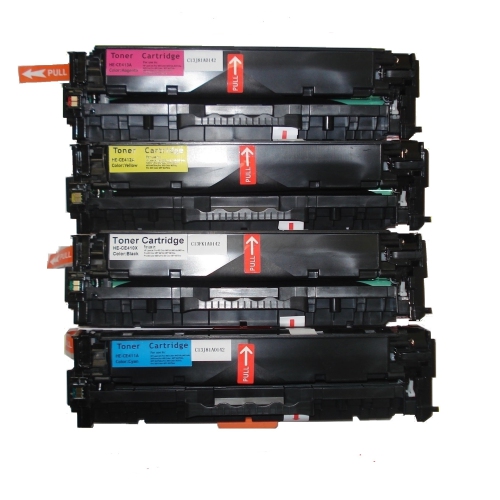
Why cartridge compatibility matters for crisp everyday documents
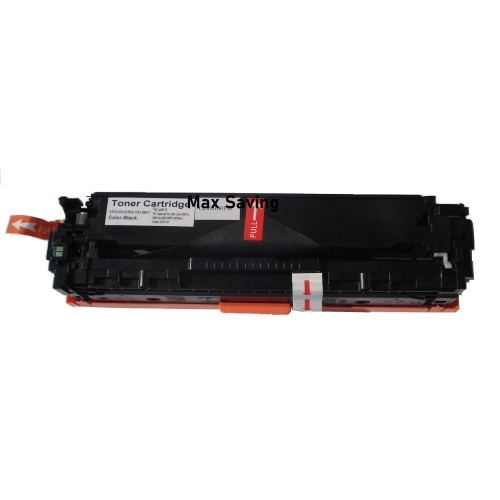
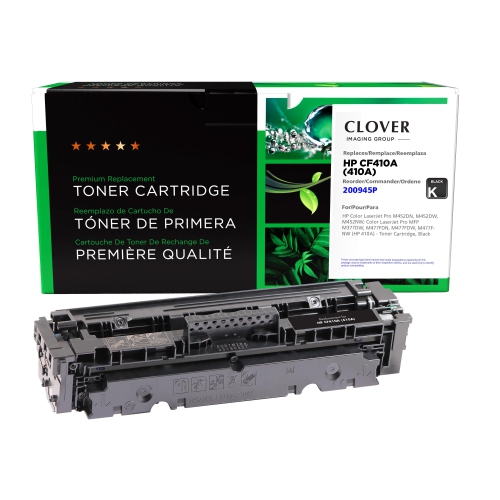
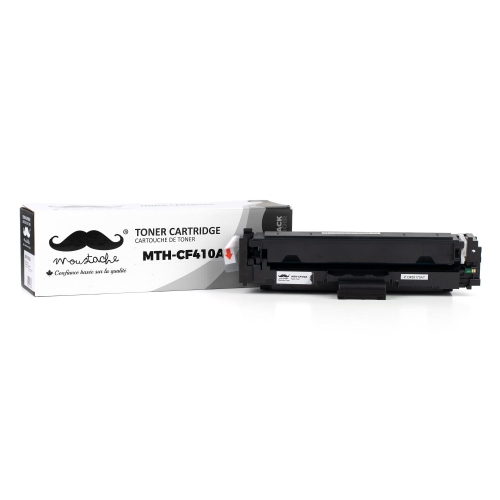
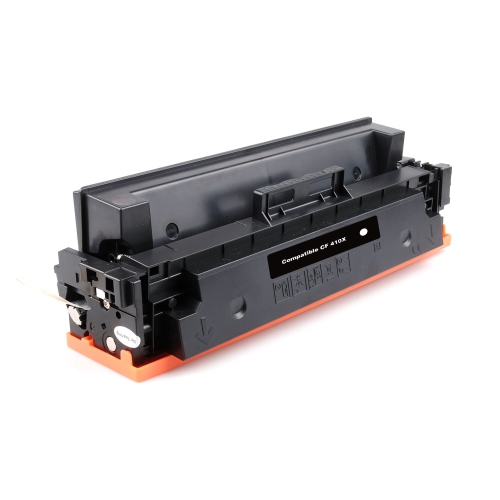
Black laser toner cartridges support the everyday printing that keeps a home office, reception desk, or small business running: invoices with sharply defined figures, shipping labels with readable barcodes, meeting agendas, and forms with clear signature lines. Unlike liquid ink, toner is a fine powder that a laser printer transfers to paper and bonds using heat and pressure. This process is well suited to crisp text and repeatable output across multipage documents, especially when a compatible cartridge, appropriate paper, and the correct print settings work together. A standard-yield black cartridge is a practical fit for moderate printing needs, whether that means a few documents throughout the day or a larger batch of administrative paperwork at regular intervals. Its usefulness depends less on the size of the workspace than on how much printing actually happens there. A freelance professional preparing contracts may have different requirements from a shared office producing training packets, even if both use a similar printer. Black toner also has a distinct role in a colour laser printer, where it works alongside separate cyan, magenta, and yellow supplies. Replacing black toner does not replenish the other colours, and selecting black-and-white output does not necessarily mean a printer can operate with another cartridge missing or depleted. That behaviour depends on the printer. For documents dominated by text, print clarity matters in small but noticeable ways: fine punctuation should remain distinct, spreadsheet rows should be easy to follow, and dense blocks of type should not look faded or patchy. Toner designed for the correct printing system helps support those results, although paper condition, maintenance, and document settings also affect the finished page. These cartridges are functional office supplies rather than decorative purchases, serving students, bookkeepers, administrators, and anyone who needs dependable paper copies of digital information.
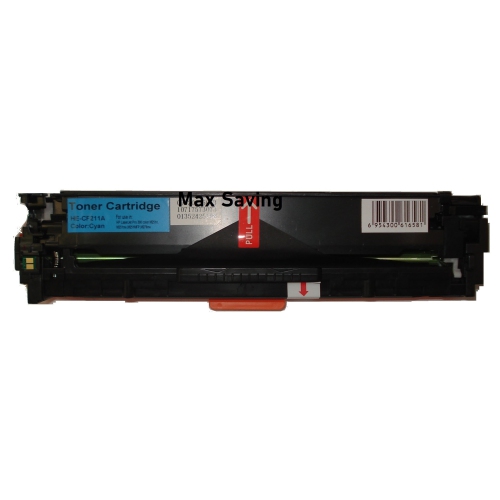
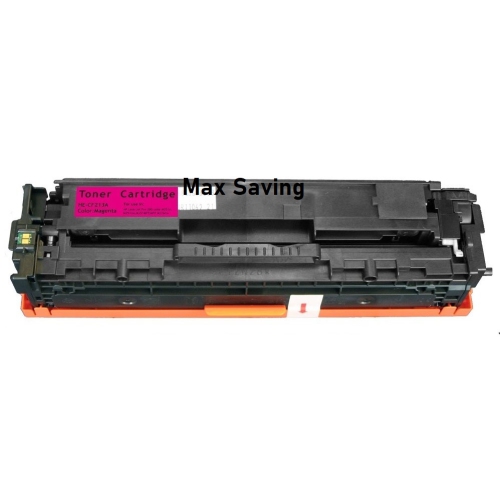
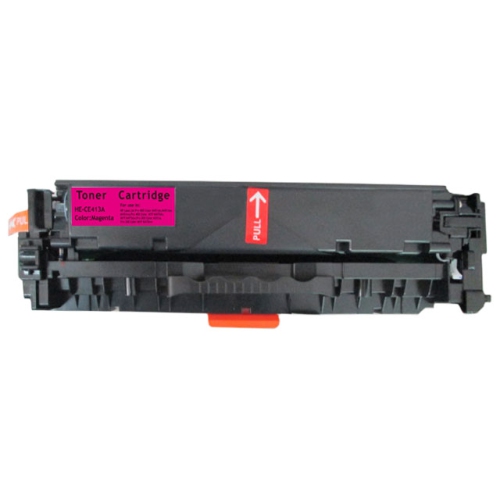
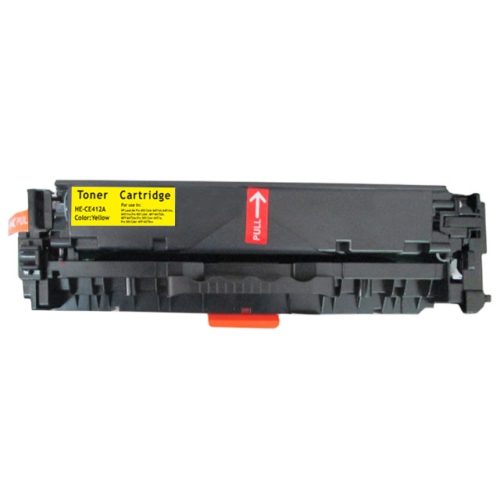
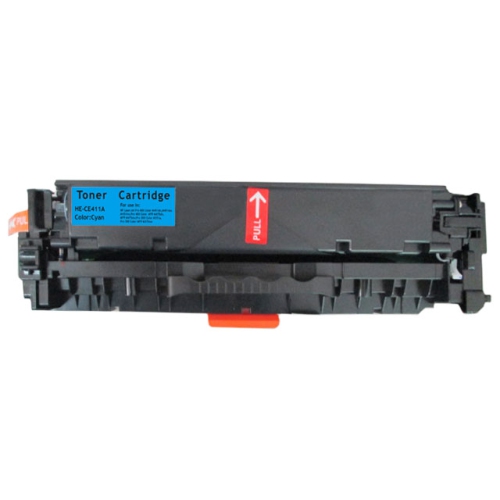
Compatibility is the most important distinction between toner cartridges that otherwise look much alike. A cartridge must match the printer’s supported supply family, not simply its brand, colour, or general shape. Similar-looking printers can use different cartridges, while several versions of one printer series may share the same supply. The full model designation on the printer’s identification label provides a more reliable starting point than its appearance or the name shown on a computer’s print menu. Cartridge identifiers and the manufacturer’s compatibility list help establish whether the physical housing, electrical contacts, and recognition features are suitable for that device. Those details matter because a cartridge that fits loosely, fails to seat correctly, or is not recognized cannot provide the intended printing performance. The distinction between supplies made by the printer manufacturer and third-party alternatives is also relevant. They are not interchangeable descriptions, and any claims about compatibility, recognition, or warranty coverage should be assessed against the information supplied for that cartridge and printer. Page yield is another useful comparison, but it is an estimate based on standardized testing rather than a guaranteed count for every type of document. A short letter with generous margins uses less toner than a page filled with dark graphics, large headings, or heavily shaded tables. Frequent small jobs, calibration activity, and printing patterns can also influence how far a cartridge goes. Standard-yield and high-yield options, where supported, generally address different print volumes rather than different document sizes or levels of sharpness. A higher yield does not automatically mean darker text or better image quality. For a colour laser setup, separate colour supplies deserve the same compatibility check as black toner. The related HP CF411A page covers a cyan toner option, which serves a different role from black toner in full-colour printing. Keeping those roles distinct helps match each replacement to the supply the printer actually needs.
A toner cartridge combines more than the powder inside it. Its moulded housing, seals, gears, and other fitted components work together to contain toner and deliver it at a controlled rate; depending on the printing system, the cartridge may also incorporate imaging components. Careful handling protects those parts and helps prevent marks or interruptions after installation. An unopened cartridge is best kept in its protective packaging until needed, in a dry place away from direct sunlight, moisture, and accidental knocks. The printer’s replacement procedure identifies any shipping seals or protective pieces that must be removed and whether gentle redistribution of the toner is required. Touching exposed imaging surfaces or electrical contacts can introduce marks or interfere with operation, so designated handles and gripping points are preferable. A cartridge should seat without being forced, and the access panel should close normally. Once installed, a sample document with ordinary text and a few solid elements can make uneven density or unexpected streaks easier to notice before a long print job begins. Print quality is not determined by toner alone: paper made for laser printing, suitable media settings, and a clean paper path all contribute to clear output. Labels and heavier sheets need particular attention because they must be approved for the printer’s heat-based printing process. For a business sending out invoices or a household preparing school forms, those practical details can mean the difference between a clean, readable page and one that needs printing again. Persistent smudging, repeated marks, or loose toner may point to a paper, maintenance, or hardware issue rather than simply an empty cartridge. Following the printer’s troubleshooting information helps distinguish among those causes without unnecessary handling. The right black toner cartridge ultimately belongs to a complete printing setup: a supported printer, suitable media, sensible print settings, and a workload that matches its capacity. Together, those elements support legible documents and a straightforward routine, from the first appointment sheet of the day to the final page of a client report.
Compatibility is the most important distinction between toner cartridges that otherwise look much alike. A cartridge must match the printer’s supported supply family, not simply its brand, colour, or general shape. Similar-looking printers can use different cartridges, while several versions of one printer series may share the same supply. The full model designation on the printer’s identification label provides a more reliable starting point than its appearance or the name shown on a computer’s print menu. Cartridge identifiers and the manufacturer’s compatibility list help establish whether the physical housing, electrical contacts, and recognition features are suitable for that device. Those details matter because a cartridge that fits loosely, fails to seat correctly, or is not recognized cannot provide the intended printing performance. The distinction between supplies made by the printer manufacturer and third-party alternatives is also relevant. They are not interchangeable descriptions, and any claims about compatibility, recognition, or warranty coverage should be assessed against the information supplied for that cartridge and printer. Page yield is another useful comparison, but it is an estimate based on standardized testing rather than a guaranteed count for every type of document. A short letter with generous margins uses less toner than a page filled with dark graphics, large headings, or heavily shaded tables. Frequent small jobs, calibration activity, and printing patterns can also influence how far a cartridge goes. Standard-yield and high-yield options, where supported, generally address different print volumes rather than different document sizes or levels of sharpness. A higher yield does not automatically mean darker text or better image quality. For a colour laser setup, separate colour supplies deserve the same compatibility check as black toner. The related HP CF411A page covers a cyan toner option, which serves a different role from black toner in full-colour printing. Keeping those roles distinct helps match each replacement to the supply the printer actually needs.
A toner cartridge combines more than the powder inside it. Its moulded housing, seals, gears, and other fitted components work together to contain toner and deliver it at a controlled rate; depending on the printing system, the cartridge may also incorporate imaging components. Careful handling protects those parts and helps prevent marks or interruptions after installation. An unopened cartridge is best kept in its protective packaging until needed, in a dry place away from direct sunlight, moisture, and accidental knocks. The printer’s replacement procedure identifies any shipping seals or protective pieces that must be removed and whether gentle redistribution of the toner is required. Touching exposed imaging surfaces or electrical contacts can introduce marks or interfere with operation, so designated handles and gripping points are preferable. A cartridge should seat without being forced, and the access panel should close normally. Once installed, a sample document with ordinary text and a few solid elements can make uneven density or unexpected streaks easier to notice before a long print job begins. Print quality is not determined by toner alone: paper made for laser printing, suitable media settings, and a clean paper path all contribute to clear output. Labels and heavier sheets need particular attention because they must be approved for the printer’s heat-based printing process. For a business sending out invoices or a household preparing school forms, those practical details can mean the difference between a clean, readable page and one that needs printing again. Persistent smudging, repeated marks, or loose toner may point to a paper, maintenance, or hardware issue rather than simply an empty cartridge. Following the printer’s troubleshooting information helps distinguish among those causes without unnecessary handling. The right black toner cartridge ultimately belongs to a complete printing setup: a supported printer, suitable media, sensible print settings, and a workload that matches its capacity. Together, those elements support legible documents and a straightforward routine, from the first appointment sheet of the day to the final page of a client report.
Top selling and popular products
-
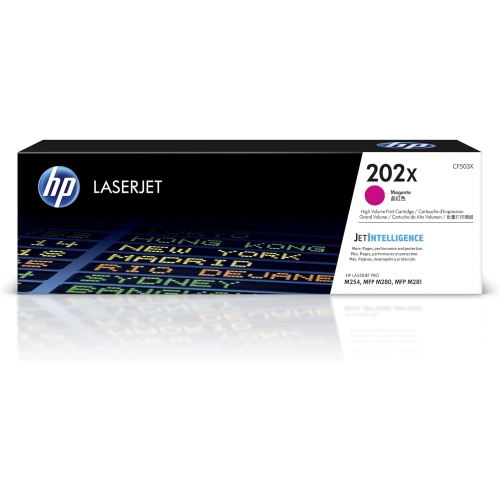 Your price for this item is $184.99
 -
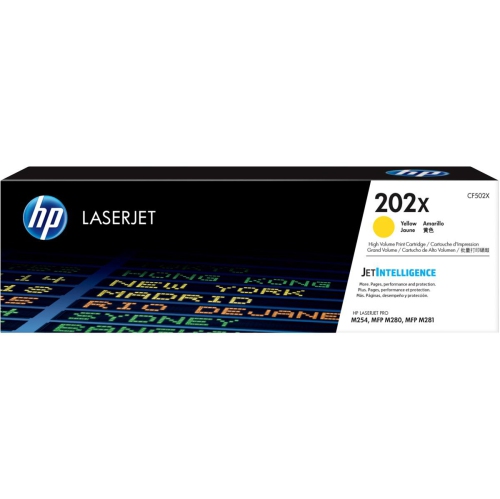 Your price for this item is $184.99
 -
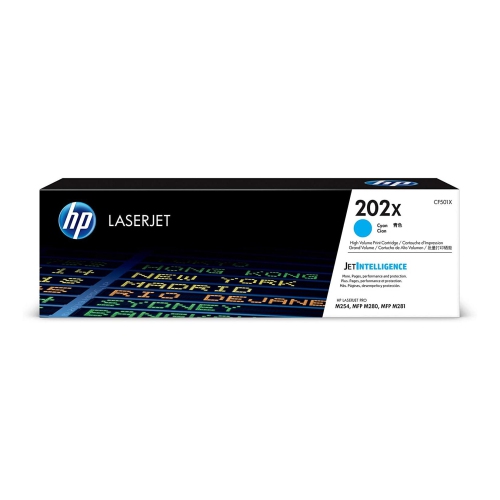 Your price for this item is $184.99
 -
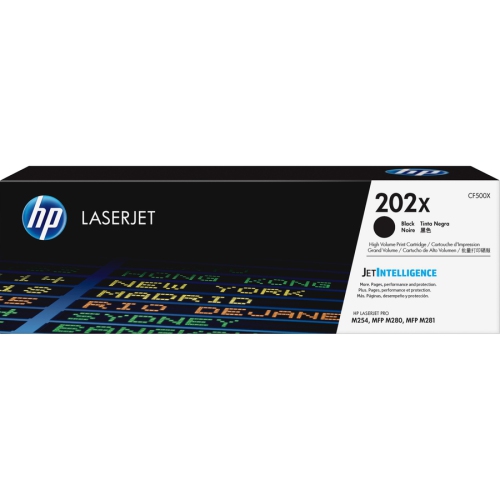 Your price for this item is $176.99
 -
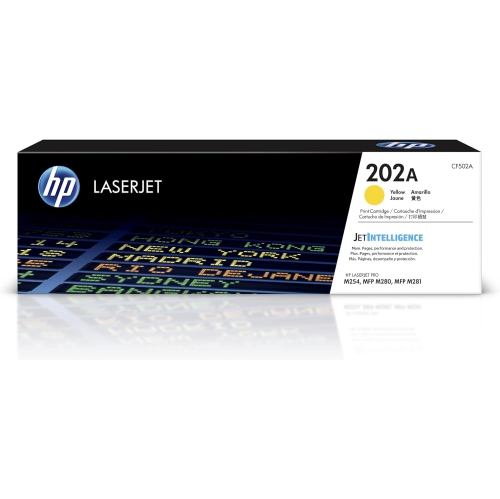 Your price for this item is $139.99
 -
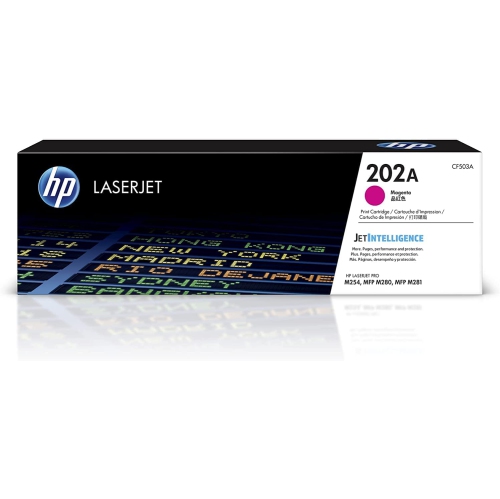 Your price for this item is $139.99
 -
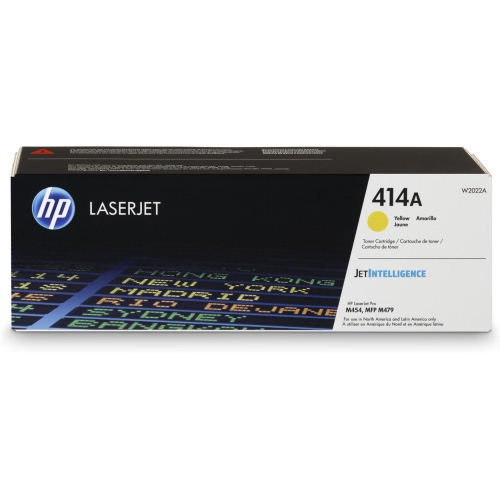 Your price for this item is $230.82
 -
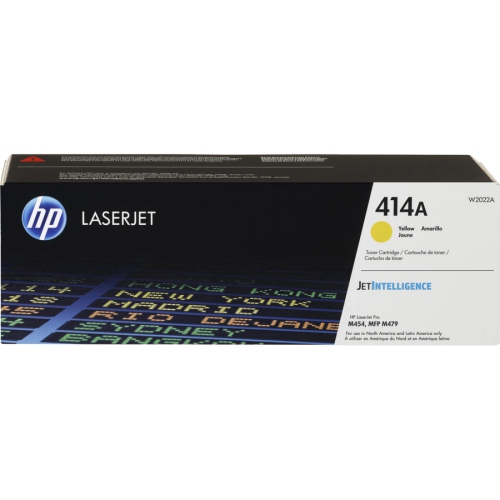 Your price for this item is $197.99
Discover more categories related to HP 410A CF410A
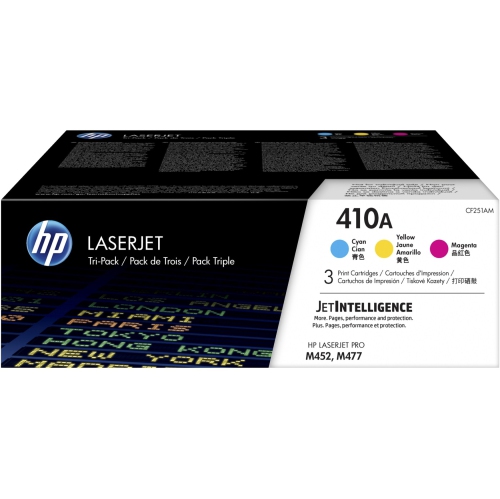
Top Collections:
Pokemon Centers, Kindle Devices, Best Budget Office Chairs, Apple iPhones 16, Canon G7X Cameras, iPhone 15 Apple, Alarm Clock, Refurbished Apple Laptops, Flip Phones, Best Laptops for Writers
Some products may be subject to Environmental Handling Fees
(EHF) depending on your province.
Learn more about EHFs.