HP 26A CF226A
Upgrade your printing experience with the HP 26A CF226A, designed to deliver reliable performance for both home and office environments. Ideal for a variety of printing needs, the HP 26A CF226A ensures consistent results and smooth operation. Discover options that help you keep your workflow efficient and your documents looking sharp. Find the right HP 26A CF226A solution to match your printer and enjoy dependable printing every time.
Sort

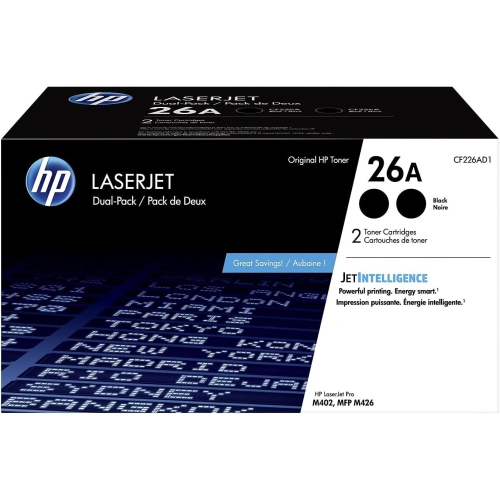
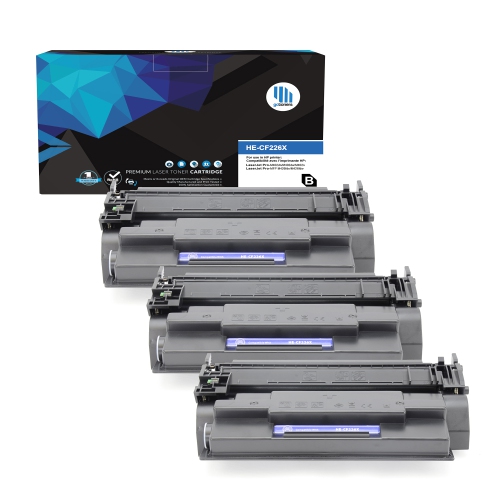
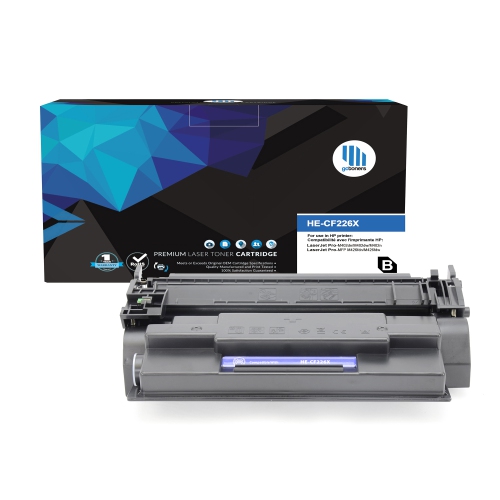
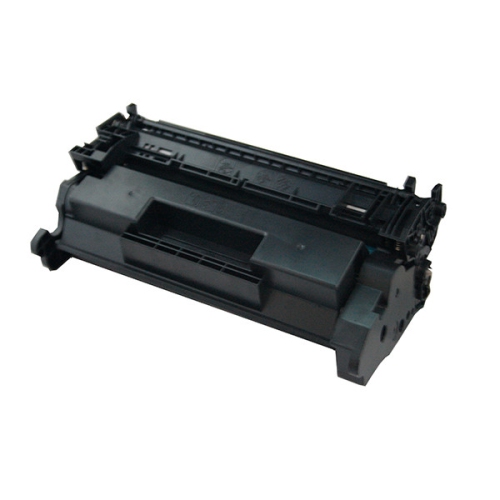
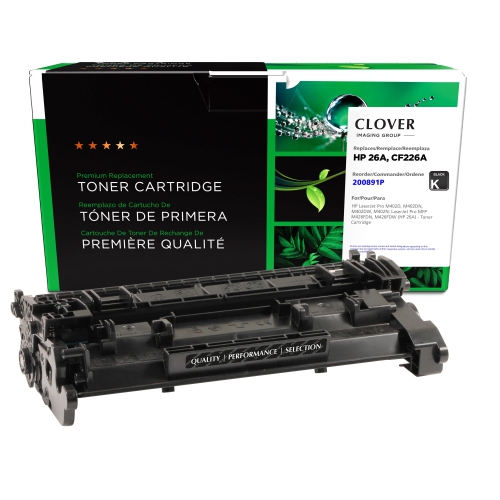
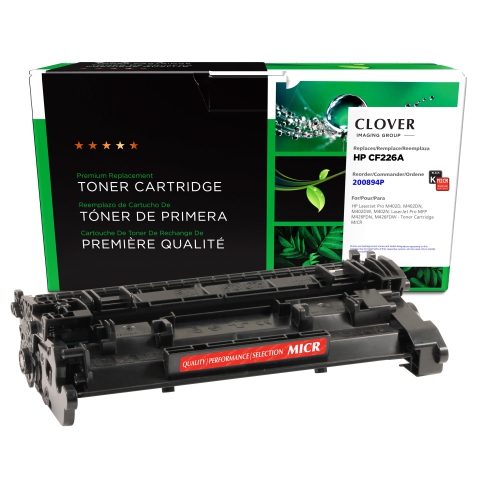
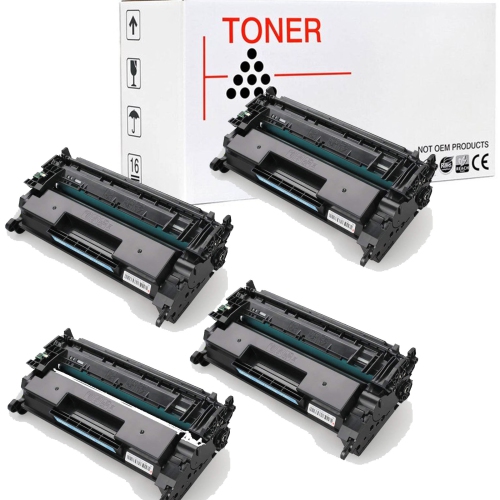
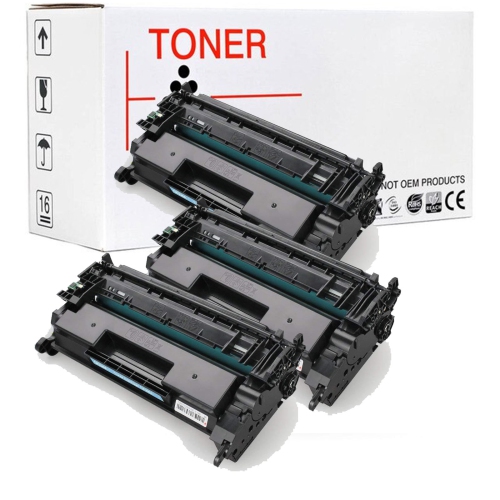
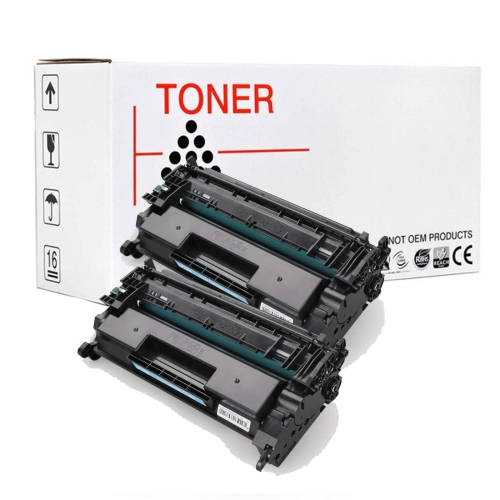
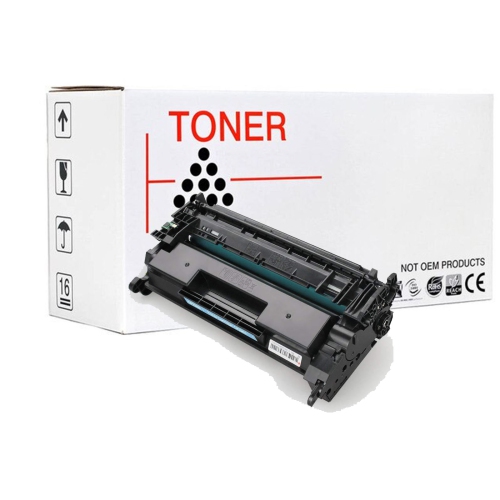

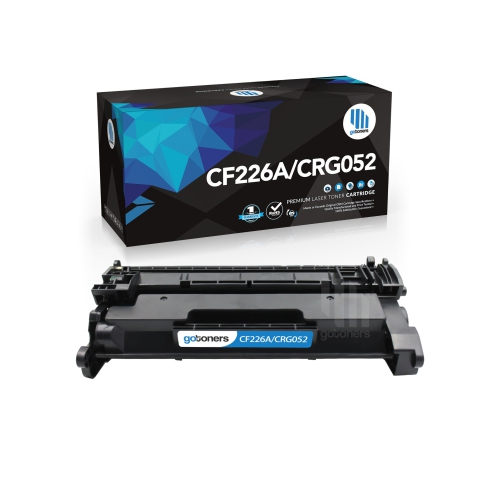
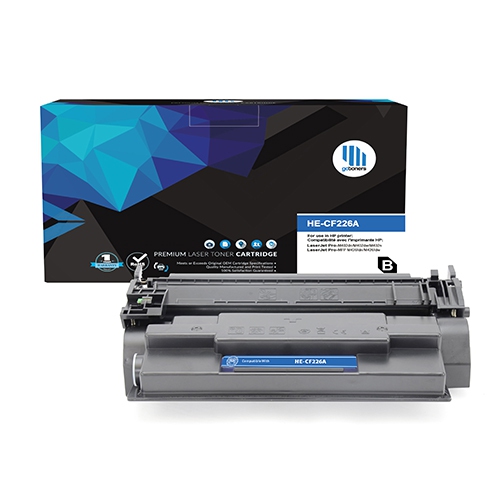
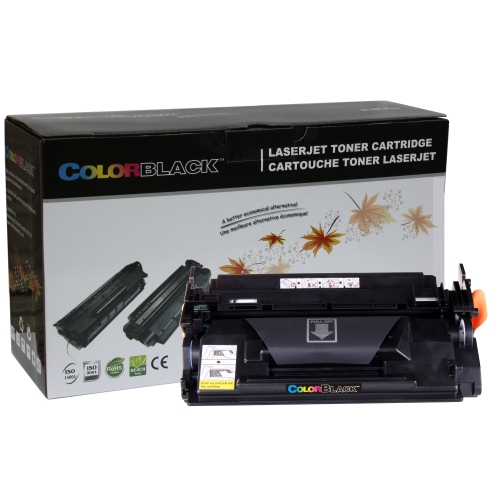
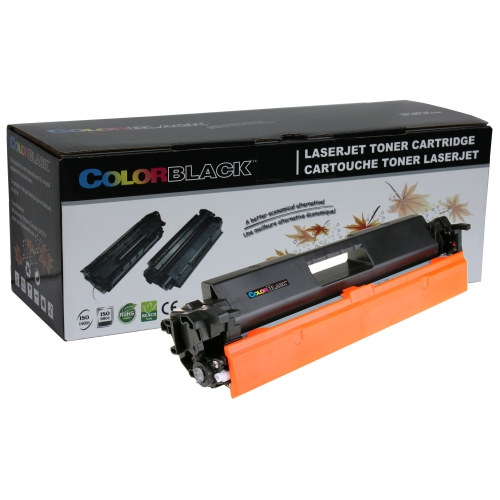
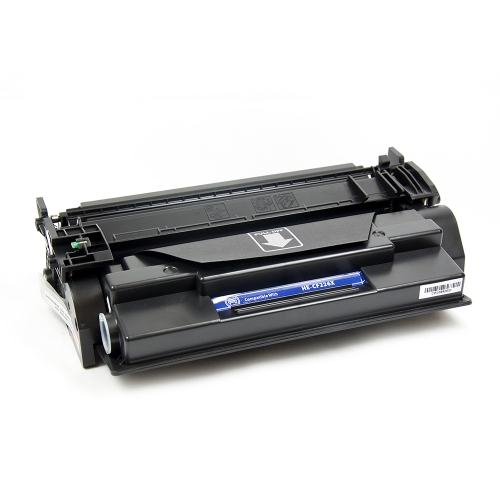

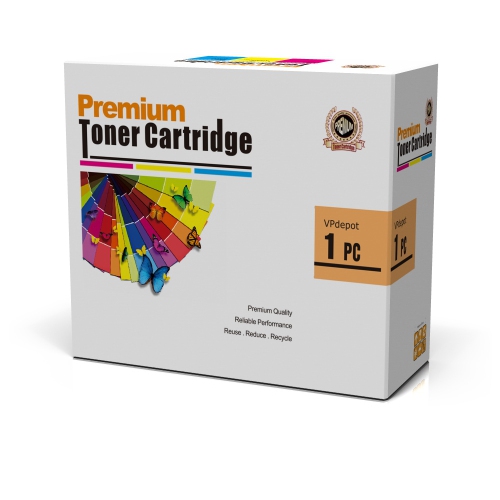
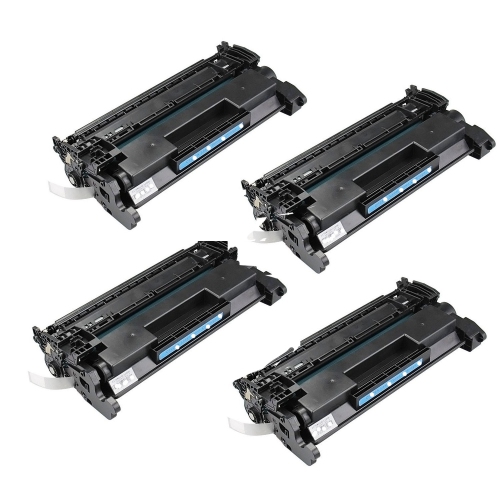
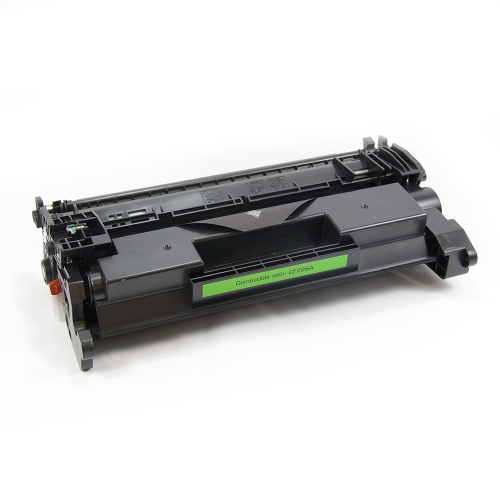
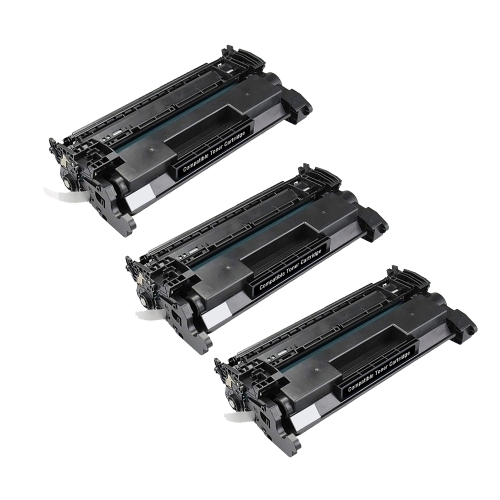
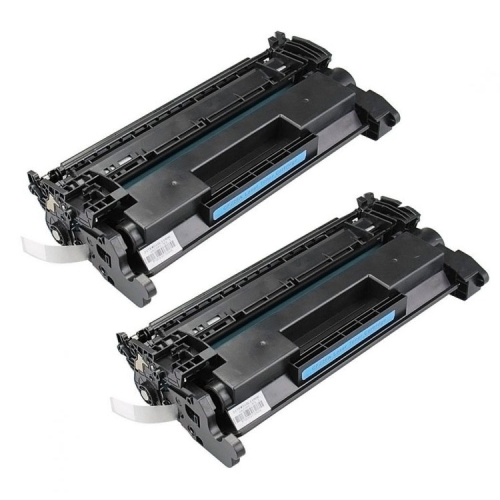
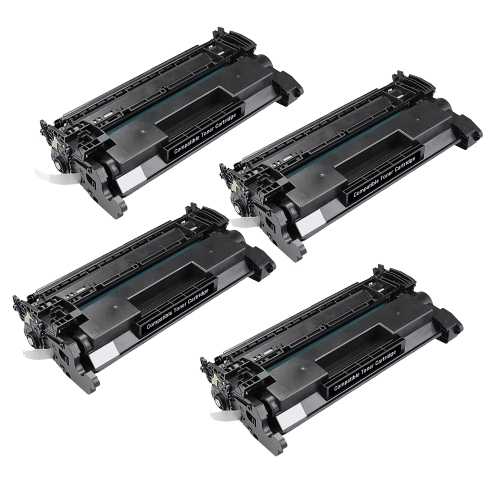
Crisp black text starts with the right toner
Black laser toner cartridges support the everyday printing that keeps a home office, reception desk, classroom, or small business moving: invoices with crisp totals, shipping labels with readable barcodes, meeting notes, and forms that need clear text from the first line to the signature box. Unlike liquid ink, toner is a fine powder that a laser printer transfers to paper and bonds using heat and pressure. This process suits text-heavy documents and repeated print jobs, particularly when consistent lettering and clean edges matter more than photographic colour. A cartridge is more than a container of powder; its moulded housing and internal components are designed to fit a particular printing system and deliver toner at a controlled rate. Some designs include imaging components within the cartridge, while others work alongside a separate drum assembly. That distinction affects which supplies the printer needs and what gets replaced during routine maintenance. For a shared office printer, a standard-capacity black cartridge can be a practical match for moderate printing, while a busier workspace may benefit from comparing supported capacity options. The right fit depends on the printer’s exact model, the kinds of pages being produced, and how frequently the machine is used. A household printing school assignments and occasional return labels has different needs from a service desk producing appointment sheets throughout the day. In both settings, dependable black output helps small details remain legible, including decimal points, fine table lines, and compact address text. Plain paper is often the everyday choice, but envelopes, label sheets, and heavier documents require media that the printer specifically supports. Toner alone cannot make an unsuitable sheet feed properly or tolerate the heat of a laser printer. Matching the cartridge, printer, and paper creates the foundation for readable documents without making routine printing more complicated than it needs to be.
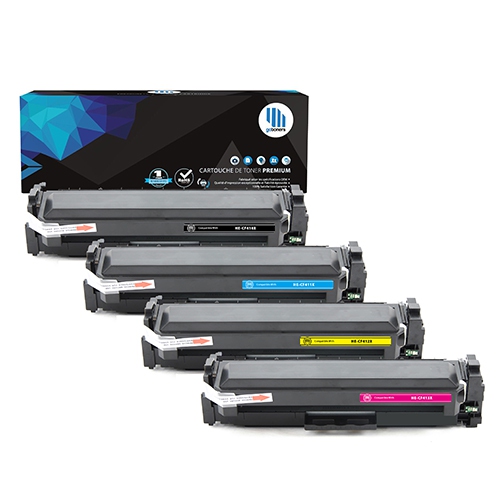
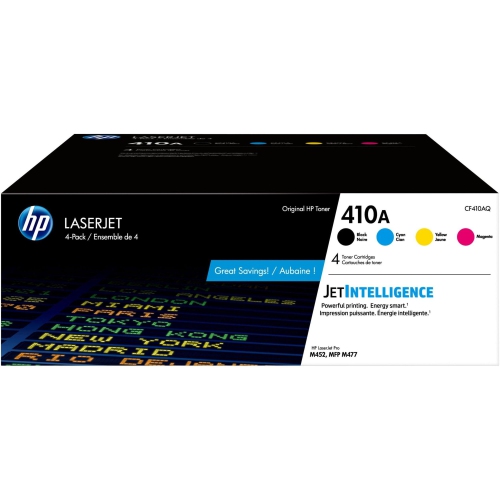
Compatibility is the most important consideration when choosing a replacement laser toner cartridge. Similar-looking housings and closely related printer names do not guarantee a match, and a cartridge intended for a monochrome machine will not necessarily work in a colour laser printer. The full model designation on the printer’s label or settings screen is more useful than a broad series name, especially when several machines share a similar exterior. Comparing that designation with the cartridge’s stated compatibility helps avoid a supply that cannot seat correctly or communicate with the printer. Letters and suffixes in a model name can matter, so a familiar-looking number should not be the only point of comparison. Cartridge capacity also deserves a closer look. A stated page yield is an estimate measured under defined test conditions, not a promise that every cartridge will print the same number of real-world documents. Pages filled with dense paragraphs, large black graphics, or heavily shaded tables generally use more toner than brief letters with generous margins. A small business printing lengthy reports may therefore replace a cartridge sooner than a household printing the same number of lightly covered pages. When comparing supported options, consider the volume of typical print jobs rather than relying only on the largest yield figure. Original-manufacturer and third-party cartridges may also differ in their construction, electronic components, testing, and support terms. Printer firmware can affect recognition of some cartridges, making any stated firmware requirements worth checking before installation. Colour-printer supplies belong to separate cartridge families, including those represented on the HP CF411A page, and should not be treated as substitutes for monochrome supplies. For a workplace with several printers, keeping each machine’s model details beside its supply information makes repeat ordering easier and reduces mix-ups between departments. This is especially helpful when a compact desktop printer and a larger multifunction machine sit near each other but use different cartridges.
Handling and storage help preserve cartridge condition before installation and support reliable performance once printing begins. Keep an unopened cartridge in its protective packaging, away from direct sunlight, excessive heat, moisture, and sharp temperature changes, following the storage conditions stated by its manufacturer. A supply cupboard away from a radiator or sunny window is generally more suitable than a vehicle or an unheated storage area. If a cartridge has been exposed to cold during transport, follow the manufacturer’s directions for allowing it to reach room temperature before opening or installing it. During replacement, use the designated handle, remove only the specified protective pieces and sealing materials, and avoid touching exposed imaging surfaces or electrical contacts. A cartridge should slide into its intended position without being forced; resistance can indicate incorrect alignment, remaining packaging, or the wrong cartridge type. The first printed pages offer a useful check for clear text, even coverage, and unwanted marks. Faint output does not always mean the toner is exhausted, just as streaking does not always mean a new cartridge is defective. Print settings, paper condition, an ageing drum, or another printer component can affect the result. Built-in status messages and maintenance instructions help narrow down the cause without unnecessary handling. For everyday drafts, a supported toner-saving setting may be adequate, while customer-facing letters, barcodes, and documents with small type benefit from settings that preserve readability. Paper storage matters too: flat, dry sheets are easier for the feed mechanism to handle than curled or damp paper. Cartridges are consumable supplies, so their useful life is shaped by printing habits as well as rated capacity, while the printer itself needs separate care. In a busy office, assigning a clear place for unopened supplies and keeping replacement instructions nearby makes maintenance less disruptive. At home, the same simple organisation can prevent a routine cartridge change from interrupting an assignment, an application form, or a set of documents needed before leaving for an appointment.
Compatibility is the most important consideration when choosing a replacement laser toner cartridge. Similar-looking housings and closely related printer names do not guarantee a match, and a cartridge intended for a monochrome machine will not necessarily work in a colour laser printer. The full model designation on the printer’s label or settings screen is more useful than a broad series name, especially when several machines share a similar exterior. Comparing that designation with the cartridge’s stated compatibility helps avoid a supply that cannot seat correctly or communicate with the printer. Letters and suffixes in a model name can matter, so a familiar-looking number should not be the only point of comparison. Cartridge capacity also deserves a closer look. A stated page yield is an estimate measured under defined test conditions, not a promise that every cartridge will print the same number of real-world documents. Pages filled with dense paragraphs, large black graphics, or heavily shaded tables generally use more toner than brief letters with generous margins. A small business printing lengthy reports may therefore replace a cartridge sooner than a household printing the same number of lightly covered pages. When comparing supported options, consider the volume of typical print jobs rather than relying only on the largest yield figure. Original-manufacturer and third-party cartridges may also differ in their construction, electronic components, testing, and support terms. Printer firmware can affect recognition of some cartridges, making any stated firmware requirements worth checking before installation. Colour-printer supplies belong to separate cartridge families, including those represented on the HP CF411A page, and should not be treated as substitutes for monochrome supplies. For a workplace with several printers, keeping each machine’s model details beside its supply information makes repeat ordering easier and reduces mix-ups between departments. This is especially helpful when a compact desktop printer and a larger multifunction machine sit near each other but use different cartridges.
Handling and storage help preserve cartridge condition before installation and support reliable performance once printing begins. Keep an unopened cartridge in its protective packaging, away from direct sunlight, excessive heat, moisture, and sharp temperature changes, following the storage conditions stated by its manufacturer. A supply cupboard away from a radiator or sunny window is generally more suitable than a vehicle or an unheated storage area. If a cartridge has been exposed to cold during transport, follow the manufacturer’s directions for allowing it to reach room temperature before opening or installing it. During replacement, use the designated handle, remove only the specified protective pieces and sealing materials, and avoid touching exposed imaging surfaces or electrical contacts. A cartridge should slide into its intended position without being forced; resistance can indicate incorrect alignment, remaining packaging, or the wrong cartridge type. The first printed pages offer a useful check for clear text, even coverage, and unwanted marks. Faint output does not always mean the toner is exhausted, just as streaking does not always mean a new cartridge is defective. Print settings, paper condition, an ageing drum, or another printer component can affect the result. Built-in status messages and maintenance instructions help narrow down the cause without unnecessary handling. For everyday drafts, a supported toner-saving setting may be adequate, while customer-facing letters, barcodes, and documents with small type benefit from settings that preserve readability. Paper storage matters too: flat, dry sheets are easier for the feed mechanism to handle than curled or damp paper. Cartridges are consumable supplies, so their useful life is shaped by printing habits as well as rated capacity, while the printer itself needs separate care. In a busy office, assigning a clear place for unopened supplies and keeping replacement instructions nearby makes maintenance less disruptive. At home, the same simple organisation can prevent a routine cartridge change from interrupting an assignment, an application form, or a set of documents needed before leaving for an appointment.
Top selling and popular products
-
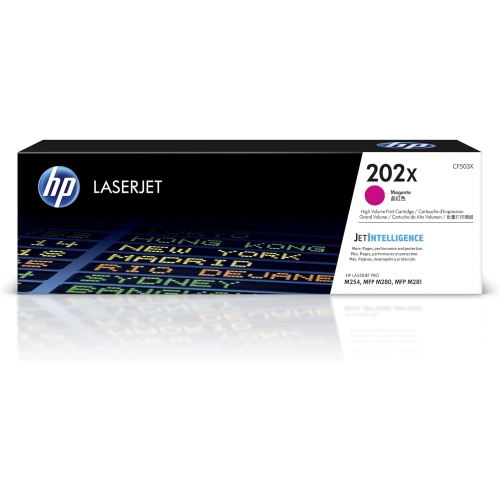 Your price for this item is $184.99
 -
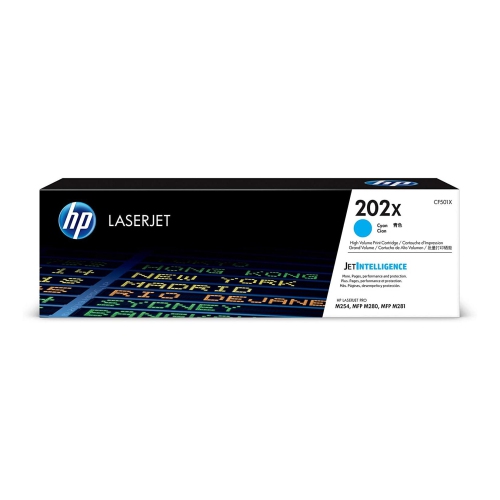 Your price for this item is $184.99
 -
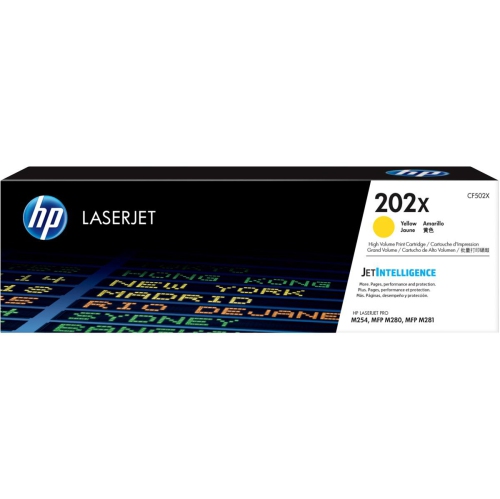 Your price for this item is $184.99
 -
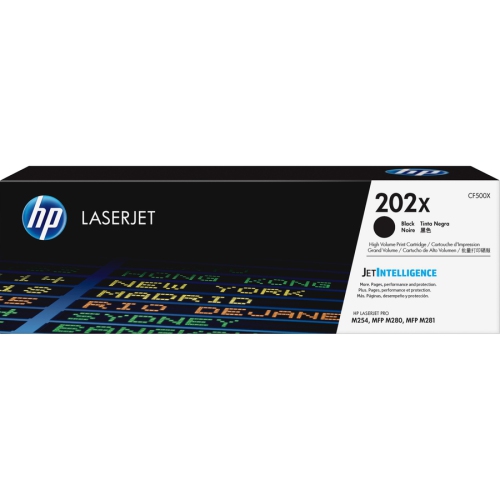 Your price for this item is $176.99
 -
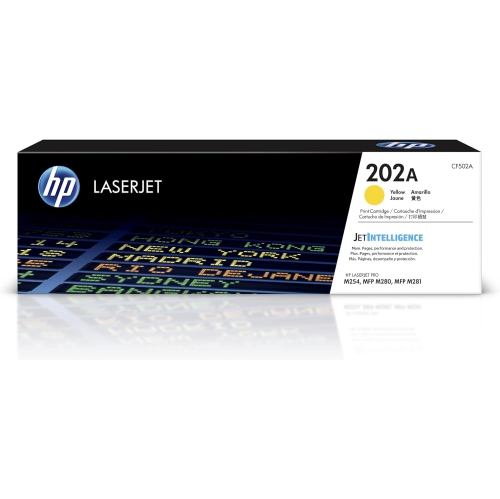 Your price for this item is $139.99
 -
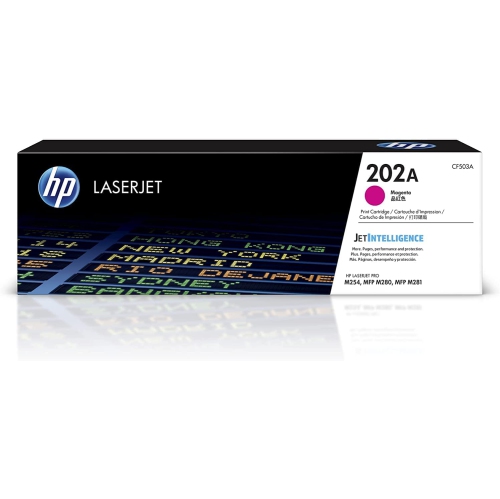 Your price for this item is $139.99
 -
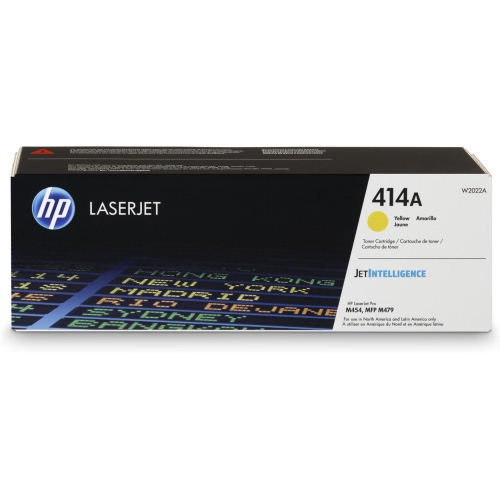 Your price for this item is $230.82
 -
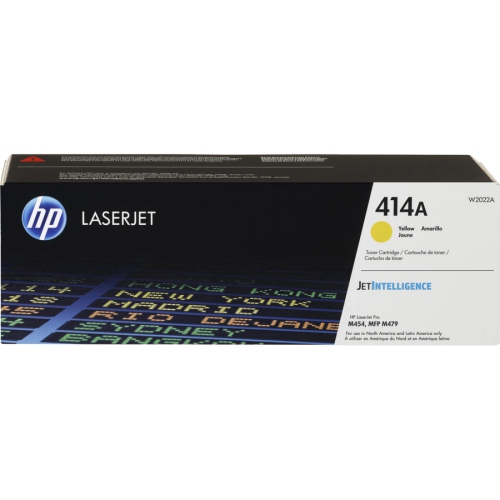 Your price for this item is $197.99
Discover more categories related to HP 26A CF226A

Top Collections:
Pokemon Centers, Kindle Devices, Best Budget Office Chairs, Apple iPhones 16, Canon G7X Cameras, iPhone 15 Apple, Alarm Clock, Refurbished Apple Laptops, Flip Phones, Best Laptops for Writers
Some products may be subject to Environmental Handling Fees
(EHF) depending on your province.
Learn more about EHFs.