Hp 63xl
Looking to keep your home or office printing tasks running smoothly? Discover the perfect solution with our selection of high-quality ink cartridges designed to meet your everyday printing needs. Whether you're handling important documents, vibrant photos, or creative projects, these cartridges offer reliable performance and consistent results. Explore options that provide excellent page yield and ease of installation, ensuring you spend less time worrying about replacements and more time focusing on what matters. Enhance your printing experience by choosing a cartridge that combines efficiency with impressive quality.
Sort
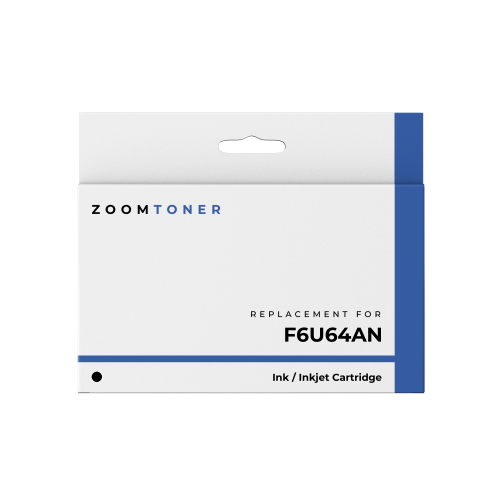
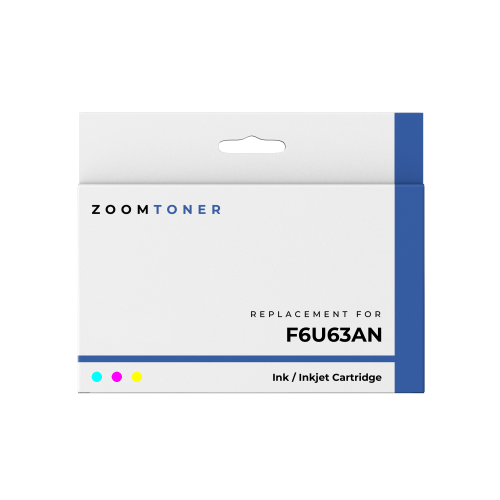
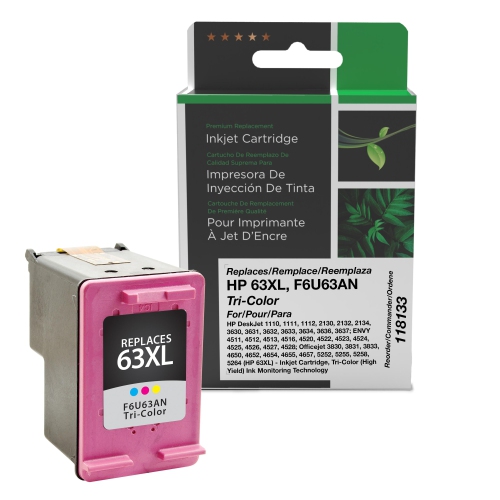
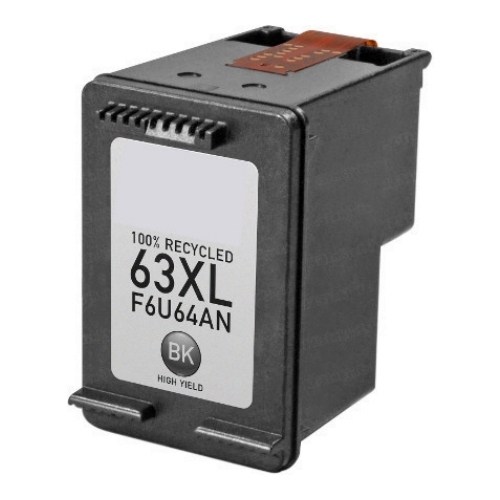

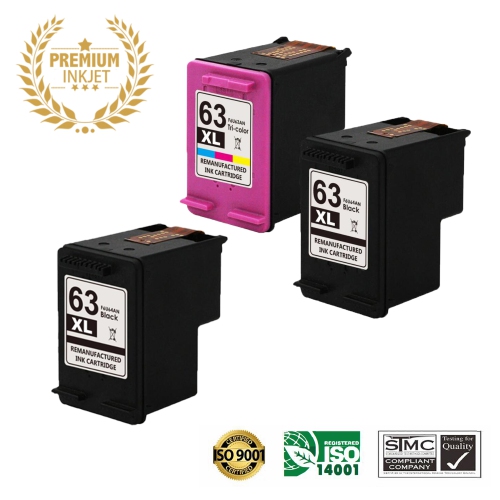
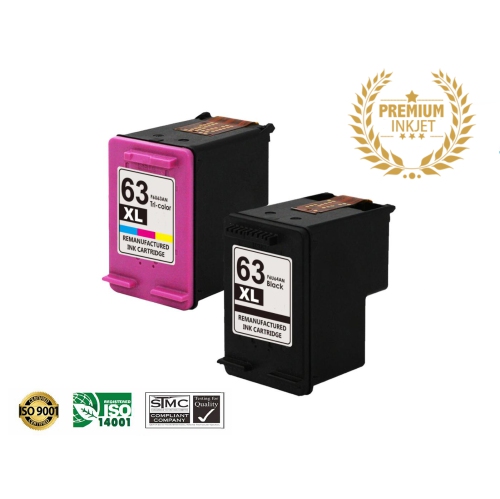
![BESTONER [High Yield] 1 Set Remanufactured Ink Cartridge Replacement for HP 63Xl HP63 Ink - HP Deskjet 1110 1112 2130 3630 3632 Envy 4510 4516 4520](https://multimedia.bbycastatic.ca/multimedia/products/500x500/189/18904/18904513.jpeg)
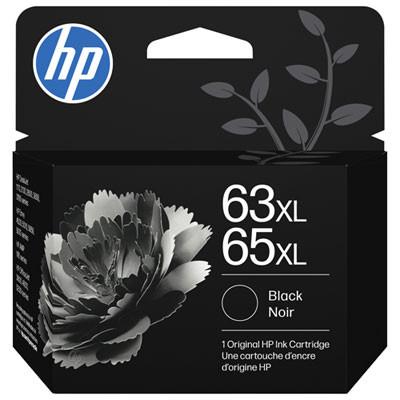
![BESTONER [High Yield] 2Bk Remanufactured Ink Cartridge Replacement for HP 63Xl HP63 Ink - HP Deskjet 1110 1112 2130 3630 3632 Envy 4510 4516 4520](https://multimedia.bbycastatic.ca/multimedia/products/500x500/189/18904/18904514.jpeg)
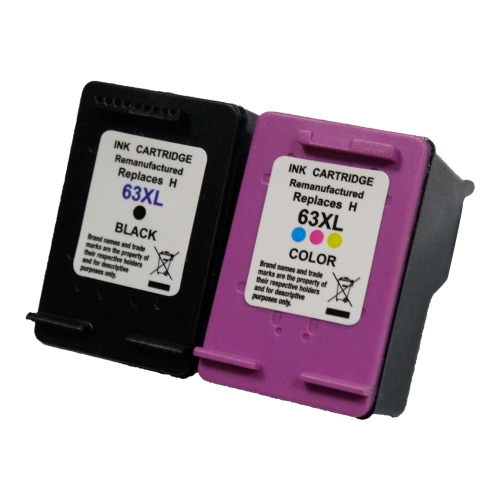
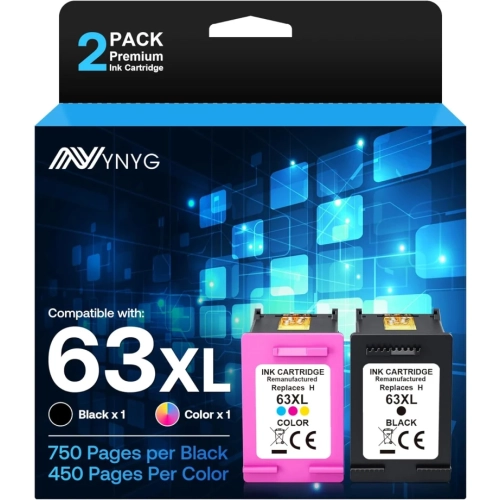
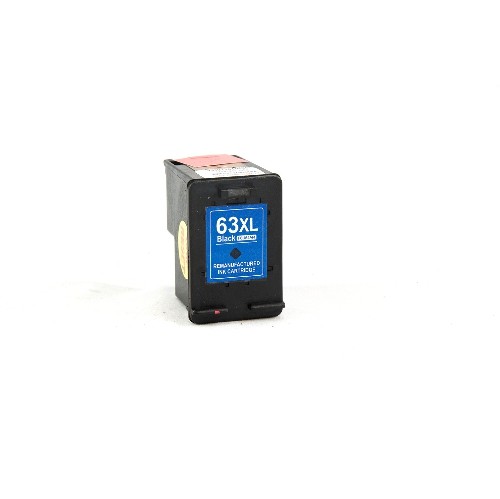
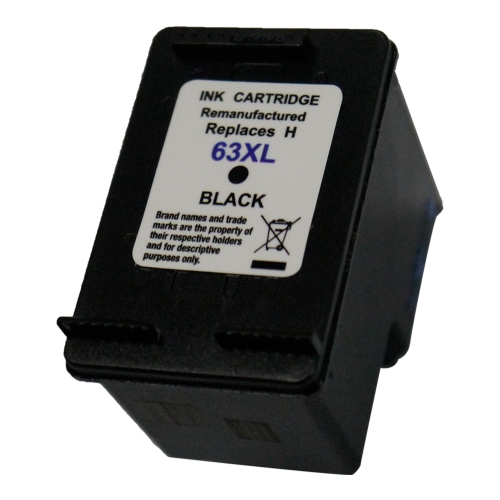
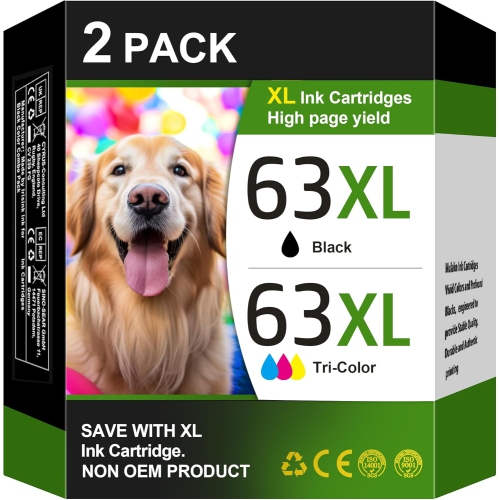
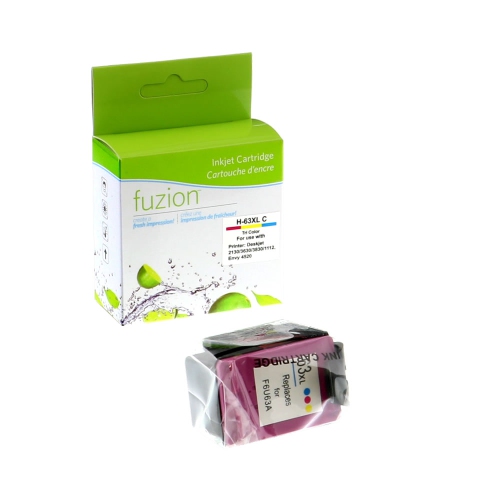
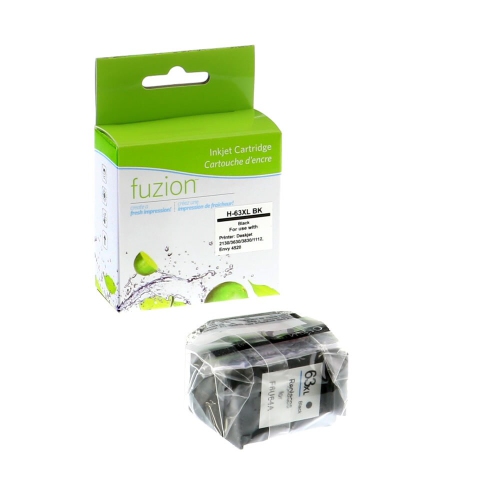
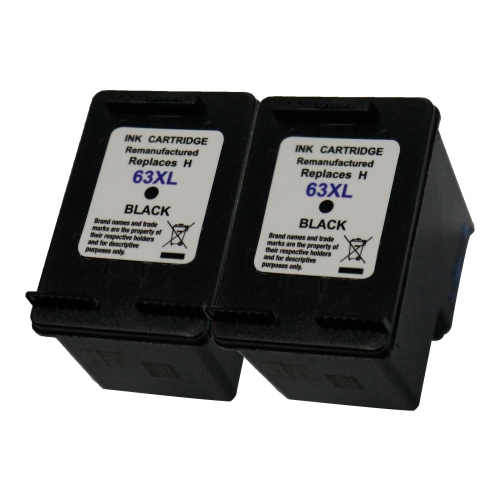
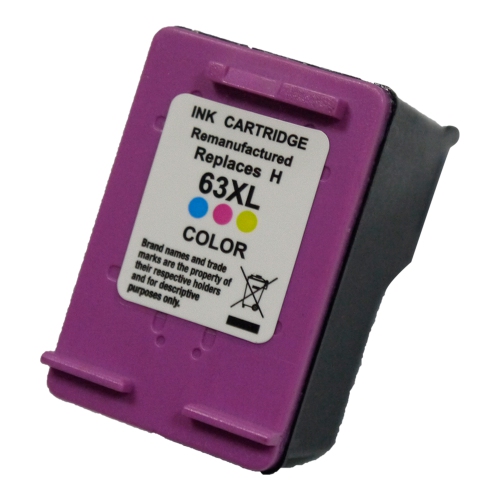
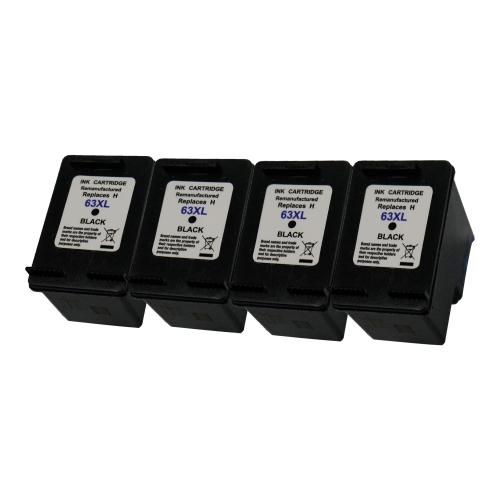
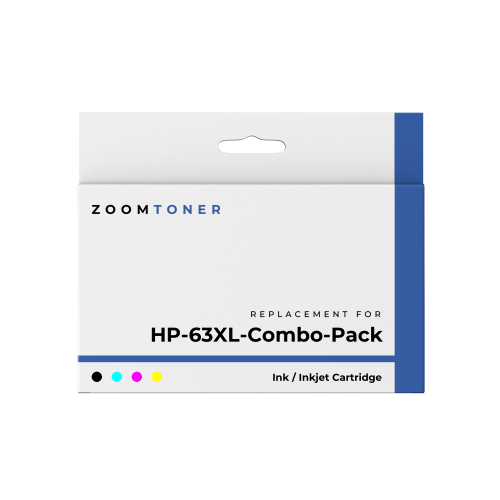
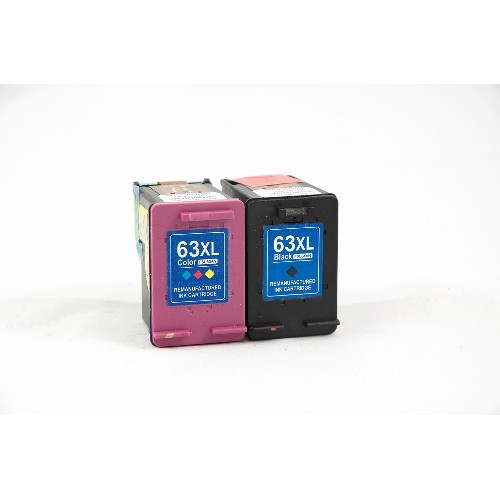
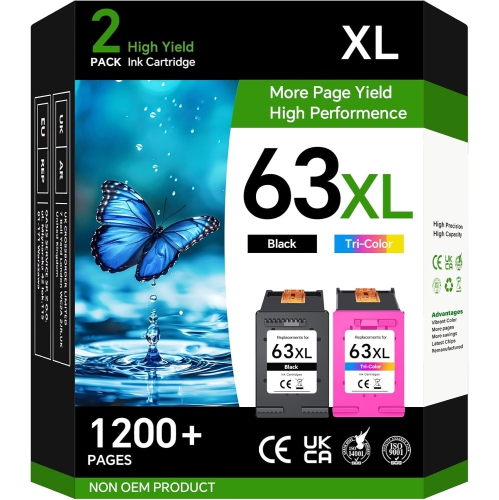
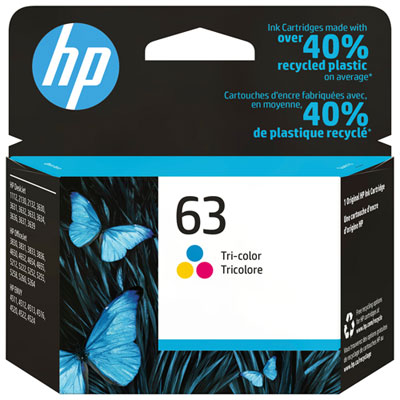
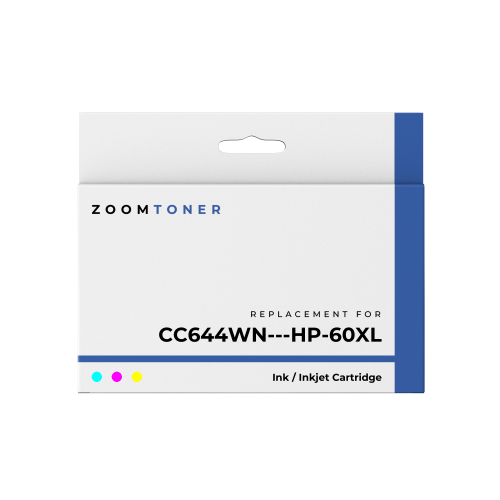

Higher ink capacity can mean fewer cartridge changes
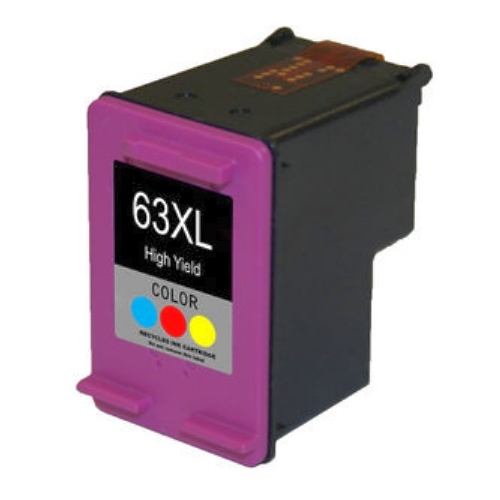
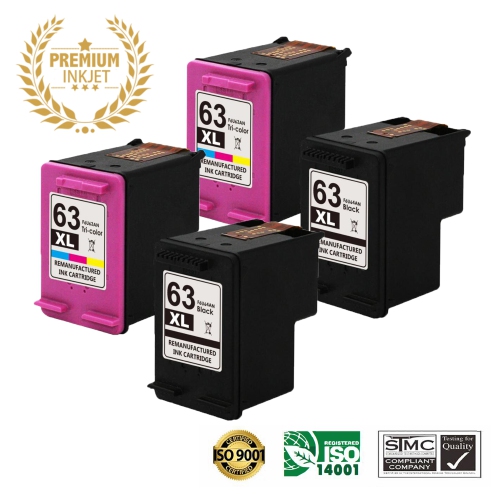
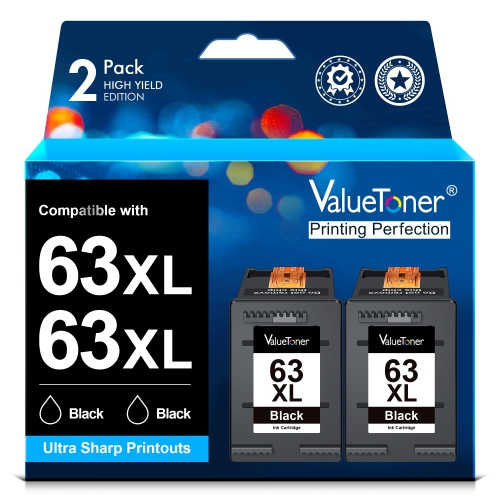
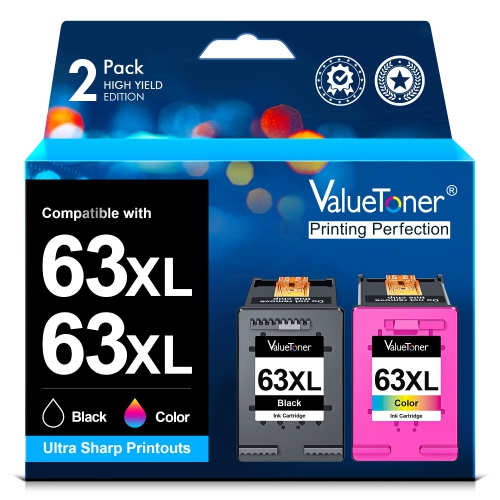
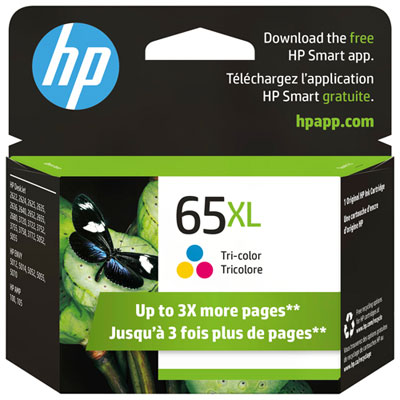
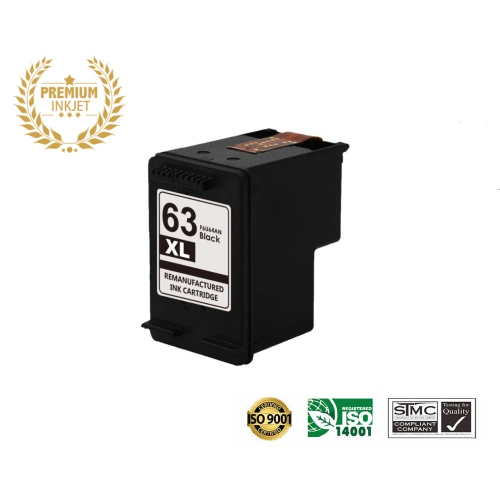
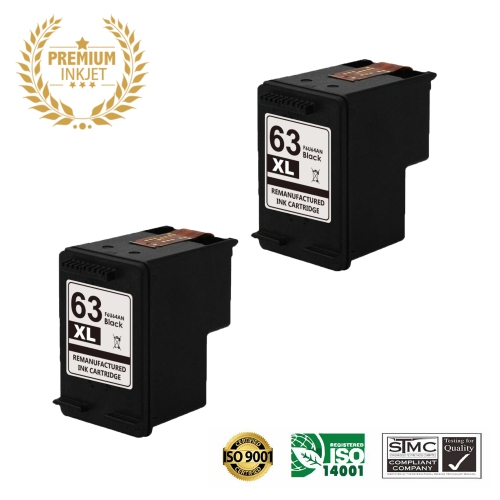
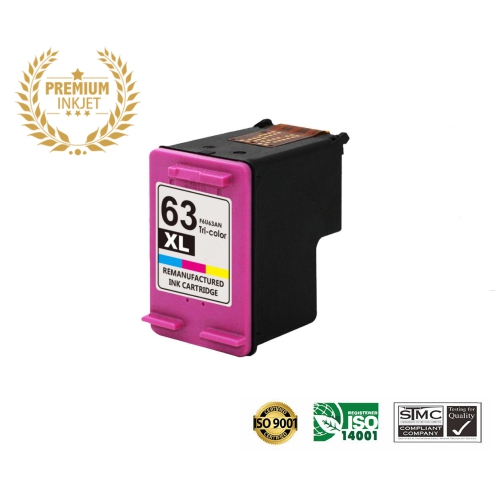
High-yield inkjet cartridges support everyday printing in homes, study spaces, and small offices where documents need to move from a screen to a readable printed page. The XL designation generally indicates a higher ink capacity than the standard-yield version within the same cartridge family, rather than a larger cartridge that requires a different printer. That extra capacity can mean fewer cartridge changes during a run of assignments, forms, or client documents, although the number of pages produced depends on what is printed and the settings used. Black cartridges are suited to text-heavy work such as letters, shipping labels, recipes, and meeting notes. Tri-colour cartridges contain cyan, magenta, and yellow inks that work together to produce colour for charts, illustrations, school projects, and photographs. In a combined tri-colour design, those inks share one cartridge, so using up one colour may require replacing the cartridge even when some of the other inks remain. A household printing mostly permission forms and reading material may use ink differently from someone producing full-page craft templates or illustrated presentations. Published page yields are based on standardized testing, not a promise that every cartridge will produce that many pages under every condition. Dense graphics, large areas of colour, borderless photographs, and higher-quality print settings can use more ink than lightly covered text pages. Some ink is also used during printer maintenance. High-yield capacity is therefore most useful when considered alongside printing habits, not simply the largest number on a package. For a student handling regular coursework, a home office preparing paperwork, or a family sharing one printer, the practical benefit is a longer interval between replacements compared with the corresponding standard-yield cartridge under similar conditions. For occasional printing, keeping the printer in good working order and choosing the correct cartridge remain just as important as capacity.
Compatibility is the essential starting point for any ink cartridge, because similar packaging, a familiar cartridge shape, or a nearby family number does not establish a correct fit. The full printer model should match the compatibility information on the cartridge packaging or listing, including any relevant letters or model suffixes. A printer’s model information is usually found on its casing, an identification label, or within its settings and support software. The number on an installed cartridge can provide a useful cross-check, but the printer’s documentation is the stronger reference if its replacement history is unknown. XL cartridges are generally designed to occupy the same designated slot as their standard-yield counterparts within a compatible family; the designation does not make them interchangeable with other cartridge families. A separate family such as HP 60XL should only be considered when the printer explicitly supports it, not because its name looks similar. Black and tri-colour cartridges also have distinct positions in printers that use a two-cartridge system, and one cannot take the place of the other. Beyond physical fit, electrical contacts and cartridge identification must work with the printer. Cartridge region, printer requirements, and any restrictions affecting third-party cartridges may also matter, particularly with a printer brought into Canada from another market. Original-manufacturer cartridges are designed for the printer maker’s specified models, while third-party and refilled cartridges require attention to the supplier’s stated compatibility, support, and operating limitations. Packaging descriptions should make clear whether a cartridge contains black or tri-colour ink and whether a pack includes one or both. That distinction matters in a shared workspace: replacing an empty black cartridge will not necessarily resolve a warning about a depleted colour cartridge. Some printers require both cartridges to be installed or usable even for certain black-and-white tasks, while others support a limited single-cartridge mode. The printer’s own specifications establish which behaviour to expect.
Print quality depends on the cartridge, paper, settings, and condition of the printer working together. An inkjet cartridge typically combines a moulded plastic housing with an internal ink reservoir and electrical contacts; some designs also include an integrated printhead. These components need careful handling rather than force during installation. Protective shipping tape should be removed as directed, while contacts and ink nozzles should be left untouched to avoid contamination or damage. A cartridge should seat securely in its designated position, followed by any alignment procedure requested by the printer. Alignment can help text edges and colour elements land where they belong, which is especially noticeable on tables, small type, and photographs with fine detail. Plain inkjet-compatible paper is suitable for routine documents, while coated presentation or photo paper can produce a different finish for images and graphics. Matching the paper setting to the loaded paper helps the printer apply ink appropriately; selecting a photo setting for ordinary office paper can leave a sheet overly saturated without delivering the intended result. Draft mode may suit a proofreading copy, while a standard or higher-quality setting is more appropriate for a document being handed to a teacher, client, or colleague. Freshly printed sheets, especially photographs and heavily coloured pages, benefit from time to dry before stacking, framing, or placing them in sleeves. Resistance to smudging, moisture, and fading varies with ink formulation, paper, handling, and display conditions, so everyday inkjet output should not automatically be treated as waterproof or archival. Unopened cartridges are best kept sealed in their original packaging, away from direct sunlight and temperature extremes, and used within any dates or storage guidance supplied by the manufacturer. Installed cartridges should generally remain in the printer between uses, with the printer switched off using its power button so it can complete its shutdown routine. If prints develop gaps or streaks, checking ink levels and running the built-in diagnostic process is more useful than repeatedly printing the same page. Cleaning cycles use ink, so they are best reserved for an identified quality issue and performed according to the printer’s directions. Together, correct fit, careful installation, and suitable print settings help turn cartridge capacity into clear, usable pages for everyday work.
Compatibility is the essential starting point for any ink cartridge, because similar packaging, a familiar cartridge shape, or a nearby family number does not establish a correct fit. The full printer model should match the compatibility information on the cartridge packaging or listing, including any relevant letters or model suffixes. A printer’s model information is usually found on its casing, an identification label, or within its settings and support software. The number on an installed cartridge can provide a useful cross-check, but the printer’s documentation is the stronger reference if its replacement history is unknown. XL cartridges are generally designed to occupy the same designated slot as their standard-yield counterparts within a compatible family; the designation does not make them interchangeable with other cartridge families. A separate family such as HP 60XL should only be considered when the printer explicitly supports it, not because its name looks similar. Black and tri-colour cartridges also have distinct positions in printers that use a two-cartridge system, and one cannot take the place of the other. Beyond physical fit, electrical contacts and cartridge identification must work with the printer. Cartridge region, printer requirements, and any restrictions affecting third-party cartridges may also matter, particularly with a printer brought into Canada from another market. Original-manufacturer cartridges are designed for the printer maker’s specified models, while third-party and refilled cartridges require attention to the supplier’s stated compatibility, support, and operating limitations. Packaging descriptions should make clear whether a cartridge contains black or tri-colour ink and whether a pack includes one or both. That distinction matters in a shared workspace: replacing an empty black cartridge will not necessarily resolve a warning about a depleted colour cartridge. Some printers require both cartridges to be installed or usable even for certain black-and-white tasks, while others support a limited single-cartridge mode. The printer’s own specifications establish which behaviour to expect.
Print quality depends on the cartridge, paper, settings, and condition of the printer working together. An inkjet cartridge typically combines a moulded plastic housing with an internal ink reservoir and electrical contacts; some designs also include an integrated printhead. These components need careful handling rather than force during installation. Protective shipping tape should be removed as directed, while contacts and ink nozzles should be left untouched to avoid contamination or damage. A cartridge should seat securely in its designated position, followed by any alignment procedure requested by the printer. Alignment can help text edges and colour elements land where they belong, which is especially noticeable on tables, small type, and photographs with fine detail. Plain inkjet-compatible paper is suitable for routine documents, while coated presentation or photo paper can produce a different finish for images and graphics. Matching the paper setting to the loaded paper helps the printer apply ink appropriately; selecting a photo setting for ordinary office paper can leave a sheet overly saturated without delivering the intended result. Draft mode may suit a proofreading copy, while a standard or higher-quality setting is more appropriate for a document being handed to a teacher, client, or colleague. Freshly printed sheets, especially photographs and heavily coloured pages, benefit from time to dry before stacking, framing, or placing them in sleeves. Resistance to smudging, moisture, and fading varies with ink formulation, paper, handling, and display conditions, so everyday inkjet output should not automatically be treated as waterproof or archival. Unopened cartridges are best kept sealed in their original packaging, away from direct sunlight and temperature extremes, and used within any dates or storage guidance supplied by the manufacturer. Installed cartridges should generally remain in the printer between uses, with the printer switched off using its power button so it can complete its shutdown routine. If prints develop gaps or streaks, checking ink levels and running the built-in diagnostic process is more useful than repeatedly printing the same page. Cleaning cycles use ink, so they are best reserved for an identified quality issue and performed according to the printer’s directions. Together, correct fit, careful installation, and suitable print settings help turn cartridge capacity into clear, usable pages for everyday work.
Top selling and popular products
-
 Your price for this item is $109.99
 -
 Your price for this item is $40.99
 -
 Your price for this item is $101.99
 -
 Your price for this item is $129.99
 -
 Your price for this item is $109.99
 -
 Your price for this item is $89.99
 -
 Your price for this item is $90.99
 -
 Your price for this item is $57.99
Top Collections:
Pokemon Centers, Kindle Devices, Best Budget Office Chairs, Apple iPhones 16, Canon G7X Cameras, iPhone 15 Apple, Alarm Clock, Refurbished Apple Laptops, Flip Phones, Best Laptops for Writers
Some products may be subject to Environmental Handling Fees
(EHF) depending on your province.
Learn more about EHFs.