HP LaserJet P2055dn
Discover efficient printing solutions with the HP LaserJet P2055dn. Ideal for both home offices and businesses, this printer offers reliable performance to keep your workflow moving smoothly. Whether you’re handling daily documents or important reports, the HP LaserJet P2055dn is designed to meet your printing needs with ease. Explore options and find the right fit for your workspace today.
Sort

The practical details behind clear black-and-white office printing
Monochrome laser printers are built around a straightforward office task: producing clear, readable black-and-white documents with a consistent finish. They suit the paperwork that keeps a small business, shared office, or home workspace moving, from invoices and shipping forms to meeting agendas, lesson handouts, and lengthy reference documents. Unlike colour printers, they use black toner to reproduce text, line drawings, and greyscale images. That makes them particularly useful when legibility matters more than photographic colour, such as a spreadsheet with narrow columns or a contract filled with small print. Laser printing uses powdered toner that is bonded to paper with heat, creating pages that can be handled soon after they leave the output tray. Print resolution affects how finely letters and graphics can be rendered, although the quality of the original file and the paper also influence the result. A resolution specification of up to 1200 x 1200 dpi can be useful for fine text and detailed line work, while everyday correspondence may look perfectly clear at a lower setting. Speed is another consideration, especially when several people send documents to the same printer. A rating of up to 35 pages per minute describes output under particular test conditions rather than a guarantee for every job; complex files, two-sided printing, and the time needed to prepare the first page can change the pace. For someone printing a single form before leaving the house, first-page time may matter more than the speed of a long batch. For an administrator preparing a stack of meeting packets, sustained output and orderly paper handling become more important. The broader HP Laserjets range provides context for this type of document-focused printing. Within this category, the most useful distinctions are often practical ones: whether printing is primarily for one person or a team, whether documents need two-sided output, and how comfortably the printer fits into an existing computer setup.
Automatic duplex printing and wired networking are especially relevant in a shared workspace. Duplex printing turns the sheet inside the printer so that both sides can be printed without manually feeding the stack through again. It is a convenient feature for multipage reports, training materials, and reference binders, particularly when page order needs to stay intact. The document settings still matter: long-edge binding generally suits portrait pages that turn like a book, while short-edge binding may suit pages that flip upward. Supported paper sizes and weights can differ between automatic duplexing and single-sided printing, so heavier sheets may need a different feed path. Ethernet connectivity allows a printer to connect to a router or network switch for access by compatible computers on the same network. It is distinct from built-in Wi-Fi, and a wired network port does not by itself establish support for wireless setup, phone printing, or cloud features. A direct USB connection serves a different purpose, linking the printer to an individual computer rather than providing independent network access. For established office equipment, compatibility deserves attention beyond whether a cable fits. The operating system version, available drivers, and permitted installation settings all affect whether printing works as expected. A workplace with managed computers may also require assistance from its IT administrator before adding a network printer. Paper capacity shapes daily convenience in much the same way. A standard input capacity of 300 sheets, for example, can describe the combined capacity of a main tray and a multipurpose feed rather than one drawer that holds the entire amount. Adjustable guides help keep letter-size documents aligned, while support for legal-size paper is useful for longer forms and certain business records. Envelopes, labels, and heavier media need explicit support for laser printing, since unsuitable coatings or adhesives may not tolerate the heat used to set toner. These details become noticeable during ordinary work: a neatly fed envelope, a straight margin on a form, or a report that finishes without repeated trips to refill the tray.
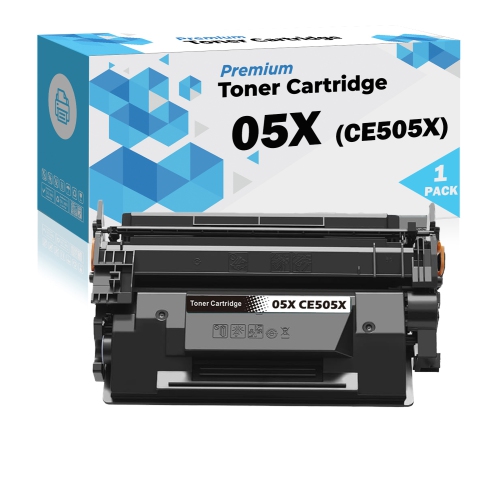
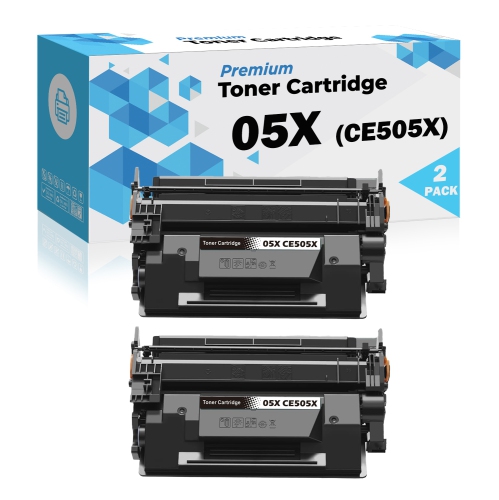
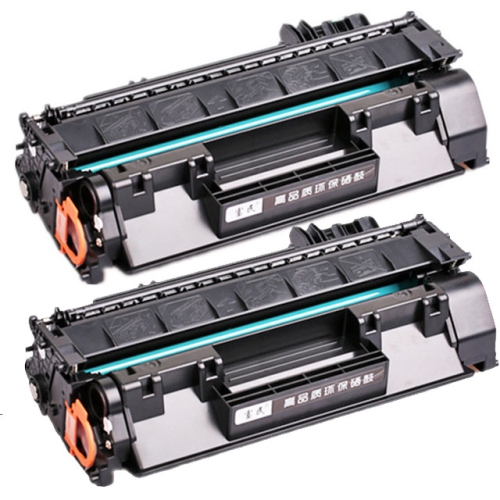
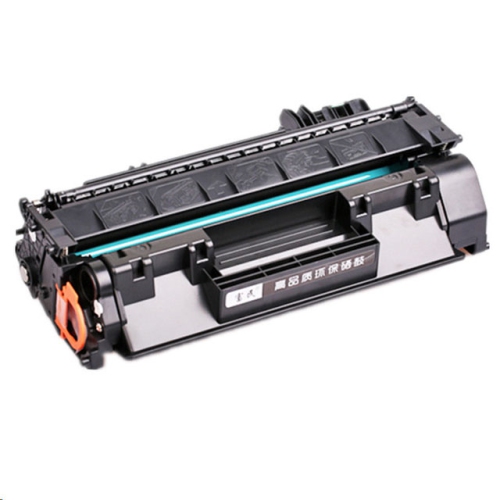
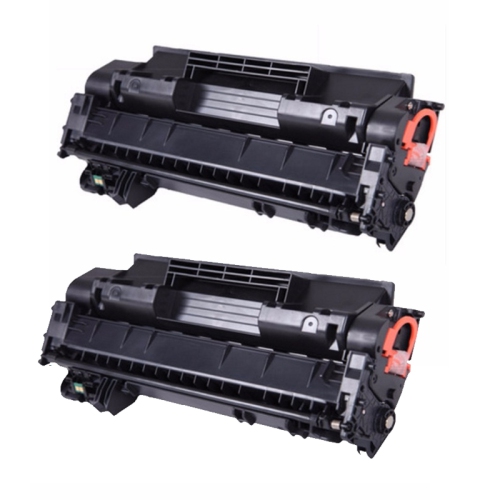
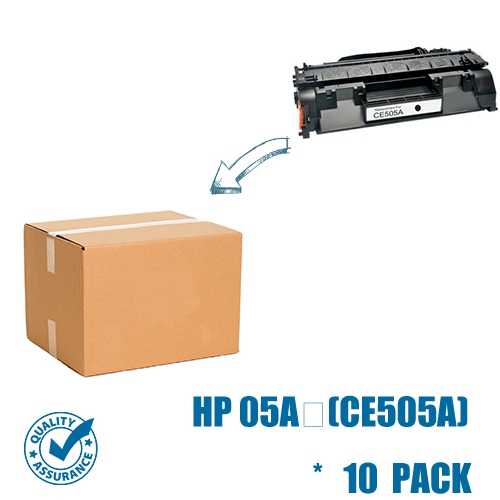
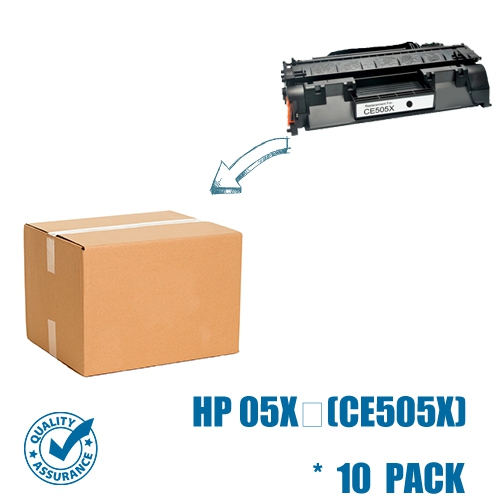
Physical fit, toner compatibility, and routine care influence how well a monochrome laser printer serves a workspace over time. The footprint is only part of the space it needs. Paper trays may extend beyond the body, access doors need room to open, and the output area should remain clear so finished pages do not bunch together. A stable desk, printer stand, or cabinet should support the equipment securely, with clearance around ventilation openings and enough access to reach cables without pulling them tight. In a quiet home office, operating noise and the location of the printer can also matter, particularly beside a desk used for calls. Toner cartridges must match the exact printer model and any applicable regional requirements; a similar appearance or familiar cartridge family is not enough to establish compatibility. Standard-yield and high-yield options can differ in their stated page output, but those figures are measured using defined test methods. Dense graphics, large areas of black, and frequent short print jobs can produce different results in everyday use. Whether a cartridge includes the imaging drum or works with a separate drum also varies by printer design. Paper care is simpler but just as worthwhile: keep sheets flat, dry, and in their packaging until needed, and avoid mixing curled or damaged paper into a fresh stack. During the cooler months, paper brought in from a cold storage area benefits from reaching room conditions before use. Clean exterior surfaces with a soft cloth as directed by the manufacturer, and follow the documented procedure for clearing jams or accessing internal parts, some of which can become hot. For previously used equipment, page count, feed-roller condition, tray movement, and a sample printed page provide more useful context than exterior appearance alone. Repeated marks, uneven shading, or frequent misfeeds can indicate that supplies or service need attention. Teachers preparing handouts, bookkeepers handling statements, and households managing forms can all benefit from a printer matched to their document habits. The strongest fit is a dependable black-and-white workflow, supported by compatible software, appropriate paper, and straightforward upkeep.
Automatic duplex printing and wired networking are especially relevant in a shared workspace. Duplex printing turns the sheet inside the printer so that both sides can be printed without manually feeding the stack through again. It is a convenient feature for multipage reports, training materials, and reference binders, particularly when page order needs to stay intact. The document settings still matter: long-edge binding generally suits portrait pages that turn like a book, while short-edge binding may suit pages that flip upward. Supported paper sizes and weights can differ between automatic duplexing and single-sided printing, so heavier sheets may need a different feed path. Ethernet connectivity allows a printer to connect to a router or network switch for access by compatible computers on the same network. It is distinct from built-in Wi-Fi, and a wired network port does not by itself establish support for wireless setup, phone printing, or cloud features. A direct USB connection serves a different purpose, linking the printer to an individual computer rather than providing independent network access. For established office equipment, compatibility deserves attention beyond whether a cable fits. The operating system version, available drivers, and permitted installation settings all affect whether printing works as expected. A workplace with managed computers may also require assistance from its IT administrator before adding a network printer. Paper capacity shapes daily convenience in much the same way. A standard input capacity of 300 sheets, for example, can describe the combined capacity of a main tray and a multipurpose feed rather than one drawer that holds the entire amount. Adjustable guides help keep letter-size documents aligned, while support for legal-size paper is useful for longer forms and certain business records. Envelopes, labels, and heavier media need explicit support for laser printing, since unsuitable coatings or adhesives may not tolerate the heat used to set toner. These details become noticeable during ordinary work: a neatly fed envelope, a straight margin on a form, or a report that finishes without repeated trips to refill the tray.
Physical fit, toner compatibility, and routine care influence how well a monochrome laser printer serves a workspace over time. The footprint is only part of the space it needs. Paper trays may extend beyond the body, access doors need room to open, and the output area should remain clear so finished pages do not bunch together. A stable desk, printer stand, or cabinet should support the equipment securely, with clearance around ventilation openings and enough access to reach cables without pulling them tight. In a quiet home office, operating noise and the location of the printer can also matter, particularly beside a desk used for calls. Toner cartridges must match the exact printer model and any applicable regional requirements; a similar appearance or familiar cartridge family is not enough to establish compatibility. Standard-yield and high-yield options can differ in their stated page output, but those figures are measured using defined test methods. Dense graphics, large areas of black, and frequent short print jobs can produce different results in everyday use. Whether a cartridge includes the imaging drum or works with a separate drum also varies by printer design. Paper care is simpler but just as worthwhile: keep sheets flat, dry, and in their packaging until needed, and avoid mixing curled or damaged paper into a fresh stack. During the cooler months, paper brought in from a cold storage area benefits from reaching room conditions before use. Clean exterior surfaces with a soft cloth as directed by the manufacturer, and follow the documented procedure for clearing jams or accessing internal parts, some of which can become hot. For previously used equipment, page count, feed-roller condition, tray movement, and a sample printed page provide more useful context than exterior appearance alone. Repeated marks, uneven shading, or frequent misfeeds can indicate that supplies or service need attention. Teachers preparing handouts, bookkeepers handling statements, and households managing forms can all benefit from a printer matched to their document habits. The strongest fit is a dependable black-and-white workflow, supported by compatible software, appropriate paper, and straightforward upkeep.
Top selling and popular products
-
 Your price for this item is $184.99
 -
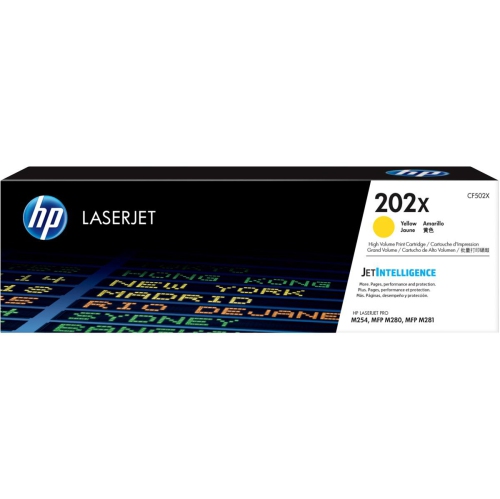 Your price for this item is $184.99
 -
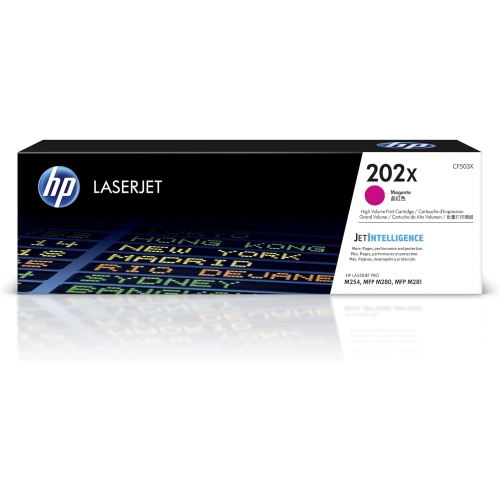 Your price for this item is $184.99
 -
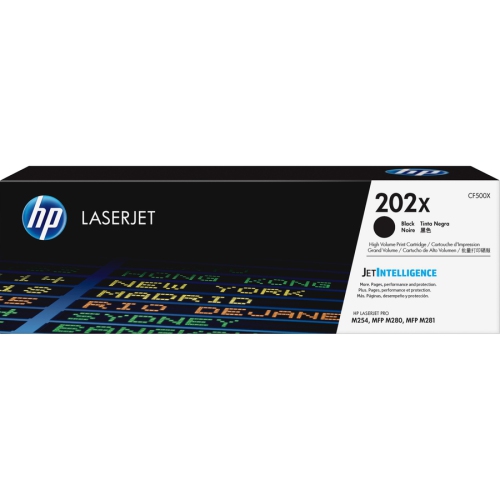 Your price for this item is $176.99
 -
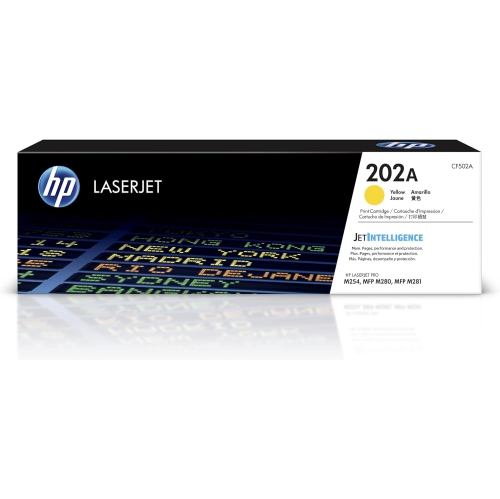 Your price for this item is $139.99
 -
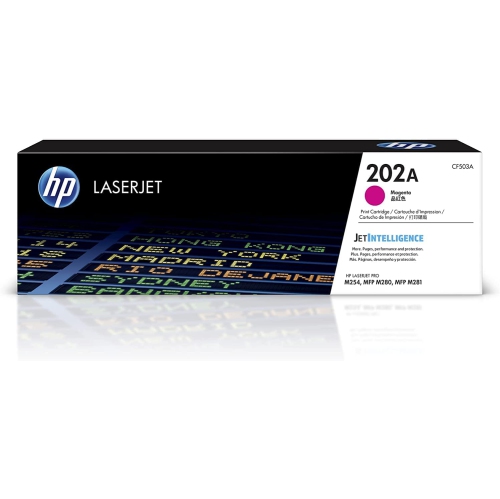 Your price for this item is $139.99
 -
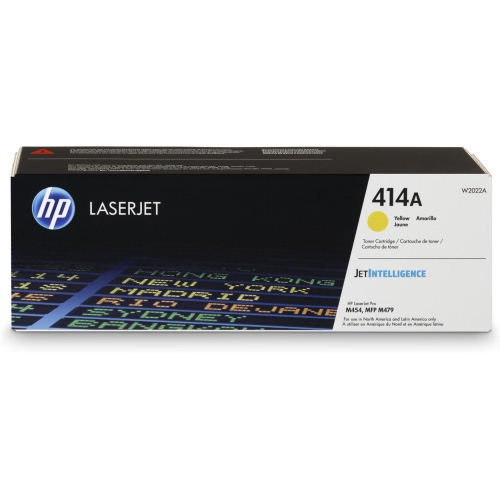 Your price for this item is $230.82
 -
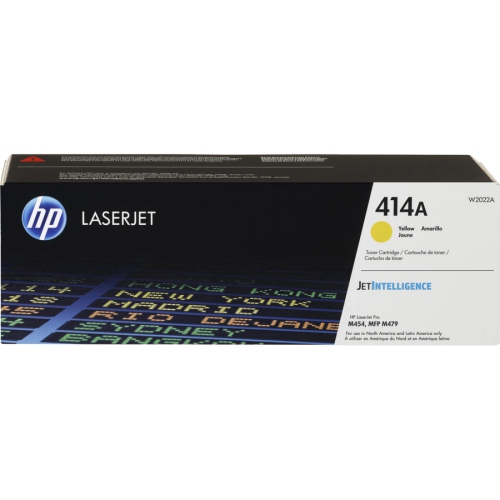 Your price for this item is $197.99
Discover more categories related to HP LaserJet P2055dn

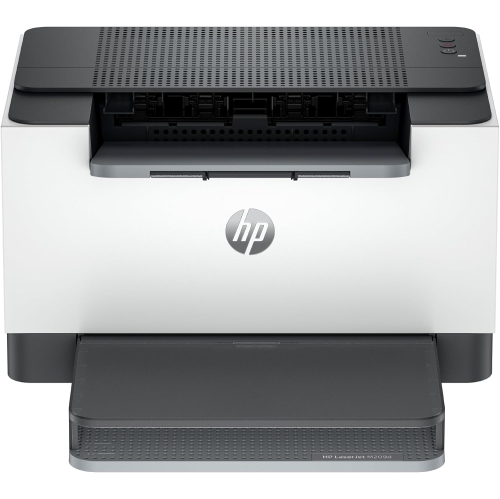
Top Collections:
Pokemon Centers, Best Cameras for Sports Photography, Kindle Devices, Samsung Galaxy Phones, Canon G7X Cameras, Pokémon 30th Celebration Cards, Refurbished Apple Laptops, iPhone 15 Apple, Laptops for Students, Budget Smartphones
Some products may be subject to Environmental Handling Fees
(EHF) depending on your province.
Learn more about EHFs.