HP LaserJet Pro M203Dw
The HP LaserJet Pro M203Dw is designed to deliver reliable performance for both home offices and small businesses. With its compact footprint and user-friendly setup, it fits seamlessly into a variety of workspaces. Explore options that help streamline your daily printing tasks, ensuring efficient document handling and professional results. Find the HP LaserJet Pro M203Dw to meet your printing needs and keep your workflow running smoothly.
Sort



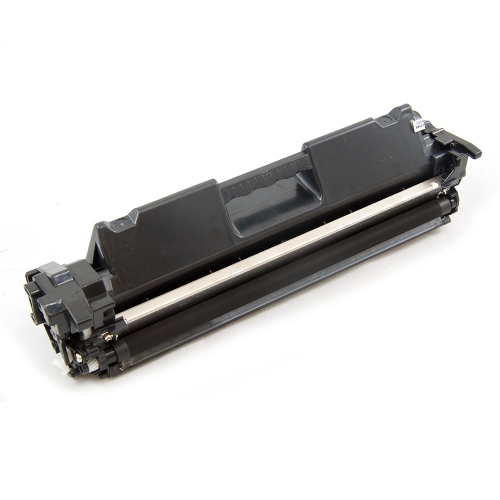
Why monochrome laser printing suits everyday paperwork
A monochrome laser printer produces black-and-white documents using toner rather than liquid ink, making it well suited to home desks, small offices, and everyday paperwork. Its strength is clear, consistent text: the fine print on a contract, the figures in a spreadsheet, or the headings on a classroom handout. Laser printing uses an imaging drum and heat to transfer and fix toner onto the page, producing documents that can be handled shortly after printing. For households managing school forms and personal records, or small teams preparing invoices and meeting notes, a compact document printer can keep routine tasks close at hand without taking over the workspace. A print-only design concentrates on document output; scanning and copying require separate equipment or a multifunction printer. Monochrome printing also means that colour charts and photographs appear in shades of grey, so documents that depend on colour distinctions may need a different printing solution. Text-heavy work is the natural fit, especially when most pages contain paragraphs, tables, or simple line drawings. Automatic double-sided printing is useful for longer reports and multipage reference documents, keeping related information together in a smaller stack. Paper handling matters just as much as the print engine: an enclosed input tray helps keep sheets tidy, while a suitable priority feed slot can make occasional envelope or letterhead printing more convenient. Supported paper sizes and weights vary, so letter-size forms, legal-size documents, and heavier stationery should match the printer’s specifications. Print speed is only part of the experience, too. The time needed to deliver the first page can matter more than sustained output when the usual task is a single shipping label or a two-page letter. For a busier desk, recommended monthly print volume provides a more useful indication of everyday suitability than the maximum duty cycle alone. That maximum describes an upper workload limit, not necessarily the amount a printer is intended to handle regularly.
Connectivity shapes how easily a printer fits into daily routines. Wi-Fi allows a compatible printer to join a wireless network, giving supported laptops, desktop computers, and mobile devices access without a separate printer cable at every desk. A reliable connection depends on placement as well as setup; a printer tucked behind a metal cabinet or positioned far from the router may have a less dependable signal than one on an open shelf nearby. Ethernet, when supported, provides a wired network connection that can suit a shared office desk or a workspace with several regular users. USB offers a straightforward connection to a single computer, although a USB connection by itself does not automatically make the printer accessible to every device on the network. Wi-Fi Direct is different from ordinary network printing: it lets a compatible phone, tablet, or computer connect directly to the printer without joining a router-based network. That can be helpful for occasional printing from a mobile device, but support and setup depend on the printer, operating system, and printing app. Direct wireless printing does not necessarily require internet access, while cloud-based features may. These distinctions are useful in practical situations, such as printing a signed document from a laptop at the kitchen table or sending a worksheet from a phone while another household member uses the main computer. Mobile printing compatibility, supported operating systems, and available drivers should all suit the devices that will actually send the documents. For shared use, clear device names and appropriate network access settings help people select the correct printer and limit unintended connections. Physical placement deserves equal attention. A compact footprint still needs room for the paper tray, output area, cable connections, and access panels. Keeping the printer on a stable, level surface with the clearance specified by the manufacturer makes loading paper and replacing supplies easier. Normal operating sound may also be noticeable beside a work call, so a nearby side table can be more practical than the centre of a desk.
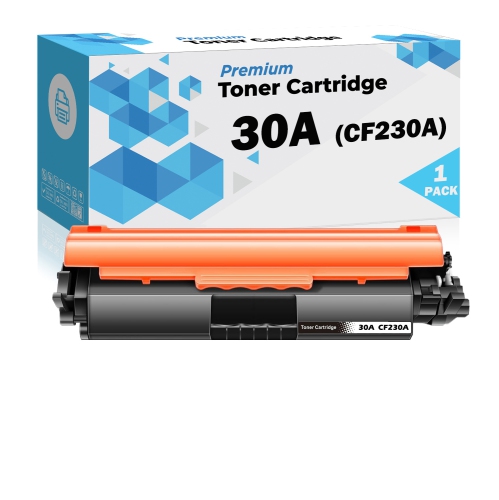
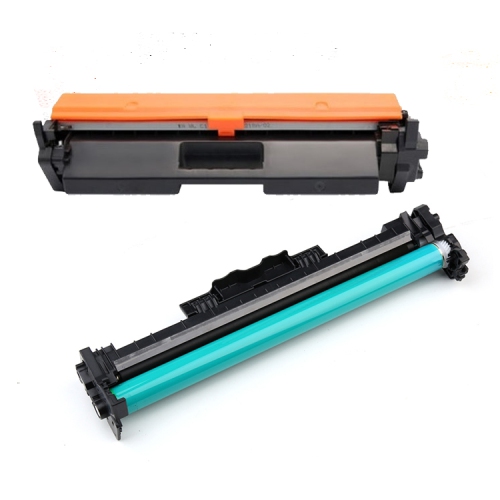
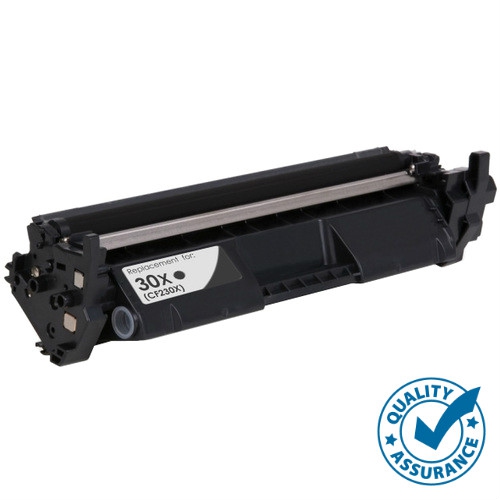
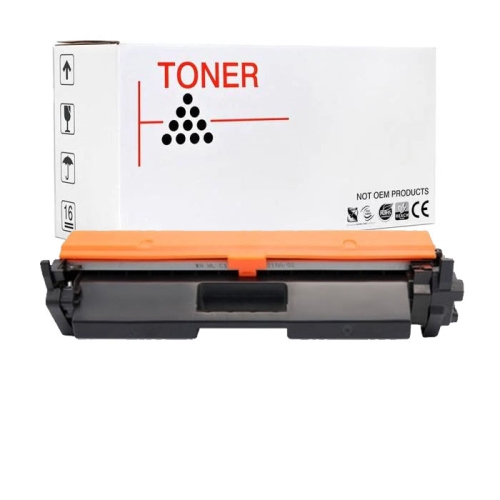
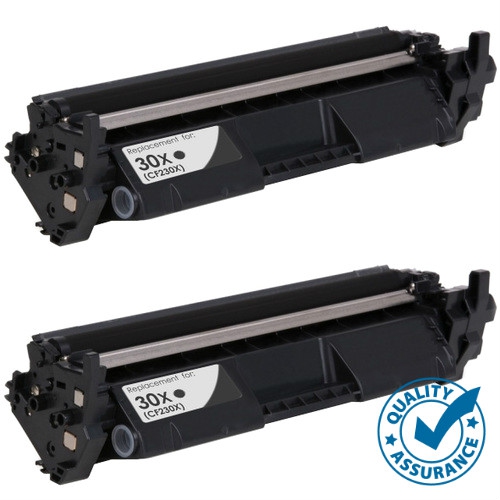
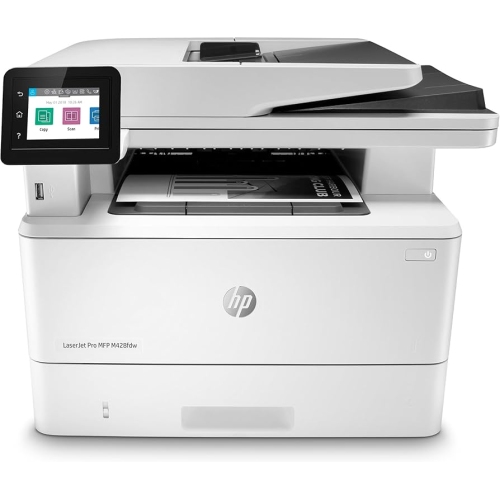
Long-term reliability depends on matching the printer, paper, and supplies to the work being done. Standard office paper is suitable for many text documents, while envelopes, labels, and heavier sheets need explicit approval for laser printing and for the printer’s feed system. Because laser printers use heat, media designed only for inkjet printing may not be appropriate. Smooth, flat sheets feed more predictably than paper with curled corners, damp edges, or damaged packaging. Storing paper flat in its wrapper until needed helps preserve its condition, and adjusting the tray guides to the loaded sheet size helps keep pages aligned without pinching the stack. Toner cartridges must match the exact printer model; similar-looking cartridges are not necessarily interchangeable. Some laser printers use a separate imaging drum, while others combine components in a single replaceable assembly, so maintenance requirements differ. Published toner yields are based on defined test conditions, and actual results vary with page coverage, document layout, and printing habits. A page filled with dark graphics uses more toner than a short letter with generous margins. Laser toner does not dry out in the same way as liquid ink, which can make this printing method convenient for households that print in bursts rather than every day. Even so, supplies should be stored as directed, and internal components should be handled only according to the manufacturer’s instructions. Routine care is usually modest: keeping ventilation openings clear, removing loose dust from the exterior with an appropriate cloth, and addressing paper-feed issues before repeatedly resending a job. For a paper jam, following the designated access path helps avoid torn scraps and damage to delicate parts. Households and offices that also need scanning and copying can consider the HP LaserJet Pro MFP M428FDW as a related multifunction option. Whether the priority is occasional household paperwork or a steady stream of office documents, the most useful fit combines clear black-and-white output, compatible connections, manageable dimensions, and paper handling suited to the usual workload.
Connectivity shapes how easily a printer fits into daily routines. Wi-Fi allows a compatible printer to join a wireless network, giving supported laptops, desktop computers, and mobile devices access without a separate printer cable at every desk. A reliable connection depends on placement as well as setup; a printer tucked behind a metal cabinet or positioned far from the router may have a less dependable signal than one on an open shelf nearby. Ethernet, when supported, provides a wired network connection that can suit a shared office desk or a workspace with several regular users. USB offers a straightforward connection to a single computer, although a USB connection by itself does not automatically make the printer accessible to every device on the network. Wi-Fi Direct is different from ordinary network printing: it lets a compatible phone, tablet, or computer connect directly to the printer without joining a router-based network. That can be helpful for occasional printing from a mobile device, but support and setup depend on the printer, operating system, and printing app. Direct wireless printing does not necessarily require internet access, while cloud-based features may. These distinctions are useful in practical situations, such as printing a signed document from a laptop at the kitchen table or sending a worksheet from a phone while another household member uses the main computer. Mobile printing compatibility, supported operating systems, and available drivers should all suit the devices that will actually send the documents. For shared use, clear device names and appropriate network access settings help people select the correct printer and limit unintended connections. Physical placement deserves equal attention. A compact footprint still needs room for the paper tray, output area, cable connections, and access panels. Keeping the printer on a stable, level surface with the clearance specified by the manufacturer makes loading paper and replacing supplies easier. Normal operating sound may also be noticeable beside a work call, so a nearby side table can be more practical than the centre of a desk.
Long-term reliability depends on matching the printer, paper, and supplies to the work being done. Standard office paper is suitable for many text documents, while envelopes, labels, and heavier sheets need explicit approval for laser printing and for the printer’s feed system. Because laser printers use heat, media designed only for inkjet printing may not be appropriate. Smooth, flat sheets feed more predictably than paper with curled corners, damp edges, or damaged packaging. Storing paper flat in its wrapper until needed helps preserve its condition, and adjusting the tray guides to the loaded sheet size helps keep pages aligned without pinching the stack. Toner cartridges must match the exact printer model; similar-looking cartridges are not necessarily interchangeable. Some laser printers use a separate imaging drum, while others combine components in a single replaceable assembly, so maintenance requirements differ. Published toner yields are based on defined test conditions, and actual results vary with page coverage, document layout, and printing habits. A page filled with dark graphics uses more toner than a short letter with generous margins. Laser toner does not dry out in the same way as liquid ink, which can make this printing method convenient for households that print in bursts rather than every day. Even so, supplies should be stored as directed, and internal components should be handled only according to the manufacturer’s instructions. Routine care is usually modest: keeping ventilation openings clear, removing loose dust from the exterior with an appropriate cloth, and addressing paper-feed issues before repeatedly resending a job. For a paper jam, following the designated access path helps avoid torn scraps and damage to delicate parts. Households and offices that also need scanning and copying can consider the HP LaserJet Pro MFP M428FDW as a related multifunction option. Whether the priority is occasional household paperwork or a steady stream of office documents, the most useful fit combines clear black-and-white output, compatible connections, manageable dimensions, and paper handling suited to the usual workload.
Top selling and popular products
-
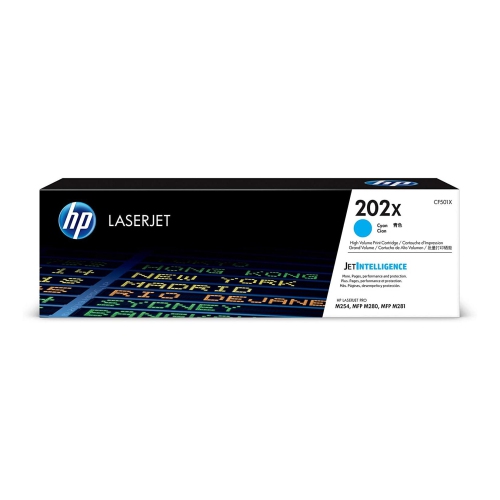 Your price for this item is $184.99
 -
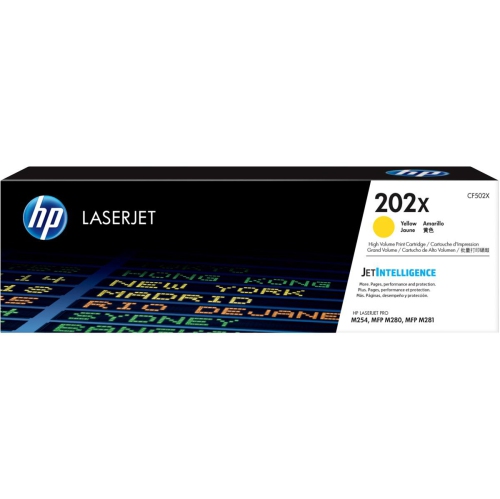 Your price for this item is $184.99
 -
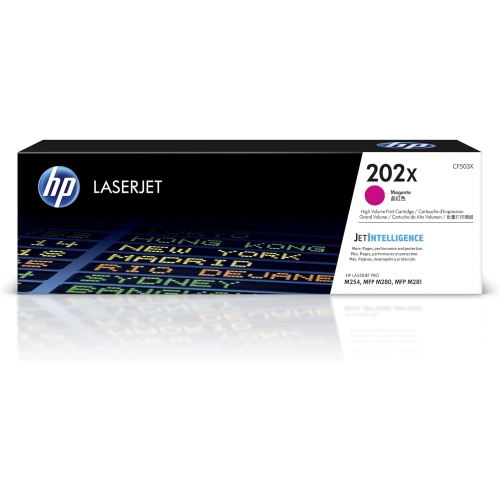 Your price for this item is $184.99
 -
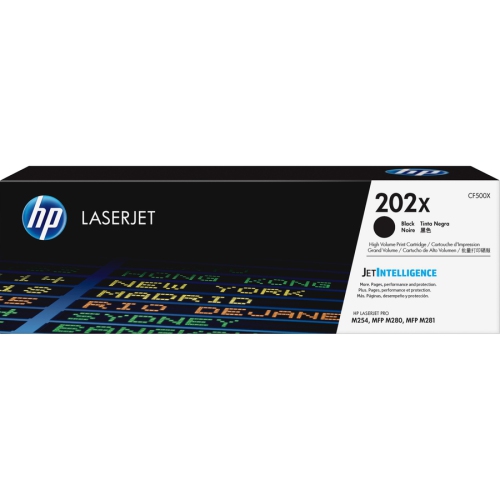 Your price for this item is $176.99
 -
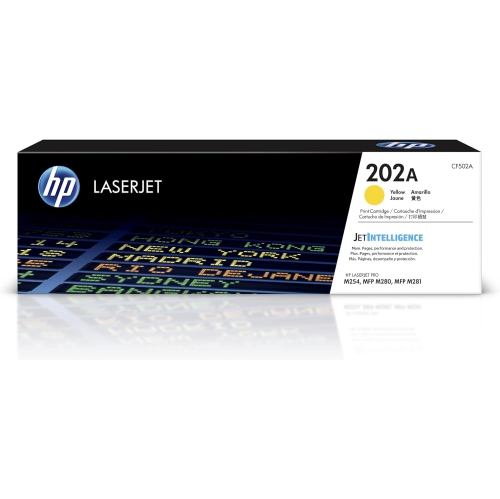 Your price for this item is $139.99
 -
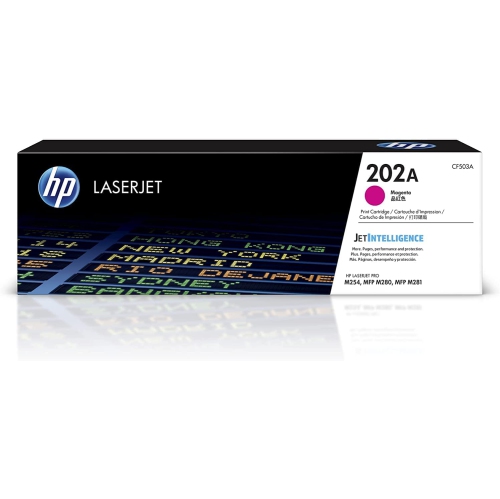 Your price for this item is $139.99
 -
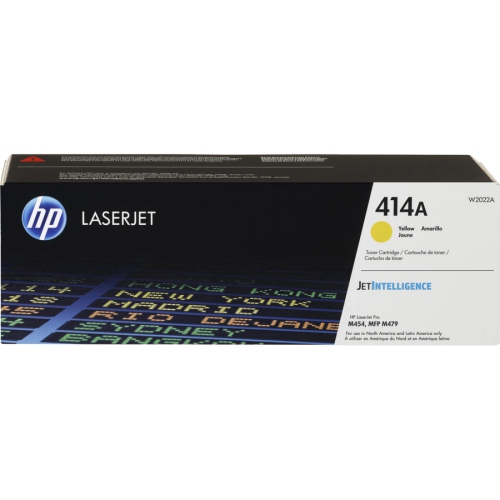 Your price for this item is $197.99
 -
 Your price for this item is $230.82
Discover more categories related to HP LaserJet Pro M203Dw
Top Collections:
Pokemon Centers, Kindle Devices, Best Cameras for Sports Photography, Samsung Galaxy Phones, Laptops for Business Work, Canon G7X Cameras, Pokémon 30th Celebration Cards, Refurbished Apple Laptops, iPhone 15 Apple, Cordless Dyson Vacuums
Some products may be subject to Environmental Handling Fees
(EHF) depending on your province.
Learn more about EHFs.