HP LaserJet P3015
Discover reliable performance with the HP LaserJet P3015, designed to meet the demands of busy offices and workspaces. Whether you're handling high-volume printing or looking for a dependable addition to your setup, the HP LaserJet P3015 offers an efficient solution for everyday tasks. Explore a range of options to find the right fit for your printing needs and keep your workflow running smoothly.
Sort

Reliable office printing goes beyond pages per minute
Monochrome laser printers and compatible printing supplies are built around a straightforward office need: clear black text, dependable paper handling, and consistent results across repeated print jobs. They suit documents such as invoices, shipping records, contracts, meeting agendas, and reports where legibility matters more than colour. A small business may need several copies of a customer agreement before an appointment, while a shared office may send longer documents from multiple computers throughout the day. In either setting, print speed is only one part of the experience. Ratings of up to 40 A4 pages or 42 Letter pages per minute describe output once printing is underway; the time needed to produce the first page matters separately, especially for frequent one-page jobs. A first-page-out specification as fast as 7.5 seconds can be useful for that pattern of work, although computer processing, connection type, and printer readiness also affect the wait. Print quality deserves similar attention. A resolution rating of up to 1200 x 1200 dpi is relevant to fine lettering, detailed tables, and line drawings, but paper choice and the condition of the printing components also influence the finished page. Monthly workload figures need to be read carefully: a recommended volume of 1,500 to 5,000 pages is not the same as a maximum duty cycle of up to 100,000 pages. The recommended range is the more useful reference for routine use, while the maximum figure describes an upper workload rating rather than a target for every month. For context across the broader HP Laserjets range, these distinctions help separate everyday document needs from occasional large batches. The best fit depends on the actual mix of short jobs, lengthy reports, shared access, and replacement supplies, rather than on a single headline specification.
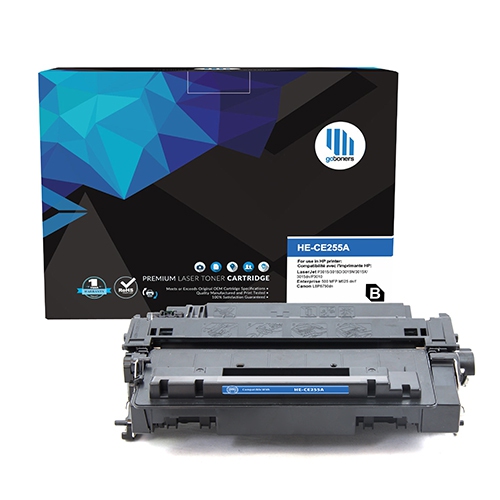
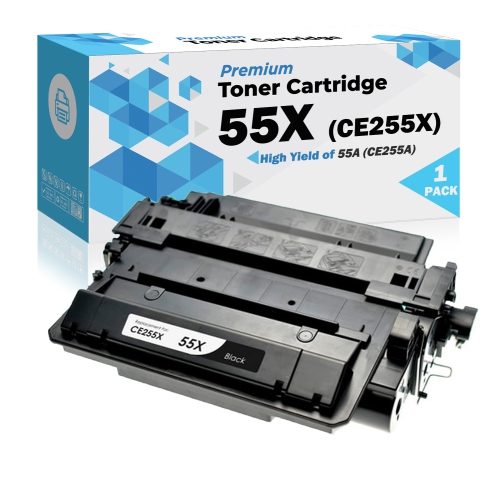
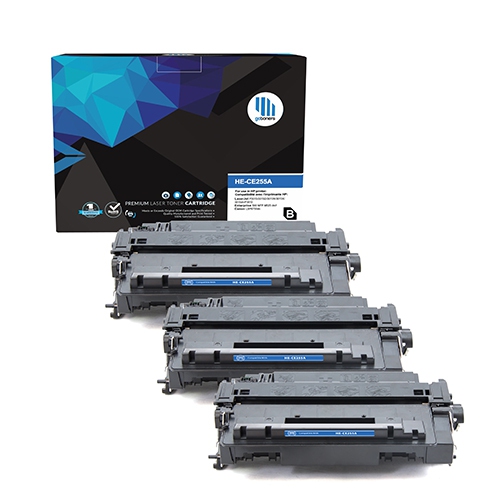
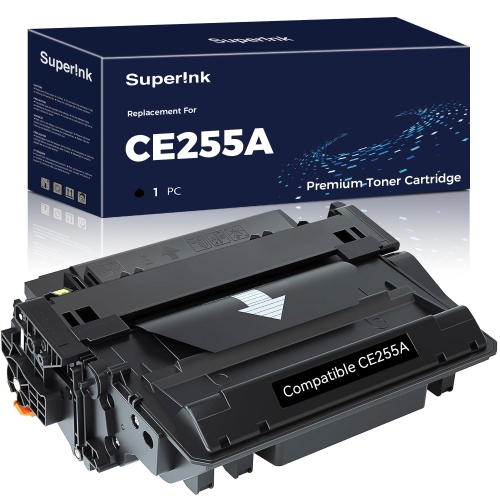
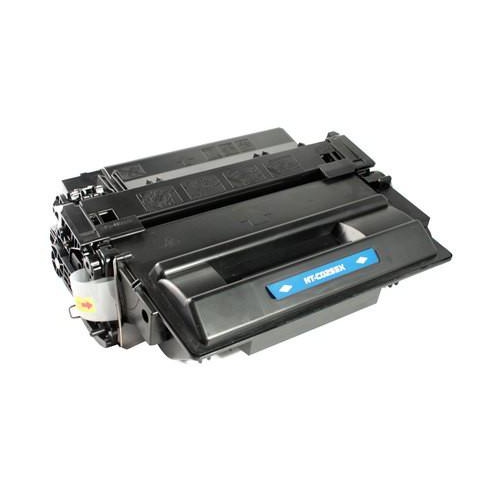
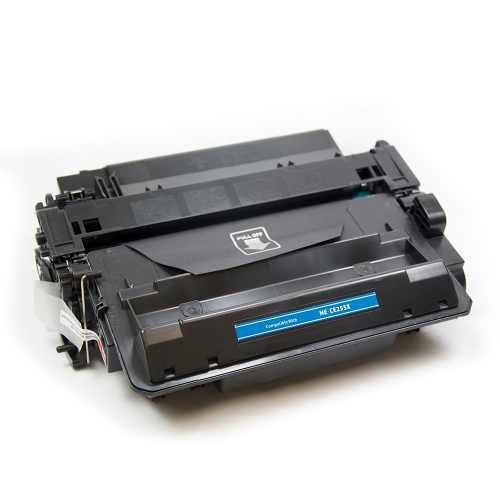
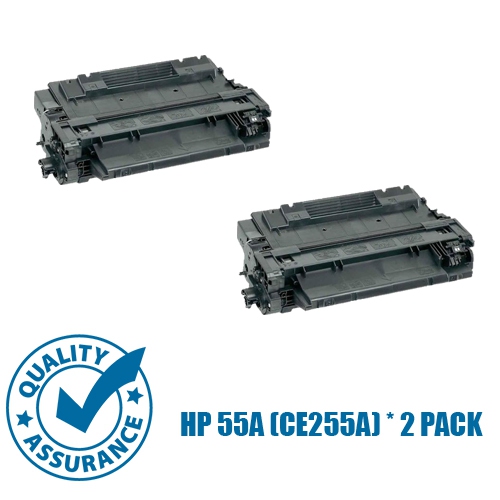
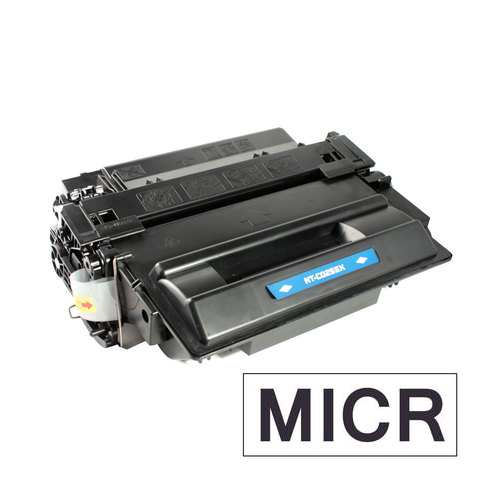
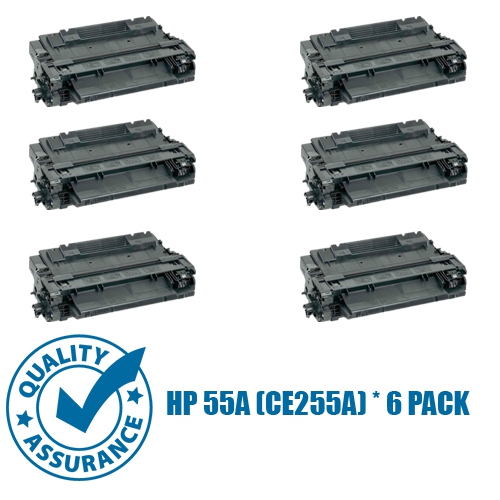
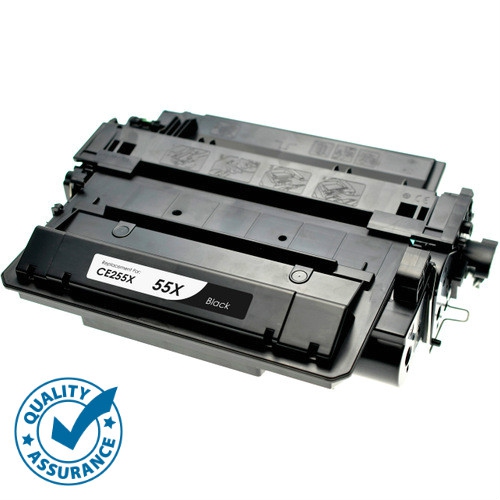
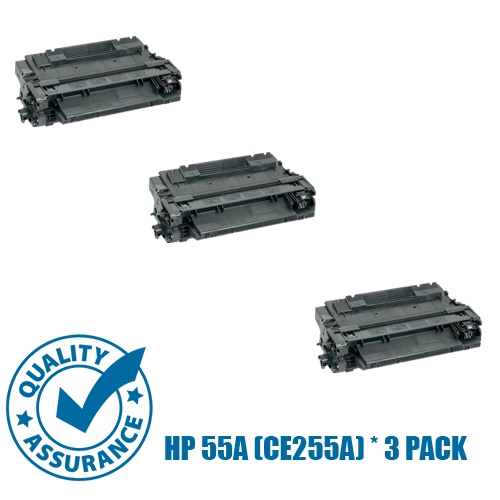
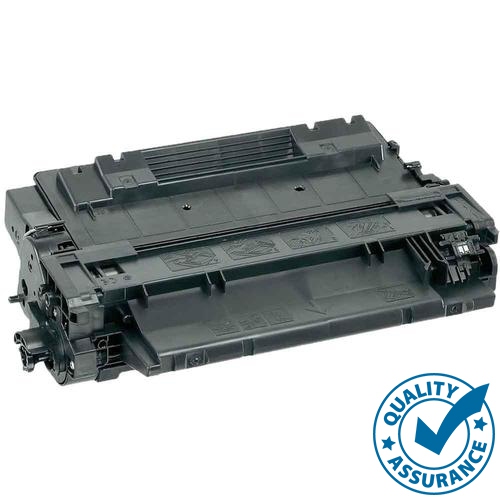
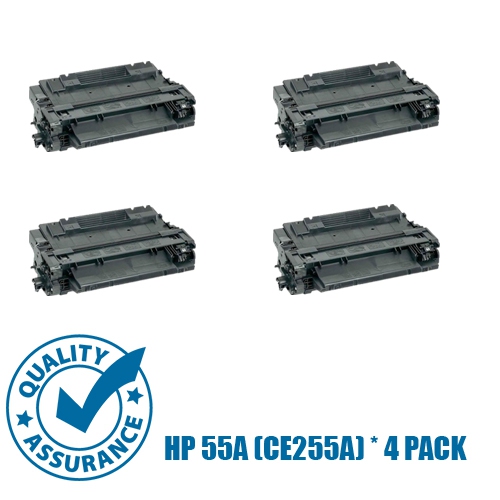
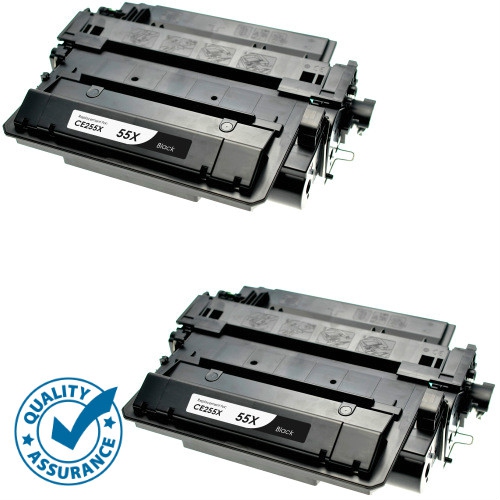
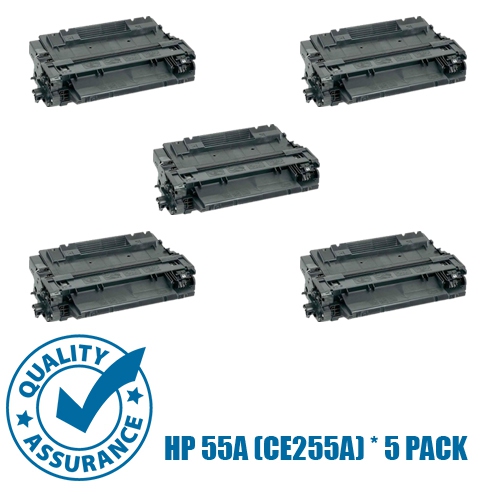
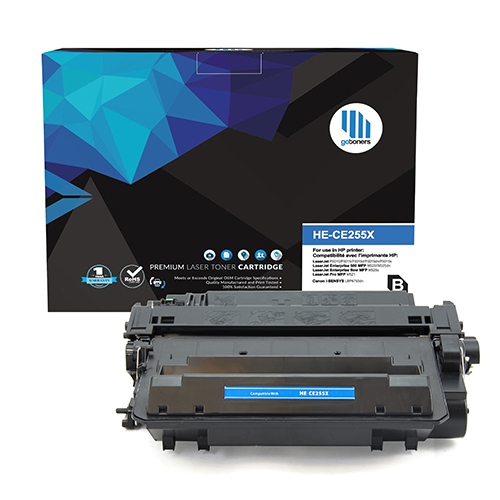
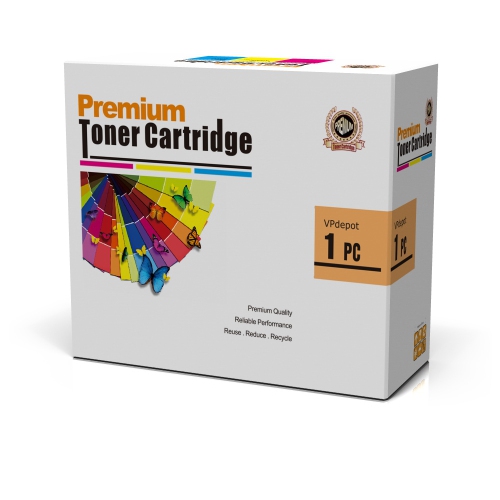
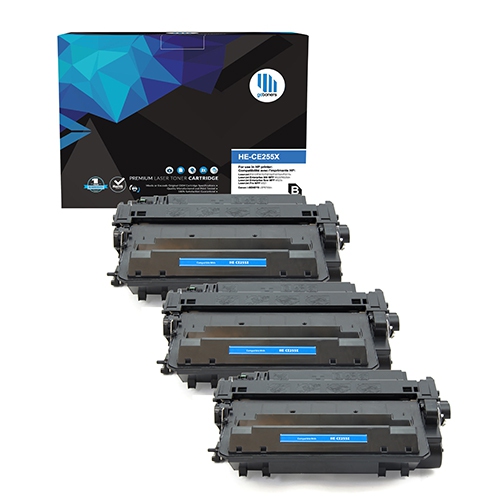
Replacement toner is central to reliable monochrome printing, and compatibility involves more than a cartridge’s appearance. The cartridge must match the printer’s supported cartridge family, physical mounting points, and recognition requirements. Similar-looking housings can have different fittings or electronic components, so the designation on the existing cartridge and the printer’s full model label are useful references. Configuration suffixes also matter when checking printer features, even when related configurations share the same toner family. Standard-capacity and high-yield cartridges serve different printing patterns: standard capacity can suit lighter use, while high yield generally accommodates more pages between replacements. Published page yields come from controlled testing and should be treated as estimates, not promises for every document. A page of short correspondence uses less toner than a dense report with shaded tables, large headings, or solid black graphics. Frequent small jobs and maintenance activity can also affect how long a cartridge lasts. Laser toner is a fine powder that is transferred to the page and bonded by heat, rather than liquid ink that soaks into the paper. The cartridge housing keeps that powder contained and positions its internal components within the printer, making sound construction and a precise fit important. Where the cartridge includes an imaging drum, that surface needs protection from fingerprints, scratches, and prolonged exposure to bright light. Protective packaging helps keep components clean until installation, and any shipping seals or restraints should be removed according to the cartridge’s directions. A replacement should seat securely without being forced. If output develops repeated marks, pale sections, or streaks, the cause may involve the cartridge, paper, or another printing component; replacing toner does not resolve every print-quality issue. Clear compatibility information, stated yield, and appropriate handling are therefore useful considerations for office managers, administrative staff, and home-office users who need documents to remain readable from the first page of a job to the last.
Paper handling, setup, and routine care determine how comfortably a laser printer fits into a working space. Letter-size paper is common for Canadian office documents, while Legal sheets, envelopes, and other media require support from the relevant tray or feed path. An input-capacity specification of 600 sheets can reduce interruptions during longer jobs, but capacity may be divided between a main tray and a multipurpose feeder. Additional trays, where supported, can separate paper sizes or letterhead from everyday sheets. Automatic two-sided printing is configuration-dependent and should not be assumed across every version of a printer family. It is particularly useful for multi-page contracts and reports, while manual two-sided printing requires more handling and attention to page orientation. Paper intended for laser printing is important because it must tolerate the heat used to bond toner. Labels, envelopes, and specialty sheets need to meet the printer’s media requirements; unsuitable adhesive or coatings can cause feeding problems or damage. Paper guides should hold the stack neatly without bending it, and trays should remain within their fill limits. Keeping paper flat, clean, and protected from moisture helps maintain consistent feeding. Connections require equal care: a USB connection serves a directly attached computer, while Ethernet can support shared printing when the printer configuration includes networking. Wi-Fi should never be inferred from network capability alone. Setup files and drivers are best checked through the manufacturer’s official support portal, with attention to the exact printer configuration, computer operating system, and supported software version. For ongoing use, a stable surface, suitable clearance, and access to trays and cartridge doors make routine tasks easier. Exterior cleaning can usually be handled with a soft cloth, while internal maintenance should follow the printer’s documentation rather than rely on household cleaning tools. Hot components need time to cool before handling, and imaging surfaces should remain untouched. These practical details support durable office use, whether the printer handles a few daily forms or regular batches of customer records.
Replacement toner is central to reliable monochrome printing, and compatibility involves more than a cartridge’s appearance. The cartridge must match the printer’s supported cartridge family, physical mounting points, and recognition requirements. Similar-looking housings can have different fittings or electronic components, so the designation on the existing cartridge and the printer’s full model label are useful references. Configuration suffixes also matter when checking printer features, even when related configurations share the same toner family. Standard-capacity and high-yield cartridges serve different printing patterns: standard capacity can suit lighter use, while high yield generally accommodates more pages between replacements. Published page yields come from controlled testing and should be treated as estimates, not promises for every document. A page of short correspondence uses less toner than a dense report with shaded tables, large headings, or solid black graphics. Frequent small jobs and maintenance activity can also affect how long a cartridge lasts. Laser toner is a fine powder that is transferred to the page and bonded by heat, rather than liquid ink that soaks into the paper. The cartridge housing keeps that powder contained and positions its internal components within the printer, making sound construction and a precise fit important. Where the cartridge includes an imaging drum, that surface needs protection from fingerprints, scratches, and prolonged exposure to bright light. Protective packaging helps keep components clean until installation, and any shipping seals or restraints should be removed according to the cartridge’s directions. A replacement should seat securely without being forced. If output develops repeated marks, pale sections, or streaks, the cause may involve the cartridge, paper, or another printing component; replacing toner does not resolve every print-quality issue. Clear compatibility information, stated yield, and appropriate handling are therefore useful considerations for office managers, administrative staff, and home-office users who need documents to remain readable from the first page of a job to the last.
Paper handling, setup, and routine care determine how comfortably a laser printer fits into a working space. Letter-size paper is common for Canadian office documents, while Legal sheets, envelopes, and other media require support from the relevant tray or feed path. An input-capacity specification of 600 sheets can reduce interruptions during longer jobs, but capacity may be divided between a main tray and a multipurpose feeder. Additional trays, where supported, can separate paper sizes or letterhead from everyday sheets. Automatic two-sided printing is configuration-dependent and should not be assumed across every version of a printer family. It is particularly useful for multi-page contracts and reports, while manual two-sided printing requires more handling and attention to page orientation. Paper intended for laser printing is important because it must tolerate the heat used to bond toner. Labels, envelopes, and specialty sheets need to meet the printer’s media requirements; unsuitable adhesive or coatings can cause feeding problems or damage. Paper guides should hold the stack neatly without bending it, and trays should remain within their fill limits. Keeping paper flat, clean, and protected from moisture helps maintain consistent feeding. Connections require equal care: a USB connection serves a directly attached computer, while Ethernet can support shared printing when the printer configuration includes networking. Wi-Fi should never be inferred from network capability alone. Setup files and drivers are best checked through the manufacturer’s official support portal, with attention to the exact printer configuration, computer operating system, and supported software version. For ongoing use, a stable surface, suitable clearance, and access to trays and cartridge doors make routine tasks easier. Exterior cleaning can usually be handled with a soft cloth, while internal maintenance should follow the printer’s documentation rather than rely on household cleaning tools. Hot components need time to cool before handling, and imaging surfaces should remain untouched. These practical details support durable office use, whether the printer handles a few daily forms or regular batches of customer records.
Top selling and popular products
-
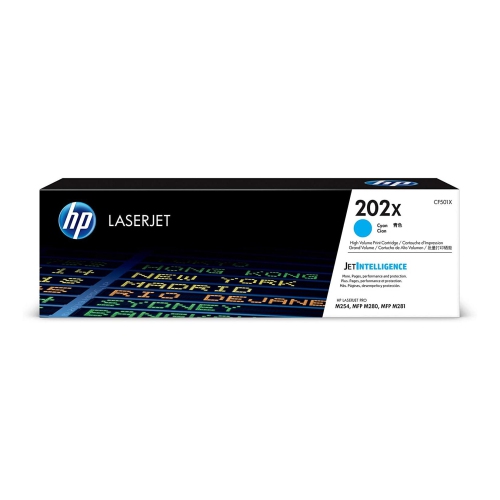 Your price for this item is $184.99
 -
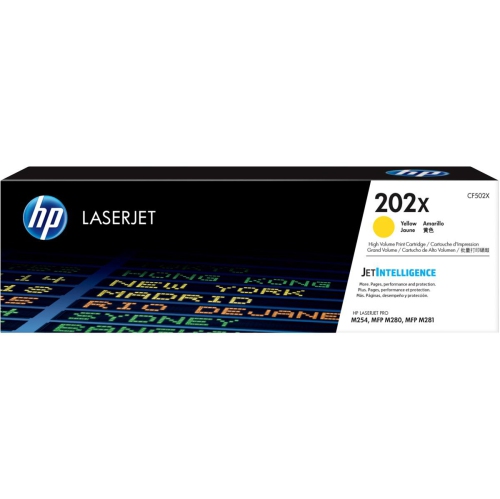 Your price for this item is $184.99
 -
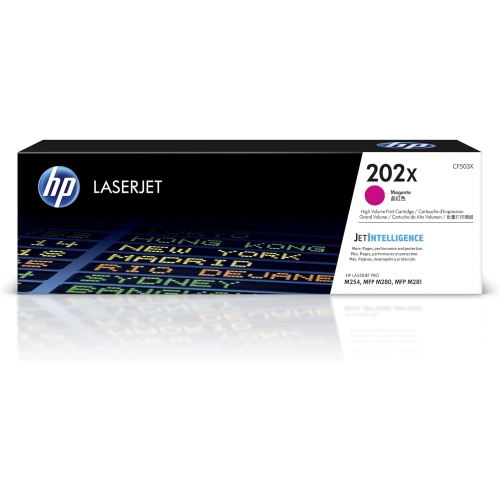 Your price for this item is $184.99
 -
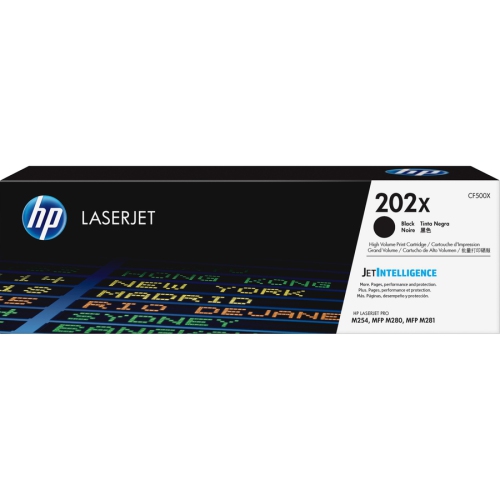 Your price for this item is $176.99
 -
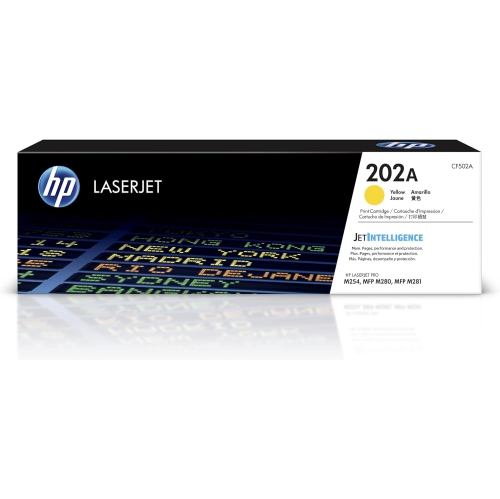 Your price for this item is $139.99
 -
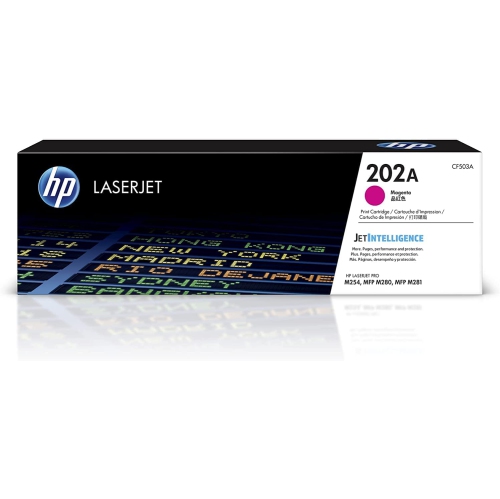 Your price for this item is $139.99
 -
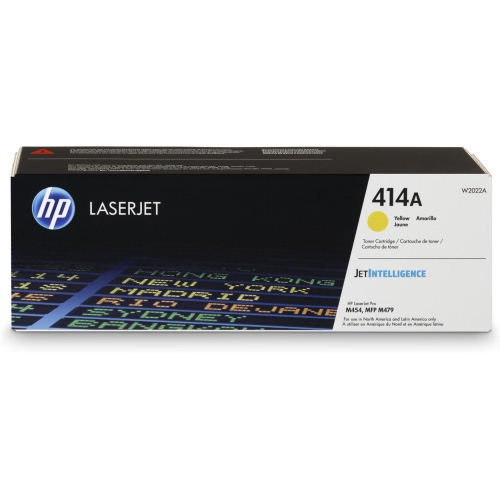 Your price for this item is $230.82
 -
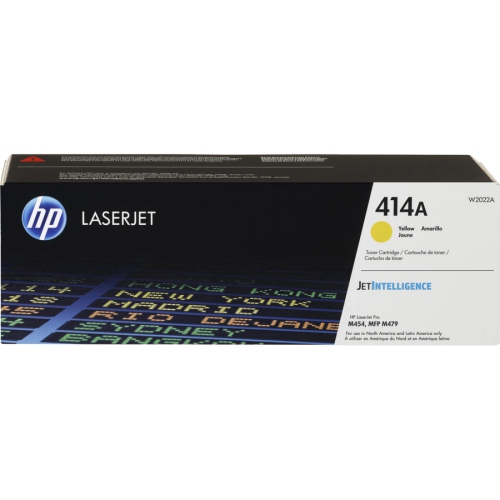 Your price for this item is $197.99
Discover more categories related to HP LaserJet P3015
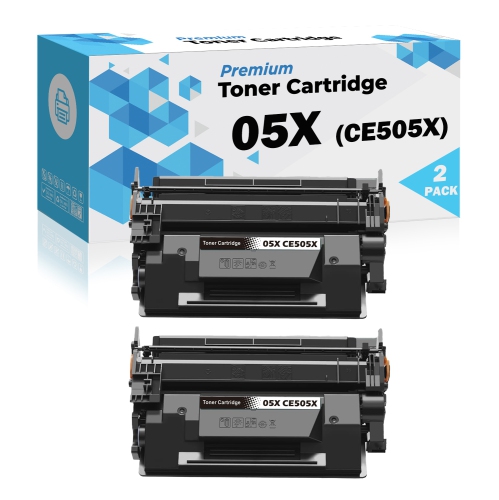
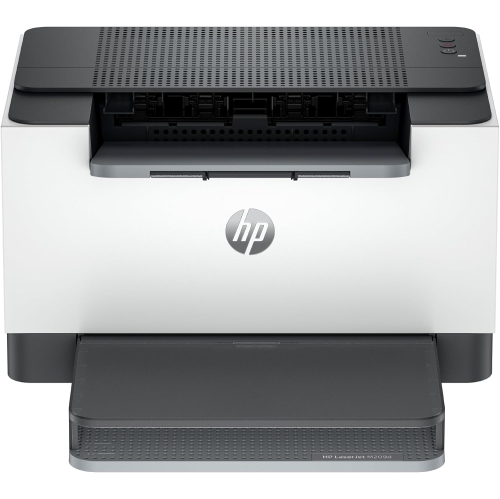
Top Collections:
Pokemon Centers, Best Cameras for Sports Photography, Kindle Devices, Samsung Galaxy Phones, Canon G7X Cameras, Pokémon 30th Celebration Cards, Refurbished Apple Laptops, iPhone 15 Apple, Laptops for Students, Budget Smartphones
Some products may be subject to Environmental Handling Fees
(EHF) depending on your province.
Learn more about EHFs.