HP LaserJet Pro MFP M227FDW
The HP LaserJet Pro MFP M227FDW is designed to meet the demands of busy offices and home workspaces. With its reliable performance and user-friendly operation, this multifunction printer helps streamline daily tasks and boosts productivity. Whether you're printing documents, scanning important files, or managing copies, the HP LaserJet Pro MFP M227FDW offers efficiency for a variety of needs. Explore options that make managing your workload easier and keep your workspace running smoothly.
Sort
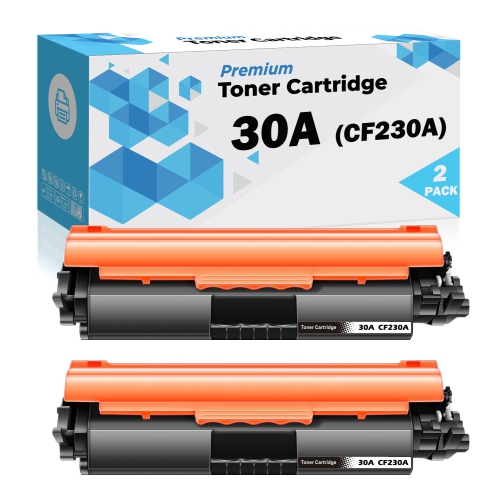
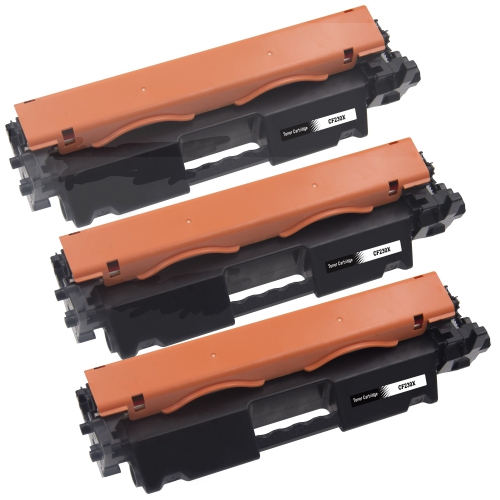
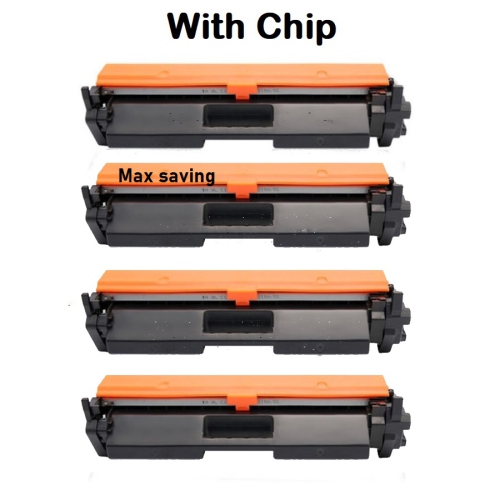
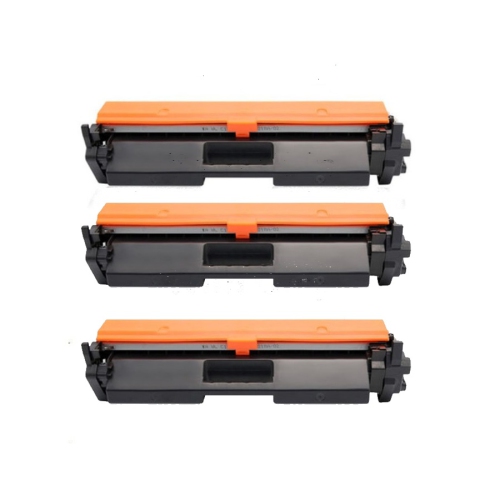
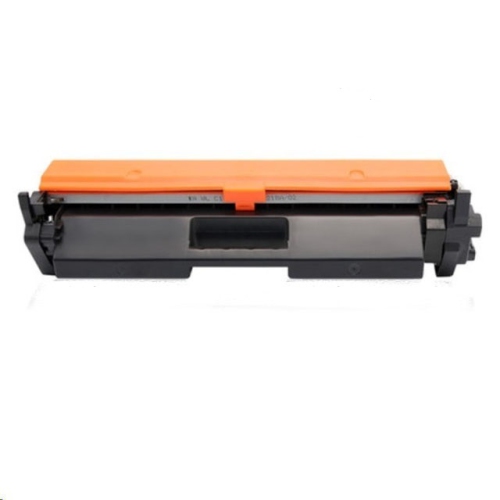
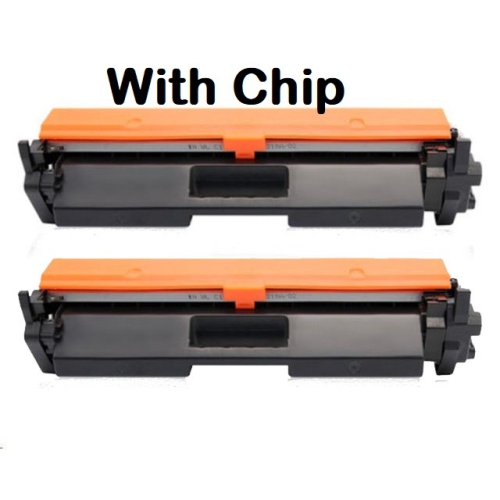
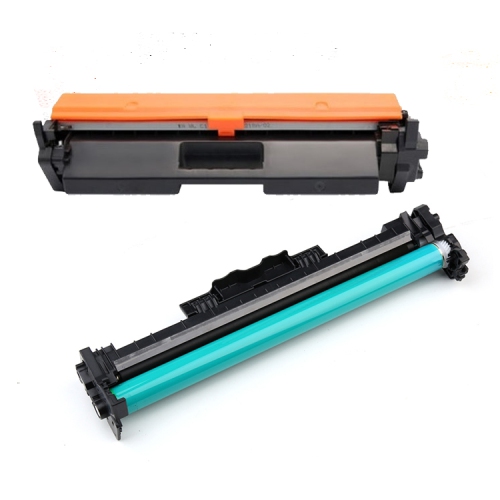

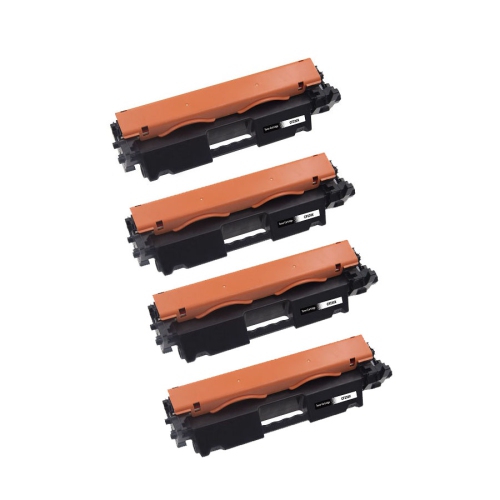
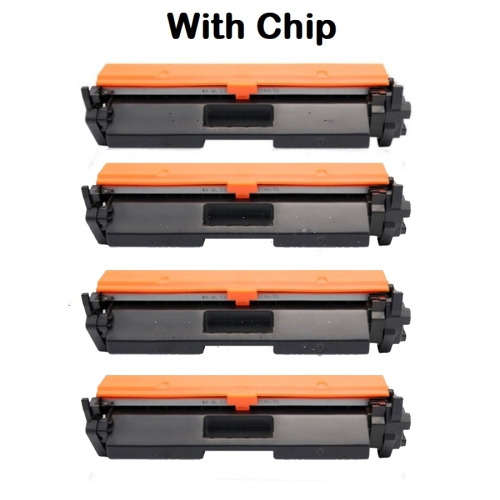
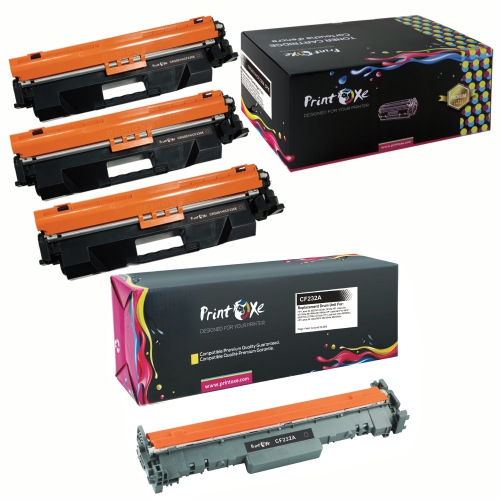
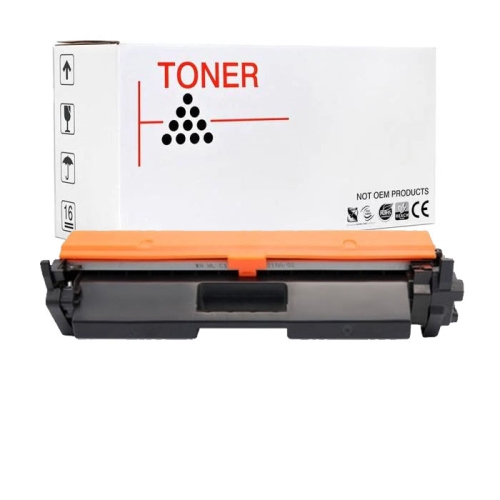
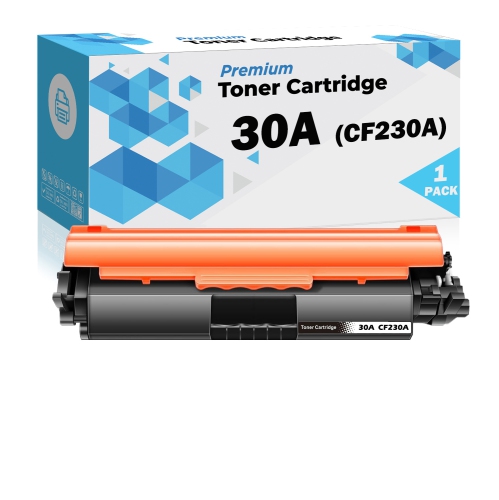
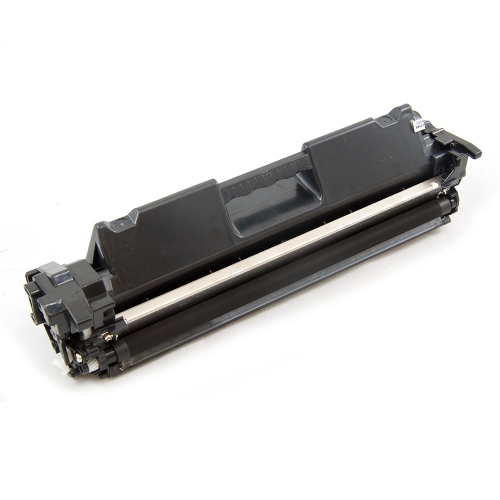

Crisp text and simpler paperwork with multifunction laser printers
Monochrome laser multifunction printers bring black-and-white printing, scanning, and copying together in a single desktop unit, with fax capability included on some models. They are well suited to home offices and small businesses where the daily workload centres on invoices, contracts, shipping documents, worksheets, and other text-heavy files. Laser printing uses powdered toner rather than liquid ink, producing crisp lettering and clearly defined lines that help make small text, tables, and barcodes easy to read. For a bookkeeper preparing client statements or a small team sharing administrative tasks, this type of equipment can keep routine paperwork close at hand without requiring separate machines for every function. Monochrome describes the printed output, not necessarily the scanner: many black-and-white laser multifunction printers can capture colour documents digitally, which is useful for saving receipts, signed forms, or illustrated reference material. Paper handling makes a noticeable difference to everyday convenience. Automatic two-sided printing can keep a lengthy agreement or training package neatly contained, while an automatic document feeder allows a stack of pages to be scanned or copied without placing each sheet on the glass. A flatbed scanner remains useful for a single receipt, a fragile original, or a page from a bound document. Two-sided printing and two-sided scanning are separate capabilities, so a printer that automatically prints both sides of a sheet may still require manual handling when scanning a double-sided original. Print speed matters most when several people submit jobs close together, while first-page output time is often more noticeable for someone printing one invoice at a time. For most office paperwork, consistent text quality, straightforward controls, and dependable paper feeding matter more than the highest advertised resolution. Businesses that regularly produce colour presentations, photographs, or colour-coded charts may need a separate colour printing option, but monochrome laser equipment remains a practical fit for document-led work where clear, readable output is the priority.
The fit of a multifunction printer involves more than its width and depth. A workspace also needs room to open the scanner lid, extend paper trays, reach the output area, and access the panels used for cartridge replacement or paper-jam removal. A unit tucked beneath a shelf may fit neatly when closed yet leave too little clearance for copying a book or loading the document feeder. A firm, level surface supports reliable operation, and a location within comfortable reach makes repeated scanning and paper loading less awkward. The outer casing is commonly made from rigid moulded plastic, with internal rollers, guides, and mechanical components doing the work of moving each sheet through the printer. Those moving parts benefit from correctly loaded paper and unobstructed access rather than overfilled trays or tightly packed shelving. Letter-size documents are common in Canadian offices, while legal-size forms, envelopes, and labels may require particular tray settings or a separate feed path. Media compatibility is especially important for labels and specialty sheets, which need to be suitable for the heat used in laser printing. Paper weight, size, and orientation can affect feeding, so the supported specifications are more useful than assuming every office sheet will behave the same way. Connectivity also shapes where the printer can sit and who can use it. USB suits a direct connection to one computer, Ethernet can provide a wired connection for a shared office network, and Wi-Fi offers placement flexibility without a network cable running across the workspace. Mobile printing support can make it easier to print a document from a phone or tablet, although compatible software, operating systems, and network settings still matter. Network printing and direct wireless printing are not always the same feature. In a shared workspace, settings such as access controls or password-protected management, where supported, can help limit unwanted changes. Scan destinations deserve similar attention: saving files to a computer, sending them by email, and placing them in a shared folder can involve different setup requirements.
Long-term usefulness depends on matching the printer to a realistic workload and keeping routine maintenance manageable. The recommended monthly page volume is generally a better indication of an appropriate ongoing workload than the maximum duty cycle, which represents a higher operating limit rather than an ideal monthly target. A home office printing a few forms each day has different needs from a reception desk producing appointment paperwork throughout the day. Tray capacity, toner yield, and the frequency of cartridge changes all contribute to how smoothly those routines run. Published toner yields are based on standardized testing; dense graphics, heavily filled pages, and frequent short jobs can change the number of pages produced in actual use. Replacement supplies also differ by printer design. Some use a combined toner-and-drum cartridge, while others keep those components separate, so compatibility should be checked before any replacement is installed. Simple care helps protect print quality: clean scanner glass can prevent marks from appearing on copies, correctly positioned paper guides can reduce skewed pages, and dry, flat paper is less likely to cause feeding problems than curled or damaged sheets. Cleaning methods should follow the equipment’s care instructions, particularly around rollers and internal components, where unsuitable liquids or abrasive materials can cause damage. For scanned records, readable file names, sensible resolution settings, and a consistent filing location can turn a pile of paperwork into documents that are easier to retrieve later. A signed agreement may need a clear PDF rather than an oversized image file, while a detailed original may justify a higher-resolution scan. Fax capability remains useful for organizations whose established processes require it, but the necessary connection and service should be confirmed separately. If scanning and copying are already handled elsewhere, the HP LaserJet Pro M203Dw page provides a related reference for a print-focused setup. For multifunction use, the strongest fit is equipment whose document handling, connections, physical footprint, and maintenance needs support the way the workspace actually operates.
The fit of a multifunction printer involves more than its width and depth. A workspace also needs room to open the scanner lid, extend paper trays, reach the output area, and access the panels used for cartridge replacement or paper-jam removal. A unit tucked beneath a shelf may fit neatly when closed yet leave too little clearance for copying a book or loading the document feeder. A firm, level surface supports reliable operation, and a location within comfortable reach makes repeated scanning and paper loading less awkward. The outer casing is commonly made from rigid moulded plastic, with internal rollers, guides, and mechanical components doing the work of moving each sheet through the printer. Those moving parts benefit from correctly loaded paper and unobstructed access rather than overfilled trays or tightly packed shelving. Letter-size documents are common in Canadian offices, while legal-size forms, envelopes, and labels may require particular tray settings or a separate feed path. Media compatibility is especially important for labels and specialty sheets, which need to be suitable for the heat used in laser printing. Paper weight, size, and orientation can affect feeding, so the supported specifications are more useful than assuming every office sheet will behave the same way. Connectivity also shapes where the printer can sit and who can use it. USB suits a direct connection to one computer, Ethernet can provide a wired connection for a shared office network, and Wi-Fi offers placement flexibility without a network cable running across the workspace. Mobile printing support can make it easier to print a document from a phone or tablet, although compatible software, operating systems, and network settings still matter. Network printing and direct wireless printing are not always the same feature. In a shared workspace, settings such as access controls or password-protected management, where supported, can help limit unwanted changes. Scan destinations deserve similar attention: saving files to a computer, sending them by email, and placing them in a shared folder can involve different setup requirements.
Long-term usefulness depends on matching the printer to a realistic workload and keeping routine maintenance manageable. The recommended monthly page volume is generally a better indication of an appropriate ongoing workload than the maximum duty cycle, which represents a higher operating limit rather than an ideal monthly target. A home office printing a few forms each day has different needs from a reception desk producing appointment paperwork throughout the day. Tray capacity, toner yield, and the frequency of cartridge changes all contribute to how smoothly those routines run. Published toner yields are based on standardized testing; dense graphics, heavily filled pages, and frequent short jobs can change the number of pages produced in actual use. Replacement supplies also differ by printer design. Some use a combined toner-and-drum cartridge, while others keep those components separate, so compatibility should be checked before any replacement is installed. Simple care helps protect print quality: clean scanner glass can prevent marks from appearing on copies, correctly positioned paper guides can reduce skewed pages, and dry, flat paper is less likely to cause feeding problems than curled or damaged sheets. Cleaning methods should follow the equipment’s care instructions, particularly around rollers and internal components, where unsuitable liquids or abrasive materials can cause damage. For scanned records, readable file names, sensible resolution settings, and a consistent filing location can turn a pile of paperwork into documents that are easier to retrieve later. A signed agreement may need a clear PDF rather than an oversized image file, while a detailed original may justify a higher-resolution scan. Fax capability remains useful for organizations whose established processes require it, but the necessary connection and service should be confirmed separately. If scanning and copying are already handled elsewhere, the HP LaserJet Pro M203Dw page provides a related reference for a print-focused setup. For multifunction use, the strongest fit is equipment whose document handling, connections, physical footprint, and maintenance needs support the way the workspace actually operates.
Top selling and popular products
-
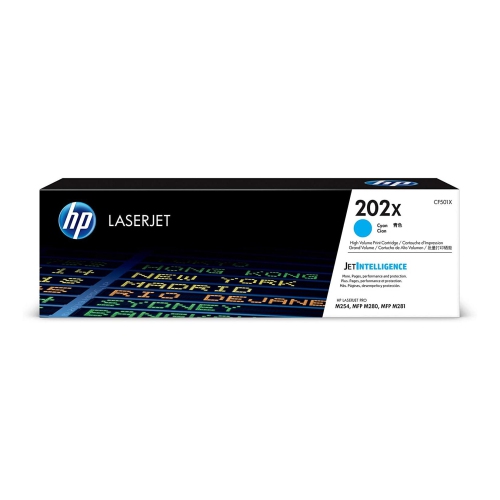 Your price for this item is $184.99
 -
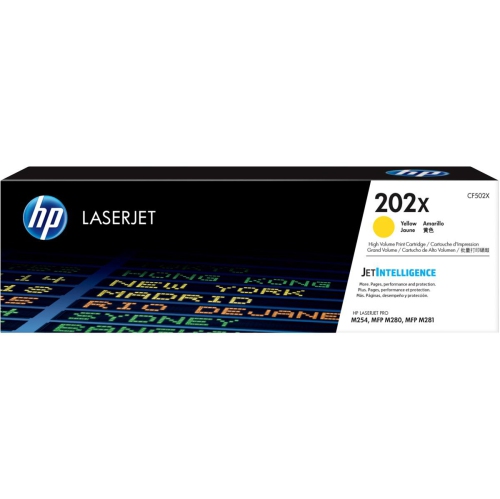 Your price for this item is $184.99
 -
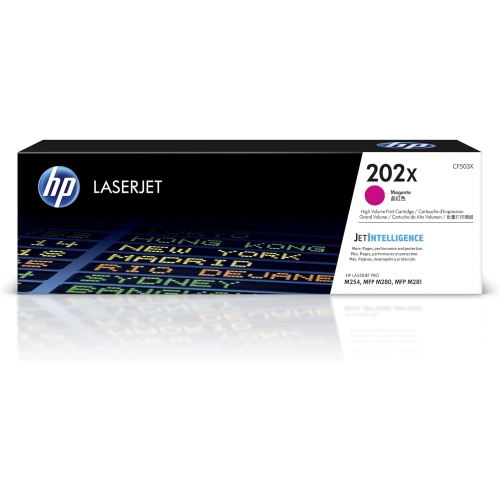 Your price for this item is $184.99
 -
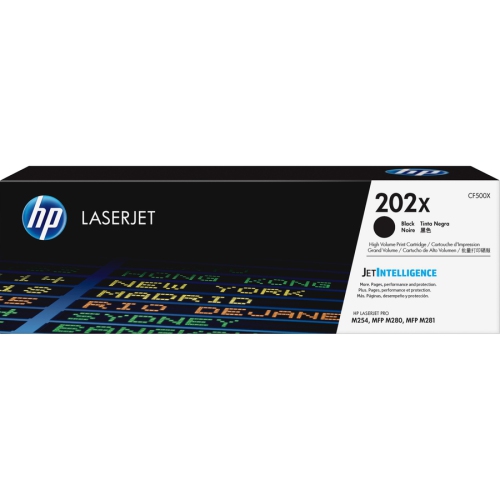 Your price for this item is $176.99
 -
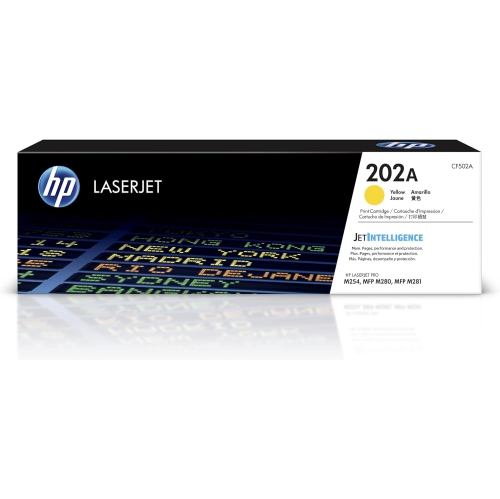 Your price for this item is $139.99
 -
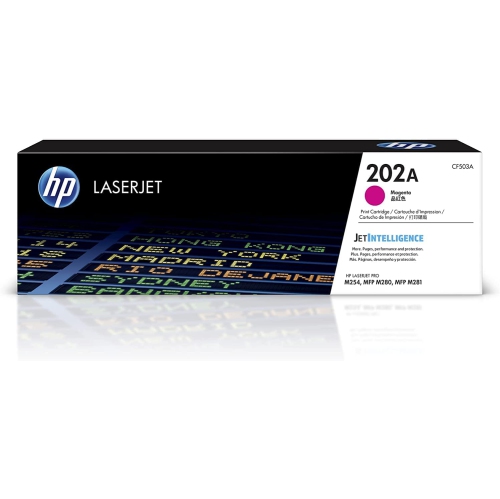 Your price for this item is $139.99
 -
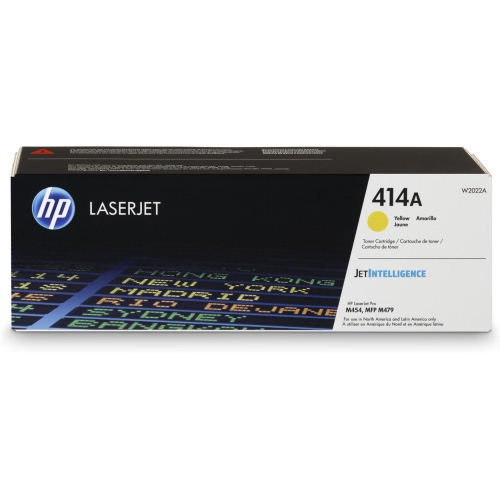 Your price for this item is $230.82
 -
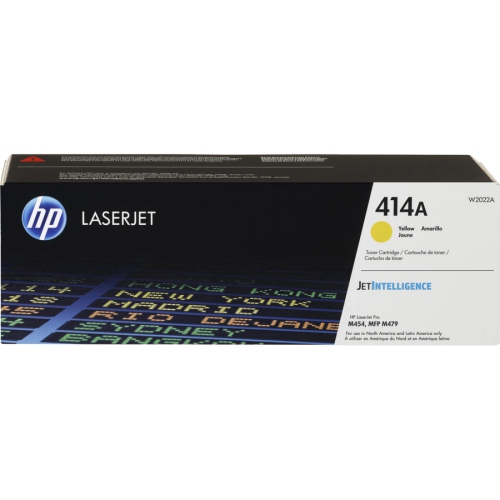 Your price for this item is $197.99
Discover more categories related to HP LaserJet Pro MFP M227FDW
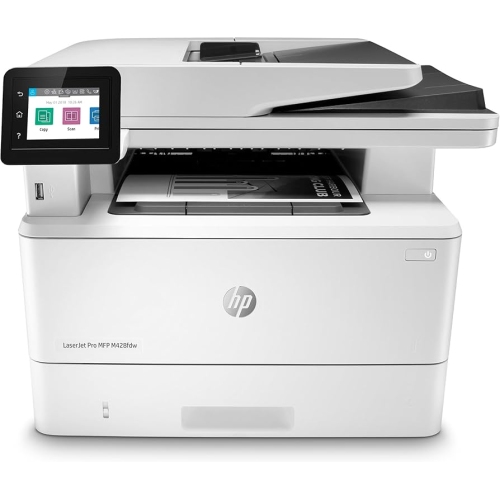
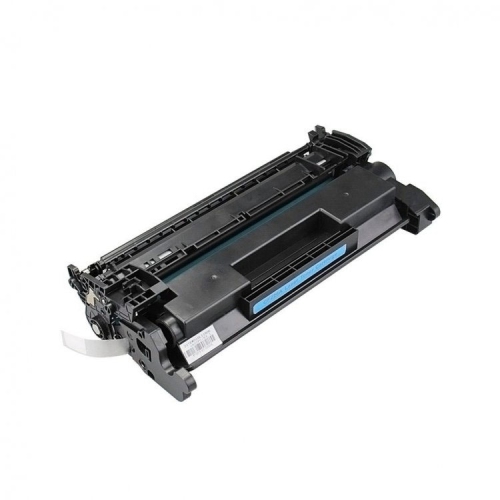
Top Collections:
Pokemon Centers, Best Cameras for Sports Photography, Kindle Devices, Samsung Galaxy Phones, Canon G7X Cameras, Pokémon 30th Celebration Cards, Refurbished Apple Laptops, iPhone 15 Apple, Laptops for Students, Budget Smartphones
Some products may be subject to Environmental Handling Fees
(EHF) depending on your province.
Learn more about EHFs.