LaserJet Pro MFP M426fdw
Discover efficient and reliable printing solutions with the LaserJet Pro MFP M426fdw. Perfect for busy offices and home workspaces, this versatile device helps streamline daily tasks and keeps productivity on track. With advanced technology and user-friendly design, the LaserJet Pro MFP M426fdw makes it easy to handle a variety of printing, scanning, copying, and faxing needs. Explore options that deliver professional results every time.
Sort
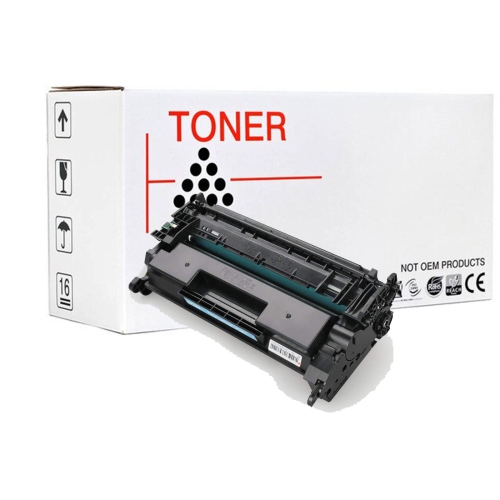
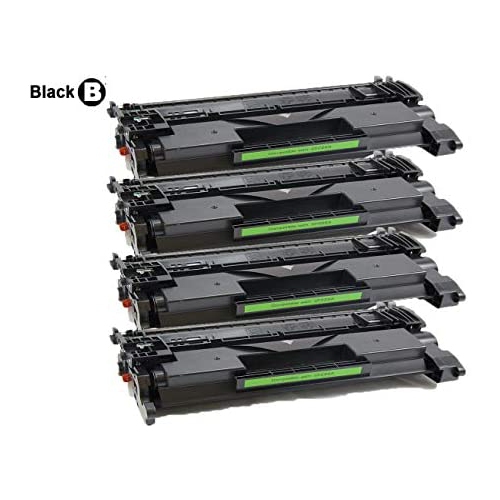
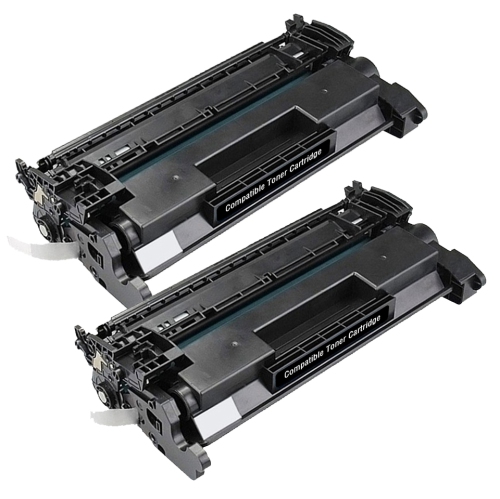
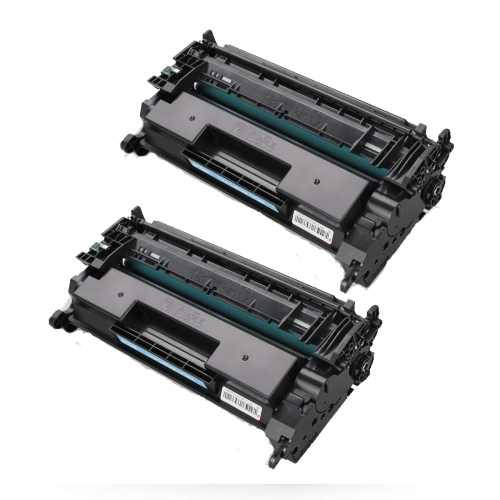

Why monochrome multifunction printers suit document-heavy offices
Monochrome multifunction laser printers bring everyday printing, copying, scanning, and faxing together in one machine, making them a practical fit for home offices, reception desks, and small workgroups. Their main strength is producing clear black-and-white documents: invoices with fine dividing lines, contracts with small print, shipping labels, and reports that need to remain easy to read after copying. Laser printing uses powdered toner bonded to paper with heat, rather than liquid ink, which suits text-heavy work and documents handled frequently. A monochrome printer does not print in colour, although its scanner may capture colour originals for digital files. That distinction matters when a business needs to keep a scanned copy of a signed form with coloured annotations but only prints the finished paperwork in black and white. An all-in-one design also keeps several document tasks within reach without requiring separate machines on a crowded desk. Print speed, usually expressed in pages per minute, helps describe how quickly a printer handles longer jobs, while first-page-out time is more relevant when printing one invoice or a short letter between other tasks. Published speeds depend on test conditions, and actual results vary with document complexity, connection type, paper settings, and double-sided operation. Resolution is another consideration, especially for small lettering and detailed line drawings, but paper quality and the original file also influence the finished page. Automatic double-sided printing can make multipage agreements and meeting packages less bulky, while a clear control panel makes routine copying and scanning easier for people sharing the machine. For an office administrator preparing client forms, a bookkeeper handling statements, or a remote worker printing reference documents, the most useful combination is dependable text output, straightforward controls, and enough paper capacity to avoid frequent interruptions. Occasional photo printing and colour presentation work call for different capabilities, so a monochrome laser setup is best understood as a document-focused choice rather than a replacement for every type of printer.
Paper handling and scanning features shape how comfortably a multifunction printer fits into a working day. A main paper tray holds everyday sheets, while a multipurpose feed can accommodate supported envelopes, labels, or other media without changing the main supply. Letter and legal documents are common in Canadian offices, but supported sizes, paper weights, and tray requirements vary by machine. Labels must be rated for laser printing so their adhesive and backing can tolerate the fusing process; unsuitable sheets can curl, separate, or leave residue inside the paper path. Paper stored flat in its packaging is easier to feed consistently than bent sheets left loose beside the printer. An automatic document feeder is particularly useful for a stack of expense receipts printed on full-size pages, a signed agreement, or a set of intake forms. Its capacity is separate from the printer’s paper-tray capacity: one describes originals waiting to be scanned or copied, while the other describes blank sheets ready for printing. Single-pass double-sided scanning captures both sides of an original in one trip through the feeder, whereas other designs may turn the sheet or require manual handling. Automatic double-sided printing does not, by itself, confirm that double-sided scanning is included. A flatbed scanner remains useful for bound pages, delicate originals, and small documents that should not travel through a feeder. Searchable PDF creation, scanning destinations, and file-management options depend on the machine and its software, so those details matter for anyone turning paper records into organized digital folders. Physical fit deserves equal attention. Beyond the cabinet dimensions, a printer needs clearance for opening the scanner lid, extending trays, retrieving finished pages, and replacing the toner cartridge. A stable surface with accessible connections makes daily use simpler, particularly in a shared workspace where someone may be scanning paperwork while another person sends a print job. Sturdy hinges, smoothly moving trays, and accessible paper paths are useful practical details when assessing a machine intended for repeated daily handling.
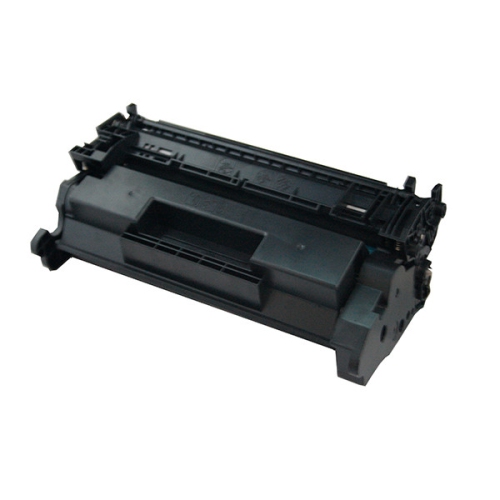
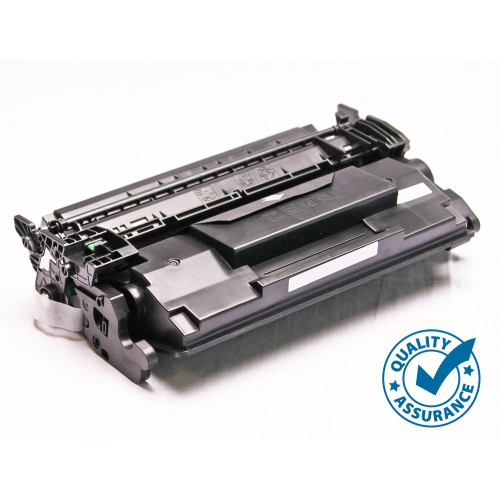
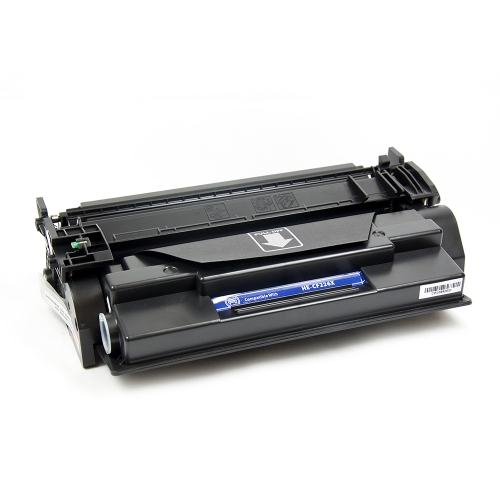
Connections, compatible supplies, and routine care help determine whether a laser multifunction setup remains useful over time. USB provides a direct connection to a computer, Ethernet supports a wired office network, and Wi-Fi allows network printing without a cable running from the router to the printer. Wi-Fi Direct is a separate feature that can support a direct wireless connection from a compatible device without joining the office network. Mobile printing support varies by operating system, application, and printer configuration, so compatibility with the phones, tablets, and computers used in the workspace matters as much as the connection label. Scanning functions may require different software from basic printing, and fax operation typically requires a compatible telephone connection or service; a wireless network connection alone does not provide traditional fax capability. For shared offices, password-protected administration, appropriate network settings, and supported firmware updates are relevant parts of keeping document handling controlled. Toner selection also requires an exact match to the printer’s supported cartridge family, not simply a similar-looking cartridge or a closely related model name. Standard-yield and high-yield cartridges describe different rated outputs, but actual page counts vary with coverage and printing habits. A page filled with dark charts uses more toner than a brief letter, and published yields are not a promise of an exact number of finished documents. The imaging drum may be built into the toner cartridge or supplied separately, depending on the design. Related multifunction printer information can also be explored on the HP LaserJet Pro MFP M227FDW page, with cartridge compatibility and feature details checked separately for each model. Long-term durability depends partly on workload: the recommended monthly print volume is generally more useful for everyday planning than a maximum duty-cycle figure. Gentle cleaning of the scanner glass and feeder strip, following the manufacturer’s care directions, can prevent marks on copies and scans. Removing staples before feeding originals and keeping trays correctly adjusted also helps reduce avoidable jams and wear.
Paper handling and scanning features shape how comfortably a multifunction printer fits into a working day. A main paper tray holds everyday sheets, while a multipurpose feed can accommodate supported envelopes, labels, or other media without changing the main supply. Letter and legal documents are common in Canadian offices, but supported sizes, paper weights, and tray requirements vary by machine. Labels must be rated for laser printing so their adhesive and backing can tolerate the fusing process; unsuitable sheets can curl, separate, or leave residue inside the paper path. Paper stored flat in its packaging is easier to feed consistently than bent sheets left loose beside the printer. An automatic document feeder is particularly useful for a stack of expense receipts printed on full-size pages, a signed agreement, or a set of intake forms. Its capacity is separate from the printer’s paper-tray capacity: one describes originals waiting to be scanned or copied, while the other describes blank sheets ready for printing. Single-pass double-sided scanning captures both sides of an original in one trip through the feeder, whereas other designs may turn the sheet or require manual handling. Automatic double-sided printing does not, by itself, confirm that double-sided scanning is included. A flatbed scanner remains useful for bound pages, delicate originals, and small documents that should not travel through a feeder. Searchable PDF creation, scanning destinations, and file-management options depend on the machine and its software, so those details matter for anyone turning paper records into organized digital folders. Physical fit deserves equal attention. Beyond the cabinet dimensions, a printer needs clearance for opening the scanner lid, extending trays, retrieving finished pages, and replacing the toner cartridge. A stable surface with accessible connections makes daily use simpler, particularly in a shared workspace where someone may be scanning paperwork while another person sends a print job. Sturdy hinges, smoothly moving trays, and accessible paper paths are useful practical details when assessing a machine intended for repeated daily handling.
Connections, compatible supplies, and routine care help determine whether a laser multifunction setup remains useful over time. USB provides a direct connection to a computer, Ethernet supports a wired office network, and Wi-Fi allows network printing without a cable running from the router to the printer. Wi-Fi Direct is a separate feature that can support a direct wireless connection from a compatible device without joining the office network. Mobile printing support varies by operating system, application, and printer configuration, so compatibility with the phones, tablets, and computers used in the workspace matters as much as the connection label. Scanning functions may require different software from basic printing, and fax operation typically requires a compatible telephone connection or service; a wireless network connection alone does not provide traditional fax capability. For shared offices, password-protected administration, appropriate network settings, and supported firmware updates are relevant parts of keeping document handling controlled. Toner selection also requires an exact match to the printer’s supported cartridge family, not simply a similar-looking cartridge or a closely related model name. Standard-yield and high-yield cartridges describe different rated outputs, but actual page counts vary with coverage and printing habits. A page filled with dark charts uses more toner than a brief letter, and published yields are not a promise of an exact number of finished documents. The imaging drum may be built into the toner cartridge or supplied separately, depending on the design. Related multifunction printer information can also be explored on the HP LaserJet Pro MFP M227FDW page, with cartridge compatibility and feature details checked separately for each model. Long-term durability depends partly on workload: the recommended monthly print volume is generally more useful for everyday planning than a maximum duty-cycle figure. Gentle cleaning of the scanner glass and feeder strip, following the manufacturer’s care directions, can prevent marks on copies and scans. Removing staples before feeding originals and keeping trays correctly adjusted also helps reduce avoidable jams and wear.
Top selling and popular products
-
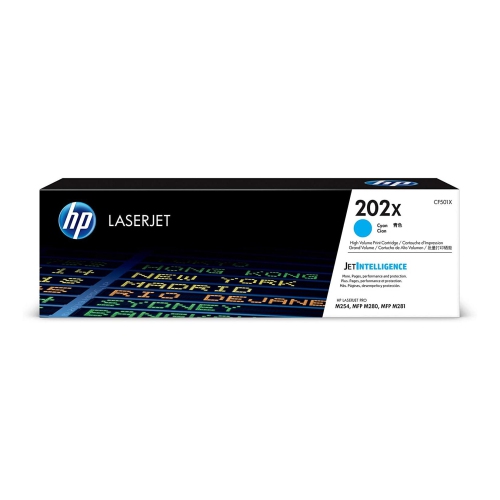 Your price for this item is $184.99
 -
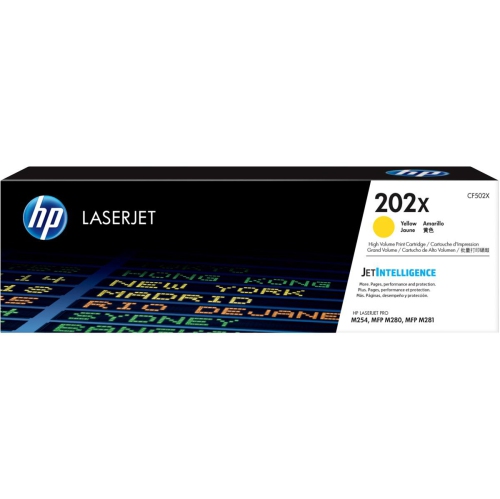 Your price for this item is $184.99
 -
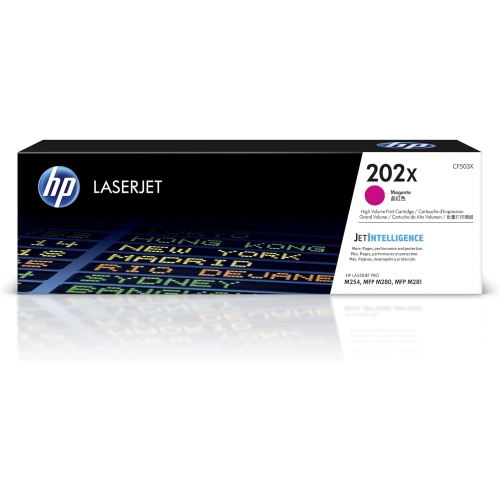 Your price for this item is $184.99
 -
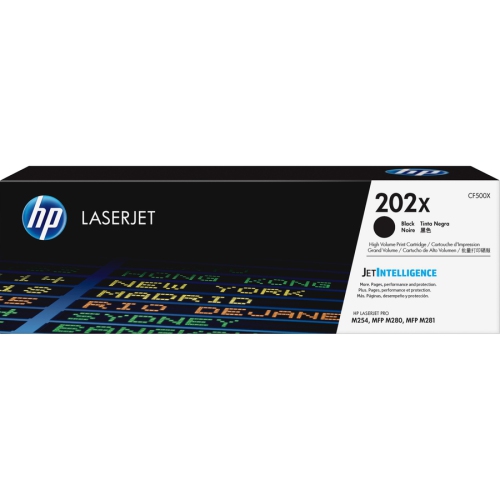 Your price for this item is $176.99
 -
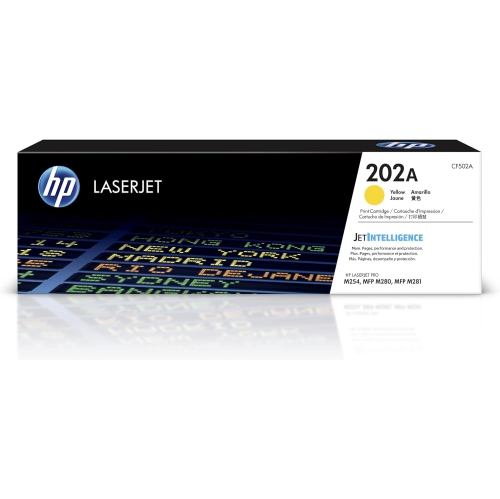 Your price for this item is $139.99
 -
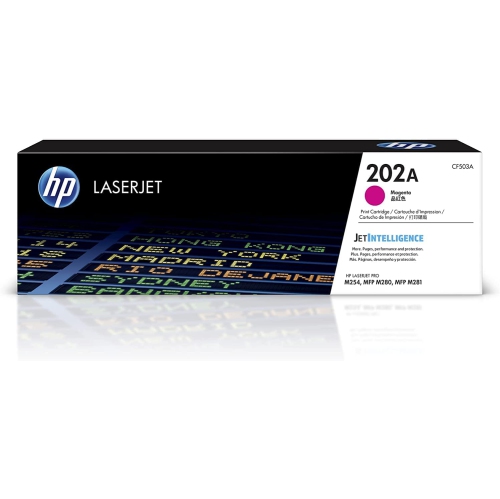 Your price for this item is $139.99
 -
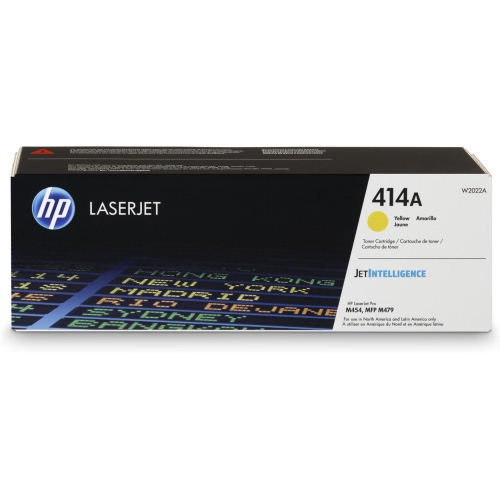 Your price for this item is $230.82
 -
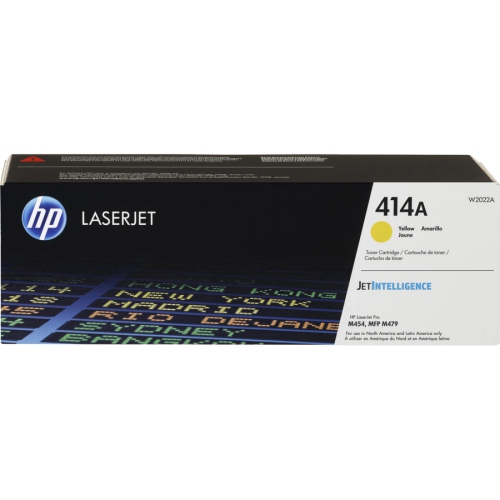 Your price for this item is $197.99
Discover more categories related to LaserJet Pro MFP M426fdw
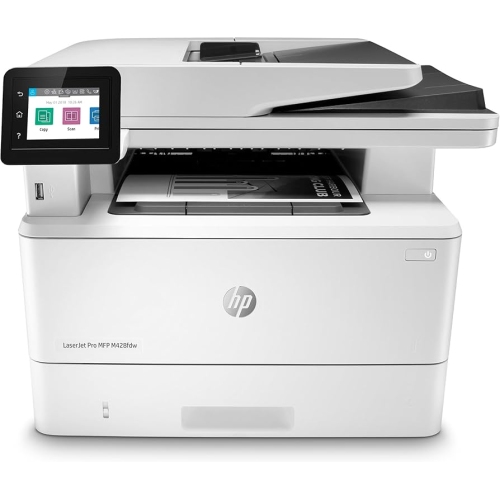
Top Collections:
Pokemon Centers, Best Cameras for Sports Photography, Kindle Devices, Samsung Galaxy Phones, Canon G7X Cameras, Pokémon 30th Celebration Cards, Refurbished Apple Laptops, iPhone 15 Apple, Laptops for Students, Budget Smartphones
Some products may be subject to Environmental Handling Fees
(EHF) depending on your province.
Learn more about EHFs.