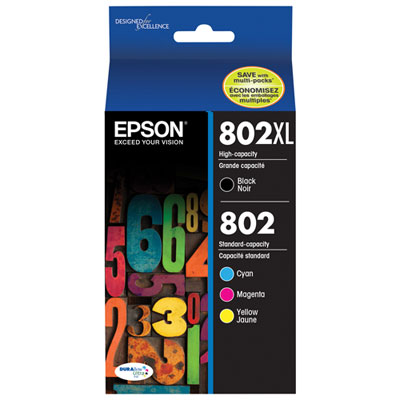
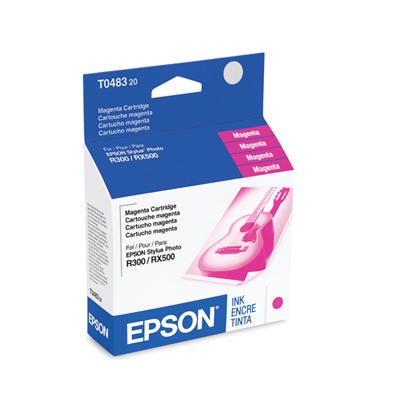
Ink Cartridges for Epson Stylus Photo RX620
Find the right ink cartridges for Epson Stylus Photo RX620 to keep your printer running smoothly and producing quality prints. Browse a wide selection designed to fit your device, making it easy to replace empty cartridges and maintain consistent performance. Shop options that offer reliable compatibility with your Epson Stylus Photo RX620 and enjoy convenient online ordering for your printing needs.
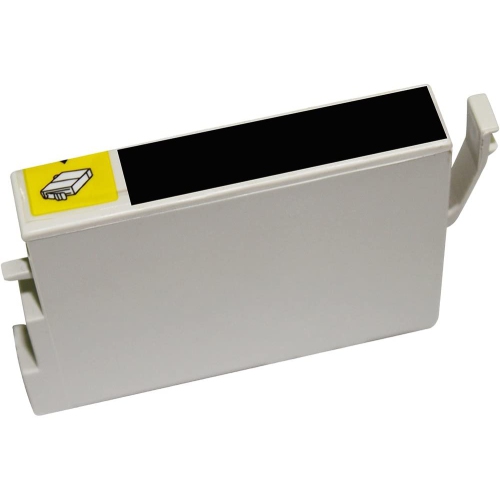
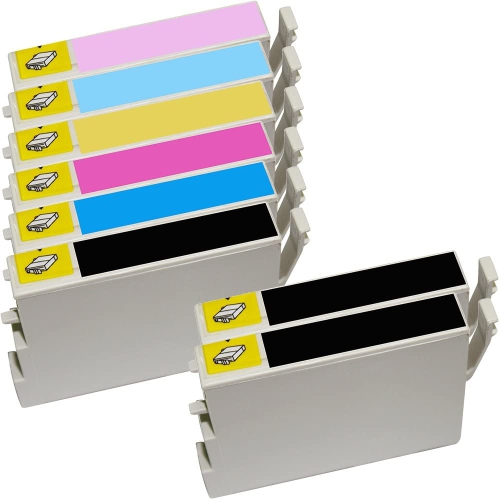
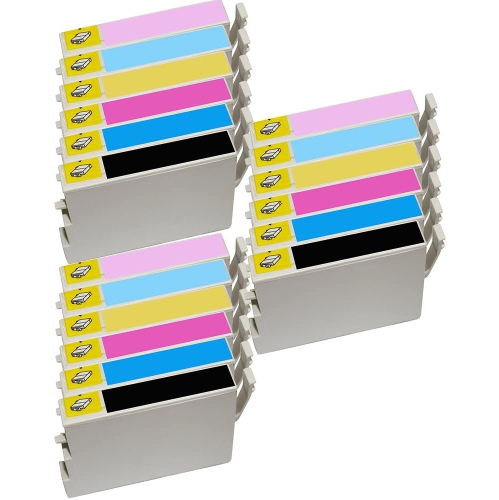
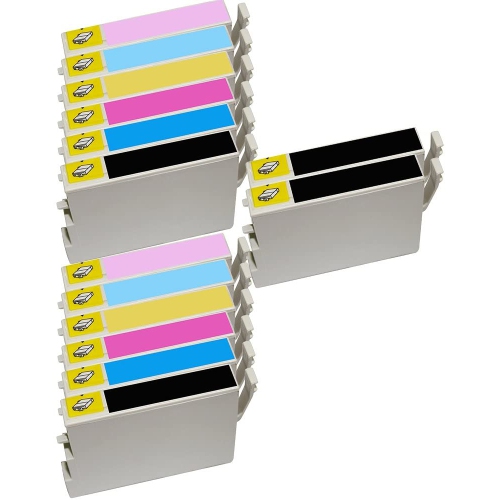
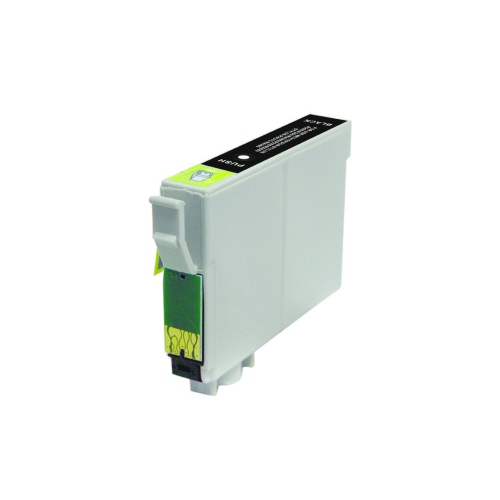
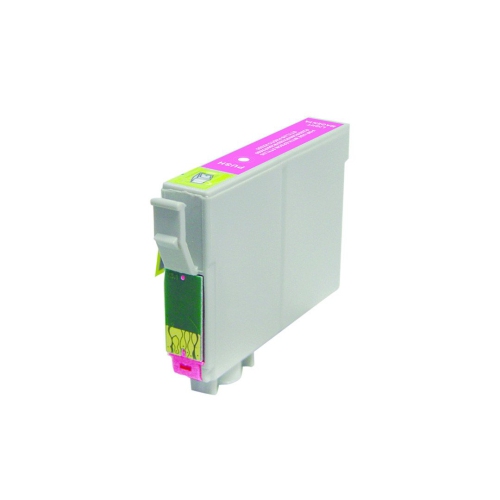
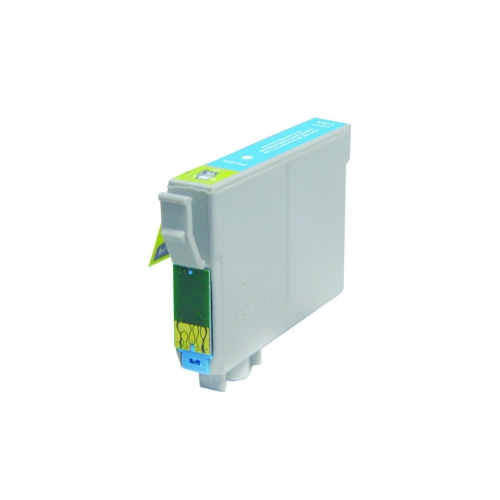
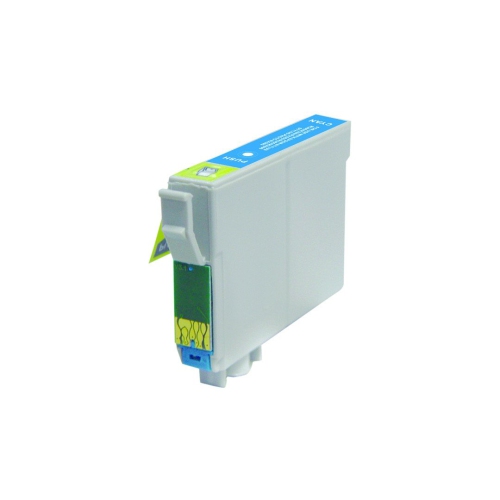
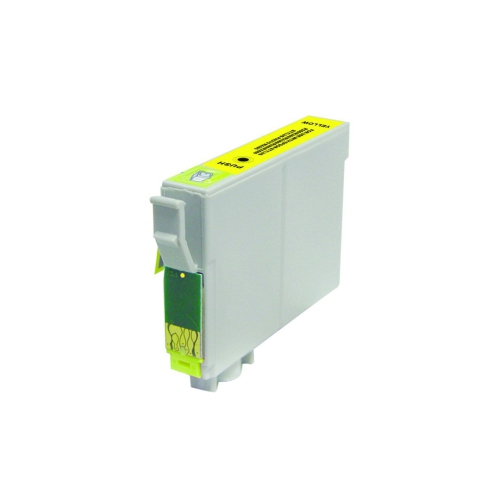
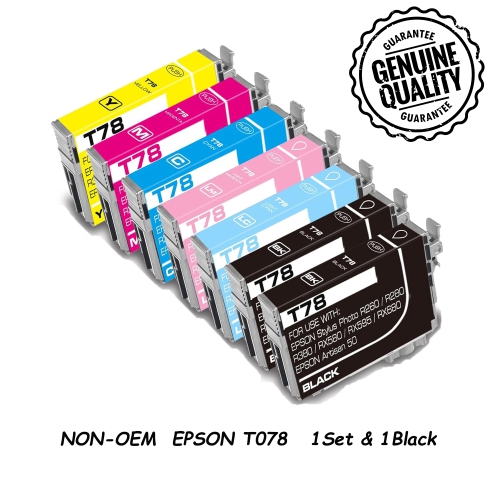
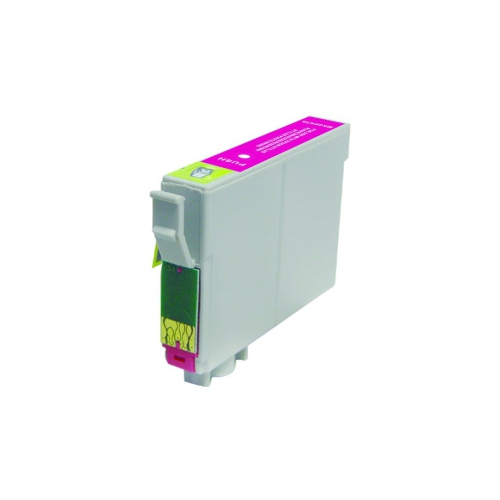
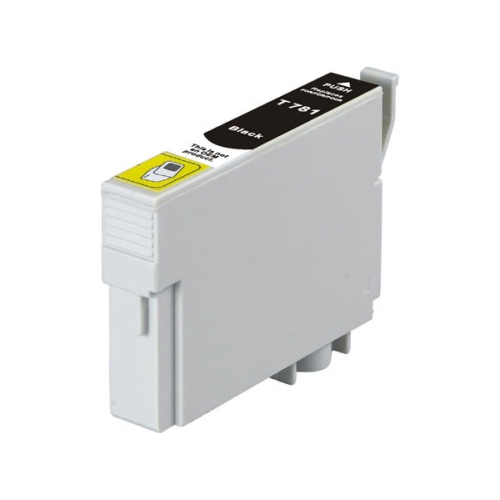
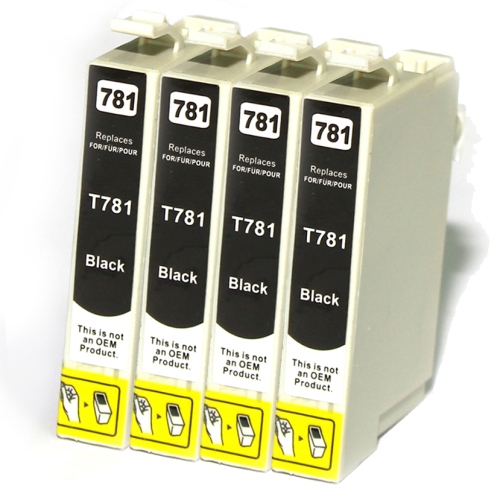
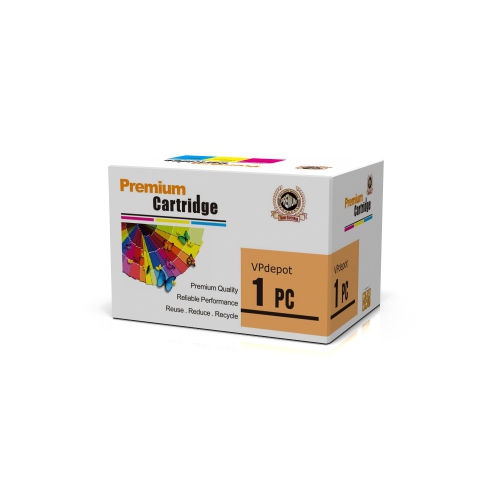
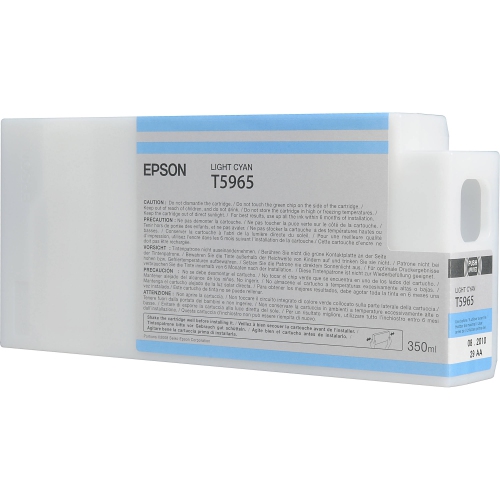
Reliable ink for vivid photos and sharp documents
Choosing the right ink cartridges for your Epson Stylus Photo RX620 involves considering not just print quality, but also your unique printing habits. Those who print frequently—perhaps running a small business from home or managing a busy household—may want to keep extra cartridges on hand to avoid interruptions during important projects. On the other hand, occasional users might look for cartridges with a longer shelf life, ensuring that prints remain consistent even after periods of infrequent use. Gifting ink cartridges can also be a thoughtful gesture, especially for students heading off to university, grandparents who love printing family photos, or friends embarking on new creative ventures. The satisfaction of seeing your work come to life on paper, whether it’s a detailed photograph or a colourful school project, is something everyone can appreciate. If you’re managing multiple printers or models in your home or workspace, you might also be interested in exploring Ink Cartridges for Epson Stylus Photo R320, ensuring you’re always prepared for any printing need that arises. With the right ink cartridges for your RX620, you’re set to capture every moment, project, and milestone with clarity and confidence, no matter the season.
FAQ
What types of ink cartridges are compatible with the Epson Stylus Photo RX620?
The Epson Stylus Photo RX620 uses specific ink cartridge models designed for optimal performance and print quality. It's important to use cartridges that are labeled as compatible with this printer model, such as genuine Epson or certified third-party alternatives.
How do I install new ink cartridges in my Epson Stylus Photo RX620?
To install new ink cartridges, open the printer cover and wait for the cartridge holder to move to the replacement position. Carefully remove the old cartridge, insert the new one into the corresponding slot, and press down until it clicks into place. Close the cover and follow any on-screen prompts to complete installation.
Can I use remanufactured or third-party ink cartridges with my Epson Stylus Photo RX620?
Yes, many users choose remanufactured or third-party ink cartridges as a cost-effective alternative. However, ensure they are specifically marked as compatible with the Epson Stylus Photo RX620 to avoid potential issues with print quality or printer recognition.
How can I check which ink cartridge needs replacing in my Epson Stylus Photo RX620?
You can check ink levels using your printer's control panel or through the printer software on your computer. The display will indicate which color is low or empty, allowing you to replace only the necessary cartridge.
Why does my printer show an error after installing a new ink cartridge?
If your printer displays an error after installing a new cartridge, it could be due to improper installation, a protective tape not being removed, or using a non-compatible cartridge. Double-check that the cartridge is seated correctly and that all packaging materials have been removed before reinstalling.
Top selling and popular products
-
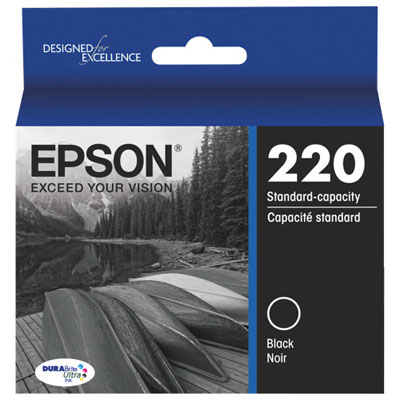 Your price for this item is $22.99
 -
 Your price for this item is $39.95
 -
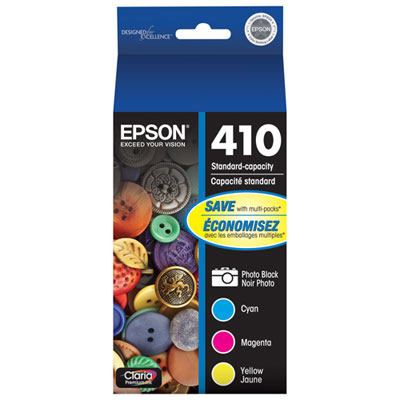 Your price for this item is $109.99
 -
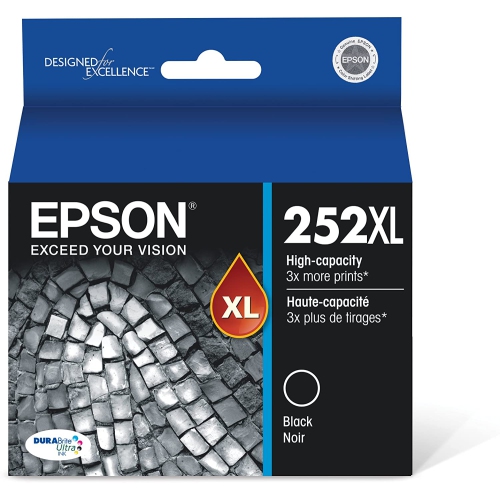 Your price for this item is $101.54
 -
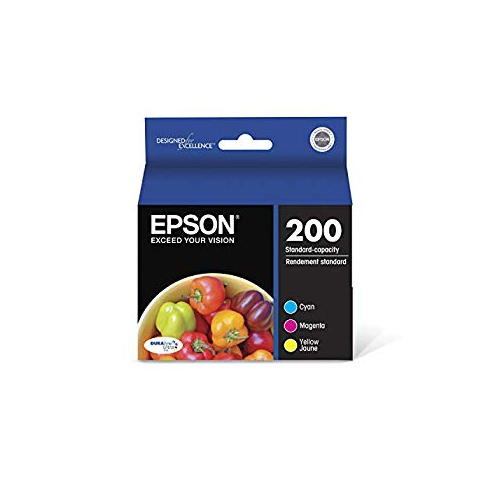 Your price for this item is $34.99
 -
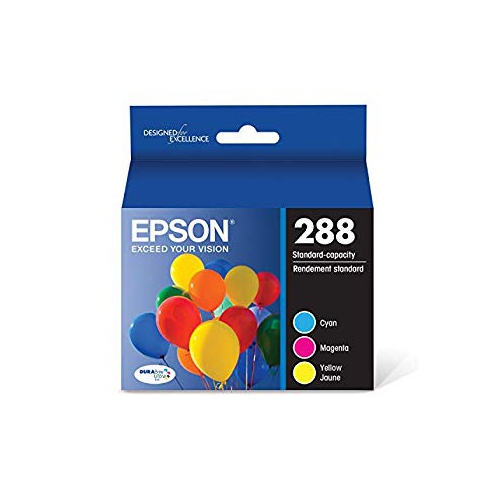 Your price for this item is $62.68
 -
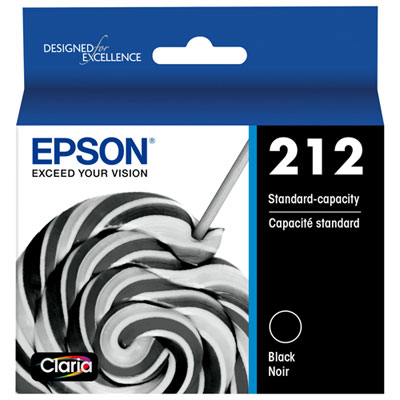 Your price for this item is $34.99
 -
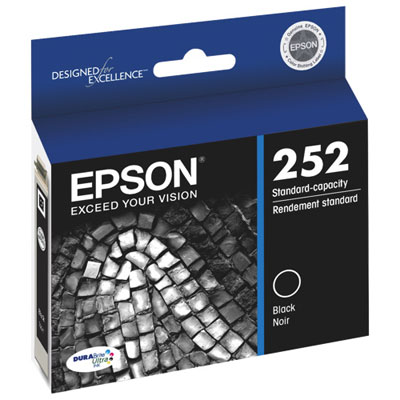 Your price for this item is $30.99