LaserJet P1102W
LaserJet P1102W printers offer reliable performance for home offices and small businesses seeking efficient document handling. With their compact design and user-friendly setup, these printers fit seamlessly into a variety of workspaces. Discover a selection of LaserJet P1102W models designed to help streamline your printing tasks and keep your workflow running smoothly. Find the right option to meet your everyday printing needs and enjoy consistent results with every use.
Sort

Why compact laser printers suit everyday document printing
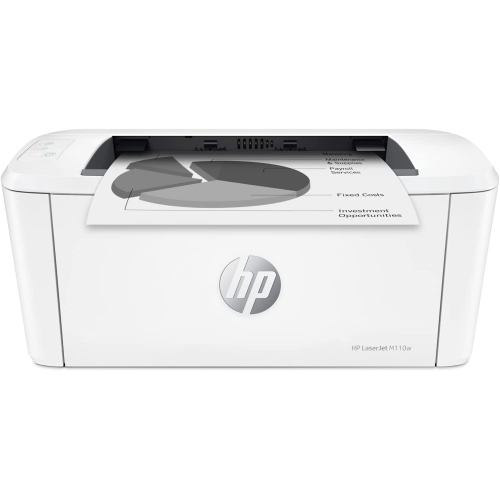
Compact monochrome laser printers are designed for everyday documents where clear black text matters more than colour output. They fit naturally into home offices, study spaces and small workplaces that print invoices, assignment drafts, shipping documents, meeting notes and reference material. Laser printing uses powdered toner rather than liquid ink, with heat bonding the image to the paper. This makes it well suited to crisp lettering, fine lines and documents that need to remain readable through repeated handling. For someone who prints mainly text, a straightforward black-and-white printer can be a practical match without the added complexity of colour printing. The important distinction is between printing needs and other office tasks: a print-only machine does not provide scanning, copying or faxing unless those functions are explicitly included in its specifications. Physical fit also involves more than the dimensions of the closed printer. An input tray may extend beyond the body, finished pages need somewhere to collect, and cartridge replacement requires enough clearance to open the access panel. On a narrow desk, the position of the power socket and computer connection can affect placement just as much as the printer’s footprint. A sturdy, level surface keeps the machine secure and leaves the paper path unobstructed. Wi-Fi connectivity can make positioning more flexible by removing the need for a direct cable to every compatible computer, while USB can suit a single workstation with a dependable wired connection. Neither connection type alone confirms compatibility with a particular phone, tablet or computer. Print speed, first-page response and tray capacity also deserve attention in the context of actual use. A few pages before a meeting place different demands on a printer than repeated batches of lengthy reports. Automatic two-sided printing, where supported, is another separate feature; some compact printers require pages to be turned and reloaded manually. These distinctions help keep expectations aligned with the documents being printed and the space where the printer will live.
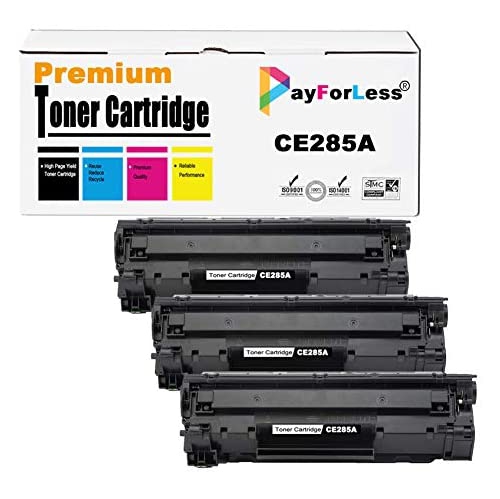
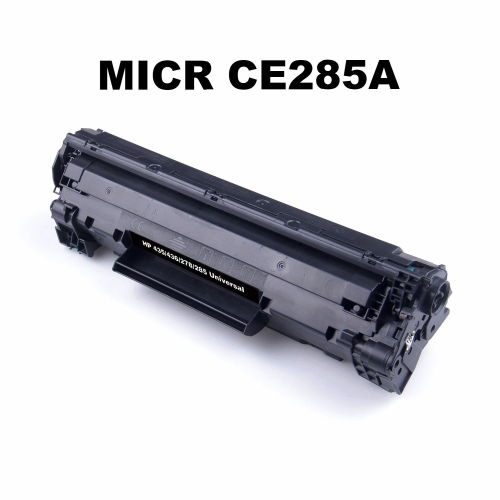
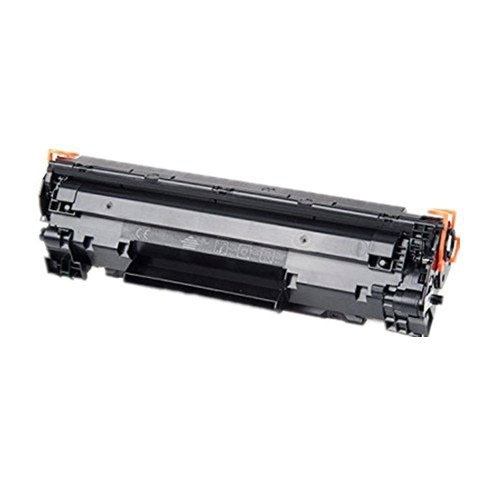
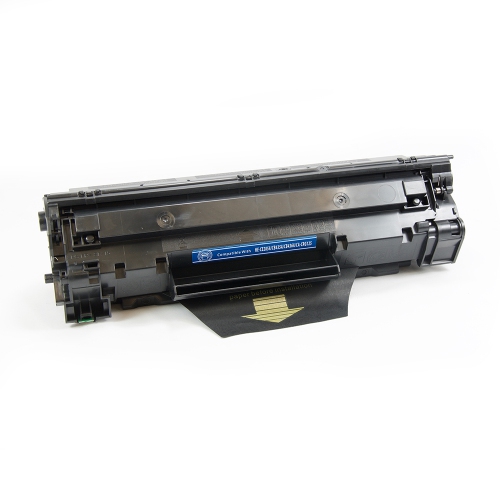
Toner compatibility is central to keeping a compact laser printer useful over time. Cartridges can look similar while having different fittings, electrical contacts or identification components, so the printer’s complete model designation matters more than appearance. Compatibility information should explicitly cover the exact printer, including any relevant letters or suffixes in its name. A related model name is not enough to establish that a cartridge will fit or function correctly. Cartridge construction also varies: some designs combine toner and an imaging drum in one assembly, while others use separate components with different replacement schedules. That difference affects which part needs attention when print quality changes. Faint text, uneven coverage, repeated marks and streaks do not necessarily have the same cause, and replacing toner will not resolve every paper-path or imaging issue. Published page yields are useful reference figures, but they are measured under defined test conditions rather than every possible household or office routine. Dense graphics, large headings and heavily covered pages can use toner differently from lightly printed correspondence. Paper selection is equally important. Clean, flat sheets within the printer’s supported size and weight range feed more reliably than curled, damaged or damp paper. Envelopes and labels need to be suitable for laser printing because they pass through a heated fusing process; materials intended only for inkjet use may not be appropriate. Sealed packaging helps protect unused paper from moisture and dust, while cartridges should remain protected until installation. During handling, sensitive imaging surfaces and exposed contacts should be left untouched unless the manufacturer’s instructions say otherwise. Routine care generally centres on keeping ventilation openings clear, removing loose paper scraps safely and cleaning only as directed. Moulded exterior panels tolerate normal office use, but trays, hinges and paper guides benefit from gentle handling. For regular document printing, durability depends not only on the outer housing but also on using suitable media and respecting the printer’s recommended workload.
Software and network compatibility are particularly important when a compact wireless laser printer is being connected to a different computer or brought back into regular use. Printer drivers translate a computer’s print requests into instructions the device can process, so the operating system, its version and the connection method all affect setup. A driver intended for an older system may not work on a newer one, and a printer that supports USB printing may have different requirements for wireless installation. The manufacturer’s official support resources are the appropriate reference for model-specific driver downloads, installation documentation and supported operating systems. Download pages should identify the exact printer and the relevant software version; generic driver-download sites can introduce unnecessary uncertainty. Wireless setup also depends on the router’s supported settings and the printer’s own network capabilities. Wi-Fi support does not automatically mean compatibility with every wireless band, security configuration or mobile-printing service. A guest network or a network that isolates connected devices may prevent a computer from finding a printer even when both have internet access. In a shared household, consistent network access matters when one person prints course notes from a laptop and another sends paperwork from a desktop. For a single desk, a supported USB connection can simplify the arrangement, provided the cable and computer ports are compatible. The HP LaserJet Pro M102w page offers a related point of comparison for compact monochrome printing, while toner, drivers and accessories still need to match the exact printer being used. Day-to-day convenience comes from these details working together: readable output, appropriate paper handling, correctly matched supplies and software that communicates reliably with the device. For students, remote workers and small-office users, that combination supports the familiar jobs that keep a workspace moving, from a neatly printed application to a stack of meeting handouts ready to collect from the output tray.
Toner compatibility is central to keeping a compact laser printer useful over time. Cartridges can look similar while having different fittings, electrical contacts or identification components, so the printer’s complete model designation matters more than appearance. Compatibility information should explicitly cover the exact printer, including any relevant letters or suffixes in its name. A related model name is not enough to establish that a cartridge will fit or function correctly. Cartridge construction also varies: some designs combine toner and an imaging drum in one assembly, while others use separate components with different replacement schedules. That difference affects which part needs attention when print quality changes. Faint text, uneven coverage, repeated marks and streaks do not necessarily have the same cause, and replacing toner will not resolve every paper-path or imaging issue. Published page yields are useful reference figures, but they are measured under defined test conditions rather than every possible household or office routine. Dense graphics, large headings and heavily covered pages can use toner differently from lightly printed correspondence. Paper selection is equally important. Clean, flat sheets within the printer’s supported size and weight range feed more reliably than curled, damaged or damp paper. Envelopes and labels need to be suitable for laser printing because they pass through a heated fusing process; materials intended only for inkjet use may not be appropriate. Sealed packaging helps protect unused paper from moisture and dust, while cartridges should remain protected until installation. During handling, sensitive imaging surfaces and exposed contacts should be left untouched unless the manufacturer’s instructions say otherwise. Routine care generally centres on keeping ventilation openings clear, removing loose paper scraps safely and cleaning only as directed. Moulded exterior panels tolerate normal office use, but trays, hinges and paper guides benefit from gentle handling. For regular document printing, durability depends not only on the outer housing but also on using suitable media and respecting the printer’s recommended workload.
Software and network compatibility are particularly important when a compact wireless laser printer is being connected to a different computer or brought back into regular use. Printer drivers translate a computer’s print requests into instructions the device can process, so the operating system, its version and the connection method all affect setup. A driver intended for an older system may not work on a newer one, and a printer that supports USB printing may have different requirements for wireless installation. The manufacturer’s official support resources are the appropriate reference for model-specific driver downloads, installation documentation and supported operating systems. Download pages should identify the exact printer and the relevant software version; generic driver-download sites can introduce unnecessary uncertainty. Wireless setup also depends on the router’s supported settings and the printer’s own network capabilities. Wi-Fi support does not automatically mean compatibility with every wireless band, security configuration or mobile-printing service. A guest network or a network that isolates connected devices may prevent a computer from finding a printer even when both have internet access. In a shared household, consistent network access matters when one person prints course notes from a laptop and another sends paperwork from a desktop. For a single desk, a supported USB connection can simplify the arrangement, provided the cable and computer ports are compatible. The HP LaserJet Pro M102w page offers a related point of comparison for compact monochrome printing, while toner, drivers and accessories still need to match the exact printer being used. Day-to-day convenience comes from these details working together: readable output, appropriate paper handling, correctly matched supplies and software that communicates reliably with the device. For students, remote workers and small-office users, that combination supports the familiar jobs that keep a workspace moving, from a neatly printed application to a stack of meeting handouts ready to collect from the output tray.
Top selling and popular products
-
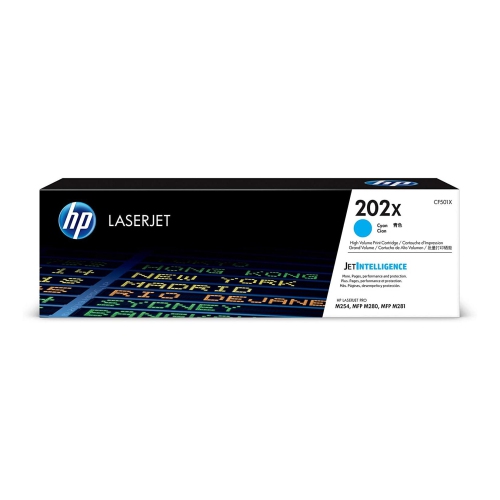 Your price for this item is $184.99
 -
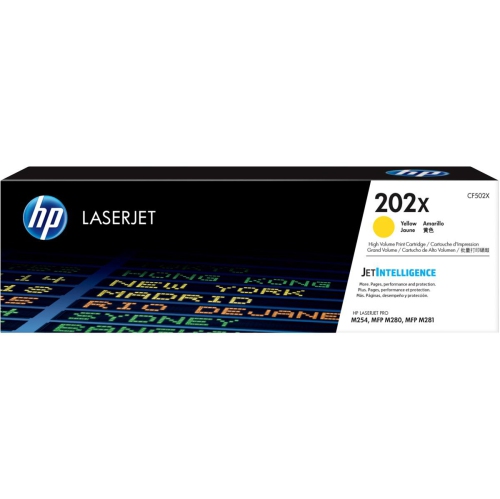 Your price for this item is $184.99
 -
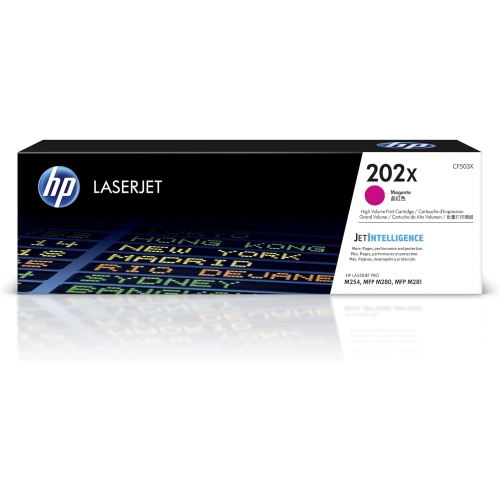 Your price for this item is $184.99
 -
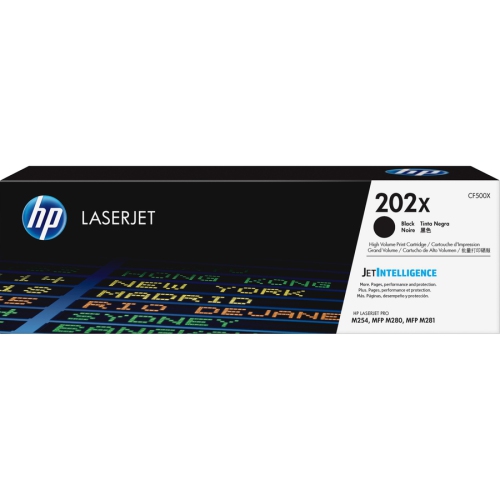 Your price for this item is $176.99
 -
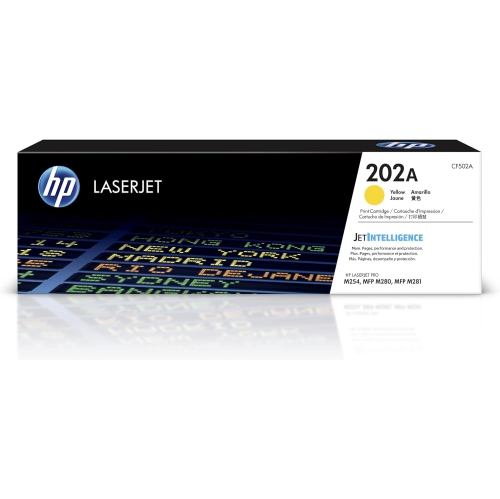 Your price for this item is $139.99
 -
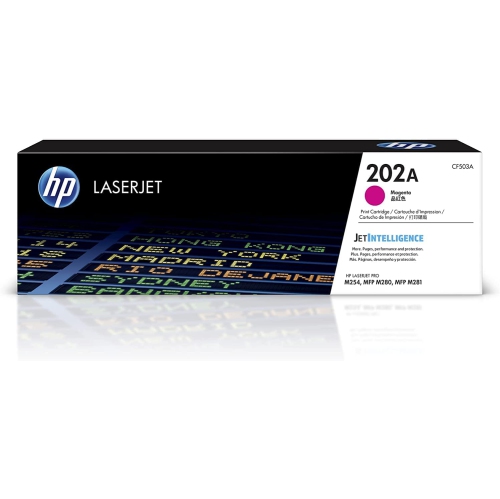 Your price for this item is $139.99
 -
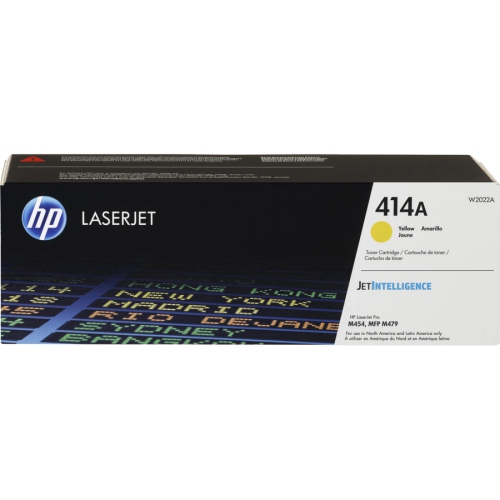 Your price for this item is $197.99
 -
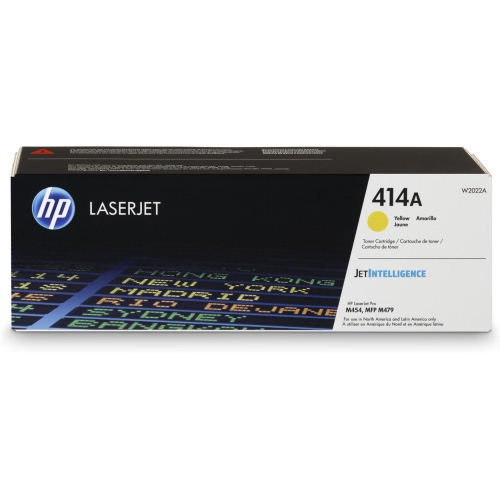 Your price for this item is $230.82
Discover more categories related to LaserJet P1102W
Top Collections:
Pokemon Centers, Kindle Devices, Best Cameras for Sports Photography, Samsung Galaxy Phones, Laptops for Business Work, Canon G7X Cameras, Pokémon 30th Celebration Cards, Refurbished Apple Laptops, iPhone 15 Apple, Cordless Dyson Vacuums
Some products may be subject to Environmental Handling Fees
(EHF) depending on your province.
Learn more about EHFs.