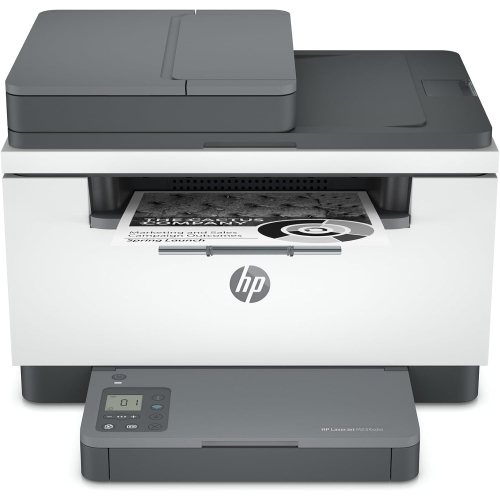
HP LaserJet Pro M102w
Elevate your home or office printing experience with the HP LaserJet Pro M102w. Designed for efficiency and reliability, this compact laser printer offers seamless performance to help you tackle everyday printing tasks with ease. The HP LaserJet Pro M102w combines convenience and quality, making it an excellent choice for anyone looking to streamline their workflow and achieve professional results. Discover how the HP LaserJet Pro M102w can fit perfectly into your workspace and meet your printing needs.
Sort
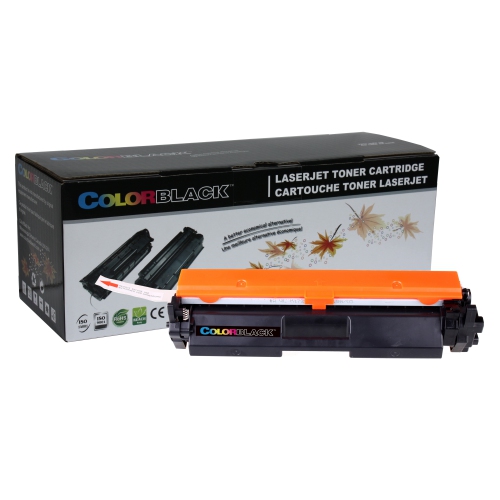
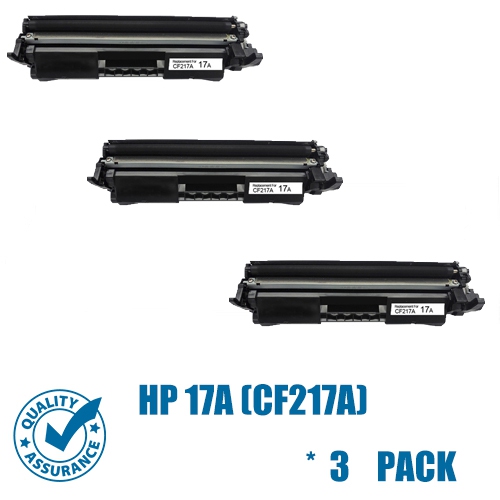
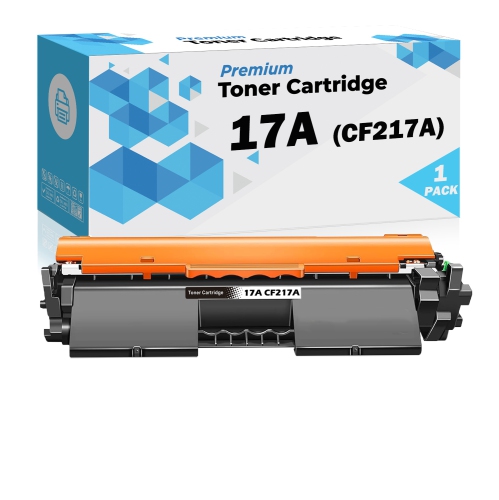
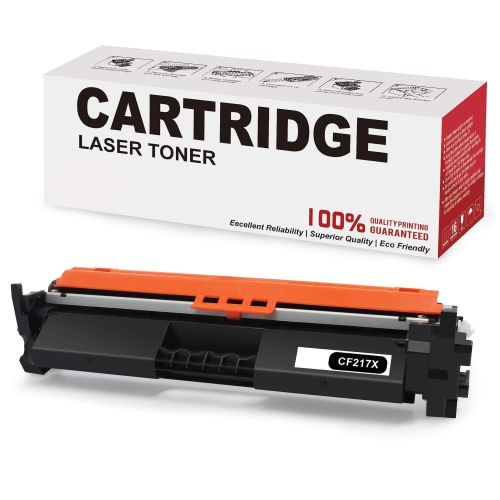
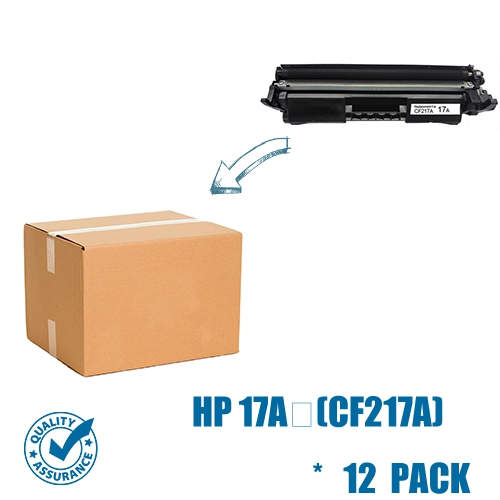
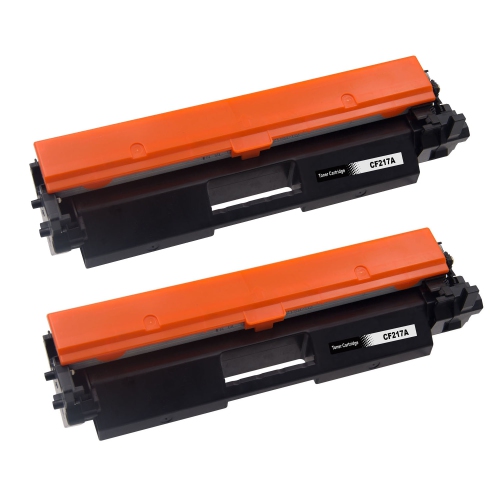
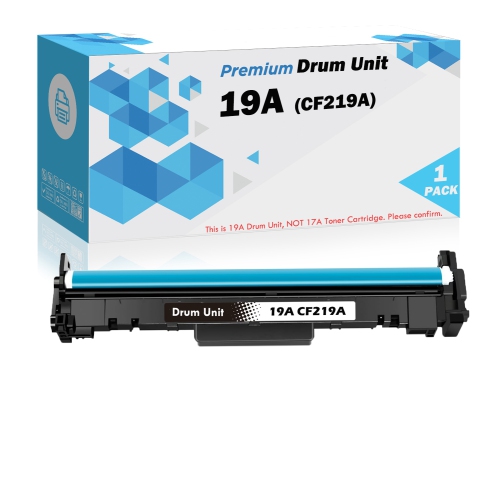
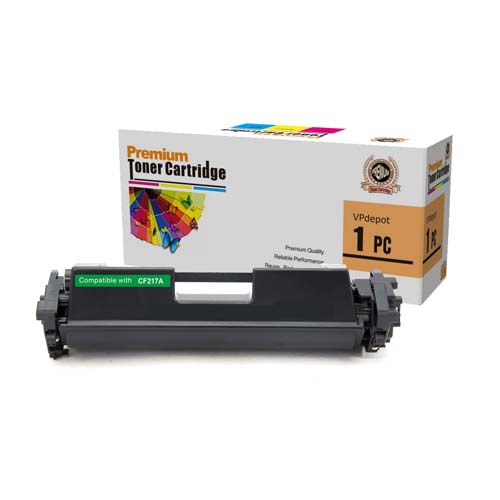
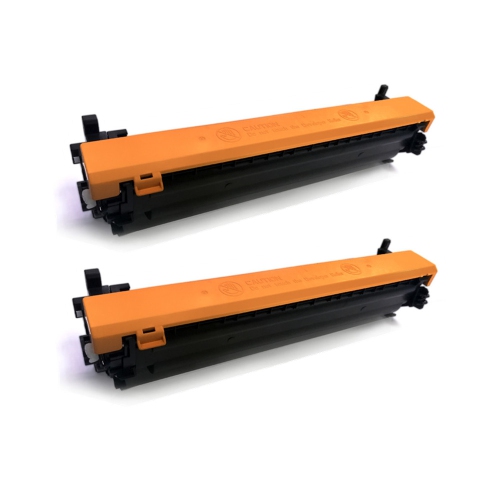
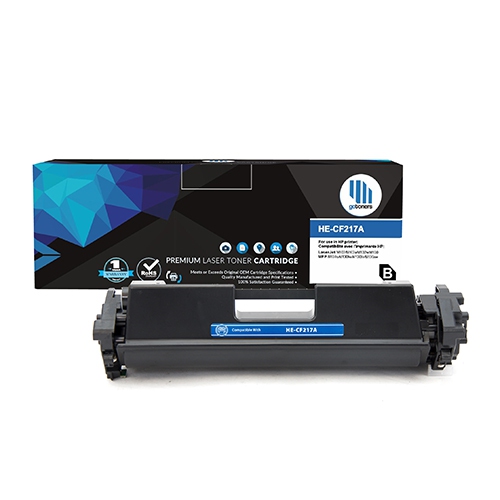
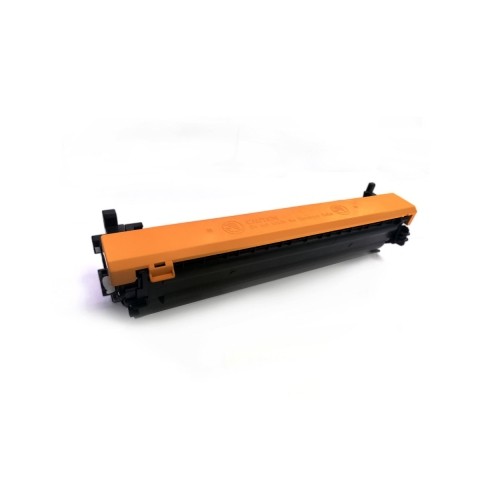
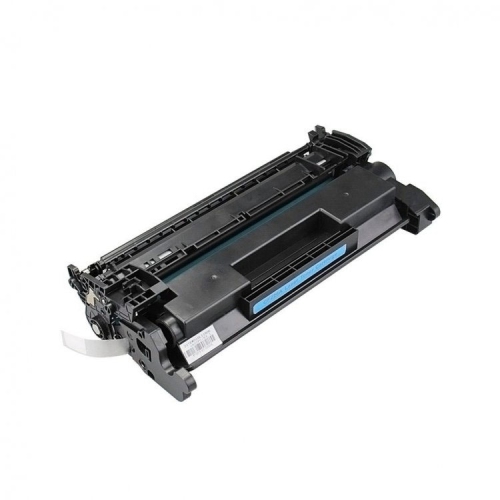
![INKFIRST 5 Compatible Toner Cartridges Replacement for HP Cf217A 17A [With Chip] Laserjet Pro M102A M102W Mfp M130A](https://multimedia.bbycastatic.ca/multimedia/products/500x500/138/13894/13894921.jpg)
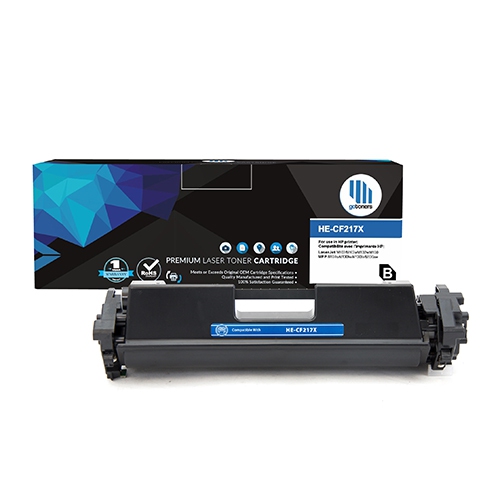
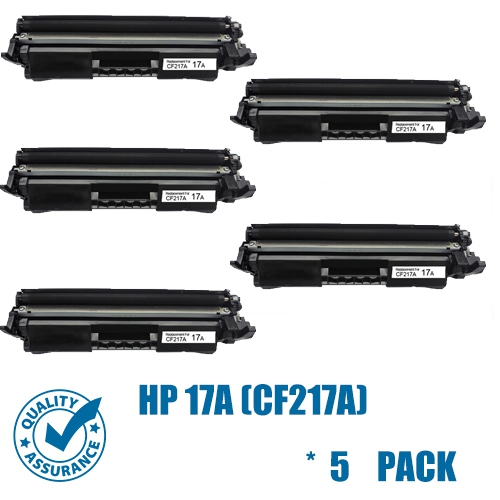
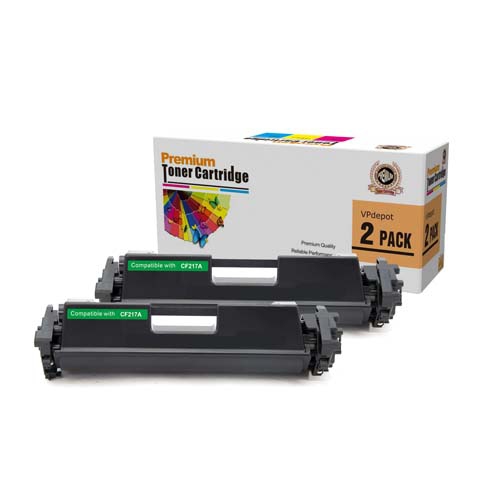
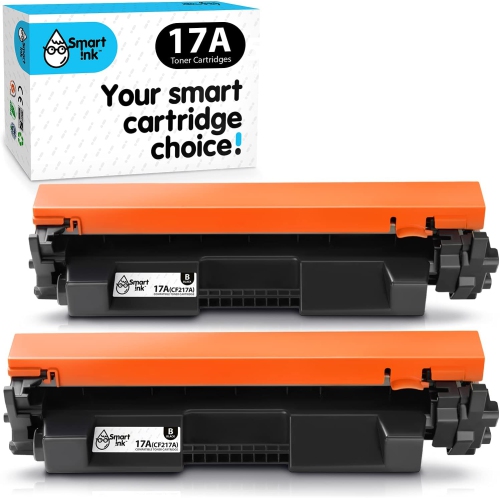
Crisp black-and-white documents without taking over your desk
Compact monochrome laser printers suit workspaces where clear black-and-white documents matter more than colour output. Their strength is everyday paperwork: a multipage assignment with crisp footnotes, an invoice with readable line items, or a shipping label with a sharply defined barcode. Laser printing uses toner powder rather than liquid ink, with heat fixing the printed image to the paper. This makes the format well suited to text, tables, forms, and simple graphics, although photographs and colour-coded charts call for different printing capabilities. For students, home office users, and small teams, a compact wireless laser printer can provide a dedicated place for document printing without taking over an entire desk. The best physical fit depends on more than the closed dimensions of the casing. Paper trays, an open output area, cable connections, and access for replacing supplies all need room, particularly when the printer sits on a narrow shelf or beside a monitor. A stable surface helps keep paper feeding smoothly, while accessible controls make it easier to handle an occasional misfeed or check a status light. Sturdy plastic housings are common in this category, but the tray hinges, paper guides, and cartridge access points also deserve attention when assessing everyday durability. Print-only models keep the focus on producing documents; scanning, copying, and faxing require those functions to be explicitly included. That distinction matters for anyone who regularly signs and returns forms or wants to digitize receipts. Print speed is another useful consideration, especially for longer files, but the time before the first page appears can be just as noticeable when printing one label or a two-page letter. Rated pages per minute describe output under specified conditions, so actual results can vary with document complexity, connection type, and printer settings. For light or moderate document workloads, dependable paper handling and straightforward operation can matter more than the highest speed figure.
Wireless connectivity adds flexibility to a monochrome laser printer, allowing it to serve a laptop at the kitchen table or a computer across a small office without a permanent cable between the two. Wi-Fi printing normally connects the printer to a local network, while Wi-Fi Direct, where supported, allows a compatible device to connect directly to the printer without using a router. A USB connection offers a wired alternative for a nearby computer, though the required cable and connection options should be confirmed in the product details. Mobile printing support is equally specific: the ability to print from a phone or tablet depends on the printer, the device’s operating system, and the supported printing service or application. Wireless capability alone does not guarantee compatibility with every device or network configuration. Software and drivers also matter, particularly when pairing an older printer design with a newer computer. The manufacturer’s support page for the exact model is the appropriate source for driver downloads, setup software, manuals, and operating system compatibility information. A model name that differs by only a few characters may have different features or require different files. In everyday use, paper capacity helps determine how often someone needs to refill the tray during a run of statements, classroom handouts, or meeting notes. An adjustable input tray should hold the paper securely without bending its edges, and the output area needs enough clearance for finished pages to settle neatly. Automatic two-sided printing is a separate feature from wireless printing; models with manual two-sided printing require the user to turn and reload the sheets. Letter-size paper is a familiar choice for Canadian home and office documents, while envelopes, labels, and other sizes depend on the supported media specifications. A priority feed slot, if included, can make occasional specialty printing more convenient without disturbing the main paper stack. These practical differences shape how comfortably a printer fits into a routine, whether it handles a few forms each day or a longer document several times a week.
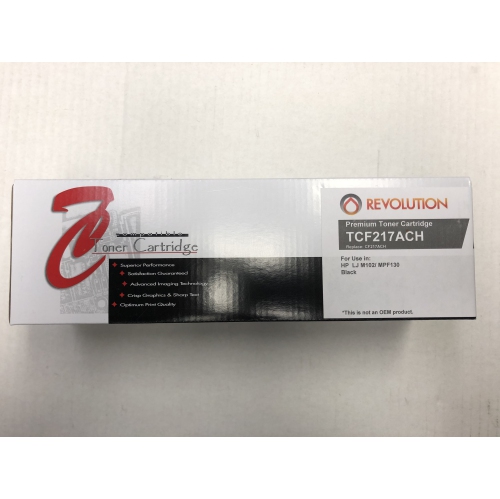
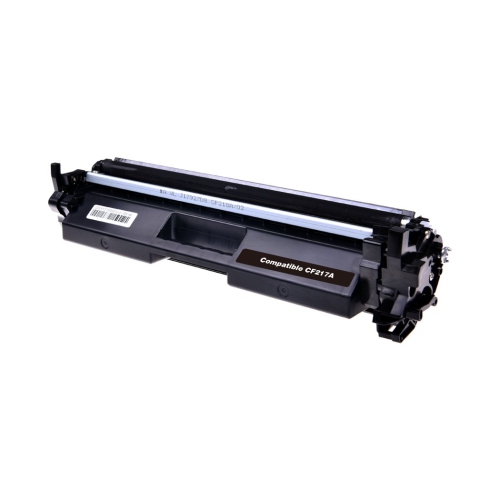
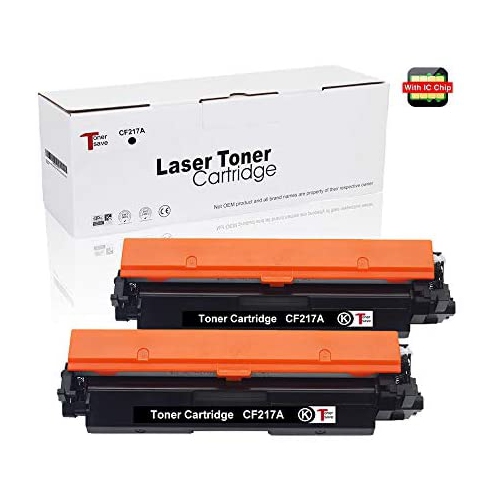
Toner compatibility is central to keeping a monochrome laser printer useful over time. Replacement cartridges must match the exact printer model, not simply the printer family or the shape of the casing. Some laser printers combine toner and the imaging drum in one cartridge, while others use separate components with different replacement intervals. That distinction affects which supplies are needed when text begins to fade or recurring marks appear on the page. Stated cartridge yields are estimates based on standardized testing, rather than a promise that every user will print the same number of pages. Dense graphics, large areas of black, and frequent multipage documents can use toner differently from brief letters with generous margins. Any included starter cartridge may also have a different yield from a replacement cartridge, so its stated capacity is worth noting. Paper choice has a visible effect on results as well. Smooth, laser-compatible office paper supports clean text and consistent feeding; labels and envelopes need to be suitable for the heat used in laser printing and fall within the printer’s specified size and weight limits. Paper stored flat in its packaging is less likely to develop curled edges that interfere with feeding. Routine care is generally modest: keeping dust away from the paper path, removing scraps after a jam, and following the manufacturer’s cleaning directions help protect the working parts. Internal components can remain hot after printing, and imaging surfaces need careful handling during supply changes. For a shared workspace, easy access to replacement supplies and clear status indicators can be particularly useful when several people depend on the same device. Those exploring another compact printing option can also visit the LaserJet M110W page, with connectivity, dimensions, and cartridge compatibility considered separately for each model. A well-matched monochrome laser printer brings together readable output, manageable upkeep, and a footprint that leaves room for the rest of the workspace. Its value in daily use comes from handling the documents people actually print, with features that fit their devices, paper needs, and working habits.
Wireless connectivity adds flexibility to a monochrome laser printer, allowing it to serve a laptop at the kitchen table or a computer across a small office without a permanent cable between the two. Wi-Fi printing normally connects the printer to a local network, while Wi-Fi Direct, where supported, allows a compatible device to connect directly to the printer without using a router. A USB connection offers a wired alternative for a nearby computer, though the required cable and connection options should be confirmed in the product details. Mobile printing support is equally specific: the ability to print from a phone or tablet depends on the printer, the device’s operating system, and the supported printing service or application. Wireless capability alone does not guarantee compatibility with every device or network configuration. Software and drivers also matter, particularly when pairing an older printer design with a newer computer. The manufacturer’s support page for the exact model is the appropriate source for driver downloads, setup software, manuals, and operating system compatibility information. A model name that differs by only a few characters may have different features or require different files. In everyday use, paper capacity helps determine how often someone needs to refill the tray during a run of statements, classroom handouts, or meeting notes. An adjustable input tray should hold the paper securely without bending its edges, and the output area needs enough clearance for finished pages to settle neatly. Automatic two-sided printing is a separate feature from wireless printing; models with manual two-sided printing require the user to turn and reload the sheets. Letter-size paper is a familiar choice for Canadian home and office documents, while envelopes, labels, and other sizes depend on the supported media specifications. A priority feed slot, if included, can make occasional specialty printing more convenient without disturbing the main paper stack. These practical differences shape how comfortably a printer fits into a routine, whether it handles a few forms each day or a longer document several times a week.
Toner compatibility is central to keeping a monochrome laser printer useful over time. Replacement cartridges must match the exact printer model, not simply the printer family or the shape of the casing. Some laser printers combine toner and the imaging drum in one cartridge, while others use separate components with different replacement intervals. That distinction affects which supplies are needed when text begins to fade or recurring marks appear on the page. Stated cartridge yields are estimates based on standardized testing, rather than a promise that every user will print the same number of pages. Dense graphics, large areas of black, and frequent multipage documents can use toner differently from brief letters with generous margins. Any included starter cartridge may also have a different yield from a replacement cartridge, so its stated capacity is worth noting. Paper choice has a visible effect on results as well. Smooth, laser-compatible office paper supports clean text and consistent feeding; labels and envelopes need to be suitable for the heat used in laser printing and fall within the printer’s specified size and weight limits. Paper stored flat in its packaging is less likely to develop curled edges that interfere with feeding. Routine care is generally modest: keeping dust away from the paper path, removing scraps after a jam, and following the manufacturer’s cleaning directions help protect the working parts. Internal components can remain hot after printing, and imaging surfaces need careful handling during supply changes. For a shared workspace, easy access to replacement supplies and clear status indicators can be particularly useful when several people depend on the same device. Those exploring another compact printing option can also visit the LaserJet M110W page, with connectivity, dimensions, and cartridge compatibility considered separately for each model. A well-matched monochrome laser printer brings together readable output, manageable upkeep, and a footprint that leaves room for the rest of the workspace. Its value in daily use comes from handling the documents people actually print, with features that fit their devices, paper needs, and working habits.
Top selling and popular products
-
 Your price for this item is $184.99
 -
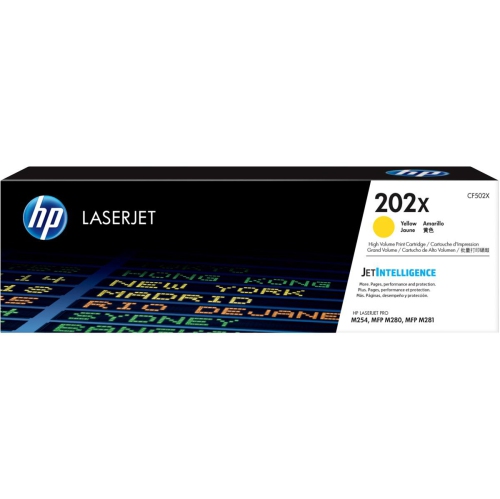 Your price for this item is $184.99
 -
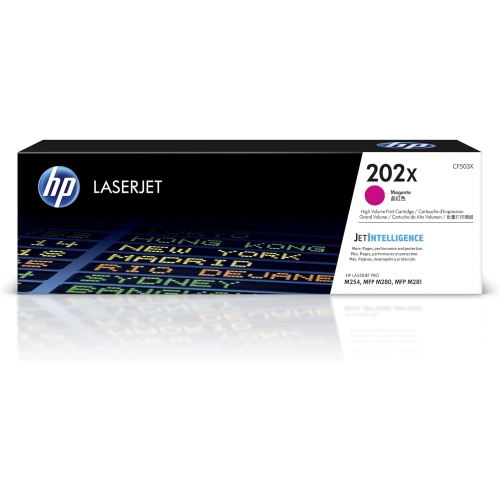 Your price for this item is $184.99
 -
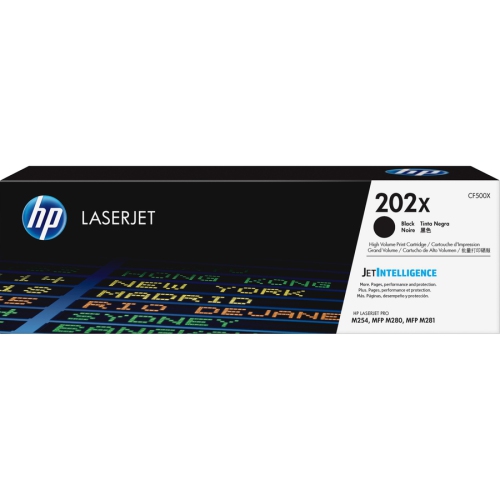 Your price for this item is $176.99
 -
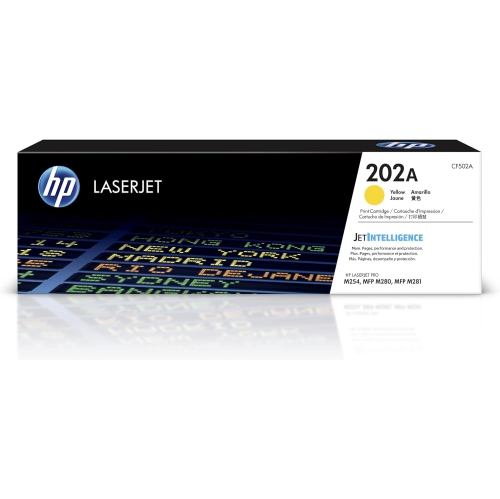 Your price for this item is $139.99
 -
 Your price for this item is $139.99
 -
 Your price for this item is $230.82
 -
 Your price for this item is $197.99
Discover more categories related to HP LaserJet Pro M102w

Top Collections:
Pokemon Centers, Best Cameras for Sports Photography, Kindle Devices, Samsung Galaxy Phones, Canon G7X Cameras, Pokémon 30th Celebration Cards, Refurbished Apple Laptops, iPhone 15 Apple, Laptops for Students, Budget Smartphones
Some products may be subject to Environmental Handling Fees
(EHF) depending on your province.
Learn more about EHFs.