Staple Cartridges
When it comes to keeping your office running smoothly, having a reliable supply of staple cartridges is an absolute must. These small but mighty accessories are essential for any business, allowing you to effortlessly secure documents and keep them organized. Whether you're stocking up for a busy workweek or simply need to replenish your current stash, our selection of staple cartridges has got you covered. With a variety of options to choose from, you can find the perfect fit for your stapler and ensure that your important papers stay securely fastened. So, let's dive into the world of staple cartridges and discover the perfect solution for all your stapling needs.
Sort



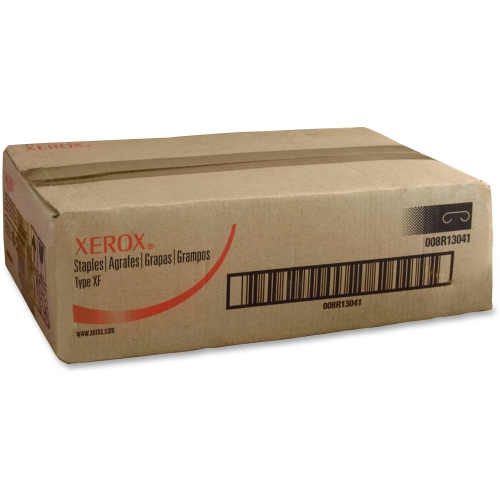
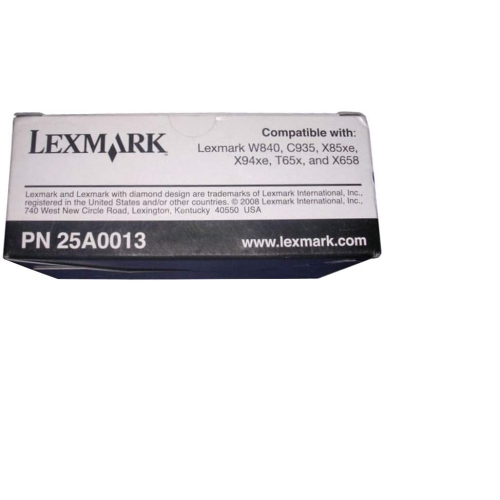
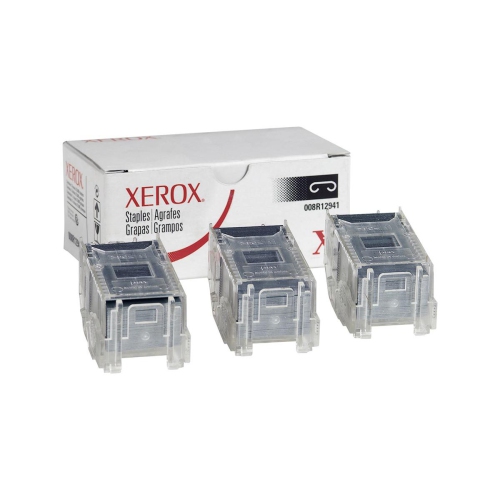

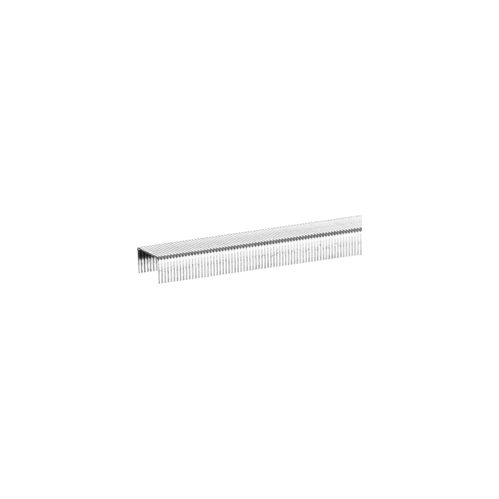
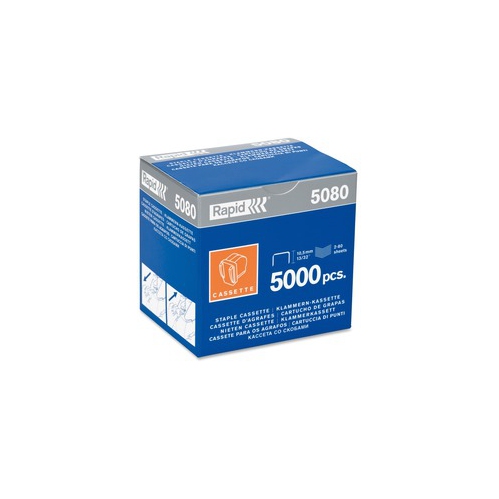
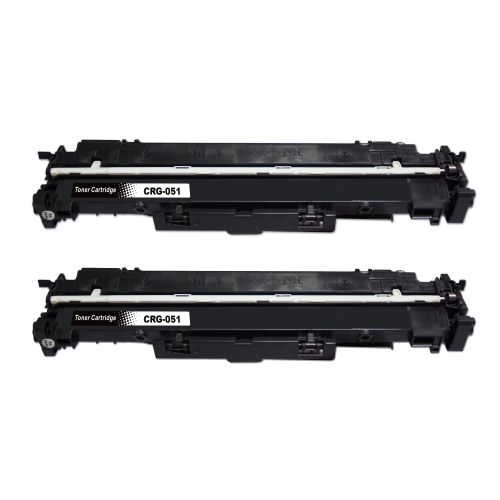






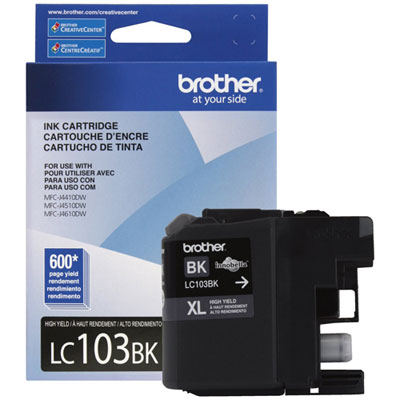
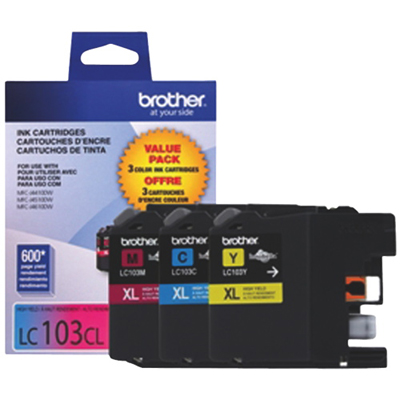
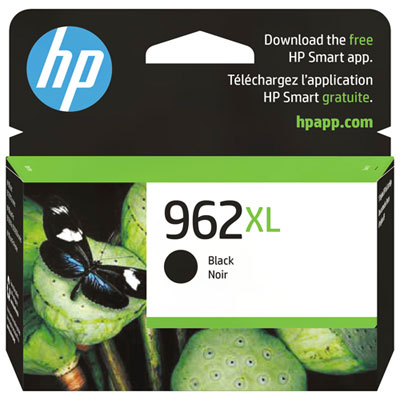
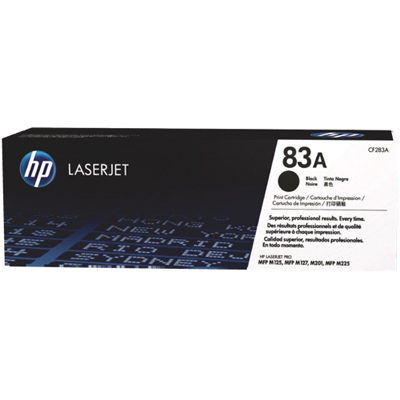
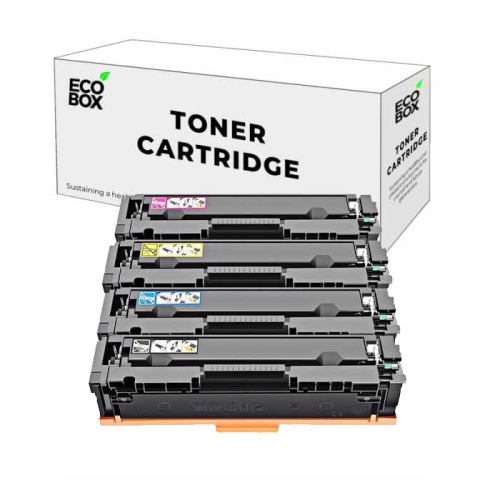
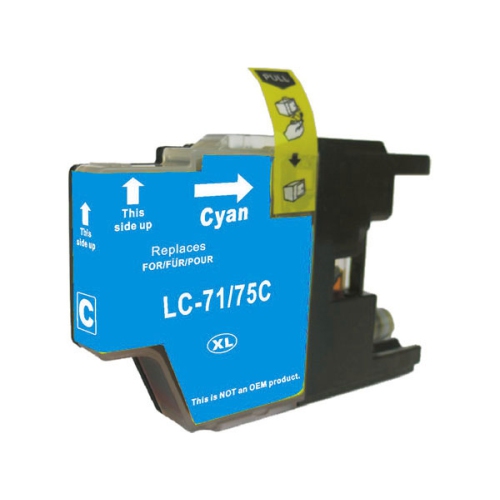

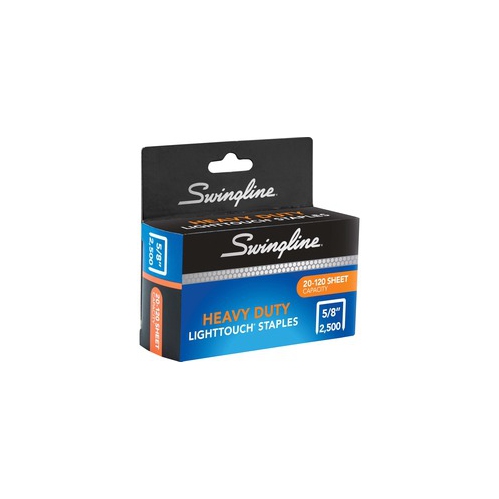
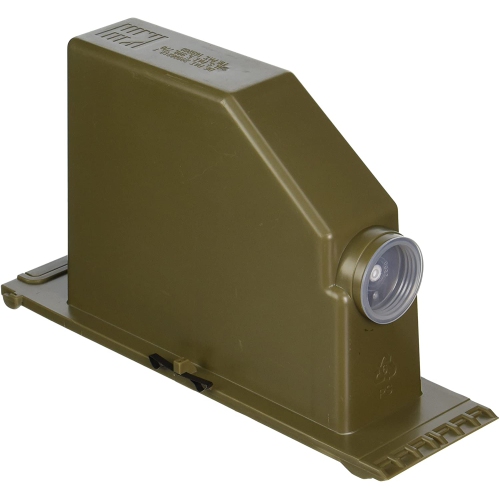
The right cartridge keeps document finishing running smoothly
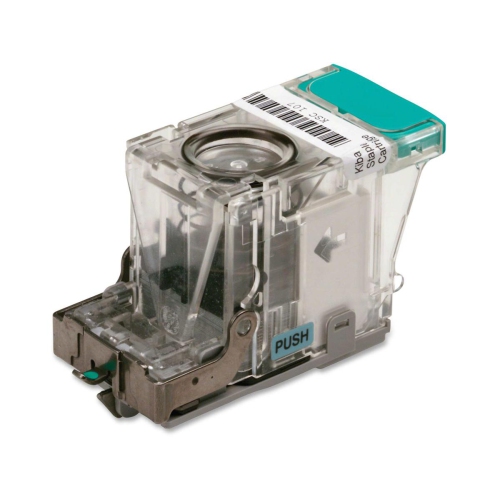
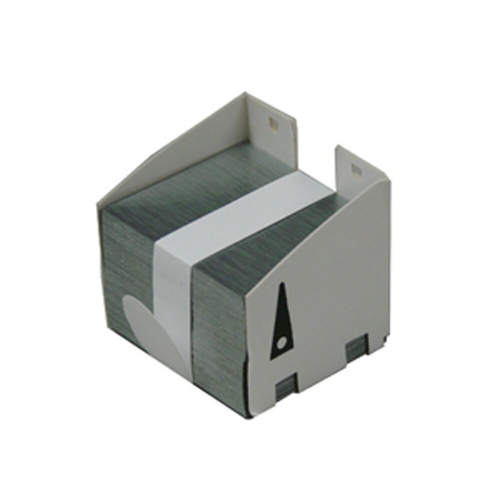
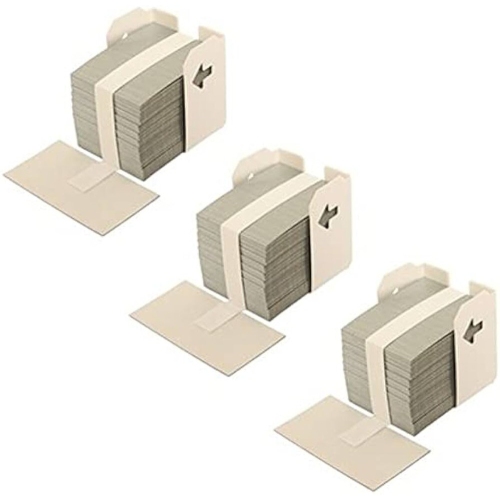
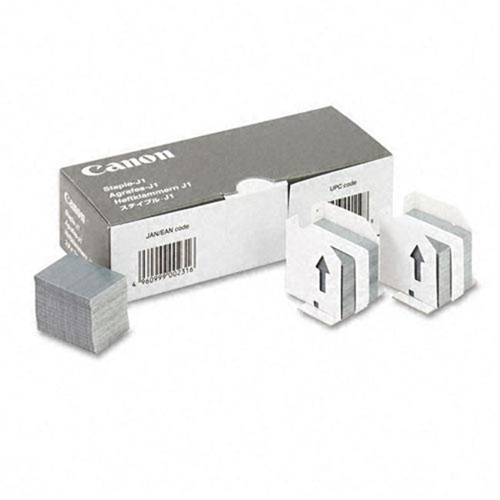
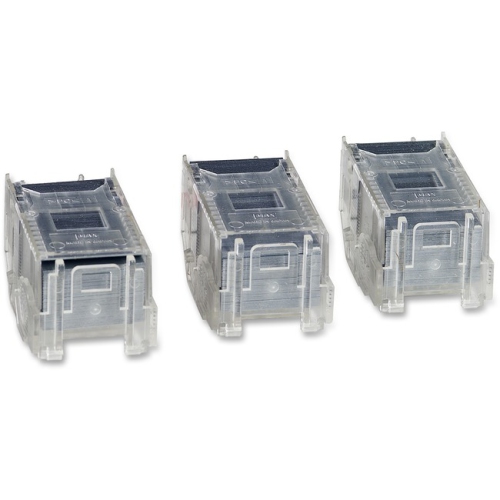
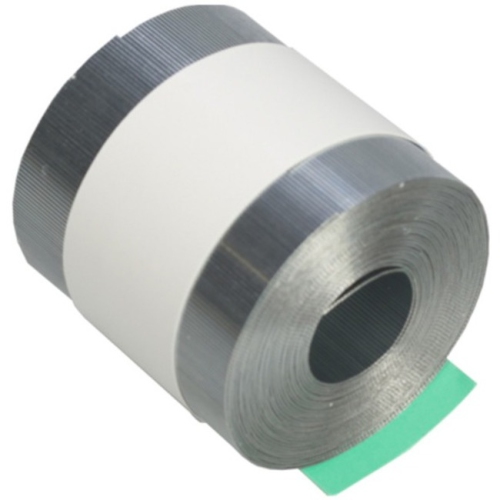
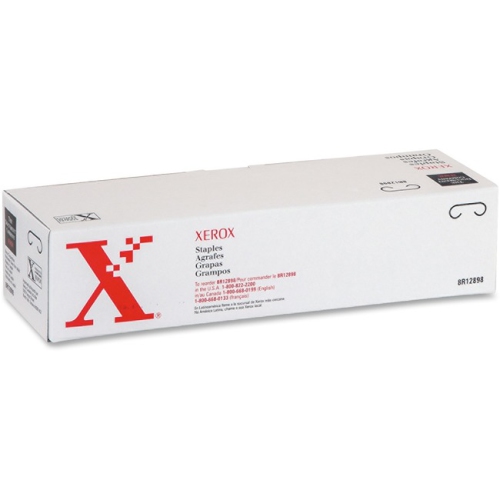
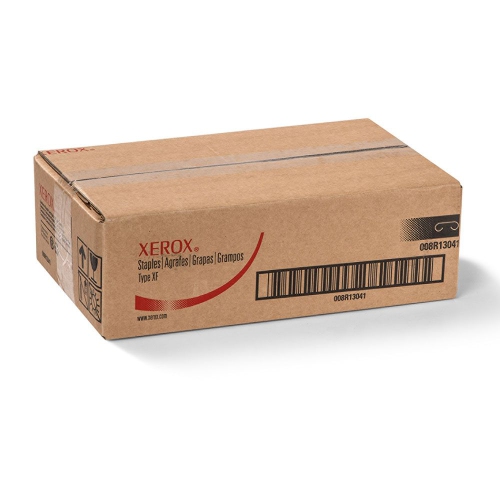
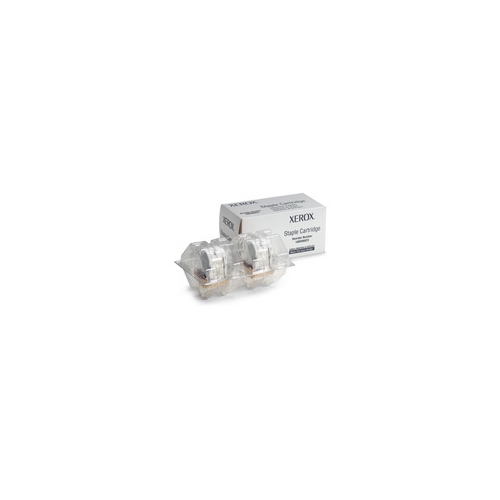
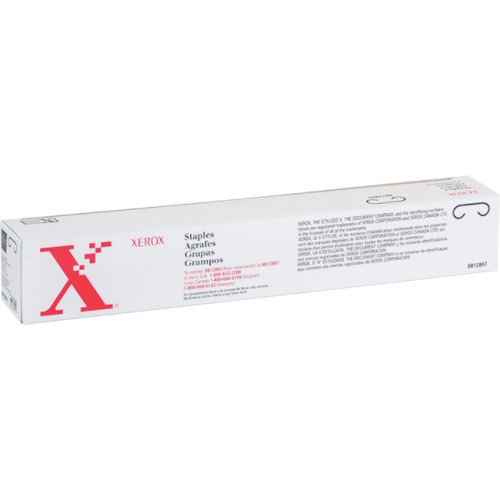
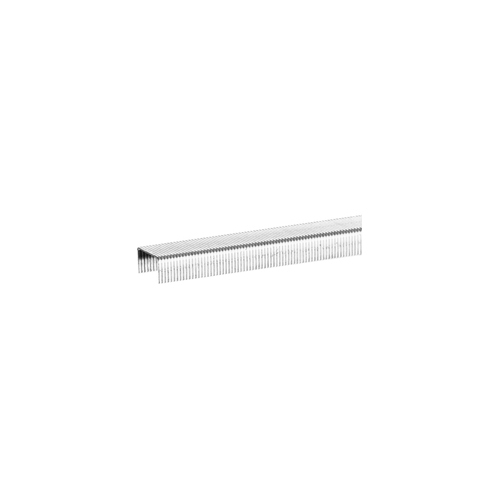
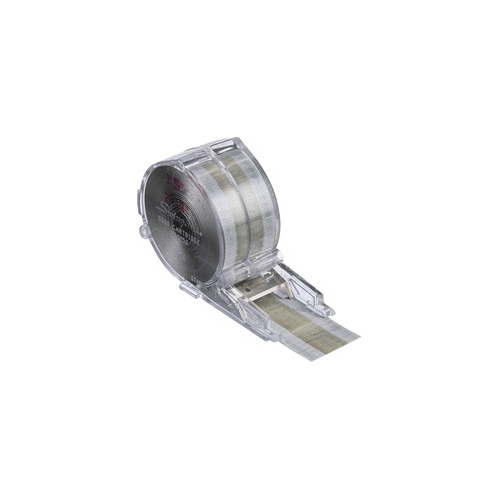
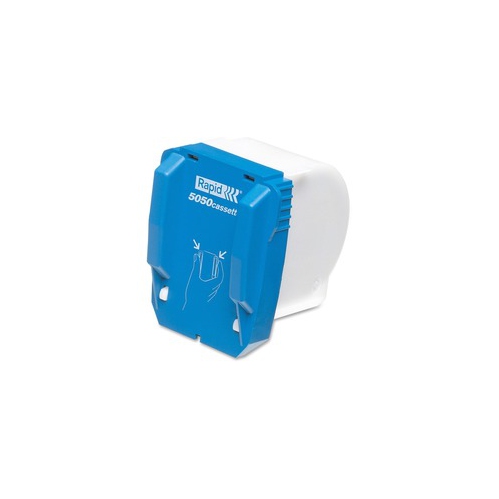
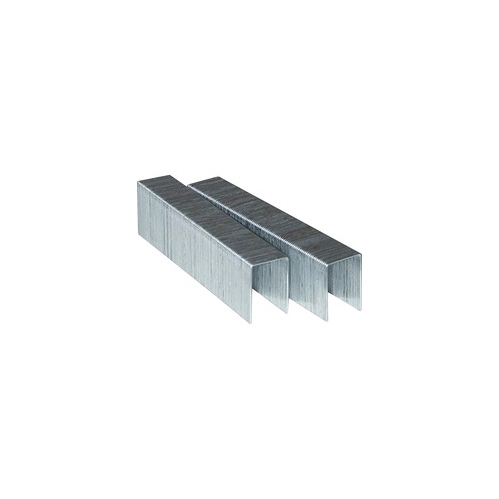
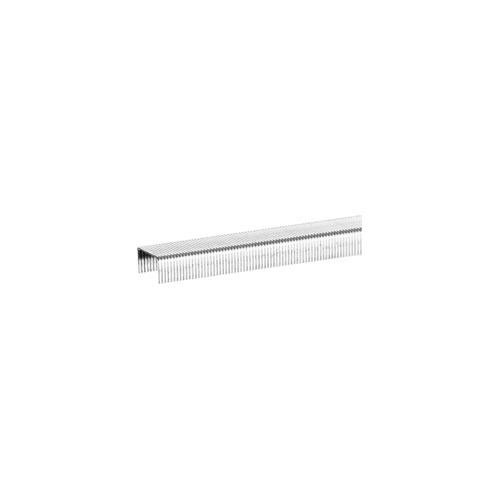
Staple cartridges are pre-loaded containers of metal staples designed for office printers, digital copiers, multifunction machines, and automatic finishers. Rather than feeding individual staples into a handheld stapler, these cartridges allow a compatible finishing unit to bind large documents quickly and consistently. A single cartridge may hold thousands of staples, making it practical for workplaces that regularly produce reports, training materials, meeting packages, invoices, booklets, or other multi-page documents. When a finisher reaches the end of its staple supply, replacing the cartridge helps restore the machine’s booklet-making or document-stapling functions with minimal interruption. They are commonly used by administrative teams, schools, libraries, clinics, property managers, legal offices, print rooms, and home offices with higher-volume equipment. During the transition into busier work routines or the cooler months, having a suitable replacement on hand can help avoid a last-minute interruption when a presentation, class package, or client document needs to be completed. Staple cartridges can also be useful for shared workspaces where several people rely on the same copier and need a straightforward refill process that does not require loose staples, manual loading, or repeated adjustments. Although they are often associated with commercial environments, they may also suit a home-based business or dedicated office where the finishing unit handles frequent batches of paperwork.
Compatibility is the most important consideration when choosing staple cartridges. These refills are not universal, and the correct option depends on the make and model of the printer, copier, or finisher, as well as the specific staple unit installed inside the machine. Before ordering, check the equipment’s user manual, the label on the empty cartridge, or the manufacturer’s compatibility information. Pay attention to the finisher type and cartridge shape, since two machines from the same product family may use different refill formats. It is also helpful to confirm whether the machine uses a standard cartridge, a booklet-making cartridge, or another format intended for a particular finishing function. Choosing the right match helps the cartridge seat properly, feed staples evenly, and reduce the chance of jams, misaligned staples, or unfinished document sets. Consider the volume of material your office produces as well. A large-capacity cartridge can be convenient for a busy copy room, while a smaller pack may be a sensible fit for occasional use. If your team prepares long reports, event programmes, course handouts, or bound booklets, look for cartridges intended for the number of pages and finishing style your machine supports. You can also browse related office refills through Printer Cartridge Staples when organizing supplies for a compatible printer or copier setup. Keeping a spare cartridge in a clearly labelled supply cabinet can make routine maintenance easier, particularly when several employees share responsibility for office equipment.
Replacing a staple cartridge is generally a simple maintenance task, although the exact design varies by machine. First, turn on the printer or copier if the manufacturer’s instructions require power, but make sure the machine is not printing, copying, or processing a job. Open the front or side door of the finisher and locate the sliding staple unit or carriage handle. Pull the unit out carefully, using the handle rather than forcing the housing. Press the release tab to lift or pop out the empty plastic cartridge, then remove it from the staple unit. Align the new cartridge with the guides and slide it into place until it clicks securely. Push the staple unit back inside, close the finisher door, and allow the machine to complete any start-up or reset sequence before sending a document. Avoid touching the staple strip unnecessarily, and do not attempt to force a cartridge into a housing if the shape or alignment does not look correct. If a jam occurs, follow the equipment’s instructions for clearing the finisher rather than pulling at visible staples or paper. For offices with frequent printing demands, it is useful to record the compatible cartridge type near the machine and show staff where the release tab and carriage are located. This small bit of preparation can make replenishment feel as routine as changing paper, helping documents move from the screen to a neatly assembled package with less fuss. With the right fit and a straightforward replacement routine, staple cartridges support polished, professional-looking paperwork for everyday office tasks, school materials, client presentations, and organized document distribution.
Compatibility is the most important consideration when choosing staple cartridges. These refills are not universal, and the correct option depends on the make and model of the printer, copier, or finisher, as well as the specific staple unit installed inside the machine. Before ordering, check the equipment’s user manual, the label on the empty cartridge, or the manufacturer’s compatibility information. Pay attention to the finisher type and cartridge shape, since two machines from the same product family may use different refill formats. It is also helpful to confirm whether the machine uses a standard cartridge, a booklet-making cartridge, or another format intended for a particular finishing function. Choosing the right match helps the cartridge seat properly, feed staples evenly, and reduce the chance of jams, misaligned staples, or unfinished document sets. Consider the volume of material your office produces as well. A large-capacity cartridge can be convenient for a busy copy room, while a smaller pack may be a sensible fit for occasional use. If your team prepares long reports, event programmes, course handouts, or bound booklets, look for cartridges intended for the number of pages and finishing style your machine supports. You can also browse related office refills through Printer Cartridge Staples when organizing supplies for a compatible printer or copier setup. Keeping a spare cartridge in a clearly labelled supply cabinet can make routine maintenance easier, particularly when several employees share responsibility for office equipment.
Replacing a staple cartridge is generally a simple maintenance task, although the exact design varies by machine. First, turn on the printer or copier if the manufacturer’s instructions require power, but make sure the machine is not printing, copying, or processing a job. Open the front or side door of the finisher and locate the sliding staple unit or carriage handle. Pull the unit out carefully, using the handle rather than forcing the housing. Press the release tab to lift or pop out the empty plastic cartridge, then remove it from the staple unit. Align the new cartridge with the guides and slide it into place until it clicks securely. Push the staple unit back inside, close the finisher door, and allow the machine to complete any start-up or reset sequence before sending a document. Avoid touching the staple strip unnecessarily, and do not attempt to force a cartridge into a housing if the shape or alignment does not look correct. If a jam occurs, follow the equipment’s instructions for clearing the finisher rather than pulling at visible staples or paper. For offices with frequent printing demands, it is useful to record the compatible cartridge type near the machine and show staff where the release tab and carriage are located. This small bit of preparation can make replenishment feel as routine as changing paper, helping documents move from the screen to a neatly assembled package with less fuss. With the right fit and a straightforward replacement routine, staple cartridges support polished, professional-looking paperwork for everyday office tasks, school materials, client presentations, and organized document distribution.
Top selling and popular products
-
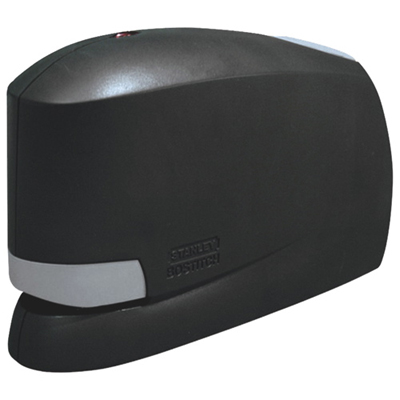 Your price for this item is $103.99
 -
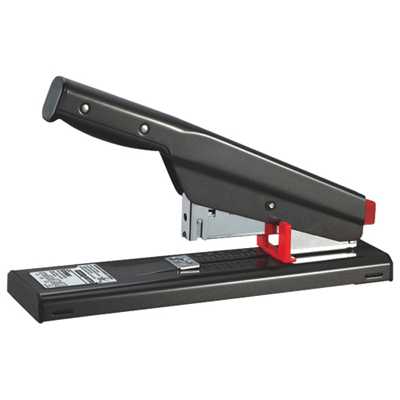 Your price for this item is $44.99
 -
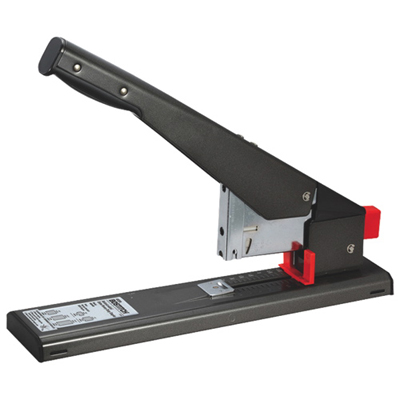 Your price for this item is $118.99
 -
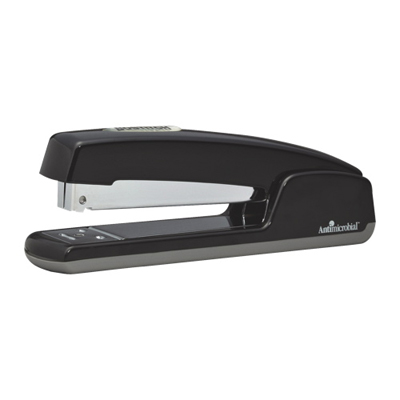 Your price for this item is $19.99
 -
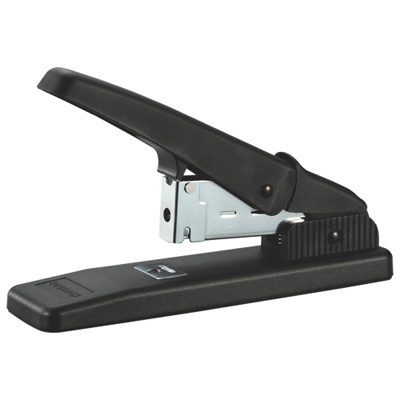 Your price for this item is $57.99
 -
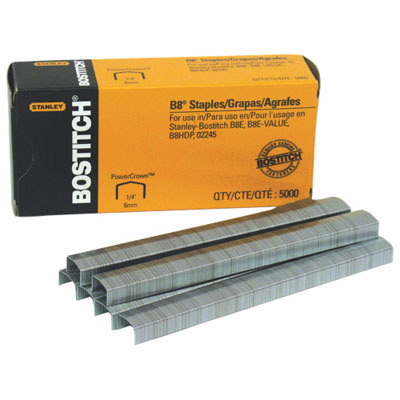 Your price for this item is $6.99
 -
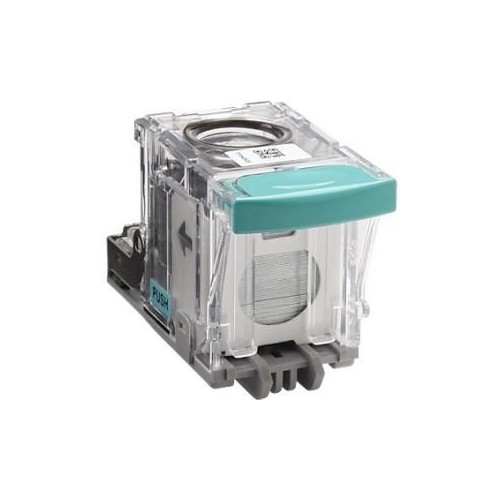 Your price for this item is $67.99
 -
 Your price for this item is $49.99
Discover more categories related to Staple Cartridges

Top Collections:
Pokemon Centers, Kindle Devices, Best Budget Office Chairs, Apple iPhones 16, Best Laptops for Writers, iPhone 15 Apple, Canon G7X Cameras, Refurbished Apple Laptops, Alarm Clock, Motorola Razr Phones
Some products may be subject to Environmental Handling Fees
(EHF) depending on your province.
Learn more about EHFs.