USB Cables for Canon Printer
Find the perfect connection solution with a USB Cable for Canon Printer, designed to help you link your printer to various devices quickly and reliably. Whether you’re setting up a new printer or replacing an old cable, explore a variety of options that fit your needs. Discover cables in different lengths and styles to ensure seamless data transfer and efficient printing every time. Shop USB Cable for Canon Printer options that make everyday printing tasks simple and convenient.
Sort




Why matching plugs matter more than cable speed
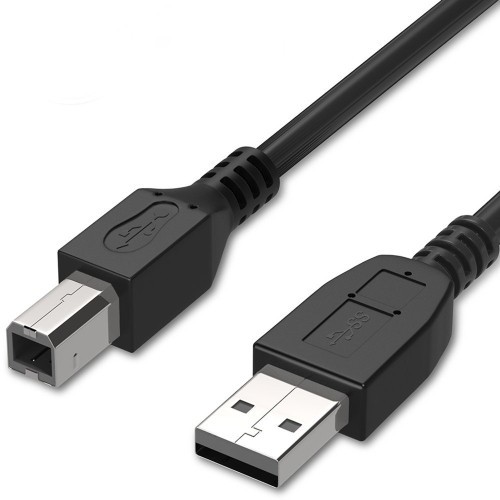
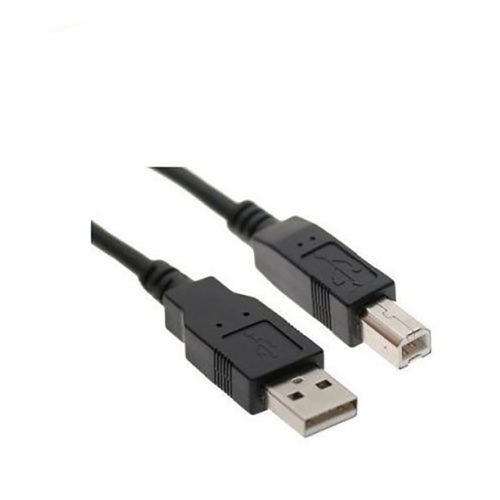
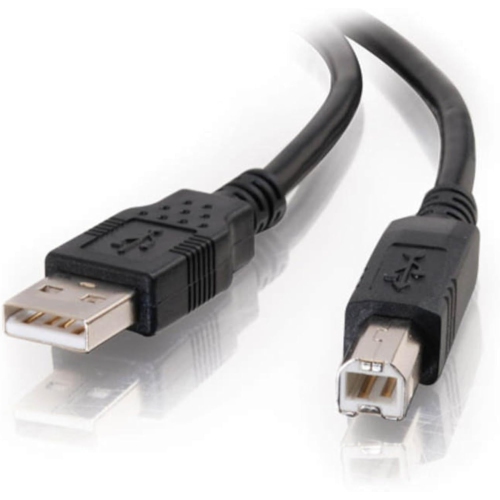
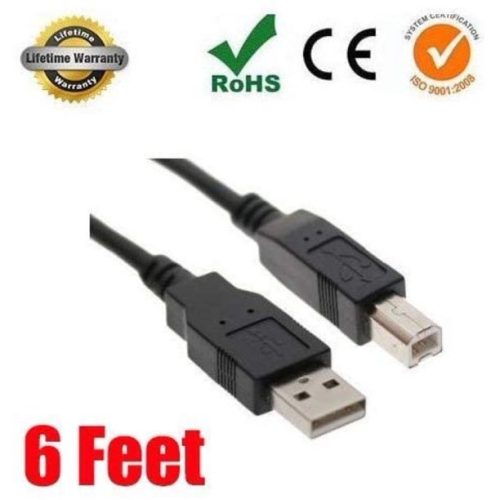
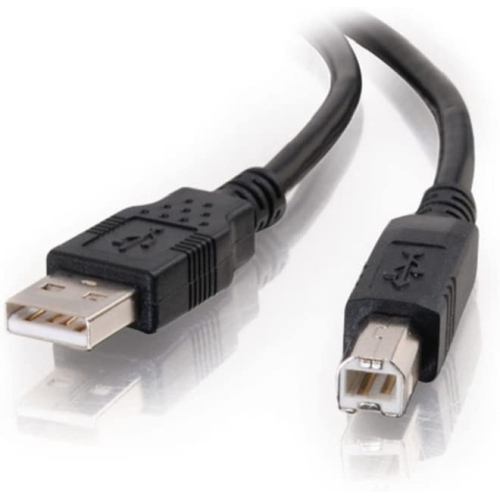
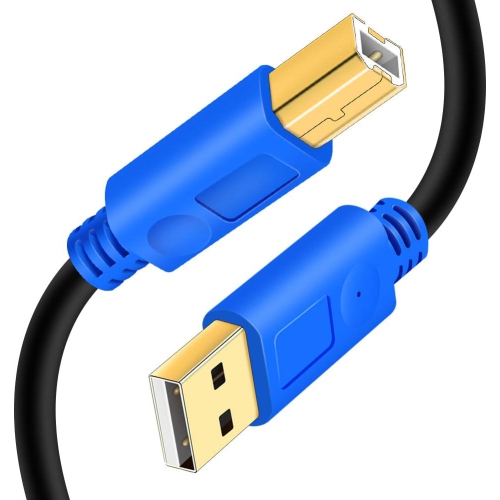
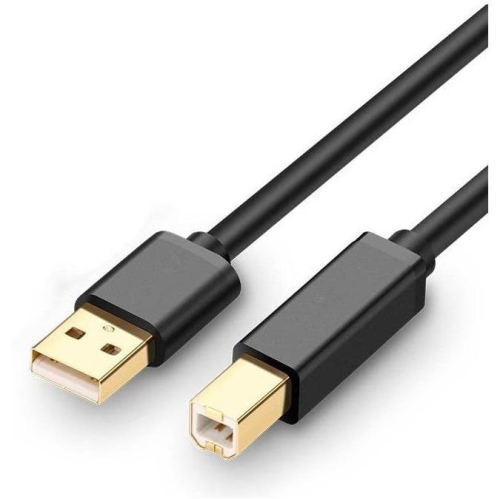
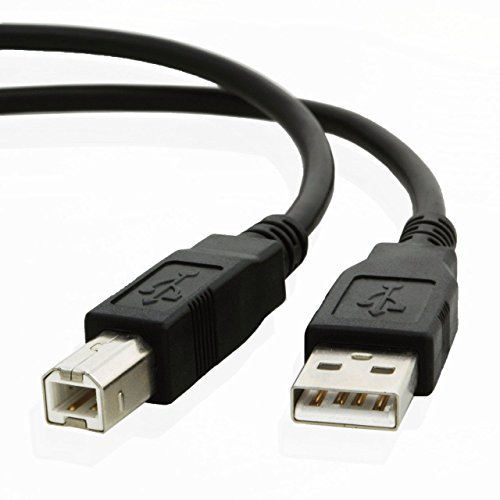
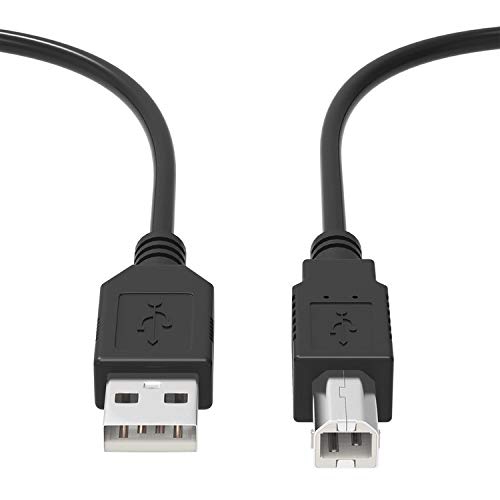
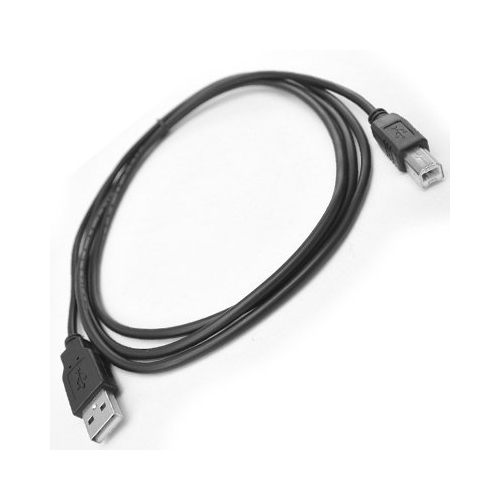
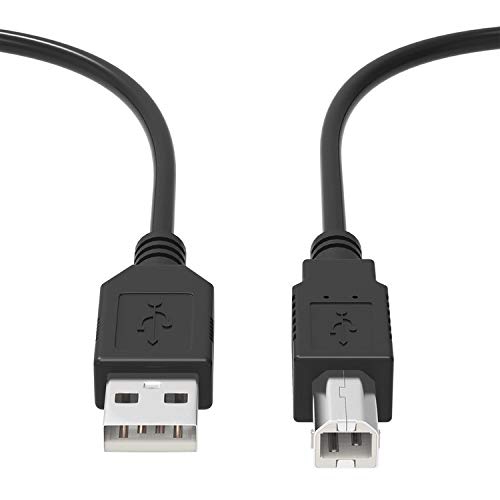
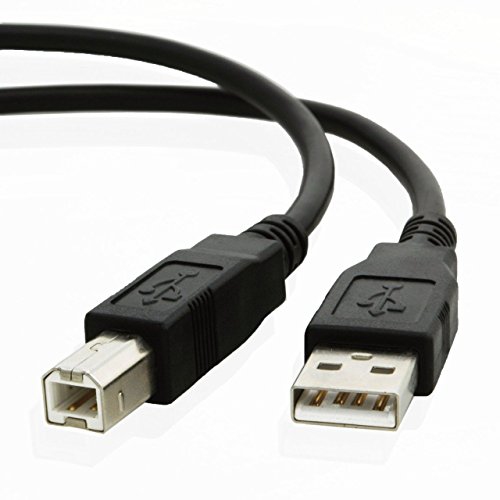
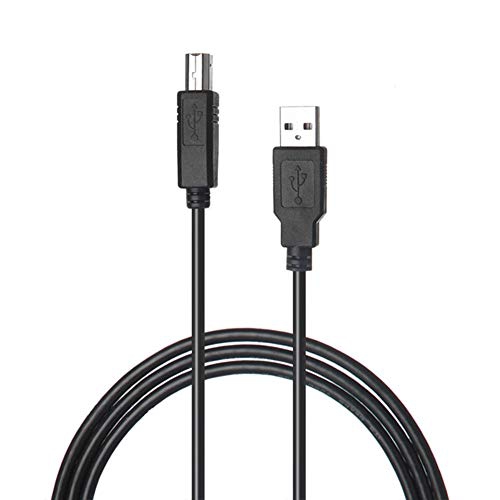
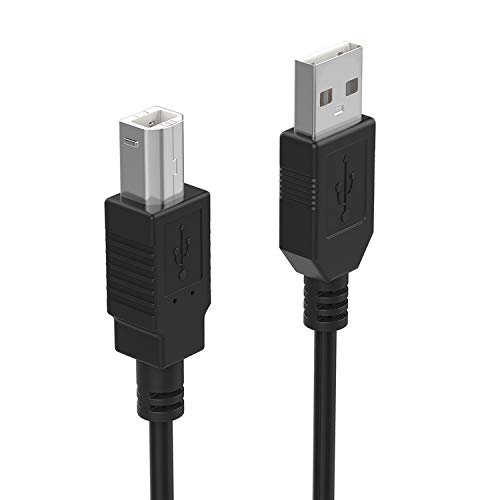
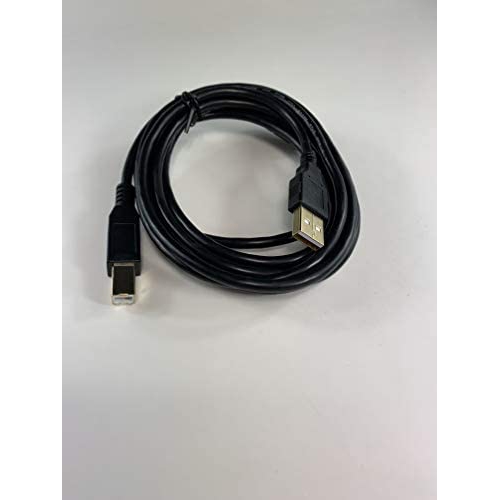
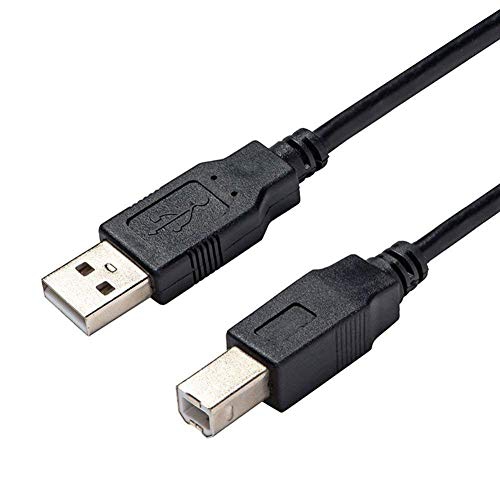
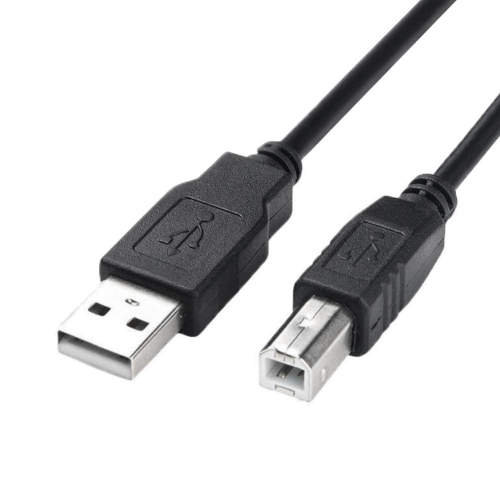
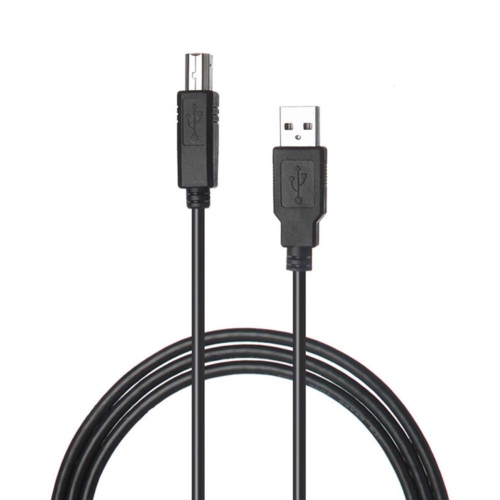
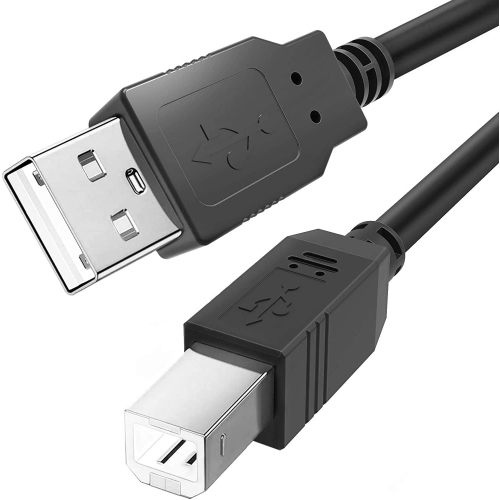
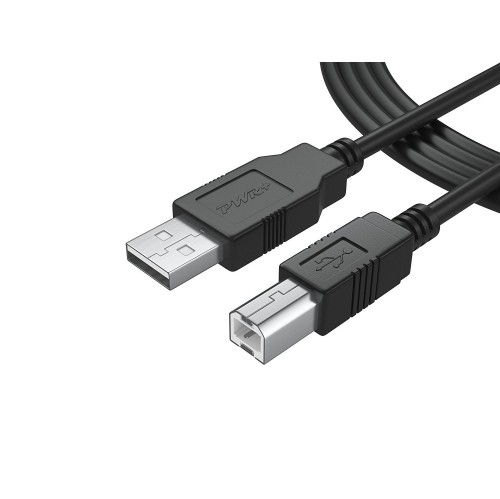
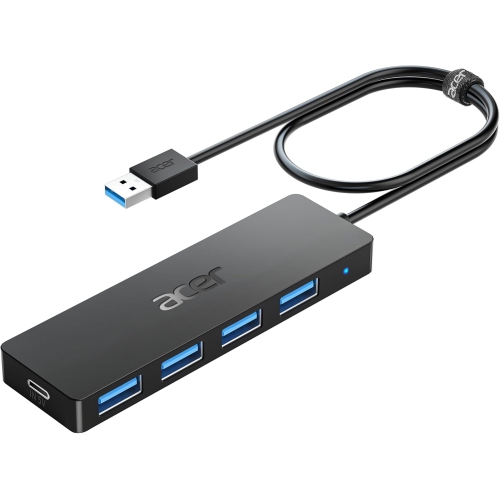
USB printer cables provide a direct data connection between a computer and a compatible printer. Many home and office printers use a USB 2.0 Type-A-to-Type-B cable, with a flat, rectangular Type-A plug at the computer end and a near-square Type-B plug, recognizable by its bevelled upper corners, at the printer end. The correct connector combination depends on both devices, not simply the printer’s age or size. A laptop with USB-C ports may need a USB-C-to-Type-B data cable to connect to a printer with a standard Type-B socket. That arrangement does not require the printer itself to have a USB-C port. A USB-C-to-USB-C cable is appropriate only when the printer has a compatible USB-C data connection and supports that use. Connector shape, the printer’s specifications, and the computer’s available ports all matter more than a cable’s appearance or colour. A USB socket intended for a flash drive is also different in purpose from the connection used to link a printer to a computer, even if both sit on the same machine. For everyday document printing, a compatible USB 2.0 data connection is generally sufficient; a higher advertised cable speed does not necessarily make pages print faster. Print quality settings, document complexity, computer processing, and the printer’s own mechanism can all affect how quickly a job finishes. USB-C describes a connector shape rather than a guaranteed transfer speed, so a cable’s stated data capability remains relevant. Charging-only cables are not suitable for sending print jobs. A direct cable with the appropriate plug at each end can also keep a workspace simpler than a chain of adapters. Where an adapter or docking station is part of the setup, it must support USB data transfer, and compatibility still depends on the connected equipment. These distinctions are especially useful for households pairing a newer laptop with an existing printer, or offices where desktop computers and portable computers have different connections.
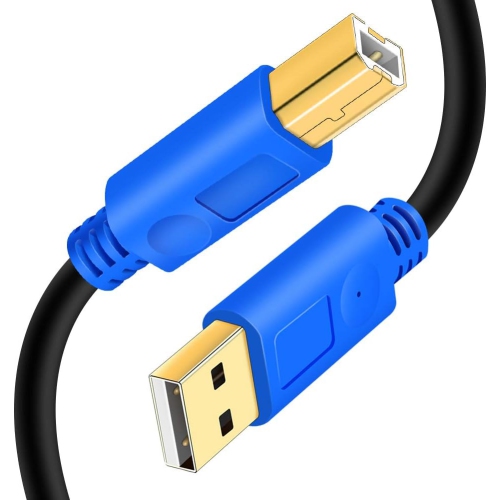
Cable length and construction influence how comfortably a printer fits into a room. A short cable can keep a compact desktop tidy when the printer sits beside the computer, while a longer cable may suit a printer placed on a nearby shelf or beside a filing cabinet. The usable distance includes the route around the back of furniture, not just the straight line between devices. A little slack near each connector allows equipment to move slightly without pulling on its socket, but large coils can take up space and become tangled with power cords. Longer is not automatically better: passive USB connections have practical distance limits, and an extended run may require a properly specified active solution rather than several ordinary cables joined together. Within the cable, conductors carry the data signals, while insulation, shielding, and the outer jacket help protect the assembly during normal handling. Shielding can help limit electrical interference, although it cannot make up for an unsuitable cable length or a damaged connection. Smooth plastic jackets are easy to wipe clean and can slide neatly behind a desk. Braided outer coverings add texture and may provide useful abrasion resistance where a cable rubs against furniture, but a braided finish alone does not establish signal quality or compatibility. Reinforcement where the cable meets the connector is particularly relevant for a laptop that is connected and disconnected frequently. A flexible cable can be easier to route through a desk opening, while a thicker or stiffer design may need more room behind the printer. Connector housings also need enough clearance around recessed sockets and neighbouring plugs. Gold-coloured contacts or substantial-looking shells should not be treated as a promise of faster printing. More meaningful qualities include a secure fit, clear specifications, sound construction, and a length that suits the actual arrangement of the workspace without leaving the cable stretched across a walkway.
A wired printer connection suits a range of familiar routines: a student printing an assignment at a bedroom desk, a home office producing forms and invoices, or a small reception area preparing documents throughout the day. It can be especially useful when the computer and printer stay close together and there is no need to send jobs over Wi-Fi. Local USB printing does not require a wireless network, although compatible drivers, supported software, and any necessary setup remain part of the connection. Online services and other printer features may have separate network requirements. On a multifunction printer, scanning over USB also depends on the device and its software rather than the cable alone. A standard USB data cable does not replace the printer’s power cord, and a wired connection to one computer does not automatically make the printer accessible to everyone else in the household or office. For shared spaces, that distinction helps clarify whether the intended use is a dedicated workstation or a network-connected printer. Day-to-day care is straightforward: cables last better when they are not pinched behind heavy furniture, trapped under chair wheels, or bent sharply at the plugs. Holding the connector housing during disconnection reduces strain on the internal wiring compared with pulling on the cord. A loose loop is easier on the cable than a tight wrap around the printer, and keeping it clear of paper trays, access panels, and moving parts leaves room for routine maintenance. Visible splits, crushed sections, or a connector that no longer sits securely can signal damage worth addressing rather than repeatedly repositioning the cable. For anyone considering the printer and its connection accessories together, the related Printers With USB Cable page offers another way to explore the setup, while individual package details establish which accessories are included. A well-matched cable supports a simple, dependable connection without adding unnecessary length or clutter to the space where printing happens.
Top selling and popular products
-
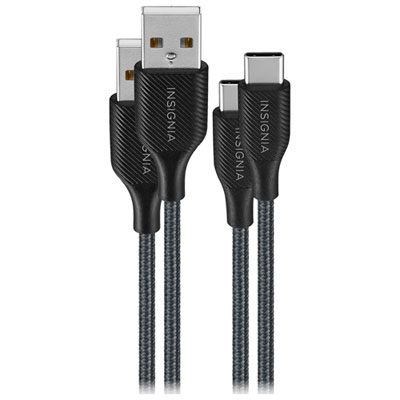 Your price for this item is $19.99
-
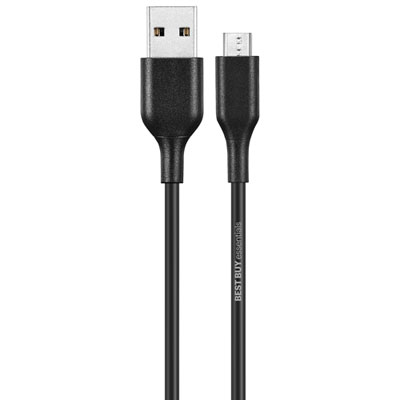 Your price for this item is $7.99
-
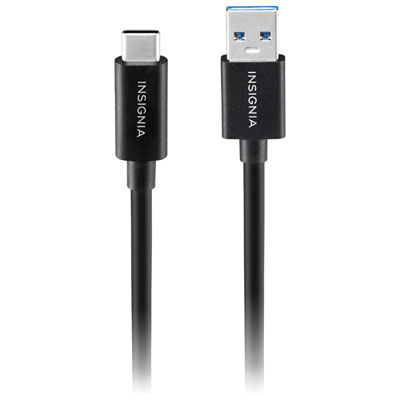 Your price for this item is $19.99
-
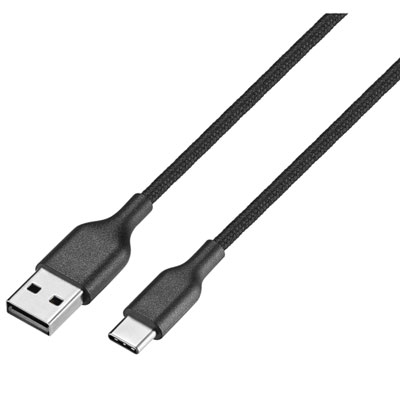 Your price for this item is $9.99
-
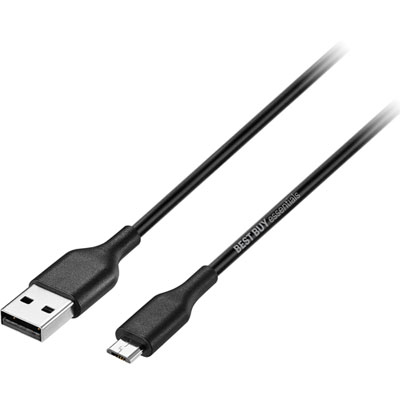 Your price for this item is $9.99
-
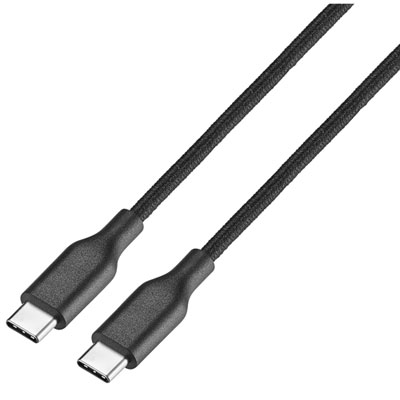 Your price for this item is $14.99
-
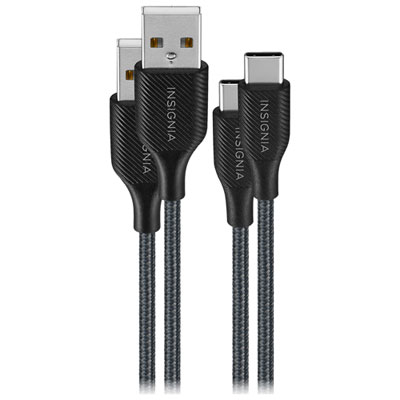 Your price for this item is $24.99
-
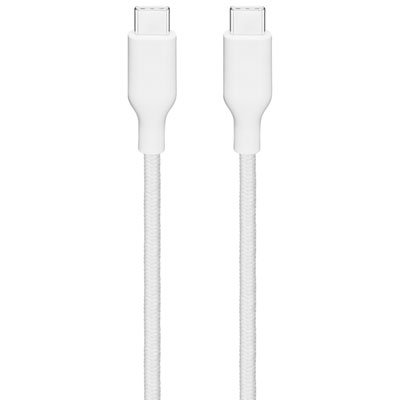 Your price for this item is $14.99
Discover more categories related to USB Cables for Canon Printer
Top Collections:
Best Black Friday Deals This Year, Best Black Friday Deals On Electronics, Kindle Devices, Pokemon Centers, Best Black Friday Deals On Apple Products, Best Cameras for Sports Photography, Dyson Airwrap, Pokémon 30th Celebration Cards, Apple iPhone 17 Pro, Canon G7X Cameras
Some products may be subject to Environmental Handling Fees
(EHF) depending on your province.
Learn more about EHFs.