USB Recorders
Discover a wide selection of USB Recorder options designed to make capturing audio simple and efficient. Whether you need a reliable tool for meetings, lectures, interviews, or personal notes, USB Recorders offer convenient portability and easy connectivity to your devices. Browse through various models to find the perfect fit for your recording needs, all in one place. Enjoy seamless integration with your workflow when you choose a USB Recorder that matches your requirements.
Sort
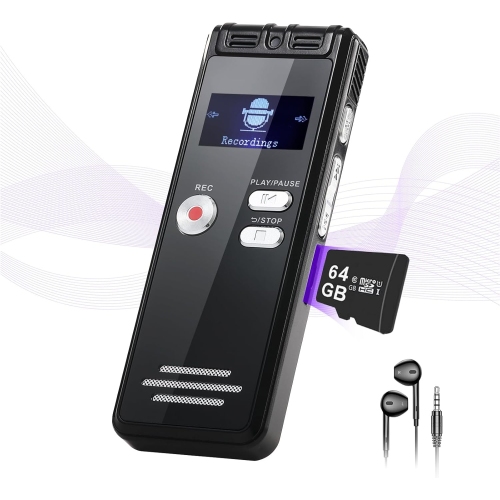
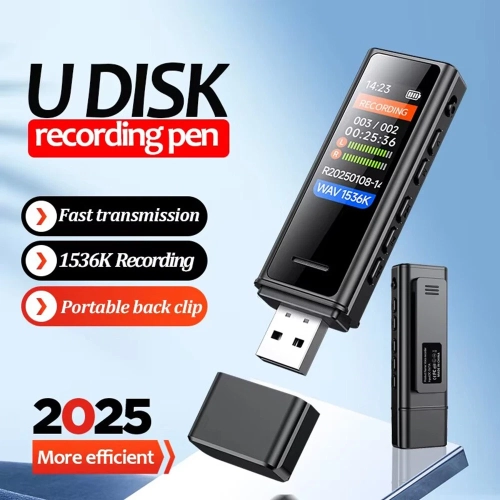
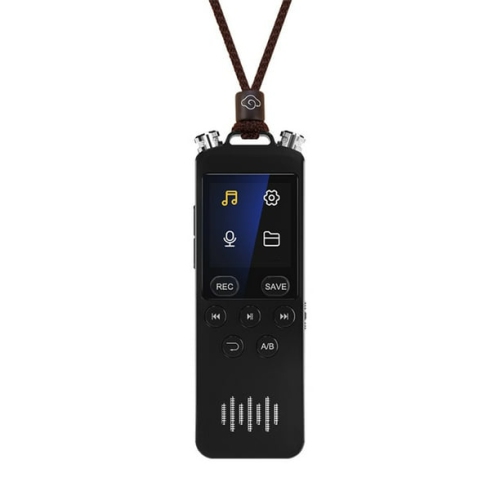
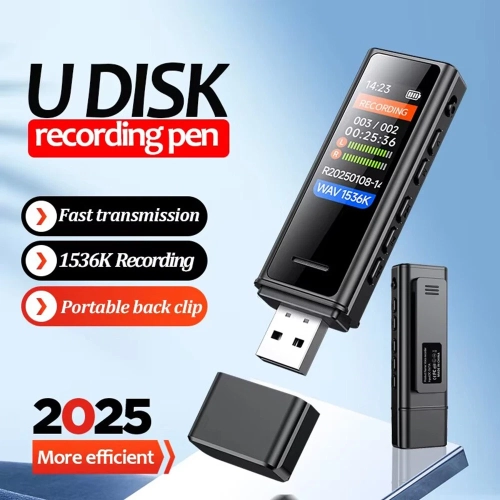
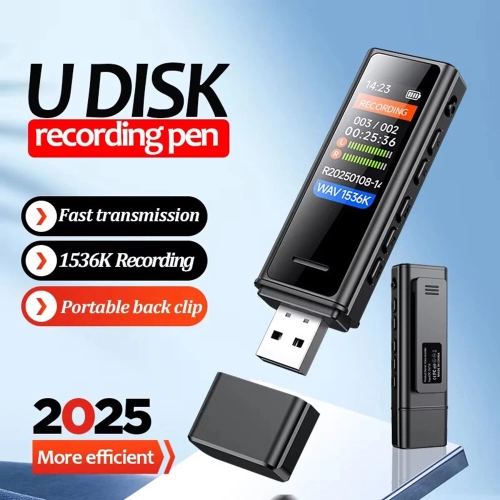
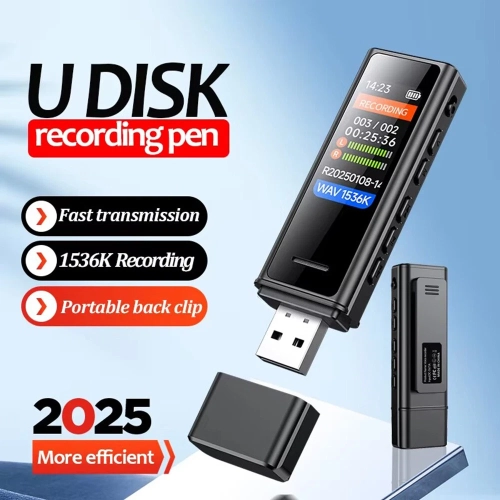
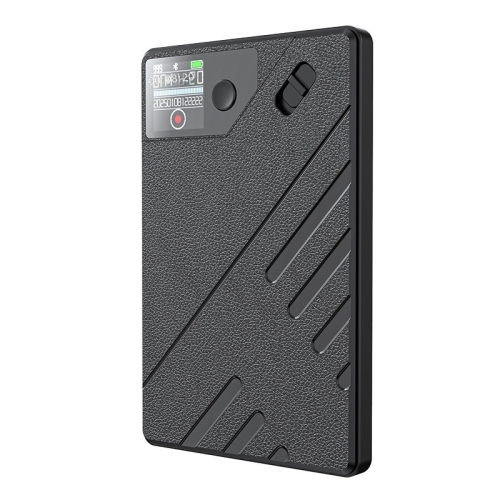
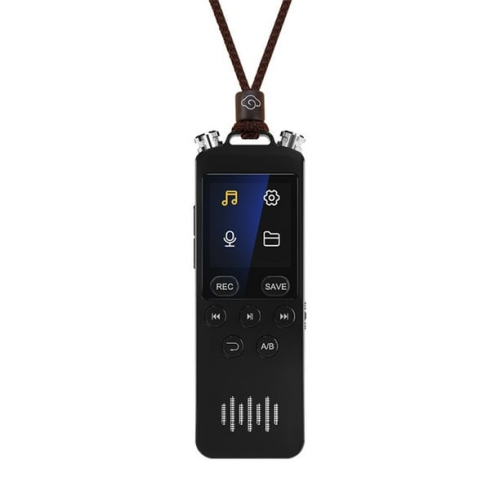
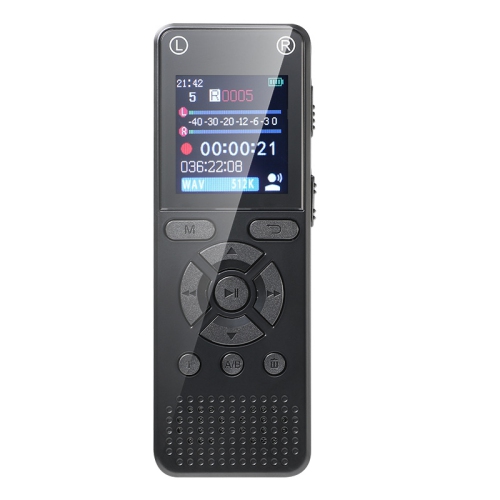
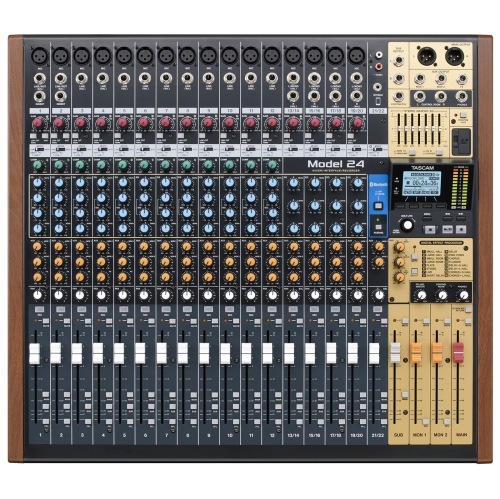
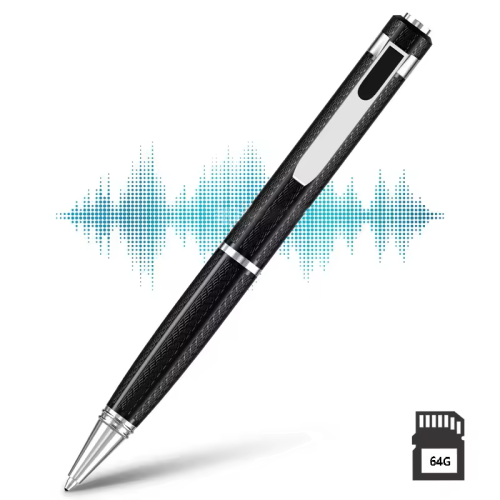
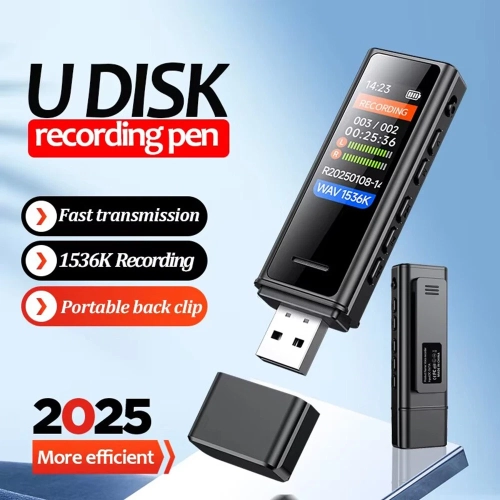
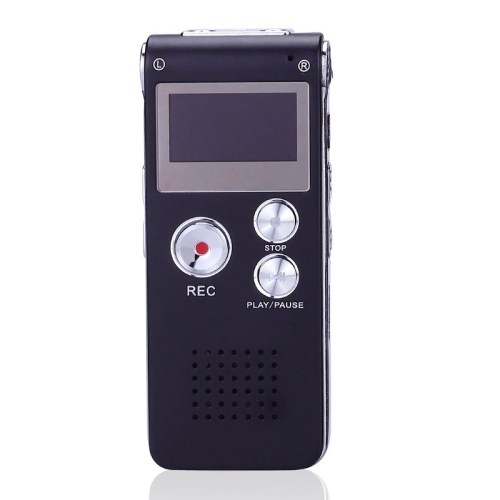
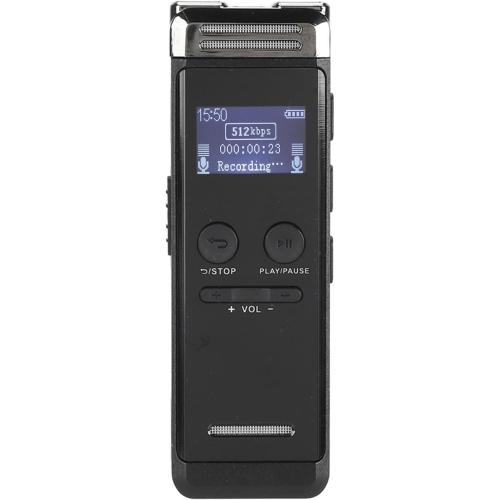
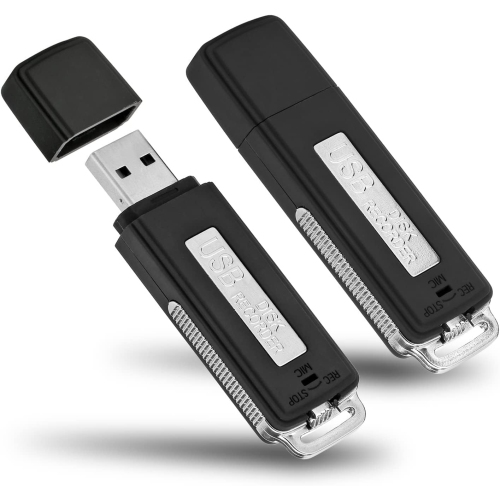
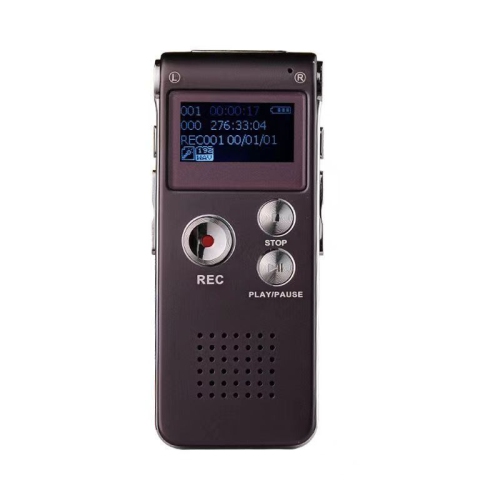
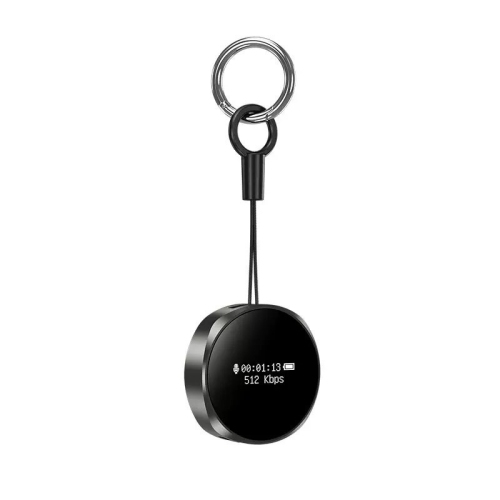
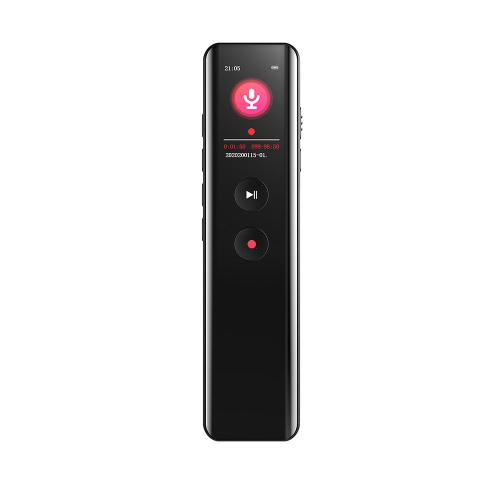
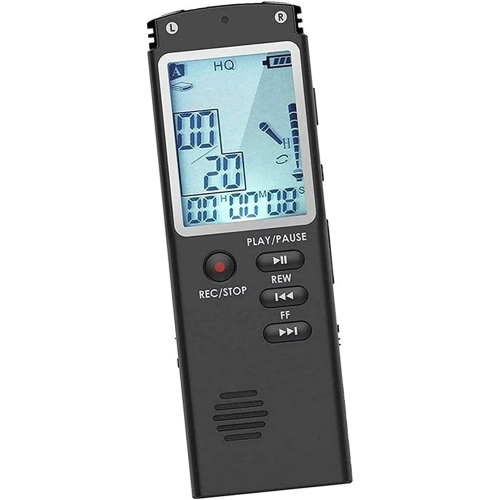
Portable audio recording without a computer attached
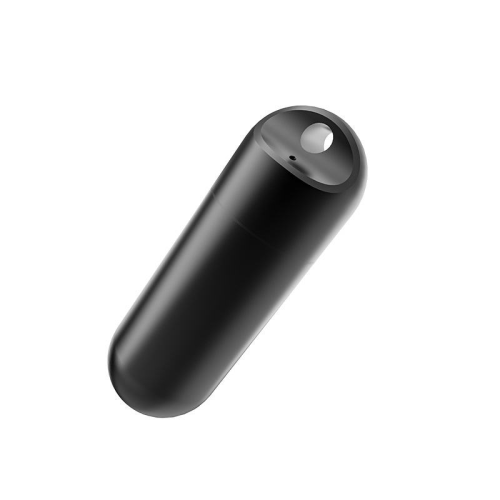
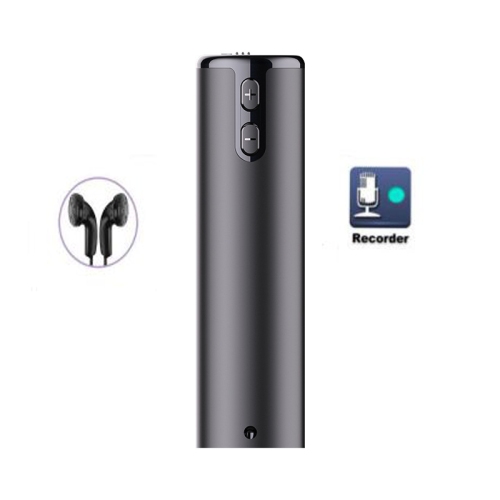
A USB recorder is a portable digital audio device that captures sound through a built-in microphone and connects to a computer by USB to transfer saved recordings. Some models resemble a USB flash drive, with an integrated plug that fits directly into a compatible port; others have a handheld design and connect through a USB cable. Depending on the model, that connection may also recharge an internal battery. Unlike a basic USB microphone, which usually sends audio to another device for recording, a standalone USB recorder can save audio to its own memory without a computer attached. That makes it useful for lectures, interviews, meeting notes, spoken reminders, and ideas that arrive away from a desk. A student might record a discussion to revisit an explanation after class, while a writer could capture dialogue ideas before returning to a manuscript. For someone preserving family stories, a recorder offers a straightforward way to save a relative’s voice alongside photographs and written memories. The right recording characteristics depend on what needs to be heard. Clear speech is the priority for dictation and conversations, whereas stereo recording may be more useful for musical rehearsals or a broader sense of a room’s sound. Microphone placement makes a noticeable difference: a recorder sitting close to the speaker on a steady surface generally captures more useful detail than one buried in a bag or placed beside a humming appliance. In a group discussion, a central position can help balance nearby voices, although distance, room acoustics, and overlapping speech still affect the result. Features such as adjustable microphone sensitivity, recording-level controls, and low-cut filters can offer more flexibility where provided. Noise-reduction processing may soften certain background sounds, but it cannot reliably restore speech that was too faint to capture. Recording with the knowledge and permission of the people involved also supports comfortable, respectful use, particularly in classrooms, workplaces, and personal conversations.
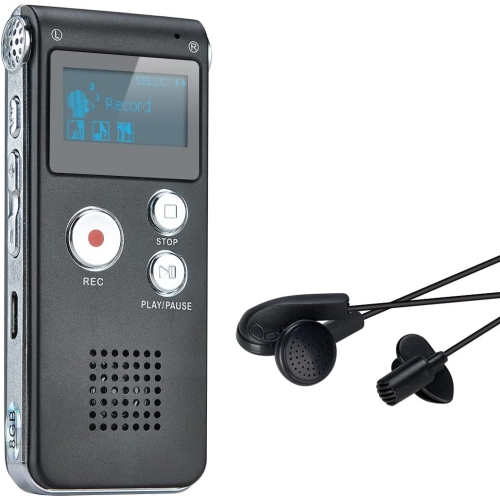
Day-to-day convenience comes from the way a USB recorder handles files, power, and playback. Built-in storage capacity matters, but recording quality also affects how much audio fits: compressed formats such as MP3 generally use less space, while uncompressed WAV files typically require more storage and can be useful for editing. Supported formats vary, so compatibility with the intended computer, playback software, or transcription service is worth considering. Advertised recording capacity and battery runtime describe different limits; a device may have room for many recordings without having enough power to capture them all in one session. Battery performance can also change with recording settings, microphone use, and playback habits. Rechargeable designs offer convenient charging between sessions, while models using replaceable batteries may suit longer stretches away from a power source. A direct USB plug keeps the setup compact, although its connector type must match the computer or an appropriate adapter. Cable-connected designs offer more freedom when a computer’s ports are closely spaced or difficult to reach. USB-A and USB-C describe different connector shapes, and a physical connection alone does not guarantee compatibility with every phone, tablet, or operating system. Some recorders appear on a computer as removable storage, allowing audio files to be copied into folders; others may involve additional software or a different transfer process. A USB connection should not be assumed to support live microphone use, either, unless that function is specified. For recurring lectures or interviews, accurate date and time settings, clear file names, and separate folders make saved audio easier to recognize later. Playback controls can be just as valuable as storage specifications. Where included, a headphone connection, variable playback speed, or repeat function can help a listener review an unfamiliar term or return to an important passage. Voice-activated recording may reduce stretches of silence, but its sensitivity and response vary, so continuous recording can be more suitable when the opening words of a sentence are important.
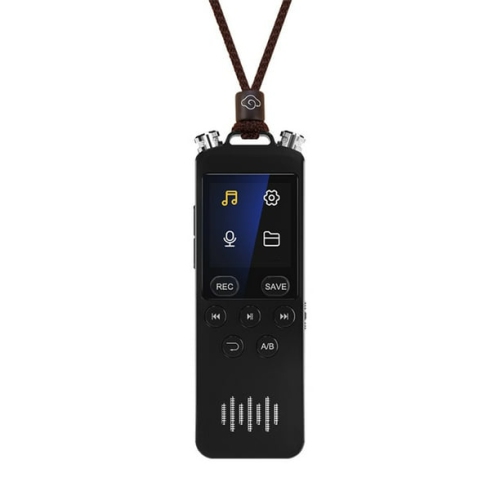
The physical design of a USB recorder shapes how comfortably it fits into an everyday routine. A slim flash-drive-style body takes up little space in a pencil case or small pouch, while a larger handheld shape can make room for a screen, more distinct buttons, and easier access to recording settings. Lightweight plastic housings can be comfortable to carry, and metal housings may feel more substantial, but neither material alone establishes resistance to drops or moisture. For frequent travel between classrooms, offices, or interview locations, a protective case can help shield the microphone openings, connector, and controls from knocks and loose objects. A covered or retractable USB plug can reduce exposure during transport, while a secure battery compartment and clearly marked controls contribute to practical handling. Button size, screen legibility, and a visible recording indicator are especially relevant when the recorder needs to be operated quickly or checked at a glance. Routine care is simple: keep the device dry, avoid blocking the microphone openings, and use a soft, dry cloth on the exterior rather than spraying cleaner onto the body. Files containing personal information deserve similar attention, with copies stored securely and important recordings backed up before the device is cleared for another session. At a desk, USB Displays can provide additional screen space for viewing a transcript beside notes or an audio-editing timeline, while the computer handles the recording files. For students, researchers, journalists, language learners, and people who prefer speaking ideas aloud, a recorder can become a useful companion to written notes rather than a replacement for them. It can also make a thoughtful gift for someone documenting family history or developing a creative project, particularly when the controls and transfer process suit their comfort with technology. The most useful combination is dependable audio capture, manageable files, and a design that feels easy to carry, operate, and care for.
Top selling and popular products
-
 Your price for this item is $259.99
-
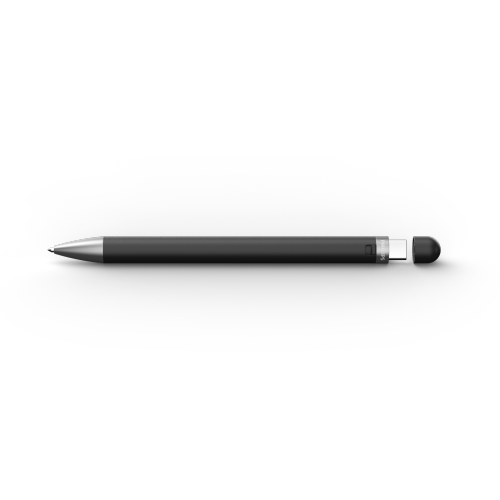 Your price for this item is $91.68
-
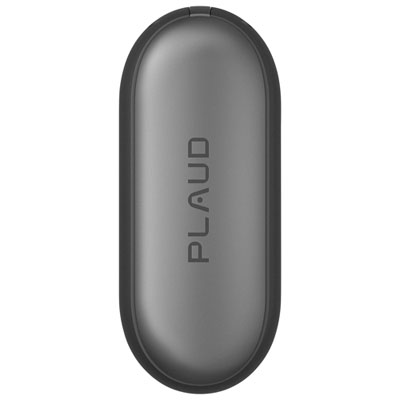 Your price for this item is $249.99
-
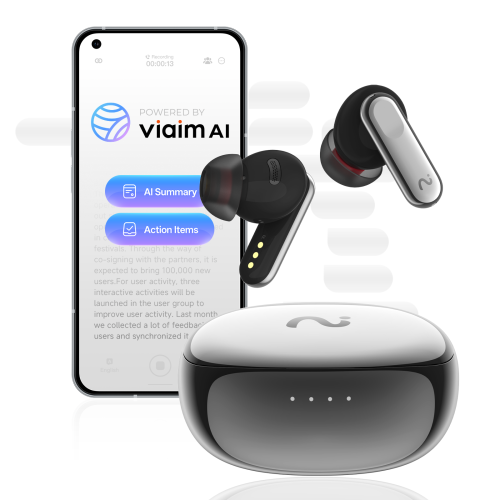 Your price for this item is $155.99
-
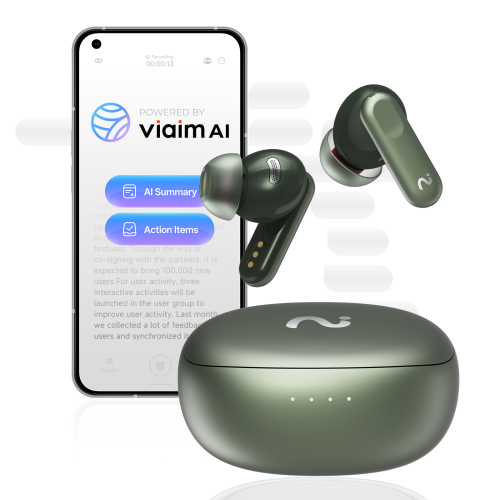 Your price for this item is $155.99
-
 Your price for this item is $255.99
-
 Your price for this item is $255.99
-
 Your price for this item is $35.88
Discover more categories related to USB Recorders

Top Collections:
Best Black Friday Deals This Year, Best Black Friday Deals On Electronics, Kindle Devices, Pokemon Centers, Best Black Friday Deals On Apple Products, Best Cameras for Sports Photography, Dyson Airwrap, Pokémon 30th Celebration Cards, Apple iPhone 17 Pro, Canon G7X Cameras
Some products may be subject to Environmental Handling Fees
(EHF) depending on your province.
Learn more about EHFs.