USB Displays
Elevate your workspace and entertainment setup with versatile USB displays, the perfect solution for expanding your screen real estate without the hassle of complex installations. Whether you're looking to boost productivity by adding an extra monitor to your office or enhance your gaming experience with a portable screen, USB displays offer flexibility and convenience. With their easy plug-and-play functionality, these displays connect seamlessly to your devices, providing crisp visuals and vibrant colors. Ideal for professionals, students, and tech enthusiasts alike, USB displays are a smart investment for anyone looking to optimize their digital experience.
Sort
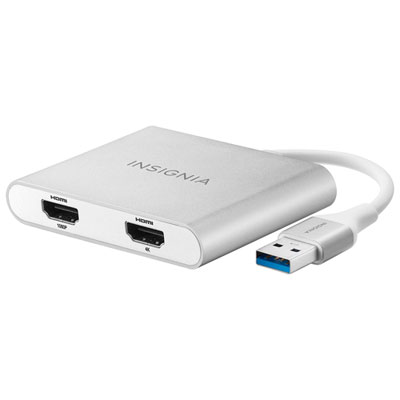
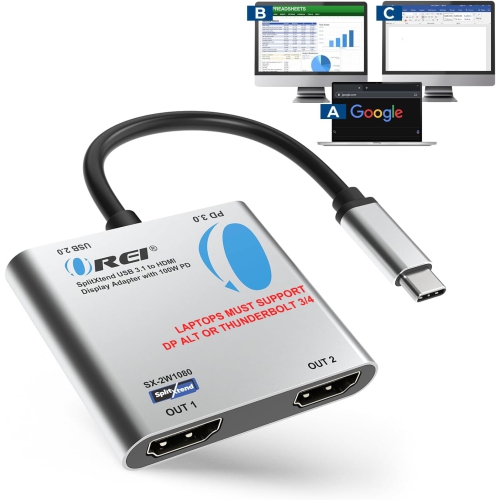
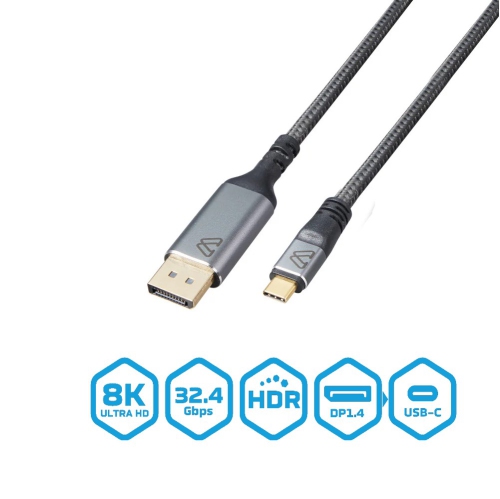
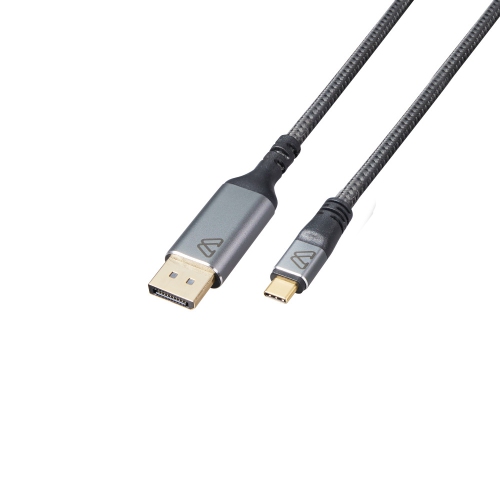

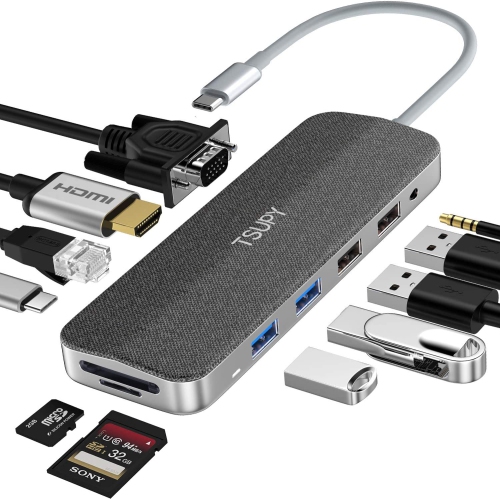
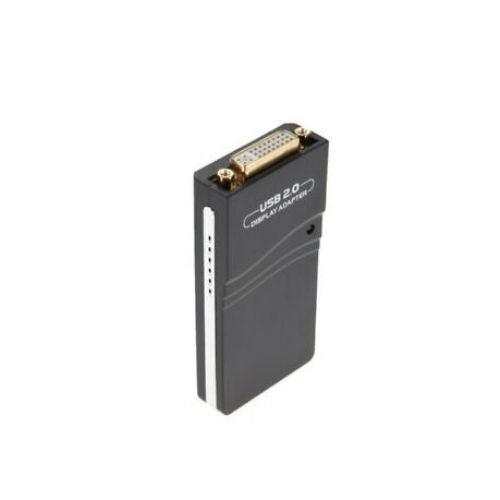
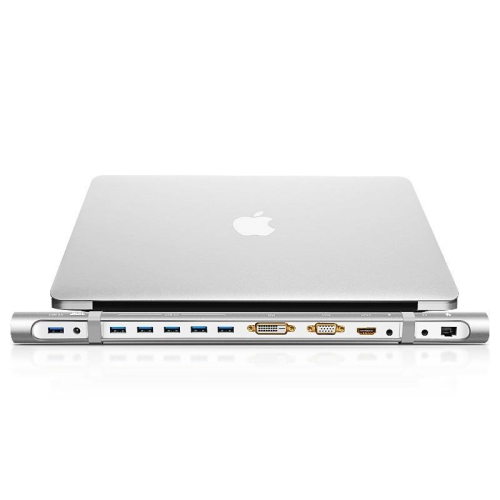
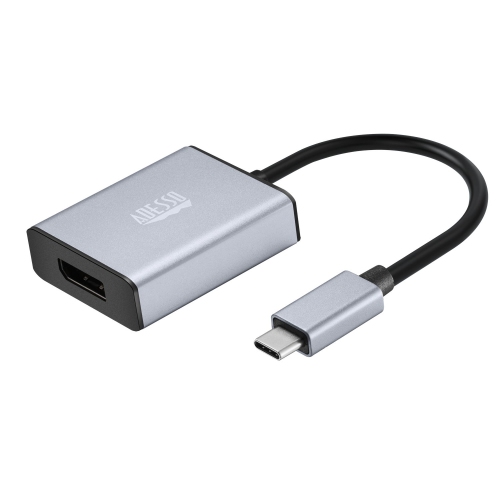
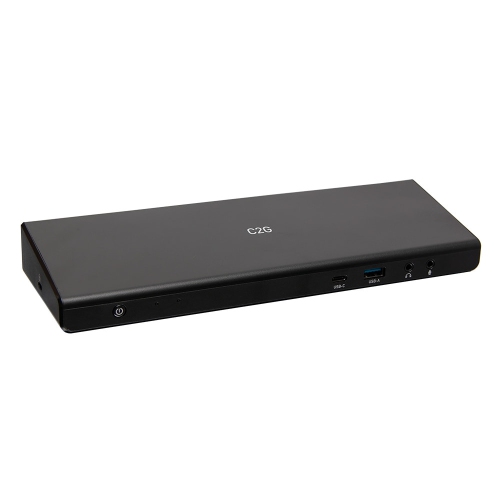

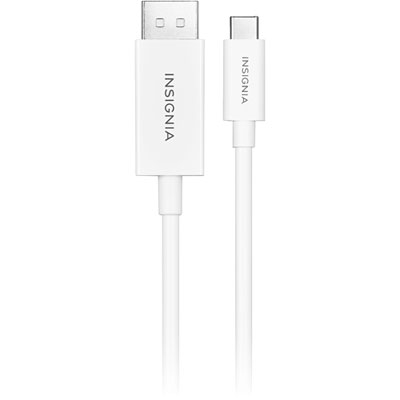
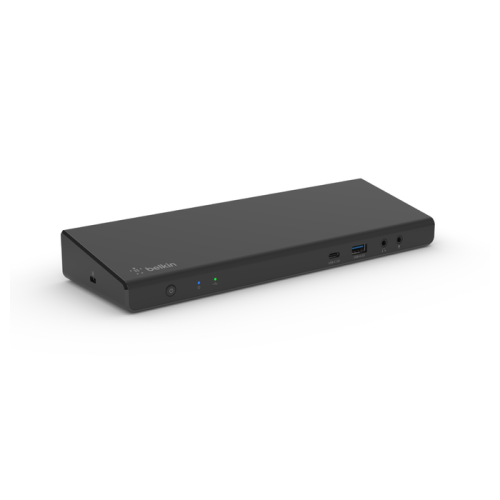
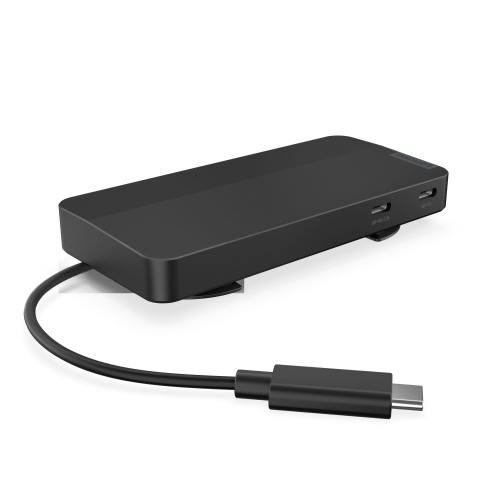
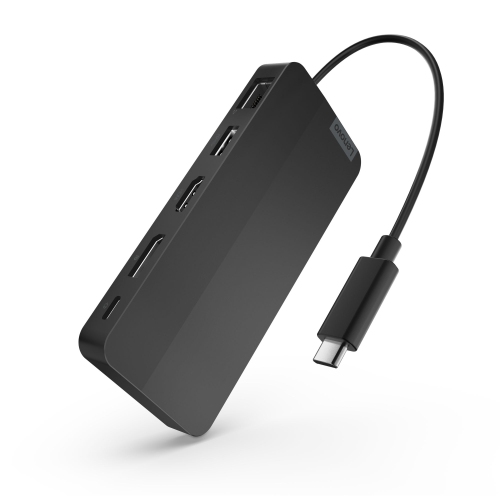
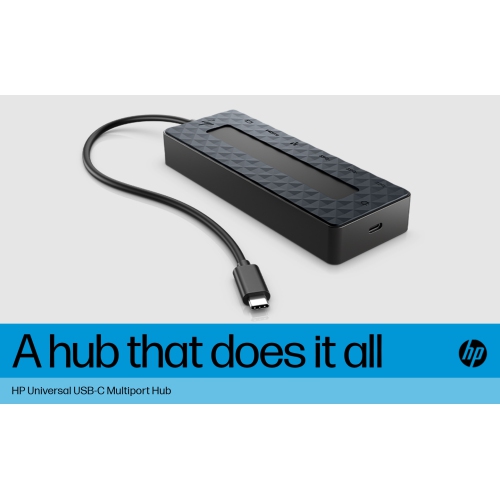

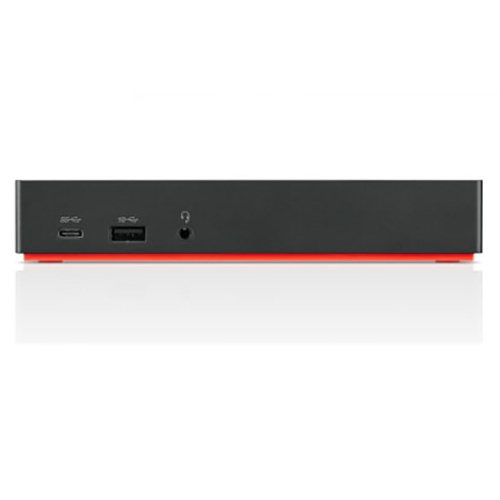
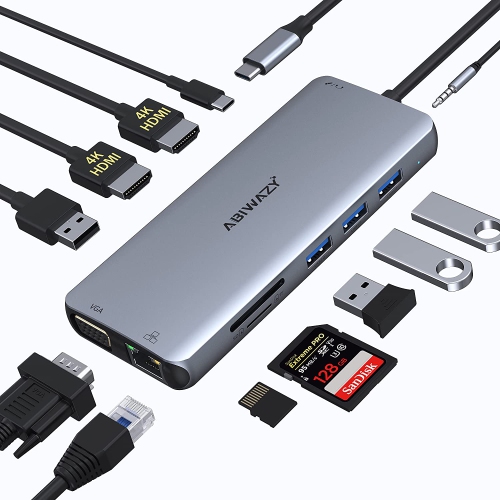
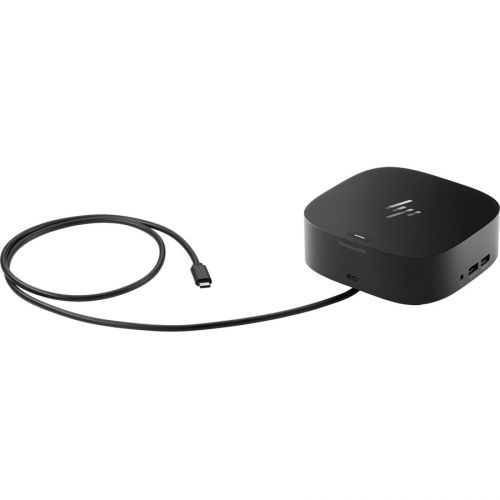
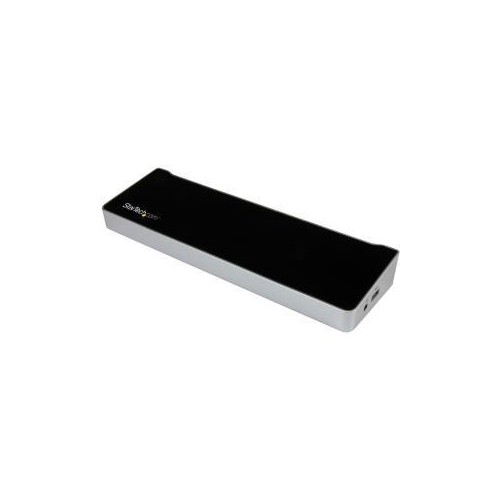
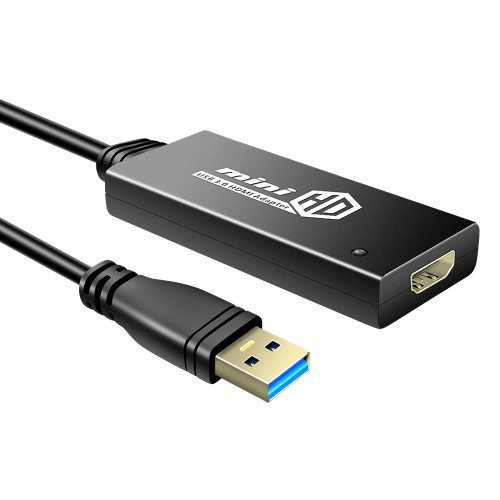
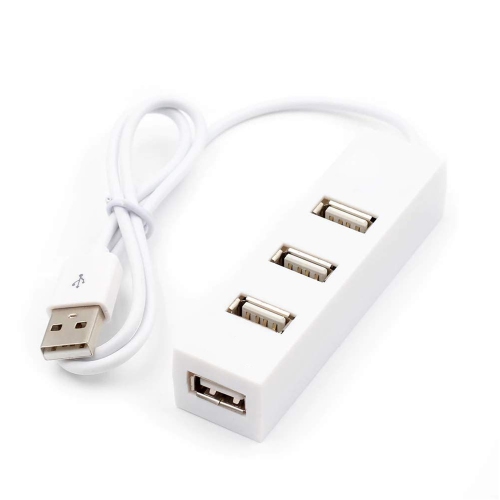
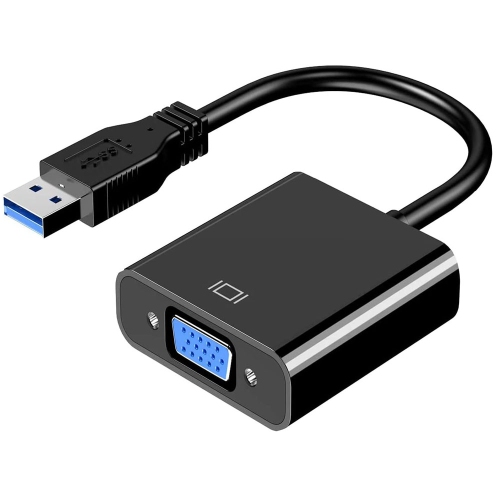
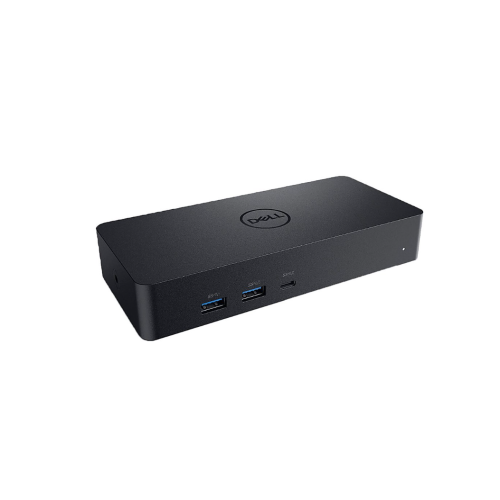
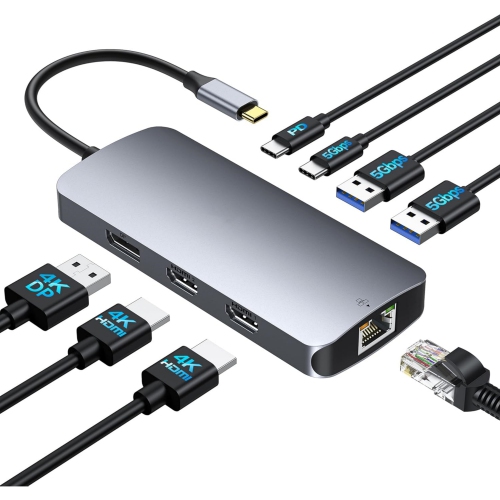
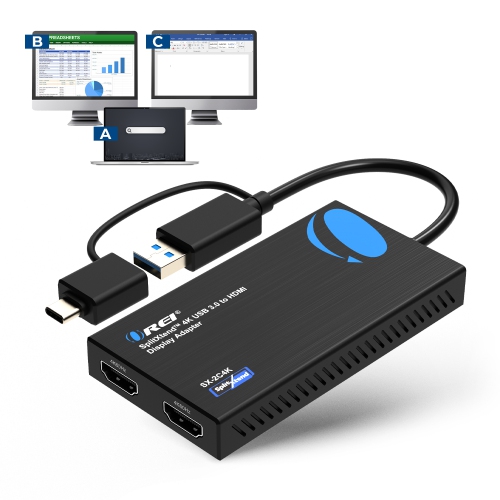
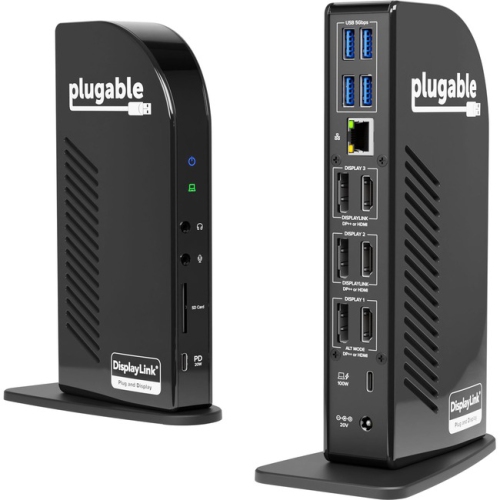
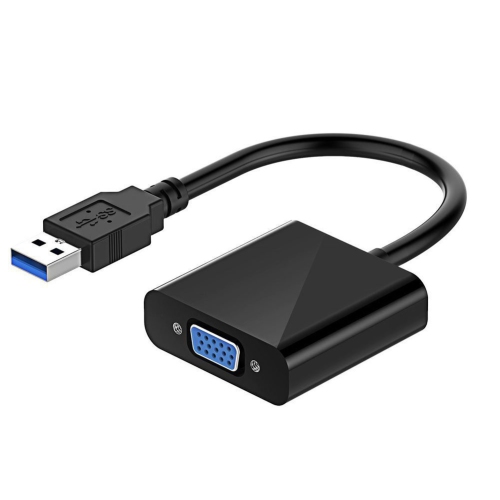
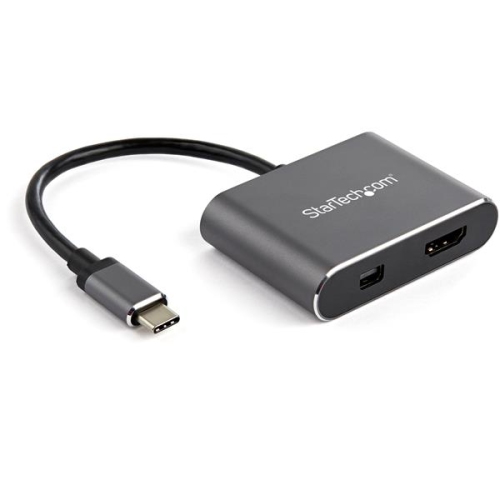
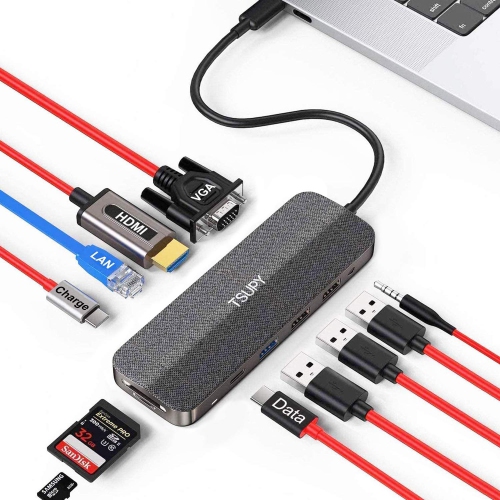
More room for work beyond your laptop screen
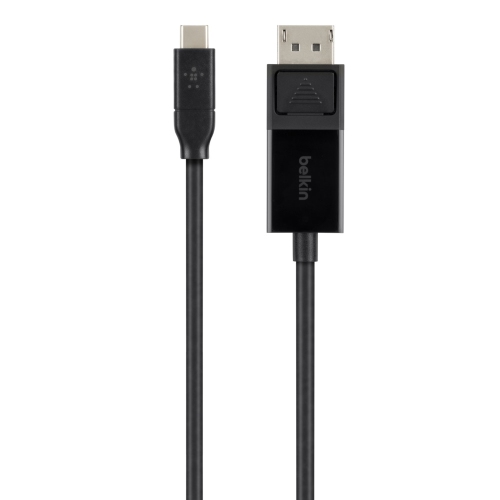
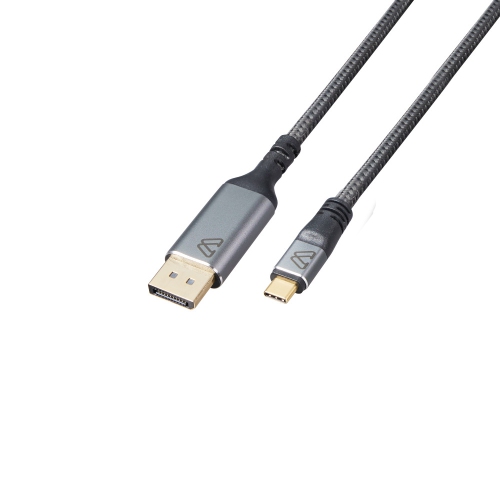
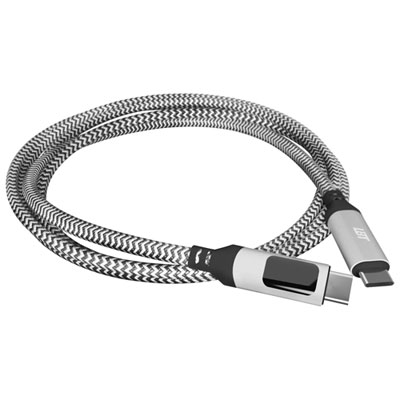
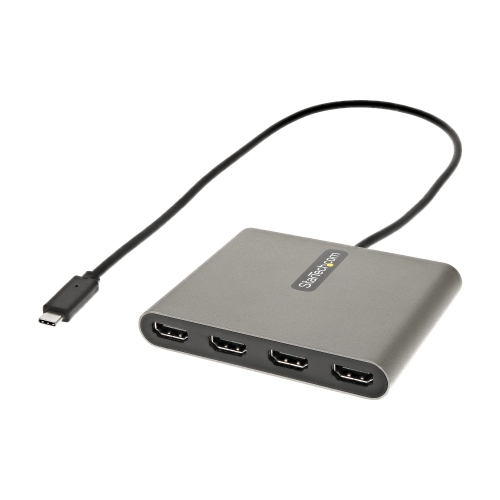
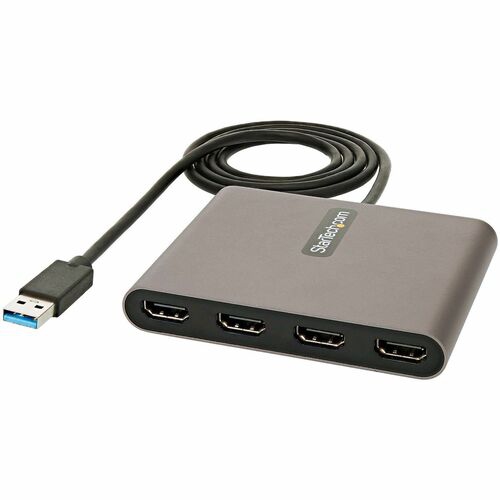
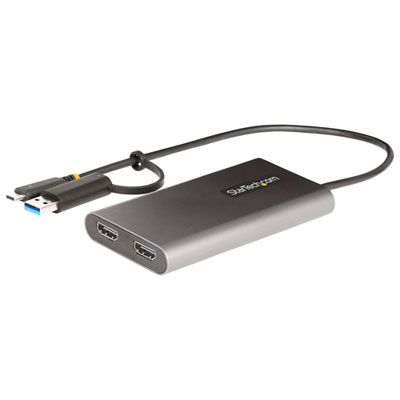
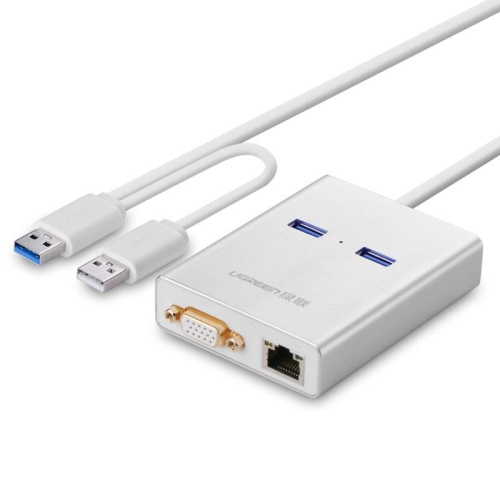
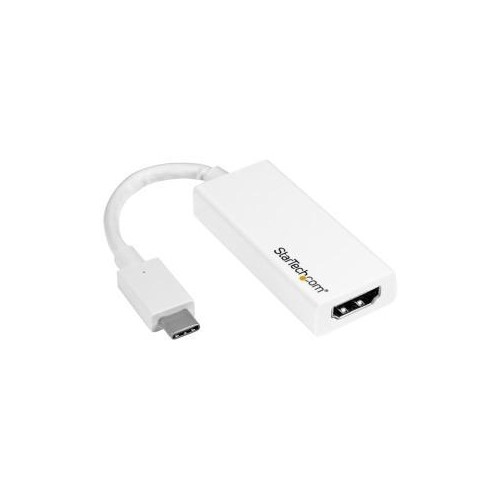
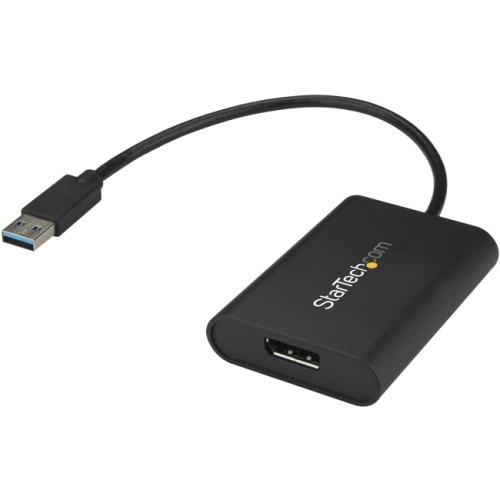
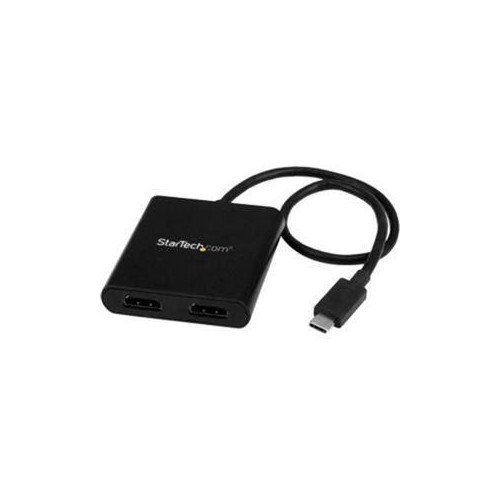
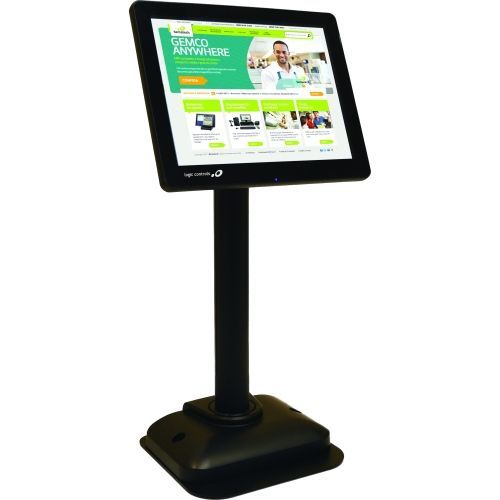
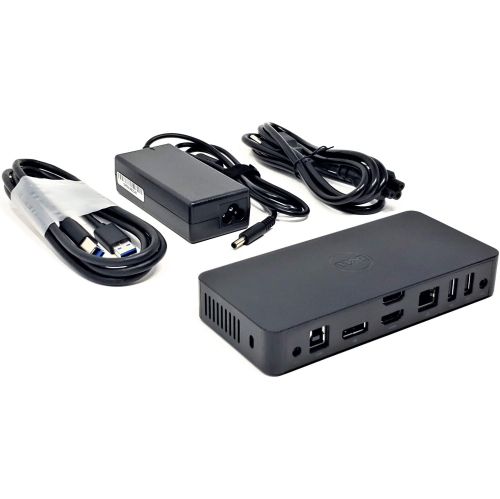
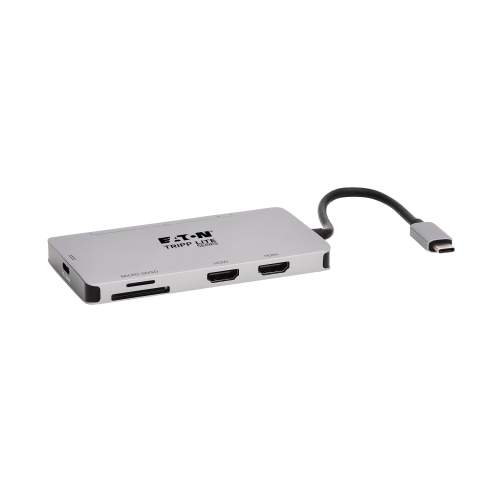
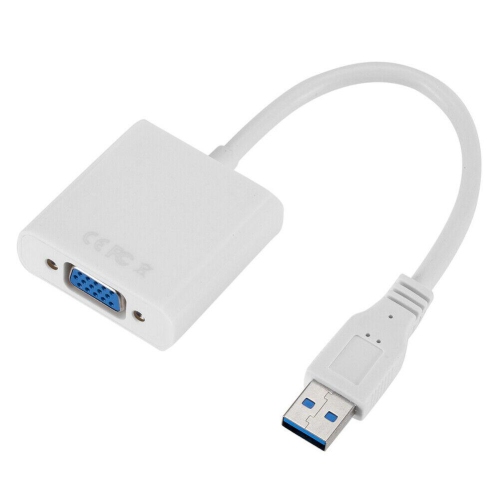
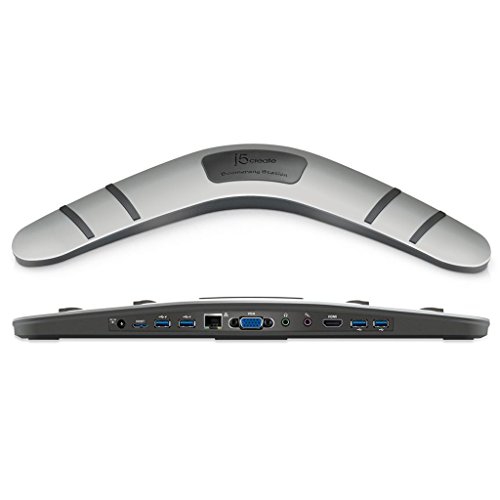
USB displays are external monitors that use a compatible USB connection to receive video, power, or both, depending on their design. Many portable USB-C monitors can carry a picture and draw power through one cable, creating a tidy way to add screen space beside a laptop. That extra room makes everyday tasks feel less cramped: a spreadsheet can stay open on one screen while supporting documents fill the other, or a video call can remain visible beside meeting notes. USB displays suit students working through research, professionals moving between home and an office, and travellers who need more than a laptop screen at a temporary desk. Portable versions are generally slim and lightweight, while larger desktop displays with USB-C connectivity are better suited to a permanent workspace. The connection details matter because a USB-C socket alone does not guarantee video support. A display using DisplayPort Alternate Mode requires a source device and cable that support that capability; some USB displays instead use USB graphics technology that may require compatible software or drivers. USB-A displays typically fall into the latter group, so operating system support is worth checking, especially for a work computer with restrictions on software installation. A monitor described as having USB ports may simply include a hub for accessories rather than accept video through those ports. Similarly, a phone or tablet needs compatible video output before it can work with a USB-C monitor, and its software determines whether the external screen mirrors the device or offers a separate workspace. A single-cable setup also depends on sufficient power. Some portable monitors need an additional power connection, while certain desktop USB-C monitors can supply power to a connected laptop. Their power delivery rating must suit the laptop’s requirements to support charging during use. Cables and adapters are therefore part of the setup rather than interchangeable extras; browsing USB Connectors can help identify connection options, with video support, power ratings, and connector types checked against both devices.
Screen size, resolution, and panel finish shape how a USB display feels in daily use. A compact screen can fit beside a notebook on a shallow desk, whereas a larger panel gives documents, timelines, and multiple windows more breathing room. Overall dimensions matter as much as the diagonal measurement: the bezel, stand, and cable connections all take up space. For portable use, comparing the display’s footprint with a laptop bag’s internal compartment helps avoid a screen that is awkward to carry. Full HD resolution can provide a practical workspace for documents, browsing, and video on a modestly sized panel. Higher resolutions can show finer detail or more content, although text may need scaling to stay comfortably readable. For someone reviewing dense worksheets or writing for long stretches, crisp lettering and a comfortable viewing distance matter more than resolution alone. Panel technology also affects the experience. IPS panels generally offer wide viewing angles, which can be useful when sharing a presentation across a table or positioning a screen slightly off-centre. A matte or anti-glare finish helps reduce distracting reflections, while a glossy finish can make reflections more noticeable near windows and overhead lights. Brightness requirements vary with the setting, and a display that looks clear in a softly lit room may be harder to read in a bright space. For photo editing and design work, colour gamut coverage and colour accuracy deserve attention alongside resolution; broad colour claims do not necessarily mean a panel is calibrated for precise work. Refresh rate and response time become more important for fast-moving games and video, provided the source device and connection can support the desired settings. Touch input can be useful for compatible applications, but touchscreen support depends on the monitor, operating system, and connection. Portrait orientation can make long documents and programming tasks easier to follow, although the stand must support that position and rotation may need to be set manually. Built-in speakers, a headphone connection, and accessible brightness controls can also make a difference when the screen moves between tasks.
Build quality and physical support are particularly important for a USB display that travels regularly. Casings may use plastic, aluminium, or a combination of materials, with trade-offs in weight, rigidity, and finish. A metal housing can feel sturdy, but the panel still needs protection from pressure, knocks, and objects packed against it. A fitted sleeve or padded compartment helps keep keys and cable ends away from the screen, while a protective cover may also serve as a folding stand. Those folding designs are convenient for carrying, though their viewing angles and stability vary. An integrated kickstand can offer flexible positioning, and a separate stand may raise the screen closer to eye level where the display’s mounting options permit it. On a narrow table, enough support behind the panel is essential; a screen balanced near the edge is vulnerable to a bumped cable or an accidental nudge. Port placement affects comfort too. Side-facing connectors need clearance, and a short cable can pull against the socket if the laptop sits too far away. For a more permanent arrangement, supported mounting hardware can free up desk space and make screen alignment easier. Portable displays powered by a laptop can shorten its battery runtime, so access to power matters during a long study session or a full day away from a desk. Where supported, a separate power adapter can supply the display, although laptop charging through the monitor should not be assumed. Care is usually straightforward: switch off and unplug the display, remove dust gently with a clean microfibre cloth, and follow the manufacturer’s directions for any cleaning solution. Avoid spraying liquid directly onto the panel or pressing firmly on its surface. Let the screen dry before closing a cover or packing it away. As a gift, a USB display can be useful for a student, a frequent traveller, or someone building a flexible home workspace, especially when the recipient’s device compatibility and carrying needs are known. The most practical match balances readable screen space, dependable connections, and a design that fits naturally into the places it will be used.
Screen size, resolution, and panel finish shape how a USB display feels in daily use. A compact screen can fit beside a notebook on a shallow desk, whereas a larger panel gives documents, timelines, and multiple windows more breathing room. Overall dimensions matter as much as the diagonal measurement: the bezel, stand, and cable connections all take up space. For portable use, comparing the display’s footprint with a laptop bag’s internal compartment helps avoid a screen that is awkward to carry. Full HD resolution can provide a practical workspace for documents, browsing, and video on a modestly sized panel. Higher resolutions can show finer detail or more content, although text may need scaling to stay comfortably readable. For someone reviewing dense worksheets or writing for long stretches, crisp lettering and a comfortable viewing distance matter more than resolution alone. Panel technology also affects the experience. IPS panels generally offer wide viewing angles, which can be useful when sharing a presentation across a table or positioning a screen slightly off-centre. A matte or anti-glare finish helps reduce distracting reflections, while a glossy finish can make reflections more noticeable near windows and overhead lights. Brightness requirements vary with the setting, and a display that looks clear in a softly lit room may be harder to read in a bright space. For photo editing and design work, colour gamut coverage and colour accuracy deserve attention alongside resolution; broad colour claims do not necessarily mean a panel is calibrated for precise work. Refresh rate and response time become more important for fast-moving games and video, provided the source device and connection can support the desired settings. Touch input can be useful for compatible applications, but touchscreen support depends on the monitor, operating system, and connection. Portrait orientation can make long documents and programming tasks easier to follow, although the stand must support that position and rotation may need to be set manually. Built-in speakers, a headphone connection, and accessible brightness controls can also make a difference when the screen moves between tasks.
Build quality and physical support are particularly important for a USB display that travels regularly. Casings may use plastic, aluminium, or a combination of materials, with trade-offs in weight, rigidity, and finish. A metal housing can feel sturdy, but the panel still needs protection from pressure, knocks, and objects packed against it. A fitted sleeve or padded compartment helps keep keys and cable ends away from the screen, while a protective cover may also serve as a folding stand. Those folding designs are convenient for carrying, though their viewing angles and stability vary. An integrated kickstand can offer flexible positioning, and a separate stand may raise the screen closer to eye level where the display’s mounting options permit it. On a narrow table, enough support behind the panel is essential; a screen balanced near the edge is vulnerable to a bumped cable or an accidental nudge. Port placement affects comfort too. Side-facing connectors need clearance, and a short cable can pull against the socket if the laptop sits too far away. For a more permanent arrangement, supported mounting hardware can free up desk space and make screen alignment easier. Portable displays powered by a laptop can shorten its battery runtime, so access to power matters during a long study session or a full day away from a desk. Where supported, a separate power adapter can supply the display, although laptop charging through the monitor should not be assumed. Care is usually straightforward: switch off and unplug the display, remove dust gently with a clean microfibre cloth, and follow the manufacturer’s directions for any cleaning solution. Avoid spraying liquid directly onto the panel or pressing firmly on its surface. Let the screen dry before closing a cover or packing it away. As a gift, a USB display can be useful for a student, a frequent traveller, or someone building a flexible home workspace, especially when the recipient’s device compatibility and carrying needs are known. The most practical match balances readable screen space, dependable connections, and a design that fits naturally into the places it will be used.
Top selling and popular products
-
 Your price for this item is $49.99
 -
 Your price for this item is $65.99
 -
 Your price for this item is $19.98
 -
 Your price for this item is $29.99
 -
 Your price for this item is $99.99
 -
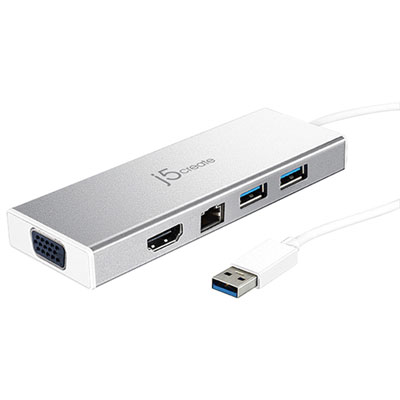 Your price for this item is $79.99
 -
 Your price for this item is $19.99
 -
 Your price for this item is $104.99
Discover more categories related to USB Displays
Top Collections:
Pokemon Centers, Kindle Devices, Best Budget Office Chairs, Apple iPhones 16, Best Laptops for Writers, iPhone 15 Apple, Canon G7X Cameras, Refurbished Apple Laptops, Alarm Clock, Motorola Razr Phones
Some products may be subject to Environmental Handling Fees
(EHF) depending on your province.
Learn more about EHFs.