External Hard Drive PS3
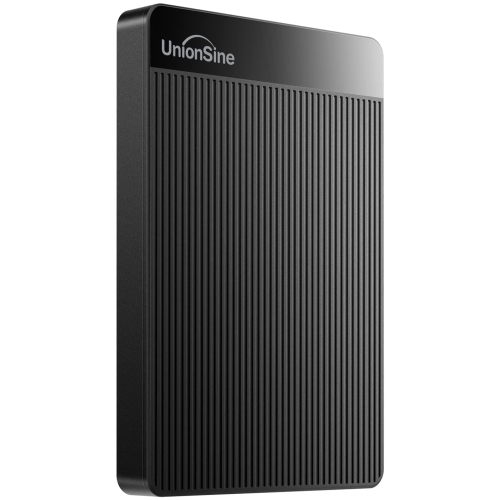
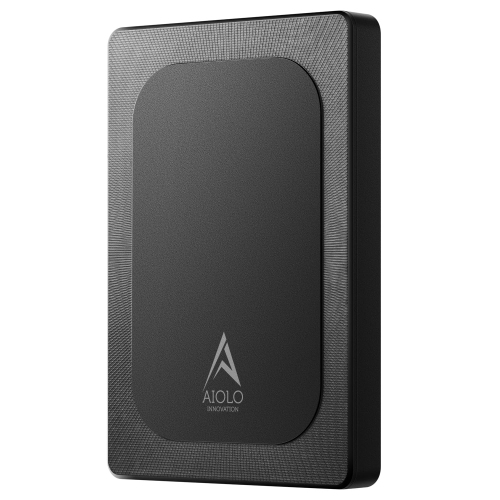
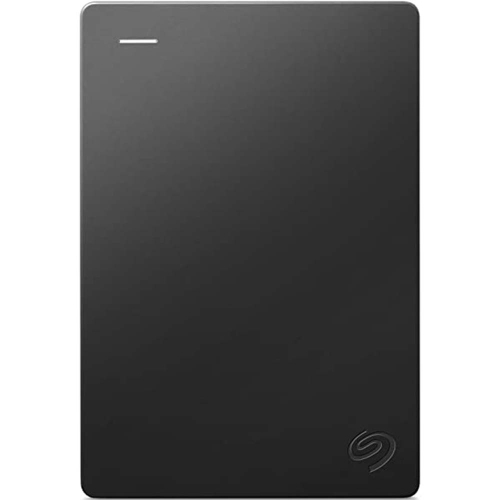
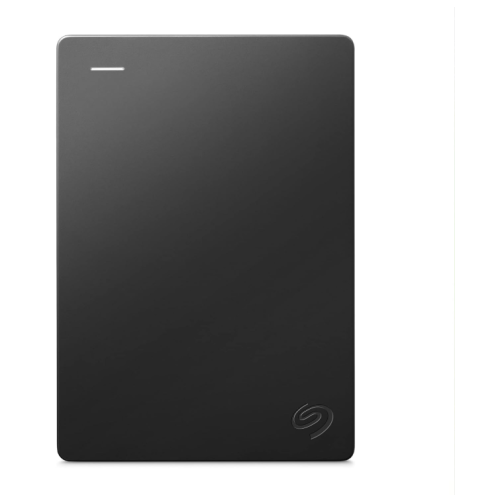
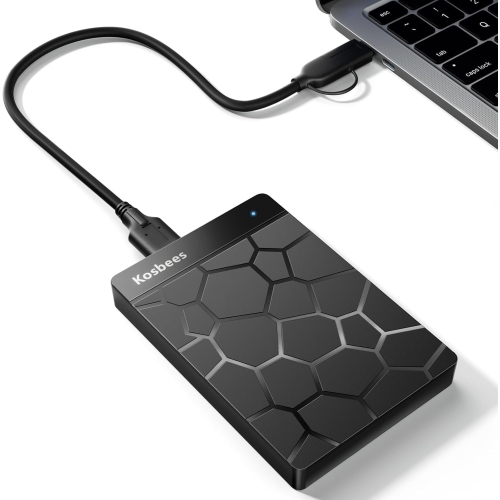
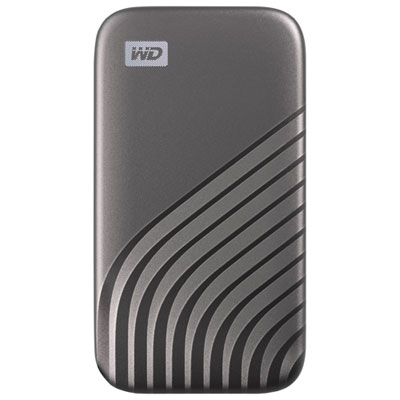
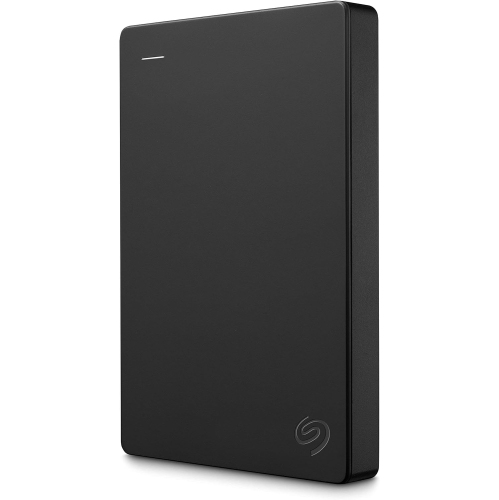
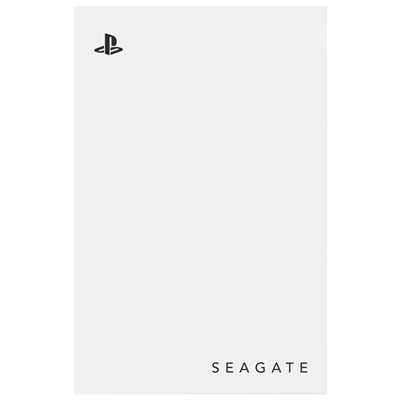
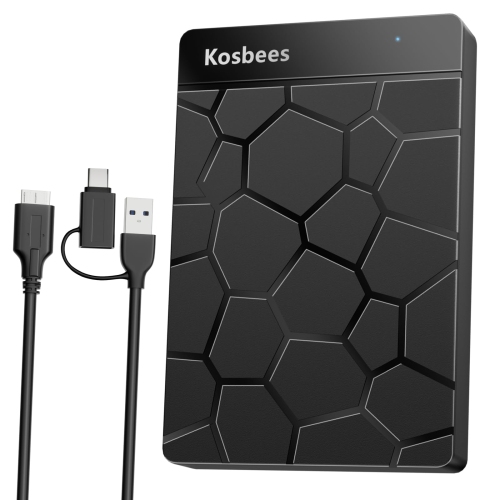
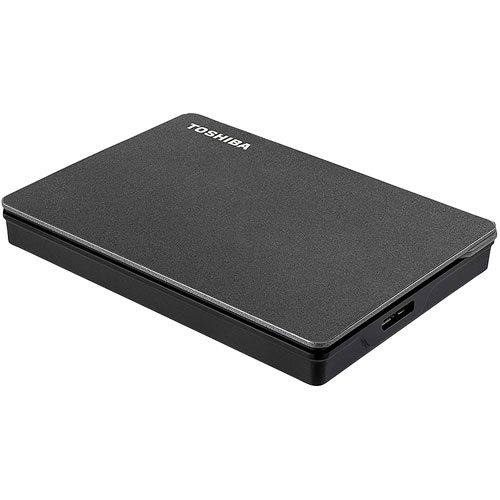
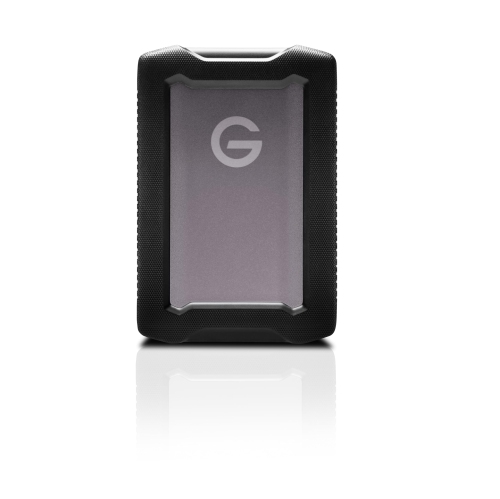
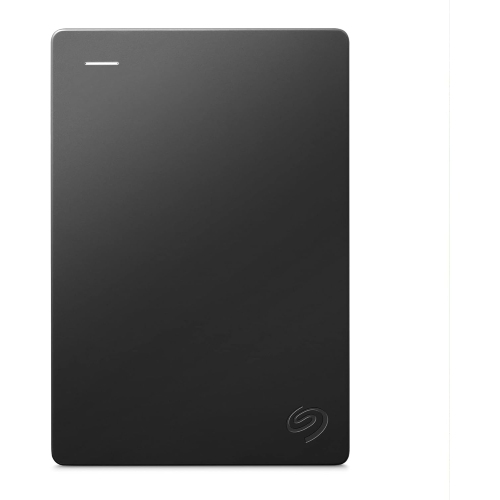
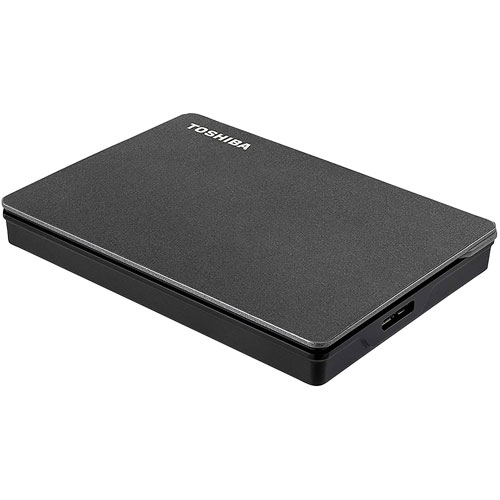
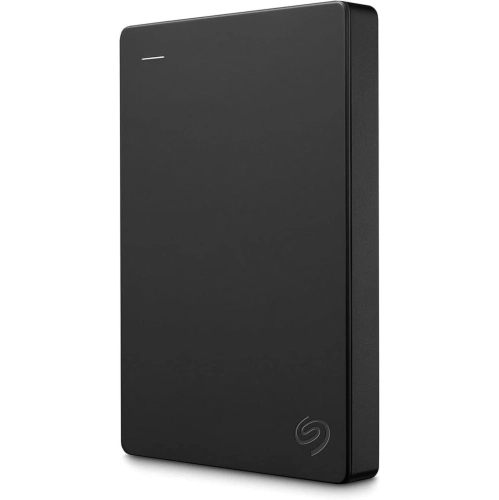
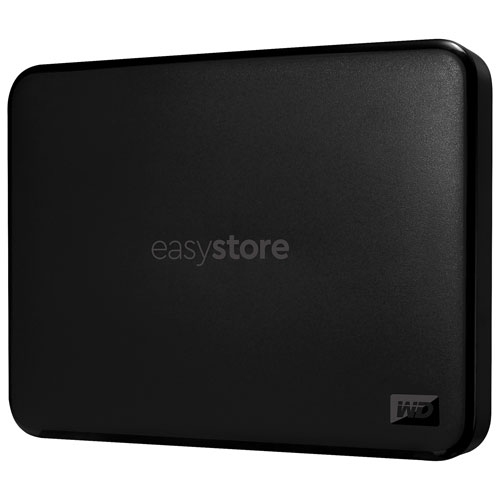
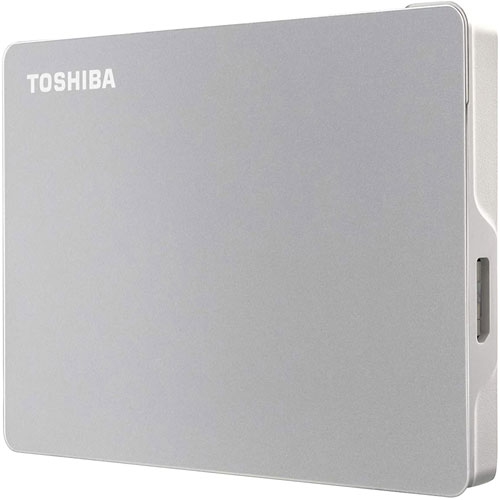
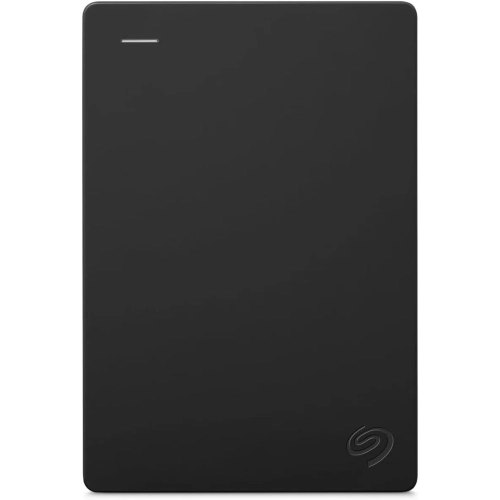
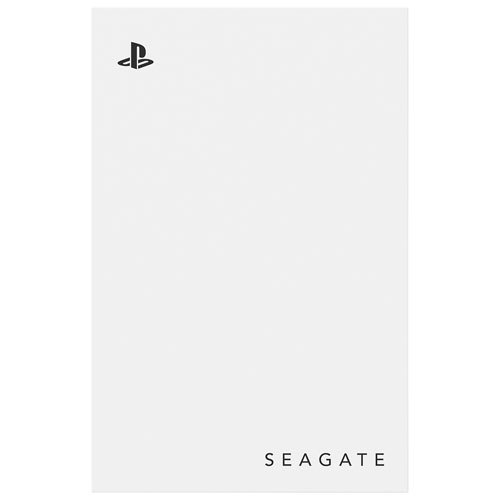
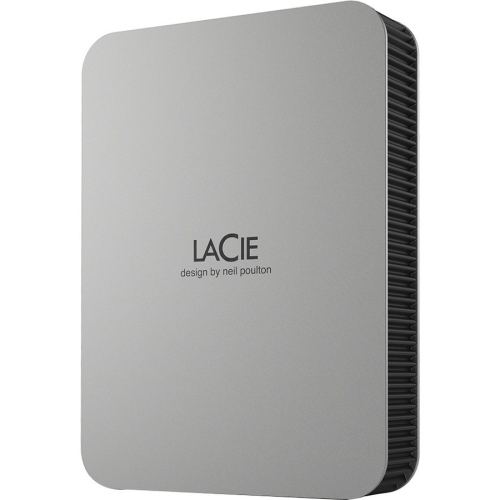
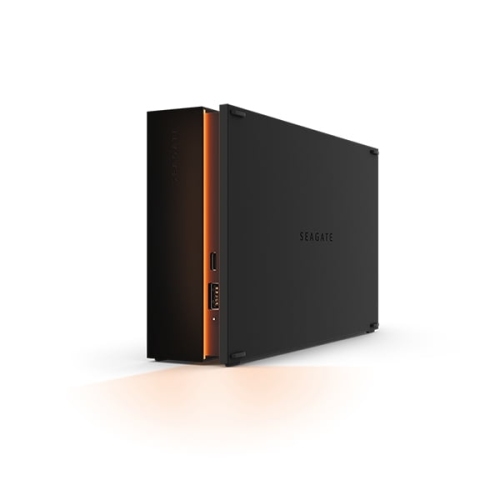
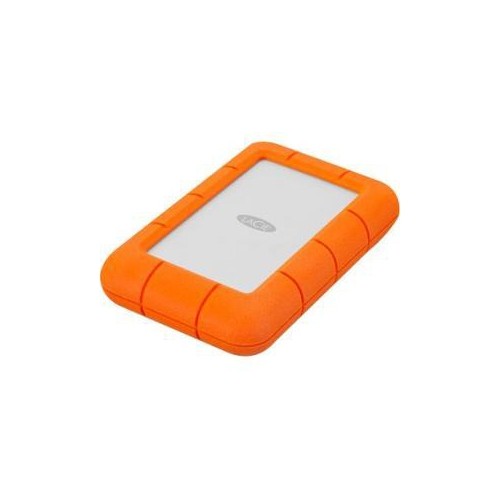
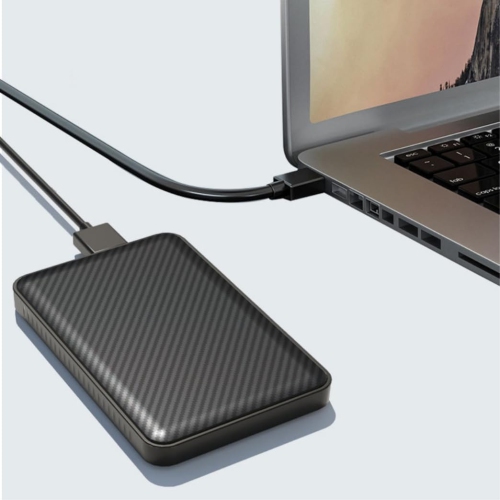
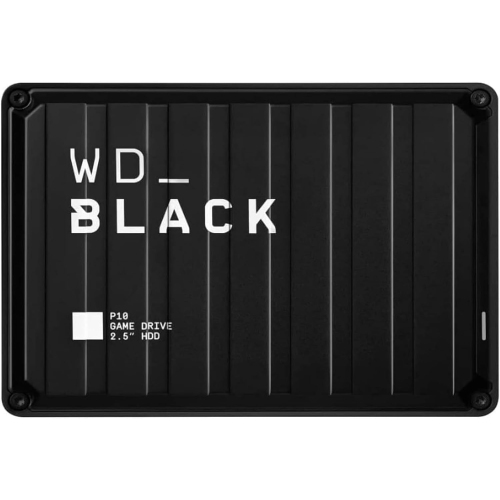
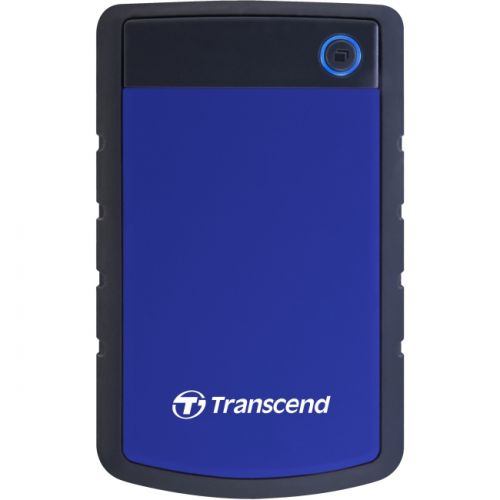
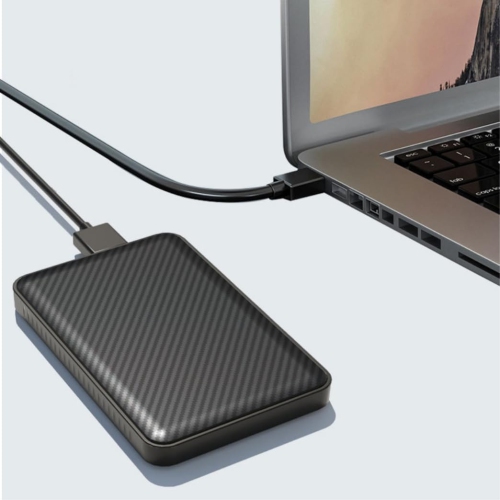
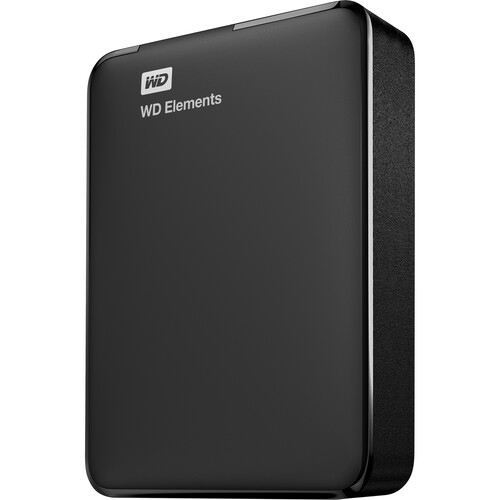
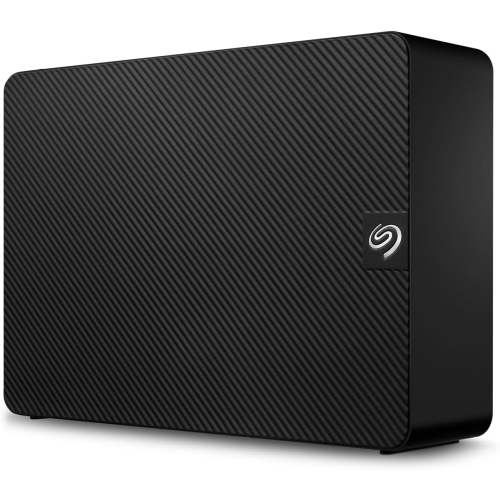
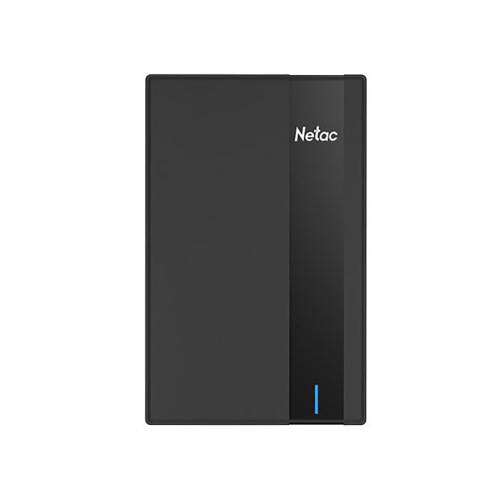
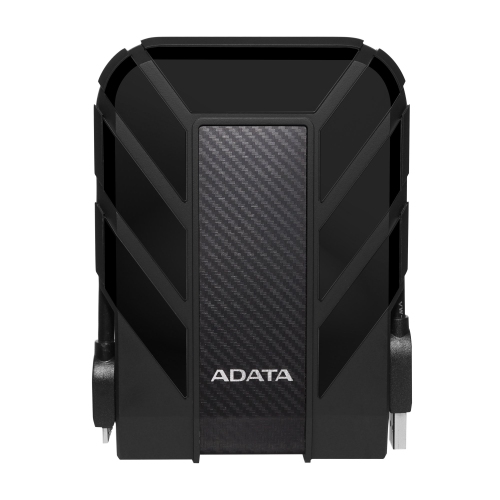
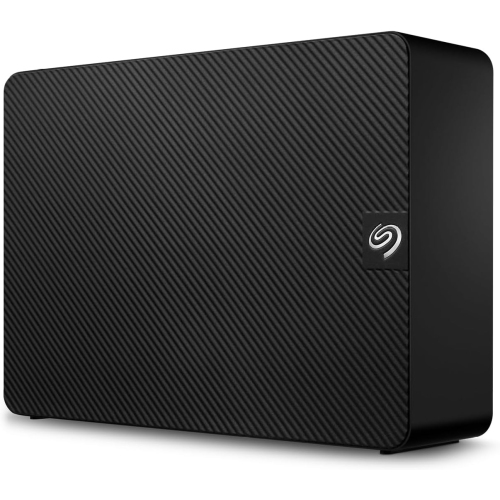
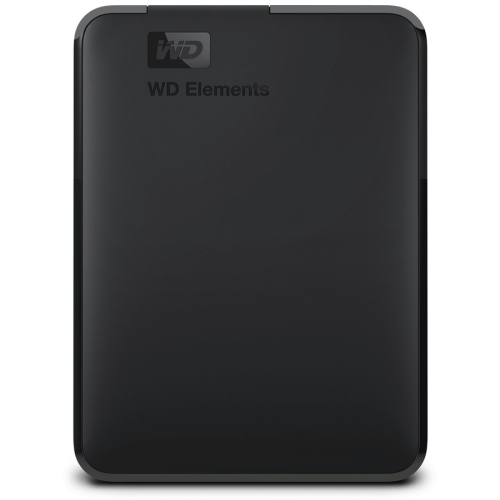
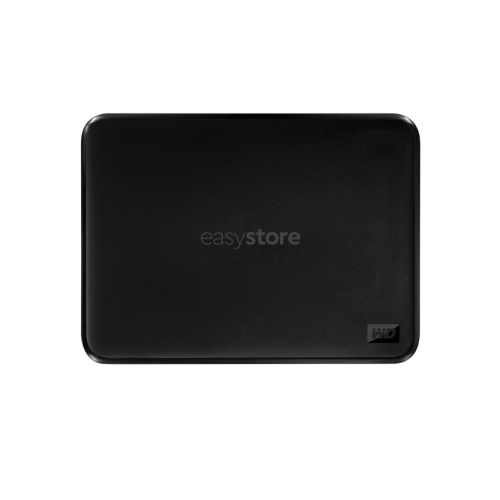
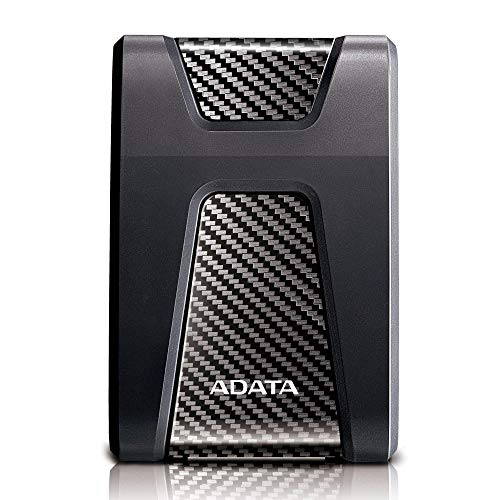
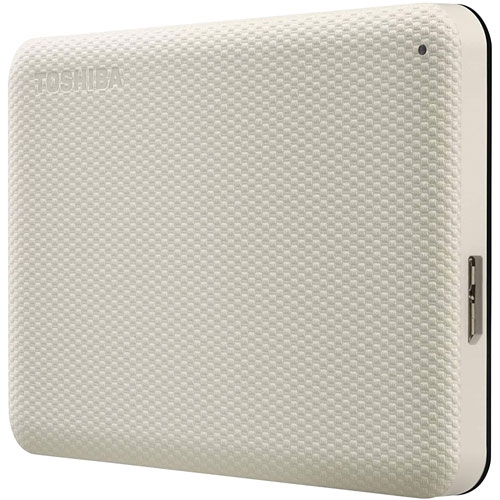
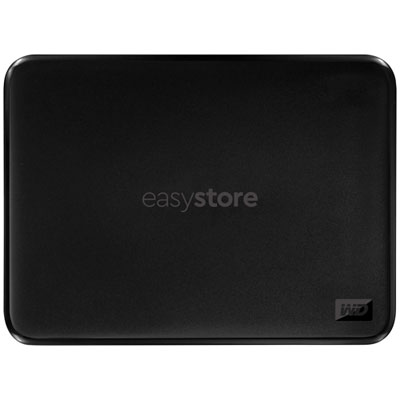
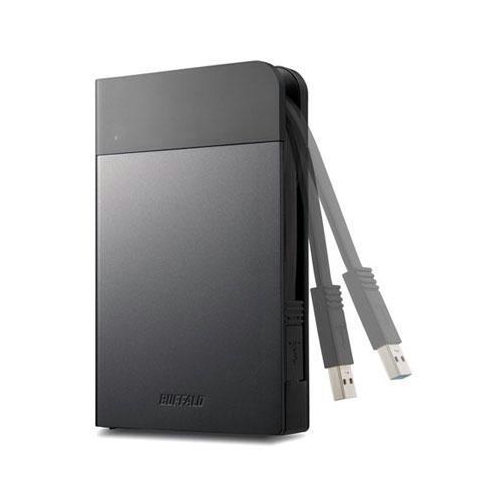
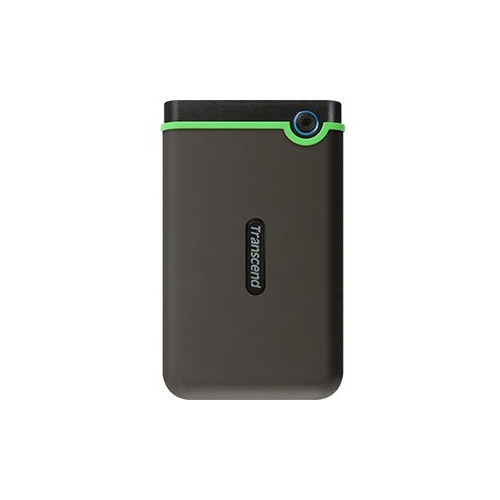
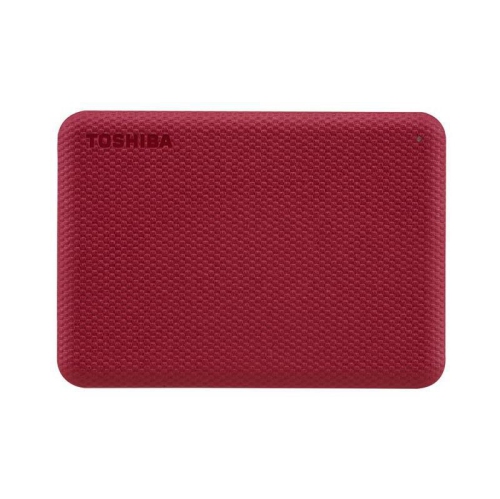
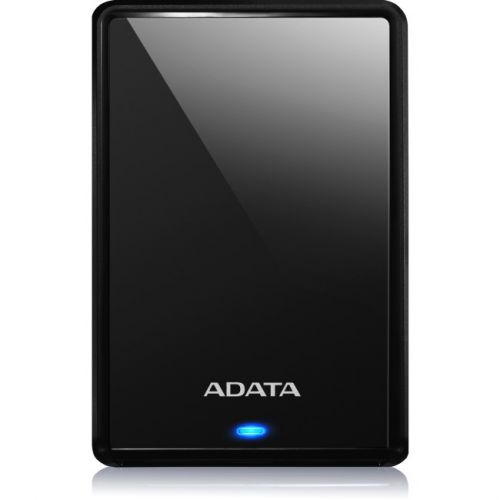
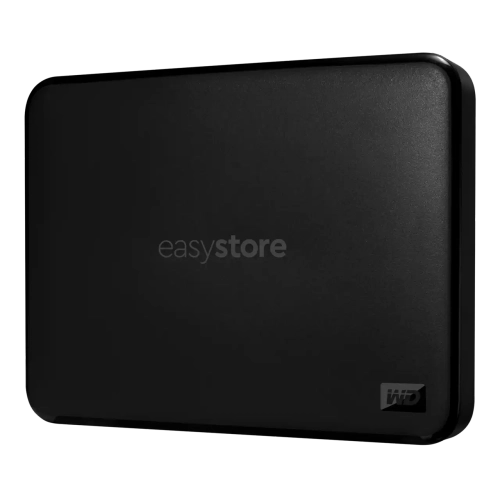
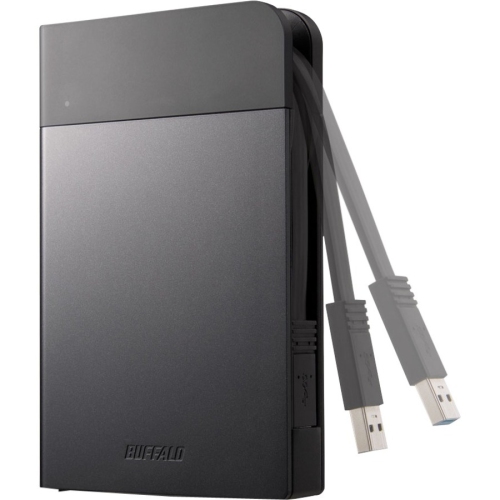
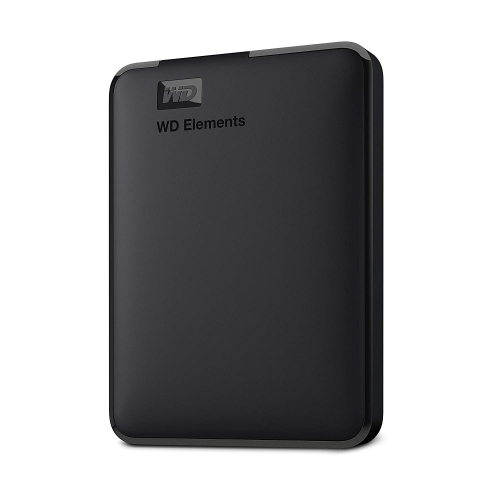
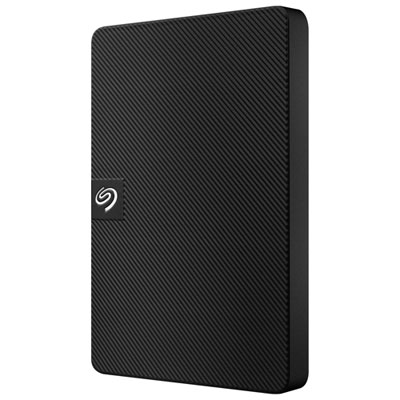
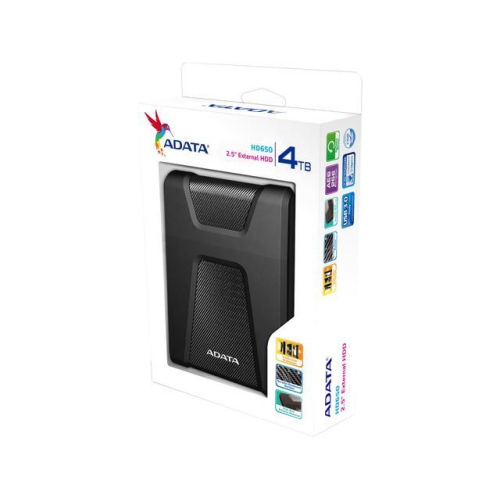
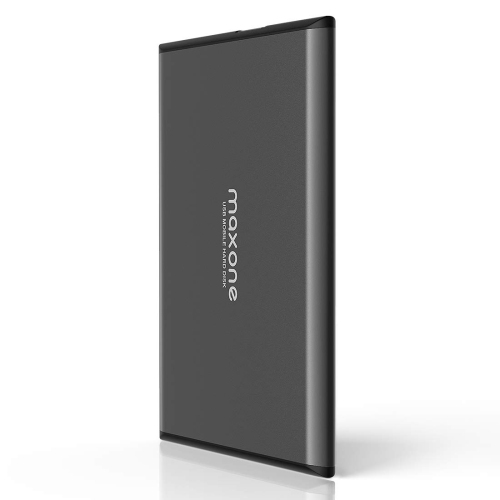
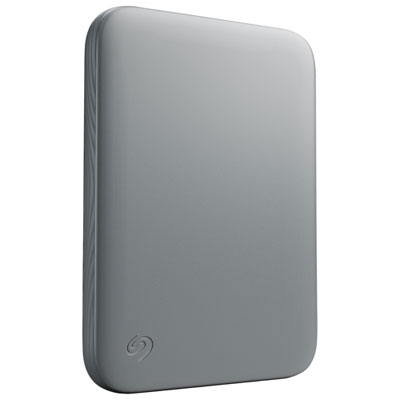
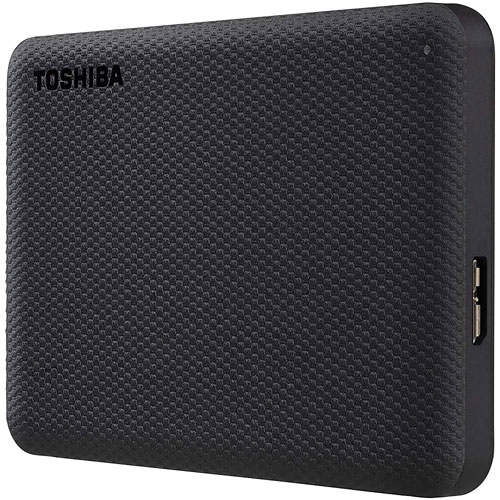
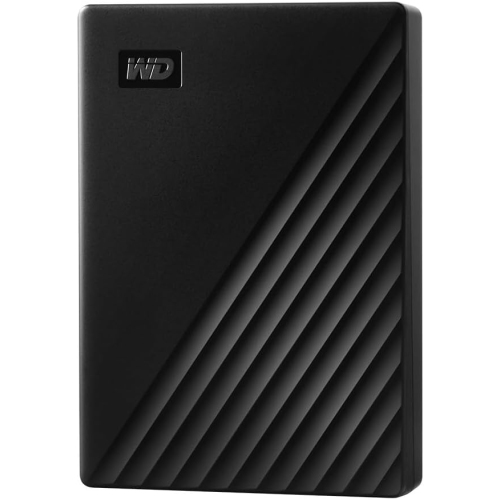
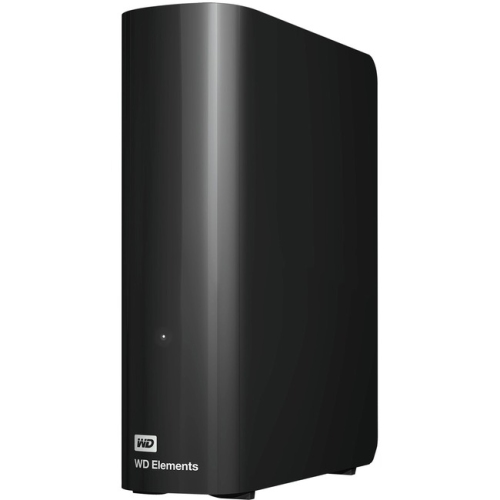
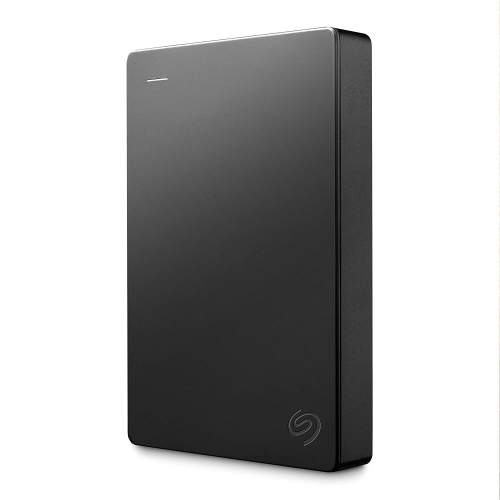
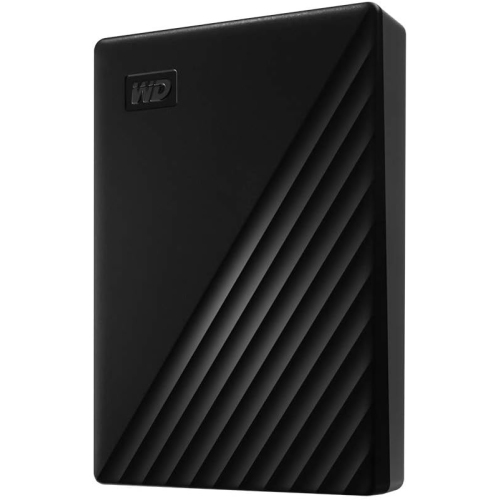
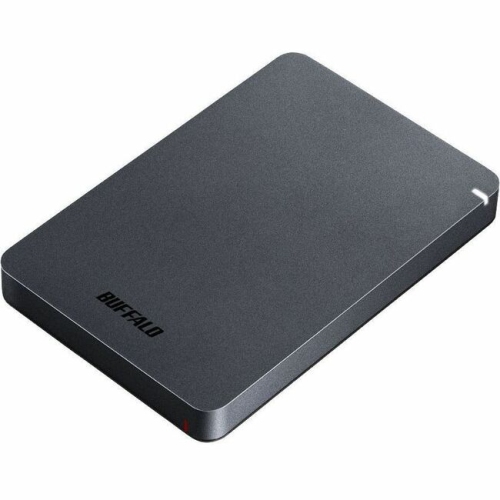
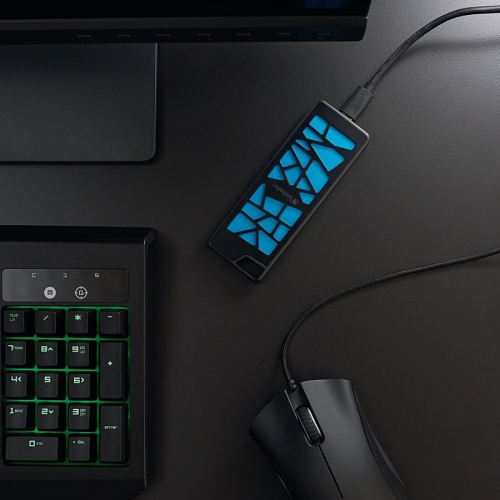
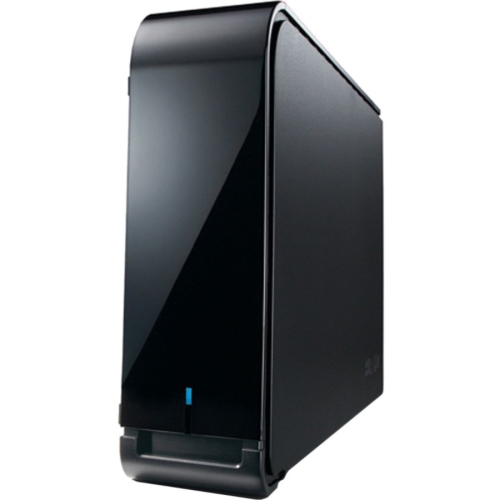
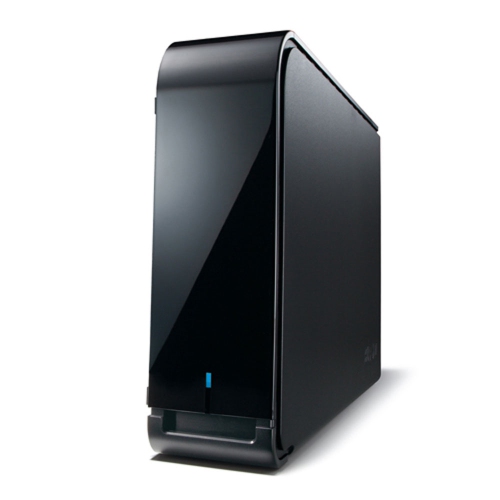
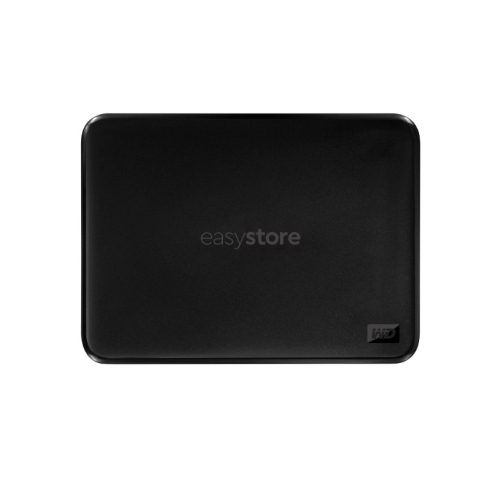
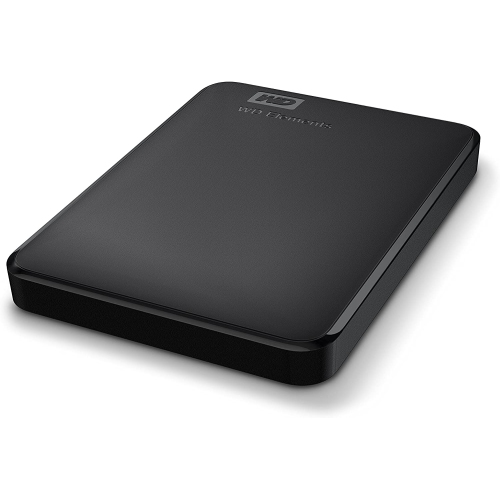
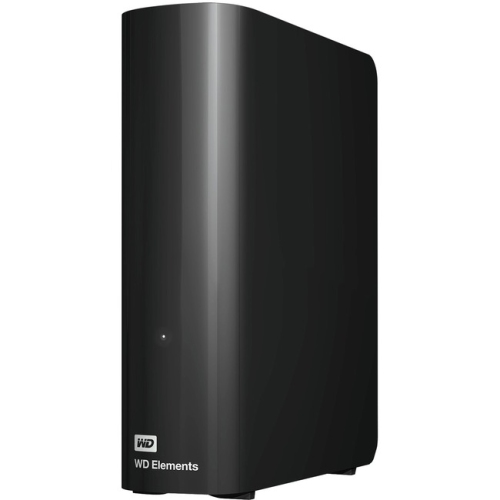
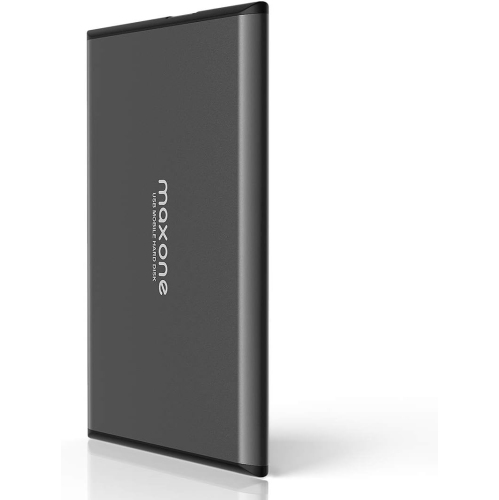
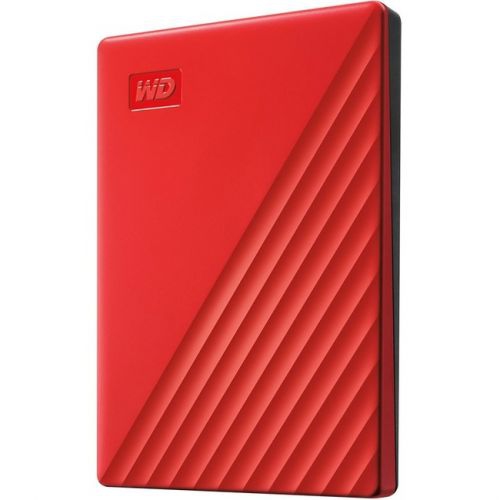
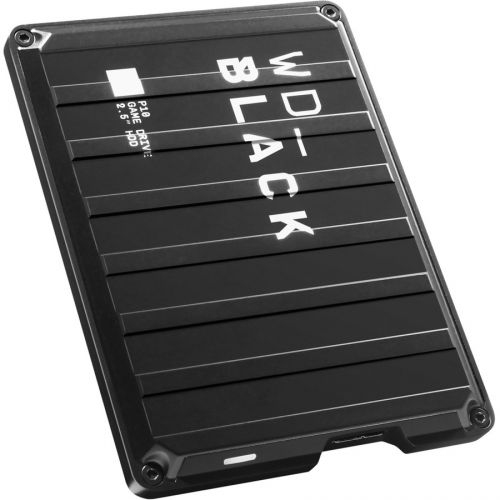
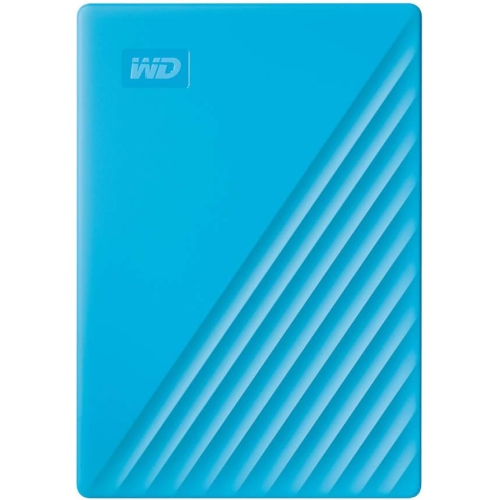
External hard drives are a great way to back up your computer, but they're also useful for storing and transferring large files. If you have a PlayStation 3, you can use an external hard drive to store games, videos, music, and more. Here are some external hard drives for PS3 available on the market.
Sort








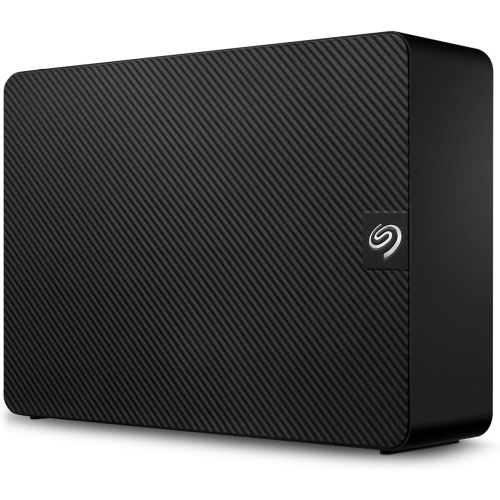
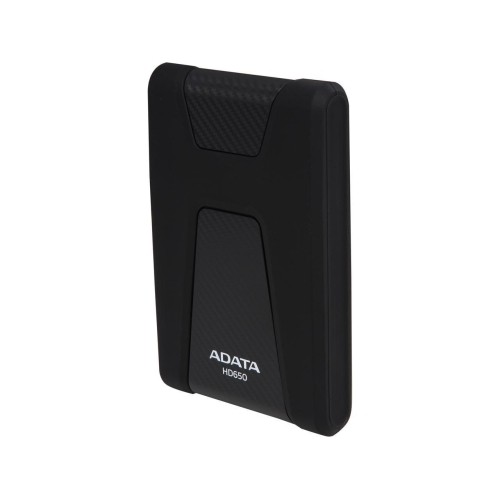
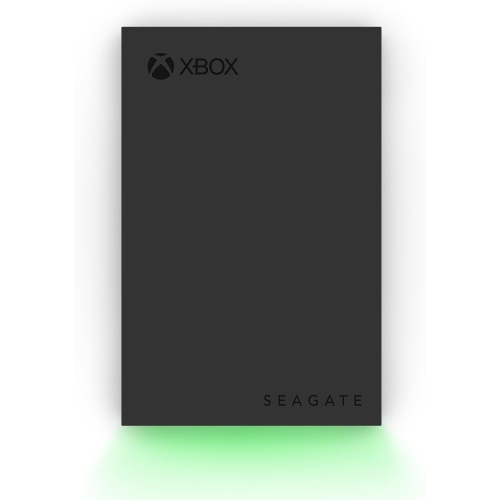
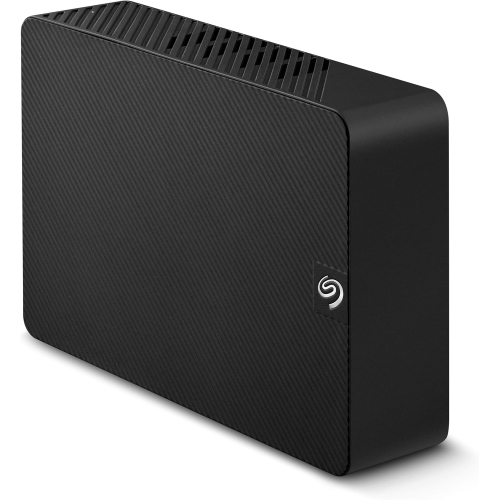










What PS3 external drives can do beyond game storage
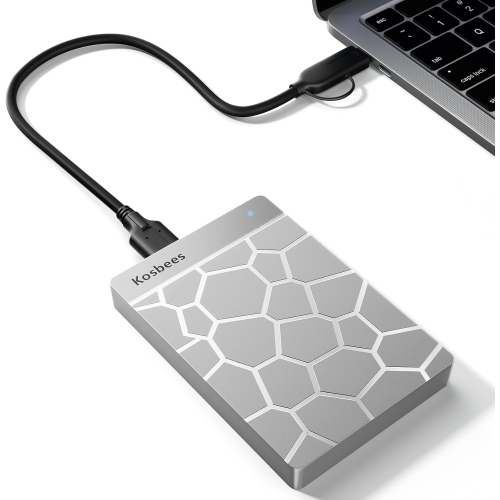
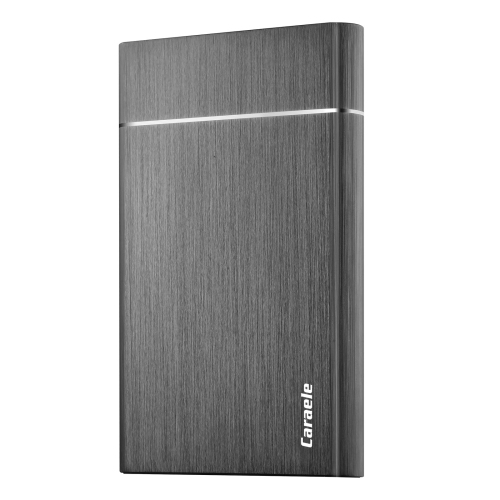
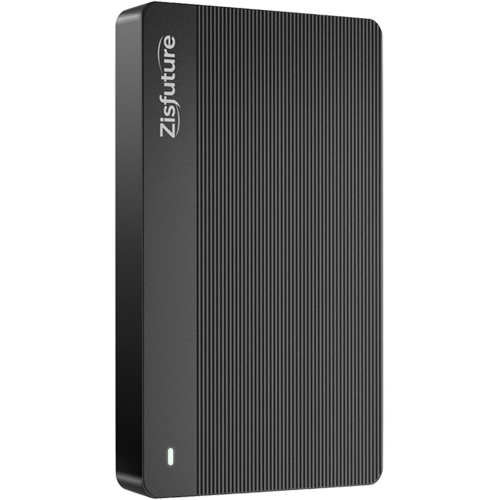
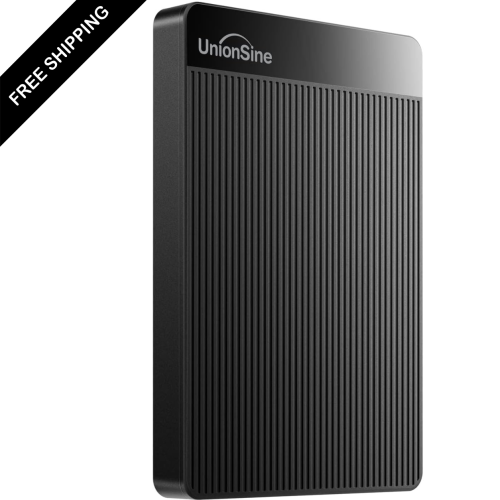
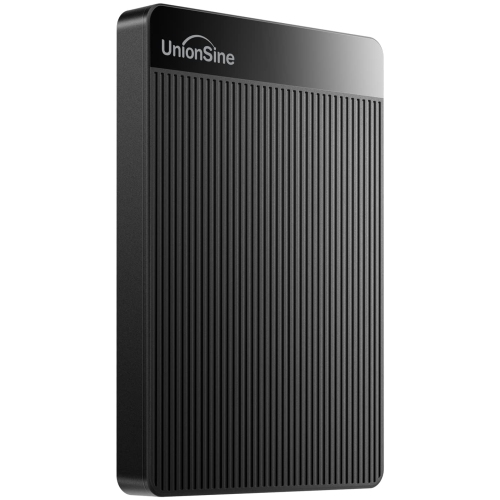
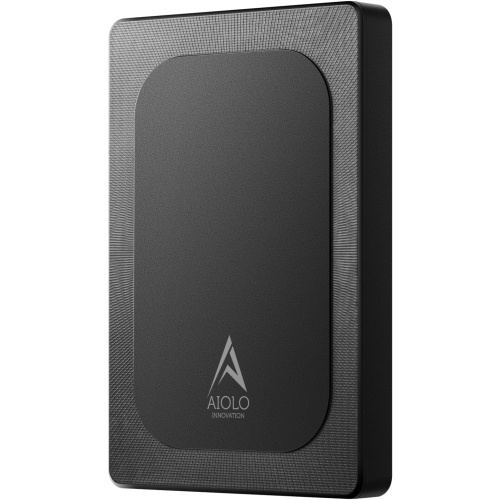
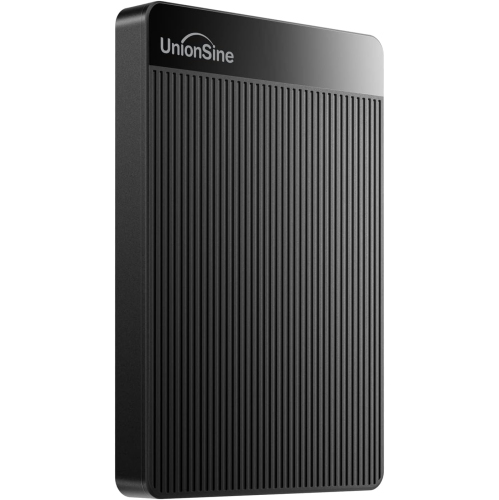
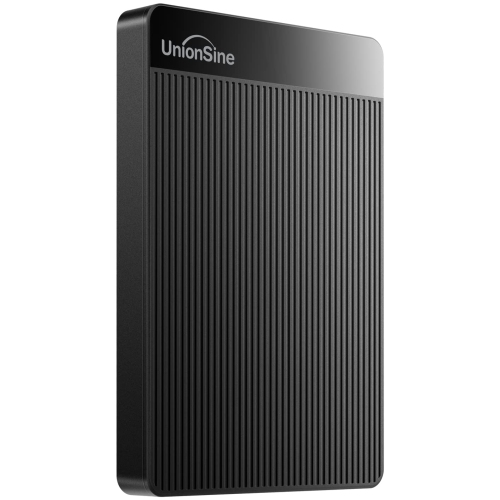
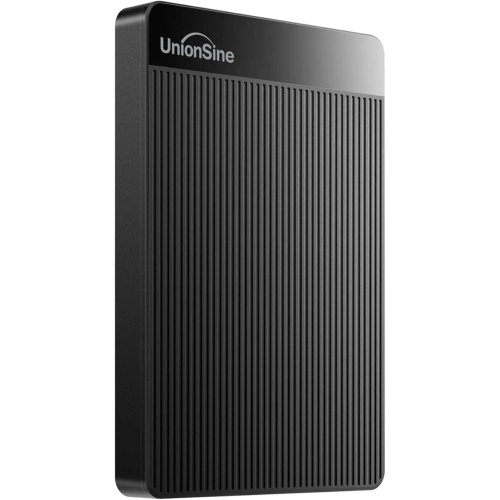
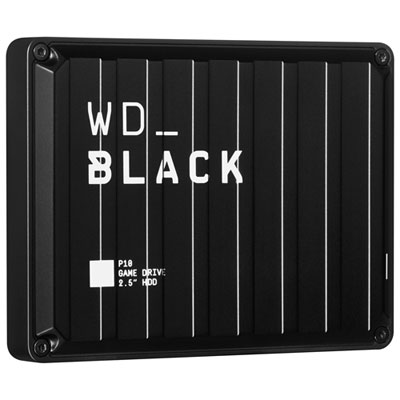
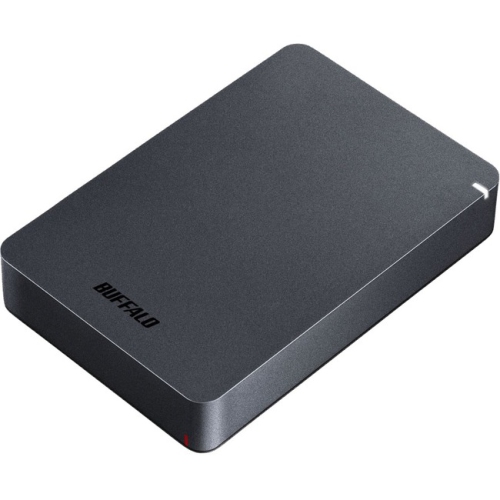
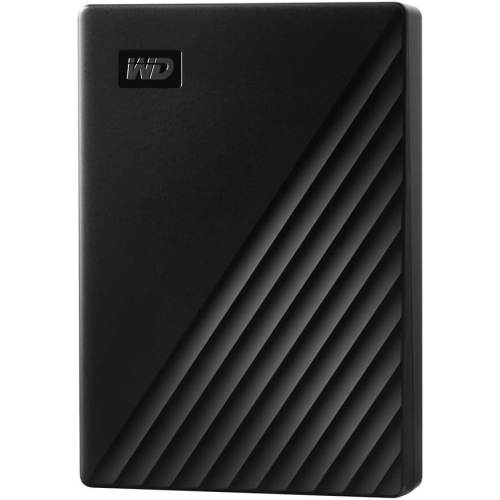
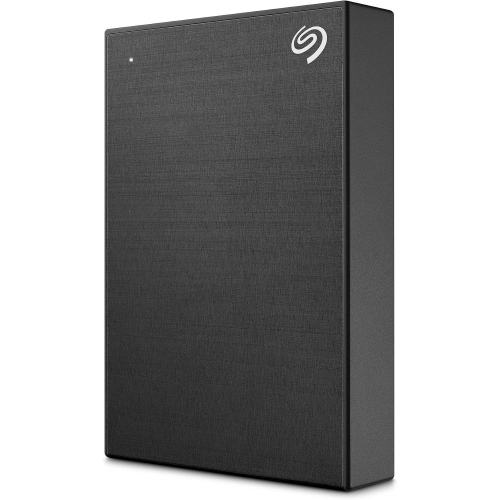
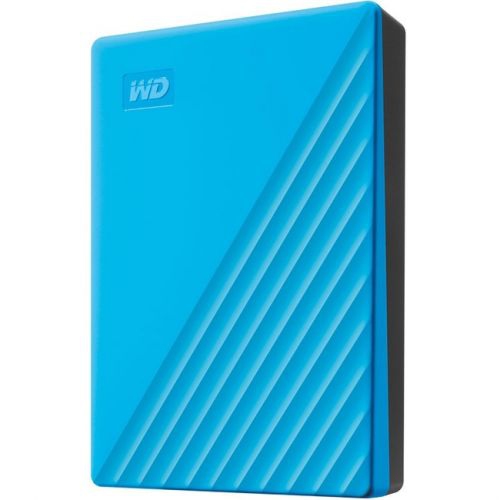
An external hard drive for PS3 can be a practical way to move, store, and access compatible media, as well as create a backup of important console data. Standard PS3 systems do not use a USB external hard drive as an expansion drive for installing or playing retail games. Instead, the console can recognize a compatible USB drive for music, photos, videos, and system backups, while game storage is handled by the PS3’s internal 2.5-inch SATA hard drive. This distinction is important when comparing products, since a drive advertised as compatible with PlayStation consoles may be designed for newer systems and may not work with the original PS3 file system or connection requirements. For the best chance of plug-and-play use, look for a drive that can be formatted as FAT32 and connected by USB. The PS3 natively reads FAT32 USB storage, while it may not recognize a drive formatted as NTFS or exFAT without additional software or a modified console. FAT32 also has a maximum individual file size of 4 GB, so larger video files may need to be split, compressed, or stored in another way before they can be accessed through the PS3. Capacity is another consideration: a compact drive may be sufficient for a collection of music and photos, while a higher-capacity model can provide room for a full console backup and a larger media library. Before connecting a drive, back up any files already stored on it, since formatting or repartitioning can erase existing content. After formatting, the PS3 generally works best when media is organized in clearly named folders such as MUSIC, PICTURE, and VIDEO, allowing files to appear in the appropriate sections of the XrossMediaBar. Supported formats can vary by file type, resolution, and encoding, so checking the console’s playback requirements is worthwhile when the drive will be used for videos or music rather than backups.
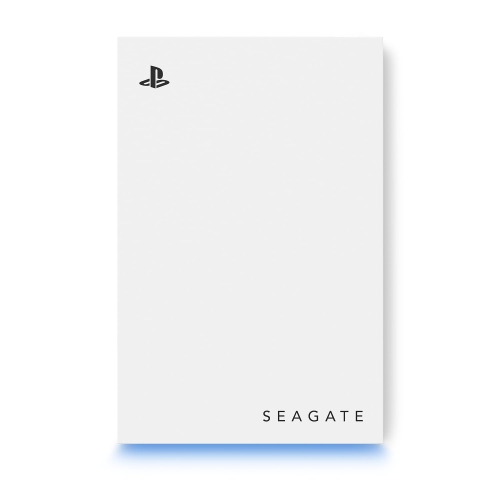
For owners who want to protect saved games, downloaded content, settings, photos, and other console information, the PS3’s built-in Backup Utility can copy system data to a compatible external drive. This can be especially useful before replacing the internal hard drive, moving a console to another room, or preparing a well-used system for a family member. A backup can take time, particularly when the drive contains a large amount of data, so a reliable connection and adequate free capacity are important. The external drive should remain connected during the backup and restore process, and users should follow the prompts under Settings and System Settings rather than disconnecting it partway through. Those looking to add space for downloadable games or installation data will generally need to replace the PS3’s internal drive instead of relying on USB storage. The replacement must be a compatible 2.5-inch SATA drive, and the process involves removing the original drive, transferring the metal mounting caddy, installing the replacement, and reinstalling the PS3 system software with a USB flash drive. Compatibility can differ among PS3 models, and some owners may prefer a traditional hard disk drive for capacity or a solid-state drive for quieter operation and faster loading in supported situations. Save data should be backed up before any internal drive replacement, and the console model, drive thickness, capacity, and system software requirements should all be confirmed before purchase. An external drive can also be a thoughtful gift for someone who enjoys revisiting a personal PS3 library, organizing family photos and music for playback on an older television, or keeping a spare copy of treasured console data. For households with more than one generation of PlayStation hardware, it is helpful to match the drive to the intended console rather than assuming one format works everywhere; those shopping for newer hardware can also browse External Hard Drives for PlayStation 5. With the right format, folder structure, capacity, and intended use in mind, an external hard drive can complement a PS3 setup for media access and backups while setting realistic expectations about the console’s internal storage limitations.
For owners who want to protect saved games, downloaded content, settings, photos, and other console information, the PS3’s built-in Backup Utility can copy system data to a compatible external drive. This can be especially useful before replacing the internal hard drive, moving a console to another room, or preparing a well-used system for a family member. A backup can take time, particularly when the drive contains a large amount of data, so a reliable connection and adequate free capacity are important. The external drive should remain connected during the backup and restore process, and users should follow the prompts under Settings and System Settings rather than disconnecting it partway through. Those looking to add space for downloadable games or installation data will generally need to replace the PS3’s internal drive instead of relying on USB storage. The replacement must be a compatible 2.5-inch SATA drive, and the process involves removing the original drive, transferring the metal mounting caddy, installing the replacement, and reinstalling the PS3 system software with a USB flash drive. Compatibility can differ among PS3 models, and some owners may prefer a traditional hard disk drive for capacity or a solid-state drive for quieter operation and faster loading in supported situations. Save data should be backed up before any internal drive replacement, and the console model, drive thickness, capacity, and system software requirements should all be confirmed before purchase. An external drive can also be a thoughtful gift for someone who enjoys revisiting a personal PS3 library, organizing family photos and music for playback on an older television, or keeping a spare copy of treasured console data. For households with more than one generation of PlayStation hardware, it is helpful to match the drive to the intended console rather than assuming one format works everywhere; those shopping for newer hardware can also browse External Hard Drives for PlayStation 5. With the right format, folder structure, capacity, and intended use in mind, an external hard drive can complement a PS3 setup for media access and backups while setting realistic expectations about the console’s internal storage limitations.
Top selling and popular products
-
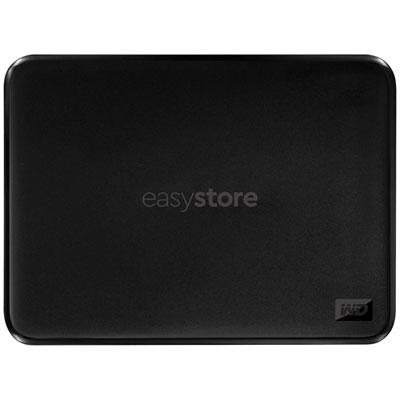 Your price for this item is $234.99
-
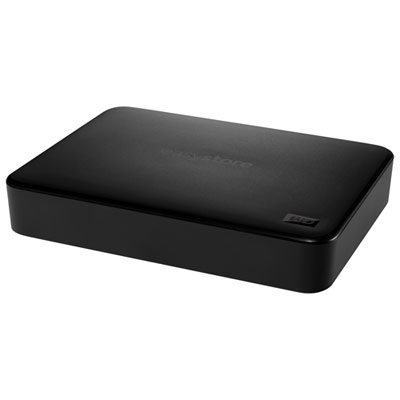 Your price for this item is $394.99
-
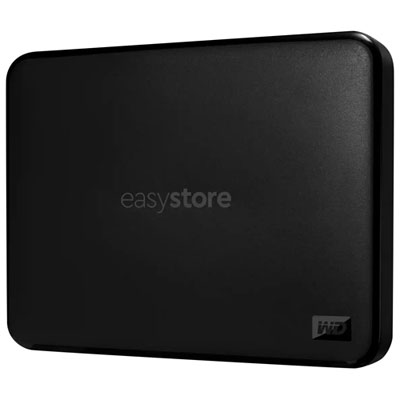 Your price for this item is $179.99
-
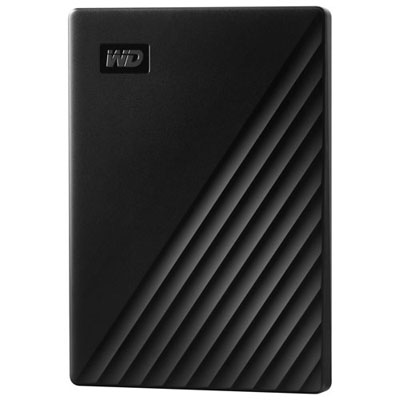 Your price for this item is $244.99
-
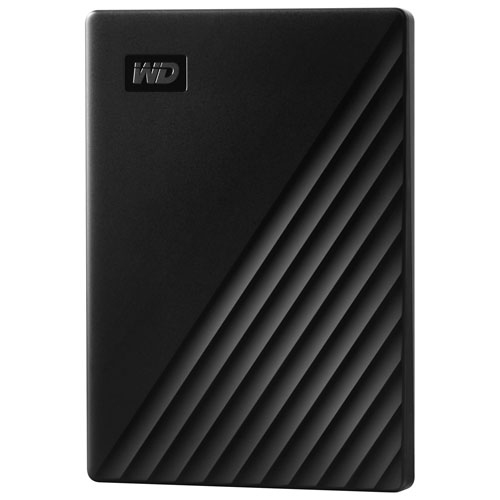 Your price for this item is $306.63
-
 Your price for this item is $280.68
-
 Your price for this item is $329.99
-
 Your price for this item is $292.68
Discover more categories related to External Hard Drive PS3
Top Collections:
Pokemon Centers, Kindle Devices, Best Cameras for Sports Photography, Pokémon 30th Celebration Cards, Apple iPhones 16, Canon G7X Cameras, iPhone 15 Apple, Flip Phones, Samsung Galaxy Phones, Alarm Clock
Some products may be subject to Environmental Handling Fees
(EHF) depending on your province.
Learn more about EHFs.