MacBook Air External Drives
If you're looking to add storage space to your MacBook Air, you have a few options. One is the use of an external hard drive. These drives are available in different sizes and can be used with your Mac or PC. Here are some of the best external hard drives for your MacBook Air.
Sort
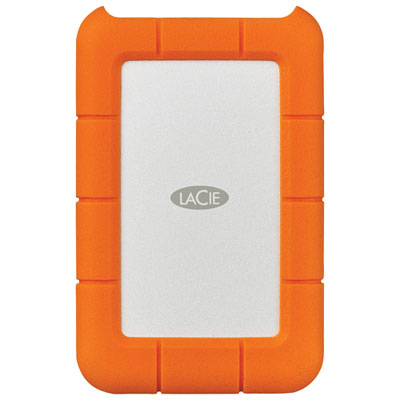

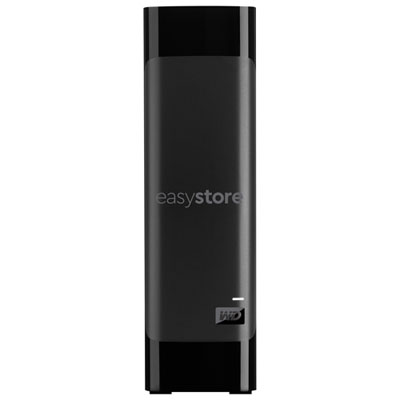
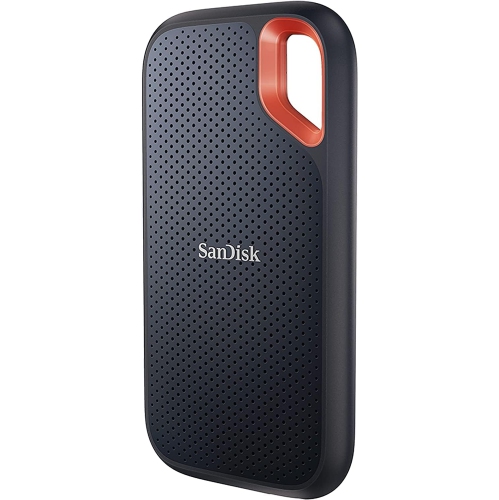
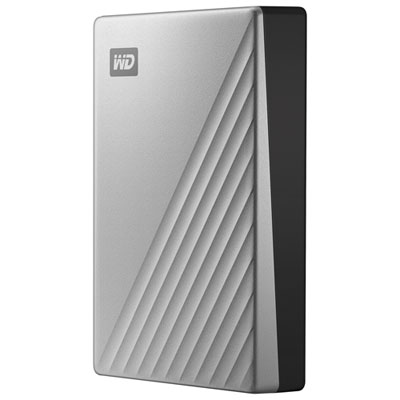
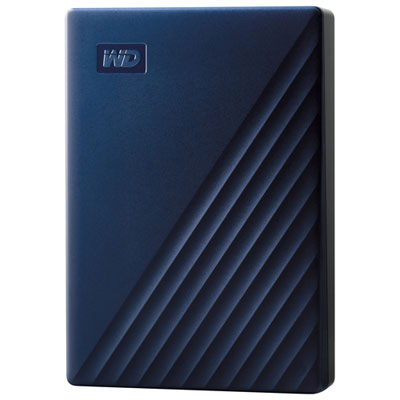
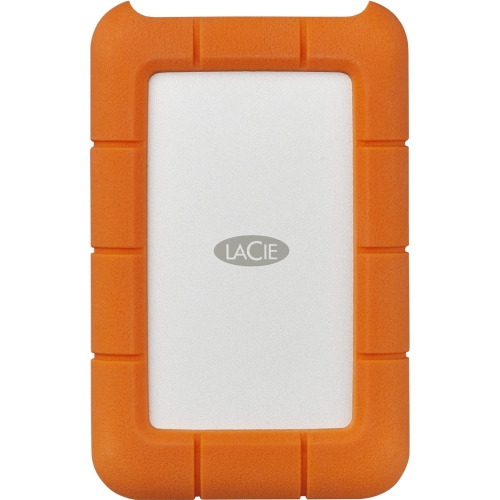
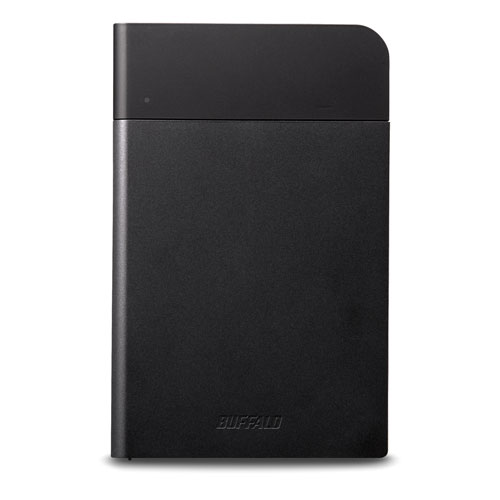
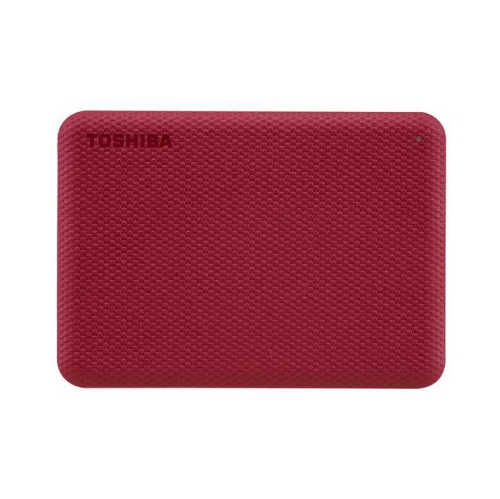
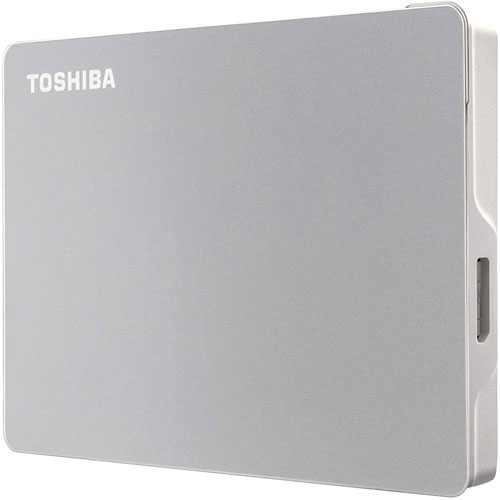
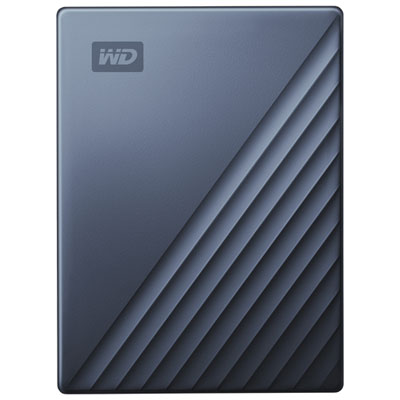
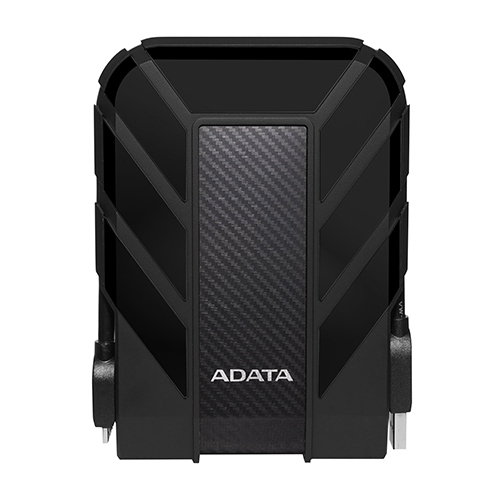
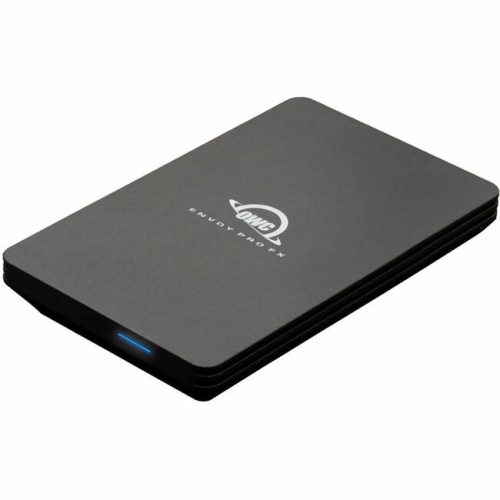
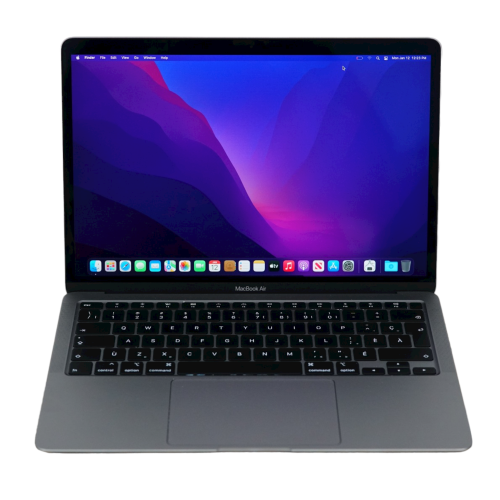
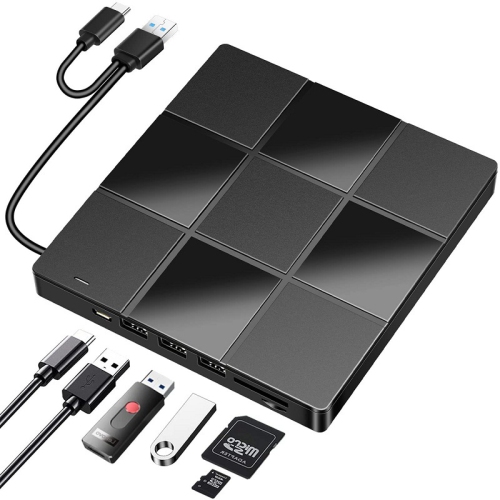
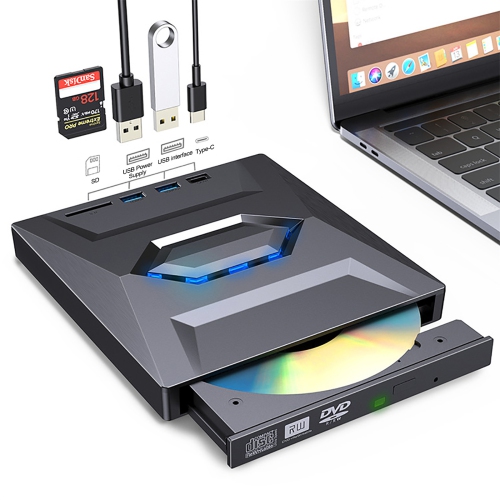
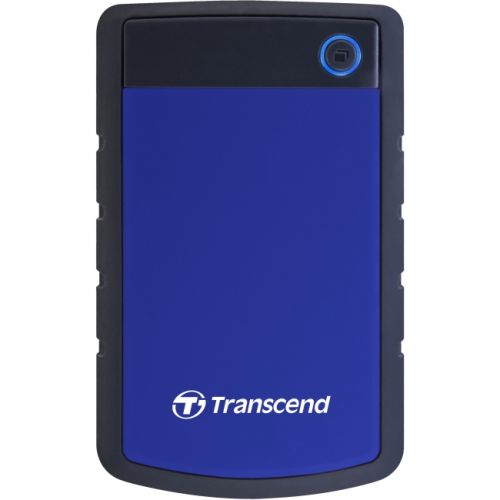
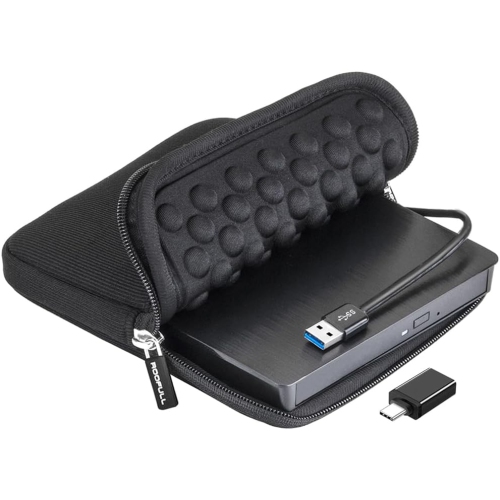
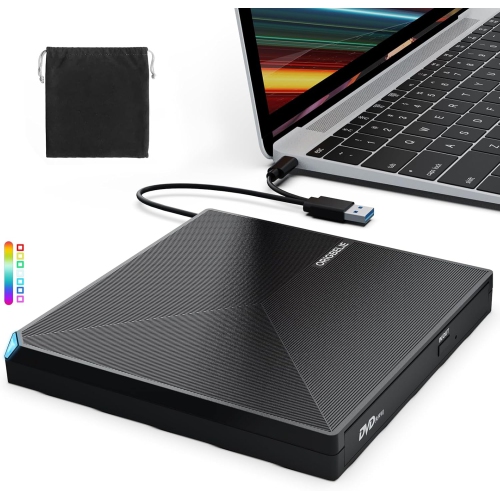
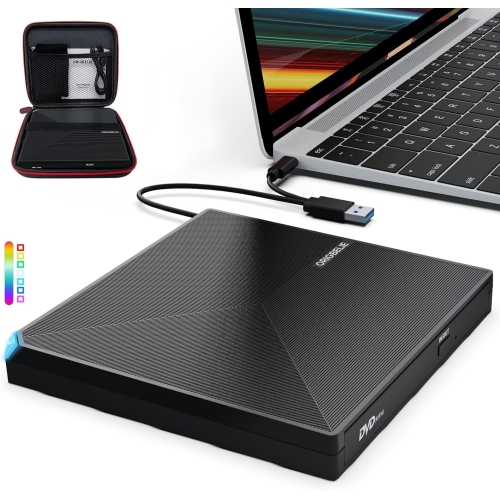
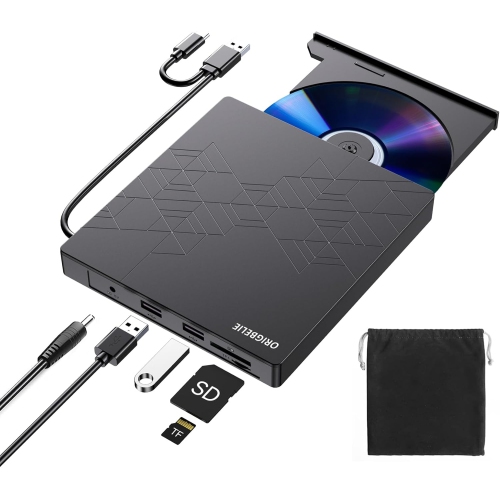
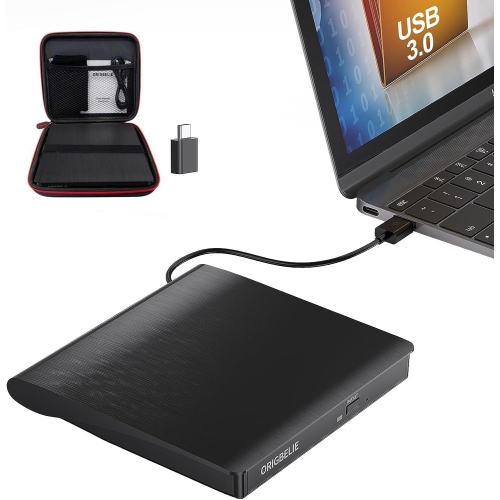
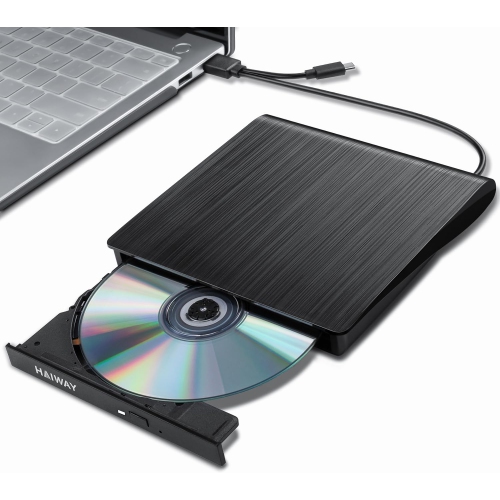
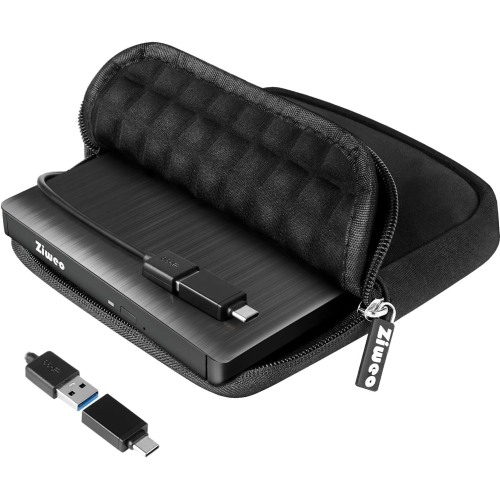
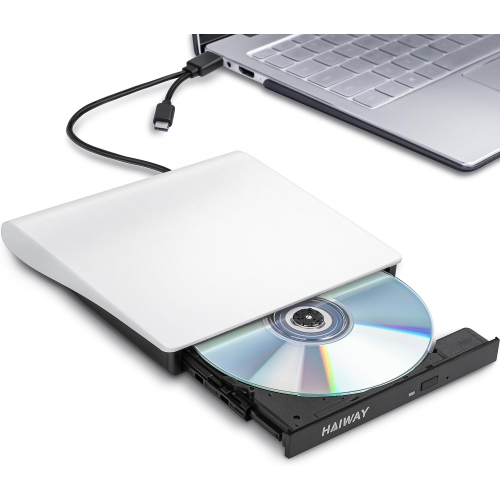
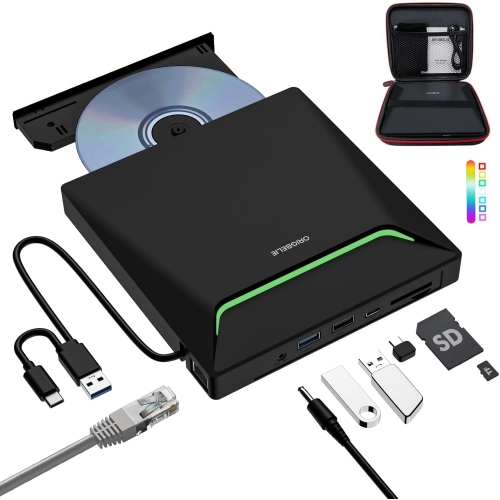
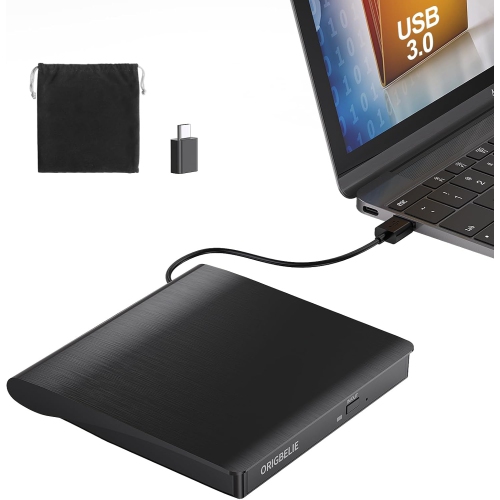
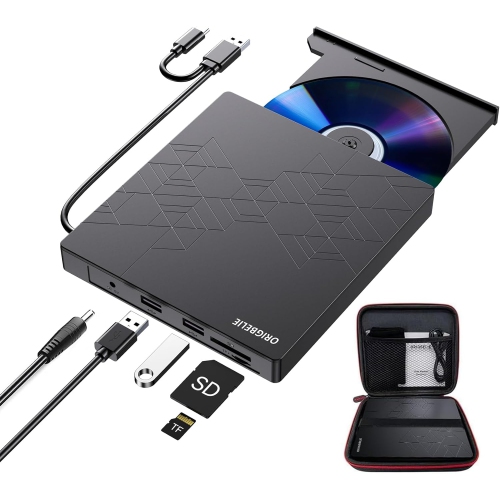
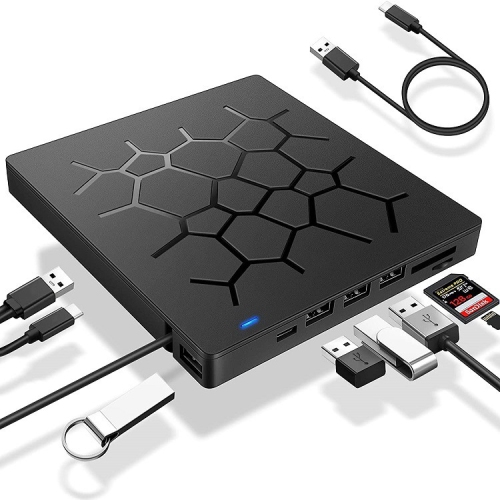
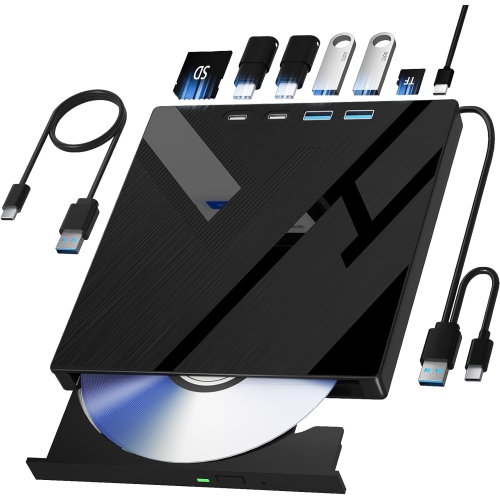
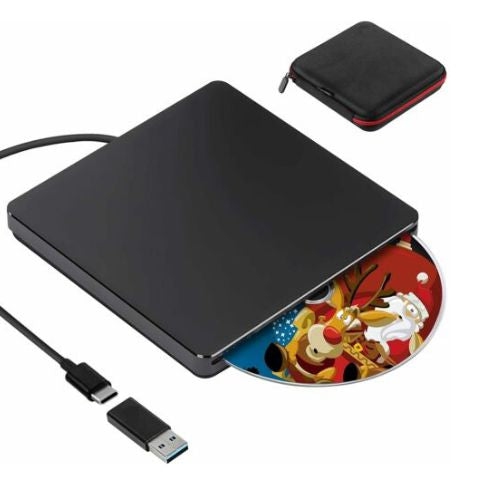
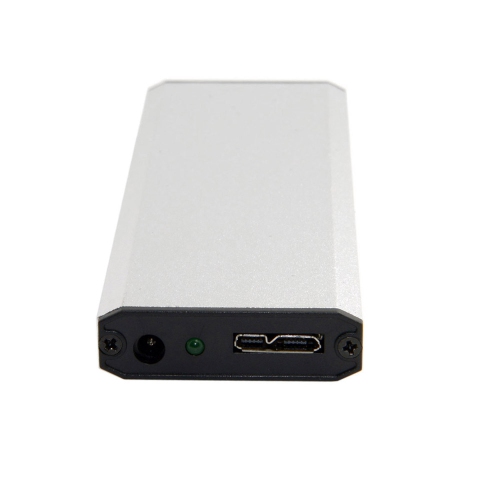
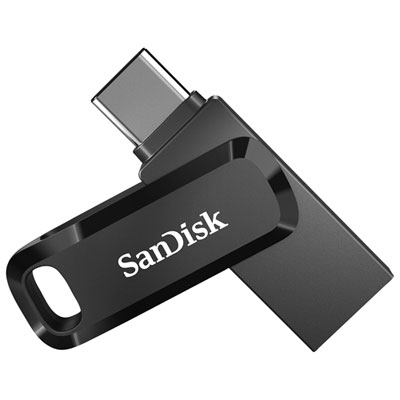
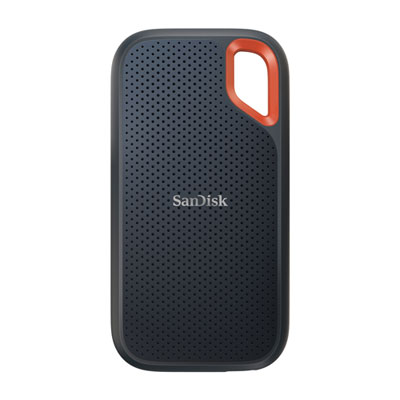
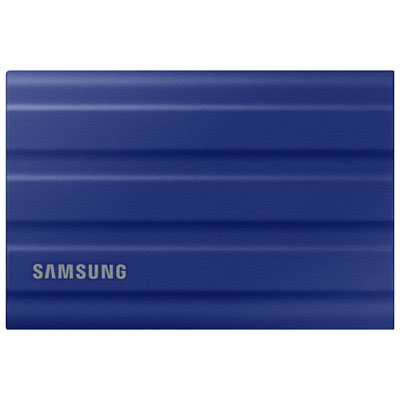
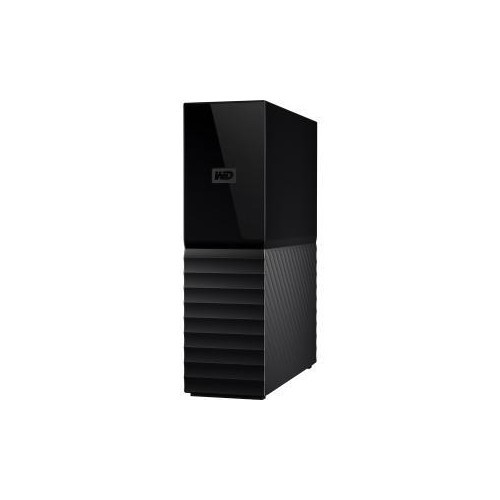

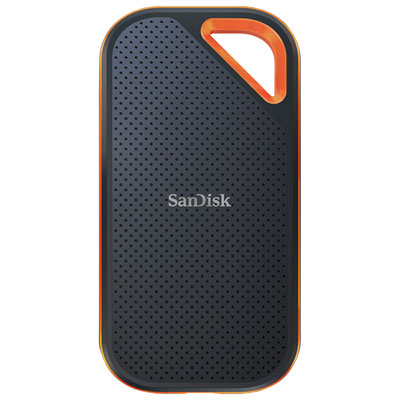
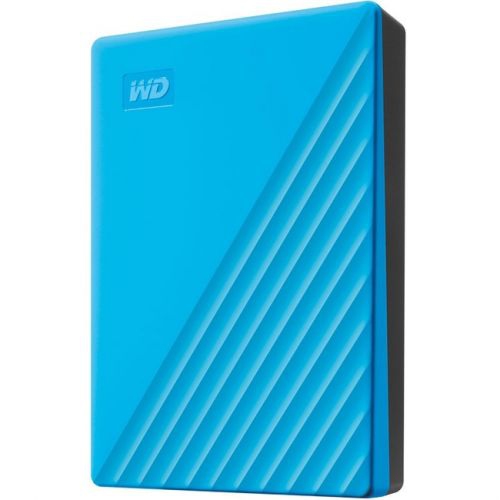
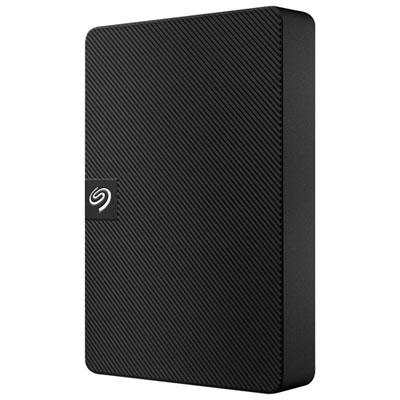
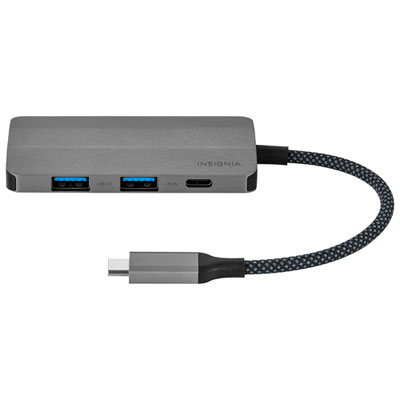
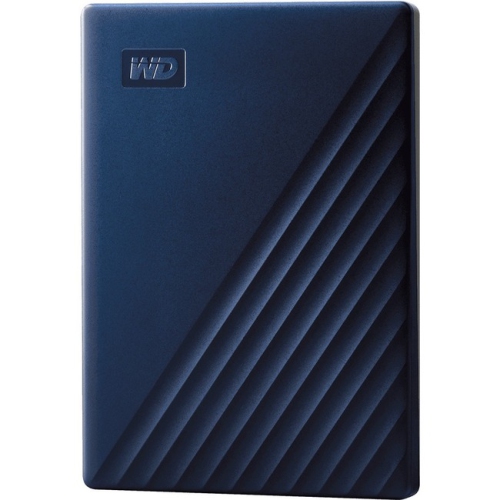
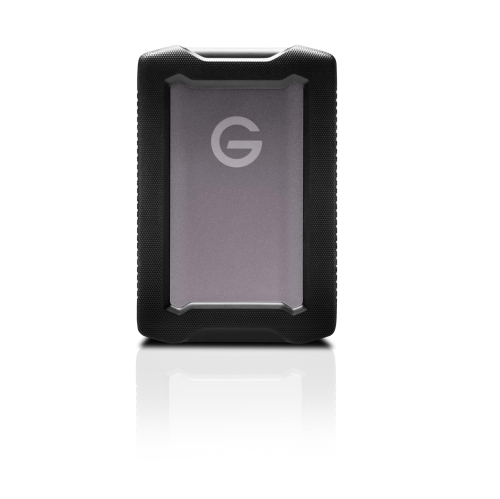
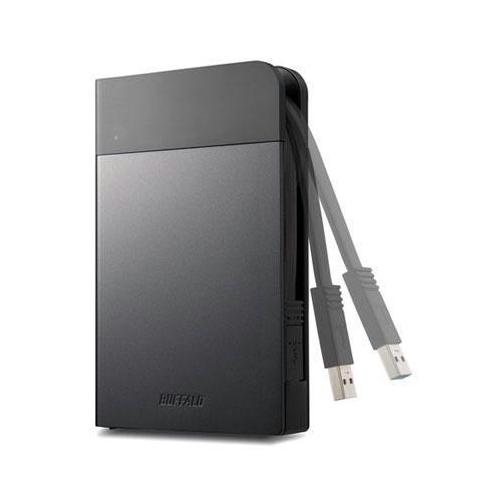
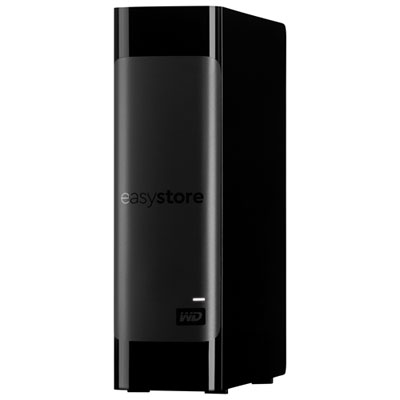
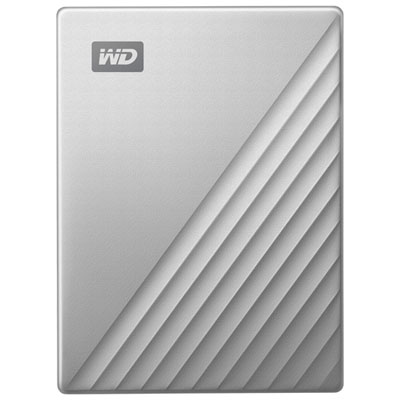
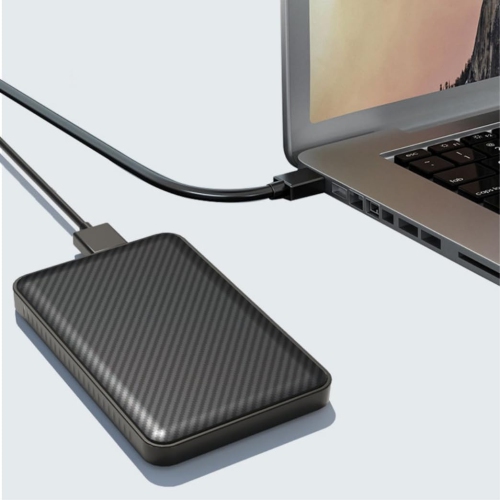
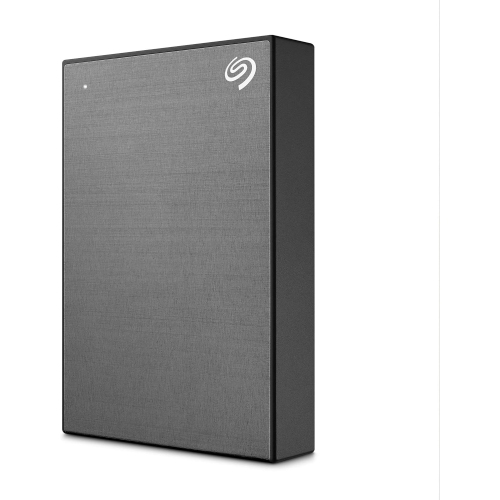
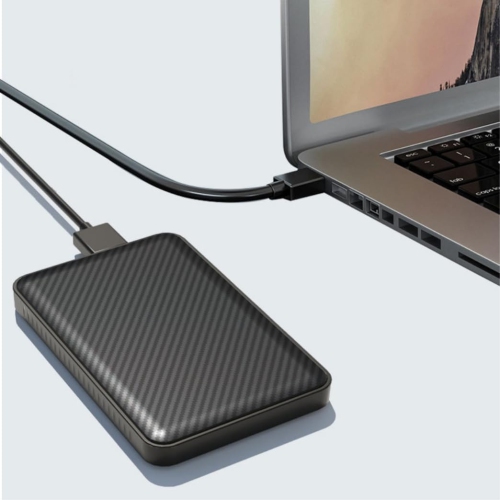
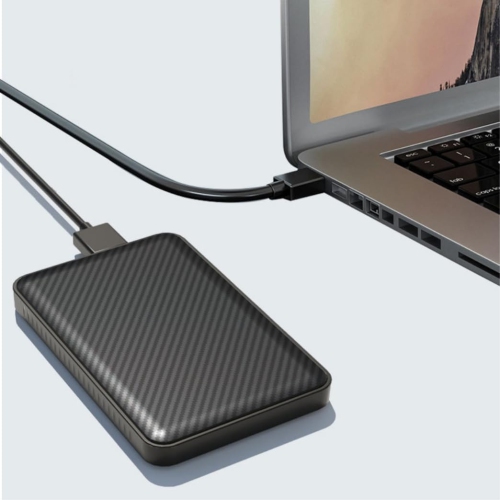
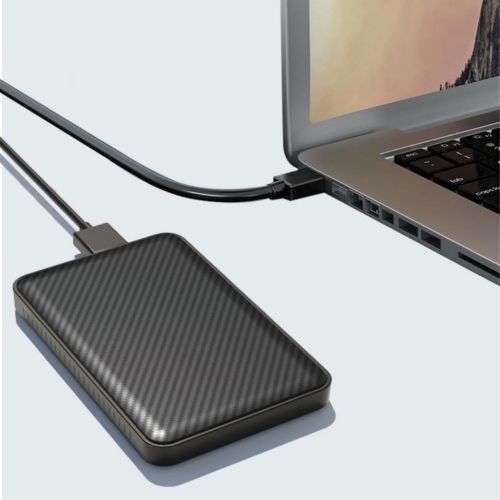
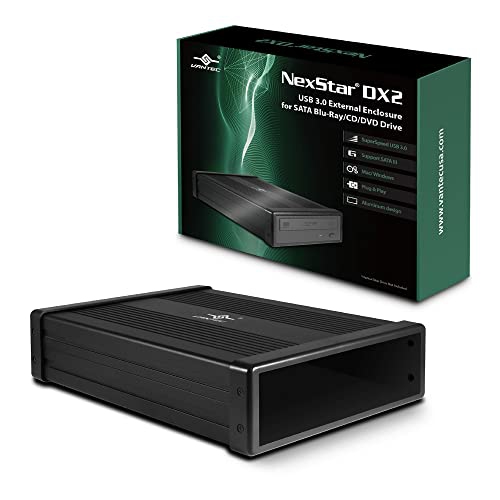
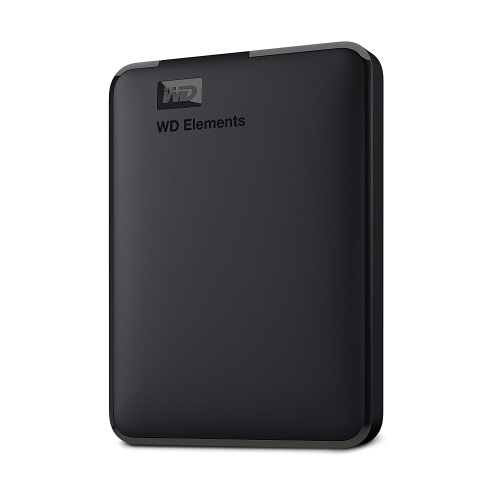
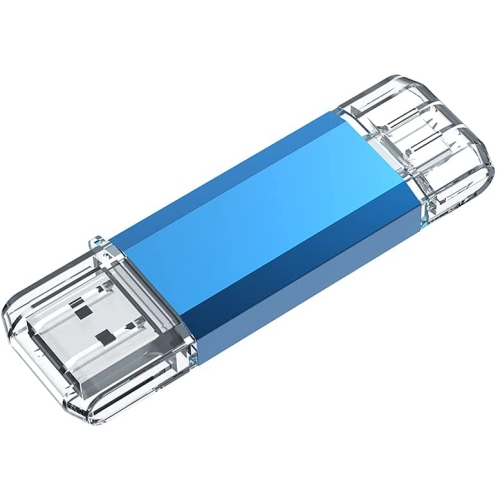
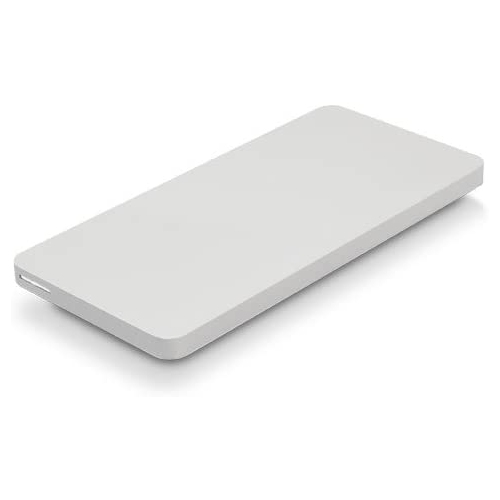

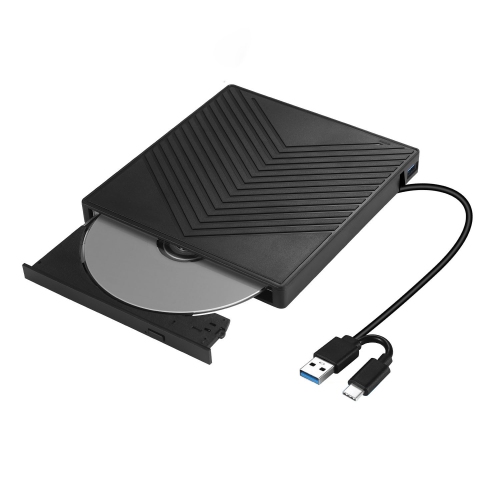
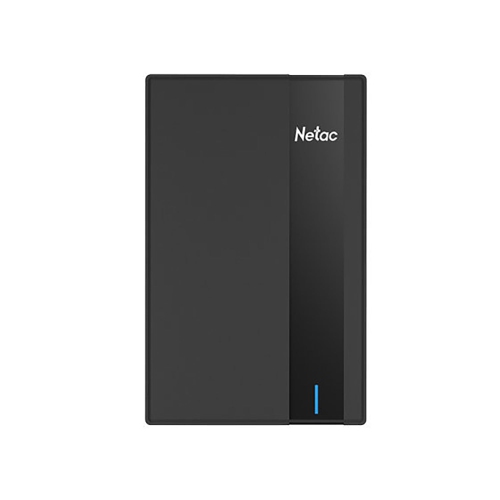
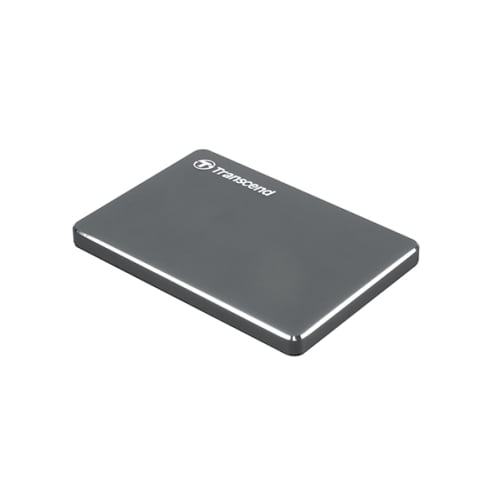
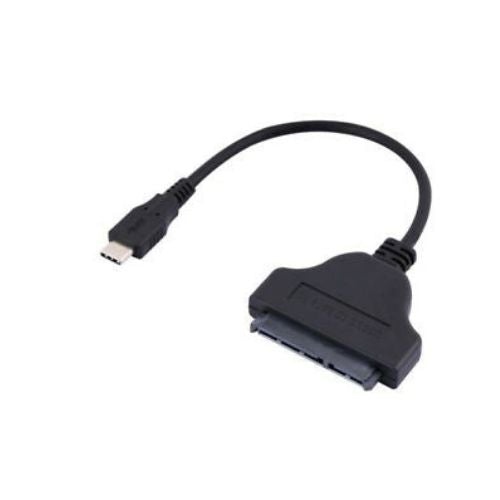

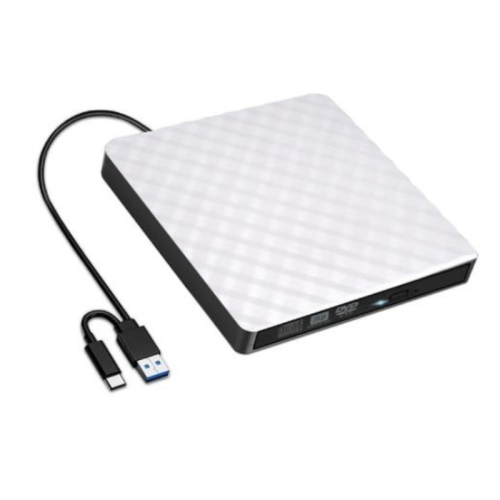
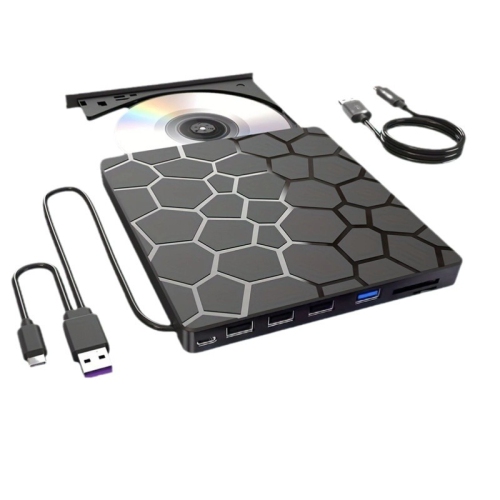
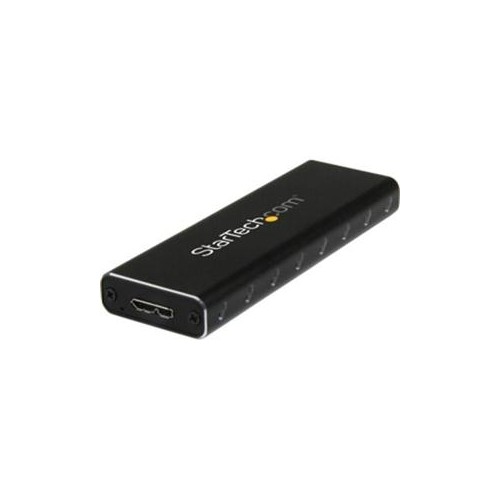
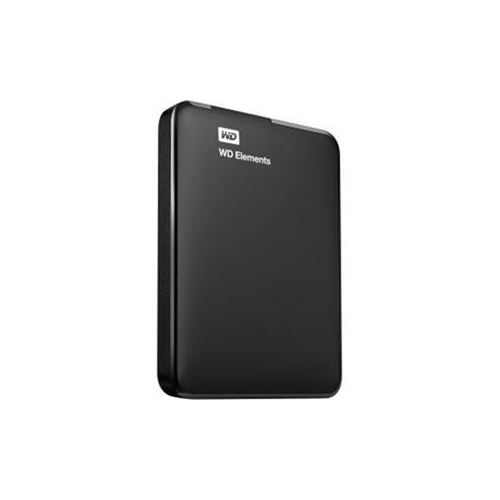
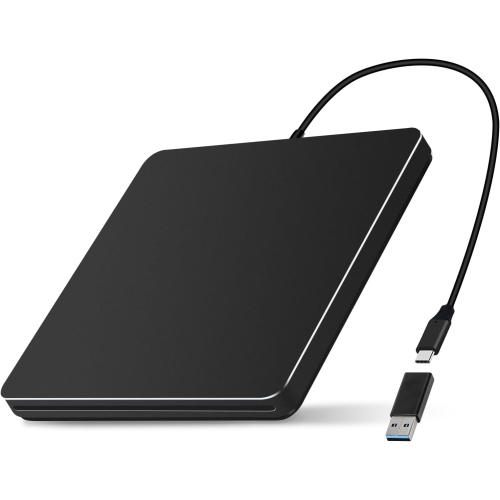
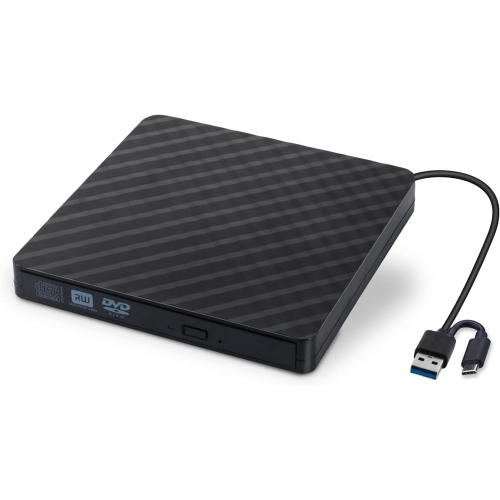
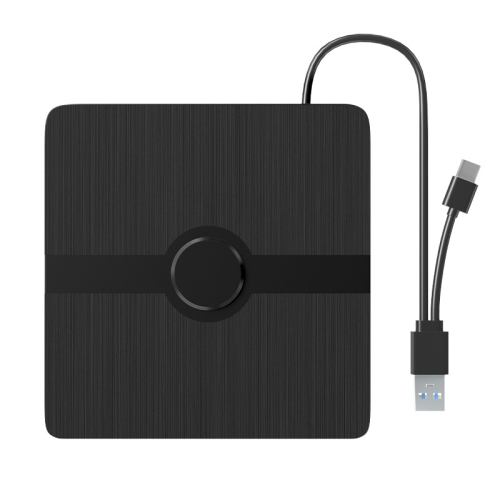
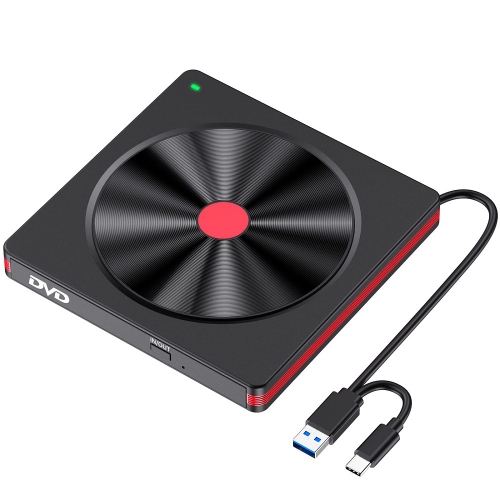
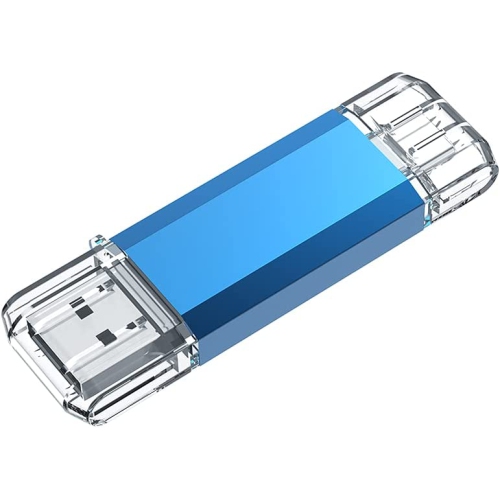
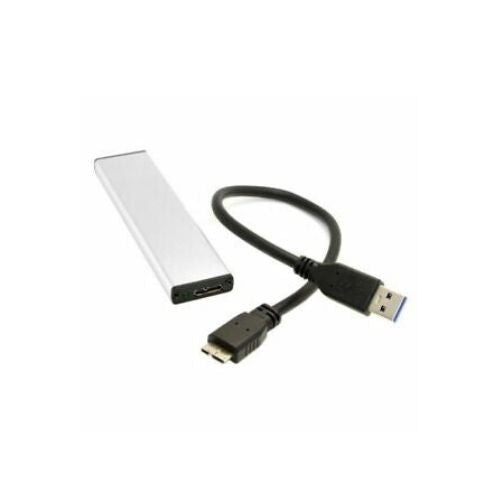
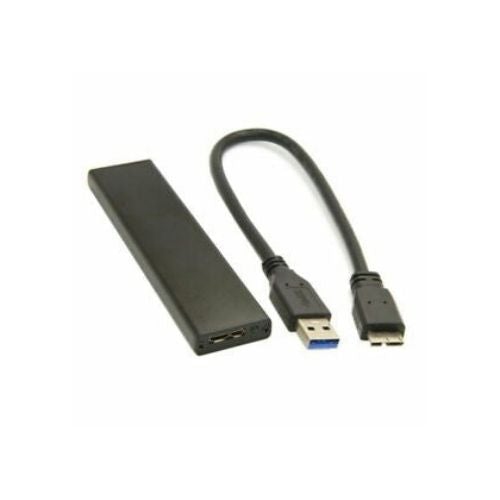
Expand MacBook Air storage with fast, compatible backup options
When it comes to expanding the storage capacity of a MacBook Air, an external drive is an essential companion for students, professionals, and anyone who values seamless access to their files and media. As the weather shifts from the warmth of late summer into the crisp air of fall, many people find themselves juggling new projects, academic assignments, or creative pursuits that demand more space than the internal drive can provide. Whether you’re capturing high-resolution photos on a weekend getaway, editing video clips for a class project, or simply organizing a growing library of documents and presentations, an external drive offers the flexibility and peace of mind you need. The modern MacBook Air, with its slim profile and reliance on USB-C or Thunderbolt ports, pairs best with external drives that feature native USB-C connectors. This compatibility ensures effortless plug-and-play use, eliminating the need for adapters or dongles and keeping your workspace clutter-free. For those who value speed and reliability, especially during demanding tasks like transferring large video files or running Time Machine backups, solid state drives (SSDs) are a top choice. They deliver rapid data transfer speeds and rugged durability, making them ideal for both everyday use and travel.
Selecting the right external drive for your MacBook Air depends largely on your storage needs and workflow. For everyday tasks such as storing office documents, backing up important files, or managing a modest photo library, a 1 TB drive is often sufficient. Creative professionals, such as photographers, musicians, or video editors, may prefer drives with 2 TB or more to accommodate larger media files and ongoing projects. Those working with 4K or 8K video, or maintaining extensive archives, can benefit from even greater capacities, ensuring there’s always room for new ideas. As you consider your options, pay close attention to the included cables—using the high-quality USB-C or USB4 cable that comes with your drive is crucial for maintaining optimal speeds, as standard phone charging cables can significantly slow down transfers. Before you start storing files, it’s a good idea to format your new drive for macOS using the Disk Utility app, selecting APFS or macOS Extended formats for full compatibility. This simple step ensures that your MacBook Air can read and write to the drive without any hiccups, and it’s especially important if the drive was originally formatted for Windows systems.
External drives also make thoughtful gifts for students heading off to university, professionals embarking on new careers, or anyone who enjoys travelling with their MacBook Air. They provide a practical way to safeguard memories, streamline workflows, and keep precious files secure—whether you’re working from a bustling café, a quiet library, or on the go. With the right drive, you can set up automated Time Machine backups to protect your system and data against unexpected mishaps, giving you one less thing to worry about as you move through the busier months. If you’re looking for more options or want to compare features tailored specifically for Apple users, explore our full range of External Hard Drives for Apple Mac to find the perfect match for your MacBook Air and your lifestyle.
Selecting the right external drive for your MacBook Air depends largely on your storage needs and workflow. For everyday tasks such as storing office documents, backing up important files, or managing a modest photo library, a 1 TB drive is often sufficient. Creative professionals, such as photographers, musicians, or video editors, may prefer drives with 2 TB or more to accommodate larger media files and ongoing projects. Those working with 4K or 8K video, or maintaining extensive archives, can benefit from even greater capacities, ensuring there’s always room for new ideas. As you consider your options, pay close attention to the included cables—using the high-quality USB-C or USB4 cable that comes with your drive is crucial for maintaining optimal speeds, as standard phone charging cables can significantly slow down transfers. Before you start storing files, it’s a good idea to format your new drive for macOS using the Disk Utility app, selecting APFS or macOS Extended formats for full compatibility. This simple step ensures that your MacBook Air can read and write to the drive without any hiccups, and it’s especially important if the drive was originally formatted for Windows systems.
External drives also make thoughtful gifts for students heading off to university, professionals embarking on new careers, or anyone who enjoys travelling with their MacBook Air. They provide a practical way to safeguard memories, streamline workflows, and keep precious files secure—whether you’re working from a bustling café, a quiet library, or on the go. With the right drive, you can set up automated Time Machine backups to protect your system and data against unexpected mishaps, giving you one less thing to worry about as you move through the busier months. If you’re looking for more options or want to compare features tailored specifically for Apple users, explore our full range of External Hard Drives for Apple Mac to find the perfect match for your MacBook Air and your lifestyle.
Top selling and popular products
-
 Your price for this item is $234.99
 -
 Your price for this item is $389.99
 -
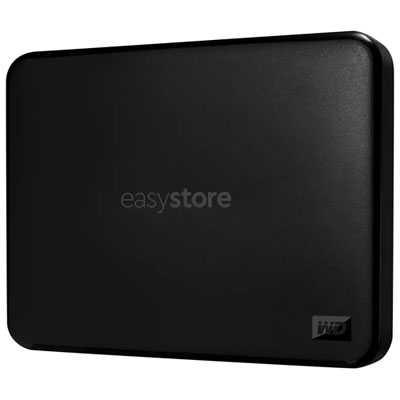 Your price for this item is $179.99
 -
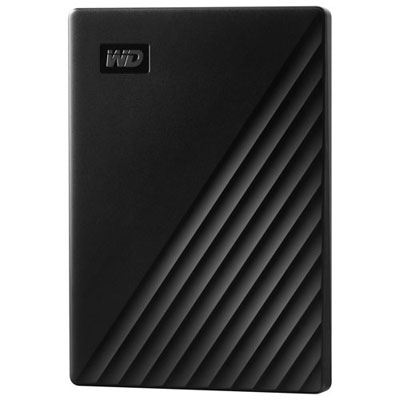 Your price for this item is $239.99
 -
 Your price for this item is $270.68
 -
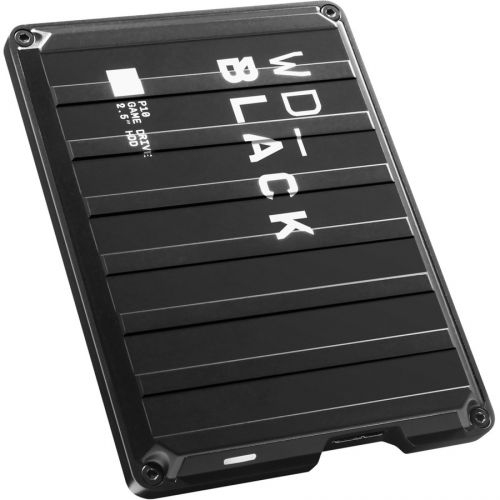 Your price for this item is $329.99
 -
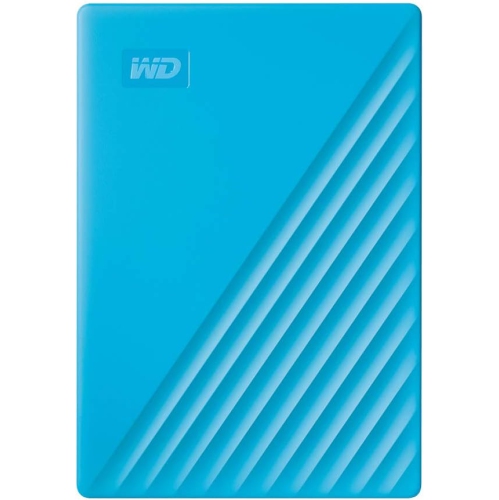 Your price for this item is $282.68
 -
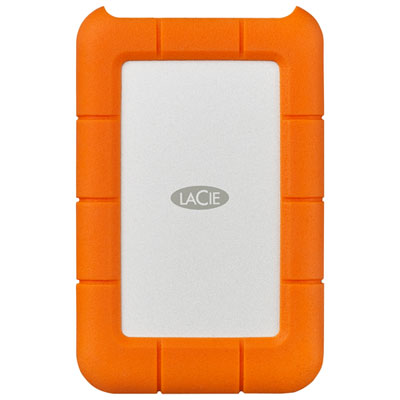 Your price for this item is $209.99
Discover more categories related to MacBook Air External Drives
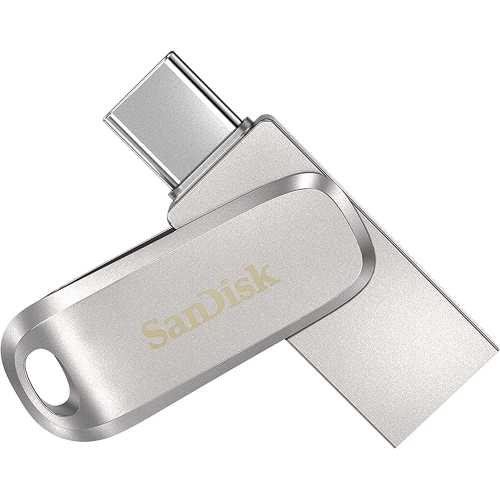
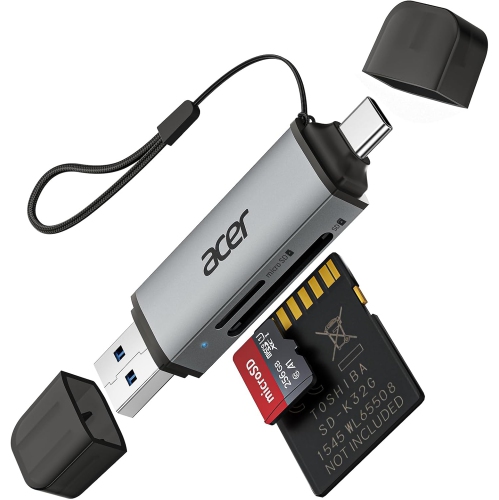
Top Collections:
Pokemon Centers, Kindle Devices, Best Budget Office Chairs, Apple iPhones 16, Best Laptops for Writers, iPhone 15 Apple, Canon G7X Cameras, Refurbished Apple Laptops, Alarm Clock, Motorola Razr Phones
Some products may be subject to Environmental Handling Fees
(EHF) depending on your province.
Learn more about EHFs.