Refillable Ink Printers
Refillable ink printers are a great alternative to the high cost of new ink cartridges. They allow you to save money and reduce waste by refilling your own cartridges. You can also customize the color, texture, and scent of the ink with different inks. Here are some great refillable ink printers available today.
Sort
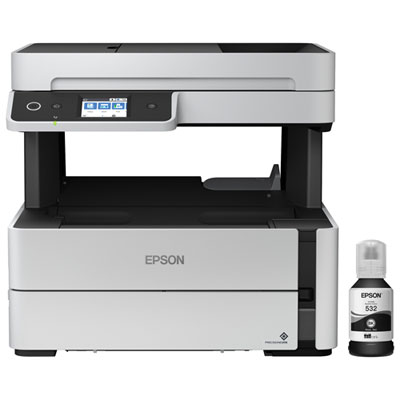
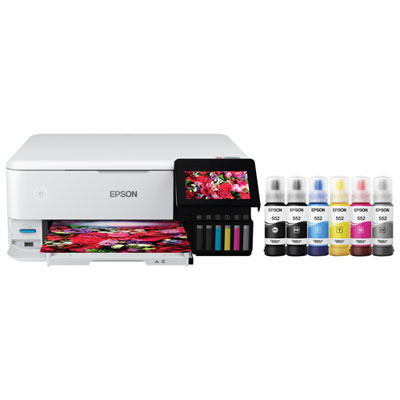
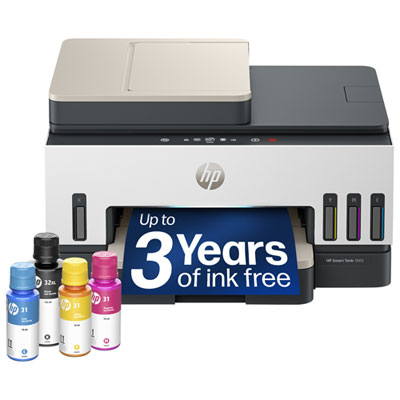
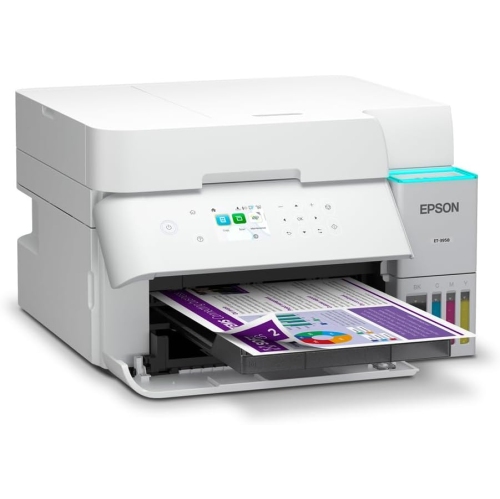
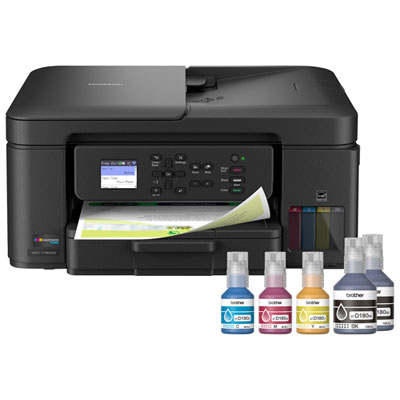
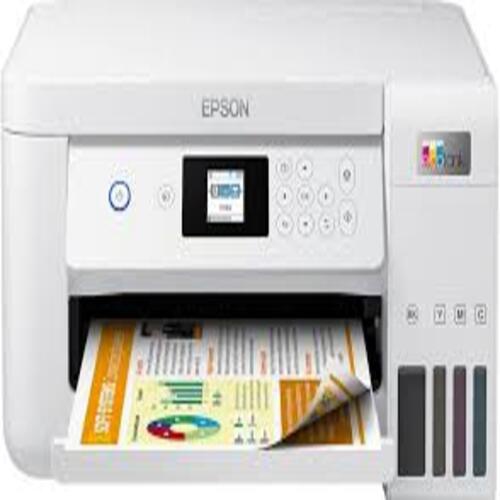
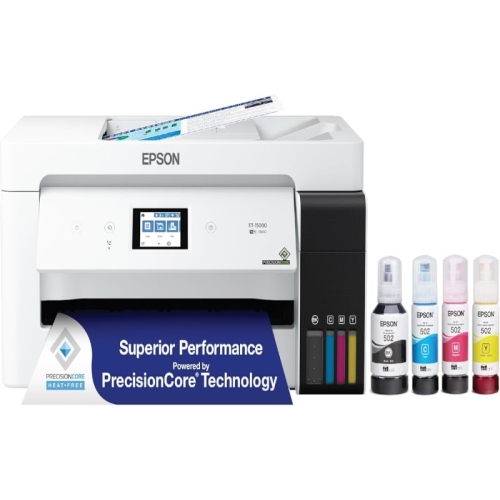
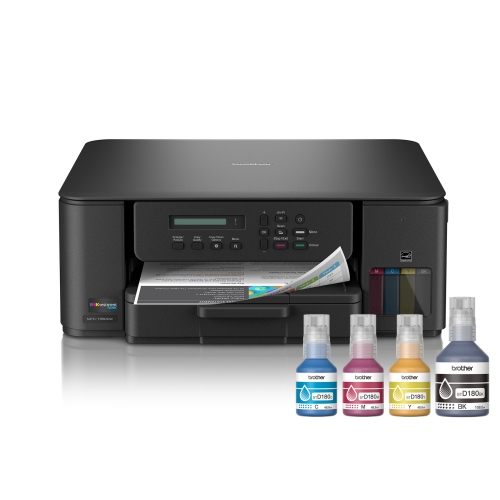
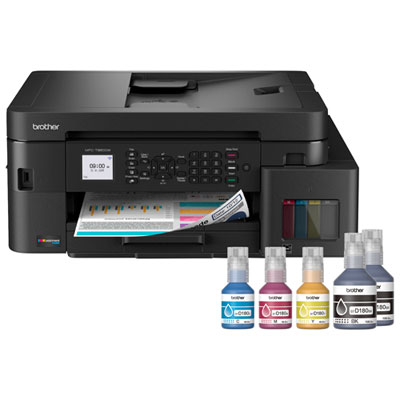
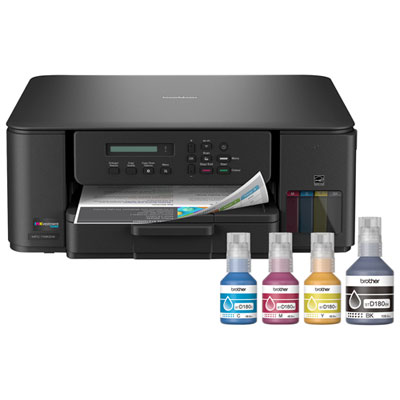
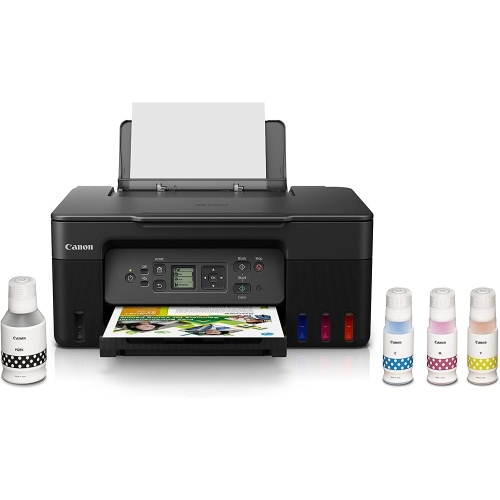
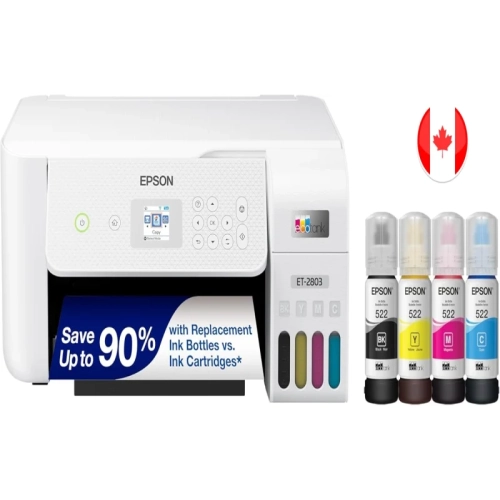
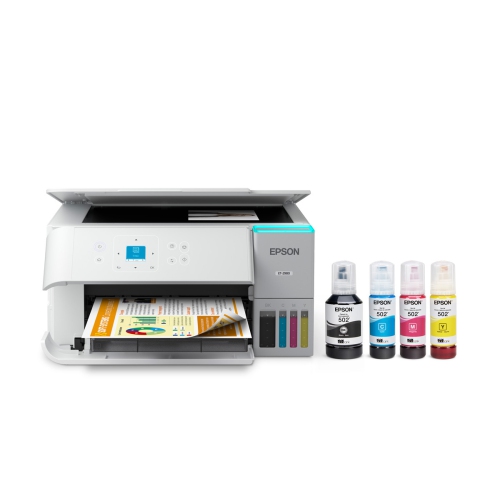
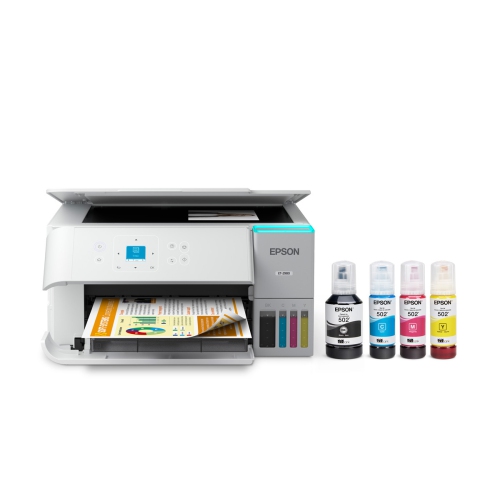
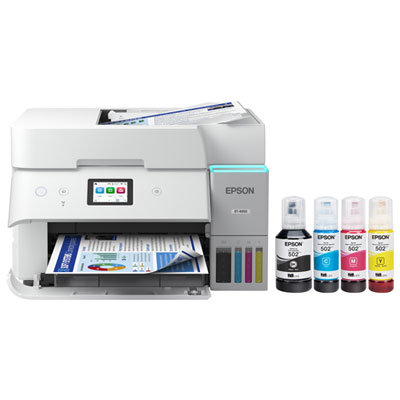
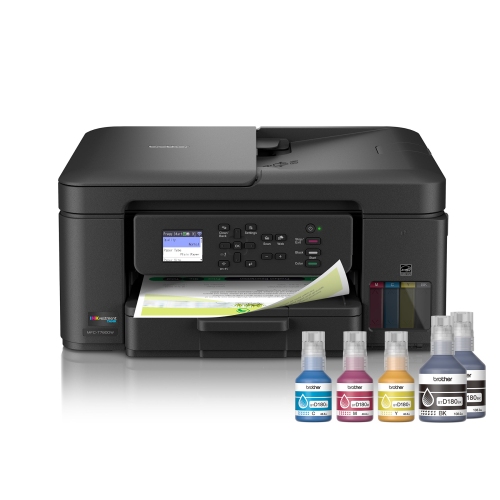
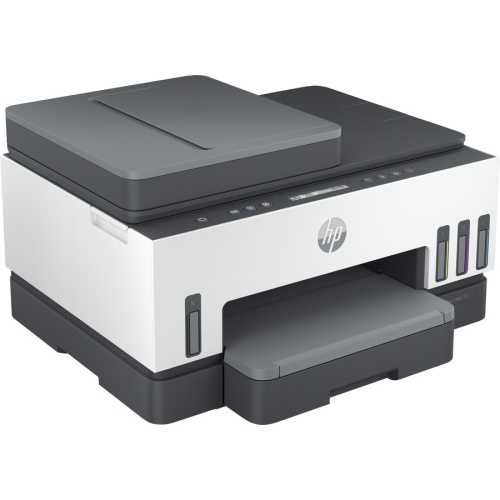
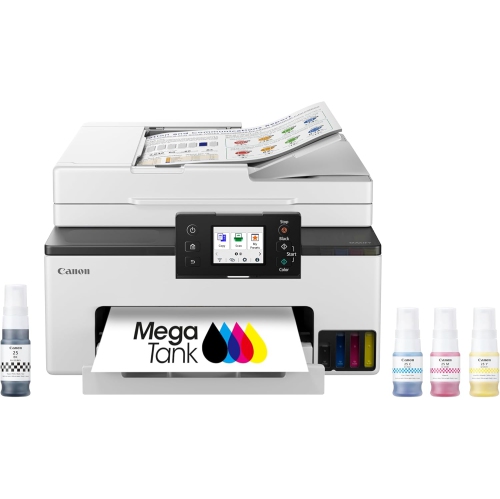
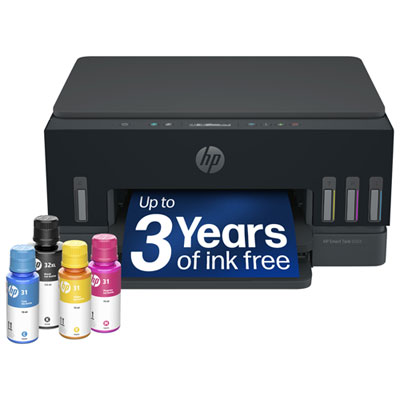
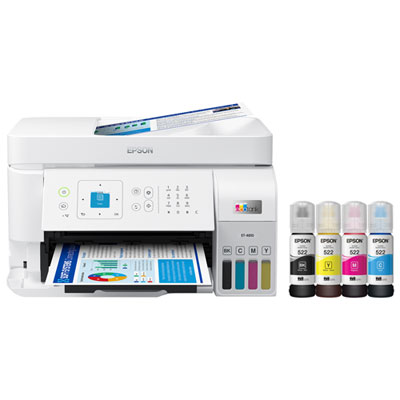
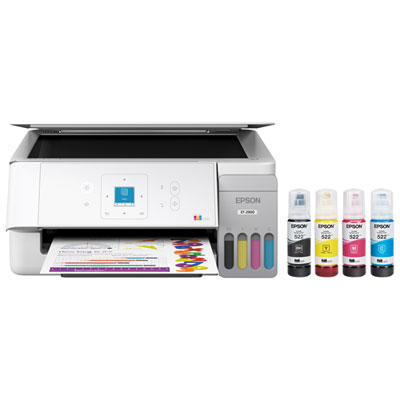
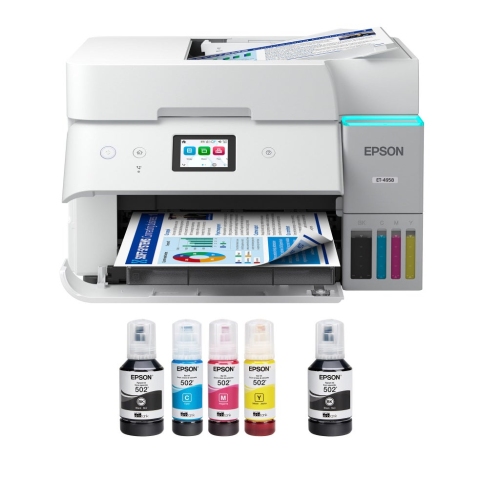
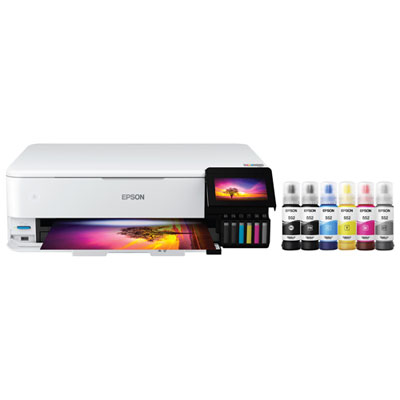
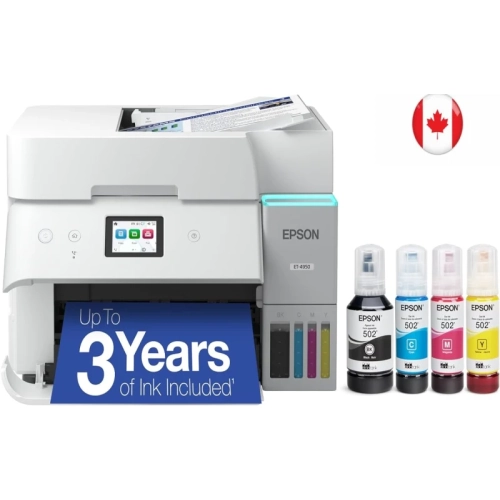

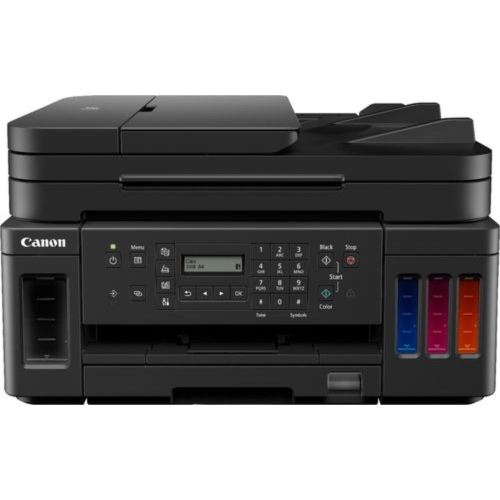
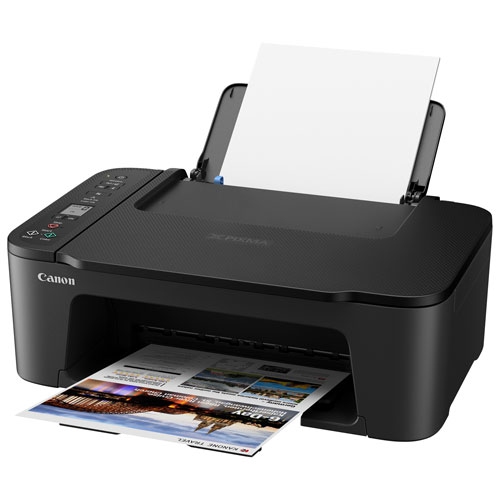
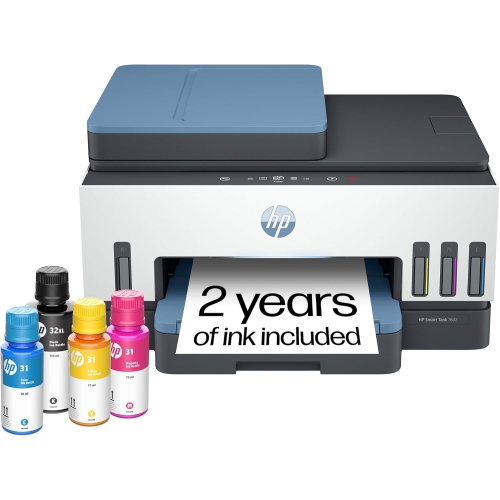
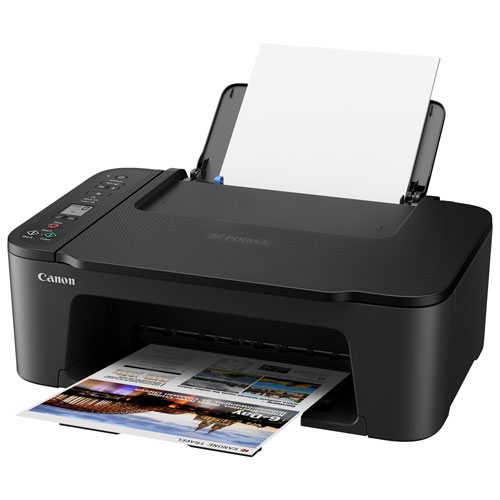
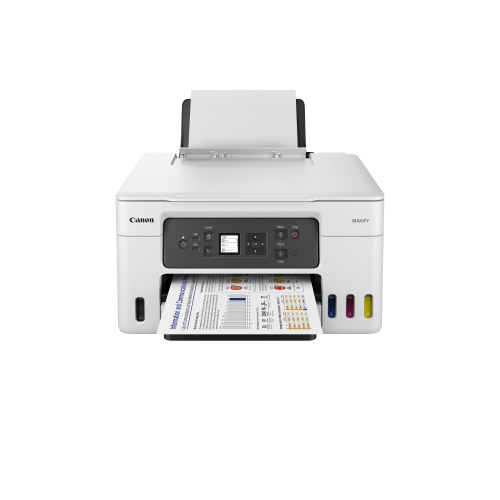
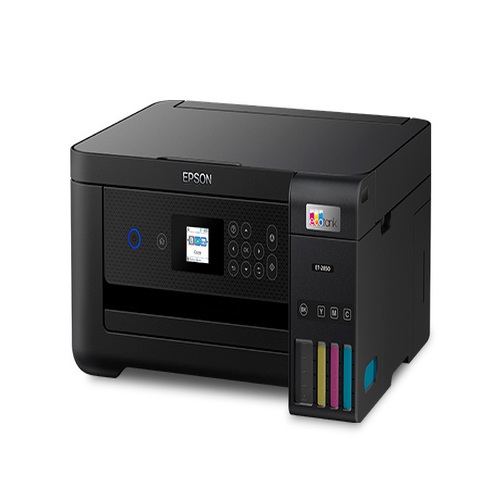
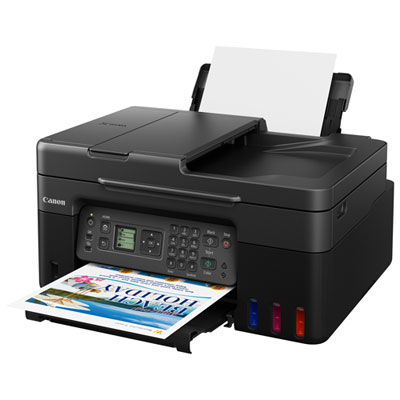
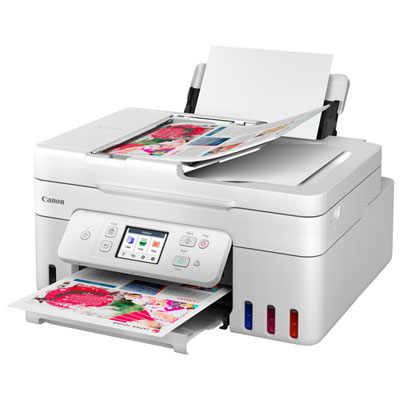
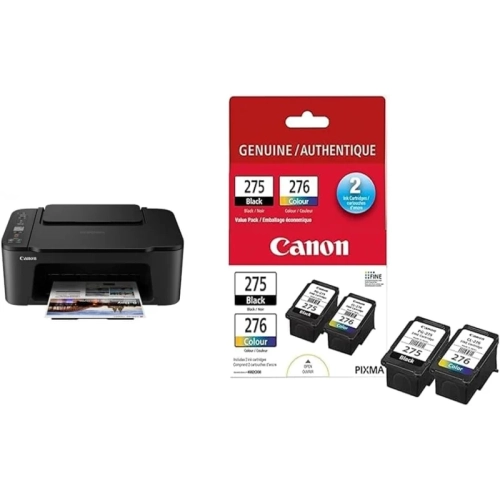
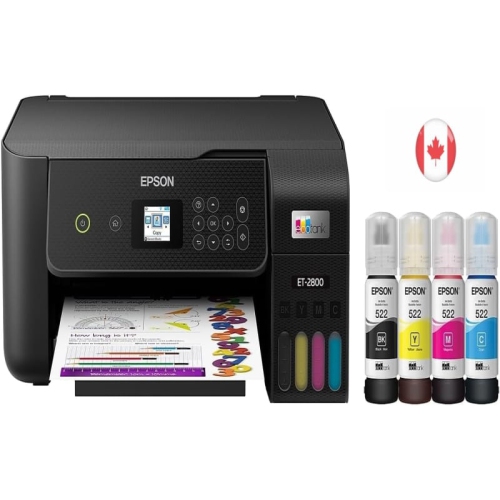
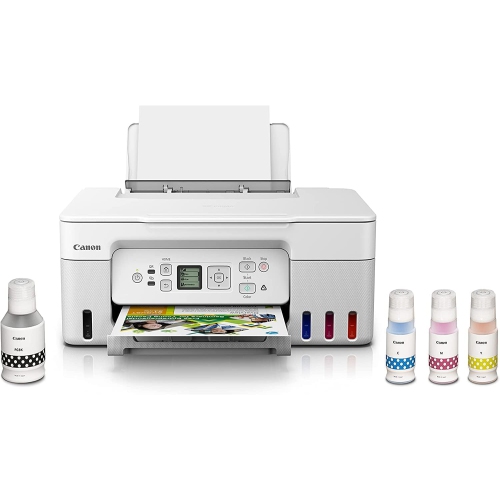
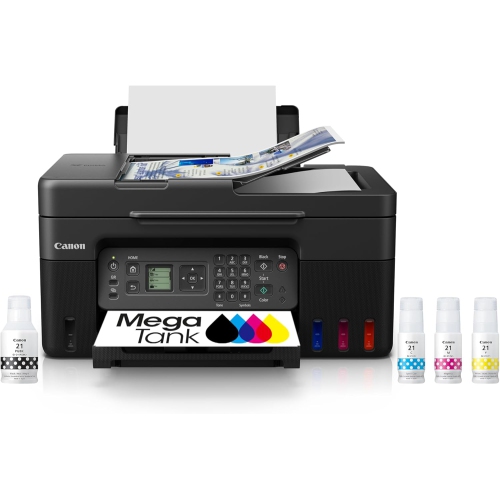


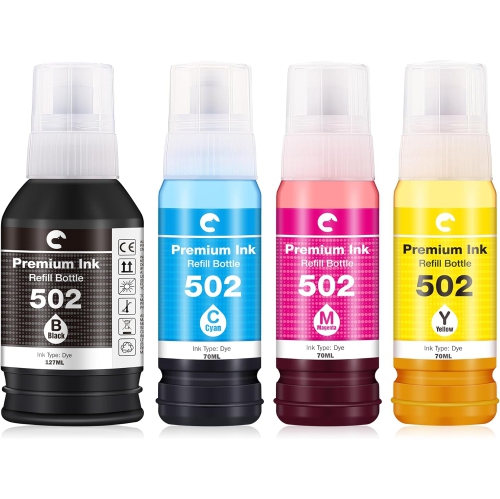


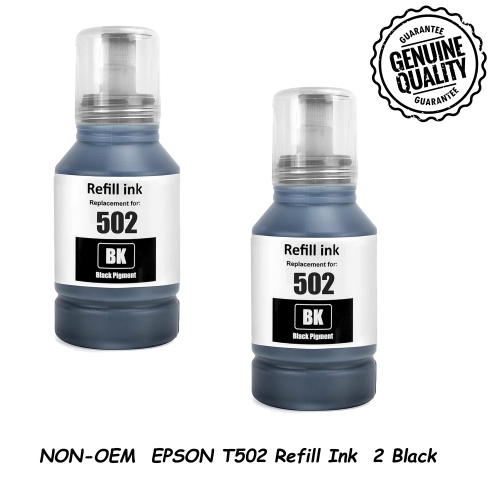


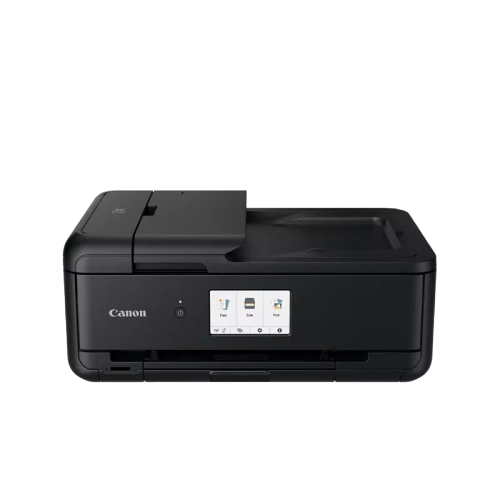
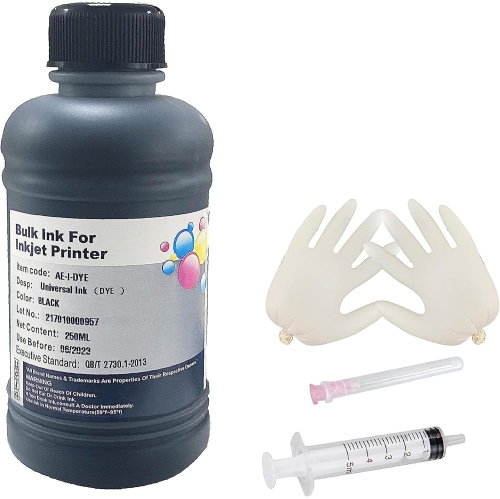
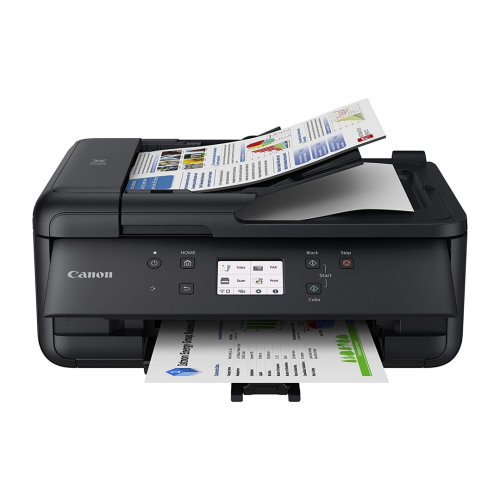


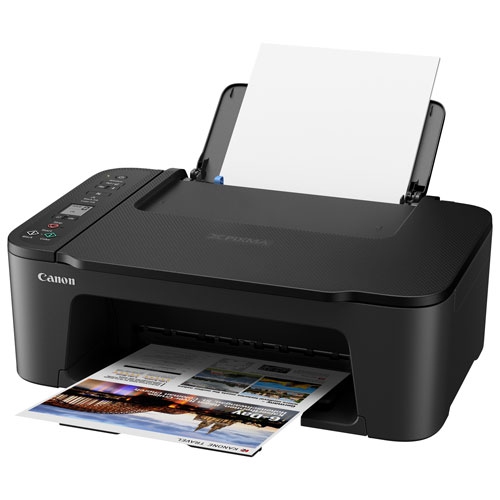
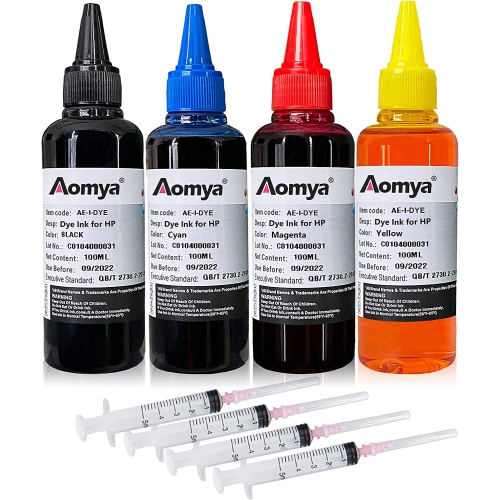
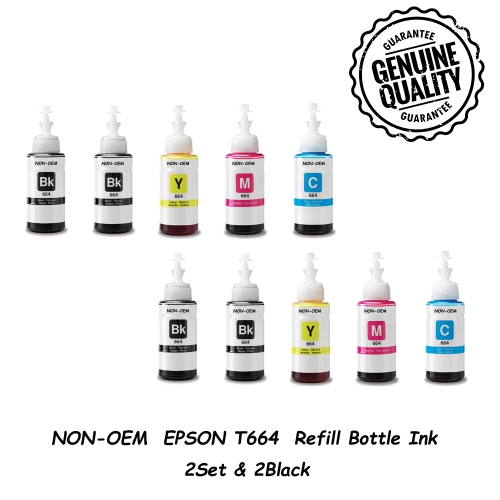
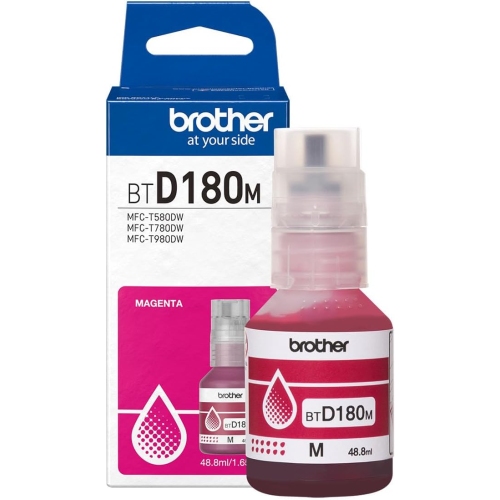
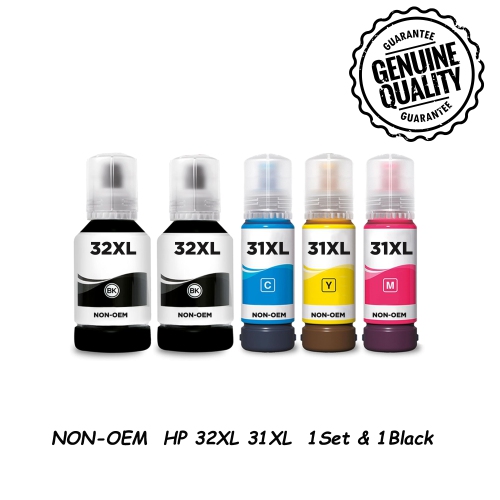
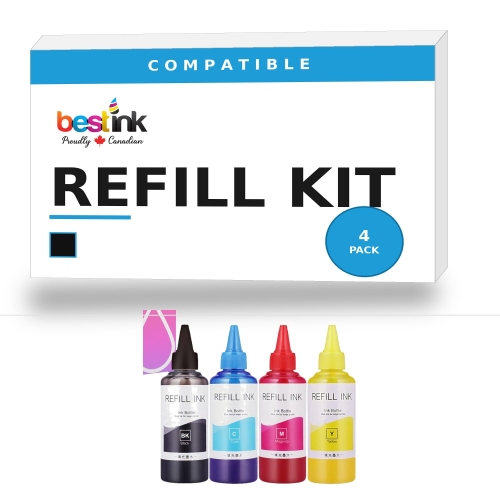
More ink on hand for everyday printing
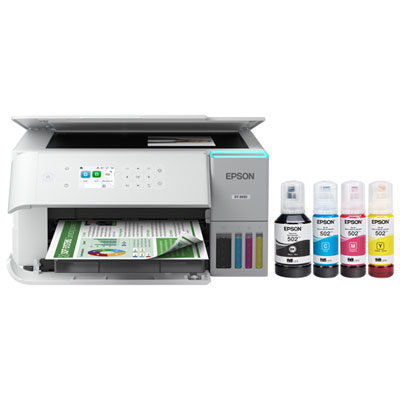
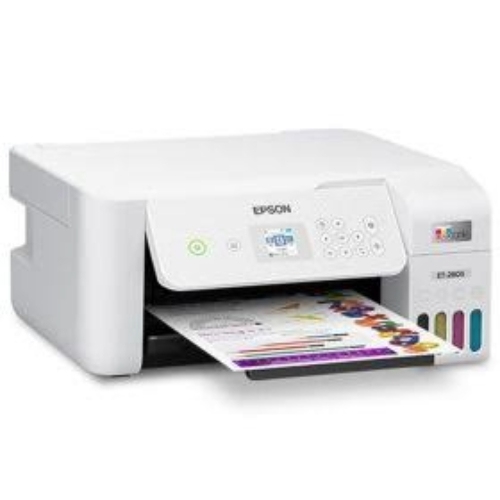
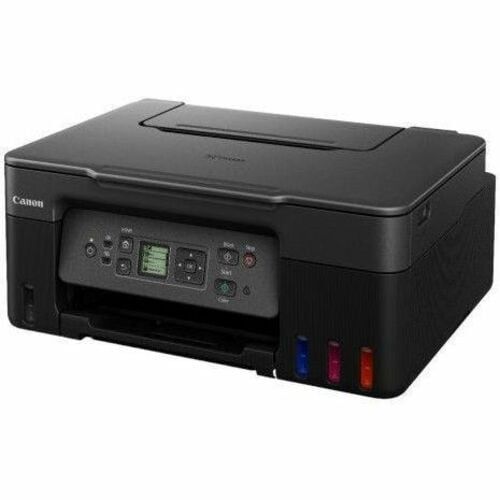
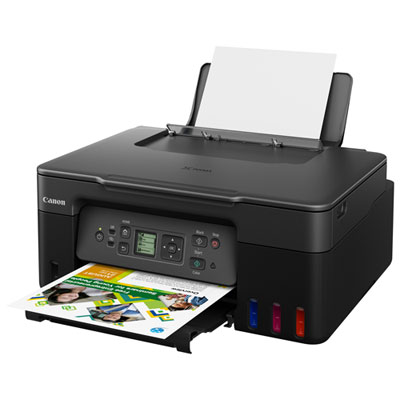
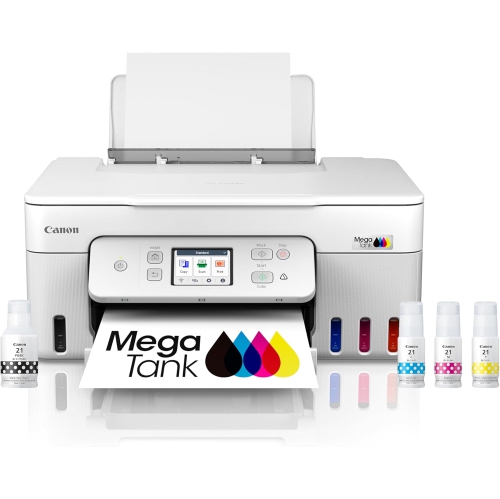
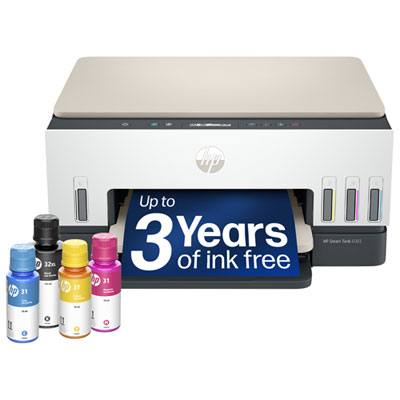
Refillable ink printers are inkjet printers with built-in ink tanks that can be topped up from compatible bottles instead of replacing a cartridge each time the ink runs low. Also called ink tank or supertank printers, they hold a larger supply of ink in reservoirs connected to the printhead. This design suits households, students, and home offices that print regularly, whether that means worksheets, shipping labels, meeting notes, or pages of colour illustrations. The distinction is the ink delivery system: a refillable printer still creates text and images by placing tiny droplets of ink onto paper. Print quality depends on the ink formulation, printhead, paper, and selected settings, not simply on the size of the tanks. A neatly formatted assignment needs crisp lettering and readable charts, while a family photo benefits from smooth colour transitions and paper designed for inkjet photography. Some refillable printers use pigment black ink for documents alongside dye-based colour inks; others use different ink combinations suited to particular tasks. The designated ink type matters because inks are not interchangeable just because their colours match. For regular document printing, clear text, reliable feeding, and automatic two-sided printing may matter more than a large range of photo settings. For creative projects, supported paper finishes, borderless printing, and colour reproduction deserve closer attention. Refillable ink printers can serve a shared household where one person prints recipes, another prepares school projects, and someone else needs forms for work. They can also suit a small business producing appointment sheets, presentation handouts, or customer correspondence. Their usefulness comes from matching the machine to a steady pattern of use. Large tanks reduce how often refilling is needed, but they do not eliminate paper loading, cleaning, or other routine care. Published ink yields provide a reference point rather than a promise for every household: a page of dense graphics uses ink differently from a short letter, and photo printing can draw heavily on several colours at once.
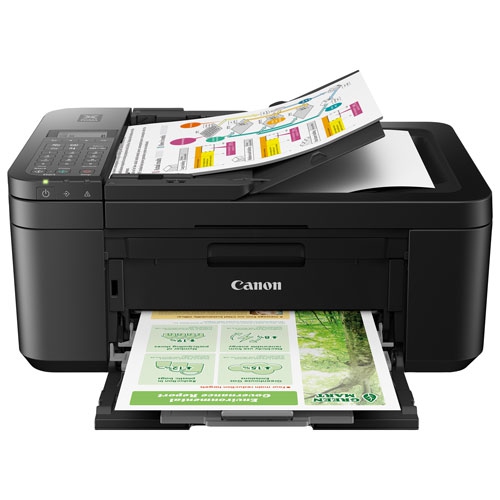
The best physical fit involves more than finding enough desk space for the printer’s base. Paper trays, rear feeders, scanner lids, and access panels may need additional clearance, especially when the printer sits beneath a shelf or inside a workstation. A compact footprint can be useful in a study corner, but the usable space should also accommodate paper loading and access to the refill ports. Most housings are made primarily from rigid plastic, with moving parts around the trays, lid, and output support. These parts benefit from careful handling rather than being forced past their intended positions. For a shared workspace, tray capacity and output handling can have a noticeable effect on everyday convenience. A larger input tray means fewer interruptions during a long batch of documents, while a separate rear feed can make occasional envelopes or specialty paper easier to manage. Supported sizes and paper weights vary, so cardstock, labels, and glossy photo paper should match the printer’s specifications. Automatic duplex printing handles both sides of compatible paper without manually turning each sheet, which is helpful for study packets and multipage reports. Scanning and copying features extend the role of an all-in-one refillable printer beyond printed output. A flatbed scanner accommodates a page from a book or a small document placed on the glass; an automatic document feeder is more convenient for a stack of loose pages. Two-sided scanning is a separate capability from two-sided printing, and not every document feeder supports it. These distinctions matter in practical situations, such as copying a signed form, digitizing several pages of notes, or keeping a readable record of household paperwork. Print speed also needs context. A printer’s quoted document speed does not necessarily reflect the time required for a detailed photo, a high-quality colour page, or the first sheet after a period of inactivity. For someone printing a few pages between meetings, straightforward operation may be more valuable than the highest speed figure.
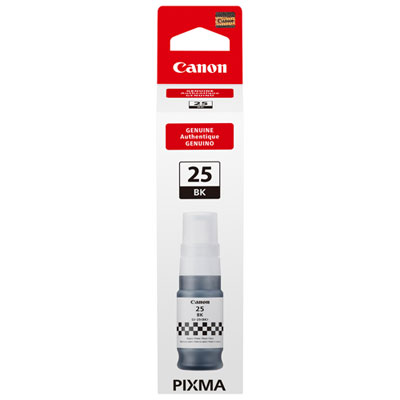
Connectivity determines how easily a refillable ink printer fits into the devices already used at home or work. Wi-Fi printing can let several compatible computers and mobile devices share one printer without moving a cable between them, while a USB connection provides a direct connection to a computer. Ethernet, where supported, can suit a fixed office setup. Mobile printing, wireless direct connections, and cloud-based functions are distinct features, so compatibility with the intended device and operating system is worth confirming. A clear control panel and accessible ink-level windows can make routine tasks simpler, particularly in a household where several people use the same machine. Comparing paper handling, connection options, and scanning capabilities across Best Refillable Printers helps keep attention on the features that support those daily tasks. Ongoing care is equally important to dependable printing. Refill bottles should match the printer’s designated ink series, and each colour belongs in its labelled tank. Some systems have keyed bottle openings or automatic flow controls that help with filling, but the manufacturer’s instructions still govern how to position the bottle and when to stop. A stable surface and easy access to the tank area make the process more manageable. Keeping bottles capped and stored upright helps protect the ink between refills. Regular use can help maintain consistent output, while built-in nozzle checks and cleaning functions address missing lines or uneven colour when needed. Cleaning cycles consume ink, so repeated cycles are not a substitute for following the recommended troubleshooting steps. The scanner glass, paper path, and exterior also benefit from appropriate cleaning with the printer switched off as directed. Paper stored flat and kept dry feeds more reliably than curled or damaged sheets. With suitable paper, correct ink, and routine attention, a refillable printer can become a dependable part of everyday document work, from a single signed page to a carefully assembled presentation.
Top selling and popular products
-
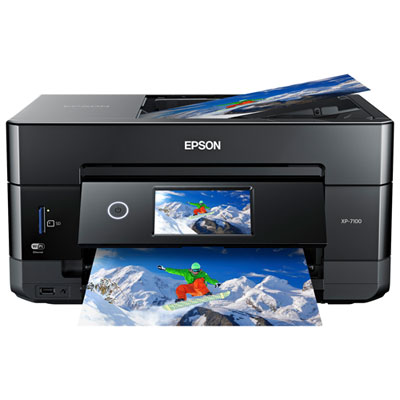 Your price for this item is $249.99
-
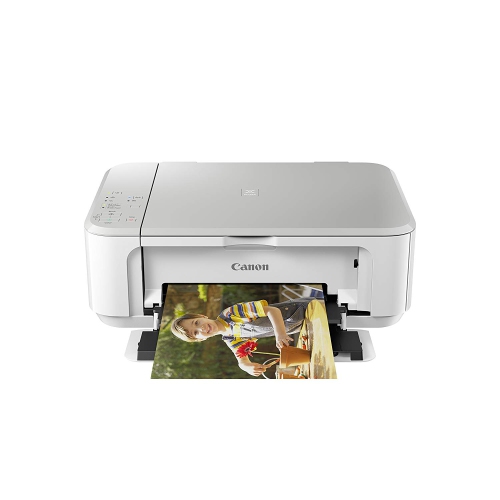 Your price for this item is $69.95
-
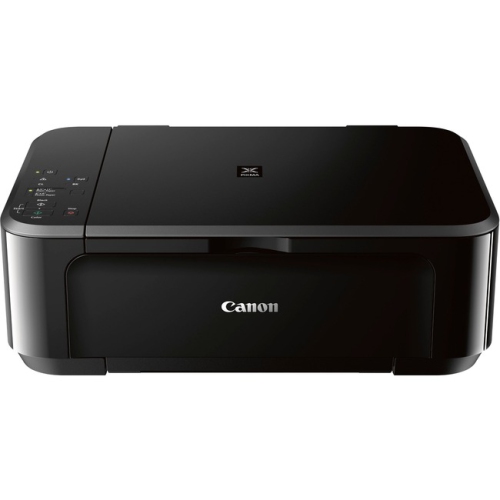 Your price for this item is $67.5
-
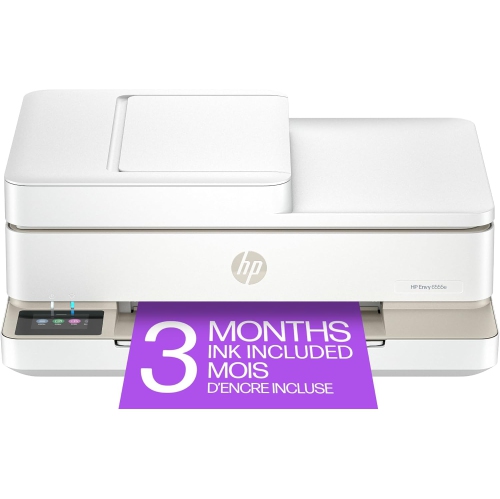 Your price for this item is $214.79
-
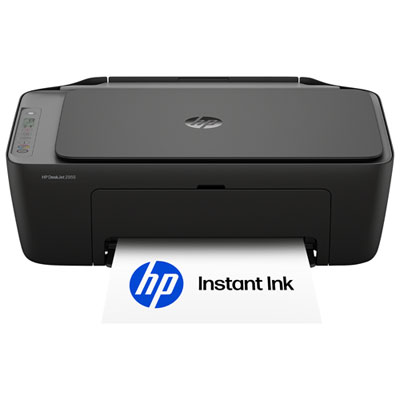 Your price for this item is $99.99
-
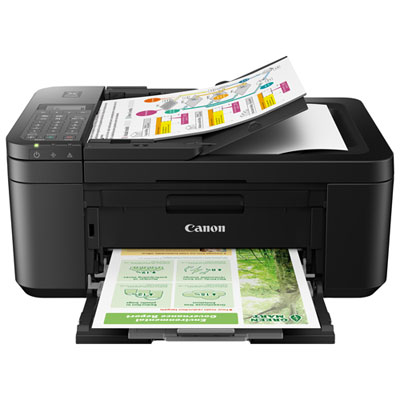 Your price for this item is $149.99
-
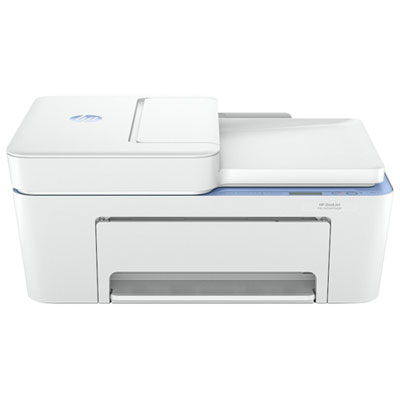 Your price for this item is $49.99
-
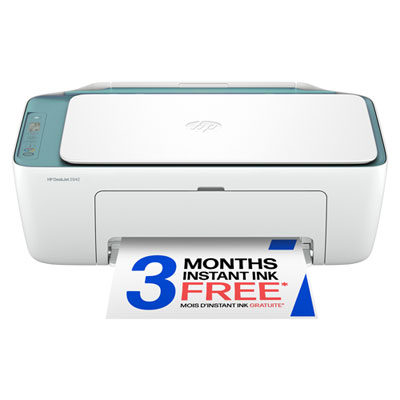 Your price for this item is $49.99
Discover more categories related to Refillable Ink Printers
Top Collections:
Best Black Friday Deals This Year, Best Black Friday Deals On Electronics, Kindle Devices, Pokemon Centers, Best Black Friday Deals On Apple Products, Best Cameras for Sports Photography, Dyson Airwrap, Pokémon 30th Celebration Cards, Apple iPhone 17 Pro, Canon G7X Cameras
Some products may be subject to Environmental Handling Fees
(EHF) depending on your province.
Learn more about EHFs.