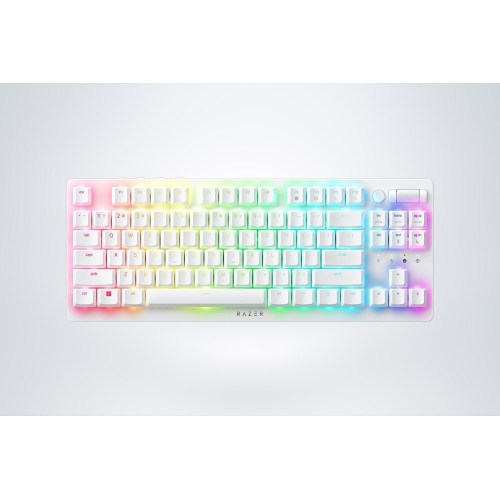
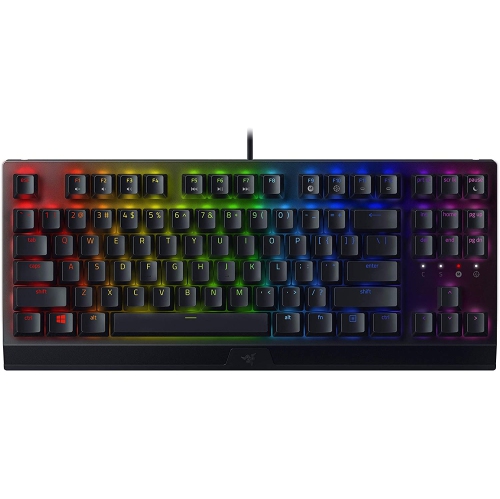
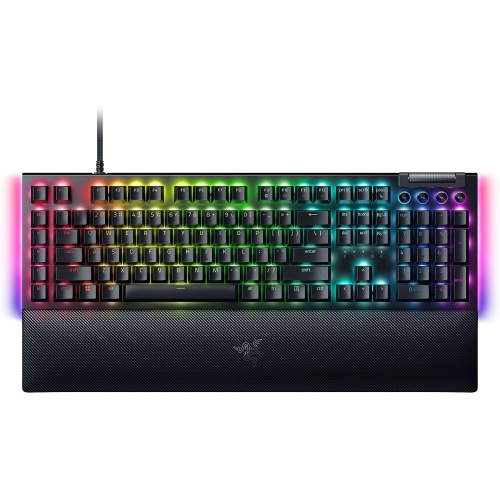
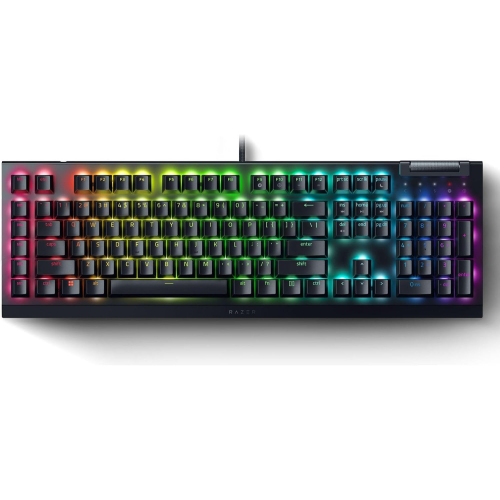
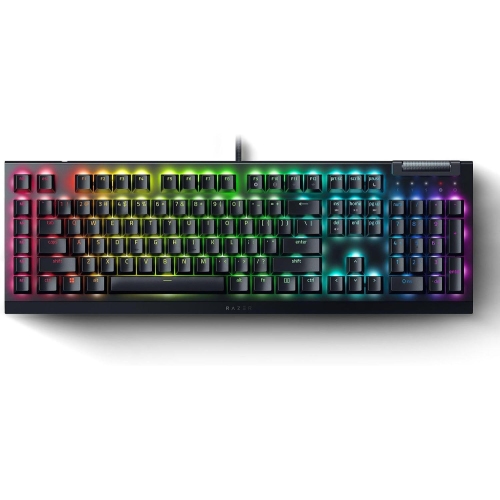
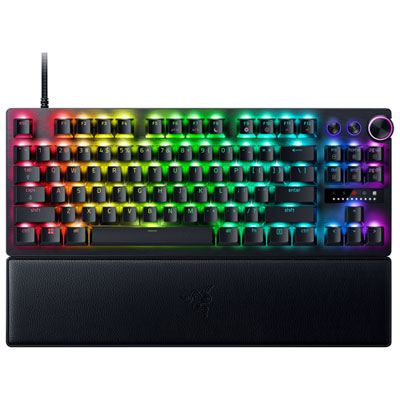
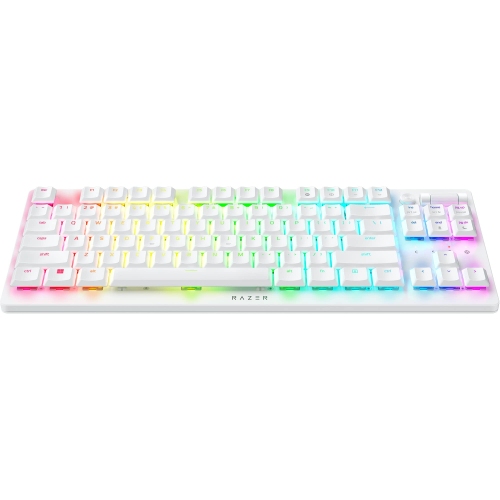
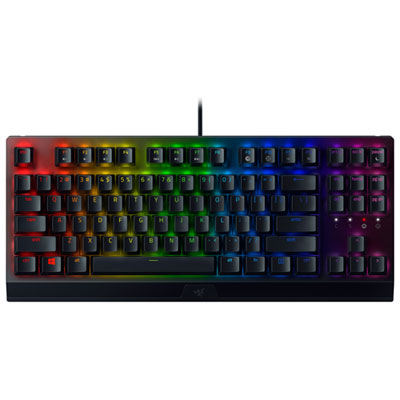
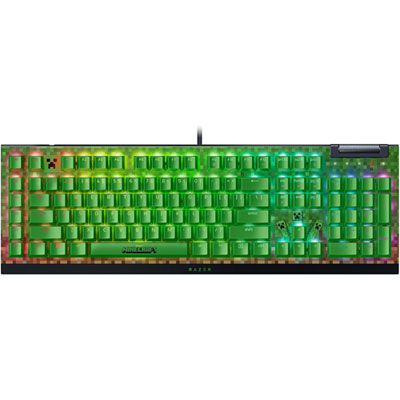
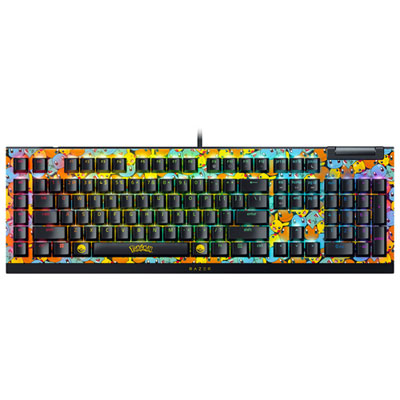
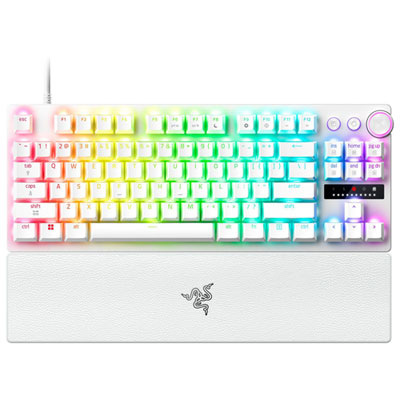
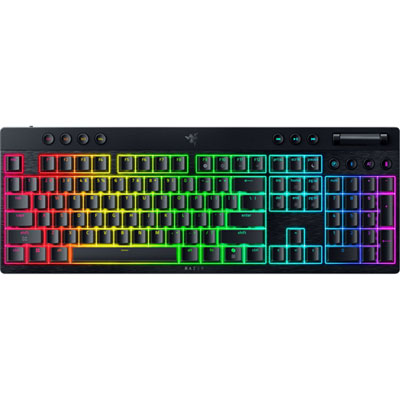
Razer Chroma Keyboards

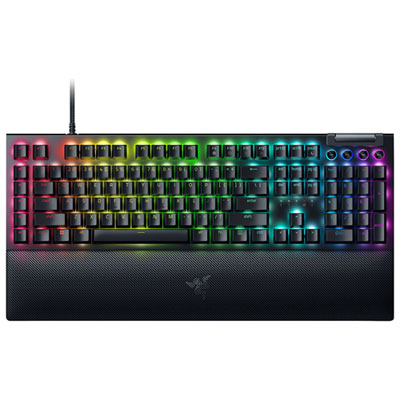
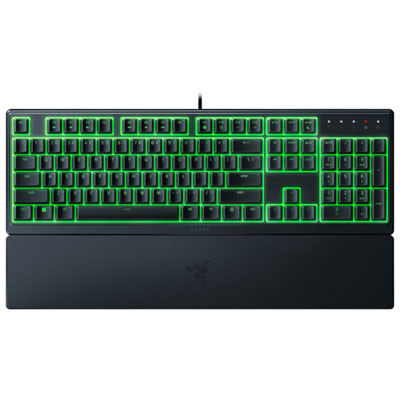
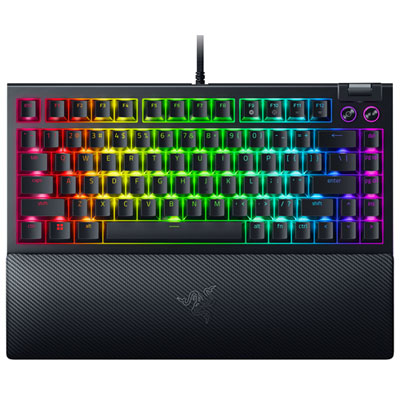
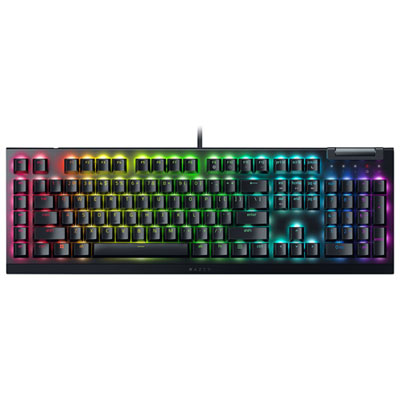
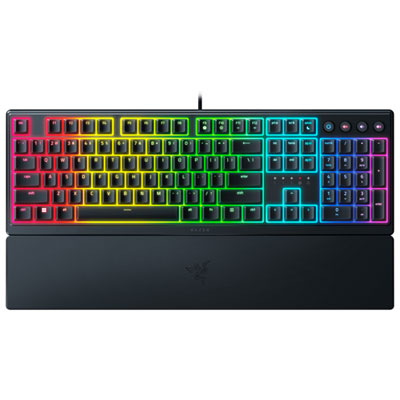
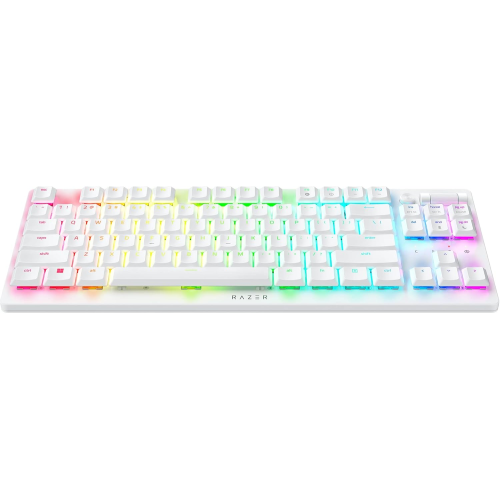
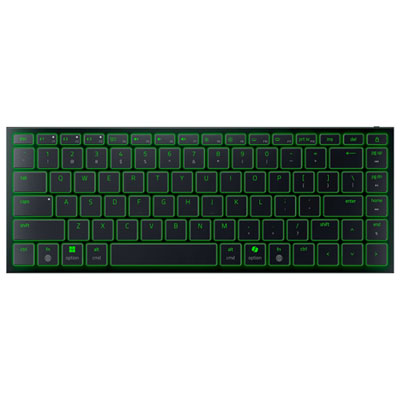
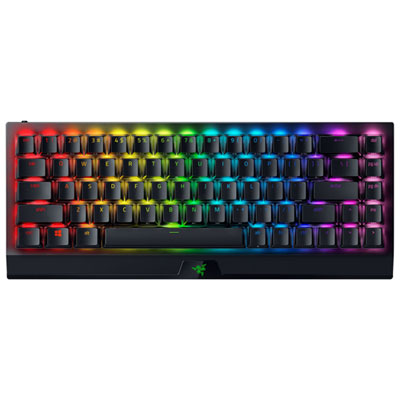
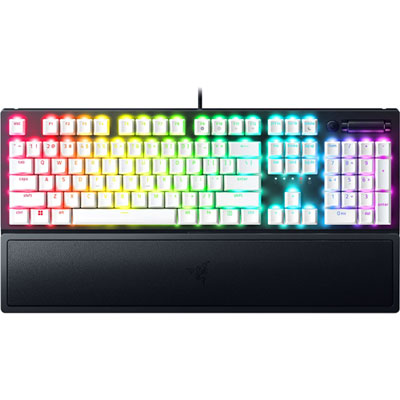
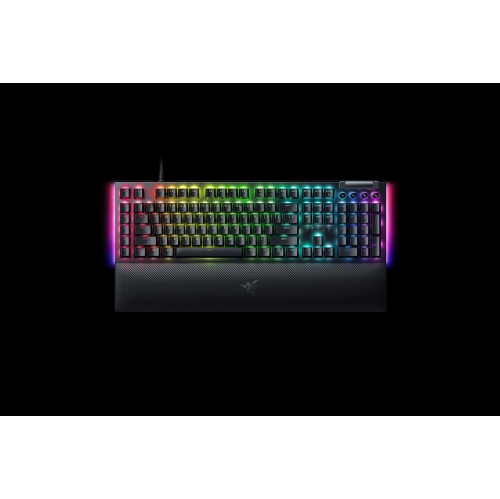
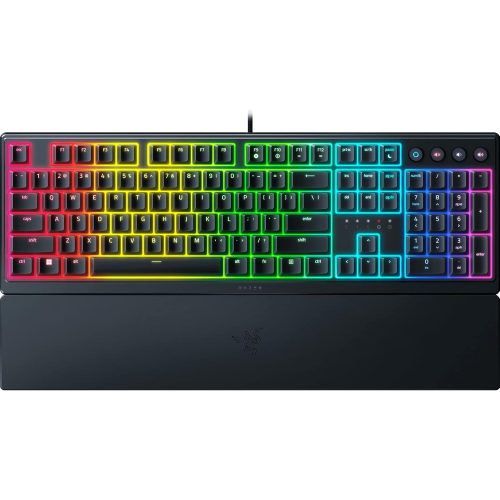
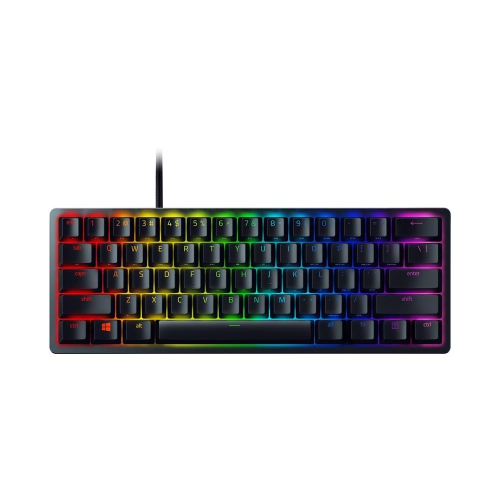
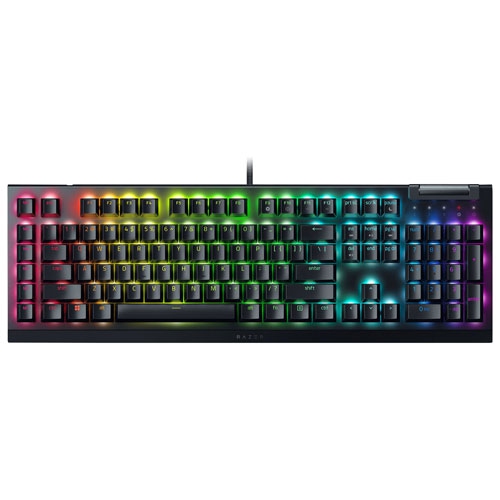
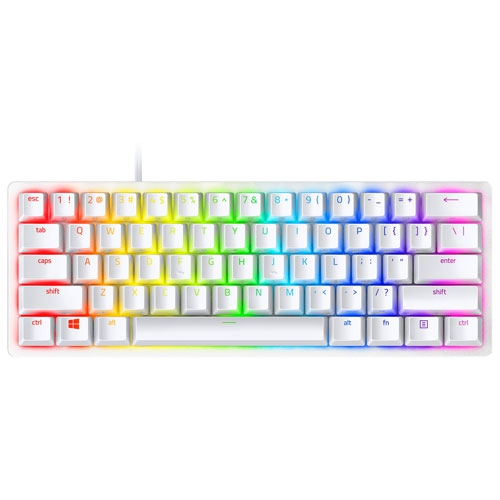
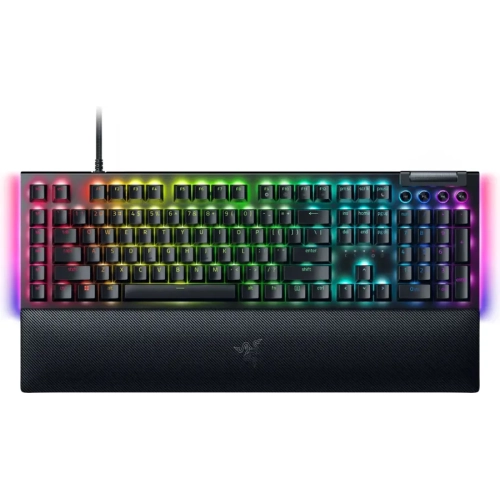
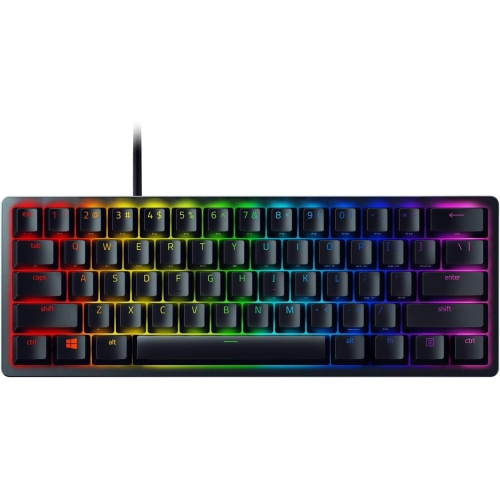
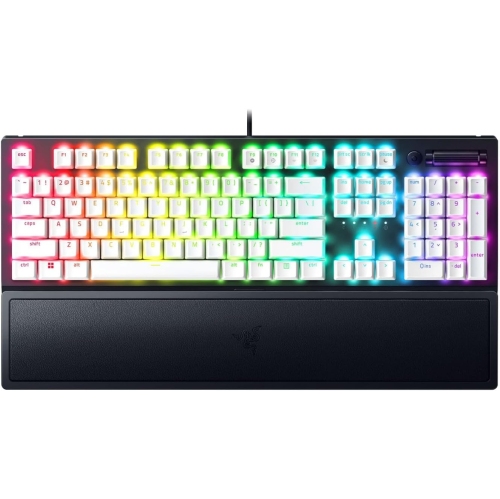
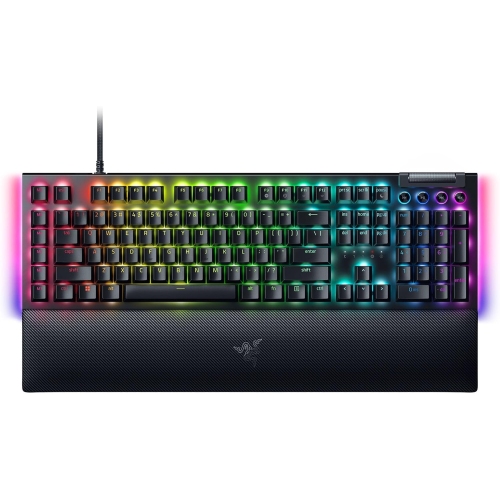
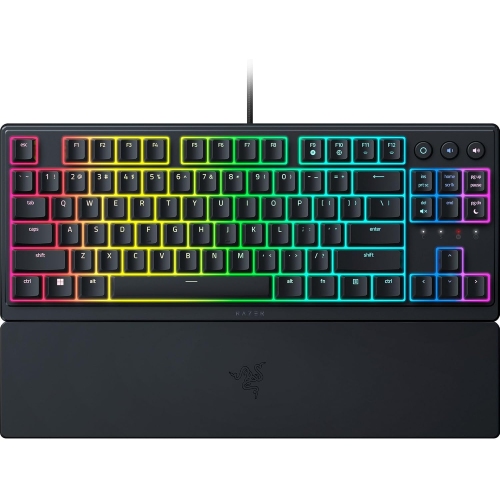
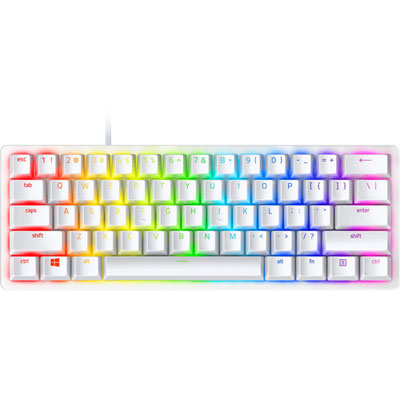
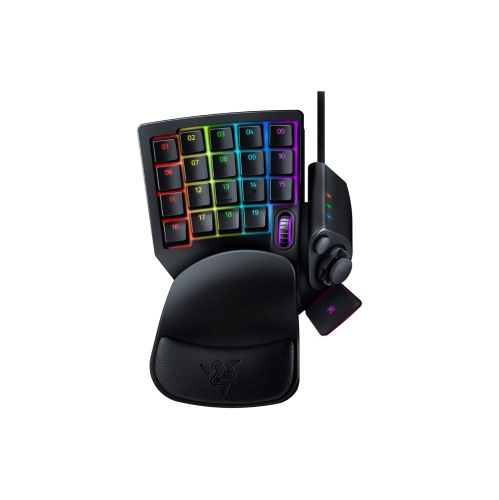
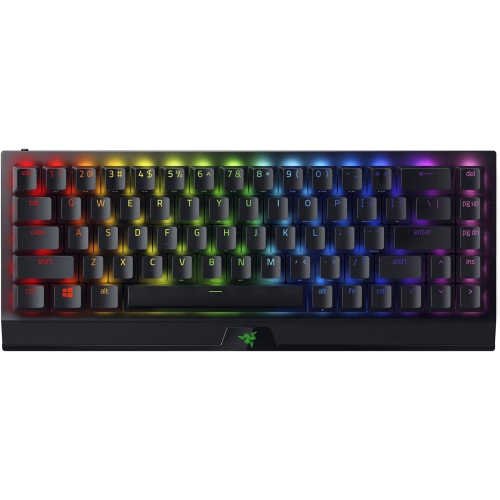
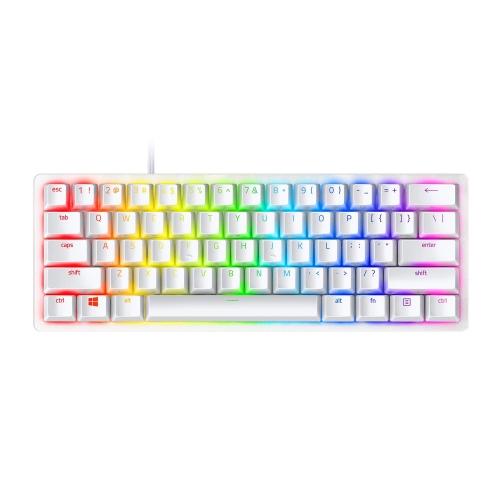
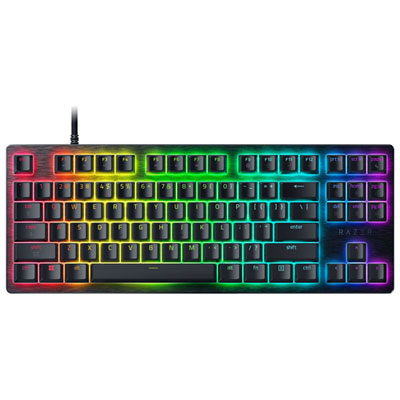
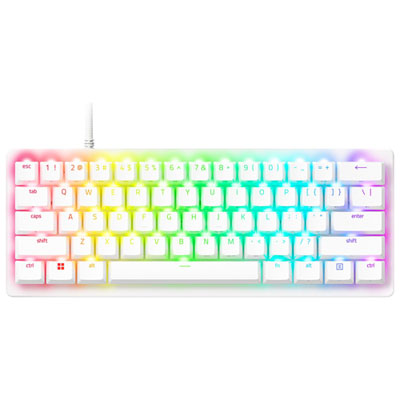
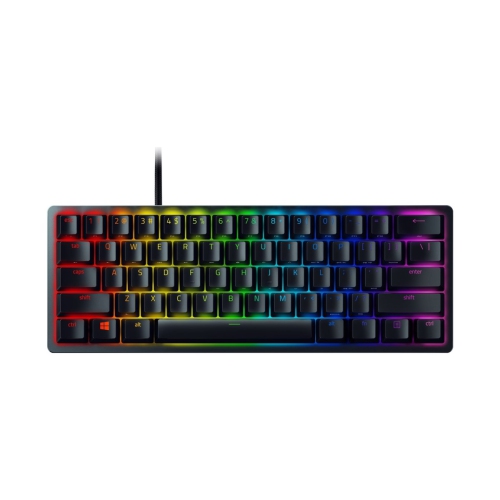
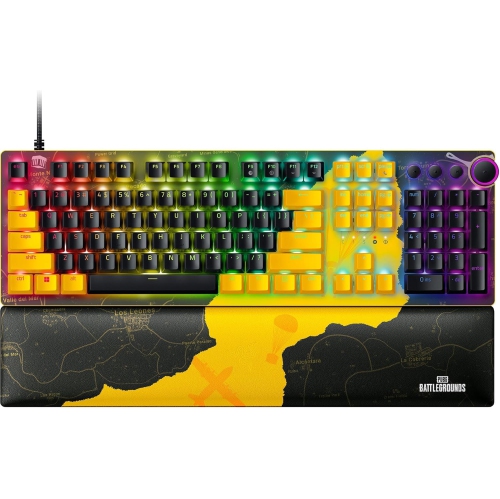
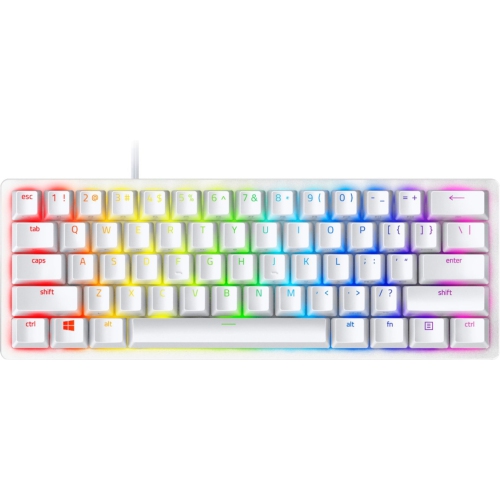
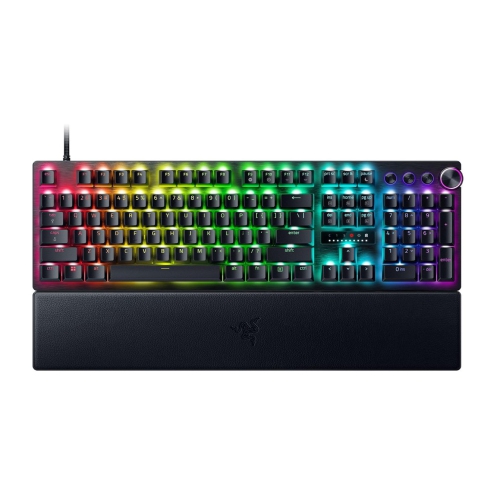
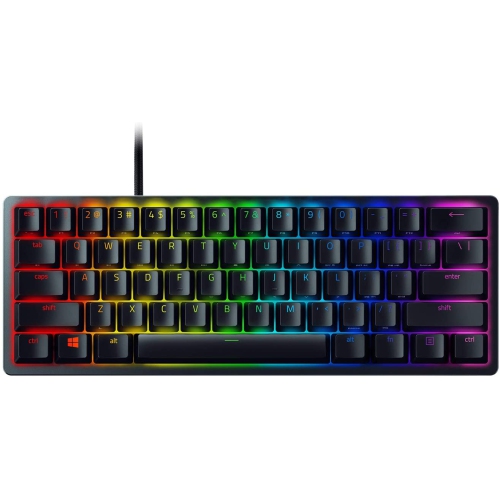
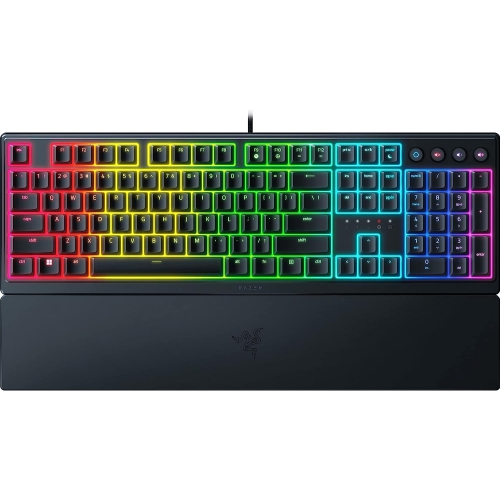
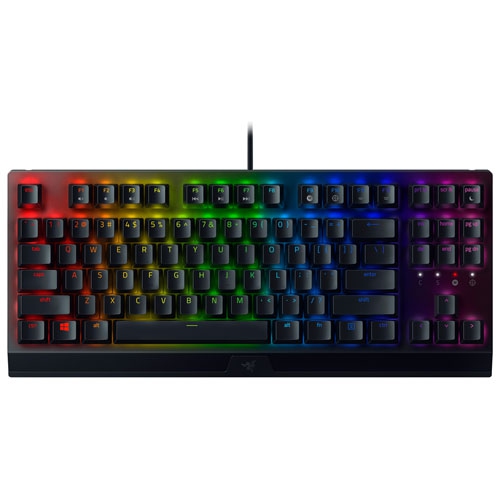
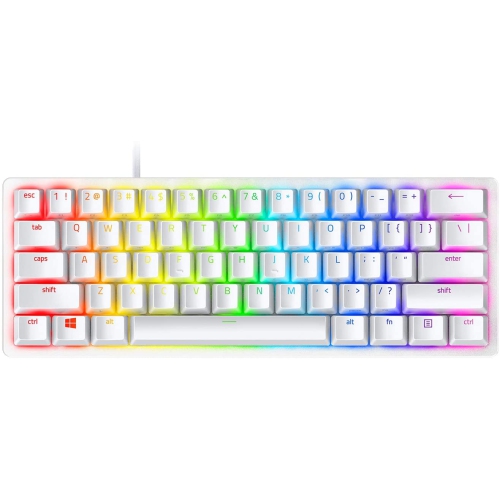
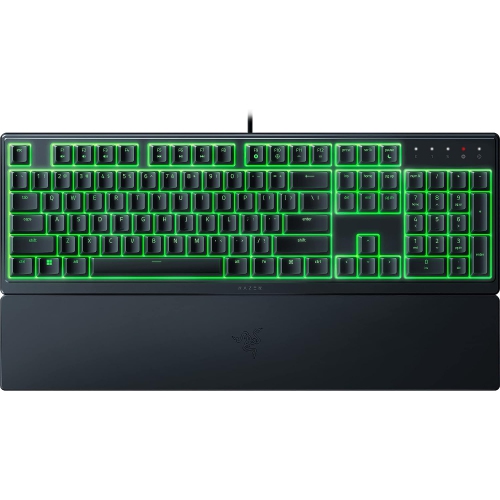
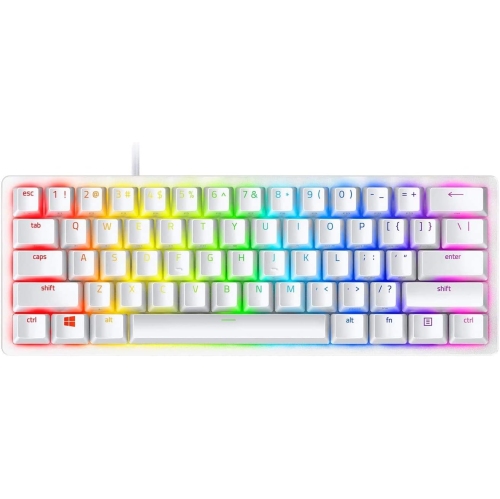
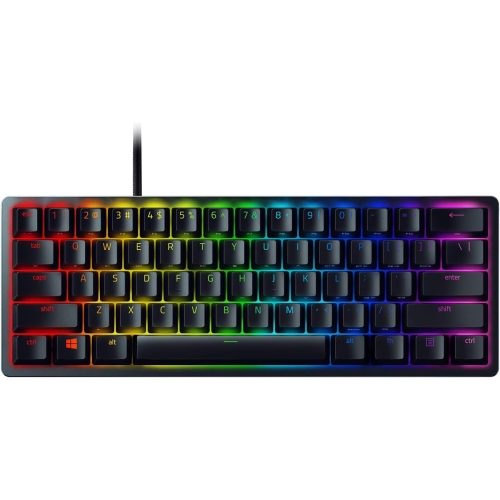
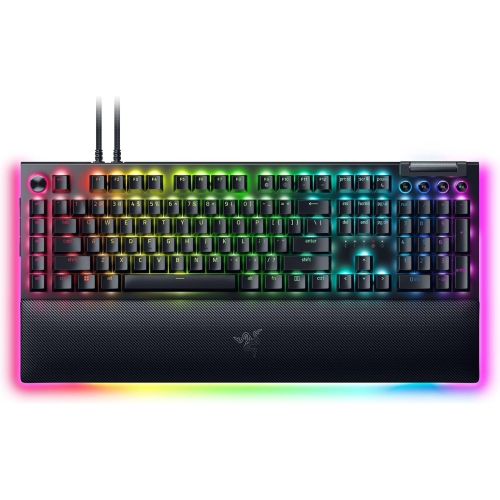
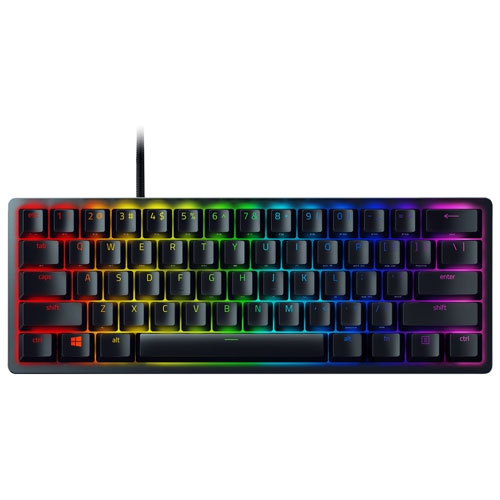
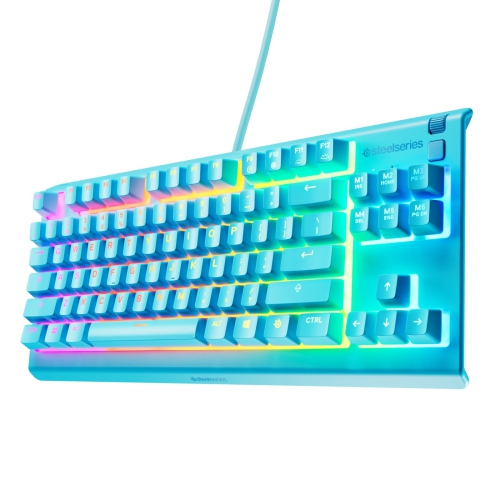
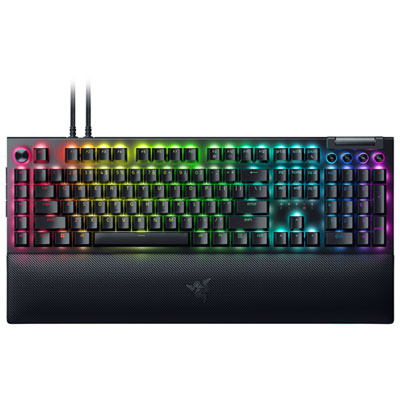
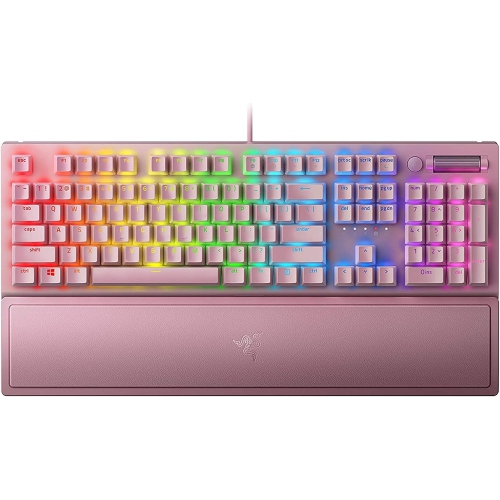
Shop Razer Chroma keyboards for a gaming setup with customizable RGB lighting. Compare keyboard layouts, switch types, and connectivity options to find a fit for your desk space, preferred key feel, and everyday gaming needs.
Read More

Sort

There’s more to illuminated keys than a light show

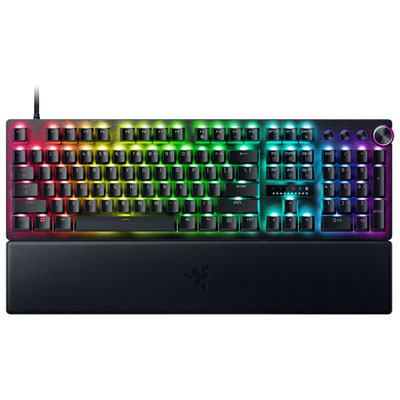
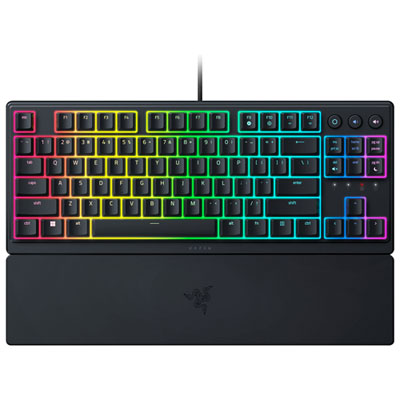
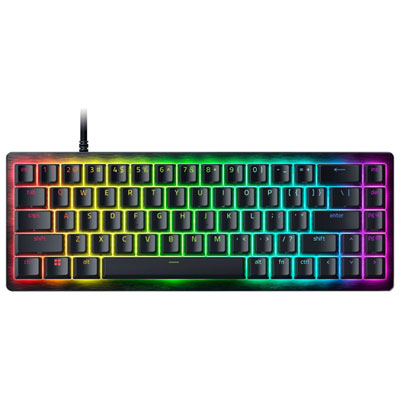
RGB gaming keyboards bring together responsive controls, customizable lighting, and a distinctive look for a desk used for play, work, or both. The appeal goes beyond a moving rainbow: illuminated keys can make legends easier to pick out in a dim room, while different colours can help separate movement keys, shortcuts, and other frequently used controls. Depending on the keyboard and its supported software, lighting may range from preset effects to individually addressable keys, layered animations, and profiles saved for different activities. A restrained single-colour layout can suit a shared workspace, while a brighter arrangement can give a gaming setup a more expressive character. Supported integrations may also coordinate lighting with compatible accessories or react to events in selected games and applications, although those functions depend on the hardware, software, and individual integration. Physical layout matters just as much as lighting. A full-size keyboard provides a number pad for spreadsheets, calculations, and games with extensive key assignments. A tenkeyless design removes that section to leave more room for mouse movement, and compact layouts reduce the footprint further, sometimes placing navigation controls or function keys on a secondary layer. For someone who regularly switches between a game, a chat window, and a school assignment, retaining dedicated arrow keys or media controls may be more useful than achieving the smallest possible setup. Desk depth, mouse space, and the position of a microphone or drawing tablet all influence how comfortably a keyboard fits into daily use. The result should feel practical with the lighting switched off, not simply impressive when it is on. Shoppers interested in the wider category can also explore Best RGB Keyboards for additional context on illuminated keyboard styles. Across these designs, the strongest fit comes from balancing the desired visual effects with a layout that supports familiar habits and leaves enough space to move comfortably.

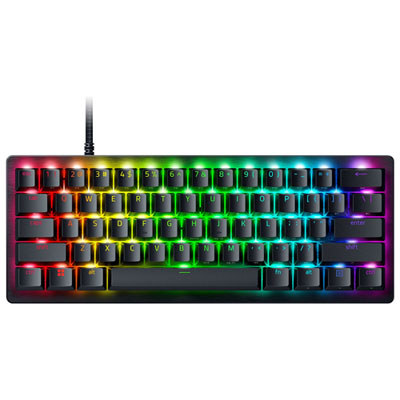
Switch feel gives a gaming keyboard much of its personality, especially during long stretches of typing or repeated movements in a game. Linear switches generally move smoothly through the keystroke without a pronounced tactile bump, while tactile switches provide a noticeable change in resistance that some typists find reassuring. Clicky switches add an audible click, which can be satisfying at a private desk but less suitable beside a sleeping partner, in a shared office, or near an open microphone. Other switch technologies and membrane designs have their own feel, sound, and operating characteristics, so a keyboard’s appearance alone says little about how it will behave under the fingers. On supported models, adjustable actuation allows users to change how far a key travels before an input registers; it is a specific feature rather than a standard capability of every illuminated keyboard. A lighter setting may suit quick inputs, while a deeper setting can help someone who tends to brush neighbouring keys accidentally. Keycap shape, spacing, and surface texture also affect control. Sculpted rows can help fingertips locate keys by feel, while textured surfaces may provide a more secure contact during extended sessions. Materials such as ABS and PBT differ in texture and wear characteristics, with the keycap design and finish also influencing how they feel over time. Double-shot legends are formed from separate pieces of plastic rather than simply printed on the surface, although their ability to transmit light depends on the construction. A rigid top plate, a stable base, and secure key stabilizers can contribute to a more consistent feel, particularly on larger keys such as the space bar. Comfort also depends on the keyboard’s height and position: wrists should not need to bend sharply upward to reach the keys. Adjustable feet and an appropriately sized wrist rest can help some setups, but neither replaces a comfortable desk and chair arrangement. A compact board can also bring the mouse closer to the body, reducing the reach required between typing and pointer control.

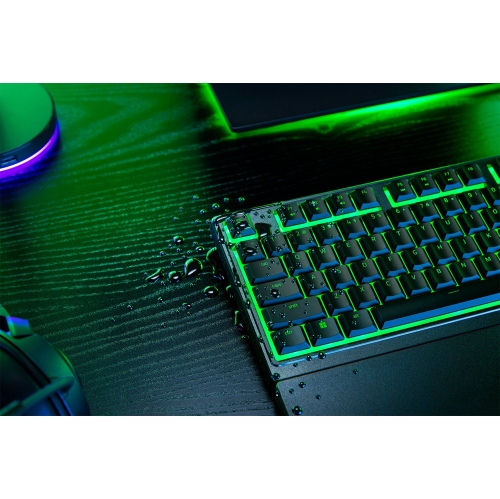
Connectivity and software support shape how easily an RGB keyboard fits into an existing setup. A wired connection avoids battery management and can suit a permanent gaming station, while a wireless design may make it easier to clear a desk or move between workspaces. Where wireless options are offered, the connection type matters: Bluetooth and a dedicated USB receiver can differ in responsiveness, device support, and available features. Lighting brightness and effects can also influence battery life, so published runtime figures need to be read alongside the conditions used to measure them. Compatibility deserves attention beyond whether the keyboard can enter text. Advanced lighting controls, macros, profile switching, and game integrations may require particular software or operating systems, and onboard memory may retain only selected settings. For a shared computer or a device with restricted software installation, accessible hardware controls can be especially useful. Everyday care helps preserve both the appearance and the feel of the keys. Disconnecting or powering off the keyboard before cleaning, removing loose debris gently, and wiping exterior surfaces with a soft cloth can keep dust and fingerprints from building up. Liquids should not be sprayed directly onto the keyboard, and keycaps should only be removed when the manufacturer’s instructions permit it. A drink placed away from the typing area is a simple precaution; illuminated keys do not imply spill protection. Cable routing also deserves a little space so connectors are not pulled sideways against a monitor stand or desk edge. For gifting, a keyboard can be a thoughtful choice for a PC gamer, a student who types frequently, or someone personalizing a home workstation. The most useful details are often personal rather than visual: preferred switch sound, familiar layout, available desk space, and the devices it needs to connect to. Someone who enjoys a quiet typing setup may value smooth, subdued keystrokes more than elaborate effects, while a player who uses many shortcuts may appreciate dedicated controls. Matching those habits gives the lighting a practical foundation and makes the keyboard a more natural part of the recipient’s daily routine.
Read More

FAQ

Some products may be subject to Environmental Handling Fees (EHF) depending on your province. Learn more about EHFs.