New Razer Keyboards
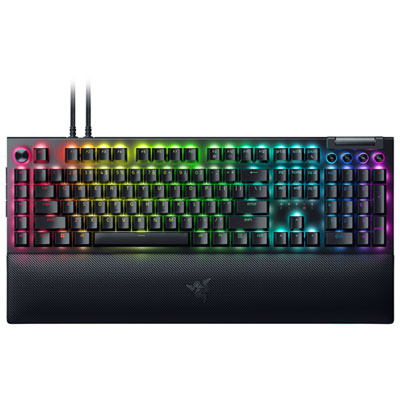
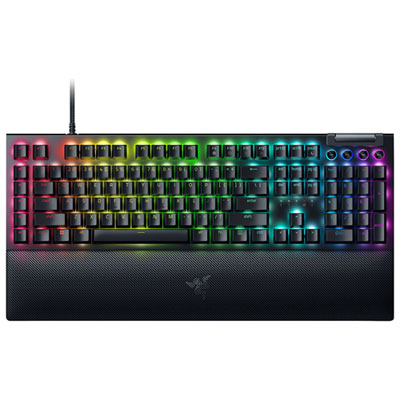
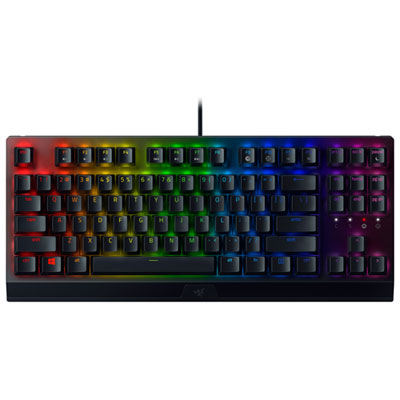
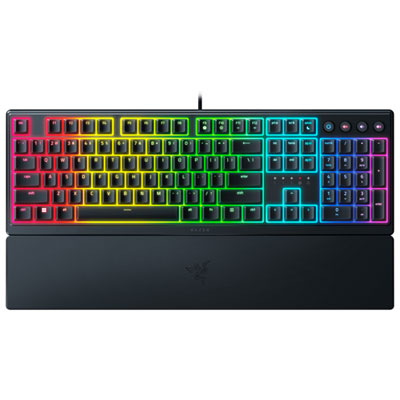
Upgrade your gaming setup with the latest Razer keyboard options designed to enhance your performance and style. Explore a range of innovative models perfect for both casual gamers and competitive players. Whether you’re looking for advanced customization, responsive controls, or sleek designs, the new Razer keyboard collection offers something to suit every preference. Find the ideal match for your desktop and elevate your gameplay experience today.
Sort

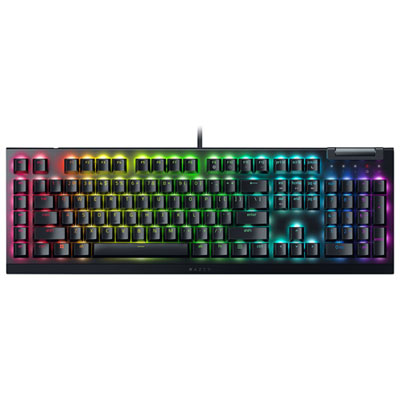
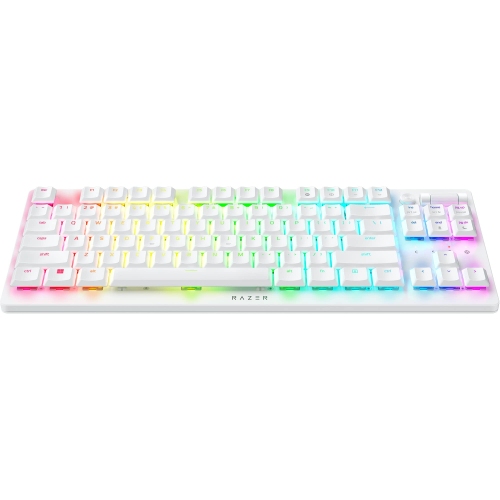
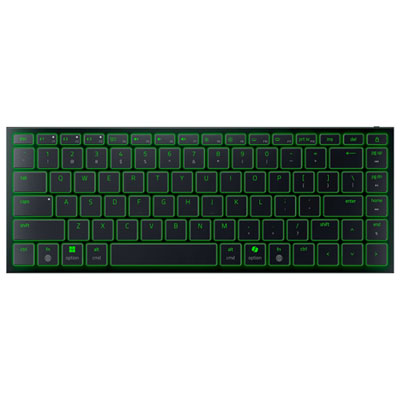
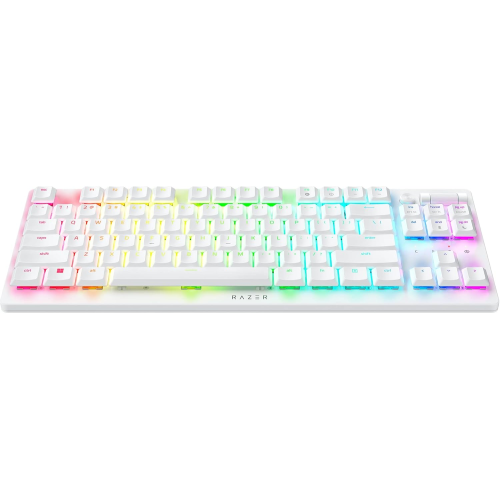
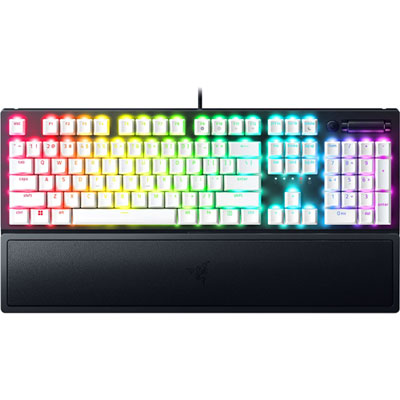
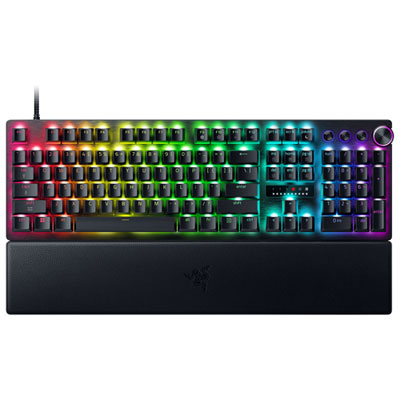
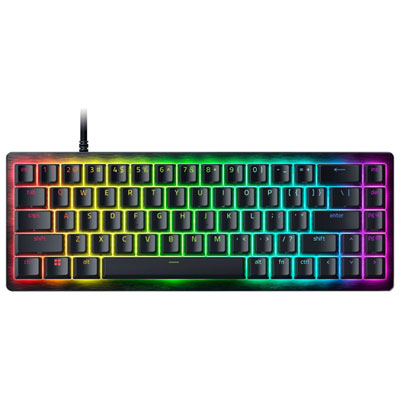
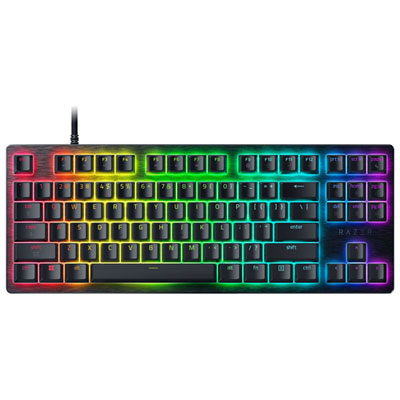
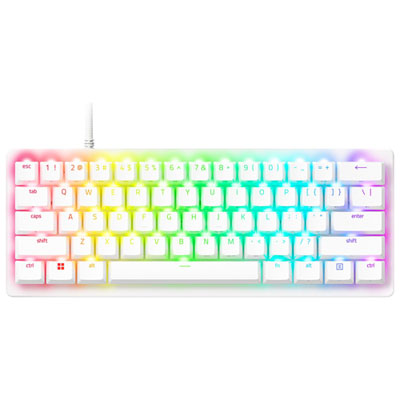
Why layout and switch choice matter beyond gaming
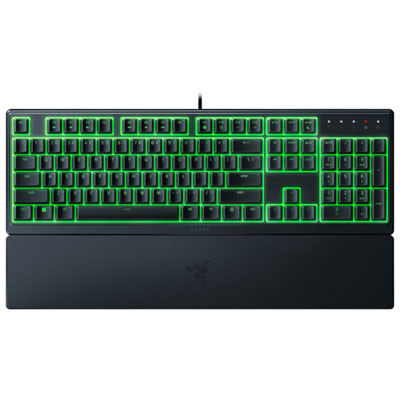
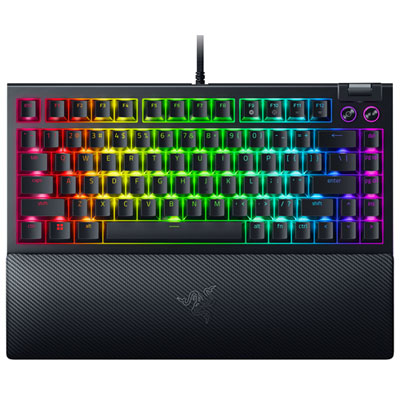
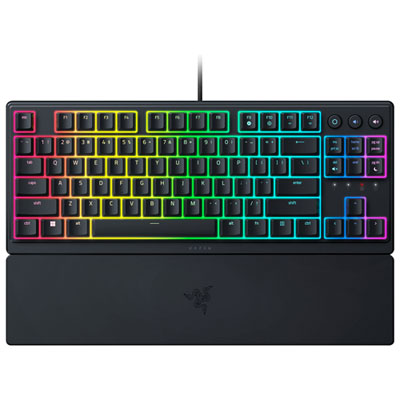
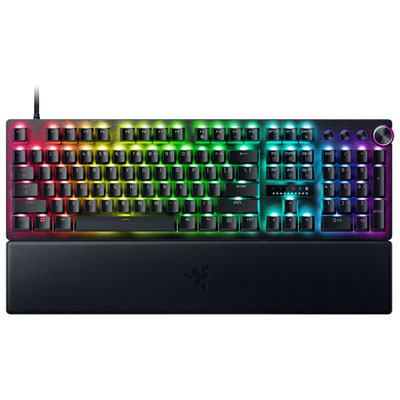
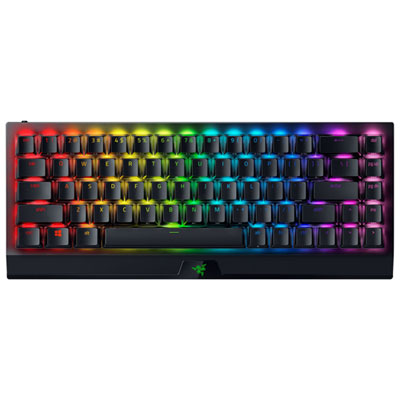
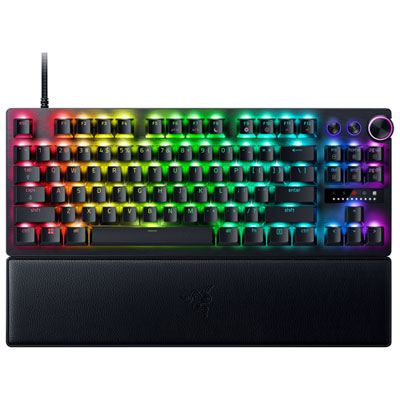
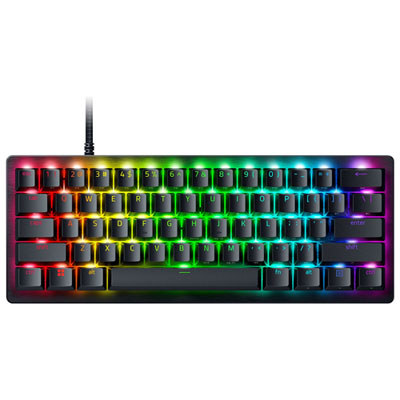
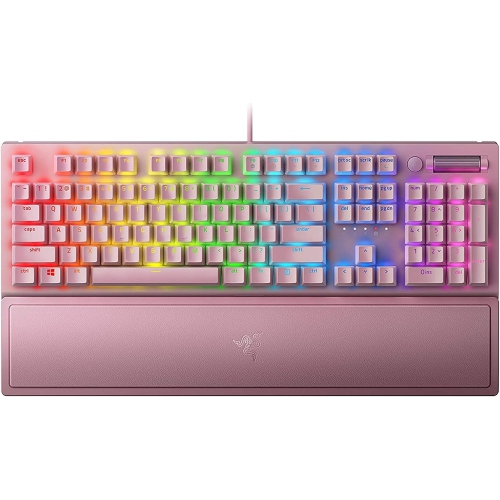
Choosing a new gaming keyboard is about finding the right balance between speed, comfort, sound, and desk space. The latest models can differ significantly in layout and switch technology, so it helps to consider how the keyboard will be used before choosing one. A compact 60% or 65% keyboard removes the number pad and some navigation keys, leaving more room for a mouse and creating a clean setup for fast-paced games. A tenkeyless, or TKL, keyboard keeps the function row and arrow keys while still reducing the footprint of a full-size design. Full-size keyboards include the number pad, making them useful for office work, spreadsheets, schoolwork, and games that rely on dedicated macro or navigation keys. For someone who moves between a home office and a gaming setup, a compact keyboard can make a smaller desk feel less crowded, while a full-size model may be more comfortable for everyday typing. Newer mechanical keyboards may include hot-swappable switch sockets, allowing compatible switches to be changed without replacing the entire keyboard. This is especially useful for anyone who enjoys refining the feel and sound of a setup over time. Check the switch compatibility before purchasing, since some keyboards support both 3-pin and 5-pin switches while others are designed for a specific type. Factory-lubed switches, silicone dampening, foam layers, and gasket-style construction can also affect the typing experience by reducing harsh sounds and creating a softer, more controlled keypress. These details matter in a shared room, a late-night gaming space, or a home office where every sharp click can carry across the room.
Switch choice has a noticeable effect on both gaming and typing. Linear switches move smoothly from top to bottom and are often preferred for rapid, repeated inputs, while tactile switches provide a small bump that confirms a keypress without requiring the key to bottom out. Clicky switches produce a more pronounced audible click and can appeal to people who enjoy a crisp, typewriter-like response, though they may be less suitable for shared spaces. Adjustable actuation is another feature found on some newer gaming keyboards. It lets the user choose how far a key needs to travel before registering, which can make movement keys feel more responsive or reduce accidental presses during regular typing. Hall effect magnetic switches use this principle to offer adjustable actuation and, on compatible models, rapid trigger functionality that resets a key as soon as it begins moving upward. This can be valuable in competitive games where quick strafing, counter-strafing, or repeated directional inputs are part of the experience. Analog input may also allow a key to recognize varying degrees of movement rather than treating every press as simply on or off. Features such as high polling rates, onboard profiles, programmable keys, and remappable controls can add flexibility, but they should support the way the keyboard will actually be used. A high polling rate does not replace good ergonomics, and advanced software is most useful when it is straightforward to configure. Look for clear compatibility with the operating system, included connection options, and software that can save lighting, macro, and sensitivity settings. Wired models are often a practical choice for a permanent desk, while wireless keyboards can keep a flexible setup tidy and make it easier to move between a computer, laptop, or other compatible device. Battery life, charging connections, wireless range, and the ability to use the keyboard while charging are important details for a wireless purchase.
A new keyboard can be a thoughtful gift for a student, a PC gamer, a remote worker, or anyone building a more comfortable computer setup. It is particularly useful for someone who spends long evenings switching between games, chat, browsing, and creative projects, since the right layout can make the desk feel more natural and less cramped. During the cooler months, when more time is often spent indoors, a responsive keyboard can become the centre of a home setup for gaming sessions, online classes, writing, and relaxed weekend projects. For gift giving, confirm whether the recipient uses a desktop computer or laptop, whether they prefer a compact or full-size layout, and whether they have a strong preference for quiet, tactile, or smooth switches. Lighting can be purely decorative, but it can also make key legends easier to see in a dim room. RGB backlighting with per-key controls may suit someone who enjoys customizing a coordinated setup, while simple single-colour lighting can provide clear visibility without adding visual distraction. Build materials, keycap quality, stabilizers, and wrist support also deserve attention. Larger keys such as the space bar, shift key, and enter key should feel steady rather than rattly, and double-shot or durable keycaps can help legends remain clear through regular use. A removable wrist rest may be helpful for long sessions, although desk height and sitting position have just as much influence on comfort. Players looking to compare another gaming-focused category can also browse Alienware Keyboards. Whether the goal is a compact competitive layout, a versatile everyday board, or a feature-rich centrepiece for a dedicated desk, comparing size, switch feel, connectivity, and customization options makes it easier to choose a keyboard that feels right from the first session and remains useful well beyond the initial setup.
Switch choice has a noticeable effect on both gaming and typing. Linear switches move smoothly from top to bottom and are often preferred for rapid, repeated inputs, while tactile switches provide a small bump that confirms a keypress without requiring the key to bottom out. Clicky switches produce a more pronounced audible click and can appeal to people who enjoy a crisp, typewriter-like response, though they may be less suitable for shared spaces. Adjustable actuation is another feature found on some newer gaming keyboards. It lets the user choose how far a key needs to travel before registering, which can make movement keys feel more responsive or reduce accidental presses during regular typing. Hall effect magnetic switches use this principle to offer adjustable actuation and, on compatible models, rapid trigger functionality that resets a key as soon as it begins moving upward. This can be valuable in competitive games where quick strafing, counter-strafing, or repeated directional inputs are part of the experience. Analog input may also allow a key to recognize varying degrees of movement rather than treating every press as simply on or off. Features such as high polling rates, onboard profiles, programmable keys, and remappable controls can add flexibility, but they should support the way the keyboard will actually be used. A high polling rate does not replace good ergonomics, and advanced software is most useful when it is straightforward to configure. Look for clear compatibility with the operating system, included connection options, and software that can save lighting, macro, and sensitivity settings. Wired models are often a practical choice for a permanent desk, while wireless keyboards can keep a flexible setup tidy and make it easier to move between a computer, laptop, or other compatible device. Battery life, charging connections, wireless range, and the ability to use the keyboard while charging are important details for a wireless purchase.
A new keyboard can be a thoughtful gift for a student, a PC gamer, a remote worker, or anyone building a more comfortable computer setup. It is particularly useful for someone who spends long evenings switching between games, chat, browsing, and creative projects, since the right layout can make the desk feel more natural and less cramped. During the cooler months, when more time is often spent indoors, a responsive keyboard can become the centre of a home setup for gaming sessions, online classes, writing, and relaxed weekend projects. For gift giving, confirm whether the recipient uses a desktop computer or laptop, whether they prefer a compact or full-size layout, and whether they have a strong preference for quiet, tactile, or smooth switches. Lighting can be purely decorative, but it can also make key legends easier to see in a dim room. RGB backlighting with per-key controls may suit someone who enjoys customizing a coordinated setup, while simple single-colour lighting can provide clear visibility without adding visual distraction. Build materials, keycap quality, stabilizers, and wrist support also deserve attention. Larger keys such as the space bar, shift key, and enter key should feel steady rather than rattly, and double-shot or durable keycaps can help legends remain clear through regular use. A removable wrist rest may be helpful for long sessions, although desk height and sitting position have just as much influence on comfort. Players looking to compare another gaming-focused category can also browse Alienware Keyboards. Whether the goal is a compact competitive layout, a versatile everyday board, or a feature-rich centrepiece for a dedicated desk, comparing size, switch feel, connectivity, and customization options makes it easier to choose a keyboard that feels right from the first session and remains useful well beyond the initial setup.
Top selling and popular products
-
 Your price for this item is $39.99
 -
 Your price for this item is $94.99
 -
 Your price for this item is $319.99
 -
 Your price for this item is $364.99
 -
 Your price for this item is $149.99
 -
 Your price for this item is $124
 -
 Your price for this item is $94.99
 -
 Your price for this item is $139.99
Discover more categories related to New Razer Keyboards
Top Collections:
Pokemon Centers, Best Cameras for Sports Photography, Kindle Devices, Samsung Galaxy Phones, Canon G7X Cameras, Pokémon 30th Celebration Cards, Refurbished Apple Laptops, iPhone 15 Apple, Laptops for Students, Budget Smartphones
Some products may be subject to Environmental Handling Fees
(EHF) depending on your province.
Learn more about EHFs.