Razer Ornata
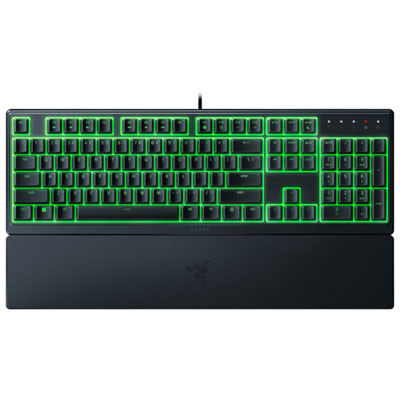
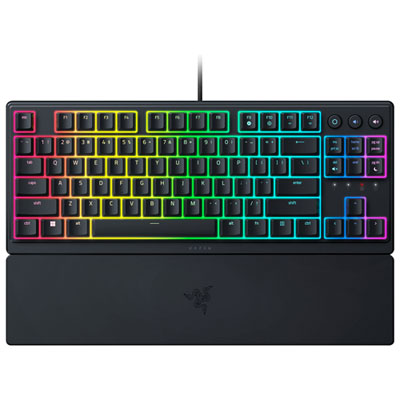
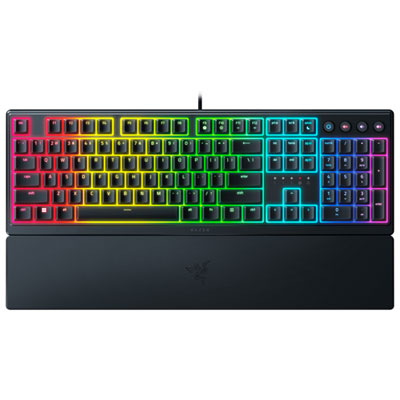
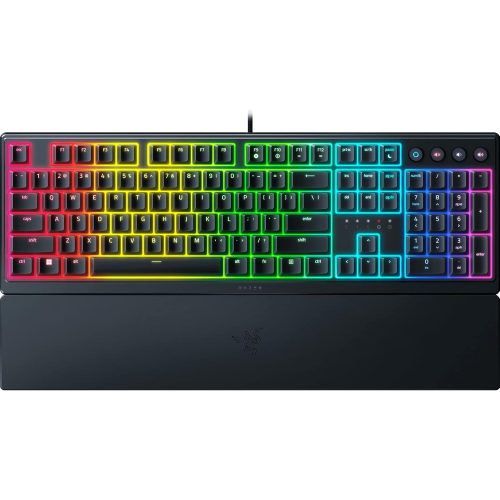
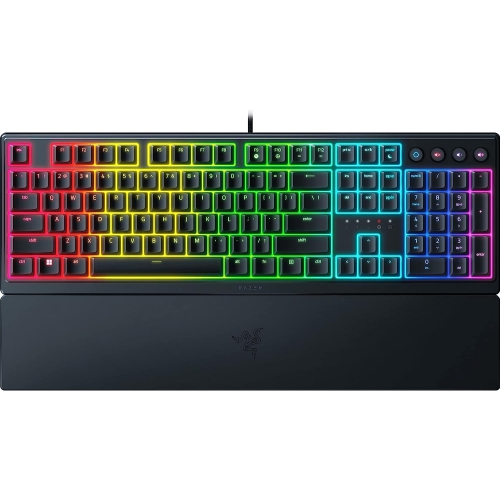
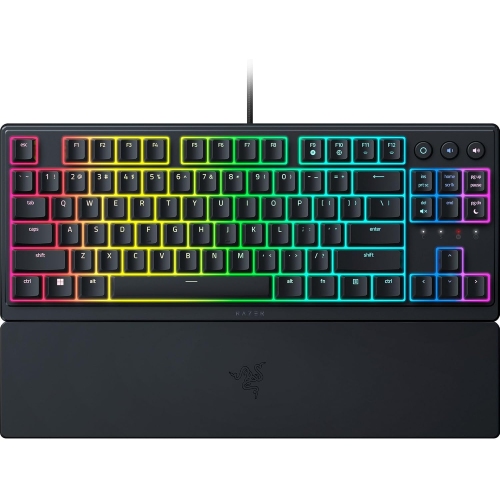
Explore Razer Ornata gaming keyboards for your PC setup. Compare available models by key feel, layout, lighting options, and wrist support to find a keyboard that suits your desk space and how you play.
FAQ
Razer Ornata is a range of gaming keyboards with features that vary by model. When comparing options, look at the key mechanism, lighting controls, media controls and software compatibility to understand what each keyboard offers.
Mecha-membrane keyboards combine membrane-based key actuation with a mechanical-style tactile feel. Fully mechanical keyboards use individual mechanical switches beneath the keys. Check the listed key mechanism when browsing Razer Ornata keyboards, as it can differ between models.
Lighting customization depends on the model. Check whether the keyboard supports adjustable colours, preset effects or software-controlled lighting. Single-zone lighting applies an effect across the keyboard, while per-key lighting allows individual keys to be configured separately.
Programmable keys let you assign a different action or shortcut to a key. Macros combine a sequence of inputs into one assigned command. For a Razer Ornata keyboard, check the model’s customization options and software requirements to see which functions are supported.
Review the keyboard’s connection type and operating system compatibility. Basic typing and advanced customization may have different requirements, so check software support separately if you want to configure lighting, key assignments or profiles.
Top selling and popular products
Discover more categories related to Razer Ornata
Some products may be subject to Environmental Handling Fees (EHF) depending on your province. Learn more about EHFs.