Razer Deathadder Elite
Razer Deathadder Elite mice are high-end gaming mice with high DPI sensors, programmable buttons, and various other features. These are designed to be used by gamers who are looking for the best performance in almost any game. Here are some of the great options for you.
Sort
What to consider in a wired gaming mouse
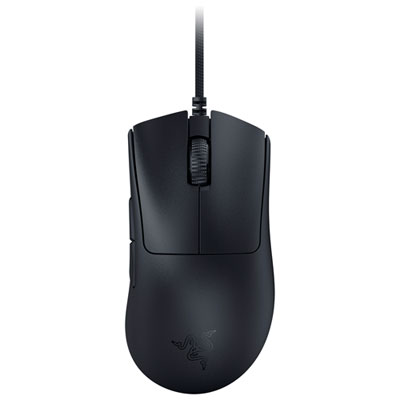
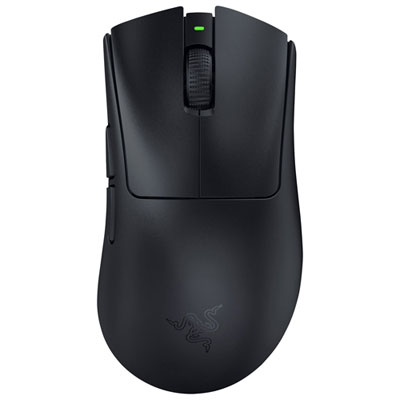
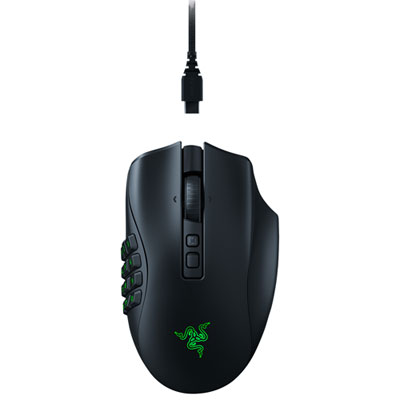
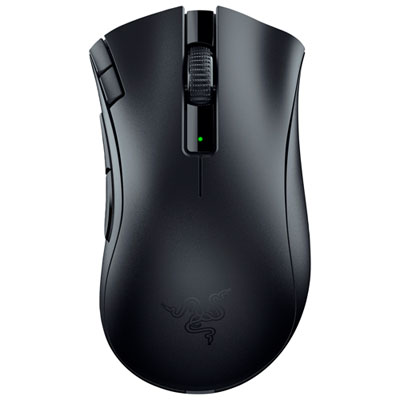
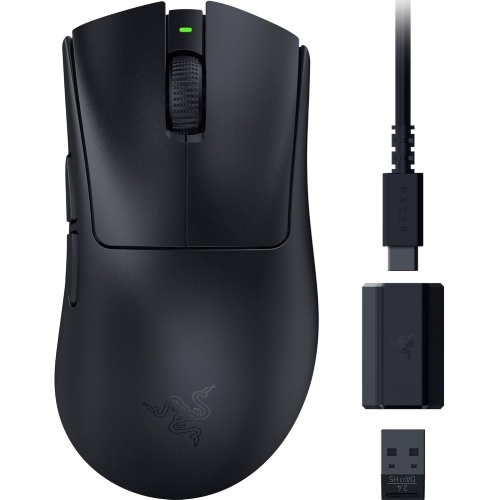
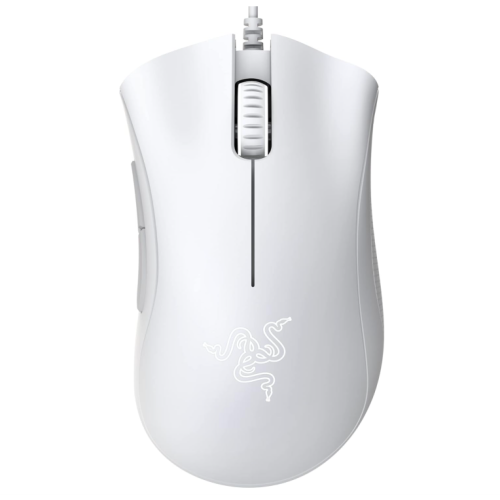
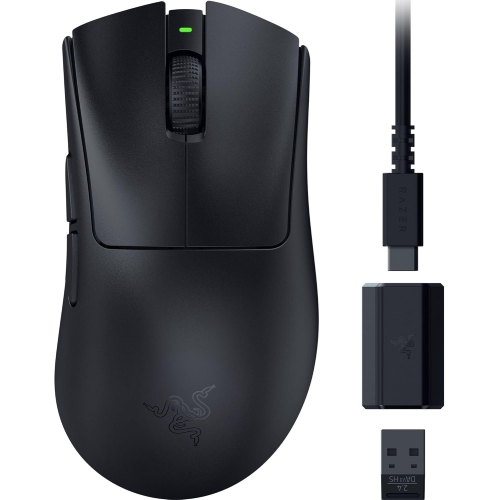
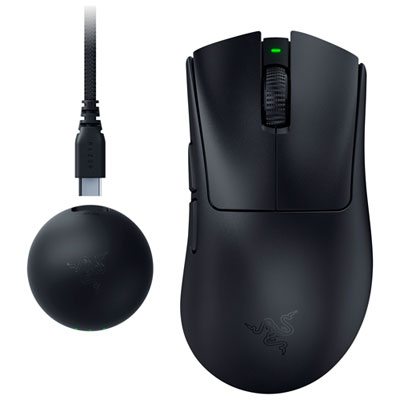
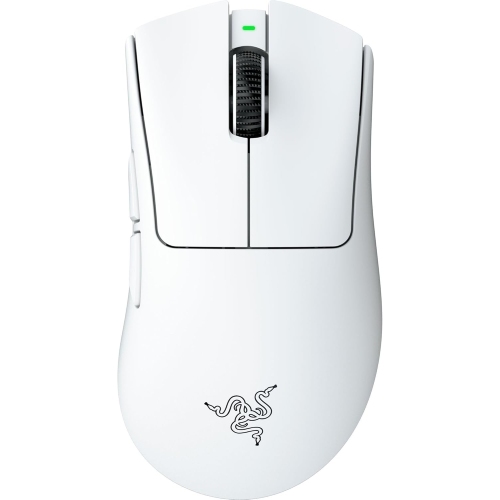
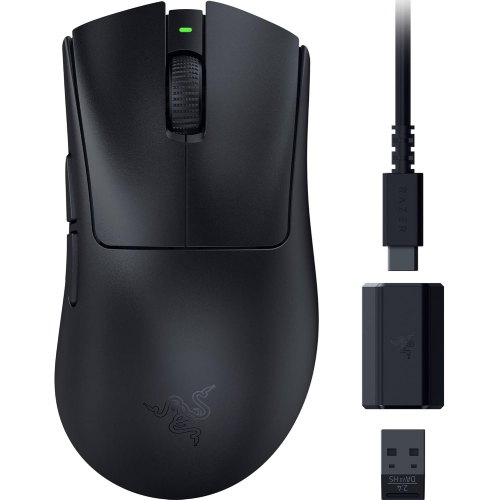
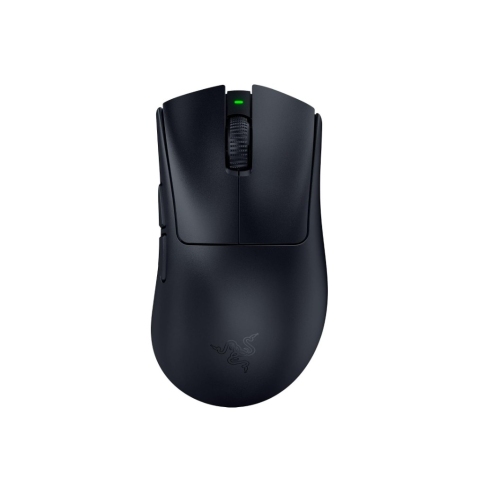
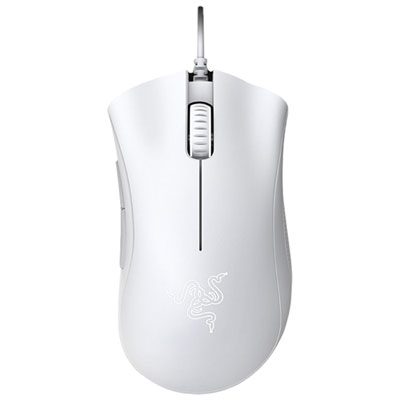
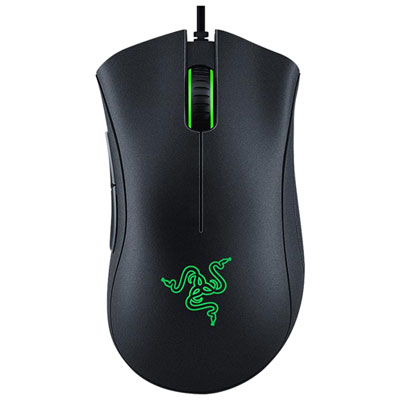
A wired ergonomic gaming mouse is designed for players who want a dependable connection, precise tracking, and a shape that feels comfortable through long sessions. The DeathAdder Elite style is especially well suited to right-handed users who prefer a full-sized body with a defined palm rest and textured side grips for added control. Rather than relying on a battery, a wired connection draws power directly from the computer, helping maintain consistent performance without charging breaks or concerns about wireless interference. A flexible cable with generous length can also make it easier to position a desktop tower under a desk or keep the mouse area clear around a large monitor. For shoppers comparing options in this category, sensor specifications are a useful starting point. A high-resolution optical sensor can support fine cursor movements, quick turns, and accurate targeting, while adjustable sensitivity allows one mouse to suit different games and everyday tasks. Lower sensitivity may feel more controlled for careful aiming, whereas higher sensitivity can be convenient when moving quickly across a wide screen. A high polling rate and low response time can contribute to a responsive feel, although comfort, hand position, desk space, and personal preference remain just as important as numbers on a specification sheet. Shoppers may also wish to consider the mouse’s overall weight, button placement, cable design, scroll-wheel texture, and the size of the user’s hand. A model that feels natural during a short trial can be much more enjoyable over a full evening of play, schoolwork, or creative projects. The Razer DeathAdder Gaming Mice collection is a useful place to compare available options by design, features, and intended use.
Programmable buttons can add convenience by placing common commands within easy reach. Depending on the game or application, extra controls may be assigned to actions such as reloading, switching equipment, opening a map, adjusting a view, or activating a shortcut. This can help reduce repeated keyboard movements and keep the user’s hand focused on the main controls. Before choosing a configuration, it is worth checking whether the preferred software supports button remapping and whether profiles can be saved for different games or applications. Dedicated sensitivity controls may also be helpful for moving between a broad desktop setting and a more deliberate in-game setting, while onboard or software-managed profiles can make a shared computer easier to use. Lighting is another consideration: adjustable colour effects can complement a desk setup, but they are primarily a visual feature rather than a performance requirement. Buyers who spend several hours at a time at a computer should pay close attention to the shape of the shell and the way the thumb, ring finger, and little finger rest along the sides. A right-handed ergonomic design may feel reassuring for relaxed palm use, while claw or fingertip players may prefer a different height, length, or weight balance. These mice can make thoughtful gifts for PC gamers, students building a first desktop setup, family members who enjoy multiplayer games, or anyone replacing a basic office mouse with a more capable control device. They can also suit users who alternate between gaming, browsing, photo editing, and general productivity, since a precise sensor and programmable buttons can be useful beyond play. During the cooler months, when evenings are often spent indoors, a comfortable mouse can become a regular part of a desk setup for online matches, creative work, and casual entertainment. For the best fit, compare hand size, grip style, available desk space, preferred sensitivity, button needs, and the type of games or software being used most often. A good choice should feel stable without demanding a tight grip, track smoothly across the selected mouse pad, and connect easily to the computer with enough cable length for the intended layout.
Programmable buttons can add convenience by placing common commands within easy reach. Depending on the game or application, extra controls may be assigned to actions such as reloading, switching equipment, opening a map, adjusting a view, or activating a shortcut. This can help reduce repeated keyboard movements and keep the user’s hand focused on the main controls. Before choosing a configuration, it is worth checking whether the preferred software supports button remapping and whether profiles can be saved for different games or applications. Dedicated sensitivity controls may also be helpful for moving between a broad desktop setting and a more deliberate in-game setting, while onboard or software-managed profiles can make a shared computer easier to use. Lighting is another consideration: adjustable colour effects can complement a desk setup, but they are primarily a visual feature rather than a performance requirement. Buyers who spend several hours at a time at a computer should pay close attention to the shape of the shell and the way the thumb, ring finger, and little finger rest along the sides. A right-handed ergonomic design may feel reassuring for relaxed palm use, while claw or fingertip players may prefer a different height, length, or weight balance. These mice can make thoughtful gifts for PC gamers, students building a first desktop setup, family members who enjoy multiplayer games, or anyone replacing a basic office mouse with a more capable control device. They can also suit users who alternate between gaming, browsing, photo editing, and general productivity, since a precise sensor and programmable buttons can be useful beyond play. During the cooler months, when evenings are often spent indoors, a comfortable mouse can become a regular part of a desk setup for online matches, creative work, and casual entertainment. For the best fit, compare hand size, grip style, available desk space, preferred sensitivity, button needs, and the type of games or software being used most often. A good choice should feel stable without demanding a tight grip, track smoothly across the selected mouse pad, and connect easily to the computer with enough cable length for the intended layout.
Top selling and popular products
-
 Your price for this item is $74.99
 -
 Your price for this item is $69.99
 -
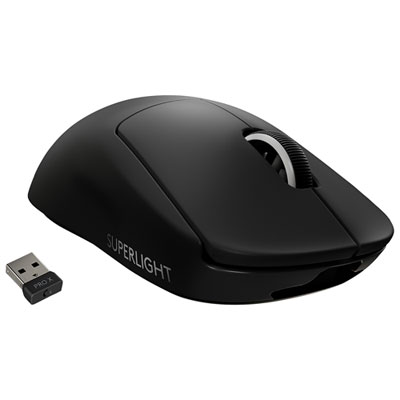 Your price for this item is $179.99
 -
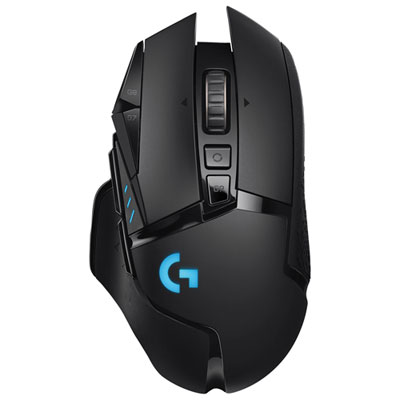 Your price for this item is $149.99
 -
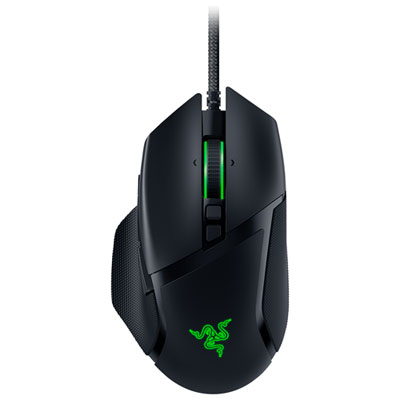 Your price for this item is $63.98
 -
 Your price for this item is $39.99
 -
 Your price for this item is $96.98
 -
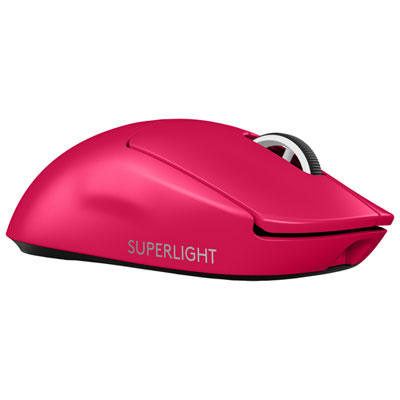 Your price for this item is $219.99
Discover more categories related to Razer Deathadder Elite
Top Collections:
Pokemon Centers, Best Cameras for Sports Photography, Kindle Devices, Samsung Galaxy Phones, Canon G7X Cameras, Pokémon 30th Celebration Cards, Refurbished Apple Laptops, iPhone 15 Apple, Laptops for Students, Budget Smartphones
Some products may be subject to Environmental Handling Fees
(EHF) depending on your province.
Learn more about EHFs.