Remote Control Drones with Camera
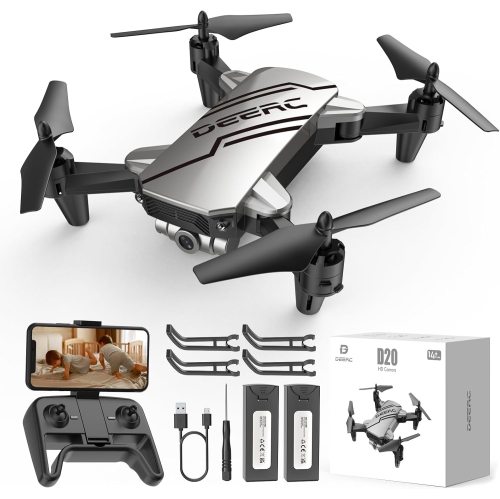
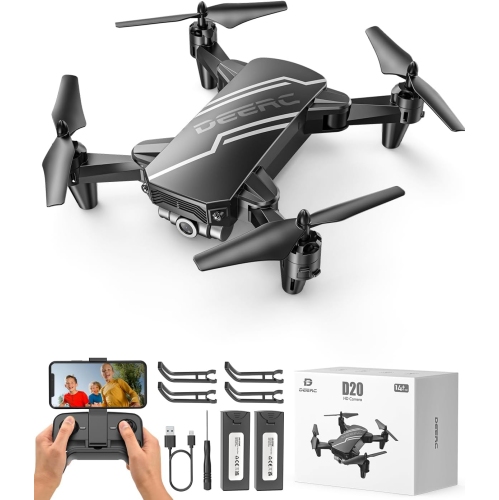
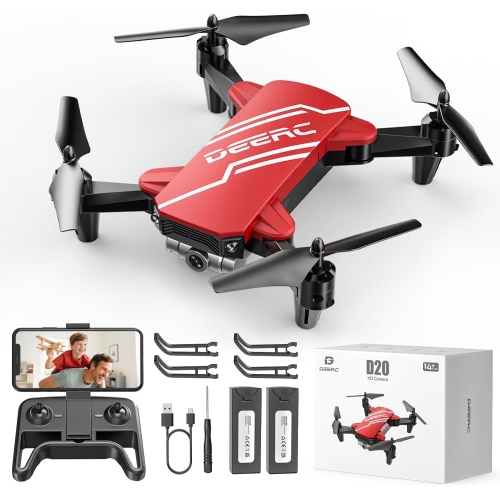
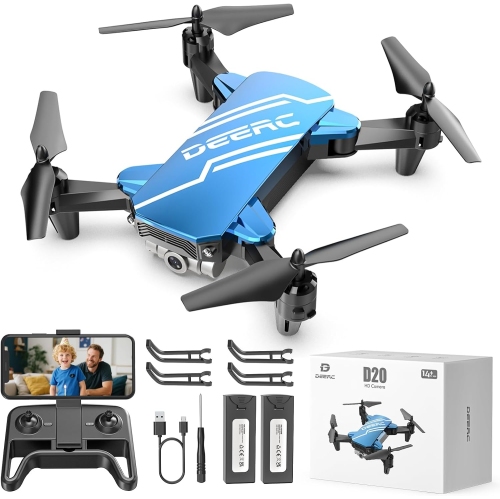
Remote control drones with cameras let you capture photos and video from above. Compare camera resolution, flight time, control range, and ease of use to find a drone that suits your flying experience and the aerial shots you want to capture.


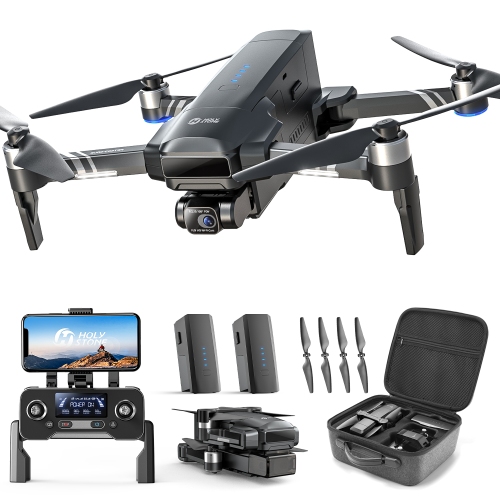
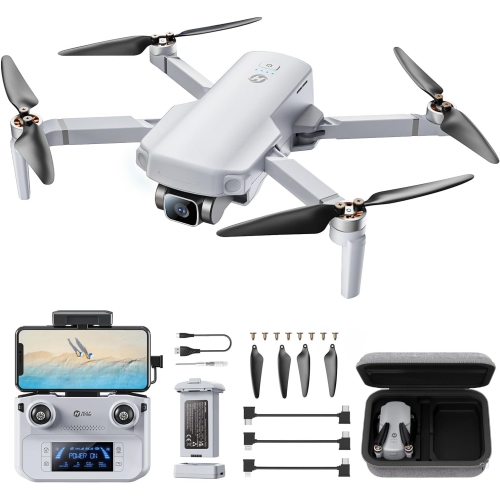
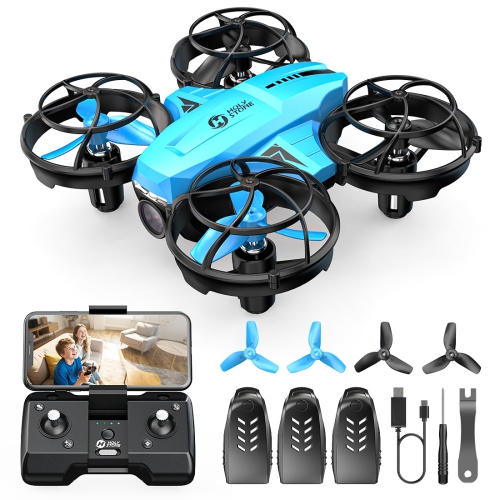


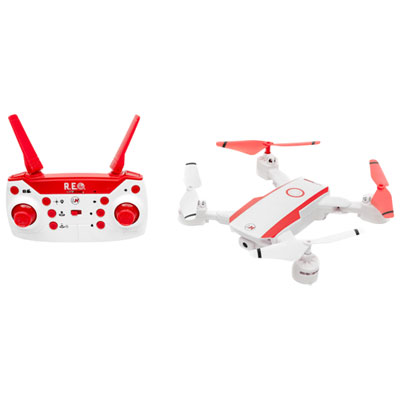
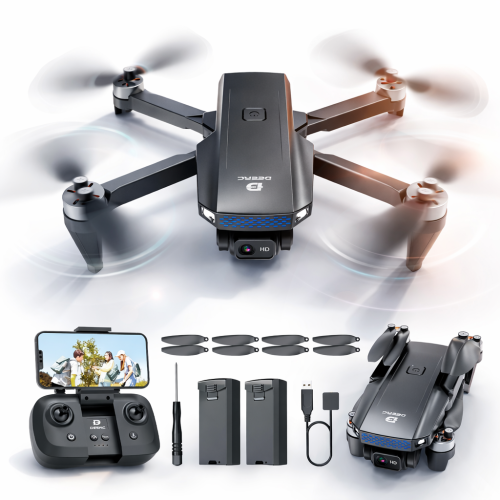
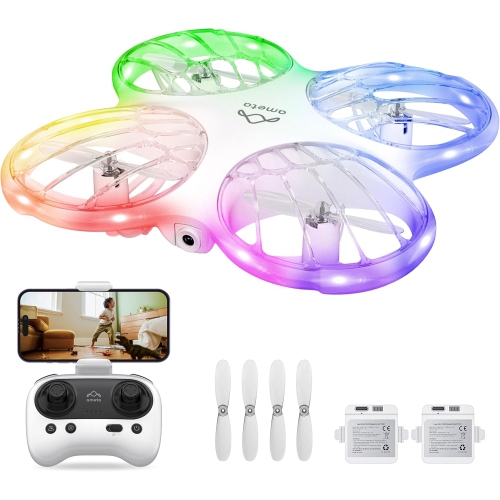
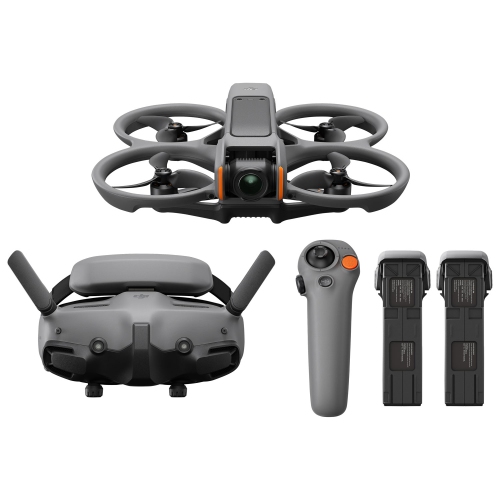
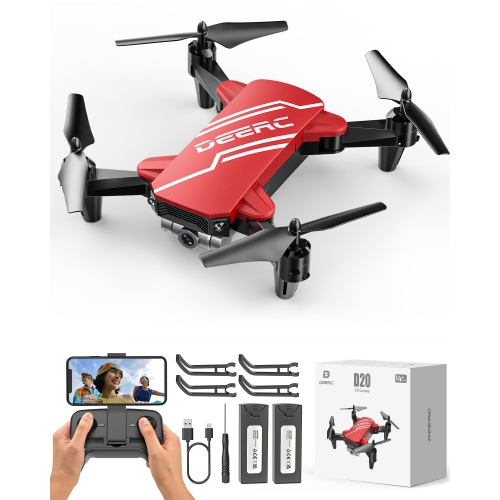



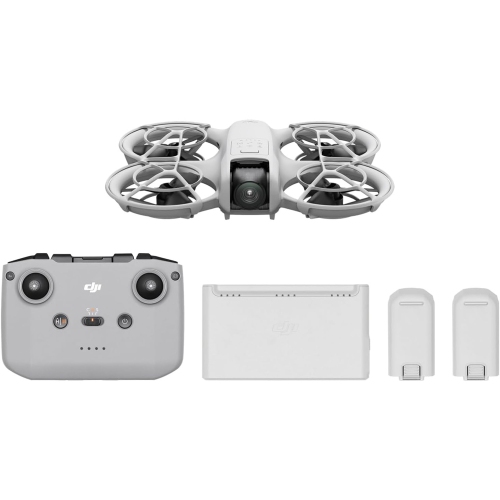
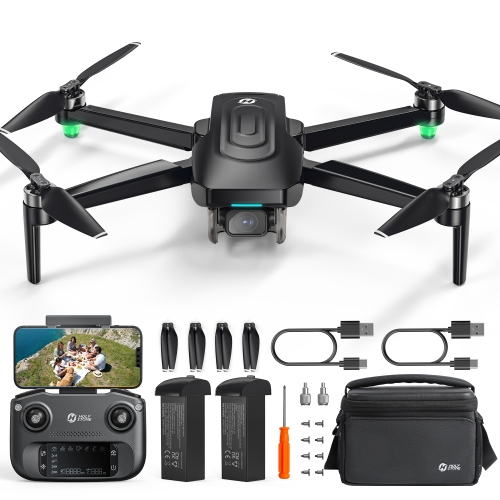
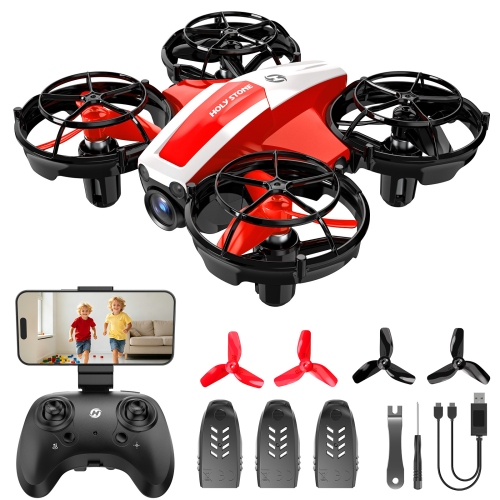
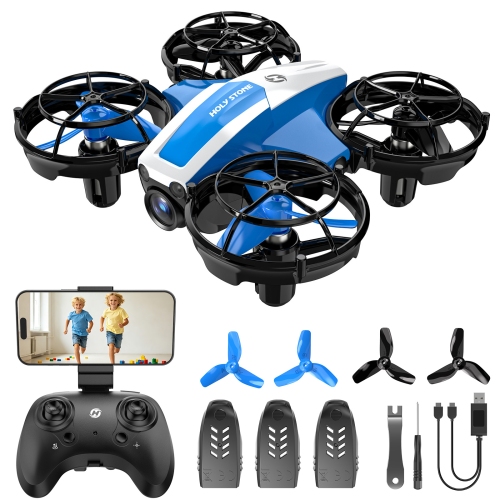
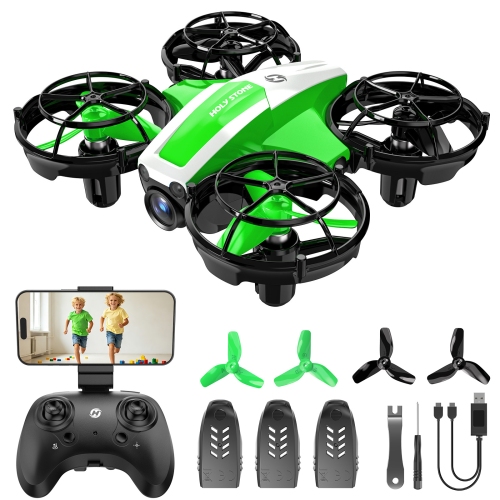
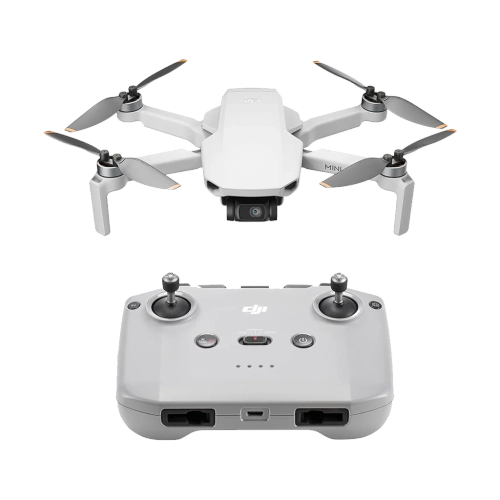
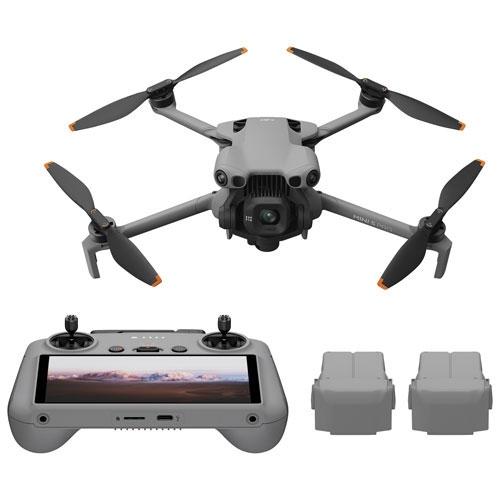
FAQ
Compare video resolution, photo resolution, frame rates, and camera controls. A gimbal provides mechanical camera stabilization, while electronic image stabilization processes footage to reduce visible shake. Some camera drones also offer adjustable camera angles and manual exposure settings.
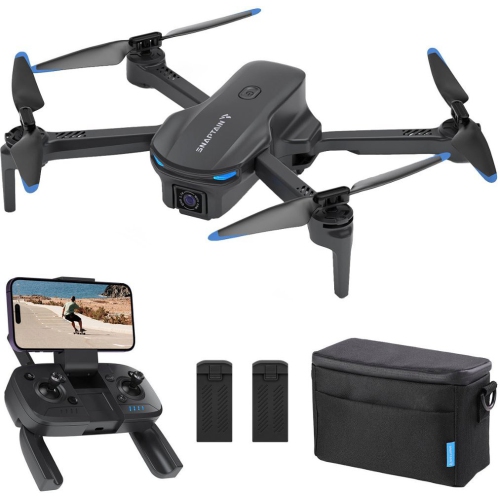
Depending on the model, a camera drone may connect to a smartphone through Wi-Fi or through a remote controller linked to the phone. A compatible app can display a live camera feed, adjust camera settings, and access flight information. Check the drone’s phone and operating system compatibility.
Camera drones may save photos and videos to a microSD card, built-in storage, or a connected smartphone. Some models save full-resolution files onboard while sending preview files to the app. Check the supported storage format and transfer options if you plan to edit footage on a computer.
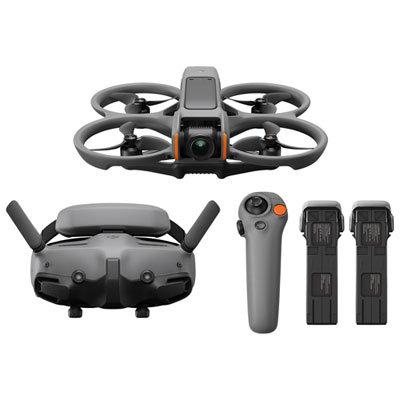
First-person view, or FPV, drones are designed around viewing a live camera feed, often through compatible goggles. Standard camera drones commonly display that feed on a smartphone or controller screen and emphasize aerial photography and video controls. Features can overlap, so viewing options and controller compatibility are useful points of comparison.
Depending on the model, camera drones may include hovering, waypoint routes, subject tracking, and orbit modes. Some also offer preset camera movements for recording aerial clips. Compare how these modes are selected and which camera settings remain adjustable while they are active.
Top selling and popular products
Discover more categories related to Remote Control Drones with Camera
Some products may be subject to Environmental Handling Fees (EHF) depending on your province. Learn more about EHFs.