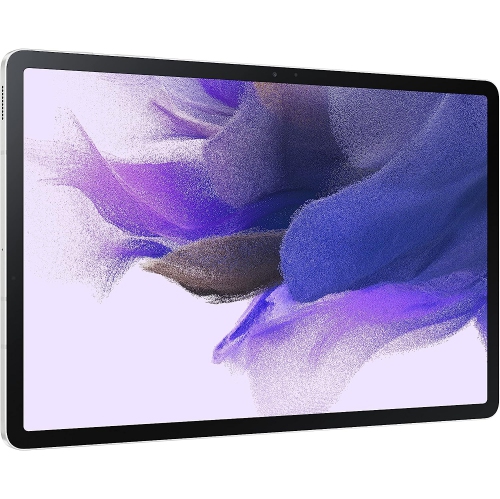
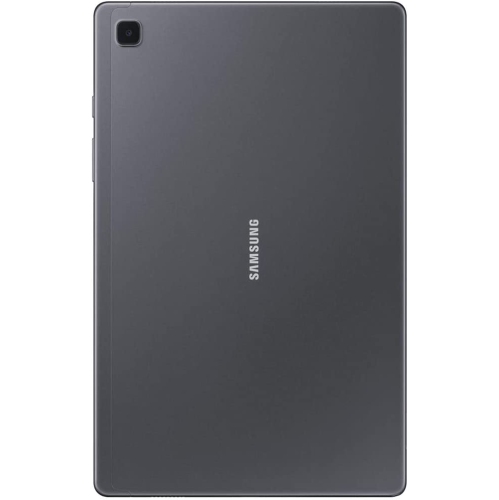
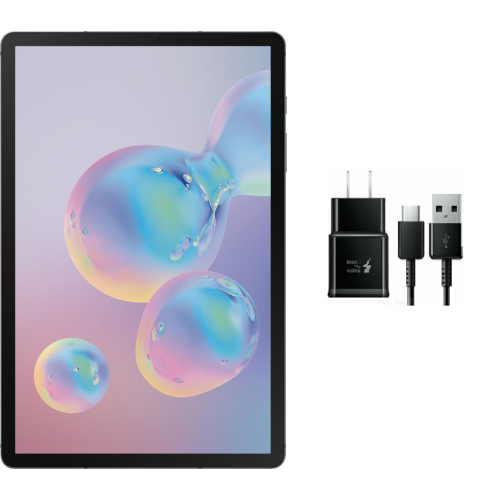
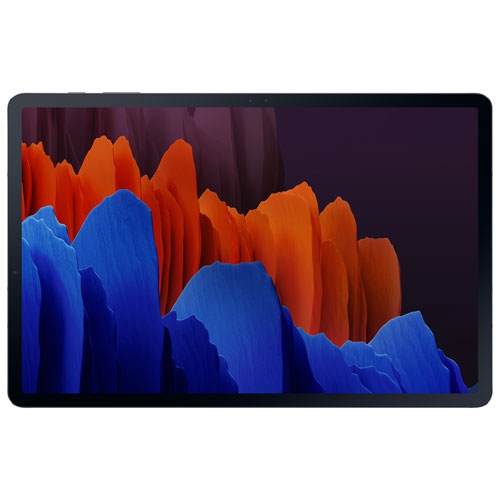
Samsung Tab S7 Plus

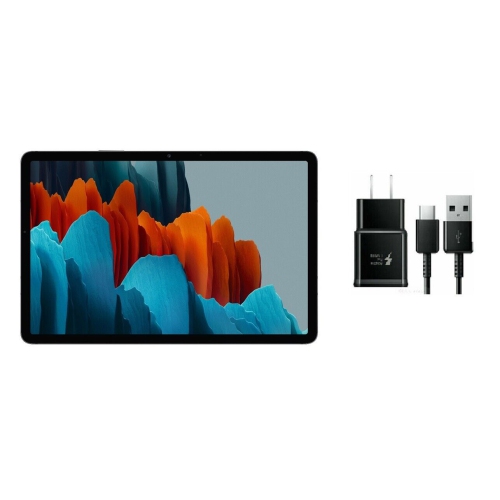
Browse Samsung Galaxy Tab S7 Plus tablets and compare available listings for your work, study, or entertainment needs. Check each listing’s storage capacity, connectivity options, condition, and included accessories to find the right fit.
Read More

Sort

More screen space for reading and handwritten notes

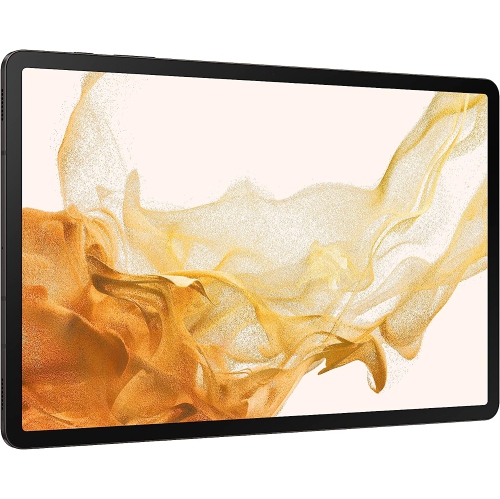
A large-screen tablet offers a useful middle ground between a phone and a laptop, with enough room to enjoy a film, annotate a document, or keep a reference image beside a sketch. A display in the 12-inch range gives text, photographs, and handwritten notes more breathing room, especially when the device rests on a desk rather than being held in one hand. Screen technology makes a noticeable difference to that experience. AMOLED displays can produce deep blacks and strong contrast, while a high refresh rate can make scrolling and supported pen input feel smoother. For reading, adjustable brightness and text size matter just as much as sharpness; comfortable settings for an hour with an ebook may differ from those used for a video call. The wider screen also suits sheet music, digital recipes, and illustrated textbooks, although the shape of each document or video determines how much of the display it fills. A slim tablet is easy to move from a desk to a sofa, but its weight becomes more noticeable during longer handheld sessions. A stand or folding cover can make reading and watching more comfortable without requiring a permanent workspace. Sound and connectivity deserve similar attention. Built-in speakers are convenient for casual viewing, while headphones offer privacy in shared spaces; wired headphones may require a compatible adapter if there is no dedicated headphone socket. For games, streaming, and downloaded video, storage capacity and wireless performance affect everyday convenience as much as the display does. Downloaded content can be useful during travel or wherever a dependable connection is difficult to maintain, provided the app supports offline access. Students reviewing lecture slides, readers who prefer larger text, and anyone who enjoys viewing photographs on something bigger than a phone can all appreciate this format. Its appeal is not simply portability, but the ability to move between reading, viewing, and light creative work on the same screen.

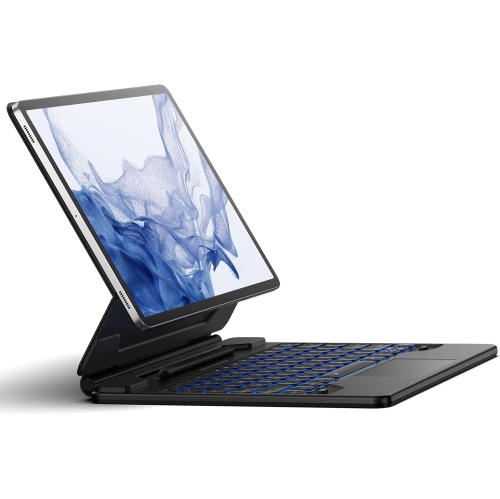
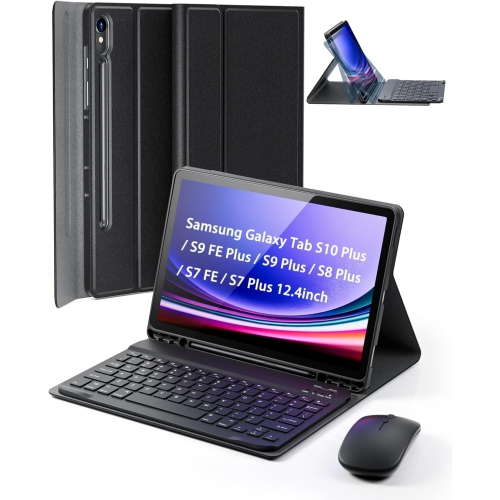
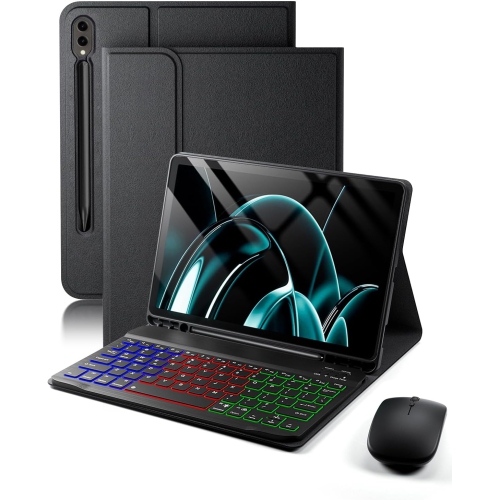
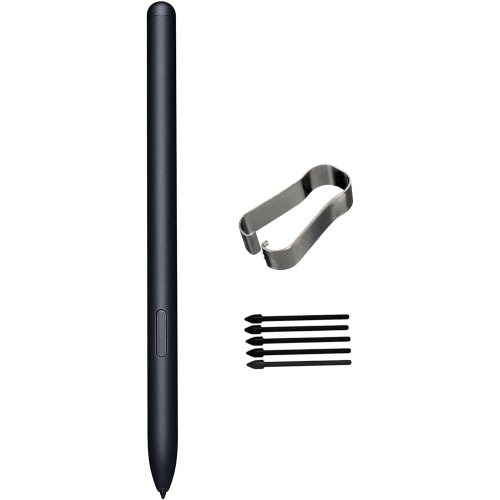
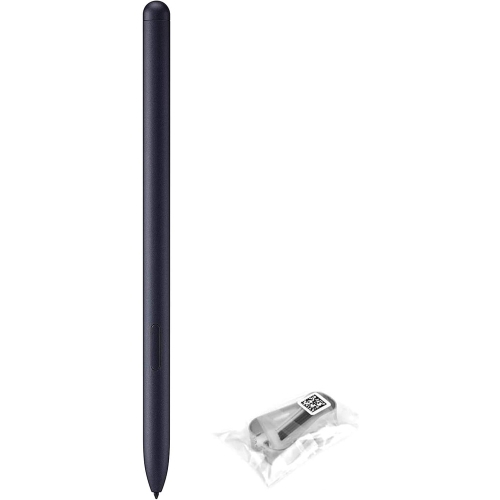
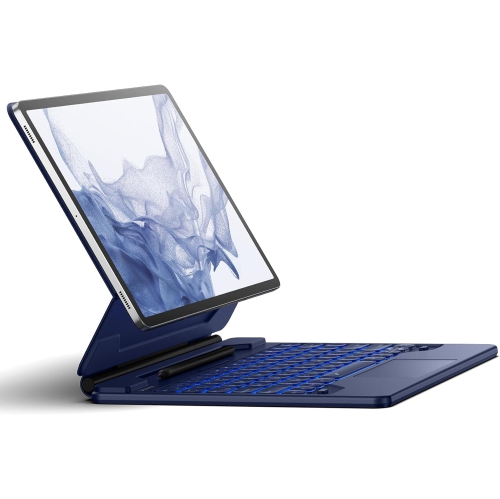
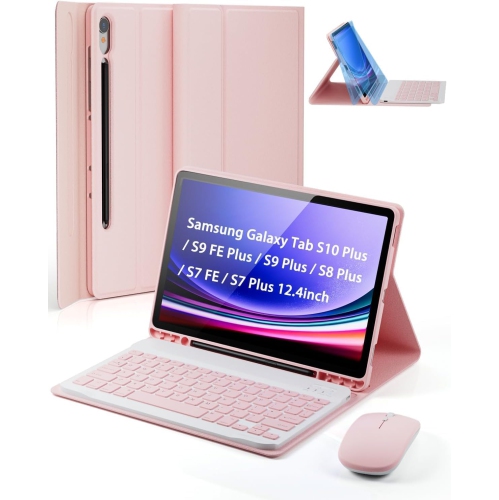
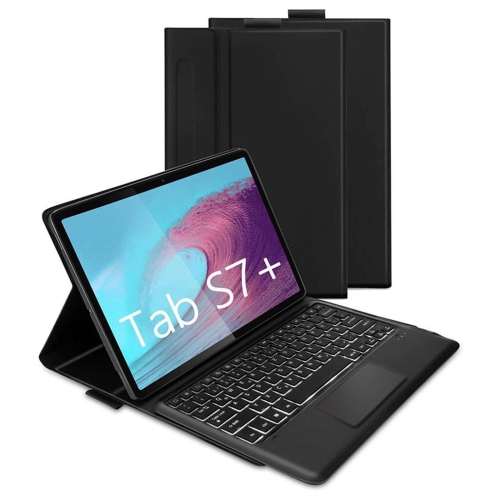
Pen input gives a large tablet a different role from a device used mainly for watching videos. Handwritten meeting notes, quick diagrams, margin comments, and rough layouts can feel more direct when a compatible stylus is involved. Pressure sensitivity, palm rejection, and shortcut functions depend on the pen, tablet, and app working together, so physical resemblance alone does not establish compatibility. A student might keep a textbook open beside a note-taking app, while someone preparing a presentation could mark up a draft before returning to a computer for final formatting. Split-screen tools make these combinations practical, though smaller app windows can feel cramped when several tasks compete for space. A keyboard cover or separate keyboard can make longer emails and essays more comfortable, particularly when paired with a stable stand. The viewing angle matters: a setup that works well on a table may be less steady on a lap. A tablet can handle many everyday tasks, but specialized desktop software, complex spreadsheets, and certain workplace systems may still call for a laptop or desktop computer. App requirements are therefore worth considering alongside processing power and memory. Storage needs also vary considerably. A few reading apps and documents take up less space than large games, downloaded films, or layered artwork, and expandable storage, where supported, does not necessarily work for every app or file type. Video calls add another consideration, since camera position and device orientation affect how naturally someone appears on screen. Reliable Wi-Fi helps with calls and cloud-based work, while cellular access requires a compatible device and an appropriate mobile connection. For gifting, these practical details are often more useful than choosing by appearance alone. Someone who sketches may value pen support, a frequent traveller may prefer a manageable carrying weight, and a student may benefit most from a dependable keyboard setup. Accessibility features such as larger text, captions, voice typing, and screen-reading tools can also influence how comfortably a tablet fits into a person's routine.

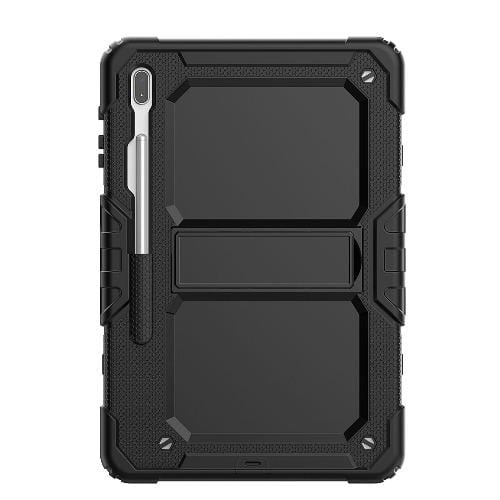
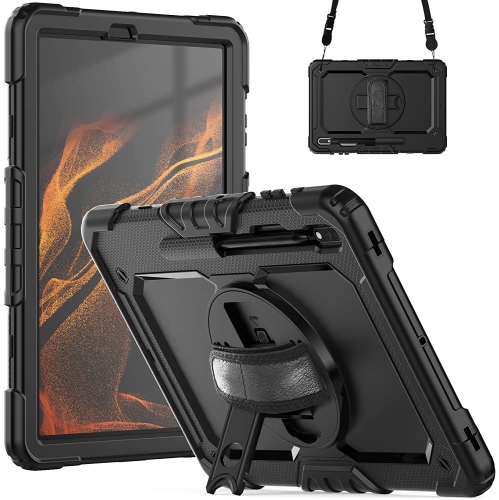
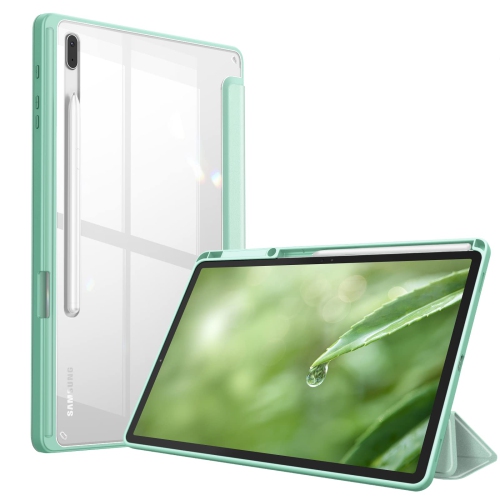
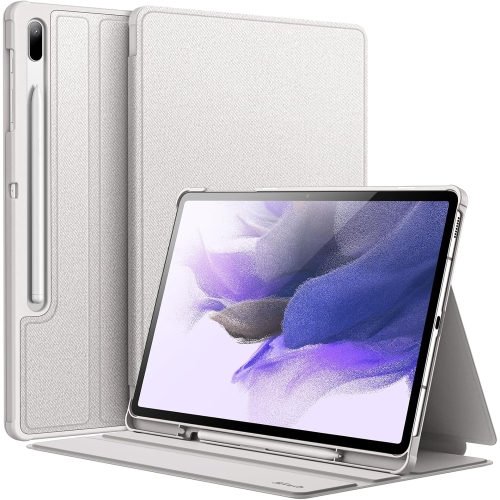
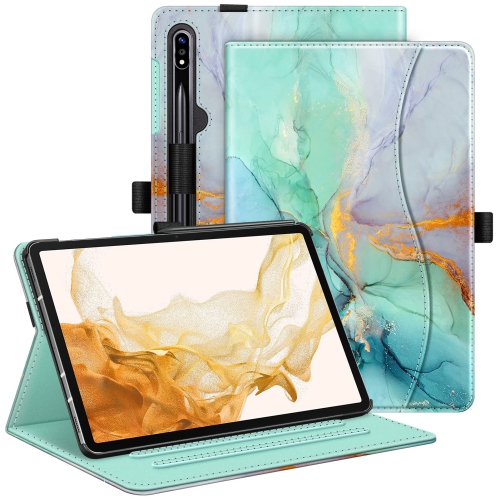
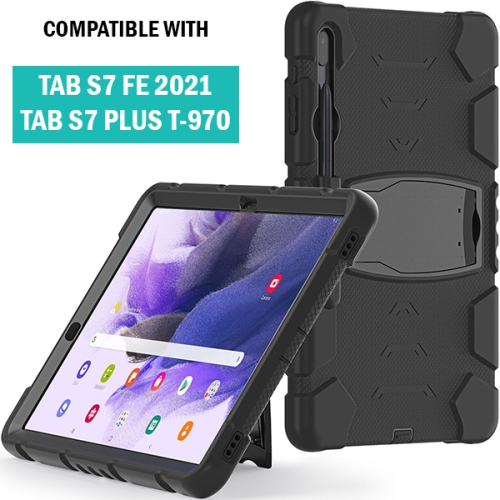
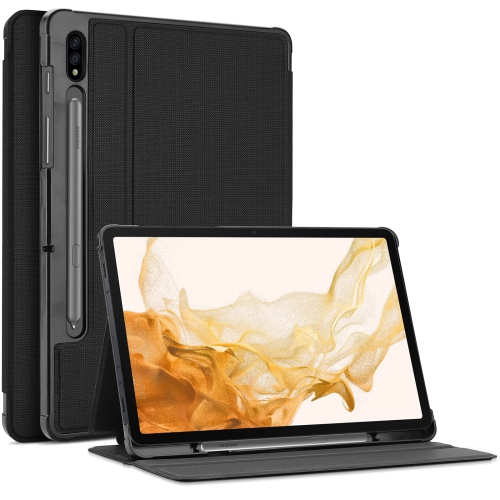
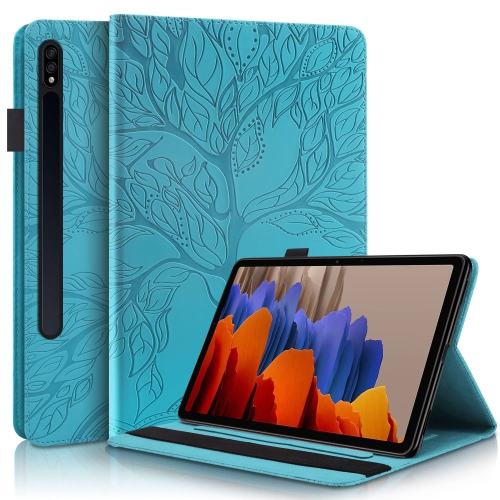
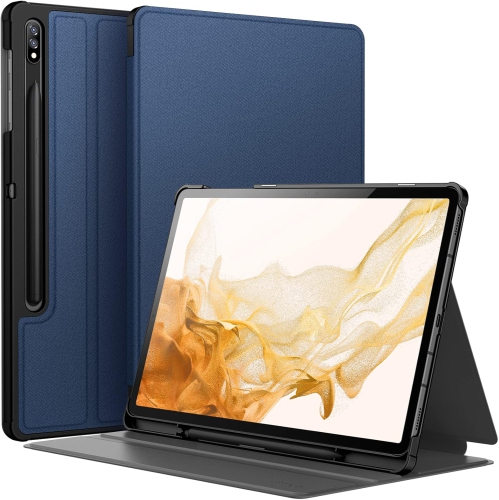
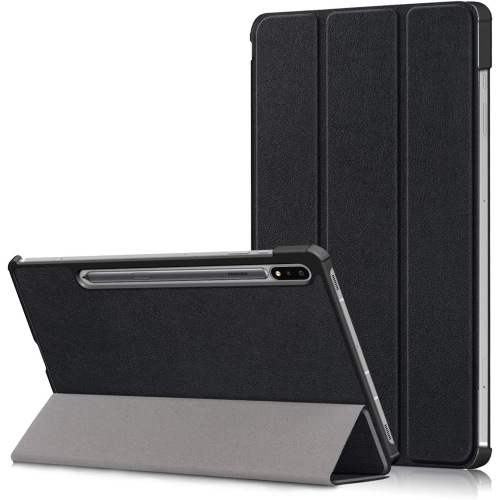
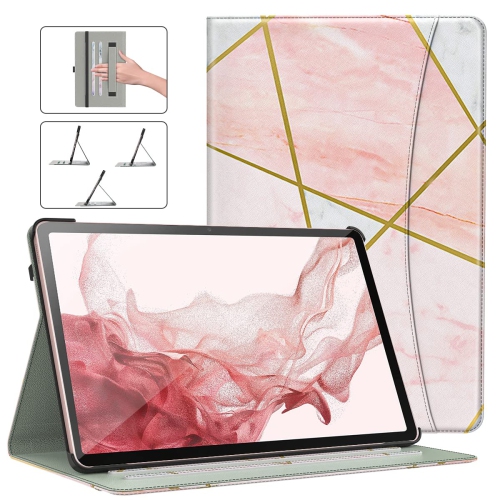
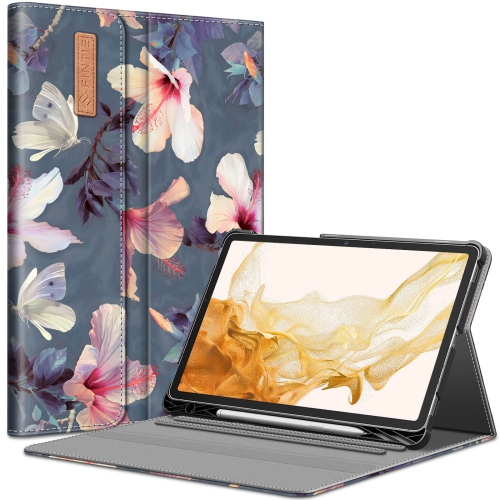
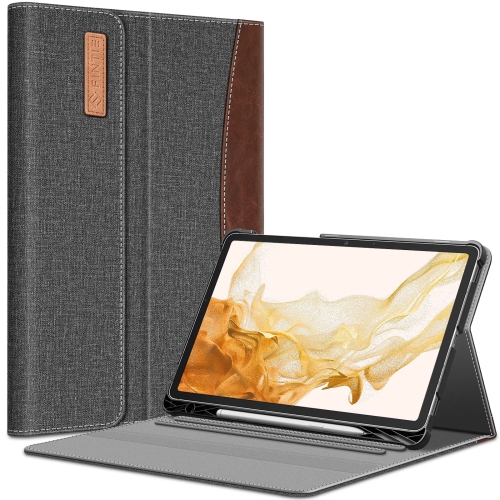
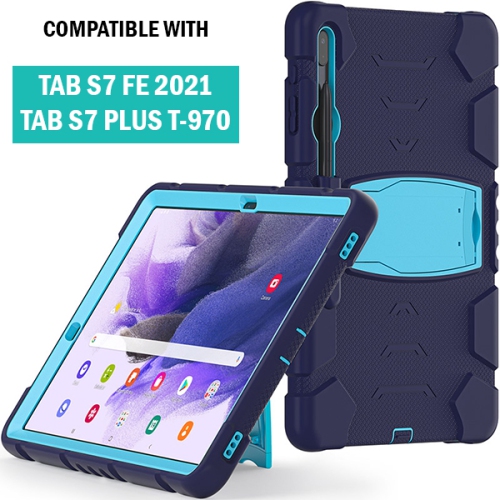
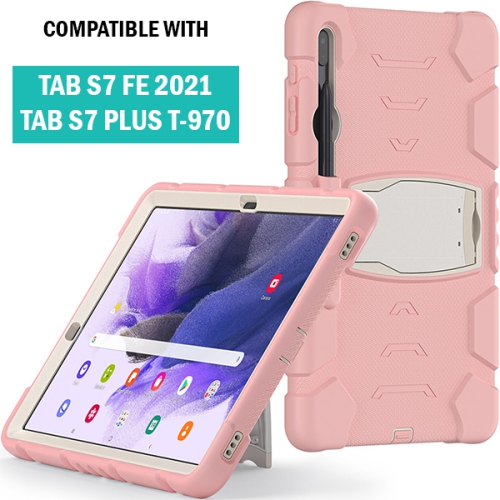
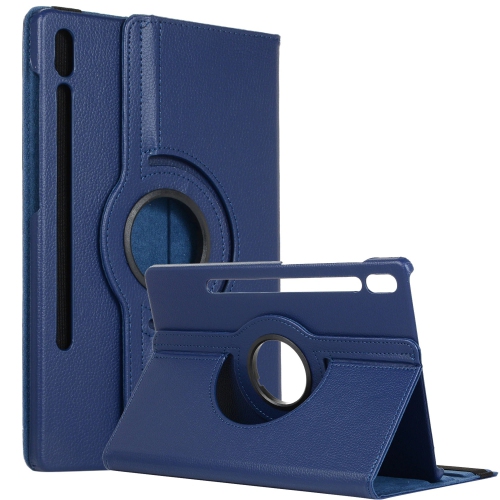
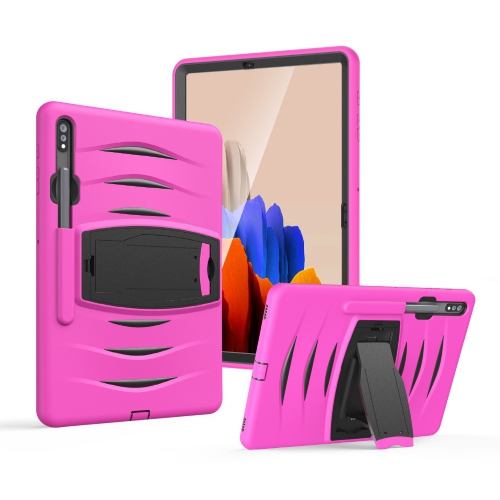
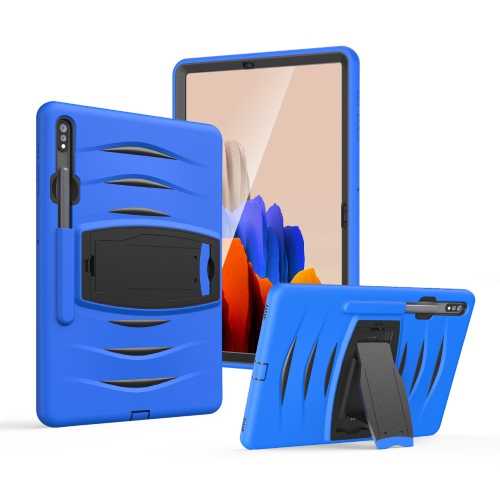
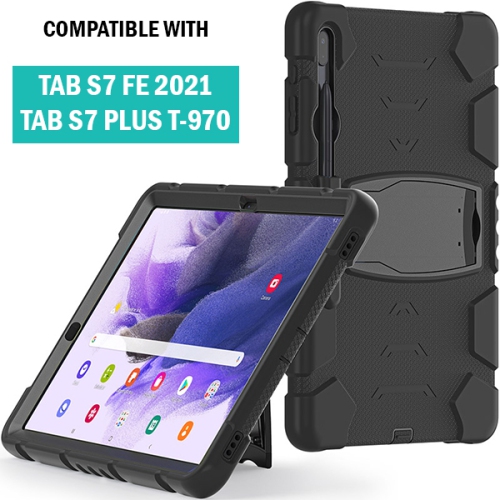
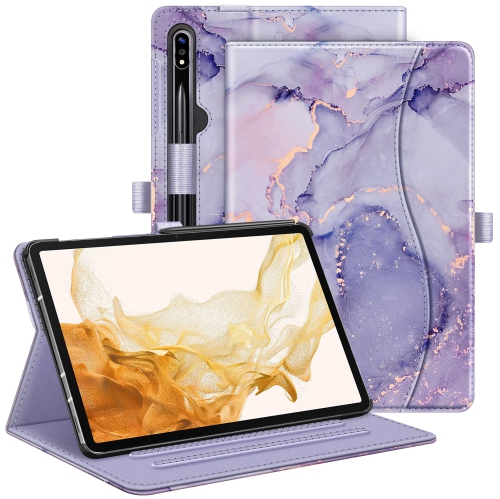
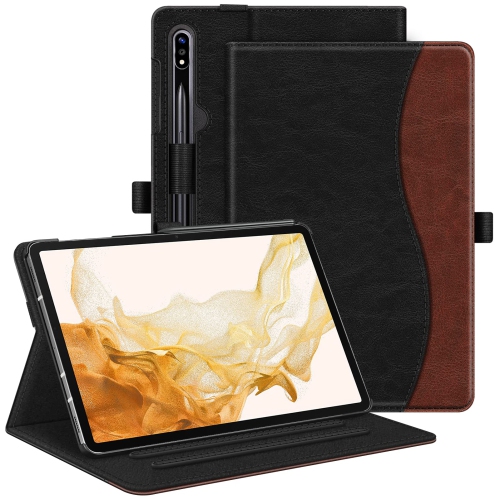
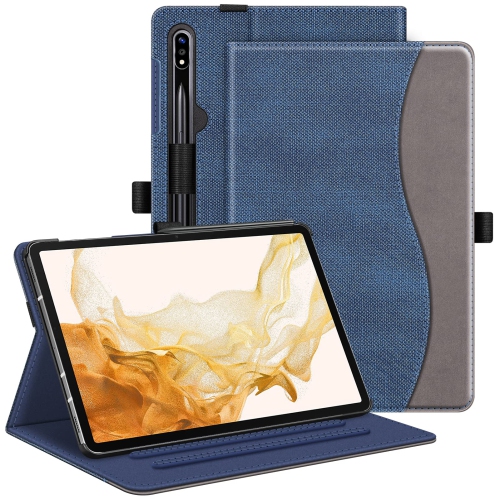
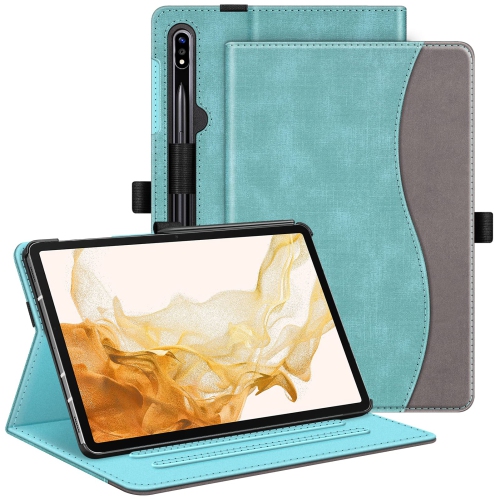
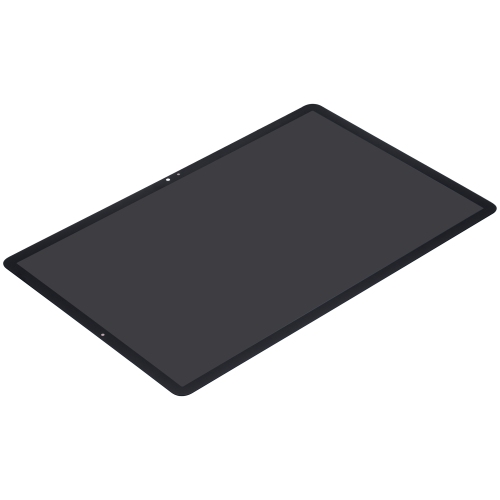
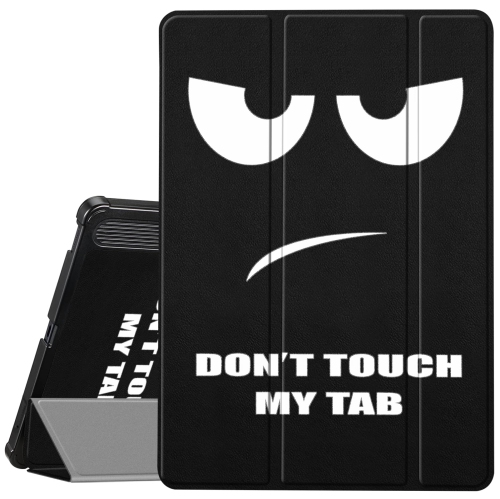
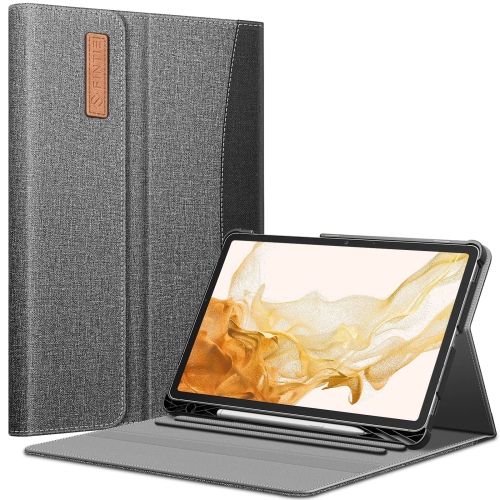
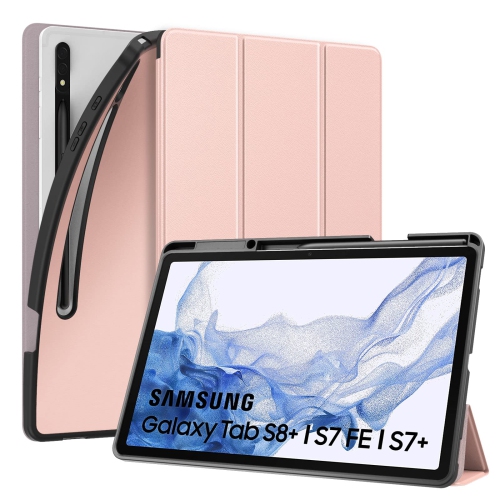
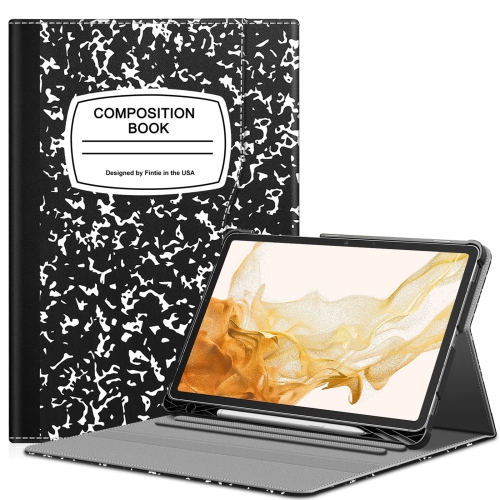
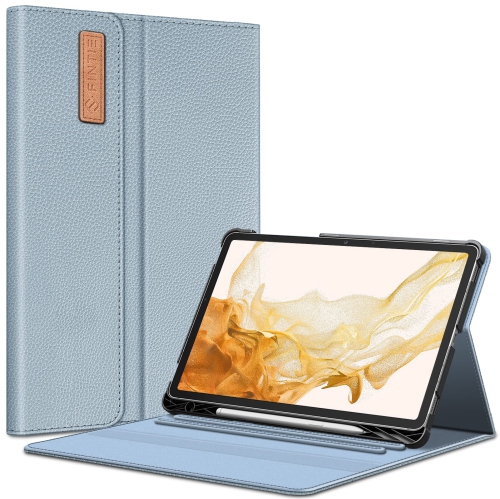
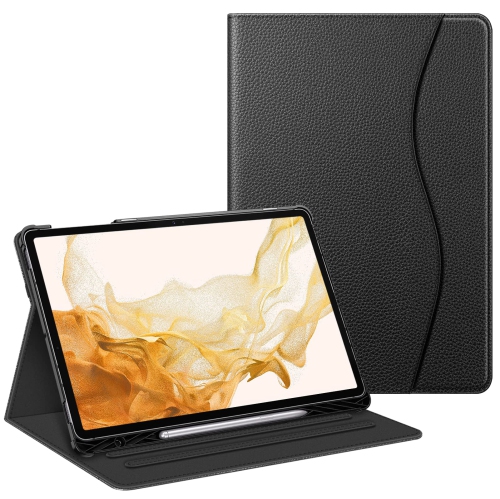
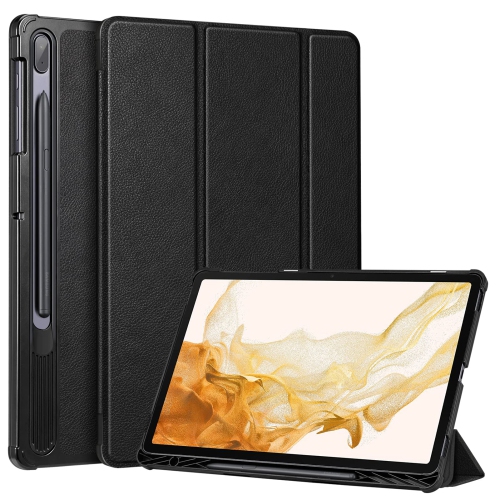
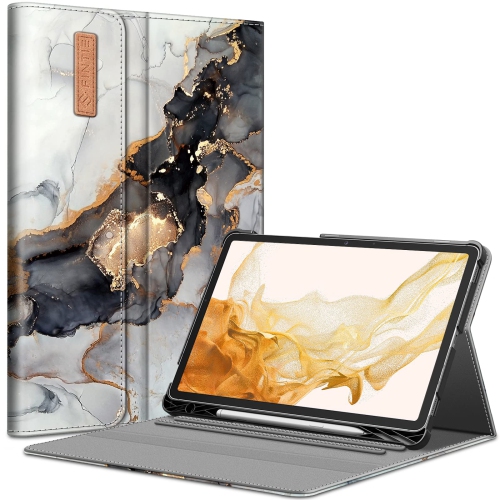
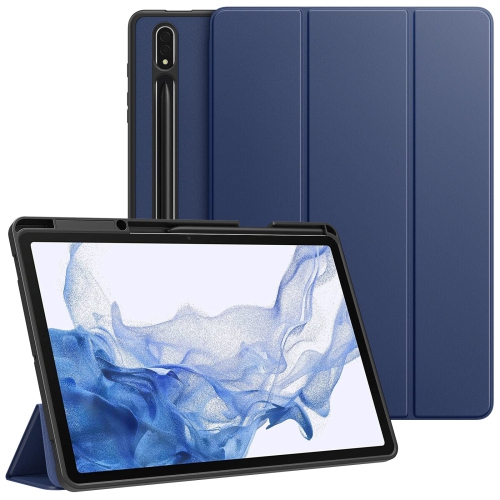
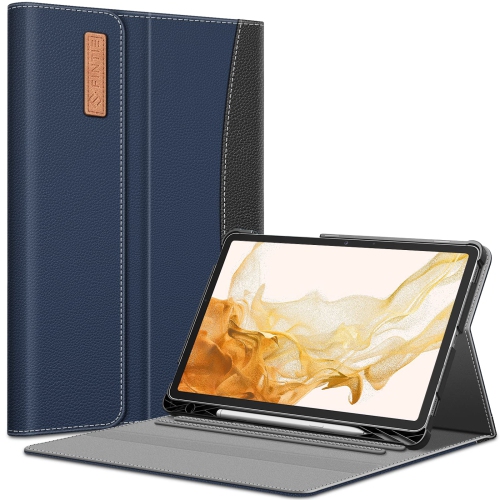
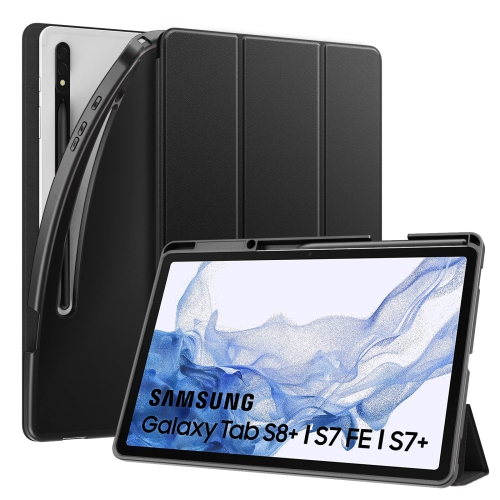
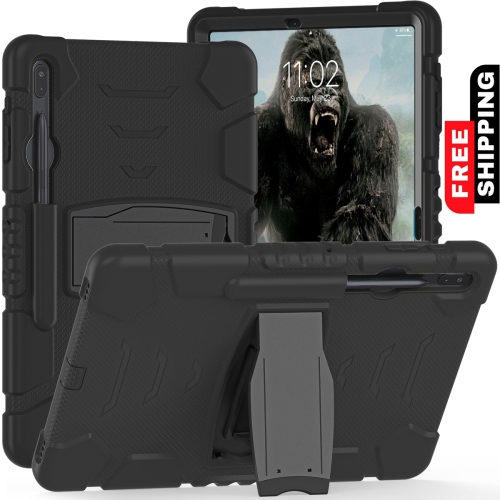
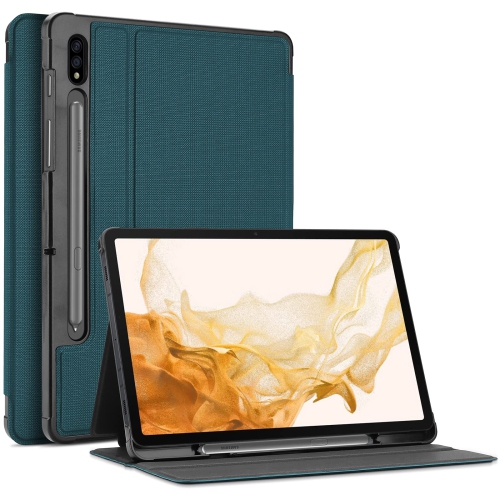
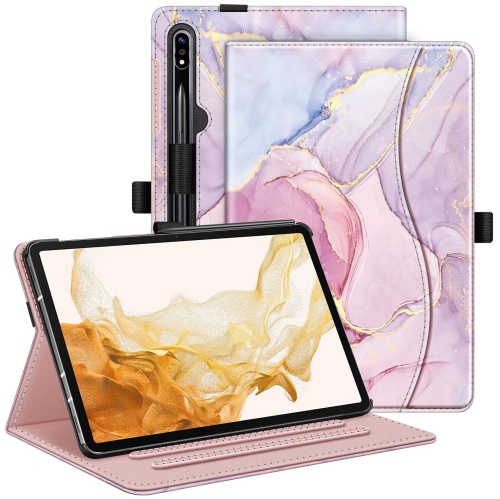
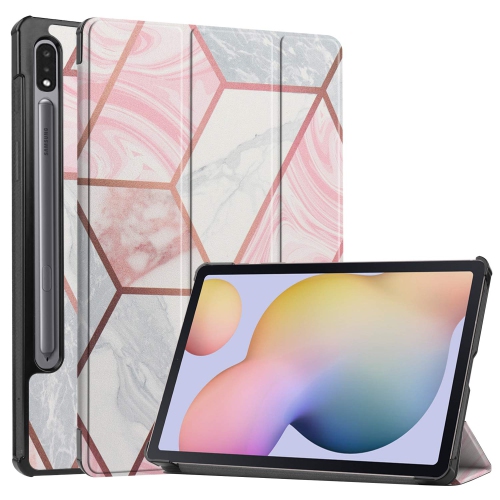
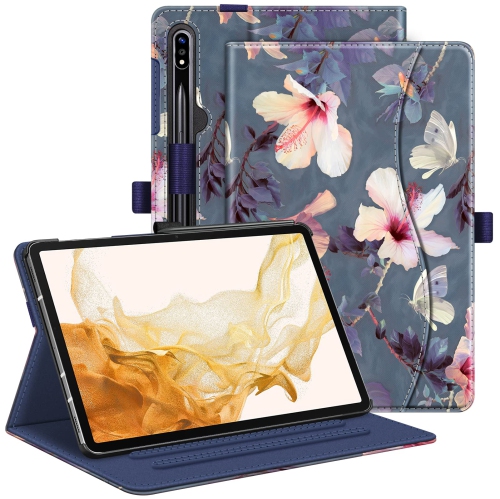
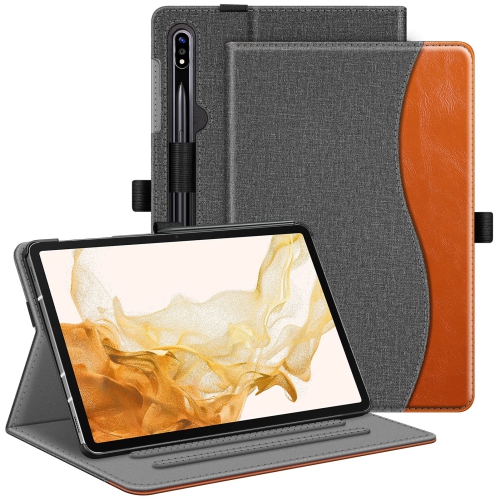
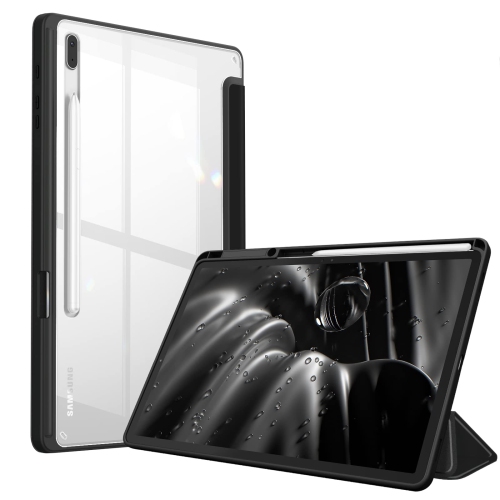
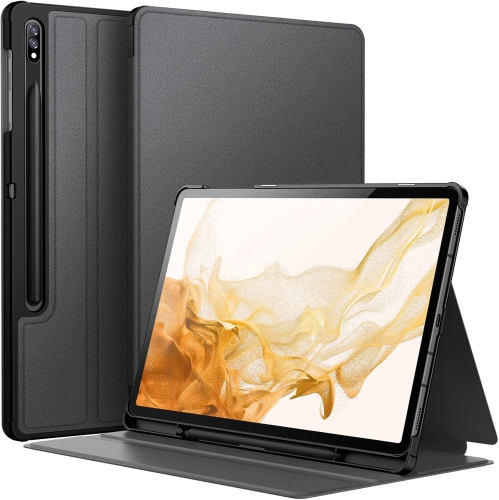
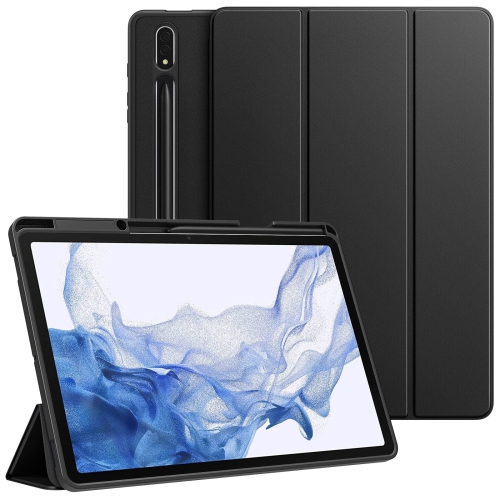
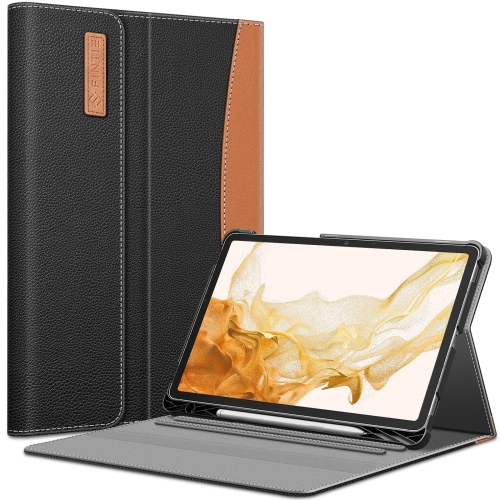
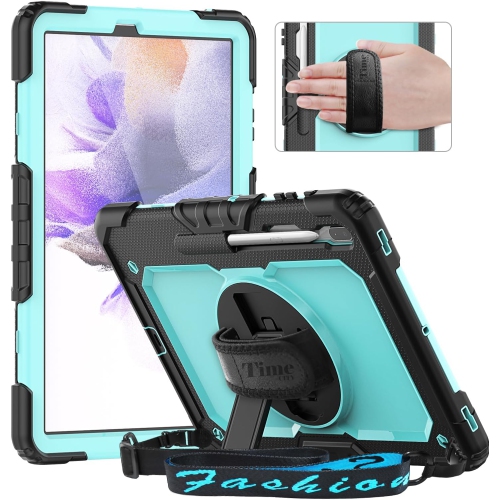
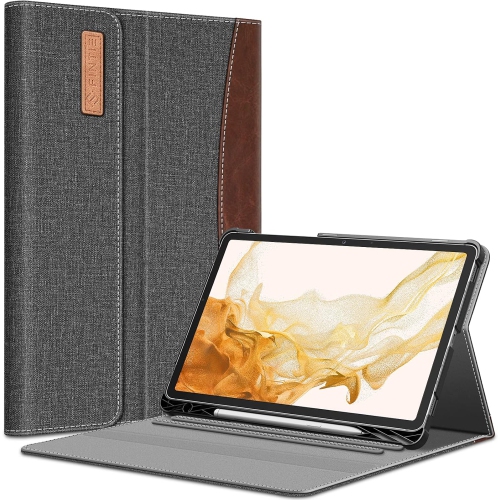
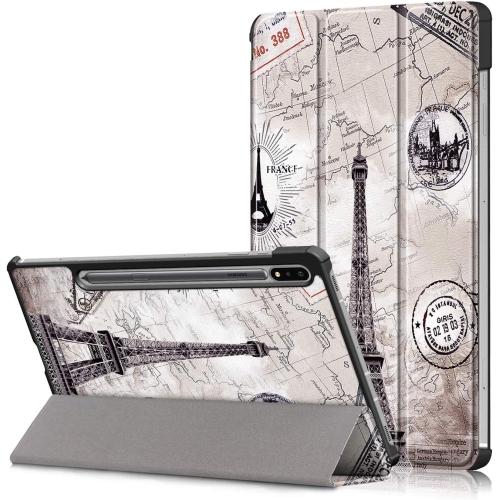
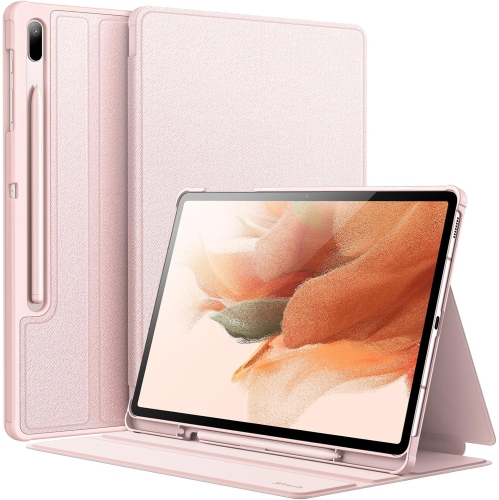
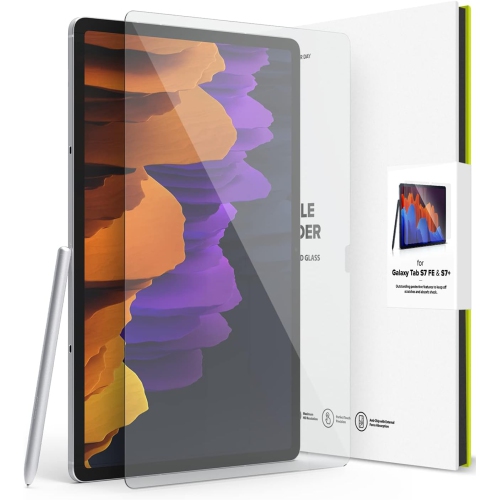
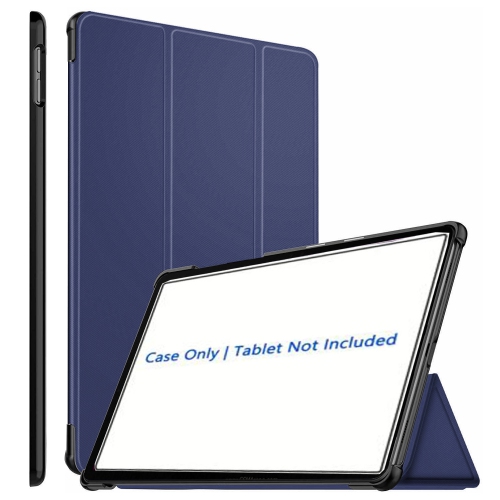
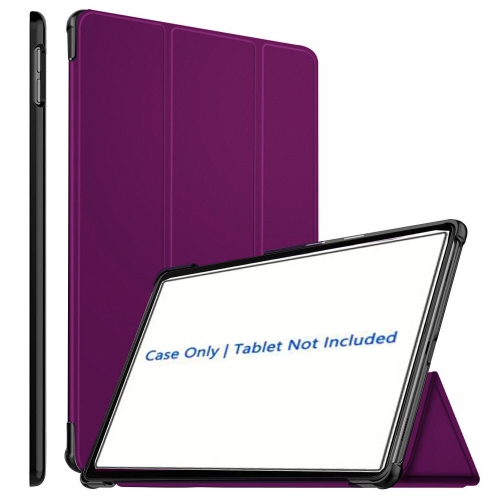
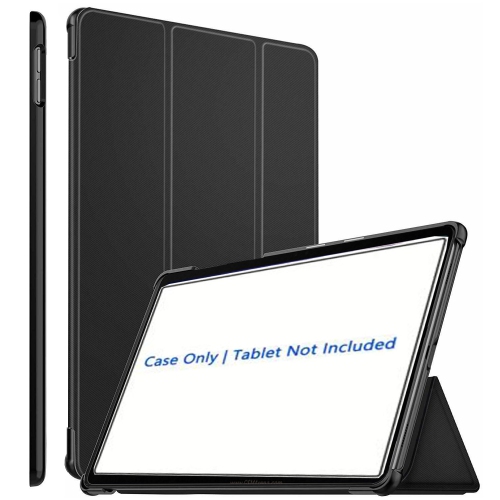
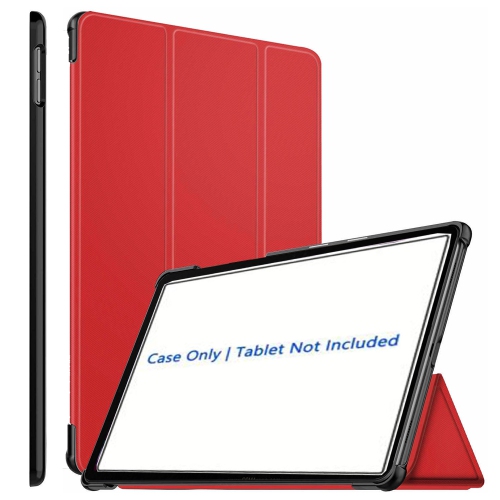
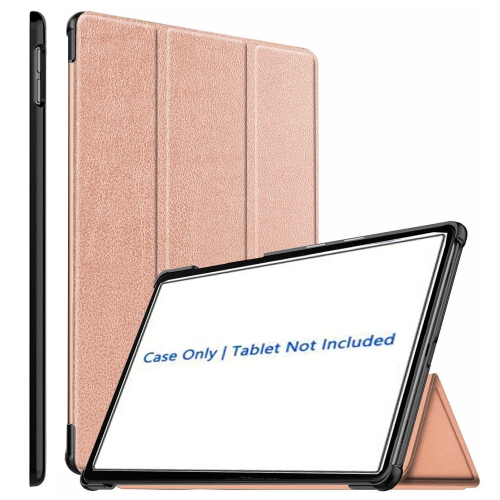
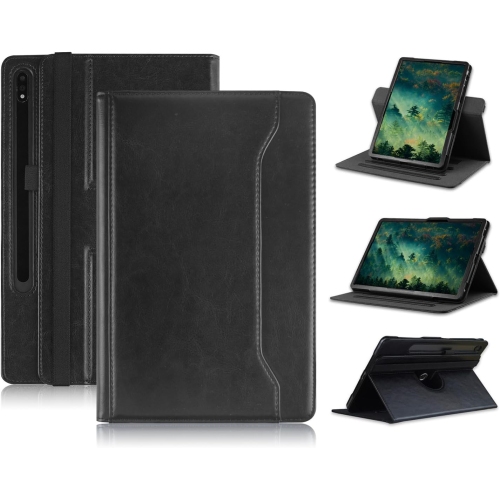
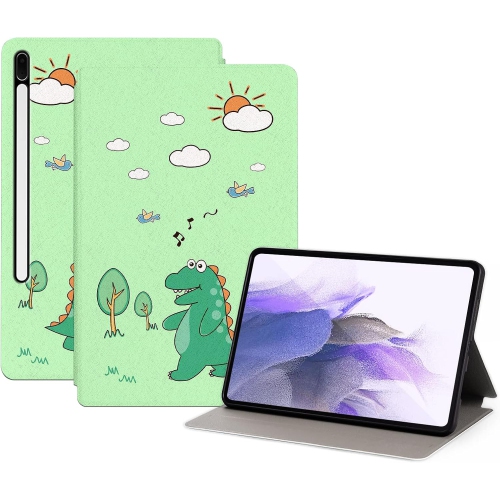
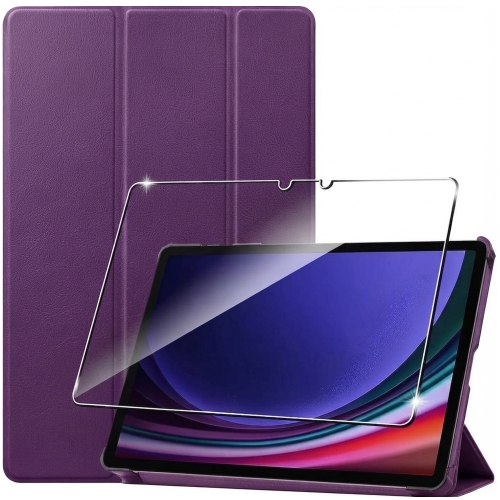
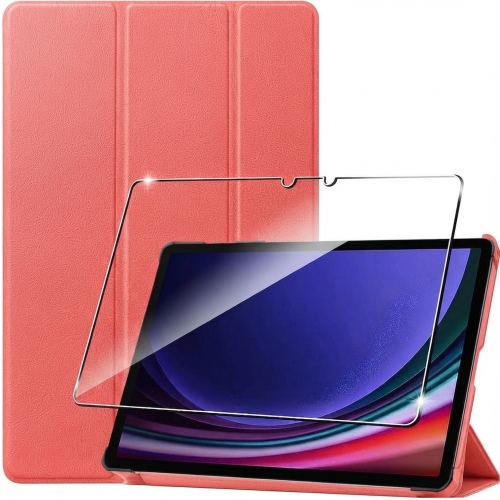
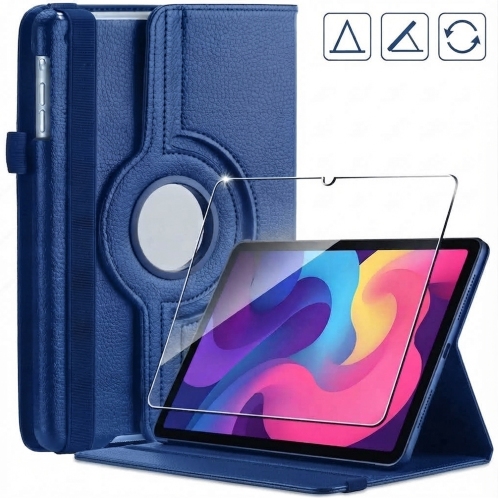
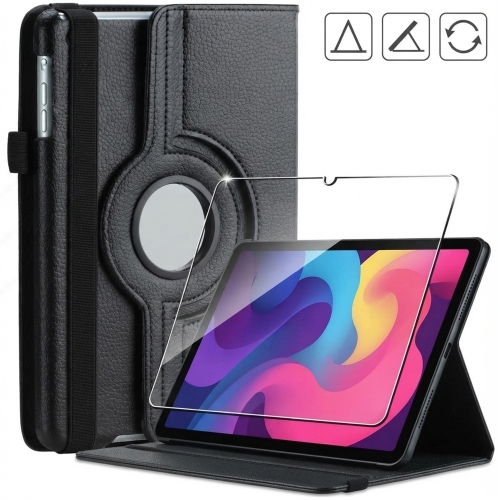
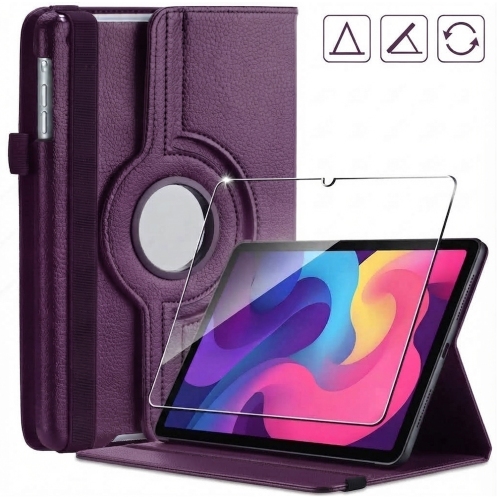
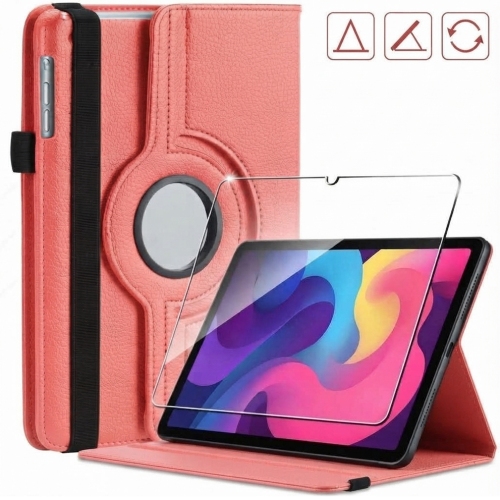
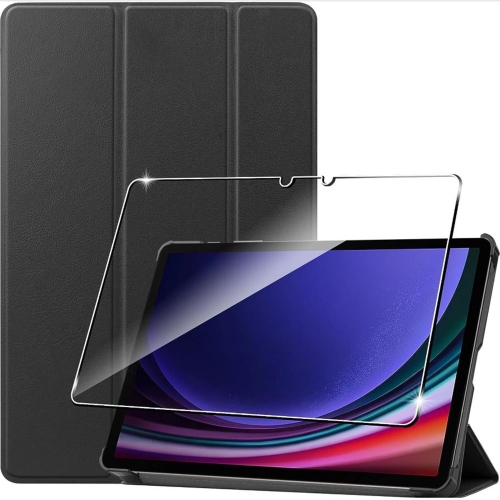
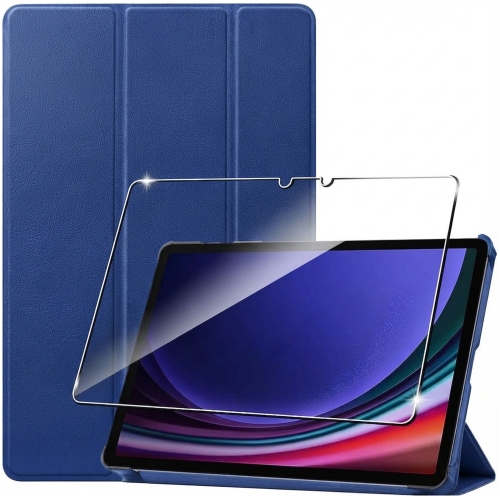
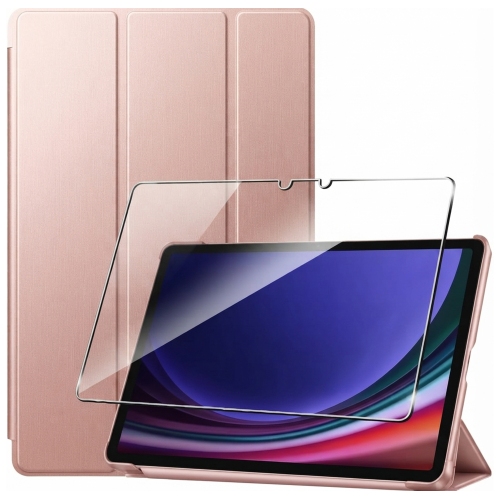
Materials, protection, and ongoing care help determine how well a tablet handles regular use. A metal body can feel solid and refined, but the glass display still needs protection from pressure, grit, and accidental drops. A fitted case adds grip and cushions exposed edges, while a cover helps keep keys and other objects away from the screen inside a bag. Exact fit is essential: tablets with similar screen measurements can have different camera positions, charging ports, speaker openings, and attachment points. A case or keyboard should match the intended model and generation rather than simply the approximate display size. Screen protectors require the same attention, particularly when pen use is important. Some textured finishes create more resistance beneath the pen tip, but they can also change the appearance of the display or affect tip wear. Regular cleaning is straightforward with a soft, lint-free cloth and the cleaning method recommended for the device; abrasive materials and excess liquid can damage finishes or find their way into openings. A padded sleeve is useful when carrying a tablet alongside books or a laptop, and avoiding heavy pressure across the screen helps protect it in a crowded bag. Charging habits matter too. A compatible charger and cable support dependable charging, while actual battery life varies with brightness, games, video calls, and wireless activity. For a previously owned device, condition details, included accessories, warranty terms, and software support help establish what to expect over time. Security updates and app compatibility are especially relevant when the tablet will be used for personal accounts, schoolwork, or work documents. Comparing options such as the Samsung Tab A7 can also help put screen size, portability, and everyday features into perspective. The most suitable tablet setup balances the space needed for comfortable viewing with the accessories, handling, and software that support its intended use, whether that means handwritten study notes, relaxed reading, creative projects, or staying connected away from a desk.
Read More

FAQ

Some products may be subject to Environmental Handling Fees (EHF) depending on your province. Learn more about EHFs.