Smart Home Controls

Smart home controls help you manage connected devices, from lighting to temperature, in one convenient setup. Explore options for everyday control and automation, and compare compatibility with your existing devices, preferred voice assistant, and home network to find the right fit.
Read More

Sort

Compatible controls put everyday routines within easier reach

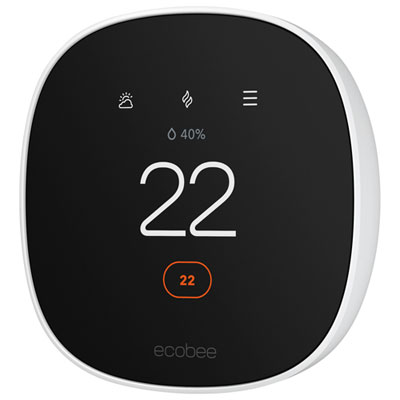
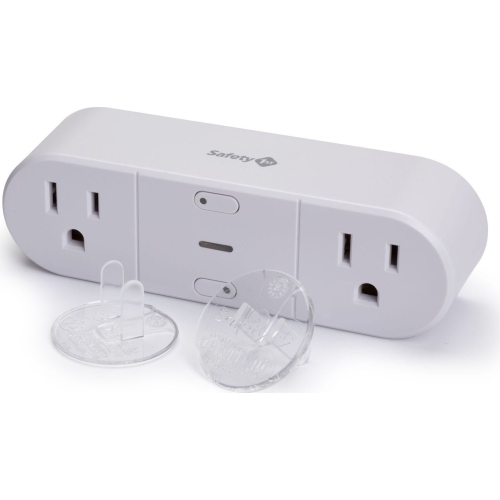
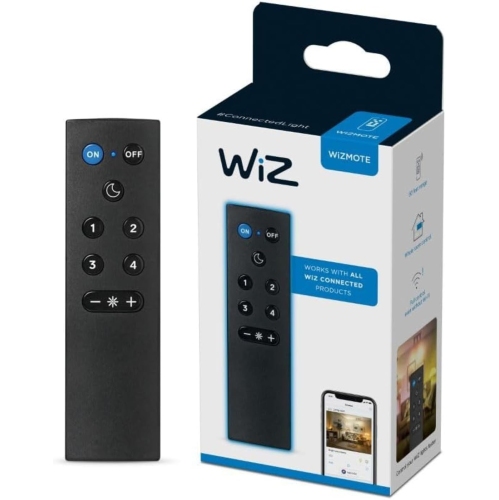
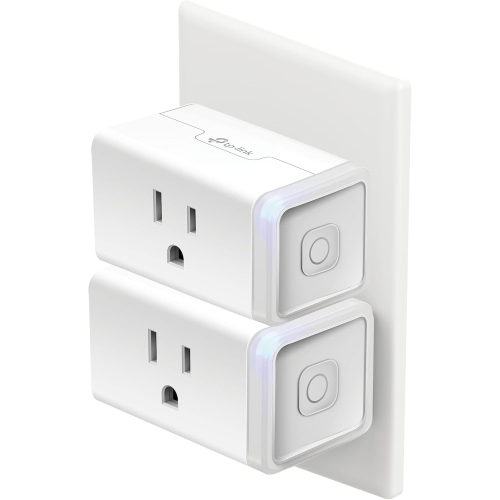
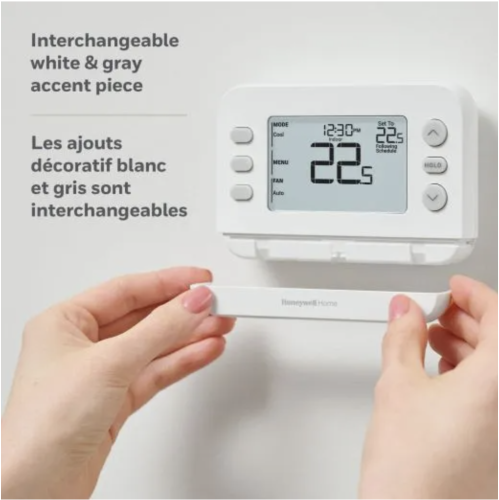
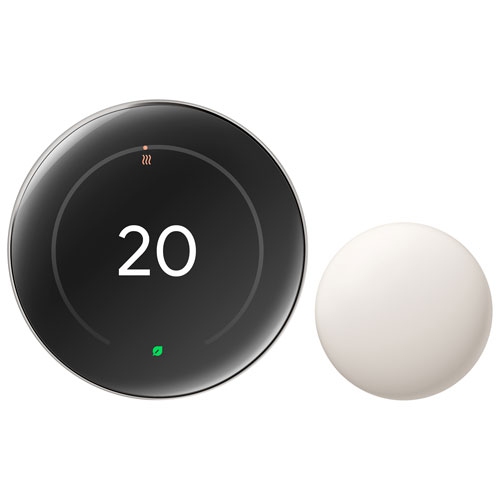
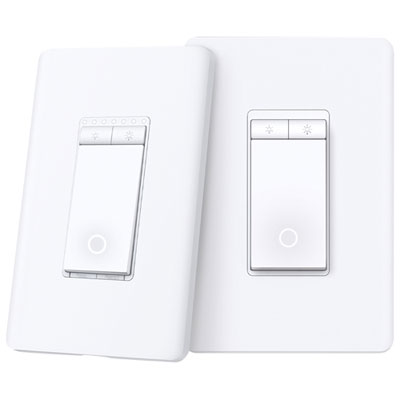
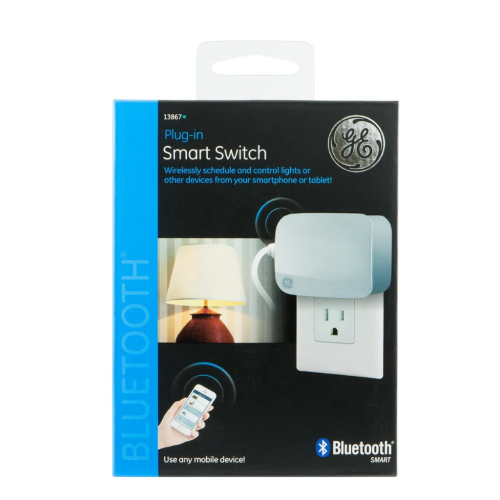
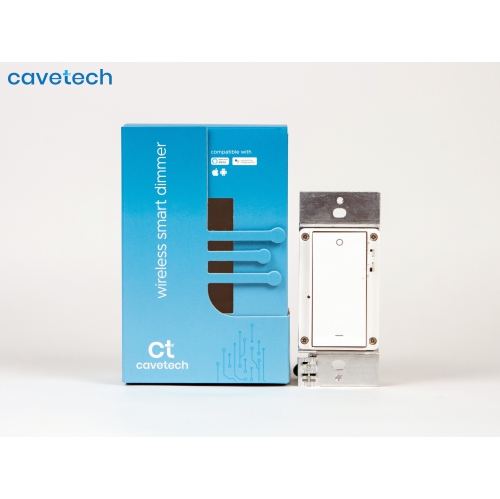
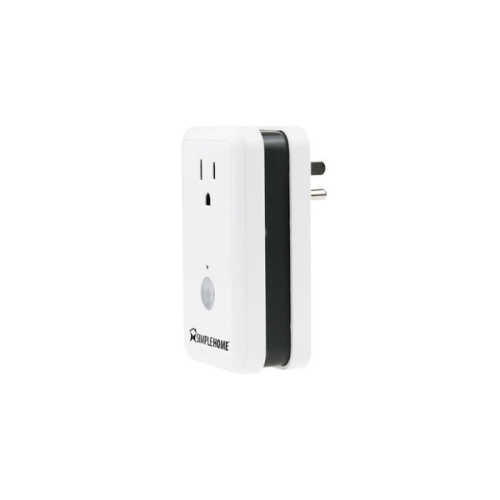
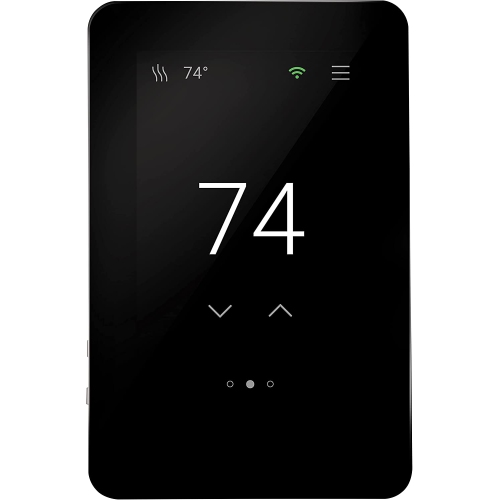
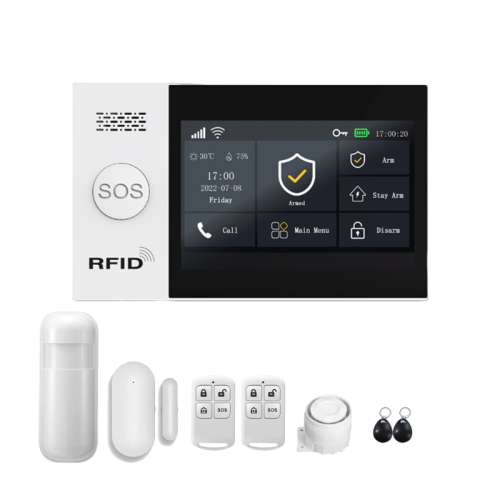
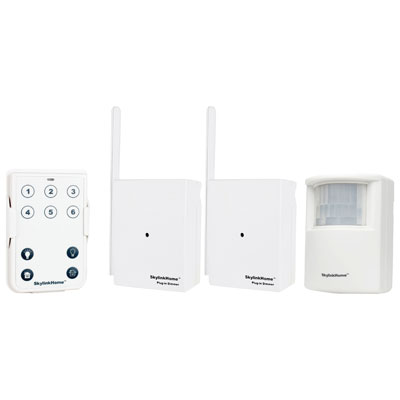
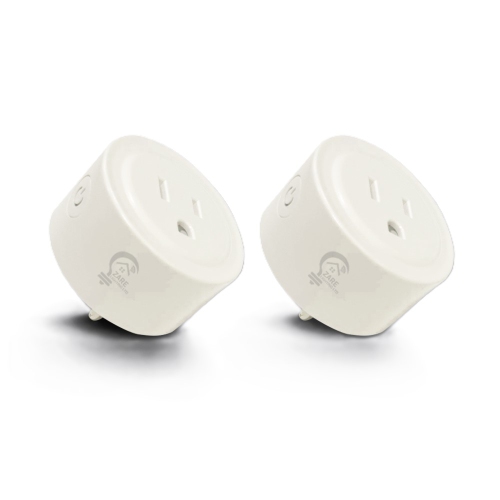
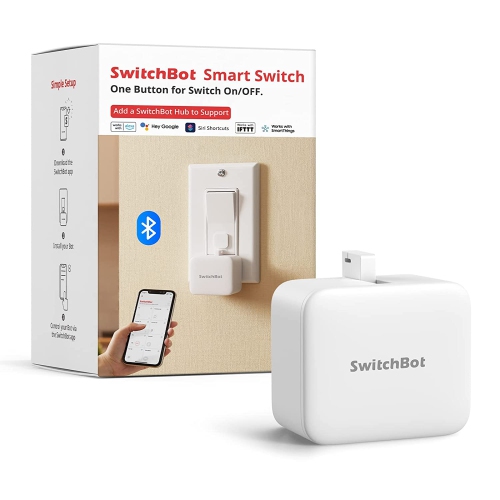
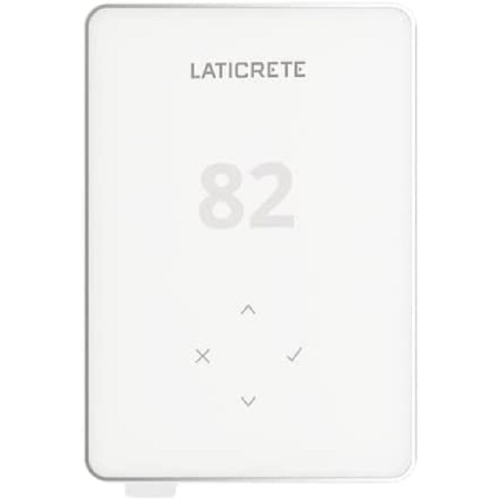
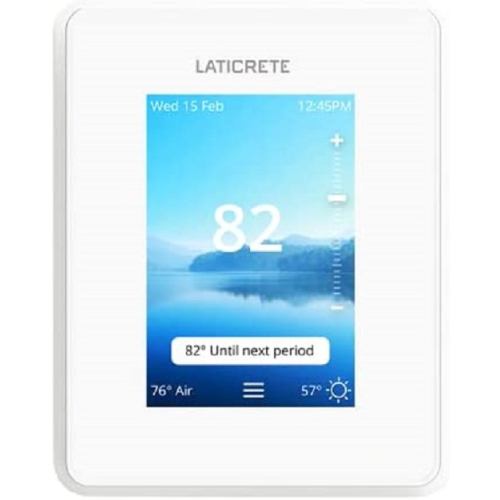
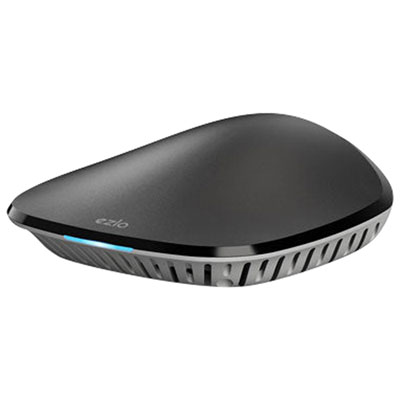
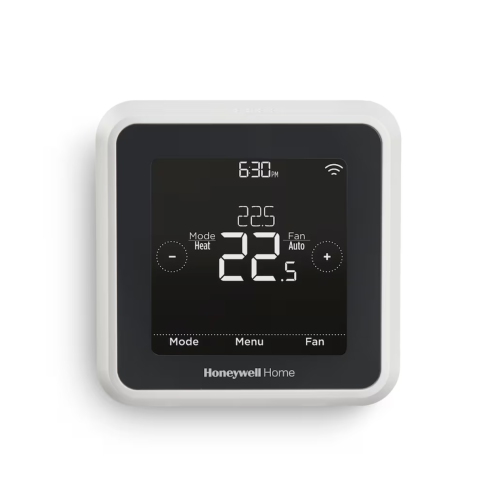
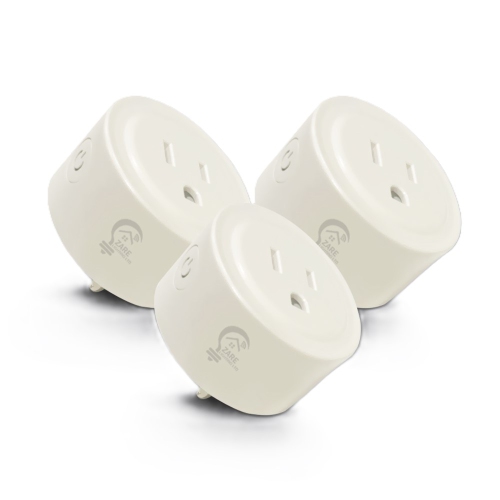
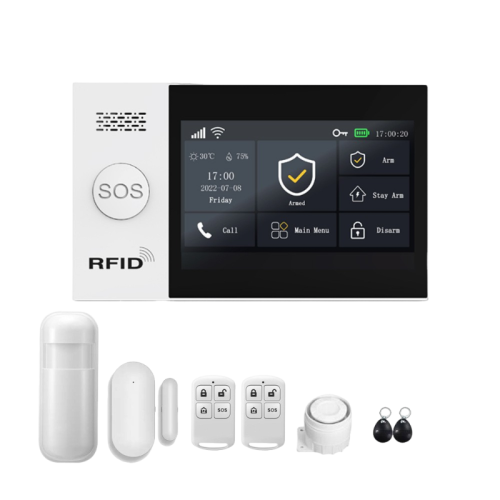
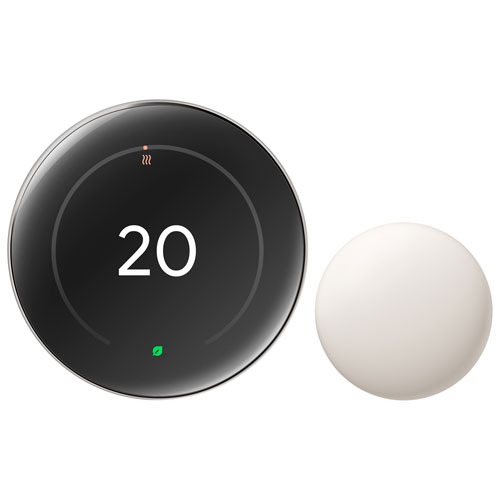
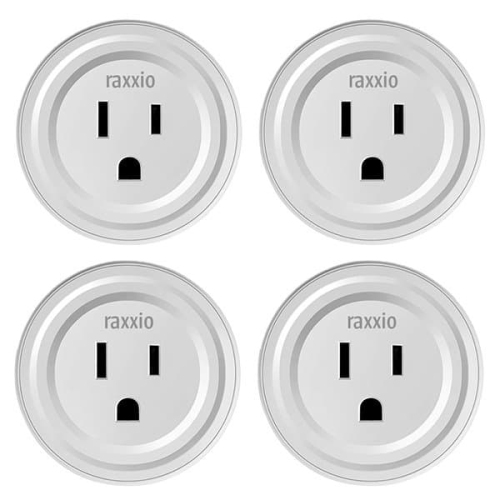
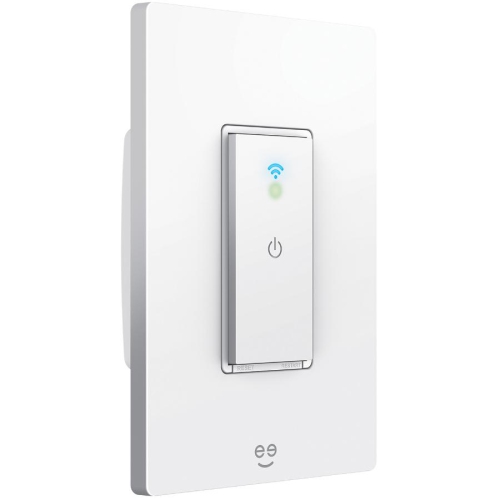
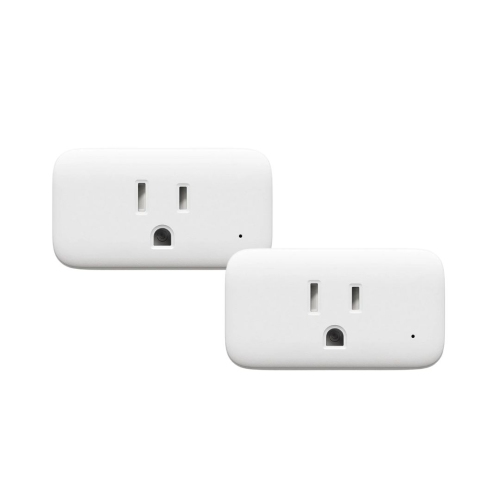
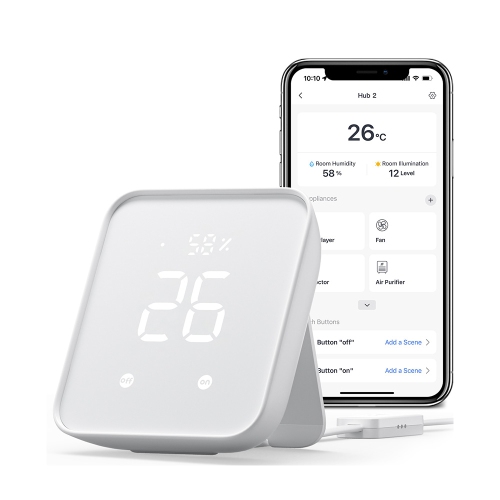
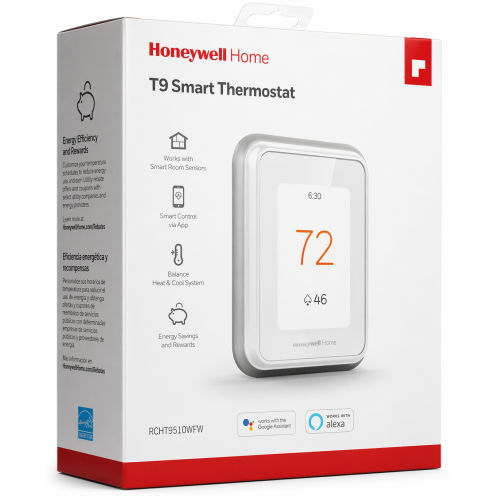
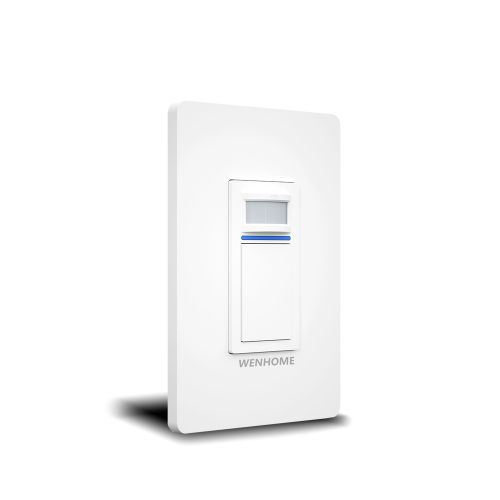
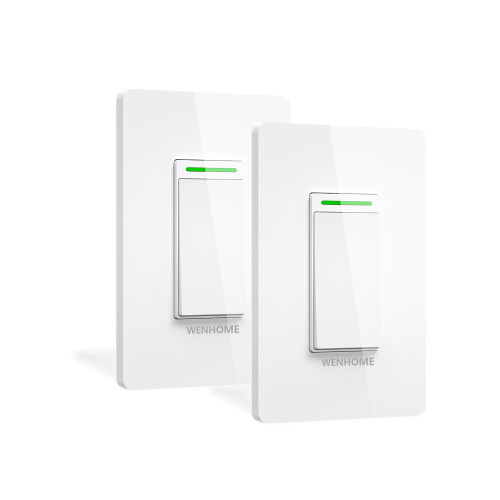
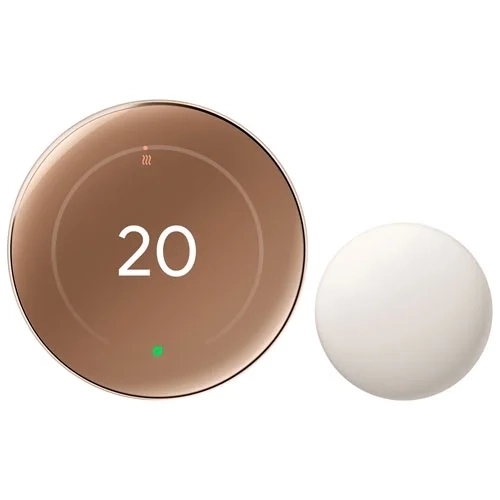
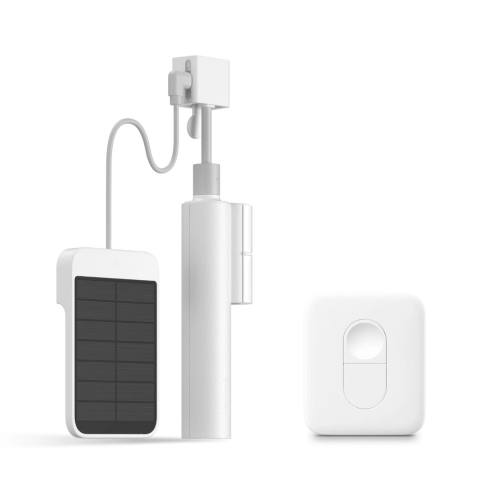
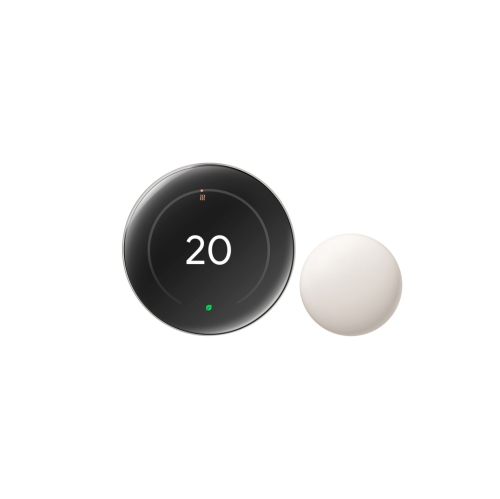
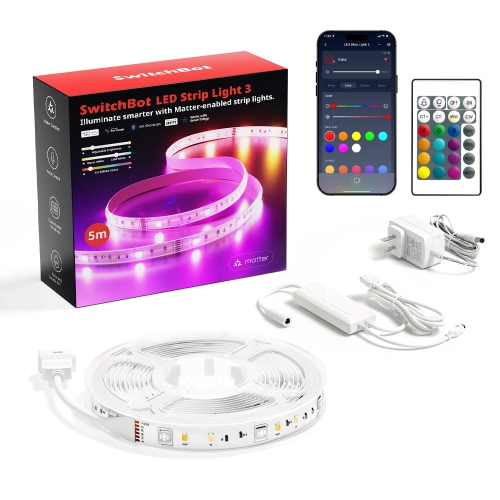
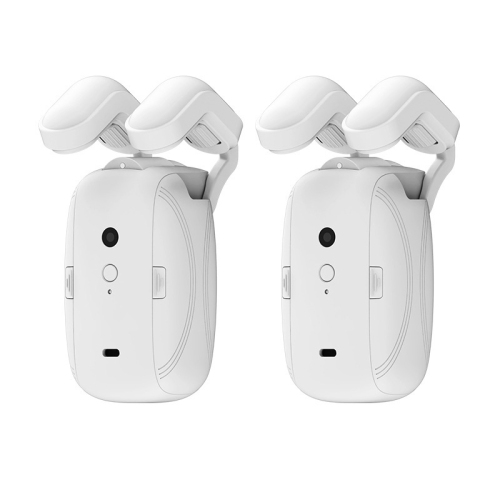
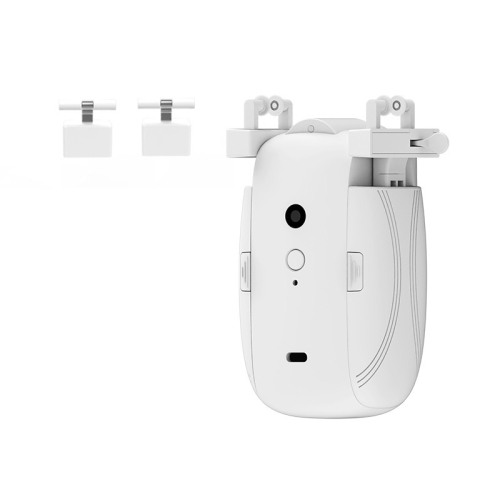
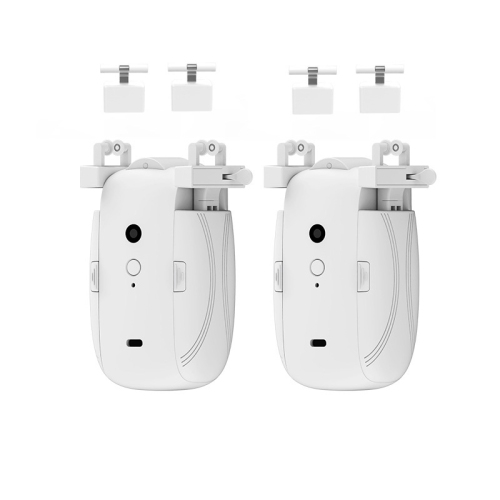
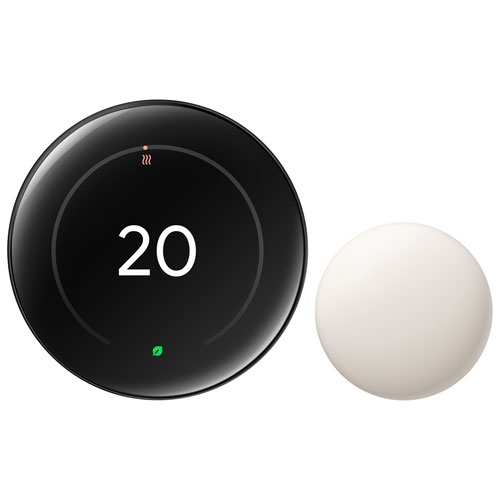
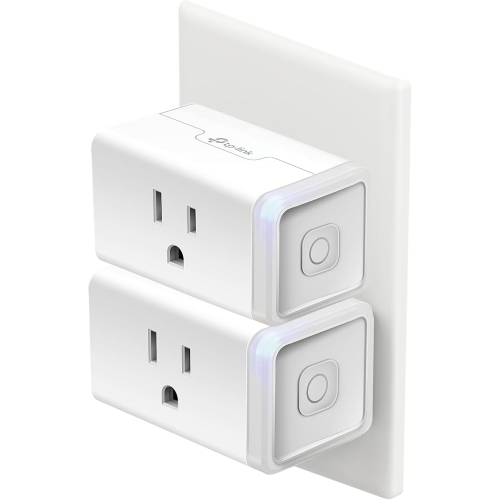
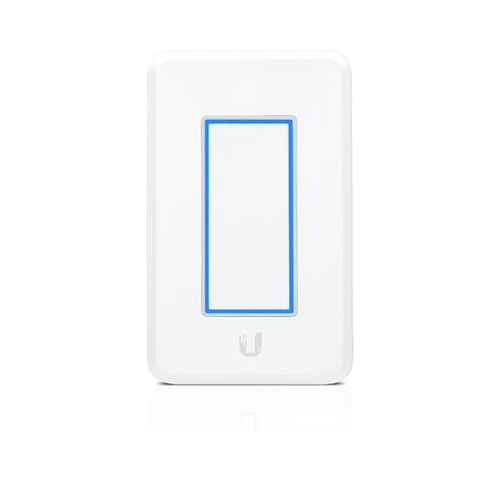
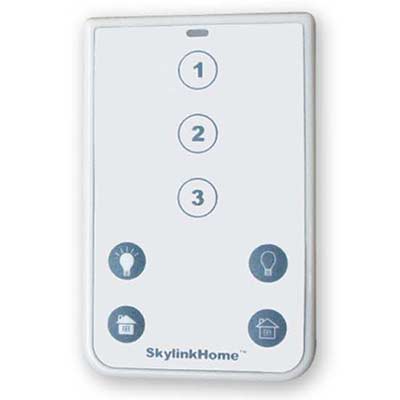
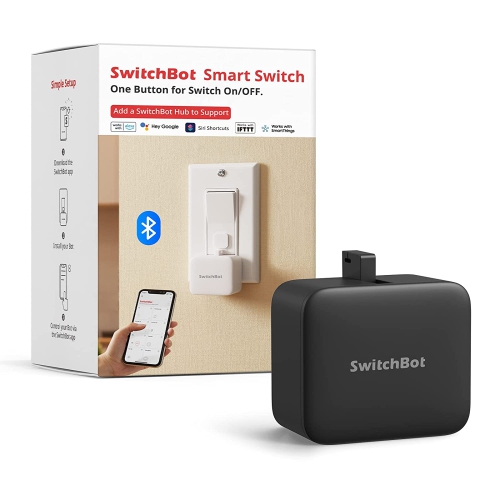
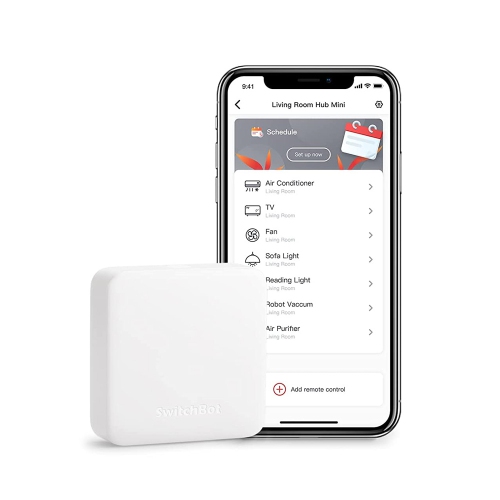
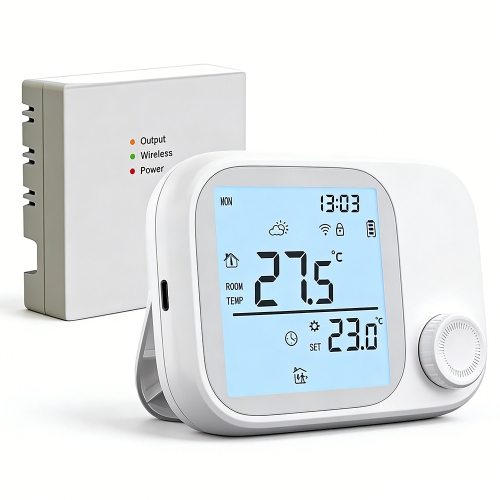
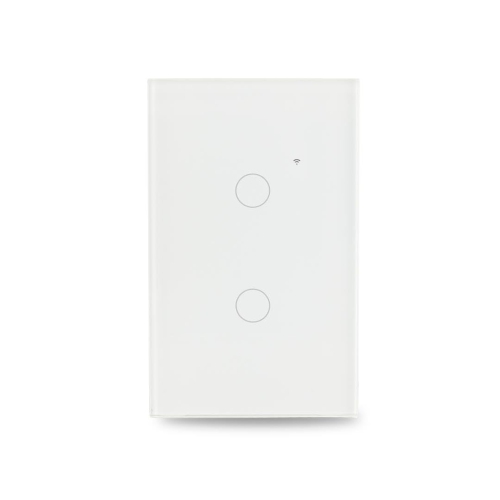
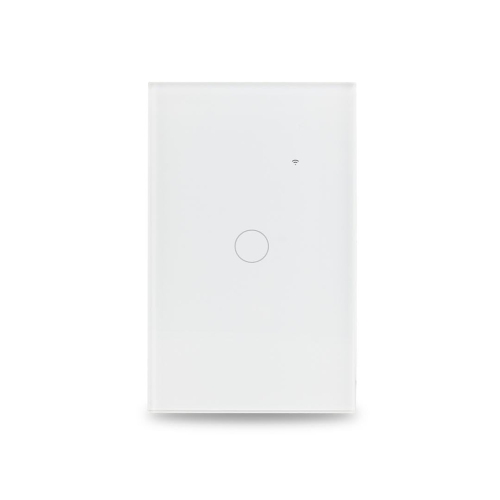
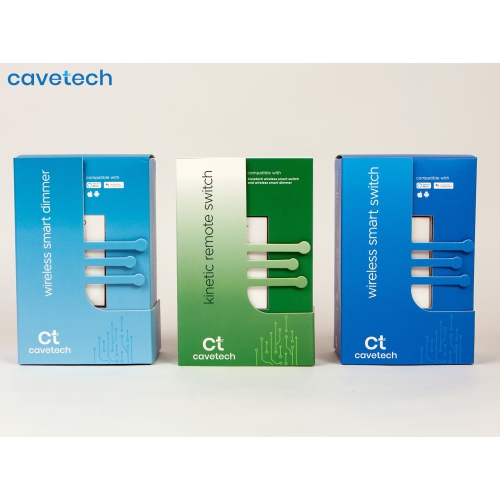
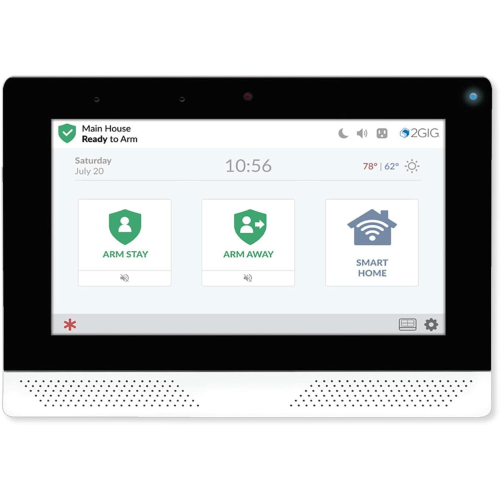
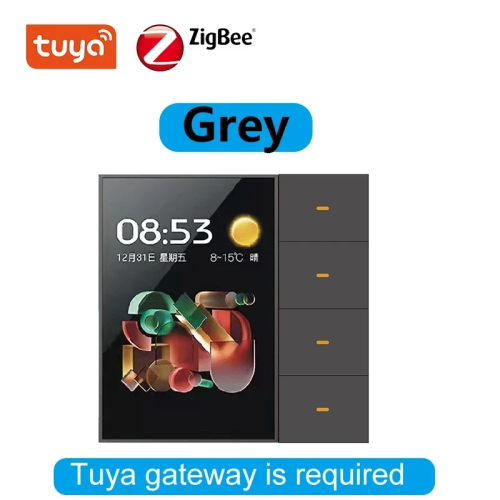
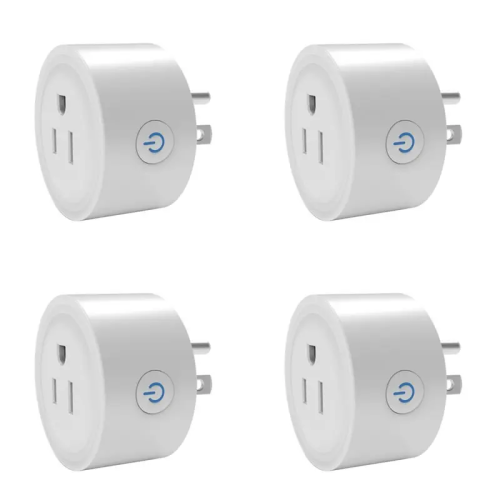
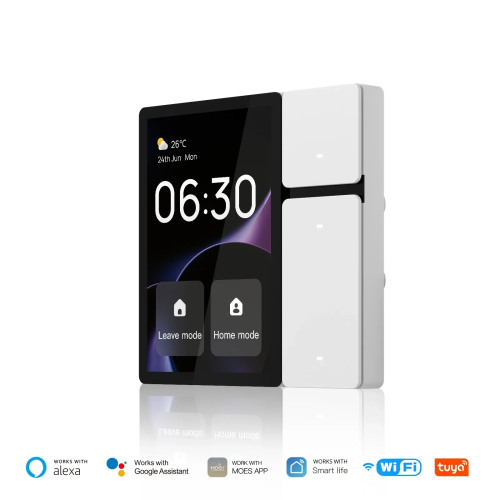
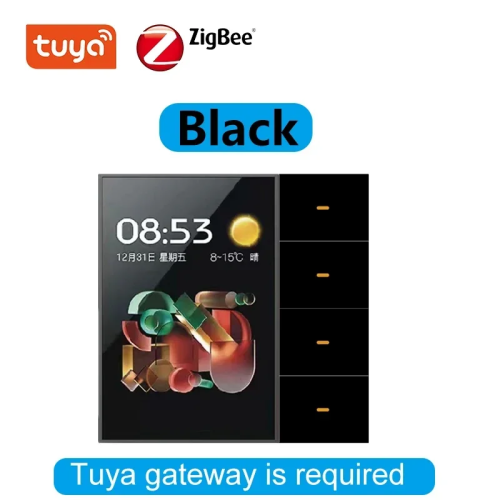
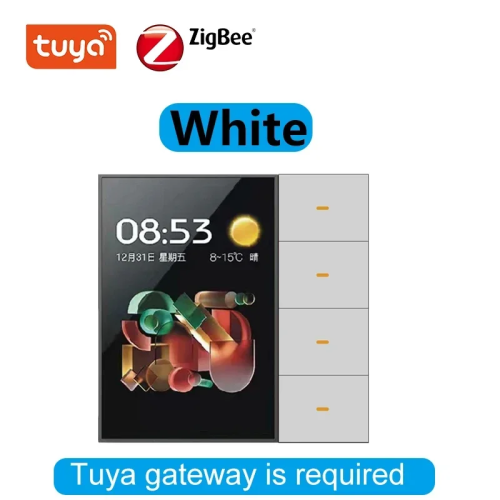
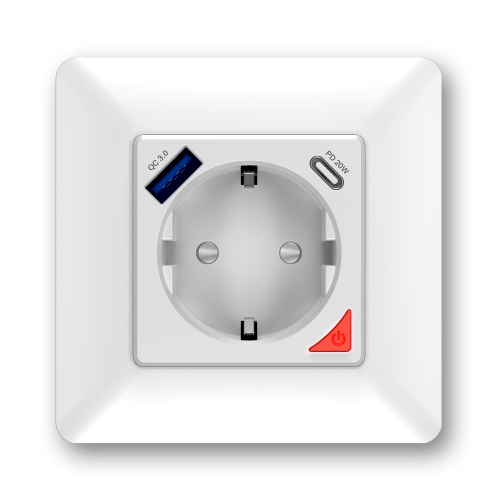
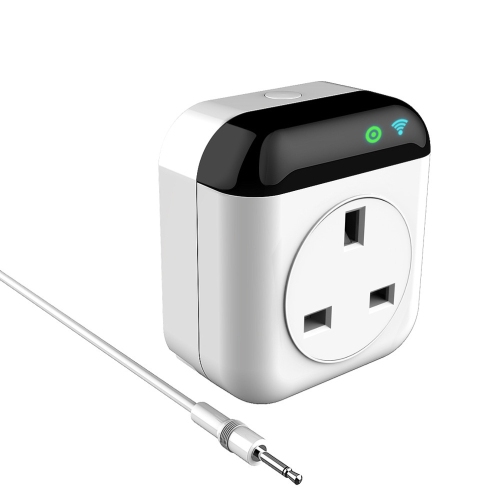
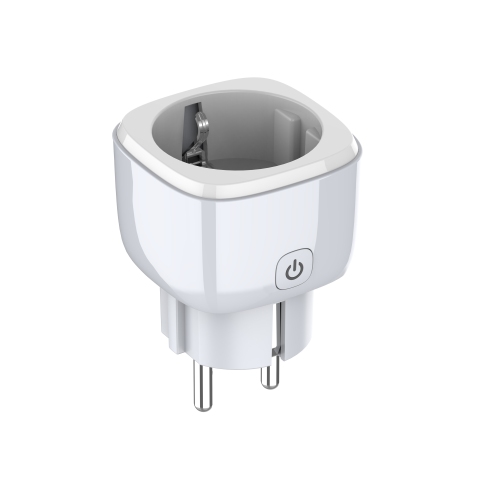
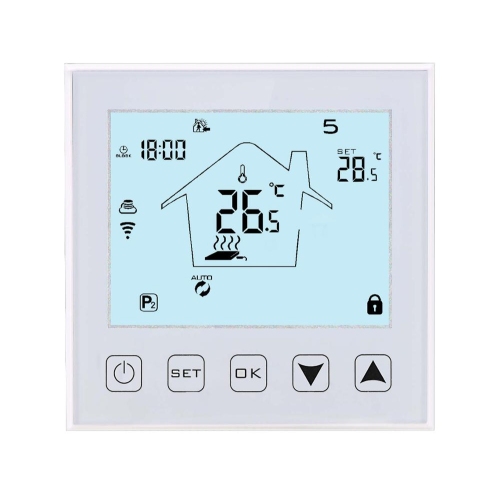
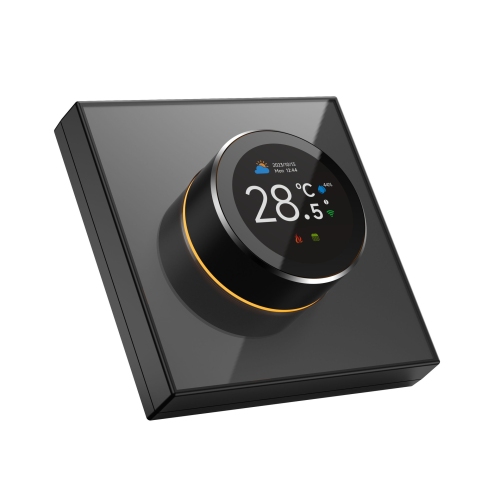
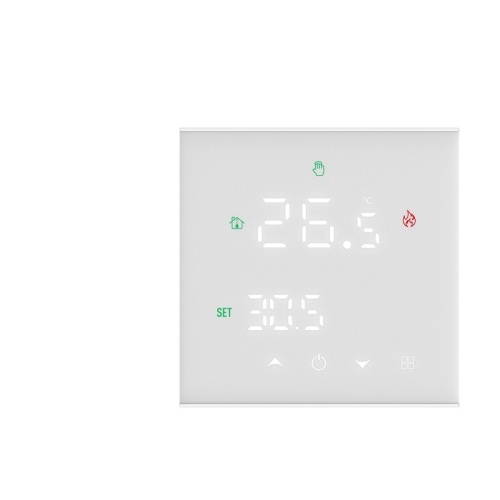
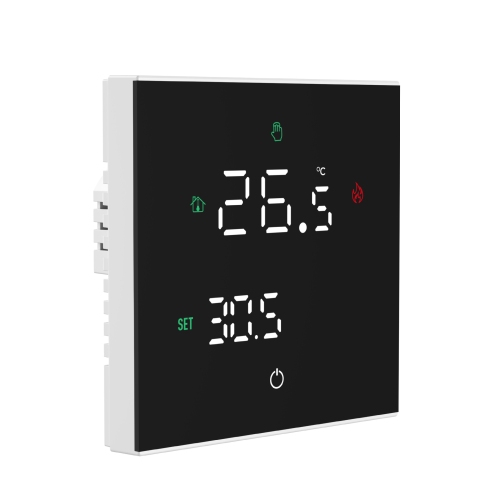
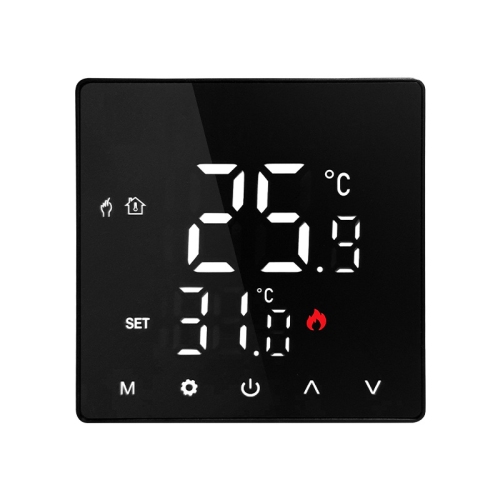
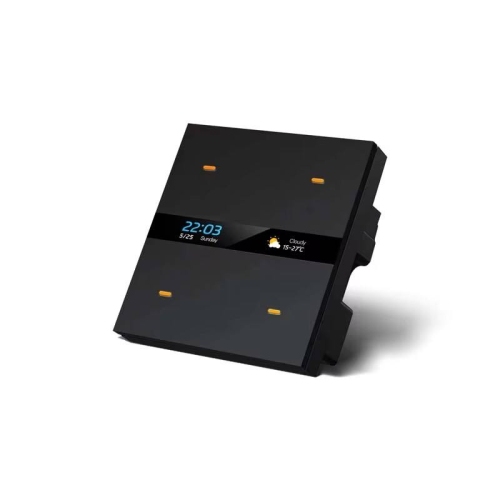
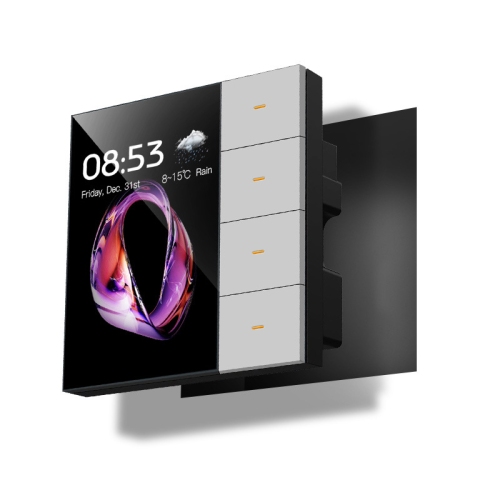
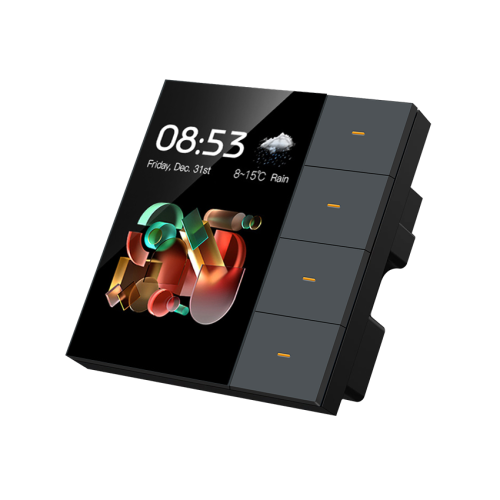
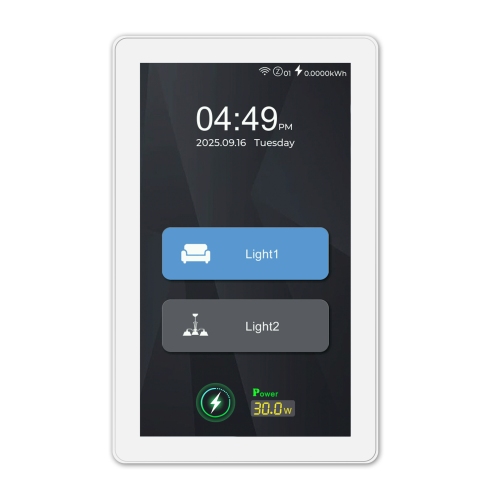
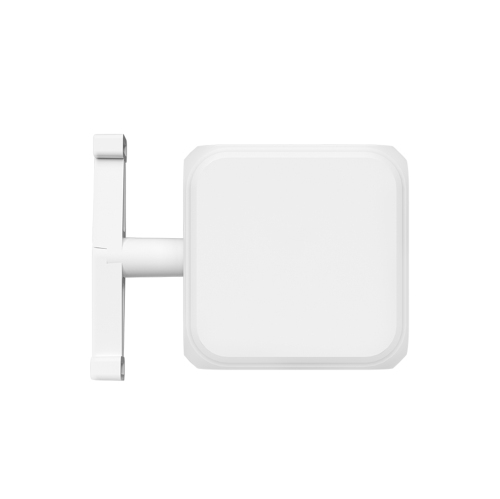
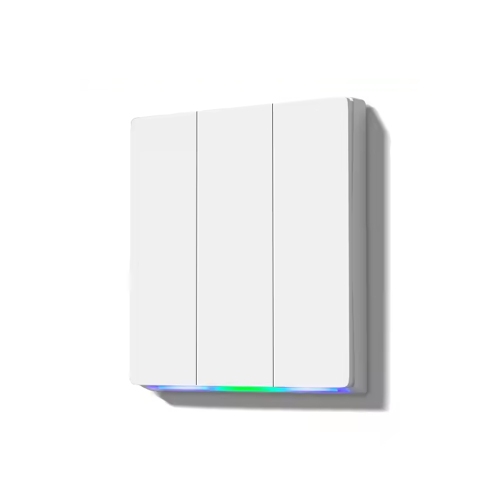
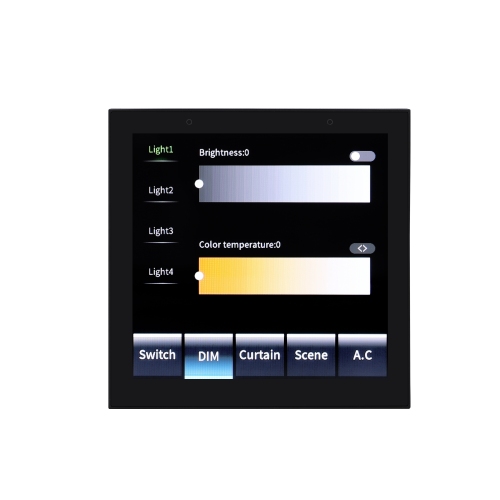
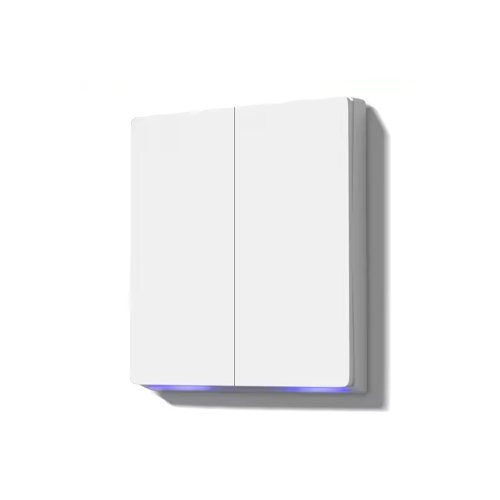
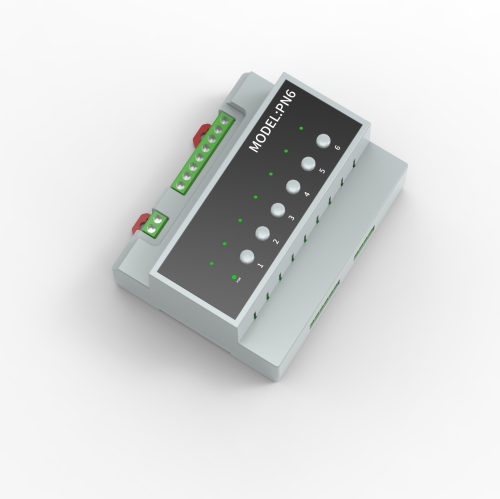
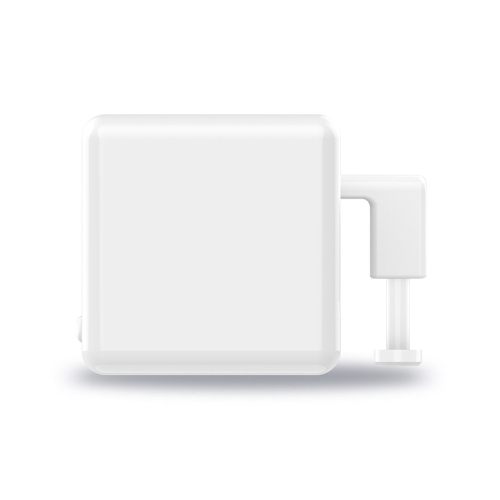
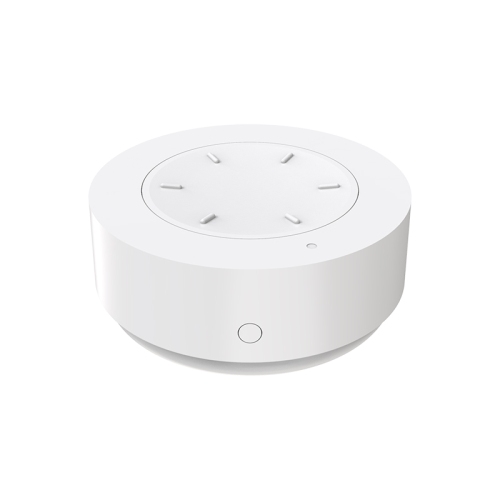
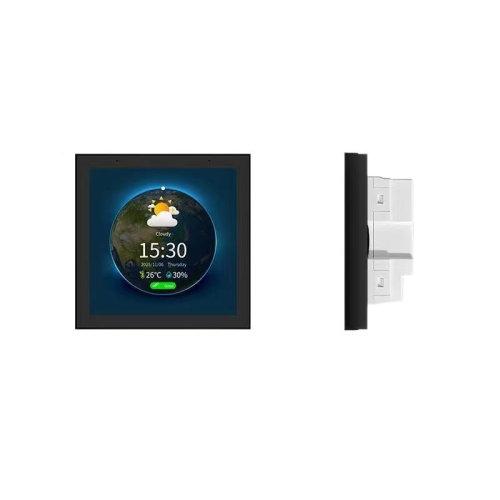
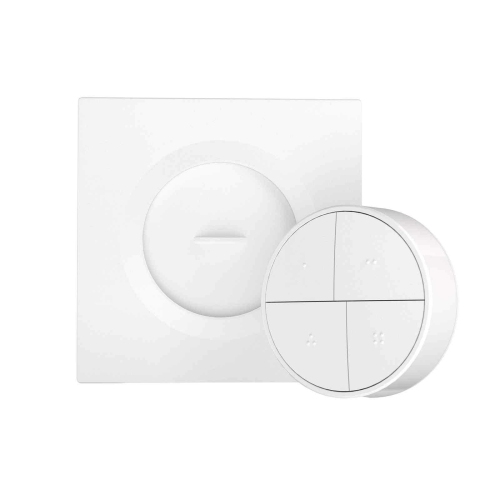
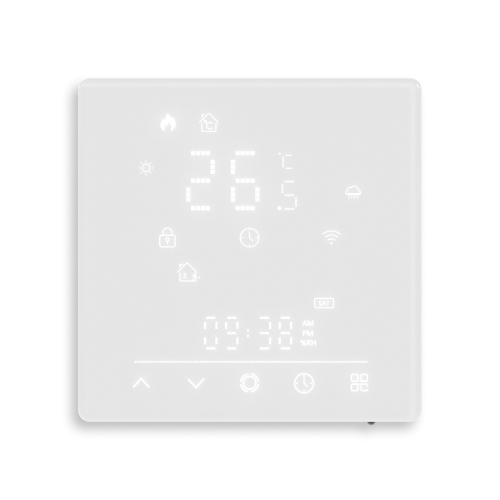
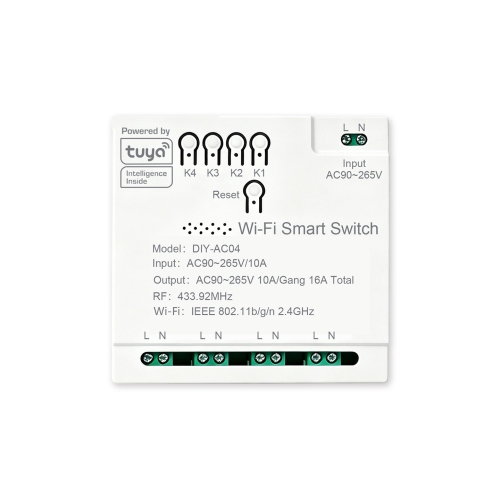
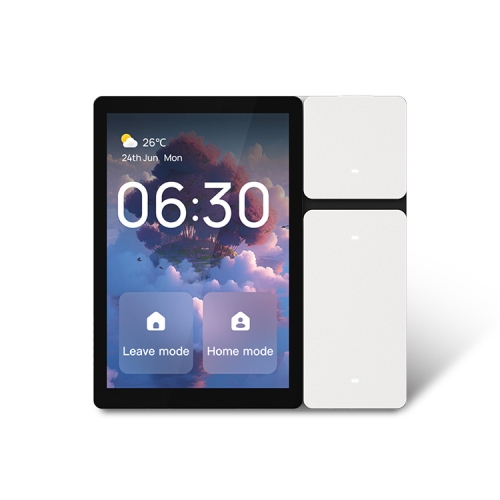
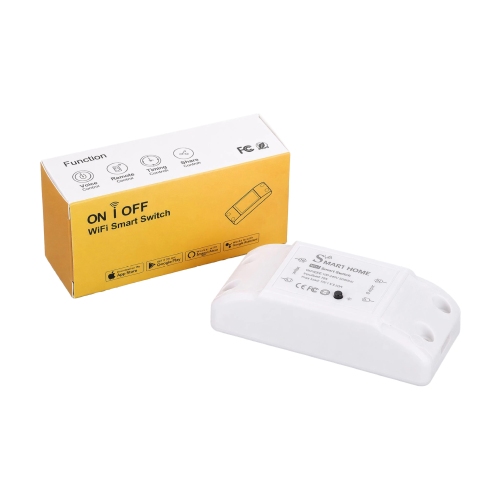
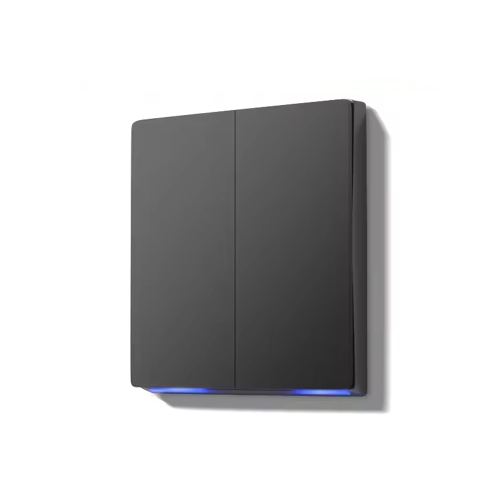
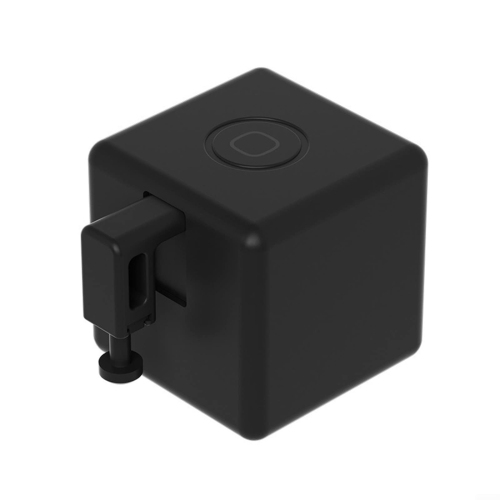
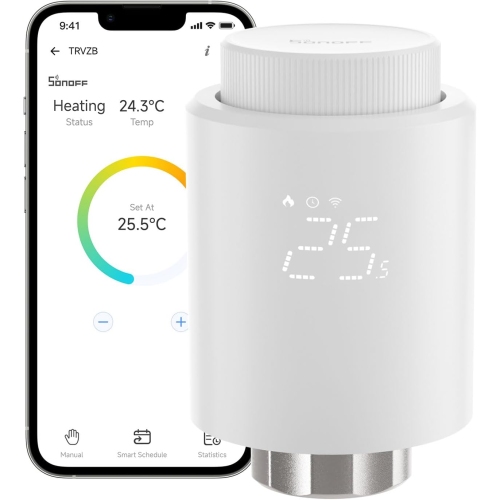
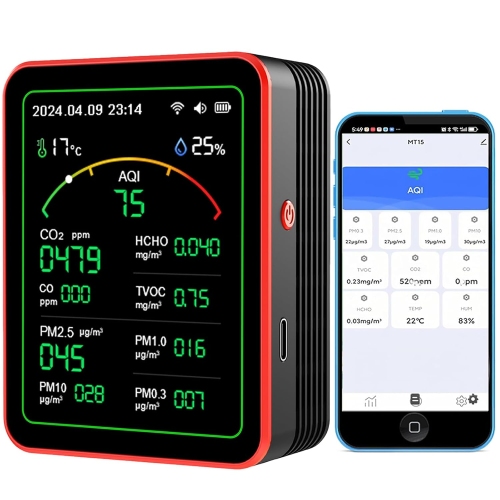
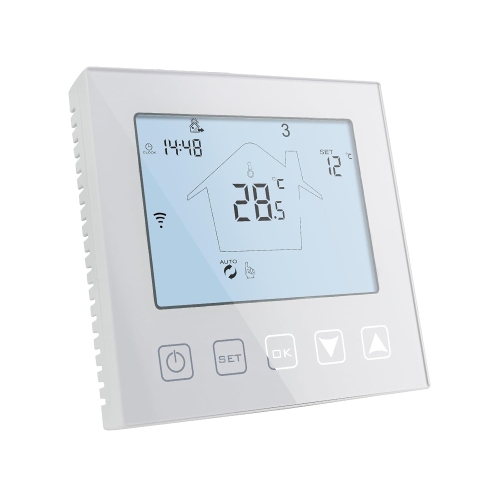
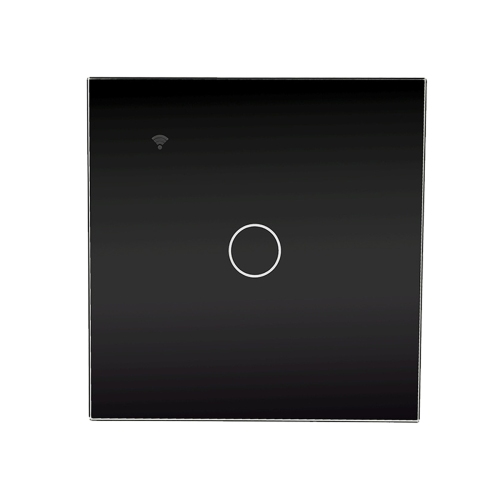
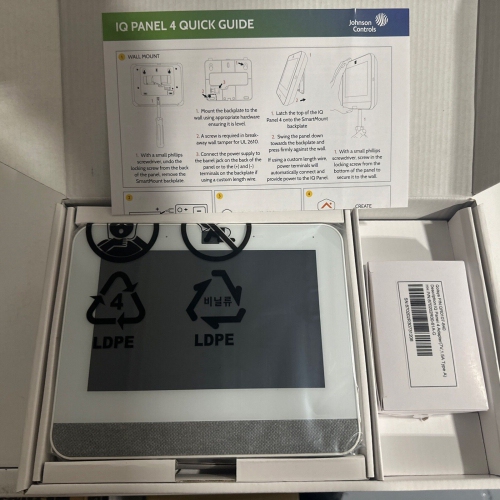
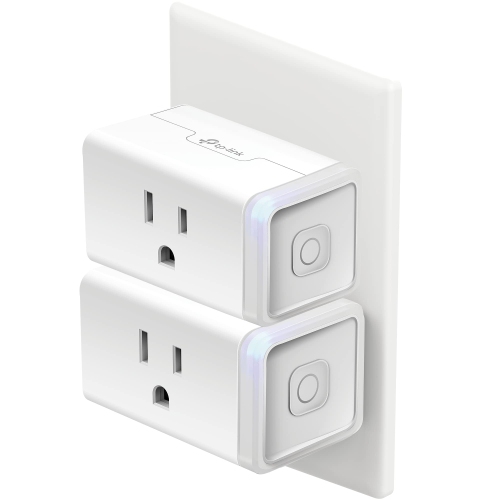
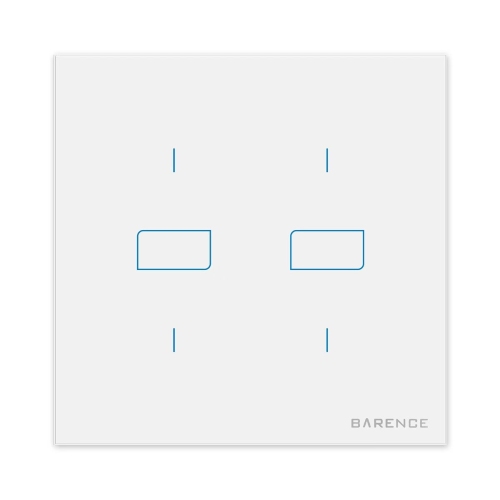
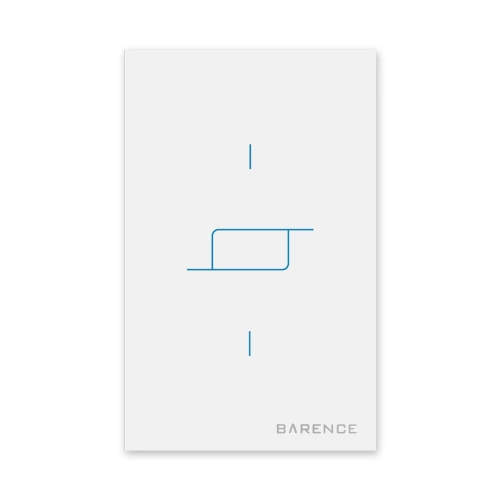
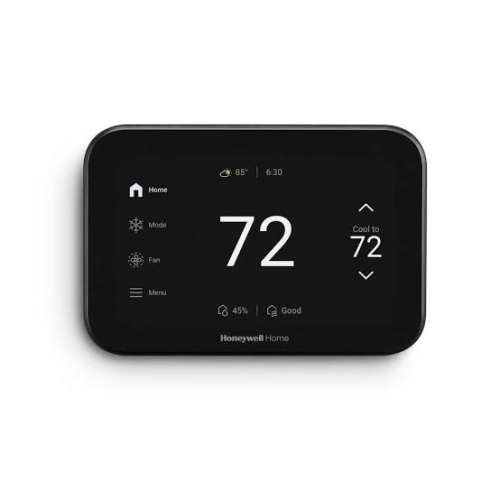
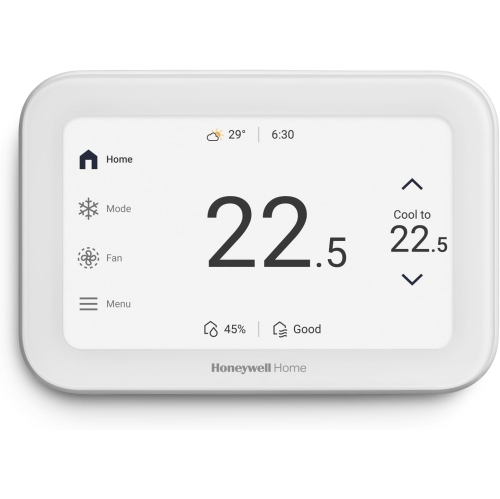
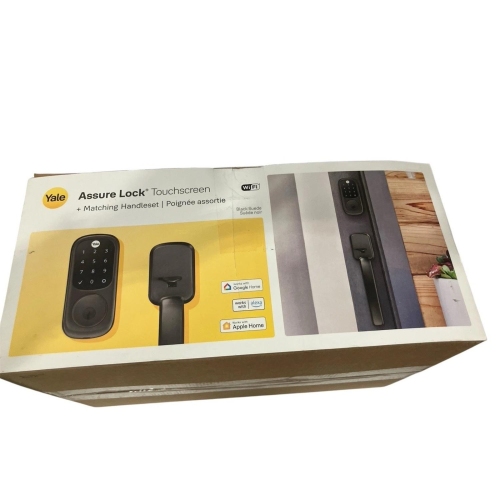
Smart home controls bring everyday functions such as lighting, temperature adjustments, and connected-device routines within easier reach. Depending on the device and its compatibility, controls can take the form of a physical switch, a dedicated remote, a touchscreen panel, or a hub that links supported devices. They can suit someone adding a single connected light as well as a household looking for a more consistent way to manage several rooms. When comparing smart home controls, consider both what you want to operate and how you prefer to interact with it. Physical buttons offer a familiar option for frequently used functions, while app access can provide settings and scheduling features on a compatible phone. Voice control may also be available through a supported assistant. These options are not interchangeable across every product, so the supported devices, control methods, and setup requirements are important distinctions.
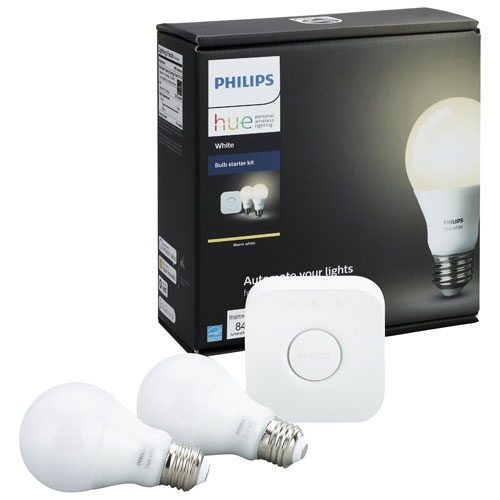
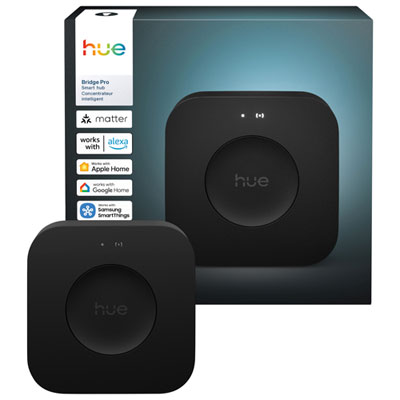
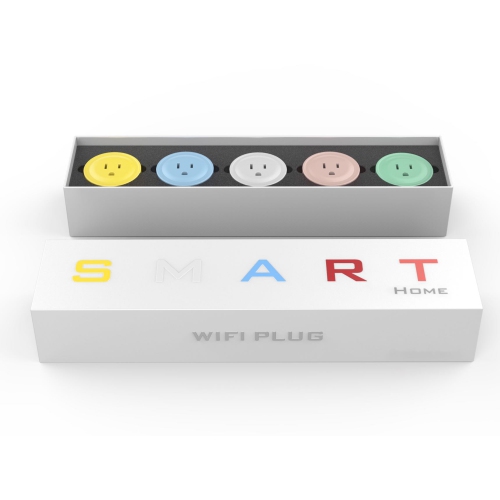
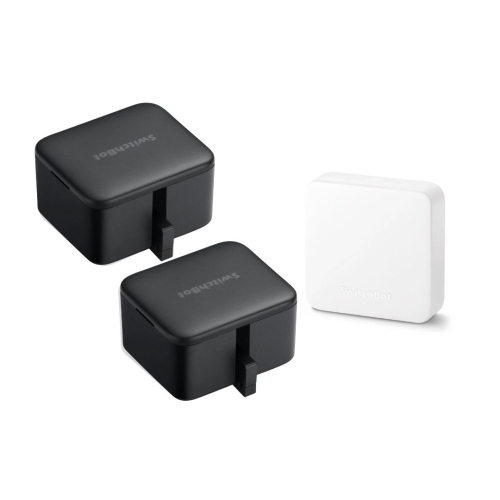
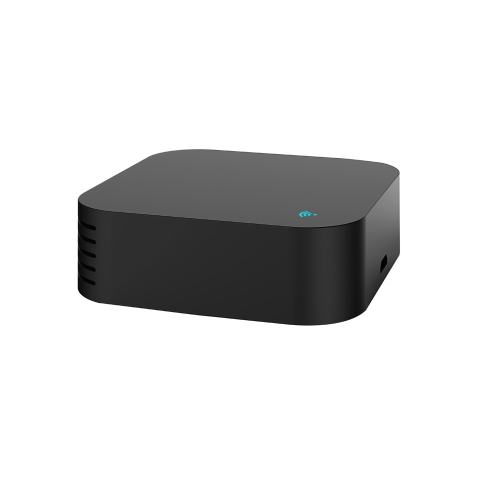
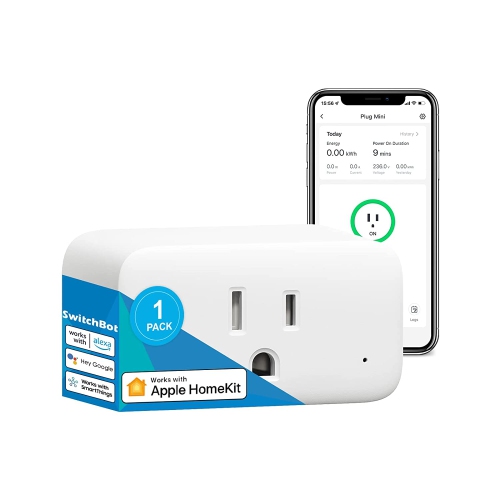
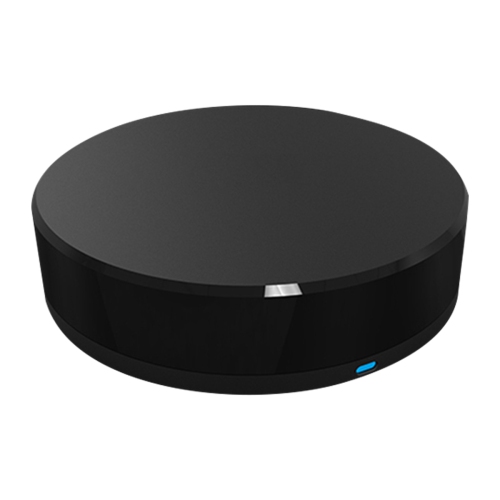
Compatibility is central to choosing controls that fit an existing smart home. Support for a particular app or voice assistant does not necessarily mean a control works with every device connected to that service. Check the stated compatibility with the lights, thermostats, blinds, or other equipment you intend to operate, along with any requirements for a separate hub, bridge, or account. Connection types such as Wi-Fi, Bluetooth, Thread, and Zigbee have different setup requirements, and some products rely on more than one connection method. Matter support can help compatible devices work across supported smart home platforms, but available features can still vary by device and platform. Network requirements also matter: some Wi-Fi controls require a 2.4 GHz connection, while other controls communicate through a compatible hub rather than connecting directly to a router. For remote access, confirm whether the product supports operation away from home and whether that function depends on an internet connection or additional equipment.
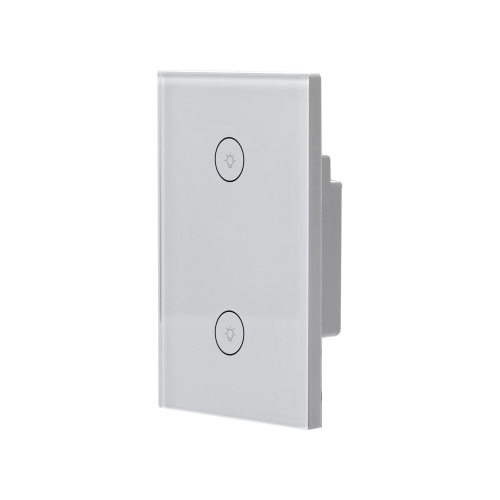
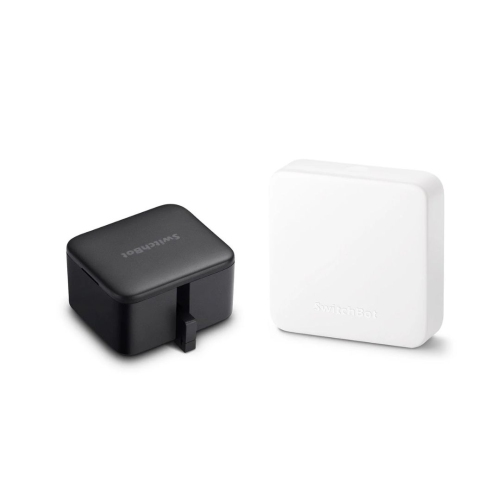
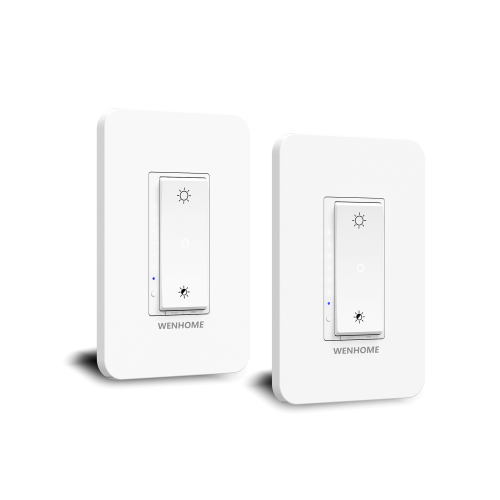
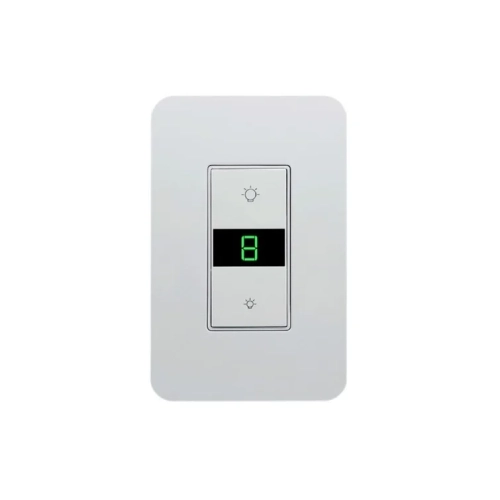
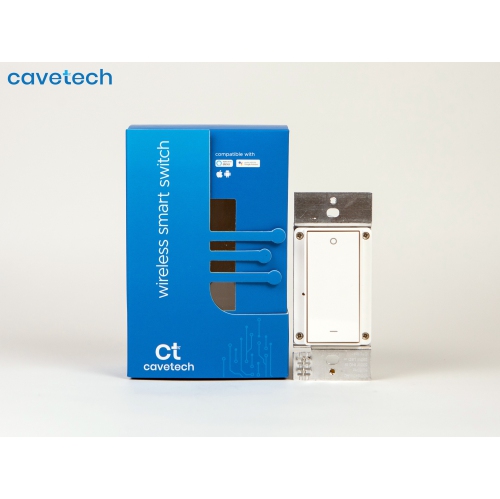
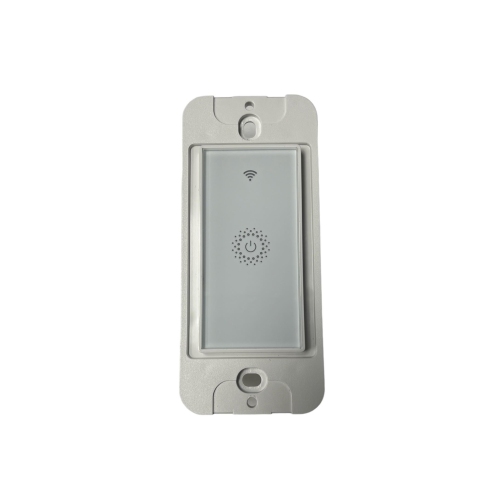
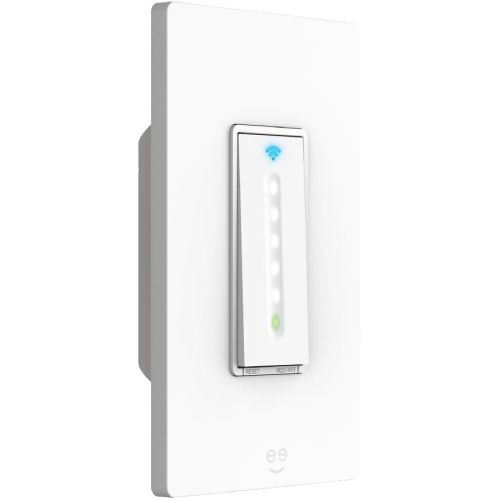
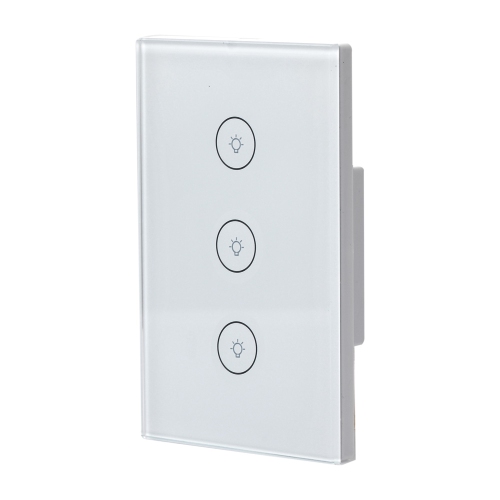
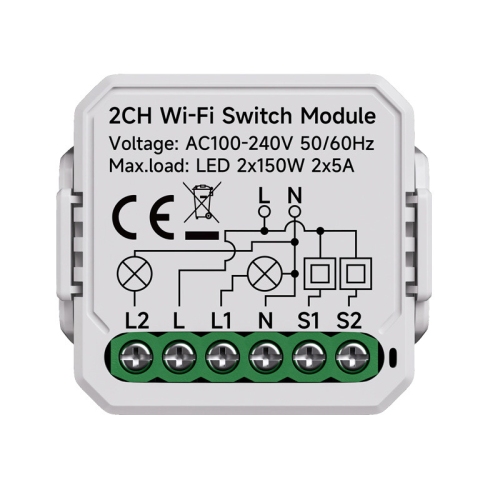
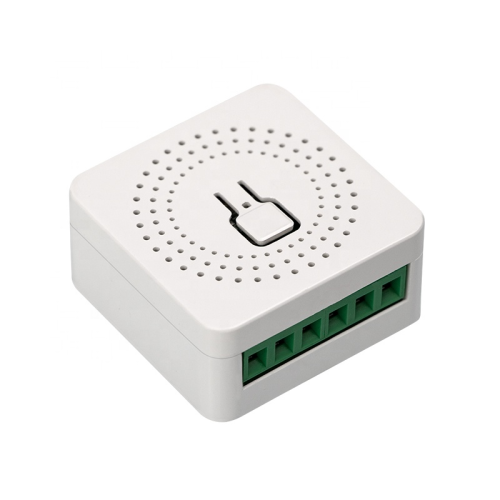
Installation and everyday usability can be just as important as connected features. For controls that replace a wall switch, the existing wiring, electrical load, dimming compatibility, and single-pole or multi-location configuration need to match the product’s requirements. Some models require a neutral wire, and hardwired installation may call for a qualified electrician. Battery-powered remotes and freestanding controls can offer more flexible placement, though their mounting options, power requirements, and compatibility still deserve attention. For shared spaces, clearly labelled buttons and accessible placement can make routine tasks more straightforward for household members and guests. Consider whether essential functions remain available through a physical control, what happens during an internet outage, and whether more than one household member can access the system. These details help distinguish a control that offers useful daily convenience from one that adds unnecessary complexity.

Scheduling, scenes, and automation features can help supported devices work together around familiar routines. A compatible control might trigger a lighting scene, adjust several connected devices with one action, or provide a convenient bedside or entryway shortcut. The actions available depend on the control, connected equipment, and platform, so it is worth checking whether a product supports the specific functions you need rather than relying on broad compatibility claims. Households starting small may prioritize straightforward setup and dependable manual operation, while those expanding an existing system may place more value on shared access, flexible button assignments, or support for additional rooms. Privacy settings, account requirements, and any stated subscription requirements are also relevant when comparing app-connected options. Choosing smart home controls around the equipment already in place and the tasks performed most often can help create a setup that feels practical and easy to use.

Read More

FAQ

Some products may be subject to Environmental Handling Fees (EHF) depending on your province. Learn more about EHFs.