Diy Home Security Systems With Cameras
Creating a safe and secure home is a top priority for homeowners everywhere. With the advancement of technology, DIY home security systems with cameras have become an increasingly popular choice for those looking to protect their loved ones and valuables. These innovative systems provide peace of mind by allowing you to monitor your property from anywhere, at any time. Whether you're a tech-savvy individual or a novice looking to enhance your home's security, our comprehensive guide will equip you with the knowledge and resources needed to choose and install the perfect DIY home security system with cameras that suits your needs and budget.
Sort
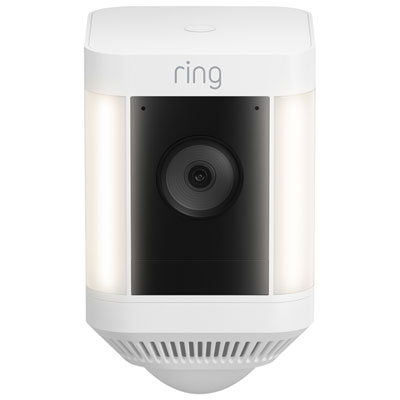
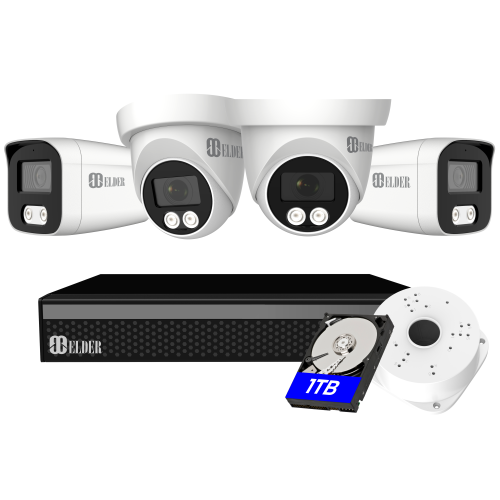
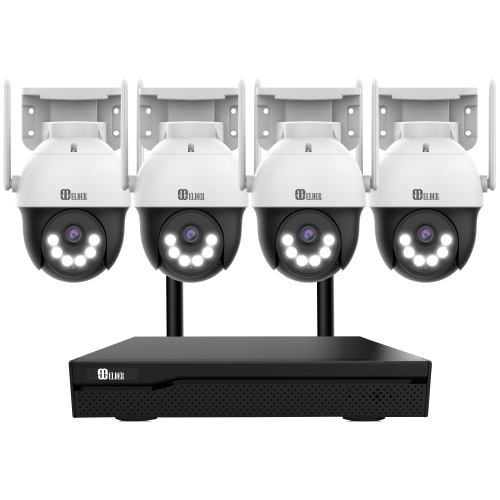
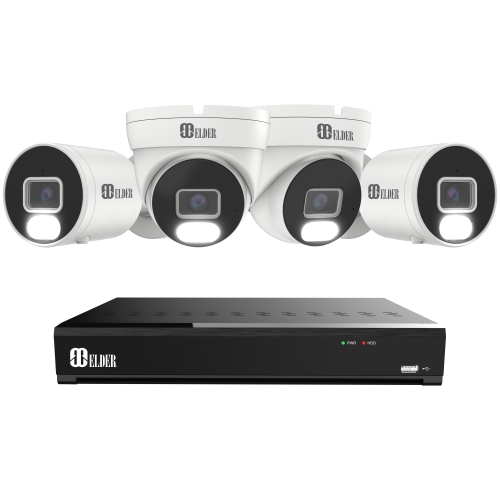
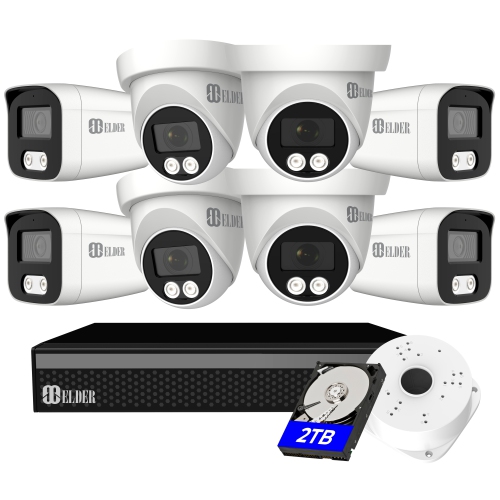
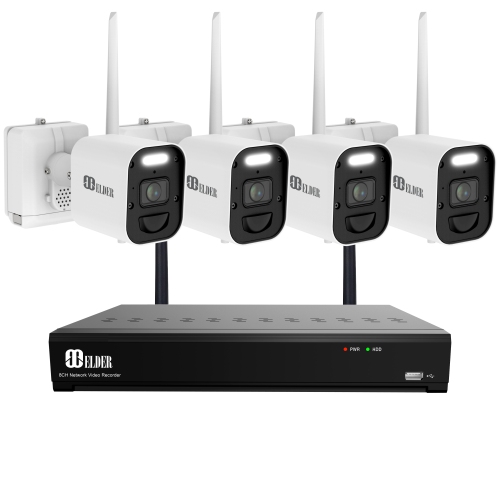
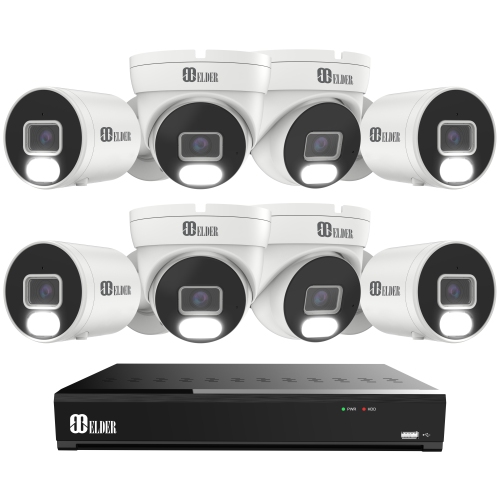
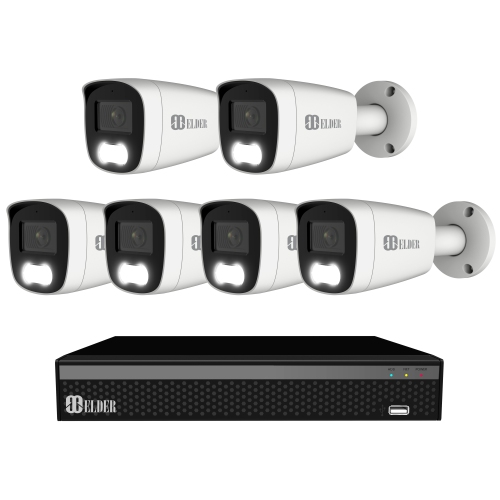
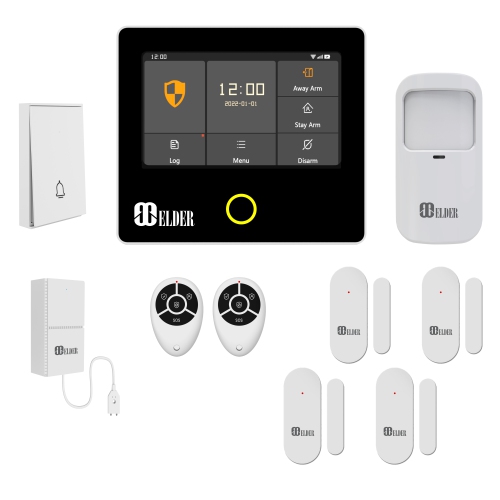
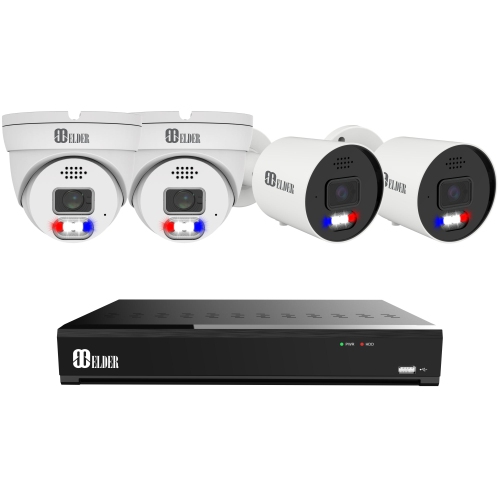
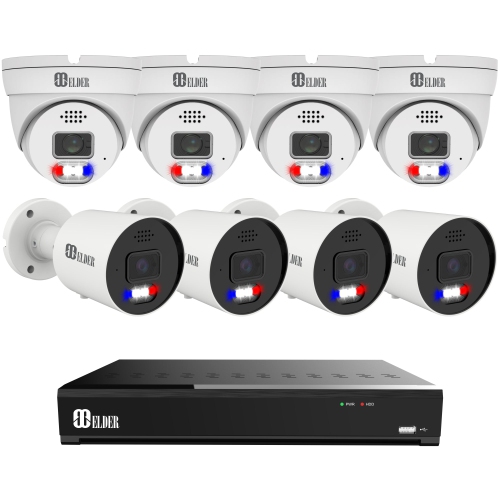
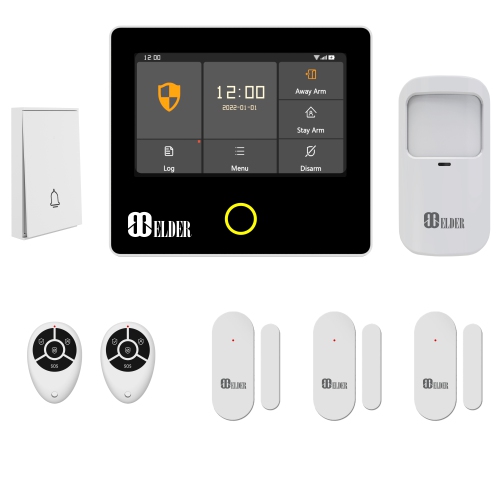
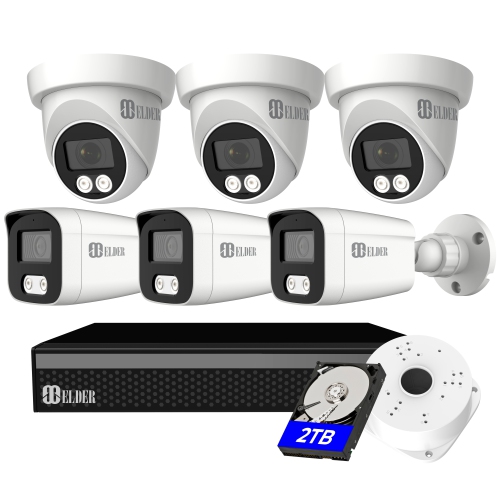
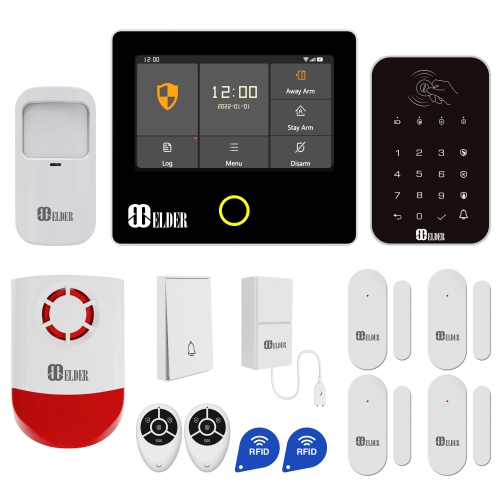
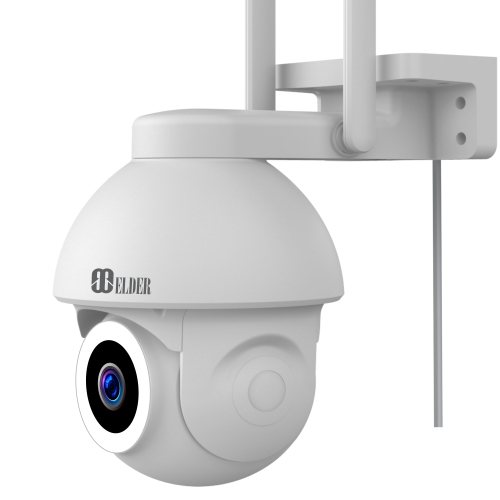
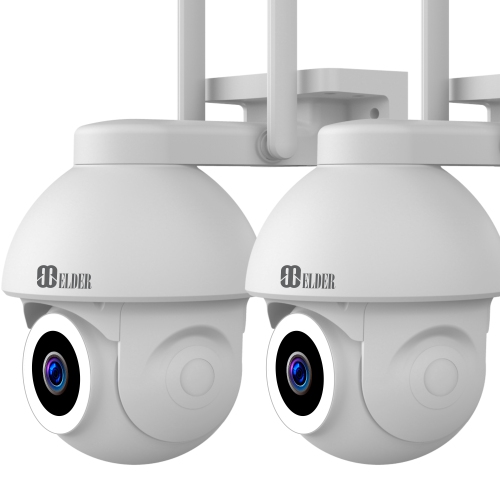
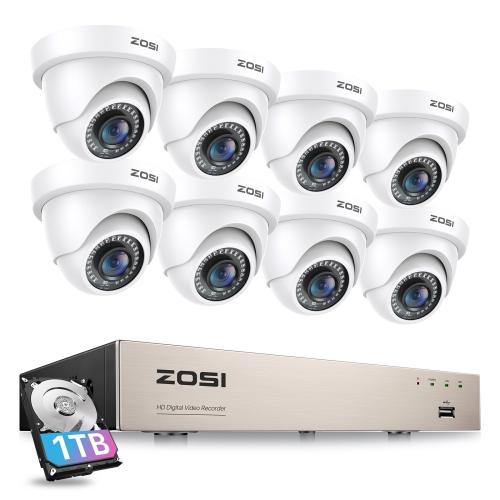
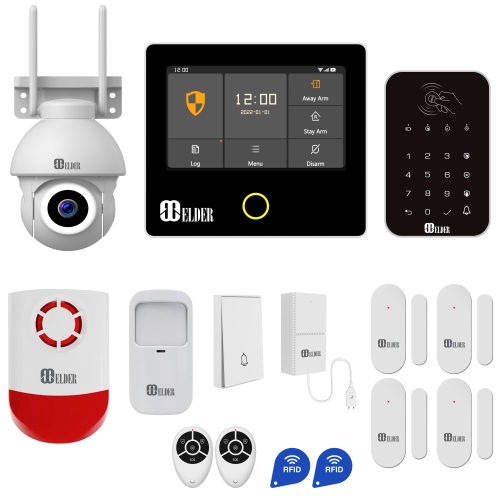
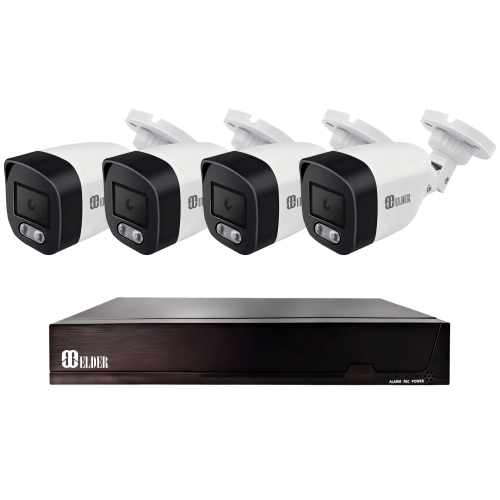
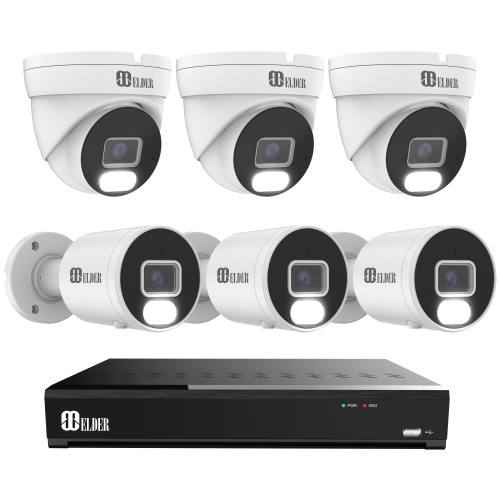

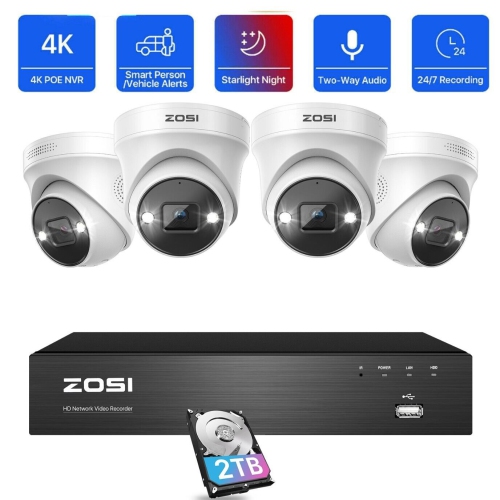
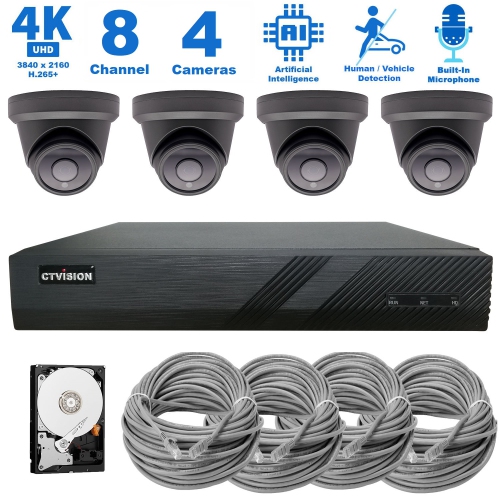

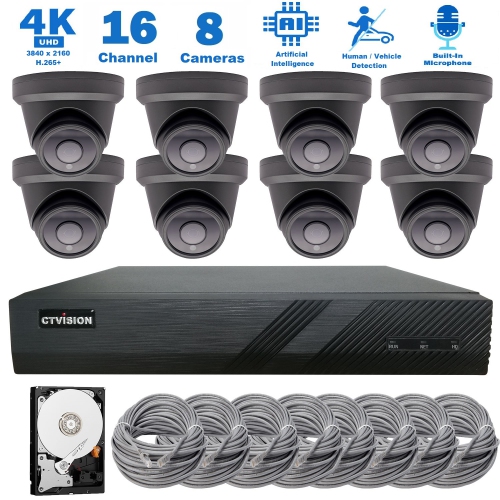
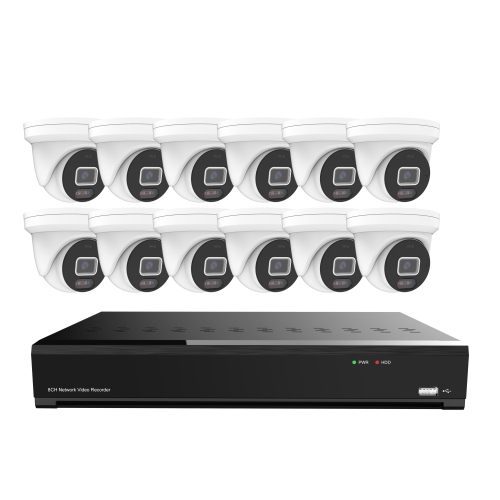
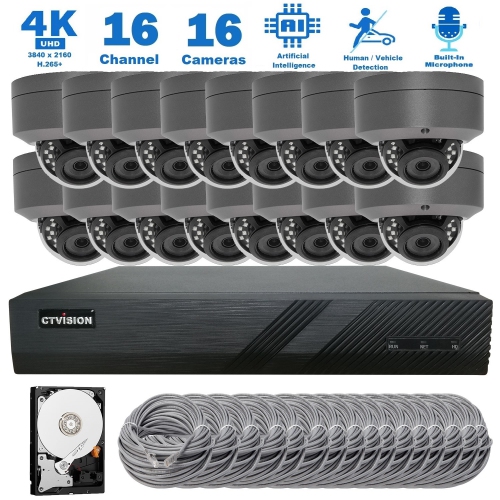
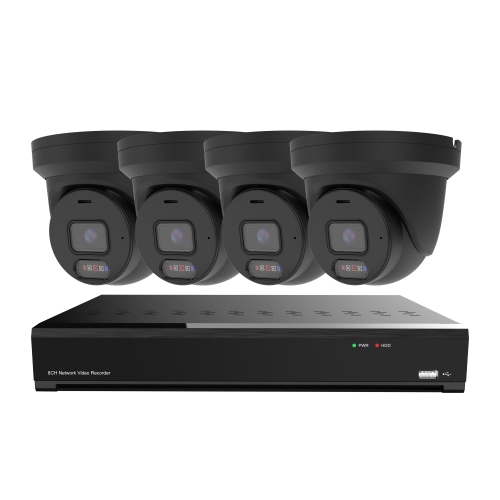

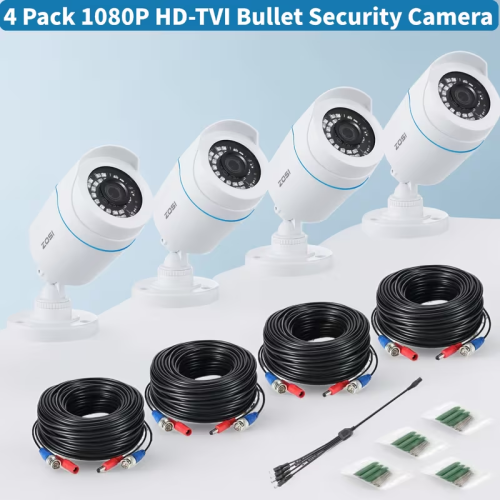
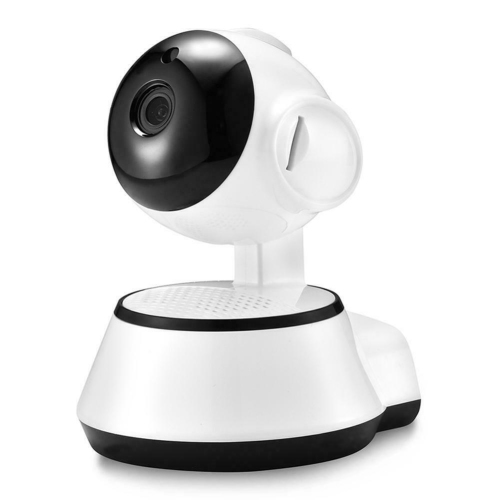
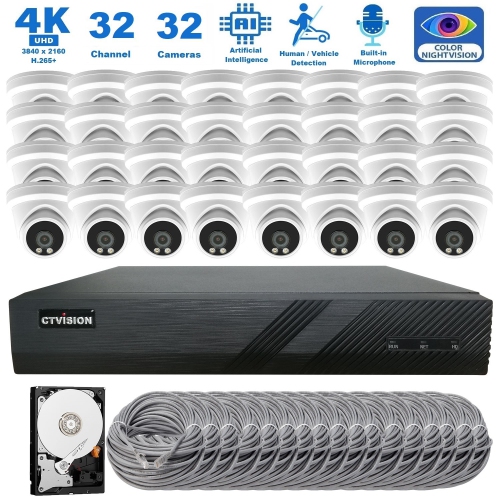
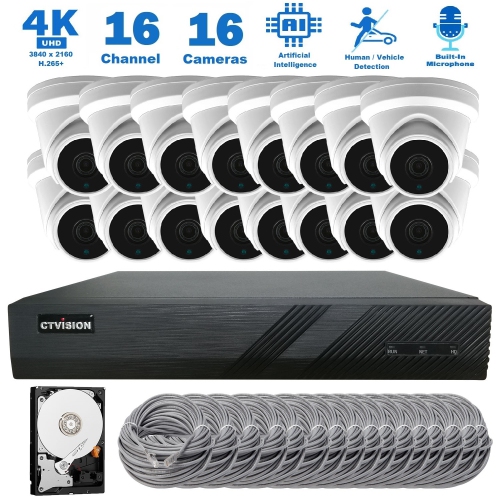
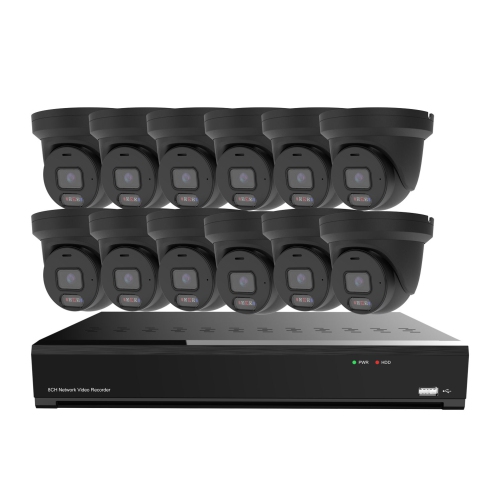
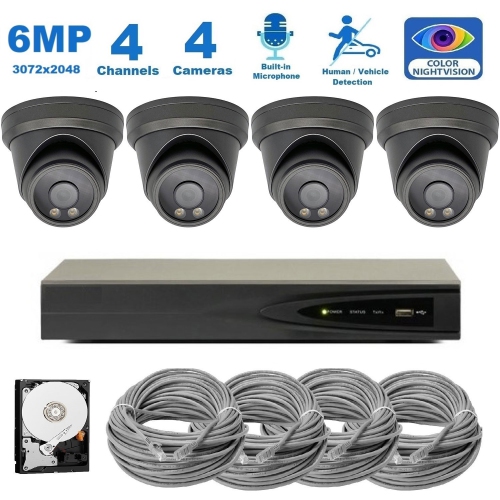
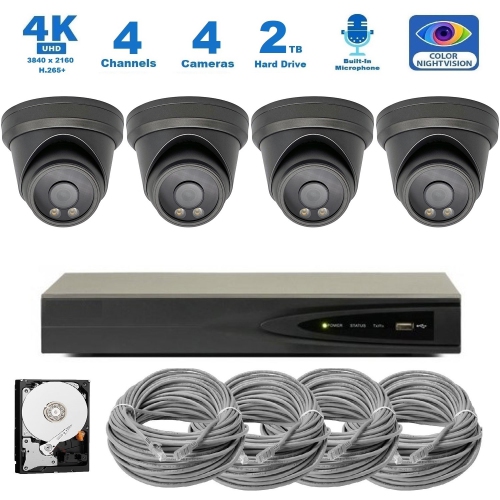
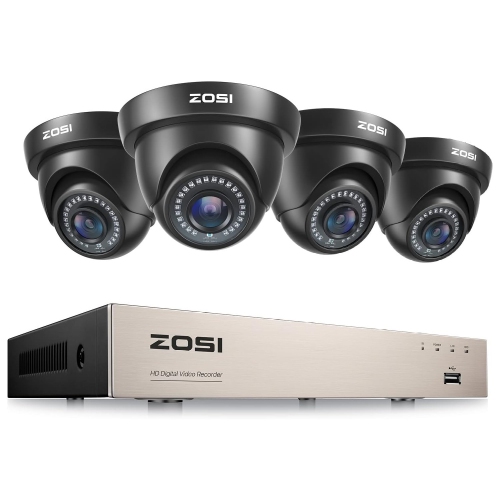
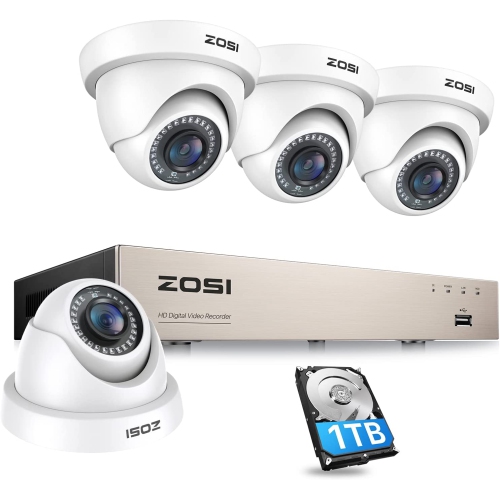
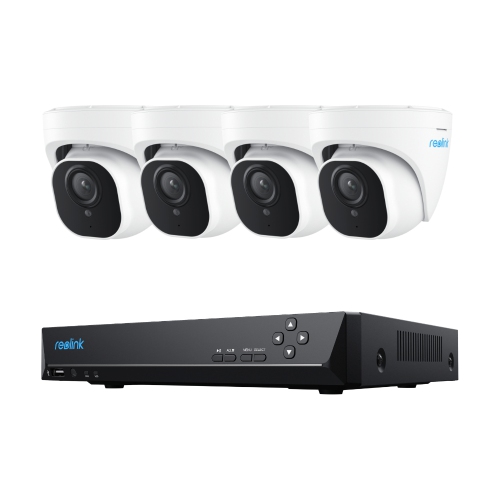
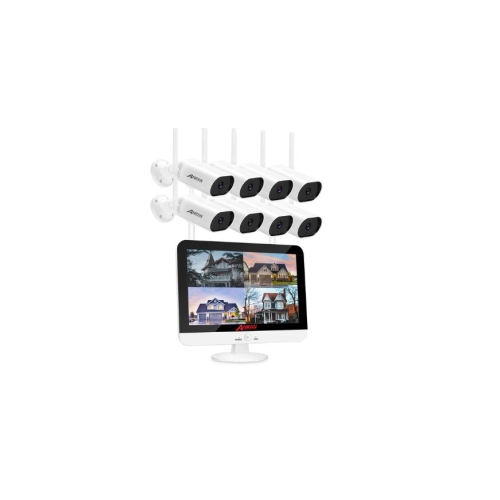
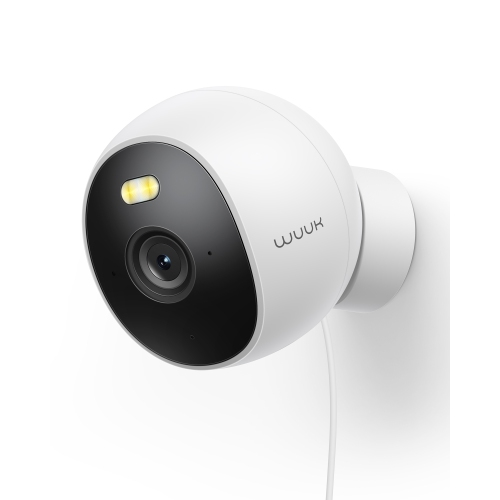
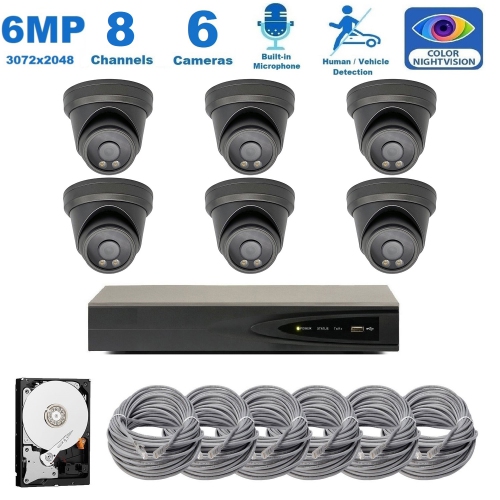
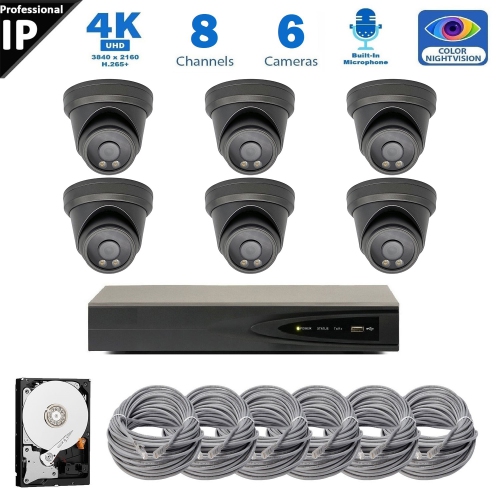
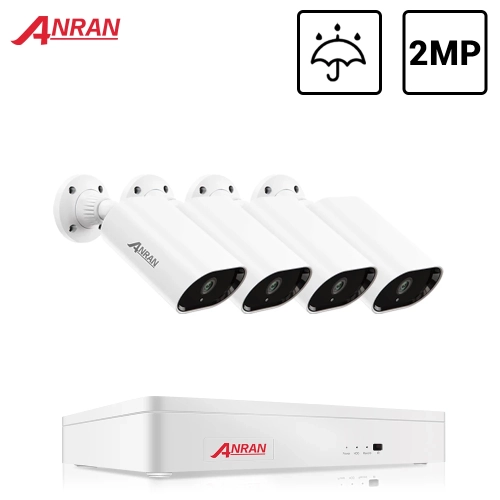
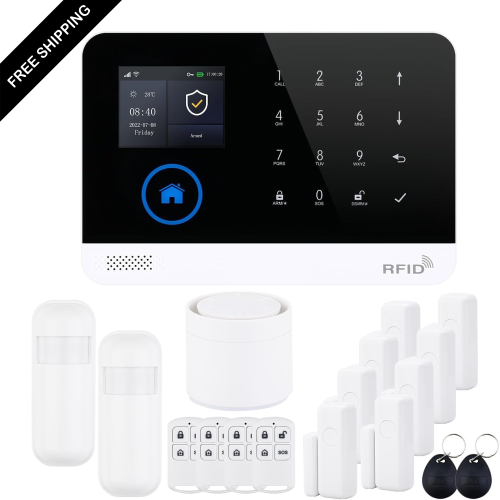
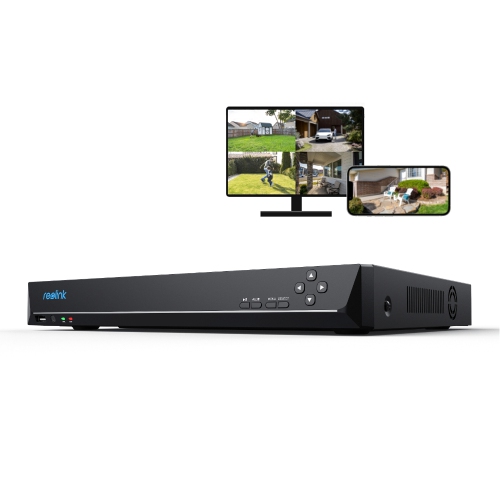
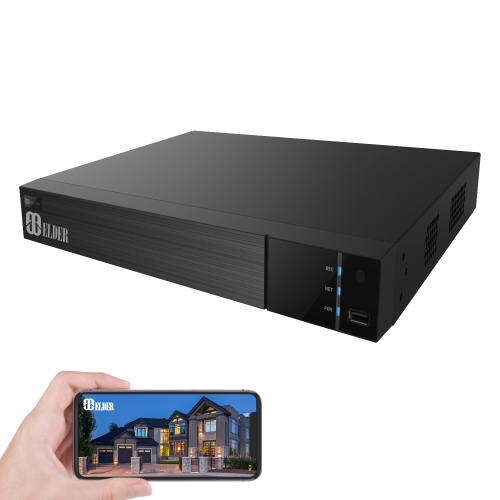
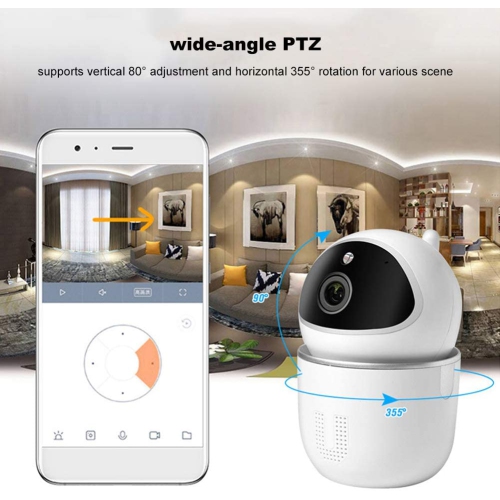
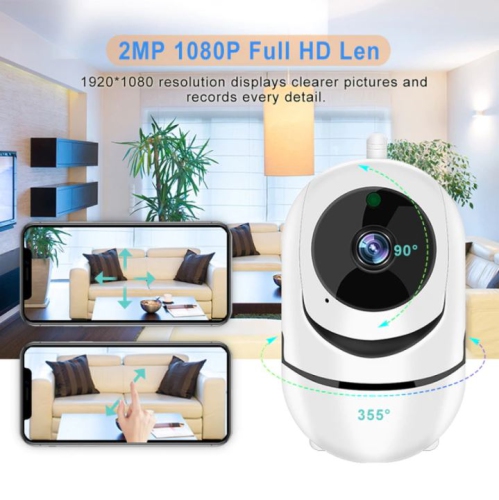
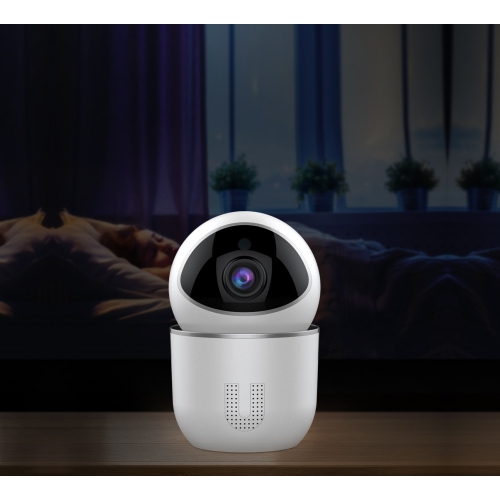
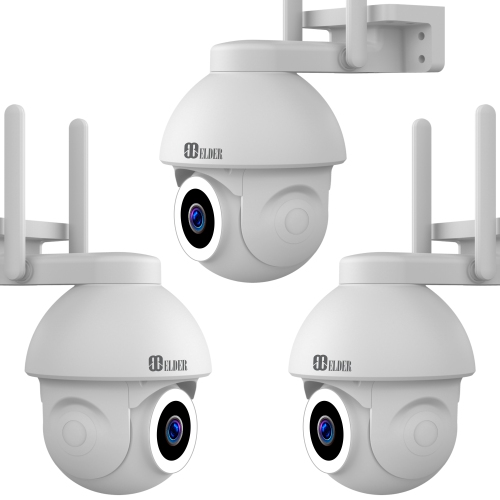
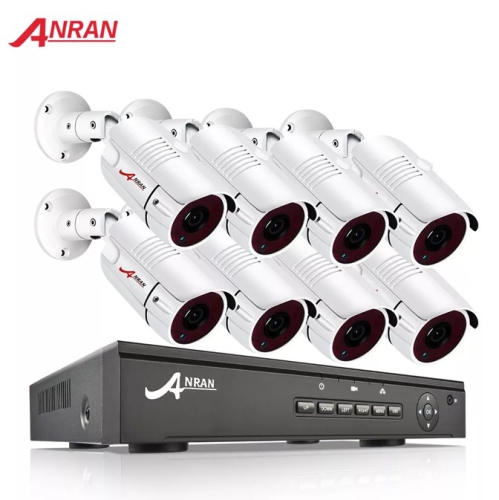
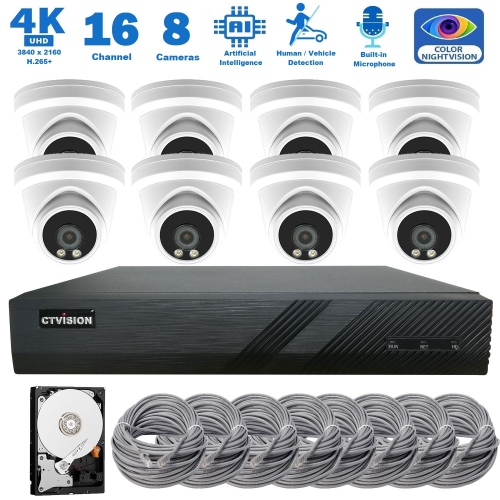
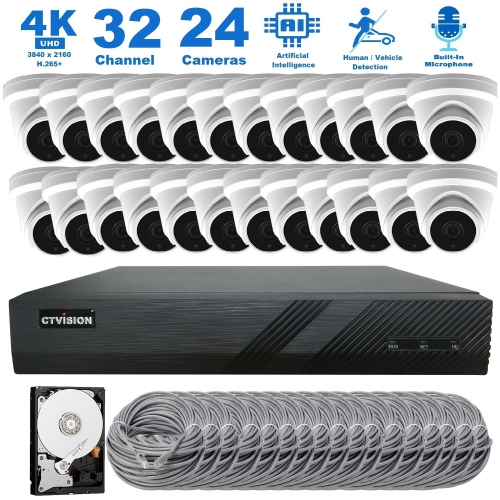
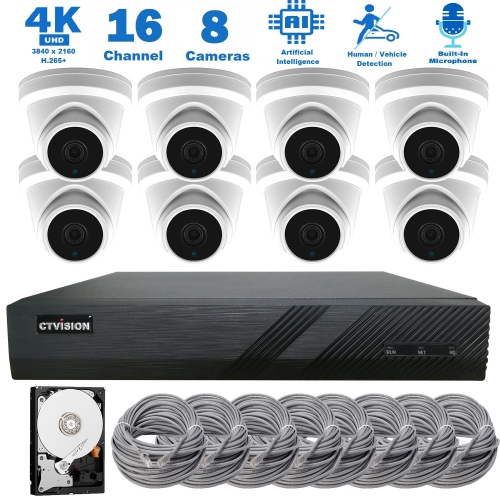
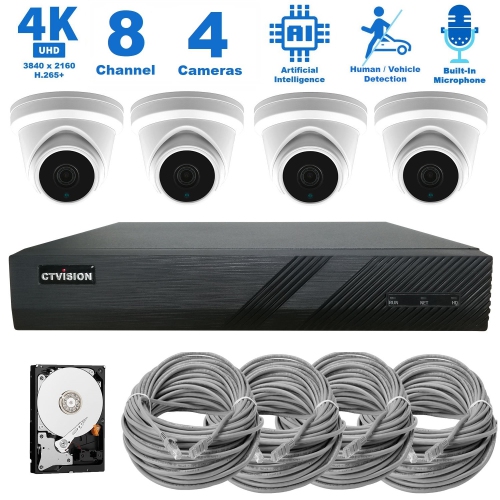
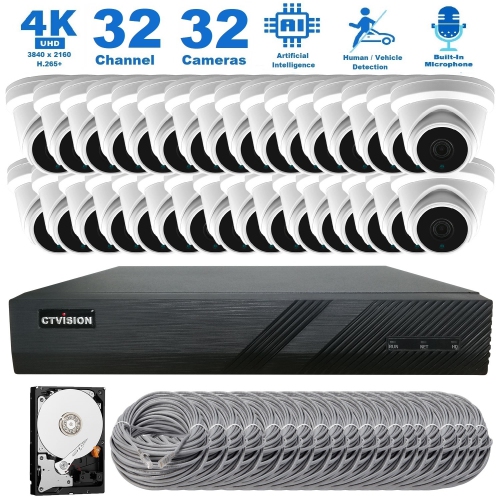
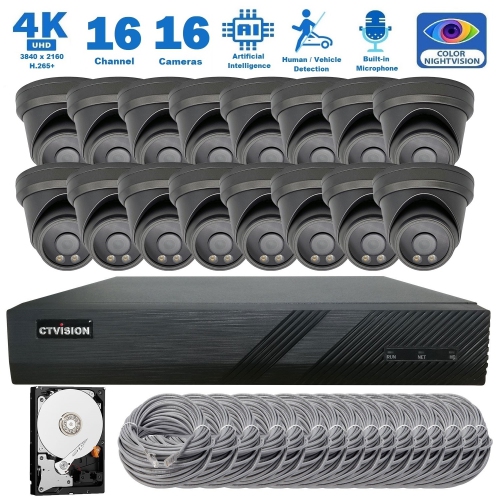
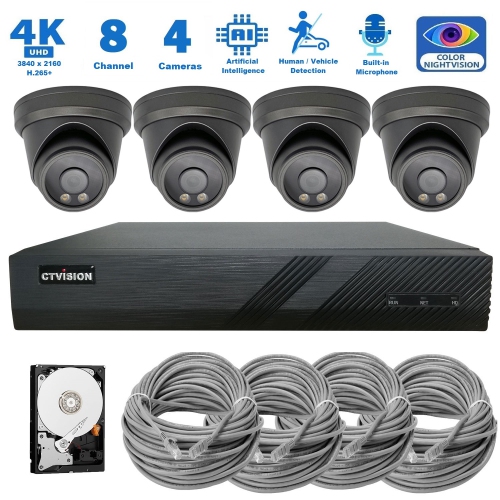
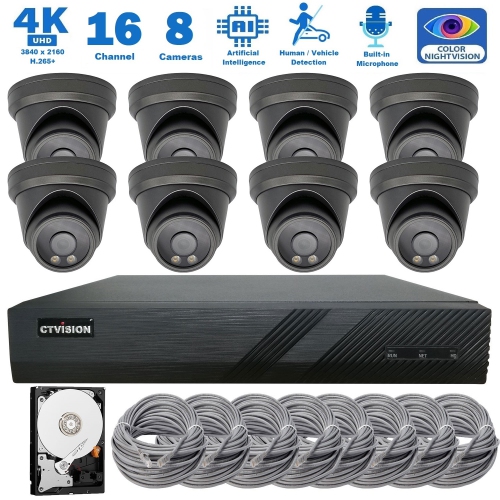
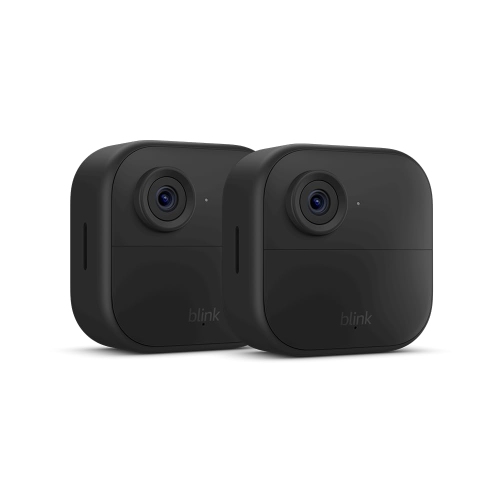
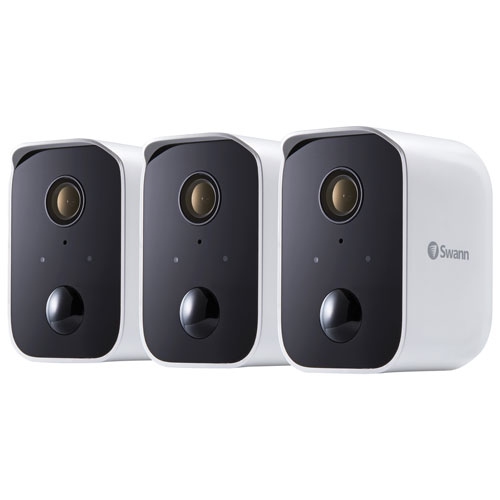
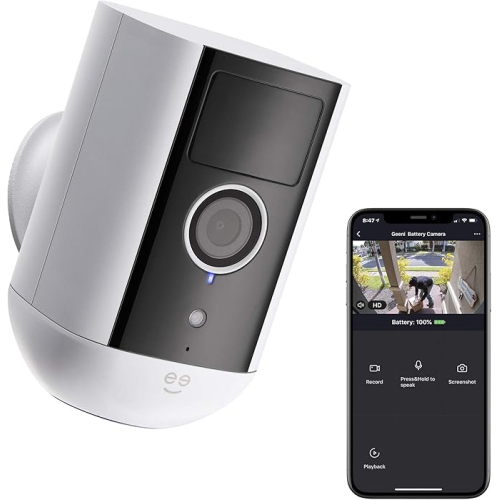
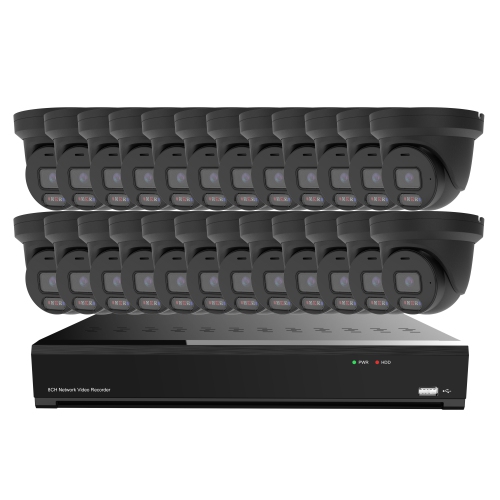
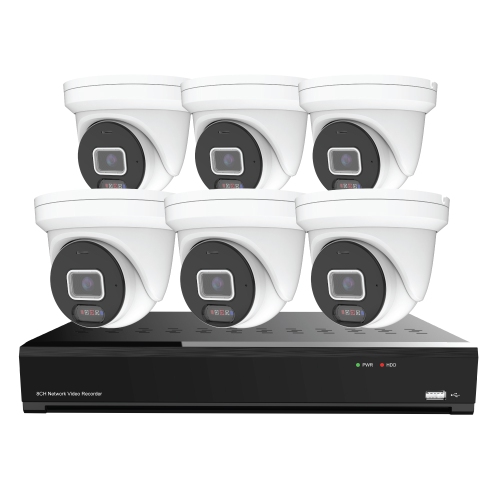
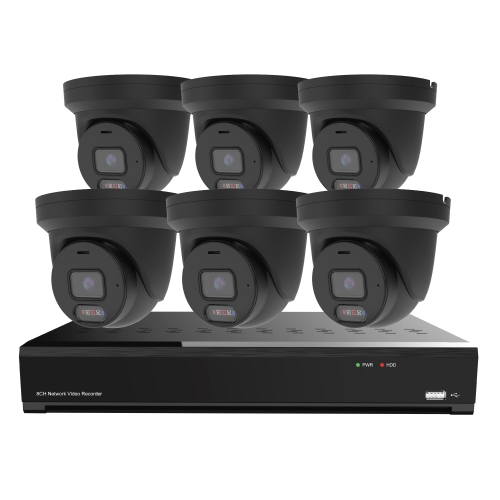
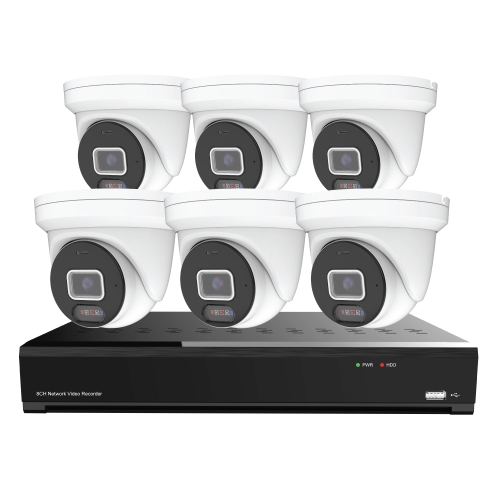
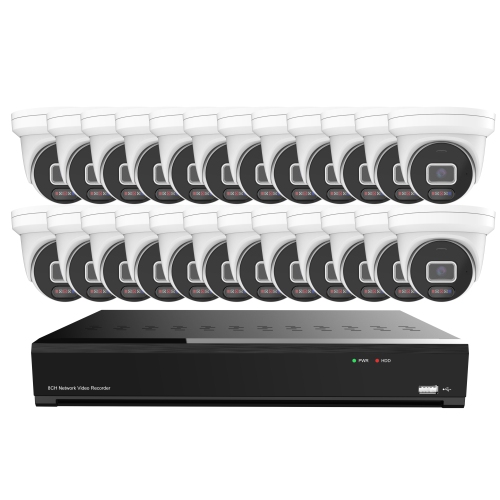
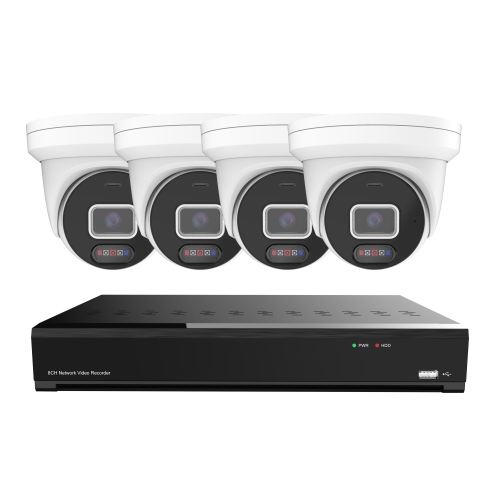
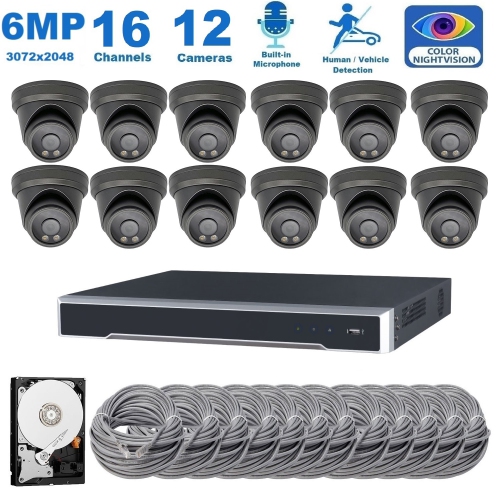
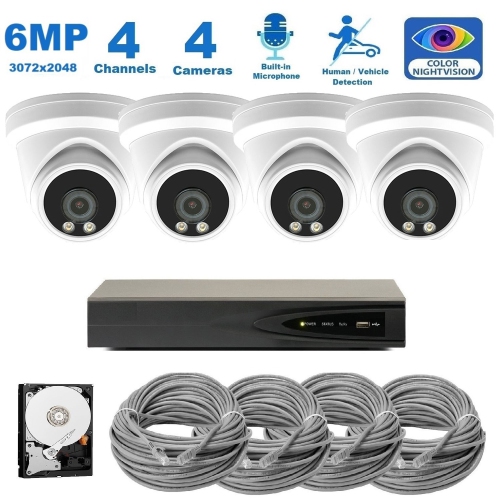

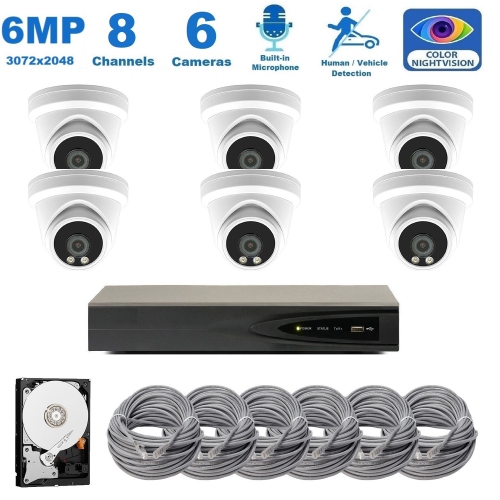
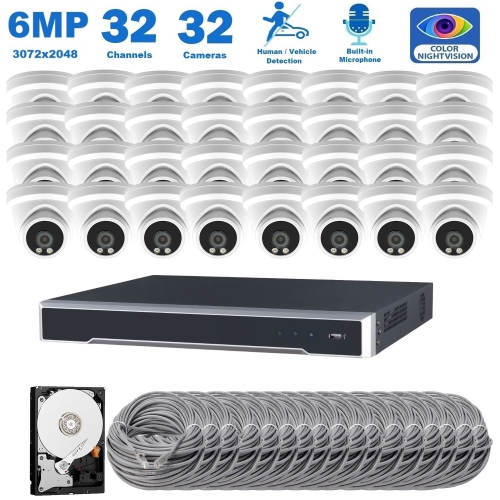
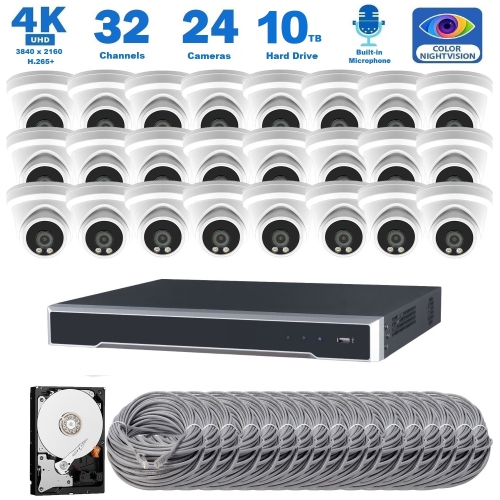
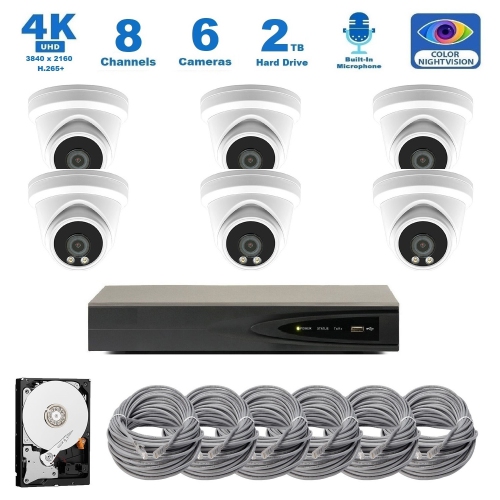
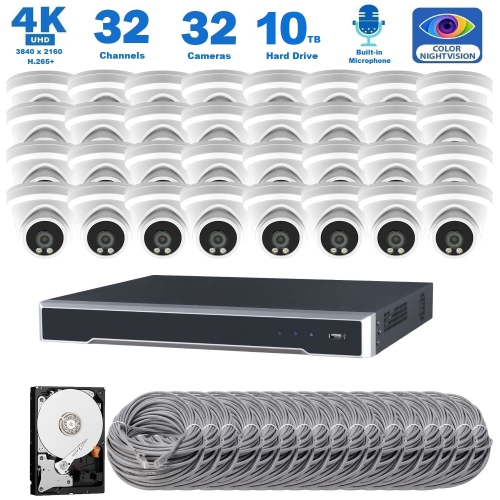
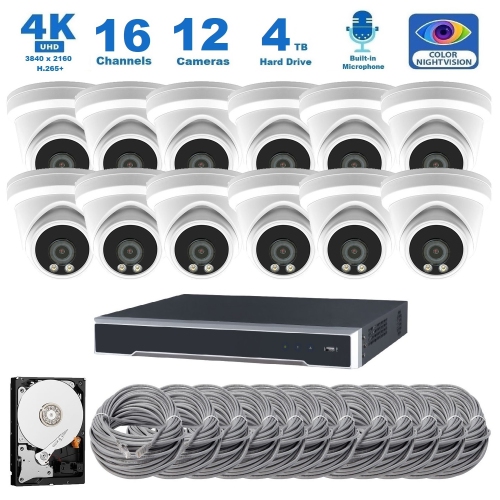
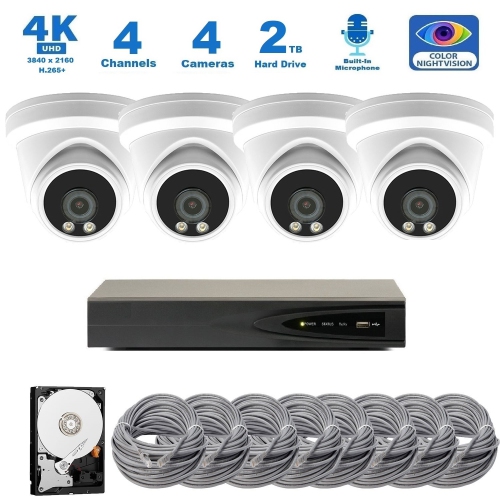
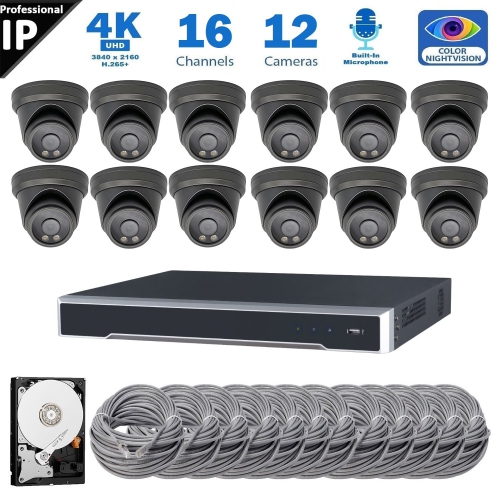
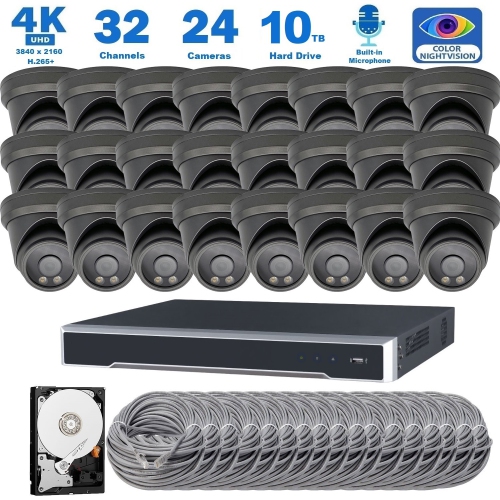
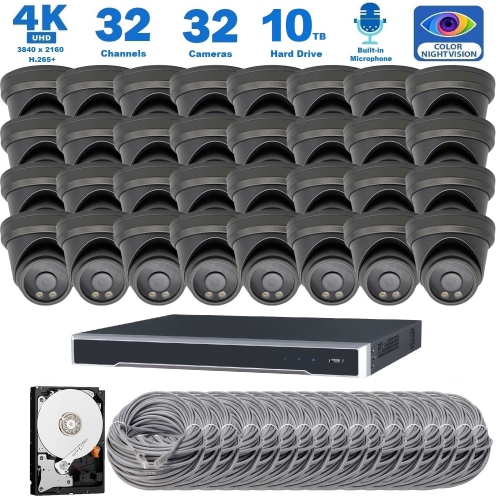
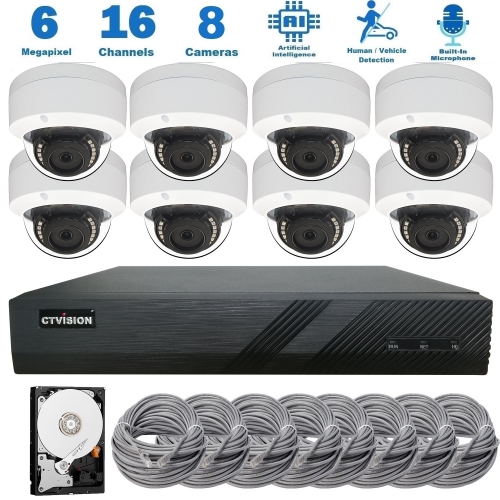
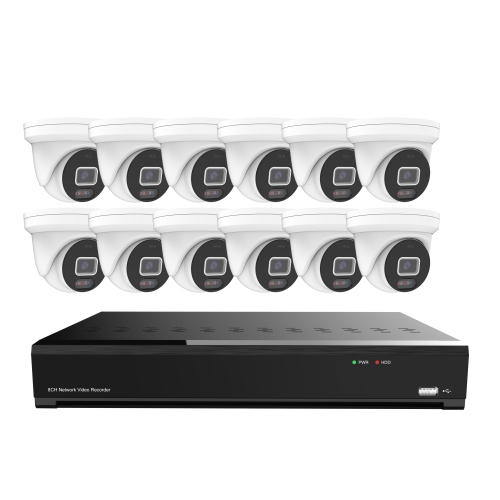
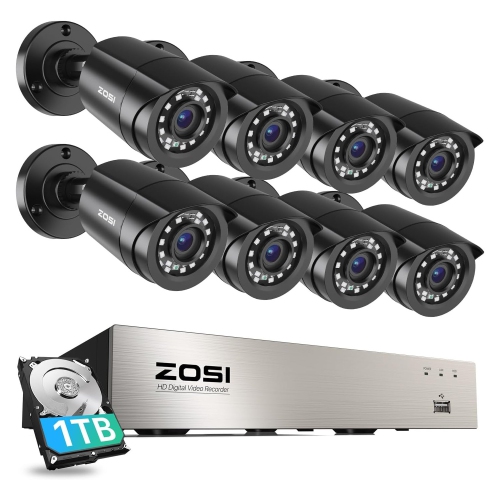
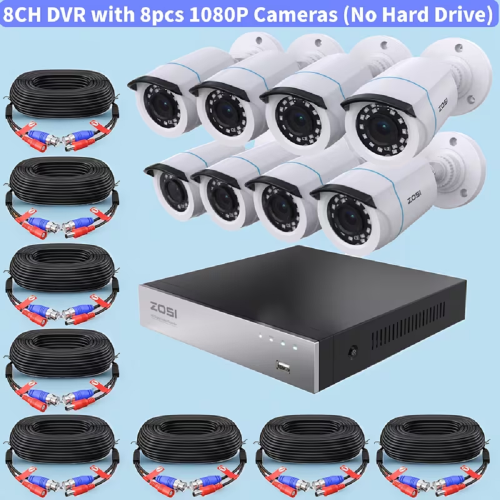
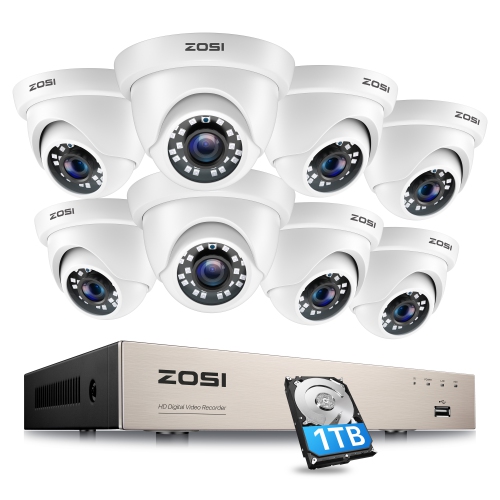
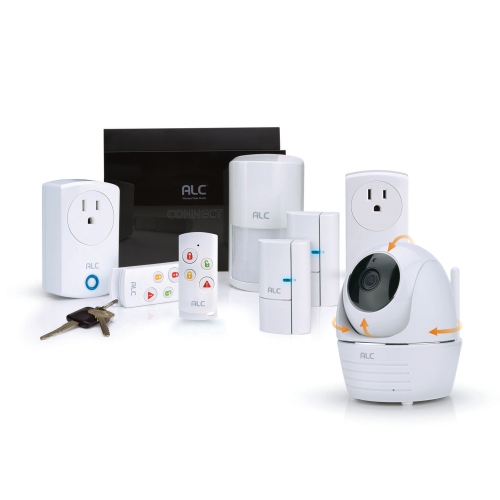
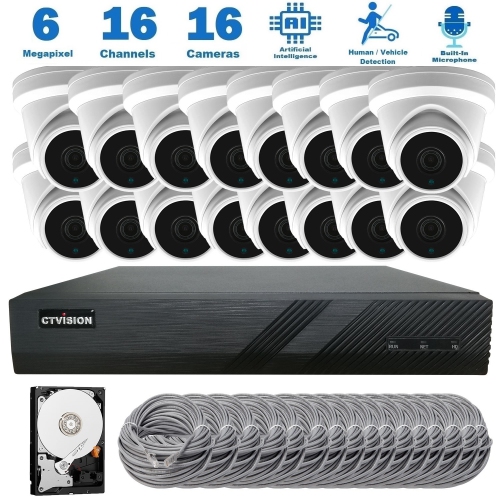
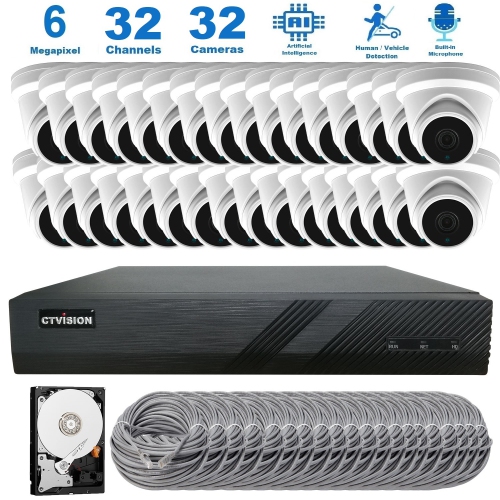
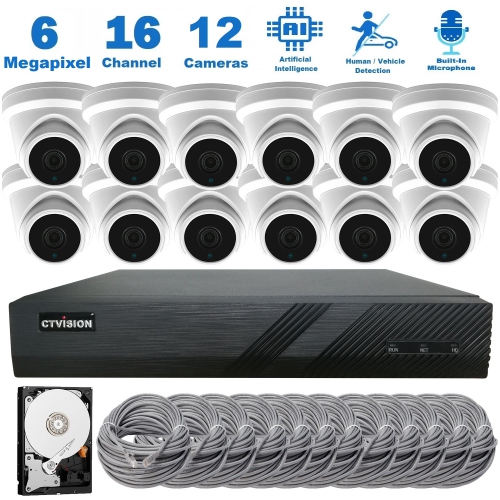
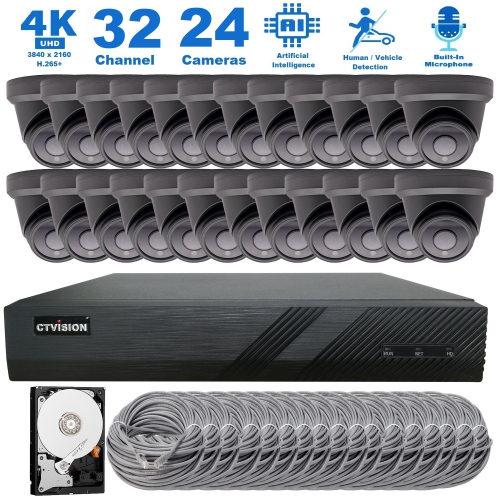
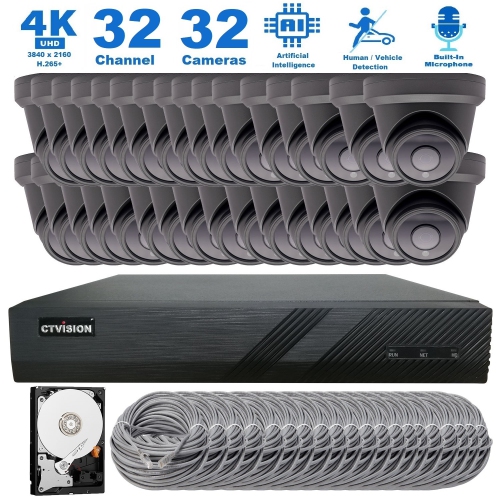
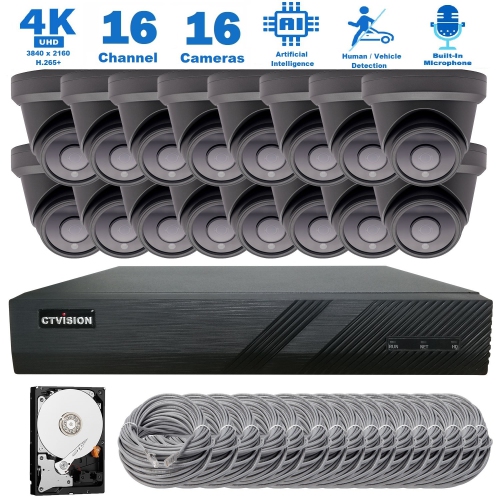
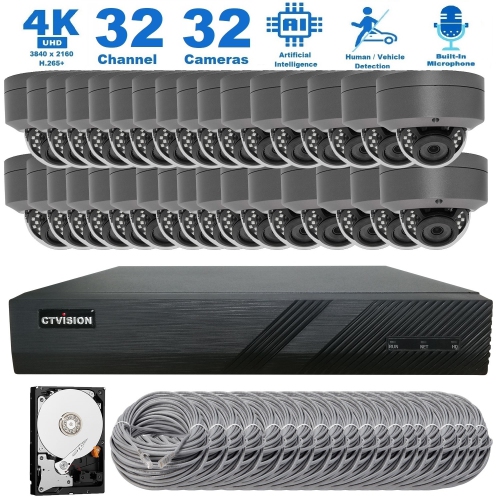
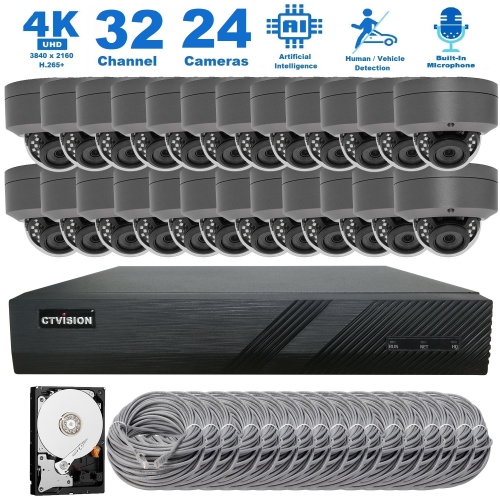
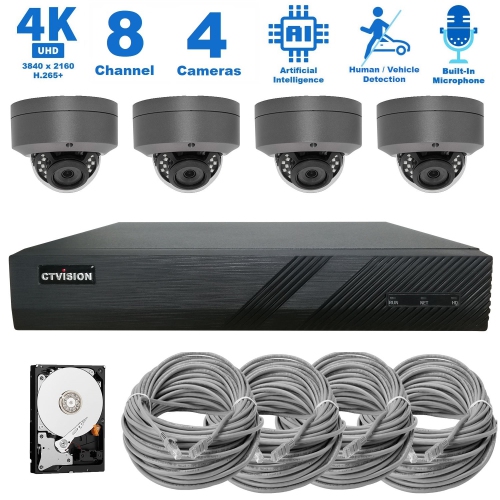
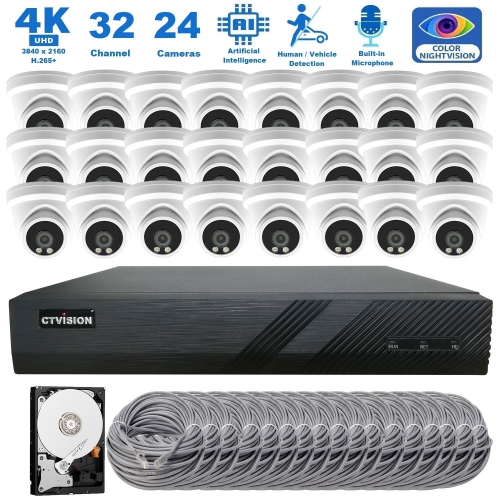
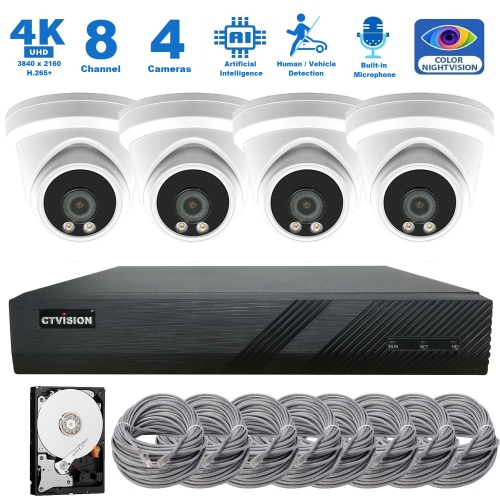
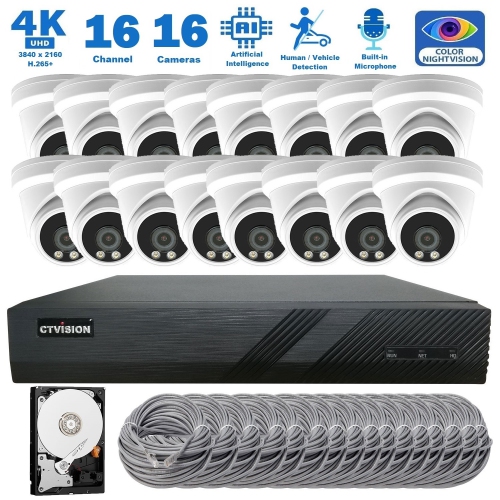
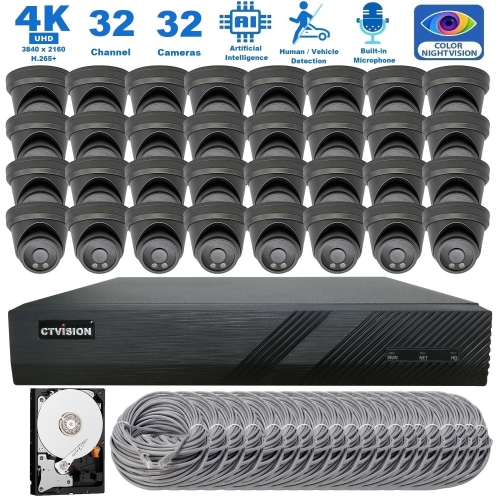
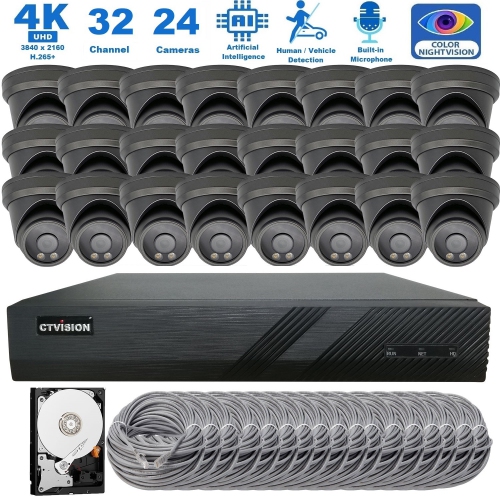
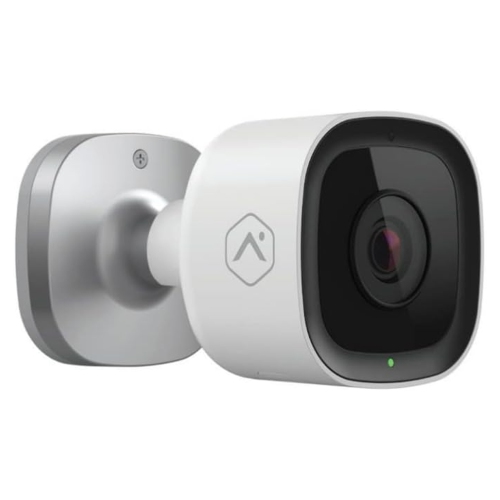
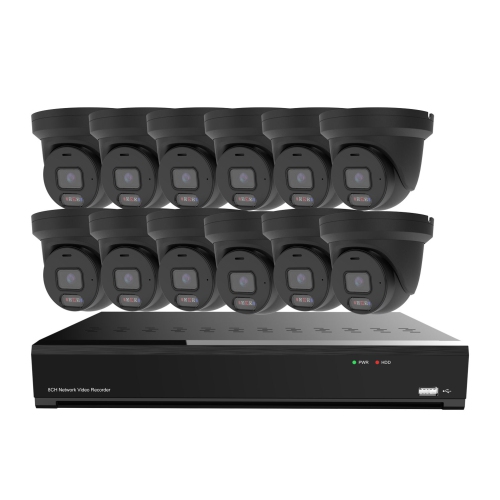
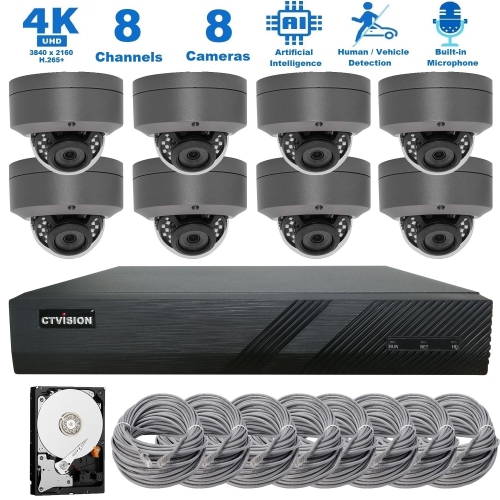
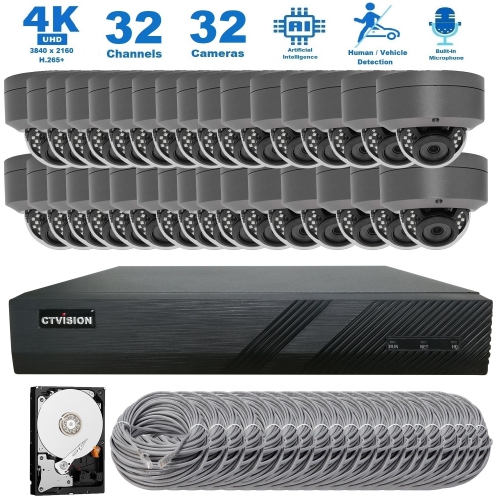
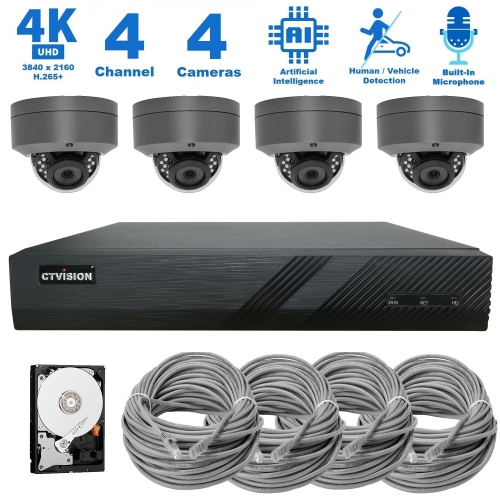
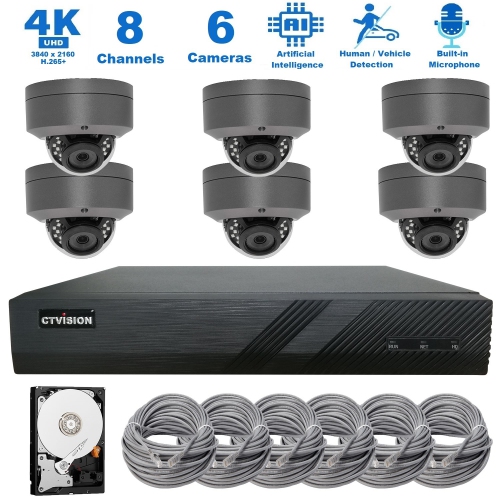
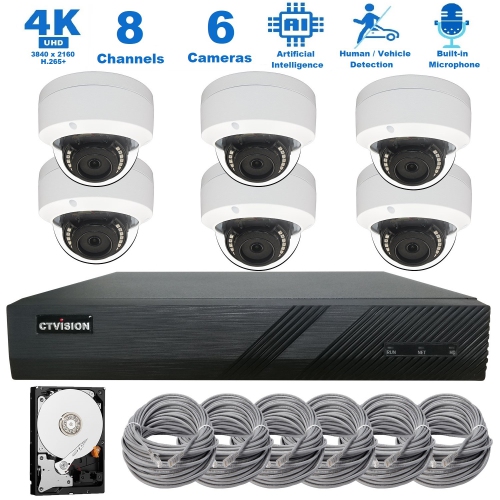
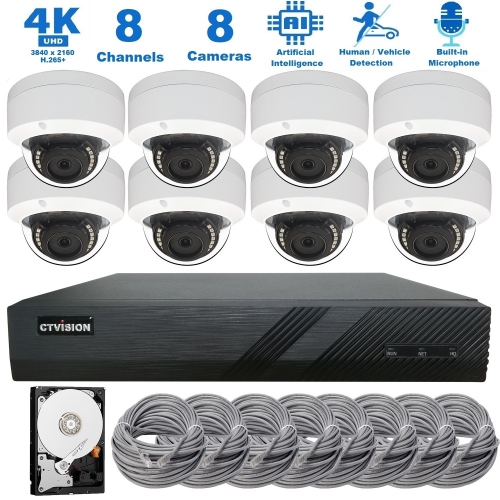
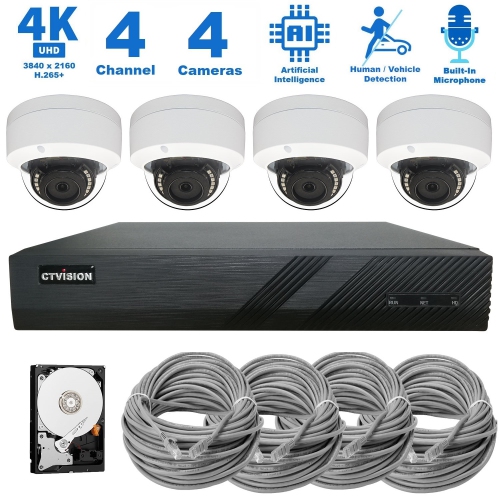
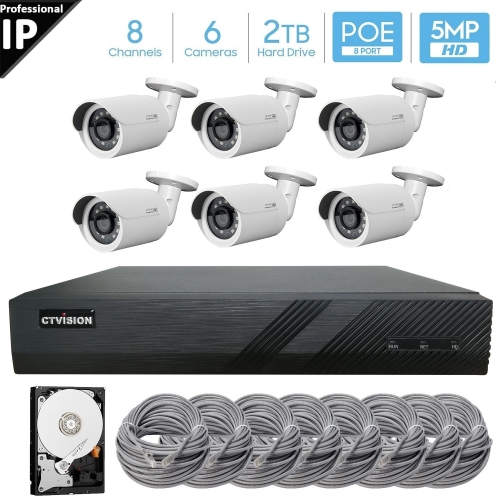
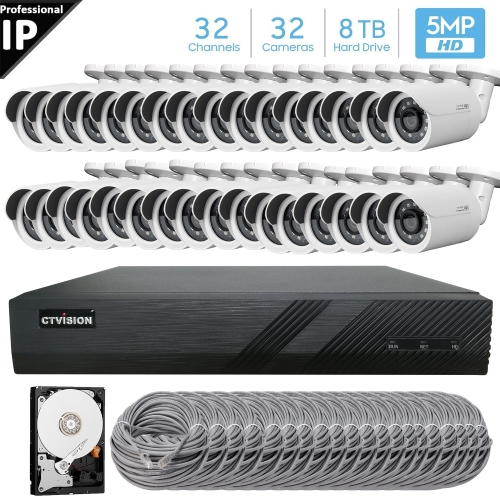
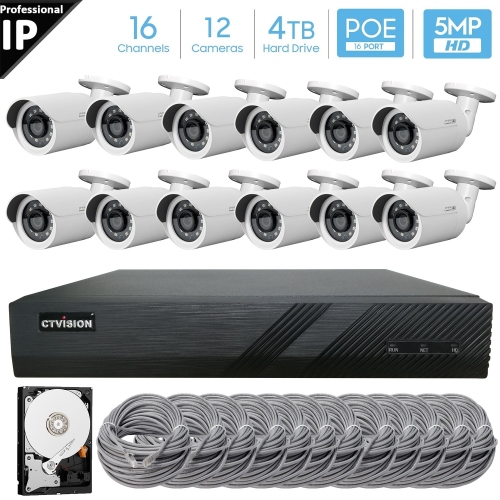
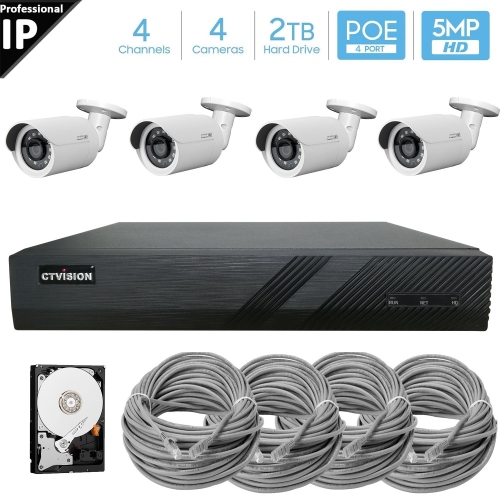
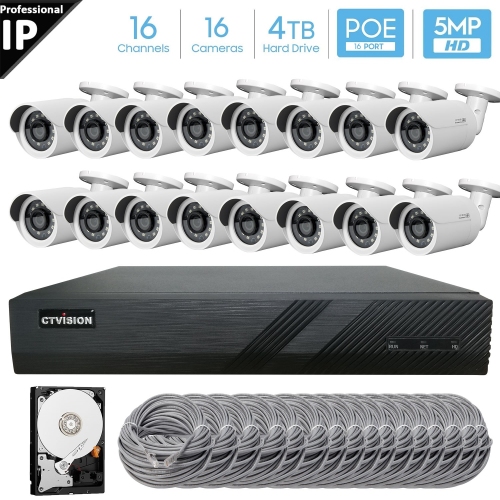
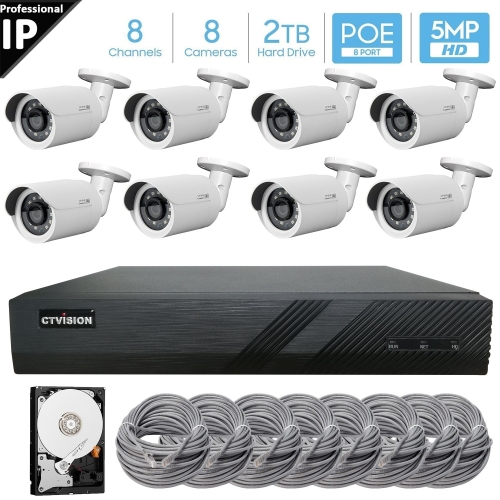
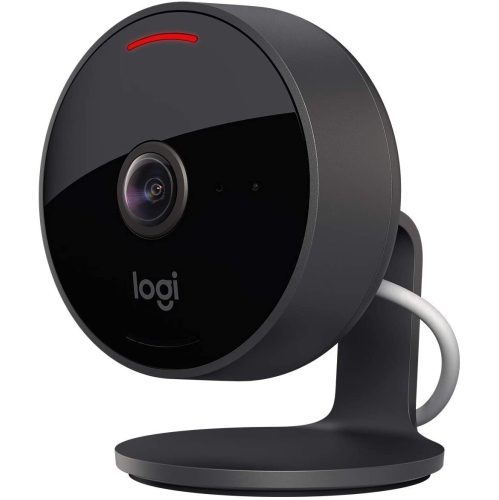


Flexible camera coverage for entrances, rooms, and yards
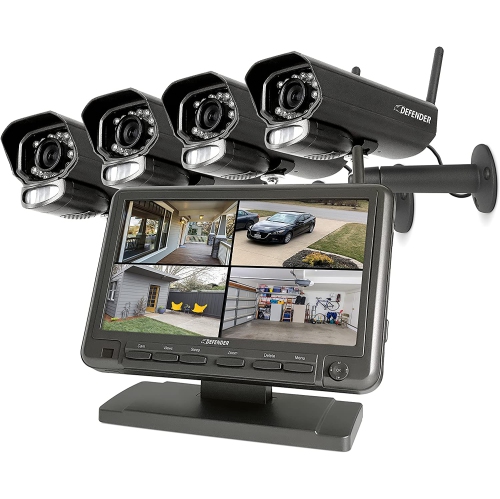
DIY home security systems with cameras offer a practical way to add visibility and control around your home without arranging a professional installation. These systems typically combine indoor or outdoor cameras with entry sensors, motion detectors, a central hub, keypad, siren, or other accessories, allowing you to build coverage around the spaces that matter most. A camera near the front entrance can show deliveries, visitors, and activity on the walkway, while a backyard or side-yard camera can provide a wider view of gates, sheds, garages, and other less visible areas. Indoor cameras may be useful for checking on pets, children, or rooms that are unoccupied during the day. Wireless equipment and peel-and-stick mounting options make many DIY systems approachable for renters, homeowners, and anyone who prefers to complete an installation at their own pace. Before choosing a kit, consider the size and layout of your property, the number of doors and windows you want to monitor, the distance between cameras and the hub, and whether your home Wi-Fi signal reaches every planned location. A compact apartment may need only a door camera and one indoor unit, while a detached home may benefit from several cameras positioned to reduce blind spots. During the cooler months, exterior mounting locations should also be easy to reach for occasional cleaning, battery replacement, or adjustment.
Video storage is one of the most important differences between DIY camera systems. Some setups save clips to cloud storage, making it convenient to review activity from a phone or tablet when you are away from home. Cloud plans may offer features such as longer video history, person or package detection, activity notifications, and access to recordings after an event. Other systems use local storage through a base station, hard drive, or microSD card, which can help keep recordings within your home and may reduce or eliminate ongoing storage fees. Some products support both options, giving you flexibility to choose how footage is saved and accessed. Check whether a subscription is required for recording, advanced alerts, professional monitoring, or remote viewing, and review how long clips remain available before they are automatically deleted. Live viewing, two-way audio, night vision, motion zones, and adjustable sensitivity can make a camera more useful, but the best feature set depends on how you plan to use it. A camera pointed toward a bright porch may need strong handling of changing light, while a backyard camera may benefit from weather resistance, infrared night vision, and a wide viewing angle. Privacy should also be part of the setup process: position cameras toward your own entrances and property, use activity zones to limit unnecessary recording, secure accounts with strong unique passwords and two-step verification, and review app permissions before connecting the system to other smart-home devices. For more ways to compare connected camera options, explore Home Automation Security Cameras.
The right monitoring arrangement depends on your comfort level and daily routine. Self-monitoring can send alerts directly to your phone so you can check a live feed, speak through two-way audio, contact a neighbour, or call emergency services when appropriate. Professional monitoring plans can add trained response support if an alarm is triggered, which may appeal to people who travel, work irregular hours, or want assistance when they cannot check an alert themselves. Some DIY systems let you change between self-monitoring and paid monitoring, while others are designed around one approach, so confirm the available options before buying. It is also worth checking whether the system continues to record during an internet interruption, how long battery backups last, and whether cameras require a separate power source or periodic charging. These products can be useful for first-time homeowners settling into a new property, families keeping an eye on busy entryways, renters looking for removable equipment, and older adults who want a clearer view of visitors without opening the door. They can also make thoughtful gifts for someone moving into a new home, preparing a nursery, or setting up a workshop or cottage, particularly when the kit can be expanded over time. As the weather shifts from milder days to colder nights, cameras can help provide a convenient view of arrivals, deliveries, driveways, and outdoor areas without requiring you to step outside for every notification. A well-planned system is less about filling every corner with equipment and more about placing the right cameras and sensors where they provide useful information, fit the home’s connection and power requirements, and remain simple for everyone in the household to operate.
Video storage is one of the most important differences between DIY camera systems. Some setups save clips to cloud storage, making it convenient to review activity from a phone or tablet when you are away from home. Cloud plans may offer features such as longer video history, person or package detection, activity notifications, and access to recordings after an event. Other systems use local storage through a base station, hard drive, or microSD card, which can help keep recordings within your home and may reduce or eliminate ongoing storage fees. Some products support both options, giving you flexibility to choose how footage is saved and accessed. Check whether a subscription is required for recording, advanced alerts, professional monitoring, or remote viewing, and review how long clips remain available before they are automatically deleted. Live viewing, two-way audio, night vision, motion zones, and adjustable sensitivity can make a camera more useful, but the best feature set depends on how you plan to use it. A camera pointed toward a bright porch may need strong handling of changing light, while a backyard camera may benefit from weather resistance, infrared night vision, and a wide viewing angle. Privacy should also be part of the setup process: position cameras toward your own entrances and property, use activity zones to limit unnecessary recording, secure accounts with strong unique passwords and two-step verification, and review app permissions before connecting the system to other smart-home devices. For more ways to compare connected camera options, explore Home Automation Security Cameras.
The right monitoring arrangement depends on your comfort level and daily routine. Self-monitoring can send alerts directly to your phone so you can check a live feed, speak through two-way audio, contact a neighbour, or call emergency services when appropriate. Professional monitoring plans can add trained response support if an alarm is triggered, which may appeal to people who travel, work irregular hours, or want assistance when they cannot check an alert themselves. Some DIY systems let you change between self-monitoring and paid monitoring, while others are designed around one approach, so confirm the available options before buying. It is also worth checking whether the system continues to record during an internet interruption, how long battery backups last, and whether cameras require a separate power source or periodic charging. These products can be useful for first-time homeowners settling into a new property, families keeping an eye on busy entryways, renters looking for removable equipment, and older adults who want a clearer view of visitors without opening the door. They can also make thoughtful gifts for someone moving into a new home, preparing a nursery, or setting up a workshop or cottage, particularly when the kit can be expanded over time. As the weather shifts from milder days to colder nights, cameras can help provide a convenient view of arrivals, deliveries, driveways, and outdoor areas without requiring you to step outside for every notification. A well-planned system is less about filling every corner with equipment and more about placing the right cameras and sensors where they provide useful information, fit the home’s connection and power requirements, and remain simple for everyone in the household to operate.
Top selling and popular products
-
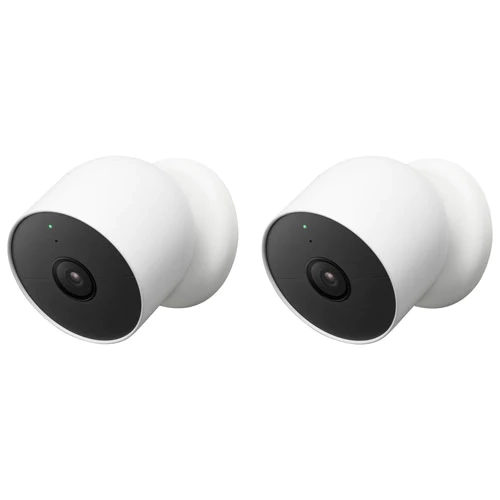 Your price for this item is $389.99
 -
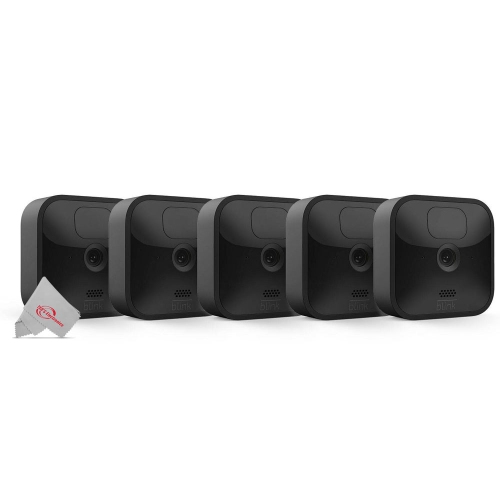 Your price for this item is $659.99
 -
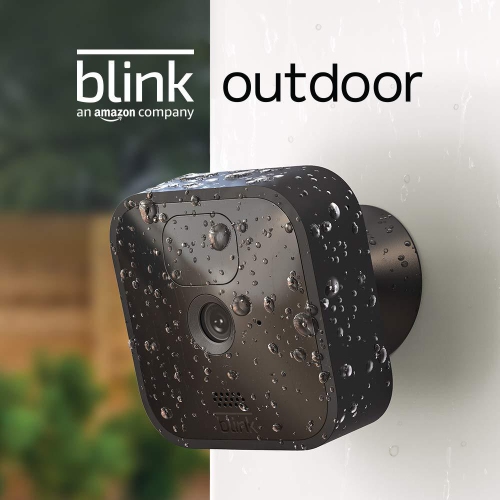 Your price for this item is $439.99
 -
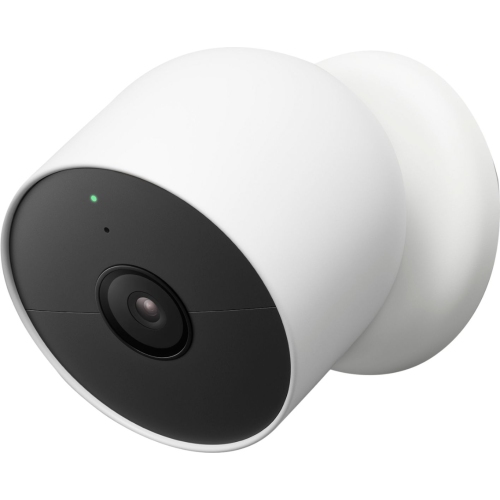 Your price for this item is $249.99
 -
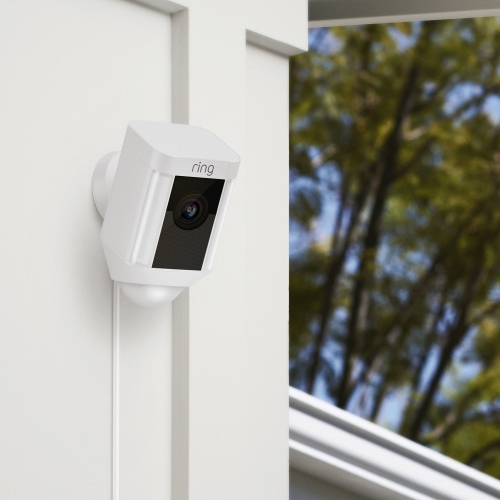 Your price for this item is $399.99
 -
 Your price for this item is $449.99
 -
 Your price for this item is $579.99
 -
 Your price for this item is $790.99
Discover more categories related to Diy Home Security Systems With Cameras
Top Collections:
Pokemon Centers, Kindle Devices, Best Budget Office Chairs, Apple iPhones 16, Best Laptops for Writers, iPhone 15 Apple, Canon G7X Cameras, Refurbished Apple Laptops, Alarm Clock, Motorola Razr Phones
Some products may be subject to Environmental Handling Fees
(EHF) depending on your province.
Learn more about EHFs.