Gaming Light Bars
Gaming Light Bars transform any gaming setup with vibrant, customizable lighting that enhances your play space. Designed to add dynamic color and atmosphere, these light bars are a popular choice for gamers looking to create an immersive environment. Whether you're upgrading your battlestation or seeking a new way to personalize your gaming area, Gaming Light Bars offer versatile options to match your style. Discover the perfect lighting solution to elevate your gaming experience and bring your setup to life.
Sort
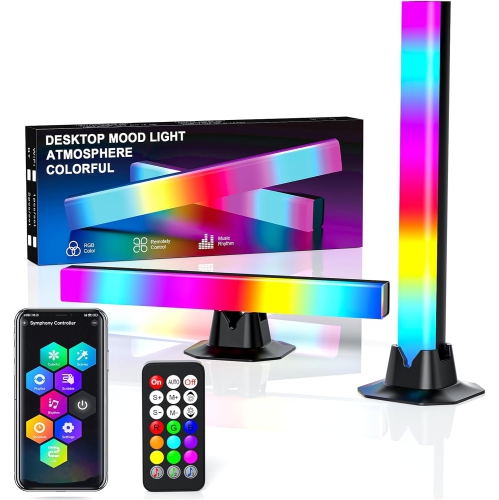
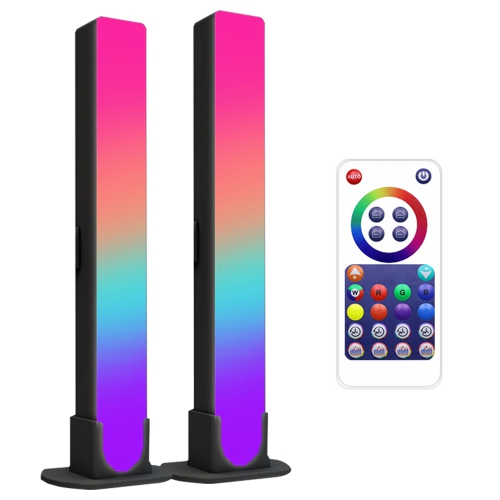
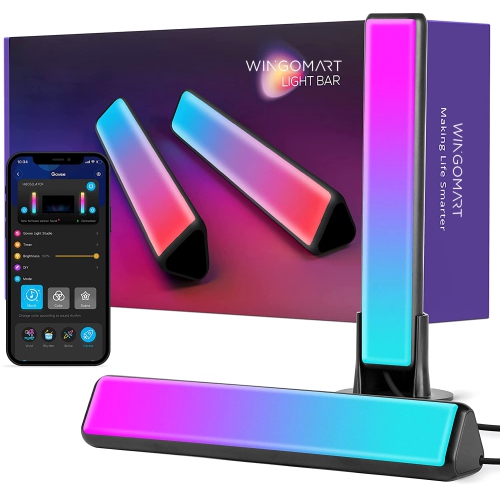
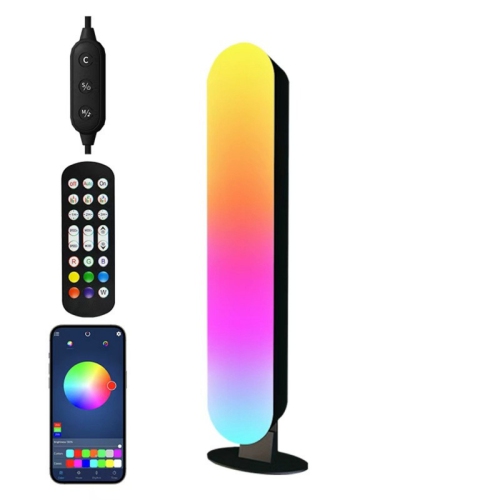

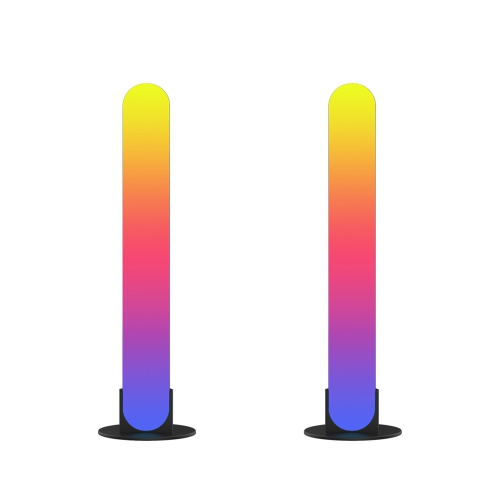
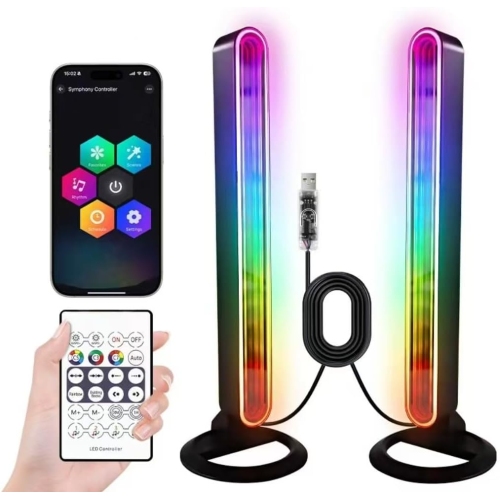
Colour that extends the game beyond your screen
Gaming light bars are compact LED fixtures that add accent lighting beside or behind a monitor, television, or gaming desk. Depending on the model, they can display adjustable colours, follow music, or synchronize with on-screen content to extend the feel of a game beyond the display. Unlike a lamp aimed at a keyboard or a light mounted above a monitor for reading, gaming light bars usually cast their glow onto a wall or surrounding surface. A pair positioned behind the left and right edges of a screen can create a broad wash of colour, while upright bars beside a monitor add visible points of light to a desktop setup. Their appeal extends from PC gaming stations and console setups to streaming spaces, where lighting helps establish a recognizable backdrop on camera. A soft blue glow can suit a quiet exploration game, while contrasting purple and orange can give a racing setup a more energetic look. RGB lighting allows different colour combinations, although the range of effects varies. Some bars display one colour at a time; others have independently controlled zones that show several colours along the same fixture. Diffused covers help soften the appearance of individual LEDs, creating a smoother band of light rather than a row of bright dots. Brightness adjustment matters as much as colour choice, especially when the screen is the main focus. In a compact room, a restrained glow behind the display may be more comfortable to live with than vivid effects across every wall. A neutral white wall generally reflects colour more predictably than dark paint, patterned wallpaper, or a glossy surface, so the same lighting can look different from room to room. Light bars provide atmosphere rather than a replacement for practical room lighting. A separate desk lamp remains useful for reading, writing, assembling accessories, or finding a cable behind the monitor. Steady lighting also offers an alternative to animated effects when a game demands concentration or the room is shared with someone doing another activity.
The fit of gaming light bars depends on more than their overall height or length. Base size, cable routing, the direction of the LEDs, and the distance between the screen and wall all influence the finished result. On a narrow desktop, a wide stand may compete with speakers or a monitor arm, while a low-profile horizontal arrangement can fit beneath a raised display if there is enough clearance. Bars designed for vertical and horizontal use offer more placement flexibility, but mounting options vary, and not every freestanding model is suitable for attaching to a screen. Behind-monitor placement keeps the fixtures out of direct view and emphasizes reflected light; visible placement makes the bars themselves part of the setup. Leaving some space between the light and the wall usually produces a broader glow, whereas very close placement can create a brighter, narrower patch. Housings commonly use plastic, metal, or a combination of both, with translucent covers over the LEDs. Plastic can keep a fixture light enough to reposition easily, while metal housings can feel more substantial and help manage heat as part of the design. Build quality also shows in stable bases, secure cable connections, and controls that remain easy to reach. Adhesive mounts need a compatible, clean surface, and their suitability should be checked before use on painted walls, textured finishes, or a display casing. Mounting hardware and cables should never block ventilation openings. Many gaming light bars still require wired power even when their controls are wireless, so outlet access and cable length are practical considerations. USB-powered designs need a power source that meets their stated requirements; a convenient port is not automatically a suitable one. For routine care, switching off and unplugging the lights before wiping them with a soft, dry microfibre cloth helps remove dust without scratching the diffuser. Unless a model is specifically rated otherwise, an indoor gaming setup calls for dry placement away from spills and damp areas.
Controls and compatibility determine how naturally gaming light bars become part of a daily routine. Physical buttons or an inline controller can make simple colour and brightness changes convenient without reaching for a phone. App-controlled designs may add saved scenes, schedules, grouped lighting, or finer adjustments, while compatible voice control can be useful when a game is already underway. Connection requirements deserve attention: Bluetooth, Wi-Fi, and hub-based systems work differently, and some Wi-Fi models require a particular network band. Screen synchronization is another feature to distinguish from basic colour control. Depending on the design, matching the display may involve desktop software, a camera, or additional hardware, and support can differ between a computer and a console connected to a television. Protected video content, operating-system support, and the way a signal reaches the screen can also affect which synchronization features work. Audio-reactive lighting typically responds through a built-in microphone or a supported audio connection, so nearby conversation or other room sounds may influence microphone-based effects. For streaming, slower transitions and carefully placed bars can add depth behind a chair without drawing attention away from the person on camera. For shared spaces, saved brightness levels and a quick way to switch to a steady colour make the lighting easier to adapt between gaming, films, and everyday tasks. Coordinating light bars with gaming room LED lighting around shelving or beneath a desktop can bring the setup together without making every surface equally bright. They can also make a thoughtful gift for a PC gamer, console player, or someone personalizing a first gaming desk, particularly when the available space and preferred control method are known. Matching the recipient’s existing lighting system is useful when shared controls matter. For someone who prefers a straightforward setup, independent controls and a favourite colour may be more appealing than elaborate synchronization. The strongest fit is lighting that suits both the equipment and the way the space is actually used.
Top selling and popular products
-
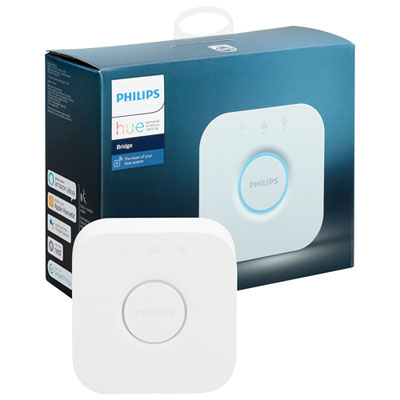 Your price for this item is $89.98
-
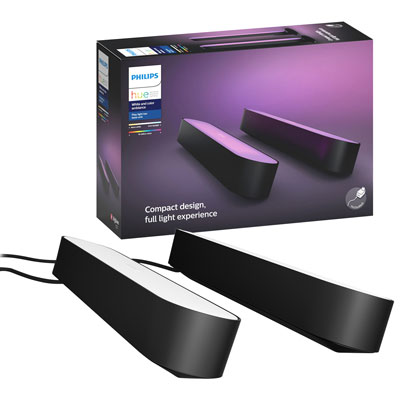 Your price for this item is $199.99
-
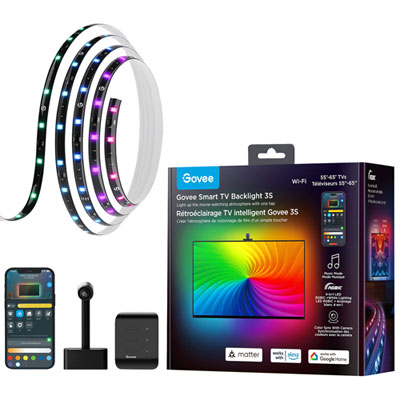 Your price for this item is $109.99
-
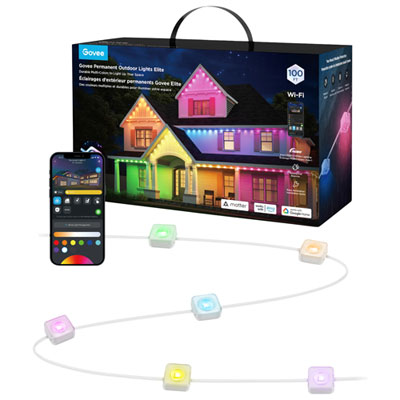 Your price for this item is $399.99
-
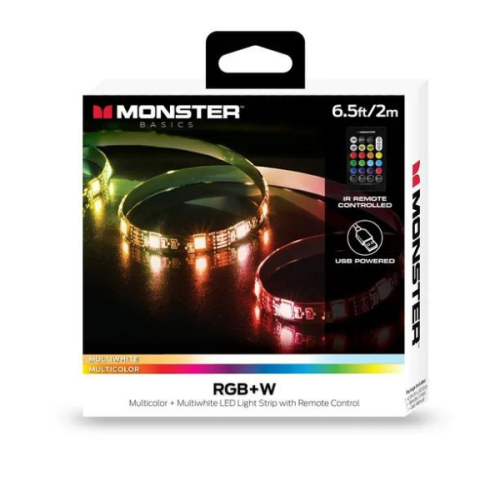 Your price for this item is $12.99
-
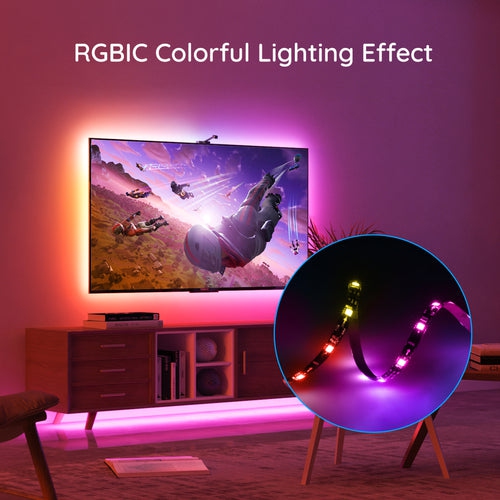 Your price for this item is $99.99
-
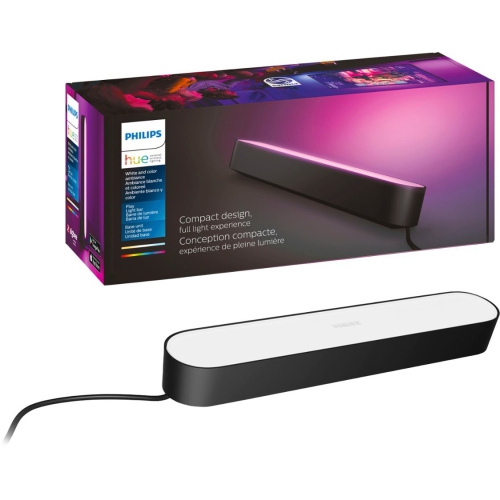 Your price for this item is $138.37
-
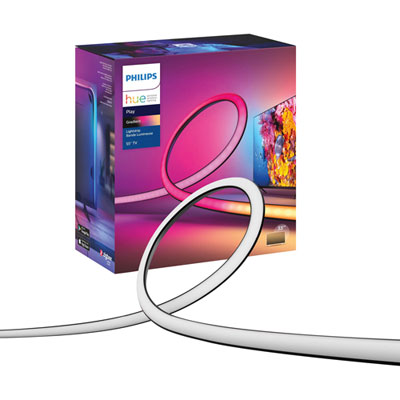 Your price for this item is $279.95
Discover more categories related to Gaming Light Bars
Top Collections:
Best Black Friday Deals This Year, Best Black Friday Deals On Electronics, Kindle Devices, Pokemon Centers, Best Black Friday Deals On Apple Products, Best Cameras for Sports Photography, Dyson Airwrap, Pokémon 30th Celebration Cards, Apple iPhone 17 Pro, Canon G7X Cameras
Some products may be subject to Environmental Handling Fees
(EHF) depending on your province.
Learn more about EHFs.